

Foto a emoji
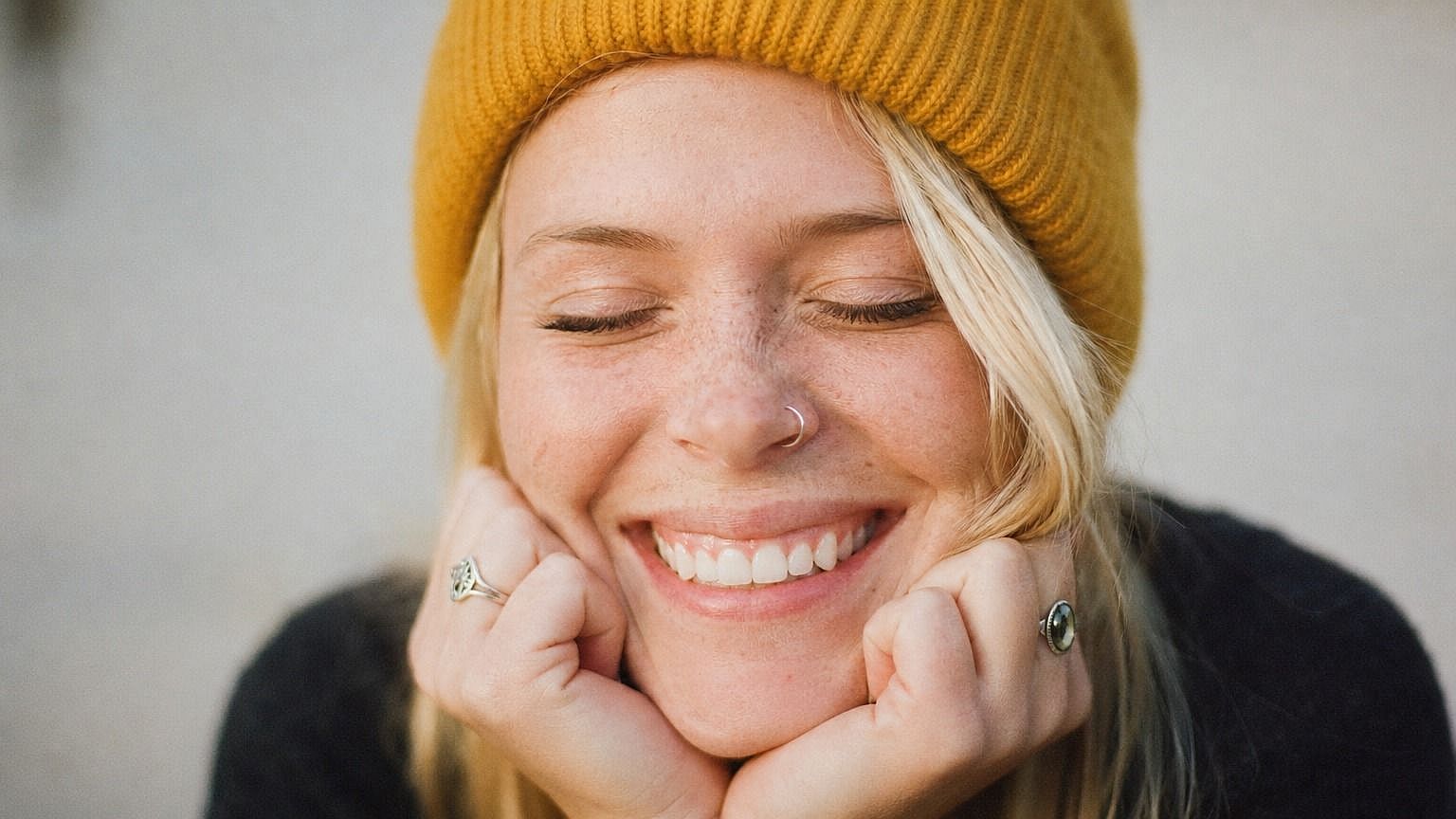
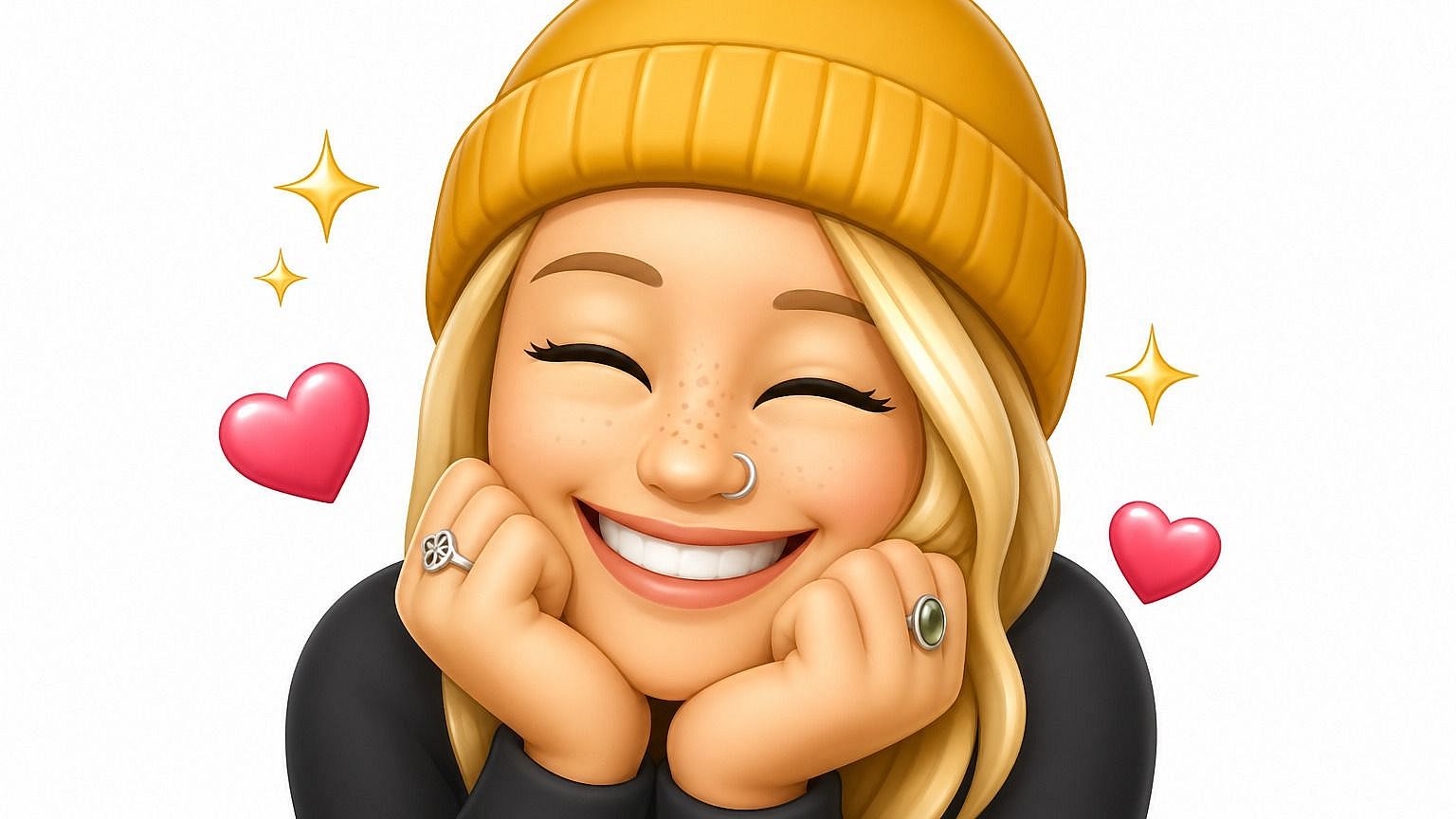
¿Quieres convertirte a ti, a tu perro o a tu mejor amigo en un emoji personalizado? Sube una foto a la herramienta de foto a emoji de OpenArt y obtén una versión estilizada y expresiva en segundos. La IA toma lo que hay en tu imagen (cara, expresión, vibra) y lo representa en el estilo de emoji que elijas, listo para usar en chats, publicaciones y grupos.
 Añade una imagen O arrastra y suelta aquí · JPEG, PNG, WEBP
 Ventajas de convertir foto en emoji



Emoji personalizado a partir de cualquier foto
Súbete a ti, a un amigo, a tu mascota o cualquier sujeto y obtén un emoji personal que de verdad se parece. Funciona con caras, personajes completos e incluso sujetos más creativos.



Elige tu estilo de emoji
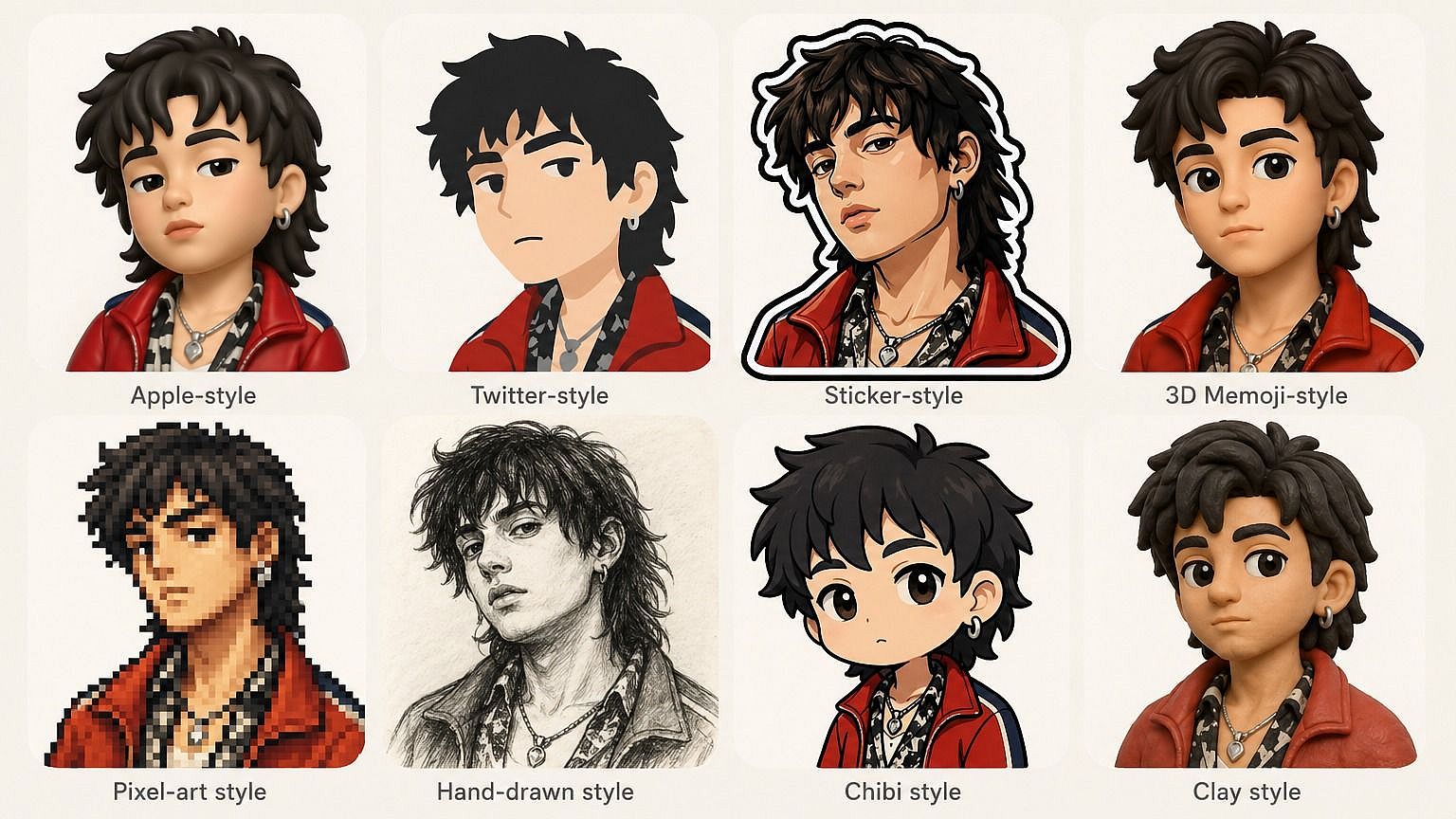
Estilo Apple redondeado, 2D plano, tipo Animoji 3D, pegatina, dibujado a mano, píxel. Describe el aspecto que quieres y la IA se adapta. Cambia de estilo siempre que te apetezca probar algo nuevo.

Úsalos donde quieras
Guarda tus emojis como un PNG limpio y colócalos en chats, grupos, publicaciones en redes, presentaciones o en cualquier otro sitio donde usarías un emoji o pegatina normal.
Creaciones de la comunidad
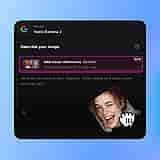
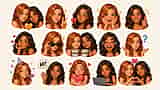
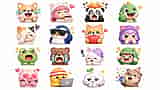
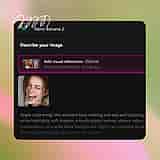
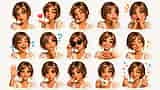
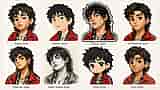
Descubre lo que los creadores están convirtiendo en emoji. Desde autorretratos y fotos de mascotas hasta memes y bromas internas del chat de grupo, explora cómo una sola foto puede convertirse en todo un pack de emojis.













Funciones clave de Foto a emoji
El editor de imágenes con IA de OpenArt usa modelos avanzados como GPT Image 2.0, Nano Banana Pro y Recraft V4 para convertir fotos en emojis estilizados que siguen siendo expresivos y reconocibles. Es decir, tu emoji de verdad se parece a ti.
Emoji personal a partir de una foto
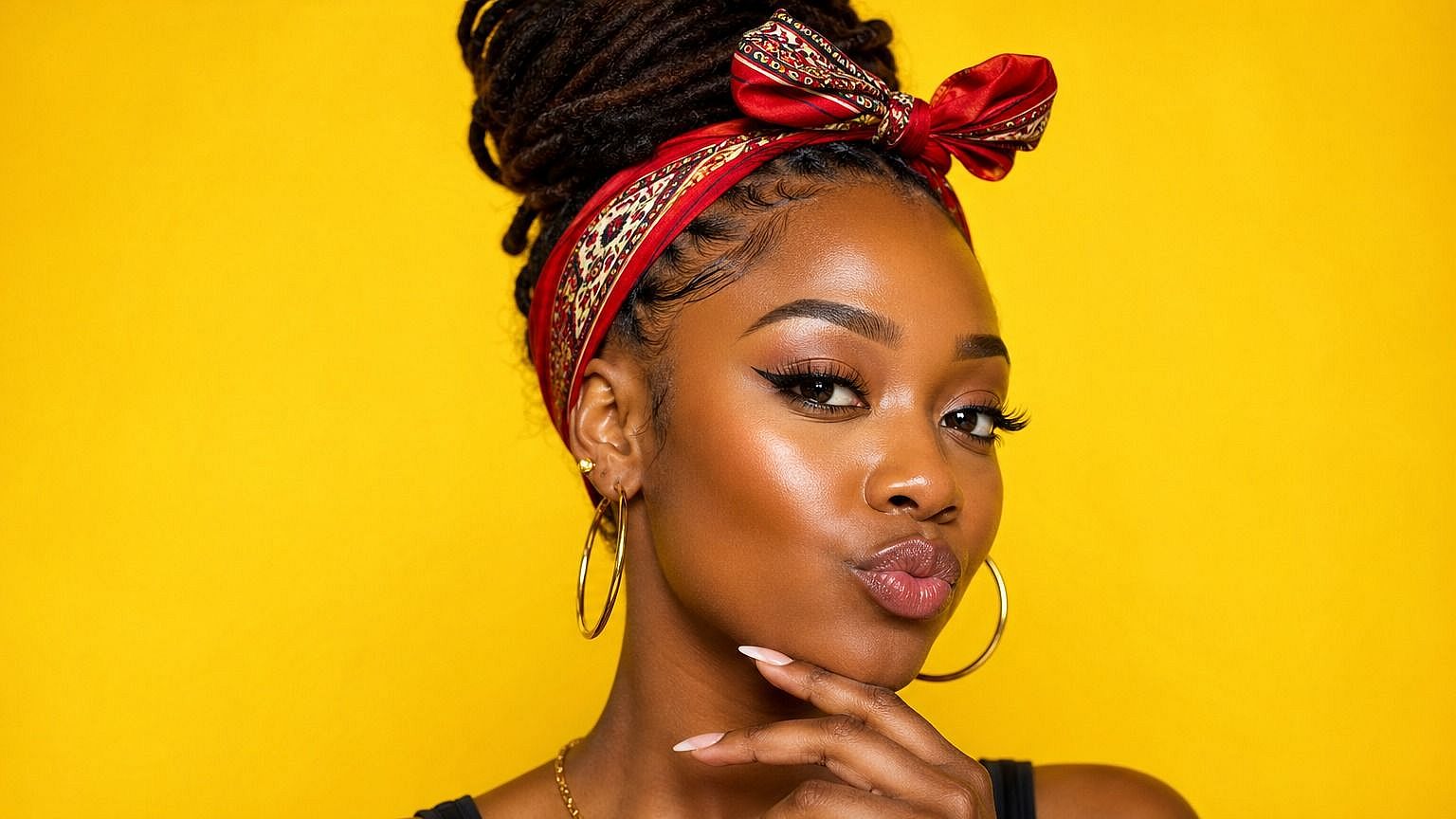
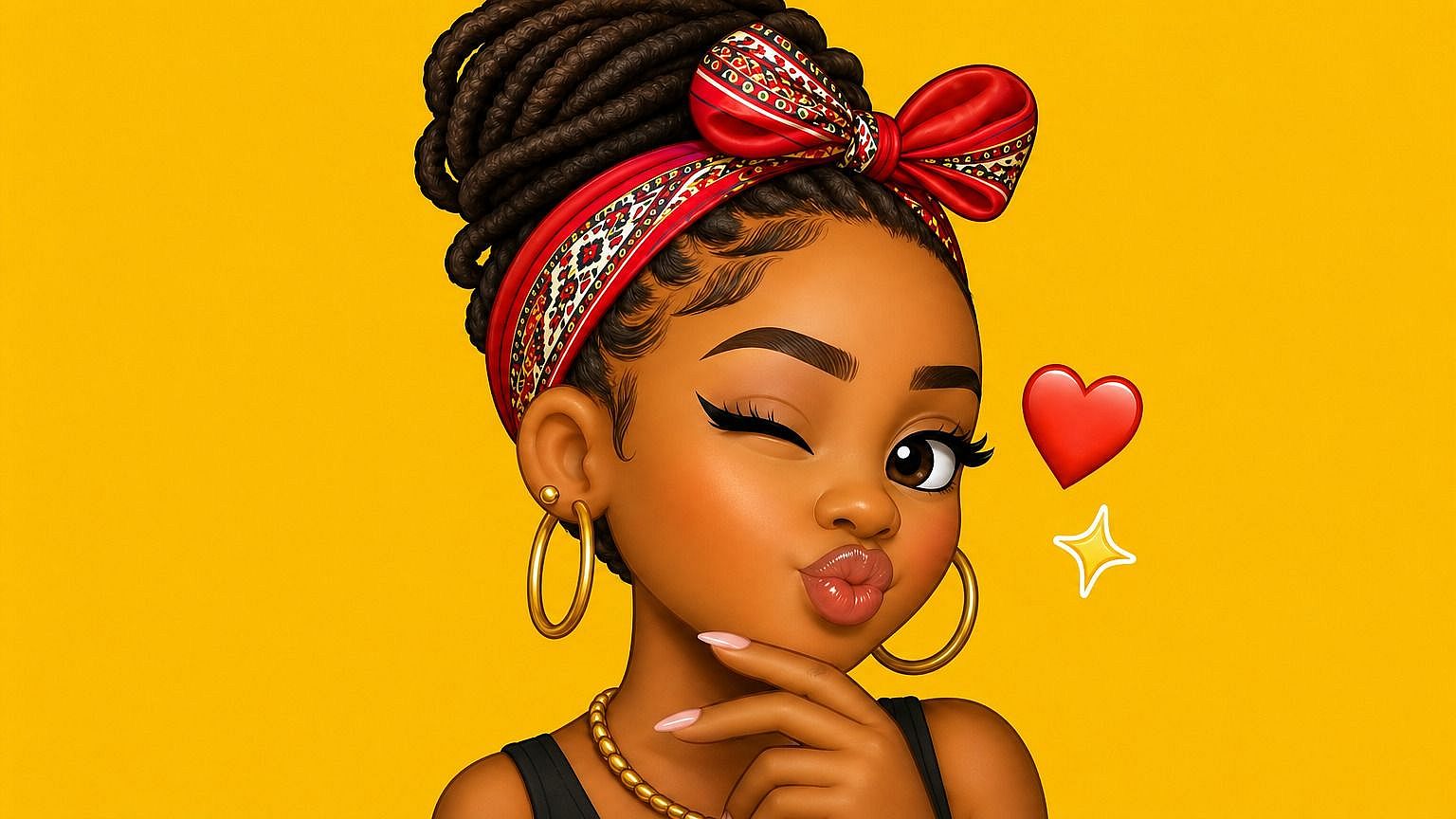
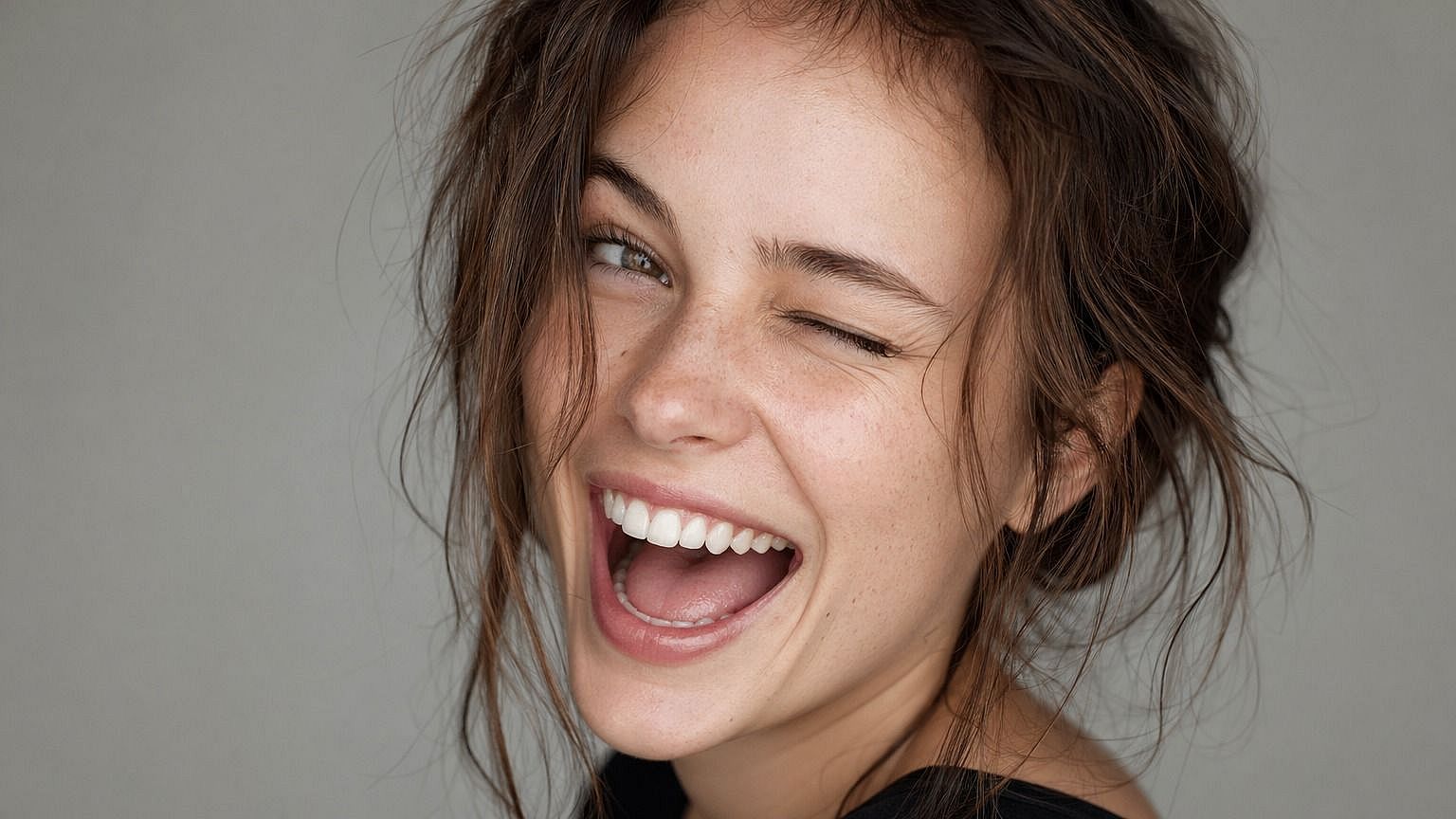
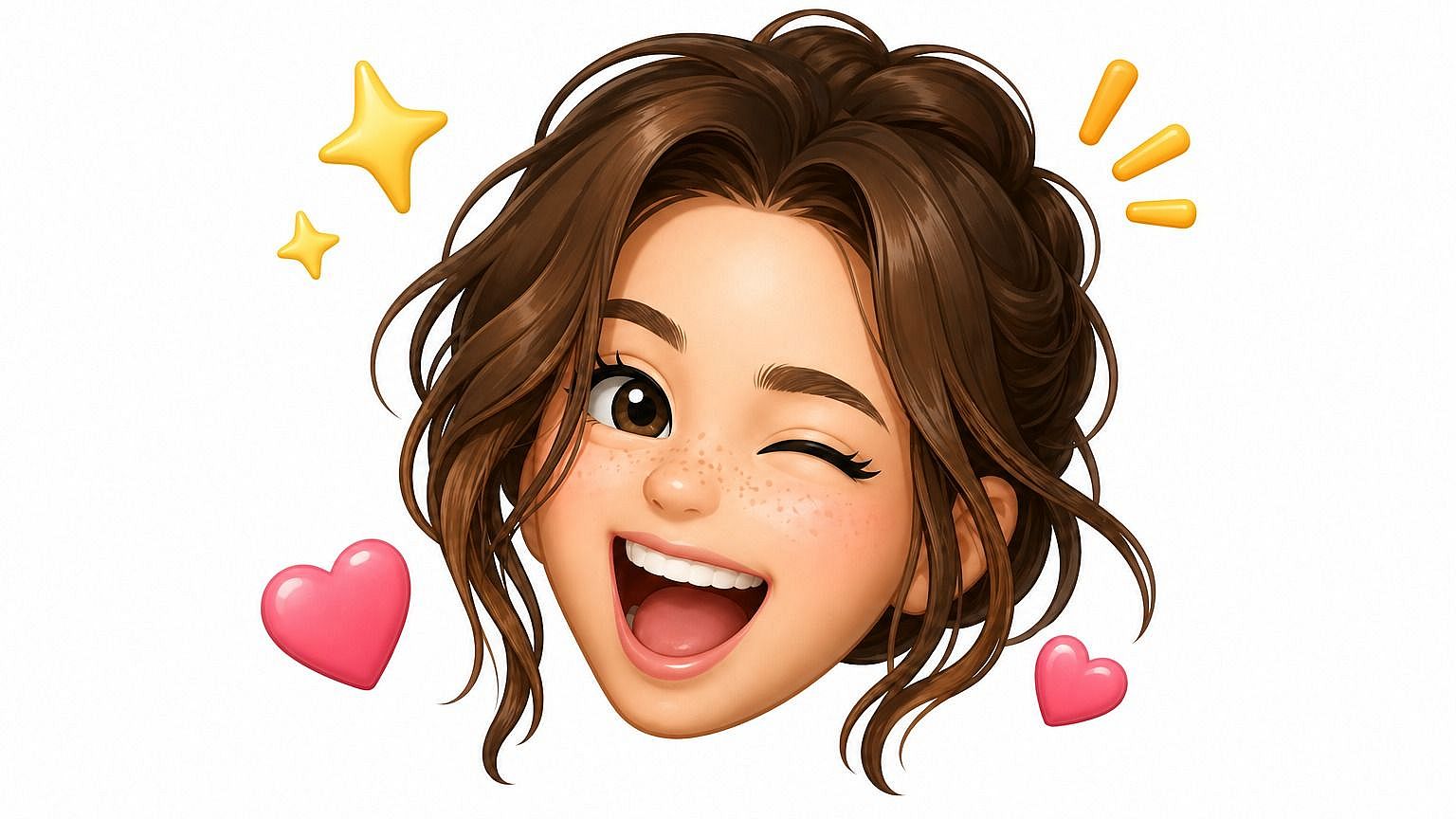
Sube cualquier foto y la IA genera una versión emoji que captura la cara, la expresión y el rollo general. No es un filtro básico. El sistema reconstruye al sujeto en forma de emoji, manteniendo lo que lo hace reconocible mientras se apoya en las proporciones y la energía de un icono emoji real. Así, un emoji tuyo se siente de verdad como tú.
Múltiples estilos de emoji
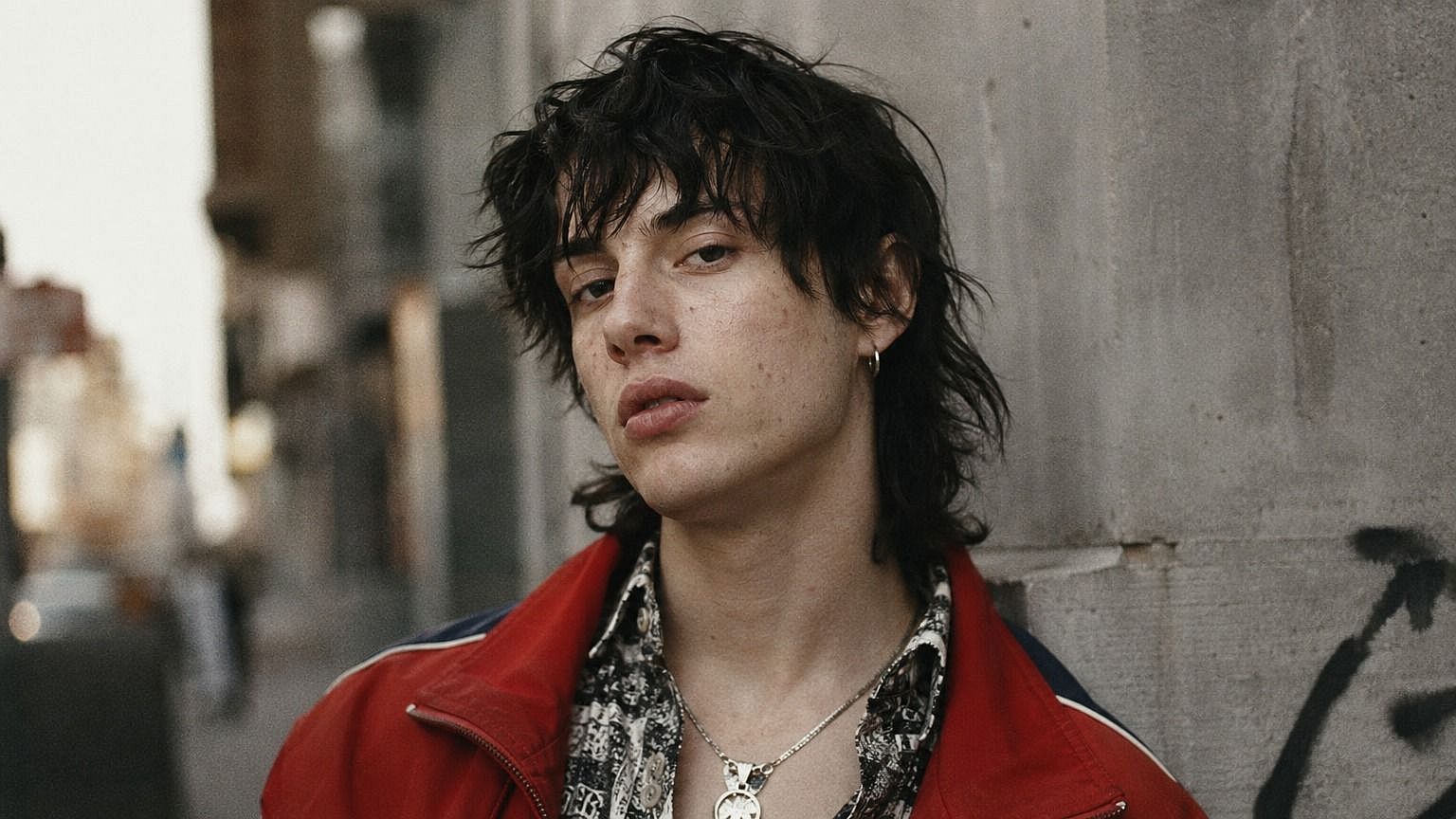
Elige el estilo que quieras y la IA se adapta. Redondeado y brillante como los emoji de Apple, plano y gráfico como Twemoji, estilo pegatina con contornos marcados, tipo Animoji en 3D, píxel retro o dibujado a mano. Describe el aspecto en tu prompt y el modelo lo potencia. Puedes cambiar de estilo cuando quieras para ver cómo se traduce la misma foto en diferentes estéticas.
Parecido reconocible, aspecto estilizado
A pesar de toda la estilización, la IA conserva los rasgos que hacen que una cara sea realmente reconocible, como la forma de los ojos, el pelo, las expresiones, esos pequeños detalles que dicen «eres tú». Así, cuando envías un emoji personalizado de ti, de tus amigos o de tu mascota, la gente sabe al instante quién es en lugar de ver un dibujo cualquiera.
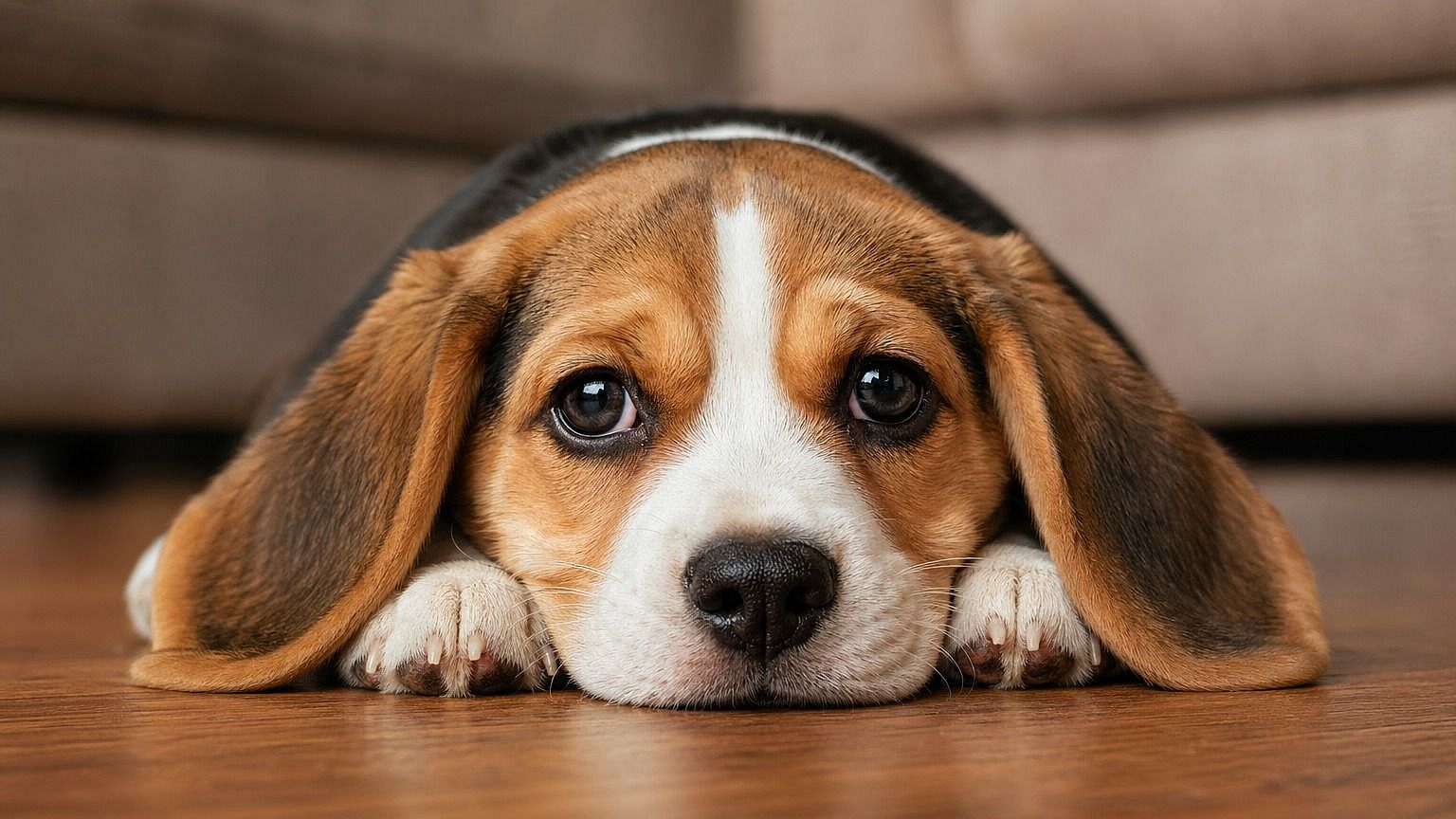
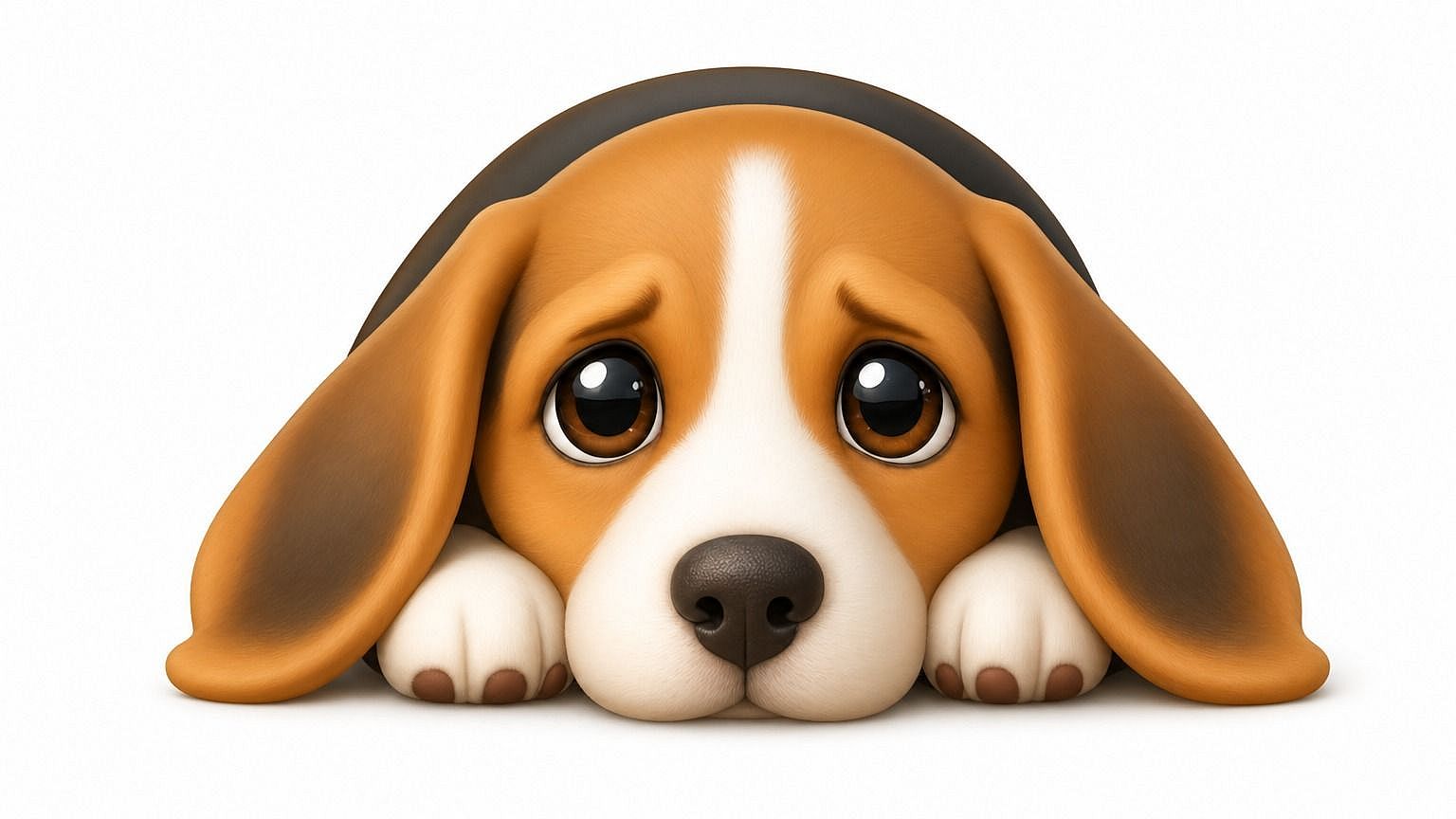
Integrado en una suite completa de edición de imágenes
La herramienta de foto a emoji forma parte del espacio de edición más amplio de OpenArt, así que puedes seguir refinando el resultado sin cambiar de herramienta. Ajusta la expresión, cambia el fondo, convierte un solo emoji en un pack de stickers completo o genera variaciones desde distintos ángulos, todo en la misma ventana. Si quieres algo más exagerado y artístico, la herramienta de Foto a Caricatura está justo al lado.
Cómo usar la herramienta de foto a emoji
Convierte cualquier foto en un emoji personalizado en tres pasos.
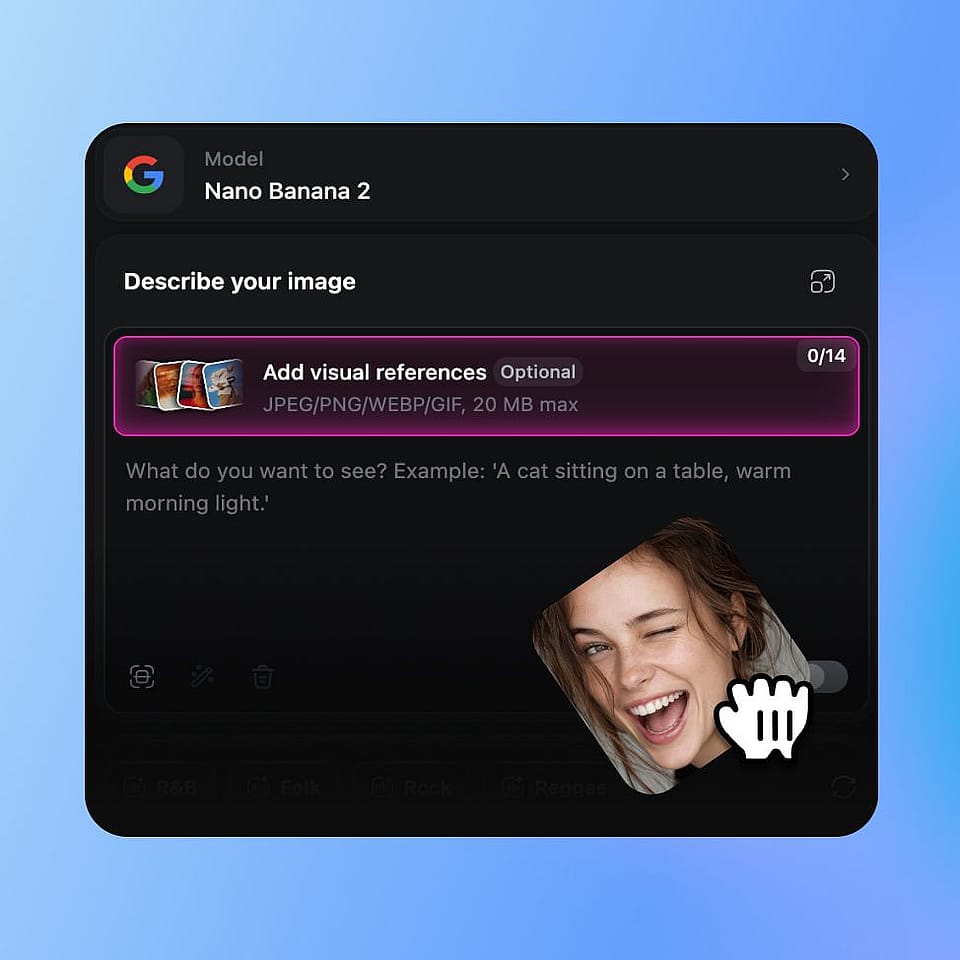
Sube tu foto
Abre las herramientas de imagen de OpenArt y sube una foto de lo que quieras convertir en emoji: tu cara, la de un amigo, una mascota o incluso un personaje de ficción.
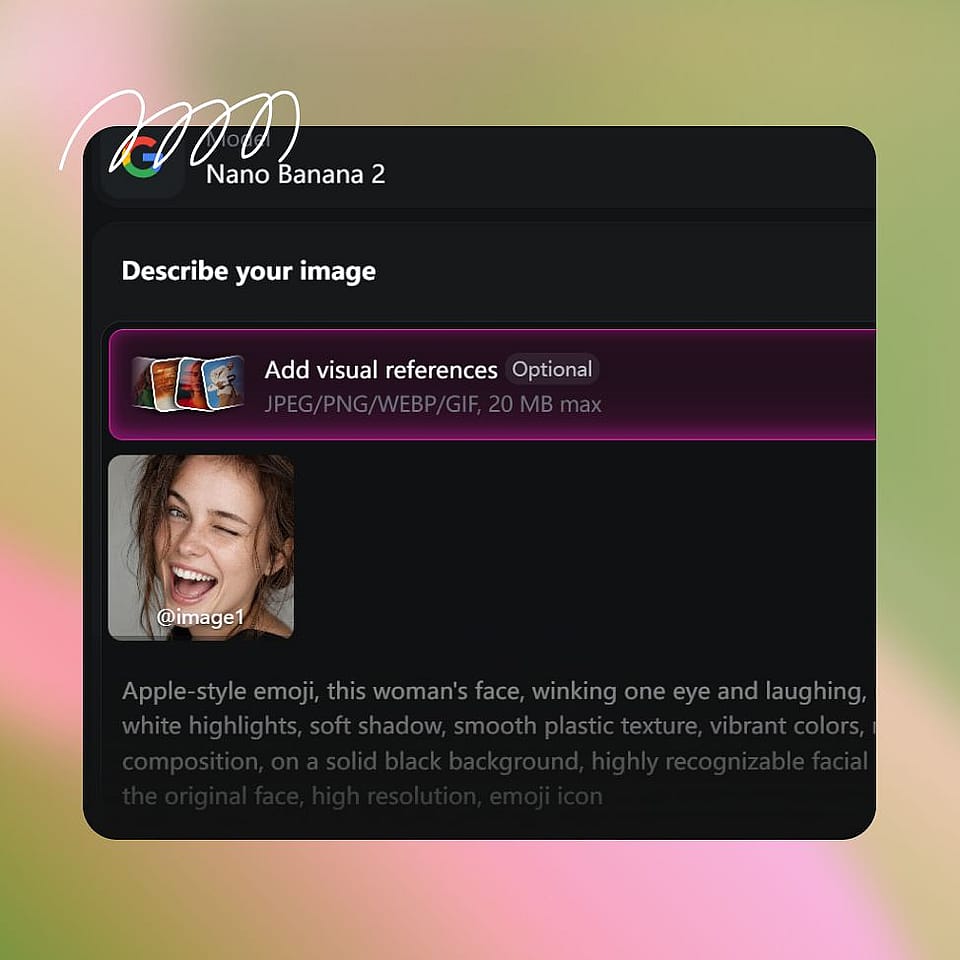
Describe el estilo del emoji
Escribe el estilo que buscas: «estilo emoji redondo de Apple», «pegatina 2D plana con contorno grueso», «look de Animoji 3D», «emoji píxel dibujado a mano». Sé tan específico o tan libre como quieras.
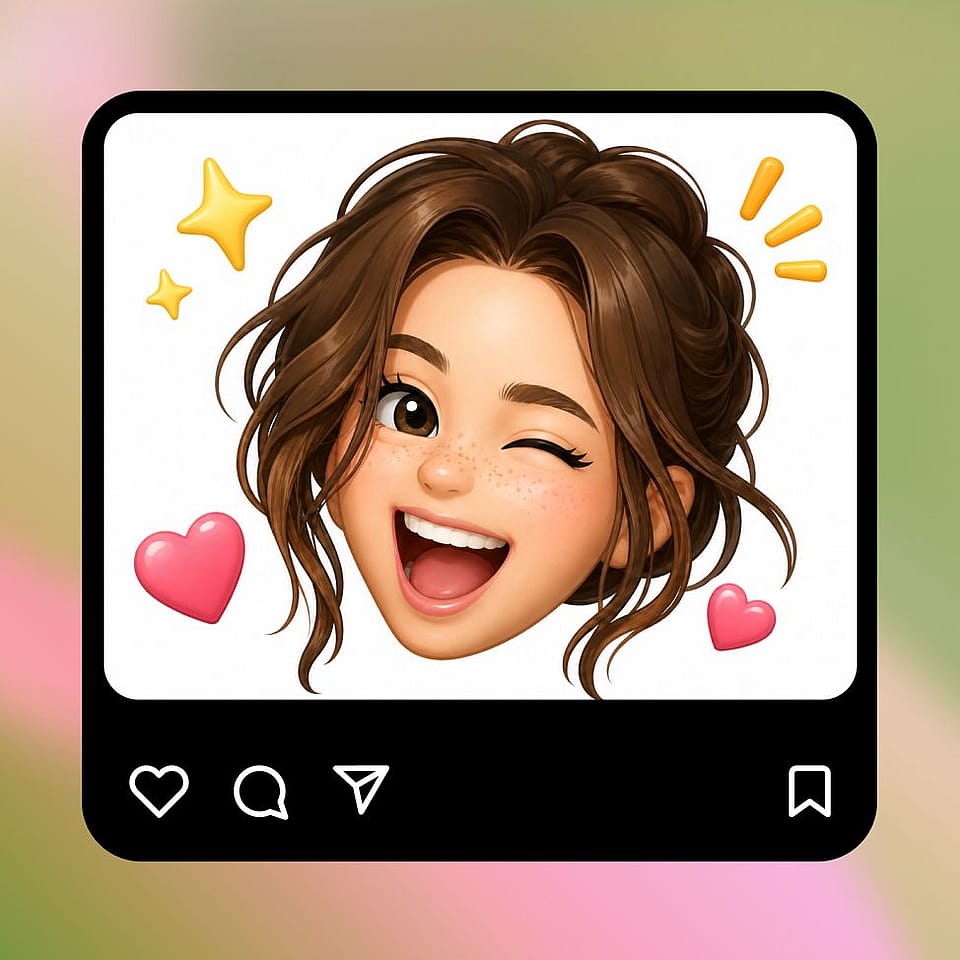
Genera y perfecciona
Ejecútalo, previsualiza el resultado y refínalo si hace falta. Ajusta el prompt, prueba un nuevo estilo o genera varias variaciones hasta dar con la versión que te guste.
Diseñado para emojis personalizados, pegatinas y avatares personales
Toma cualquier foto y conviértela en algo divertido, personal y listo para usar al instante en las apps donde realmente vives.
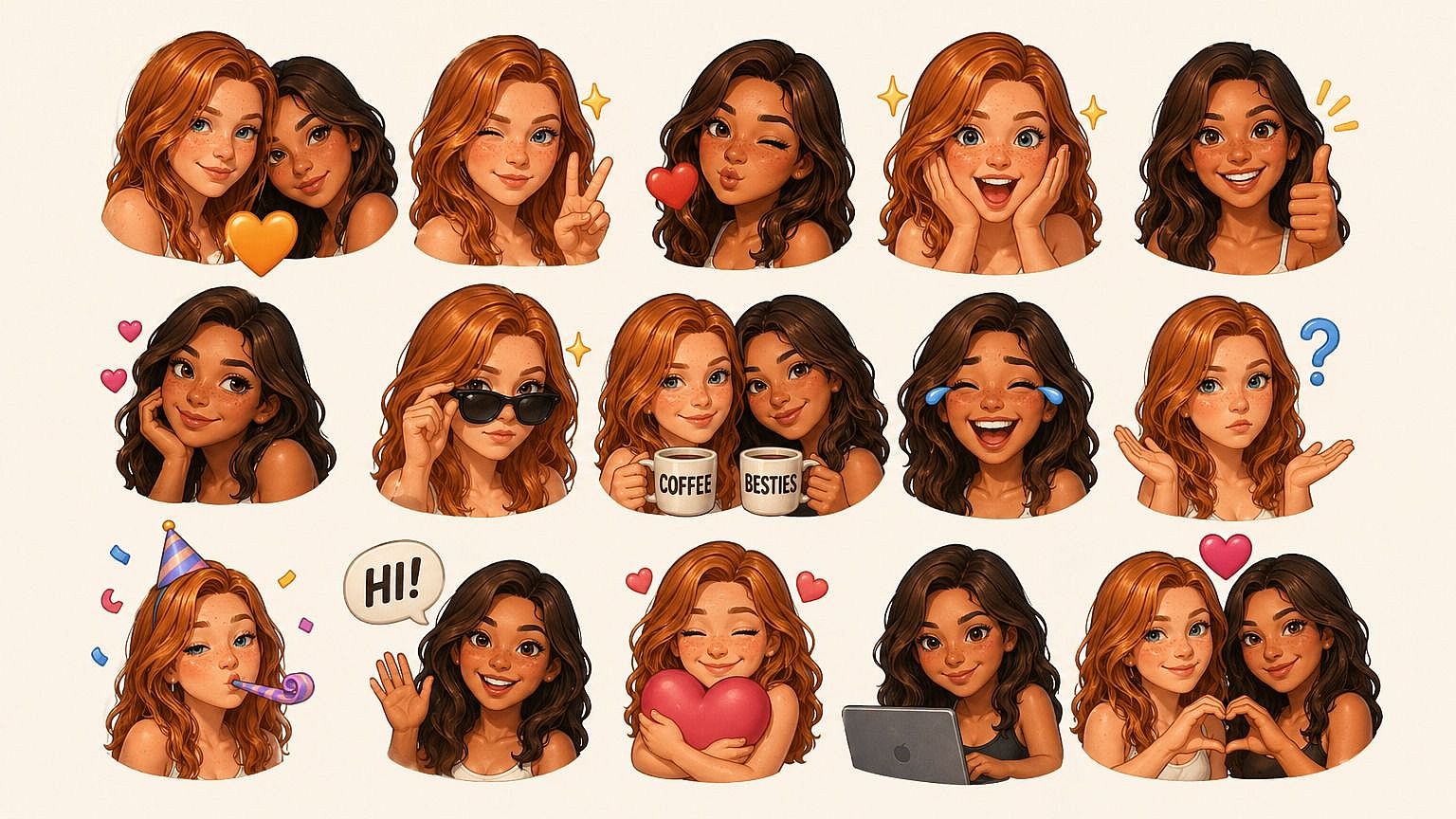
Emojis de reacción y stickers personalizados
Haz que tus chats de grupo sean divertidos de verdad. Convierte tu cara, o la de un amigo, en un set de emojis de reacción expresivos que puedes usar en iMessage, Discord, Telegram, Slack o donde quiera que te muevas online. Mucho más entretenido que el mismo puñado de reacciones por defecto que todos llevan años usando.
Pruébalo ahora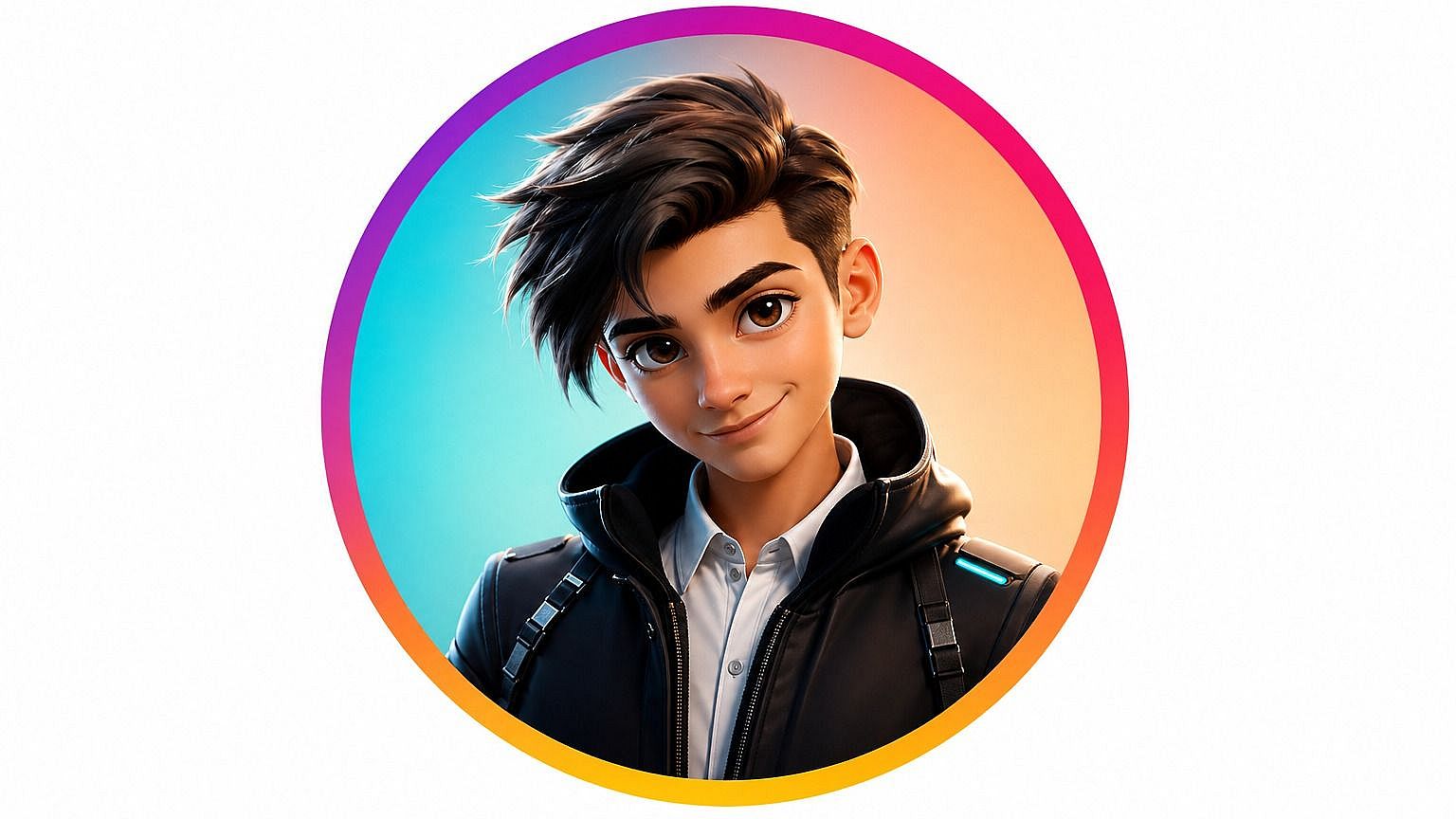
Avatares y fotos de perfil personalizados
Usa tu emoji personalizado como foto de perfil en redes sociales, videojuegos o apps de trabajo. Como está estilizado, funciona como una identidad divertida y expresiva que sigue pareciéndose a ti, sin poner tu cara completa en todas y cada una de las plataformas en las que te registras.
Pruébalo ahora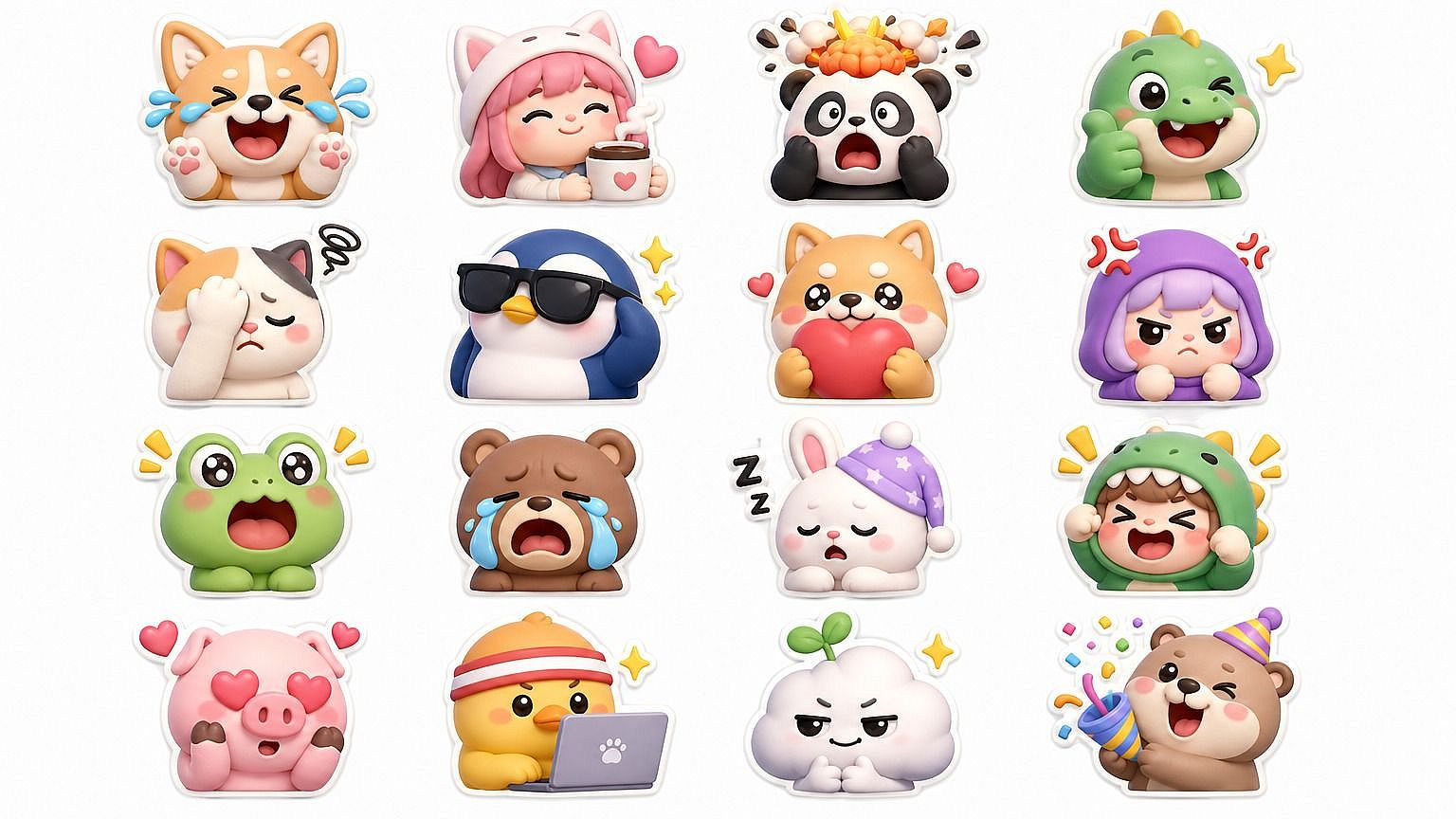
Conjuntos de emojis de marca y de equipo
Crea un pack de emojis personalizado para el Slack de tu empresa, tu grupo de amigos, tu comunidad de fans o tu partida de rol. Usa un estilo consistente en varios sujetos para que todo el conjunto encaje, y sigue añadiendo nuevos cada vez que crezca tu grupo o surja un chiste interno.
Pruébalo ahora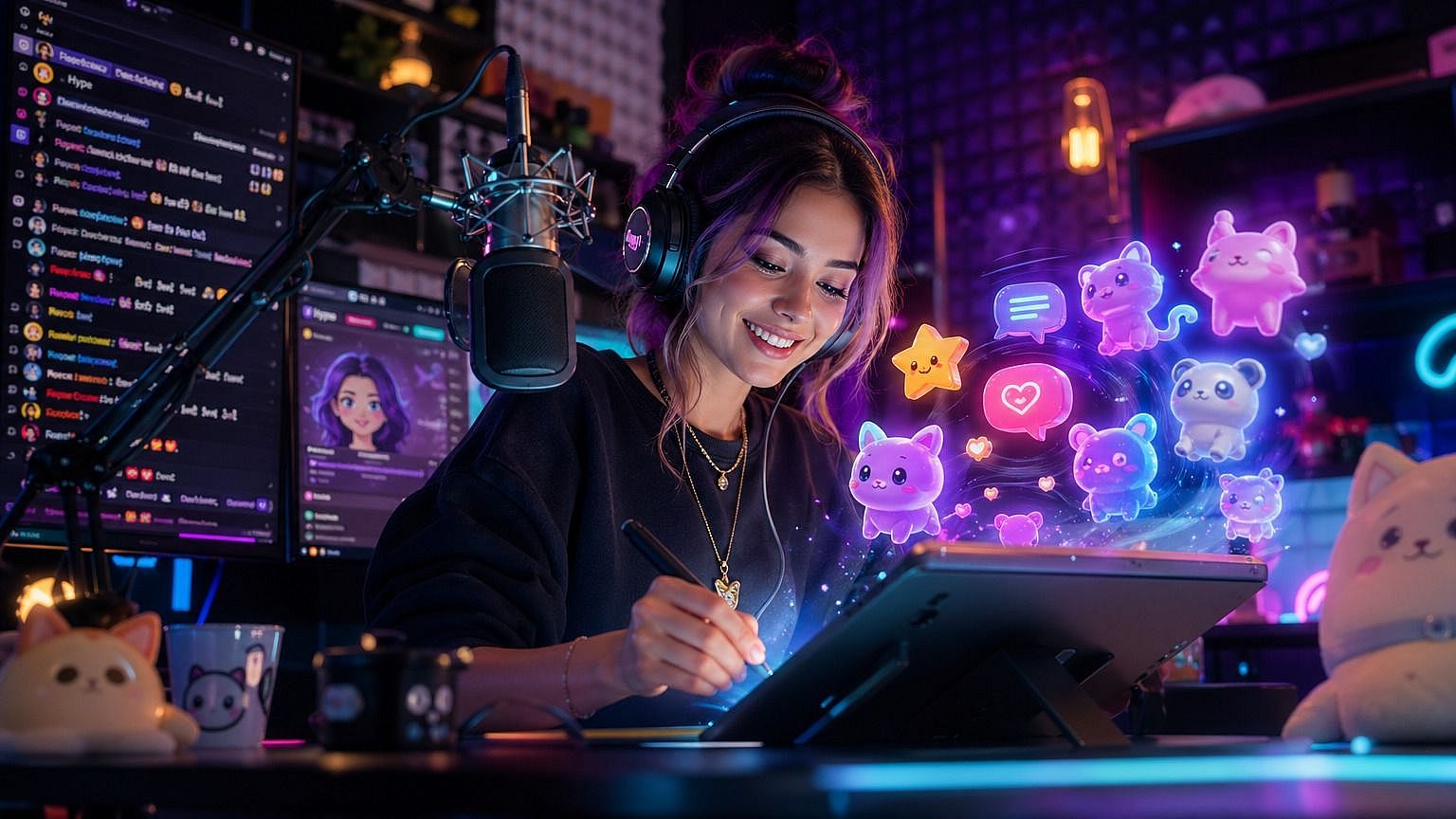
Creadores de contenido y creadores de comunidad
Los emojis personalizados son una forma sencilla de darle a tu audiencia algo que de verdad va a usar. Streamers, podcasters, creadores y moderadores de Discord pueden generar emojis de sí mismos, de sus invitados o de sus mascotas, y luego usarlos en chats, insignias de suscriptor, reacciones de canal o merchandising.
Pruébalo ahoraPreguntas frecuentes Preguntas
Consigue consejos de expertos en el blog
Consigue la información que necesitas. Nuestros expertos comparten trucos prácticos, analizan los temas más candentes y ofrecen guías esenciales para ayudarte a crear, optimizar y escalar.
Leer más