
 ChatGPT
 Perplexity
 Claude
 Gemini
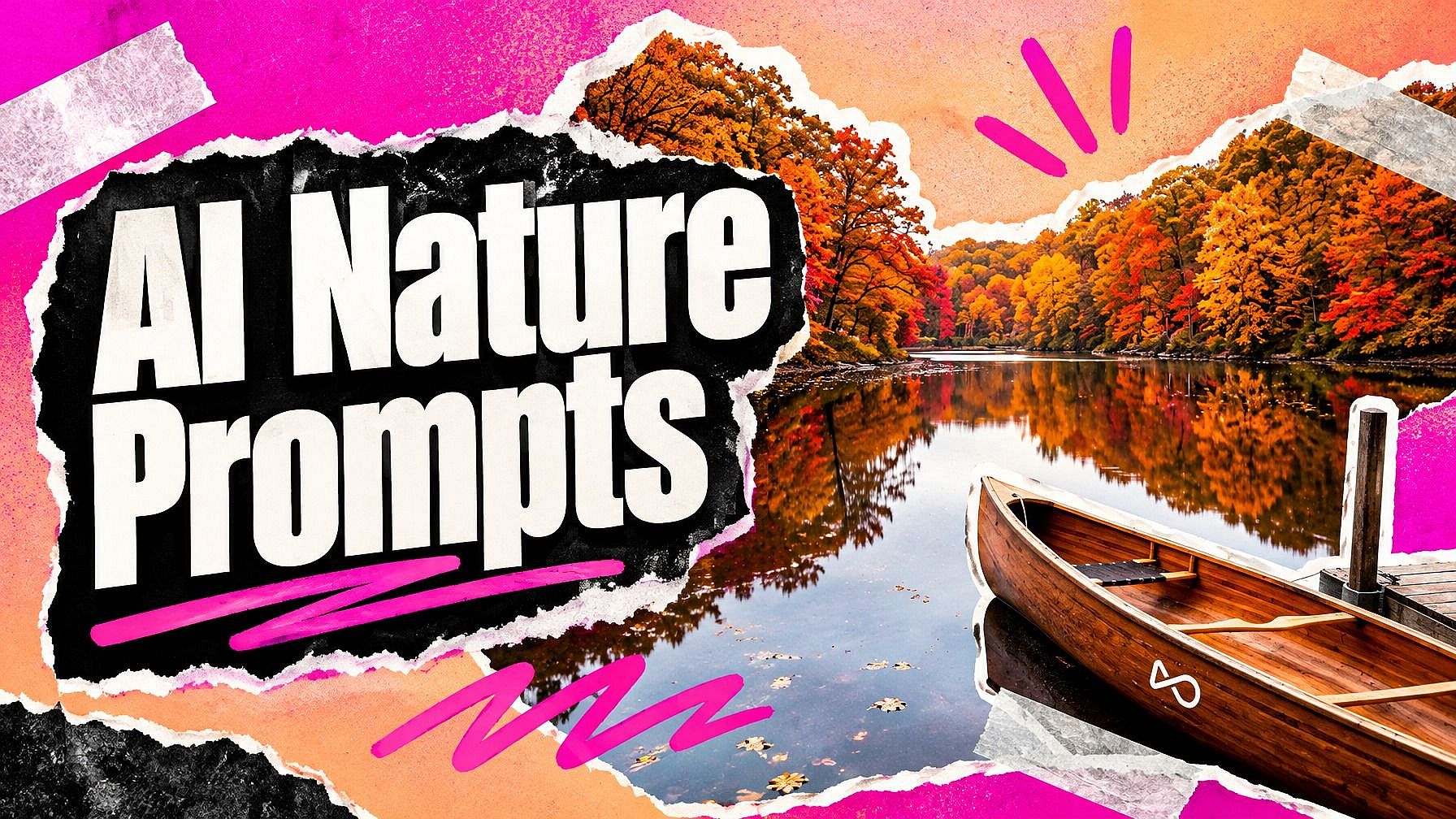
These nature prompts help you create beautiful nature images, from a soft green forest background to a sunset over the mountains. You'll also find natural prompts that put you into a nature scene using a photo you already have.
Every prompt is ready to copy, and every example image on this page was made on OpenArt. For prompts in other styles, see our guide to the best AI image generator prompts.
The nature prompt formula.
[The place] + [the time of day] + [the weather] + [shot and its shape].
Keep that order and swap in your own details, and it works like a simple nature prompt generator.
Key takeaways
- The time of day changes everything. Golden hour feels warm, and blue hour feels calm.
- Weather words like fog or light rain add mood without extra effort.
- To put yourself in a nature scene, start with "Keep my face, body and pose exactly the same."
- Pick the shape before you generate, like 4:5 for Instagram posts or 9:16 for phone wallpapers.
- Short, clear prompts work well. Describe what you'd see if you were standing there.
Nature Background Prompts
A good nature background is calm and simple, so it looks great behind a text or a person. Ask for soft light and a little blur, and your natural background will work for almost anything.
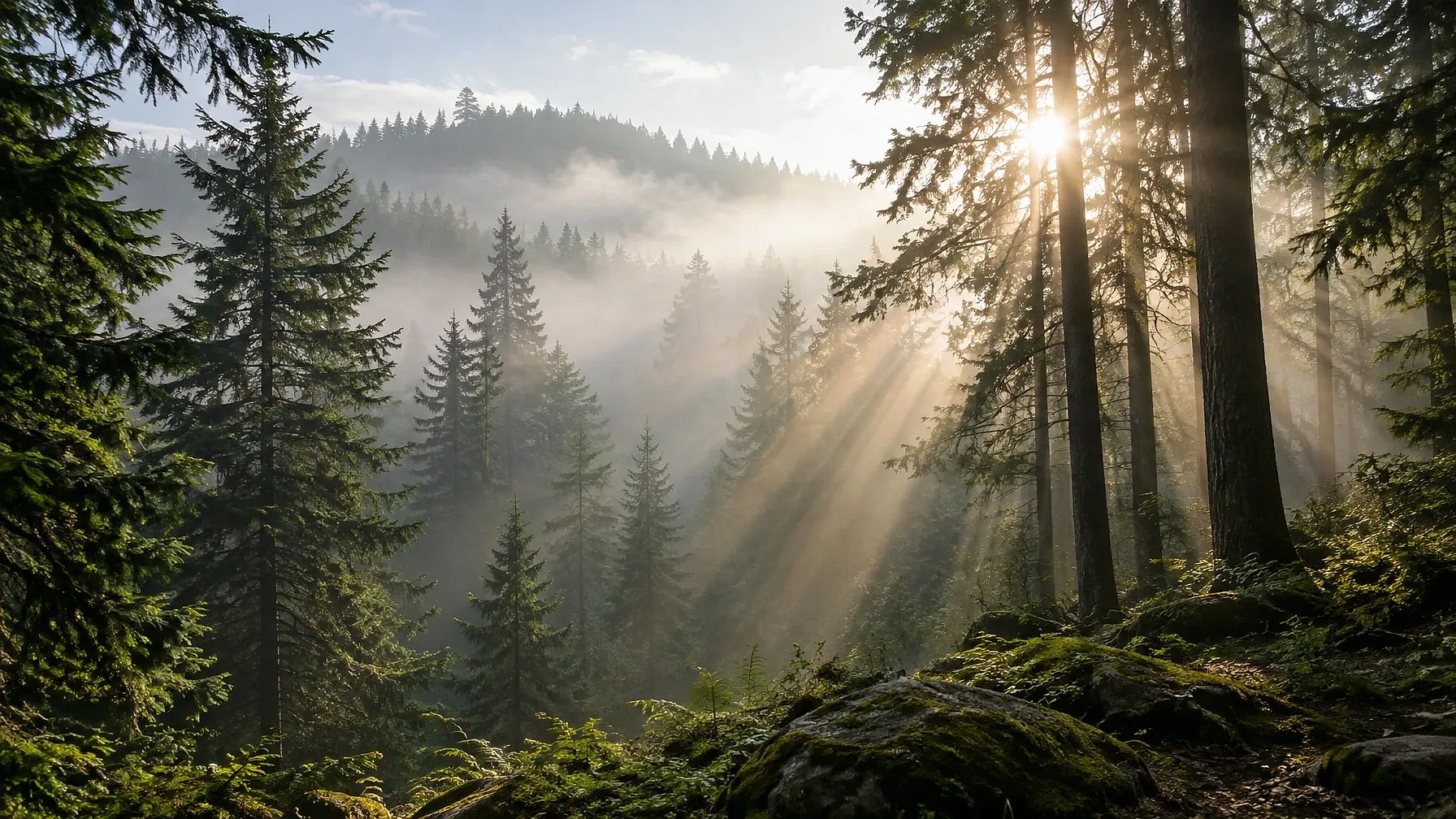
1. Misty forest background
Soft rays of light through the trees make this one of the most peaceful nature backgrounds.
High-definition background image of a misty forest with rays of sunlight breaking through.
2. Fresh greenery background
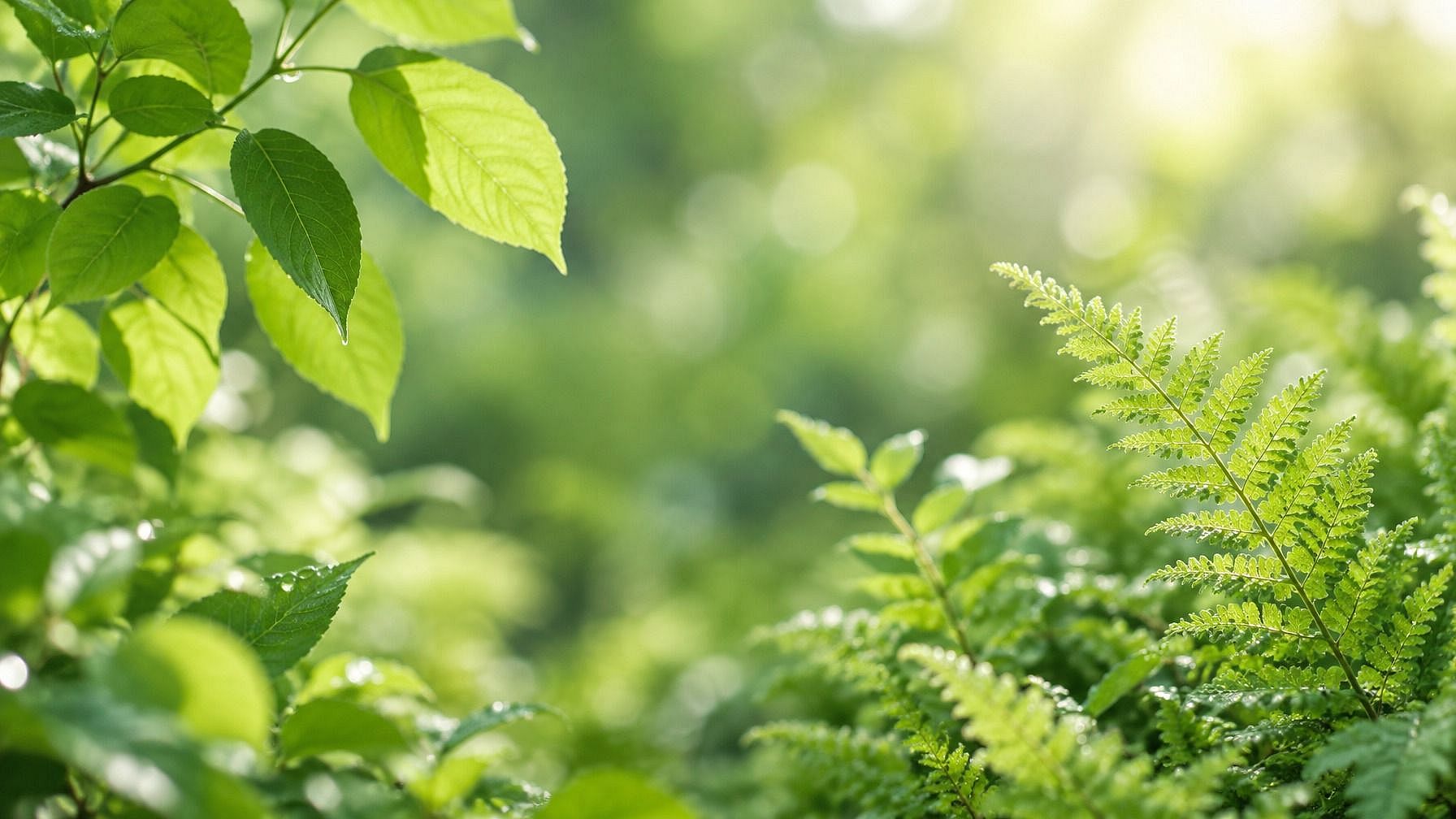
This bright green background feels like spring. It works well behind a quote or a portrait.
Fresh spring greenery background, soft green leaves and ferns close up, gentle morning light, shallow depth of field with a creamy blur, calm and clean, 16:9.
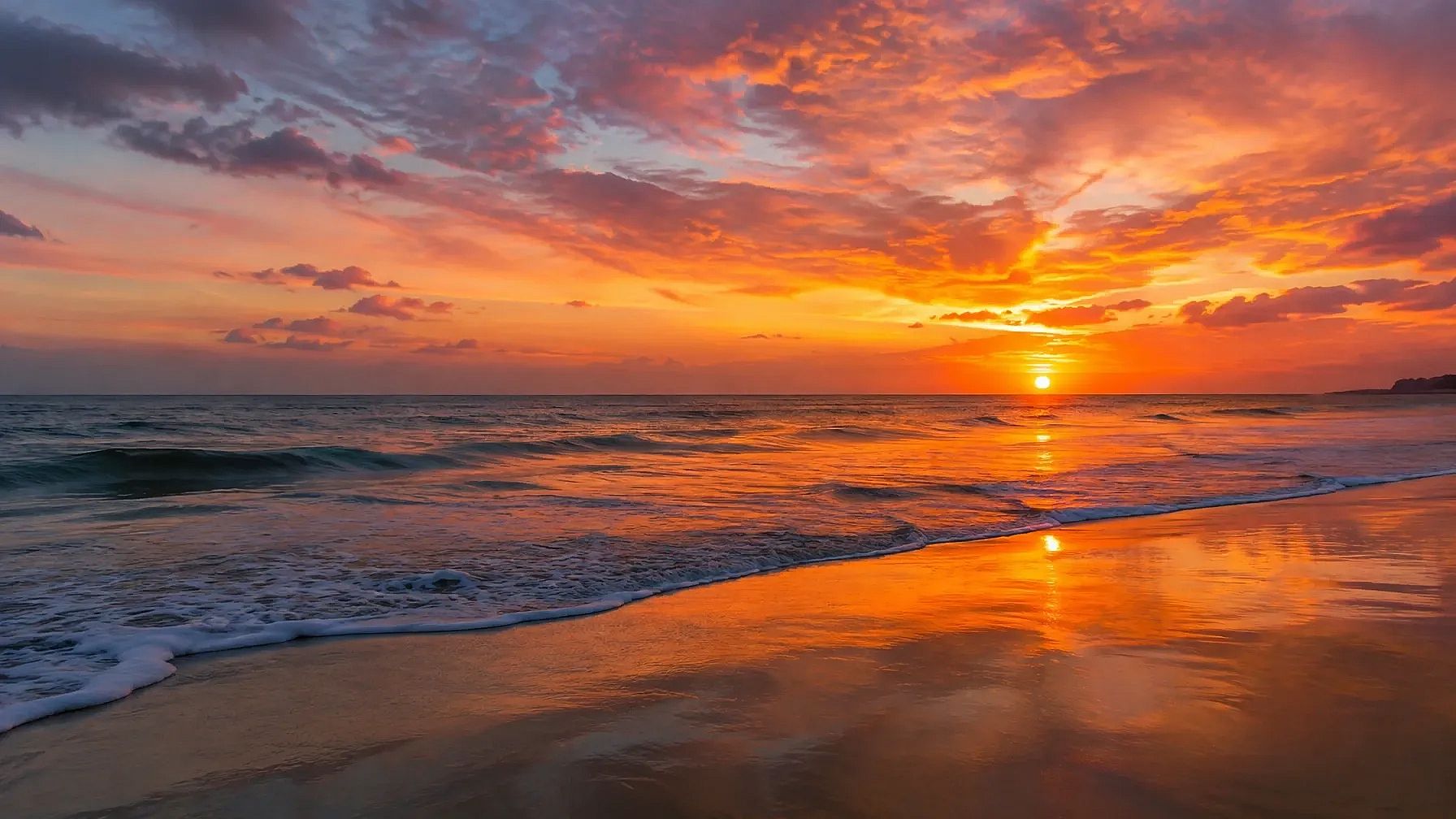
3. Beach sunset background
Warm colors and a calm sea make this a lovely background for travel posts.
Photorealistic depiction of a serene beach at sunset with colorful skies.
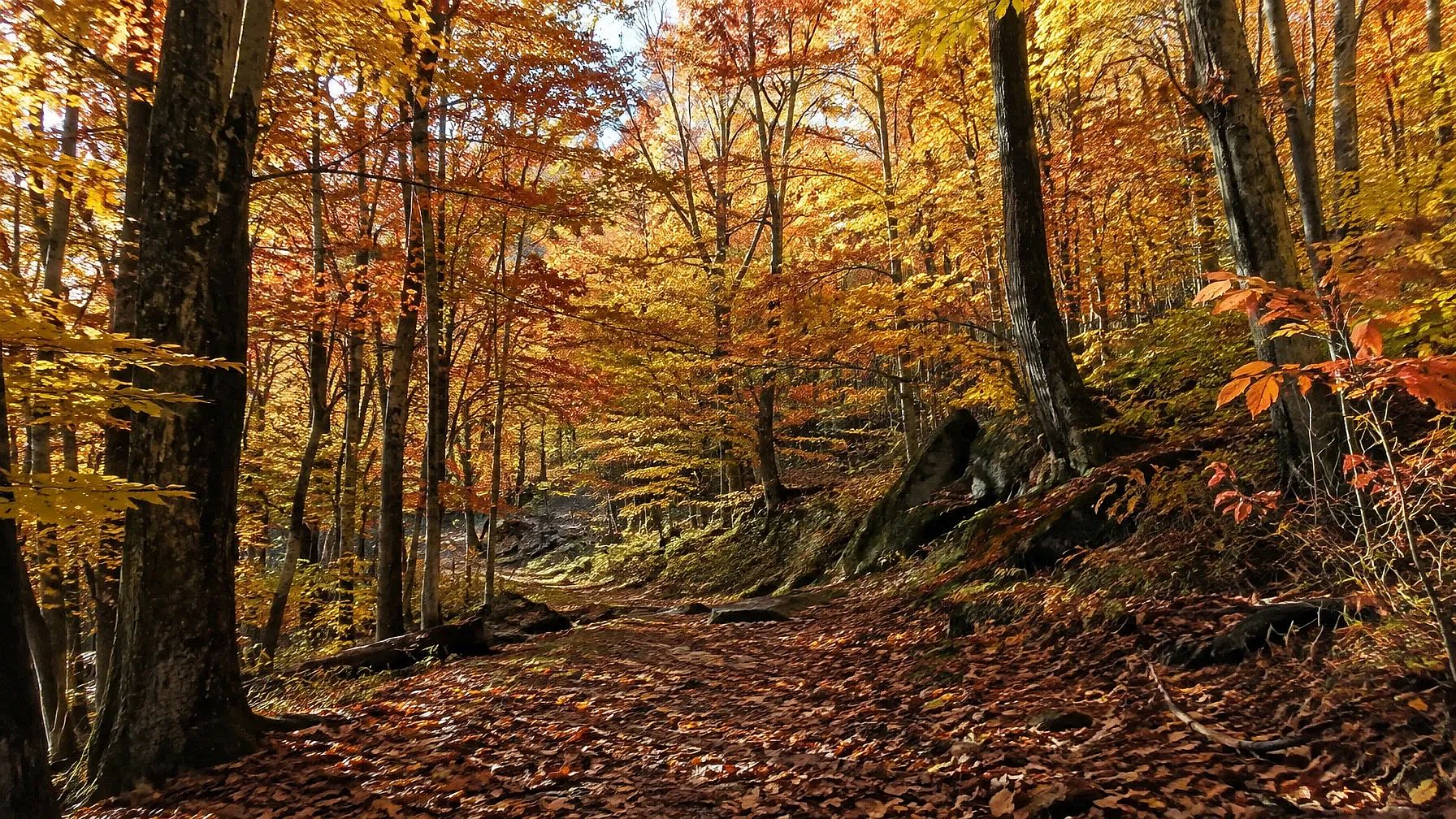
4. Autumn forest background
Orange and red leaves give you a cozy background that's perfect for the fall season.
Photorealistic image of a vibrant autumn forest with fallen leaves.
Want a forest background with no people in it? Add "empty path, no people" to any of these prompts.
How Do I Edit My Photo with a Nature Background?
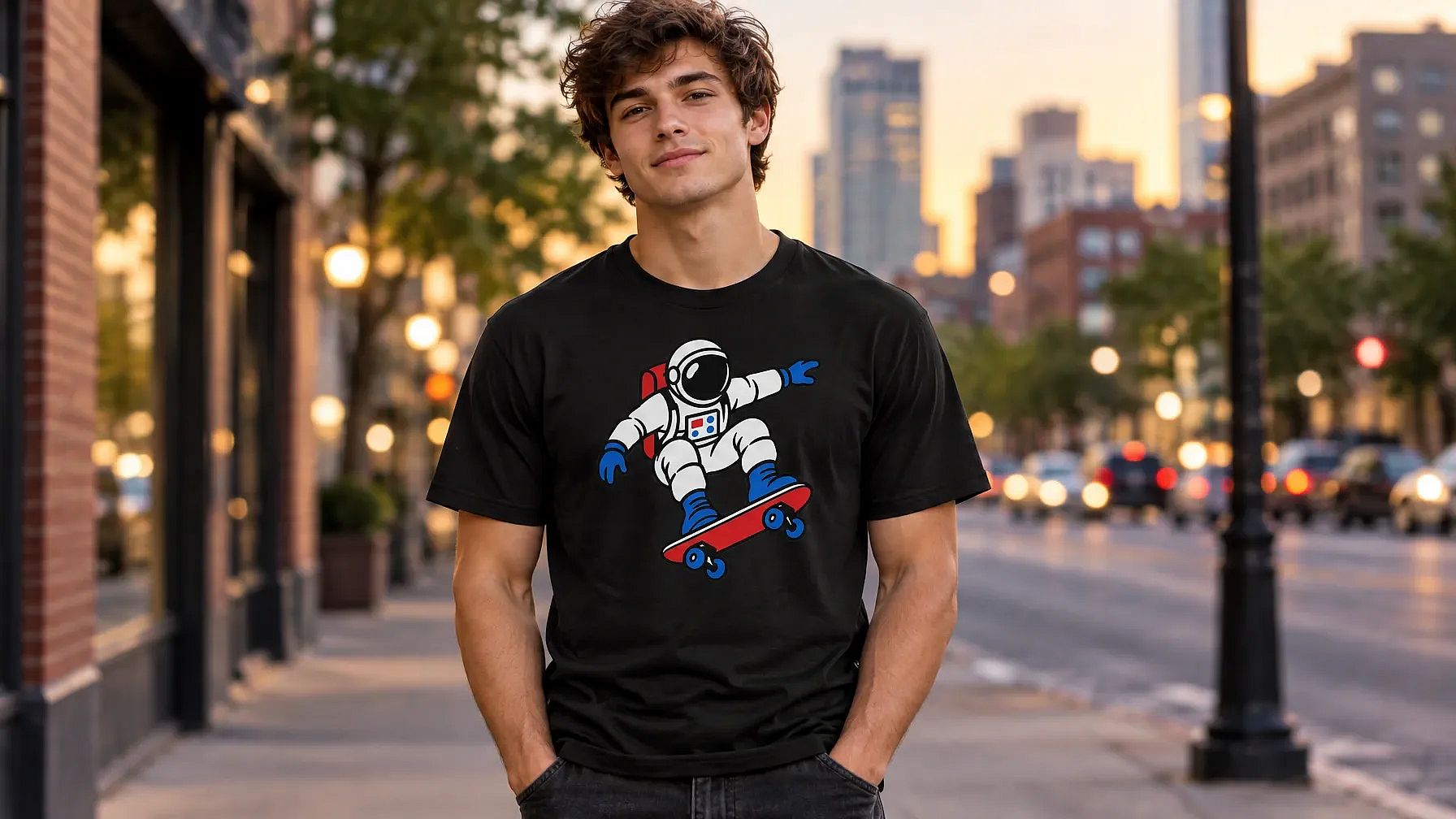
Upload your photo to OpenArt's Add Natural Background to Photo tool or to Edit Image, then paste one of these nature photo editing prompts. Each one starts with "Keep my face, body and pose exactly the same," so only the scene around you changes.
These prompts work for boys and girls alike, and for any photo where you're clearly visible.
We used this reference image to edit with a nature background:
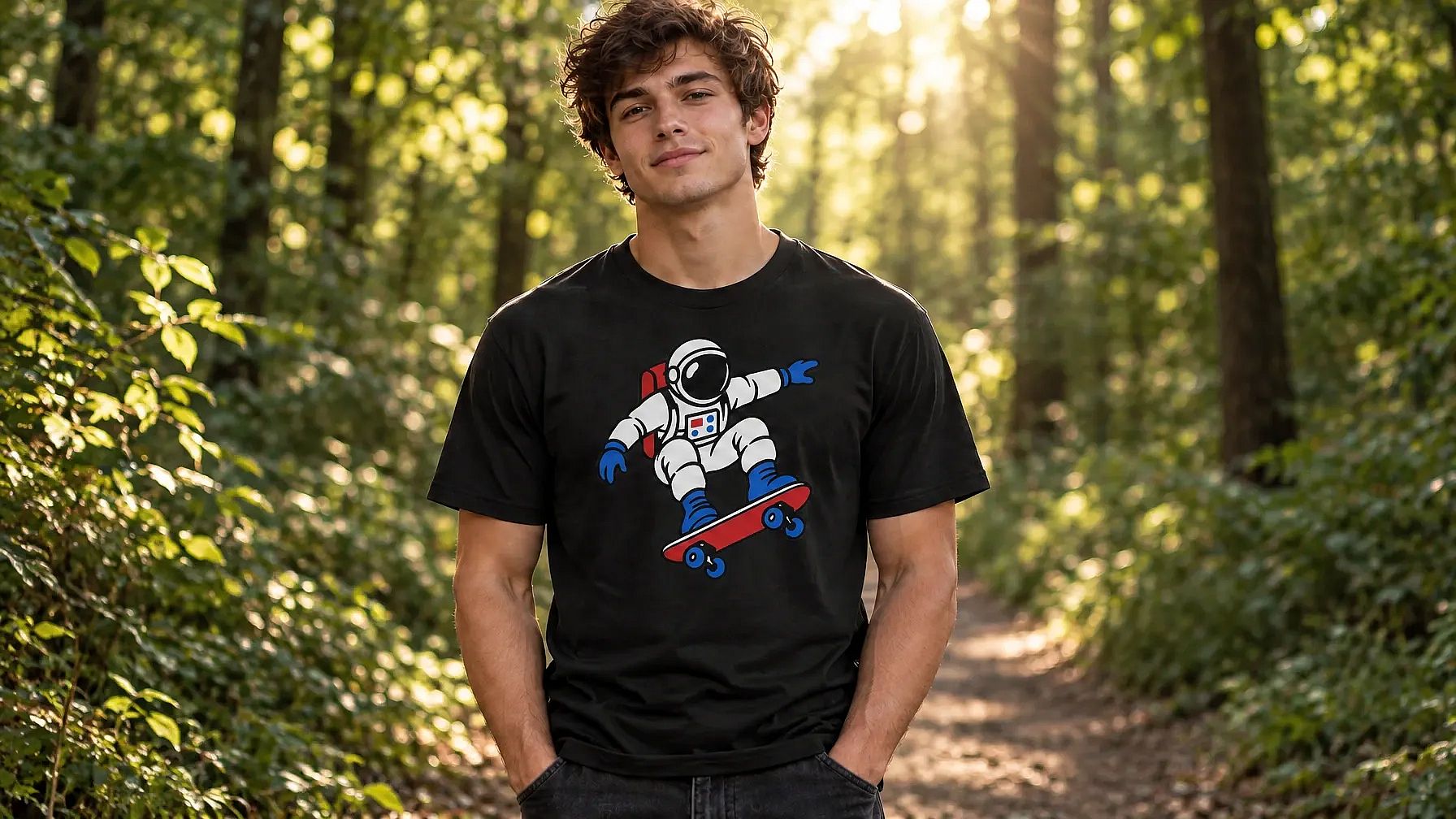
5. Put me in a green forest
This turns an everyday photo into a fresh outdoor portrait.
Keep my face, body and pose exactly the same. Place me on a narrow path in a lush green forest, with soft sunlight coming through the trees behind me. Match the light on my face to the forest light so it looks natural.
6. Cinematic nature photo
This gives your photo the feel of a still from a movie, with warm light and a wide view.
Keep my face, body and pose exactly the same. Place me in a wide valley with mountains in the distance at golden hour. Cinematic look, warm soft light, a little haze in the air, shallow depth of field behind me.
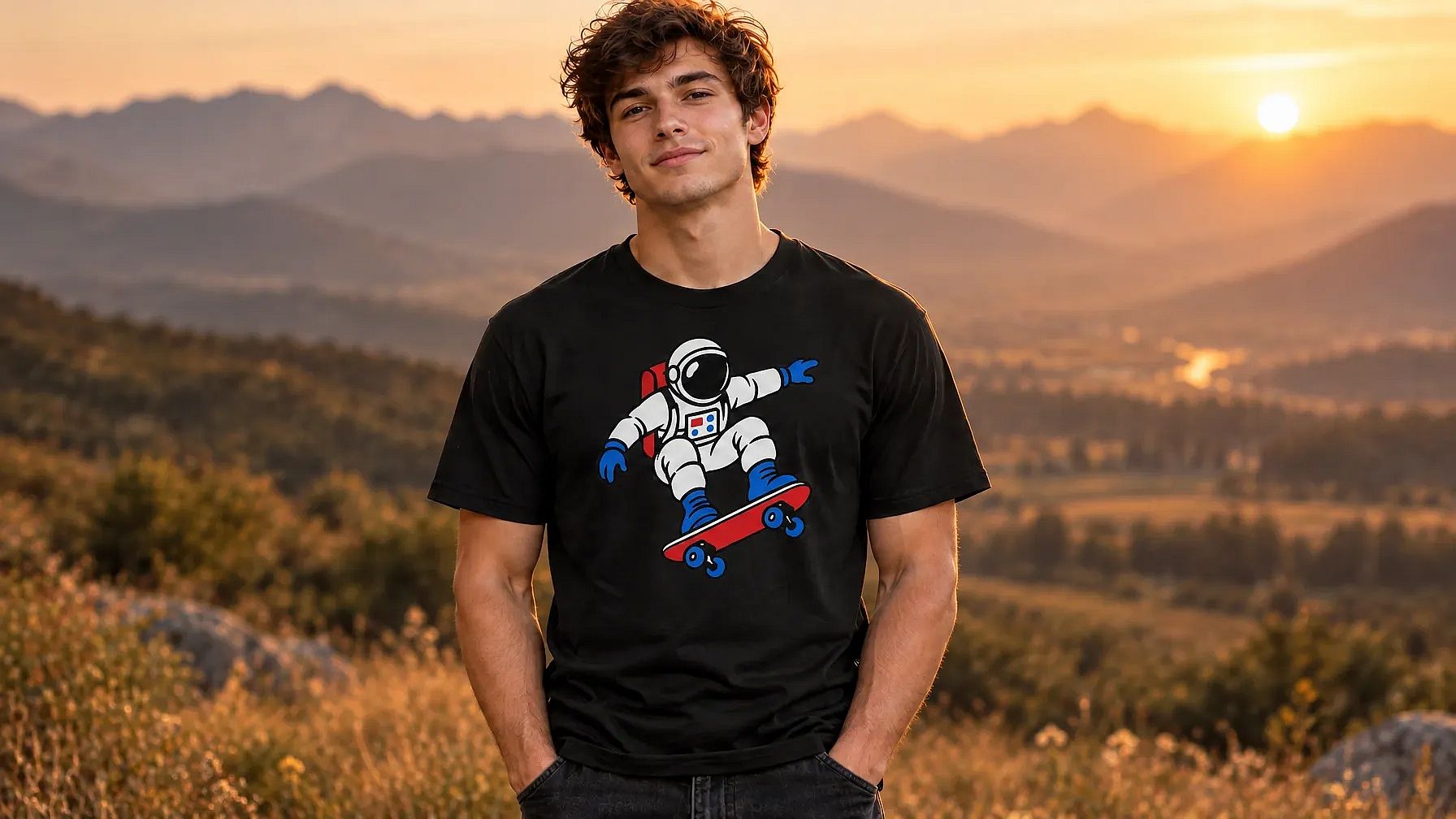
7. Mountain viewpoint photo for Instagram
A mountain viewpoint makes a great Instagram nature post, and the 4:5 shape fills the feed.
Keep my face, body and pose exactly the same. Place me standing on viewpoint with green mountains behind me and a clear blue sky. Bright, natural daylight.
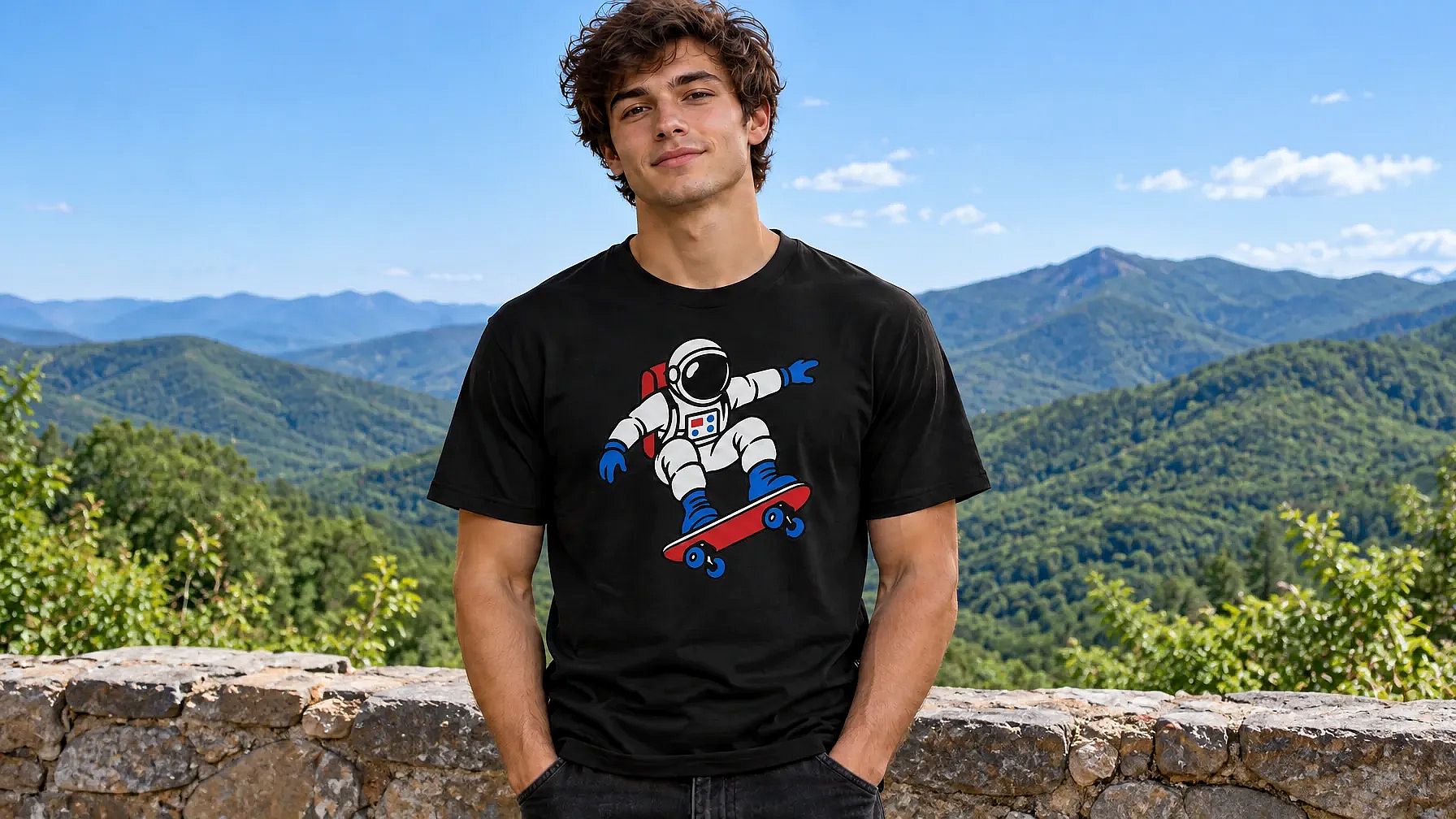
8. Natural background change
Use this when the photo of you is good but the background is messy.
Keep my face, body, pose and clothes exactly the same. Replace only the background with a calm natural scene: a green meadow with wildflowers and soft trees. Keep the light soft and even.
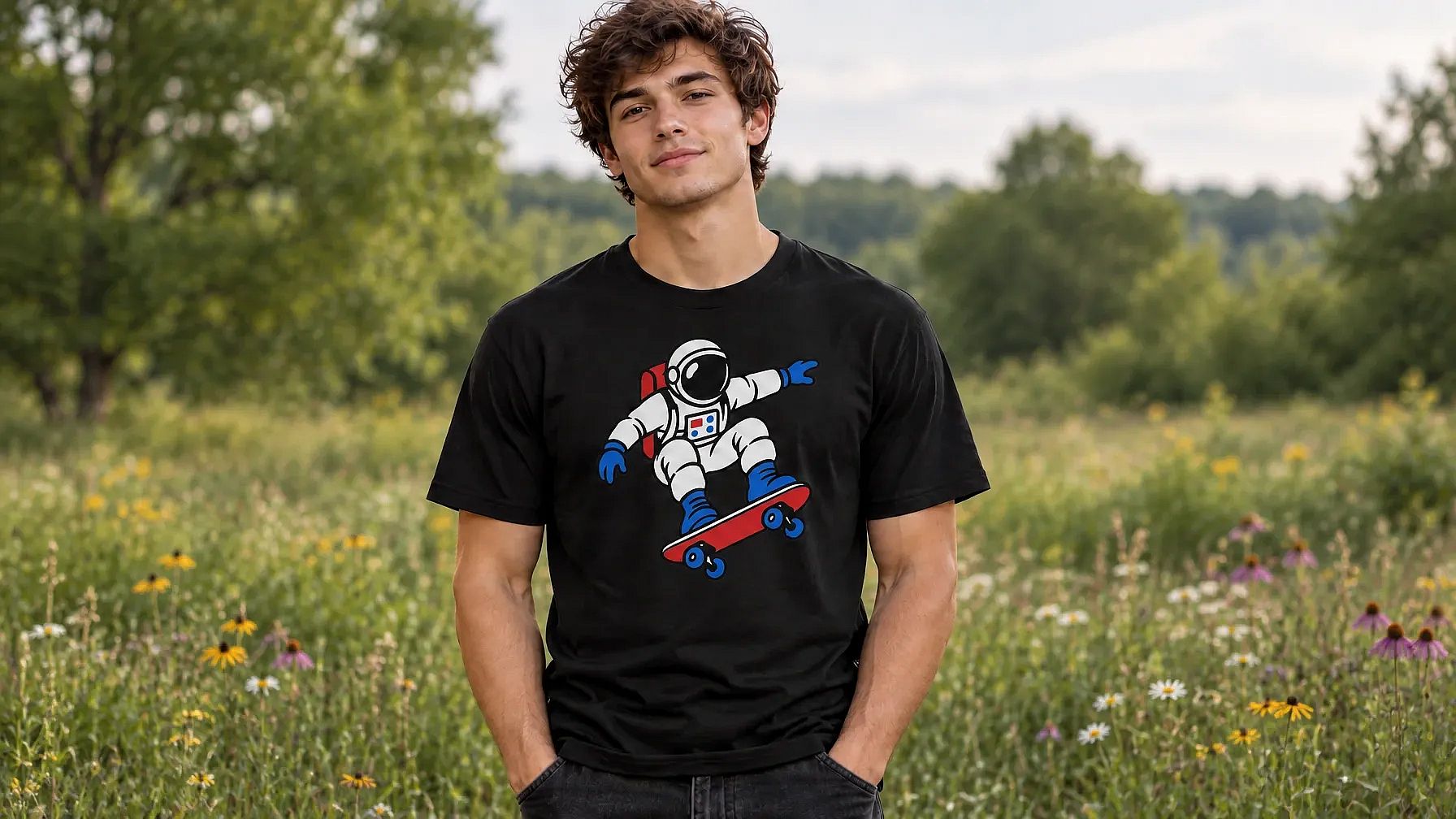
Nature Scenery Prompts
These natural scenery prompts are for the big, beautiful views you'd stop to take a photo of. They're also a good place to start if you want the best prompt for nature photography.
9. Mountain range at sunset
A sunset sky over the peaks gives you strong color and a clear sense of scale.
Photorealistic image of a mountain range during sunset, with vibrant colors in the sky.
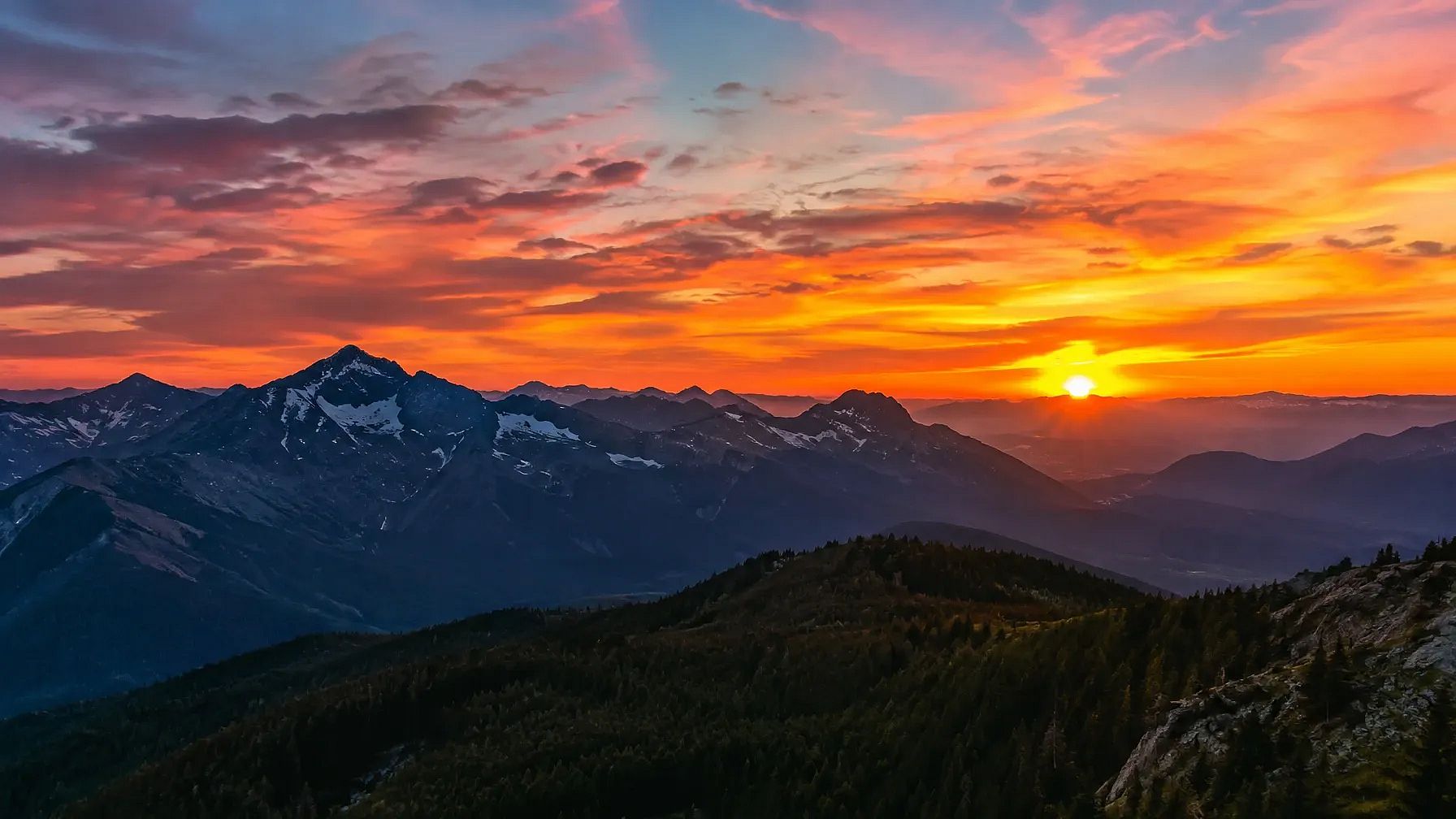
For more peaks and valleys, try the AI mountain generator.
10. Forest waterfall
Falling water and green moss make this one feel fresh and quiet.
Realistic photo of a waterfall cascading into a serene pool in a forest.
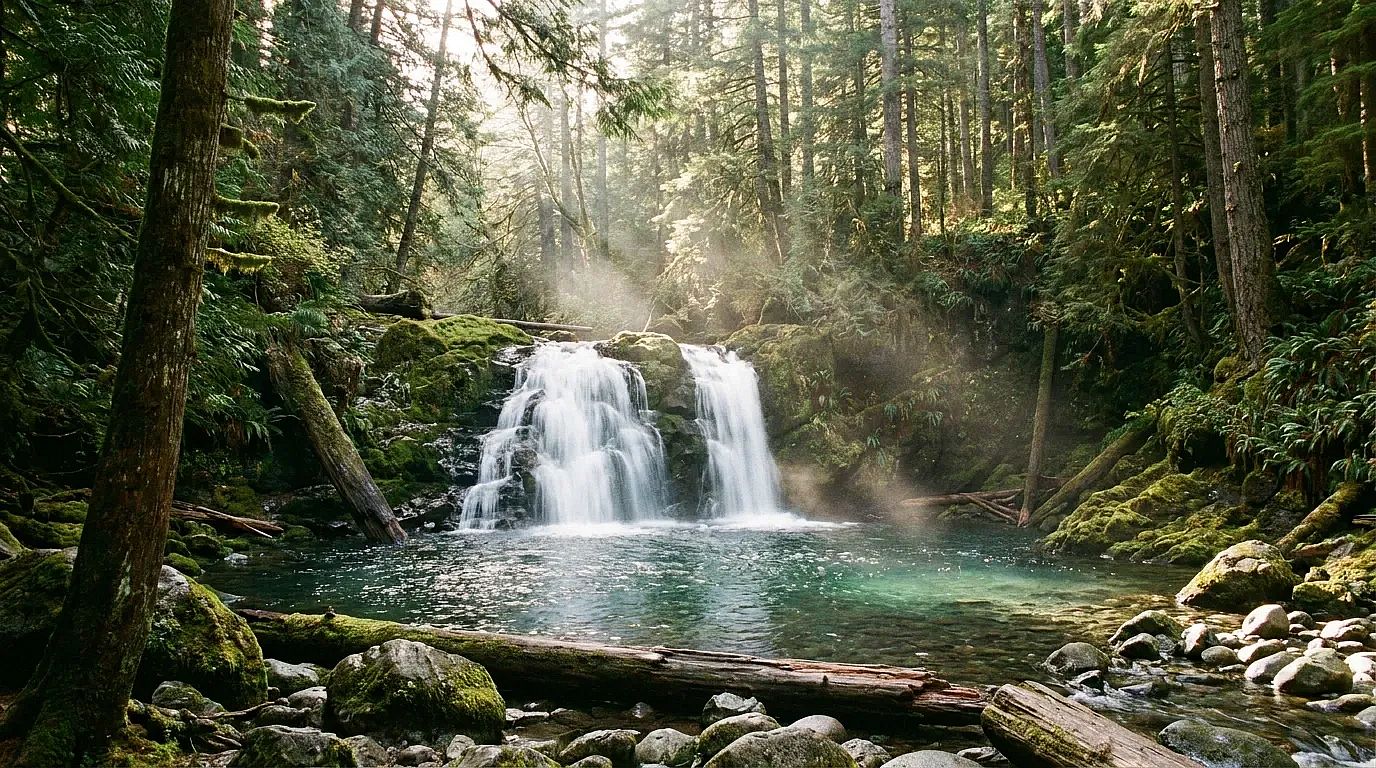
The AI waterfall generator has more ready-made waterfall styles.
11. Sunflower field
A bright field under a blue sky is cheerful and simple, and it suits a summer post.
Realistic photo of a sunflower field under a bright blue sky.
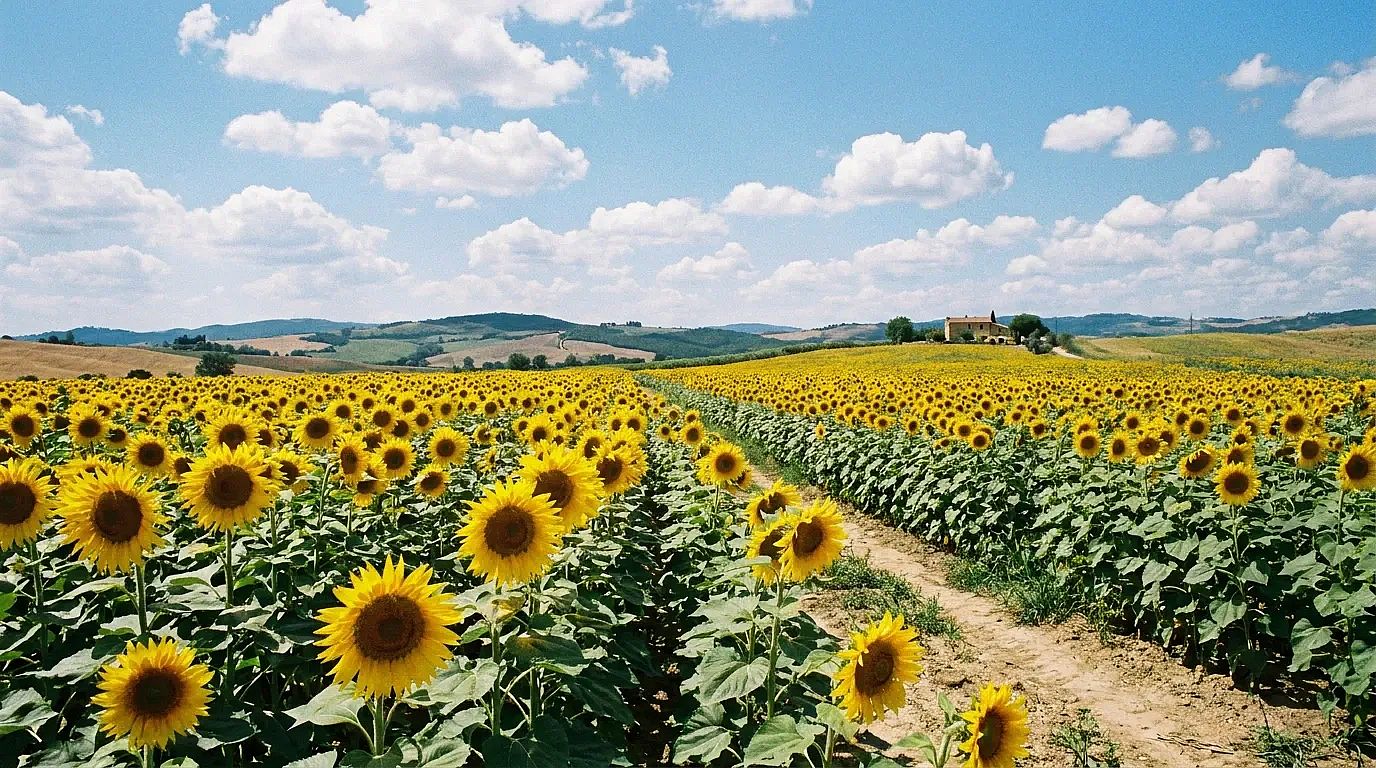
For a different flower field, swap the sunflowers for lavender or wild poppies.
12. Lake with autumn trees
Still water and orange trees make a calm scene with soft reflections.
High-definition image of a tranquil lake surrounded by autumn foliage.
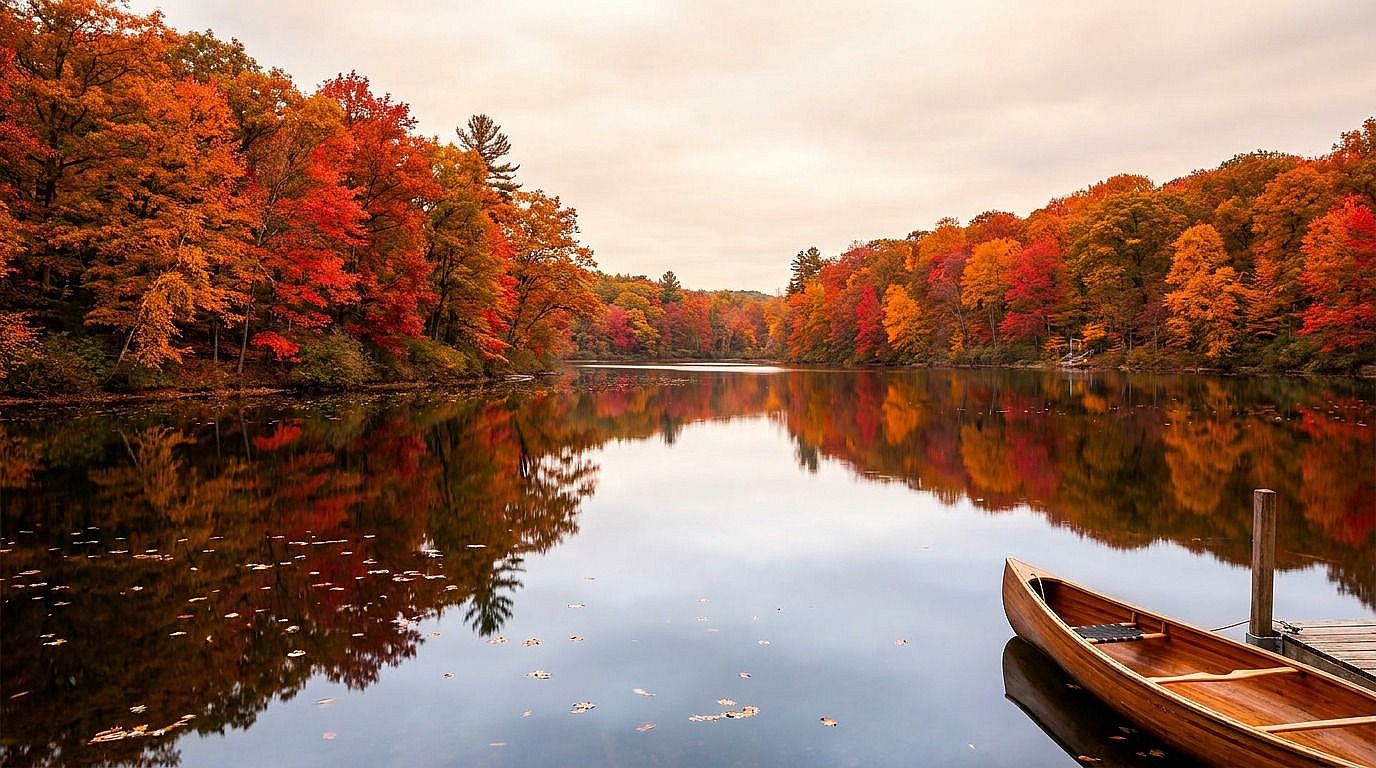
Want a mirror-like lake reflection? Add "perfectly still water reflecting the trees" to the end. For wider views, see our AI landscape prompts.
Nature Wallpaper Prompts
A nature wallpaper needs the right shape and a clean middle, so your icons or clock don't cover the best part. Use 16:9 for a desktop and 9:16 for a phone.
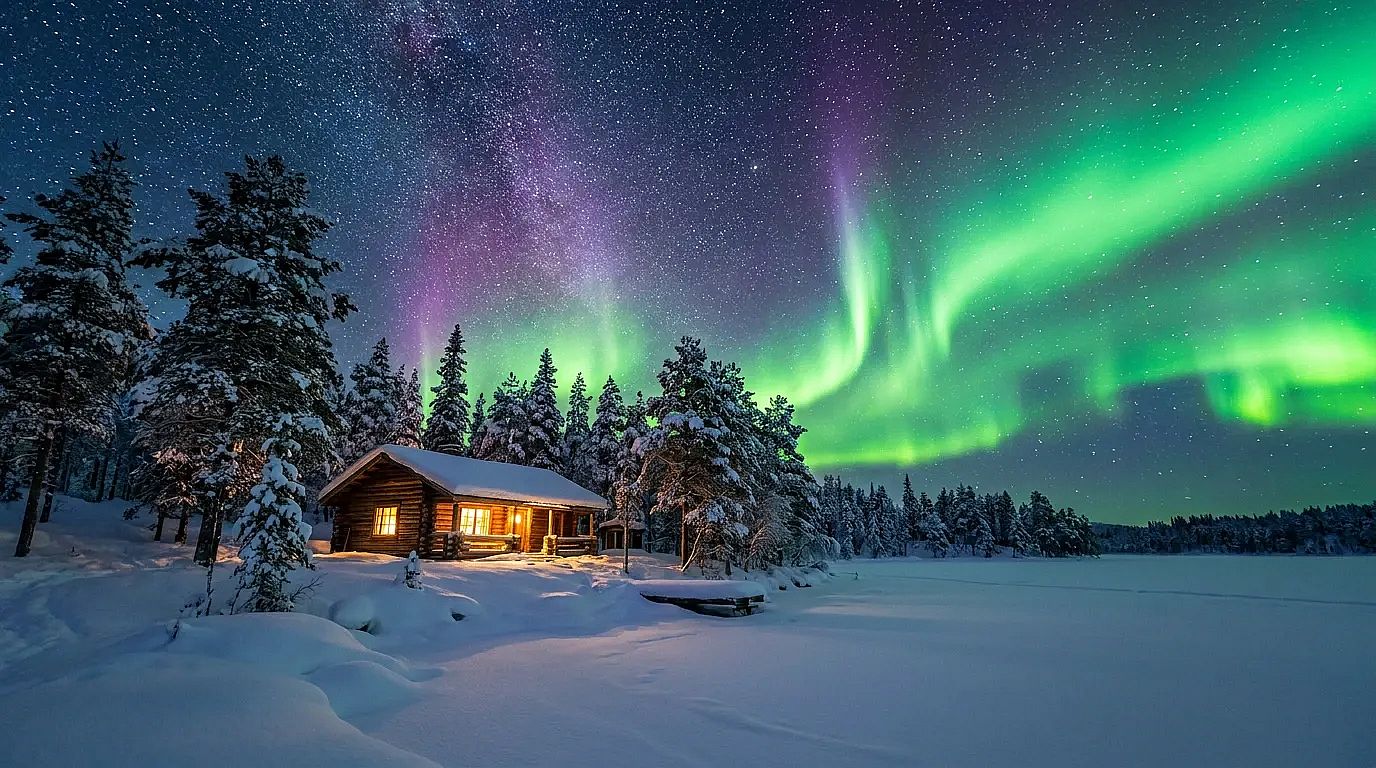
13. Northern lights desktop wallpaper
Green and purple lights over snow make a striking 4K-style desktop wallpaper.
Northern lights glowing green and purple over a small snowy cabin with warm lit windows, snow-covered pine trees, a starry night sky, wide 16:9 desktop wallpaper, sharp and detailed, photorealistic.
14. Cherry blossom phone wallpaper
Soft pink blossoms over a quiet path look calm and pretty on a lock screen.
A quiet path under blooming cherry blossom trees, soft pink petals falling, gentle morning light, the top third of the image kept simple for the clock, tall 9:16 phone wallpaper, dreamy and soft.
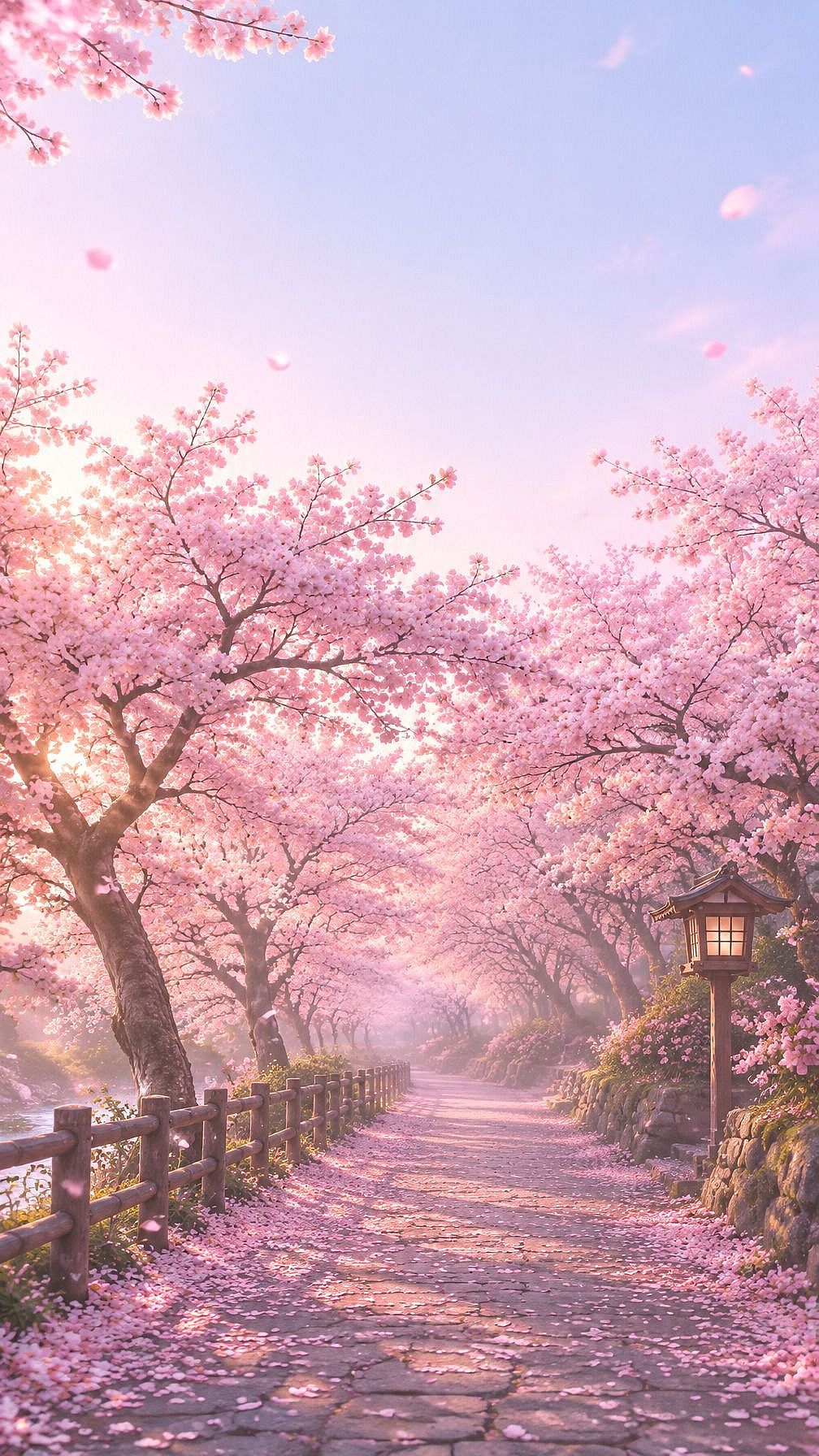
To make your wallpaper even sharper, run it through Image Upscale on OpenArt before you set it.
Anime Nature Scenery Prompt
Anime scenery turns nature into soft, painted color with big skies and glowing light. It's a favorite for wallpapers and fan art.
15. Anime countryside at sunset
This gives you a peaceful anime landscape with fluffy clouds and warm light.
Anime style nature scenery of a green countryside hill at sunset, a single tree on the top, fluffy pink and orange clouds, tall grass moving in the wind, a small path leading up the hill, soft painted look, 16:9.
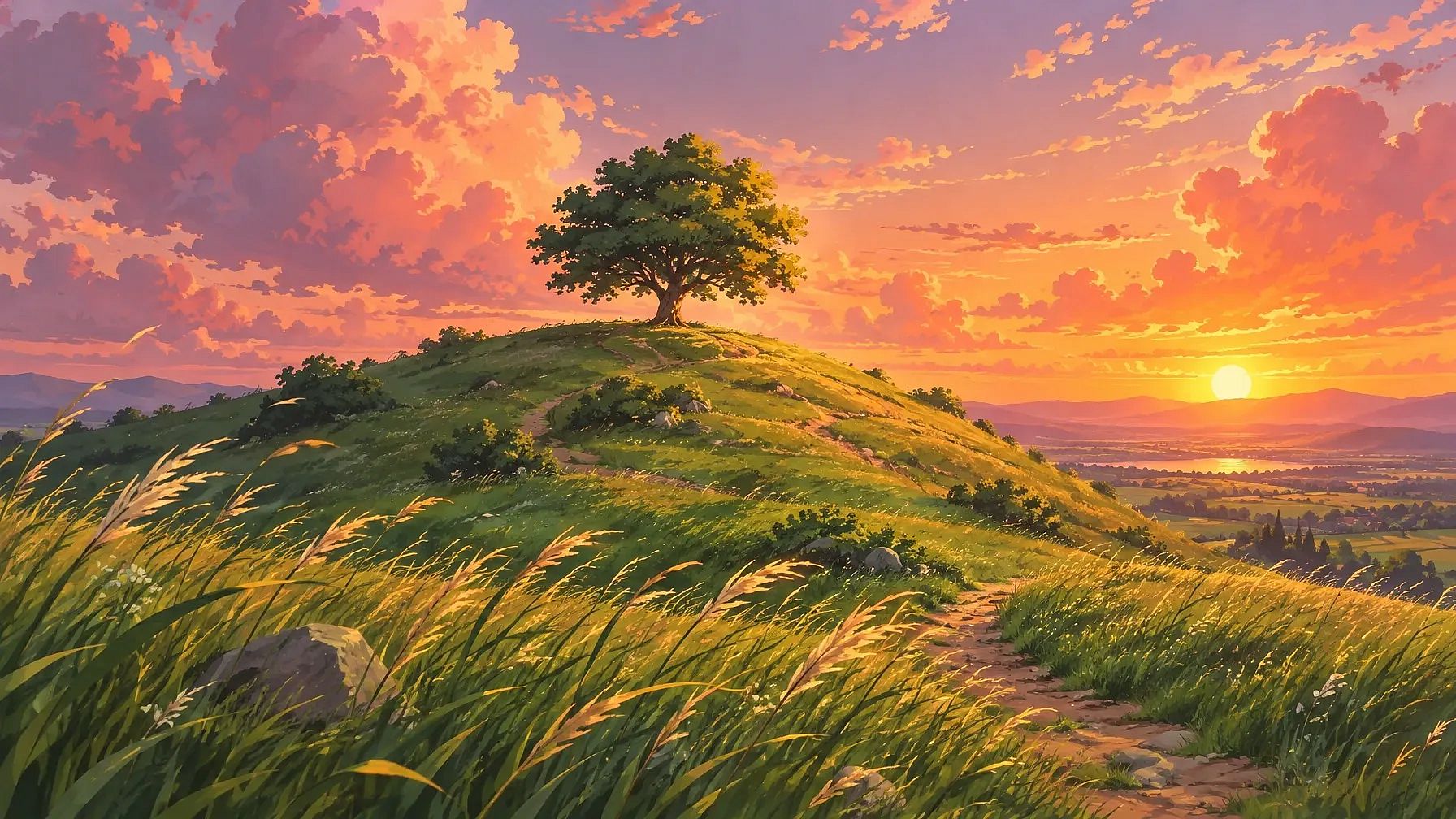
For dreamier worlds with floating islands or glowing forests, try the AI fantasy landscape generator.
Nature Prompt Cheat Sheet
The fastest way to change the mood of a nature image is to change the light and the weather. Add one or two words from the table below to any prompt on this page.
| Word to add | What it does |
|---|---|
| golden hour | Warm, soft light just after sunrise or before sunset |
| blue hour | Cool, calm light just before sunrise or after sunset |
| soft morning light | Gentle, fresh light with light shadows |
| fog, mist | A dreamy, quiet mood with soft distance |
| light rain | Wet leaves, deep greens and shiny paths |
| fresh snow | A clean, bright winter scene |
| cinematic, wide shot | A big, movie-like view of the whole place |
| close up, shallow depth of field | One sharp detail with a soft blurred background |
Best shapes for nature images
Pick the shape that matches where you'll post or use the image.
| Where it's going | Shape | Common size (pixels) |
|---|---|---|
| Instagram feed post | 4:5 | 1080 x 1350 |
| Instagram square post | 1:1 | 1080 x 1080 |
| Instagram or WhatsApp story | 9:16 | 1080 x 1920 |
| Phone wallpaper | 9:16 | 1080 x 1920 or larger |
| Desktop wallpaper (4K) | 16:9 | 3840 x 2160 |
| Website or YouTube background | 16:9 | 1920 x 1080 |
Can I Turn a Nature Image into a Video?
Yes. Make a nature image with any prompt above, then upload it to OpenArt's AI video generator and describe how the scene should move. A still waterfall becomes a video of real flowing water, without filming on location.
Keep the motion simple and name what moves. For example:
The waterfall flows into the pool and mist rises from the water. Leaves move gently in the breeze. The camera slowly moves closer.
This works well for Reels, or as a calm moving background on a website.
Nature Prompts for ChatGPT and Gemini
Every prompt on this page is plain text, so it works in ChatGPT and Gemini too. For the photo editing prompts (5 to 8), upload your photo in the chat, then paste the prompt and send it.
You can also ask ChatGPT for new ideas. Paste this and fill in the bracket:
Give me 5 nature photo prompt ideas for [a place or mood, such as a rainy hill station or a calm beach morning]. For each one, name the place, the time of day, the weather and the camera shot in one sentence.
Pick the idea you like best and paste it into OpenArt to see it come to life.
How to Make a Nature Image on OpenArt
You can turn any nature prompt on this page into an image in three steps.
- Paste your prompt. Open the AI image generator or the AI landscape generator and paste a prompt from this page.
- Pick the shape. Choose a model and an aspect ratio, like 4:5 for Instagram or 16:9 for a desktop wallpaper, then generate.
- Refine and download. Change one detail, like the time of day, if you want a different mood. Download the version you like.
To edit your own photo instead, use Add Natural Background to Photo or Edit Image with prompts 5 to 8.
New accounts get 40 free trial credits, so you can try a few nature images before you pay anything.
Nature Prompt FAQs
What is a good nature prompt?
A good nature prompt names the place and the time of day, then adds the weather and the kind of shot. For example: "A misty pine forest at sunrise, soft golden light through the trees, wide cinematic shot, photorealistic." Changing the light is the quickest way to change the mood.
What is the best prompt for a nature background?
Ask for a calm scene with soft light and a little blur, so the background doesn't compete with what's in front of it. Try "fresh spring greenery, soft green leaves, gentle morning light, creamy blur." Prompts 1 to 4 on this page are made for natural backgrounds.
How do I edit my photo with a nature background using AI?
Upload your photo to OpenArt's Add Natural Background to Photo tool or to Edit Image. Start your prompt with "Keep my face, body and pose exactly the same," then describe the nature scene you want behind you. Prompts 5 to 8 are ready to copy.
What is the best prompt for nature photography?
Write it the way a photographer would describe the shot. Name the place and the light, then the lens or the framing, like "wide shot" or "close up with a blurred background." Golden hour and soft morning light give the most natural results.
What is a good nature prompt for Instagram?
Use a 4:5 vertical shape so the image fills the feed. A person on a mountain viewpoint or a forest path works well, and prompt 7 is built for this. For Stories and Reels, switch to 9:16.
How do I make a 4K nature wallpaper with AI?
Ask for a 16:9 shape for a desktop or 9:16 for a phone, and keep the middle of the image simple. Then run the image through Image Upscale on OpenArt to make it sharper. A 4K desktop wallpaper is 3840 x 2160 pixels.
Can I turn a nature image into a video?
Yes. Upload your nature image to OpenArt's AI video generator and describe the motion, like flowing water or moving clouds. Keep the motion simple so the video looks natural.
Are these nature prompts free to use?
Yes. Every prompt on this page is free to copy and use. New OpenArt accounts also get 40 free trial credits, so you can try a few nature images for free.