

AI Anime Generator
Turn a text prompt into anime art in your exact style, from 90s VHS key visuals to modern webtoon panels. Generate with leading AI image models in one workspace, lock a character's face and outfit across an entire chapter, and fix a bad hand or a wrong expression without regenerating the whole image.
Why Creators Are Using OpenArt for Anime Art
A single great anime image is easy to get from almost any tool now. What's hard is holding a character together for twenty panels, fixing one detail without losing the rest, and publishing in the ratio your platform actually needs. These four things are where OpenArt earns the switch.
AI Consistent Characters
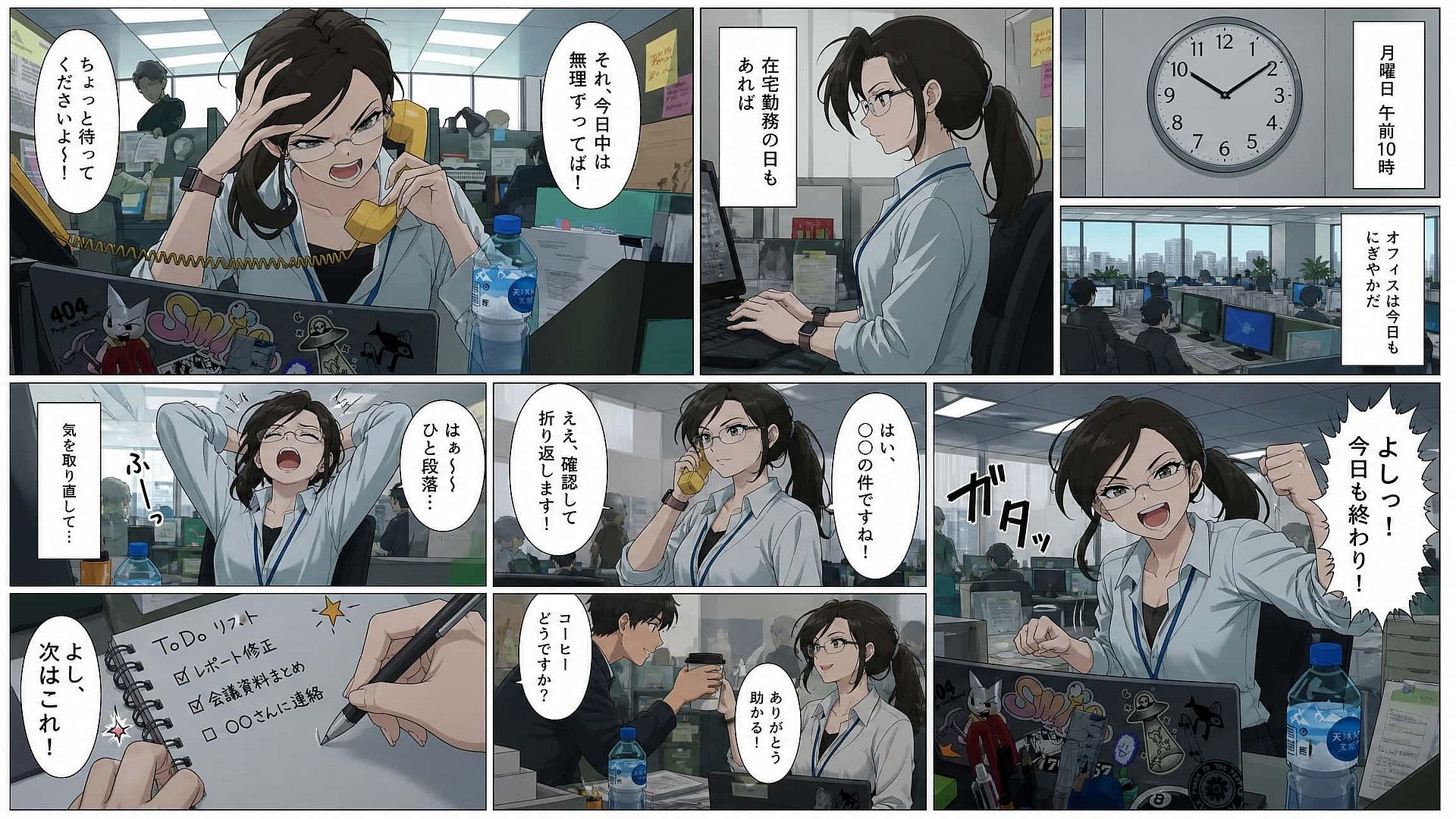
OpenArt's Ai Character Generator feature locks a face, outfit, and visual identity so the same protagonist holds up across a full webcomic chapter or a month of social posts.
All Top AI Models in One Workspace
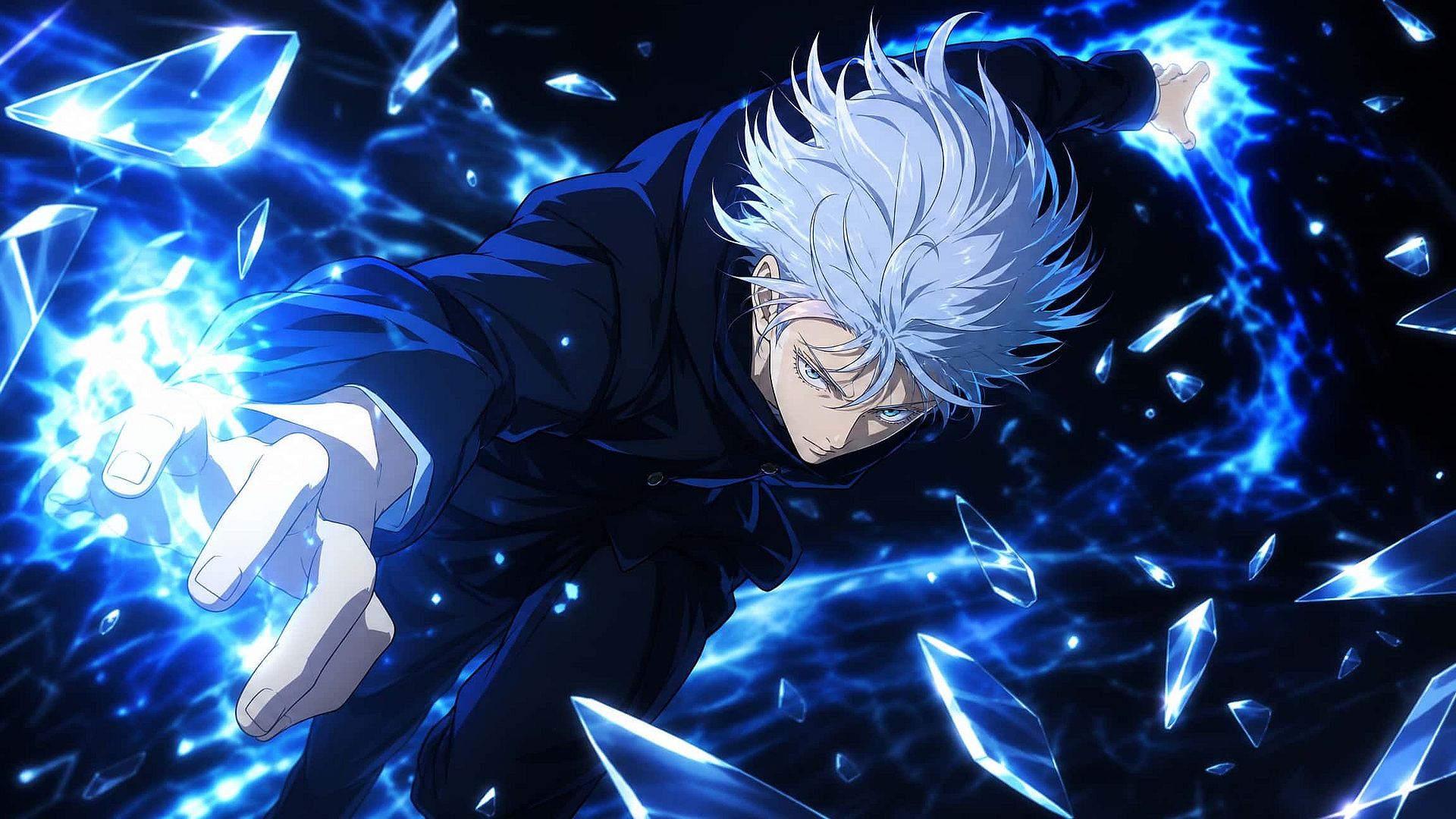
As an all-in-one AI image generator, OpenArt gives you access to GPT Image 2 for clean text and storyboard layouts, Nano Banana 2 Lite for character references, Kling Omni for anime-style shading and dynamic effects, and Seedream 5.0 Pro for near-photorealistic visuals—all under a single subscription, so there's no need to switch between multiple tools.
Full Style Range, Any Setting
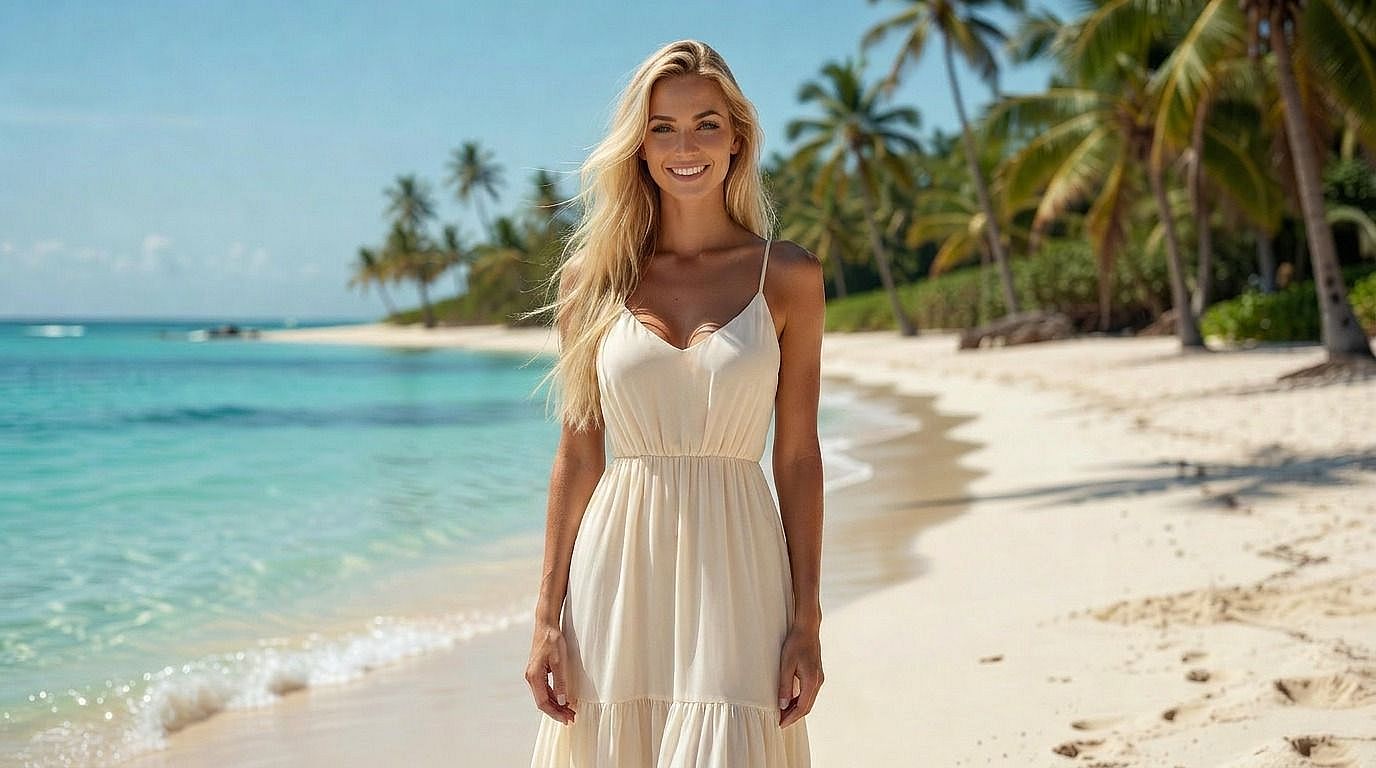
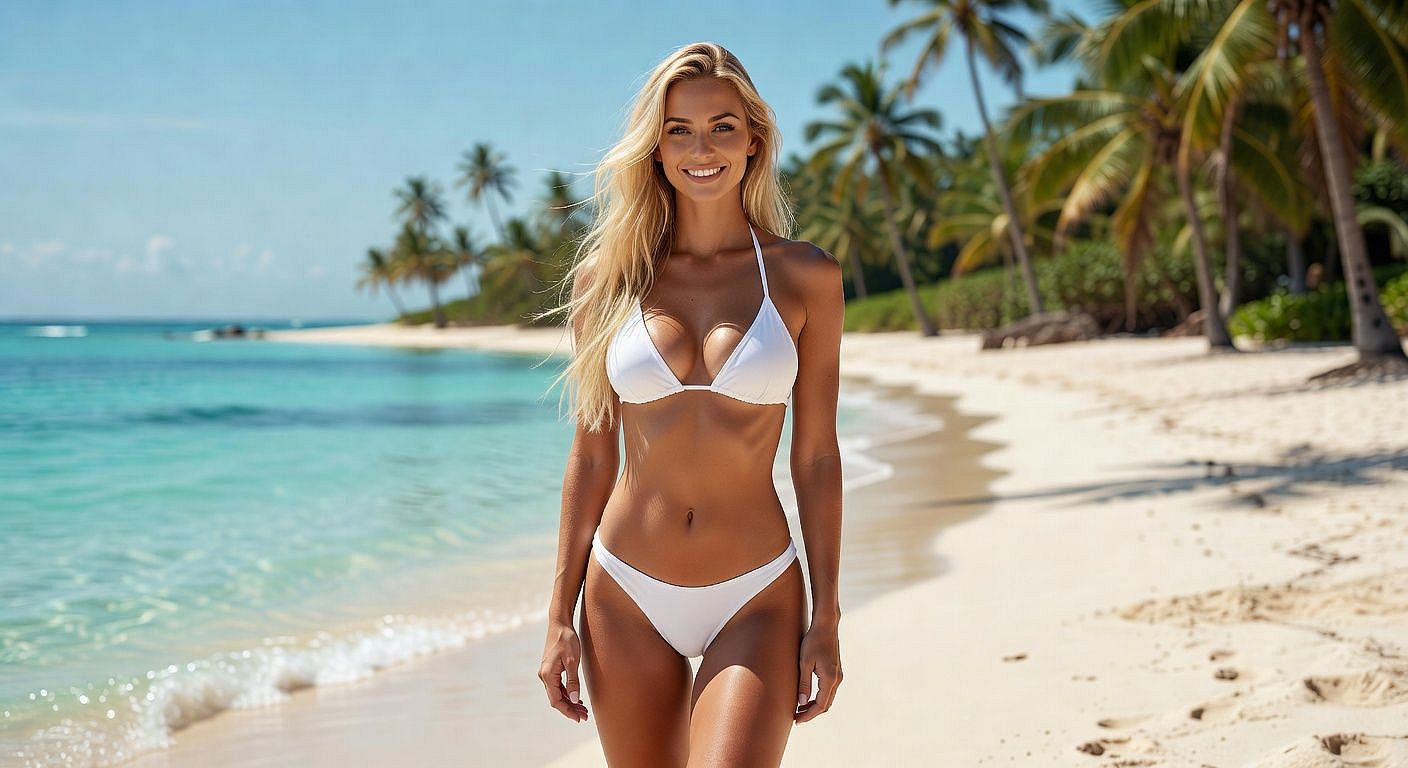
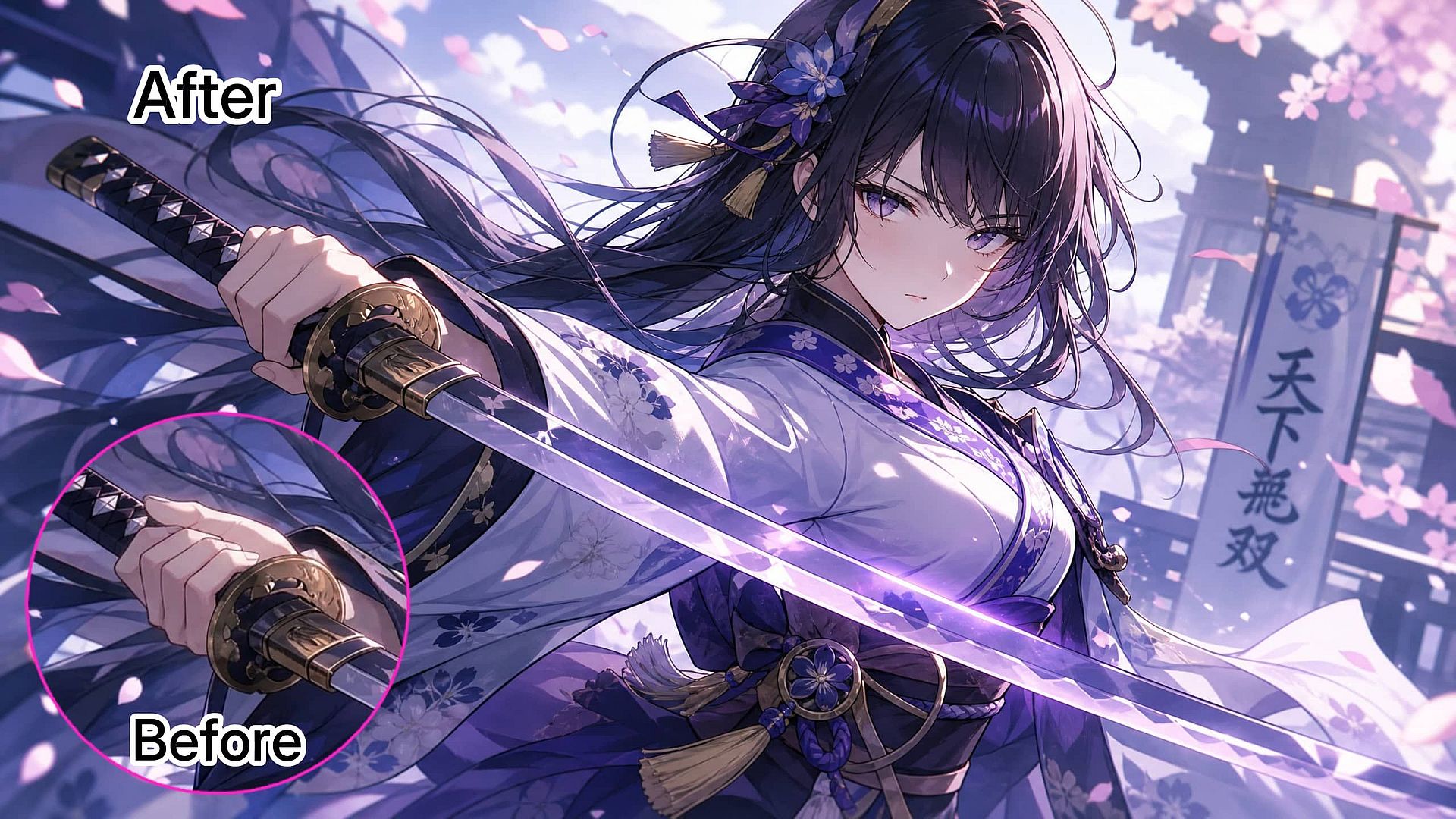
A generation comes back 90% right, then the sword hand is wrong, or the expression is a little too flat. Edit Image changes just that region. You don't lose the composition you already liked to fix one detail.
Built into a Full Image Editing Workflow
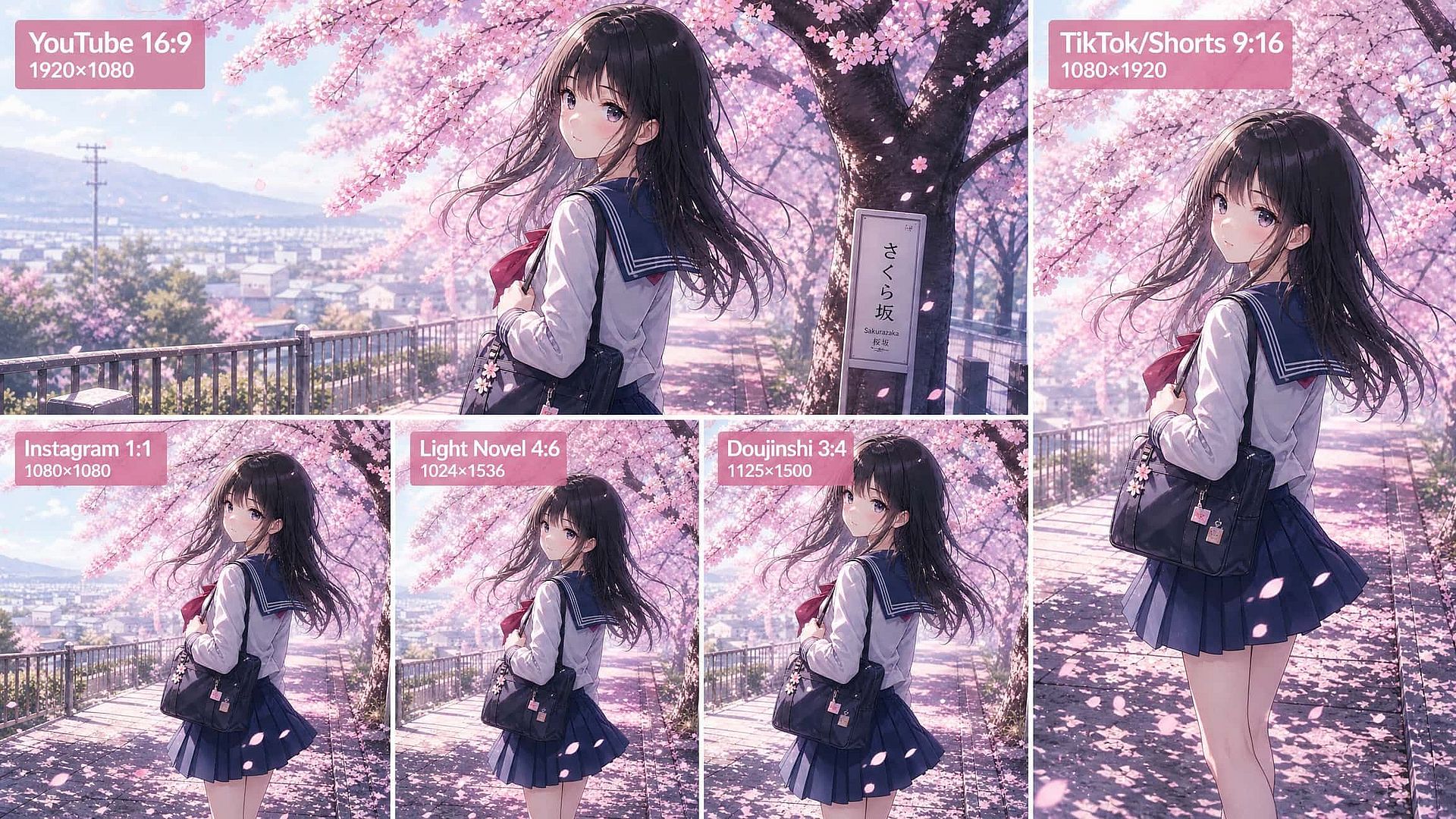
Vertical for TikTok and Shorts, square for Instagram panels, widescreen for YouTube thumbnails, book-cover proportions for doujinshi and light novel covers. Generate in the ratio you need instead of cropping a composition you spent ten minutes prompting for.
How to Use the OpenArt AI Anime Generator
From prompt to finished, publish-ready anime art in three steps, no separate tool needed for editing or upscaling.
Describe your anime character
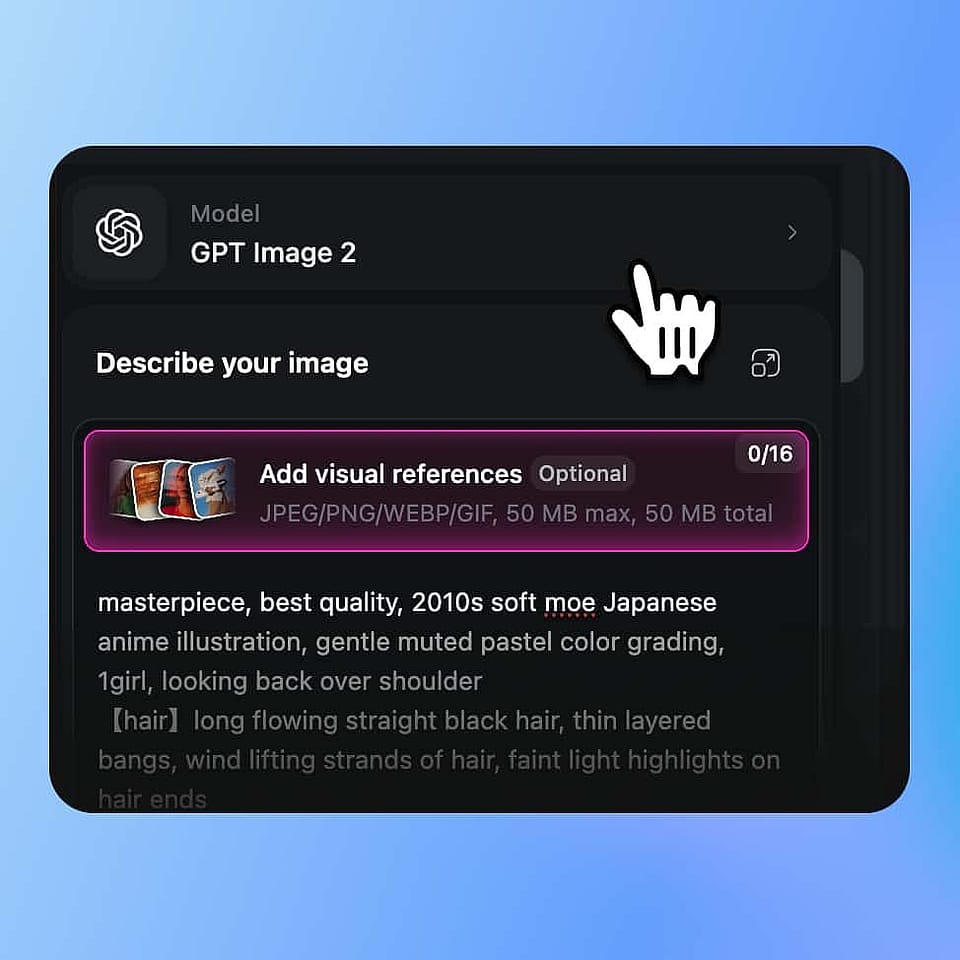
Open the OpenArt Suite, pick a model like Nano Banana Pro or Kling Omni, and write your prompt. Be specific about hair, outfit, expression, and art era.
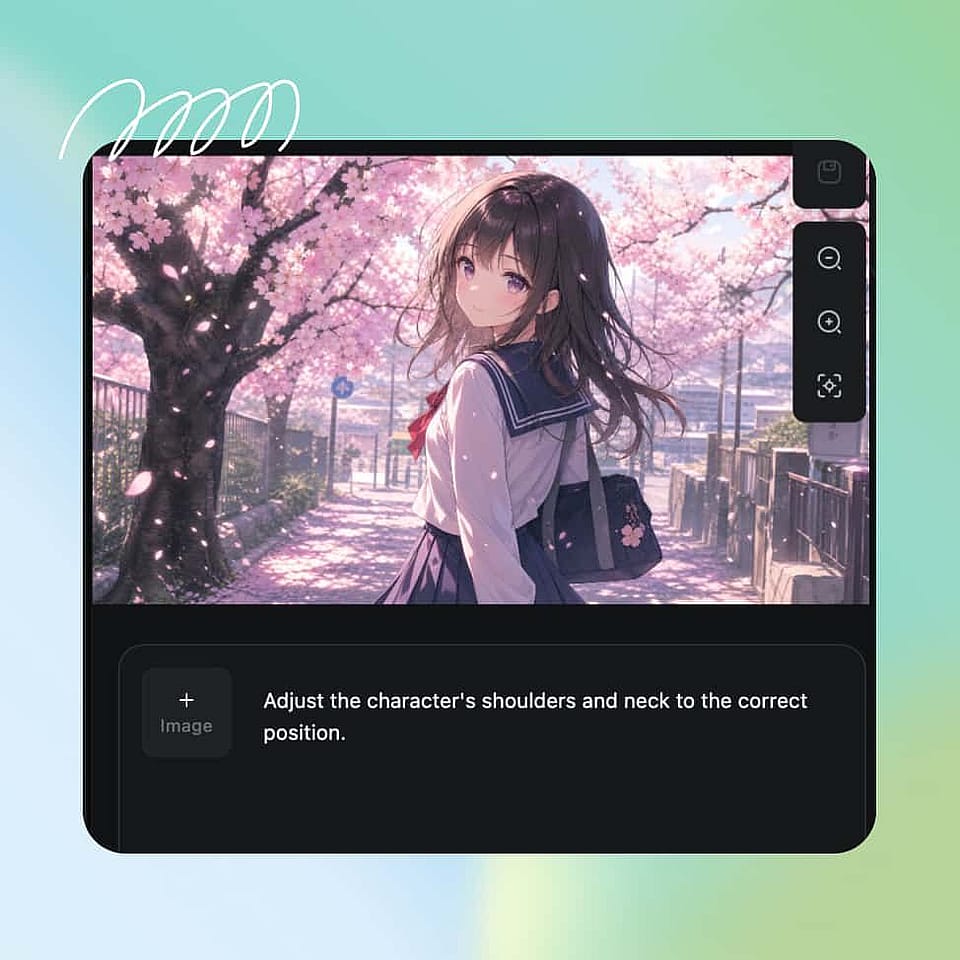
Generate variations and refine
Generate a batch, pick the strongest result, and use Edit Image to fix a hand or an expression instead of rerolling the whole prompt.
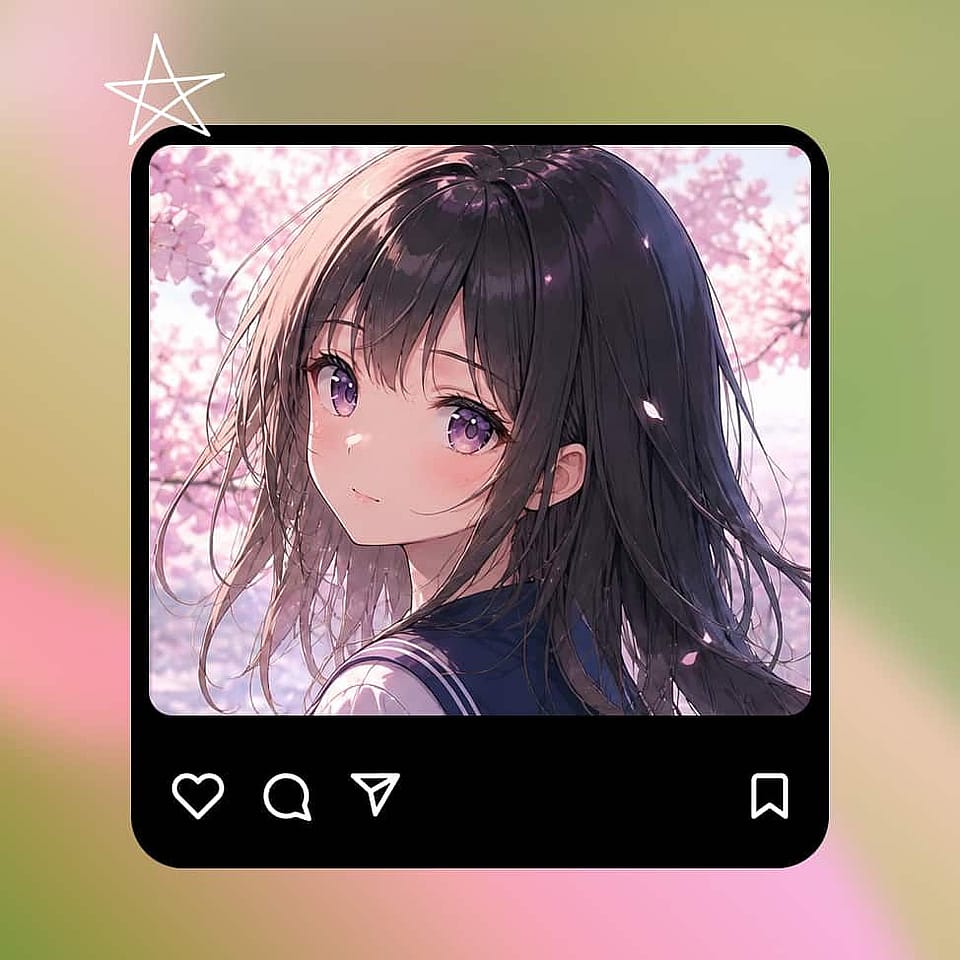
Download anime character
Save the design with the Character feature so future generations keep the same face and outfit, then upscale to 2K or 4K before exporting to PNG, JPG, or WebP.
What Anime Images Can You Create
Anime covers a wider range than most people prompt for on the first try. These are the use cases that actually show up in what creators build with OpenArt's anime tools day to day.
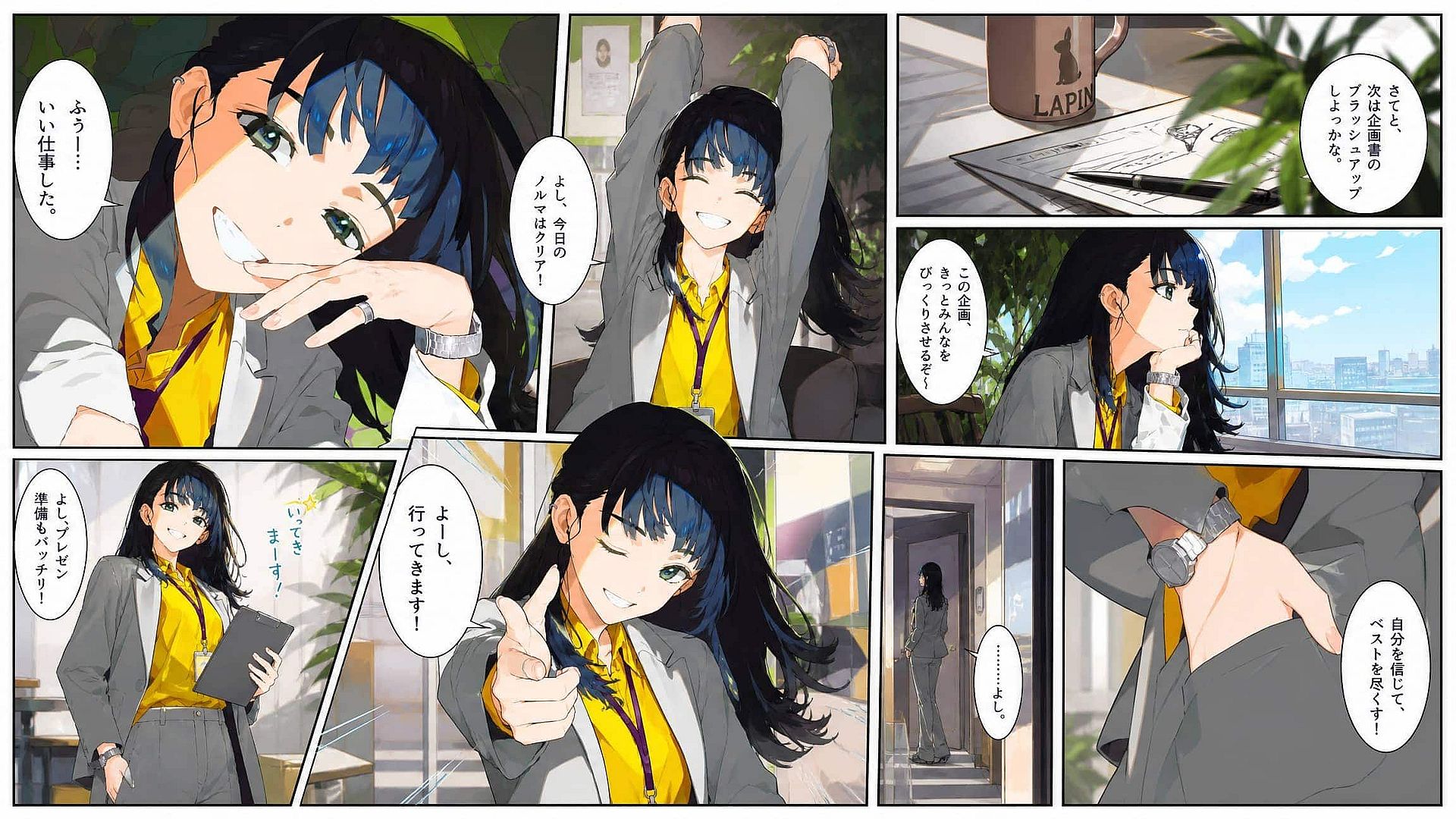
Anime scenes and manga panels
Generate expressive anime scenes and recurring characters with Nano Banana Pro and Kling Omni, keeping faces, outfits, and visual style consistent across a full chapter. This covers 1990s VHS-style key visuals, modern anime key art, watercolor manga, and chibi fanart.
Try it Now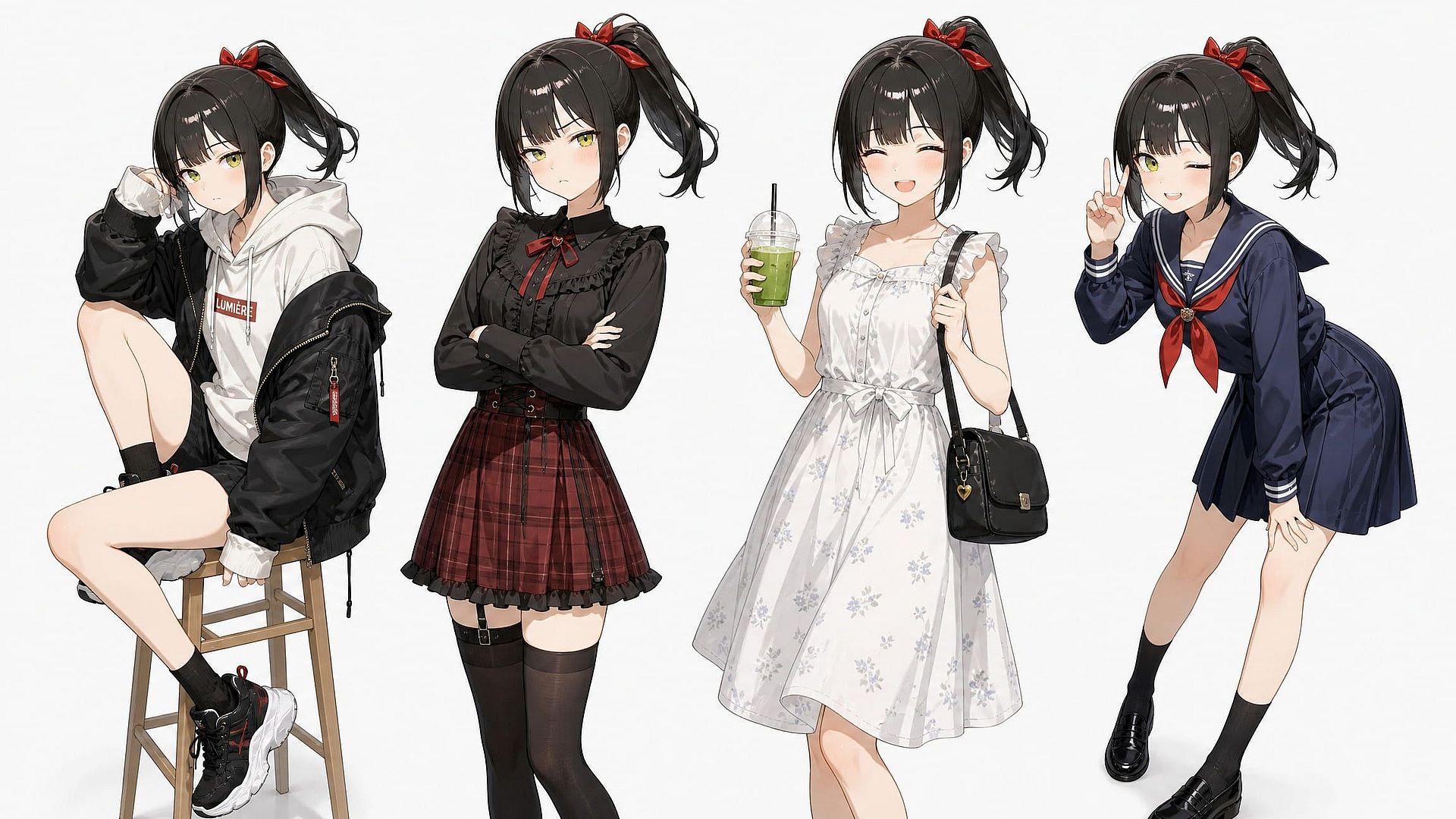
Original characters and OCs
Build an original character once, then generate them in new poses, outfits, and expressions without redrawing their identity from scratch every time.
Try it Now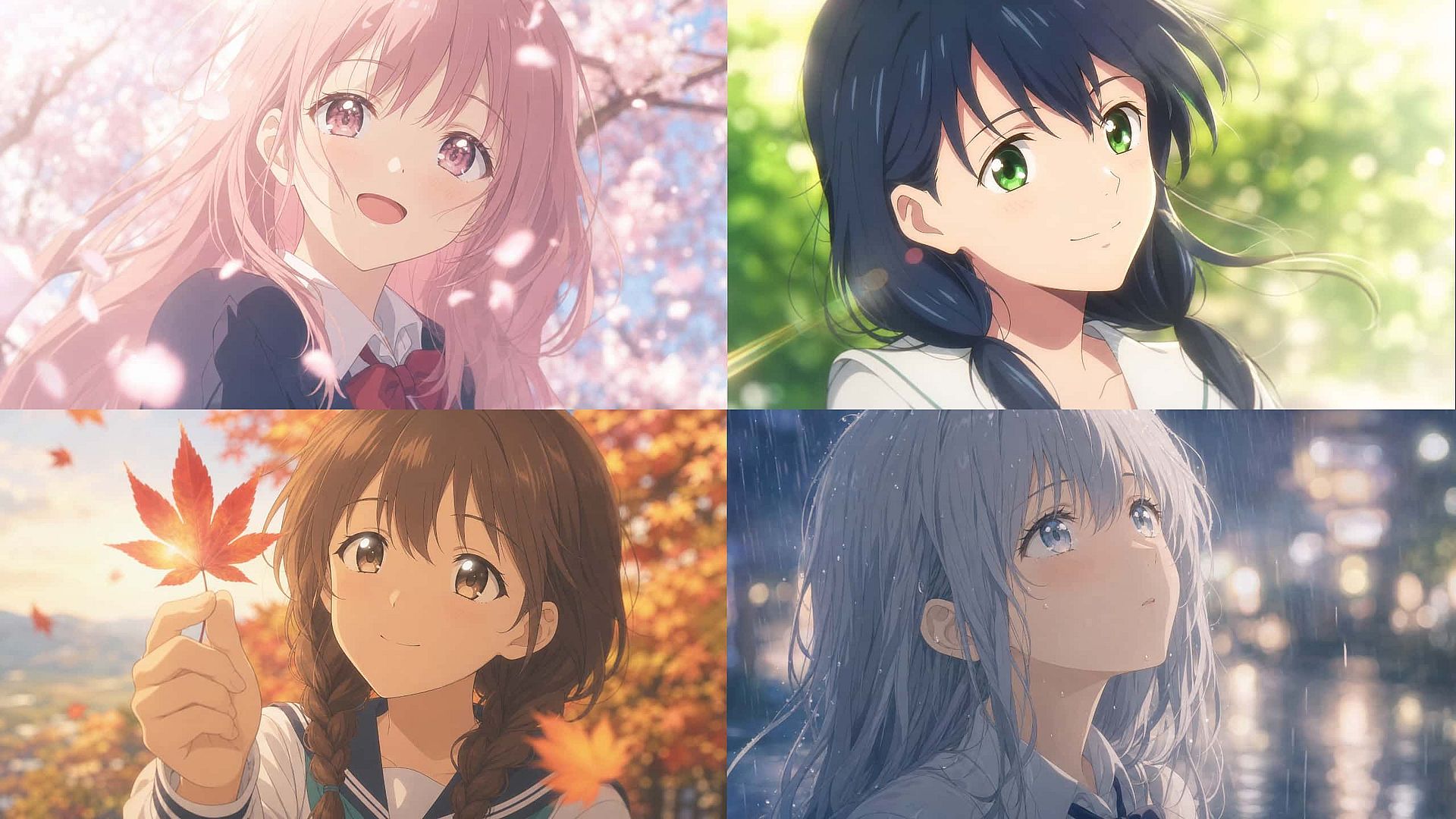
Anime-style backgrounds
Generate anime-style backgrounds on their own or alongside a character for full scene composition: school hallways, neon alleyways, quiet countryside towns.
Try it Now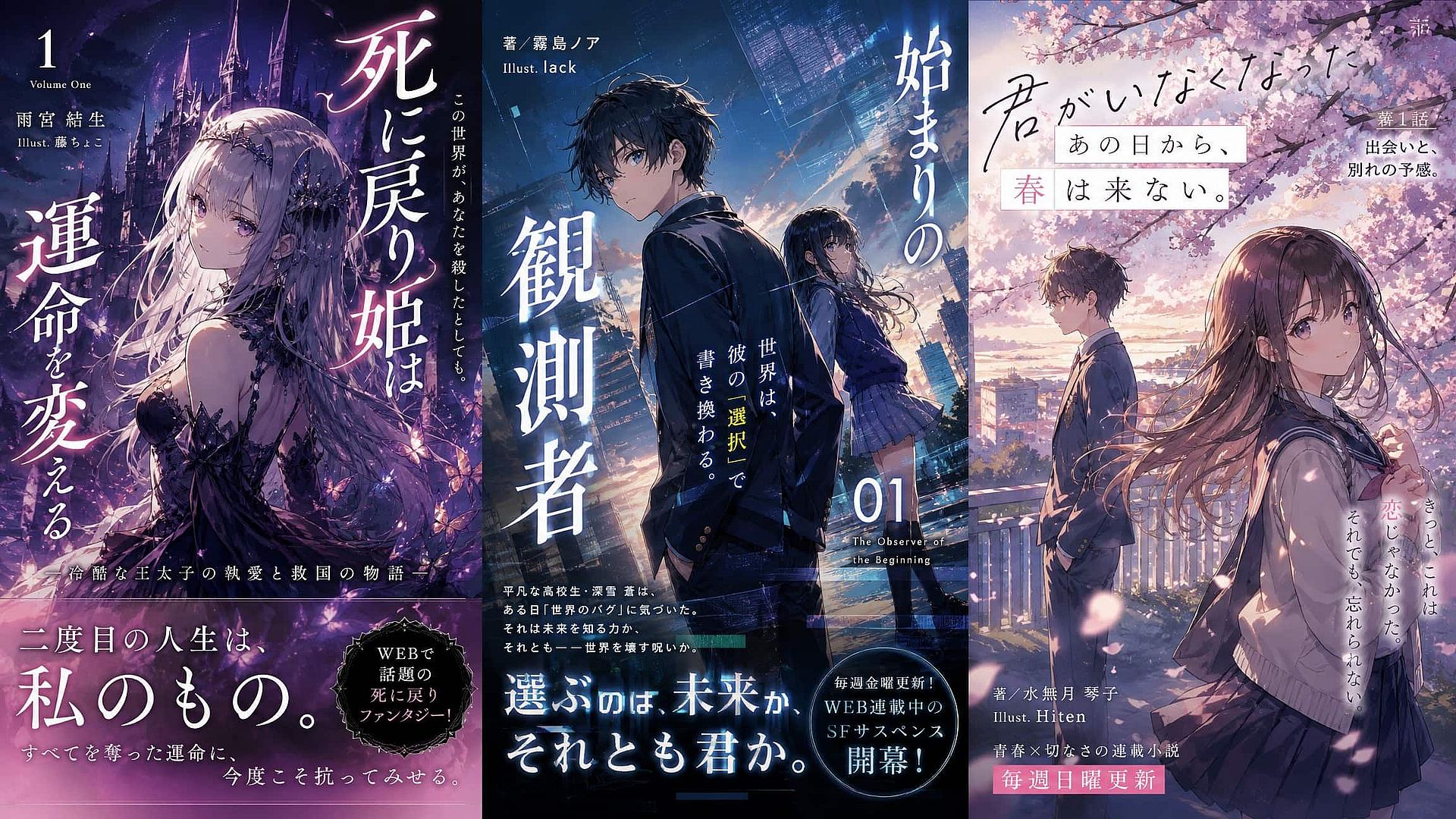
Book covers and light novel art
Create illustrated covers for indie publishing and serialized fiction, with GPT Image 2 handling title text placement and Edit Image fixing detail work before you upscale for print.
Try it Now