
Depth Map Generator
OpenArt's depth map generator turns any photo or video into a grayscale depth map that shows how far everything is from the camera. Upload an image or a clip up to 30 seconds, click Generate, and download the result for your editing, 3D, or AI video work.
Turn Photos and Videos Into Depth Maps With AI
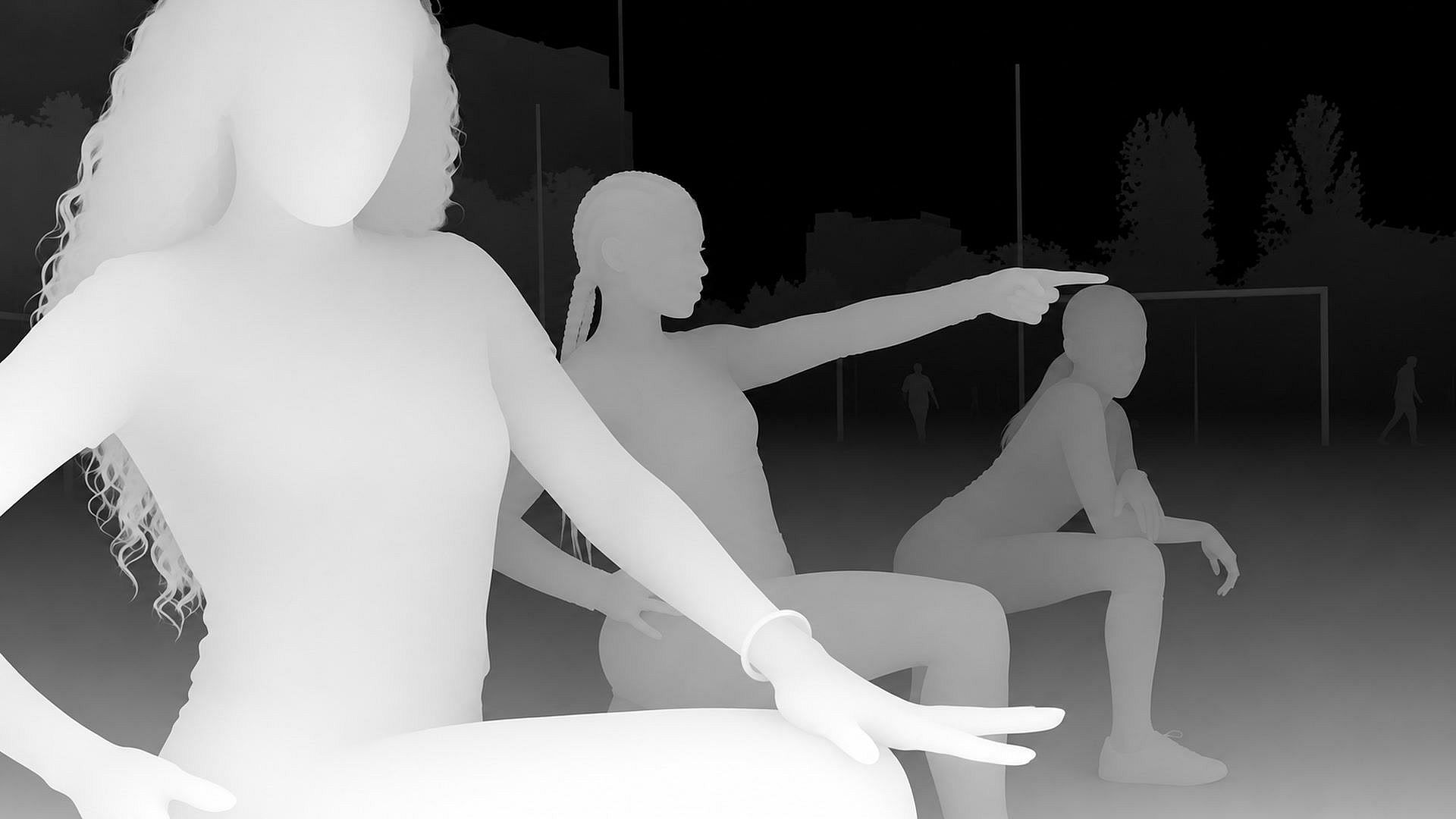
Make a depth map from an image
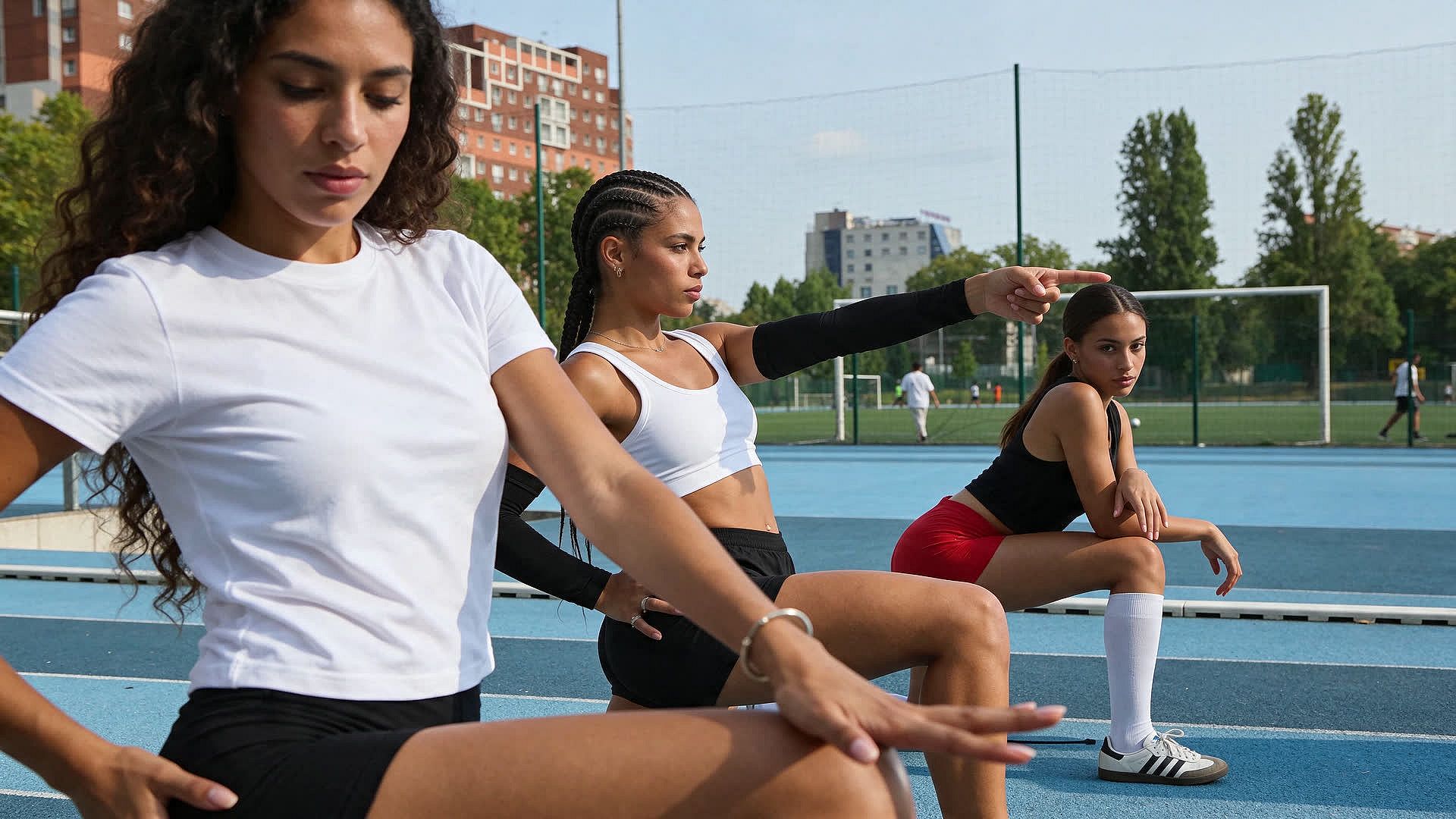
OpenArt's depth map generator turns one photo into a grayscale depth map. Upload a JPG, PNG, or WebP image up to 50 MB and click Generate. Things close to the camera come out bright, and things far away come out dark. In a photo of a coffee mug on a table, the mug shows up bright and the window behind it shows up dark.
Turn a video into a depth map video
OpenArt's depth map generator also works on video. Upload an MP4 or MOV clip from 1 to 30 seconds long and up to 200 MB. You get back a grayscale video where the depth changes as people and the camera move. A person walking toward the camera gets brighter with every step. Turn on Keep Original Sound if you want the depth video to keep the clip's audio.
Use your depth map in editing and 3D software
A depth map from OpenArt tells your editing or 3D software which parts of a picture are close and which parts are far. In After Effects or Photoshop, you can use the depth map to blur only the background or add fog that gets thicker with distance. In Blender, you can use the depth map to push a flat photo into a 3D shape for a slow camera move. Download your depth map from OpenArt and open it in the software you already use.
Guide new AI videos with a depth video
A depth video from OpenArt's depth map maker keeps the shapes and movement in your clip but none of its colors or textures. Filmmakers use the depth video as a guide for AI video. Add the depth video as a reference video in Seedance 2.5, along with a new first image and a prompt. The AI video model can then follow the original movement while it changes the people and the place. To replace a person, a product, or an outfit in a clip in one step, use OpenArt's Swap Anything tool.
How to Use the Depth Map Generator
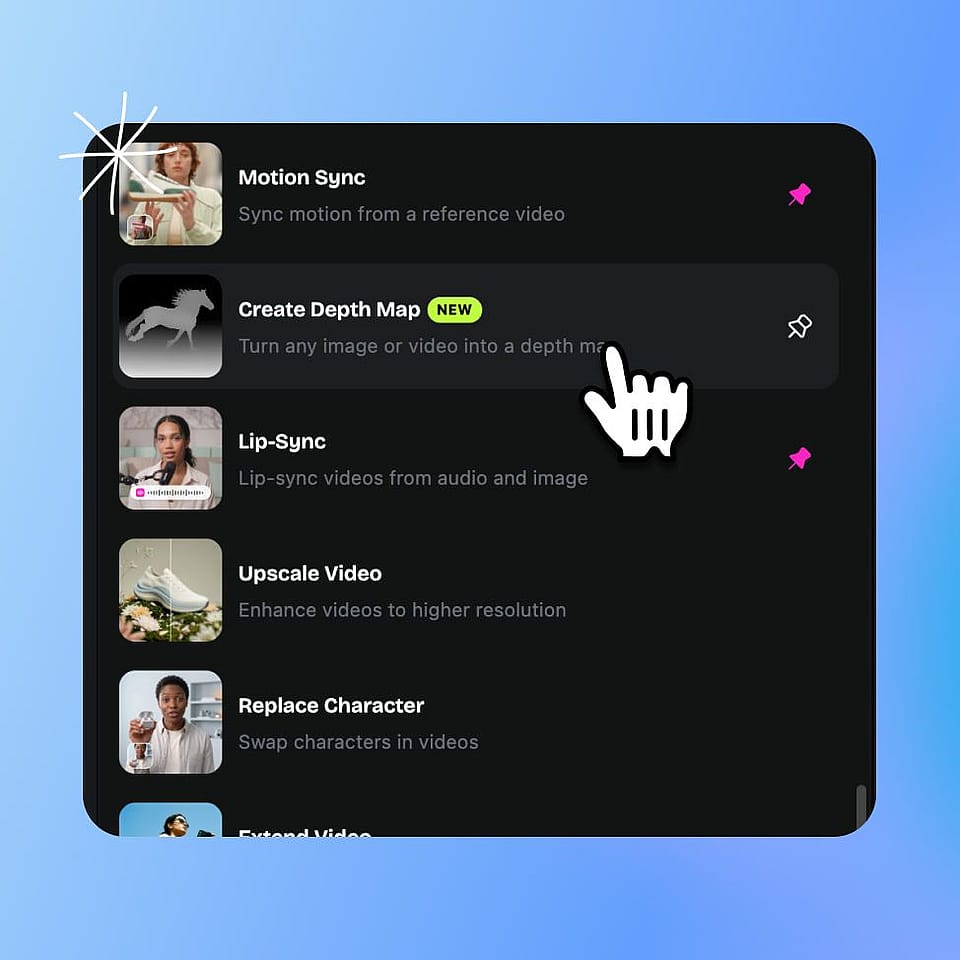
Open Create Depth Map
Go to Tools in OpenArt and pick Create Depth Map from the Image or Video list.
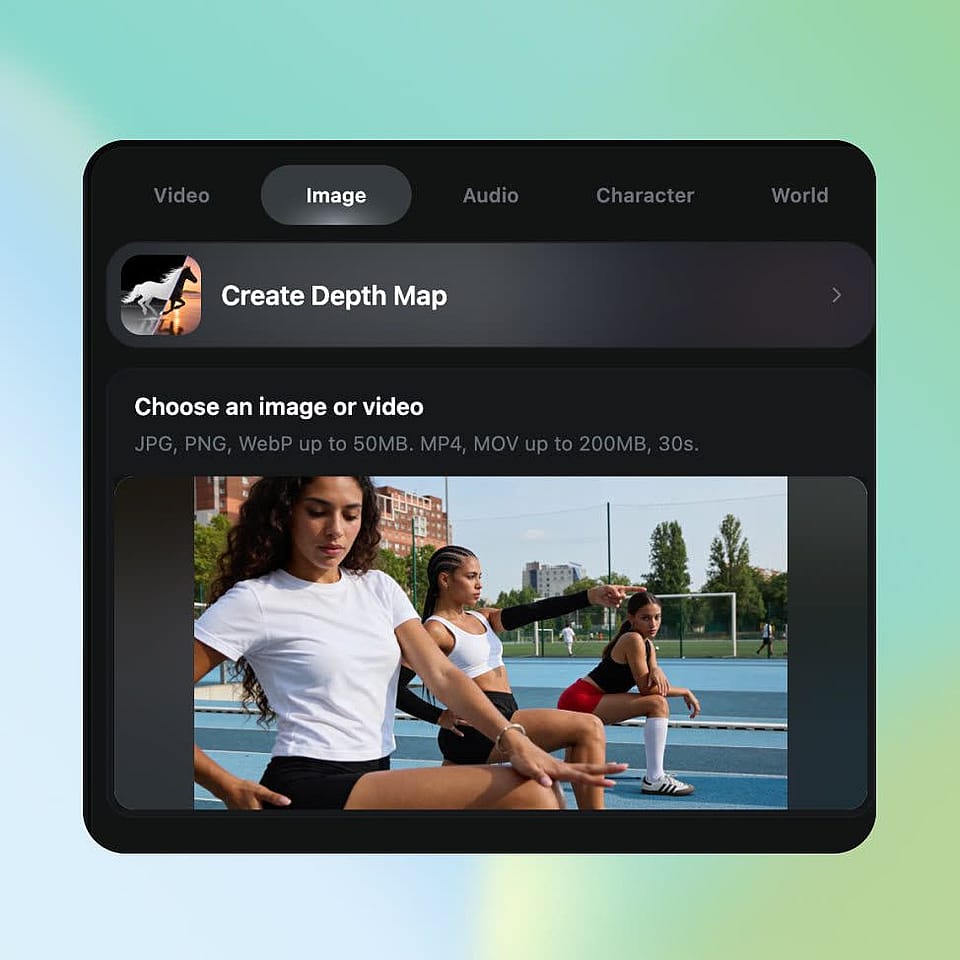
Upload your image or video
Choose a JPG, PNG, or WebP image up to 50 MB, or an MP4 or MOV video up to 200 MB and 30 seconds. For a video, turn on Keep Original Sound if you want to keep the audio.
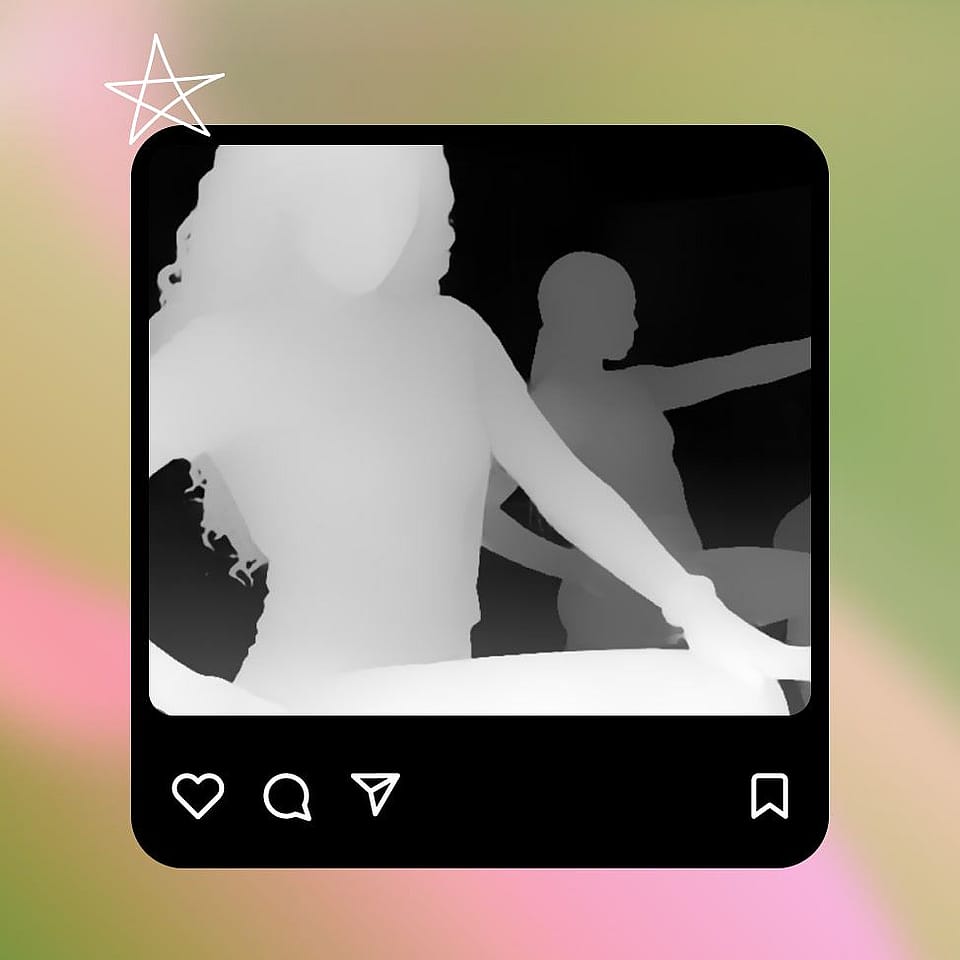
Generate and download
Click Generate, check the grayscale result, and download your depth map.
Who Uses an AI Depth Map Generator
Brand teams, filmmakers, video editors, and 3D artists use OpenArt's depth map generator to add depth to flat photos and real footage.
Brand and motion designers adding depth to product shots
Brand designers and motion designers use OpenArt's depth map generator to make flat product photos feel 3D. Start with a photo from your last shoot or one you made in the AI image generator, and make a depth map of it. In your editing software, use the depth map to blur the background or add a slow camera push toward the product. One product photo becomes a moving social post or ad. Commercial rights apply on eligible paid plans.
Try it NowFilmmakers mixing real footage with AI scenes
Filmmakers use OpenArt's depth map generator to mix live action with AI. Film your actors on a simple set, then make a depth video of the clip. Turn the first frame into a new world, like a knight facing an ogre, with OpenArt's AI photo editor. Add the depth video, the new first frame, and a prompt to an AI video model, and the actors' movement carries over into the new scene. You keep the real performance without building the set.
Try it NowVFX artists and editors adding effects by distance
VFX artists and video editors use depth videos from OpenArt to place effects at the right distance in real footage. The depth video tells your editing software what is near and what is far in every frame. Add fog that gets thicker toward the back of a street scene, or set a title behind the actor and in front of the buildings. For background swaps and new lighting inside OpenArt, use OpenArt VFX.
Try it Now3D artists turning photos into 3D scenes
3D artists and game designers use OpenArt's depth map generator to give flat pictures real depth. Make a depth map of a landscape or a room, and use it in Blender to raise the close parts of the picture toward the camera. The flat picture turns into a 3D surface you can light and move a camera across. A depth map from one photo saves you from modeling a simple background by hand.
Try it NowFrequently Asked Questions
A depth map is a grayscale picture that shows how far each part of a scene is from the camera. Close things are bright, and far things are dark. Video editors and 3D artists also call it a z-depth map or a depth pass. OpenArt's depth map generator makes one from any photo or video you upload.
Open Create Depth Map in OpenArt's Tools, upload a JPG, PNG, or WebP image up to 50 MB, and click Generate. OpenArt's depth map generator turns the image into a grayscale depth map you can download.
A depth map uses shades of gray to show distance, so it has no colors. In a depth map from OpenArt's depth map generator, the brightest parts are closest to the camera and the darkest parts are farthest away. Editing and 3D software read those shades as distance.
OpenArt gives you two ways to change a video's background or lighting and keep the subject's motion. OpenArt VFX replaces the background or relights a video while the people in it keep moving the same way. OpenArt's Swap Anything tool makes a new video that keeps your clip's motion and camera moves. You add pictures of the people, products, outfits, or places you want in the new video.
3D software knows the exact distance of every object because the scene was built in 3D, so its depth pass comes straight from the 3D model. OpenArt's depth map generator works out distance from an ordinary photo or video with AI. You get a depth map of real photos and footage that never had a 3D scene behind them.
OpenArt's depth map generator costs 2 credits for an image. A video costs 2 credits per second, so a 10-second clip costs 20 credits and a 30-second clip costs 60 credits. Every new account starts with 40 credits, and signing up needs no credit card.
A depth map generator is a tool that makes a depth map from an ordinary photo or video. OpenArt's depth map generator uses AI to work out how far everything in your image or clip is from the camera. The result is a grayscale depth map you can download. Inside OpenArt, the tool is called Create Depth Map.
Yes. OpenArt's depth map generator accepts MP4 and MOV videos from 1 to 30 seconds long and up to 200 MB. You get back a grayscale depth video that follows the movement in your clip. Turn on Keep Original Sound to keep the clip's audio in the depth video.
A depth map from OpenArt helps you blur a background by distance or add fog that grows toward the back of a scene. A depth map can also turn a flat photo into a 3D surface. Download the depth map and import it into After Effects, Photoshop, Blender, or any software that reads image or video files. Filmmakers also add depth videos as reference videos in AI video models to keep the original movement in a new scene.
Yes. Make a depth video of your real footage with OpenArt's depth map generator, then turn the first frame into a new scene with the AI photo editor. Add the depth video, the new first frame, and a prompt to a video model that accepts reference videos, like Seedance 2.5. The AI video follows the movement of your real actors inside the new scene.
Yes. Every new OpenArt account starts with 40 free credits, so you can try the product right away. One depth map generation for a single image costs only 2 credits. When you're ready to create more, paid plans add monthly credits and watermark-free downloads. See current plans on the OpenArt pricing page.
Yes. Connect OpenArt to Claude or ChatGPT with the OpenArt MCP connector, share your image or video, and ask for a depth map. OpenArt runs Create Depth Map and sends the grayscale depth map back to your chat.
Get Insights from Experts Blog
Get the insights you need. Our experts share actionable hacks, break down the hottest topics, and provide essential how-to guides to help you create, optimize, and scale.
Read More
Loved by Creators Worldwide
See what our community has to say
I've tried many AI platforms… but OpenArt is still the best for character creation, image-to-video quality, and the variety of models available.
OpenArt offers an excellent array of AI tools… once you learn the features, the creative possibilities are amazing - and their support team is outstanding.
OpenArt is a very versatile AI platform with many image and video models, consistent character creation, and powerful editing tools.
Helpful AI tools all in one place - image and video generation, editing, and more… no need for multiple subscriptions.
Customer service is always quick and helpful… and the platform keeps getting better with new features and tools.
I've tried many AI platforms… but OpenArt is still the best for character creation, image-to-video quality, and the variety of models available.
OpenArt offers an excellent array of AI tools… once you learn the features, the creative possibilities are amazing - and their support team is outstanding.
OpenArt is a very versatile AI platform with many image and video models, consistent character creation, and powerful editing tools.
Helpful AI tools all in one place - image and video generation, editing, and more… no need for multiple subscriptions.
Customer service is always quick and helpful… and the platform keeps getting better with new features and tools.
I've tried many AI platforms… but OpenArt is still the best for character creation, image-to-video quality, and the variety of models available.
OpenArt offers an excellent array of AI tools… once you learn the features, the creative possibilities are amazing - and their support team is outstanding.
OpenArt is a very versatile AI platform with many image and video models, consistent character creation, and powerful editing tools.
Helpful AI tools all in one place - image and video generation, editing, and more… no need for multiple subscriptions.
Customer service is always quick and helpful… and the platform keeps getting better with new features and tools.
With so many AI platforms out there, OpenArt stood out as a stellar choice - I'd recommend it to any creator.
This platform includes everything you need for AI content creation - images, video, characters, audio, and multiple AI models in one place.
OpenArt is pushing the boundaries of AI video creation… and it's clear the team is committed to improving the creator experience.
I made my first AI music video with OpenArt… and their support team was the best help I've ever experienced.
I'm very happy with the support - my issue was resolved quickly and the team made the process easy.
With so many AI platforms out there, OpenArt stood out as a stellar choice - I'd recommend it to any creator.
This platform includes everything you need for AI content creation - images, video, characters, audio, and multiple AI models in one place.
OpenArt is pushing the boundaries of AI video creation… and it's clear the team is committed to improving the creator experience.
I made my first AI music video with OpenArt… and their support team was the best help I've ever experienced.
I'm very happy with the support - my issue was resolved quickly and the team made the process easy.
With so many AI platforms out there, OpenArt stood out as a stellar choice - I'd recommend it to any creator.
This platform includes everything you need for AI content creation - images, video, characters, audio, and multiple AI models in one place.
OpenArt is pushing the boundaries of AI video creation… and it's clear the team is committed to improving the creator experience.
I made my first AI music video with OpenArt… and their support team was the best help I've ever experienced.
I'm very happy with the support - my issue was resolved quickly and the team made the process easy.
Get Insights from Experts Blog
Get the insights you need. Our experts share actionable hacks, break down the hottest topics, and provide essential how-to guides to help you create, optimize, and scale.
Read More