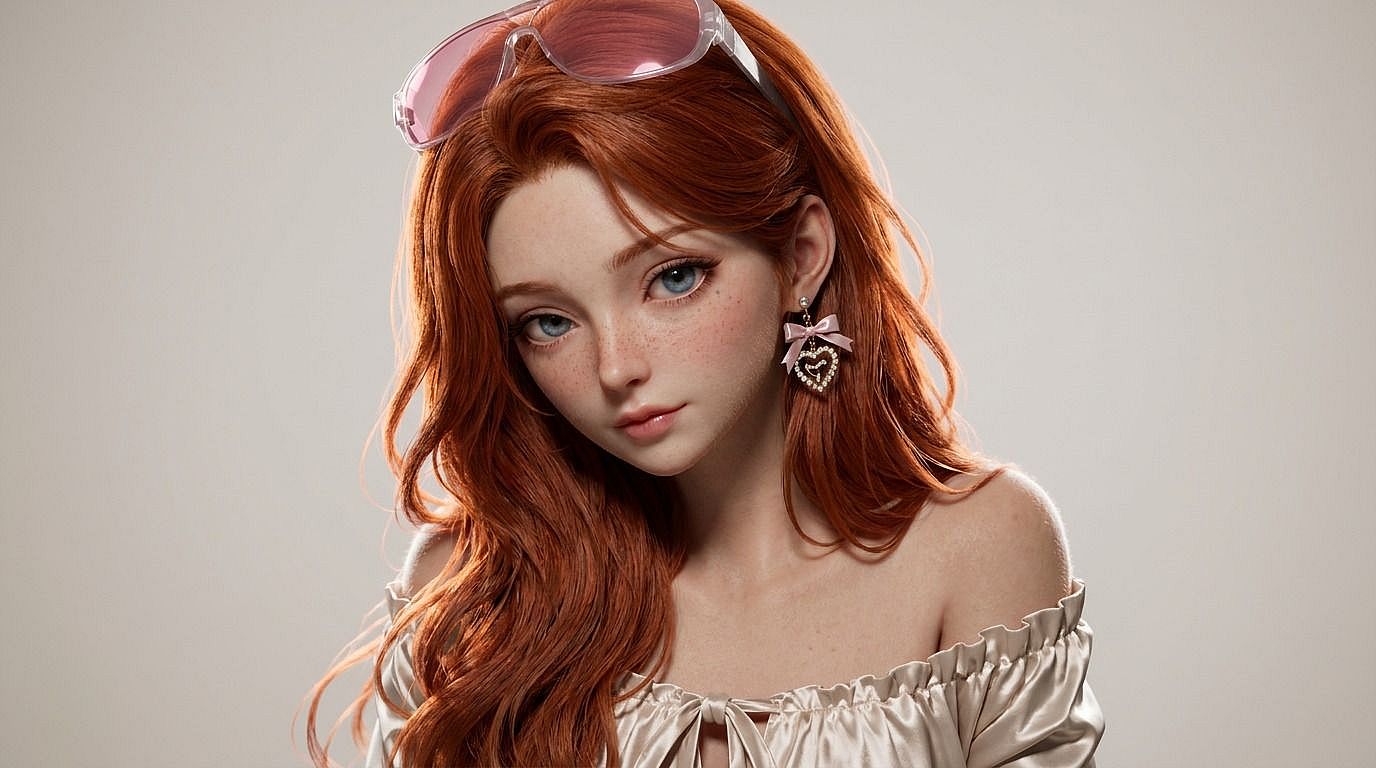
Photo to 3D
Want that Pixar-meets-Disney 3D look in your photos? Upload your image to OpenArt's photo to 3D tool and get a stylized 3D photo of yourself, your pet, or any subject in seconds.
 Add an image Or drag and drop here · JPEG, PNG, WEBP
 Why Choose Photo to 3D



3D-Style Render from Any Photo
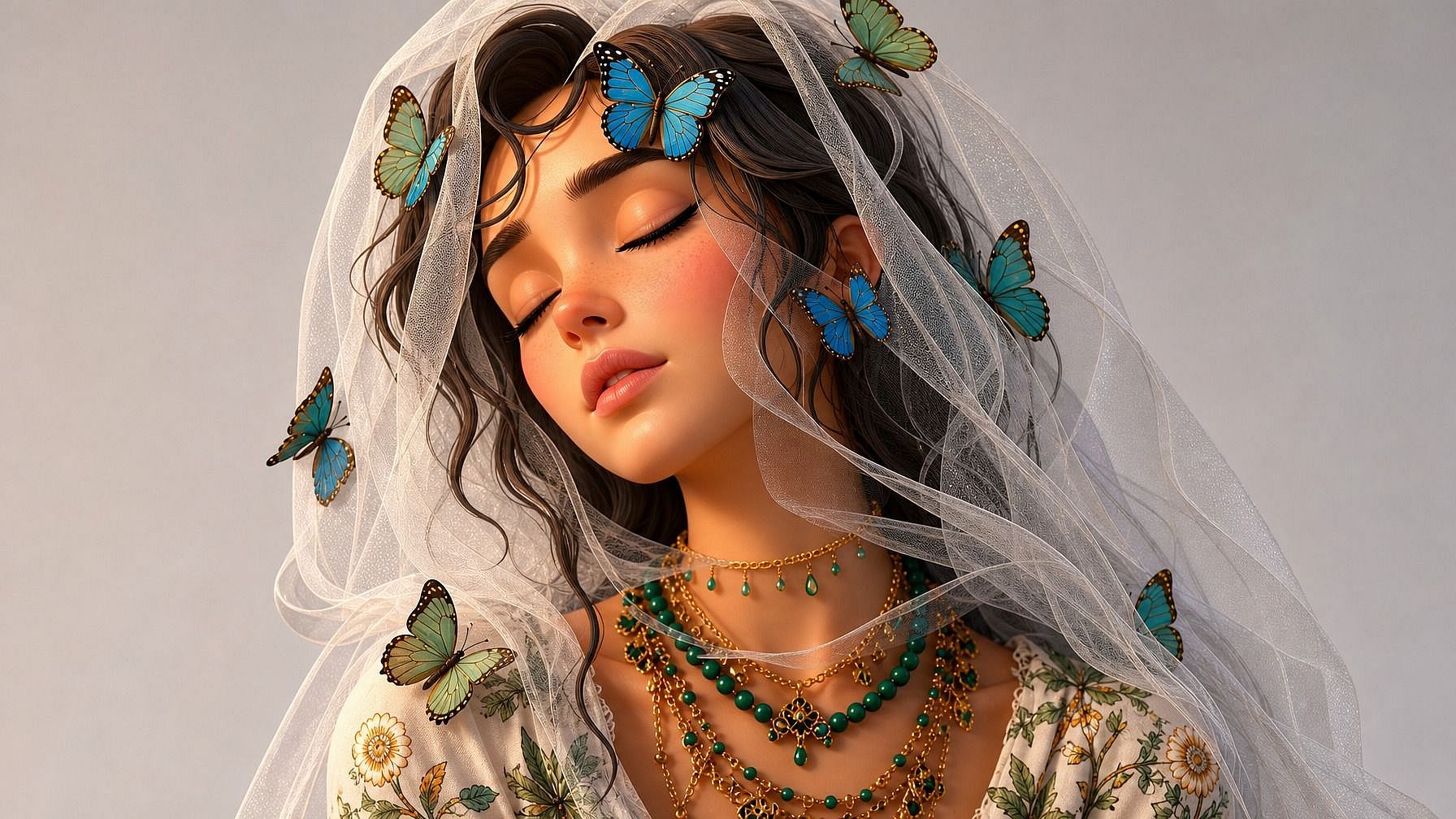
Upload a photo and the AI re-renders it in a polished 3D style — soft volumetric lighting, smooth surfaces, that "animated movie still" feel — without you touching a 3D tool.



Pick Your 3D Look
Pixar-style, Disney 3D, claymation, plastic figurine, vinyl toy, video game CGI, low-poly, hyperreal CGI — describe the style and the AI matches your photo to it.
Stays Recognizable
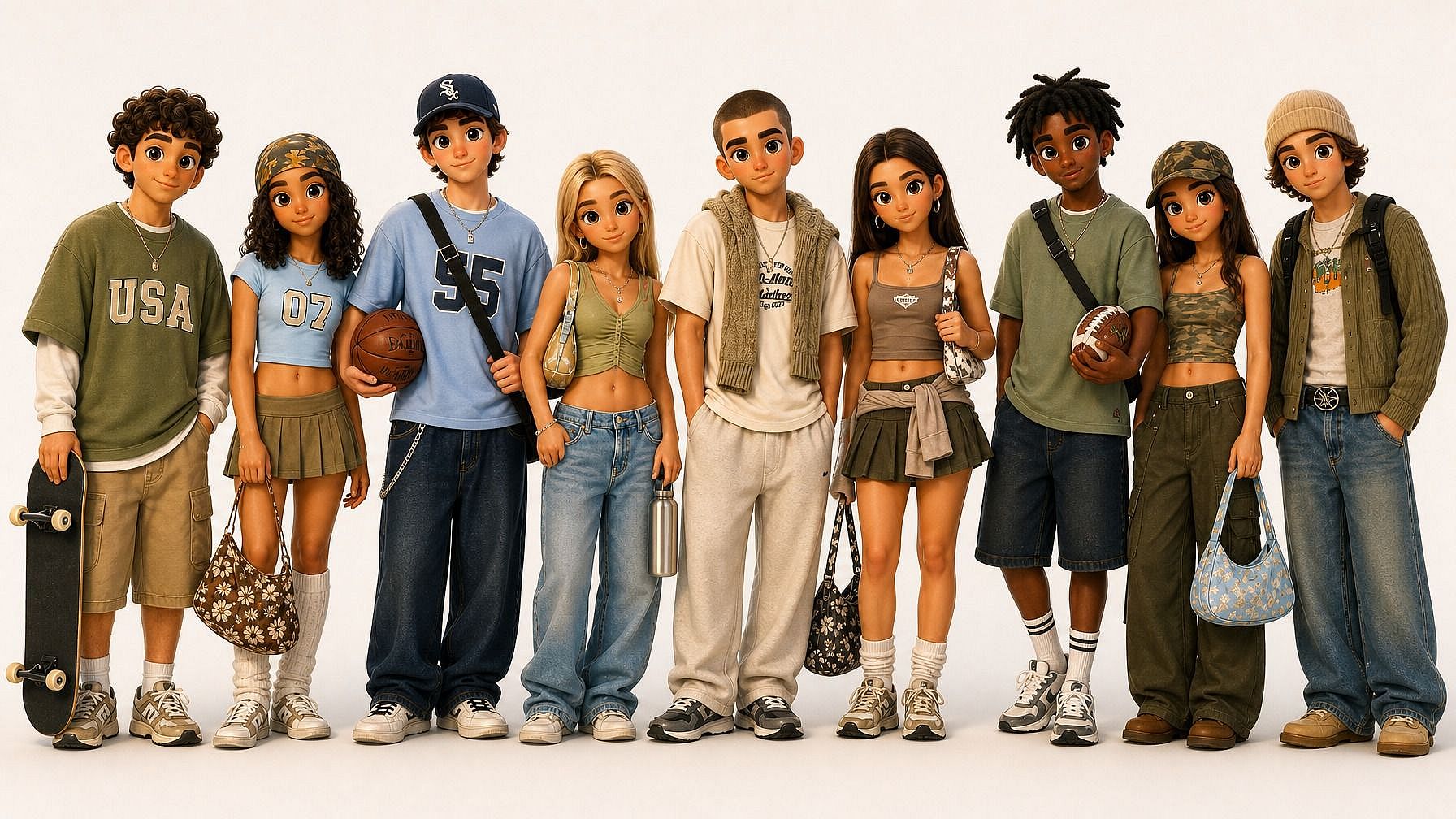
Your subject still reads as your subject. The AI preserves face shape, expression, pose, and outfit details, then renders them in the 3D style you picked instead of inventing a random character.
Key Features of Photo to 3D
OpenArt's AI image editor uses advanced models like GPT Image 2.0, Nano Banana Pro, and Seedream 4.5, to convert photos into 3D-style photos that feel like stills from an animated film.
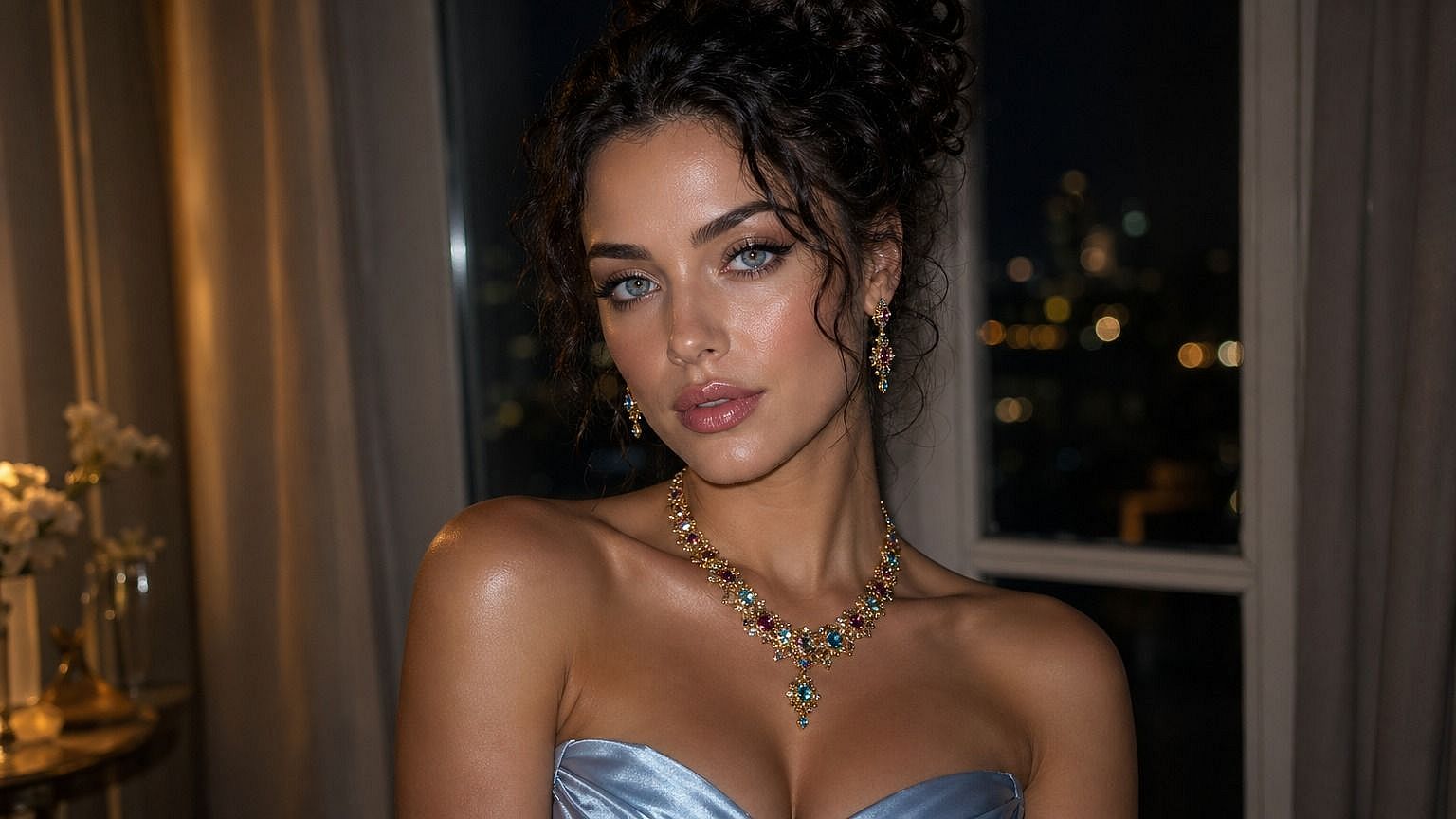
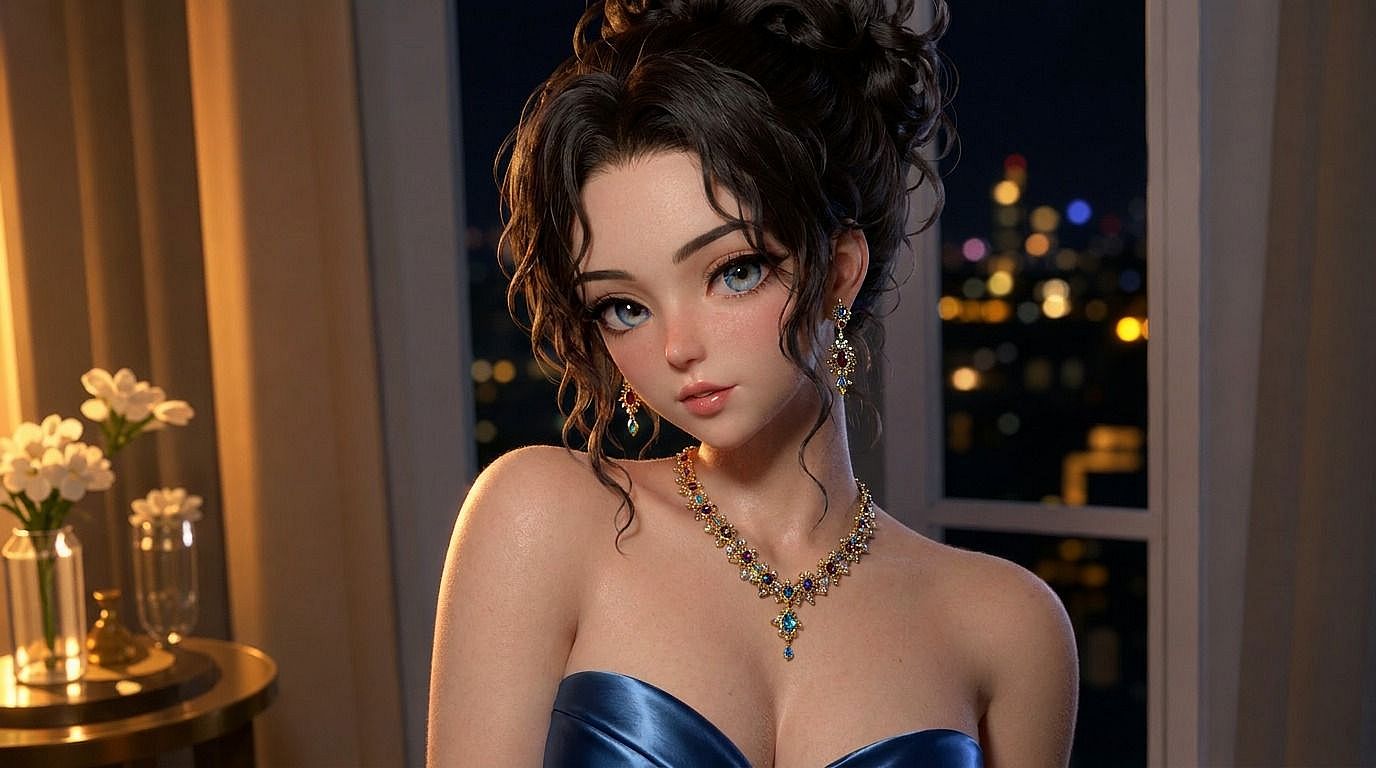
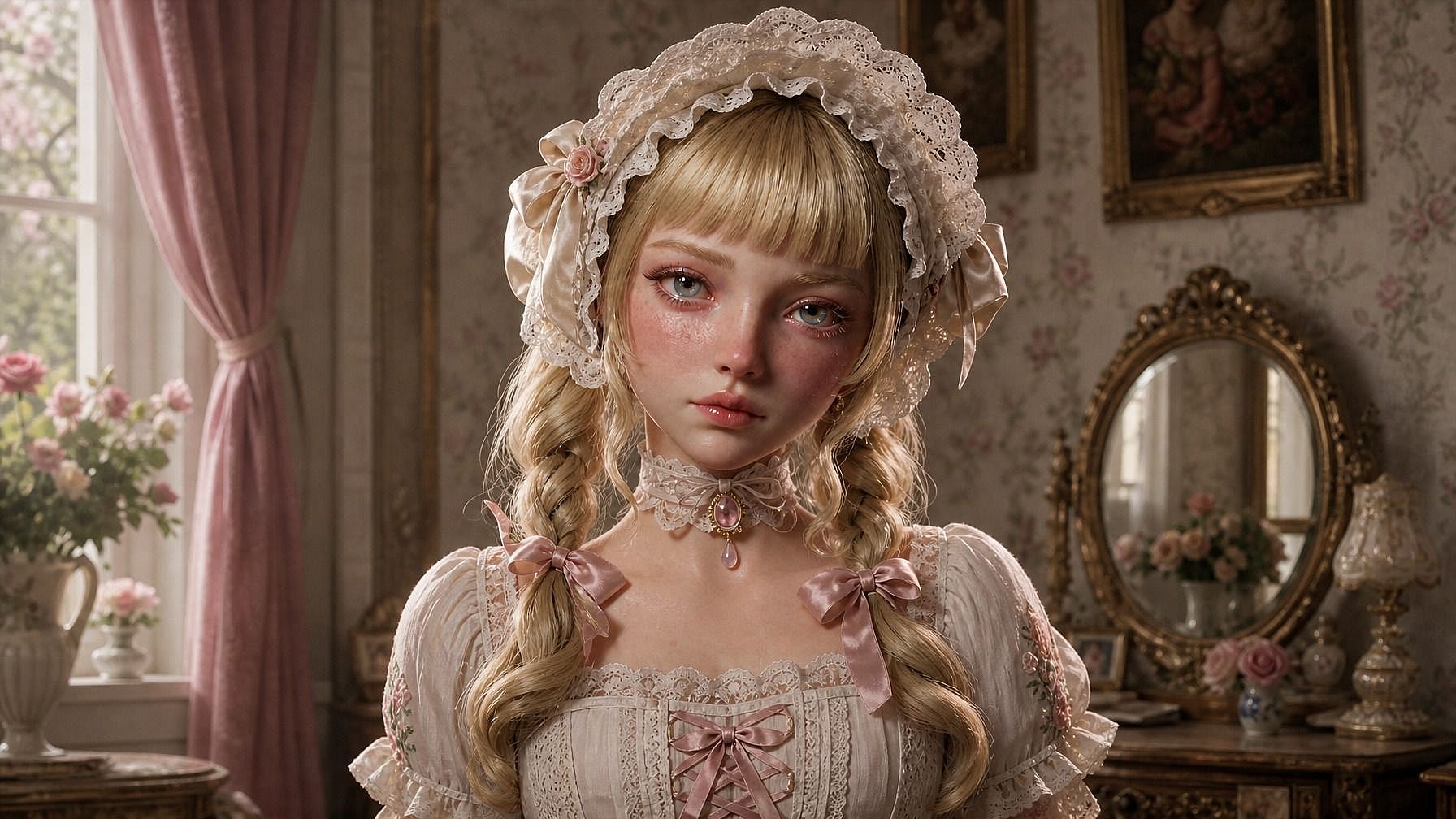
Pixar-Style Portraits from a Photo
Upload any photo and the AI re-renders the subject as a Pixar/Disney-style 3D character. Big expressive eyes, soft shading, cinematic lighting, that animated-movie polish. Your face, expression, and pose are preserved, then translated into the 3D look.
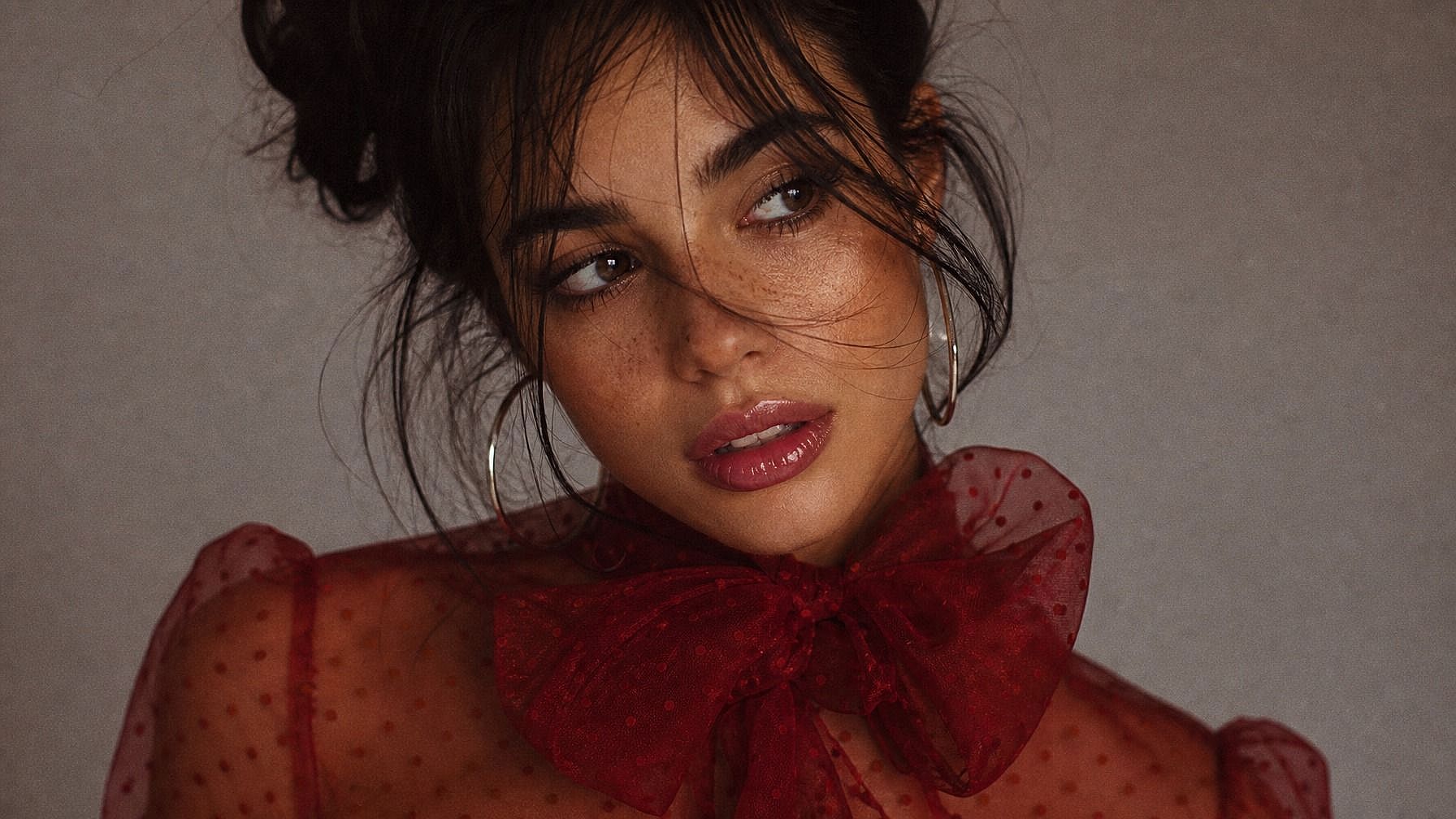
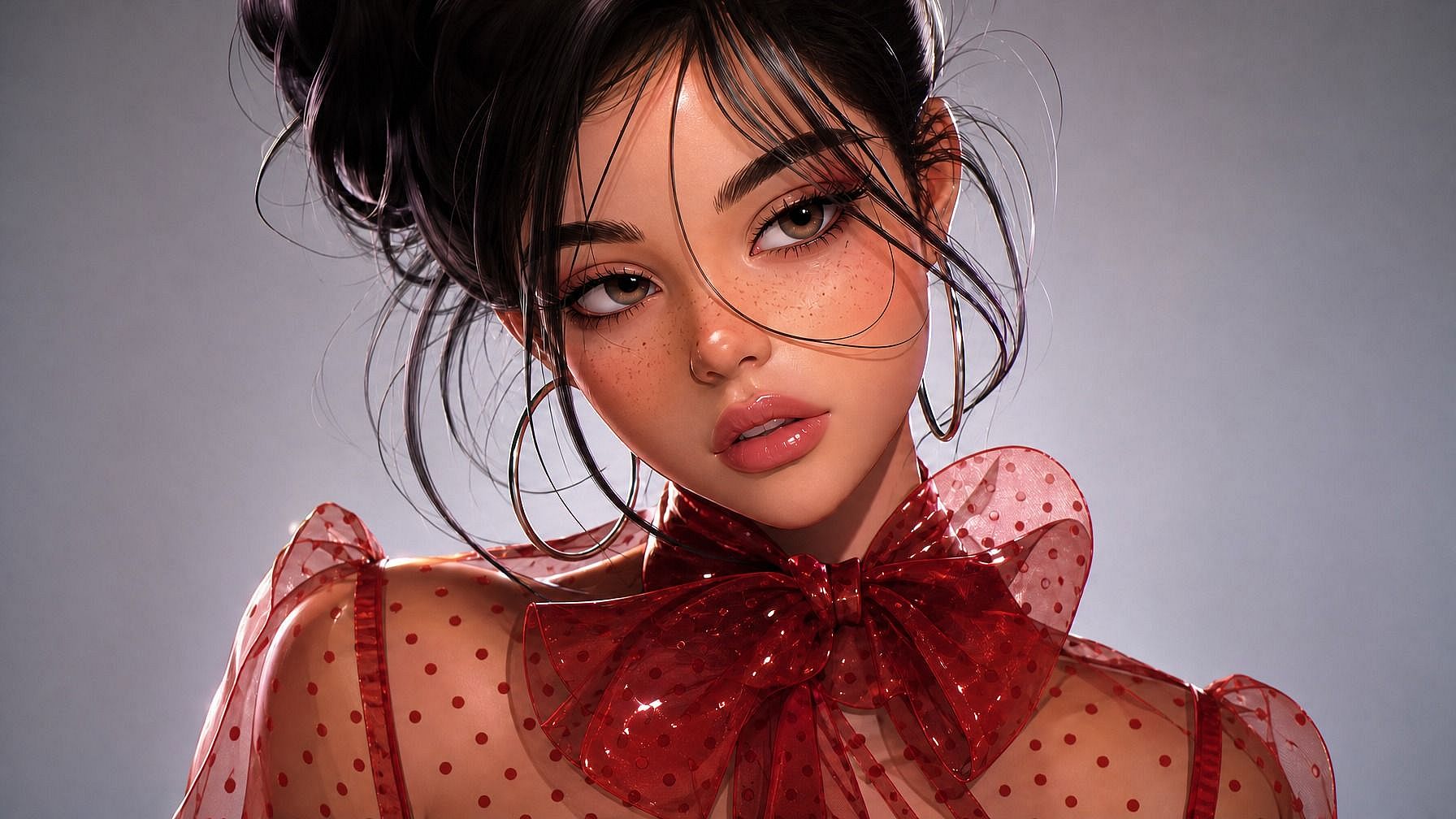
Style Range from Claymation to CGI
Pixar/Disney 3D, claymation, plastic figurine, vinyl toy, low-poly game character, hyperreal CGI, sculpted statue, or miniature diorama. The AI adapts to the style you describe, so the new image lands in the world you're aiming for instead of feeling like a generic filter.
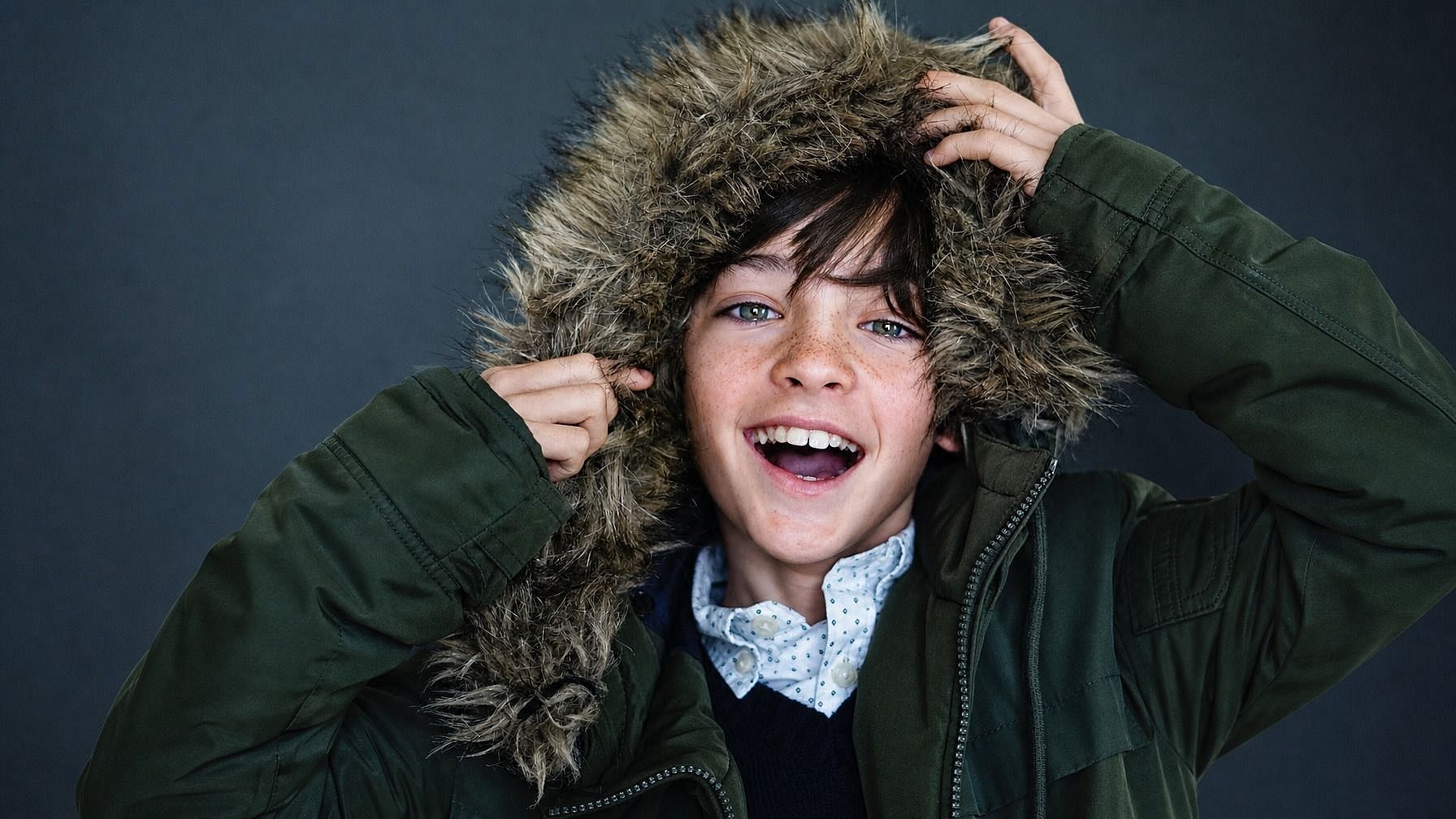
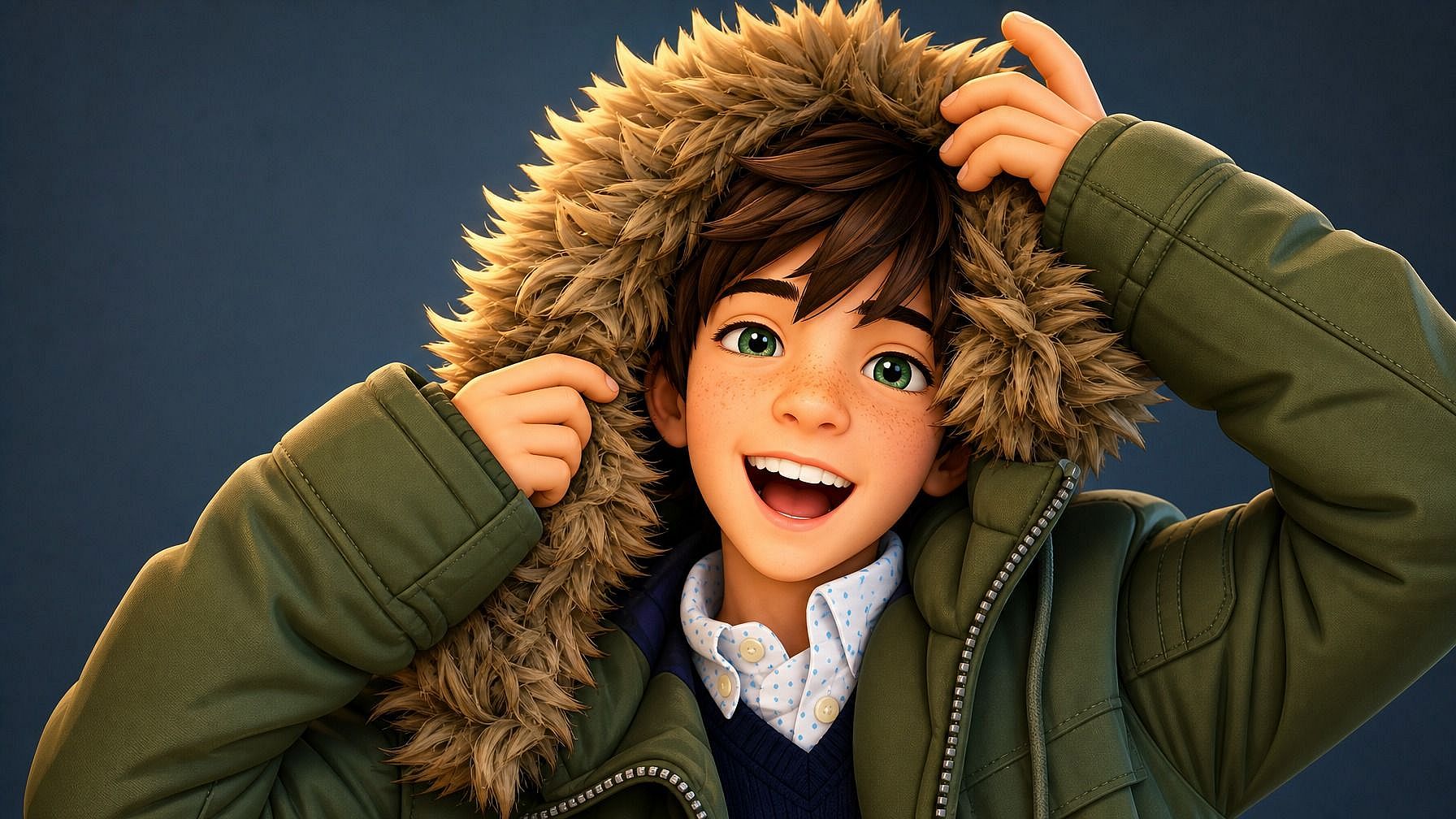
Recognizable, Consistent Likeness
Even with all the stylization, the AI preserves the features that make a face recognizable: eye shape, hairstyle, jawline, expression cues, and the details that make a scene feel like yours, like outfit and pose.
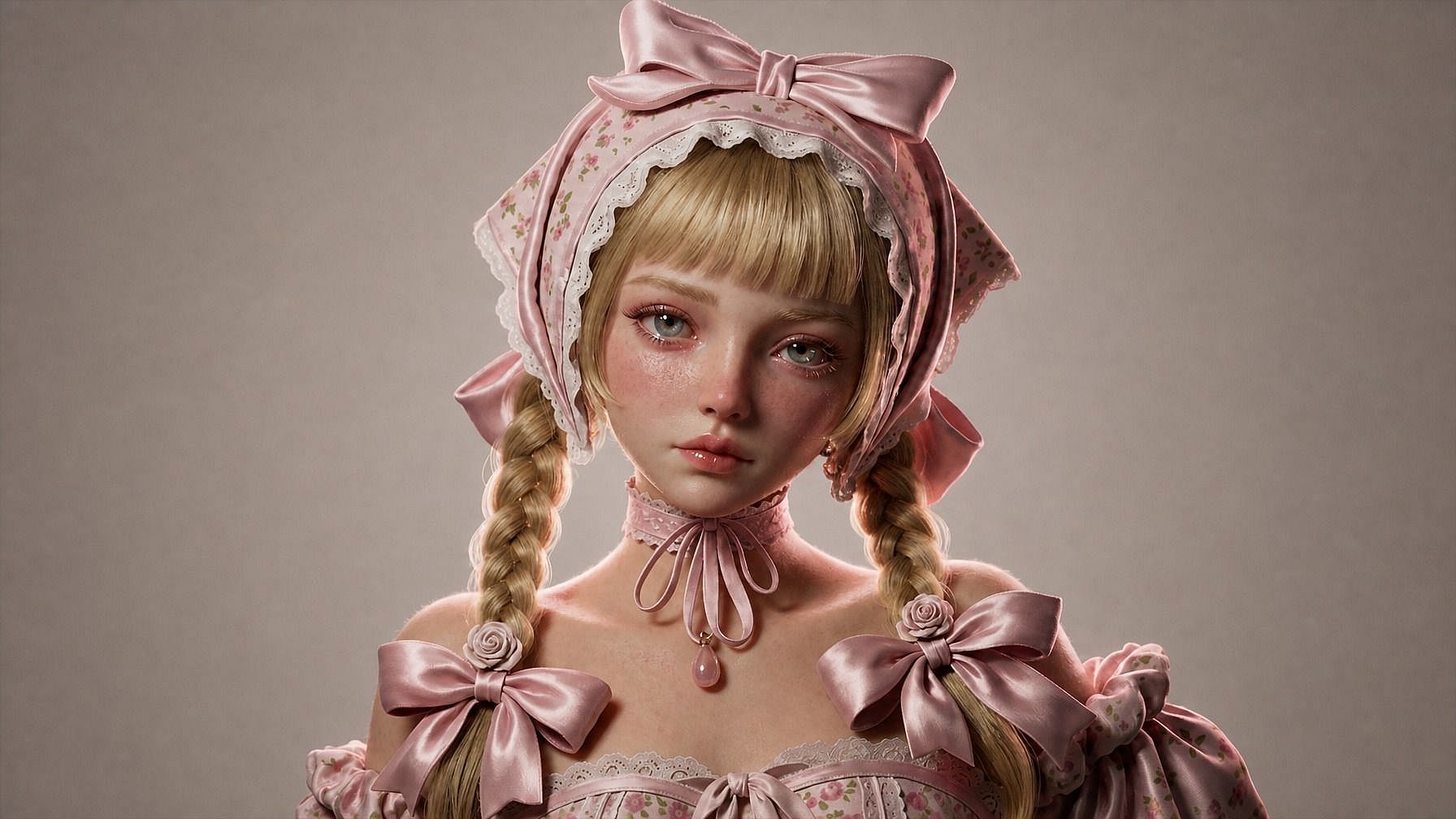
Built into a Full Image Editing Workflow
Once your 3D-style image is generated, you can keep refining it in the same window. Adjust the background, swap the outfit, tweak the lighting, generate variations at different angles, or run multiple 3D styles side by side.
How to Use Photo to 3D
Turn your photo into a 3D-style render in three steps.
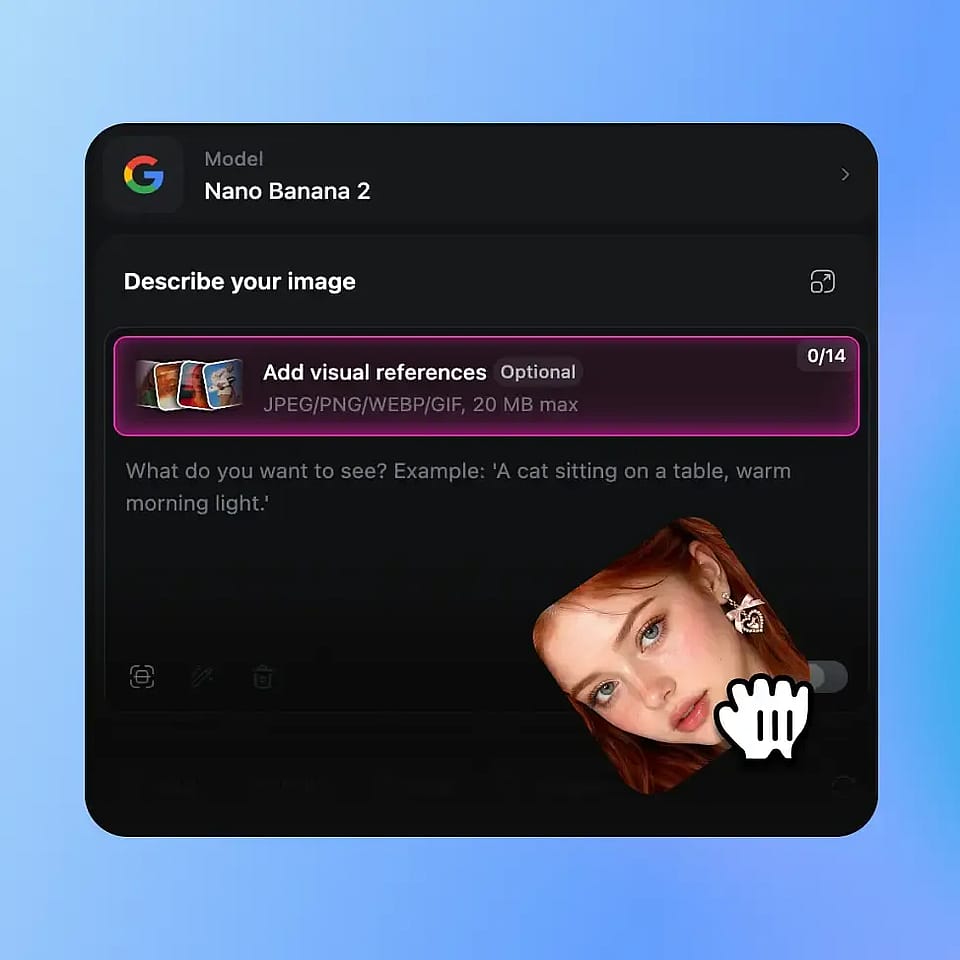
Upload Your Photo
Open OpenArt's image tools and upload a clear photo of your subject. A well-lit shot with the face or main subject clearly visible works best, but the AI handles full-body, side angles, group shots, and pet pics too.
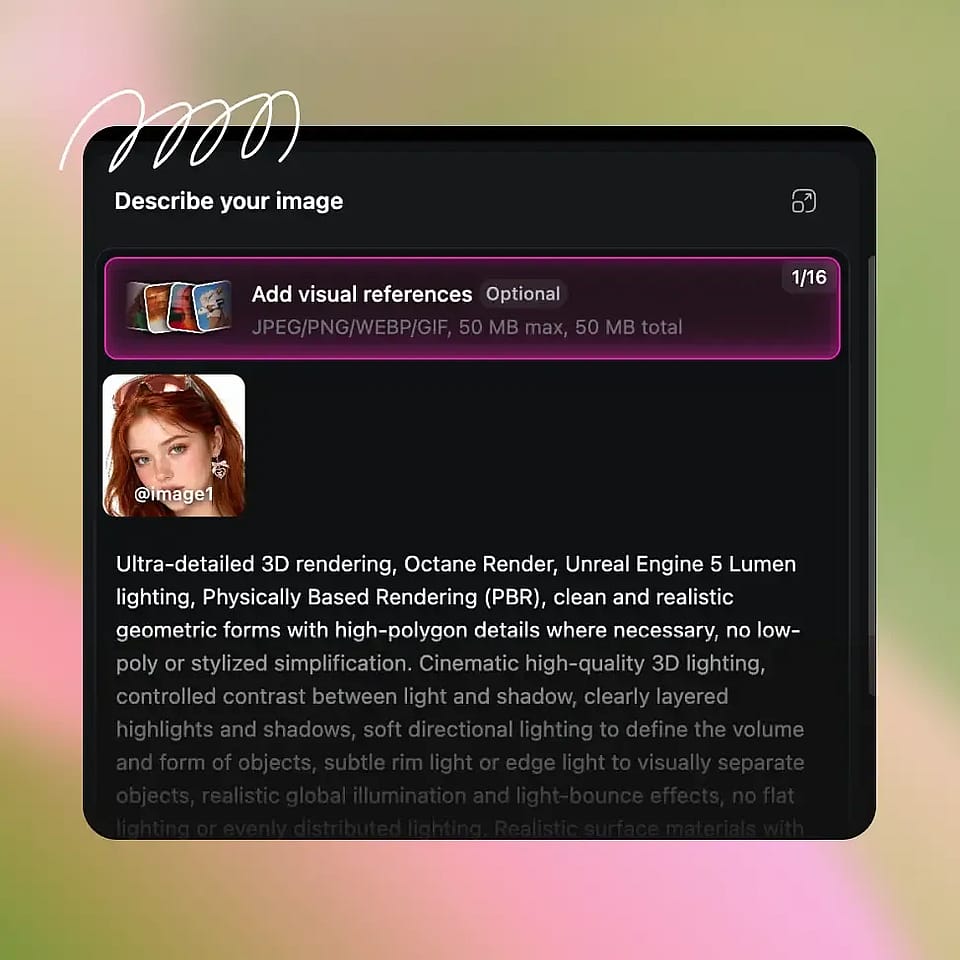
Describe Your 3D Style
Type in the 3D look you want — "Pixar-style 3D portrait," "Disney 3D animated character," "claymation figure," "vinyl toy version of me," "low-poly game character," "hyperreal CGI close-up." Be as specific or loose as you want.
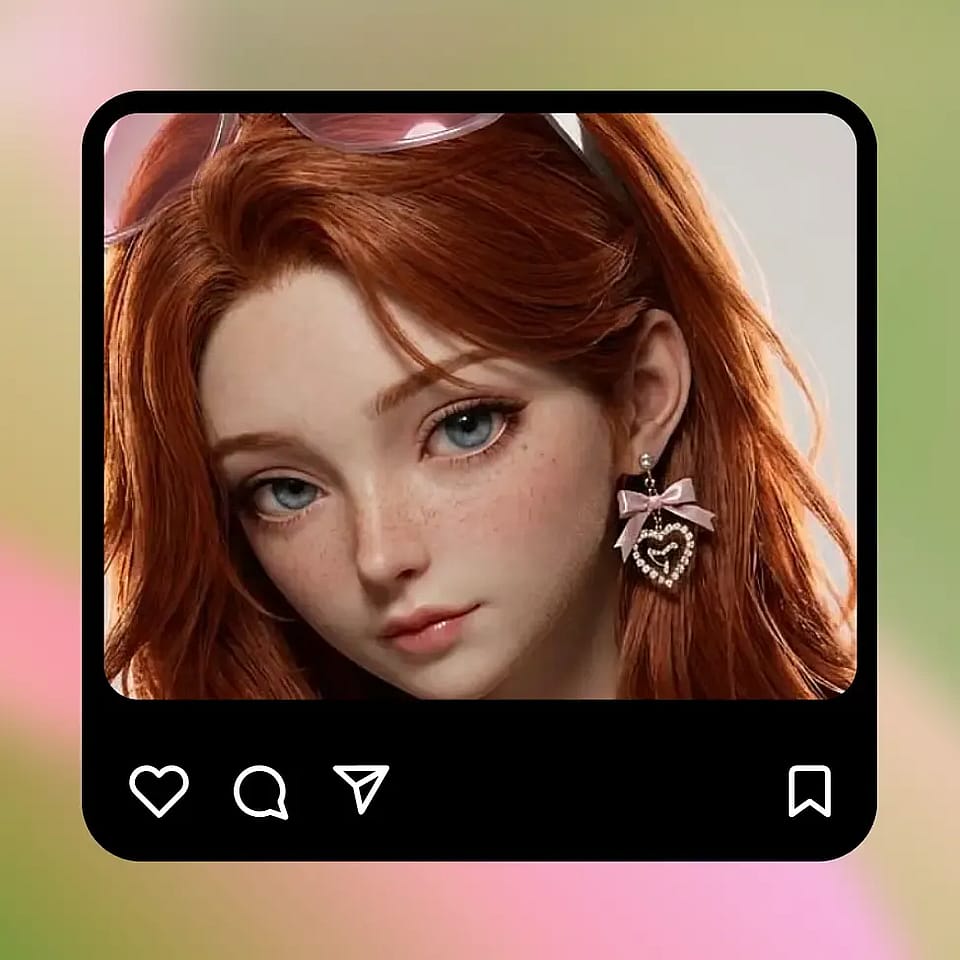
Generate and Refine
Run it, preview the render, and refine if needed. Try a different 3D style, tweak the lighting, change the background, or generate a few variations until you land on the one that feels right.
Built for Polished 3D Looks in Any Kind of Image
Take a photo and turn it into a 3D-style render that's ready to post, share, or print.
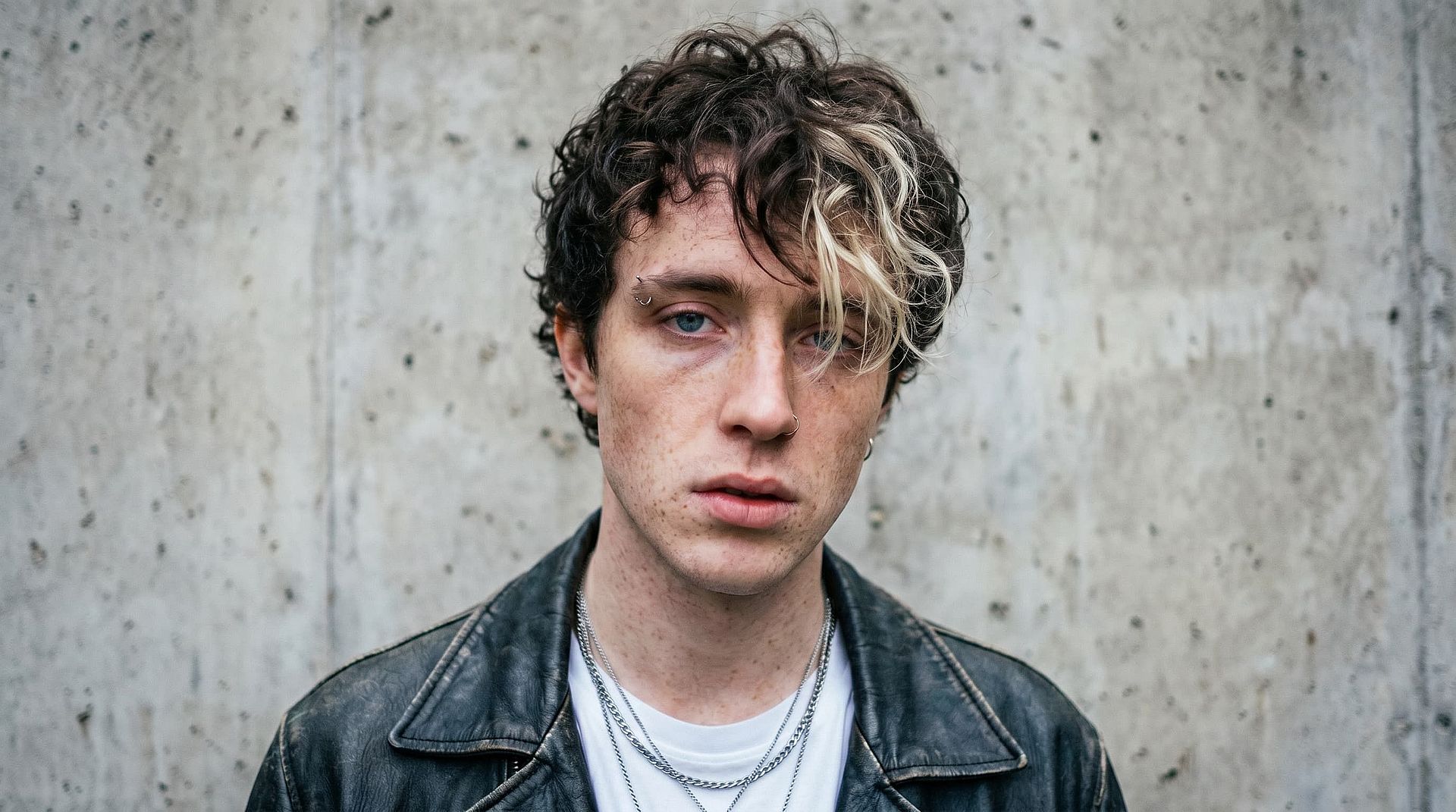
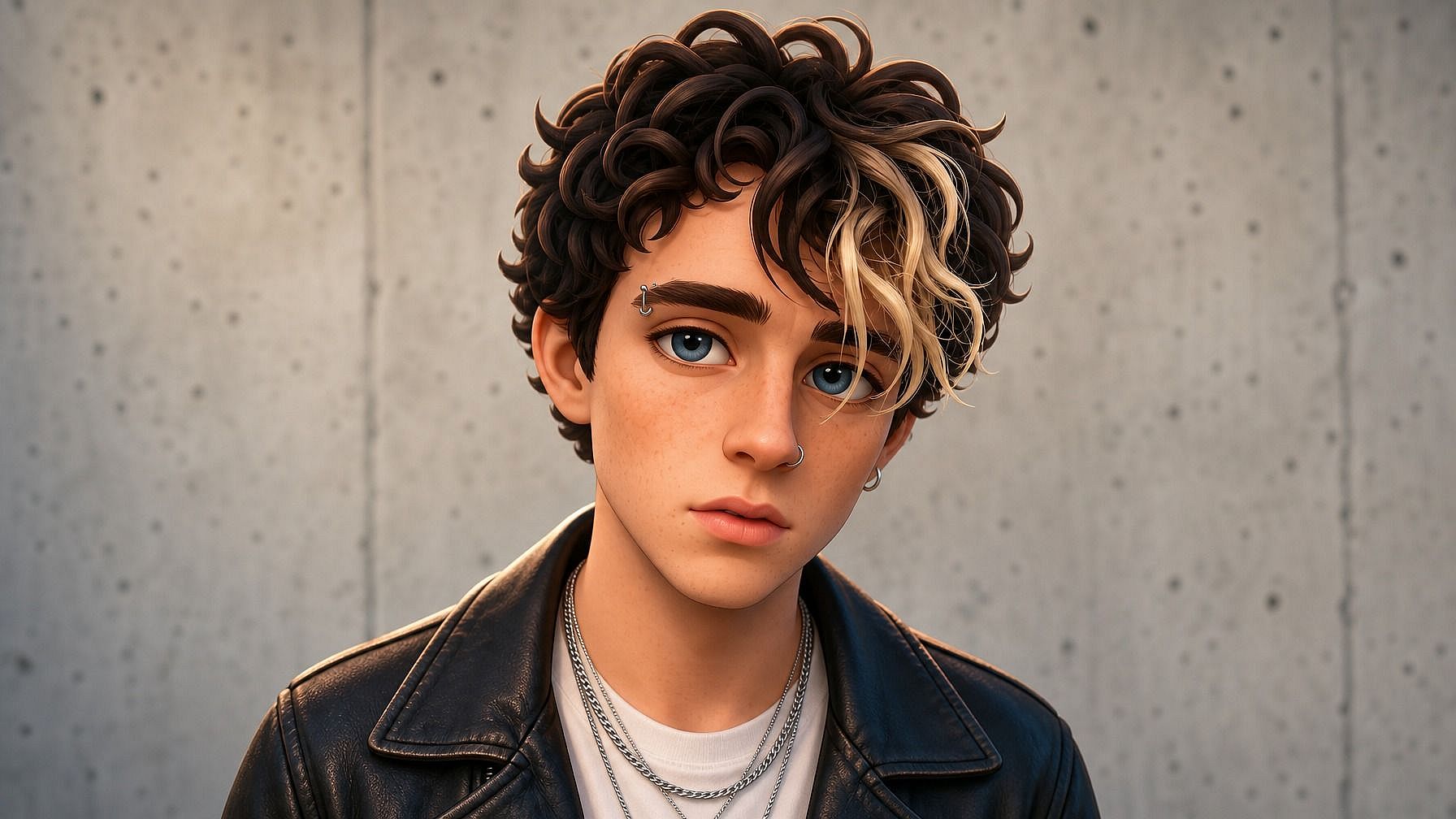
Profile Pictures and Social Posts
Use a Pixar-style 3D portrait as your profile pic on Instagram, X, Discord, or LinkedIn, or post it as standalone content. It's an instantly recognizable look that performs well on social and still reads as you.
Try it Now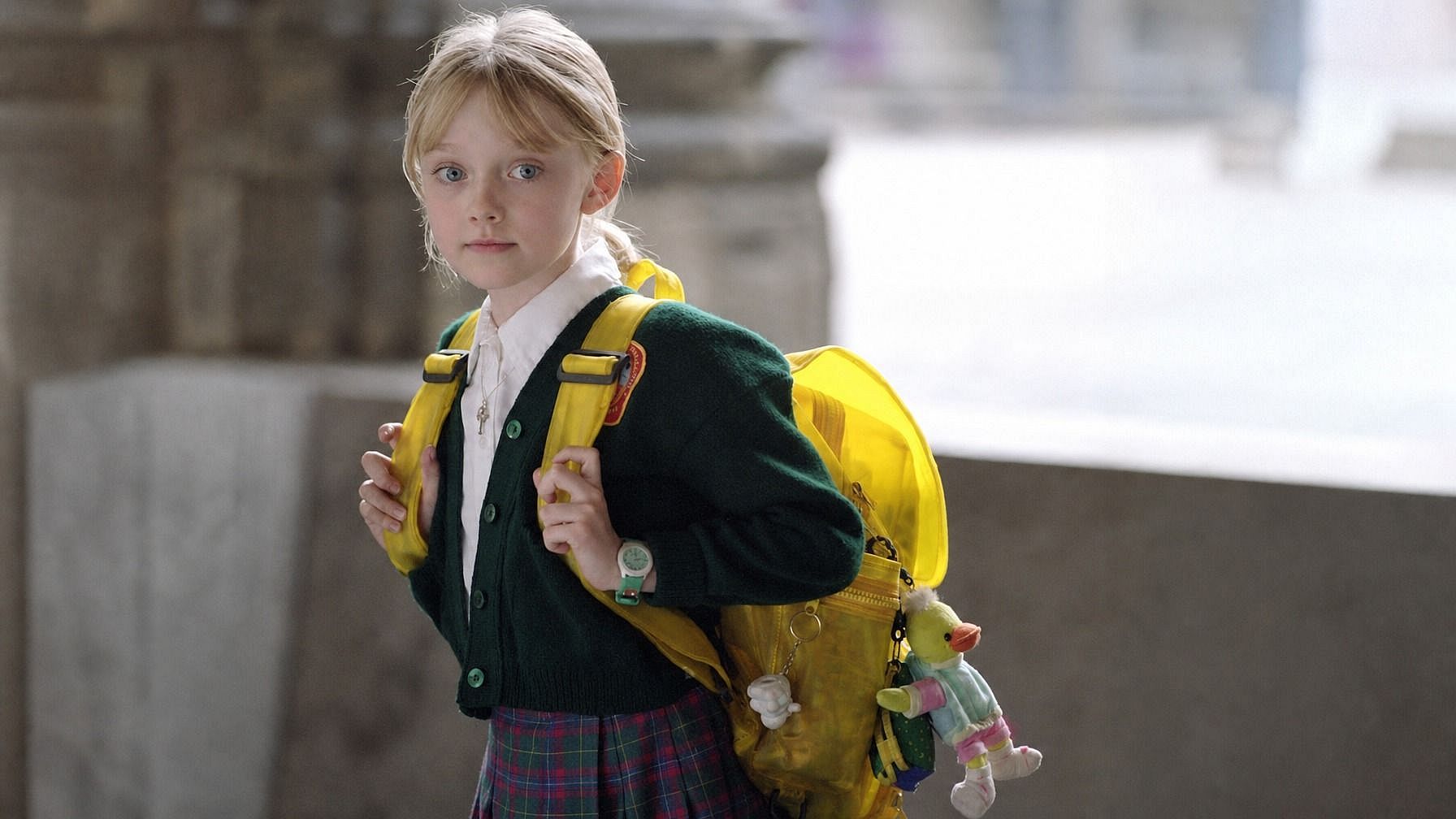
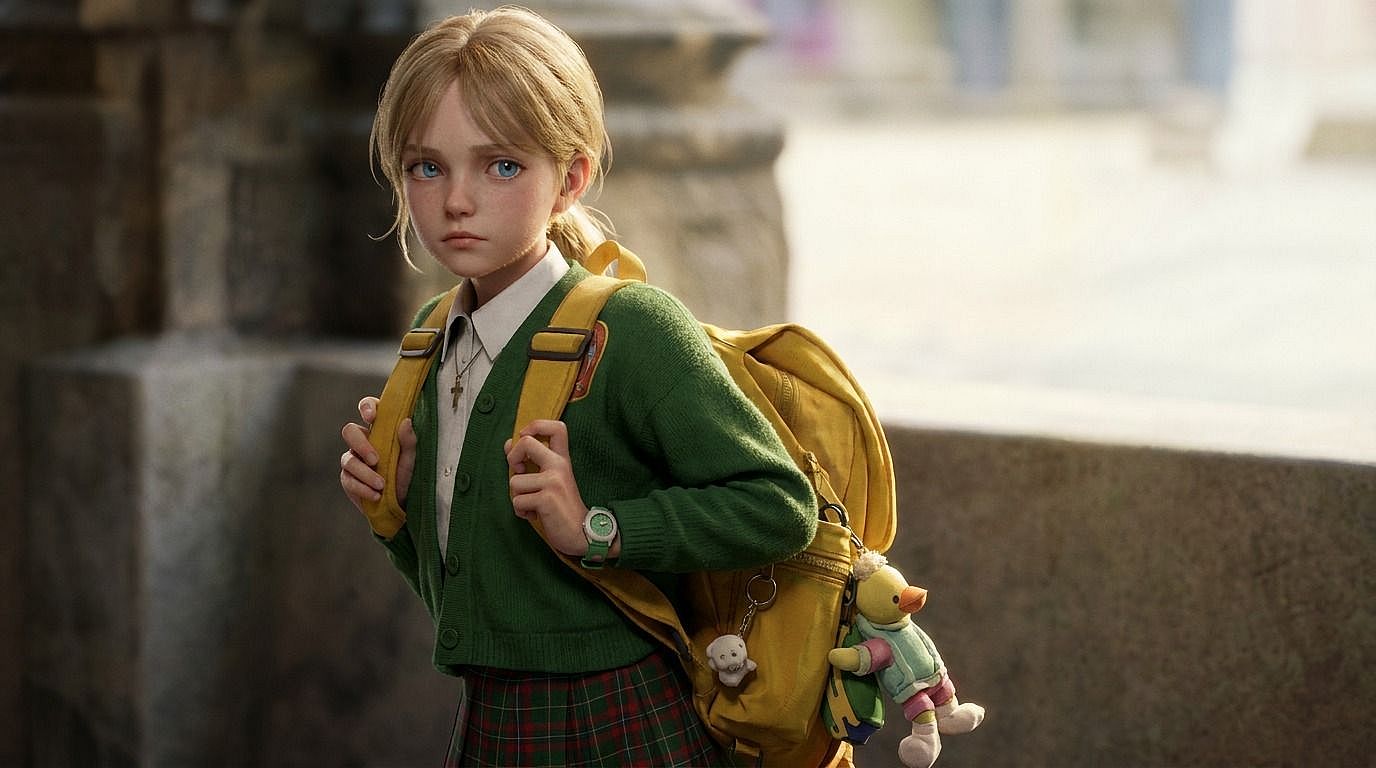
Personalized Gifts and Keepsakes
Turn a photo of a partner, parent, kid, or pet into a 3D-style image. Pick any style such as Pixar-style portrait, claymation figure, vinyl toy version, and use it on a print, a mug, a t-shirt, or a card.
Try it Now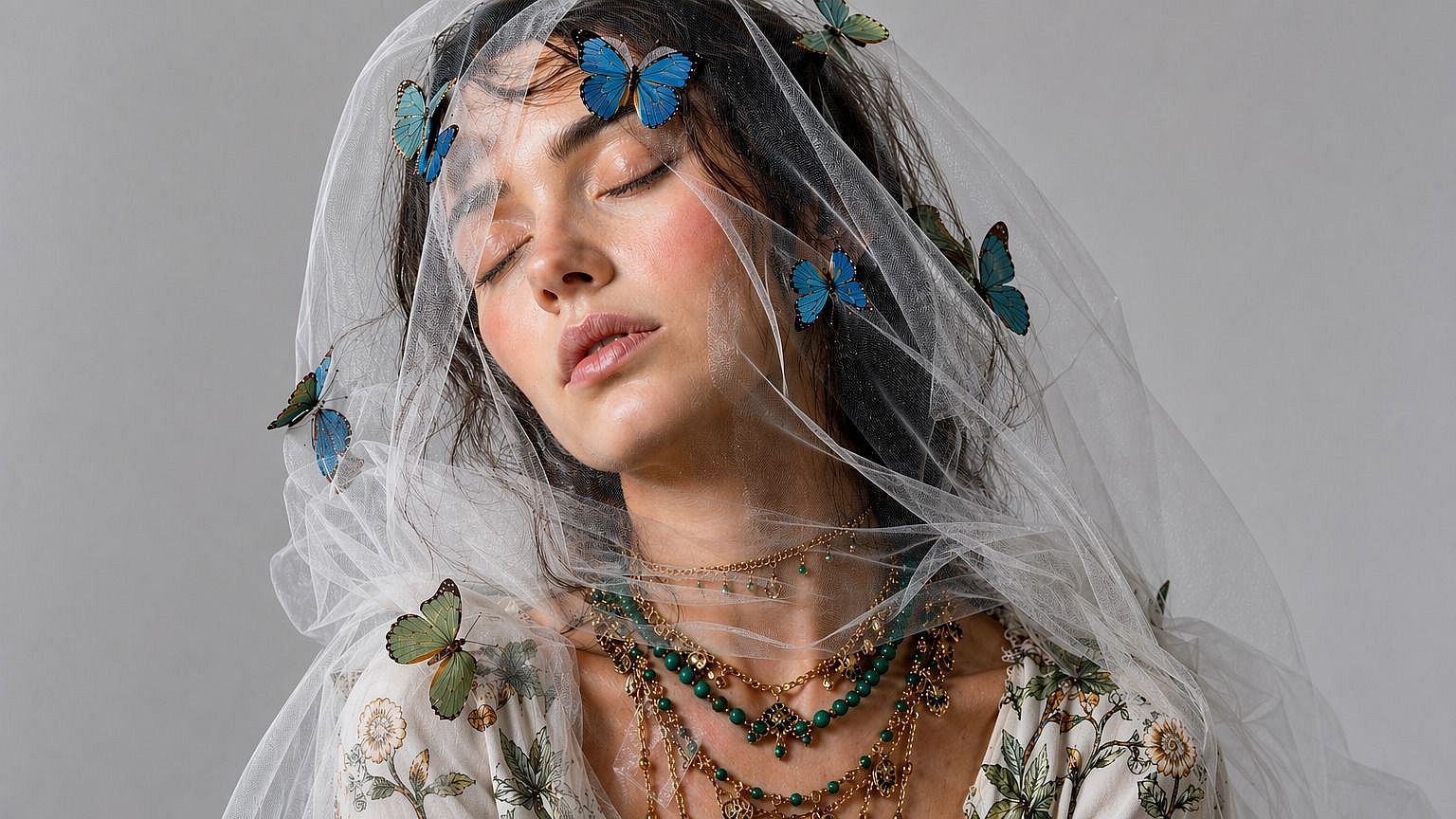
Content Creators and Thumbnails
Generate 3D-style versions of yourself for YouTube thumbnails, podcast covers, TikTok content, or stream overlays. The polished CGI look pops in a feed full of regular photos, and you can build a consistent 3D version of yourself to use across every piece of content you make.
Try it Now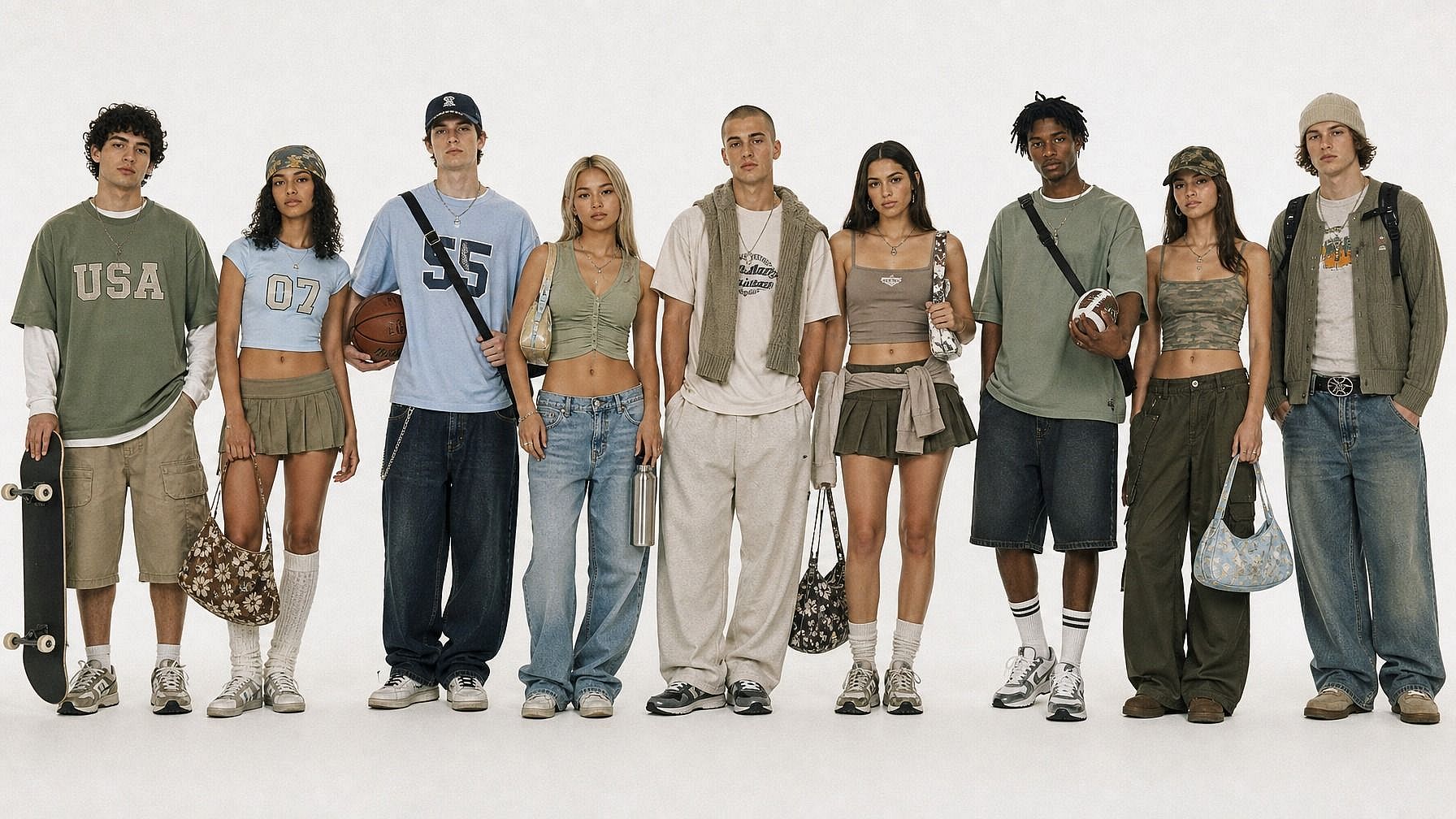
Marketing, Branding, and Campaigns
Turn product shots, team photos, or mascot references into 3D-style images for marketing graphics, ad creative, or branded social posts. It's a fast way to get a CGI look. Get that exact Pixar polish, claymation charm, or toy figurine cuteness.
Try it NowFrequently Asked Questions
Get Insights from Experts Blog
Get the insights you need. Our experts share actionable hacks, break down the hottest topics, and provide essential how-to guides to help you create, optimize, and scale.
Read More