Limited-time offer! Unlock a year of limitless creativity with annual plans at UP TO 27% OFF.

View Plan ›

AI OC Generator

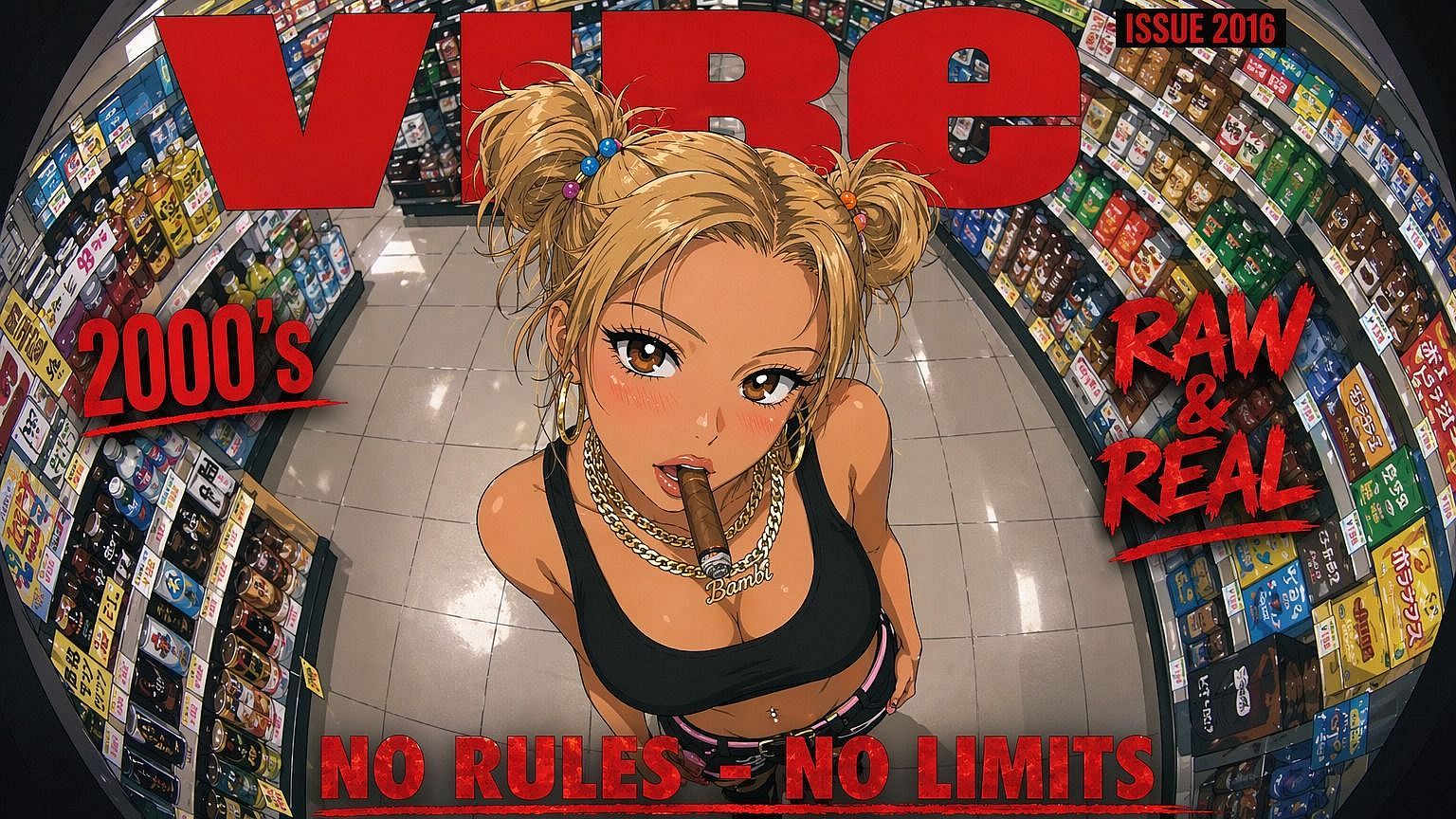
Create fully realized OCs for your stories, games, and art projects without drawing a single line. OpenArt's Character Builder locks in your OC's face, outfit, and style so you can drop them into new scenes without the drift.
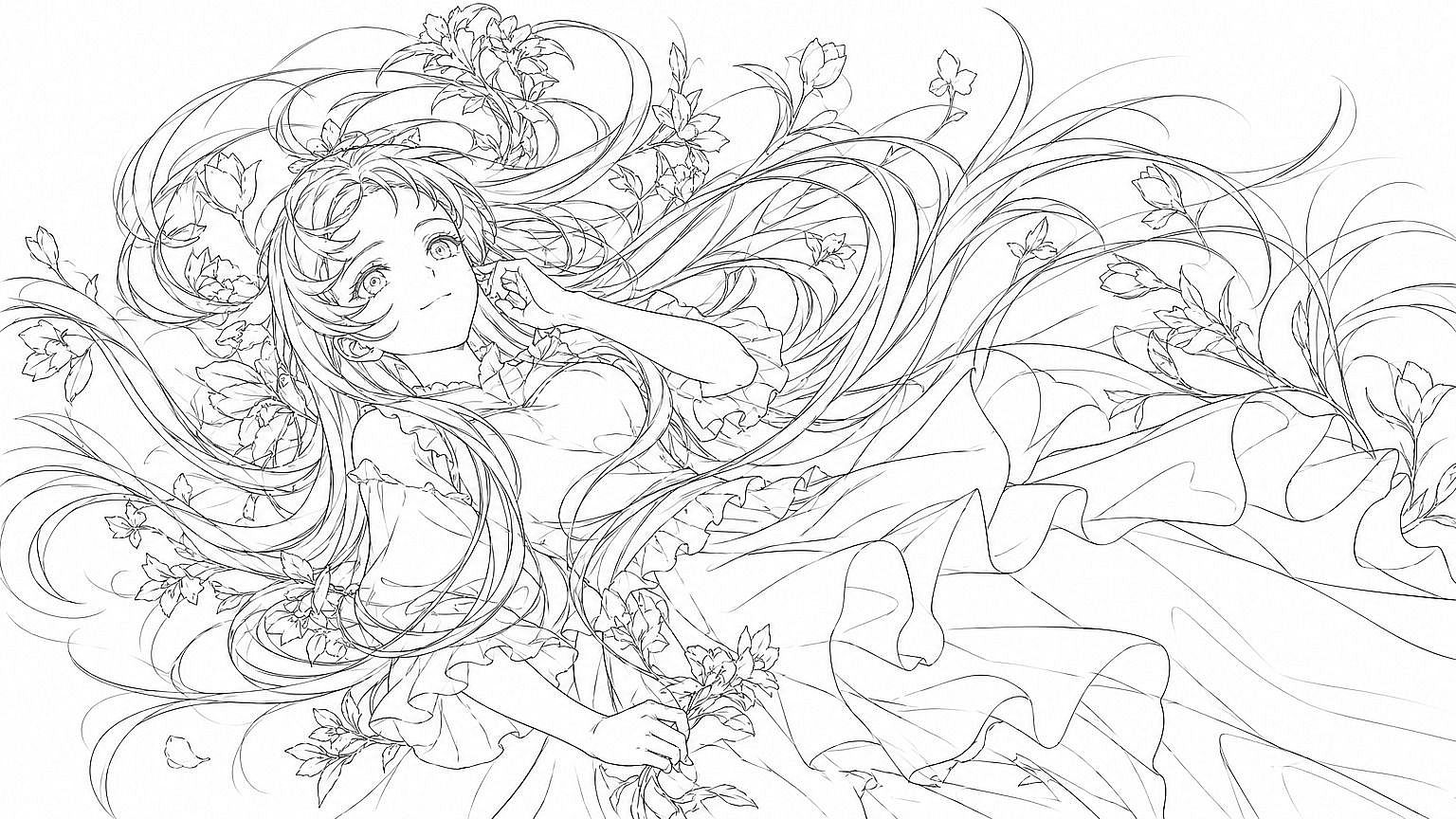
Add image reference
Start Creating for Free

How To Create a Consistent Anime OC

Step 1: Generate A First Version

Start from a text prompt, a reference image, or a preset. Starting from a reference image usually lands closer to what's already in your head than text alone.


Step 2: Lock In The Look

Face, hair, and signature outfit, whatever version you want as your character's base. This version becomes the reference the model checks against every time you generate your OC again.

Step 3: Carry It Across Scenes

Drop your character into new poses, outfits, and video through the Character Builder, and check that the defining features stay stable. Expect small variation in extreme poses or unusual lighting, even when the core features hold.

Explore the Latest AI Image and Video Models

These are the models powering everything you can create on OpenArt, from a single image to a full video.

Frequently Asked Questions

An AI OC generator creates original characters from text descriptions. You type traits like 'blue-haired elf archer with gold armor' and get a visual design in seconds. OpenArt's generator handles anime, fantasy, sci-fi, and realistic styles.
Both. You can generate from a text description or upload a reference image and build from that, which usually gets you closer to your original vision than text alone.
Anime and semi-realistic models produce the most consistent faces and outfits. For fantasy OCs, try the painterly checkpoint. For game concept art, use the high-detail realism model. You can swap styles after generating to test looks.
Describe your character in the prompt box: appearance, clothing, personality cues. Pick a style (anime, semi-realistic, painterly). Click generate. You'll get four variations. Refine the one you like or iterate with new prompts.
Yes. Once your character is built, you can carry it into OpenArt's video tools for multi-scene storytelling, so your OC can appear in an animated scene or short video, not just static art.
Yes. Save your first OC's settings as a preset: same model, sampler, and CFG scale. Use consistent keywords (same artist tag, lighting setup) across prompts. OpenArt's image reference tool lets you feed one OC back in to match new characters to its style.

Create without limits

Join thousands of creators using OpenArt to generate stunning images, videos, and more — all in one platform.

Get Started for Free →