
AI GIF Generator
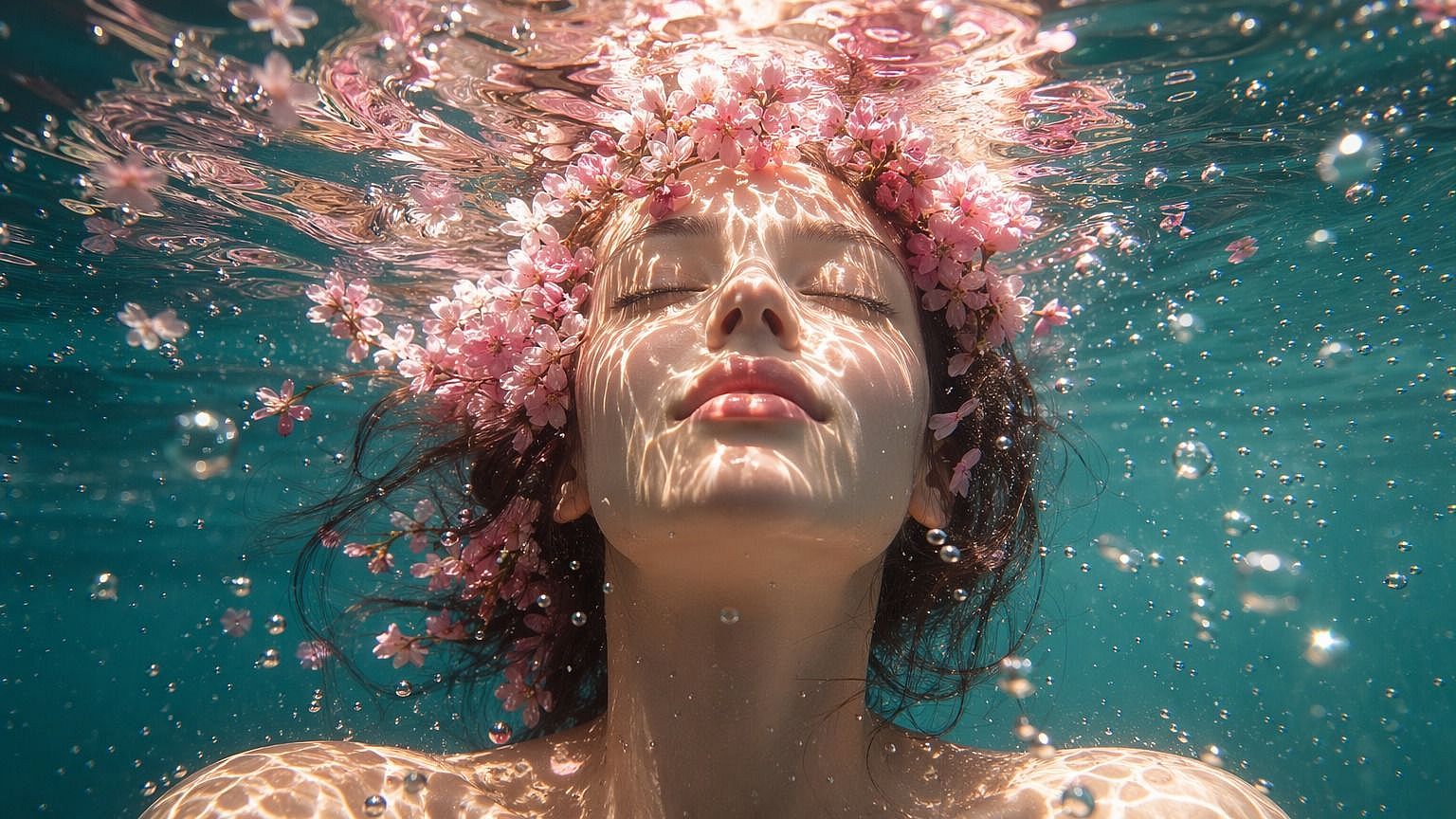
OpenArt's AI GIF generator, powered by GPT Image 2.6, turns a text prompt or a photo into a short looping GIF. Type the scene or upload a picture, say what should move, and download a GIF for social posts, chat apps, and web pages.
Key Benefits
Start From Words or a Photo
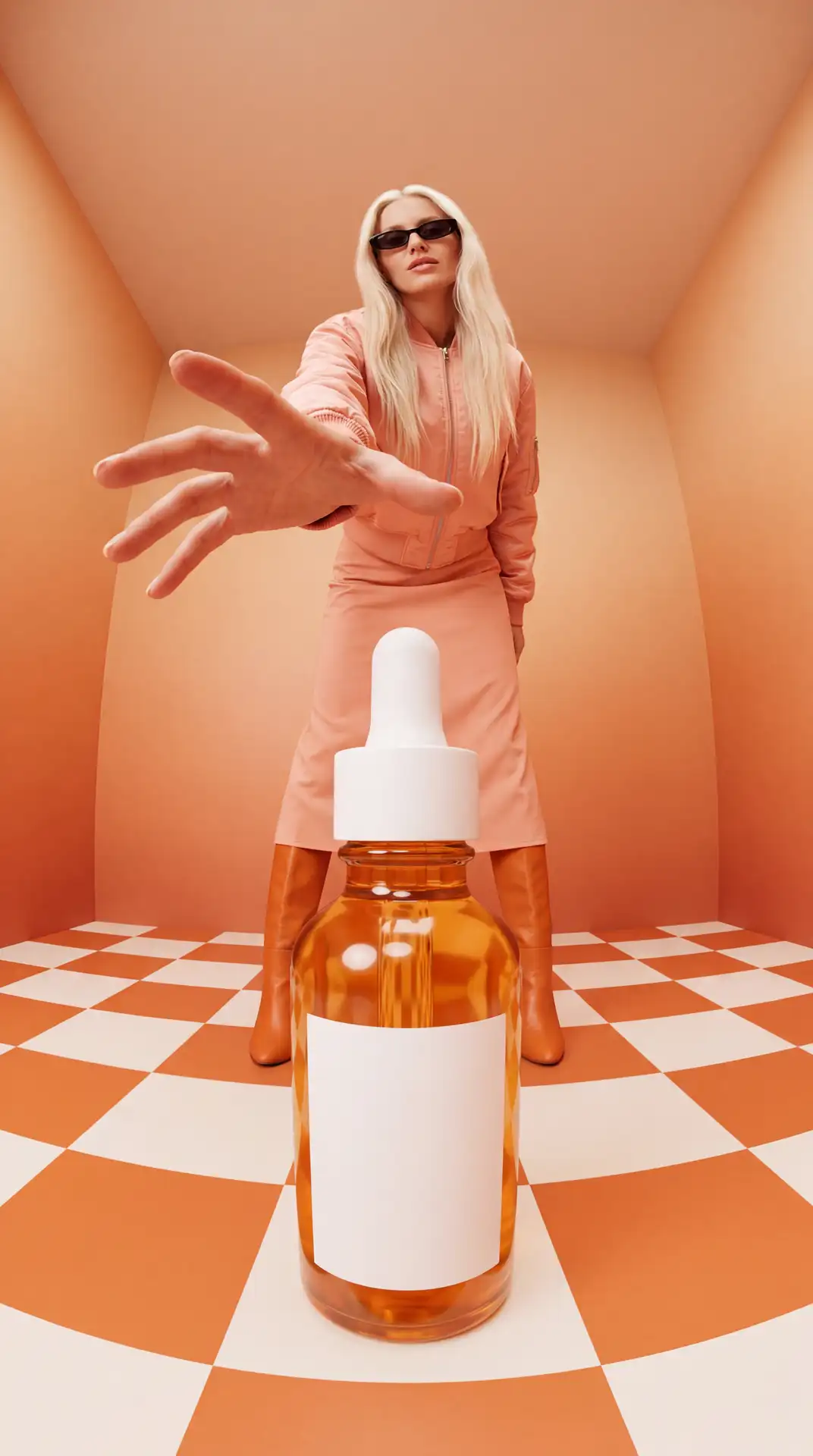
Type a short description or upload a picture, and the AI GIF generator makes the moving version for you.
Loops That Play Anywhere
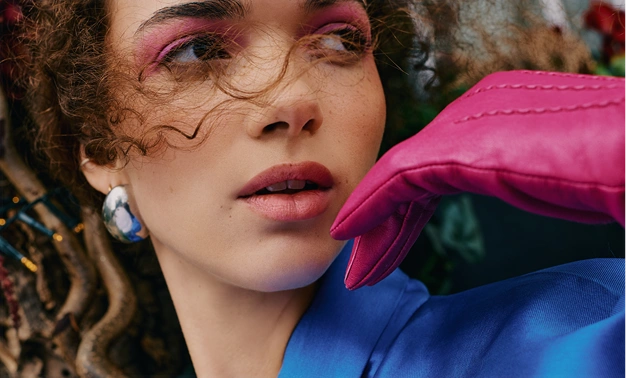
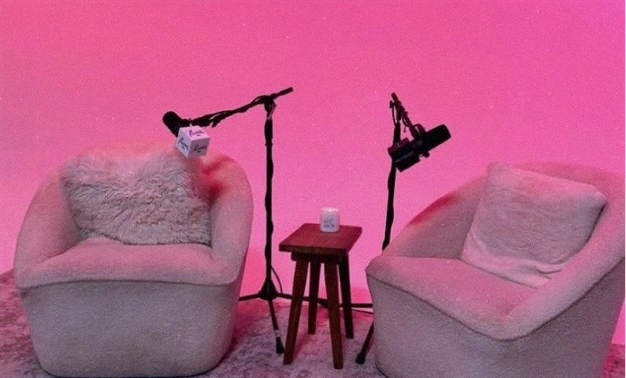
Your GIF plays on repeat in social posts, chat apps, emails, and web pages, so people see the motion without pressing play.
Light Files That Load Fast
A short GIF of one small movement keeps the file small, so your web page, email, or message loads quickly.
Key Features of AI GIF Generator
Powered by GPT Image 2.6 on OpenArt.
Type a prompt to make a GIF
Describe the scene you want and the one thing that should move. Try "a cat asleep on a windowsill while rain runs down the glass" or "a neon OPEN sign that blinks on and off." The AI GIF generator turns that one sentence into a short looping GIF. You skip drawing frames, editing a timeline, or learning extra software.
Turn any photo into a GIF
Upload a picture you already have and say what should move in it. Steam can rise from your coffee cup, your dog can wag its tail, or the lights on your shop sign can flicker. The AI GIF generator uses your photo as the starting point and adds the motion you asked for. Image to GIF works with product photos, pet photos, selfies, and simple graphics.
Animate the images you make on OpenArt
Every image you make in the AI image generator can become a GIF too. Pick a picture from your OpenArt creations, add it as your reference image, and describe the movement. A poster, a brand mascot, or a product photo you already like can wave, sparkle, or glow. You make the image and the GIF in the same OpenArt workspace.
Get small files with a clear picture
The AI GIF generator makes short animations of one small movement that play on repeat. Short loops keep the file small, so your GIF loads fast on a web page, in an email, or in a group chat. A GIF gives you a good balance of file size and picture quality when you want a little motion in your content.
How to Use the AI GIF Maker
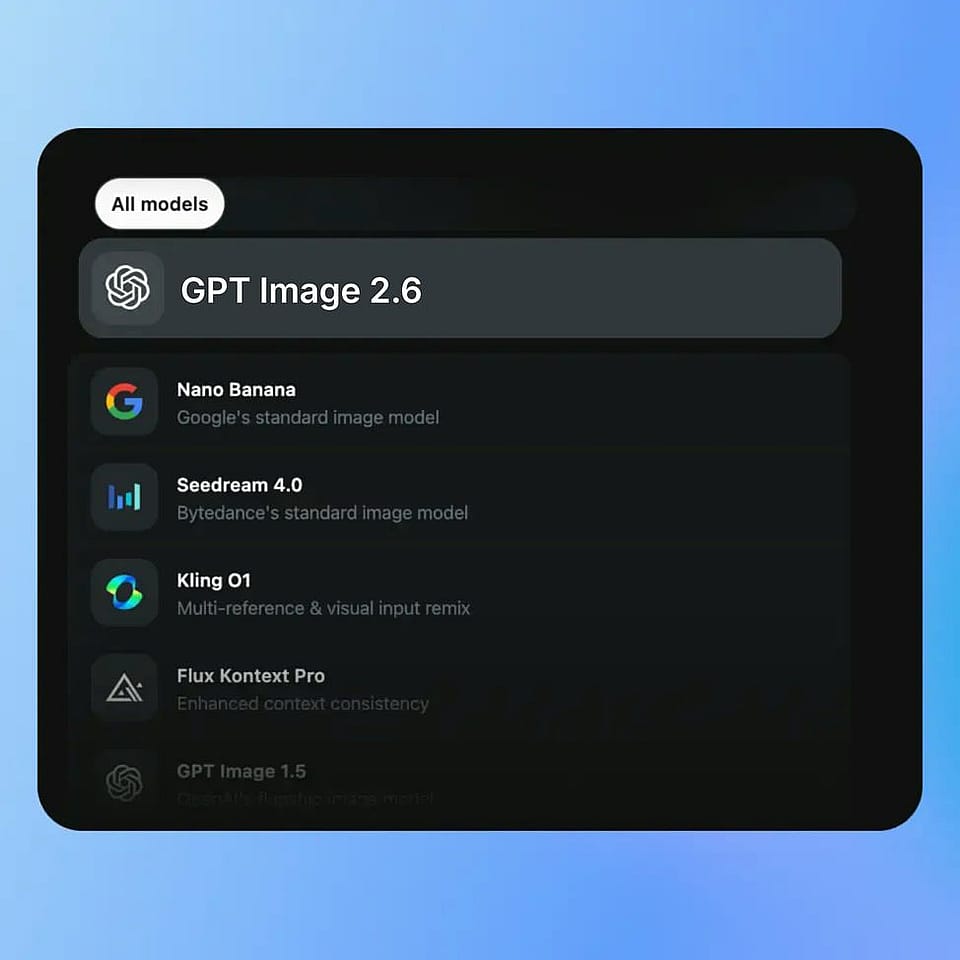
Open the AI image generator
Go to the AI image generator and pick GPT Image 2.6 from the model menu.
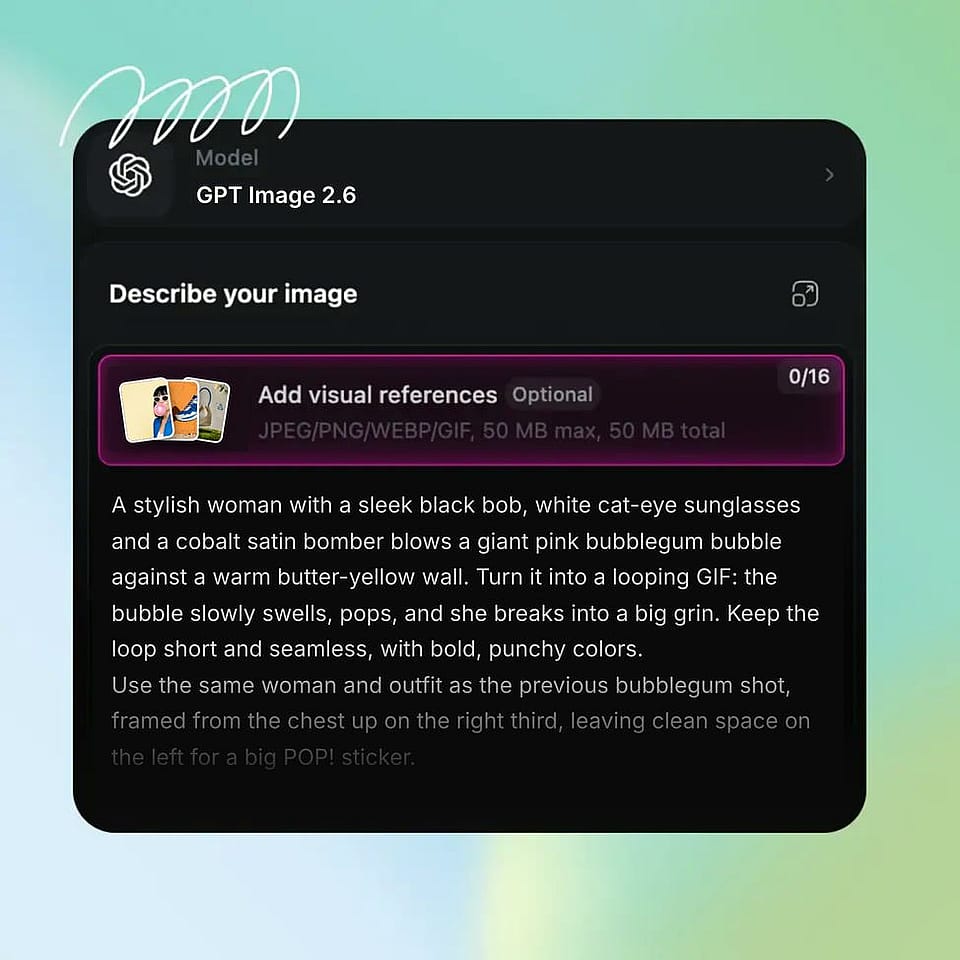
Add a prompt or an image
Type the scene you want, or upload a reference photo. Describe the action you want in your GIF.
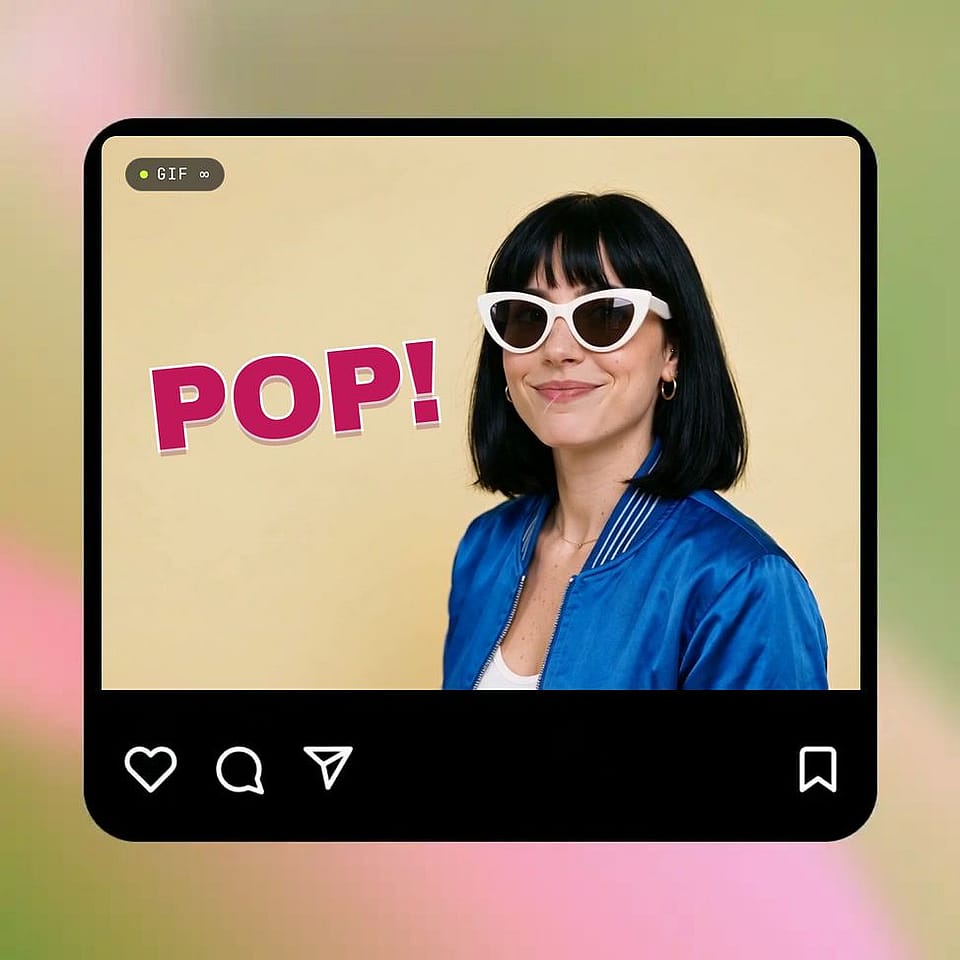
Generate and download your GIF
Generate your GIF and watch the loop. Download, or change the prompt to refine.
Who Uses the AI GIF Generator
Marketers, brand teams, small business owners, and friends use the AI GIF generator to add motion to their ads, posts, websites, and chats.
Performance marketers making animated ads
Performance marketers use the AI GIF generator to add motion to an ad image that already works. Upload your best still ad and ask for one small movement, like a sale badge that pulses or a sneaker that bounces. Run the GIF version next to the still version and see which one gets more clicks. The small file loads fast in display ads and email campaigns. Commercial rights apply on eligible paid plans.
Try it NowBrand and marketing teams posting on socials
Brand and social media teams use the AI GIF generator to turn approved brand images into posts that move. Make your brand mascot wave for a product launch, or make a thank-you GIF your community team can drop into replies. Start from images your team already made on OpenArt, so every GIF matches the look of your brand. Check your logo, colors, and any words in the image before you post.
Try it NowBusinesses adding motion to websites and emails
Small business owners use the AI GIF generator to make their website and emails feel more alive. A bakery can upload a photo of fresh bread and add rising steam for the top of its homepage. A shop can turn a product photo into a GIF for its weekly email. Each GIF is a light file, so your custom web pages stay quick to load.
Try it NowFriends and teams sending custom GIFs in chat
Friends and coworkers use the AI GIF generator to make reaction GIFs nobody else has. Upload a photo of your dog and make it nod along, or describe a cake with candles that flicker for a birthday message. Your team can make a custom GIF to cheer a finished project in a group chat. A custom GIF fits the exact joke, person, or moment you want to share.
Try it NowFrequently Asked Questions
An AI GIF generator is a tool that makes an animated GIF from a text prompt or a still image. OpenArt's AI GIF generator turns your description or your photo into a short looping GIF of one small movement, like a wave, a blink, or rising steam. You can make the GIF without design skills or GIF software.
Open the AI image generator and upload your photo as a reference image. Describe one small movement, such as "the dog wags its tail" or "steam rises from the cup," and generate your GIF. A clear photo with one main subject gives you the cleanest result.
OpenArt's AI GIF generator runs on GPT Image 2.6, OpenAI's model for making and editing images. The model can start a GIF from a text prompt or from a still image you upload, and you can learn more on its model page.
No. The AI GIF generator only needs a prompt or a picture and one sentence about the movement. OpenArt makes the frames and the loop for you, so you can make a GIF from your phone or laptop in a few steps.
Use a GIF when you want a short loop of one movement in a small file that plays on its own in posts, chats, emails, and web pages. Use a video when you need a longer scene, camera moves, or sound. OpenArt's AI video generator and Image to Video handle those longer clips.
Every new OpenArt account starts with 40 free credits, so you can try the product right away. When you're ready to create more, paid plans add monthly credits and watermark-free downloads. See current plans on the OpenArt pricing page.
Yes. OpenArt's AI GIF generator takes a still image as a reference and adds the movement you describe, then gives you a short looping GIF. Upload a photo or a graphic, type what should move, and generate.
Yes. Type a description of the scene and the motion you want, like "a paper boat floating on a puddle while raindrops fall," and the AI GIF generator makes a looping GIF from it. Name the subject, the setting, and the one thing that moves.
Yes. Pick any image from your OpenArt creations, add it as the reference image, and describe the movement you want. Your poster, mascot, or product photo becomes a looping GIF in the same workspace where you made it.
Ask for one simple movement in each GIF, such as a wave, a blink, or flickering lights. Keep the rest of the scene still in your prompt, like "the cat sleeps while only the rain moves." One simple motion gives you the cleanest loop.
You can post AI GIFs on social media, send them in most chat apps, and add them to emails, blog posts, and custom web pages. GIFs play on repeat in most browsers and apps, so viewers see the motion right away.
Commercial rights apply on eligible OpenArt paid plans, so check the OpenArt pricing page for the plan that fits your work.
Loved by Creators Worldwide
See what our community has to say
I've tried many AI platforms… but OpenArt is still the best for character creation, image-to-video quality, and the variety of models available.
OpenArt offers an excellent array of AI tools… once you learn the features, the creative possibilities are amazing - and their support team is outstanding.
OpenArt is a very versatile AI platform with many image and video models, consistent character creation, and powerful editing tools.
Helpful AI tools all in one place - image and video generation, editing, and more… no need for multiple subscriptions.
Customer service is always quick and helpful… and the platform keeps getting better with new features and tools.
I've tried many AI platforms… but OpenArt is still the best for character creation, image-to-video quality, and the variety of models available.
OpenArt offers an excellent array of AI tools… once you learn the features, the creative possibilities are amazing - and their support team is outstanding.
OpenArt is a very versatile AI platform with many image and video models, consistent character creation, and powerful editing tools.
Helpful AI tools all in one place - image and video generation, editing, and more… no need for multiple subscriptions.
Customer service is always quick and helpful… and the platform keeps getting better with new features and tools.
I've tried many AI platforms… but OpenArt is still the best for character creation, image-to-video quality, and the variety of models available.
OpenArt offers an excellent array of AI tools… once you learn the features, the creative possibilities are amazing - and their support team is outstanding.
OpenArt is a very versatile AI platform with many image and video models, consistent character creation, and powerful editing tools.
Helpful AI tools all in one place - image and video generation, editing, and more… no need for multiple subscriptions.
Customer service is always quick and helpful… and the platform keeps getting better with new features and tools.
With so many AI platforms out there, OpenArt stood out as a stellar choice - I'd recommend it to any creator.
This platform includes everything you need for AI content creation - images, video, characters, audio, and multiple AI models in one place.
OpenArt is pushing the boundaries of AI video creation… and it's clear the team is committed to improving the creator experience.
I made my first AI music video with OpenArt… and their support team was the best help I've ever experienced.
I'm very happy with the support - my issue was resolved quickly and the team made the process easy.
With so many AI platforms out there, OpenArt stood out as a stellar choice - I'd recommend it to any creator.
This platform includes everything you need for AI content creation - images, video, characters, audio, and multiple AI models in one place.
OpenArt is pushing the boundaries of AI video creation… and it's clear the team is committed to improving the creator experience.
I made my first AI music video with OpenArt… and their support team was the best help I've ever experienced.
I'm very happy with the support - my issue was resolved quickly and the team made the process easy.
With so many AI platforms out there, OpenArt stood out as a stellar choice - I'd recommend it to any creator.
This platform includes everything you need for AI content creation - images, video, characters, audio, and multiple AI models in one place.
OpenArt is pushing the boundaries of AI video creation… and it's clear the team is committed to improving the creator experience.
I made my first AI music video with OpenArt… and their support team was the best help I've ever experienced.
I'm very happy with the support - my issue was resolved quickly and the team made the process easy.
Get Insights from Experts Blog
Get the insights you need. Our experts share actionable hacks, break down the hottest topics, and provide essential how-to guides to help you create, optimize, and scale.
Read More