AI Character Generator
AI character generator lets you create, customize, and reuse consistent AI characters across your creative workflows. Build lifelike characters from prompts, reference images, or guided presets, then use them seamlessly in image and video generation with OpenArt’s advanced AI models.
Key Benefits of Character Builder



Full Character Control
Define every aspect of your character, including appearance, style, age, and personality cues, using prompts, reference images, or preset combinations.




Consistency Across Creations
Reuse the same character across multiple generations, ensuring visual continuity in images, videos, and creative projects without starting over each time.
Flexible Creation Paths
Start your character from an image, a text description, or a structured builder with presets, depending on how much control or speed you need.
Characters Built by Our Community
Explore how creators, storytellers, and marketers are building reusable AI characters and integrating them into their workflows with OpenArt.
Key Features of AI Character Generator
Build consistent AI characters for use across all your new generations.
Build Reusable AI Characters
Create characters that persist across your projects instead of generating one-off visuals. Once defined and saved, your character can be reused or referenced inside OpenArt's AI Image Generator and AI video generator, allowing you to maintain identity across different scenes, formats, and outputs. For example, you can place the same character in a studio portrait, a street-style shot, and a cinematic video sequence without redefining their look each time.
Create Characters Your Way
OpenArt gives you multiple ways to develop a character depending on your workflow. You can start with a reference image for precise control over facial structure and styling, write a detailed prompt to define your character from scratch, or use the character builder to select presets such as look, vibe, gender, ethnicity, and age range.
Tag Characters in Any AI Model
Create your character with leading image models like GPT Image 2.5, Nano Banana Pro, and Seedream 5.0 Pro. Then put the same character in motion with video models like Seedance 2.5, Gemini Omni, and Veo 3.1. Every saved character can be tagged in any new generation, whichever model you pick. Make a realistic campaign portrait today, then tag that character in an anime scene or a cinematic clip later, and the persona stays consistent.
Take Your Character Into Longer Videos
Your saved character goes wherever you work in OpenArt. Tag the character in image generator for product shots and social posts, in the video tools for short clips, or in Director mode for longer stories. In Director mode, OpenArt plans the scenes and makes a finished video up to 5 minutes long, with the same face in every scene.
How to Use the AI Character Generator
Create your AI character using the path that fits your workflow.
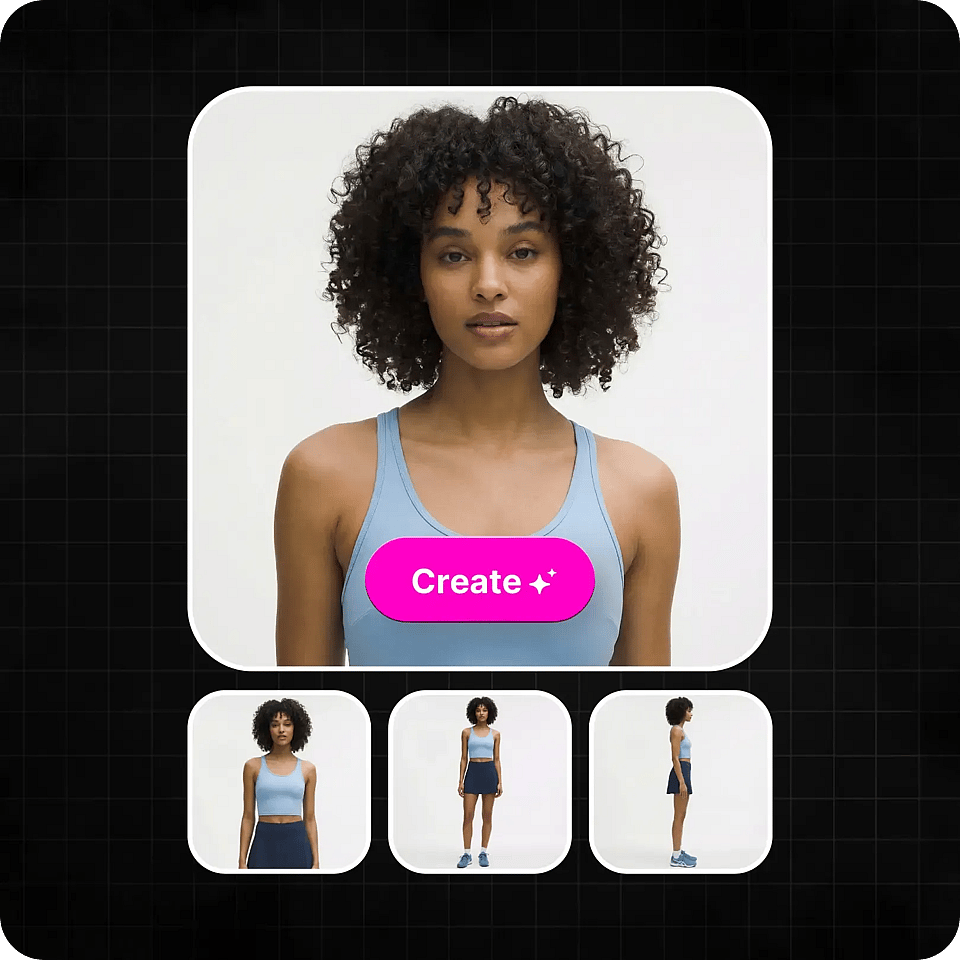
Start with a Reference Image
Upload an existing image to define your character’s appearance. This approach gives you the highest level of control over facial structure, style, and visual identity.
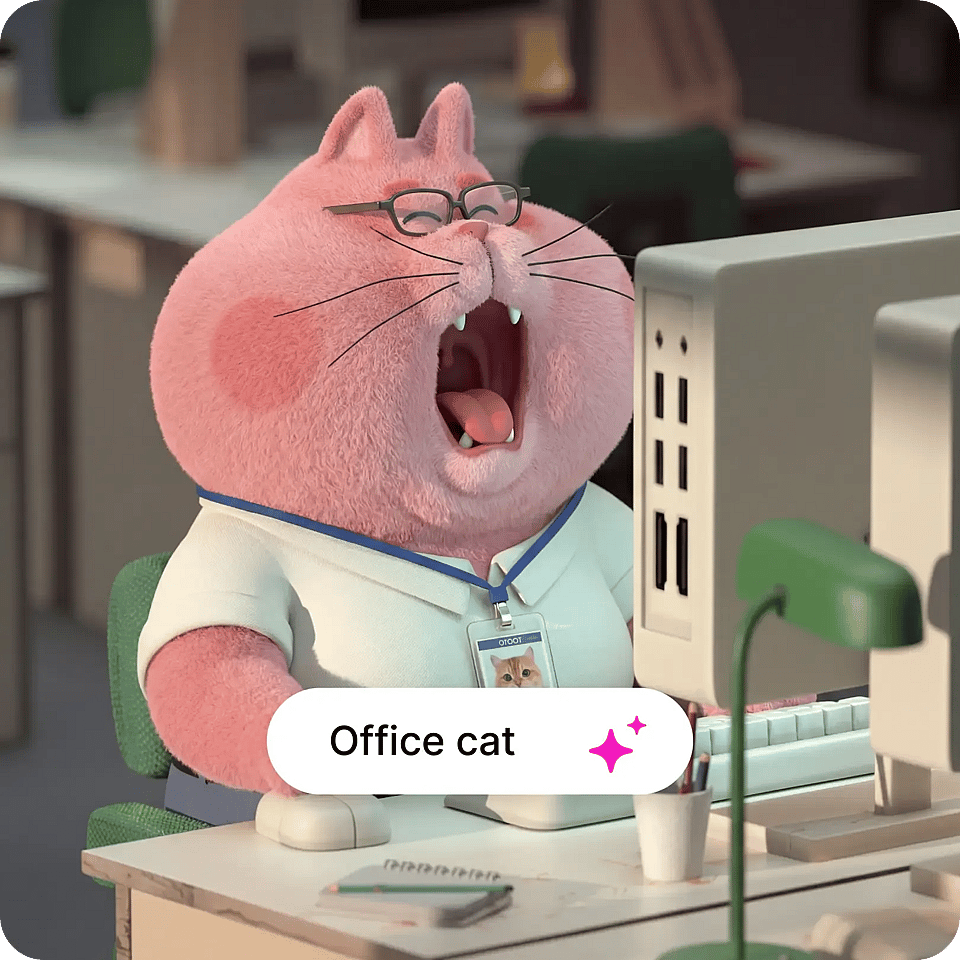
Start with a Text Prompt
Describe your character in detail, including their look, personality, and aesthetic direction. This is ideal for creating characters from scratch or exploring new ideas quickly.
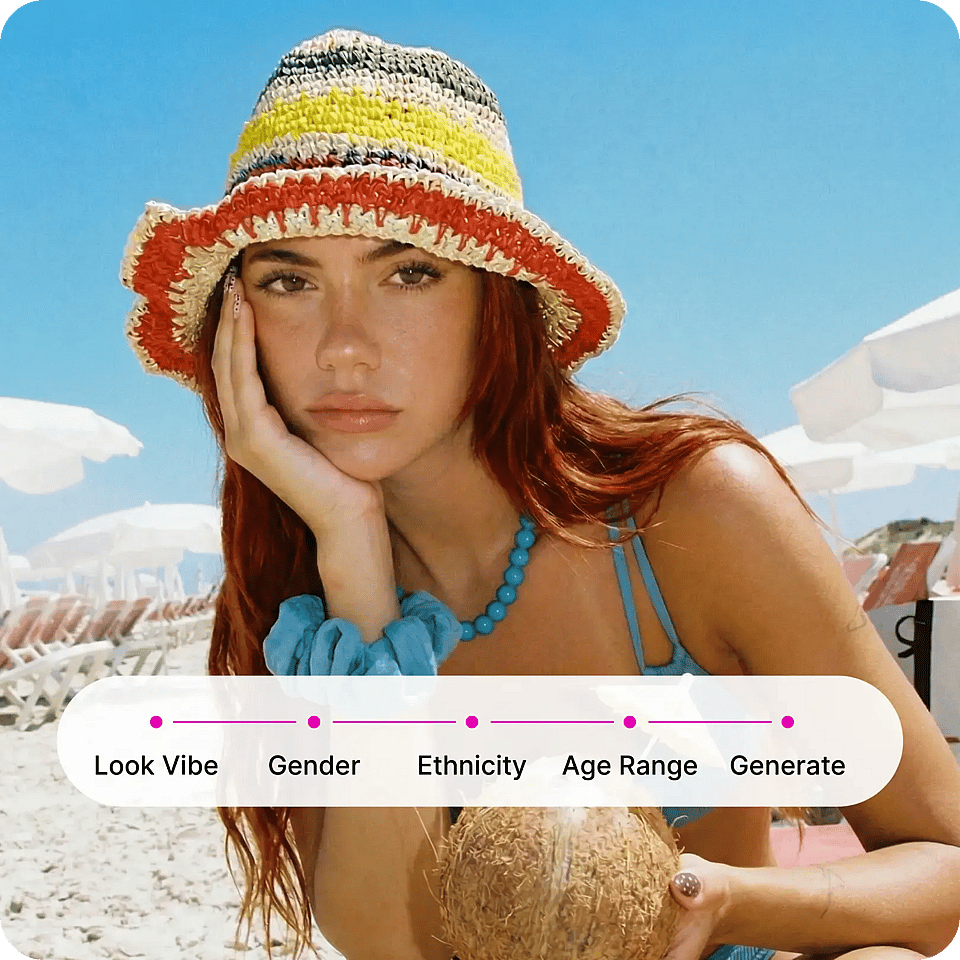
Use the Character Builder
Select from preset options such as vibe, gender, ethnicity, and age range to construct your character in a structured way. This path balances speed and control while opening up diverse combinations.
Best Uses for AI Character Generator
From storytelling to marketing, create characters that persist across your entire creative pipeline and adapt to different formats without losing identity.
AI Influencers and Social Media Marketing
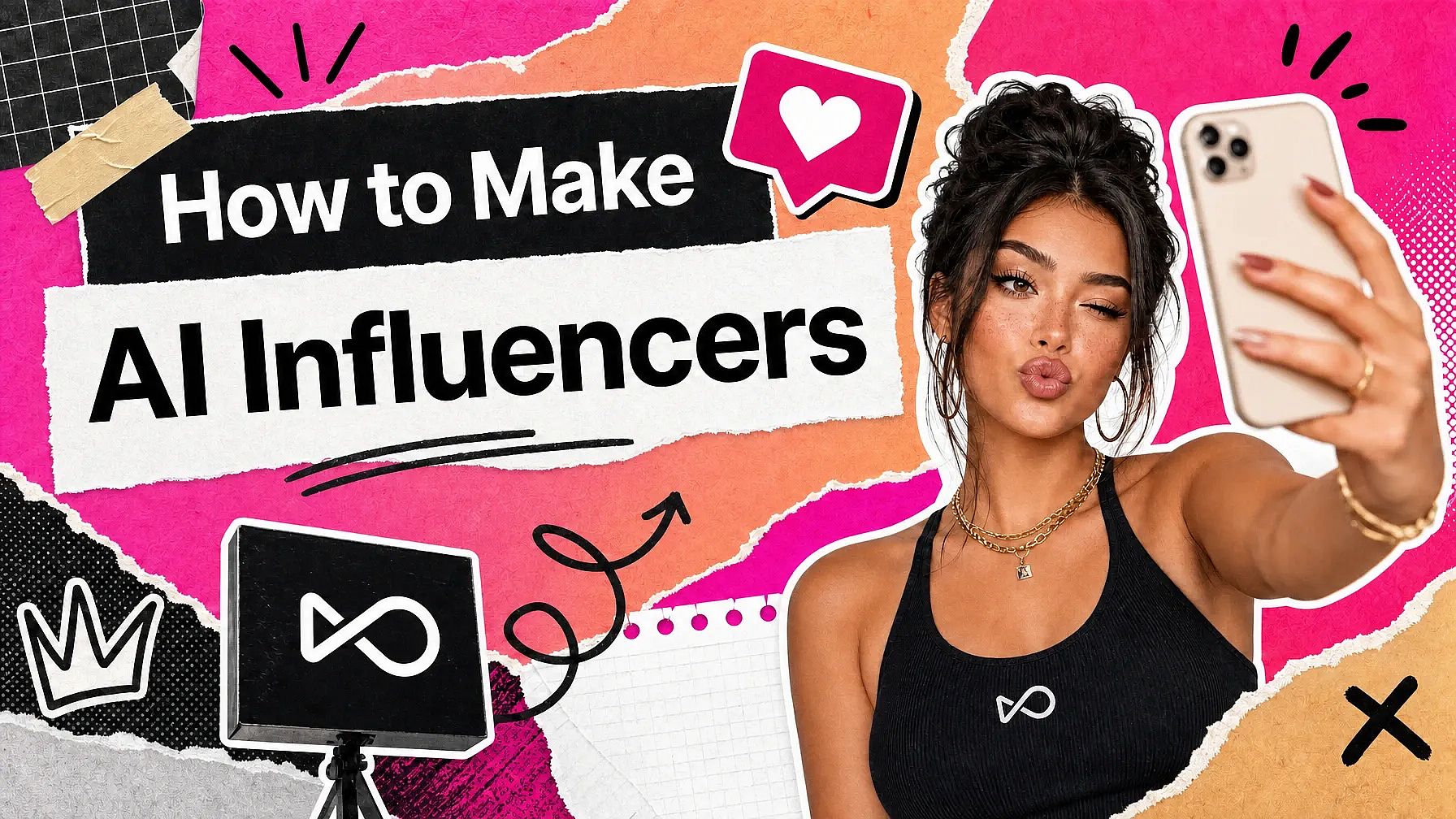
Build consistent digital personas that can appear across posts, campaigns, and formats. Instead of struggling to recreate the same face, outfit style, or vibe in every generation, you can reuse a defined character and place them into different scenarios, like travel photos, product promotions, or casual lifestyle shots — while keeping their identity intact. This makes your content feel more cohesive over time and helps audiences recognize the “same person” across multiple posts and platforms.
Try it NowStorytelling and Narrative Content
Create characters for short films, animations, or episodic content where continuity is essential. You can generate the same protagonist across multiple scenes — close-ups, wide shots, different lighting conditions — without their appearance drifting unpredictably. This is especially useful for creators building story-driven content, where even small inconsistencies can break immersion. With a reusable character, you can focus more on storytelling and scene composition rather than constantly correcting visual mismatches.
Try it NowBranding and Creative Direction
Develop characters that represent your brand identity or creative vision and use them across different assets. For example, a brand mascot or spokesperson can appear consistently in ads, website visuals, and social media content, even as the environments and styles change. This allows you to test different creative directions — such as seasonal themes or campaign-specific aesthetics — while still keeping a recognizable core identity that ties everything together.
Try it NowAgencies and Scalable Production
Produce character-driven content for multiple clients without rebuilding assets for each project. You can maintain a distinct, consistent character for each client while adapting them to different campaign needs, such as product placements, promotional visuals, or branded storytelling. This reduces repetitive work, shortens turnaround times, and makes it easier to deliver large volumes of content without sacrificing consistency or quality.
Try it NowLoved by Creators Worldwide
See what our community has to say
I've tried many AI platforms… but OpenArt is still the best for character creation, image-to-video quality, and the variety of models available.
OpenArt offers an excellent array of AI tools… once you learn the features, the creative possibilities are amazing - and their support team is outstanding.
OpenArt is a very versatile AI platform with many image and video models, consistent character creation, and powerful editing tools.
Helpful AI tools all in one place - image and video generation, editing, and more… no need for multiple subscriptions.
Customer service is always quick and helpful… and the platform keeps getting better with new features and tools.
I've tried many AI platforms… but OpenArt is still the best for character creation, image-to-video quality, and the variety of models available.
OpenArt offers an excellent array of AI tools… once you learn the features, the creative possibilities are amazing - and their support team is outstanding.
OpenArt is a very versatile AI platform with many image and video models, consistent character creation, and powerful editing tools.
Helpful AI tools all in one place - image and video generation, editing, and more… no need for multiple subscriptions.
Customer service is always quick and helpful… and the platform keeps getting better with new features and tools.
I've tried many AI platforms… but OpenArt is still the best for character creation, image-to-video quality, and the variety of models available.
OpenArt offers an excellent array of AI tools… once you learn the features, the creative possibilities are amazing - and their support team is outstanding.
OpenArt is a very versatile AI platform with many image and video models, consistent character creation, and powerful editing tools.
Helpful AI tools all in one place - image and video generation, editing, and more… no need for multiple subscriptions.
Customer service is always quick and helpful… and the platform keeps getting better with new features and tools.
With so many AI platforms out there, OpenArt stood out as a stellar choice - I'd recommend it to any creator.
This platform includes everything you need for AI content creation - images, video, characters, audio, and multiple AI models in one place.
OpenArt is pushing the boundaries of AI video creation… and it's clear the team is committed to improving the creator experience.
I made my first AI music video with OpenArt… and their support team was the best help I've ever experienced.
I'm very happy with the support - my issue was resolved quickly and the team made the process easy.
With so many AI platforms out there, OpenArt stood out as a stellar choice - I'd recommend it to any creator.
This platform includes everything you need for AI content creation - images, video, characters, audio, and multiple AI models in one place.
OpenArt is pushing the boundaries of AI video creation… and it's clear the team is committed to improving the creator experience.
I made my first AI music video with OpenArt… and their support team was the best help I've ever experienced.
I'm very happy with the support - my issue was resolved quickly and the team made the process easy.
With so many AI platforms out there, OpenArt stood out as a stellar choice - I'd recommend it to any creator.
This platform includes everything you need for AI content creation - images, video, characters, audio, and multiple AI models in one place.
OpenArt is pushing the boundaries of AI video creation… and it's clear the team is committed to improving the creator experience.
I made my first AI music video with OpenArt… and their support team was the best help I've ever experienced.
I'm very happy with the support - my issue was resolved quickly and the team made the process easy.
Frequently Asked Questions
Get Insights from Experts Blog
Get the insights you need. Our experts share actionable hacks, break down the hottest topics, and provide essential how-to guides to help you create, optimize, and scale.
Read More