

 ChatGPT
 Perplexity
 Claude
 Gemini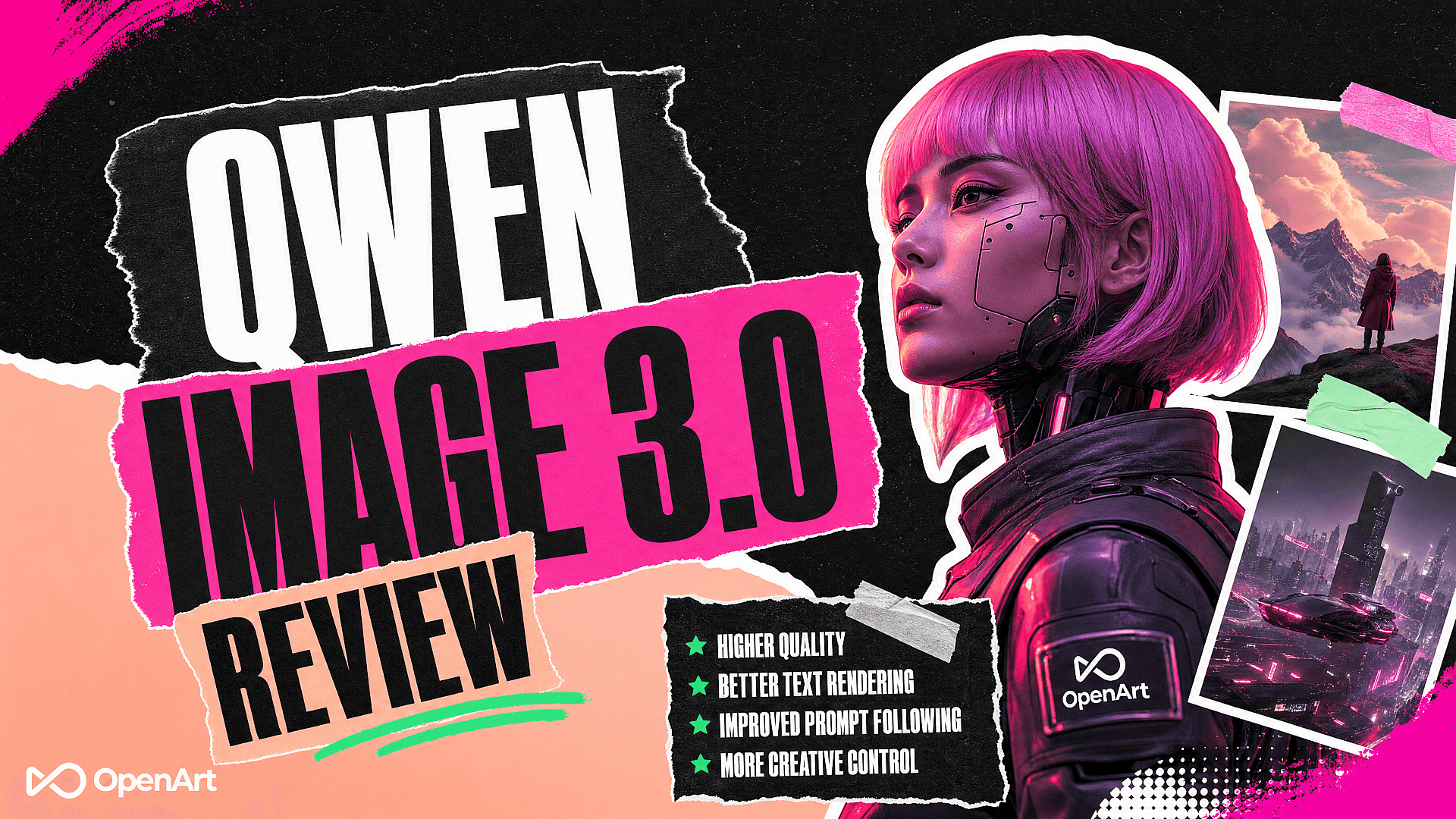
TL;DR
- Qwen Image 3.0 is Alibaba's text-to-image and image-editing model, built for layouts with a lot of information in them: infographics, posters, storyboards, UI mockups, and multi-panel designs.
- It accepts prompts up to 4.5K tokens and claims to render text as small as roughly 10 pixels across 12 languages.
- In hands-on testing, it held up well on single dense scenes and standalone posters, but small factual copy (like nutrition percentages) still came out garbled.
- It edits images using one to three reference images, and it ships closed-weight, so you can't download and run it locally.
- You can generate with it directly on OpenArt without an Alibaba Cloud account.
What Is Qwen Image 3.0?
Qwen Image 3.0 is an AI image generation and editing model from Alibaba, released in July 2026. It generates images from a text prompt and edits existing images using one to three reference images plus written instructions. Alibaba built it around handling dense, information-heavy visuals rather than single clean hero shots.
The model outputs images between 512x512 and 2048x2048 pixels, in PNG format. Ask for a specific size, or leave it blank and the model picks a resolution based on the prompt. A single request can return up to six images.
Qwen Image 3.0 ships closed-weight. Unlike the earlier Qwen-Image 1.0 and 2.0 releases, you cannot download the model and run it on your own hardware. Access runs through a hosted service, including the Qwen Image 3.0 model on OpenArt.
What Is Qwen Image 3.0 Used For?
Alibaba and early hands-on testing point to the same handful of jobs:
- Infographics and carousel posts, where several data points or panels need to sit in one coherent layout.
- Posters and campaign concepts, especially ones built around a single elaborate scene rather than a product cutout. For a simpler one-off poster, the AI Poster Maker is the more direct tool.
- UI mockups and product visuals, where the image needs to imply an interface or a screen.
- Storyboards and knowledge cards, where text and image have to line up panel by panel, the same kind of job the AI Storyboard Generator handles for scripted scenes.
- Multi-panel and dense layouts in general, the kind of brief that would normally get broken into several separate generations.
It's a weaker fit for a single clean product shot, a logo that has to stay pixel-identical, or anything where a handful of small numbers (prices, percentages, dosages) must be correct on the first try. More on why below.
Key Features
Alibaba frames Qwen Image 3.0 around three pillars, and it's worth treating them as vendor claims rather than confirmed behavior until you've tested a prompt yourself:
- Rich Content: prompts up to 4.5K tokens, roughly four times the limit on Qwen-Image 2.0. Alibaba's own examples include newspapers, storyboards, and exam papers, i.e. layouts with a lot going on.
- Authentic Details: text rendered as small as approximately 10 pixels, plus fine visual texture such as skin pores and individual hair strands.
- Deep Knowledge: native text rendering across roughly 12 languages, with official examples in Chinese, English, Japanese, Korean, and Spanish. Alibaba also points to simulated websites, game screens, and code rendered inside an image.
Alibaba's own documentation flags real limits alongside those claims: spelling errors can show up, especially in small or non-English text, and the model shouldn't be treated as a source of truth for the numbers inside a chart or infographic without a manual check.
How to Use Qwen Image 3.0
On OpenArt, generating with Qwen Image 3.0 takes four steps:
- Open the Qwen Image 3.0 model page and pick generation or editing mode.
- For editing, upload one to three reference images.
- Write a detailed prompt: describe the layout, the exact text you want rendered, the color palette, and the style, rather than a one-line description.
- Review the output at full size, zoom in on any small text or numbers, and refine the prompt for anything that came out wrong.
A prompt built for what the model is actually good at, one dense scene with clear instructions, tends to outperform a prompt asking for several separate assets at once. Example:
A cluttered watchmaker's workshop at dusk, warm desk lamp light, dozens of tiny gears and tools scattered across a wooden bench, a half-assembled pocket watch in the foreground, dust motes visible in the light beam, photorealistic detail on every surface.
What to Expect: How It Performs in Practice
Alibaba's claims are one thing; hands-on generations are another. In a round of practical tests, Qwen Image 3.0 was asked to build a sports-drink ad with a dense nutrition label, a three-image social carousel, an infographic, a minimal social graphic, and a few information-dense single scenes.
The 10-pixel text claim didn't hold up on the nutrition label. Some percentages and the protein amount came out jumbled, which means anything with exact small copy, prices, dosages, nutrition facts, still needs a manual check before publishing. Prominent poster-sized typography fared much better; a standalone coffee poster came out with clean, legible headline text.
The carousel request also didn't come back as three separate files. Qwen merged all three panels into one image, so getting individual assets meant cropping the result afterward, with some loss of resolution per panel.
Editing an uploaded logo produced unrequested changes (added a collar and rough hair to a Scottie-dog mark) until the prompt explicitly said to keep the logo unchanged and to hold the aspect ratio. Once those constraints were spelled out, the edits stayed within the requested asset. For repeat brand work where a logo has to stay untouched across many generations, the AI Brand Kit enforces that consistency automatically instead of relying on prompt wording every time.
Where Qwen Image 3.0 performed best was a single dense scene: a cluttered watchmaker's workshop and a 21:9 floating library both held onto fine detail across the whole frame without turning into visual noise. If a brief centers on one elaborate composition rather than several coordinated assets, that's where this model does its best work.
A free account hit a usage limit after roughly four to five generations in this round of testing. Treat that as one account's experience rather than a documented allowance, since Qwen doesn't publish a fixed free-tier number.
FAQ
What is Qwen Image 3.0 used for?
Mainly dense, information-heavy visuals: infographics, carousel posts, posters, UI mockups, storyboards, and multi-panel layouts. It also edits existing images using one to three reference images.
Is Qwen Image 3.0 free to use?
Alibaba doesn't publish a fixed free-tier allowance, and one tested account hit a limit after roughly four to five generations. On OpenArt, new accounts get 40 free credits to try it and other models, no credit card required.
Can I run Qwen Image 3.0 locally?
No. It ships closed-weight, unlike the open Qwen-Image 1.0 and 2.0 releases. You access it through a hosted service rather than downloadable weights.
How is Qwen Image 3.0 different from Qwen-Image 2.0?
The headline change is prompt length: 3.0 supports roughly 4.5K tokens versus 2.0's 1,000-token limit, which matters for dense, multi-instruction layouts. Alibaba also markets improved small-text rendering and broader language support, though small factual copy still benefits from a manual check.
Does Qwen Image 3.0 support languages other than English?
Alibaba's official examples cover Chinese, English, Japanese, Korean, and Spanish, with native text rendering claimed across roughly 12 languages total.
What if my project needs a lot of very small, exact text?
Plan on a manual check. In testing, dense nutrition-label text and percentages came out garbled despite Alibaba's 10-pixel claim, so anything with prices, dosages, or other exact microcopy is worth verifying line by line before publishing. For that specific job, a text-heavy layout tool such as the ChatGPT Image 2.0 model may need less repair work; for several reference images that need to stay consistent, Nano Banana Pro is the other option available on the same OpenArt account.
Related Reading
Weighing Qwen Image 3.0 against other options first? OpenArt's roundup of the best AI image generators in 2026 covers a wider set of models side by side.
Try Qwen Image 3.0 on OpenArt
You can generate with Qwen Image 3.0 directly on OpenArt, alongside other image and video models, without setting up a separate Alibaba Cloud account.