


 ChatGPT
 Perplexity
 Claude
 Gemini
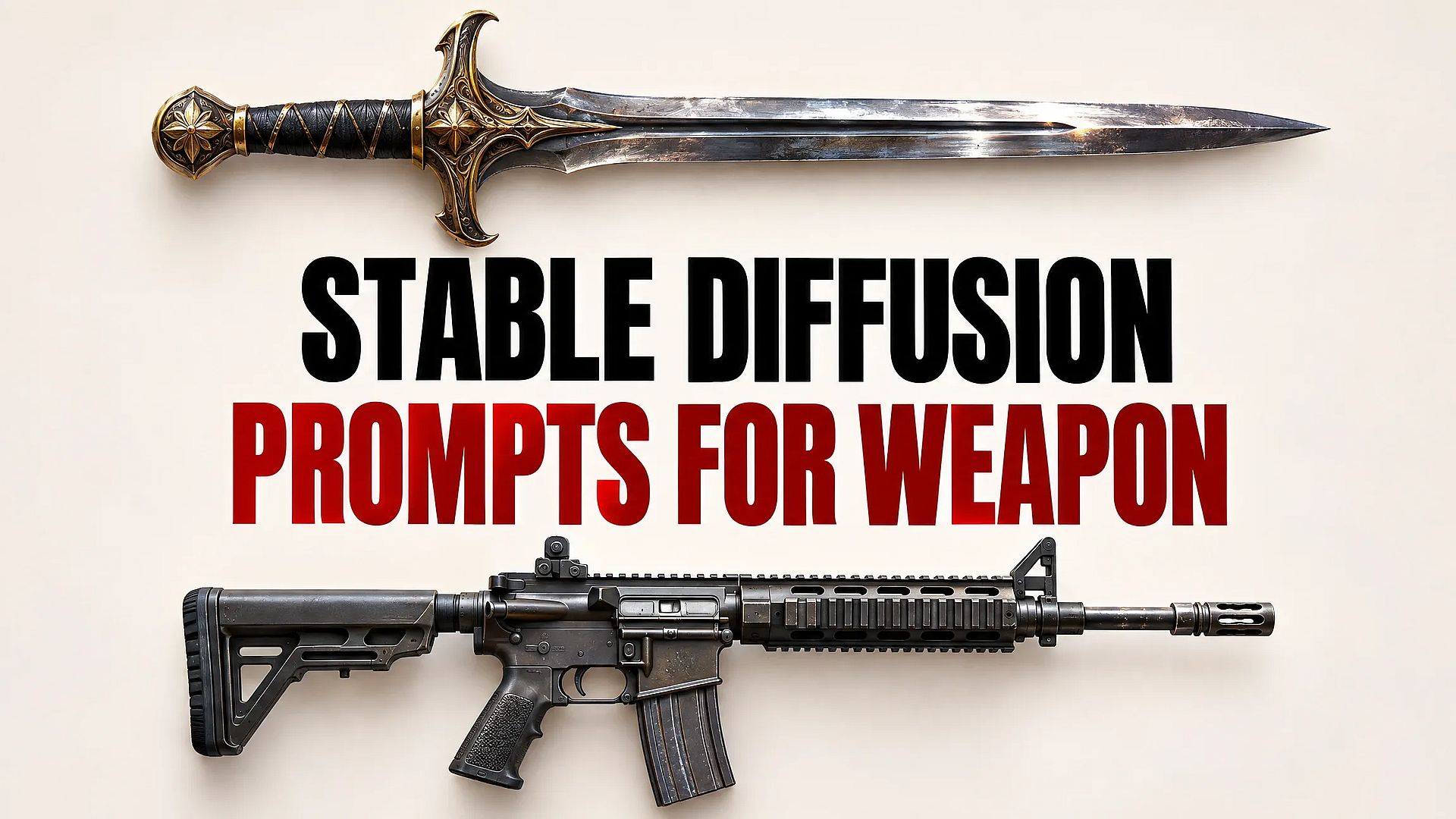
Stable Diffusion prompts for weapons let you create everything from fantasy swords to sci-fi laser rifles with stunning detail. Whether you are designing concept art for a game, illustrating a novel, or exploring creative ideas, the right prompt turns a blank canvas into a photorealistic weapon render. These 25 weapon prompts cover medieval blades, futuristic firearms, and enchanted artifacts to help you produce high-quality AI weapon art.
Key Takeaways
- Each prompt includes specific detail modifiers like material textures, lighting, and environment to produce sharper results.
- Weapon prompts work best when you specify the art style (photorealistic, fantasy painting, concept art) upfront.
- Adding resolution tags like "8K" or "high detail" pushes Stable Diffusion toward cleaner, more refined outputs.
- These prompts pair well with any AI image generator that supports Stable Diffusion models.
- Mixing historical accuracy with fantasy elements (glowing runes on a Viking axe, for example) creates the most visually striking results.
25 Best Stable Diffusion Weapon Prompts
Each prompt below is ready to copy and paste. We have included a description of what makes the prompt effective so you can adapt the technique to your own weapon designs.
1. Hyper-Realistic Futuristic Laser Gun
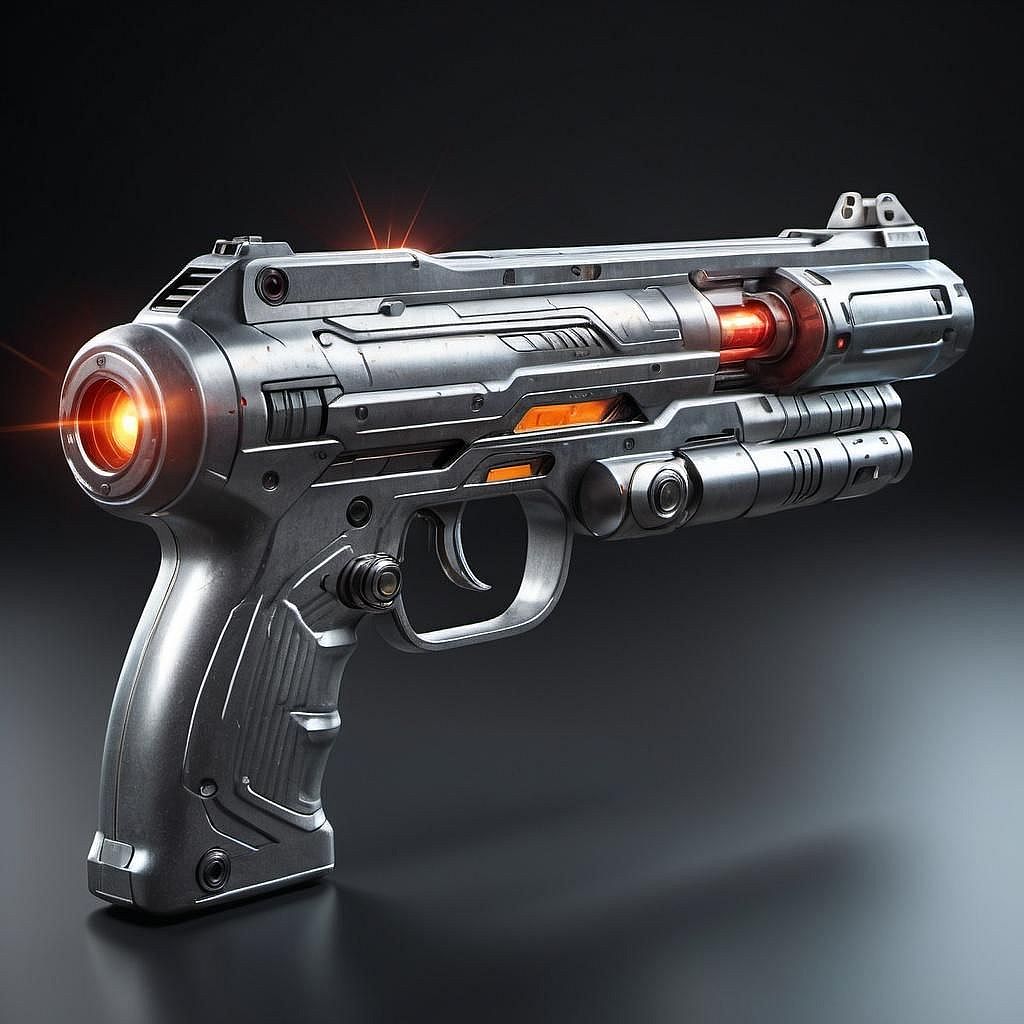
Prompt: Hyper-realistic, high-resolution image of a futuristic laser gun, detailed and sleek, with metallic textures and glowing elements.
This prompt combines "hyper-realistic" with specific surface details like metallic textures and glowing elements. Specifying both the finish and the lighting effects gives Stable Diffusion clear direction for rendering reflections and energy sources.
2. Medieval Knight's Sword
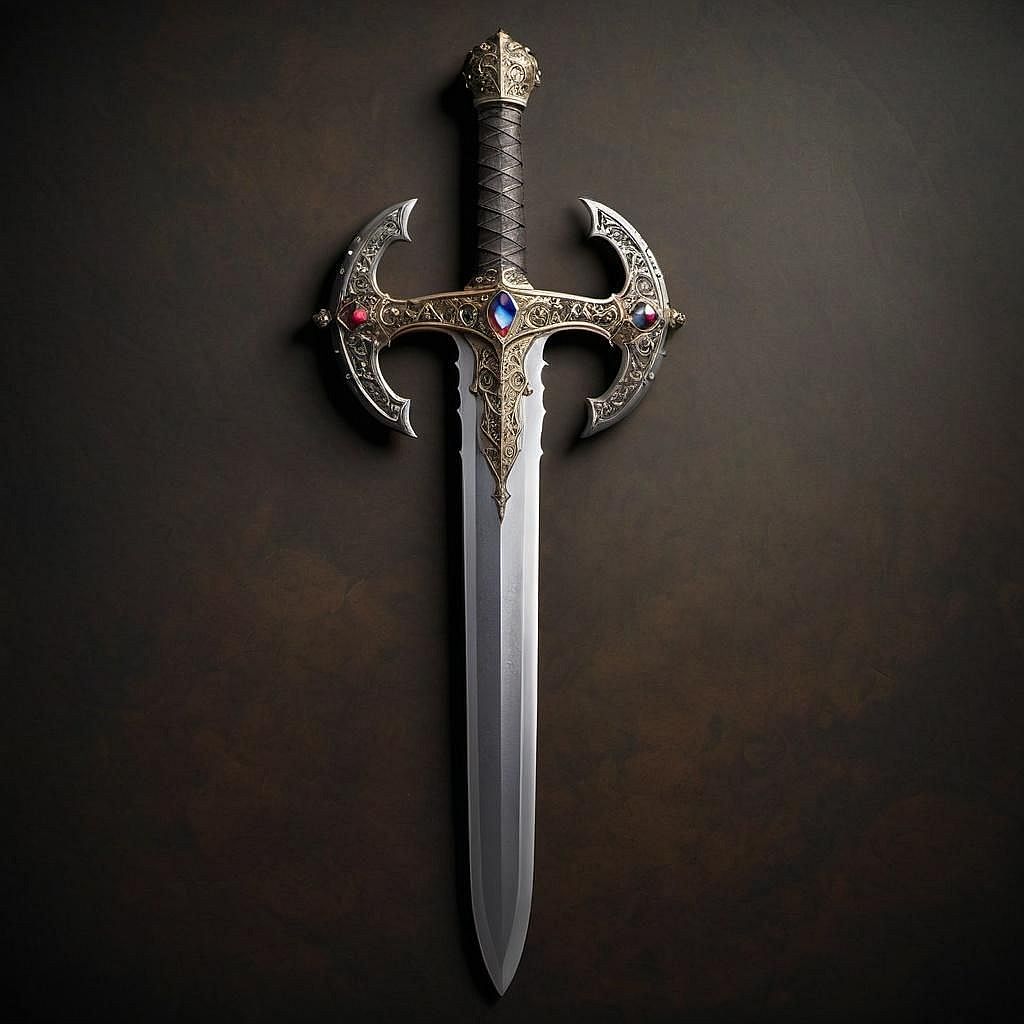
Prompt: Realistic photo of a medieval knight's sword, intricately designed with a jeweled hilt and weathered blade.
Calling out "jeweled hilt" and "weathered blade" tells the model exactly where to place detail. The contrast between ornate decoration and battle-worn steel creates visual tension that makes the image more interesting.
3. Modern Military Assault Rifle
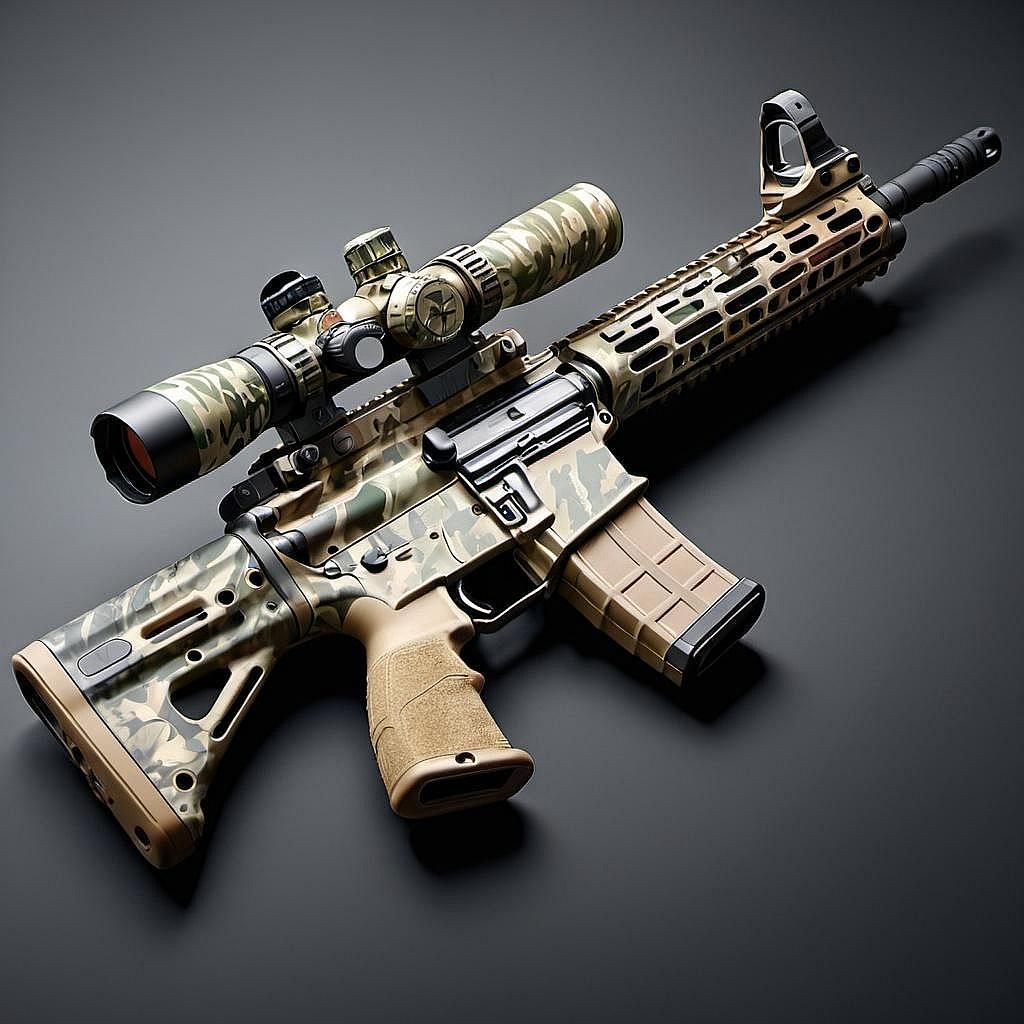
Prompt: High-definition, realistic image of a modern military assault rifle, detailed with tactical attachments and camouflage patterns.
Tactical attachments and camouflage patterns give the model two distinct texture challenges. This level of specificity prevents the output from looking generic and pushes the AI toward reference-quality military renders.
4. Samurai Katana
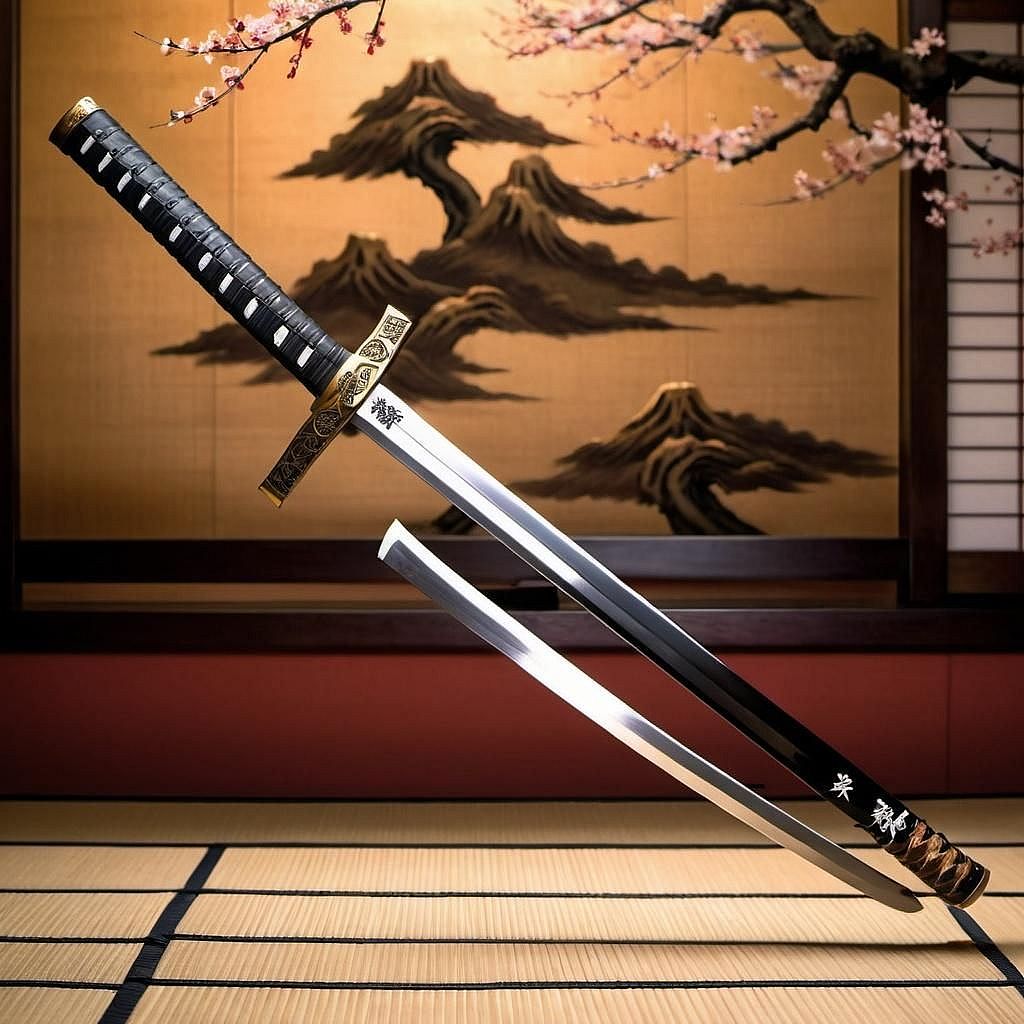
Prompt: Realistic photograph of a samurai katana, with a sharp blade and ornate handle, set against a traditional Japanese backdrop.
Adding a "traditional Japanese backdrop" grounds the weapon in its cultural context. Environment cues like this help Stable Diffusion choose appropriate lighting, color temperature, and composition.
5. Sci-Fi Plasma Rifle
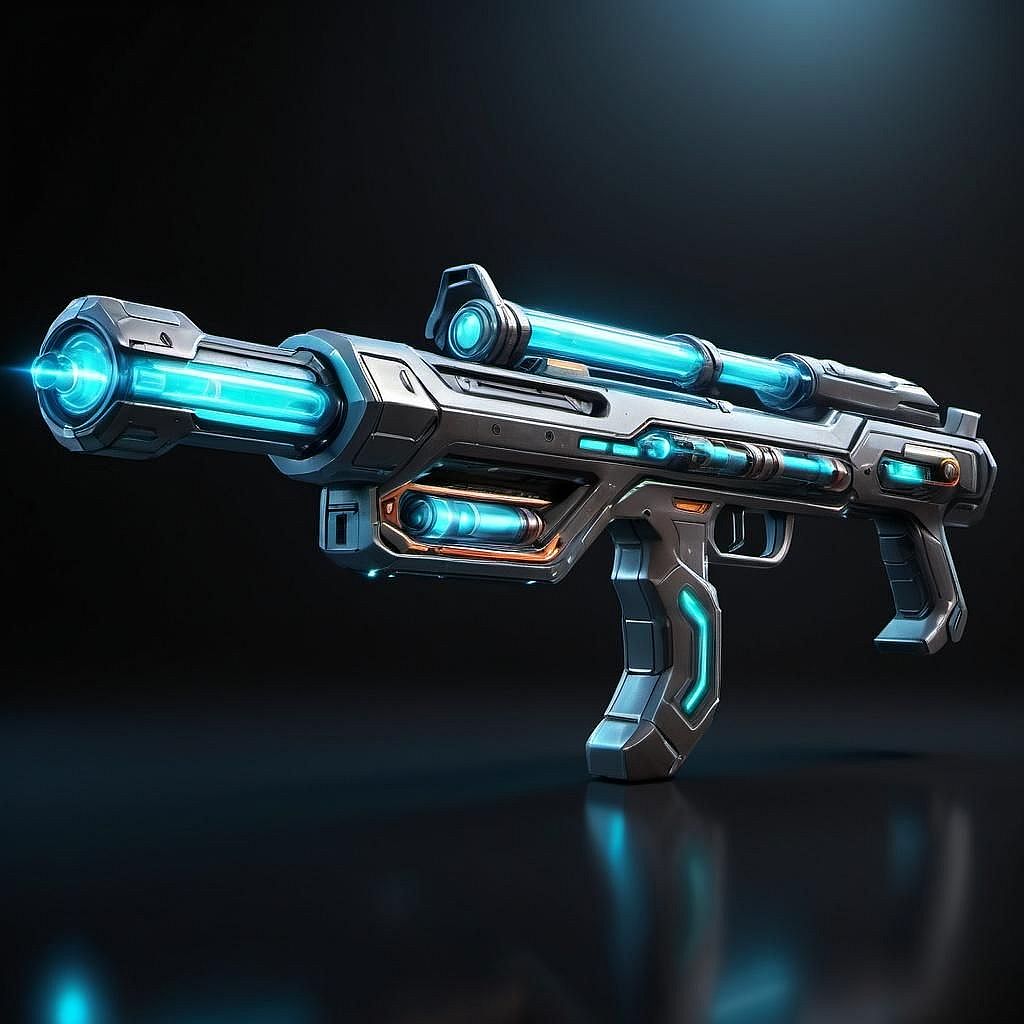
Prompt: High-resolution, realistic image of a sci-fi plasma rifle, with glowing energy cores and futuristic design elements.
"Glowing energy cores" is the standout modifier here. It tells the model to generate internal light sources, which creates depth and makes the weapon feel functional rather than decorative.
6. Ancient Greek Spear and Shield

Prompt: Realistic photo of an ancient Greek spear and shield, with a bronze finish and detailed Spartan design.
Pairing two related items (spear and shield) creates a composition challenge the AI handles well when you specify the material finish. "Bronze finish" anchors the color palette and surface rendering.
7. Viking Axe
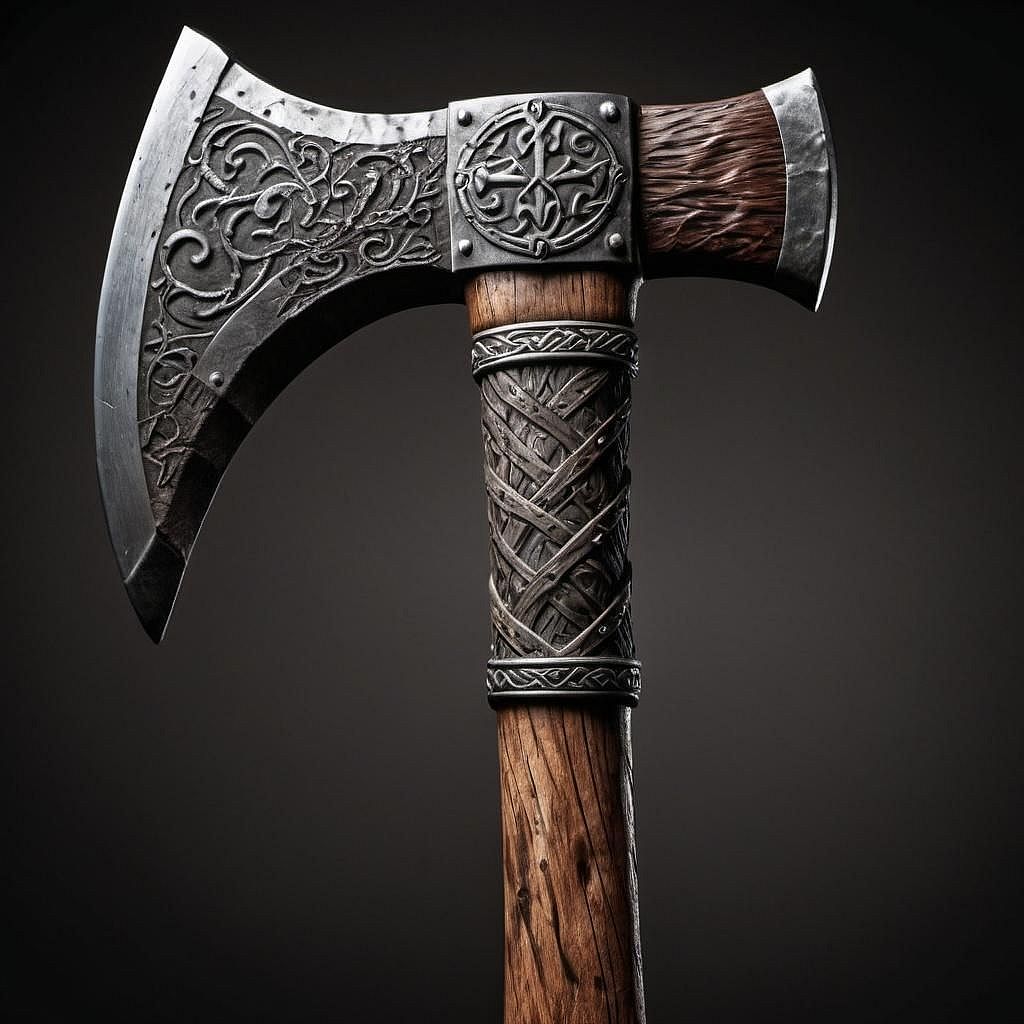
Prompt: High-definition, realistic image of a Viking axe, with a rugged, weathered look and intricate carvings on the handle.
The "rugged, weathered look" modifier pushes the output toward a used, battle-tested aesthetic. Combined with "intricate carvings," it balances roughness with craftsmanship for a more authentic result.
8. Modern Sniper Rifle in Forest
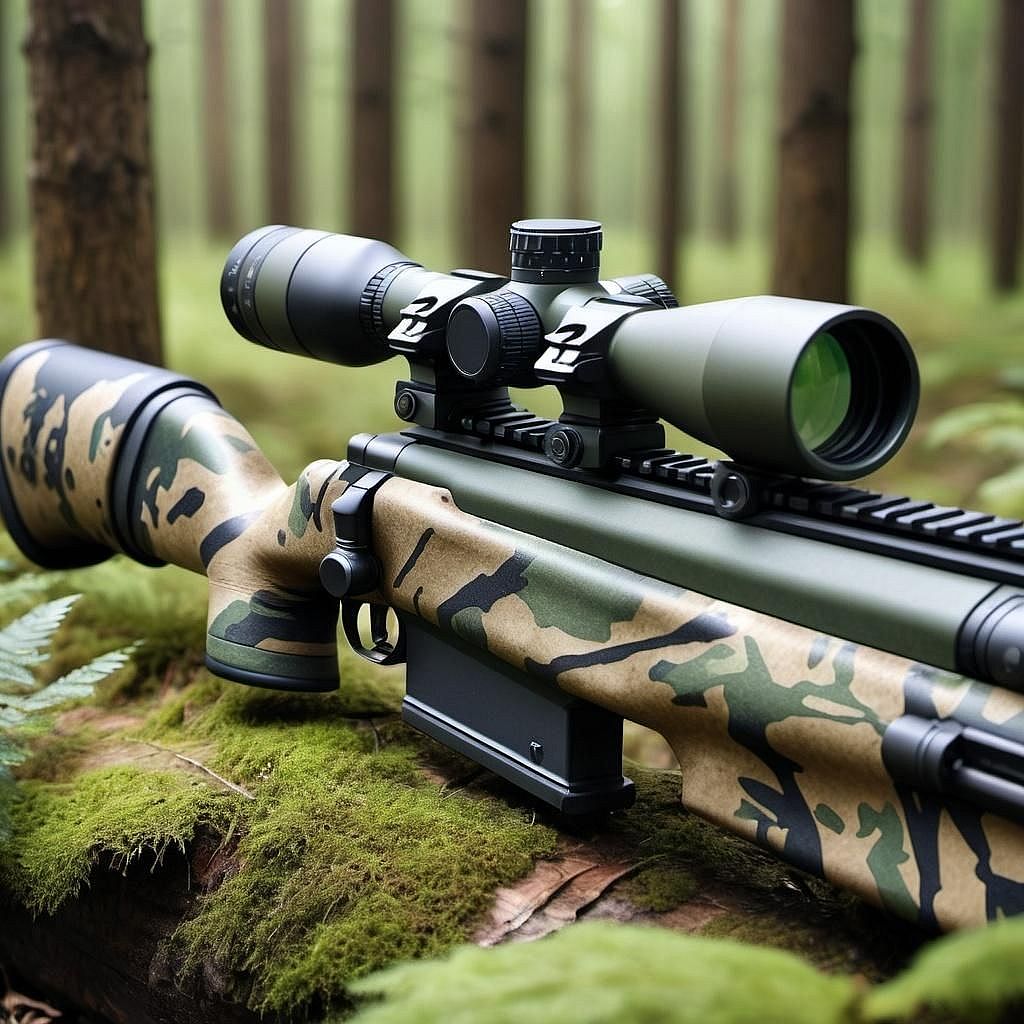
Prompt: Realistic photograph of a modern sniper rifle, with a detailed scope and camouflage paint, set in a forest environment.
Setting the weapon in a forest environment forces the AI to handle environmental lighting, shadows through foliage, and color matching between the camouflage and the surroundings.
9. Fantasy Wizard's Staff
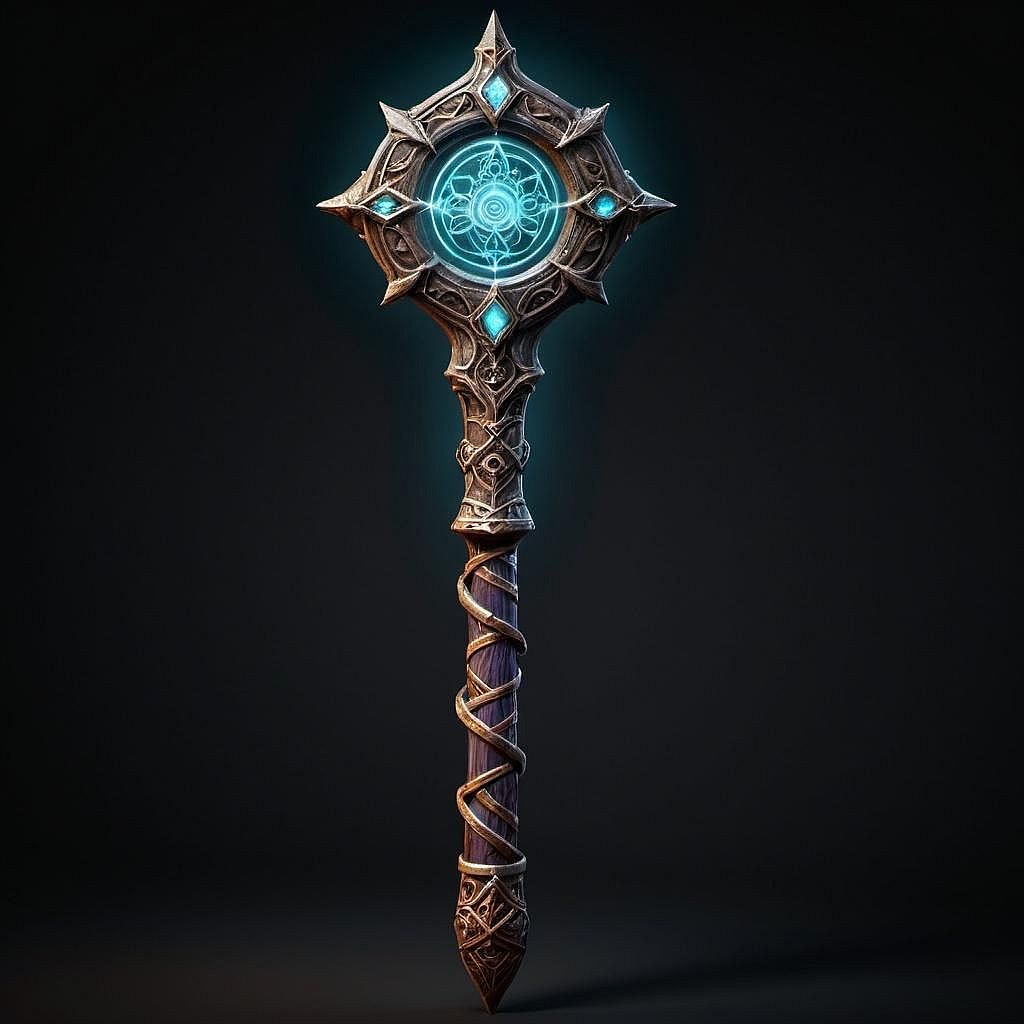
Prompt: High-resolution, realistic image of a fantasy wizard's staff, with glowing runes and mystical elements.
Fantasy weapon prompts benefit from mixing real-world rendering styles ("realistic") with magical features ("glowing runes"). This contrast is what makes AI-generated fantasy weapon art look polished rather than cartoonish.
10. Medieval Mace
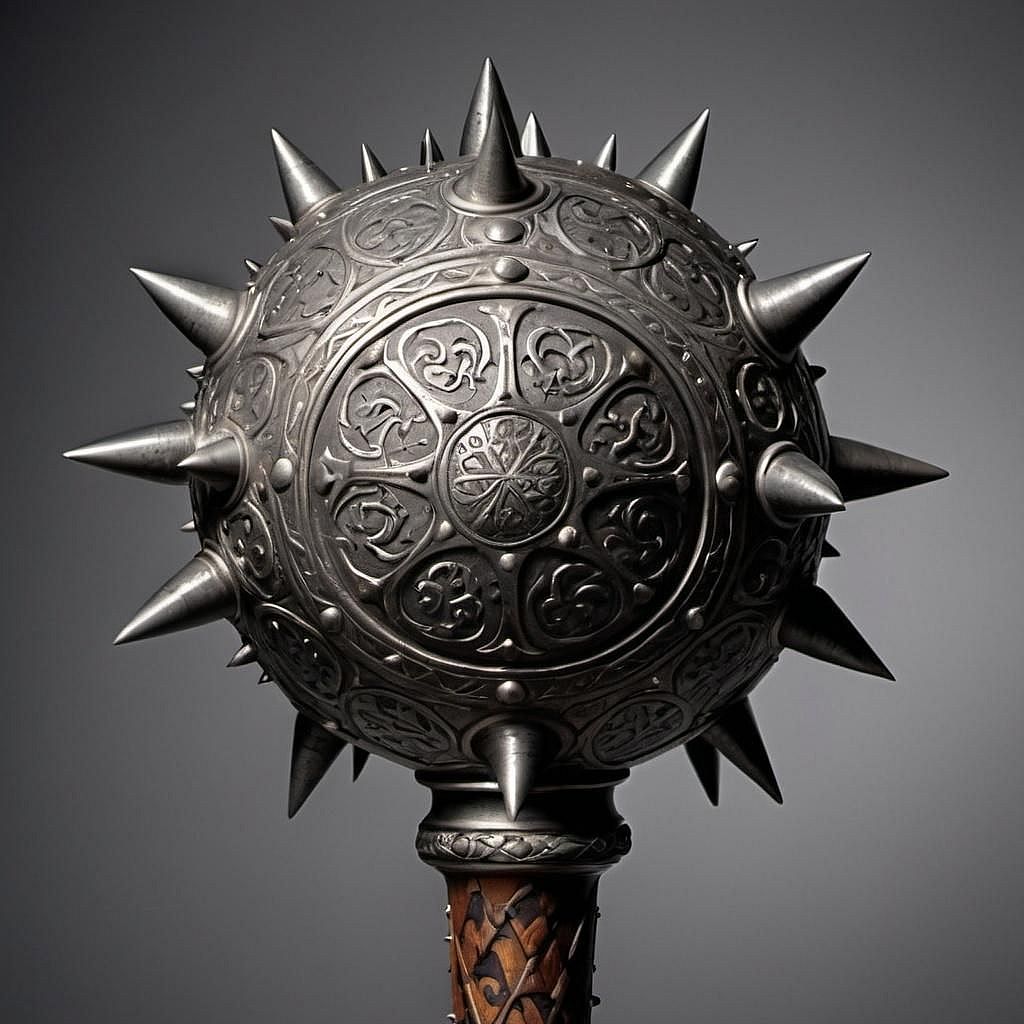
Prompt: Realistic photo of a medieval mace, with a spiked head and detailed engravings on the handle.
Maces are great subjects for AI art because the spiked head catches light from multiple angles. Specifying "detailed engravings on the handle" adds a second focal point that makes the composition more dynamic.
11. Futuristic Energy Sword
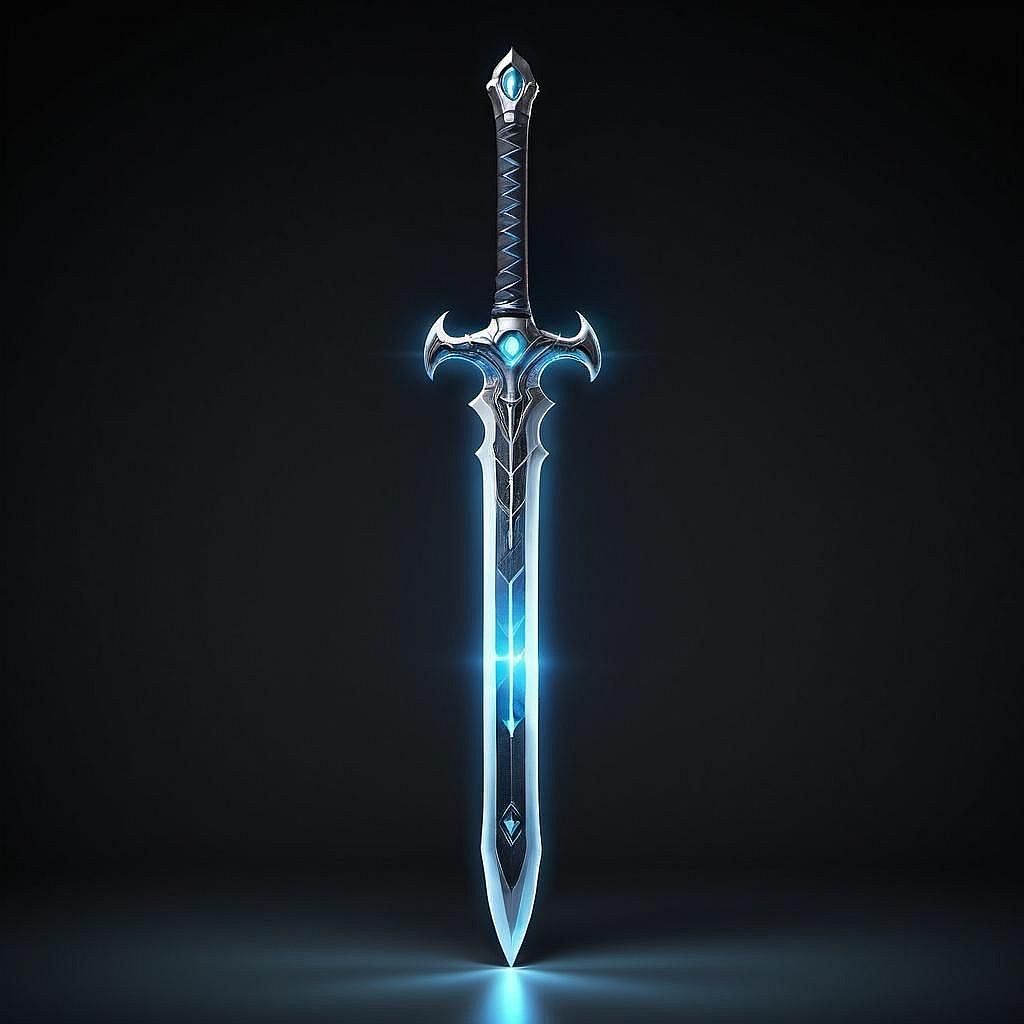
Prompt: High-definition, realistic image of a futuristic energy sword, with a glowing blade and sleek, metallic design.
Energy swords combine solid metallic elements with translucent glowing effects. This dual-material prompt teaches the AI to render both hard surfaces and light-emitting elements in the same frame.
12. Traditional Longbow in Forest
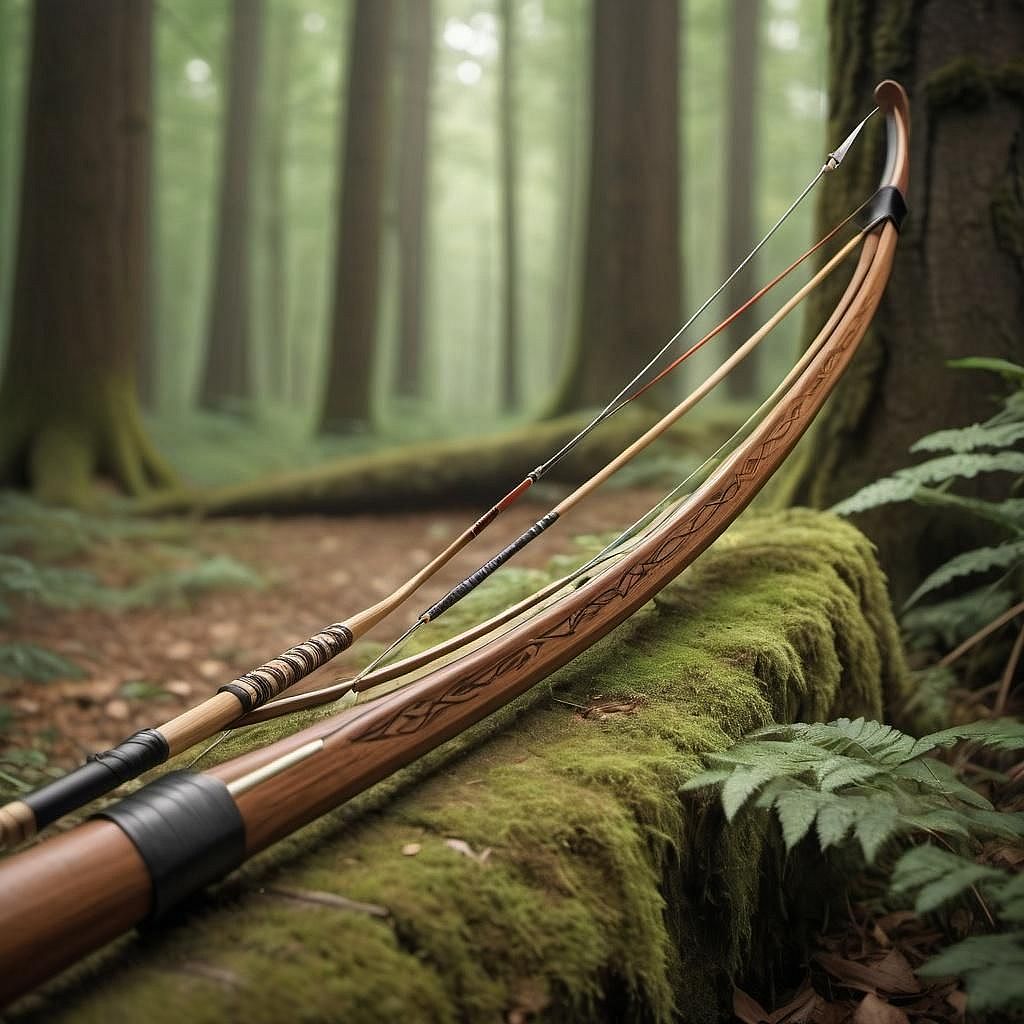
Prompt: Realistic photograph of a traditional longbow, with detailed wood grain and a quiver of arrows, set in a forest.
Wood grain is one of the textures Stable Diffusion renders particularly well. Adding a quiver of arrows and a forest setting creates a complete scene rather than an isolated object, which typically produces more compelling images.
13. Modern Tactical Knife
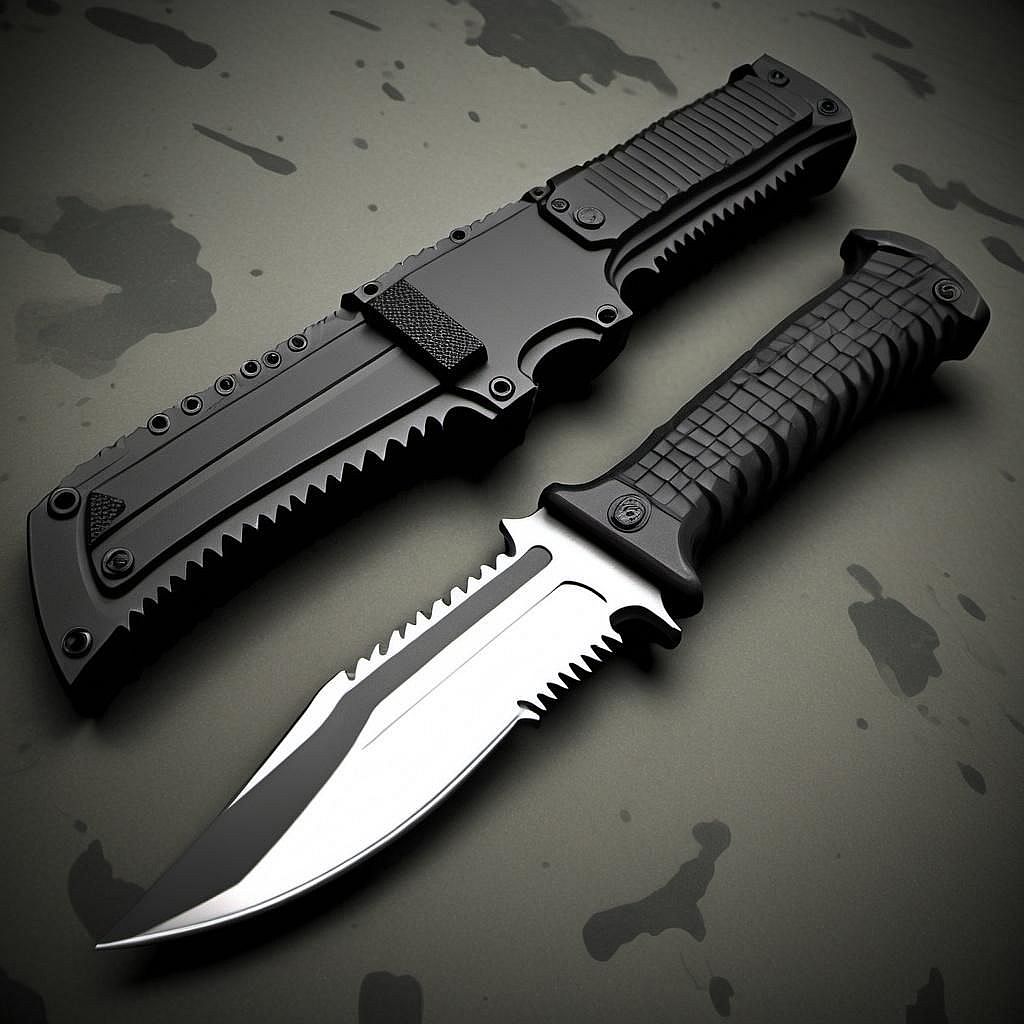
Prompt: High-resolution, realistic image of a modern tactical knife, with a serrated edge and detailed grip.
Smaller weapons require more specific detail callouts to avoid vague outputs. "Serrated edge" and "detailed grip" give the model two distinct areas to focus on, producing a sharper and more defined result.
14. Sci-Fi Railgun
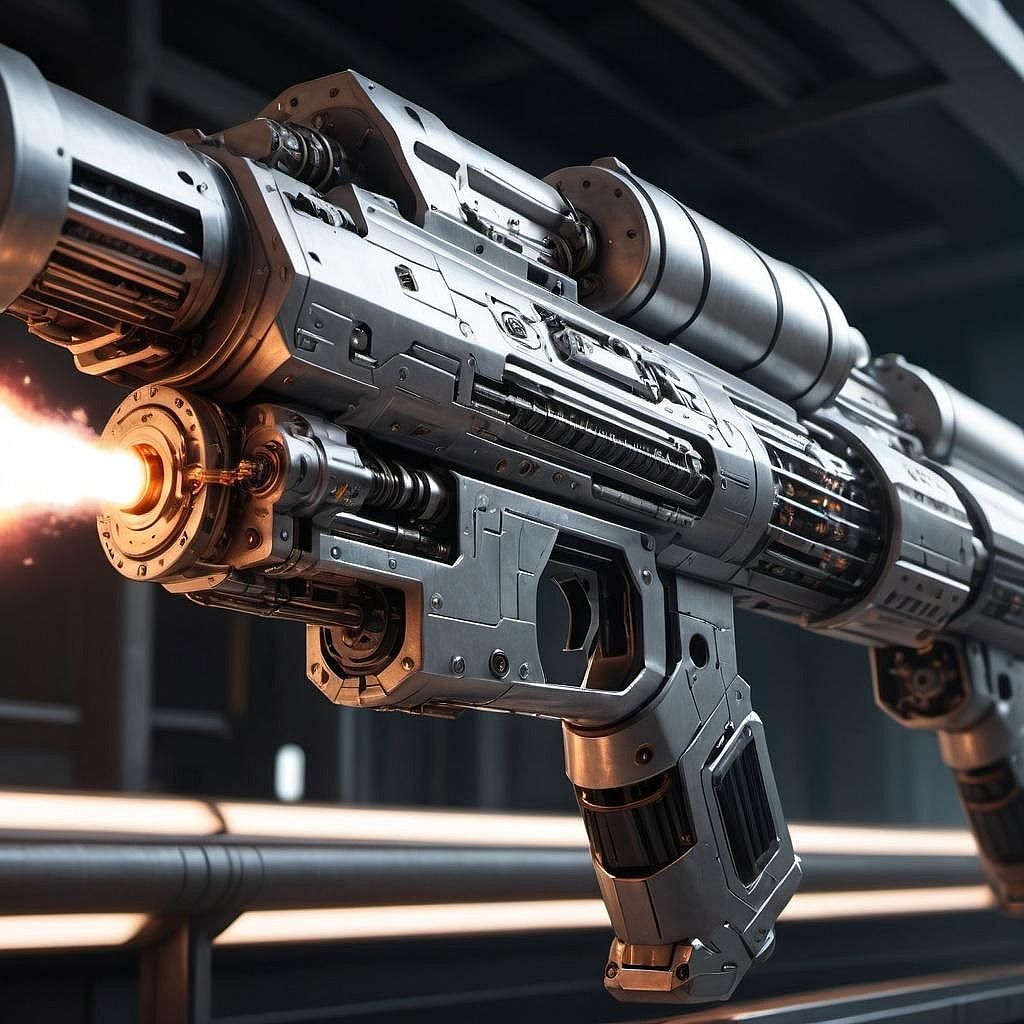
Prompt: Realistic photo of a sci-fi railgun, with intricate mechanical details and glowing energy components.
Railguns sit at the intersection of real engineering and science fiction. Calling out "intricate mechanical details" alongside "glowing energy components" tells the AI to blend hard-surface modeling with fantasy lighting.
15. Medieval Crossbow
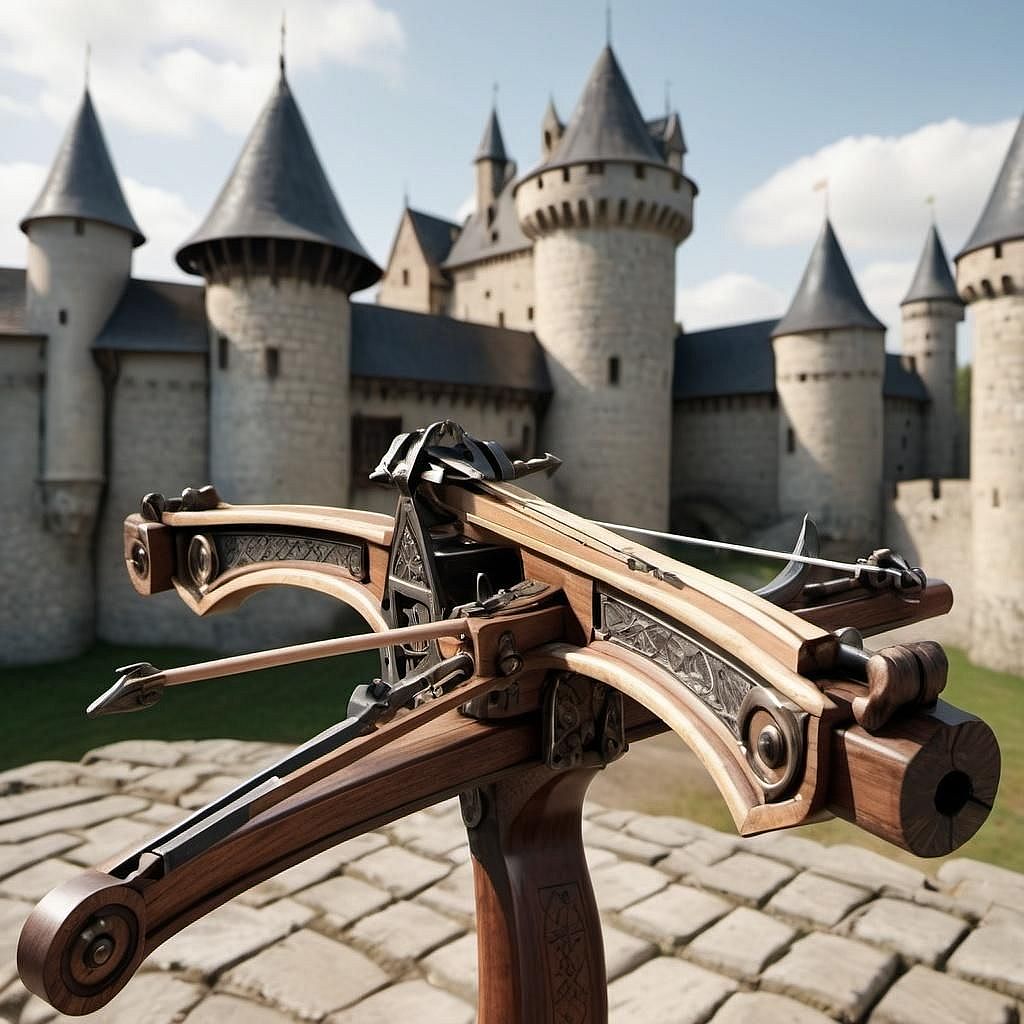
Prompt: High-definition, realistic image of a medieval crossbow, with detailed wood and metal components, set against a castle backdrop.
Multi-material weapons (wood and metal) challenge the AI to handle different surface properties in one image. The castle backdrop reinforces the medieval theme and provides visual context.
16. Futuristic Grenade Launcher
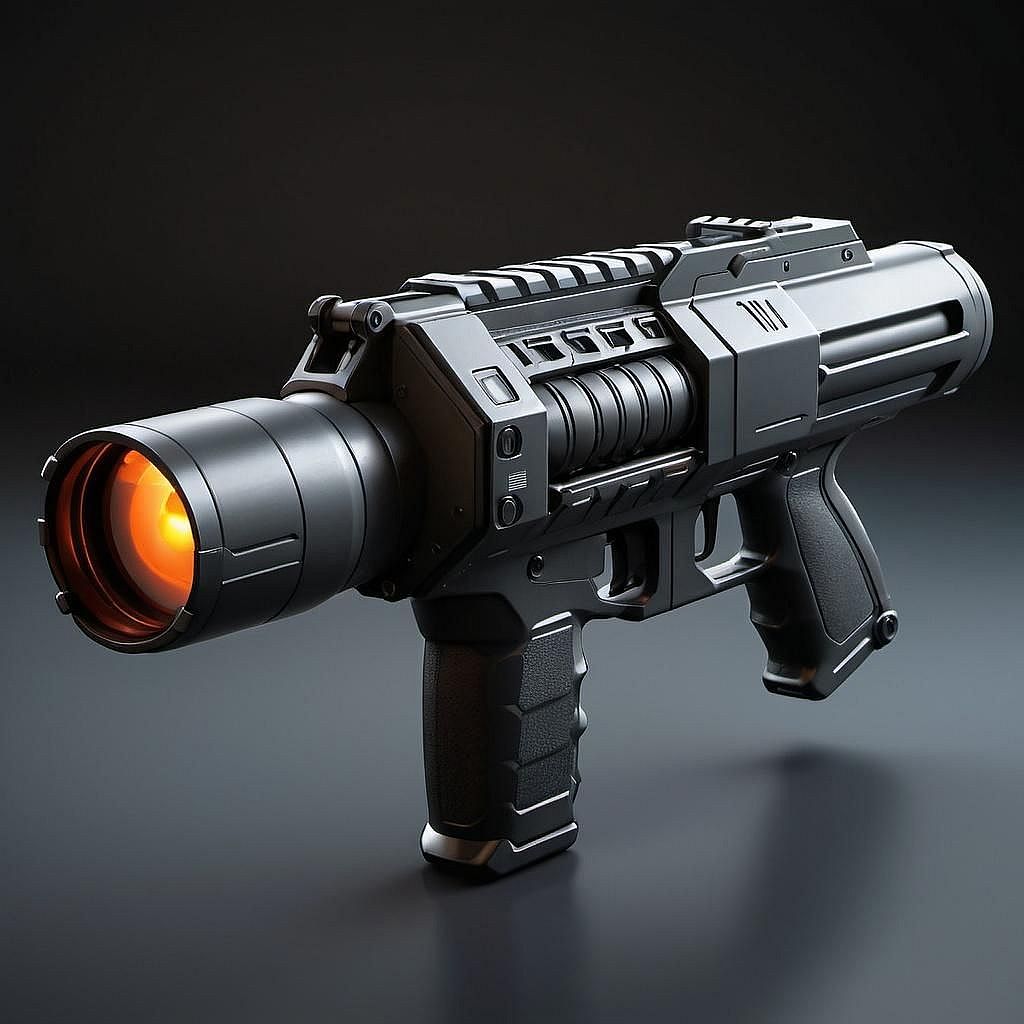
Prompt: Realistic photograph of a futuristic grenade launcher, with sleek design and glowing digital displays.
"Glowing digital displays" is a smart addition to any futuristic weapon prompt. It suggests the weapon has an interface, which adds a layer of realism and makes the design feel functional.
17. Fantasy Battle Axe
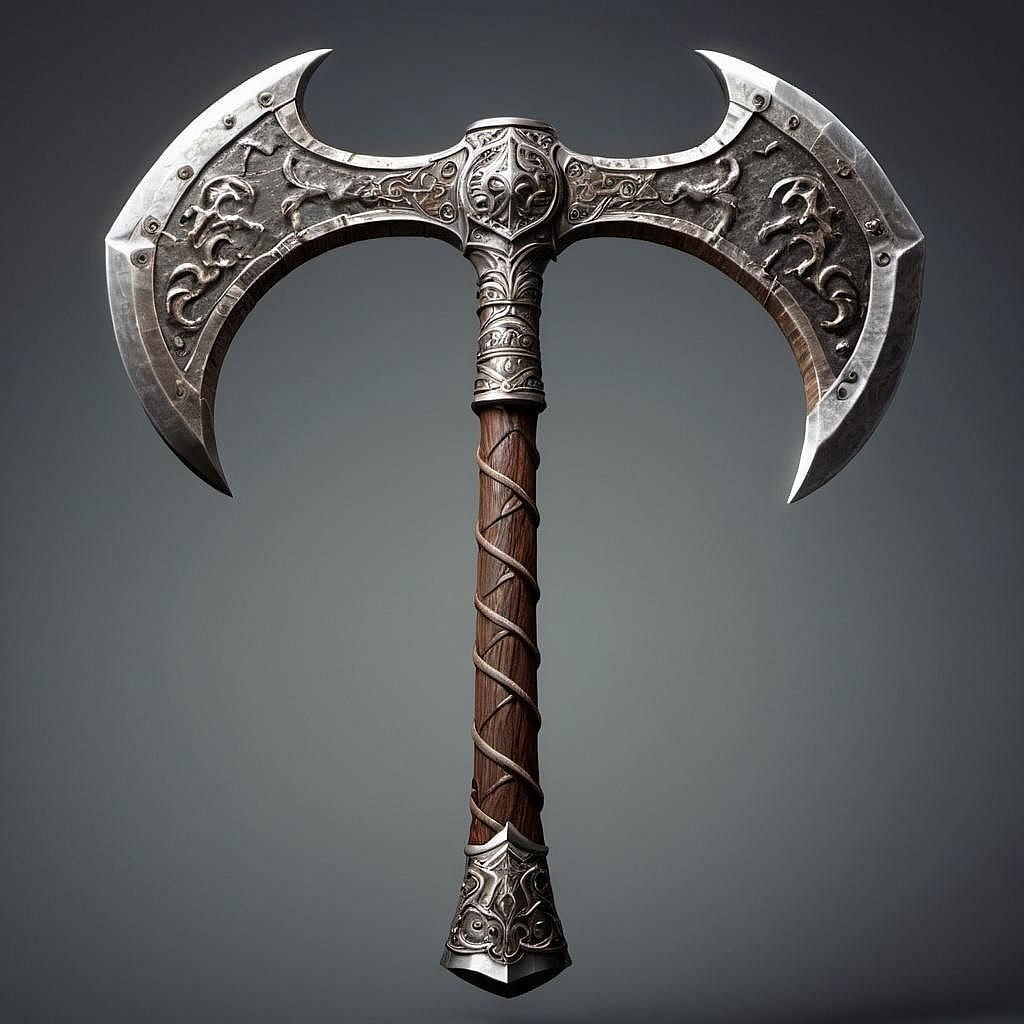
Prompt: High-resolution, realistic image of a fantasy battle axe, with a double-bladed head and ornate handle.
Double-bladed axes have strong visual symmetry that the AI can use to create balanced compositions. Adding "ornate handle" gives the lower half of the image equal visual weight.
18. Modern Combat Shotgun
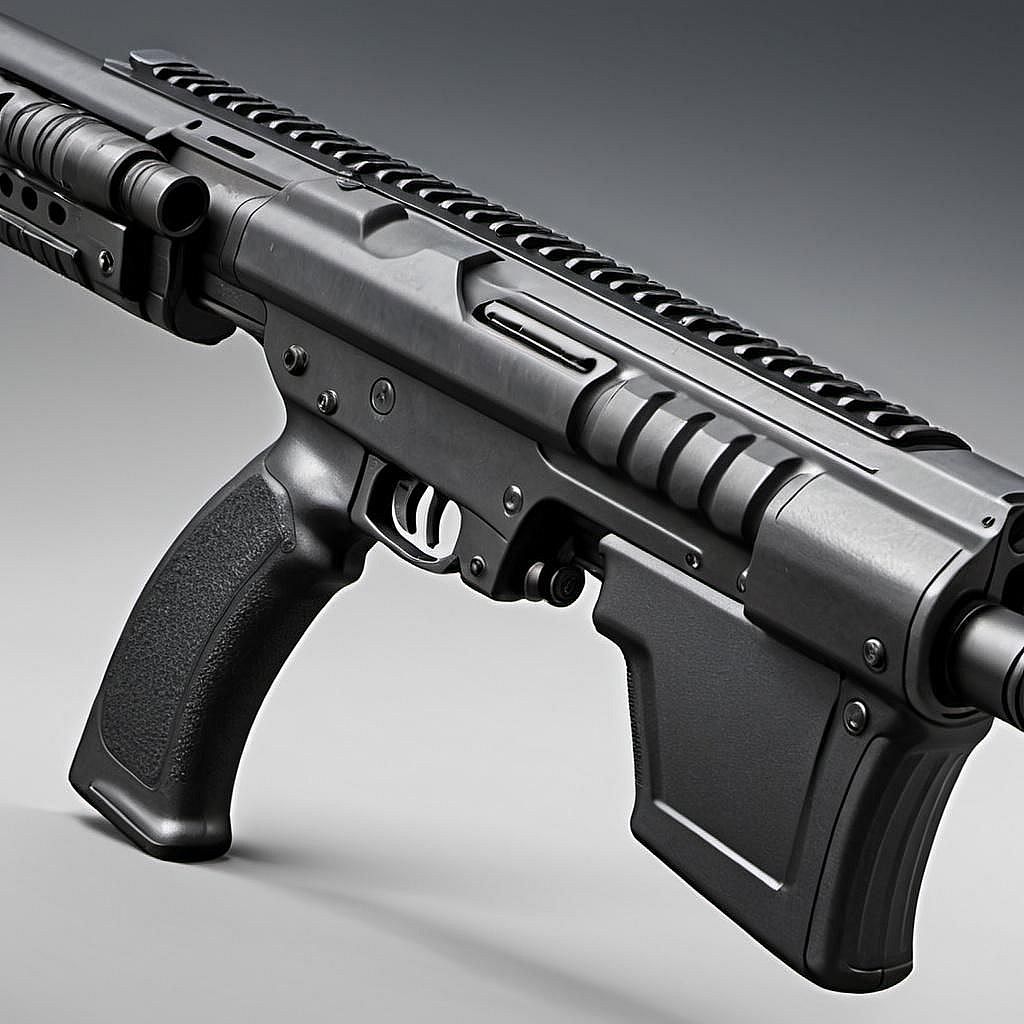
Prompt: Realistic photo of a modern combat shotgun, with detailed attachments and tactical elements.
Tactical elements like rail systems, grips, and sights add complexity that pushes the AI beyond basic shapes. The more attachment points you describe, the more detailed the final render becomes.
19. Sci-Fi Energy Shield
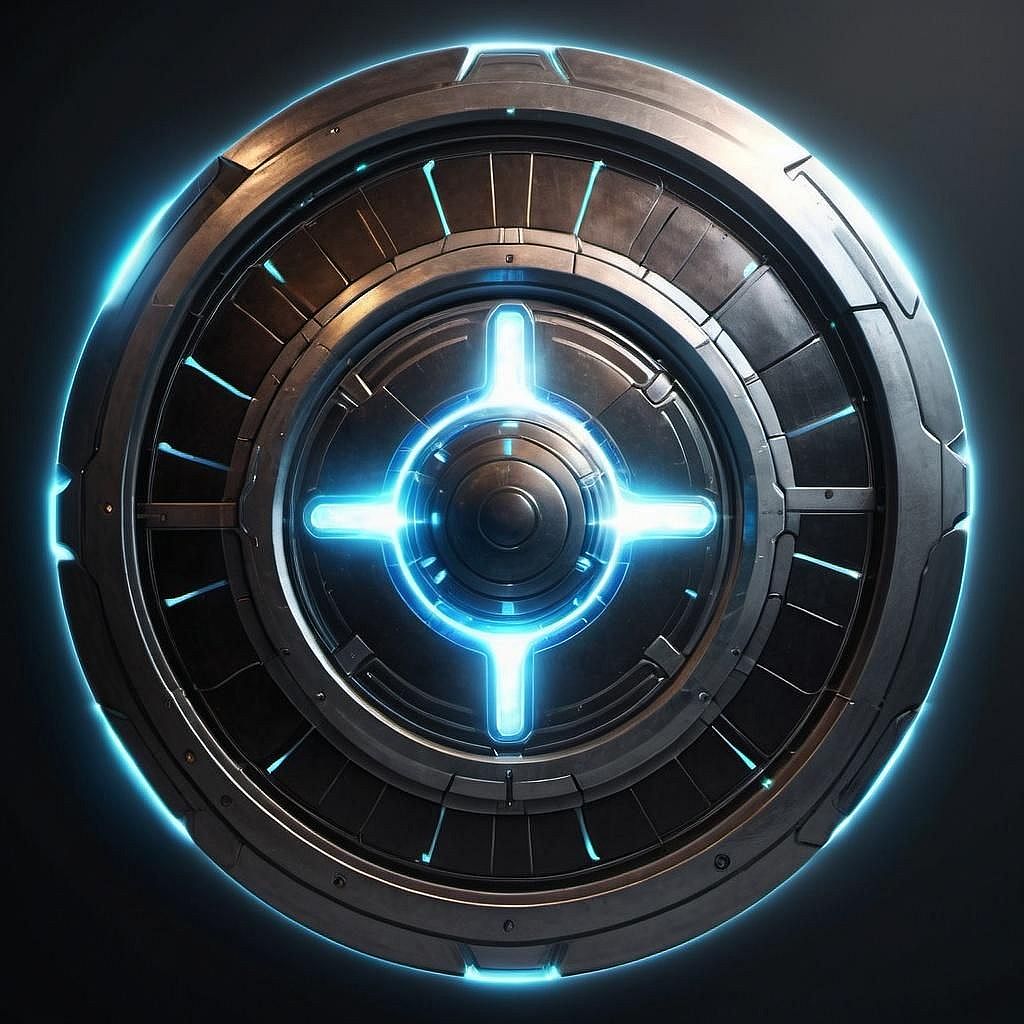
Prompt: High-definition, realistic image of a sci-fi energy shield, with glowing force field and futuristic design.
Shields stretch the definition of "weapon" into defensive gear, which broadens your concept art portfolio. The "glowing force field" effect is a transparency and light challenge that produces impressive results when rendered well.
20. Medieval War Hammer
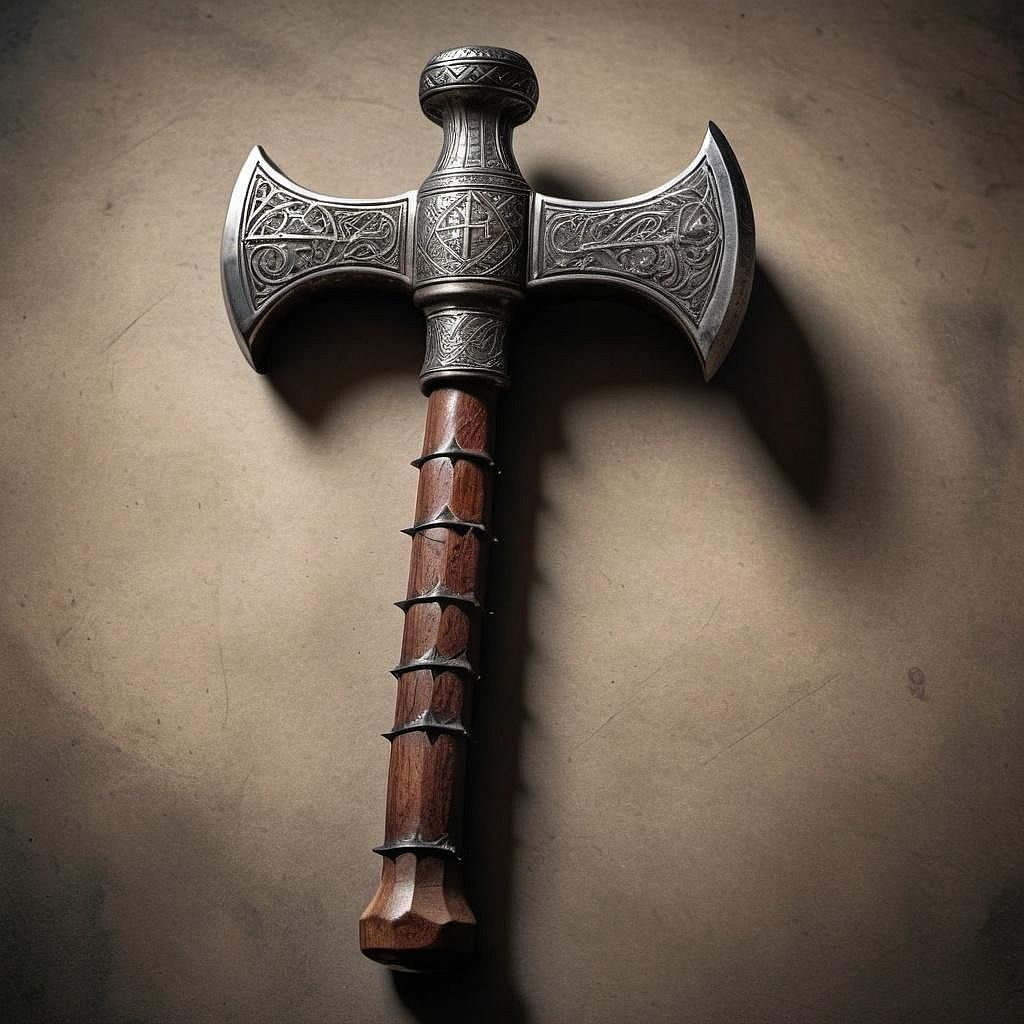
Prompt: Realistic photograph of a medieval war hammer, with a heavy, spiked head and detailed engravings.
Words like "heavy" influence how the AI renders weight and proportion. The model interprets heaviness through thicker proportions and more grounded compositions, which makes the weapon feel more physically present.
21. Modern Submachine Gun
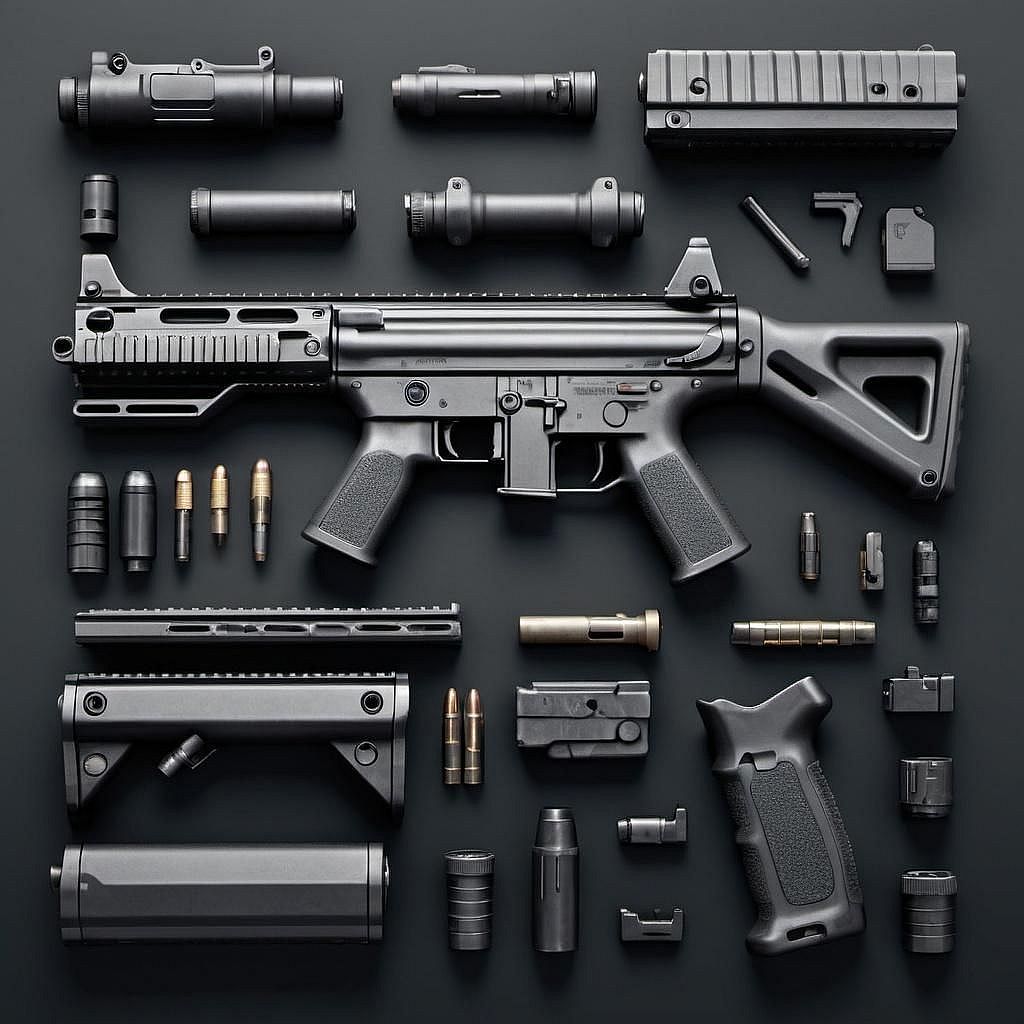
Prompt: High-resolution, realistic image of a modern submachine gun, with detailed components and tactical accessories.
Modern firearms benefit from prompts that mention "detailed components" because these weapons have many small, recognizable parts. The AI performs better when it knows you expect that level of mechanical accuracy.
22. Futuristic Laser Cannon
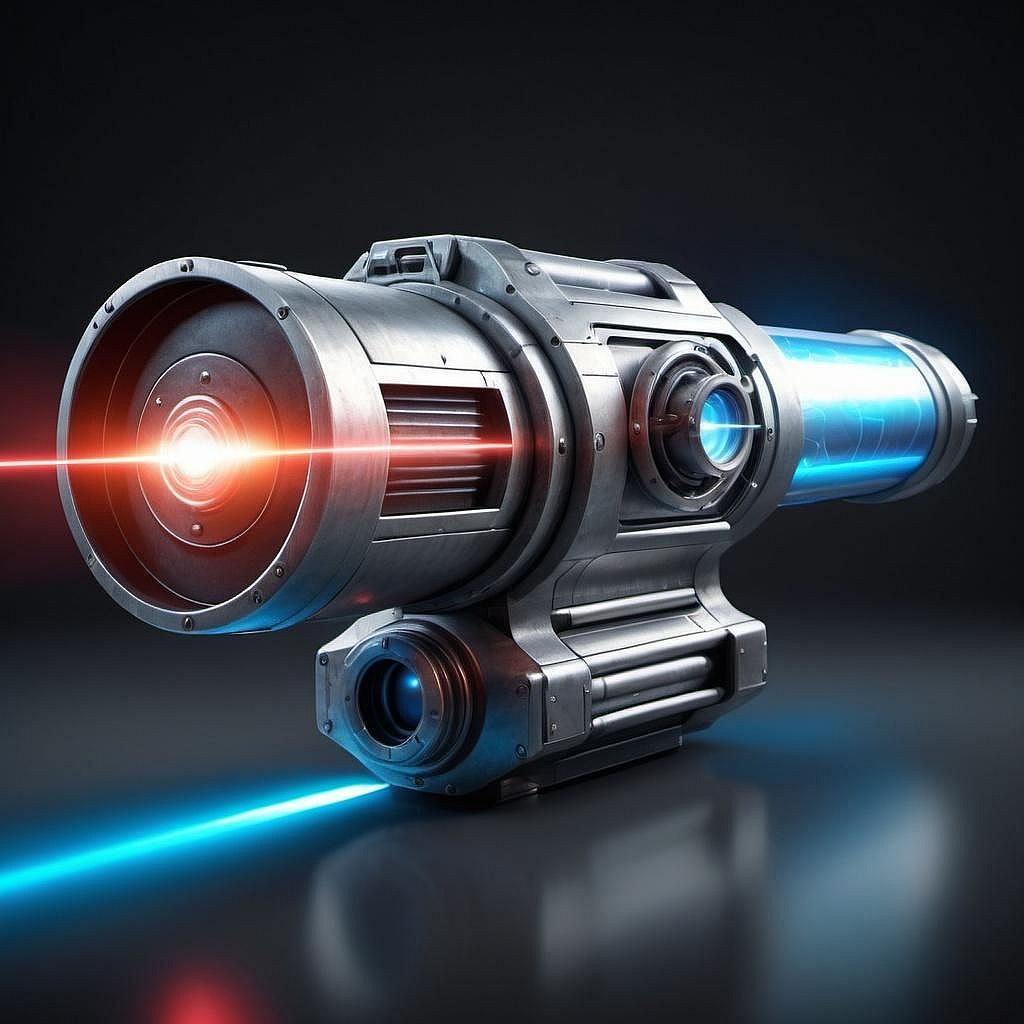
Prompt: Realistic photo of a futuristic laser cannon, with glowing energy cores and sleek, metallic design.
Scaling up from a laser gun (prompt 1) to a cannon changes the composition entirely. Larger weapons need "sleek" or "streamlined" modifiers to prevent the AI from generating cluttered, overly busy designs.
23. Fantasy Enchanted Dagger
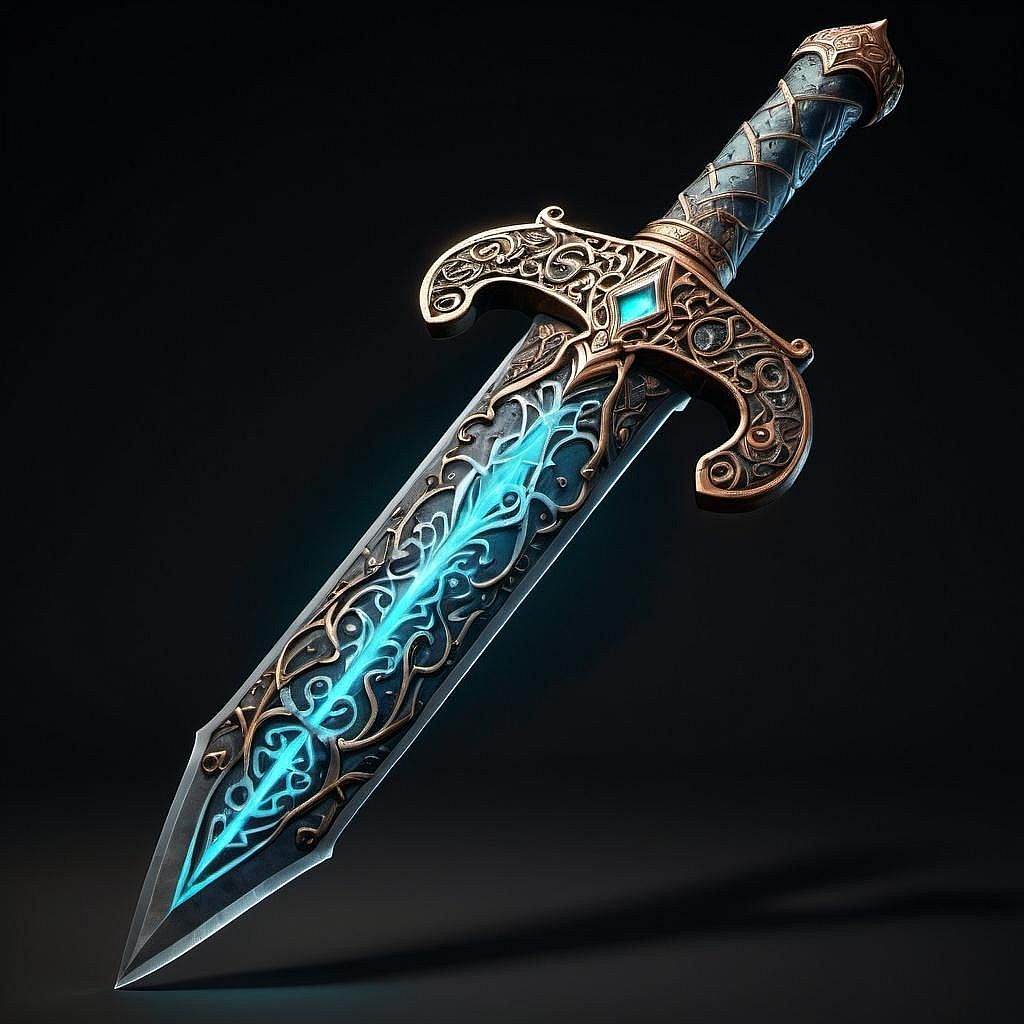
Prompt: High-definition, realistic image of a fantasy enchanted dagger, with glowing runes and ornate handle.
Enchanted weapons are among the most popular subjects in AI-generated fantasy art. Glowing runes create natural focal points, and the smaller scale of a dagger means every detail gets rendered at higher resolution.
24. Traditional Throwing Star
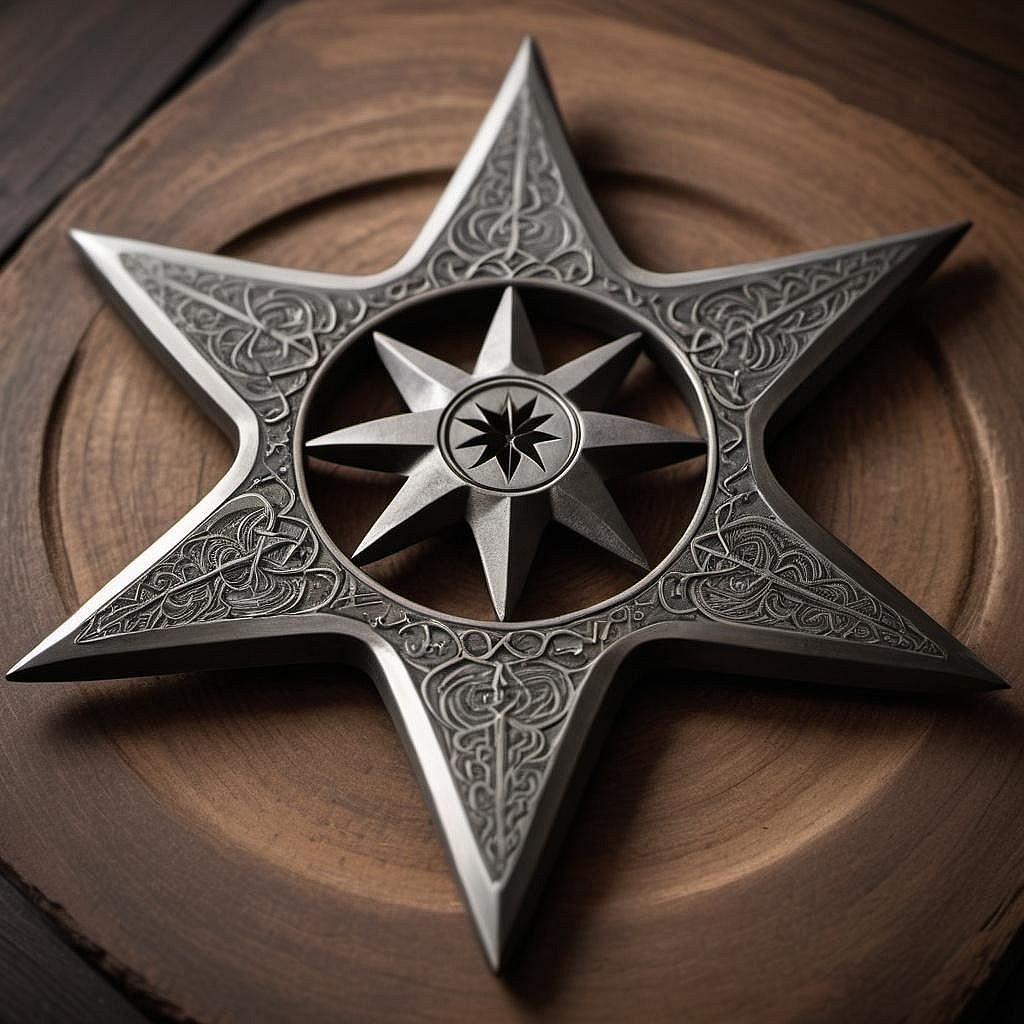
Prompt: Realistic photograph of a traditional throwing star, with detailed engravings and sharp edges, set against a dojo backdrop.
Throwing stars have a geometric quality that Stable Diffusion handles well. The "dojo backdrop" adds cultural context while providing a clean, uncluttered background that keeps the focus on the weapon itself.
25. Modern Flamethrower
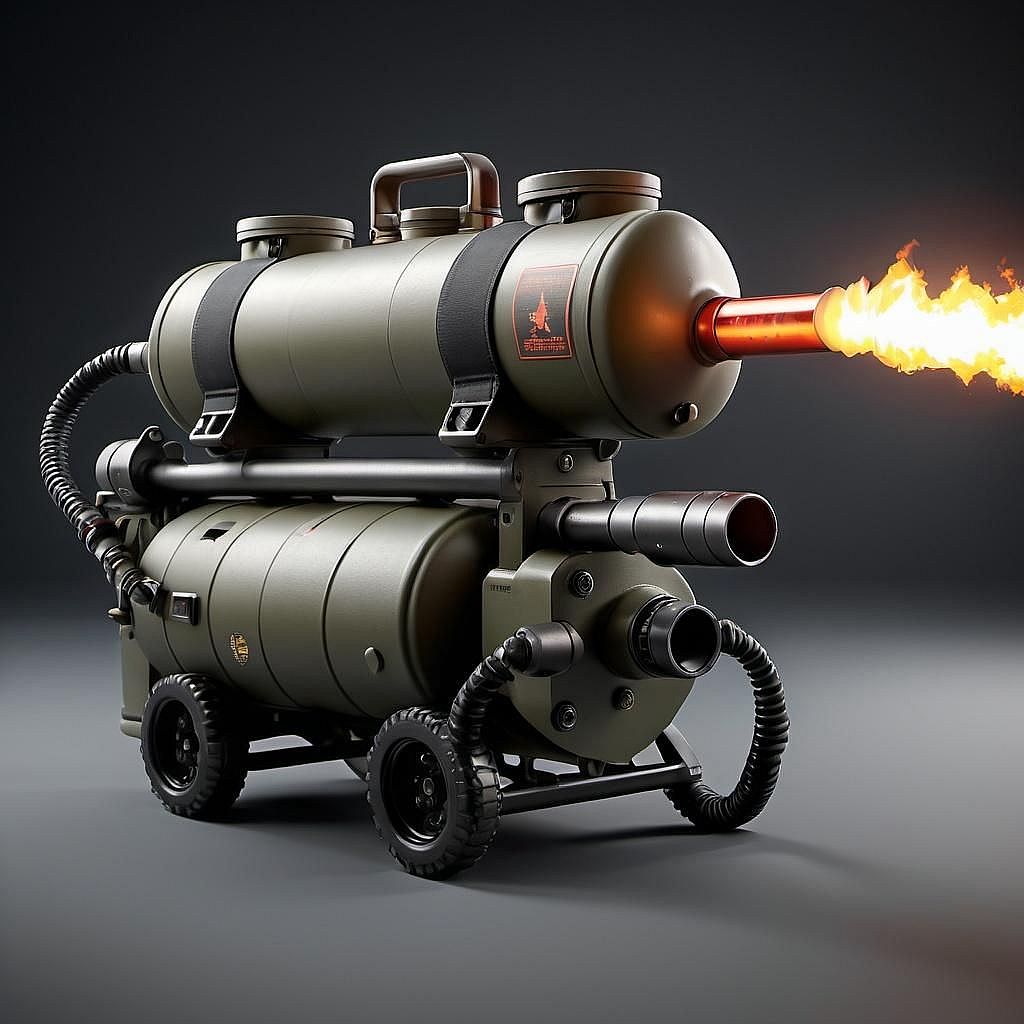
Prompt: High-resolution, realistic image of a modern flamethrower, with detailed fuel tanks and tactical design elements.
Flamethrowers are complex multi-part weapons. Calling out "fuel tanks" and "tactical design elements" separately helps the AI organize the composition around distinct functional sections rather than treating the whole thing as one shape.
7 Tips for Writing Better Weapon Prompts
Getting consistent, high-quality weapon renders from Stable Diffusion takes more than a one-line description. These tips will help you refine your prompts for sharper, more accurate results.
1. Start with the weapon type and era. "Medieval longsword" gives the AI more context than just "sword." Historical or genre labels narrow down the shape, materials, and proportions the model should reference.
2. Specify materials and surface textures. Terms like "brushed steel," "worn leather grip," or "polished obsidian blade" guide the AI's rendering of light and shadow. The more specific the material, the more realistic the output.
3. Add lighting and environment cues. A weapon "lit by torchlight in a stone dungeon" looks completely different from one "in studio lighting on a white background." Environment shapes the entire mood of the image.
4. Use resolution and quality tags. Adding "8K resolution," "ultra detailed," or "photorealistic" at the end of your prompt pushes the model toward cleaner outputs with finer detail.
5. Include a camera angle or perspective. "Close-up macro shot," "full length on display stand," or "held at an angle" tells the AI how to frame the weapon. Without this, you get the default straight-on view every time.
6. Mix real-world physics with fantasy elements. The most striking AI weapon art pairs physically accurate rendering (metal reflections, leather texture) with fantastical additions (glowing enchantments, ethereal smoke). This contrast is what catches the viewer's eye.
7. Iterate and refine. Your first prompt rarely produces the perfect image. Adjust one variable at a time, whether it is the material, the lighting, or the camera angle, and compare results to find what works best for your vision.
Where to Create AI Weapon Art
You can generate all of these weapon renders on OpenArt, which supports multiple Stable Diffusion models along with DALL-E and Flux. The platform lets you switch between models, adjust parameters, and save your favorite prompts for reuse.
If you are designing weapons for game development, tabletop RPGs, or digital storytelling, you can also explore the AI character generator to create the characters who wield these weapons.
For projects that go beyond static images, the AI video generator can animate weapon reveals, combat sequences, and concept art showcases.
Frequently Asked Questions
What Stable Diffusion model works best for weapon art?
Realistic weapon renders perform best with photorealistic models like Stable Diffusion XL or fine-tuned checkpoints trained on product photography and concept art. Fantasy weapons often look better with models trained on digital art and illustration styles. Try multiple models with the same prompt to see which aesthetic fits your project.
How do I make my AI weapon renders look more realistic?
Focus on three areas: material specificity (name the exact metal, wood, or fabric), lighting conditions (studio light, natural sunlight, candlelight), and resolution tags (8K, ultra detailed). Adding a physical context like a display case or a character's hand also helps the AI ground the weapon in reality.
Can I use AI-generated weapon art for commercial projects?
Most Stable Diffusion models produce images under permissive licenses that allow commercial use. However, licensing depends on the specific model and platform you use. Check the license terms of your chosen model and generation platform before using the output in commercial products like games, books, or merchandise.
How do I avoid blurry or distorted weapon outputs?
Blurry results usually come from vague prompts or low step counts. Add negative prompts like "blurry, low quality, distorted" to steer the AI away from common artifacts. Increasing the sampling steps (40 to 50 is a good range) and using a CFG scale between 7 and 12 also improves clarity.
What is the difference between weapon concept art and weapon renders?
Concept art focuses on design exploration with multiple angles, annotations, and stylized presentation. Weapon renders aim for photorealistic, finished-product quality with accurate materials and lighting. Use "concept art sheet, multiple views" in your prompt for design work, and "photorealistic product shot" for polished renders.