



 ChatGPT
 Perplexity
 Claude
 Gemini
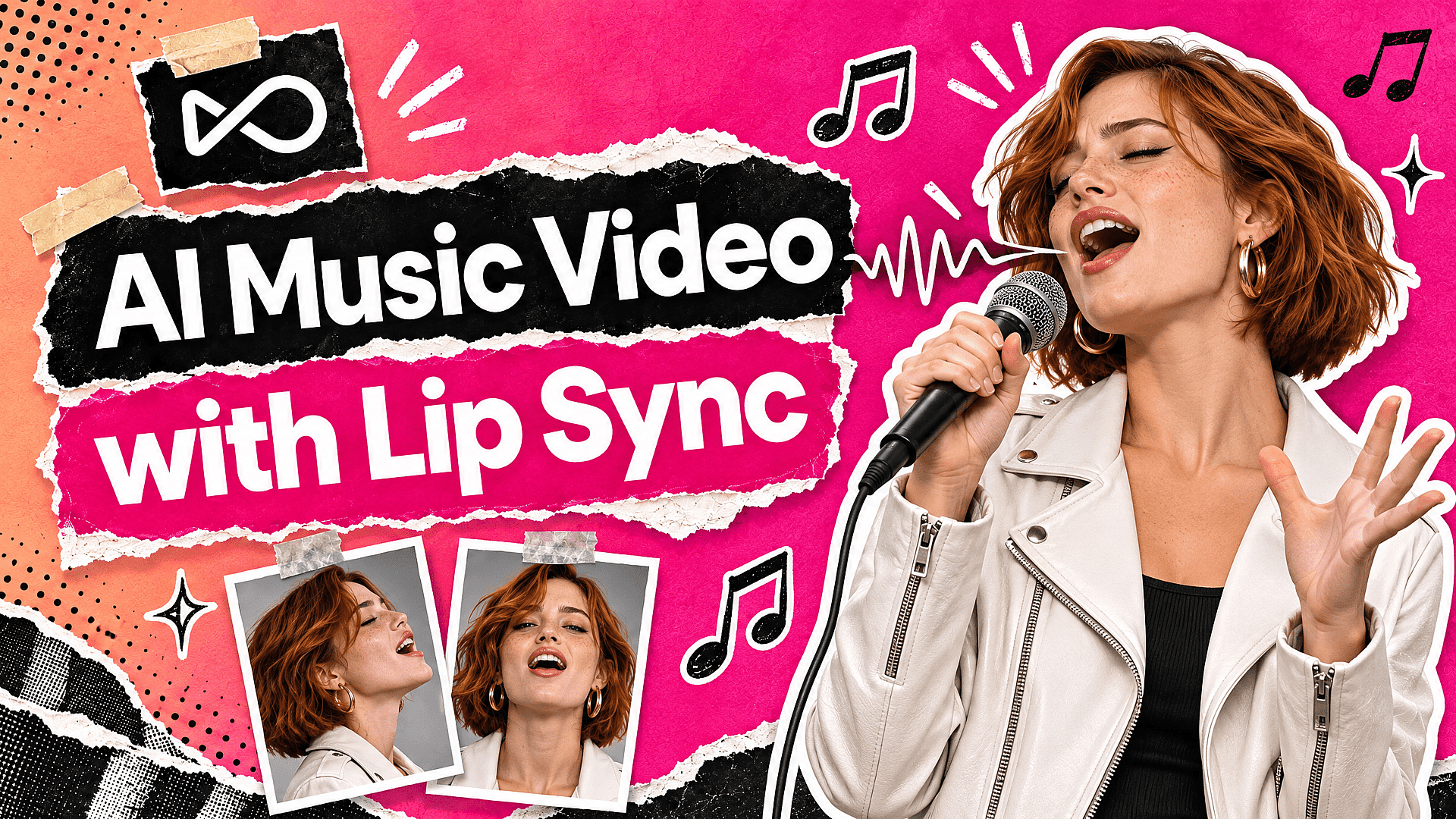
Learning how to make a music video with AI takes three skills: an AI singer who looks the same in every scene, a set of camera angles, and lip sync that matches the song. This guide covers all three, one step at a time.
The steps follow a tutorial by Tao Prompts on the YouTube channel Tao Prompts. Tao Prompts builds a lip sync AI video by hand on OpenArt, then makes the same music video in Director mode to compare the two routes.
Video by Tao Prompts.
Key takeaways
- A four-view character sheet keeps your AI singer's face and body the same from every camera angle.
- One 7-second clip of quick scenes gives you up to 20 camera angles to use as starting pictures.
- Lip sync is more accurate on short parts of the song, 6 to 10 seconds each.
- The words of the song go into every lip sync prompt.
- Director mode makes a full music video from the song and one picture, and the hand-built method gives you more control.
Step 1: Make a character sheet for your AI singer
In the video: 0:55
An AI singer needs a character sheet that shows her from every side. The sheet keeps her face, hair, and body the same when the camera angle changes.
Open the AI image generator, pick GPT Image 2.6, and set the size to 4K. Tao Prompts starts from one picture of the singer and asks for four views: front, left side, right side, and back.
Prompt to try for the character sheet (GPT Image 2.6, 4K):
A character reference sheet of a young woman with a short copper bob, wearing a white leather jacket, black jeans, and gold hoop earrings. Plain, empty background and soft, even light.
Four columns, one for each view: front, left side, right side, and back. Each column shows her full body on top and a matching close portrait below.
Even spacing, clean lines between the panels, realistic photo style, no text.
Step 2: Put your AI singer in the scene
In the video: 1:49
The scene picture places your AI singer in the world of the music video. Add two reference images to the AI image generator: a picture of the place and the character sheet.
Tao Prompts uses a glass room with glass statues around it. One short prompt puts the singer inside the room and changes her outfit to a red dress.
Prompt to try for the scene picture (GPT Image 2.6, 16:9, two reference images):
Put the woman from the character sheet inside the glass room from the reference image. Change her outfit to a bright red satin dress. Keep her face and hair the same.
Step 3: Get every camera angle from one clip
In the video: 2:47
A music video needs full-body views, close views, and side views of the same scene. Tao Prompts gets all of them from one short clip, a method he calls burst mode.
Open the AI video generator, pick Seedance 2.0, and choose the Text with reference option. Add the scene picture and the character sheet, then type @ in the prompt to tag each one.
Ask for 20 quick scenes and list the camera angles you want. Set the size to 4K and the length to 7 seconds. Tao Prompts notes that Seedance 2.0 misses some angles on the list and still returns plenty to work with.
Download the clip and save a still frame from each quick scene. Any video editor can save still frames, and so can an AI assistant. Each still frame becomes the starting picture for one part of the music video.
Prompt to try for the camera angles clip (Seedance 2.0, Text with reference, 4K, 7 seconds):
Generate 20 quick shots for a music video of the scene in @image1: the woman in the red satin dress inside the glass room. Use @image2 for how she looks from every side.
1. Medium front view, she sings to the camera.
2. Close view of her face as she sings.
3. Very close view of her eyes through the glass.
4. Side view of her face with reflections from the glass.
5. Full-body view inside the glass room.
6. Medium view as she rests one hand on the glass.
7. Low view looking up at the glass room.
8. Wide view with the glass statues dancing around her.
9. View from behind her shoulder toward the statues.
10. Full-body view as she walks across the glass room.
Step 4: Plan the order and split the song
In the video: 6:28
A plan for the whole song comes before any lip sync. Tao Prompts lays the still frames on a video editor timeline next to the song and decides which picture goes with which part.
Export a short part of the song for each picture. Tao Prompts finds that lip sync is more accurate on short parts, and a short part gives the prompt more control over how the singer moves.
Let each part overlap the next by about one second. The parts in the video run from 0 to 6 seconds, 5 to 14 seconds, and 13 to 23 seconds.
Tao Prompts exports each part as a video file with a plain black picture. He finds that lip sync on Seedance 2.0 works better with a black video file than with an audio file.
Step 5: Lip sync each scene to the song
In the video: 8:09
Each still frame now becomes a singing clip. In the AI video generator, keep Seedance 2.0, upload one still frame, and upload the matching part of the song.
A lip sync prompt has five parts.
- The camera angle. Name the view, such as a close view of her face.
- The action. Say that she dances and sings the song from the uploaded file.
- The lyrics. Type the words for this part of the song. Tao Prompts says the lip sync is much more accurate with the lyrics in the prompt.
- One continuous shot. Ask for no scene changes, so you control every change yourself.
- No subtitles. Ask for a clean picture with no words on it.
Set the resolution to 1080p. Set the length one second longer than the audio, so a 6-second part gets a 7-second clip.
Prompt to try for a lip sync clip (Seedance 2.0, 1080p, 7 seconds, one still frame and one song part):
Start with a close view of the woman in the red dress. She dances and sings the song from @video1.
Lyrics: [type the words for this part of your song]
She gestures with her hands as she sings. One continuous shot with no scene changes. No subtitles.
Step 6: Fix stiff movement and lock the camera angle
In the video: 9:59
Two small prompt changes fix the most common problems in a lip sync AI video.
- Stiff movement. Add one line that says she gestures with her hands. Tao Prompts adds that line and gets a much livelier clip.
- The wrong camera angle. Name the exact view at the start of the prompt, such as "start with a side view of her face". The still frame already shows the view, and Seedance 2.0 still needs the words to hold it.
Tao Prompts shows the same prompt with the camera angle left out. Seedance 2.0 picks its own angle, and the clip no longer matches the plan.
Step 7: Line up the clips and edit
In the video: 12:54
The edit lines up each singing clip with the real song. Drop the clips on the timeline and slide each one until the lips match the music.
Delete the sound that comes with each generated clip. Two copies of the song playing together make an echo, so the video keeps only the original song.
Movements can repeat inside one clip. Tao Prompts generates more than one camera angle for each part of the song and uses the best seconds of each.
Step 8: Add a second place and outfit
In the video: 13:41
A second place makes a music video feel like a full production. Tao Prompts adds a backstage scene with a new outfit, and repeats steps 2 to 7 for it.
The character sheet makes the second place easy. The same AI singer appears in a new place and new clothes, and her face stays the same.
The faster route: a music video in Director mode
In the video: 15:17
Director mode makes a full music video from your song and one picture of your singer. Start a Music Video, upload the song, add the picture, and type a short visual direction.
OpenArt studies the song and the picture, plans the video, and asks for your feedback along the way. Tao Prompts accepts every default and gets a finished music video back.
Tao Prompts compares the two results. He finds his hand-built video more expressive, with more singing scenes. Director mode is far faster and easier, and he uses its clips as a starting point.
Every clip in the Director mode video can be opened. OpenArt shows the prompt, the model, and the reference pictures behind the clip, so you can make that one clip again with your own changes.
How do you make the song for an AI music video?
In the video: 17:55
The song in the tutorial is also made with AI. On OpenArt, the AI music generator makes a song from a short description of the style and mood, with a Full Song up to about 3 minutes long.
Tao Prompts describes a pop song with a touch of jazz. Keep the lyrics in a text file, because you paste them into every lip sync prompt in step 5.
Settings used in this tutorial
| Step | OpenArt tool and model | Settings |
|---|---|---|
| Character sheet | AI image generator, GPT Image 2.6 | 4K, four views |
| Scene picture | AI image generator, GPT Image 2.6 | Place picture and character sheet as references |
| Camera angles clip | AI video generator, Seedance 2.0 | Text with reference, 4K, 7 seconds, 20 quick scenes |
| Lip sync clips | AI video generator, Seedance 2.0 | 1080p, one second longer than the song part |
| Full video in one request | Director mode, Music Video | Song, singer picture, visual direction |
Start your AI music video
A professional AI music video comes from planning: one character sheet, a set of camera angles, and short parts of the song with the lyrics typed in. Each step gives Seedance 2.0 less to guess.
For a simpler first project, read how to make an AI generated music video from scratch. For a full test of the chat route, see this creator review of Director mode, or open the AI music video generator.
Frequently asked questions: AI music videos with lip sync
How do you make a music video with AI?
To make a music video with AI, build a character sheet for your singer, place her in a scene, and generate a set of camera angles. Lip sync each angle to a short part of your song, then line up the clips with the song in a video editor.
What is an AI singer?
An AI singer is a performer made with AI who sings your song on screen. On OpenArt, you design the AI singer as a character sheet, and Seedance 2.0 makes her lips and body move to the song.
How do you get accurate lip sync in an AI video?
Accurate lip sync in an AI video comes from short parts of the song and typed lyrics. Tao Prompts uses parts of 6 to 10 seconds, pastes the lyrics for each part into the prompt, and sets the clip one second longer than the audio.
How do you get different camera angles of the same AI singer?
Ask Seedance 2.0 for 20 quick scenes in one 7-second clip, with the scene picture and the character sheet as references. Save a still frame from each quick scene, and use each still frame as the starting picture for a lip sync clip.
Is Director mode or the hand-built method better for an AI music video?
Director mode is faster: OpenArt makes the full music video from your song and one picture. The hand-built method takes longer and gives you control of every camera angle and every line, which Tao Prompts prefers for his most expressive result.