


 ChatGPT
 Perplexity
 Claude
 Gemini

Midjourney 3D prompts help you generate photorealistic renders, fantasy environments, and detailed character models with just a few lines of text. Whether you are building concept art for a game, visualizing a product design, or experimenting with AI-generated 3D art, the right prompt structure makes all the difference. These 25 prompts cover everything from cyberpunk cityscapes to realistic portraits, each one designed to push Midjourney toward polished, dimensional results.
Key Takeaways
- Starting your prompt with "3D style" tells Midjourney to prioritize depth, lighting, and surface textures over flat illustration.
- Adding specific environment details (lighting conditions, backgrounds, atmosphere) produces more immersive 3D renders.
- These prompts work with any AI image generator that supports Midjourney-style syntax.
- Mixing photorealistic textures with fantastical subjects (a lifelike dragon, a realistic alien landscape) creates the most striking 3D art.
- Quality tags like "high detail," "intricate design," and "lifelike textures" consistently improve output sharpness and realism.
25 Best Midjourney 3D Prompts
Each prompt below is ready to copy and paste. We have included a breakdown of what makes each prompt effective so you can apply the same techniques to your own 3D art projects.
1. Futuristic Cyberpunk Cityscape
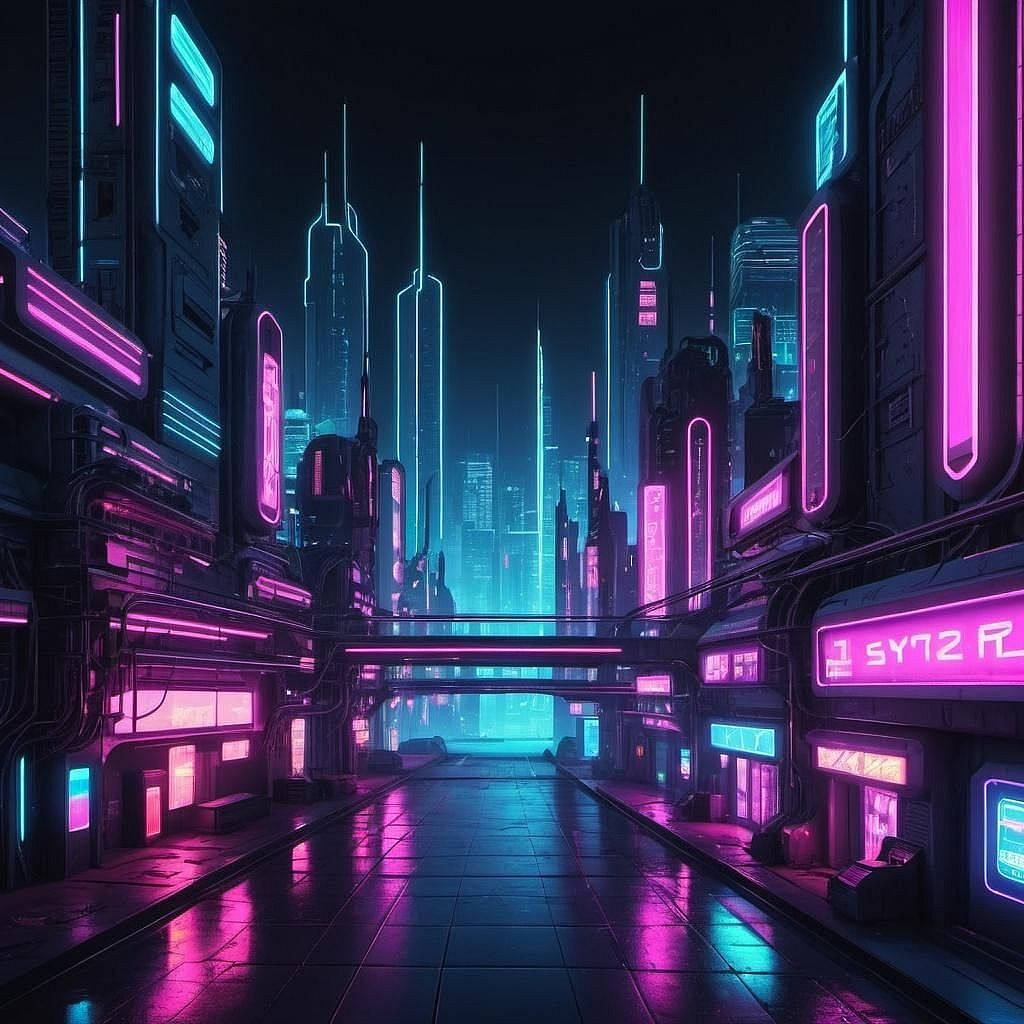
Prompt: 3D style futuristic cityscape at night, neon lights, cyberpunk atmosphere.
"At night" and "neon lights" work together to create strong contrast and color variety. The cyberpunk tag pulls in a recognizable visual language of vertical architecture and atmospheric haze, giving the AI clear references for depth and scale.
2. Fantasy Dragon Over Medieval Castle
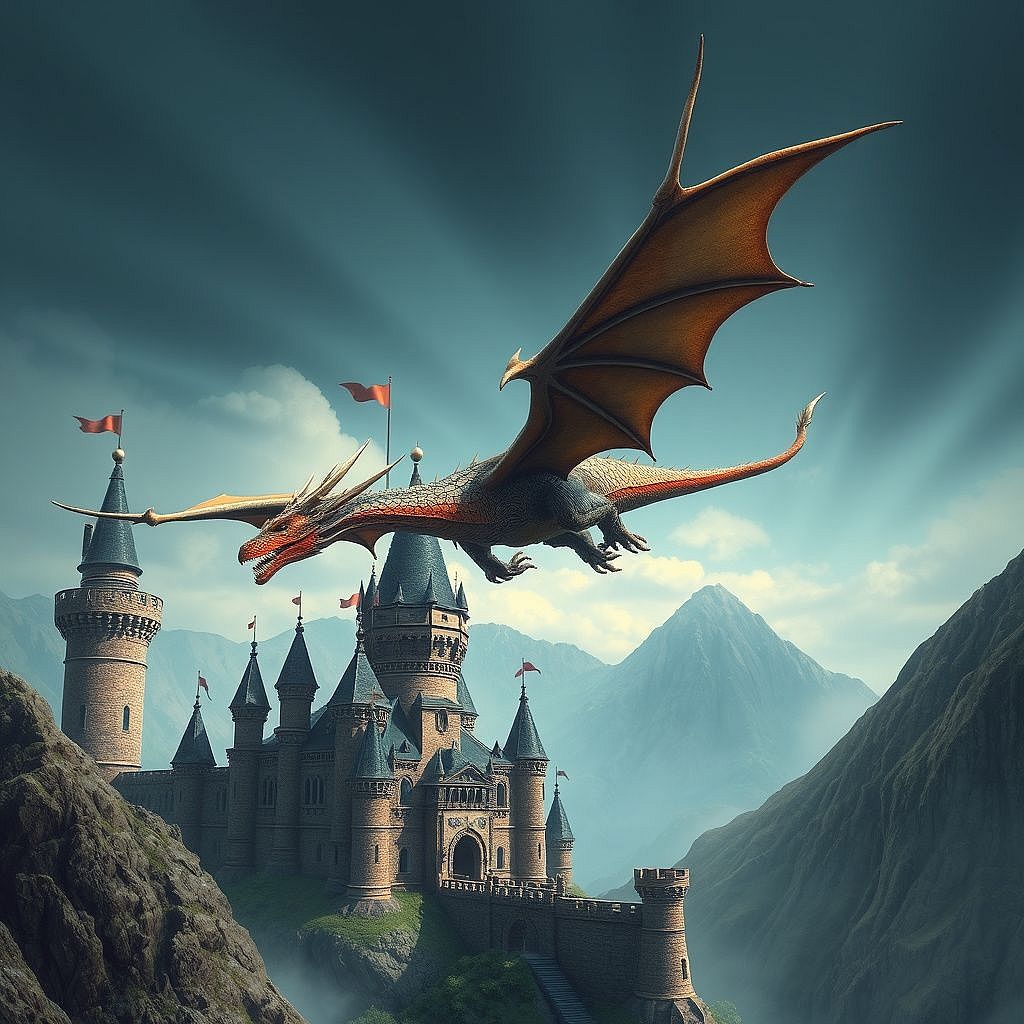
Prompt: 3D style fantasy dragon flying over a medieval castle, epic and detailed.
Pairing a moving subject (flying dragon) with a static landmark (castle) creates a natural foreground-background relationship. The word "epic" nudges the AI toward dramatic camera angles and grand scale.
3. Realistic Human Portrait
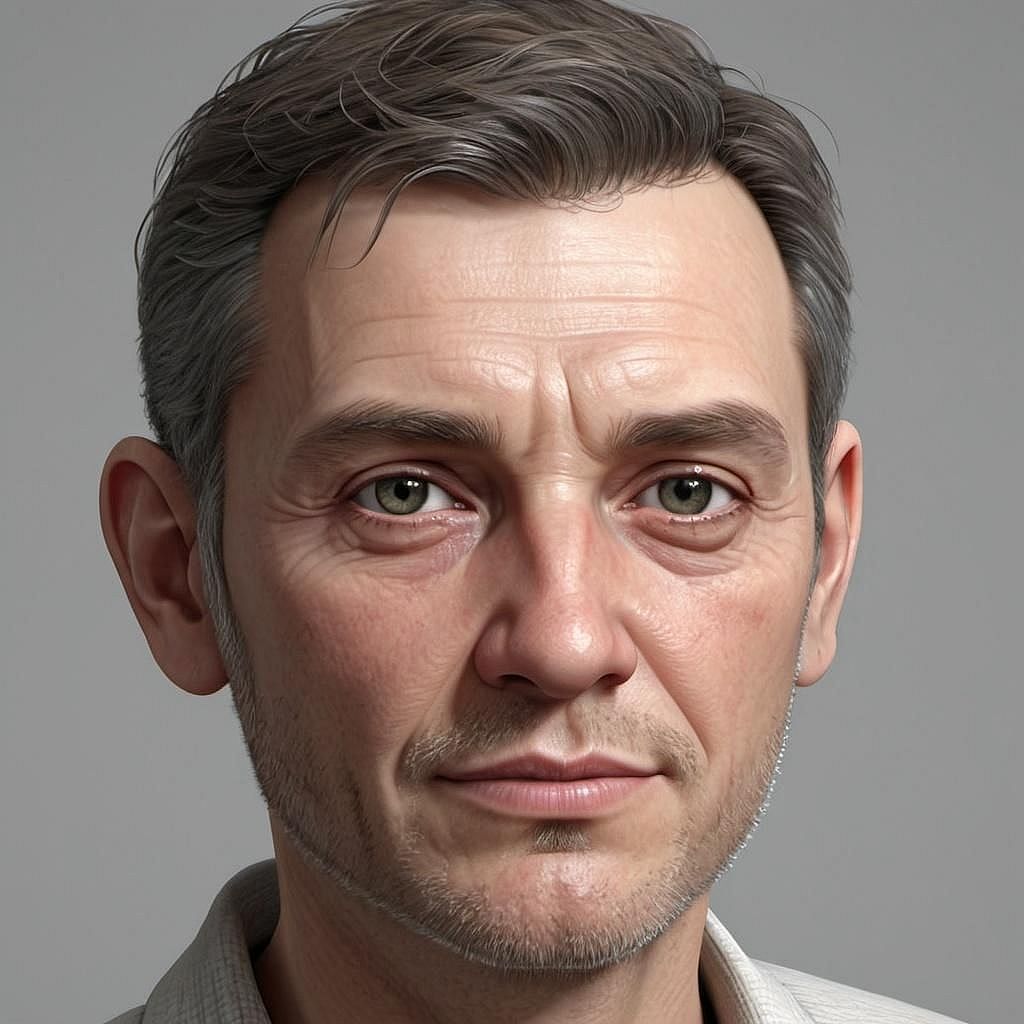
Prompt: 3D style realistic human portrait, high detail, lifelike textures.
"Lifelike textures" is the key modifier here. It tells the AI to focus on skin pores, hair strands, and subtle surface imperfections that separate a convincing 3D render from a plastic-looking one.
4. Underwater Coral Reef Scene
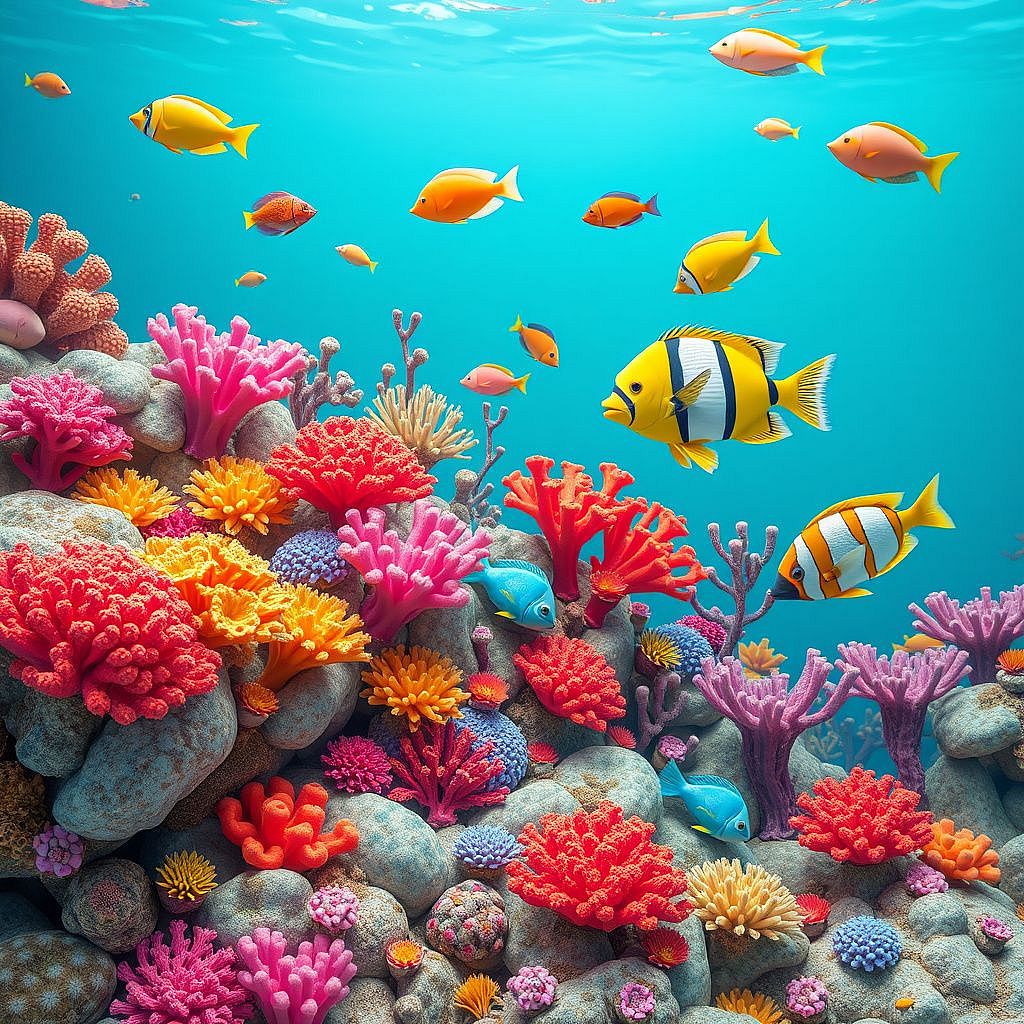
Prompt: 3D style underwater scene with colorful coral reefs and exotic fish.
Underwater environments challenge the AI to handle light refraction, color shifts at depth, and translucent surfaces. Specifying "colorful coral reefs" anchors the palette while "exotic fish" adds organic, asymmetric shapes that feel natural.
5. Sci-Fi Spaceship in Outer Space
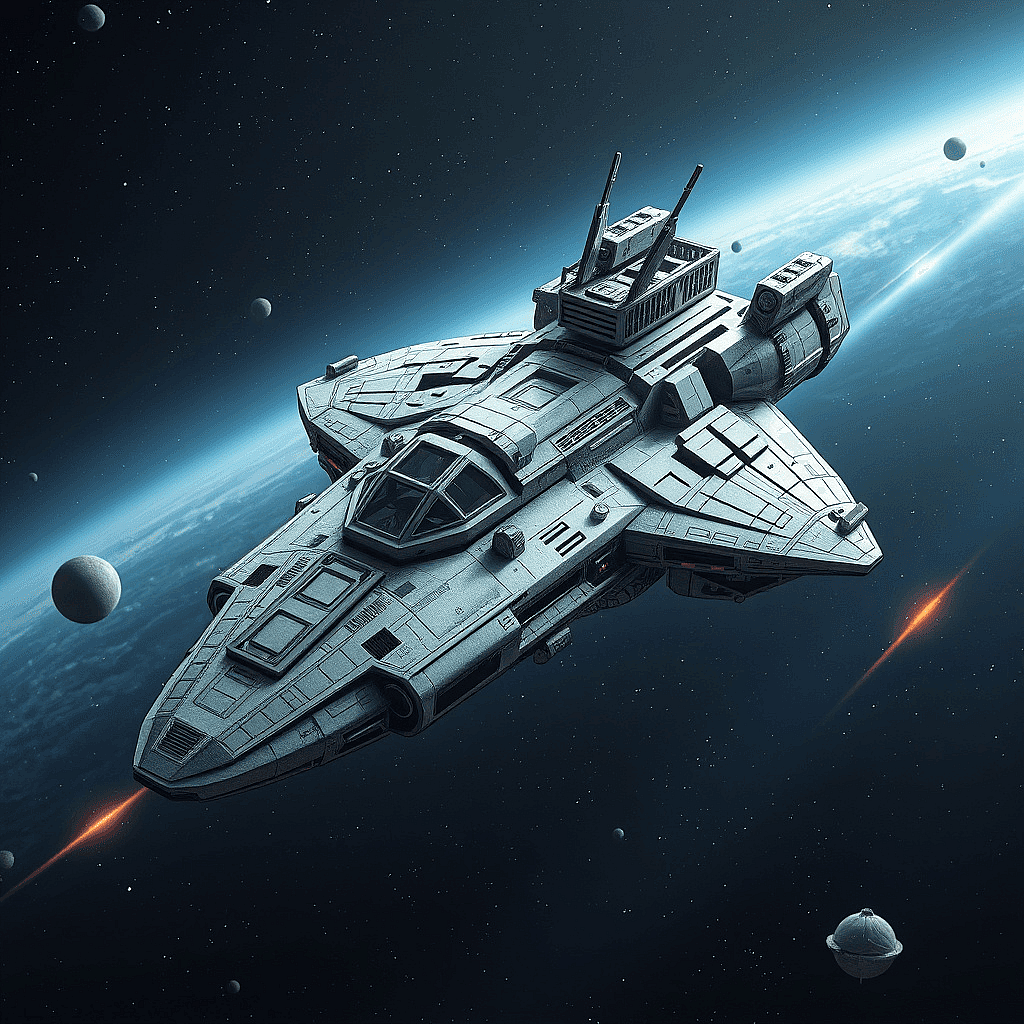
Prompt: 3D style sci-fi spaceship in outer space, detailed and intricate design.
Spaceships in a void let the AI focus entirely on surface detail and form. "Intricate design" pushes the model past simple shapes toward paneling, engine nozzles, and antenna arrays that make the craft look engineered.
6. Prehistoric Dinosaur in a Lush Jungle
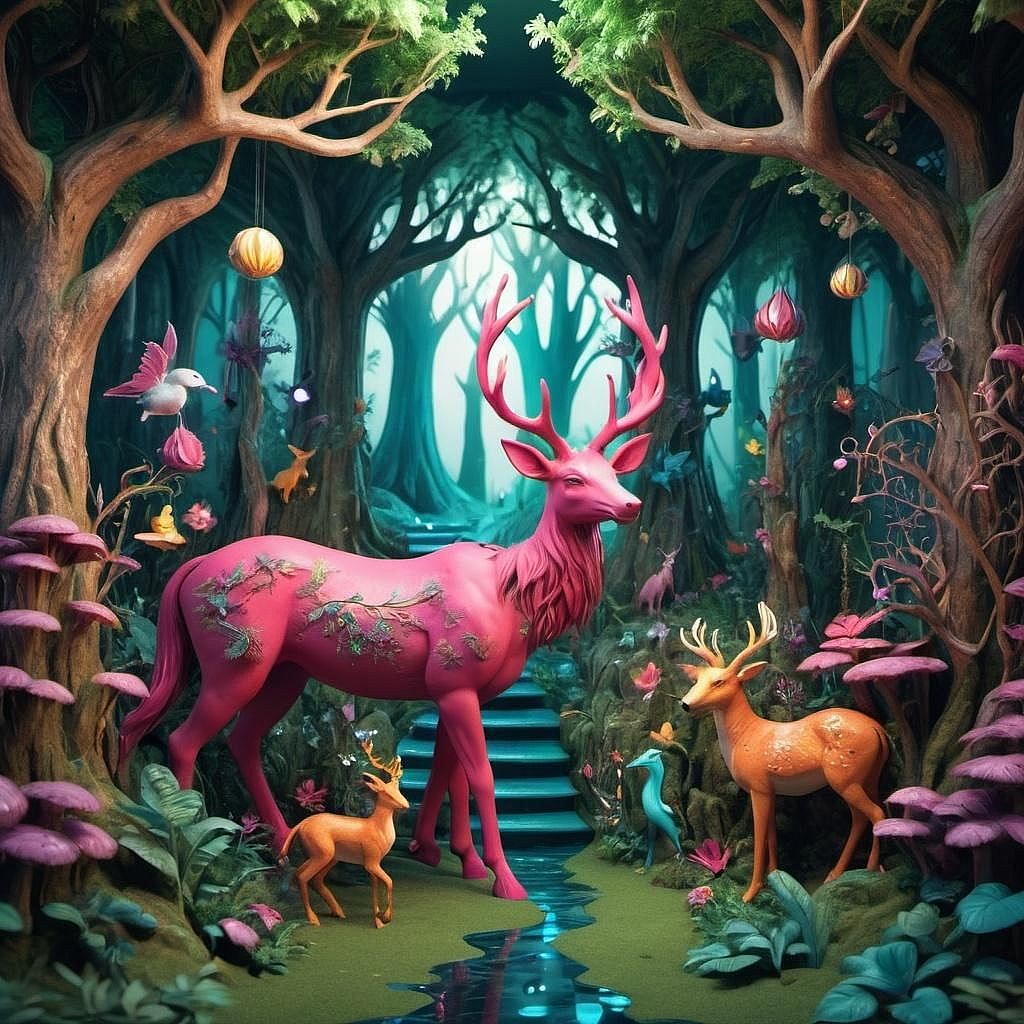
Prompt: 3D style prehistoric dinosaur in a lush jungle, realistic and detailed.
Combining a large-scale creature with dense foliage tests the AI's ability to render organic textures at multiple scales: rough dinosaur skin in the foreground and thousands of small leaves in the background. The "lush" modifier ensures vibrant greens rather than a dull palette.
7. Realistic Car Model
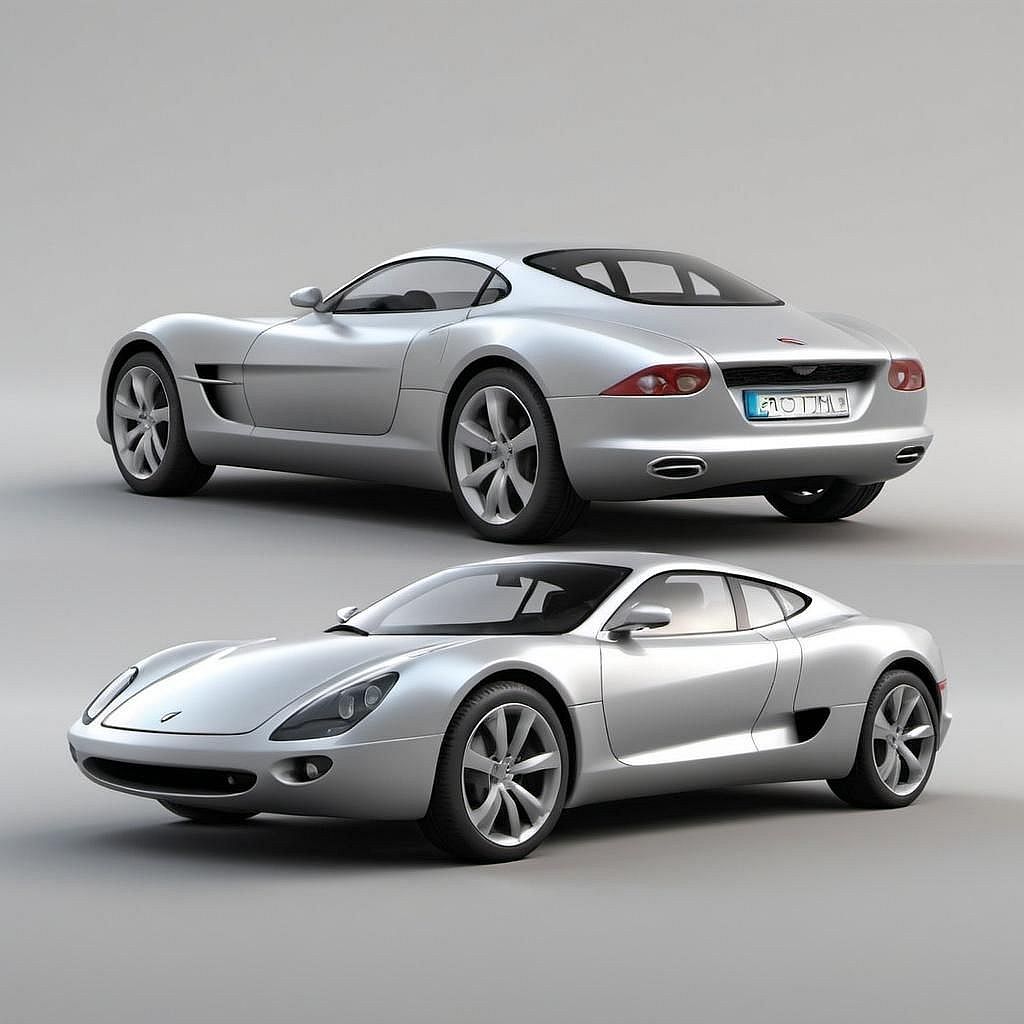
Prompt: 3D style realistic car model, sleek design, high detail.
Vehicle renders benefit from the "sleek" modifier because it tells the AI to prioritize smooth curves and reflective surfaces. Automotive 3D art relies heavily on accurate reflections and specular highlights, which "high detail" reinforces.
8. Ancient Ruins in a Dense Jungle
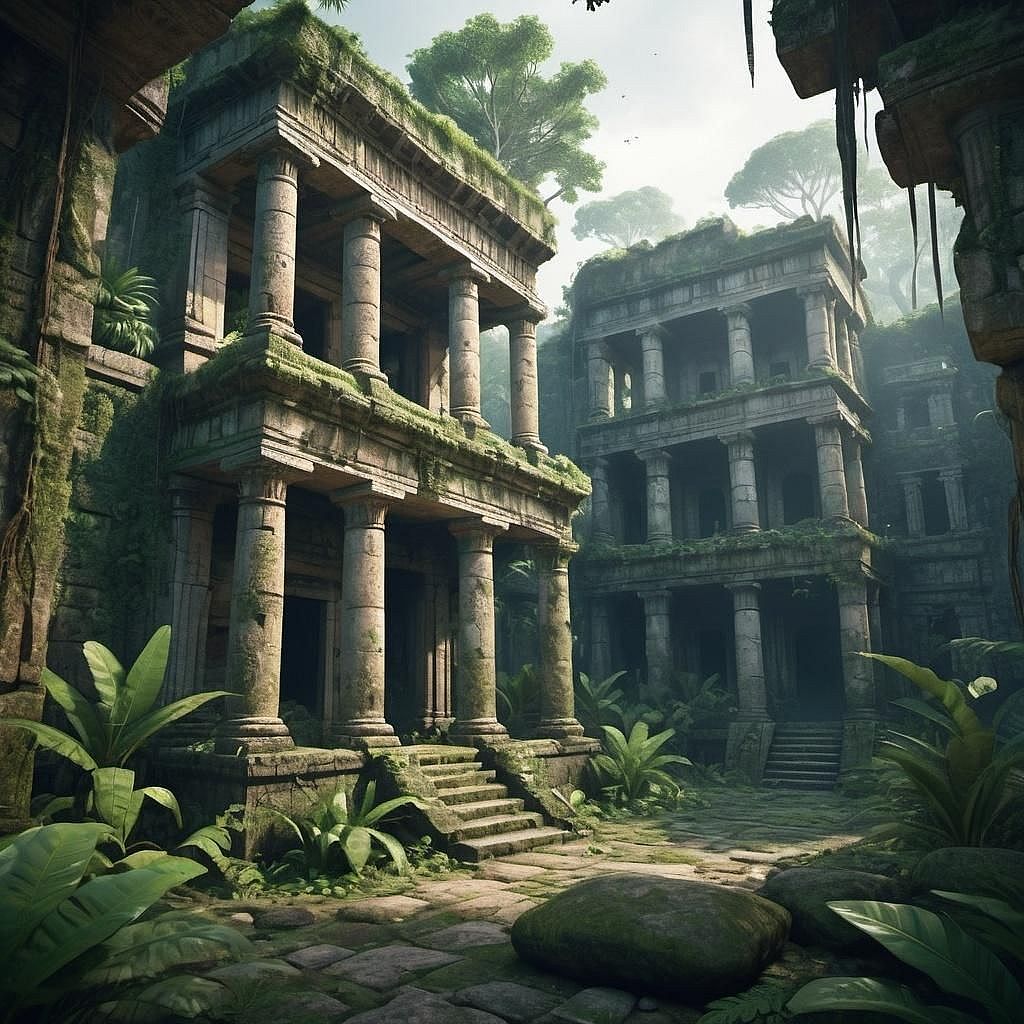
Prompt: 3D style ancient ruins in a dense jungle, atmospheric and detailed.
"Atmospheric" is a powerful word for 3D prompts because it triggers volumetric effects: light shafts through canopy gaps, mist, and ambient occlusion. These are the visual cues that make a 3D scene feel like a real place.
9. Steampunk Airship Over Victorian City
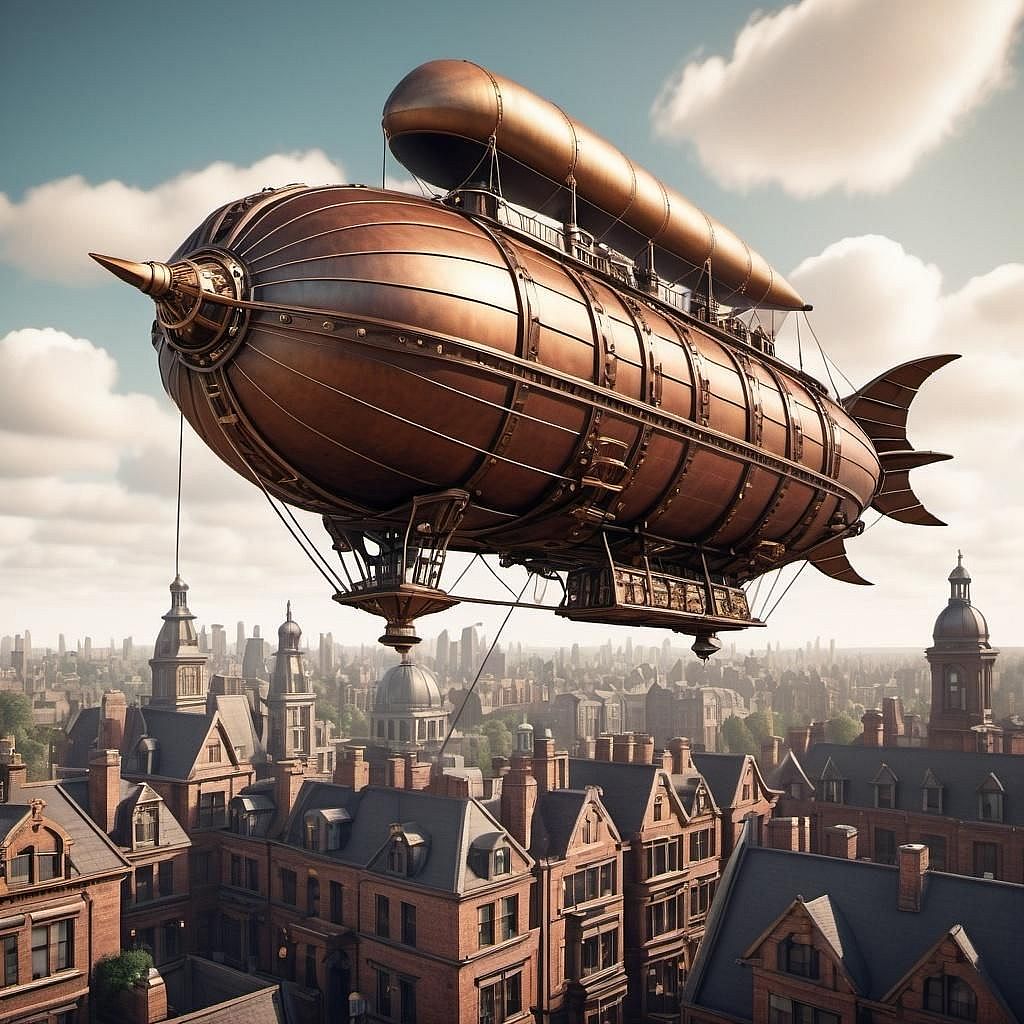
Prompt: 3D style steampunk airship flying over a Victorian city.
Steampunk is one of the richest visual genres for 3D prompts because it combines brass, wood, glass, and fabric in mechanical arrangements. The AI has strong training data for this style, so even a short prompt produces highly detailed results.
10. Realistic Animal Portrait
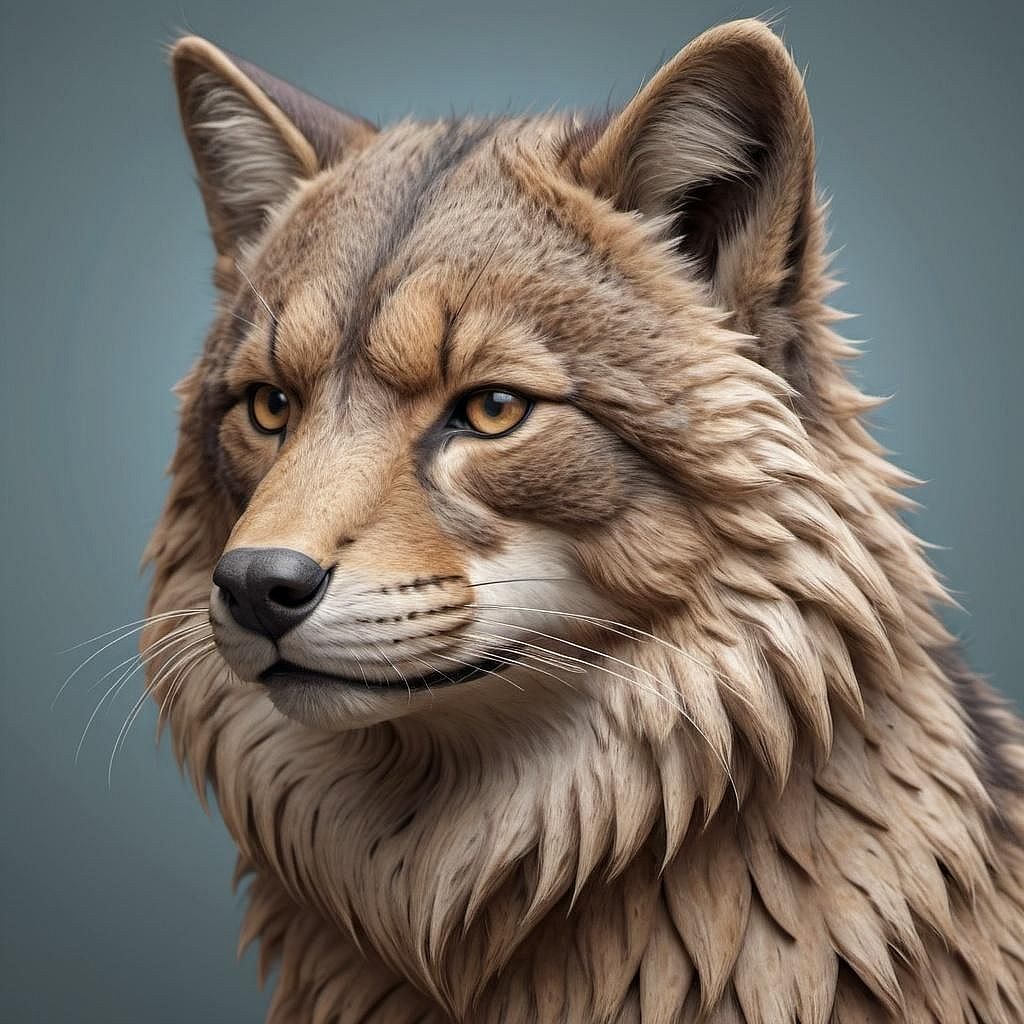
Prompt: 3D style realistic animal portrait, high detail, lifelike fur textures.
Fur is one of the hardest textures to render convincingly. Calling out "lifelike fur textures" specifically tells the AI to generate individual strands rather than a smooth, painted surface. This single modifier makes the difference between a good render and a great one.
11. Fantasy Warrior in Battle Armor
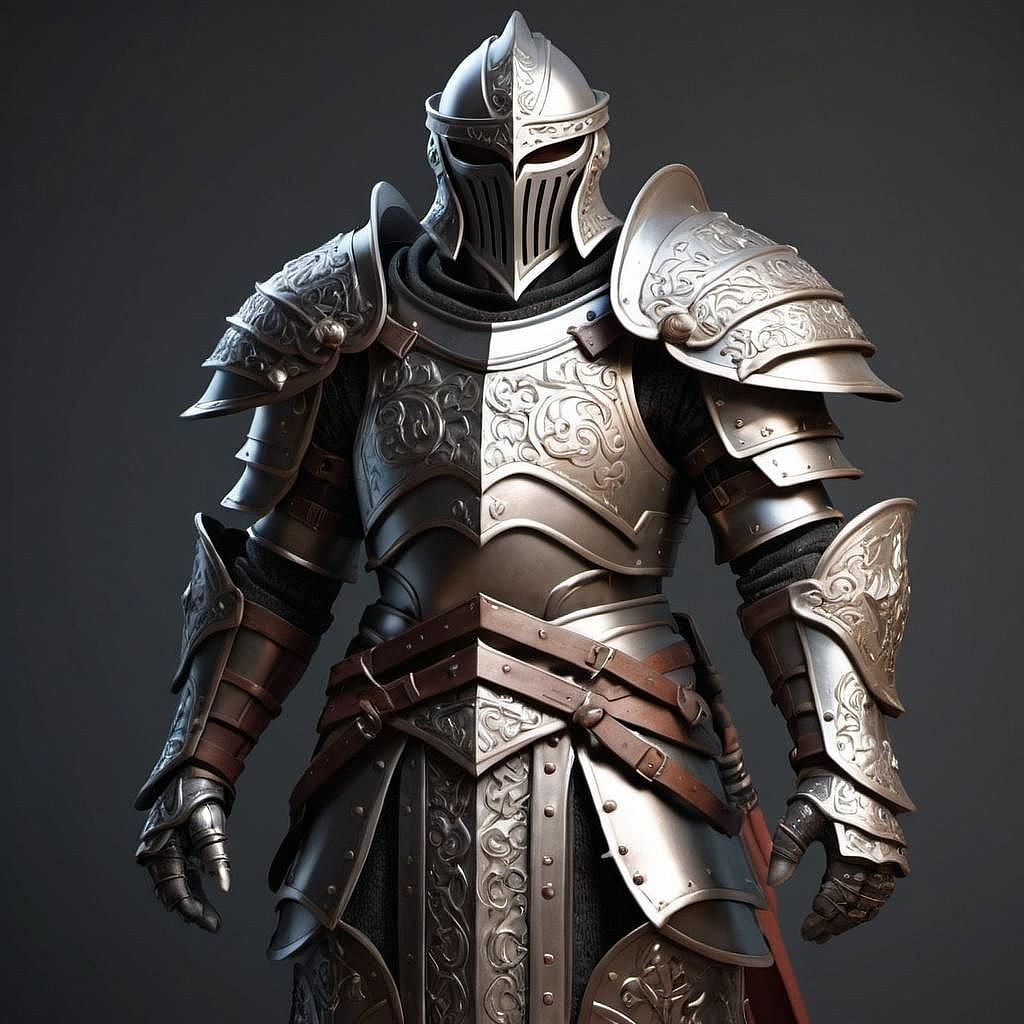
Prompt: 3D style fantasy warrior in battle armor, epic and detailed.
Character-focused 3D prompts perform best when you specify what the character is wearing rather than their pose. "Battle armor" gives the AI a complex surface to render: metal plates, leather straps, and decorative elements that catch light differently.
12. Modern Architectural Building
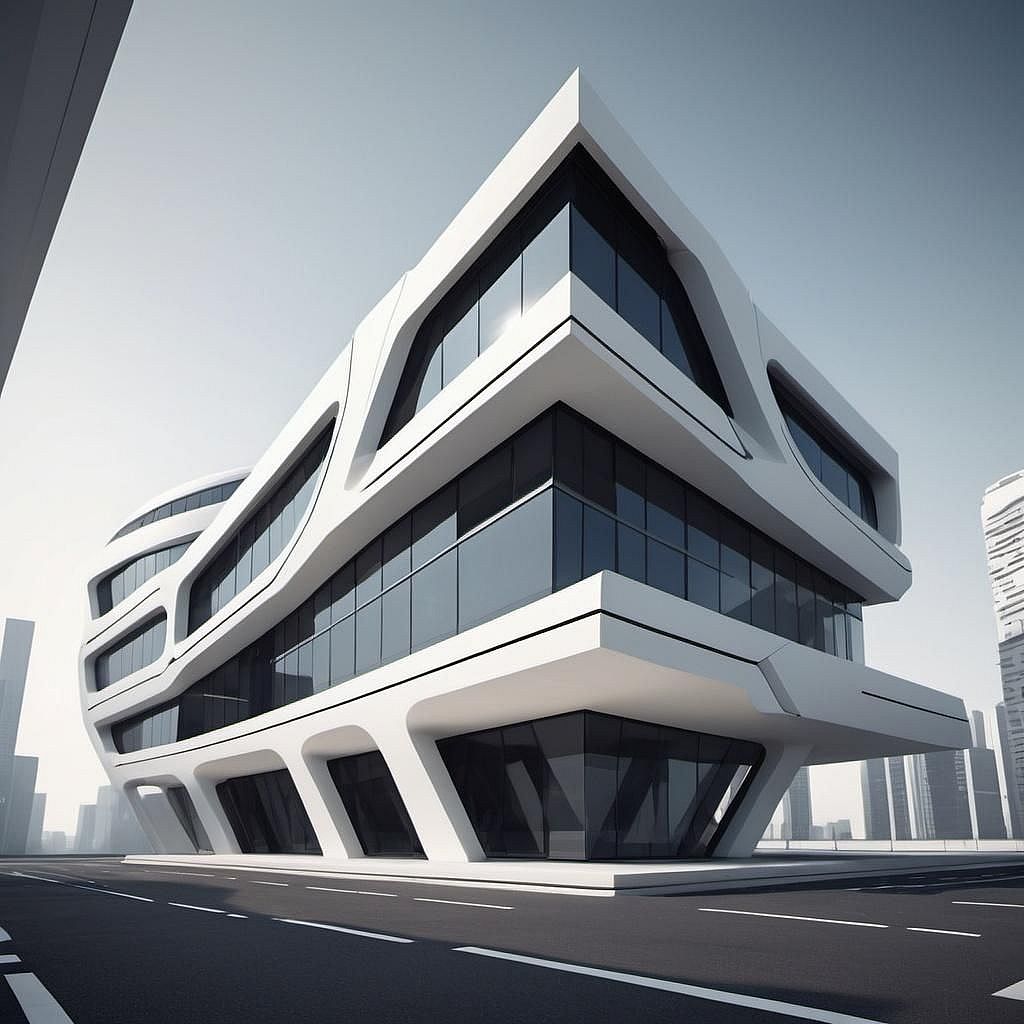
Prompt: 3D style modern architectural building, sleek and futuristic design.
Architectural renders are a natural fit for 3D prompts because buildings already exist in three dimensions. "Sleek and futuristic" steers the output toward clean lines, glass facades, and geometric precision rather than ornate classical details.
13. Realistic Food Dish
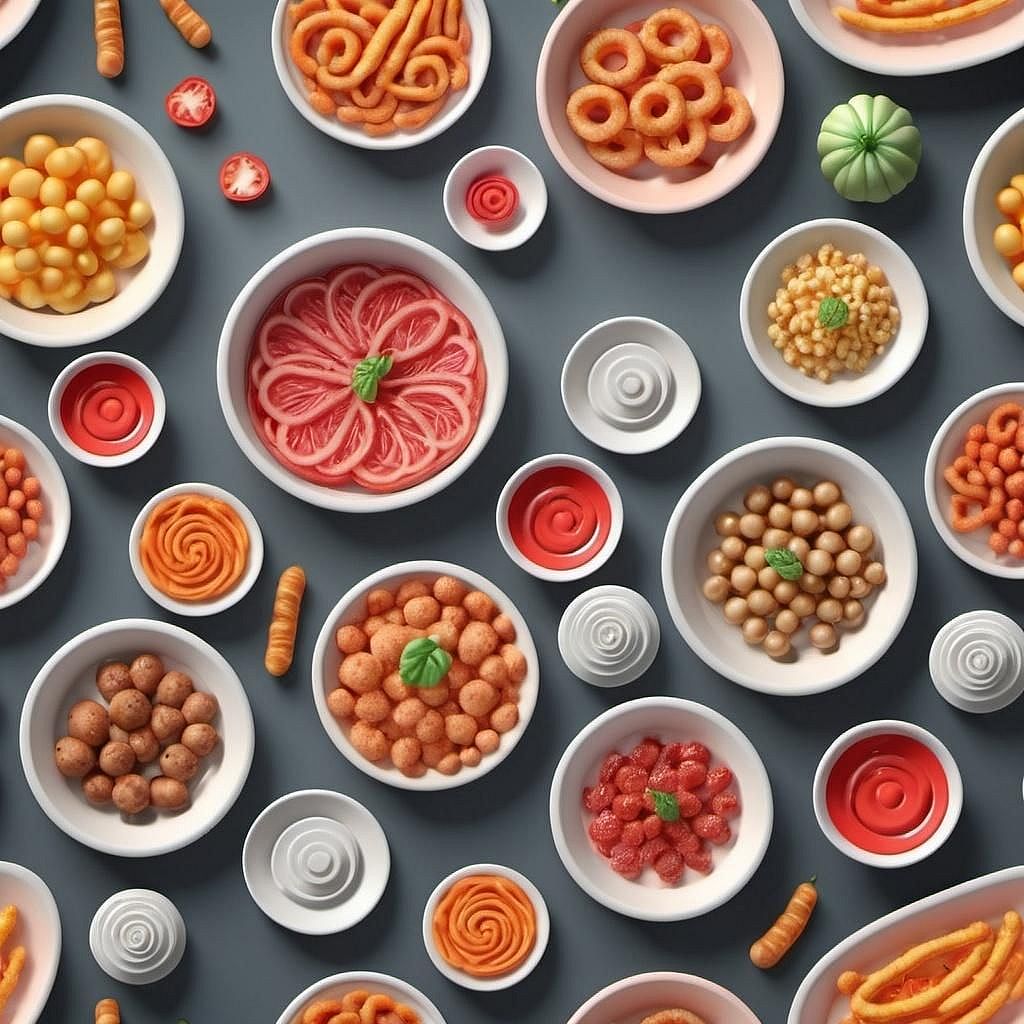
Prompt: 3D style realistic food dish, high detail, appetizing textures.
"Appetizing textures" is an unusual but effective modifier. It tells the AI to prioritize surface qualities that make food look fresh: glossy sauces, crispy edges, steam, and natural color saturation. This is a technique product photographers use that translates well to AI prompts.
14. Alien Landscape
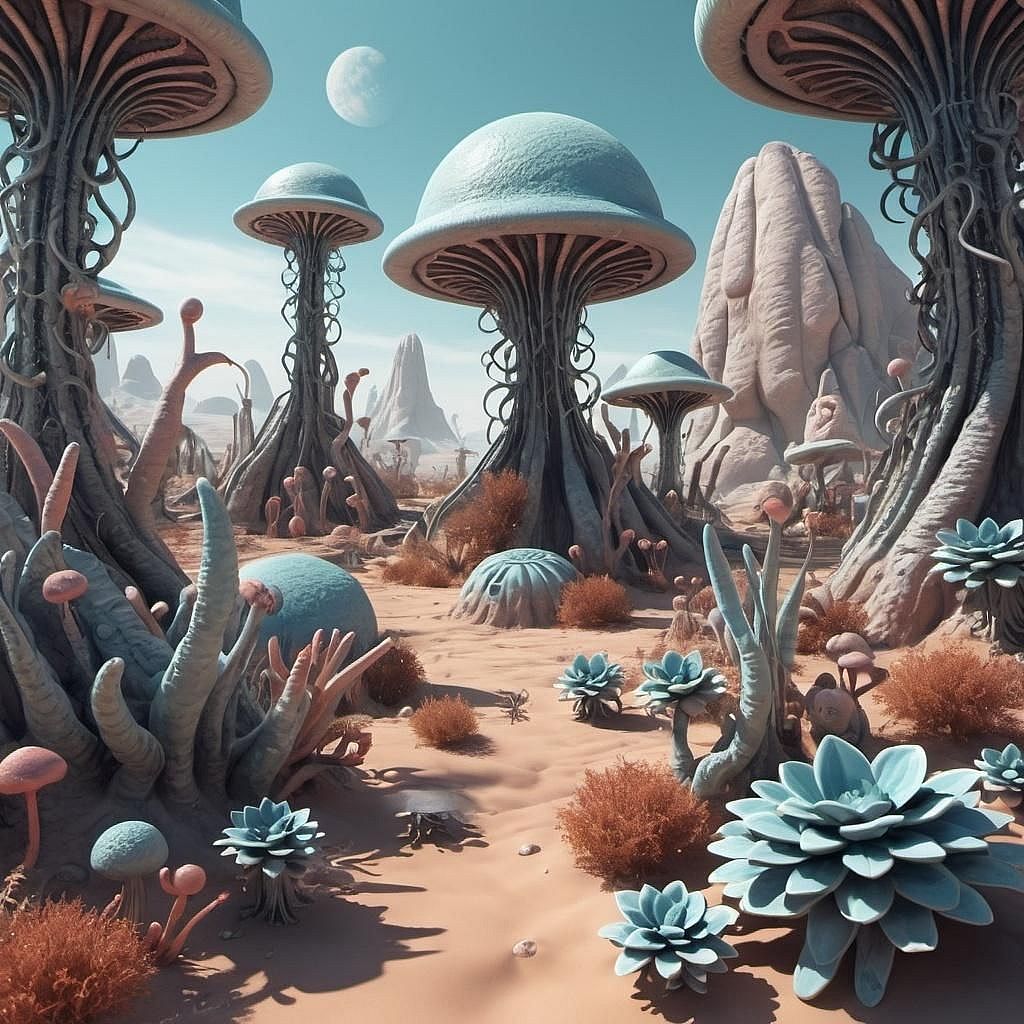
Prompt: 3D style alien landscape with strange plants and creatures.
Alien landscapes give the AI creative freedom while still requiring dimensional consistency. "Strange plants and creatures" pushes the model to generate original forms that look biologically plausible, which is where 3D-style rendering excels over flat illustration.
15. Realistic Robot
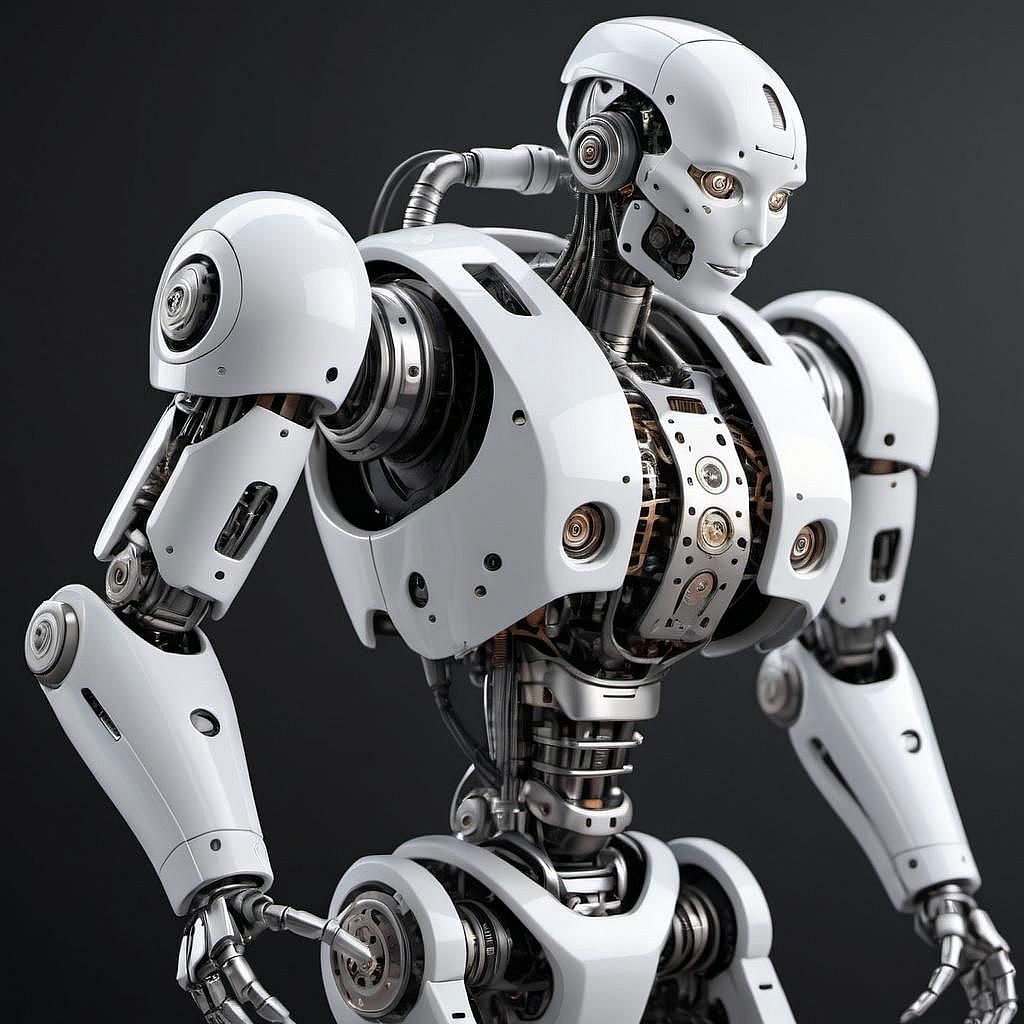
Prompt: 3D style realistic robot, high detail, intricate mechanical parts.
Robots are ideal 3D subjects because every surface is hard and reflective, which plays to the strengths of realistic rendering. "Intricate mechanical parts" tells the AI to show joints, pistons, and wiring rather than smooth, featureless shells.
16. Fantasy Castle on a Floating Island
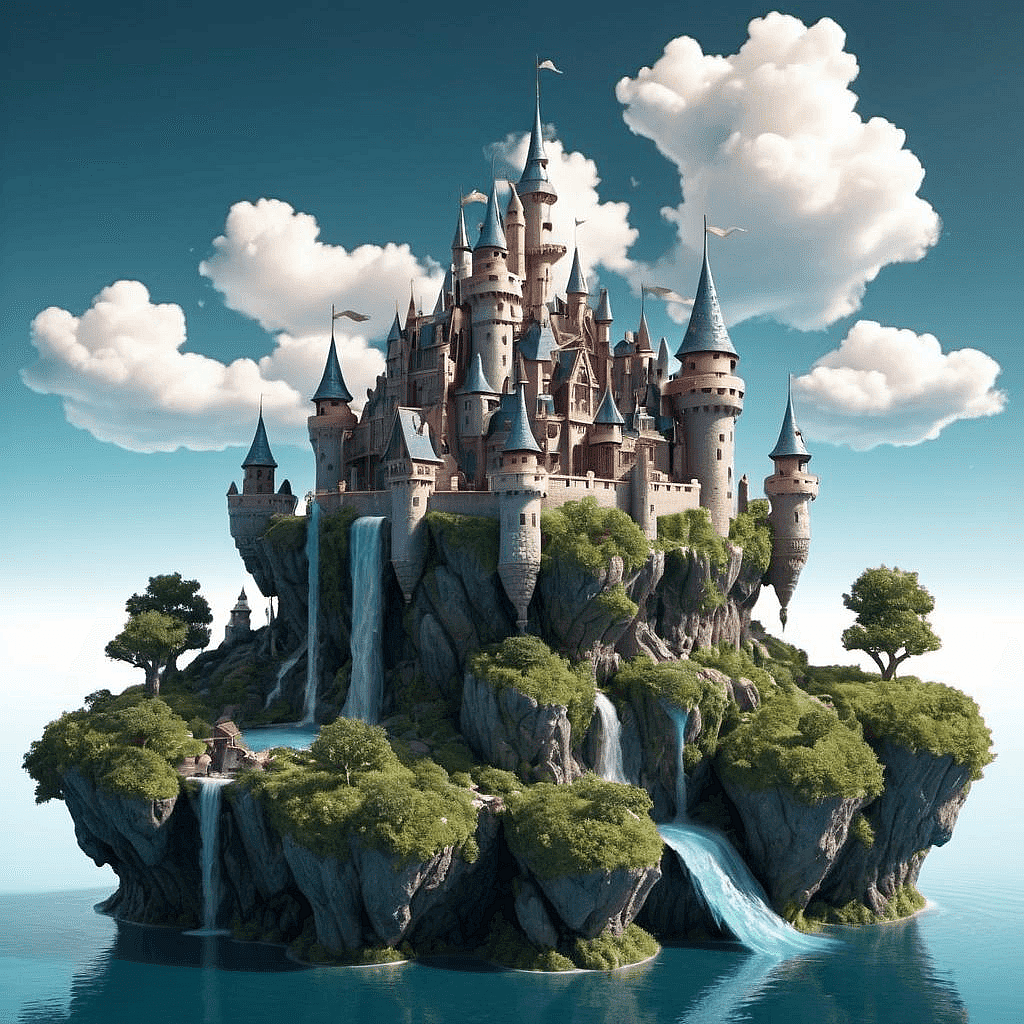
Prompt: 3D style fantasy castle on a floating island, magical and detailed.
Floating islands are a classic 3D art subject because they showcase the AI's ability to render impossible physics convincingly. The "magical" modifier encourages the AI to add glowing elements, waterfalls, and ethereal lighting that sell the fantasy concept.
17. Realistic Mountain Landscape
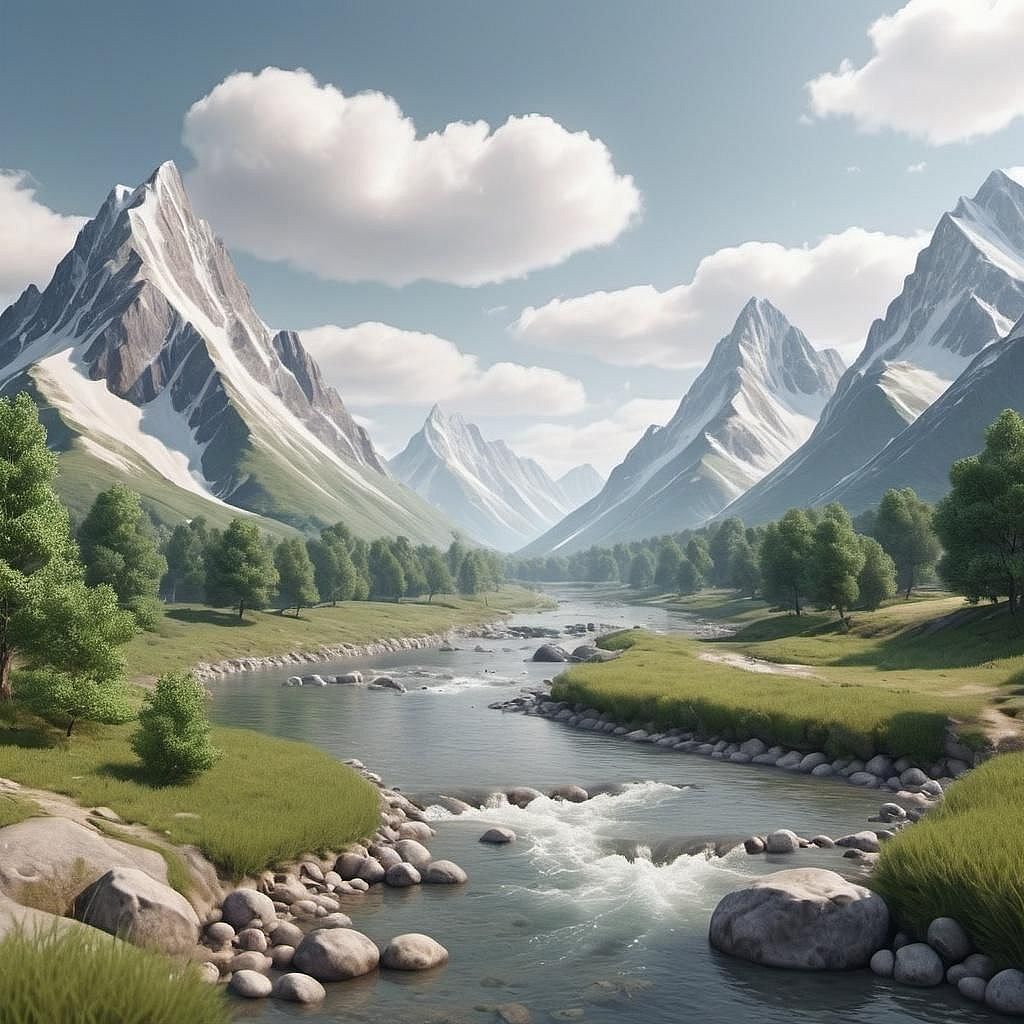
Prompt: 3D style realistic landscape with mountains and rivers, high detail.
Landscape prompts benefit from naming at least two distinct terrain features (mountains and rivers). This gives the AI compositional anchors and forces it to handle different material properties: solid rock, flowing water, and vegetation at multiple distances.
18. Futuristic City Skyline at Sunset
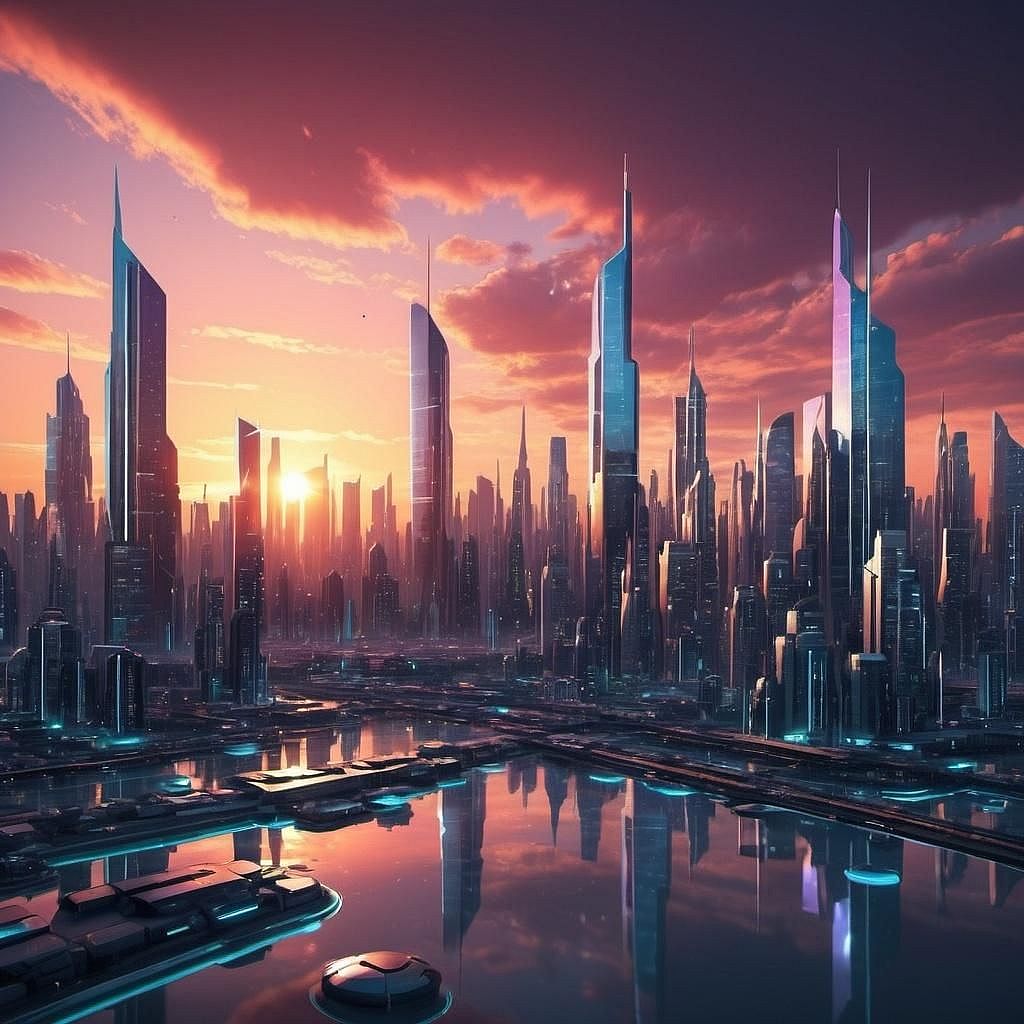
Prompt: 3D style futuristic city skyline during sunset, vibrant and detailed.
Sunset lighting is one of the best conditions for 3D renders because it creates warm highlights and cool shadows simultaneously. "Vibrant" ensures the AI pushes color saturation in the sky, which reflects onto building surfaces for a cinematic look.
19. Realistic Human Hand
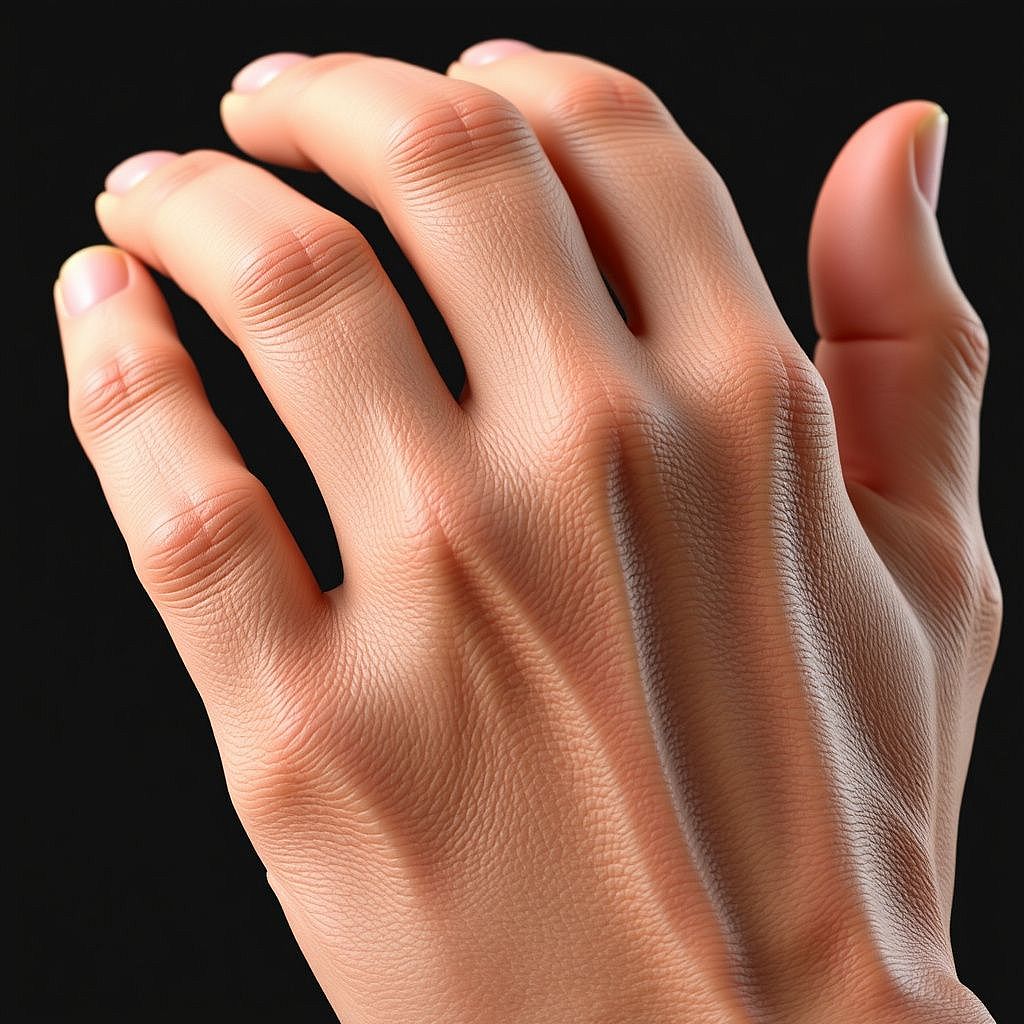
Prompt: 3D style realistic human hand, high detail, lifelike textures.
Hands are notoriously difficult for AI to generate correctly. Including "lifelike textures" and "high detail" increases the chances of accurate finger proportions, natural skin folds, and proper nail rendering. This is one of the best test prompts for evaluating a model's 3D capabilities.
20. Fantasy Creature
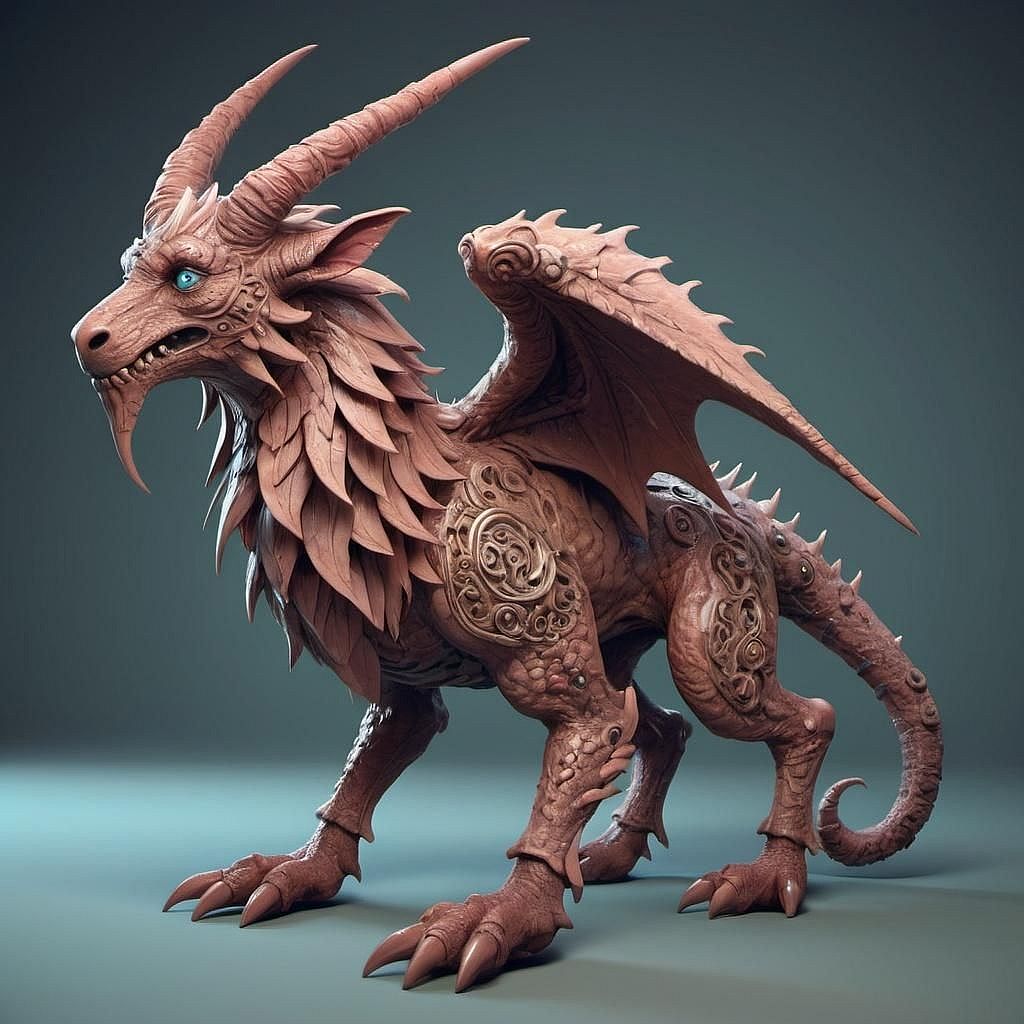
Prompt: 3D style fantasy creature, detailed and imaginative design.
"Imaginative design" gives the AI permission to create original anatomy while "detailed" ensures the output has surface complexity. Fantasy creatures benefit from the 3D style prefix because dimensional rendering makes unusual body structures look physically possible.
21. Modern Living Room Interior
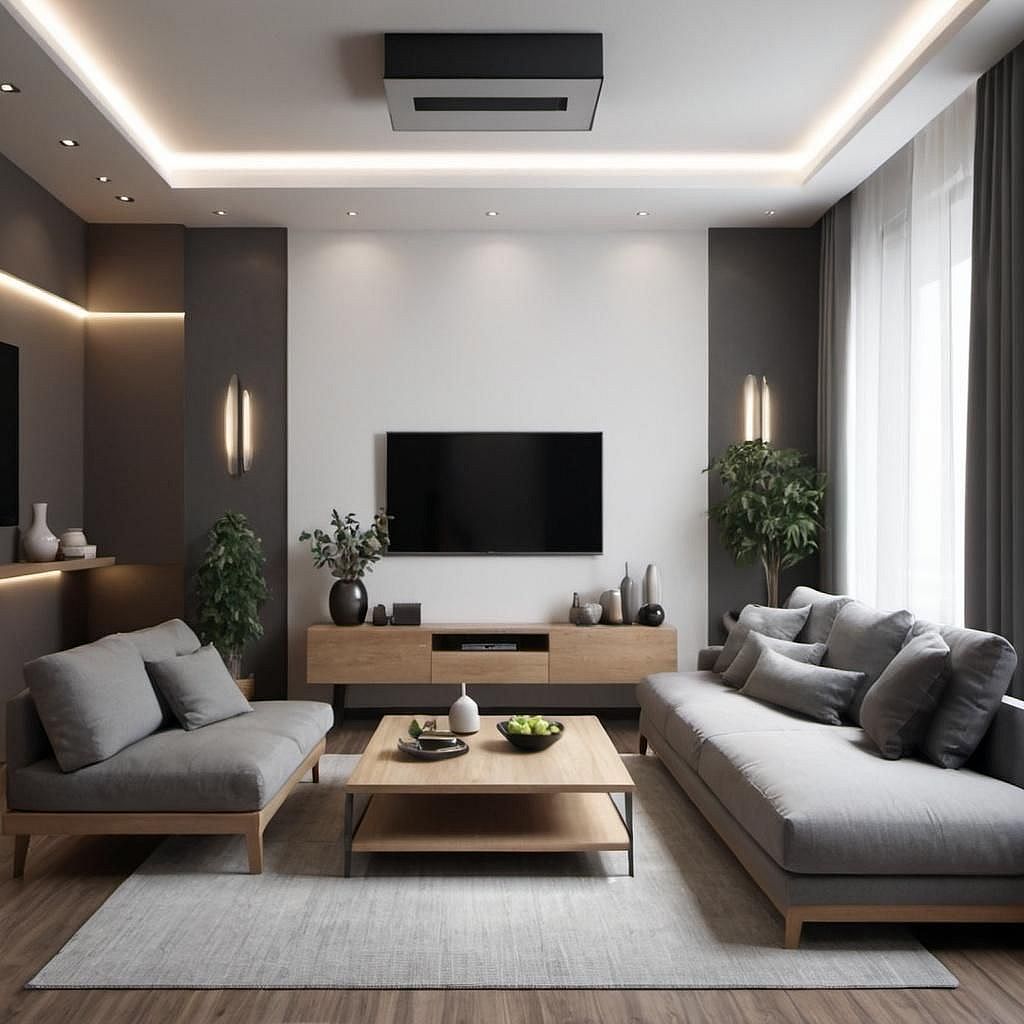
Prompt: 3D style realistic interior design of a modern living room.
Interior design renders rely on accurate perspective, consistent lighting from windows and lamps, and proper material rendering across fabrics, wood, and glass. The "modern" tag steers the composition toward minimalism, which keeps the image clean and readable.
22. Ancient Desert Temple
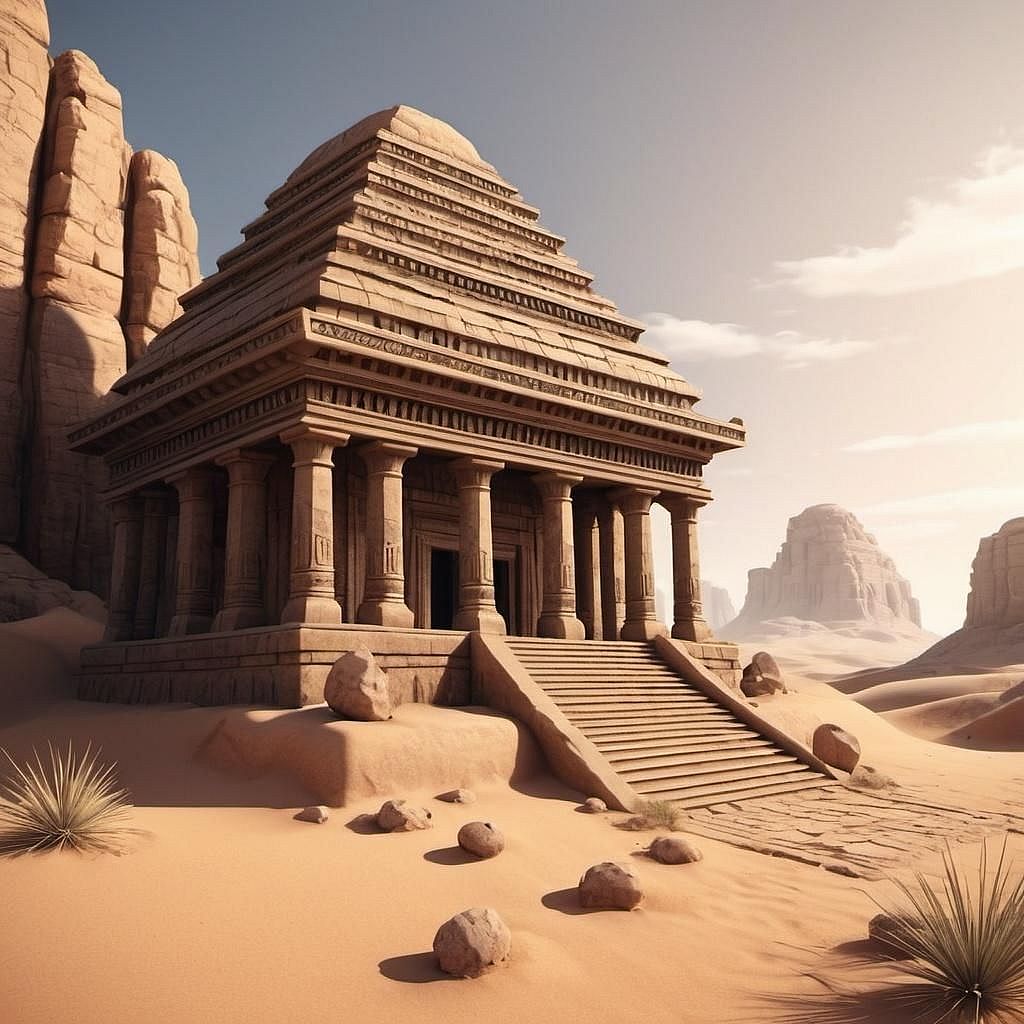
Prompt: 3D style ancient temple in a desert, atmospheric and detailed.
Desert environments provide natural dramatic lighting: harsh directional sun, long shadows, and warm color temperatures. Combined with "atmospheric," the AI adds dust particles and heat haze that give the scene a cinematic quality.
23. Futuristic Vehicle
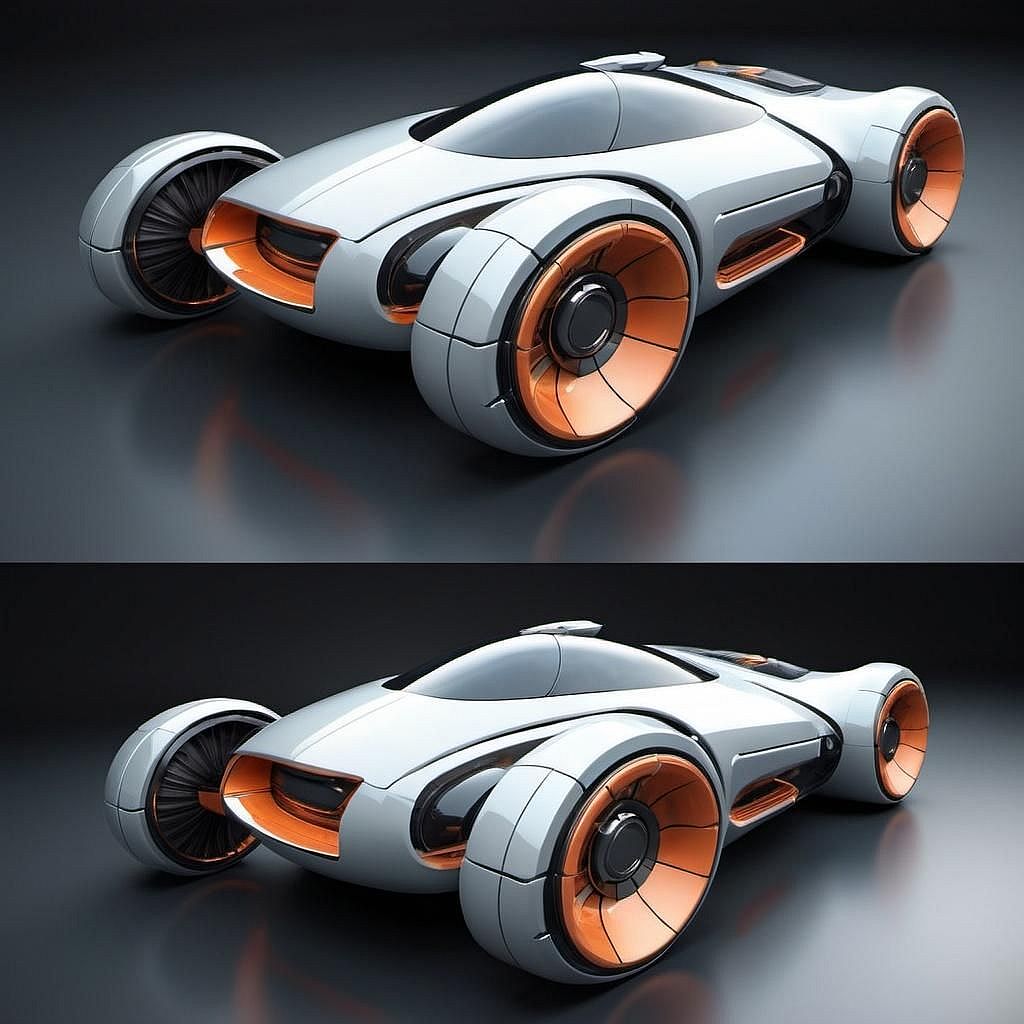
Prompt: 3D style futuristic vehicle, sleek design, high detail.
Futuristic vehicles free the AI from real-world reference constraints while still requiring mechanical plausibility. "Sleek design" ensures aerodynamic shapes, and "high detail" pushes the model to add panel lines, air intakes, and surface geometry that make the vehicle look engineered.
24. Realistic Human Eye
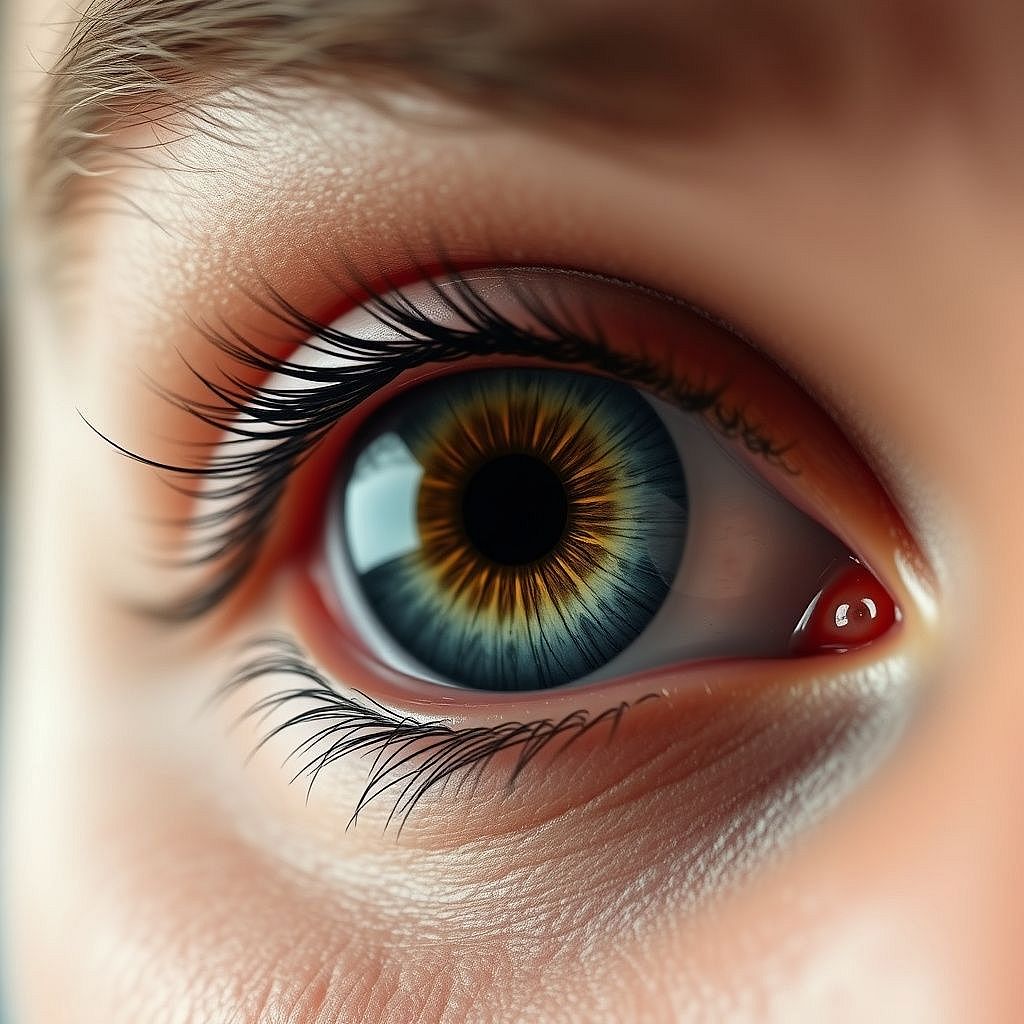
Prompt: 3D style realistic human eye, high detail, lifelike textures.
Extreme close-ups of organic subjects are excellent for showcasing 3D rendering quality. The eye has multiple transparent layers (cornea, iris, pupil) that require the AI to handle refraction, subsurface scattering, and specular highlights simultaneously.
25. Fantasy Underwater City
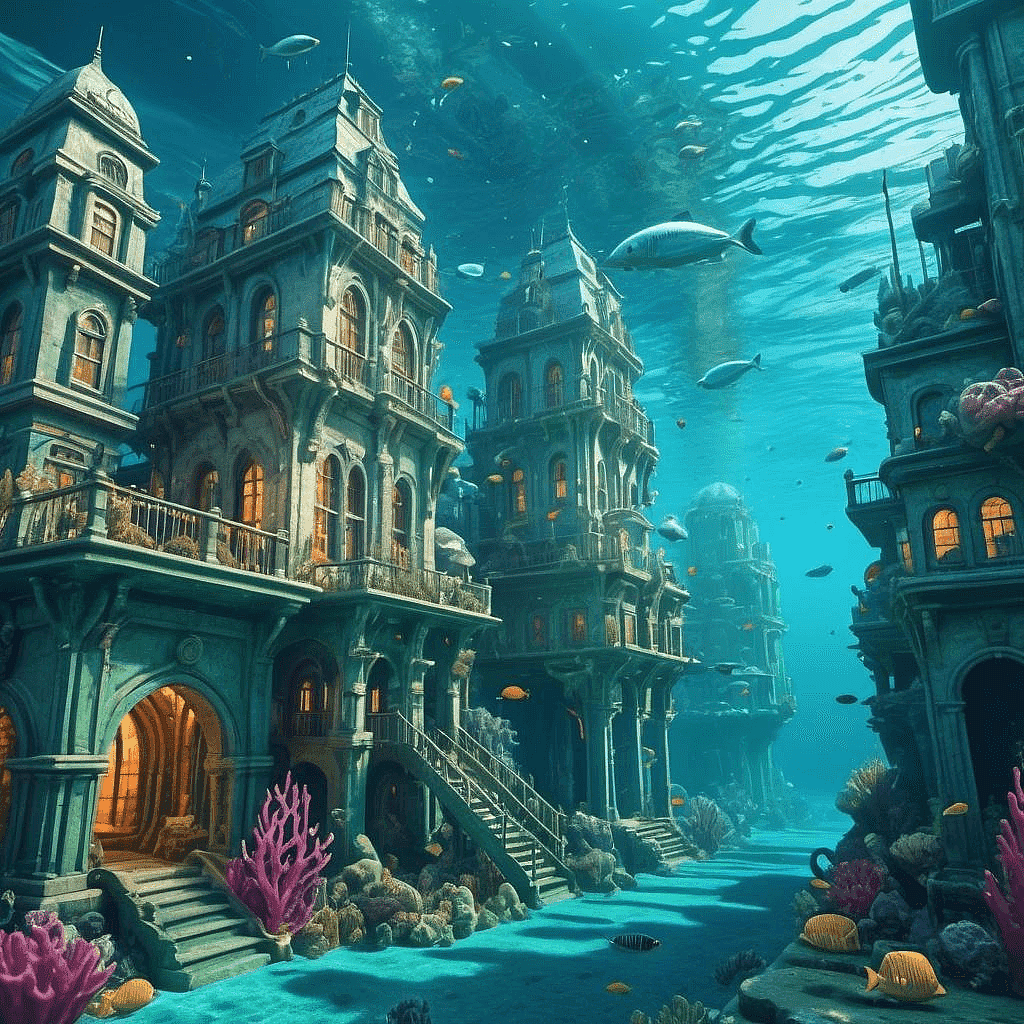
Prompt: 3D style fantasy underwater city, vibrant and detailed.
Underwater cities combine architectural structure with aquatic atmosphere: caustic light patterns, floating particles, and blue-green color grading. "Vibrant" counteracts the natural tendency of underwater scenes to look desaturated, keeping the city colorful and visually engaging.
7 Tips for Writing Better 3D Prompts
Getting consistent, high-quality 3D renders from Midjourney takes more than just adding "3D style" to the front of your prompt. These tips will help you refine your approach for sharper, more dimensional results.
1. Lead with "3D style" or "3D render." This prefix tells the AI to prioritize depth, shadows, and surface textures from the start. Without it, you may get a flat illustration that looks like a 3D scene rather than an actual 3D render.
2. Name your materials explicitly. "Brushed metal," "frosted glass," "rough concrete," and "polished marble" each produce distinct surface rendering. Vague terms like "smooth" or "shiny" give the AI too much room for interpretation.
3. Specify lighting conditions. "Golden hour sunlight," "overcast diffused light," and "dramatic rim lighting" each create completely different moods. Lighting is what separates flat-looking 3D art from renders that feel photographic.
4. Add atmospheric depth cues. Terms like "volumetric fog," "depth of field," and "atmospheric haze" create a sense of physical space between foreground and background elements. These are the same techniques used in professional 3D rendering software.
5. Include a camera angle or lens type. "Wide-angle shot," "macro close-up," "eye-level perspective," or "drone view" gives the AI a specific vantage point. This prevents the default straight-on composition and adds visual variety to your renders.
6. Use quality anchors at the end. Tags like "octane render," "unreal engine," "8K resolution," and "ray tracing" at the end of your prompt push the AI toward higher production quality. These terms reference specific rendering technologies that the model associates with polished output.
7. Iterate on one variable at a time. Change just the lighting, or just the material, or just the camera angle between generations. Adjusting everything at once makes it impossible to learn what improved or worsened the result.
Where to Create 3D AI Art
You can generate all of these 3D renders on OpenArt, which supports multiple AI models including options comparable to Midjourney's output quality. The platform lets you switch between models, adjust parameters, and save your favorite prompts for reuse.
If your 3D project involves characters, the AI character generator can create detailed figures with custom armor, clothing, and poses that complement your environmental renders.
For projects that go beyond static images, the AI video generator can animate your 3D scenes into turntable showcases, flythrough sequences, and cinematic reveals.
Frequently Asked Questions
What does "3D style" actually do in a Midjourney prompt?
The "3D style" prefix tells the AI to prioritize depth, volumetric lighting, and realistic surface textures. It shifts the output from a flat illustration toward something that looks like it was rendered in software like Blender or Cinema 4D. The AI applies perspective, shadow casting, and material properties more aggressively with this tag.
How do I make my 3D renders look more photorealistic?
Focus on three areas: material specificity (name exact surfaces like "anodized aluminum" or "worn leather"), lighting conditions (time of day, light source type), and post-processing tags ("depth of field," "motion blur," "lens flare"). Adding render engine names like "octane render" or "unreal engine 5" also pushes the AI toward photorealistic output.
Can I use these prompts with AI tools besides Midjourney?
Yes. The prompt structures in this guide work with most text-to-image AI tools, including Stable Diffusion, DALL-E, and Flux. The core principles (leading with style, specifying materials, adding lighting and atmosphere) are universal across AI image generators. Some specific Midjourney parameters may need adjustment for other platforms.
What subjects work best for 3D-style AI art?
Hard-surface objects (vehicles, robots, architecture, weapons) tend to produce the most convincing 3D results because reflections and geometric precision are easier for the AI to get right. Organic subjects (animals, characters, plants) also work well but benefit from extra texture descriptors like "lifelike fur" or "subsurface scattering on skin."
How do I avoid the "plastic" look in 3D AI renders?
The plastic look comes from uniform surface properties and flat lighting. Combat it by adding surface imperfections ("scratches," "dust," "fingerprints"), varied materials in the same scene ("metal and wood," "glass and stone"), and natural lighting conditions rather than studio lighting. Negative prompts like "smooth, plastic, glossy" can also help steer the AI away from that aesthetic.