

 ChatGPT
 Perplexity
 Claude
 Gemini
AI-generated content is no longer a niche category on YouTube. In the last two years, AI creators have gone from posting simple image slideshows to producing cinematic short films, first-person history experiences, faceless education channels, automated business explainers, and full storytelling series with recurring characters.
The scale is real. By its own numbers, YouTube Shorts now averages over 200 billion daily views and billions of monthly logged-in users, with more than 20 million videos uploaded to YouTube every day (YouTube official press page). Sprout Social's 2026 data adds that viewers are now slightly more likely to interact with short-form video (52%) than long-form (48%) (Sprout Social). That demand is exactly where AI video has taken hold, so much so that the flood of low-effort AI uploads produced its own term, "AI slop", which Merriam-Webster and the American Dialect Society both named the 2025 Word of the Year.
But here is the lesson most people miss. The fastest-growing AI creators are not winning because they use the newest model. They win because they understand what kind of video an audience actually wants to watch, and they build a repeatable system around it.
If you want inspiration, or you are planning your own AI-powered channel, these are the seven AI video formats dominating YouTube in 2026 and the creators leading each one.
Quick Summary: The 7 Formats at a Glance
- Historical POV videos. First-person trips into the past. High retention, broad curiosity appeal.
- AI short films and cinematic storytelling. Narrative-first filmmaking with real camera language.
- Consistent character story universes. Recurring characters and worlds that bring viewers back.
- Faceless content channels. Scalable, no-camera education and commentary.
- AI automation and business channels. Workflows and agents for founders, agencies, and marketers.
- AI art and visual creation. Image generation, prompt craft, and concept art.
- AI news and tool discovery. Staying current in a space that changes weekly.
Most of these formats share one starting point: a strong visual and a consistent character. That is the part you build before you ever open a video model, and it is where a tool like the OpenArt AI Image Generator and AI Character builder fit into the pipeline.
1. Historical POV Videos
Why audiences keep clicking
Historical POV videos drop the viewer directly inside a famous moment in the past. Instead of explaining Ancient Rome or the Titanic, the creator lets you experience it in first person, as if you were filming a vlog from 44 BC.
The format performs because it stacks four things that the YouTube and Shorts algorithms reward:
- Curiosity. "What was it actually like?" is a hook almost everyone clicks.
- Strong retention. A first-person walkthrough keeps viewers watching to see what happens next.
- A clear visual world. Every shot looks different from the last, which keeps the eye moving.
- Shareability. People send these to friends because they feel like discoveries, not lessons.
History is also one of YouTube's most durable categories, and it suits faceless AI production well: no studio, no presenter, just atmospheric visuals and a narrator. The AI time-traveller trend specifically was documented by The Guardian in May 2026.
Channels worth studying
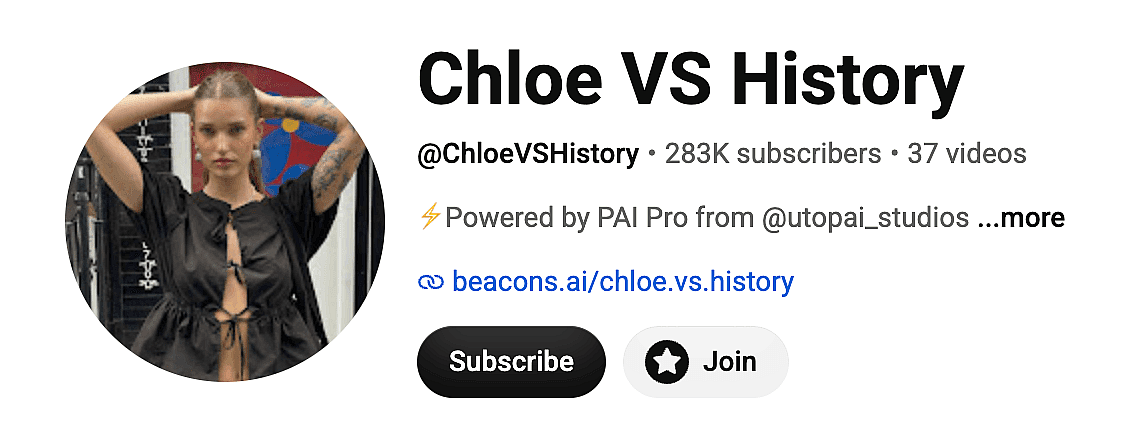
Chloe VS History — @ChloeVSHistory
The most recognizable creator in the AI history niche. The channel posts first-person "time travel" episodes: trying eel pie at a Tudor market, exploring first-class suites on the Titanic, taking a plunge in a Roman bath. It has grown to more than 600,000 Instagram followers and tens of millions of YouTube views, and was profiled by The Guardian as a leading example of the AI time-traveller trend.
Content examples:
- "I time travelled to Ancient Rome" (44 BC daily-life vlog)
- Titanic first-class POV
- Tudor-era market walkthroughs
Other channels worth watching in this niche: the broader "AI time-traveller" wave the Guardian documented, plus a growing set of regional history POV channels. Search "historical POV AI" on YouTube to see new entrants weekly.
How these get made
Most historical POV episodes start with a consistent main character (the "time traveller") plus period-accurate reference images for each location. Creators generate the character and the scene stills first with an AI image generator, then animate them. Low-resolution period photos can be cleaned up first with an HD photo converter. The character has to look the same in the Roman bath and the Tudor market, which is exactly the AI character consistency problem every history creator runs into.
2. AI Short Films and Cinematic Storytelling
Why this format is exploding
AI filmmaking has become one of the fastest-growing creator categories on YouTube. Modern models can generate cinematic scenes, character performances, camera moves, and complete narrative sequences from a single prompt or reference image.
But the channels that actually grow are the ones that treat AI as a camera, not as the show. They focus on story structure, pacing, and a consistent look. The tool is invisible; the story is the point.
Channels worth studying
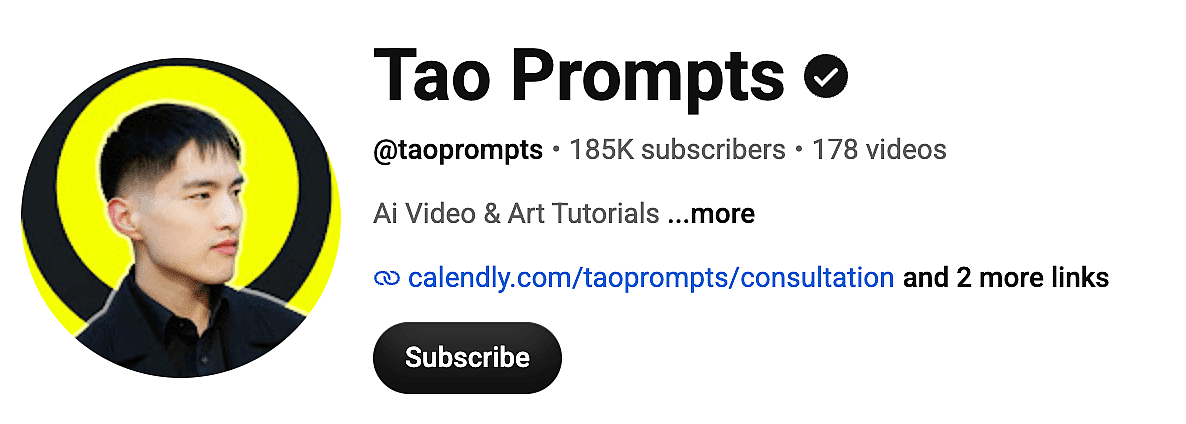
Tao Prompts — @taoprompts (~185K subscribers)
One of the most respected educational channels for cinematic AI video. Tao Prompts covers AI filmmaking, character consistency, camera movement, and image-to-video workflows across models like Kling and Veo. A good starting video is "How to Create AI Films Better Than 99% of People."
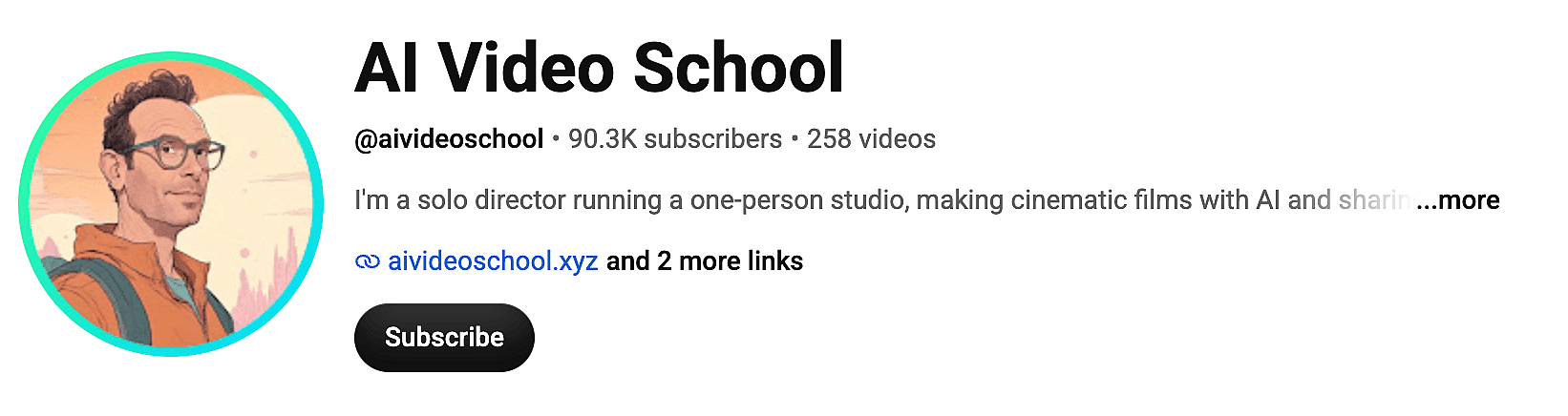
AI Video School — @aivideoschool
Focused on practical filmmaking workflows rather than chasing every new model release. Topics include story structure, visual storytelling, AI directing, and long-form AI film production, taught through tutorials and film breakdowns.
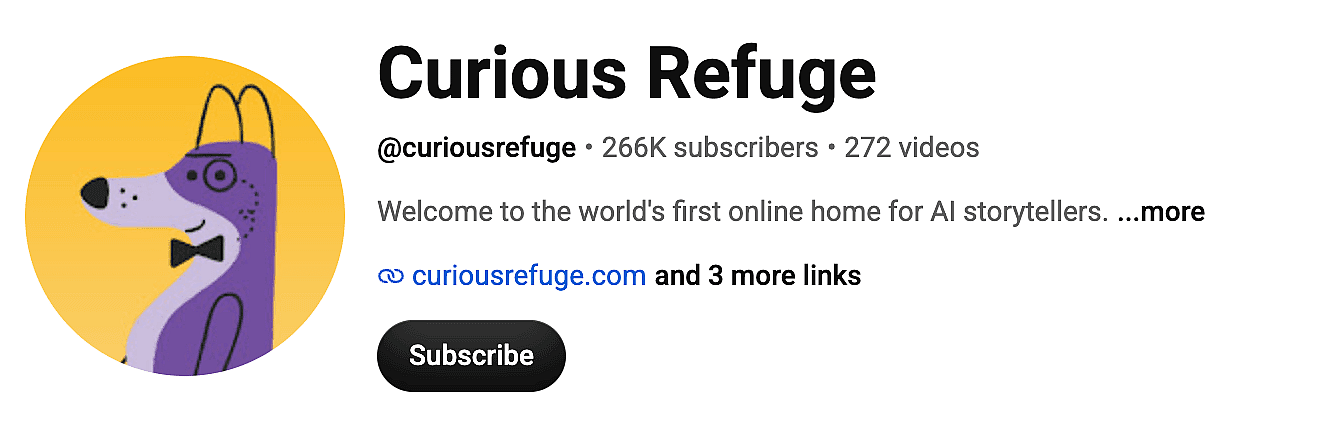
Curious Refuge — @CuriousRefuge
One of the most influential communities dedicated to AI filmmaking. Curious Refuge runs AI film education, production workflows, industry interviews, and storytelling training that covers everything from pre-production to distribution.
The production order that works
The cinematic look starts before the video model. Creators design shot-by-shot reference frames with an AI image generator and lock a visual style first, then animate those frames so each clip matches. The OpenArt AI Video Generator gives access to models such as Kling 3.0, Sora 2, Seedance 2.0, and Veo in one place, which matters when different scenes call for different models. For effects-heavy shots, creators also lean on tools like OpenArt VFX.
3. Consistent Character Story Universes
Why recurring characters win
One of the biggest shifts of 2026 is the move away from random one-off AI clips toward recurring characters, worlds, and ongoing story universes.
This is the difference between a viral fluke and a real channel. Audiences come back for a character they recognize, not for a model. Once viewers are attached to a person or a world, every new upload has a built-in audience.
It is also the hardest part of AI video. Across the AI filmmaking community, character consistency is widely treated as the single biggest technical challenge in the medium: keeping the same face, build, and wardrobe from one generation to the next. The fix most creators land on is the same. Stop relying on one lucky prompt, and build a reusable identity kit of reference images that you feed into every scene.
Channels worth studying
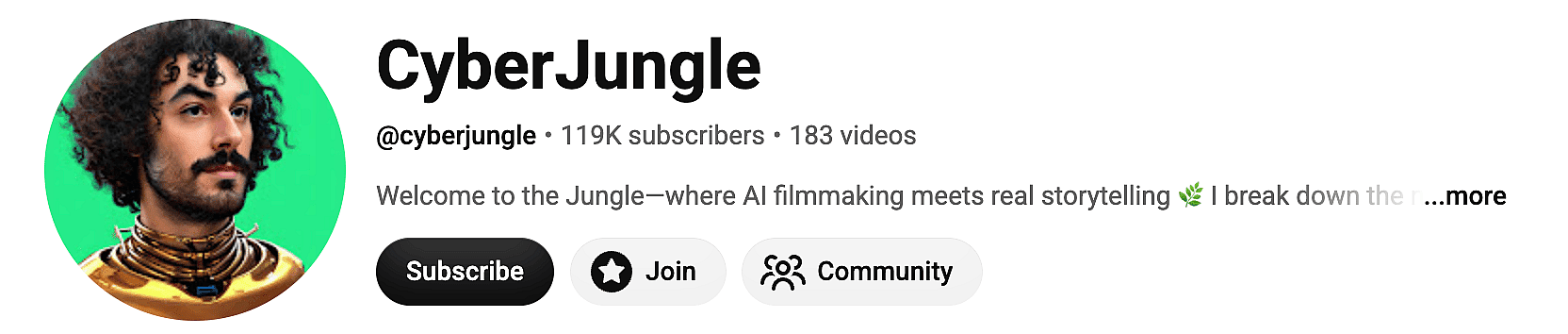
CyberJungle — @cyberjungle
Known for advanced tutorials on AI filmmaking, Kling, Veo, and character-consistent workflows, CyberJungle regularly shares practical techniques for keeping the same character recognizable across multiple scenes and videos. The channel is particularly valuable for creators building recurring characters, visual continuity, and long-form AI narratives.
Building the character first
This is the part of the pipeline OpenArt was built for. Many creators start a character universe by generating the AI character itself: character sheets, facial references, costume variations, and scene concepts, all from the AI image generator. Some creators also turn a single portrait into a stylized recurring lead with a photo to avatar tool. Reusing the same identity across shots before you ever animate it is the hard part, and the One-Click Story tool turns those characters into a sequenced narrative. You can also browse community character stories to see the format in action. That reference-first approach is exactly the "identity kit" method experienced AI filmmakers recommend.
4. Faceless AI Content Channels
Why faceless scales
Faceless channels keep growing because they scale. A single creator can publish tutorials, educational content, industry updates, and niche explainers without ever appearing on camera, and without booking a studio.
The economics support it. Eligible Shorts creators receive 45% of YouTube's Shorts revenue share (YouTube Help), and YouTube generated $40.37 billion in ad revenue in 2025 (Sprout Social), Because faceless channels can operate with lower production costs, the model can work well for solo creators.
The catch creators warn about: avoid low-effort mass automation. The channels that survive YouTube's quality bar still write real scripts and pick a clear niche.
Channels worth studying
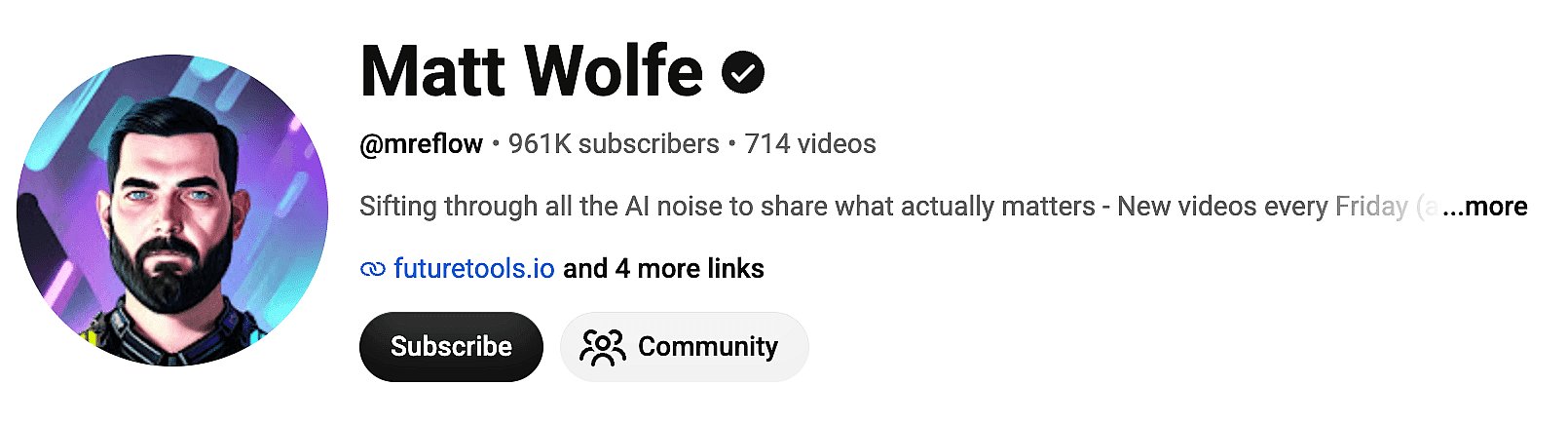
Matt Wolfe — @mreflow
One of the most influential AI creators on YouTube. His content blends AI news, tool reviews, creator workflows, and industry analysis, and it is a textbook example of how educational AI content scales into a full media brand.
Carl Faceless — @CarlFaceless
Known for faceless content brands and AI-powered creator workflows, with a focus on building recurring identities that audiences recognize and return to over time.

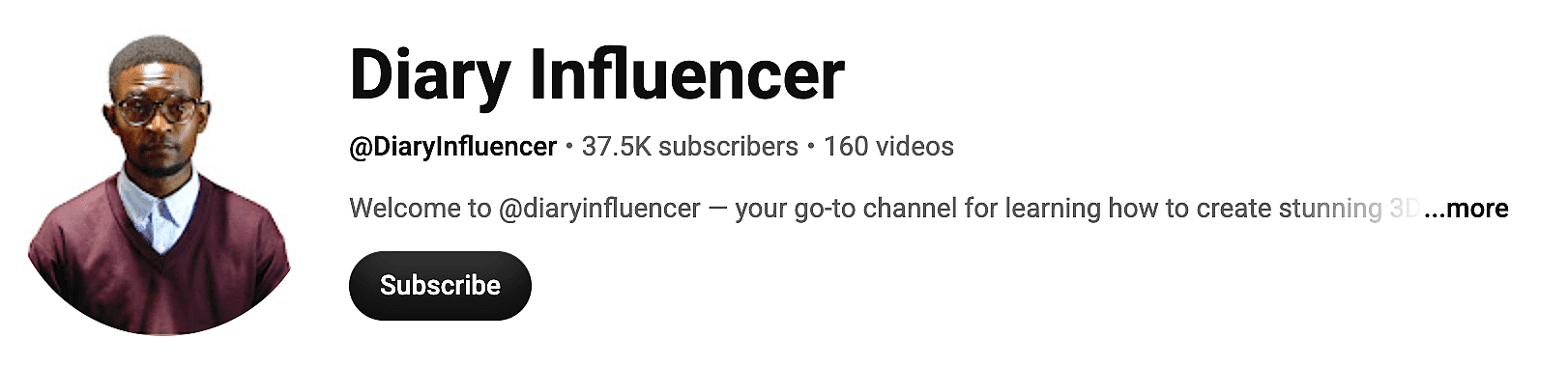
Diary Influencer — @diaryinfluencer
Focused on AI-powered content creation and creator growth, including AI influencer style channels.
AI Revolution — @airevolutionx
Practical AI workflows and productivity-focused breakdowns, with a large and fast-growing audience.
Tef AI — @tef-AI
Known for AI tool education and hands-on workflow demonstrations.
What the workflow looks like
Faceless videos lean on AI-generated visuals plus a synthetic voiceover. Creators generate b-roll and explainer visuals with an AI image generator and the AI video generator, then add narration with AI voice tools. Some pair this with an AI influencer as a recurring on-brand presenter, or an AI headshot generator for a polished channel avatar. Clean visuals also help: an AI background remover and background changer make it easy to drop a subject into any scene. Because there is no real face to film, the visual quality and the script carry the whole video.
5. AI Automation and Business Channels
Why this audience is valuable
Not every successful AI creator is making films. Some of the fastest-growing channels teach businesses how to automate work with AI agents and workflows.
These channels attract a high-value audience: founders, agencies, consultants, and marketing teams. That audience converts well, which is why this niche has strong sponsorship and course economics behind it.
Channels worth studying
Liam Ottley — @LiamOttley
One of the most recognizable creators in the AI agency space.

Vaibhav Sisinty — @VaibhavSisinty (~694K subscribers)
AI-first business, growth systems, and founder-focused productivity content.
AI Automation Labs — @AIAutomationLabs
Deep on AI agents, workflow automation, and business systems.
AI Lockup — @ailockup (~210K subscribers)
AI business tools, software workflows, and automation strategies.

The AI Advantage — @aiadvantage
Popular for practical, business-focused AI implementation tutorials.
6. AI Art and Visual Creation
Why art is the on-ramp
Every AI video starts with a visual. Even filmmaking-focused creators usually begin with image generation, concept art, and style exploration before anything moves. That makes the AI art niche both its own content category and the on-ramp for every other format on this list.
Channels worth studying
Dankieft — @Dankieft (~255K subscribers)
Dan Kieft's channel covers AI image creation, Midjourney, and prompt engineering through hands-on tutorials.
Prompt Muse — @PromptMuse
Detailed prompt strategies and visual/3D design workflows.
Thaeyne — @Thaeyne
One of the respected names in the AI art community, with a focus on Midjourney and prompt experimentation.

RoboVerse — @roboverse987
AI visuals, creative workflows, and productivity demos.
Designing the look before you animate
Visual creation is OpenArt's home turf. Creators use the AI image generator for character design, concept art, style experimentation, and visual ideation before moving into animation or video. For stylized and illustrated looks, the AI art generator covers anime, painterly, and concept-art styles, and a 3D cartoon generator turns a photo into a Pixar-style character. To reverse-engineer a look you like, an image to prompt tool extracts the prompt from a reference. Models like GPT Image 2, Nano Banana 2, Nano Banana Pro, Seedream, and Recraft V4 span everything from photorealistic stills to stylized concept art, so you can test a look cheaply before committing it to a full video.
7. AI News and Tool Discovery
Why these channels grow
The AI landscape changes every week. New models, new pricing, new features. Many creators have built large audiences simply by helping people keep up, and that audience is loyal because the information is genuinely useful.
Channels worth studying
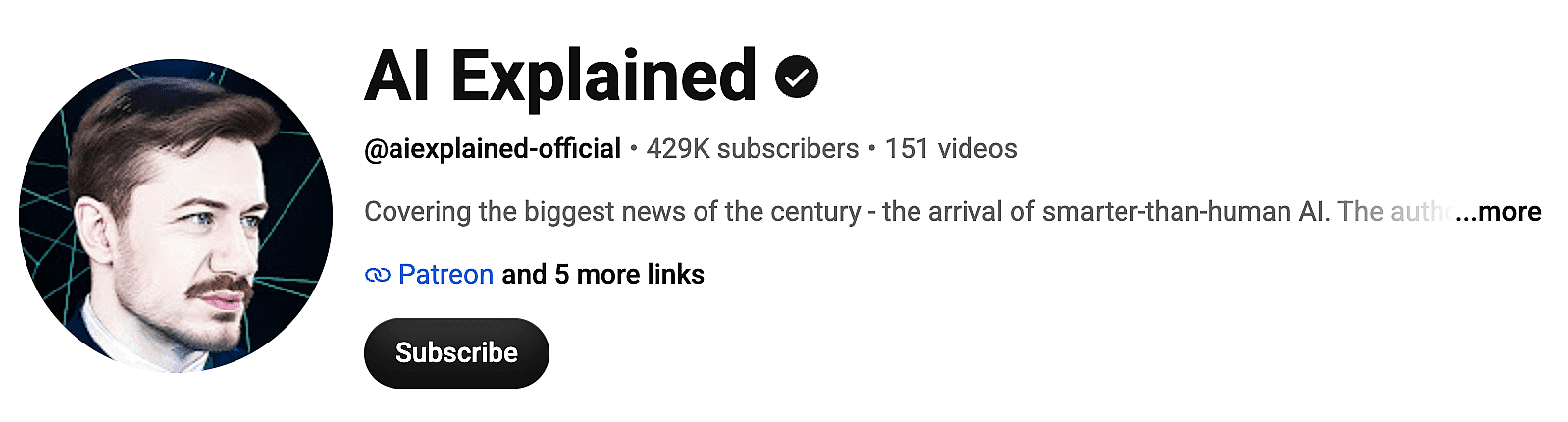
AI Explained — @AIExplained-official
Known for thoughtful, measured analysis of major AI developments.
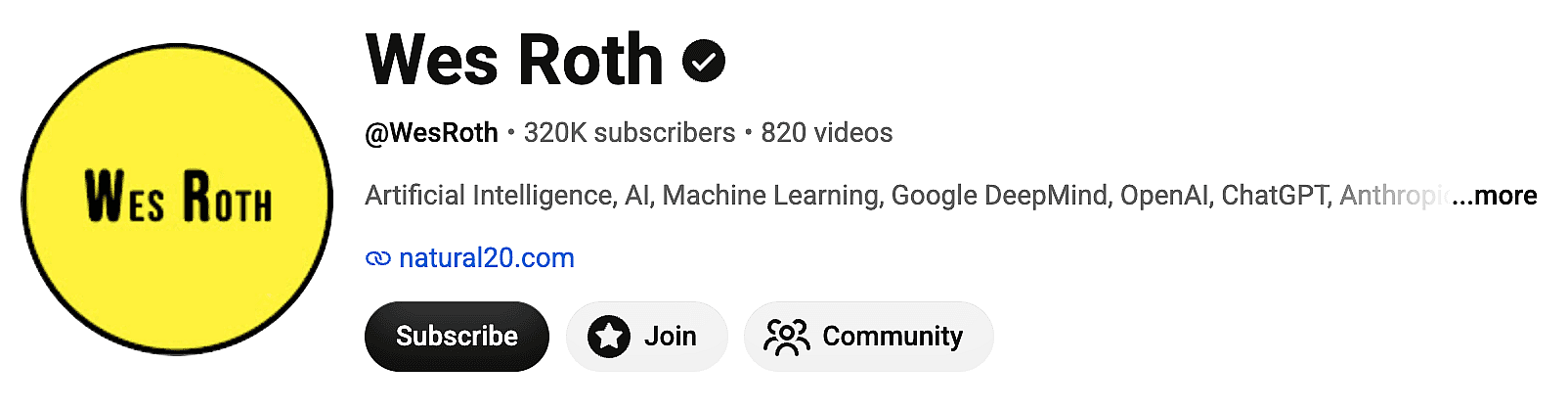
Wes Roth — @WesRoth
Frequent updates on OpenAI, Anthropic, Google, and emerging tools.
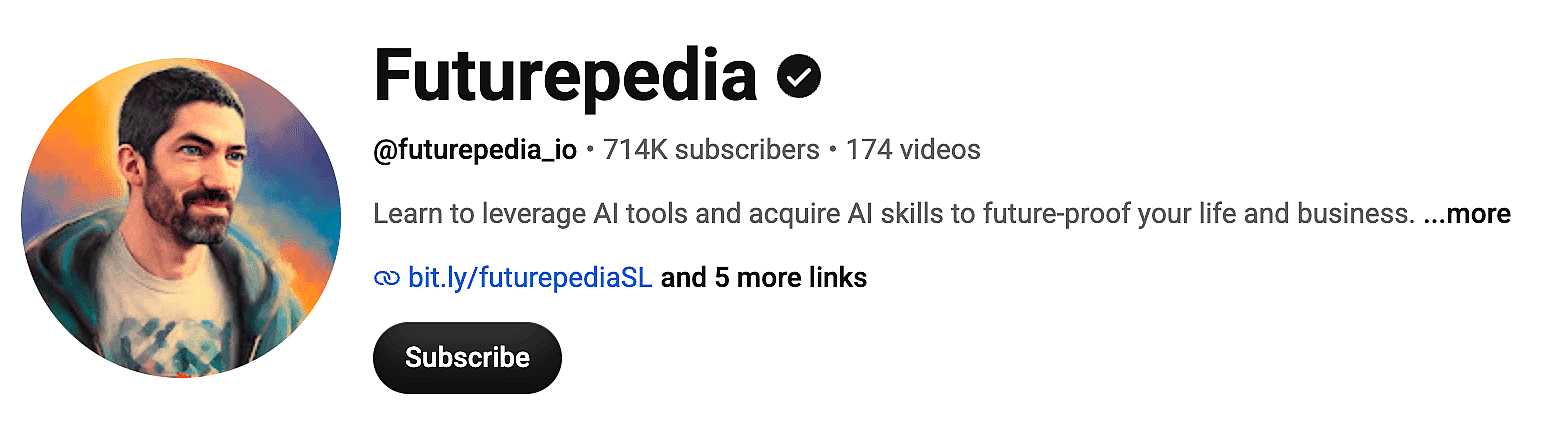
Futurepedia — @futurepedia_io
A trusted resource for discovering new AI tools and platforms.
What the Best AI YouTubers Have in Common
After looking at dozens of successful AI creators across these seven formats, a clear pattern shows up. They do not win because they use the newest model. They win because they combine:
- Strong storytelling that gives a reason to keep watching.
- A clear visual identity so the channel is recognizable in a feed.
- Consistent publishing rather than one viral spike.
- Repeatable workflows that let them ship without burning out.
- Audience-focused content, made for a viewer rather than for a tool demo.
The platform side reinforces this. In January 2026, YouTube CEO Neal Mohan said that managing AI slop and detecting deepfakes are top priorities for the platform in 2026 (CNBC). Sprout Social's research also notes that longer, well-made Shorts tend to outperform the shortest clips on average (Sprout Social). The takeaway is the same: the platform is rewarding effort and identity, not raw volume. Build a system and a recognizable look, do not chase trends.
The Typical AI Creator Workflow in 2026
Most AI YouTubers now follow a pipeline that looks like this:
Idea → Script → Character design → Scene stills → Video generation → Voiceover → Editing → Publishing
The first three steps decide whether the rest works. Get a consistent character and a locked visual style early, and every downstream clip stays on-model. Skip that, and you spend the edit fighting drift.
Common tools in this pipeline include:
- OpenArt for character design, reference frames, image generation, and turning stills into video.
- Kling, Sora, Veo, Seedance for video generation (all available inside the OpenArt AI Video Generator).
- ElevenLabs and similar tools for voice.
- ChatGPT for scripting and ideation.
These tools do not replace creativity. They let creators move faster and spend more energy on the story.
Frequently Asked Questions
What type of AI video is easiest to start with?
Faceless education or history POV. Both rely on AI visuals plus a voiceover, so you do not need to be on camera, and both have proven retention. Pick a narrow niche and write a real script.
Do I need expensive software to make AI videos?
No. Most of the pipeline runs in the browser. You design characters and stills in an AI Image Generator, animate them in an AI Video Generator, and add voice with an AI voice tool. OpenArt requires a free account to start generating, and includes free monthly credits.
How do creators keep the same character across scenes?
They build a reusable identity kit: a set of reference images of the character that gets reused in every generation. This is the method experienced AI filmmakers recommend, and it is what OpenArt's AI character workflow is built around.
How do AI YouTubers create eye-catching thumbnails?
Even the best AI videos need strong thumbnails to attract clicks. Many successful creators spend significant time testing different thumbnail styles, facial expressions, and visual concepts.Instead of designing thumbnails from scratch, creators can use an AI YouTube Thumbnail Generator to quickly generate professional-looking thumbnail concepts optimized for engagement and click-through rates.
Can I make money with AI YouTube videos?
AI YouTube channels can make money, but ad revenue alone is rarely enough. The channels that earn meaningful income usually use AI to reduce production costs while building an audience they can monetize through sponsorships, affiliates, memberships, or products.
Is AI video content allowed on YouTube?
Yes, with disclosure where required. YouTube has tightened its quality bar against low-effort mass-produced content, so the channels that last invest in scripts, editing, and a clear point of view.
Final Thoughts
AI tools will continue to evolve, but the creators succeeding on YouTube all share the same foundation: strong storytelling, memorable visuals, and consistent publishing.
Whether you're interested in AI filmmaking, historical storytelling, faceless content, automation, or AI art, the creators above offer some of the best examples to learn from in 2026.
If you're building your own AI content workflow, start with the visual foundation. Many creators use OpenArt to generate characters, explore visual styles, and maintain consistency across projects before turning those ideas into videos. The better your visuals, the easier it becomes to create content audiences recognize and return to.