

AI ART
GENERATOR
Generate stunning AI art in any style, from anime and pixel art to cinematic portraits, oil paintings, and 3D illustrations. Create with eight top AI image models in one workspace, keep characters and styles consistent across every piece, and refine your artwork without starting from scratch.
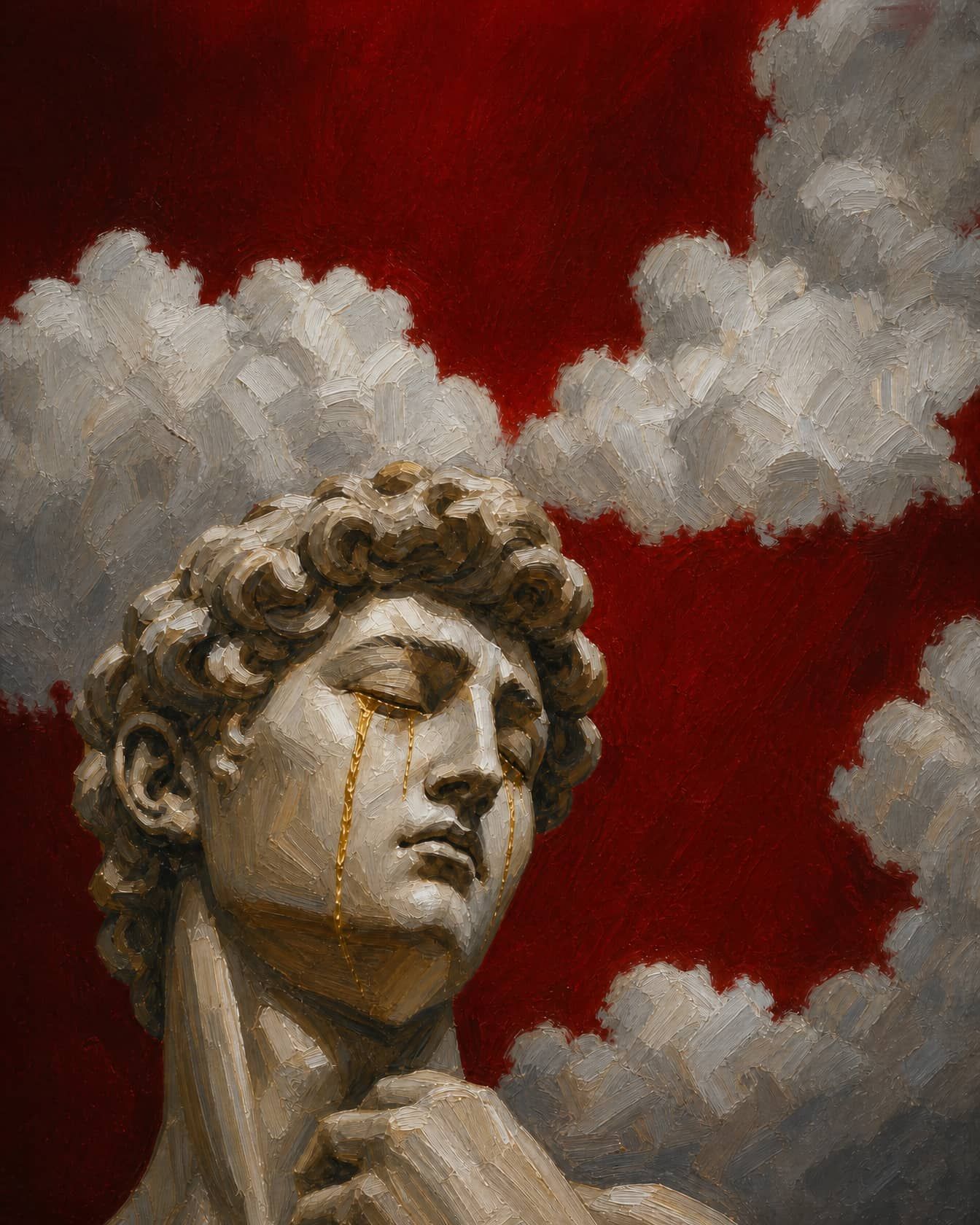
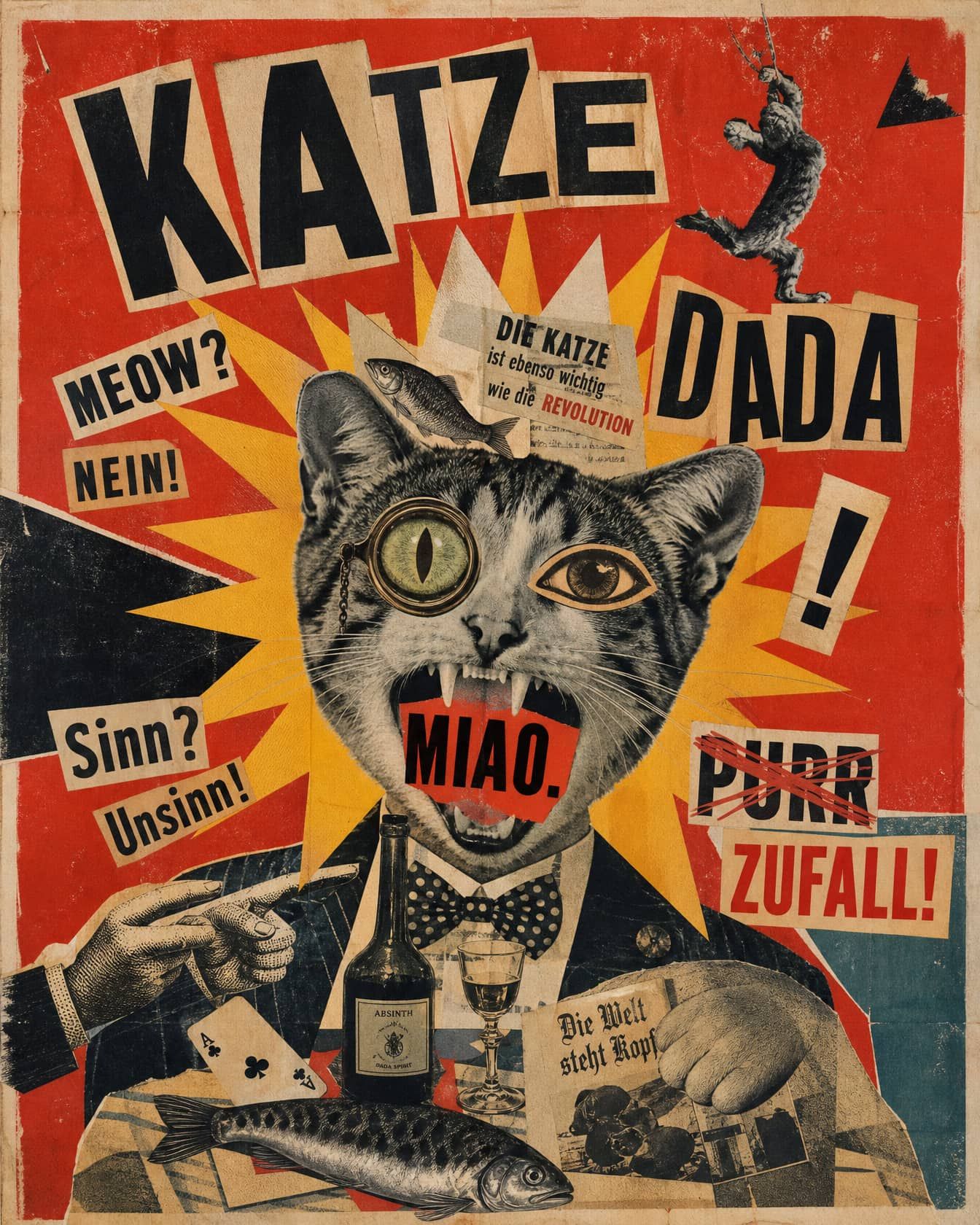
Community Creations
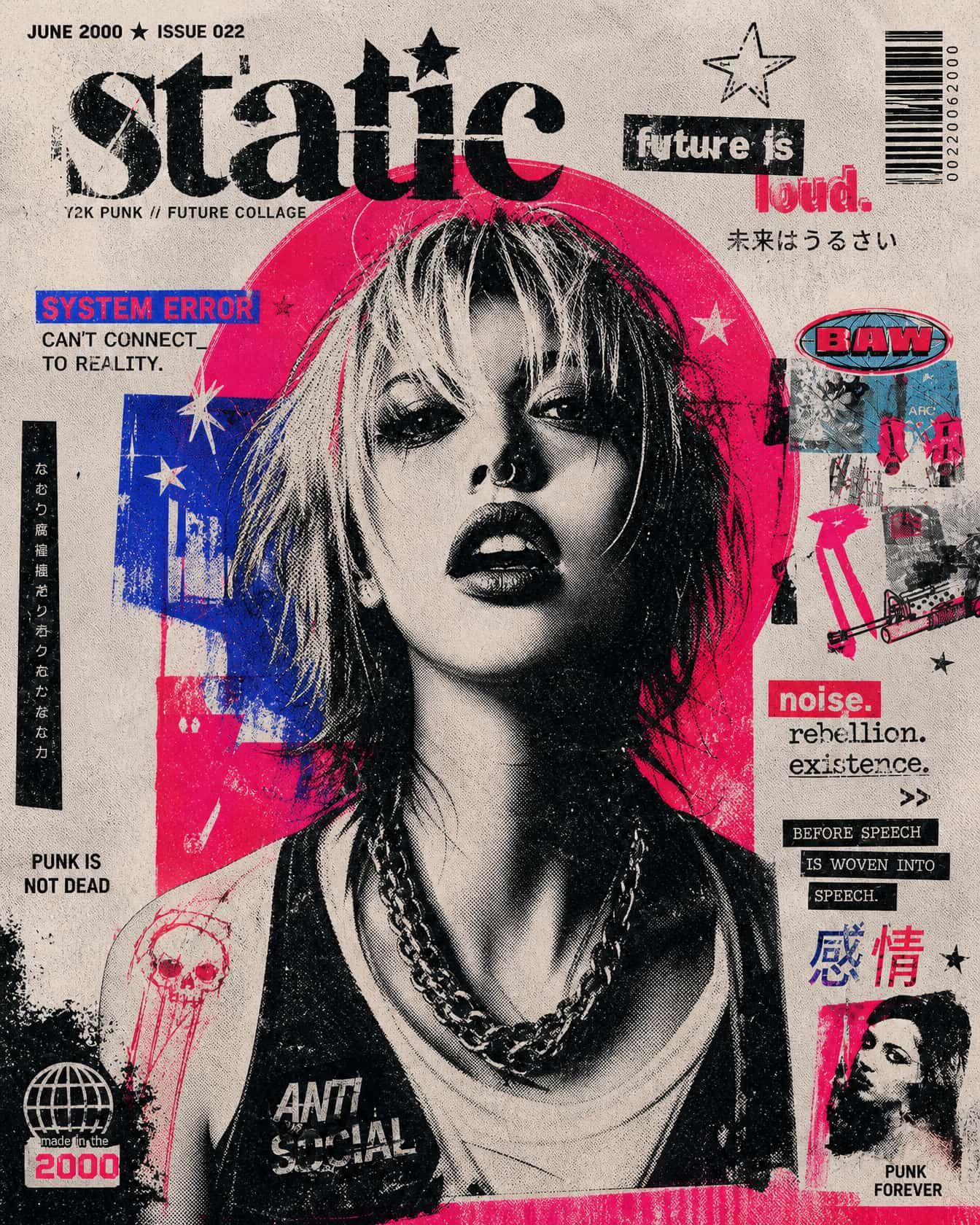
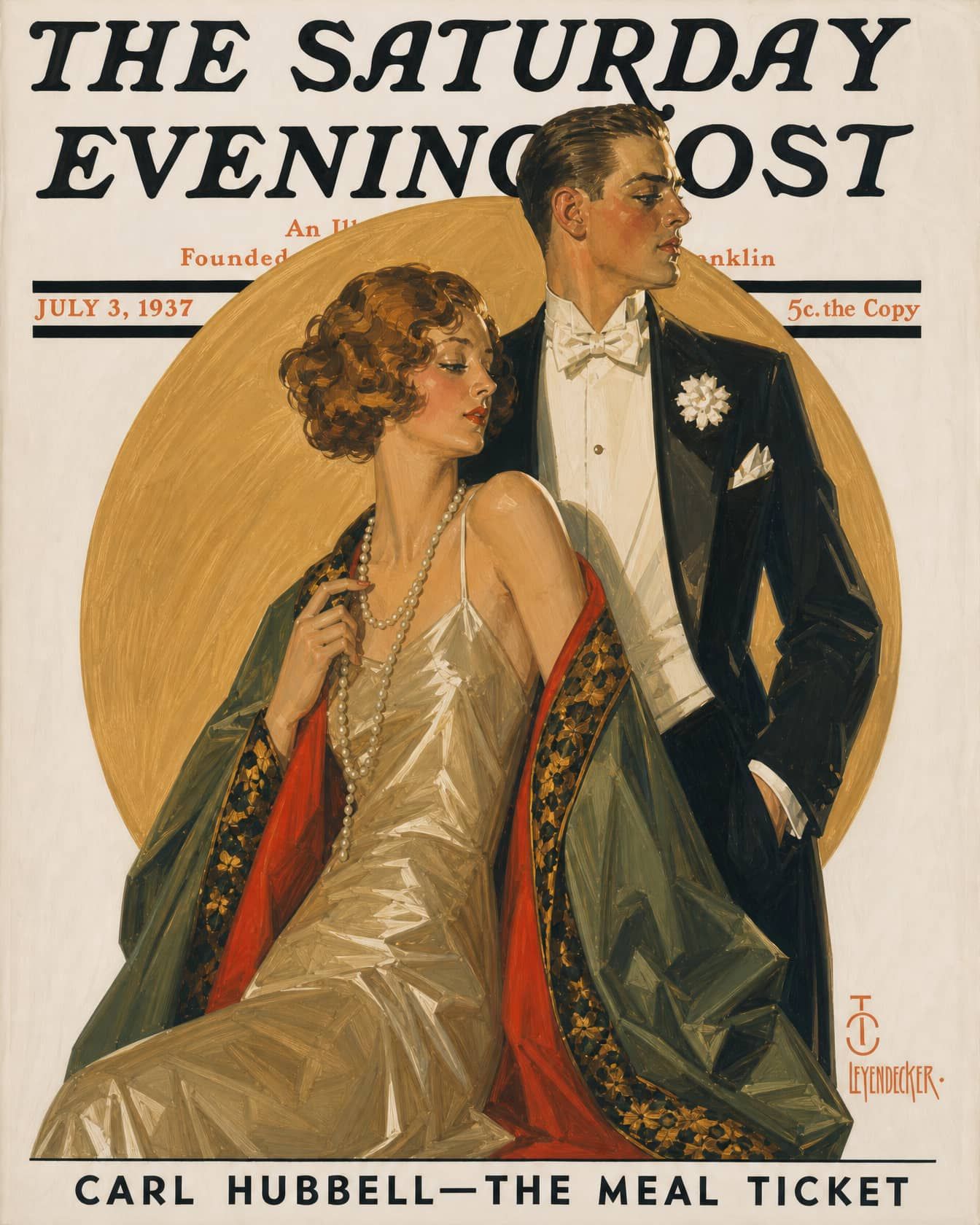
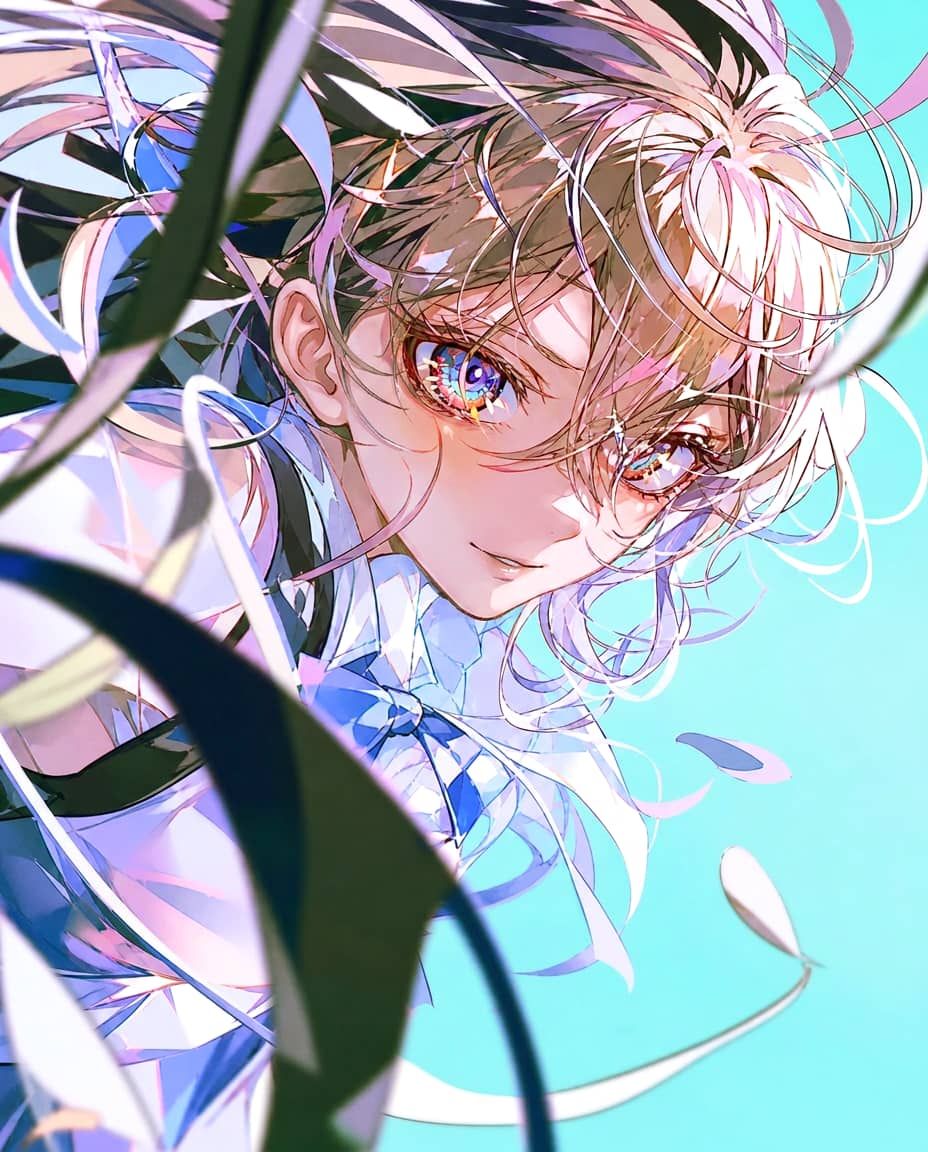
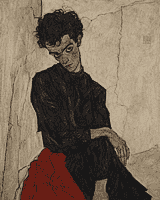
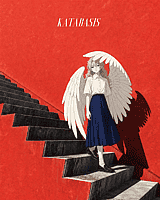
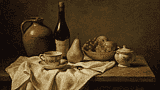
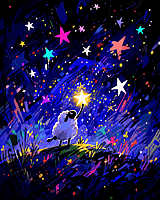
See what people are creating right now on OpenArt, you also can use the Production-Ready Prompts for creating stunning Art work.
Key AI Art Generator Features
Great art takes more than just a single prompt; it requires control, iteration, and consistency. OpenArt unifies the world's best AI models with a professional editing canvas, giving you everything you need to build and publish flawless visuals without the subscription chaos.
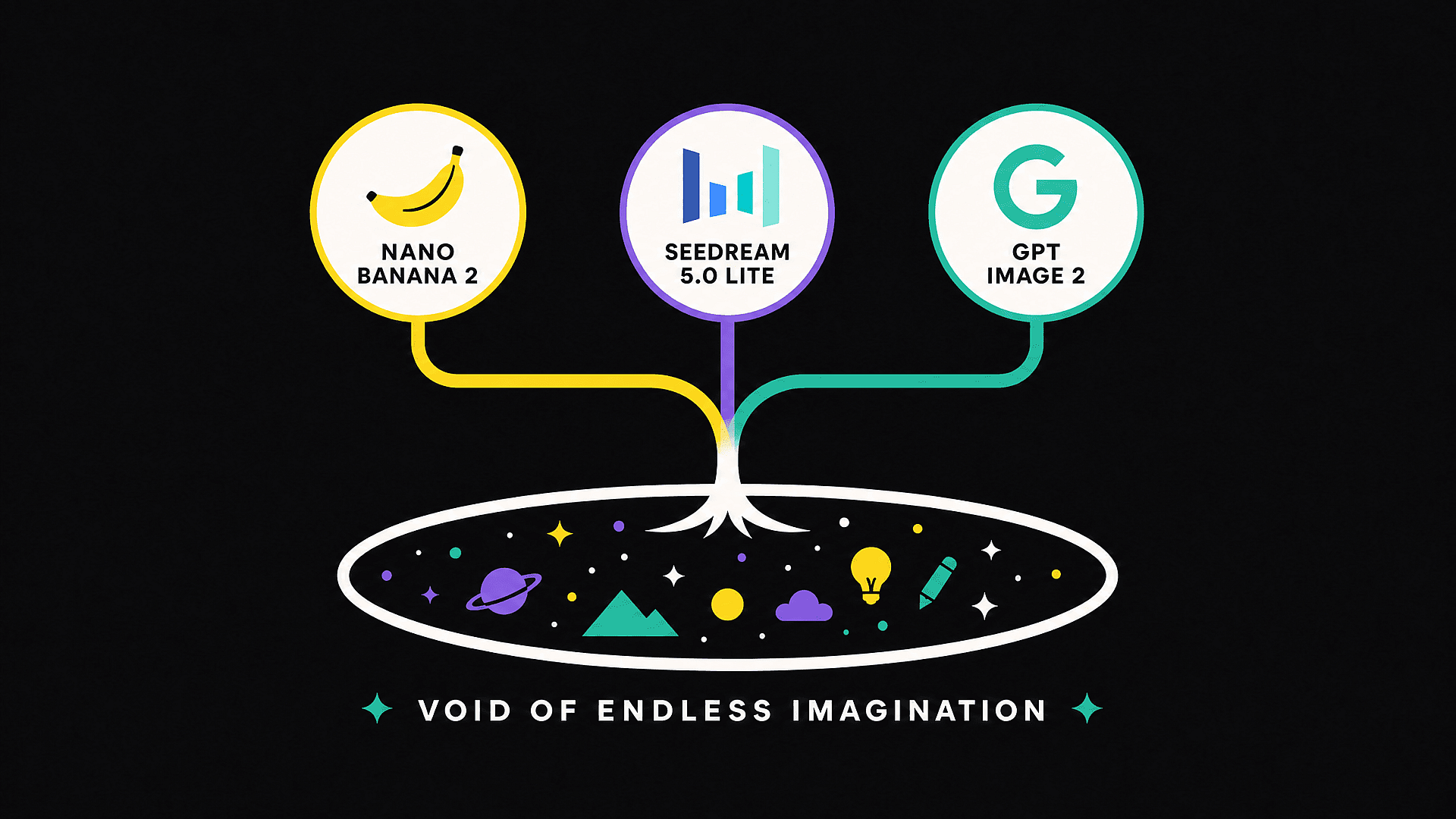
Top AI Models in One Workspace
Access the world’s leading AI image modelsm, all from a single canvas. Whether you need GPT Image 2 for flawless text rendering and structured composition, Nano Banana Pro for rock-solid character consistency, Seedream 5.0 Lite for photorealistic portraits, we’ve got you covered.
Character Consistency That Actually Holds
OpenArt’s Character feature keeps the same face, outfit, and visual identity across every image in a project. Build a recurring protagonist for a webcomic, a brand mascot that looks identical across 30 social posts, or a story character who maintains the same outfit from chapter one to chapter twenty. Other generators usually drift after a few iterations. This one does not.
Edit and Upscale Without Starting Over
When an image is almost right but the hands look off, do not regenerate the whole thing. Use Edit Image to fix specific regions, change outfits, adjust expressions, or restyle just a portion. When you are happy with the composition, upscale to high resolution with detail enhancement so it is ready for print, print-on-demand, or large-format display.
Built for the Way Creators Actually Publish
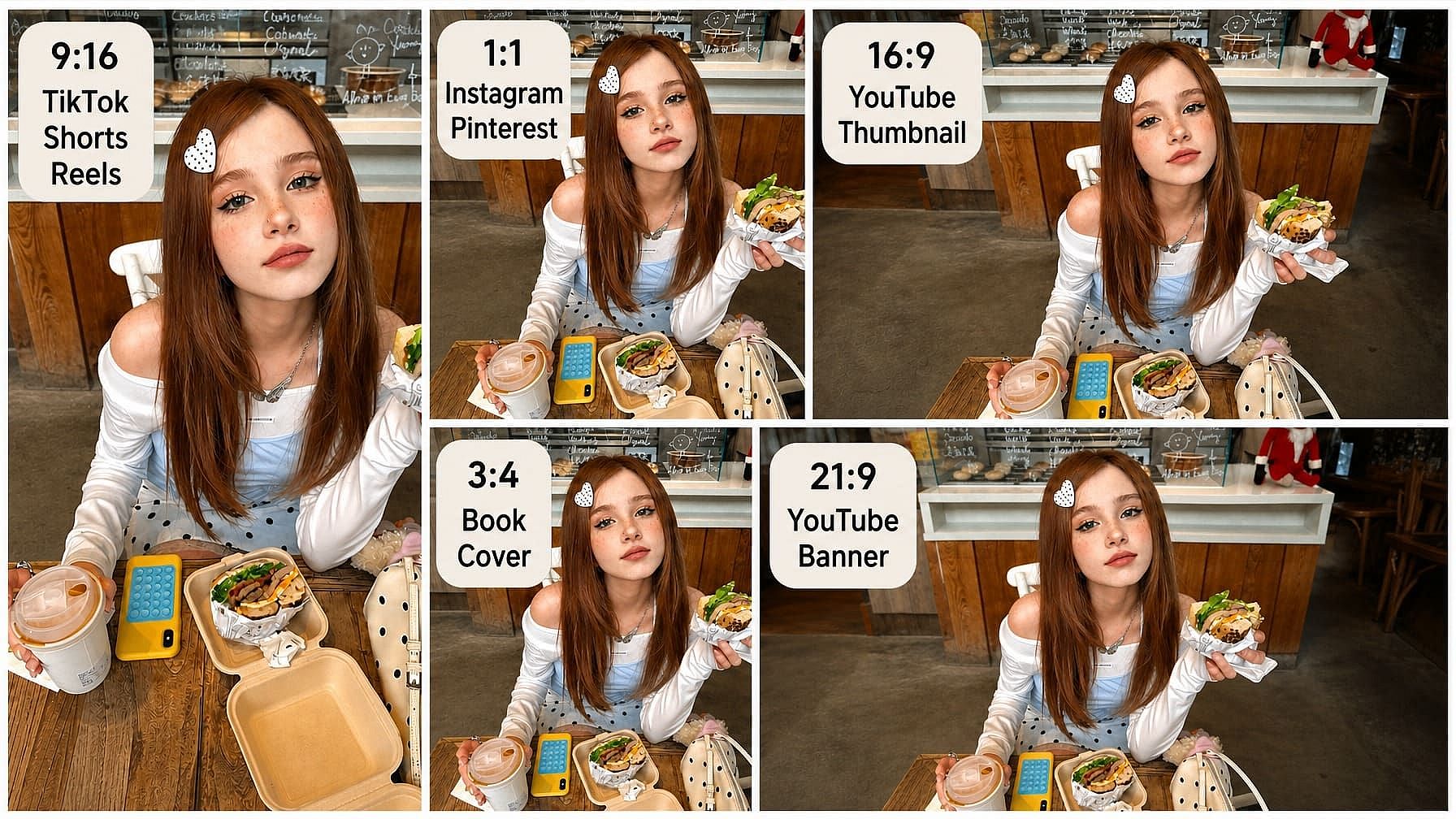
Generate directly in the aspect ratios that real creators use: vertical for TikTok, Shorts, and Reels; square for Instagram and Pinterest; widescreen for YouTube thumbnails and banners; and book-cover proportions for print. No more cropping after the fact and losing the composition you spent ten minutes prompting for.
More Ways to Create and Edit
Top AI Models That Power OpenArt's Image Generator
OpenArt gives you direct access to the best image generation models available. Not locked to one provider, not filtered through a single look. Pick the model that fits the job.
How to Use the AI Art Generator
From Prompt to Finished Image in Three Steps
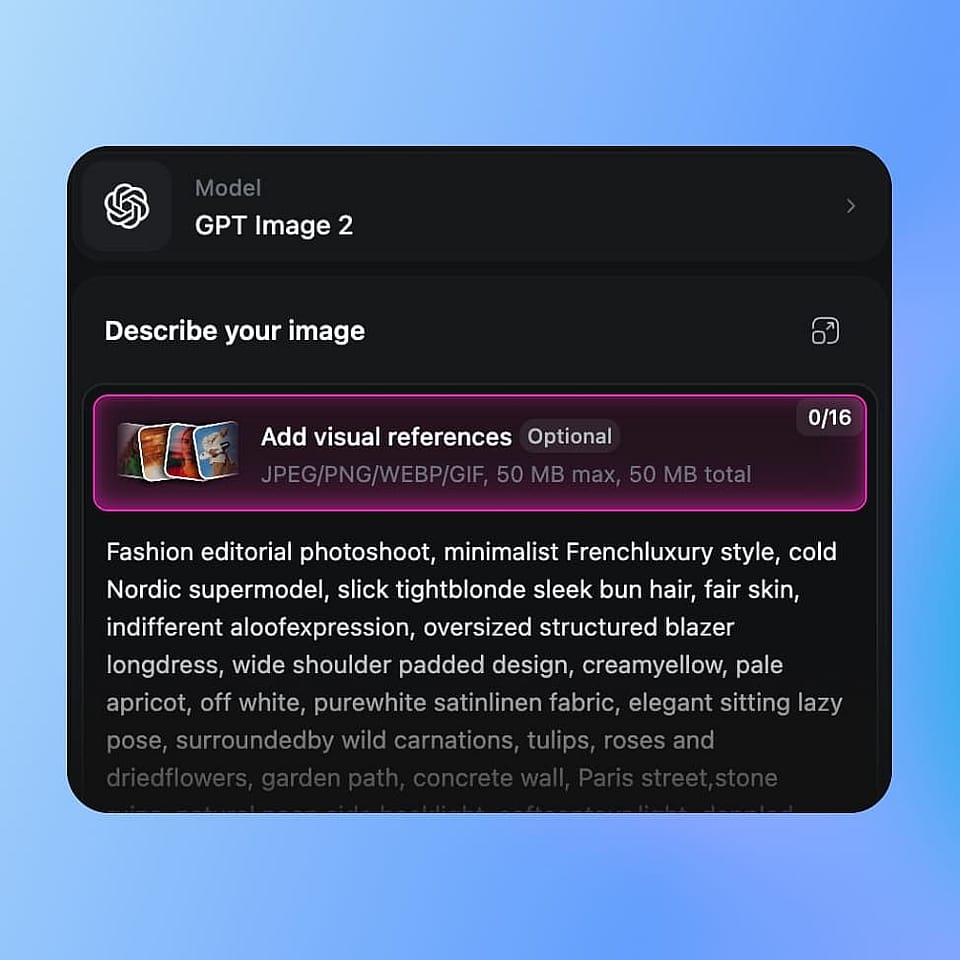
Pick a model and write your prompt
Open the OpenArt Suite and choose a model like Flux 2 Max or Nano Banana Pro. Type or paste your prompt.
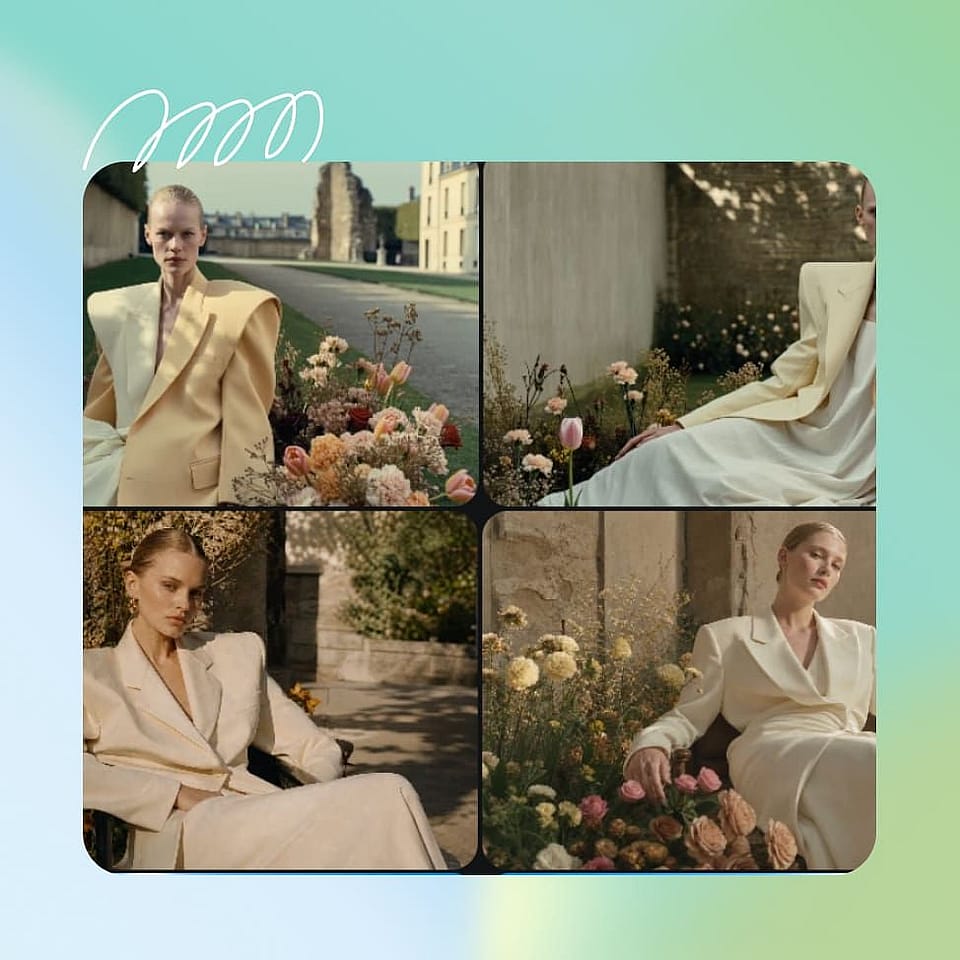
Generate, iterate, and refine
Generate 4 variations, choose the one and refine only what needs fixing. Adjust lighting, outfits, expressions, hands, or small details with Edit Image instead of starting over.
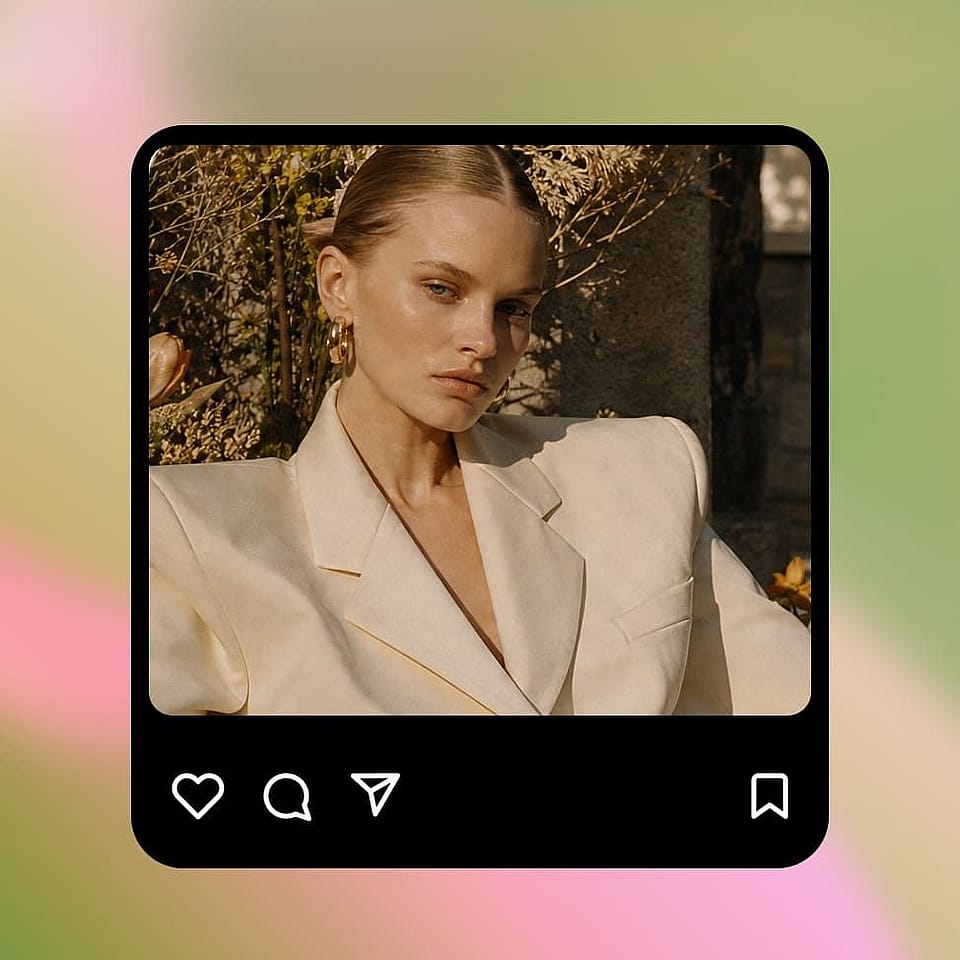
Upscale and export
Once you have the image you want, upscale to 2K or 4K with detail enhancement. Export to PNG, JPG, or WebP.
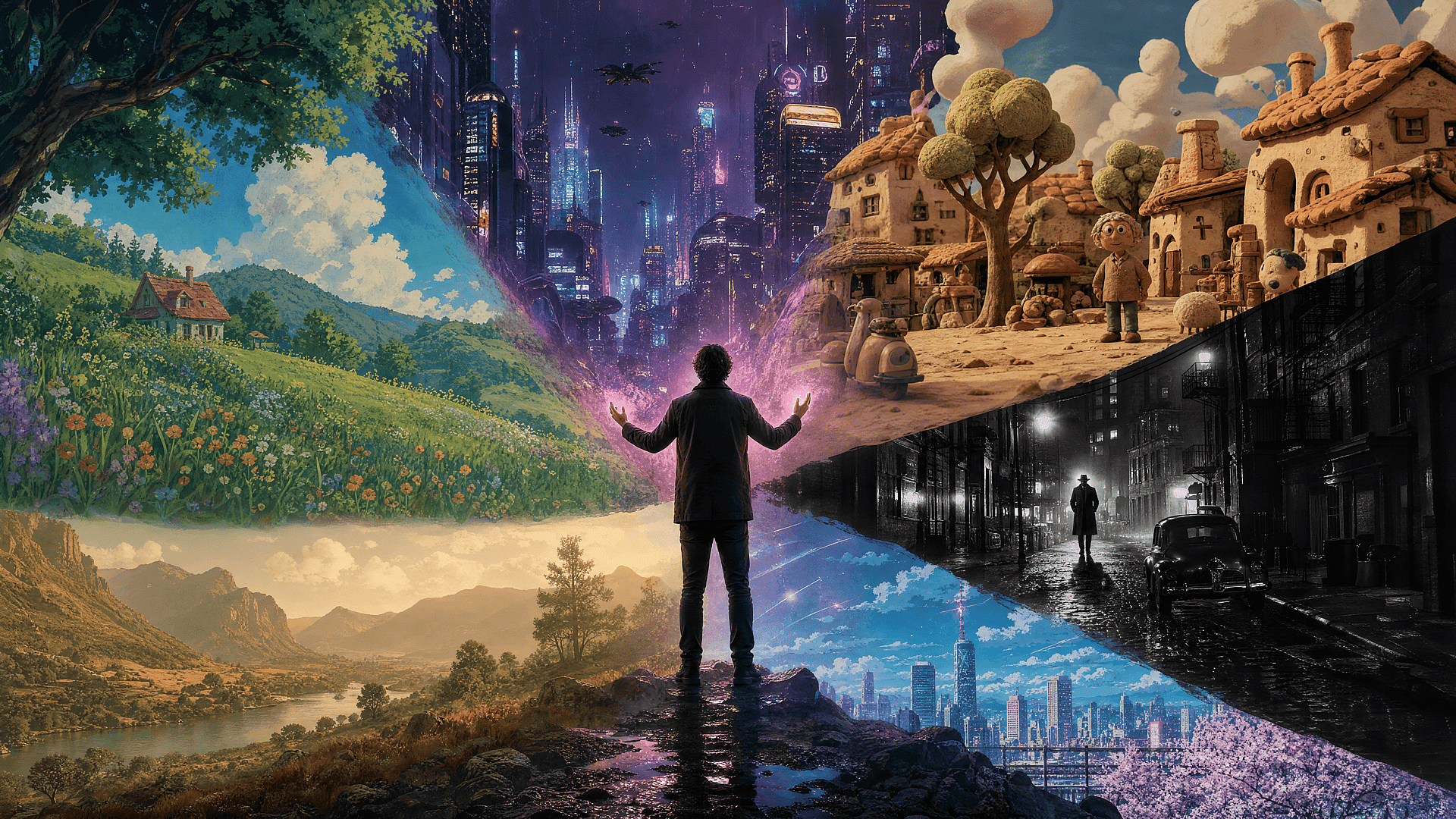
Create Stunning AI Art in Every Style
From anime scenes and cinematic portraits to pixel art, storyboards, and brand campaigns, OpenArt covers the styles that actually show up in creator searches.
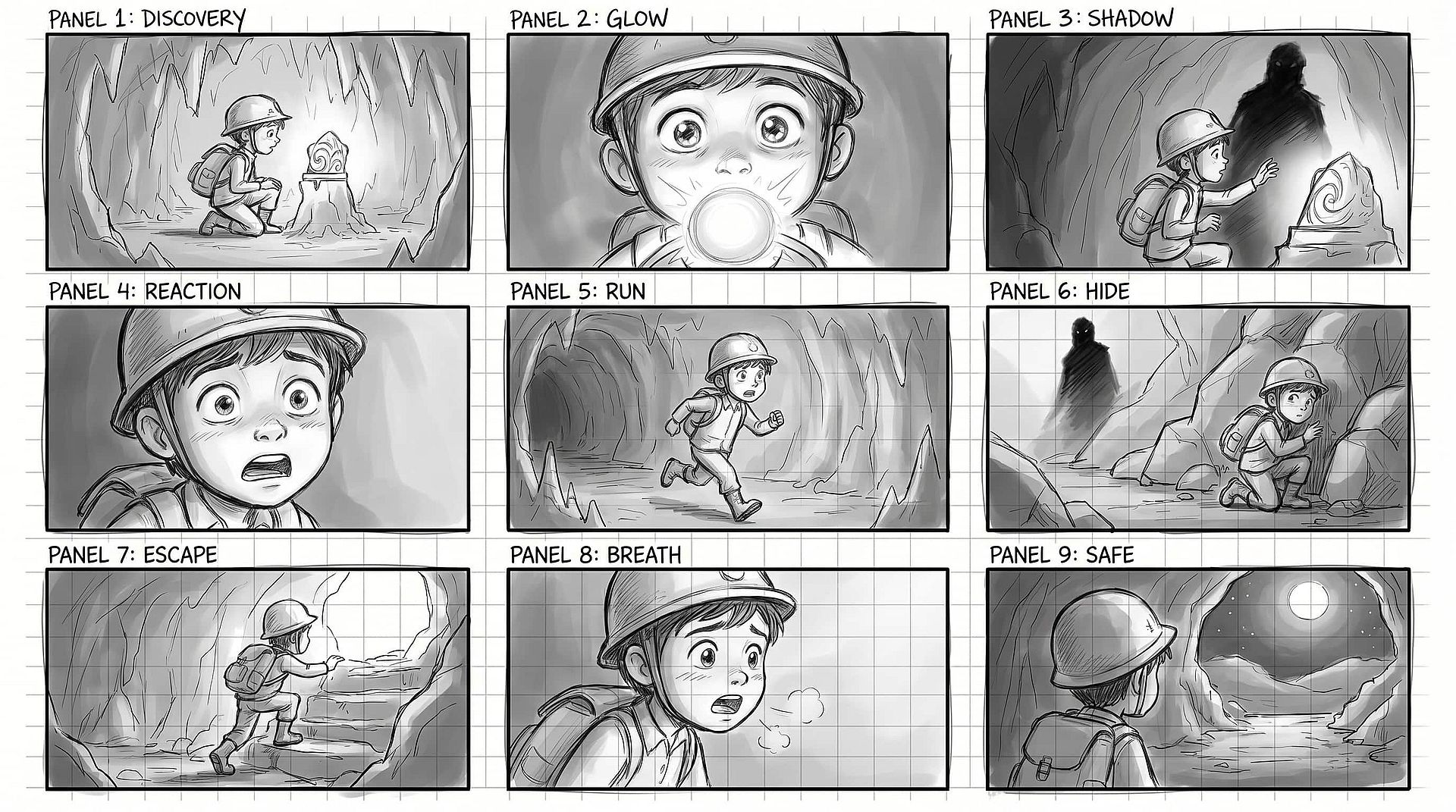
Anime Art and Manga Panels
Generate expressive anime scenes, manga panels, and recurring characters with Nano Banana Pro and Kling Omni. Keep faces, outfits, and visual style consistent across an entire chapter or series. Works for 1990s VHS aesthetic, modern key visuals, watercolor manga, and chibi-style fanart.
Try it Now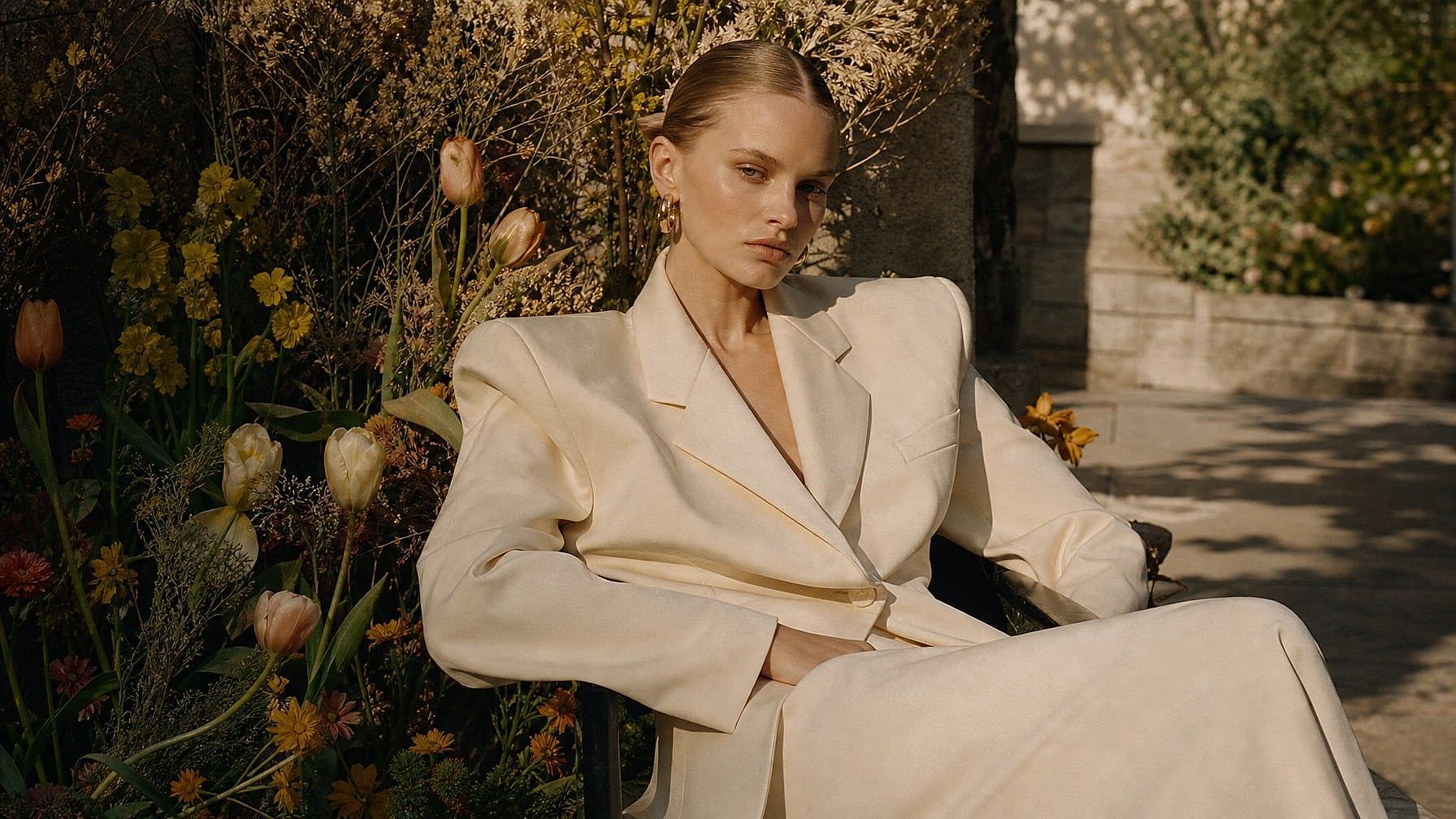
Cinematic Portraits and Editorial Images
Create photoreal portraits with cinematic lighting, film grain, and editorial composition using Seedream 5.0 Lite. Perfect for personal photo series, magazine-style social posts, YouTube thumbnails that look like film stills, and high-end creative campaigns where AI cannot look obviously AI.
Try it Now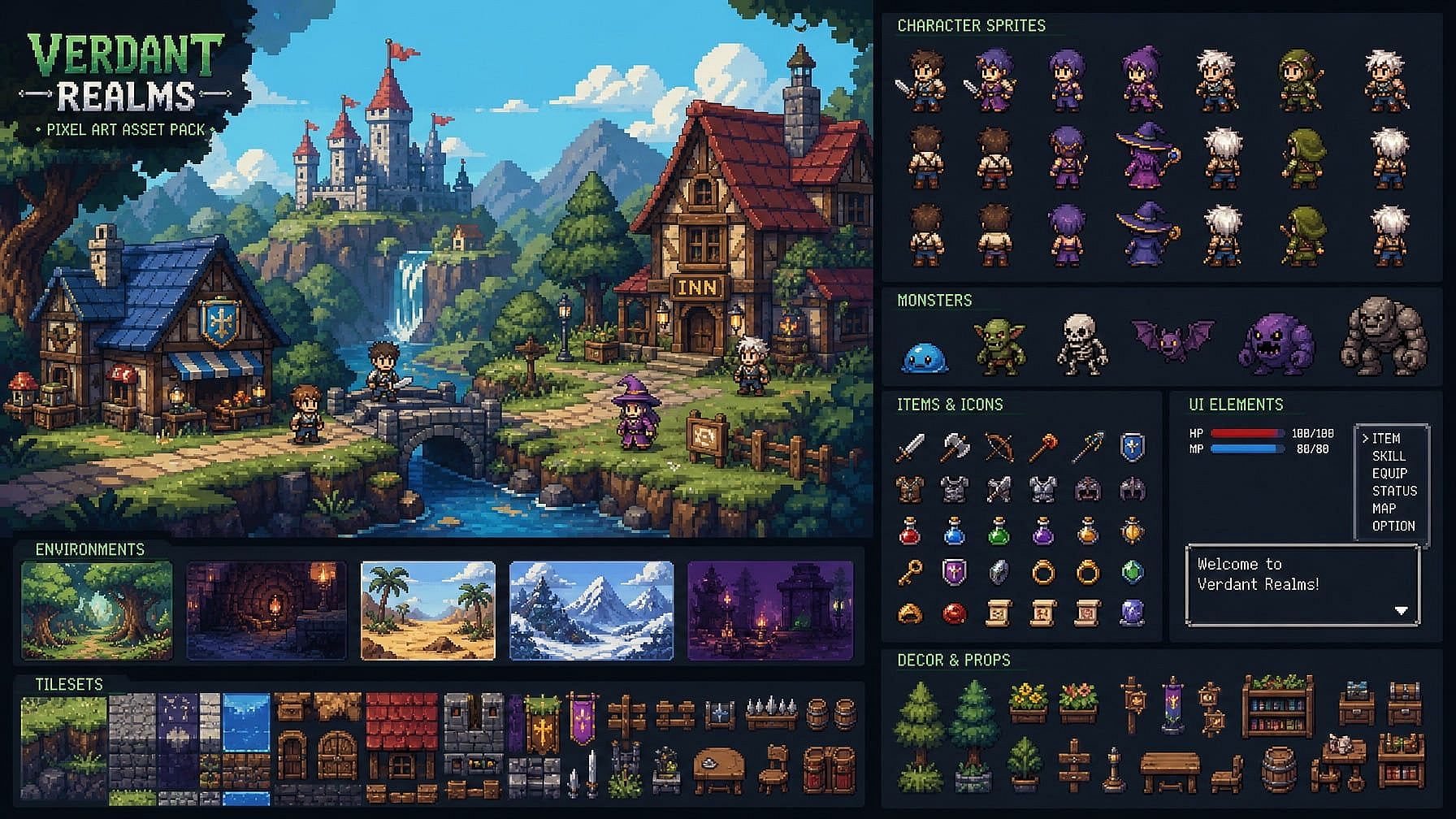
Pixel Art and Game Assets
Design pixel art environments, character sprites, and retro game assets with stylistic control. Great for indie games, concept design, RPG worldbuilding, and 8-bit or 16-bit aesthetics for social and merch use.
Try it Now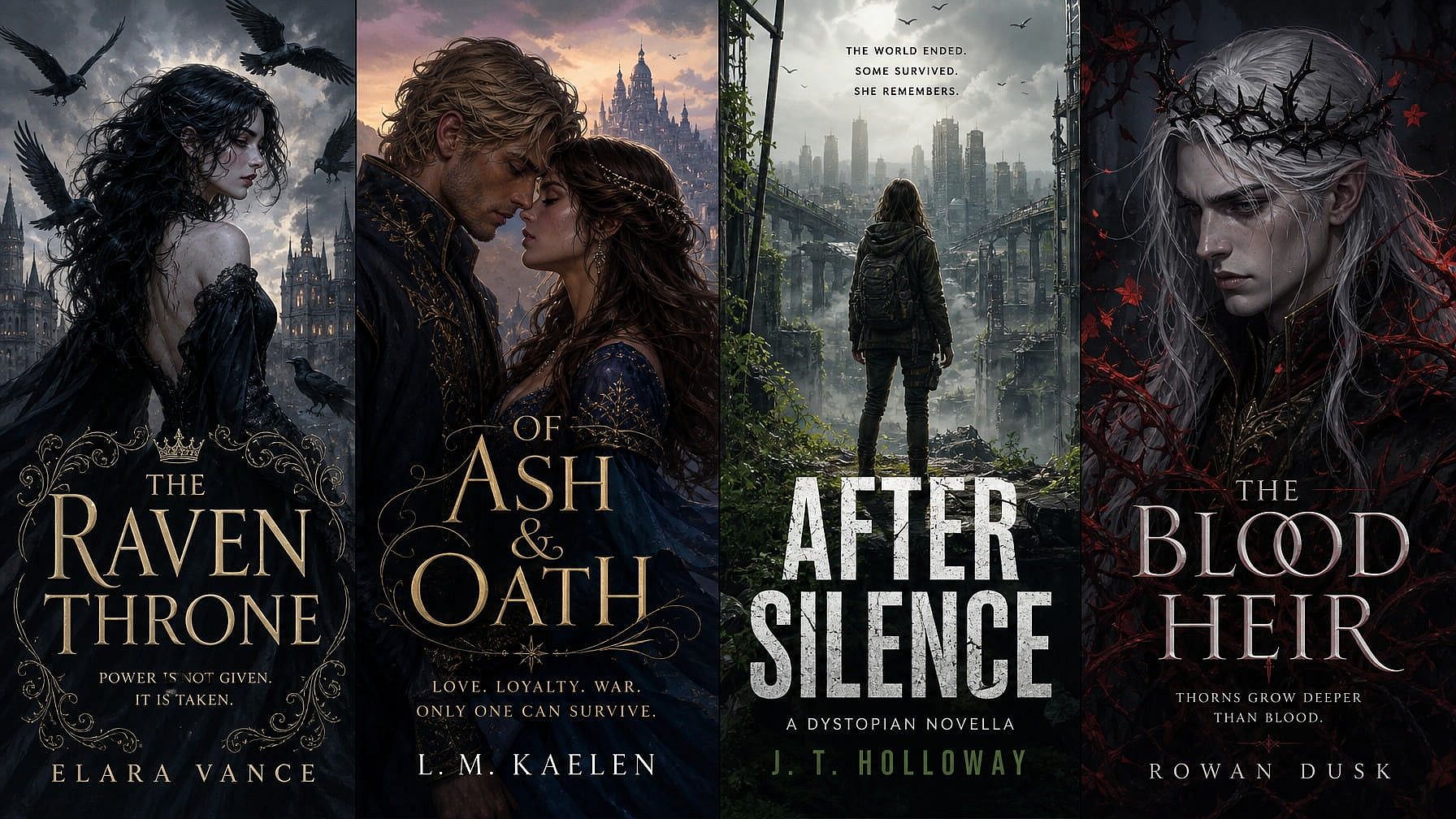
Book Covers and Illustrated Content
Create striking hero illustrations for novels, novellas, indie publishing, and serialized fiction. Refine details with Edit Image, swap text positioning with GPT Image 2, and upscale for print resolution without restarting the composition.
Try it Now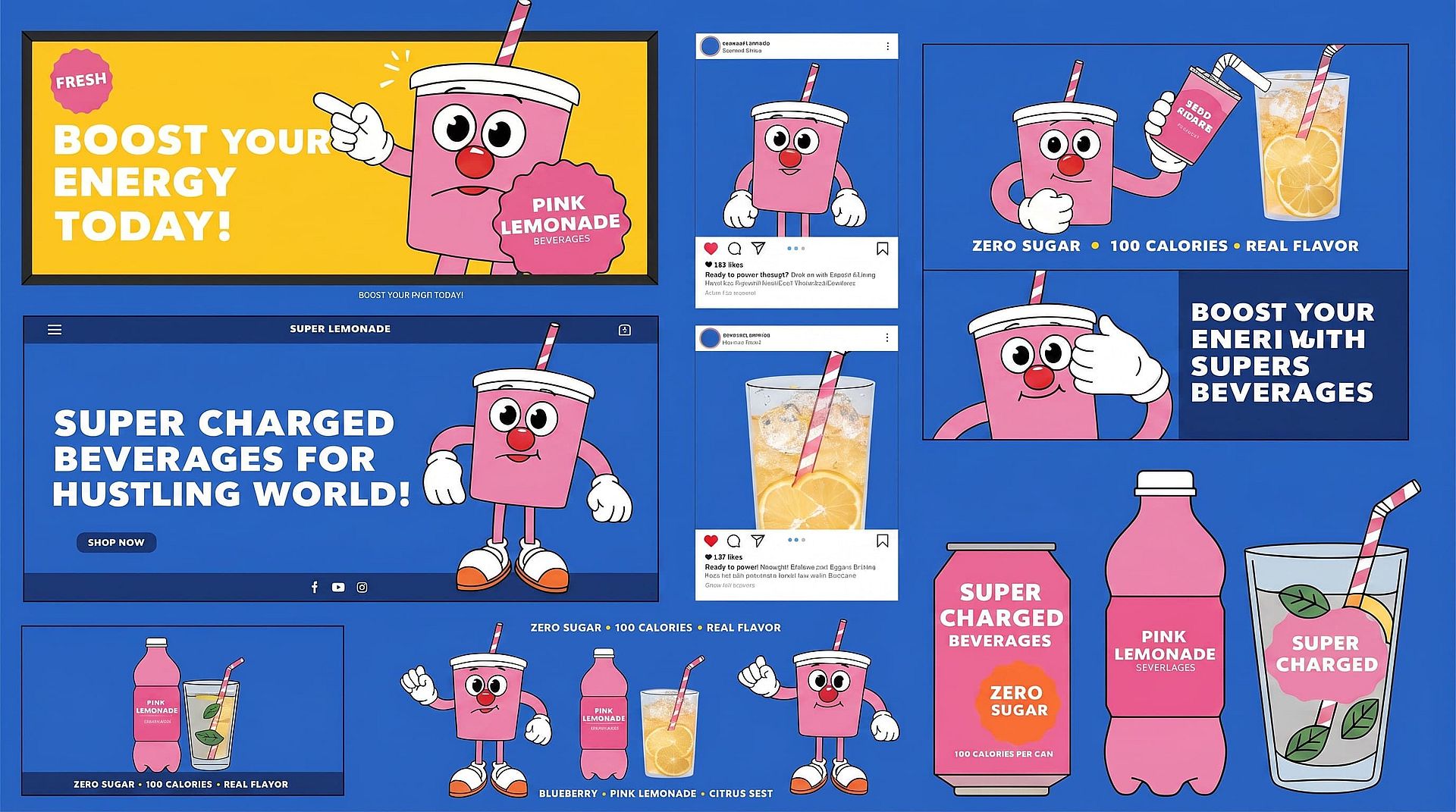
Brand Visuals and Campaign Creative
Generate on-brand visuals for ads, landing pages, social posts, and marketing campaigns. The Character feature keeps a brand mascot or hero image consistent across an entire quarter of content. Recraft V4 nails flat illustration, vector looks, and editorial branding work.
Try it Now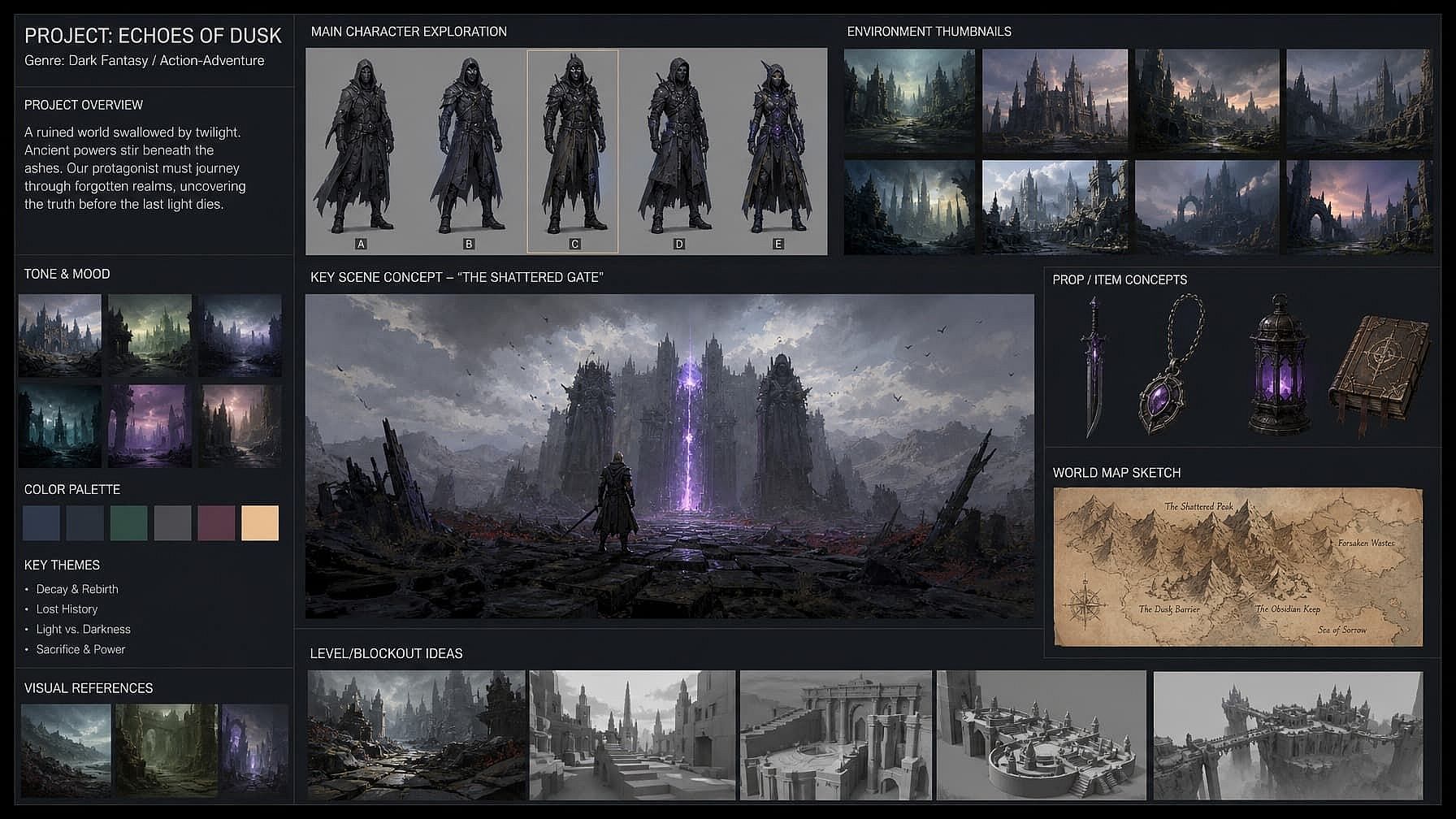
Concept Art and Storyboards
Visualize scenes, characters, and environments before production. Used by indie filmmakers, game designers, animators, and worldbuilding teams who need fast-moving visual exploration before locking direction.
Try it NowFrequently Asked Questions
Get Insights from Experts Blog
Get the insights you need. Our experts share actionable hacks, break down the hottest topics, and provide essential how-to guides to help you build, optimize, and scale.
Read More
Create without limits
Join thousands of creators using OpenArt to generate stunning images, videos, and more — all in one platform.
Get Started for Free →