



OpenArt vs Kling AI - By Decision Factor
| Decision Factor | OpenArt | Kling AI |
|---|---|---|
| Entry price | Starter at $14/mo billed monthly, or $13/mo billed annually. 4,000 credits a month. | Standard at $10/mo list price, $8.80/mo on monthly auto-renew, or $79.20 a year. 660 credits a month. |
| Upper-tier price | Pro at $56/mo billed monthly, or $44/mo billed annually. 24,000 credits a month. | Pro at $37/mo list price, or $293.04 a year. 3,000 credits a month. |
| Primary workflow | Multi-model creation. Images, video, audio, and characters share one credit pool. | Kling's own video and image models, with a canvas and an Agent for building workflows. |
| Video model access | Kling 3.0, Kling Omni, and Kling 3.0 Motion Control, plus Seedance 2.5, Veo 3.1, Wan 3.0, MiniMax H3, and Gemini Omni Flash. | Kling's own models: Kling 3.0, Kling 3.0 Omni, and Motion Control. Kling 4.0 is in early access, and Kling 4.0 Flash is open to Ultra yearly subscribers. |
| Clip length | Seedance 2.5 and Wan 3.0 make single clips up to 30 seconds. Kling 3.0 on OpenArt runs 3 to 15 seconds. | Kling 3.0 runs 3 to 15 seconds. Kling 4.0 makes clips up to 30 seconds for early-access users. |
| Camera and motion control | OpenArt has camera presets for zoom, pan, orbit, follow, and crane shots, plus Motion Sync and Kling 3.0 Motion Control. | Kling Motion Control copies movement and facial expression onto a character. Kling 4.0 adds up to 10 keyframes. |
| Character and product consistency | OpenArt Characters builds a character from one photo and reuses that character across image and video models. | Kling Elements save characters and products for reuse in Kling models, from 50 to 500 Elements per paid plan. |
| Image creation and editing | GPT Image 2.5, Nano Banana Pro, Seedream 5.0 Pro, and FLUX 3 Image, plus Edit Image, Expand Image, and Image Upscale. | Kling Image 3.0 and 3.0 Omni, with series generation, direct 2K and 4K output, and image upscaling on paid plans. |
| Audio and dialogue | Synced audio on Kling 3.0 and Seedance 2.5, plus Lip Sync, Create voice-over, Create Music, and Dub Video into 10 languages. | Kling 3.0 makes synced dialogue, sound effects, and lip movement, and Kling AI adds a Sound Generation tool. |
| Multi-scene and marketing video | OpenArt builds multi-scene ads, product videos, and UGC up to 5 minutes. Smart Shot plans multiple cuts, and Ad Remake rebuilds a winning ad with your product. | Kling Multi-Shot builds several shots inside one generation of up to 15 seconds. Kling 4.0 adds Creative Recreation, which follows an existing video's pacing with your own product. |
OpenArt vs Kling AI Pricing
Kling AI lists the lower entry price, and OpenArt gives you more credits on its entry plan. A credit buys a different amount on each platform, so compare what each plan makes for you. Kling estimates its 660 Standard credits at about 33 videos at 720p. OpenArt shows the credit cost of each video before you generate.
Get Up to 27% OffMonthly price shown · 4,000 credits / month
Monthly price shown · 660 credits / month
What Sets OpenArt Apart
Both platforms give you a comprehensive set of video abilities. Here is what OpenArt adds something extra.
Use Kling next to Seedance, Veo, and Wan
OpenArt's AI video generator runs Kling 4.0, Kling Omni, and Kling 3.0 Motion Control in the same model menu as Seedance 2.5, Veo 3.1, and Wan 3.0. You can try one prompt on Kling 3.0, then run it again on Seedance 2.5 with the same references. Both videos come out of the same credit balance.
Reuse one character across models
OpenArt Characters builds a character from one photo, a written description, or presets, and saves that character to your library. You can put the same character into a Kling Omni video today and a Seedance 2.5 ad next week. The face, style, and look stay recognizable from one model to the next.
Make a multi-scene video up to 5 minutes
Describe your idea in Director mode, and OpenArt plans the scenes, builds a storyboard, and makes the finished video, up to 5 minutes long. The same characters, places, voices, and products show up in every scene. You can ask for a new ending in chat, and OpenArt changes only the ending.
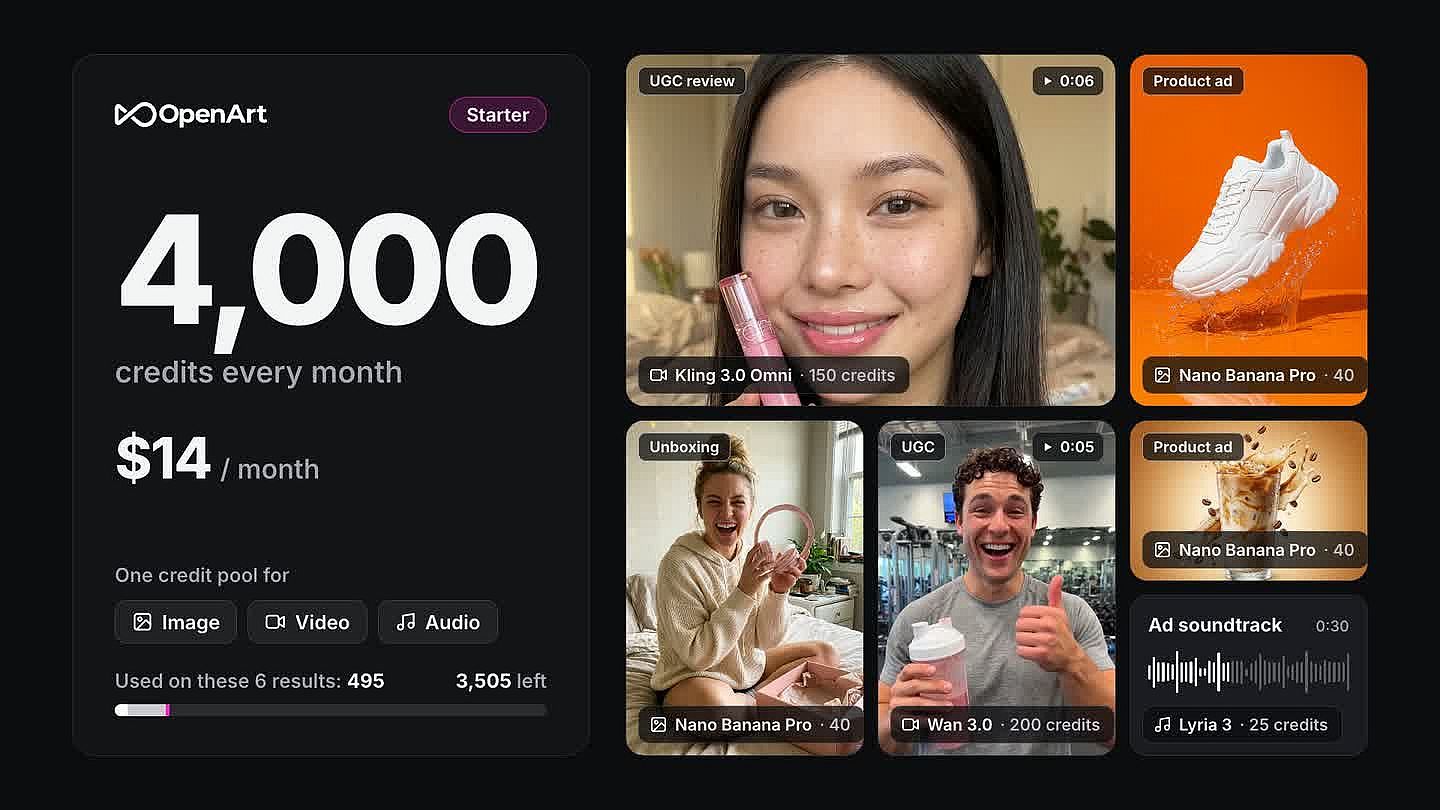
Get 4,000 credits at the entry price
OpenArt's Starter plan gives you 4,000 credits a month for $14 billed monthly. That pool covers image, video, and audio generation from the same balance. With the vast variety of AI models and settings available, you can always control your credits usage as you like.
How to Create with OpenArt
Create AI Images and Videos with OpenArt in Simple Steps
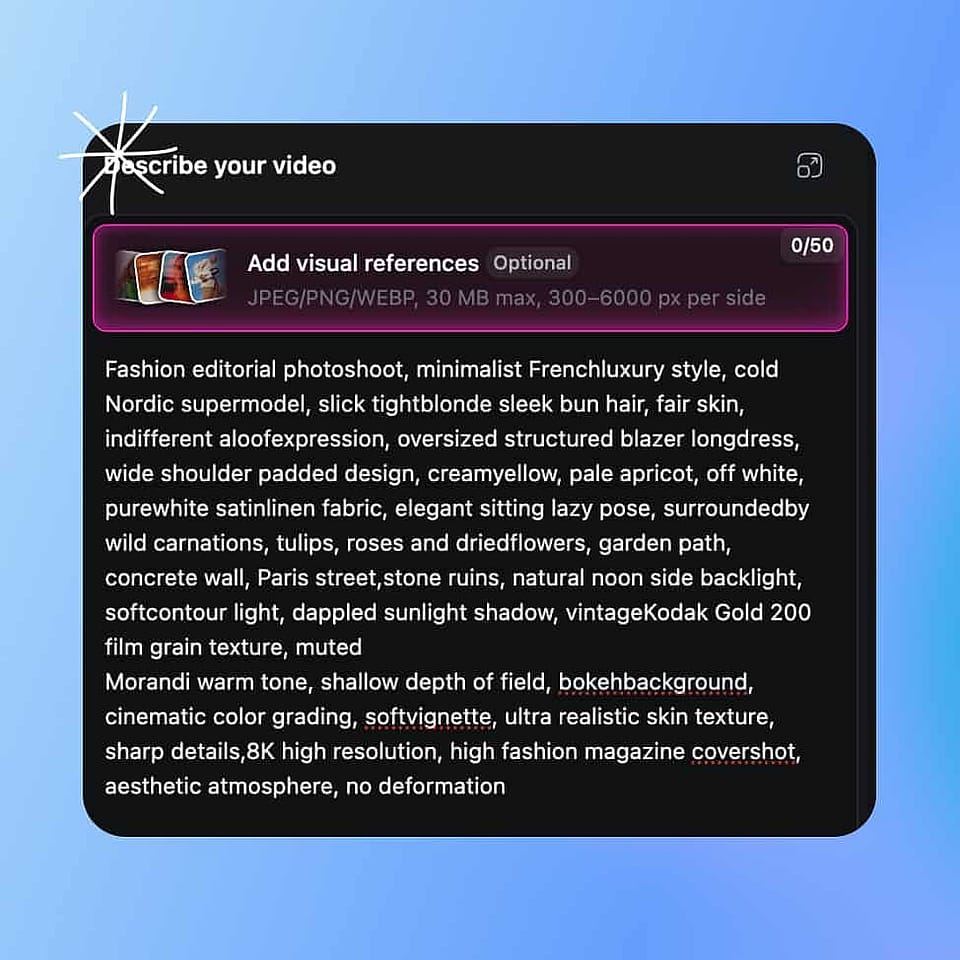
Start with an image or a prompt
Upload one reference image to build a character, drop in a product photo, or type a description if you are starting from nothing.
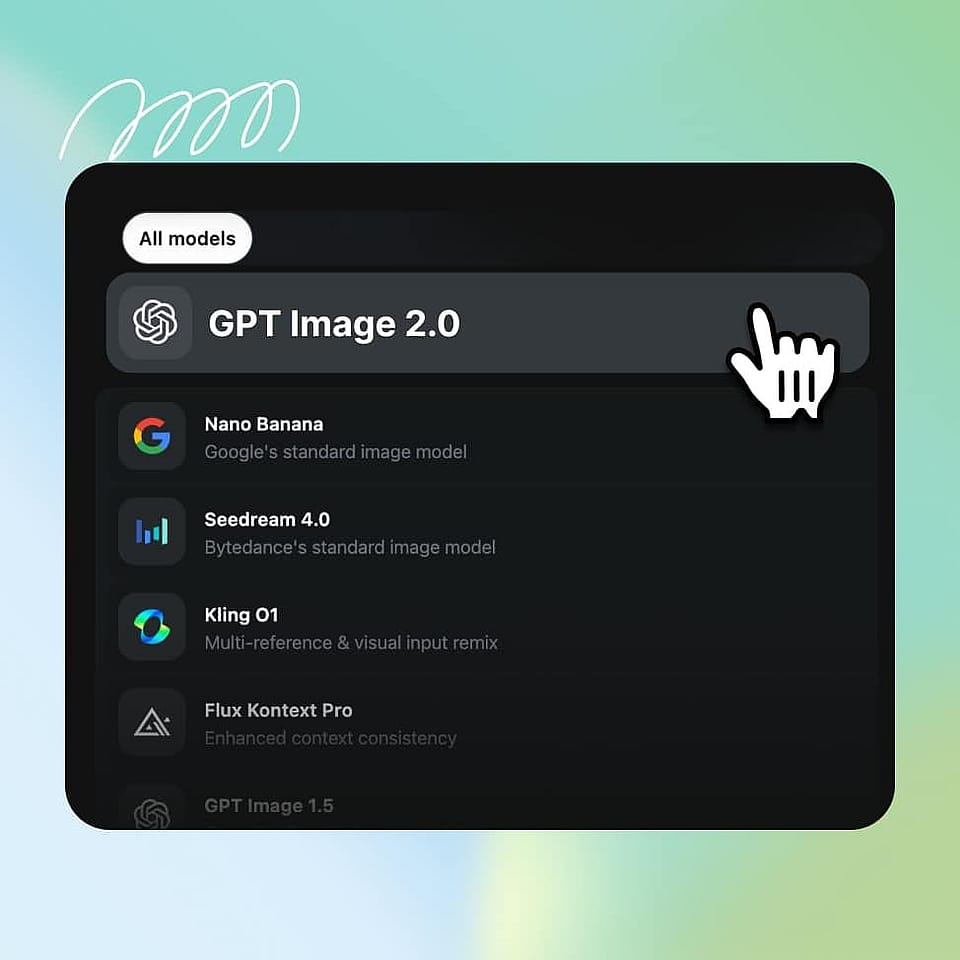
Pick a model and generate
Choose from frontier image and video models based on the look you want. Do not like the result? Switch models and try again without losing your character, product, or settings.
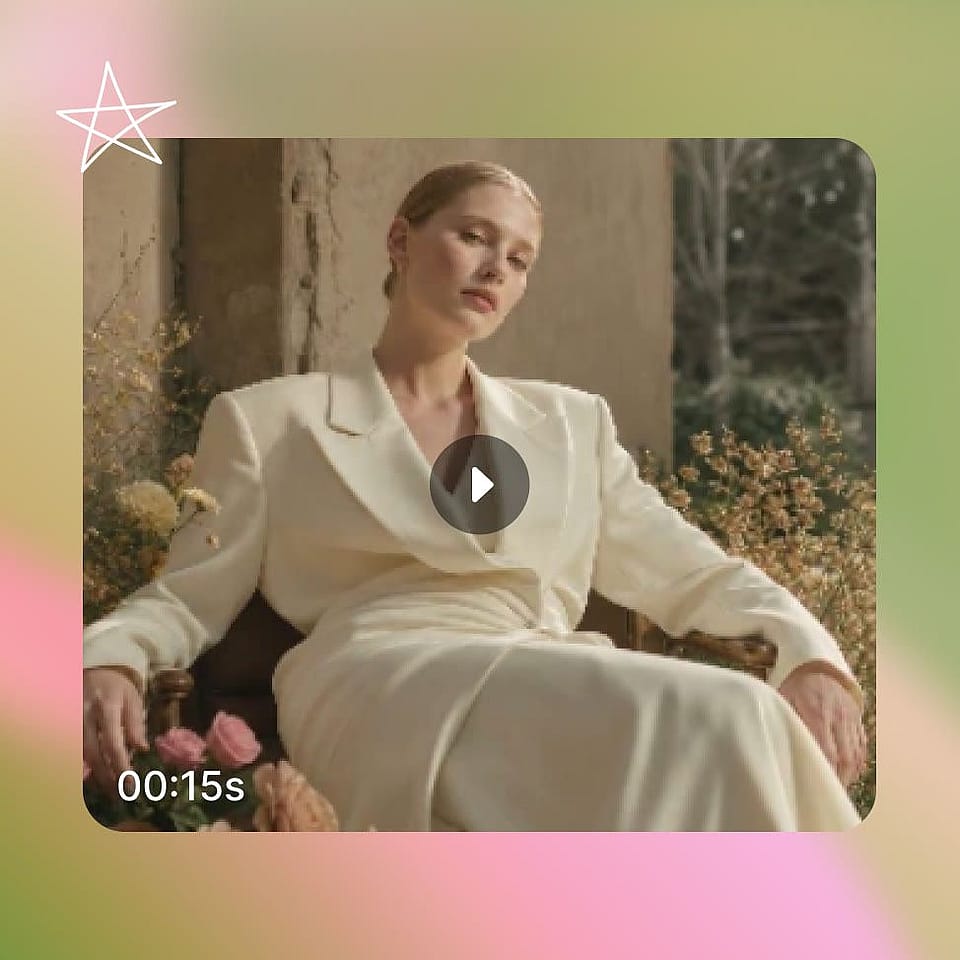
Build it into a full project
Use Director to turn one brief into multiple scenes, and Worlds to save the objects, product, or background so the next cut, the next platform size, or next week’s follow-up ad starts from what you already built.
Match This To How You Actually Work
Your production workflow decides which platform fits.
Choose OpenArt if you are...
- Reusing one character across a series. OpenArt Characters saves the person from one photo and holds them steady across models and episodes.
- Building multi-scene ads and product demos. Director mode and Smart Shot plan the whole sequence before any video gets made.
- Keeping a brand look across a lot of assets. Brand Kit applies your logo, colors, and rules to every generation in the project.
Kling AI is a fit if you are...
- Spending most of your budget on Kling models. Kling's yearly Ultra plan brings credits down to $0.46 per 100, the lowest rate Kling lists.
- Starting on the smallest budget. Kling Standard lists at $10 a month, and new subscribers pay $6.99 for the first month.
- Building workflows with nodes. Kling's Canvas lets you connect nodes on one board and hand tasks to the Kling Agent.
Frequently Asked Questions
Loved by Creators Worldwide
See what our community has to say
I've tried many AI platforms… but OpenArt is still the best for character creation, image-to-video quality, and the variety of models available.
OpenArt offers an excellent array of AI tools… once you learn the features, the creative possibilities are amazing - and their support team is outstanding.
OpenArt is a very versatile AI platform with many image and video models, consistent character creation, and powerful editing tools.
Helpful AI tools all in one place - image and video generation, editing, and more… no need for multiple subscriptions.
Customer service is always quick and helpful… and the platform keeps getting better with new features and tools.
I've tried many AI platforms… but OpenArt is still the best for character creation, image-to-video quality, and the variety of models available.
OpenArt offers an excellent array of AI tools… once you learn the features, the creative possibilities are amazing - and their support team is outstanding.
OpenArt is a very versatile AI platform with many image and video models, consistent character creation, and powerful editing tools.
Helpful AI tools all in one place - image and video generation, editing, and more… no need for multiple subscriptions.
Customer service is always quick and helpful… and the platform keeps getting better with new features and tools.
I've tried many AI platforms… but OpenArt is still the best for character creation, image-to-video quality, and the variety of models available.
OpenArt offers an excellent array of AI tools… once you learn the features, the creative possibilities are amazing - and their support team is outstanding.
OpenArt is a very versatile AI platform with many image and video models, consistent character creation, and powerful editing tools.
Helpful AI tools all in one place - image and video generation, editing, and more… no need for multiple subscriptions.
Customer service is always quick and helpful… and the platform keeps getting better with new features and tools.
With so many AI platforms out there, OpenArt stood out as a stellar choice - I'd recommend it to any creator.
This platform includes everything you need for AI content creation - images, video, characters, audio, and multiple AI models in one place.
OpenArt is pushing the boundaries of AI video creation… and it's clear the team is committed to improving the creator experience.
I made my first AI music video with OpenArt… and their support team was the best help I've ever experienced.
I'm very happy with the support - my issue was resolved quickly and the team made the process easy.
With so many AI platforms out there, OpenArt stood out as a stellar choice - I'd recommend it to any creator.
This platform includes everything you need for AI content creation - images, video, characters, audio, and multiple AI models in one place.
OpenArt is pushing the boundaries of AI video creation… and it's clear the team is committed to improving the creator experience.
I made my first AI music video with OpenArt… and their support team was the best help I've ever experienced.
I'm very happy with the support - my issue was resolved quickly and the team made the process easy.
With so many AI platforms out there, OpenArt stood out as a stellar choice - I'd recommend it to any creator.
This platform includes everything you need for AI content creation - images, video, characters, audio, and multiple AI models in one place.
OpenArt is pushing the boundaries of AI video creation… and it's clear the team is committed to improving the creator experience.
I made my first AI music video with OpenArt… and their support team was the best help I've ever experienced.
I'm very happy with the support - my issue was resolved quickly and the team made the process easy.
Create without limits
Join thousands of creators using OpenArt to generate stunning images, videos, and more — all in one platform.
Get Started for Free →