

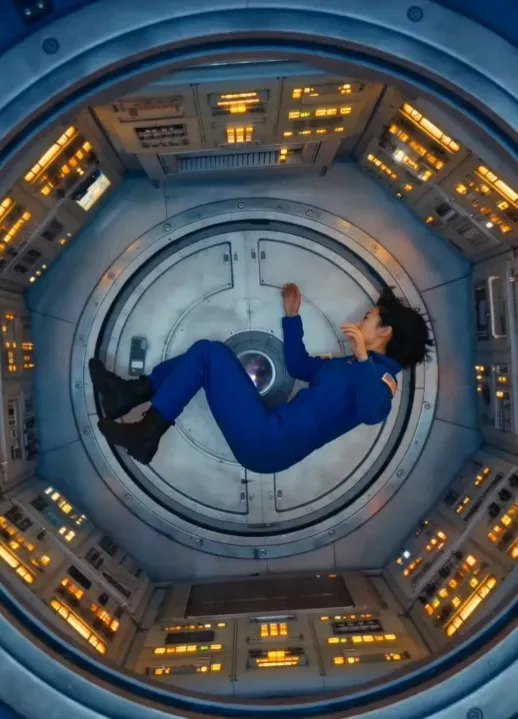
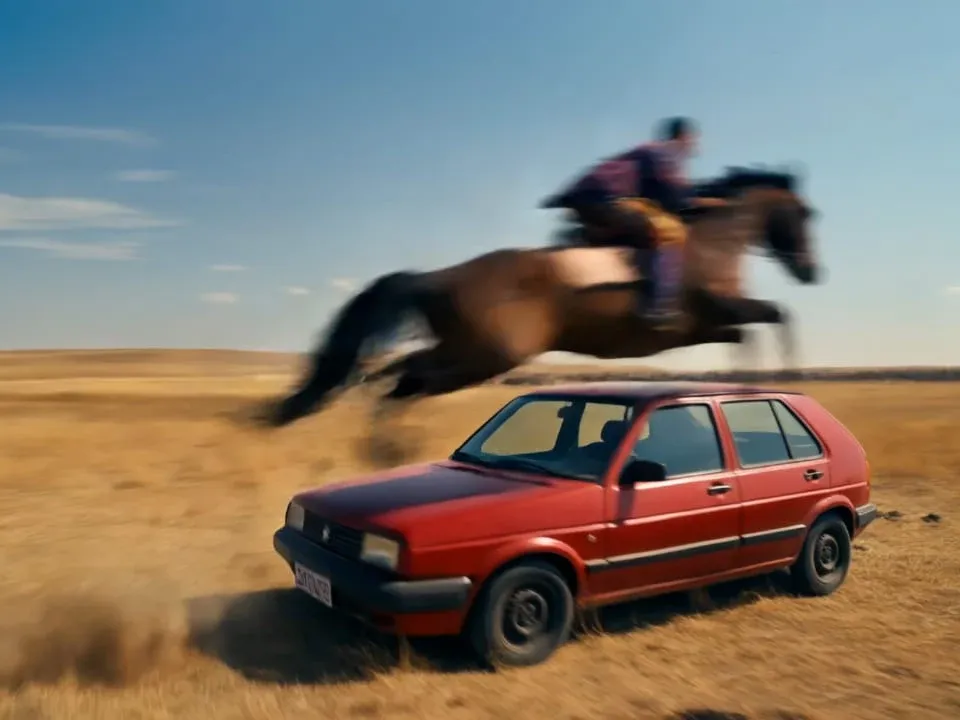
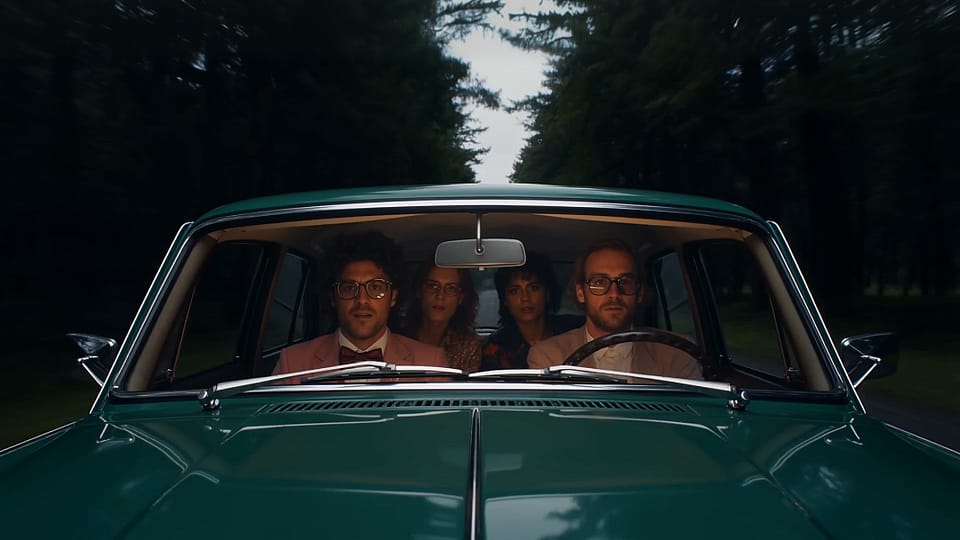
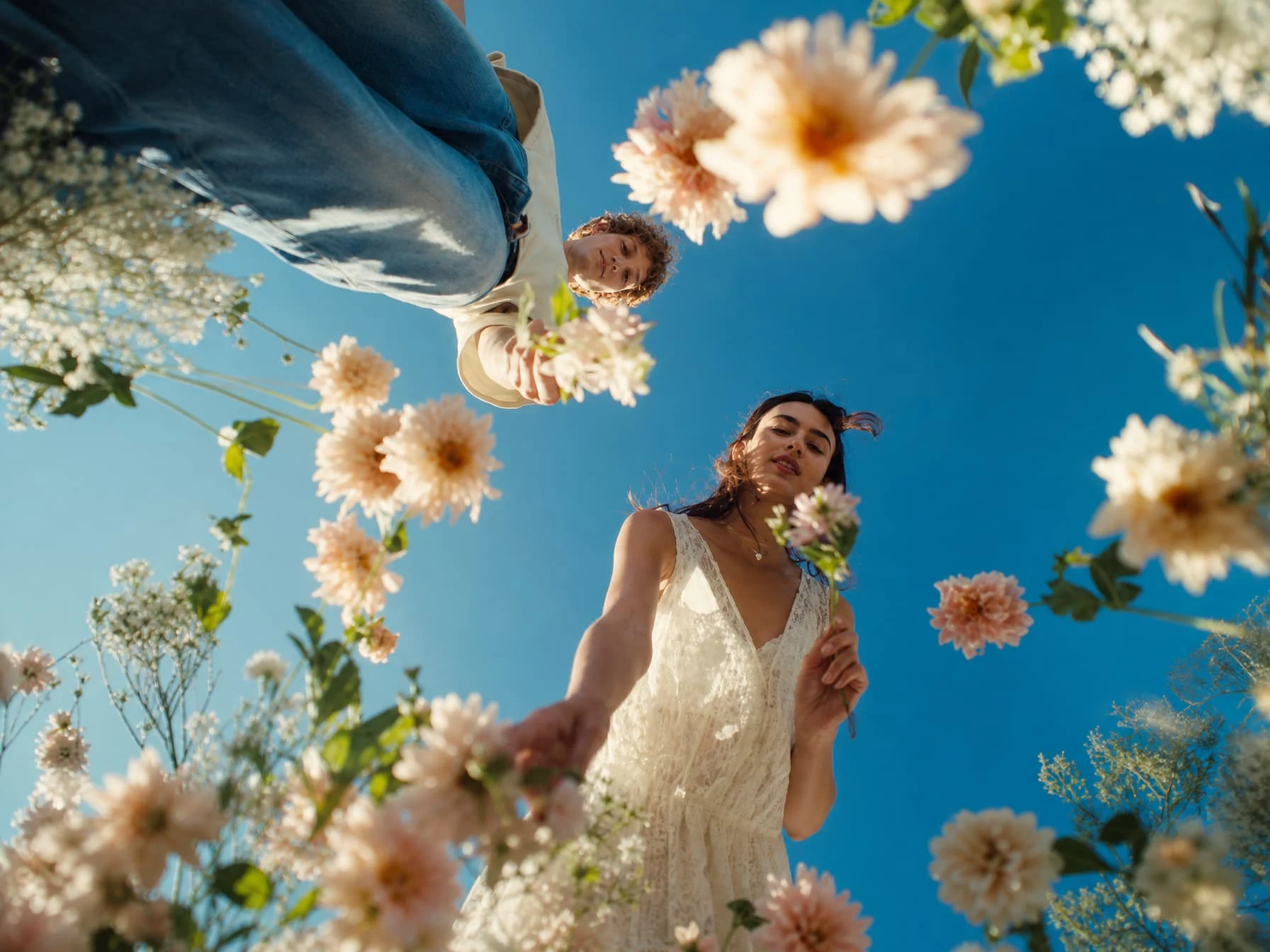
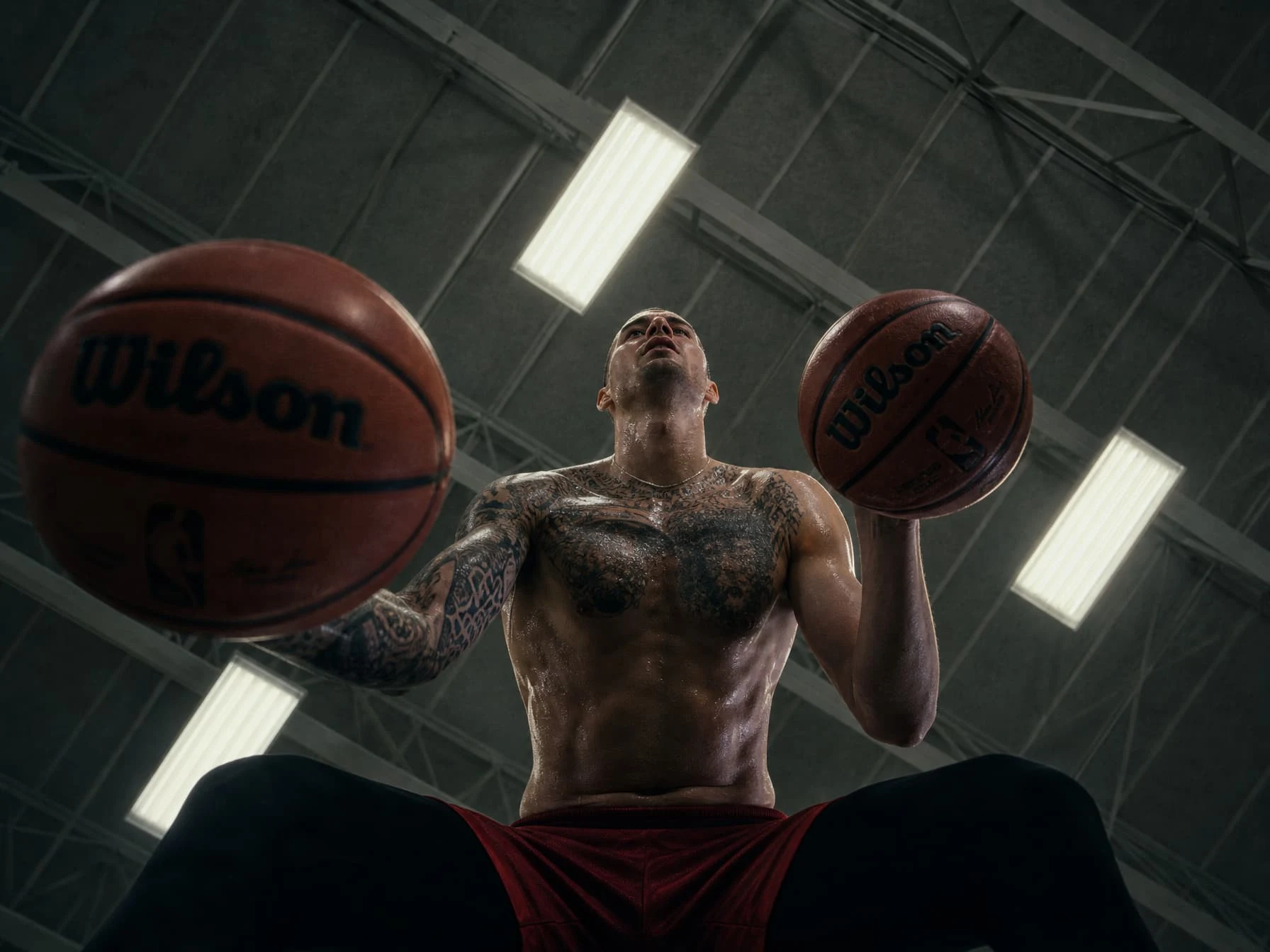


Where IdeasBecome VisualStories
Your all-in-one AI creation platform that brings characters, stories, brands, and worlds to life.
Start Creating NowIt's free! →Loved by 10M+ creators, brands, and studios worldwide





TRY Director Mode
Use Cases
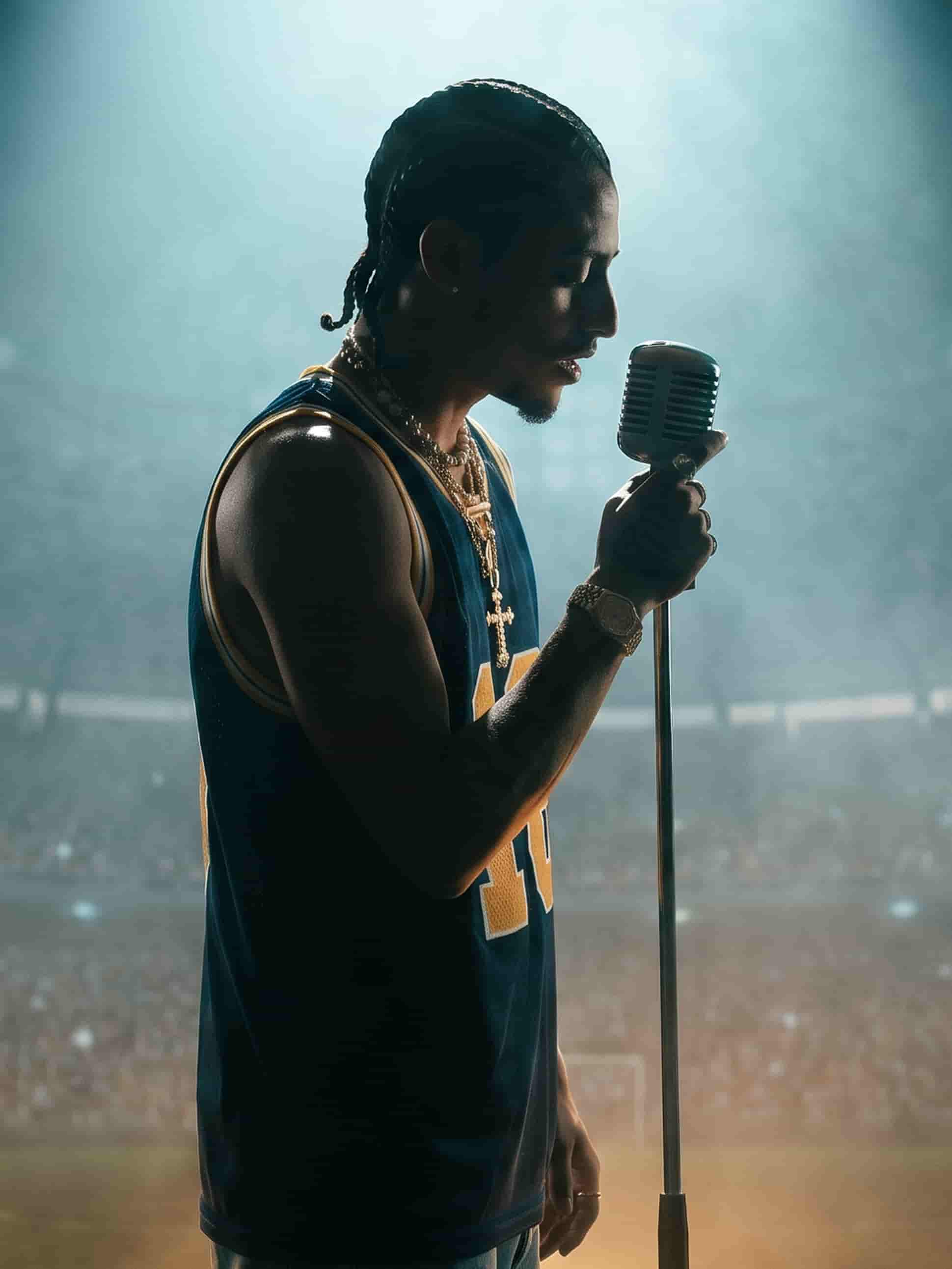
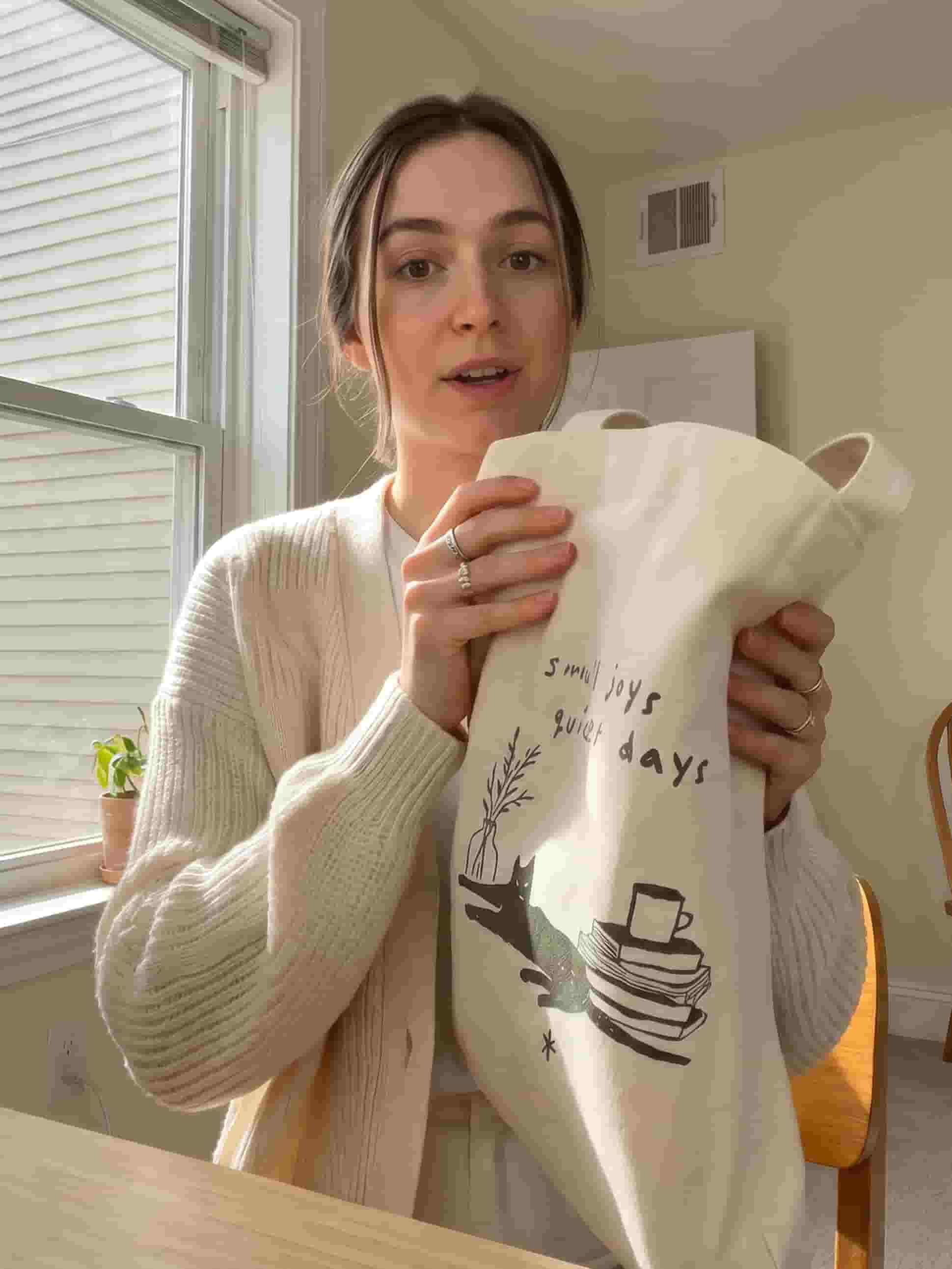
Make any video you can imagine
From short-form social posts to long-form cinematic stories. OpenArt gives you everything you need to make it all.
ONE PLATFORM.
INFINITE STORIES.
Image, video, voice, audio. Every asset generated, edited, and stitched together without leaving the platform.
Director mode
Direct your videos through chat.
Director mode gives you a whole new level of control in AI video generation, whether you want a loose creative direction or precise granular edits. Layout the storyboard, shape each shot by natural chat, and let the AI help you refine the final sequence.
AI Video Generation
Create cinematic videos from text or images
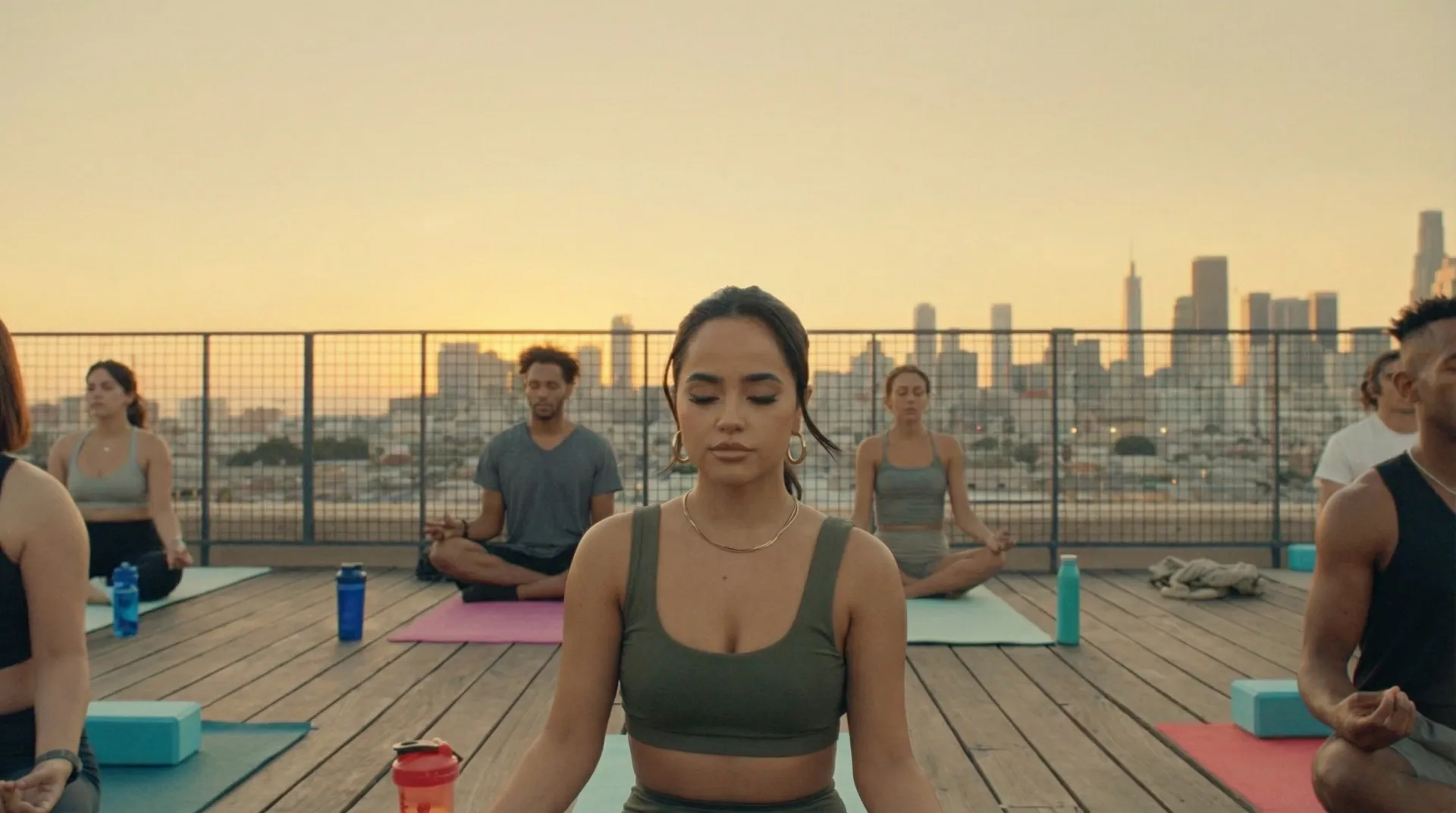
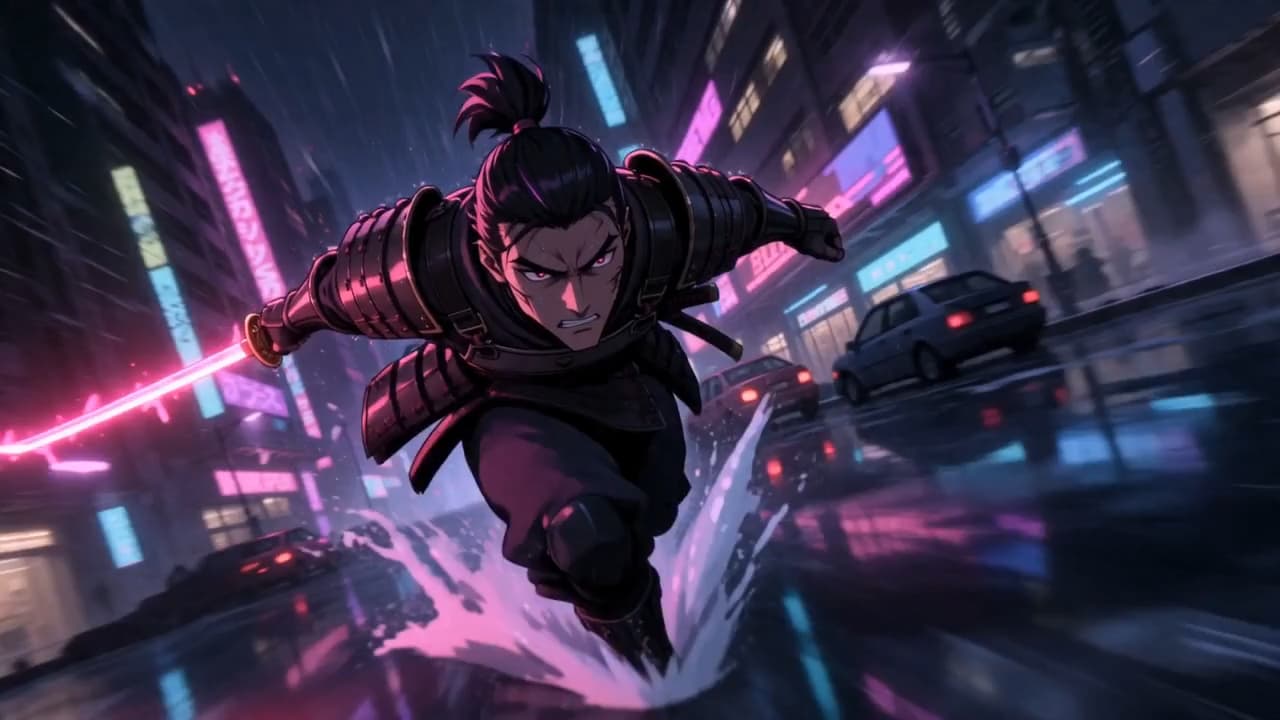
Type a prompt or drop a reference image in the AI video generator to create a video up to 15 seconds long, in up to 4K resolution. Experiment between Veo 3.1, Seedance 2.0, Kling 3.0 Omni, or Sora 2 for different outputs. And pick any style or genre you like: photorealism, anime, vintage, and many more. Each generation can be further refined or edited.
AI Image Generation & Editing
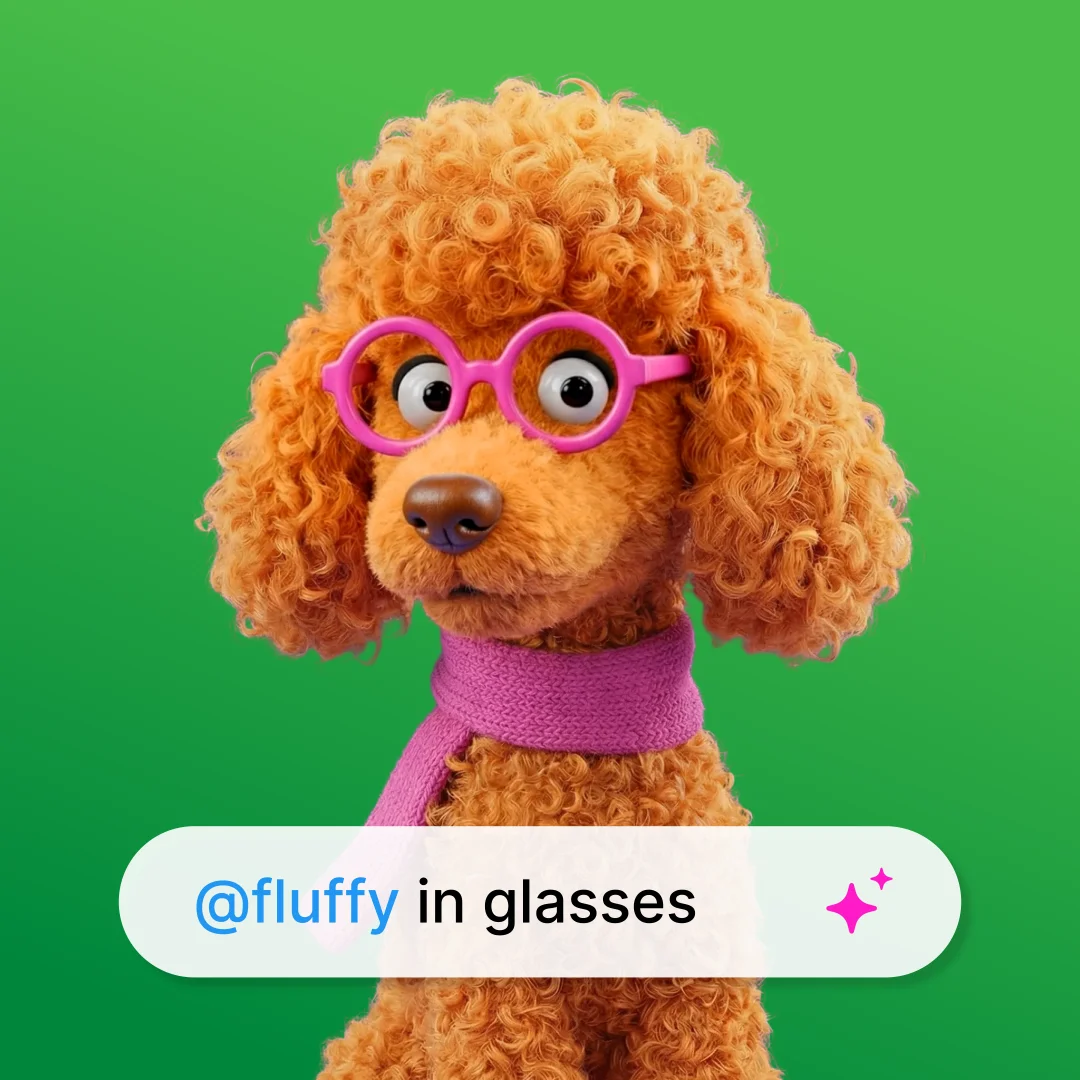
Generate, edit, and transform any image
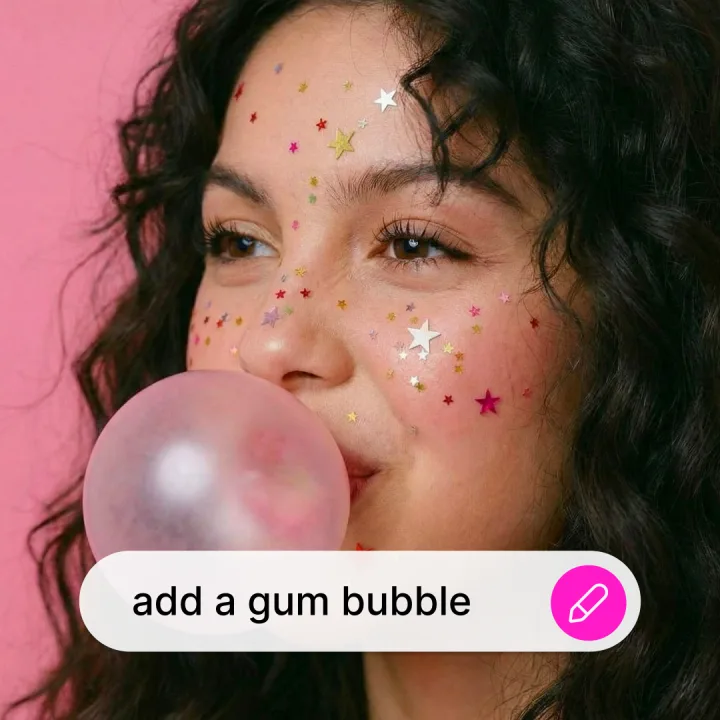
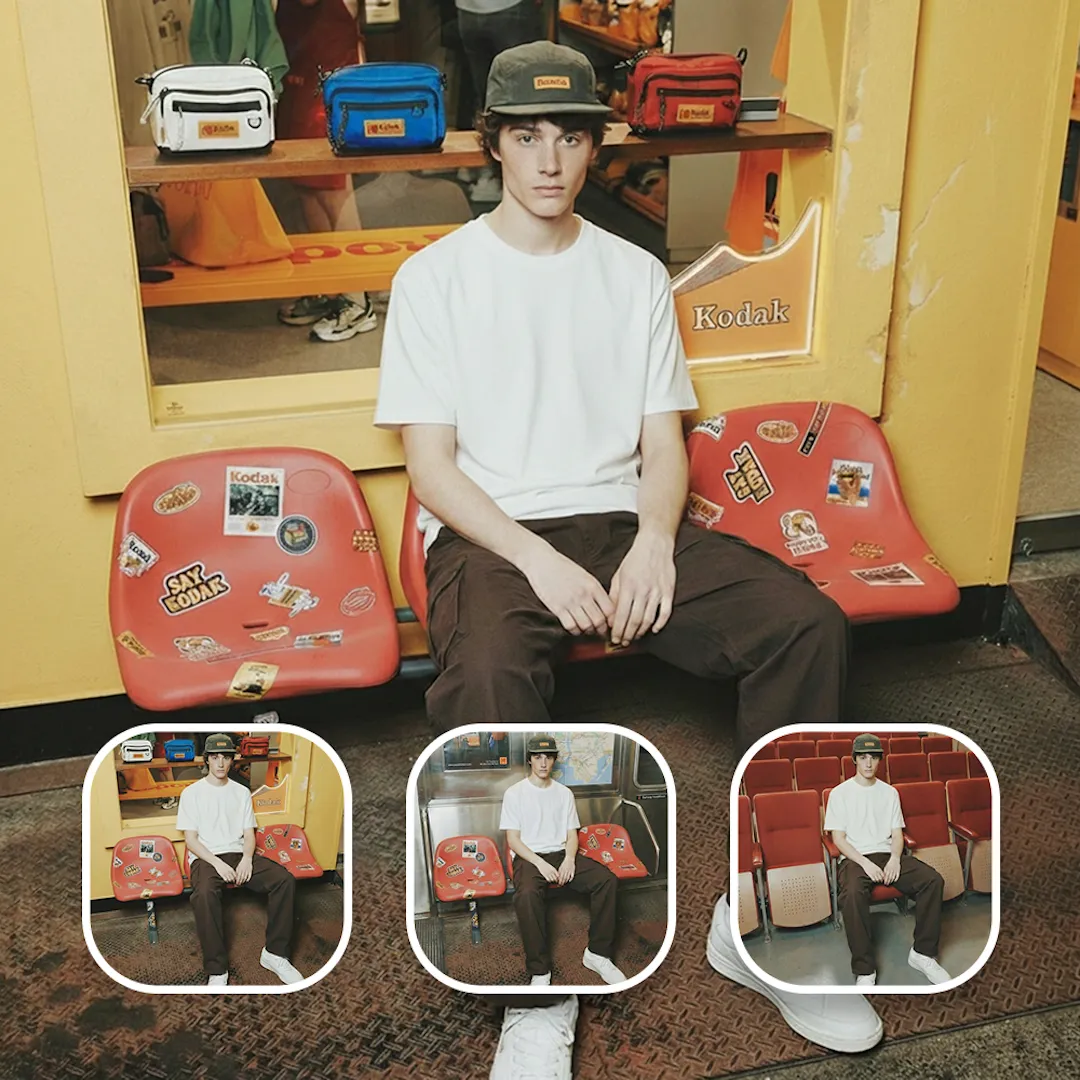
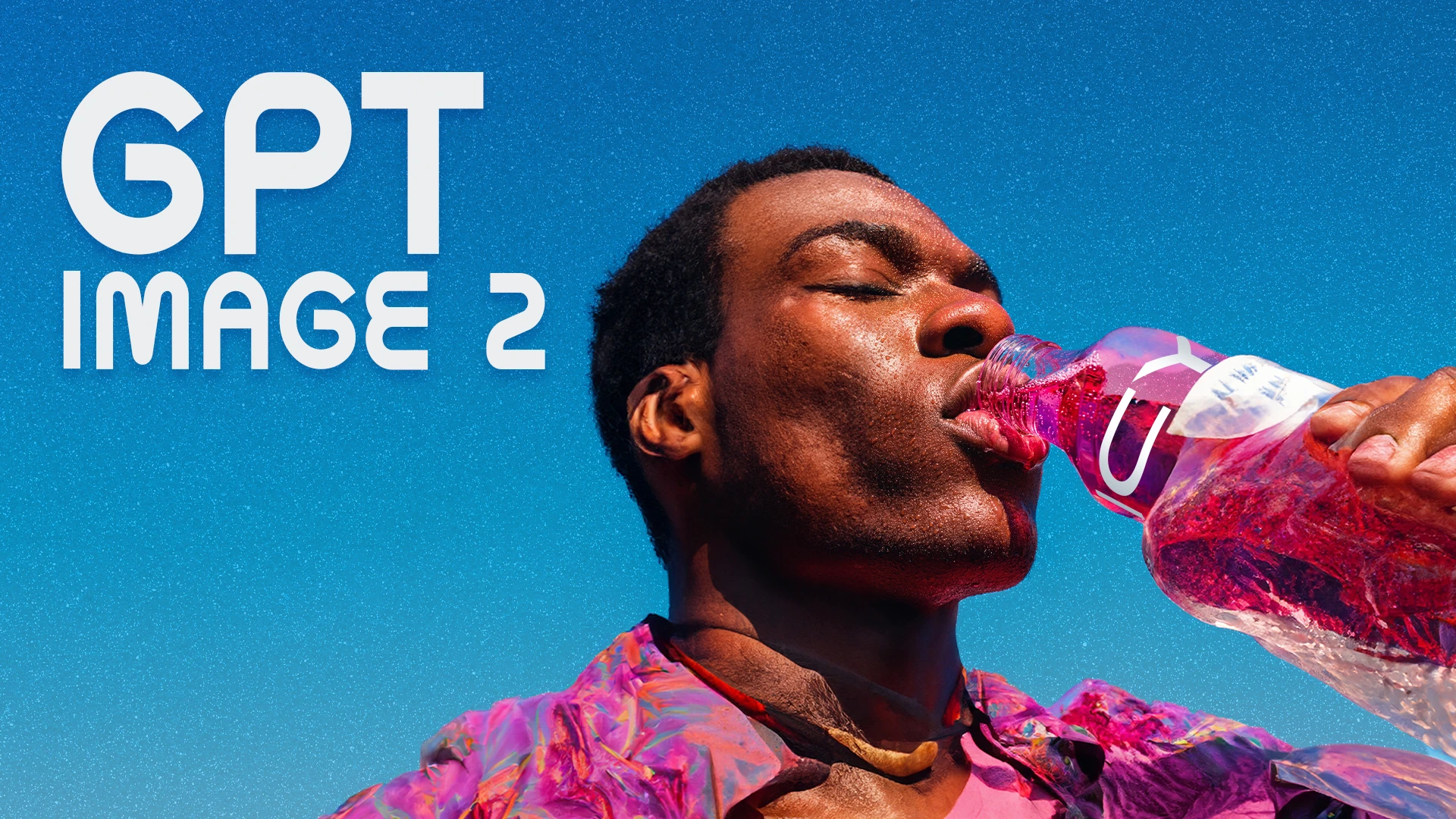
Generate images with GPT Image 2, Nano Banana Pro, or Seedream 5.0. Then edit the same image in the same canvas - erase, expand, swap backgrounds, restyle, or upscale to 4K. Drop in a reference image and likeness holds across every edit.
Character
Create AI characters for use across images and videos
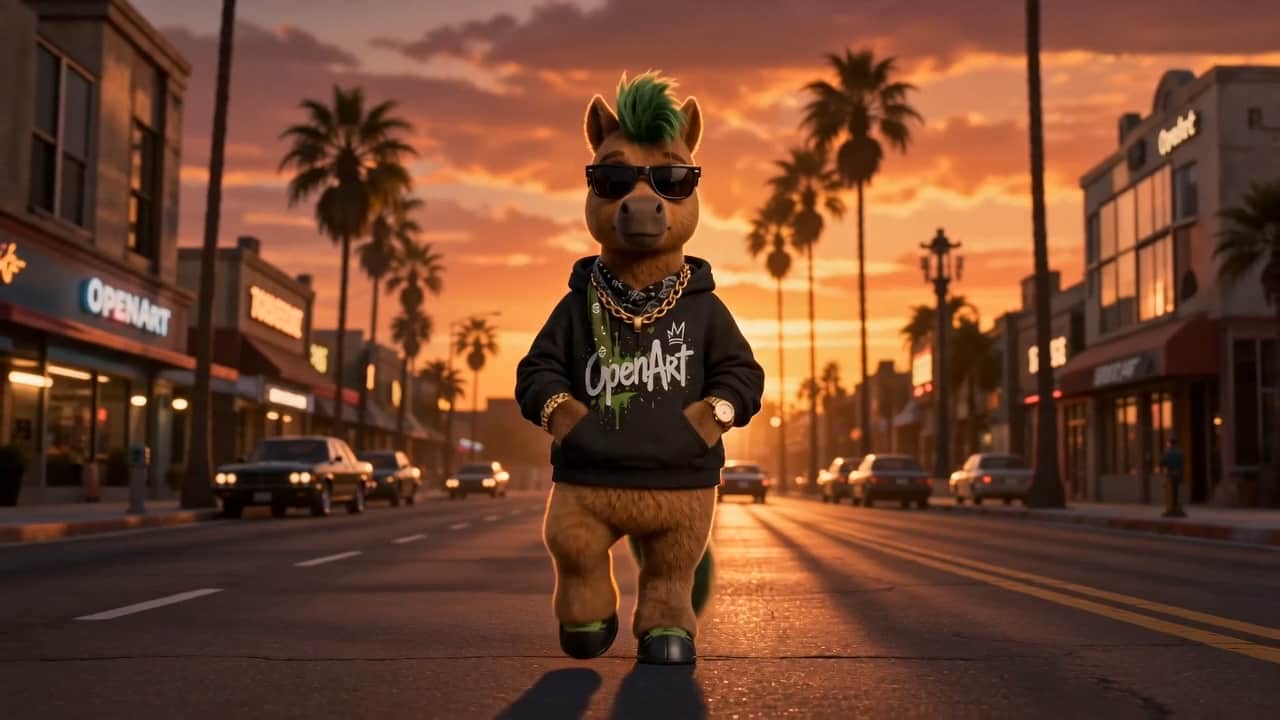
Consistent faces used to be the hardest thing to get right in AI imagery, but that's no longer the case with OpenArt. Build a Character using reference images or text brief, save it to your OpenArt library, and then simply tag and reuse them in future generations for perfect consistency.
World
Make entire worlds with a single text prompt
OpenArt Worlds lets you generate a huge, persistent spatial environment in full 3D, fully navigable, from a single prompt or reference images. You can then place characters inside it, add objects and props, take still photos, or export the environment to specialized 3D tools.
AI Music & Audio
Add voice, music, and sounds to your stories
Generate AI voiceovers in 30+ languages with lip-sync, score scenes with original music in any genre, or layer sounds like footsteps and rain over footage. Clone a voice from a reference sample or pick a preset. Every audio track exports as WAV or MP3, timed to your video.
TOP AI MODELS. ALL IN ONE PLATFORM.
Explore leading models for AI video, image generation, editing, and cinematic storytelling.
Discover More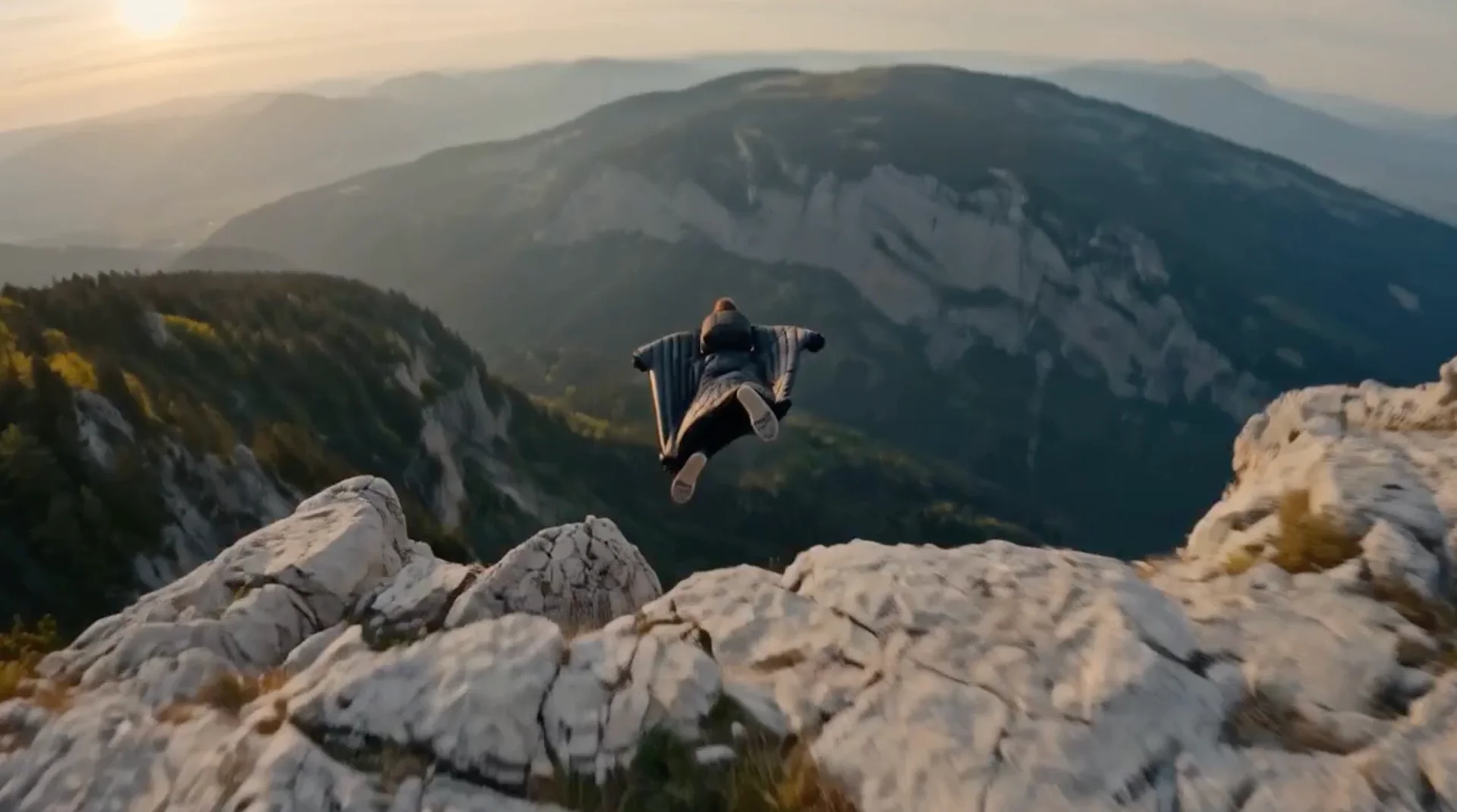

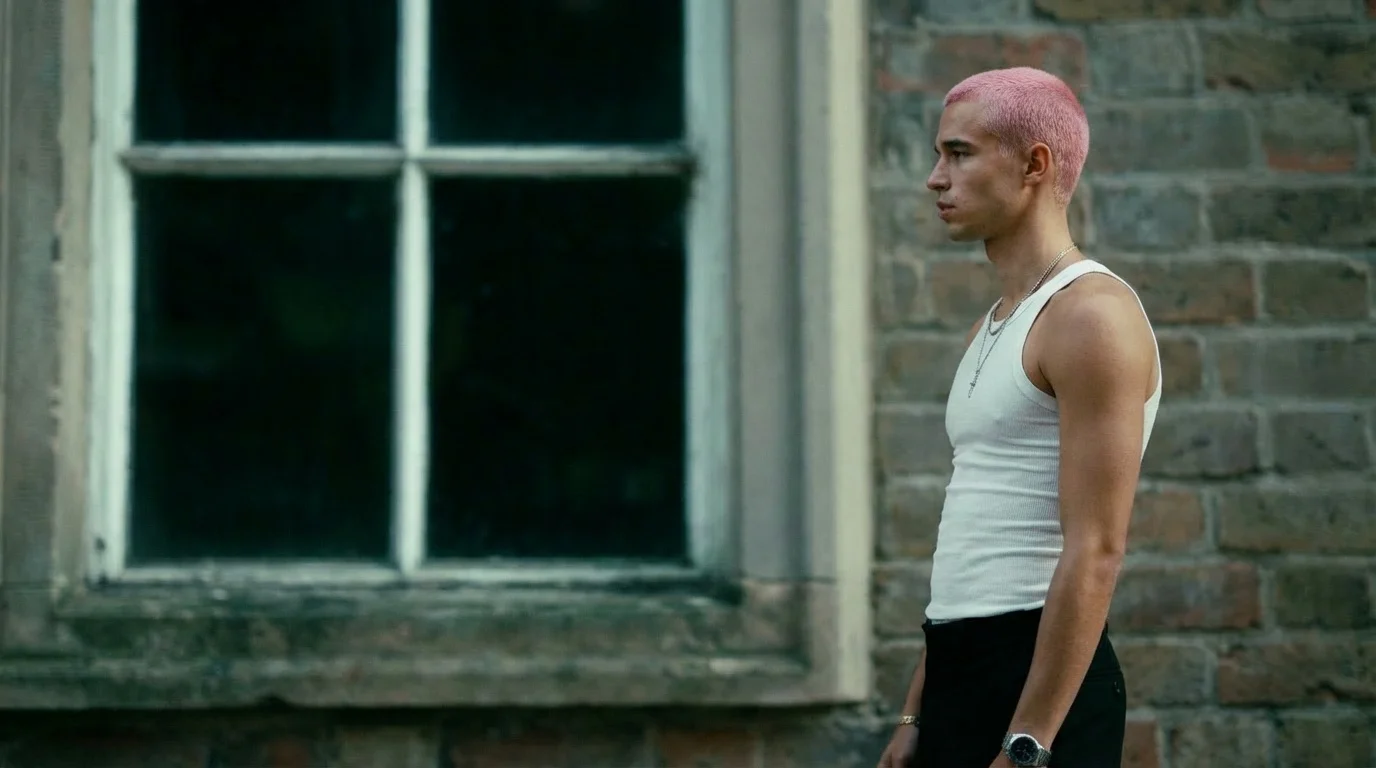
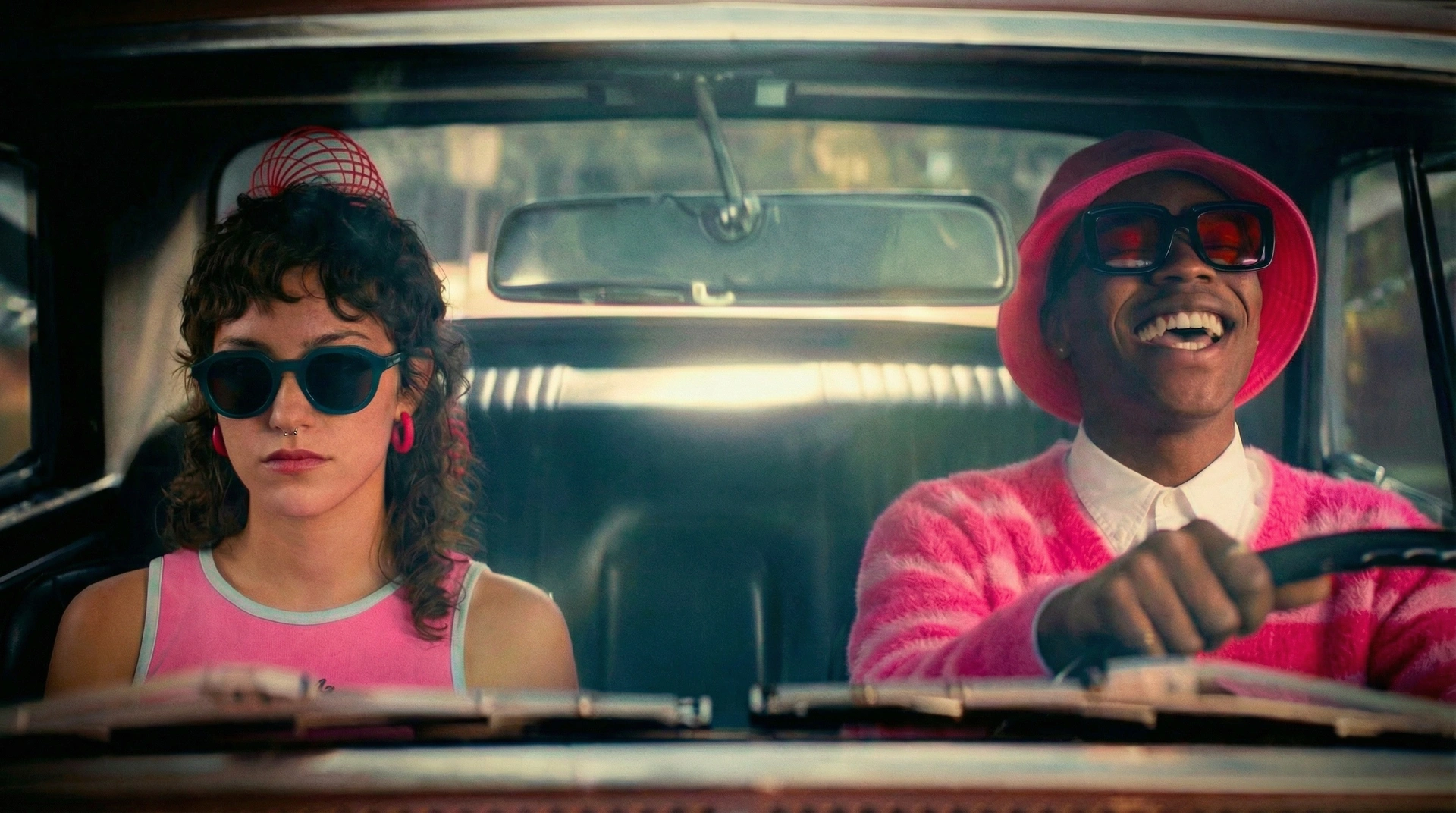

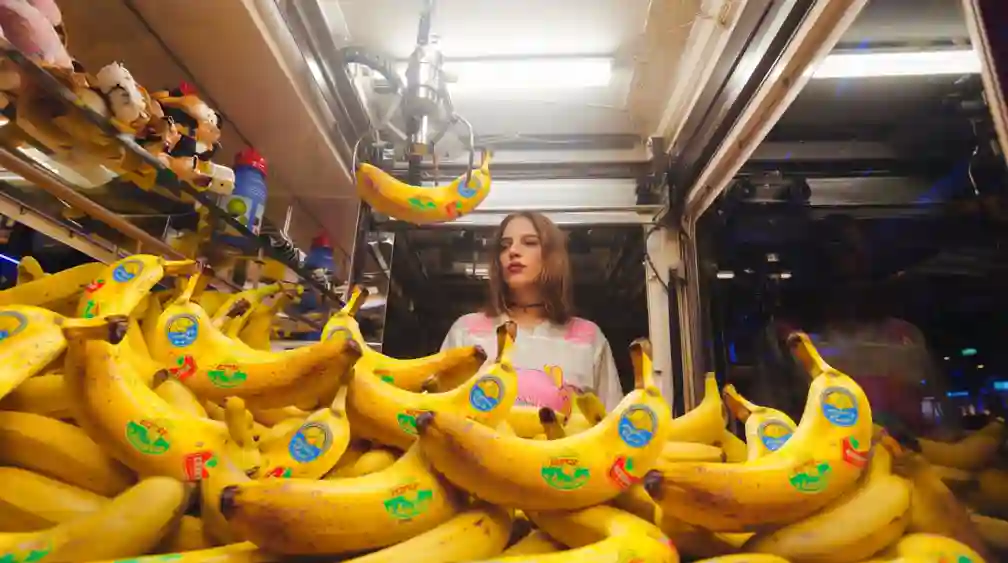






AI Tools for Studio-Grade Results
Purpose-built controls for character, world, camera, and motion. Not just text-to-pixel.
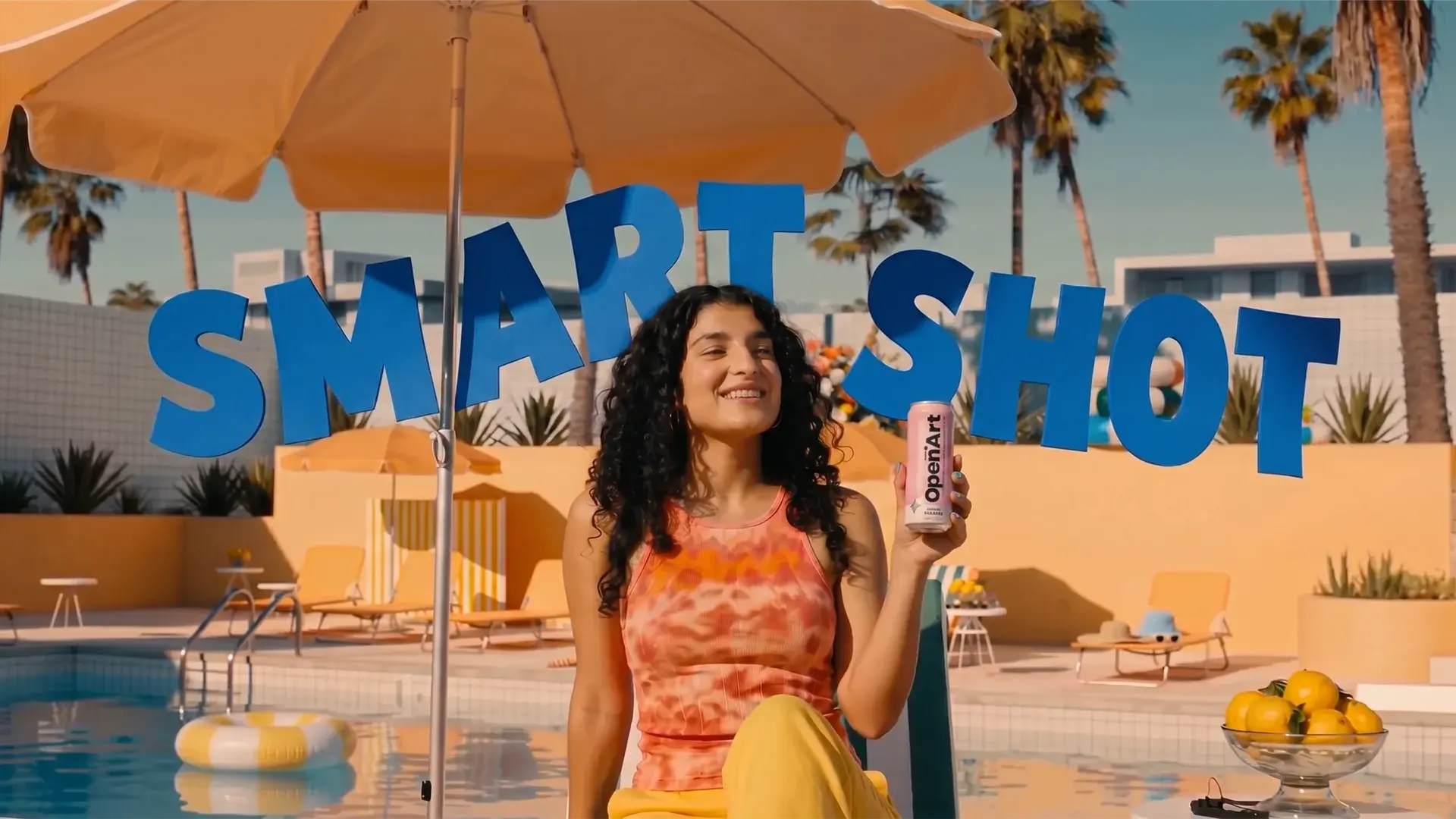
Smart Shot
One prompt becomes 3-5 cinematic cuts with varied angles, pro camera moves, and visual consistency.
Try it NowMotion Sync Video
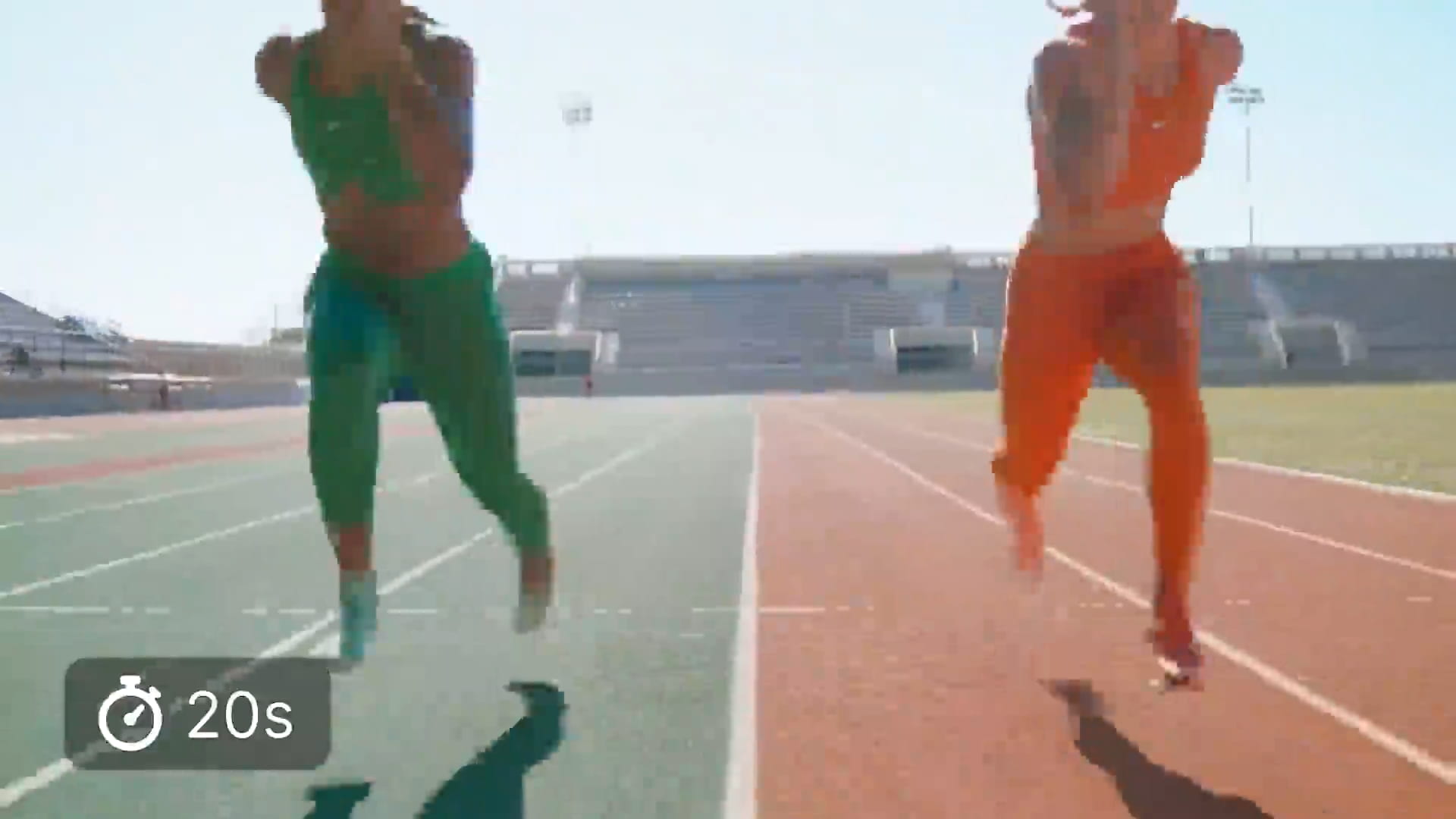
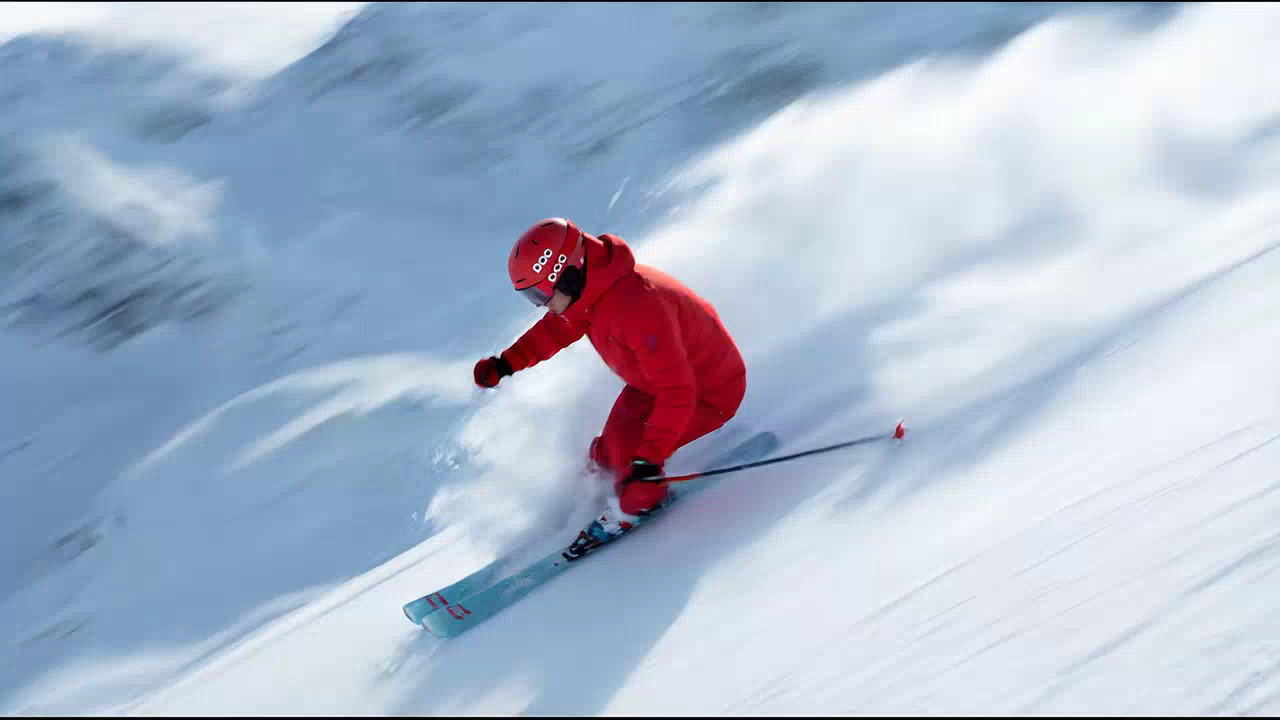
Upload a 3-30s reference clip and retarget any dance, sport, or walk onto your character.
Try it NowCamera Angle Control
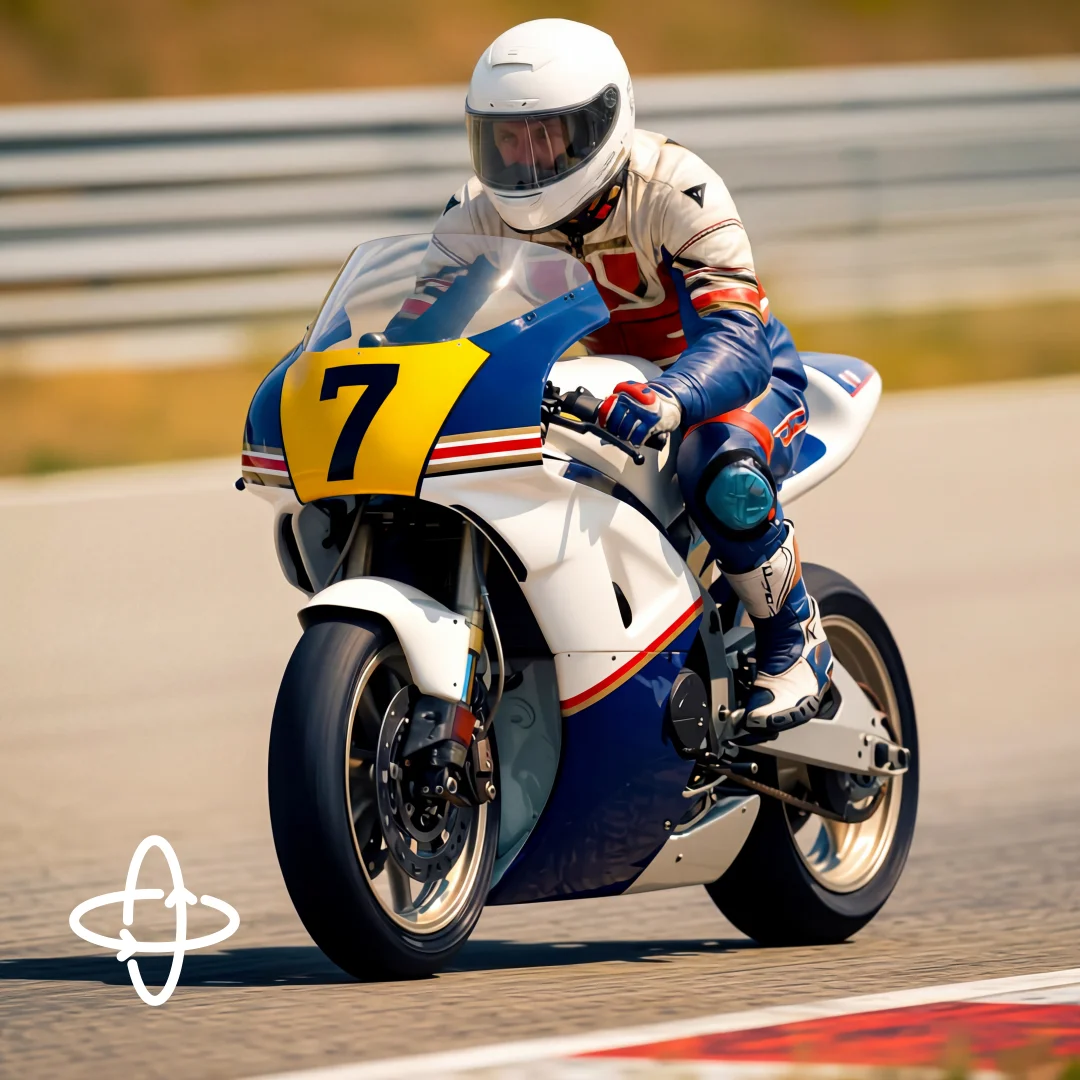
Reframe any image from a different angle using rotation sliders and wide-angle or close-up lenses.
Try it NowReplace Background
Swap scenes behind your subject while preserving lighting, edges, and motion continuity.
Try it NowRelight Video
Change the mood of a shot with cinematic lighting while keeping characters and motion intact.
Try it NowVideo Inpaint
Paint a mask to protect what stays, then transform everything around it from a single prompt.
Try it NowLoved by Creators
Worldwide
Solo creators and global brand teams ship from OpenArt every day.
I've tried many AI platforms… but OpenArt is still the best for character creation, image-to-video quality, and the variety of models available.
OpenArt offers an excellent array of AI tools… once you learn the features, the creative possibilities are amazing - and their support team is outstanding.
OpenArt is a very versatile AI platform with many image and video models, consistent character creation, and powerful editing tools.
Helpful AI tools all in one place - image and video generation, editing, and more… no need for multiple subscriptions.
Customer service is always quick and helpful… and the platform keeps getting better with new features and tools.
With so many AI platforms out there, OpenArt stood out as a stellar choice - I'd recommend it to any creator.
This platform includes everything you need for AI content creation - images, video, characters, audio, and multiple AI models in one place.
OpenArt is pushing the boundaries of AI video creation… and it's clear the team is committed to improving the creator experience.
I made my first AI music video with OpenArt… and their support team was the best help I've ever experienced.
I'm very happy with the support - my issue was resolved quickly and the team made the process easy.
Frequently Asked Questions
OpenArt is an all-in-one platform for creating AI images and videos. Whether you want a product ad, a TikTok reel, a short film, or a virtual character that posts content for you, you can make it all on OpenArt, without specialized editing software, design background, or technical skills.
Yes. You fully own what you create and can use it however you like, in ads, on social media, in client work, on merchandise, or anywhere else. No royalties, no attribution required.
Yes! This is one of OpenArt's most-loved features. Create a character once, and you can place them in any outfit, scene, or video with the same face and look every time. It's how creators build AI influencers, recurring brand mascots, and full stories with consistent characters.
Yes. OpenArt exports in every format and aspect ratio you need: vertical for TikTok, Reels, and Shorts; widescreen for YouTube and ads; square for Instagram feeds; and cinematic ratios for film. Just pick the platform and your video comes out ready to post.
Not at all. OpenArt is built for everyday creators. You describe what you want in plain words, pick a style, and the platform handles the rest. If you want more control, advanced tools are there when you're ready and you can always refine your prompts, but you can still make great content from your very first try.
Yes. You can start creating on OpenArt for free with a trial plan, with daily credits and no credit card required. Paid plans unlock the most powerful AI models, longer video generation, and higher quality exports.
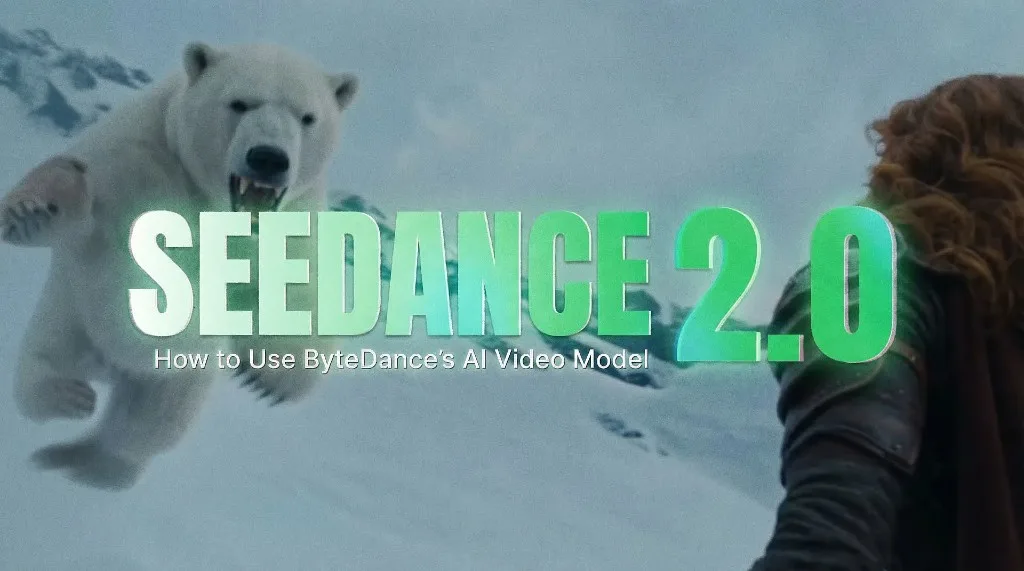
OpenArt brings together the best AI models in one place, including Seedream 5.0, Seedance 2.0, Google Veo 3, GPT Image 2, Nano Banana Pro, Sora 2, Kling 3.0, Grok Imagine, MiniMax Hailuo, and HappyHorse. Instead of paying for several separate tools, you get them all under one subscription and can pick whichever one fits the content you're making.
Yes. You can make videos where characters speak with synced lip movements, add original AI-generated music, and include realistic sound effects, all inside OpenArt. Great for everything from quick social clips to full cinematic videos.
Most AI tools specialize in one thing. Midjourney is mainly for images, Sora and Runway are built for video. But OpenArt brings images, videos, characters, music, and editing into one place, with every leading AI model built in. You don't need five different subscriptions or constantly move files between separate apps.
Yes. Your creations stay private, payments are handled securely, and OpenArt has safeguards in place to keep the platform safe and responsible, so you can create with confidence whether you're creating for personal or professional use.
Create without limits
Explore the power of AI to bring your ideas to life. Generate, refine, and innovate—your creative journey starts here.
Start creating now It's free!