

OpenArt Worlds
From a single image to a consistent 3D environment. Create, explore, and capture your vision like never before with OpenArt's AI world generator. Powered by World Labs spatial AI, exclusively on OpenArt.
Key Benefits of the AI World Generator



Persistent 3D Worlds
Your creations in Worlds live forever, reusable across all projects.



Full Spatial Control
Navigate freely, set exact camera angles, and frame the perfect shot.
Characters and Objects
Add and place new objects, characters, or any new details with absolute ease.
Community Creations
See how AI creators, filmmakers, and designers are building entire universes in OpenArt Worlds.
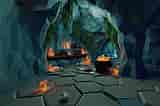

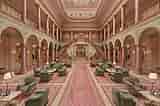
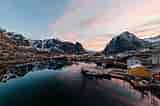

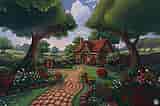
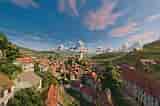
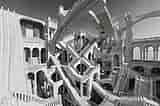
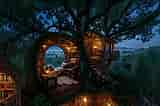
Turn any image into an explorable world
Start with a single image and OpenArt Worlds instantly transforms it into a fully navigable 3D environment. You don't need to set up anything or configure technical settings – just upload an image or enter a prompt and watch as the system builds a world you can walk through. The static inspiration becomes a real, immersive environment, ready for exploration, storytelling, and creative experimentation.
Walk through it and direct every scene
Once your world exists, you can freely navigate the environment, placing characters, objects, and lights exactly where you want them. You can move the camera to any angle, stage scenes, and control every aspect of the composition. Every adjustment is reflected in real time, giving you complete authority over your creative vision.
Build once and reuse forever
Every World you create lives permanently in your OpenArt library. You can return to it next week, next month, or next year and continue building within the same environment. Scene consistency is maintained across all posts, videos, and projects, so every piece of content aligns perfectly with your previous work.
Export to any 3D tool's workflow
OpenArt Worlds is built to integrate seamlessly into professional creative pipelines. You can export your worlds in 3D Gaussian Splat format, bringing them directly into tools like Blender or Unreal Engine. Whether you're a filmmaker, game designer, architect, or virtual creator, you can start in Worlds and continue production without losing control over your environment.
How to Use the AI World Creator
OpenArt Worlds works like a charm, in three simple steps.
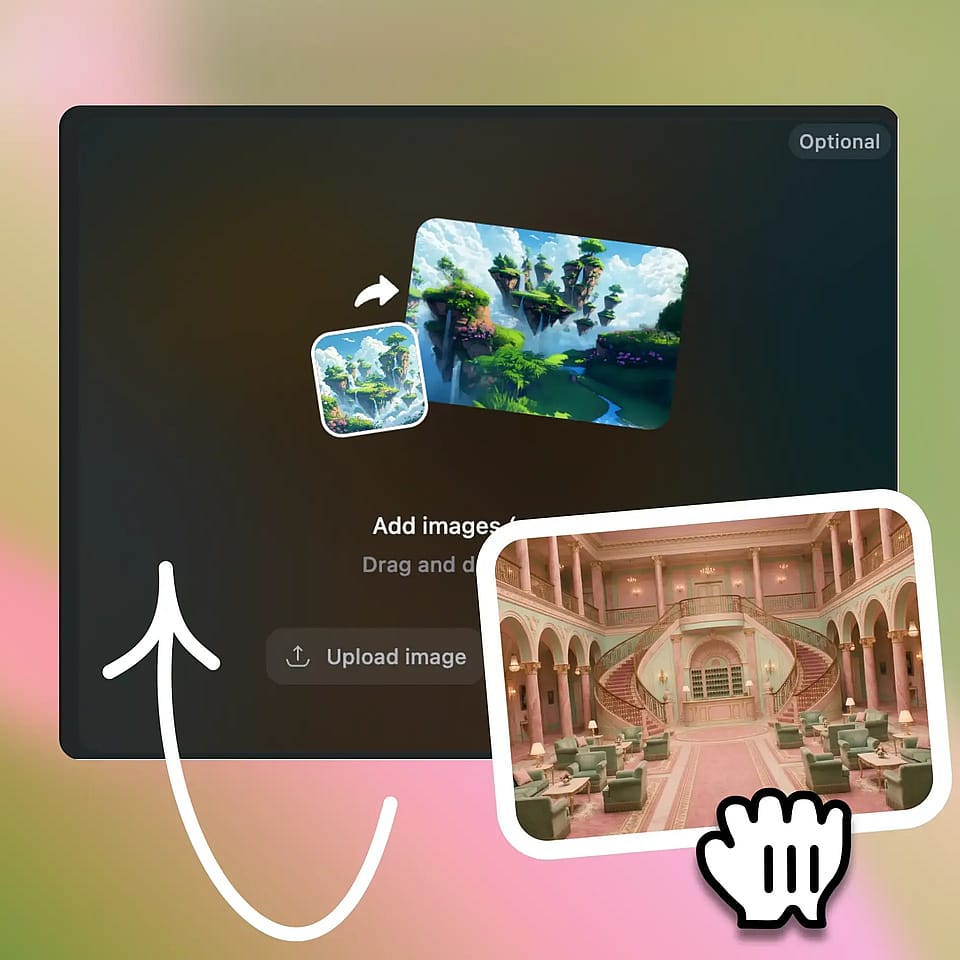
Define Your World
Upload an image or enter a prompt to generate the base environment and visual style.
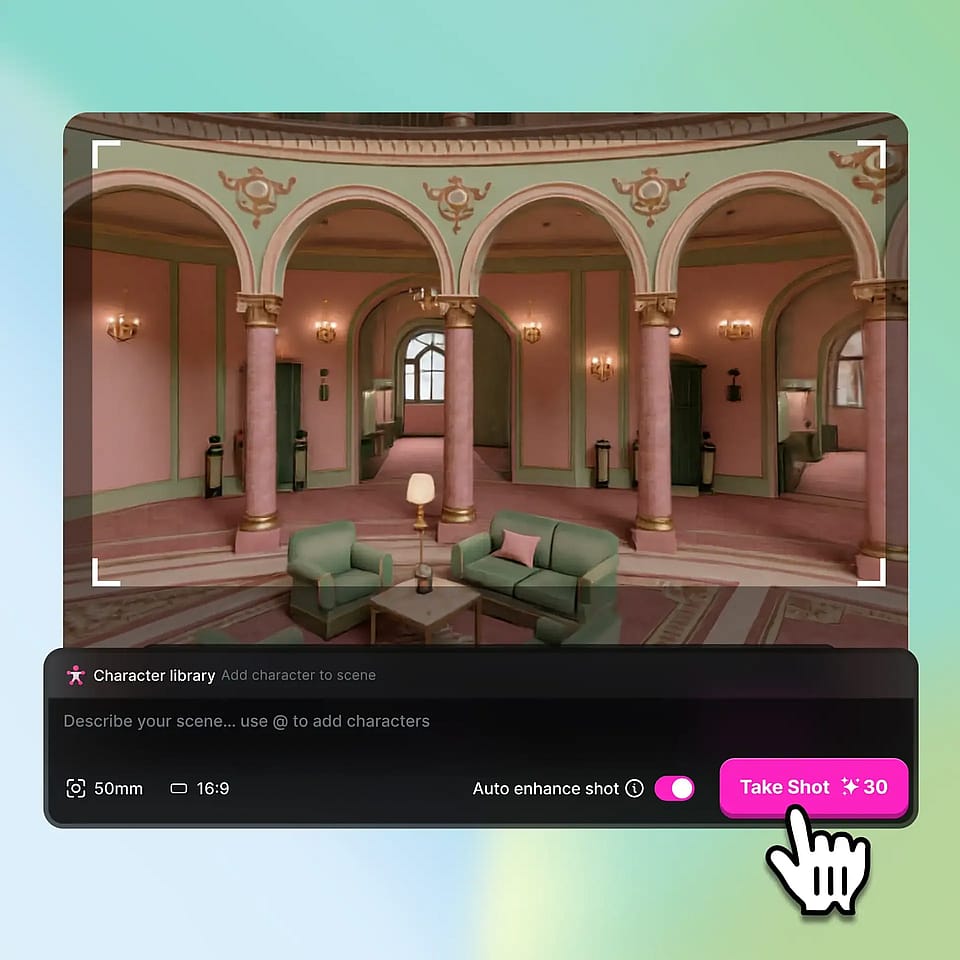
Build & Create
Generate the full 3D world, navigate freely, and capture or export your desired shots.
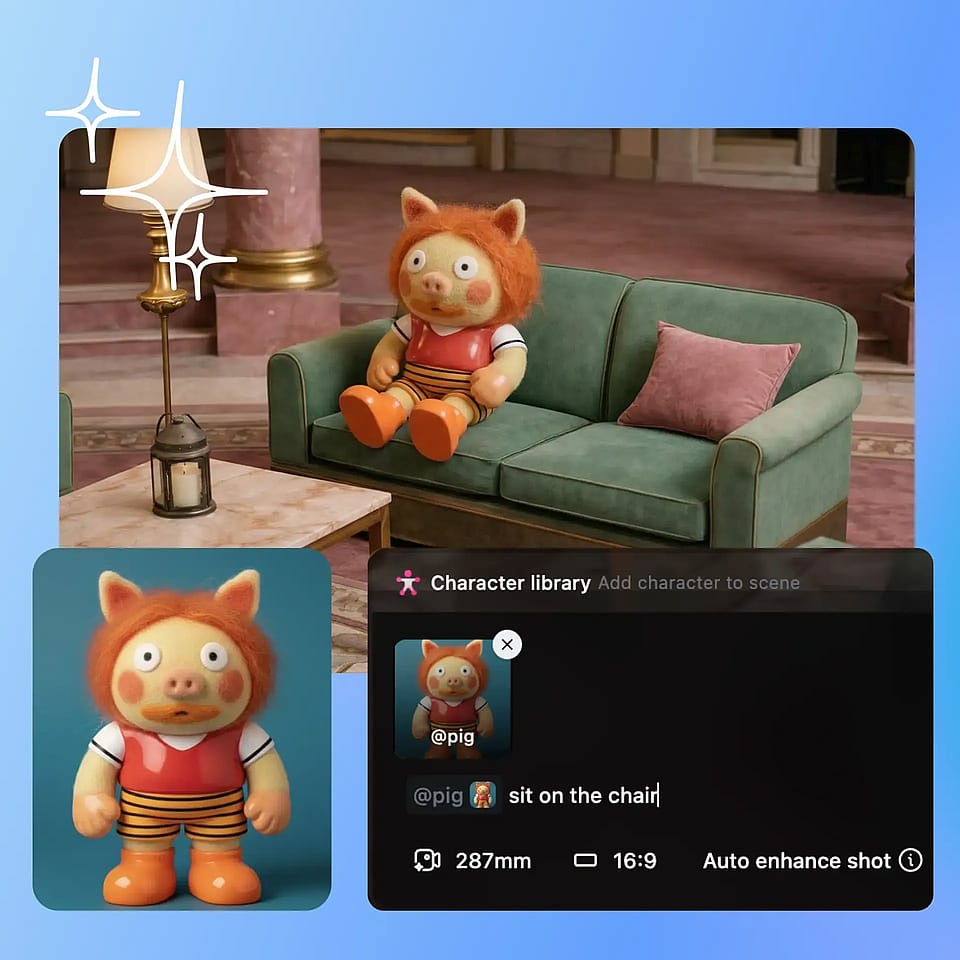
Pose & Capture
Navigate through your world, and add characters, objects, or anything via prompt.
AI World Generator for Everyone
From social media to architecture, OpenArt Worlds gives you a consistent environment to bring every project to life.
Filmmakers and Video Creators
Filmmakers and video creators can build stable sets that never change between takes. With precise control over camera angles, lighting, and scene composition, you can shoot exactly the shots you imagined without worrying about inconsistencies between regenerations. Worlds gives creators the freedom to plan, explore, and capture every frame with total confidence.
Try it NowSocial Media and Virtual IP Creators
Social media creators and virtual IP owners can give their characters a permanent home to live in. Every post and video can be consistent, using the same environments across different content pieces. Worlds ensures that your characters are always in a visually coherent universe.
Try it NowGame Designers and Concept Artists
Game designers and concept artists can rapidly prototype worlds and explore spatial layouts before production. Worlds allows you to concept entire levels, walk through the environments, and refine visual storytelling. You can export directly to game engines or modeling software, giving you production-ready assets without extra conversion steps.
Try it NowArchitects and Spatial Designers
Architects and spatial designers can present clients with realistic walkthroughs of spaces before they are built. Worlds allows you to add furniture, lighting, and spatial details while maintaining real-world proportions. You can walk through the design, adjust elements in real time, and export the environment into professional modeling software for refinement.
Try it NowFrequently Asked Questions
Yes, every World you create is permanently saved in your OpenArt library, allowing you to return at any time and reuse the same environment with new characters, objects, or storylines, ensuring visual consistency across all your projects.
Yes, while a "World" itself consists of the surrounding environment and atmosphere, you can place, move, or remove any characters or objects within it at any time, giving you full control over how your scenes are composed.
No, using our AI world generator requires no technical expertise. Simply upload an image or enter a descriptive prompt, and the platform generates a fully navigable 3D environment that you can immediately explore, customize, and capture.
There's no strict limit. You can create as many Worlds as you want, each stored permanently in your library, so your creative universe grows as you continue building, exploring, and reusing environments for new projects.