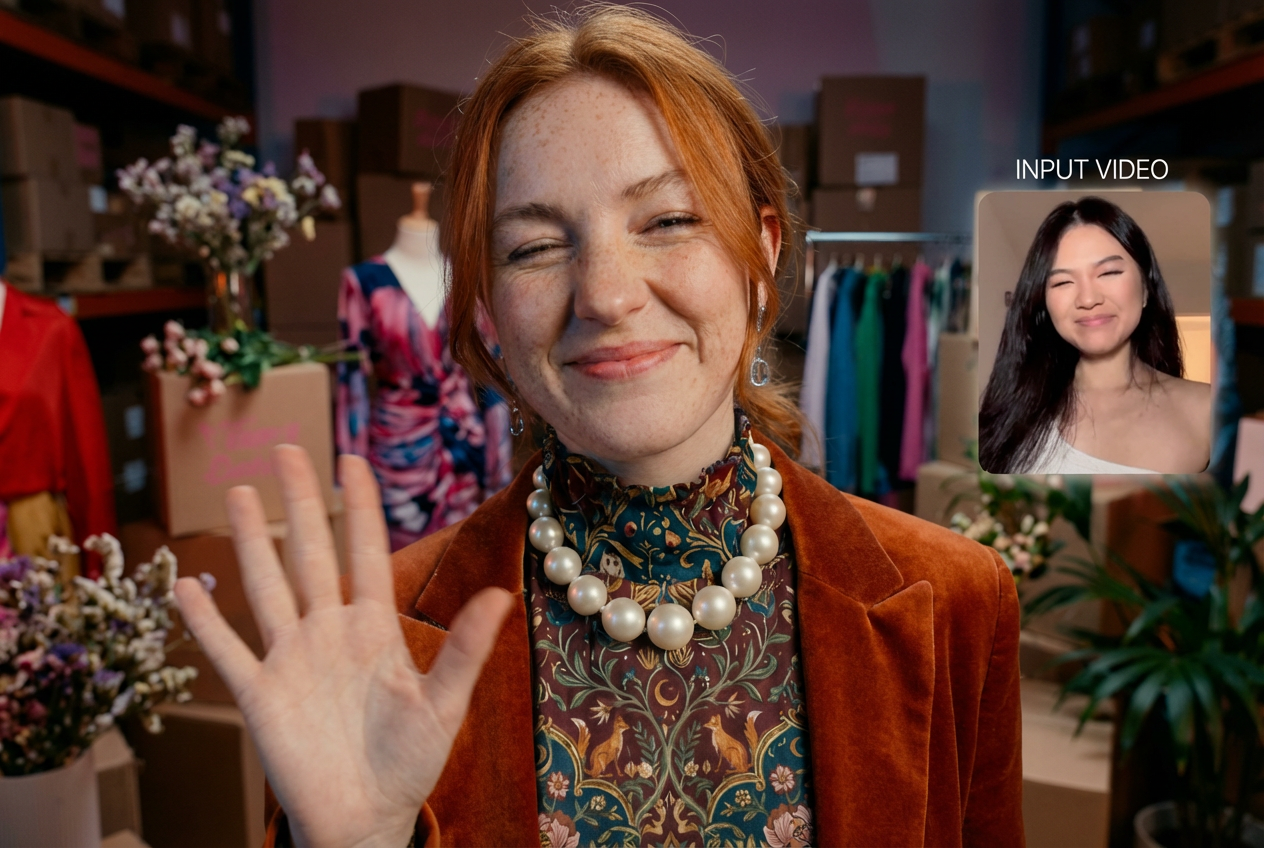
How to Turn a Single Image Into a 3D World
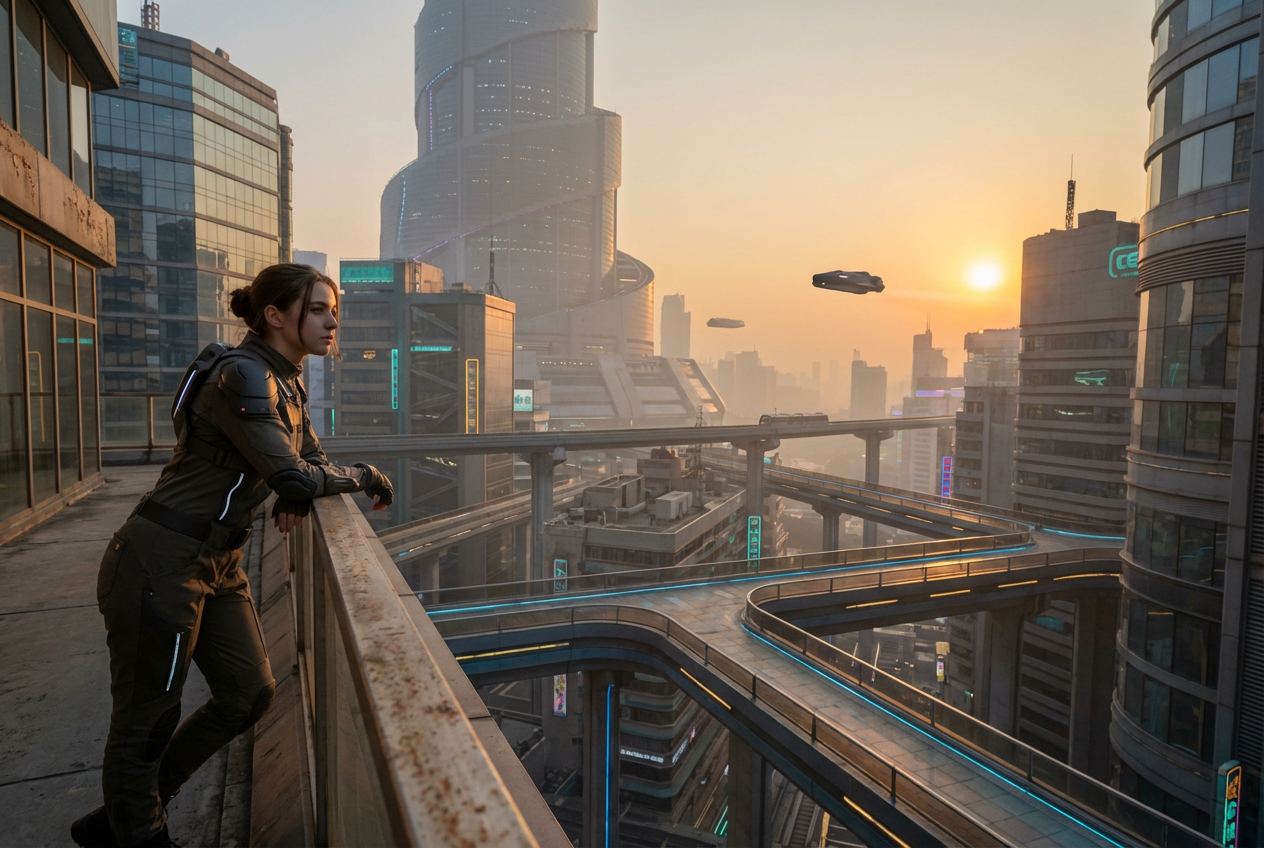
For a long time, AI image generation has been powerful but fundamentally limited.
You could create impressive visuals from a prompt, but each output existed in isolation. The next time you generated something, the scene would shift. Lighting would change, composition would vary, and continuity would break. This made it difficult to build anything consistent, especially if you were trying to tell a story across multiple pieces of content.
This is exactly the gap that OpenArt Worlds is designed to solve. Instead of producing one-off outputs, it allows you to turn a single image into a persistent, explorable 3D environment. Your image becomes a living space that you can return to, build on, and reuse over time.
Key Takeaways
- You can convert a single image into a fully navigable 3D world using OpenArt Worlds.
- No technical skills or 3D modeling experience are required.
- Your environments remain persistent and reusable across projects.
- You can add characters and objects to your 3D world.
- You can explore, direct, and capture scenes from within the same world.
- You can even export your world for 3D workflows into popular tools like Blender and Unreal Engine.
What It Means to Turn an Image Into a 3D Environment
When you turn an image into a 3D world inside OpenArt Worlds, you are transforming a flat image into a spatial environment with depth, perspective, and structure. Rather than viewing the scene from a single fixed angle, you can move through it, explore different viewpoints, and shape how it is presented – and even capture snapshots within it then.
This shift changes the role of the creator. You are no longer just prompting and hoping for the right output. Instead, you are working inside a navigable 3D world, where you can control composition, framing, and storytelling in a much more deliberate way. The image becomes a starting point for something bigger.
Why OpenArt Worlds Changes AI Generation for Good
The ability to create a 3D world from an image brings several key advantages. Consistency becomes effortless because your world does not change between outputs. Creative control increases because you can navigate the environment and set precise camera angles. At the same time, production becomes faster because you no longer need to regenerate images repeatedly. You simply capture new scenes from within the same world.
Over time, each world you create becomes part of your broader creative toolkit, making the platform more valuable the more you use it.
How to Turn an Image Into a 3D World in OpenArt Worlds
One of the strongest aspects of OpenArt Worlds is how simple the process is. You do not need to configure complex settings or learn technical tools. The workflow is designed to feel intuitive while still giving you full control over the outcome.
Step 1: Define Your World
Start by uploading an image or entering a prompt. This defines the base environment, including its visual style, mood, and structure. Whether it is a landscape, an interior, or a fictional setting, this input becomes the foundation of your world.
Step 2: Build and Create
Once your input is processed, OpenArt Worlds generates a complete 3D environment that you can explore. You can also preview your output in panoramic 3D before fully generating it. You can move through the space, understand its layout, and begin shaping it further.
Step 3: Pose and Capture
After your world is created, you can navigate through it and start placing characters, objects, and details wherever you need them. You can adjust camera angles, frame specific shots, and capture production-ready visuals directly from within the environment.
This three-step process makes it easy for anyone to use an AI 3D world generator without prior experience, while still delivering results that feel professional and controlled.
The Power of Persistent Worlds
A defining feature of OpenArt Worlds is persistence. In most AI tools, outputs are temporary, which means you have to start over every time you want something new. This makes it difficult to maintain continuity or build long-term projects.
With OpenArt Worlds, every environment you create is saved and remains available in your library. You can return to the same world next week, next month, or even next year and continue building within it. This allows you to reuse the same environment with different characters, stories, or compositions while maintaining complete visual consistency.
This concept shifts AI creation from being disposable to being cumulative. Instead of generating isolated outputs, you are building assets that grow into a larger creative universe over time.
Who OpenArt Worlds Is For
OpenArt Worlds is designed to be accessible while still supporting professional workflows, which makes it useful for a wide range of creators.
New and Non-Technical Creators:
OpenArt Worlds makes it easy to start creating without any prior experience. You can turn simple ideas into fully realized 3D environments quickly, without needing to learn complex tools or workflows.
Content Creators and Social Media Users:
By working within the same persistent environment, creators can maintain a consistent visual identity across posts, videos, and campaigns, making their content feel more cohesive and professional.
Filmmakers and Visual Storytellers:
Stable, reusable sets allow for precise control over camera angles, composition, and direction. This ensures consistency between shots and makes production more predictable and efficient.
Designers, Game Creators, and Architects:
From rapid world prototyping to immersive walkthroughs, professionals can build environments, refine spatial layouts, and export them into tools like Blender or Unreal Engine for further development.
Practical Tips for Better Results
To get the most out of OpenArt Worlds, it helps to approach your input and workflow thoughtfully. Images with clear structure, such as interiors or landscapes, tend to produce more coherent environments because they provide strong spatial cues.
Thinking in terms of scenes rather than standalone visuals can also improve results, as it encourages you to imagine how the space will be explored.
It is also important to take advantage of persistence. Instead of trying to perfect everything in one go, you can build gradually, returning to your world over time to refine and expand it. This approach allows your creative output to evolve while maintaining consistency.
A New Creative Paradigm
The ability to turn an image into a navigable 3D world is more than just a technical advancement. It represents a shift in how creators think about their work. Instead of producing individual pieces of content, you are building environments that can support multiple stories, projects, and ideas.
OpenArt Worlds brings this concept to life by combining simplicity with control. It removes the technical barriers while introducing a level of continuity and ownership that has been missing from AI creation.
FAQs
What is OpenArt Worlds?
OpenArt Worlds is an AI feature that allows you to turn images or prompts into fully explorable 3D environments that you can navigate, modify, and reuse. It’s powered by technology from World Labs spatial AI.
Do I need technical skills to use it?
No, the process is designed to be simple and requires no prior experience with 3D tools.
Can I reuse the same world across projects?
Yes, every world you create is persistent and can be reused with different characters, scenes, or ideas.
What can I do inside a 3D world?
You can explore the environment, adjust camera angles, add objects or characters, and capture or export scenes for various creative uses.

.png)