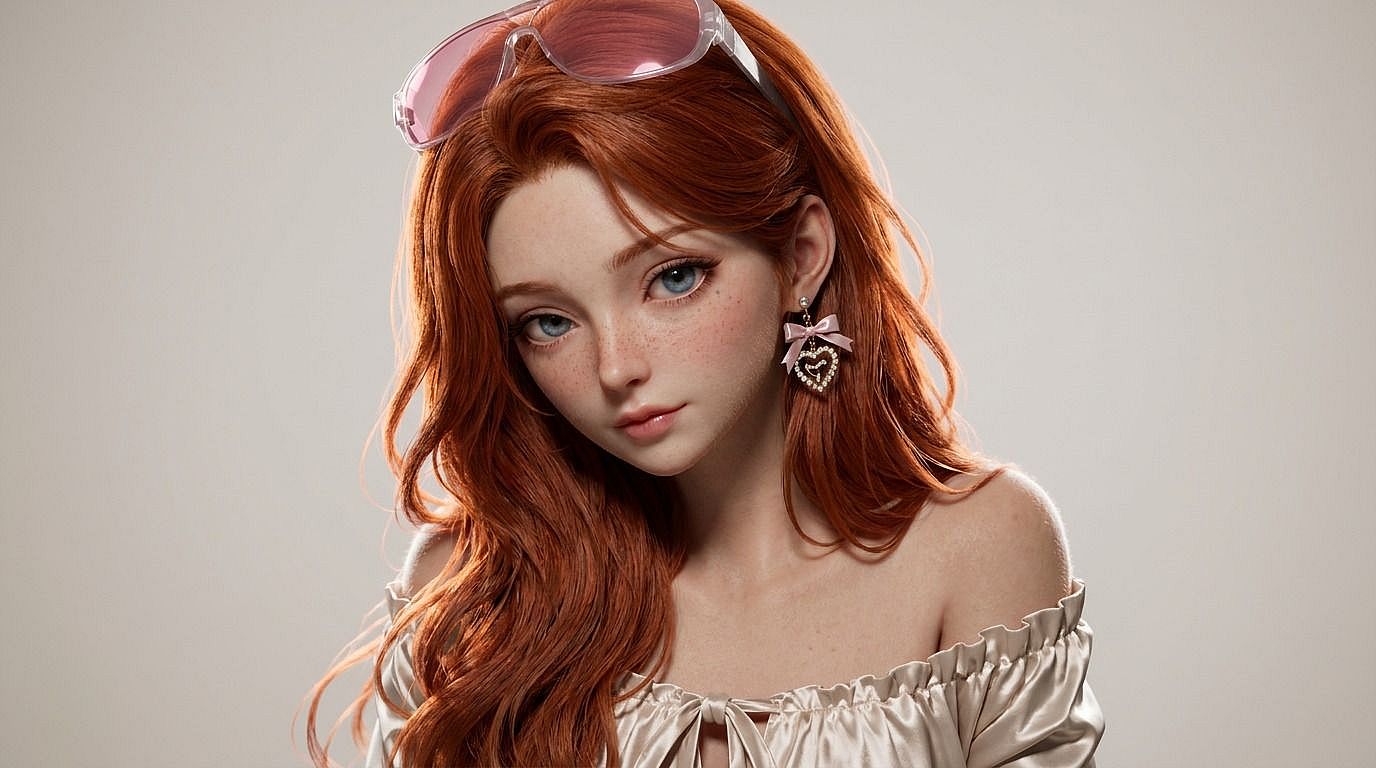
写真to3D
写真をピクサー×ディズニー風の3Dルックにしたいですか?OpenArtの写真→3Dツールに画像をアップロードすれば、あなた自身やペット、どんな被写体でも数秒でスタイライズされた3D写真に。
 画像を追加 またはここにドラッグ&ドロップ · JPEG、PNG、WEBP、HEICJPEG、PNG、WEBP、HEIC
 Photo to 3Dを選ぶ理由



どんな写真も3Dスタイルにレンダリング
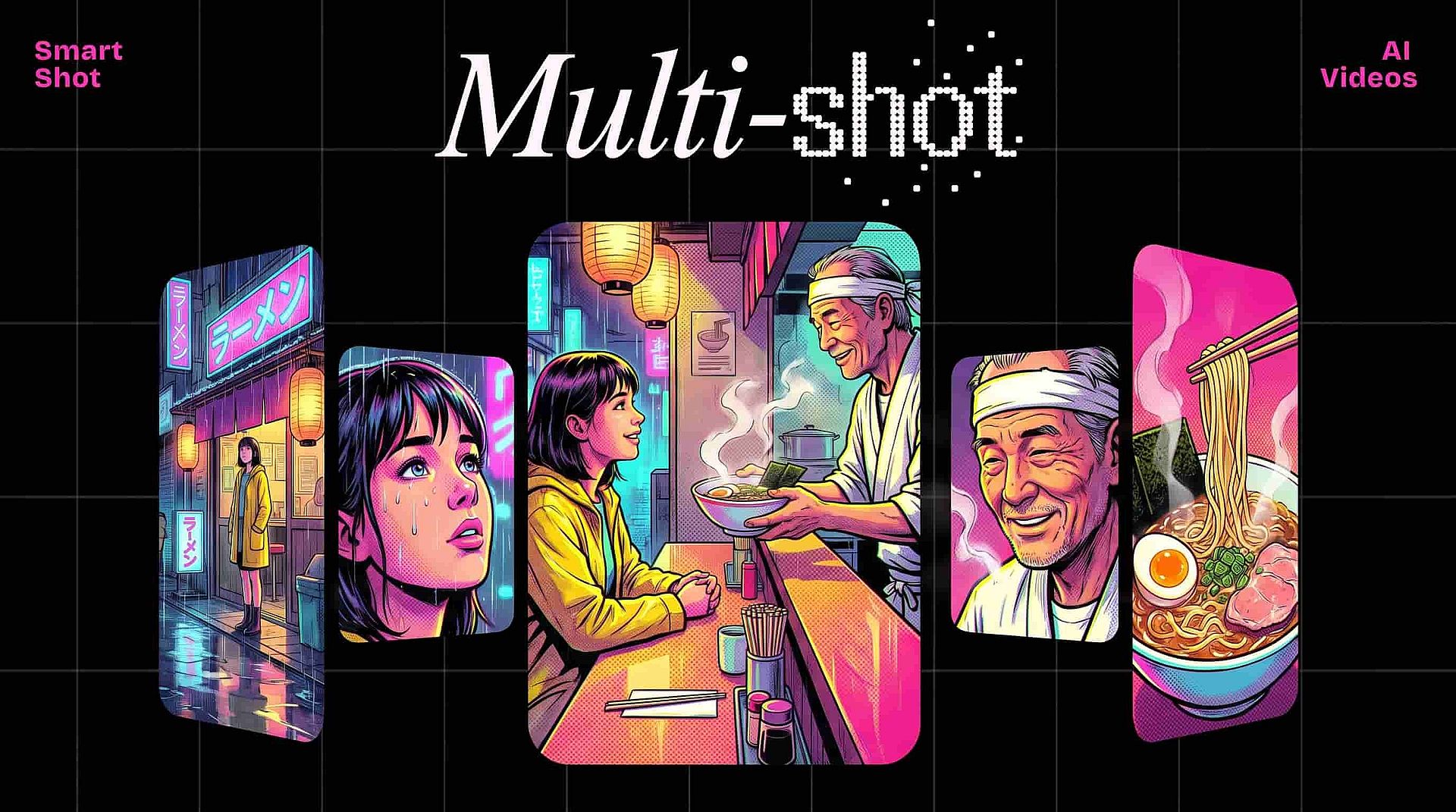
写真をアップロードするだけで、AIが洗練された3Dスタイルに再レンダリング。柔らかなボリューメトリックライティング、なめらかな質感、まるで「アニメ映画のワンシーン」のような仕上がりを、3Dツールに一切触れずに実現します。



3Dルックを選ぶ
ピクサー風、ディズニー3D、クレイアニメ、プラスチックフィギュア、ソフビ、ゲームCG、ローポリ、ハイパーリアルCG——スタイルを指定すれば、AIがあなたの写真をそれに合わせます。
見分けがつく仕上がり
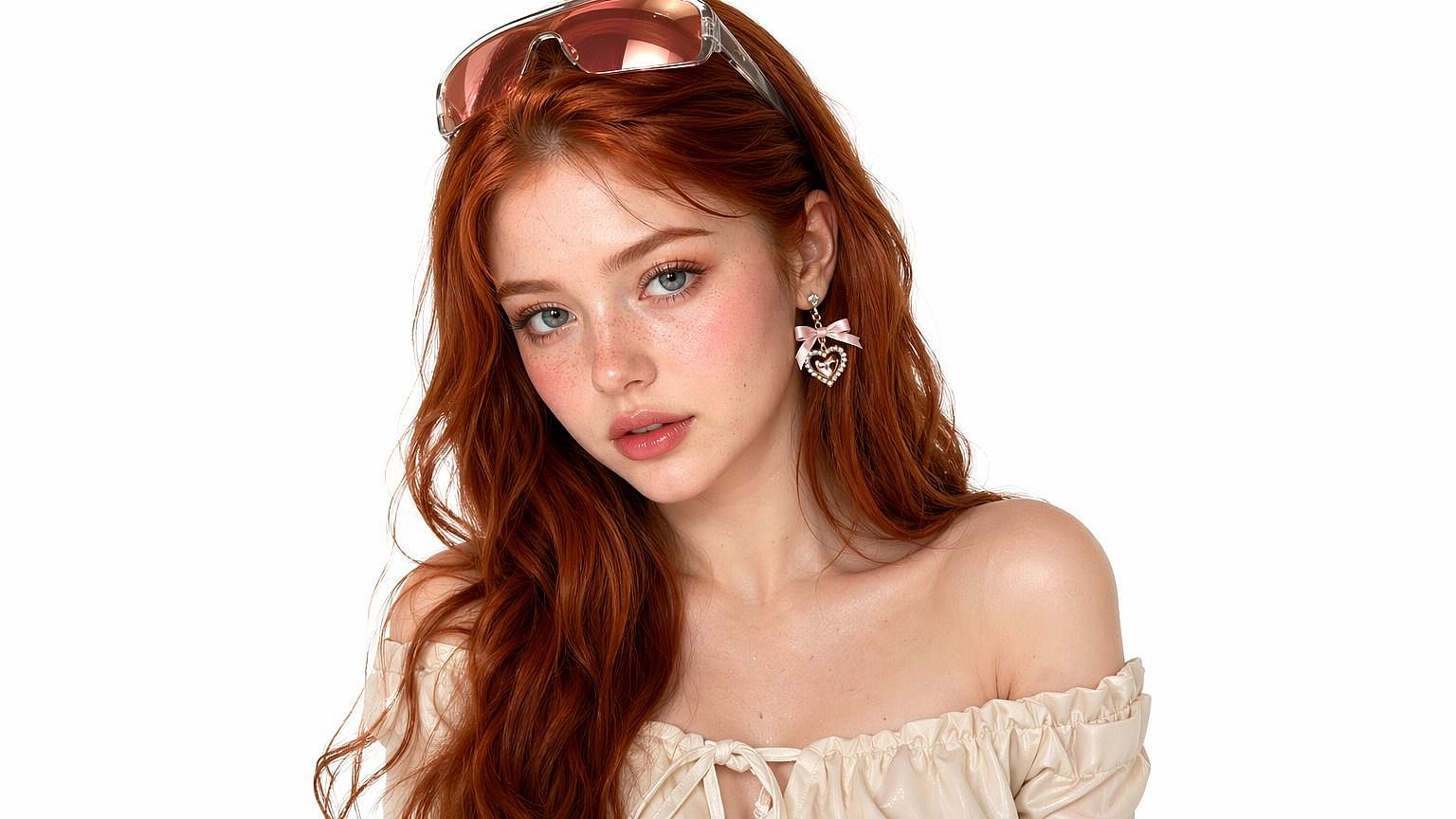
被写体は依然としてあなたの被写体として認識されます。AIは顔の形、表情、ポーズ、服装のディテールを保ちながら、ランダムなキャラクターをでっち上げるのではなく、選んだ3Dスタイルでレンダリングします。
Photo to 3Dの主な機能
OpenArtのAI画像エディターは、GPT Image 2.0、Nano Banana Pro、Seedream 4.5などの先進モデルを使い、写真をアニメ映画のワンシーンのような3Dスタイルの写真に変換します。
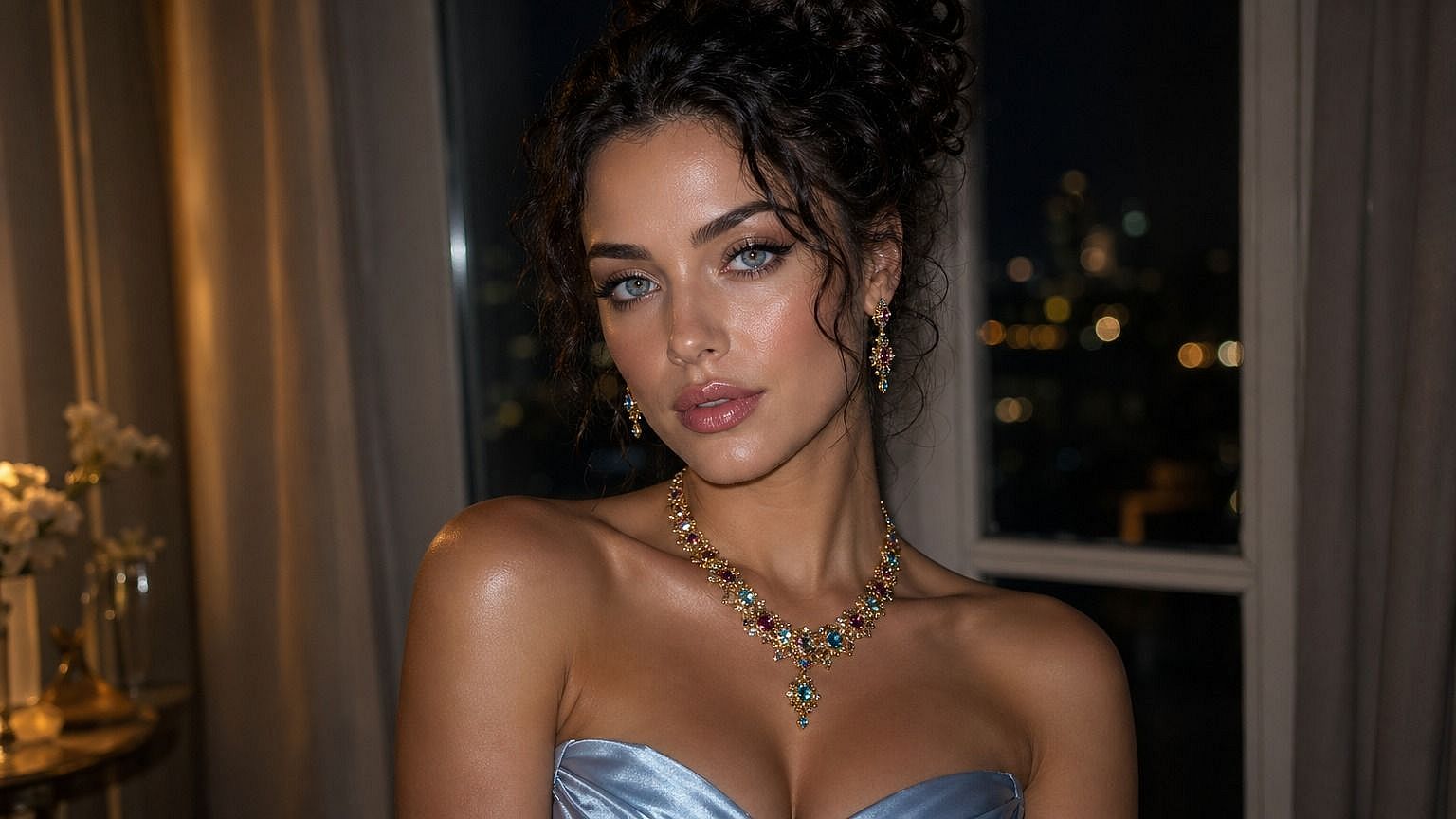
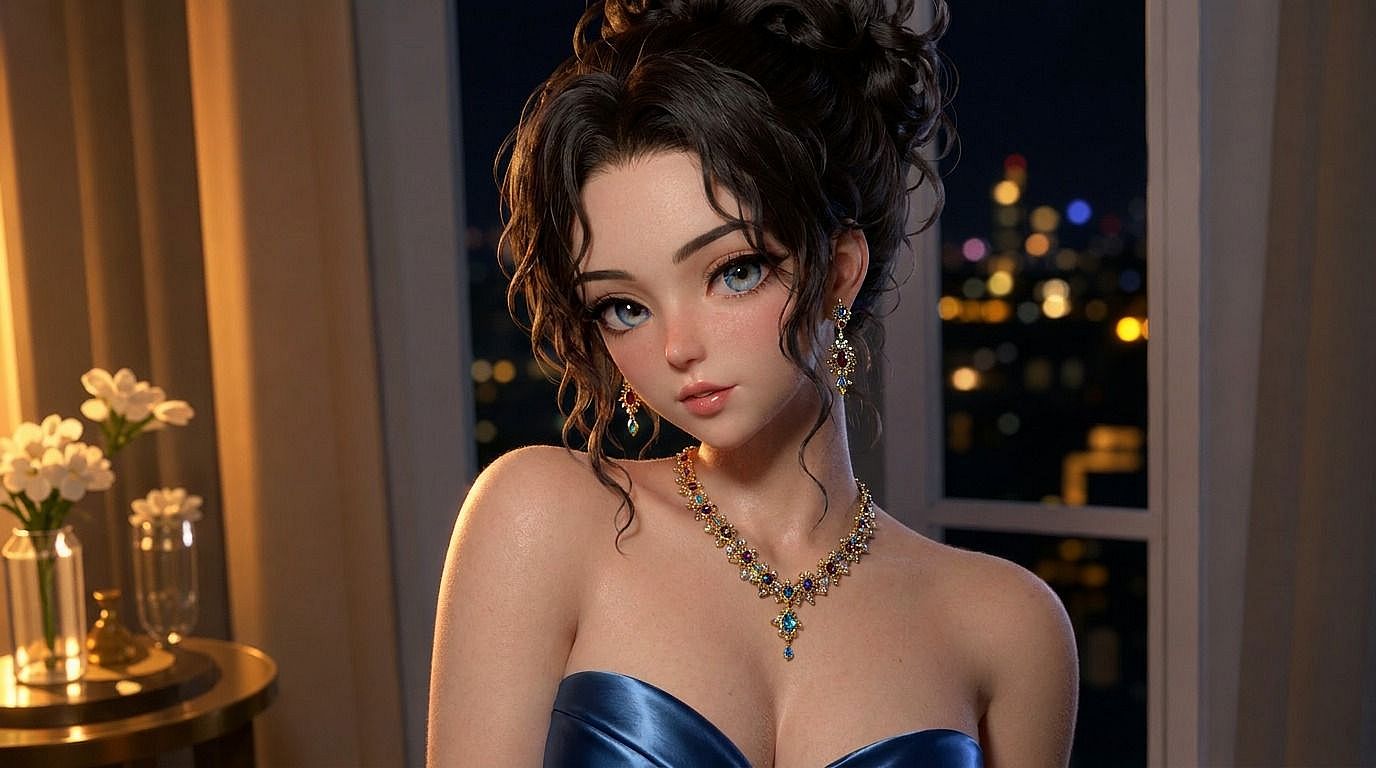
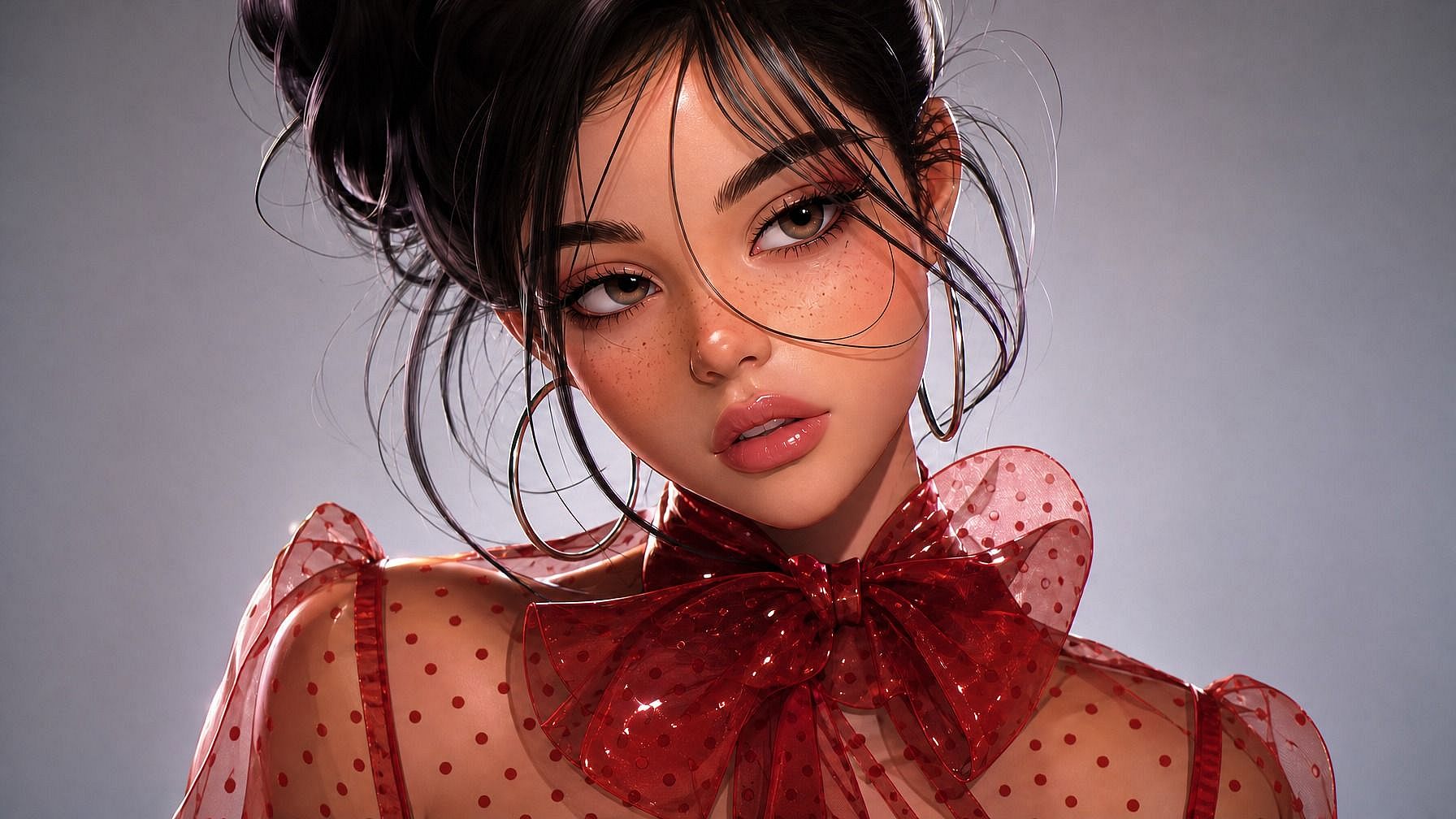
写真からピクサー風ポートレート
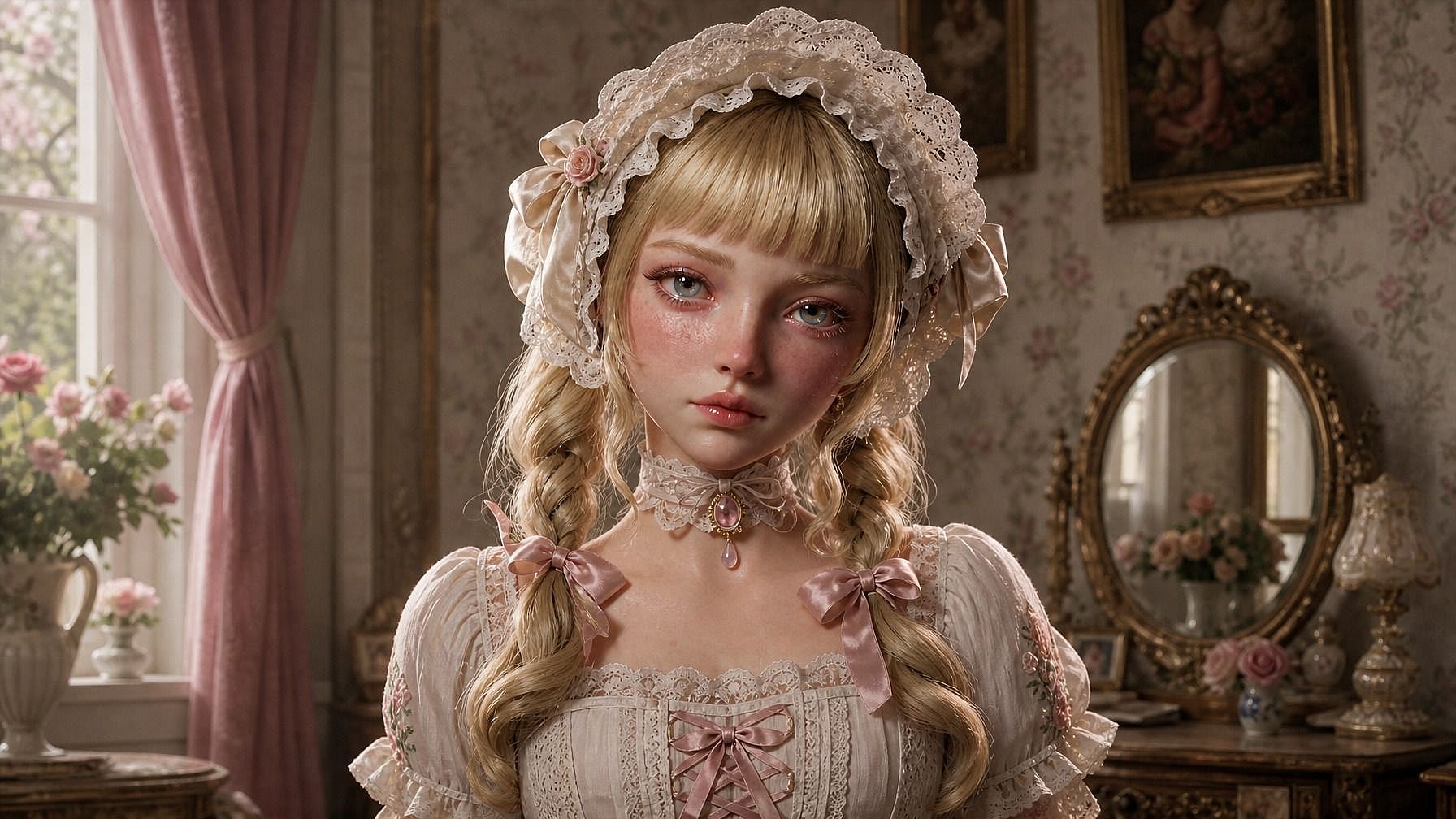
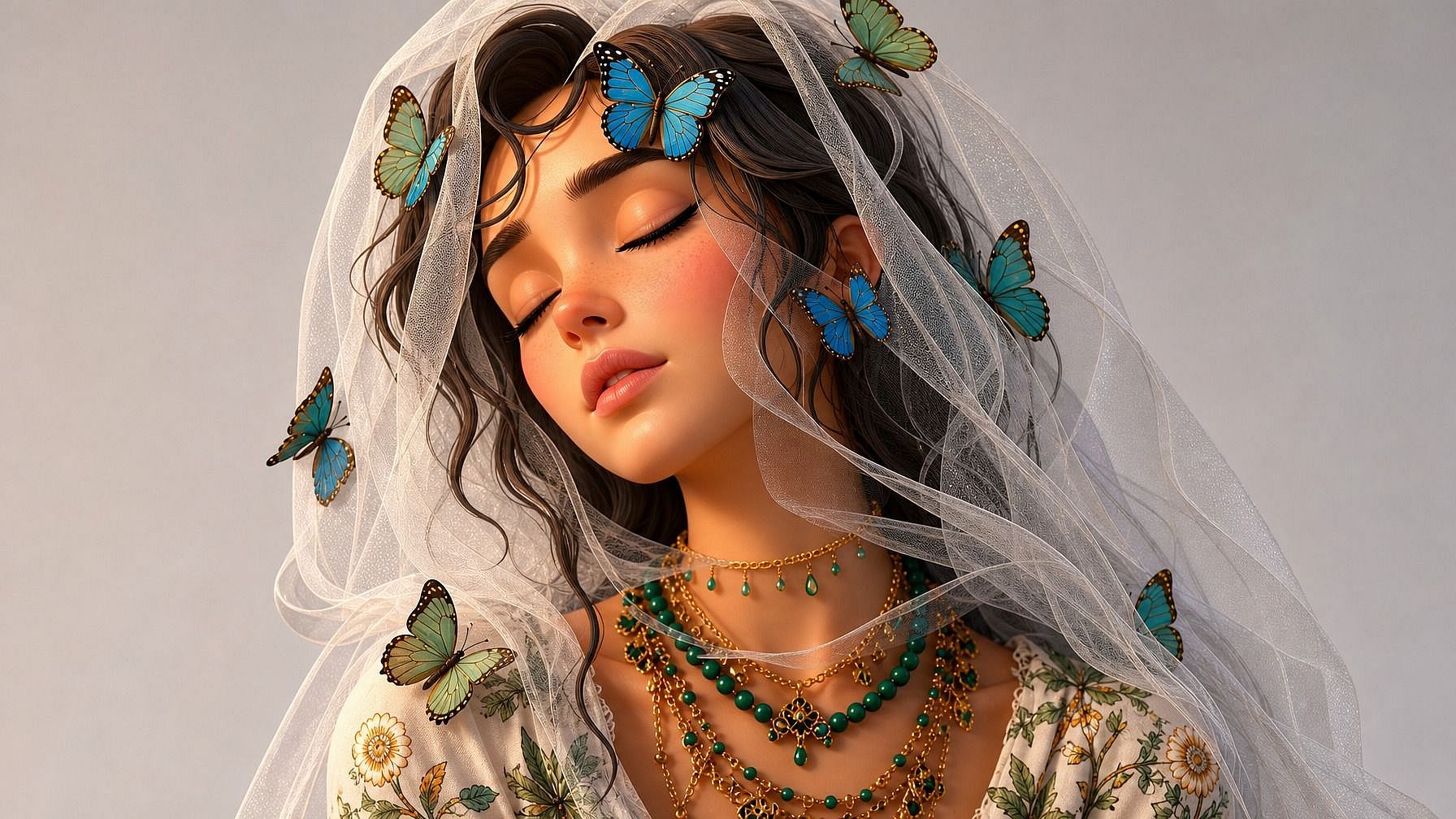
どんな写真もアップロードすれば、AIが被写体をPixar/Disney風の3Dキャラクターに再描画します。大きく表情豊かな瞳、柔らかなシェーディング、シネマティックなライティング、あのアニメ映画のような仕上がり。あなたの顔、表情、ポーズを保ちながら3Dルックへと変換します。
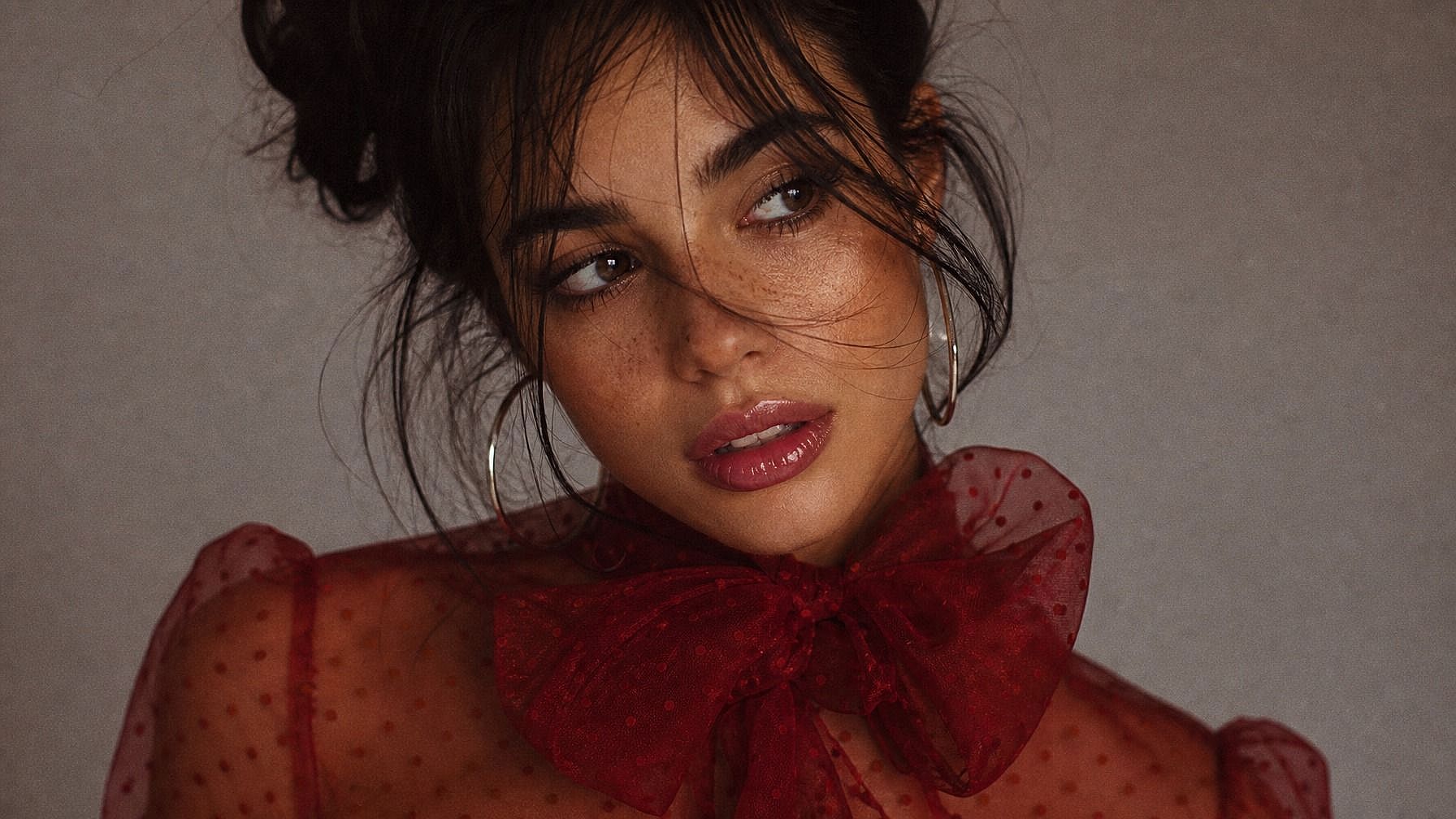
クレイアニメからCGIまで幅広いスタイル
Pixar/Disney風3D、クレイアニメ、プラスチックのフィギュア、ソフビトイ、ローポリのゲームキャラ、超リアルなCGI、彫刻された像、ミニチュアのジオラマなど。AIはあなたが指定したスタイルに合わせるので、汎用的なフィルターをかけたような仕上がりではなく、狙った世界観にぴったり収まる新しい画像が得られます。
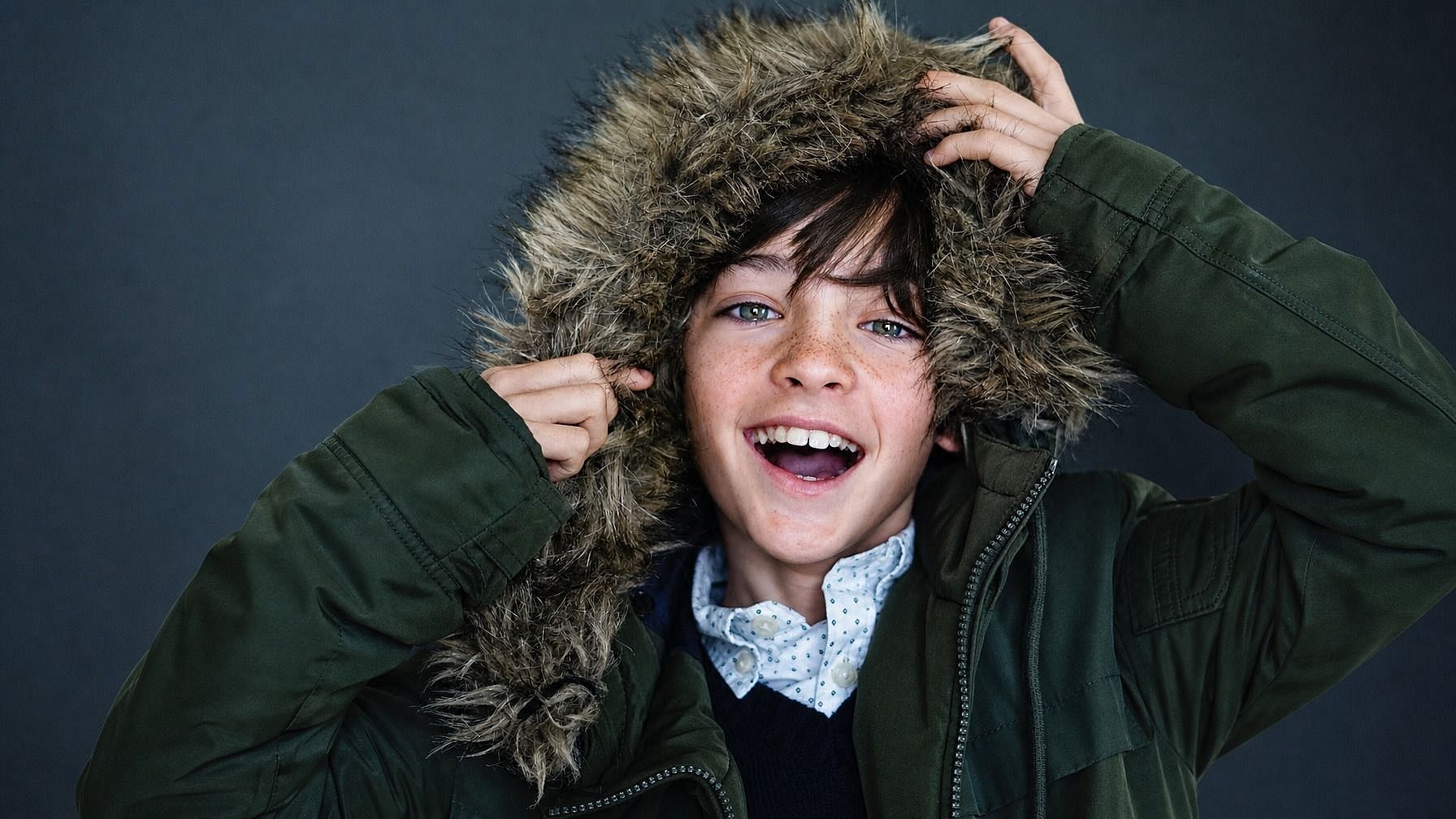
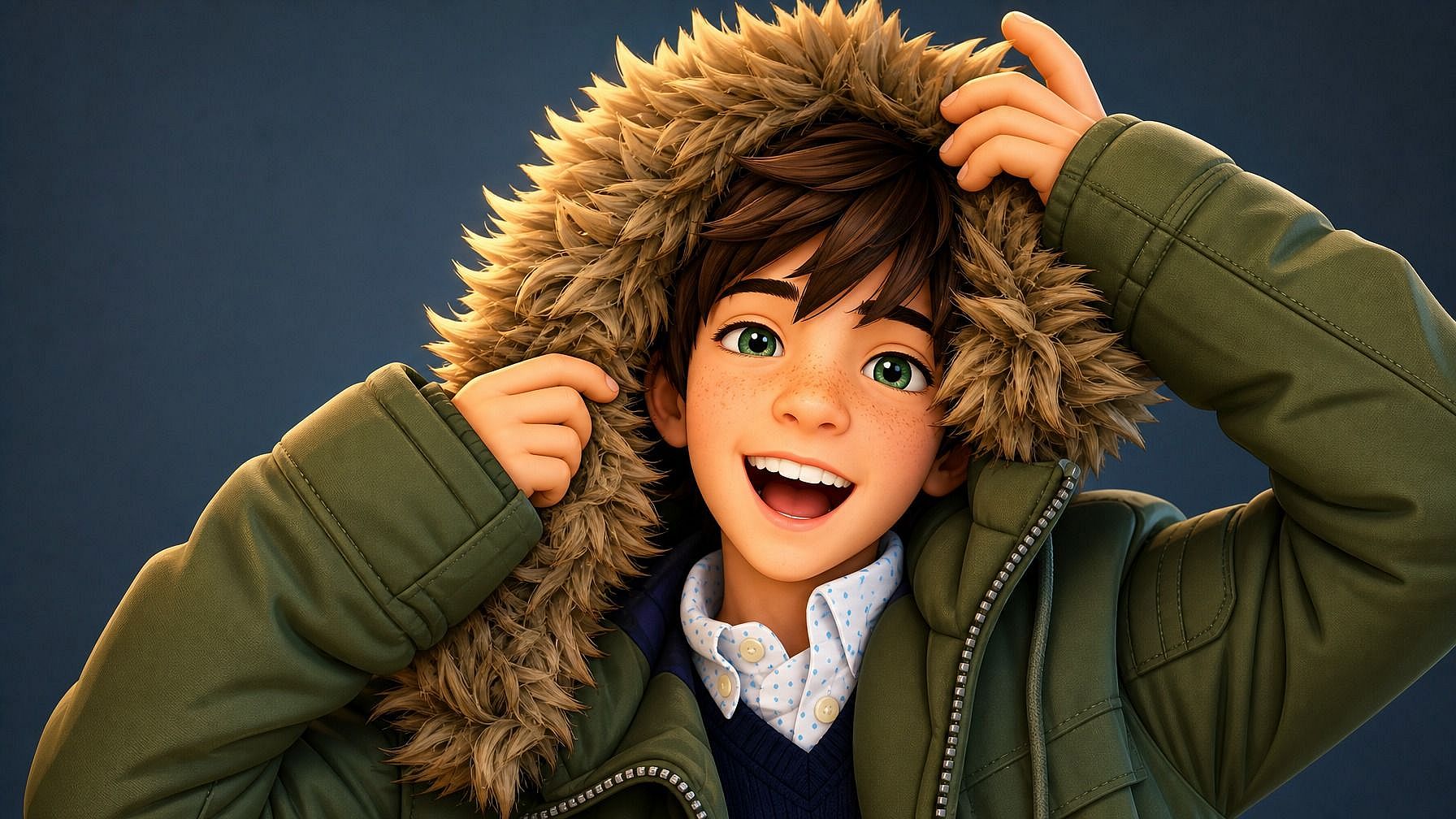
見分けやすく一貫した見た目
どんなにスタイライズしても、AI は顔を認識できる特徴——目の形、髪型、あご のライン、表情のニュアンス、そして服装やポーズといったシーンをあなたらしくするディテール——をしっかり保ちます。
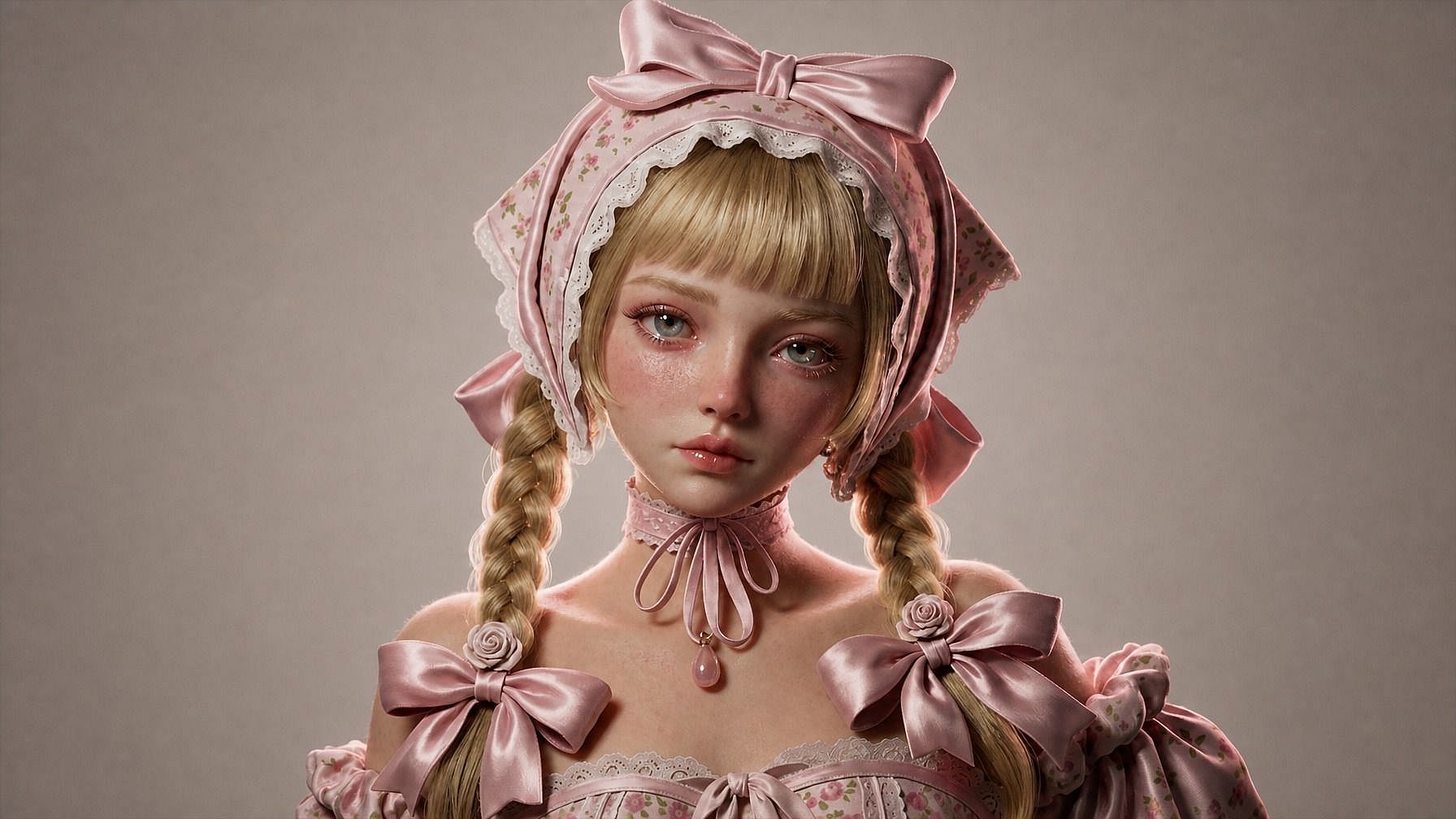
フル画像編集ワークフローに組み込み
3Dスタイルの画像を生成したら、同じ画面で調整を続けられます。背景を変えたり、衣装を差し替えたり、ライティングを微調整したり、さまざまなアングルのバリエーションを作ったり、複数の3Dスタイルを並べて比較したりできます。
Photo to 3Dの使い方
3ステップで、写真を3D風レンダリングに変換します。
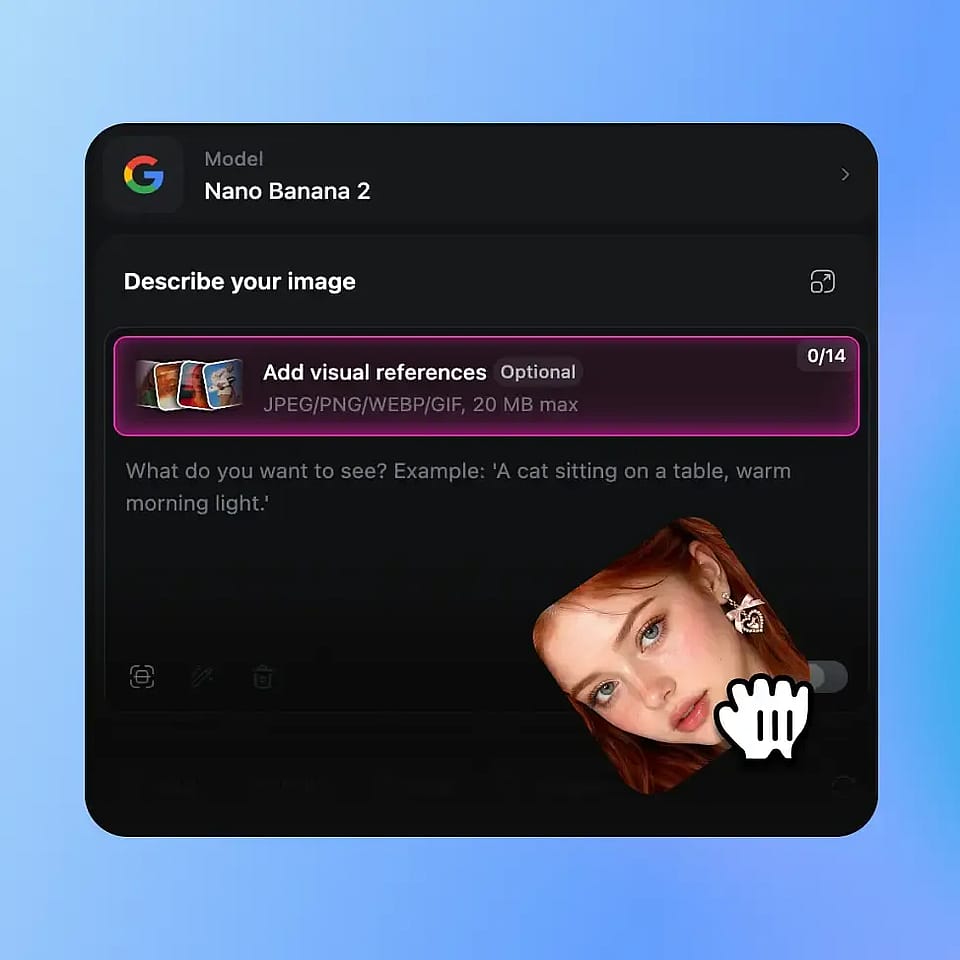
写真をアップロード
OpenArtの画像ツールを開き、被写体がはっきり写った写真をアップロードします。顔や主な被写体がはっきり見える明るい写真がベストですが、全身、横顔、集合写真、ペットの写真もAIがしっかり対応します。
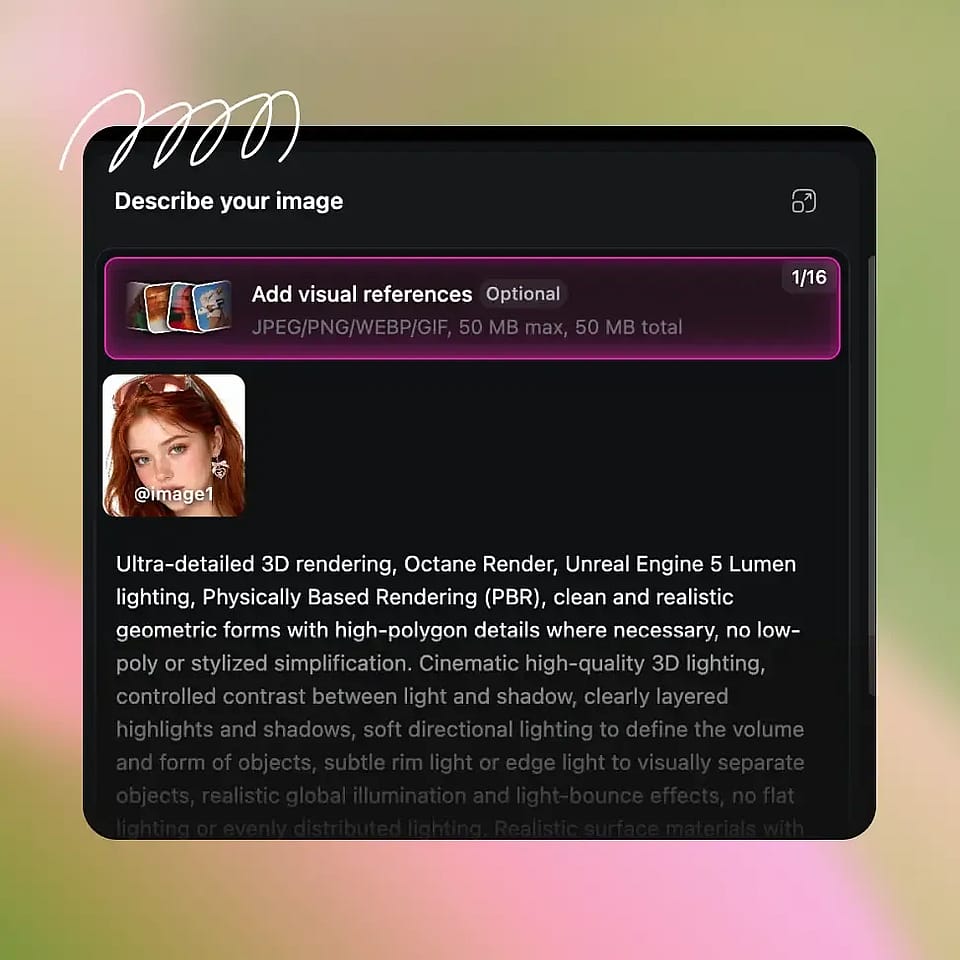
3Dスタイルを記述する
欲しい3Dの見た目を入力しましょう——「Pixar風の3Dポートレート」「Disney風の3Dアニメキャラクター」「クレイアニメの人形」「ビニールトイ版の私」「ローポリのゲームキャラクター」「超リアルなCGIクローズアップ」。具体的でも大まかでも、好きなように書けます。
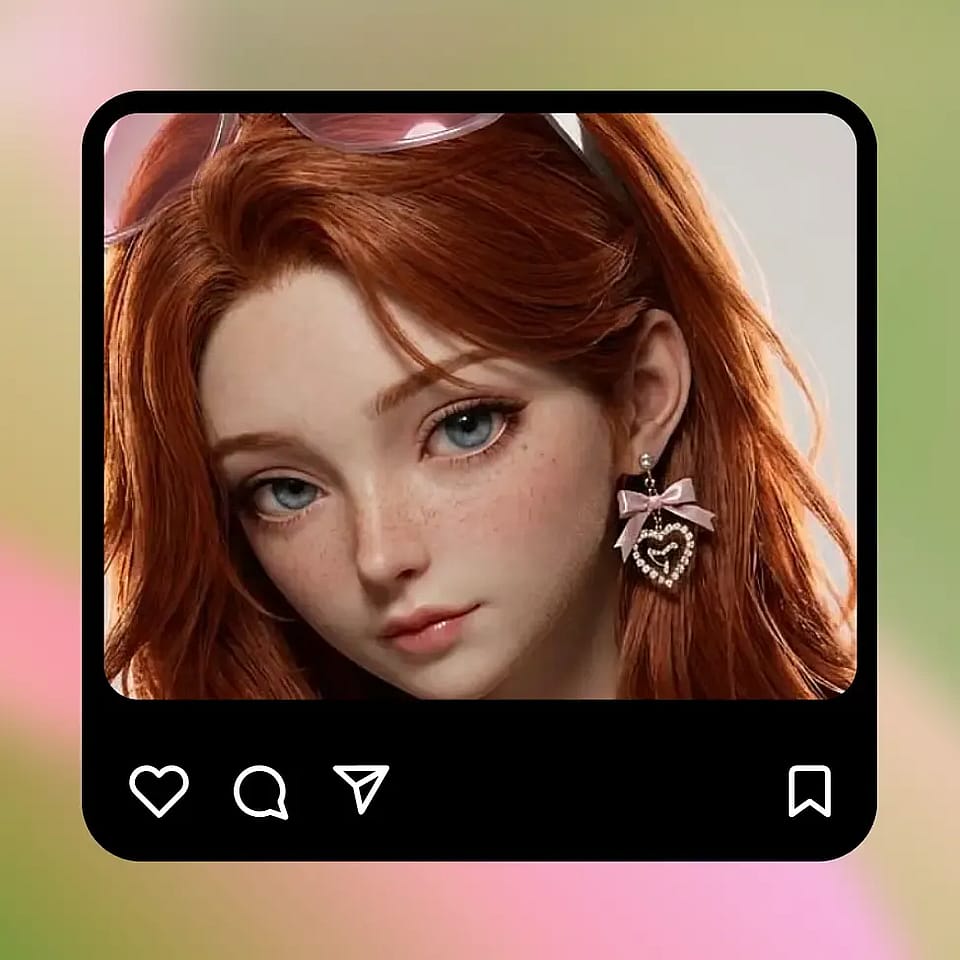
生成と調整
実行してレンダリングをプレビューし、必要なら調整しましょう。別の3Dスタイルを試したり、ライティングを変えたり、背景を変えたり、しっくりくる1枚に出会えるまで複数のバリエーションを生成できます。
あらゆる画像で洗練された3D表現を実現
写真を、投稿・シェア・印刷にそのまま使える3Dスタイルのレンダーに変えましょう。
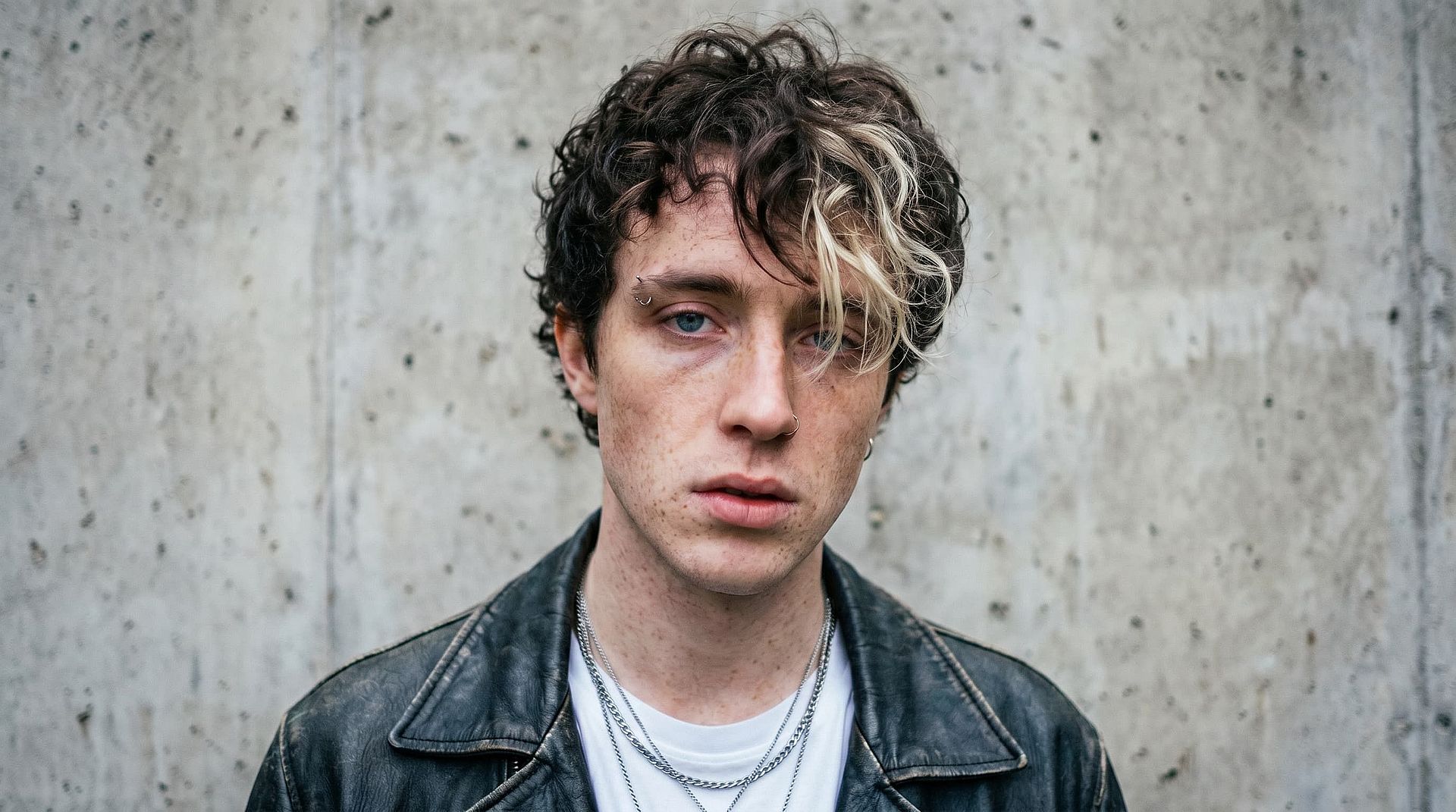
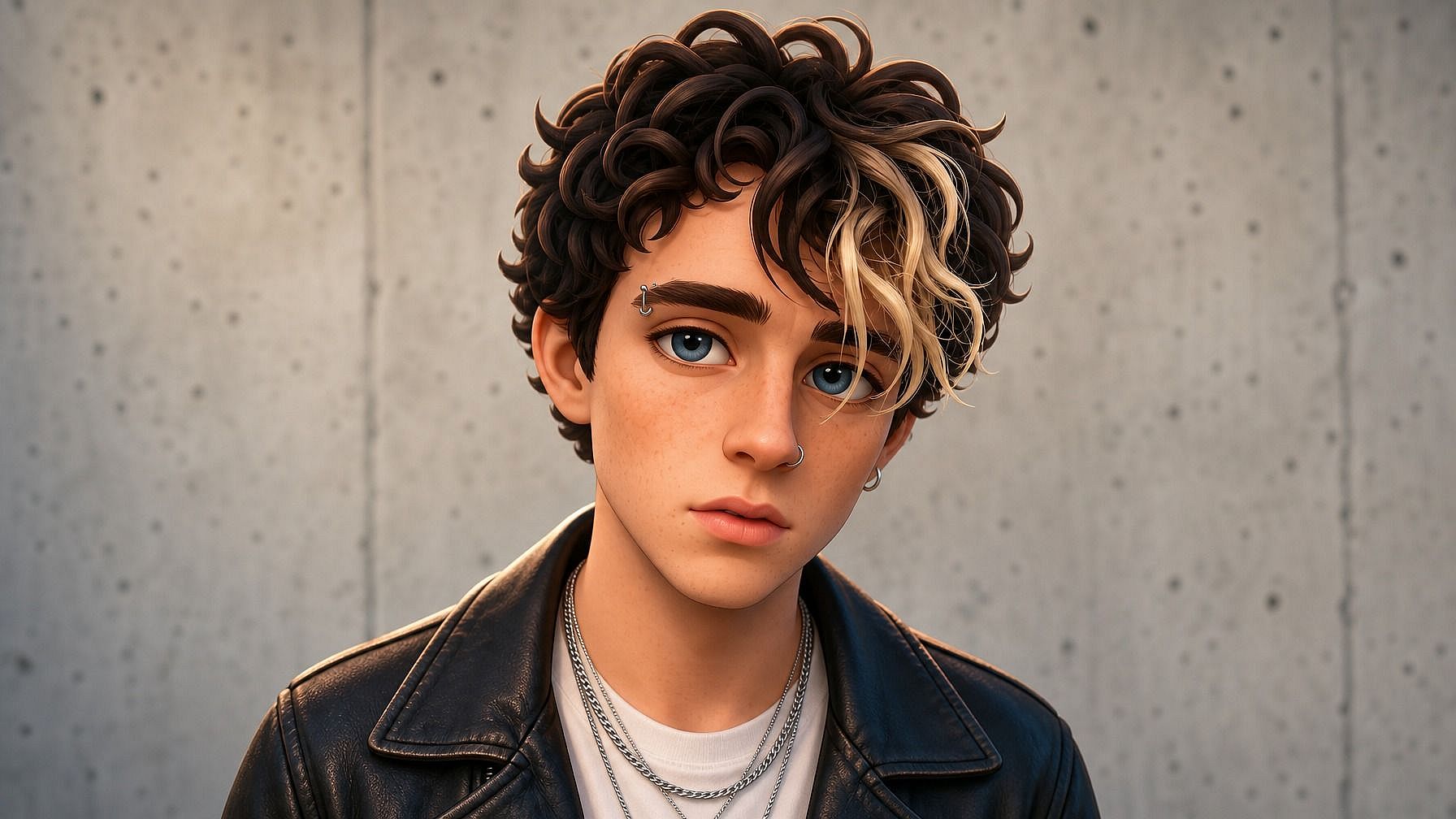
プロフィール画像とSNS投稿
Pixar 風の 3D ポートレートを Instagram、X、Discord、LinkedIn のプロフィール写真に使ったり、単体のコンテンツとして投稿したり。ひと目でわかる印象的なルックで SNS でも映え、それでいてちゃんとあなたらしく見えます。
今すぐ試す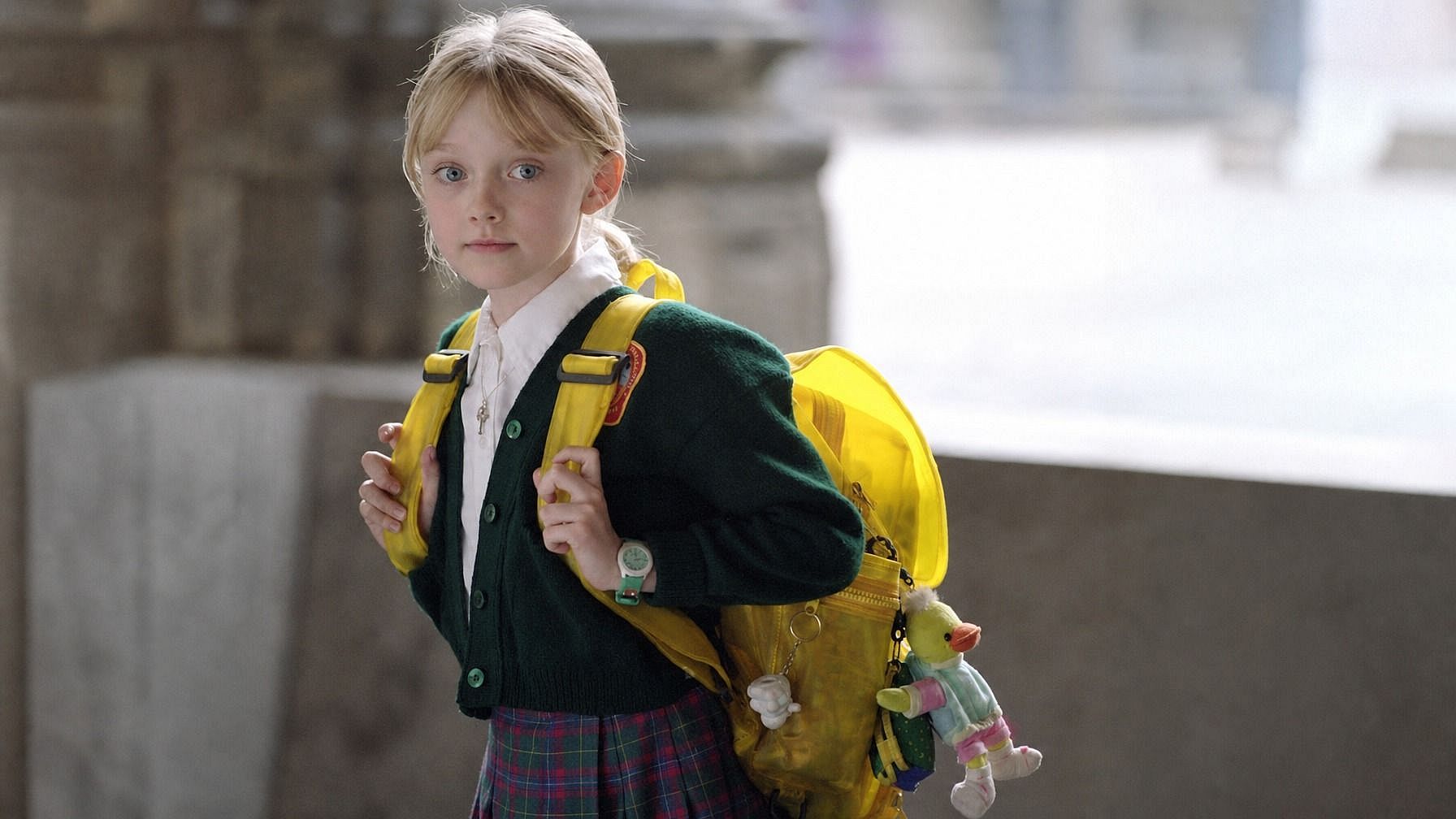
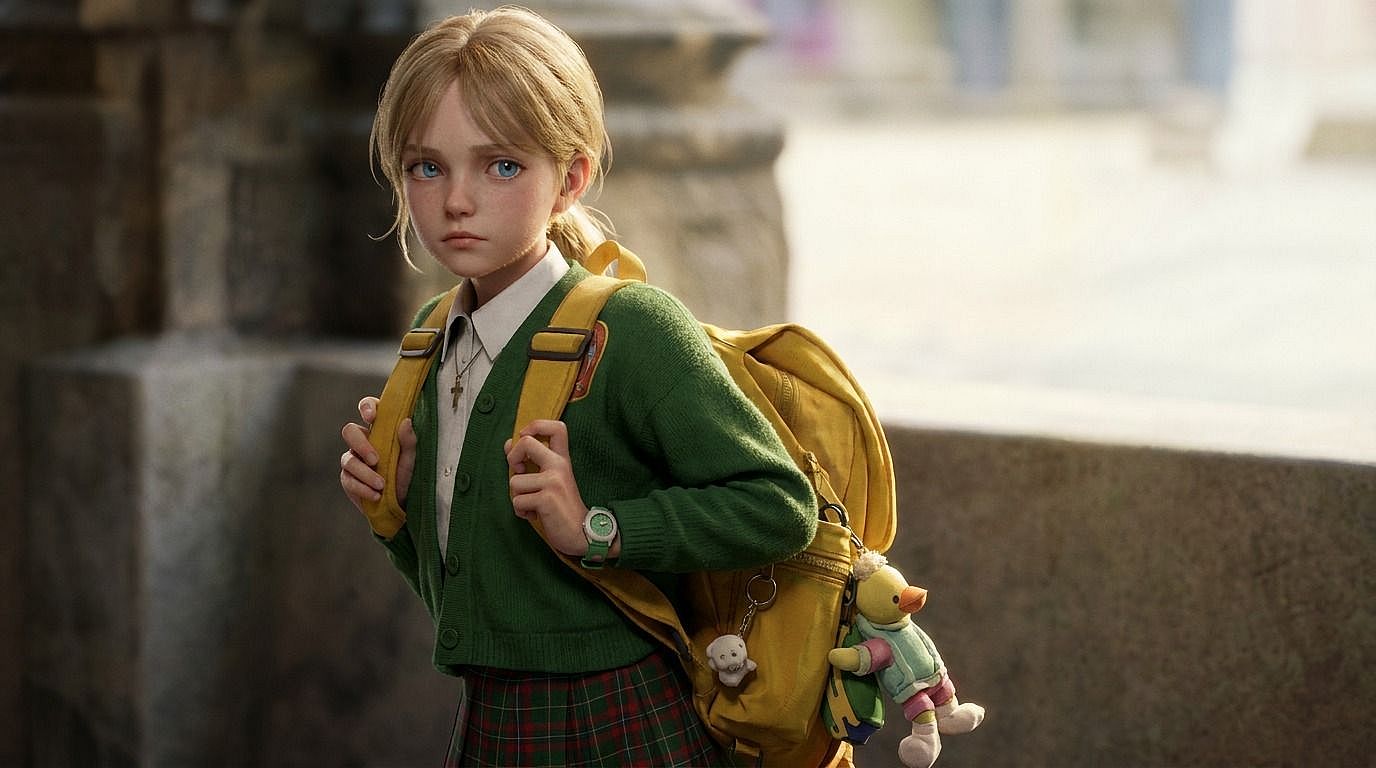
パーソナライズされたギフトと記念品
パートナー、親、子ども、ペットの写真を3Dスタイルの画像に変えましょう。ピクサー風ポートレート、クレイアニメのフィギュア、ビニールトイ版など好きなスタイルを選び、プリント、マグカップ、Tシャツ、カードに使えます。
今すぐ試す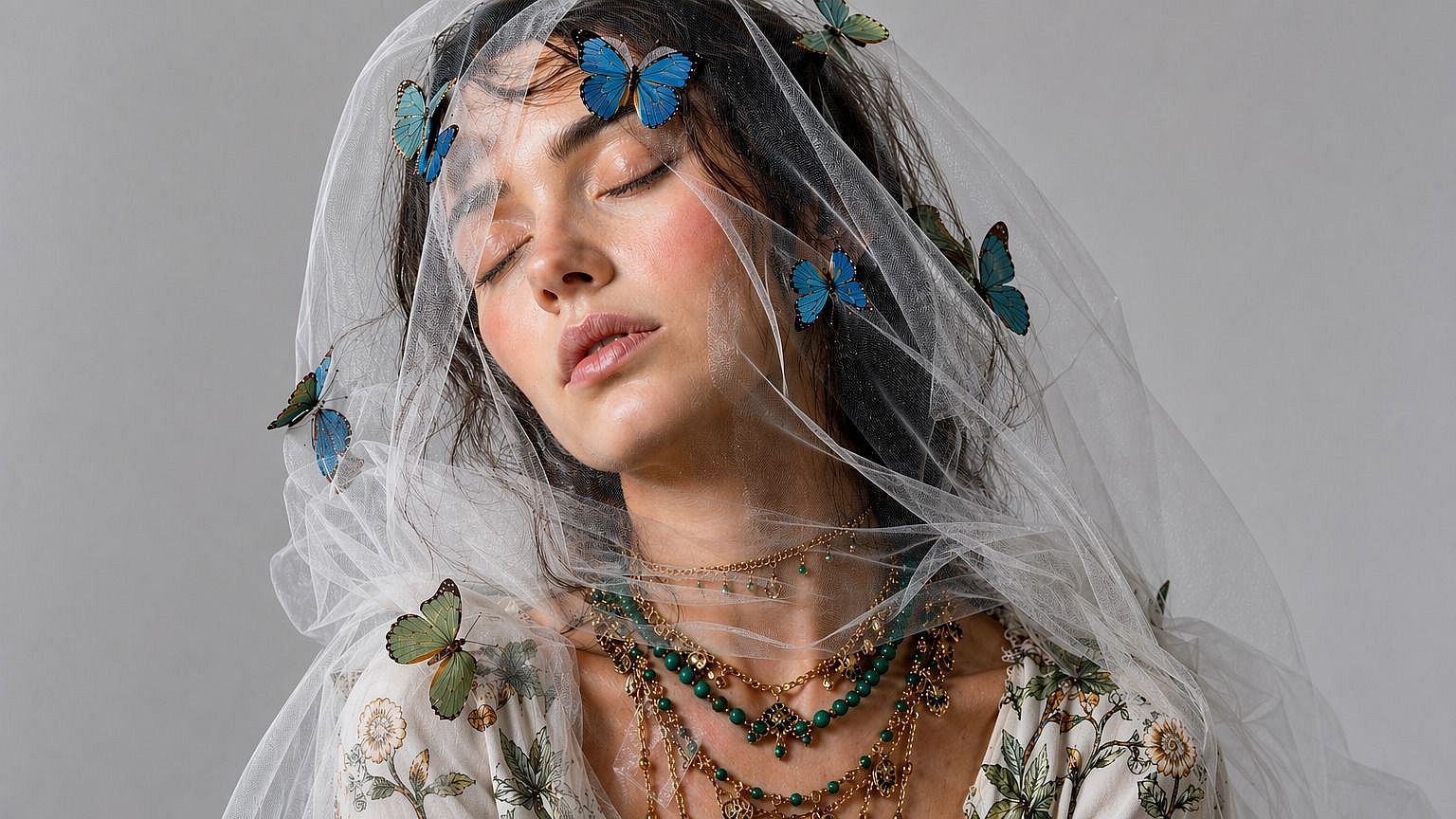
コンテンツクリエイターとサムネイル
YouTubeのサムネ、ポッドキャストのカバー、TikTokコンテンツ、配信オーバーレイ用に、自分の3Dスタイル版を生成できます。洗練されたCGIルックは通常の写真ばかりのフィードで目を引き、統一感のある3D版の自分を作って、あらゆるコンテンツで使い回せます。
今すぐ試す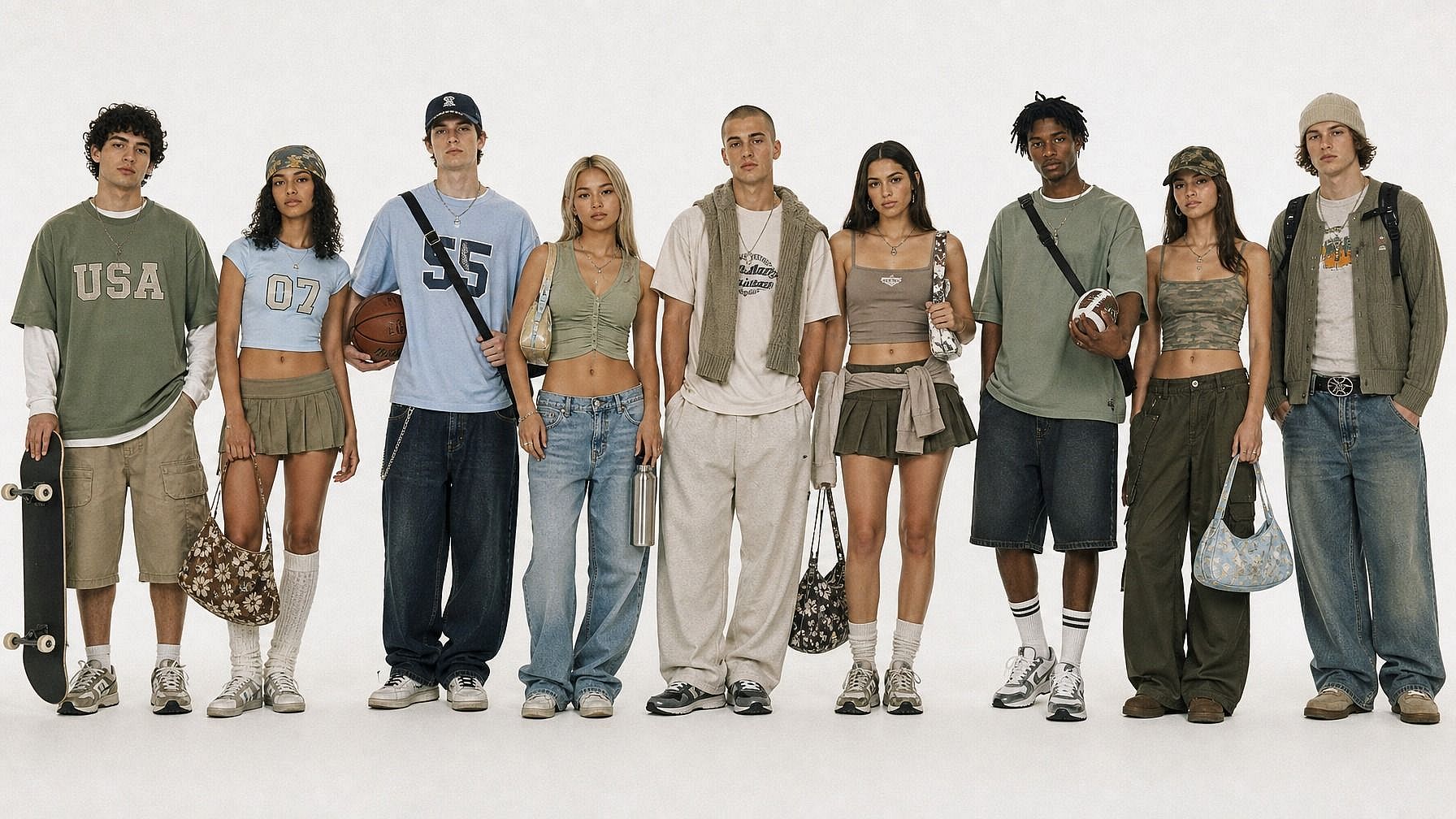
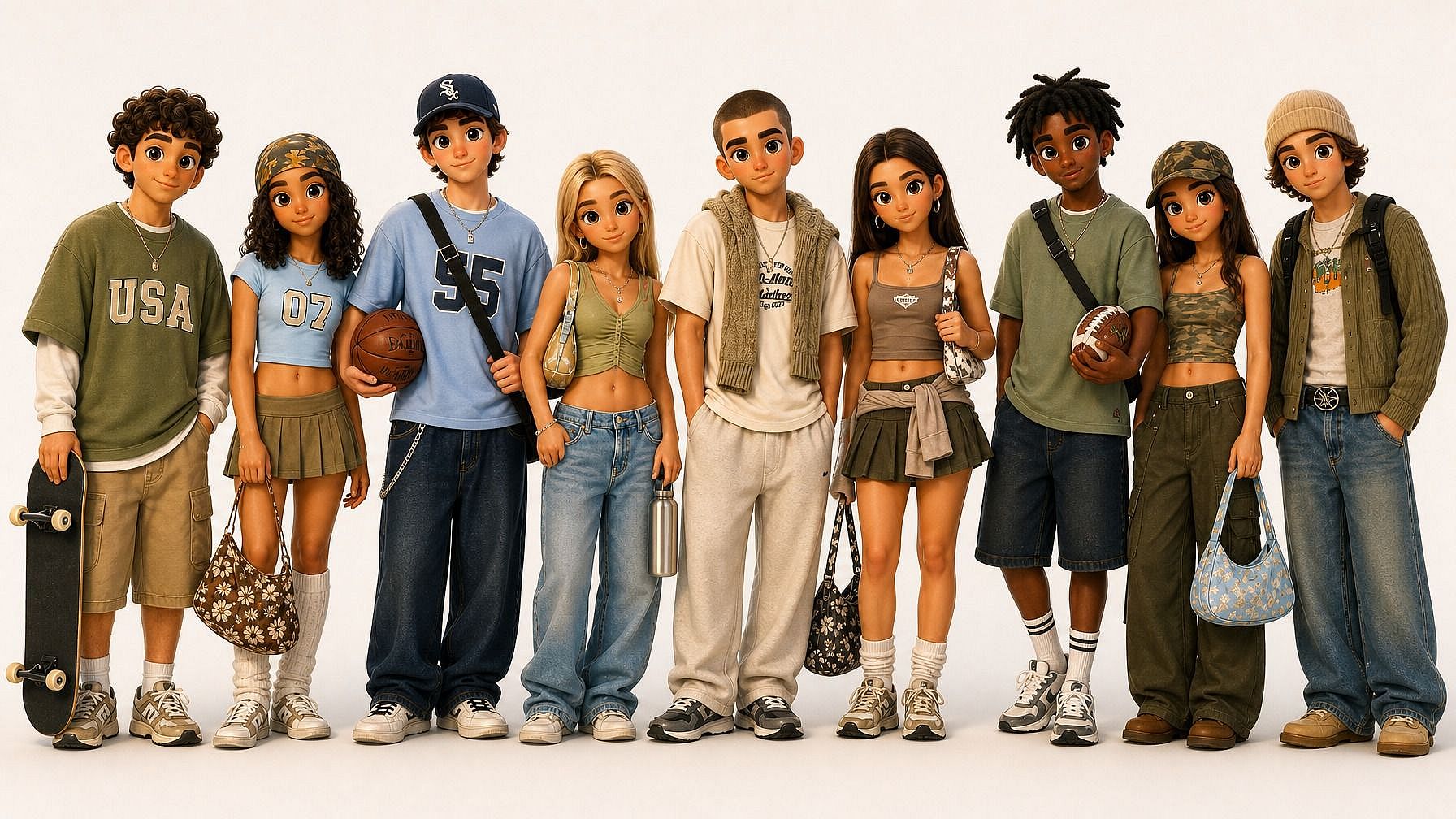
マーケティング・ブランディング・キャンペーン
商品写真、チーム写真、マスコットの参照画像を、マーケティンググラフィック、広告クリエイティブ、ブランドのSNS投稿向けの3Dスタイル画像に変えましょう。CGIルックを手早く実現できます。ピクサーのような磨き上げられた質感、クレイアニメの魅力、フィギュアのような可愛らしさも思いのままに。
今すぐ試すよくある質問 よくある質問
あなたの写真を3Dスタイルで再レンダリングするAIツールです。ピクサー/ディズニー風3D、クレイアニメ、ビニールトイ、CGIなど多彩なスタイルに対応。画像をアップロードして3Dスタイルを指定すれば、AIが被写体を洗練された3D風レンダリングに仕上げます。出力されるのはスタイライズされた画像であり、3Dモデルファイルではありません。
はい、それが狙いです。AIは顔を認識できる特徴(顔の形、髪、表情)を保ちながら、選んだ3Dスタイルに変換します。だからPixar風にレンダリングしても、ちゃんとあなたに見えつつ、3Dで表現されるのです。
はい。友人、家族、ペット、集合写真、さらには物まで、どんな被写体にも対応します。写真をアップロードしてスタイルを選ぶと、AIがシーン全体を3Dでレンダリング。集合写真なら、フレーム内のすべての被写体に同じ3D処理が施されます。
Photo to Avatarはスタイルが自由自在です——アニメ、3D、イラスト、レトロなピクセル、ファンタジー。一方Photo to 3Dは、洗練された3D/CGI/アニメ映画のルック(Pixar、Disney、クレイアニメ、フィギュア)に特化しています。「アニメ映画の一場面」のような仕上がりを求めるなら、こちらがより的を絞ったツールです。
商用利用はPlus以上のOpenArtプランに含まれています。広告、商品、ブランドコンテンツ、その他収益化するものにレンダリング結果を使うなら、Plus、Pro、Wonderの各プランで対応できます。
いいえ。これは3Dモデリングツールではなく、3D風のフィルターです。得られるのは3Dスタイルでレンダリングされた完成済みの2D画像(「アニメ映画のワンシーン」のようなイメージ)で、メッシュやOBJ、FBXのように回転させたり3Dソフトに読み込んだりできるものではありません。洗練された3D風の画像が欲しいなら最適です。印刷やアニメーション、ゲーム用の実際の3Dアセットが必要なら、専用の3Dツールを使いましょう。
説明できるものなら、ほぼどんな3Dルックでも。Pixar/Disney風3D、クレイアニメ、プラスチックフィギュア、ソフビ、ローポリのゲームキャラ、超リアルなCG、彫刻の像、ミニチュアジオラマ、ゲームのシネマティックなど。プロンプトでスタイルを説明すれば、AIがあなたの写真をそれに合わせます。
もちろんです。生成してダウンロードすれば、あとは他の画像と同じように扱えます。通常の写真を使う場所ならどこにでもアップロードできます。PNG出力なので、どのプラットフォームでもきれいに表示されます。
JPEG、PNG、WEBPすべて対応。スマホ、パソコン、任意のクラウドドライブからアップロードできます。
被写体がはっきり見える、明るく鮮明な写真から始めましょう。リファレンススタイル(「ピクサー風3D」「粘土アニメのフィギュア」「ビニールトイ」「ディズニー風3Dポートレート」など)を指定すると、AIが素早く方向性をつかみやすくなります。最初の結果がいまいちなら、プロンプトを調整したり、ライティングの指示を変えたり、別の3Dスタイルを試してみましょう。同じ写真でも、粘土アニメとピクサー風では仕上がりが大きく変わることもあります。