

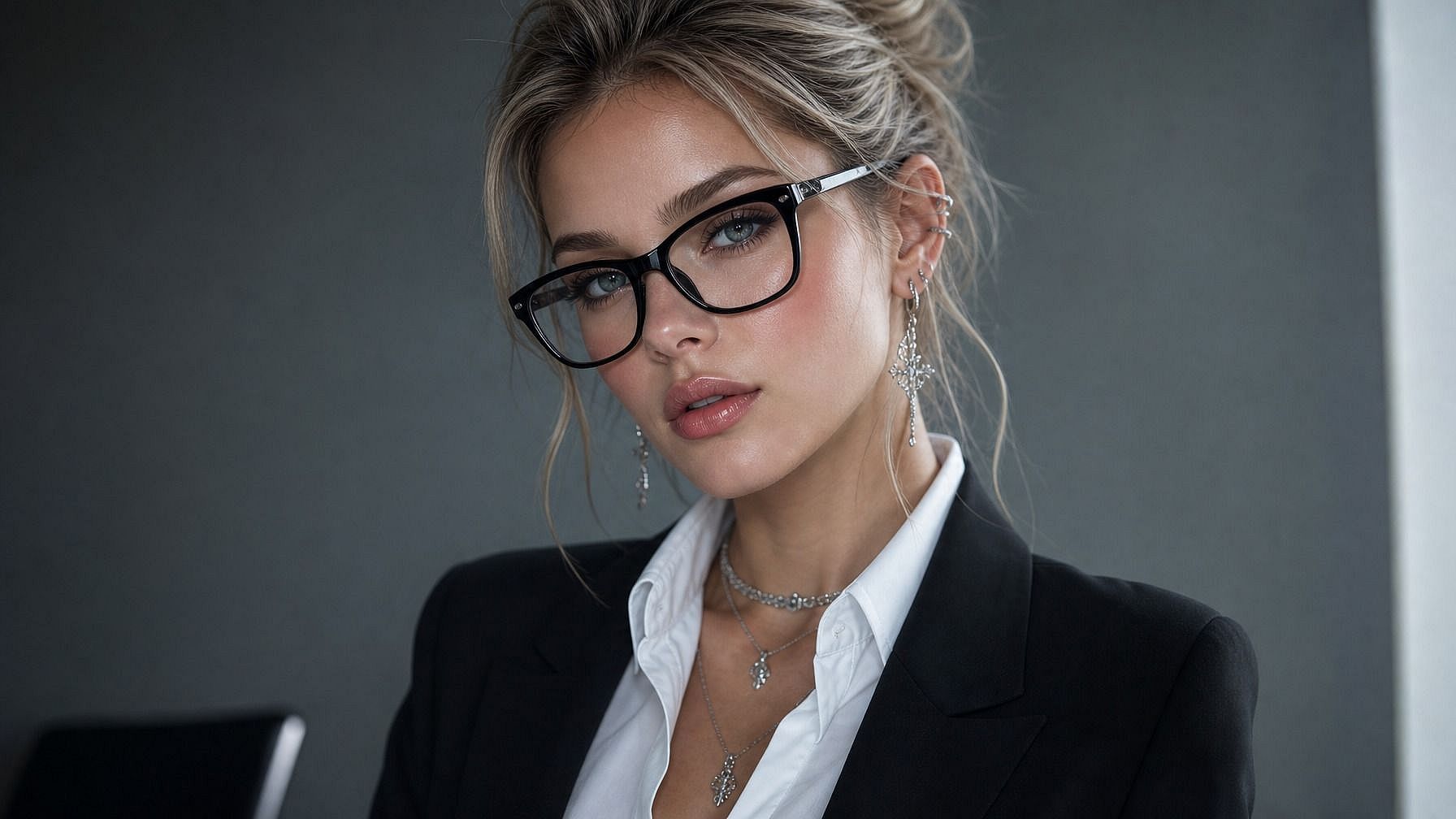
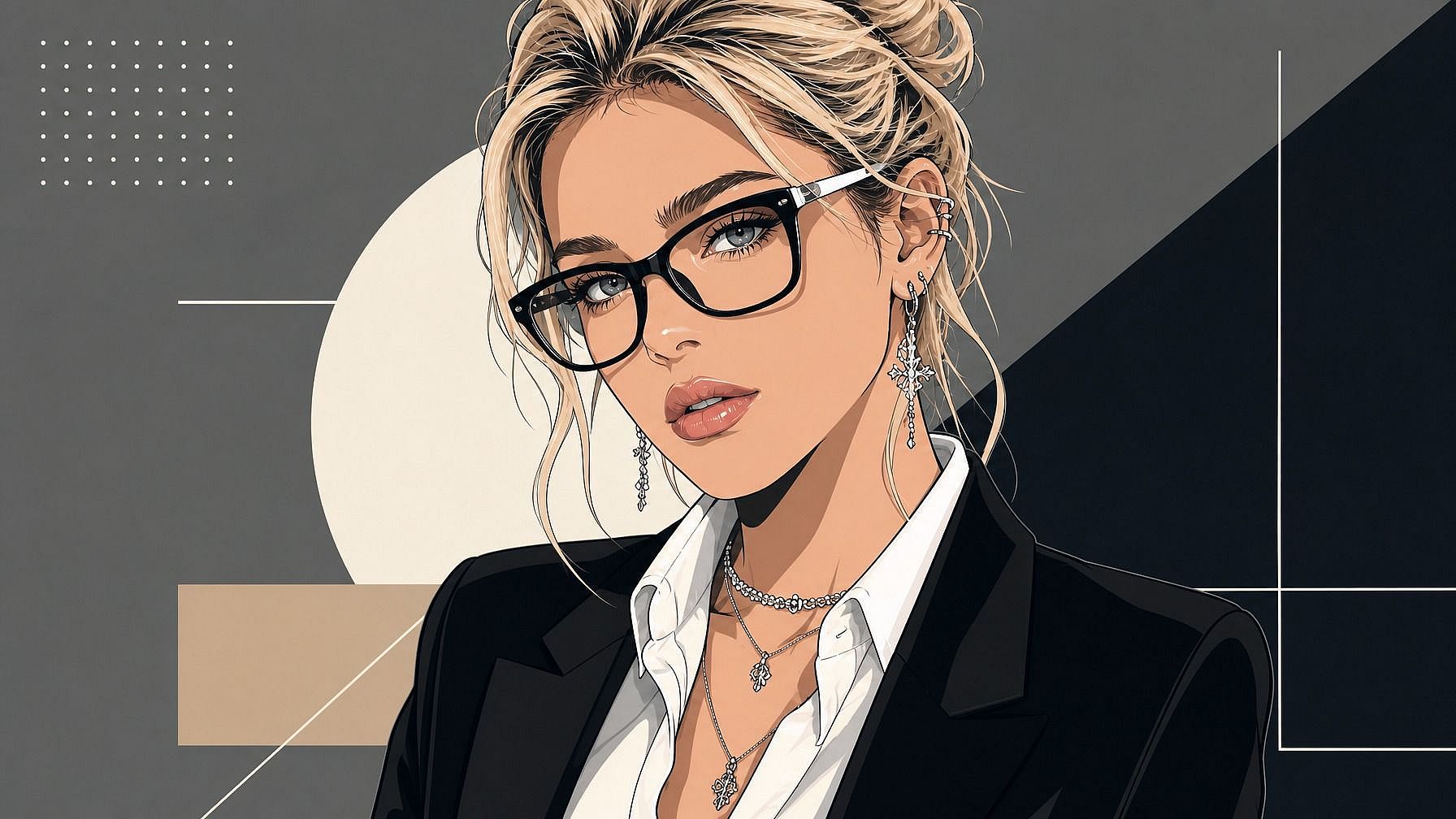
写真からアバター
本当に自分に似たスタイライズされたアバターが欲しいですか?あなたの写真をOpenArtのphoto to avatarツールにアップロードすれば、数秒で自分専用バージョンが完成します。アニメ、3D、イラスト、レトロ、ファンタジー、洗練されたヘッドショットなど、思いのまま。プロフィール写真、ゲームキャラ、仕事アプリのアイコン、オンラインで登場するあらゆる場所で使えます。
 画像を追加 またはここにドラッグ&ドロップ · JPEG、PNG、WEBP、HEICJPEG、PNG、WEBP、HEIC
 写真からアバターにするメリット



どんな写真からもカスタムアバターを作成
自分の顔をアップロードするだけで、瞬時にスタイライズされたアバターが手に入ります。セルフィー、証明写真、全身写真はもちろん、ペットの写真でも使えるので、愛犬のアバターも作れます。



お好みのスタイルを選択
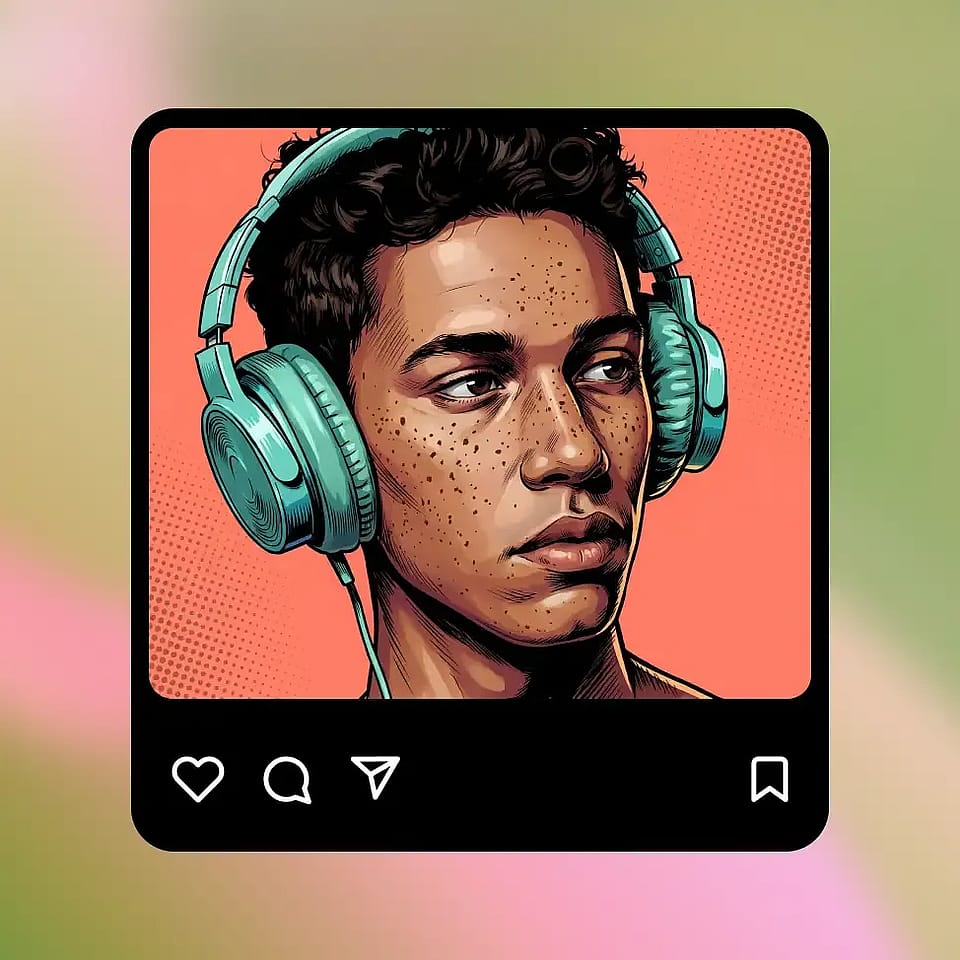
アニメ、3Dレンダリング、イラスト、レトロなピクセル、ファンタジーヒーロー、洗練されたヘッドショット、コミックブック。求める見た目を伝えれば、AIがあなたの写真をそのスタイルに合わせます。

見分けがつく仕上がり
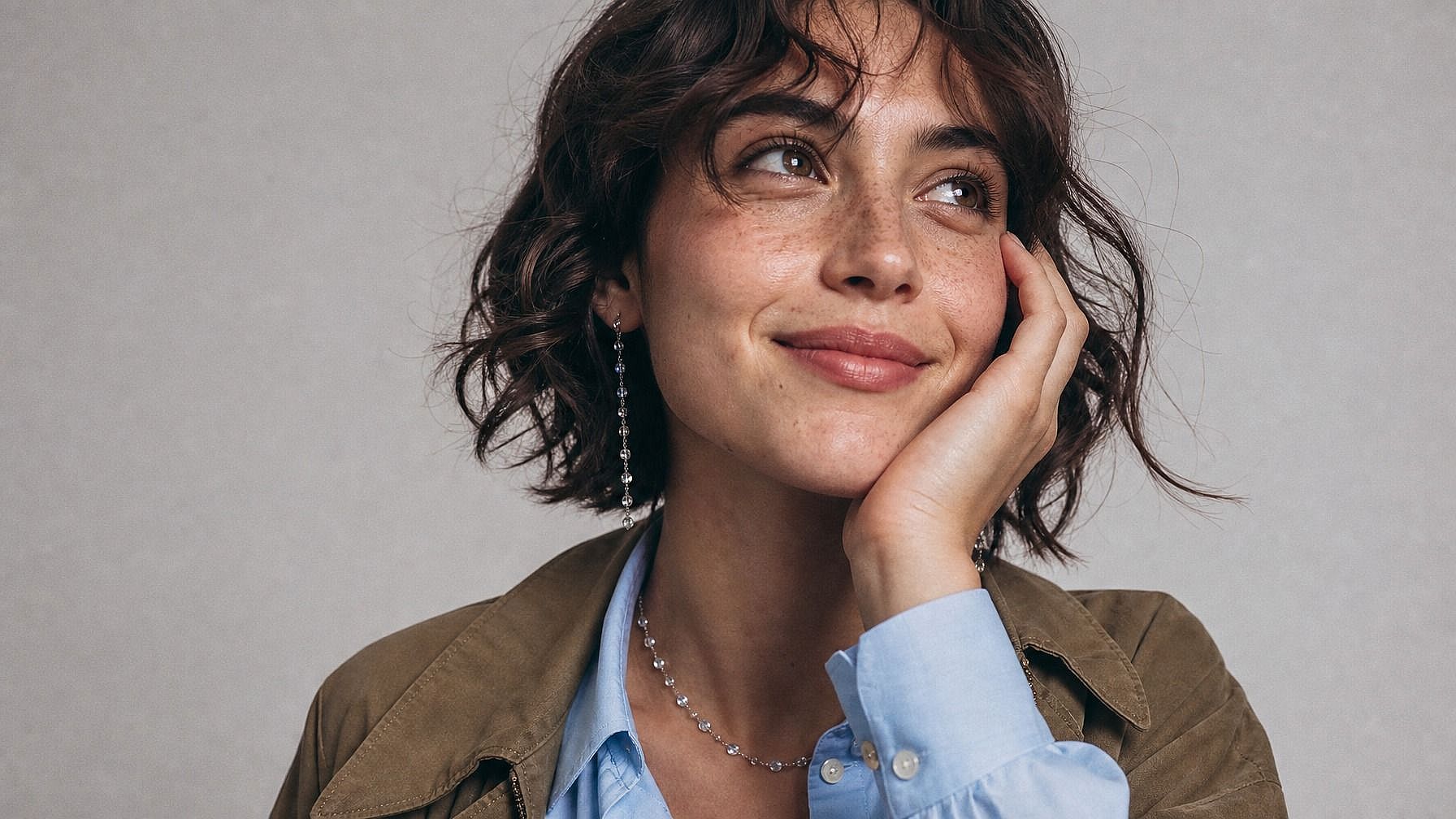
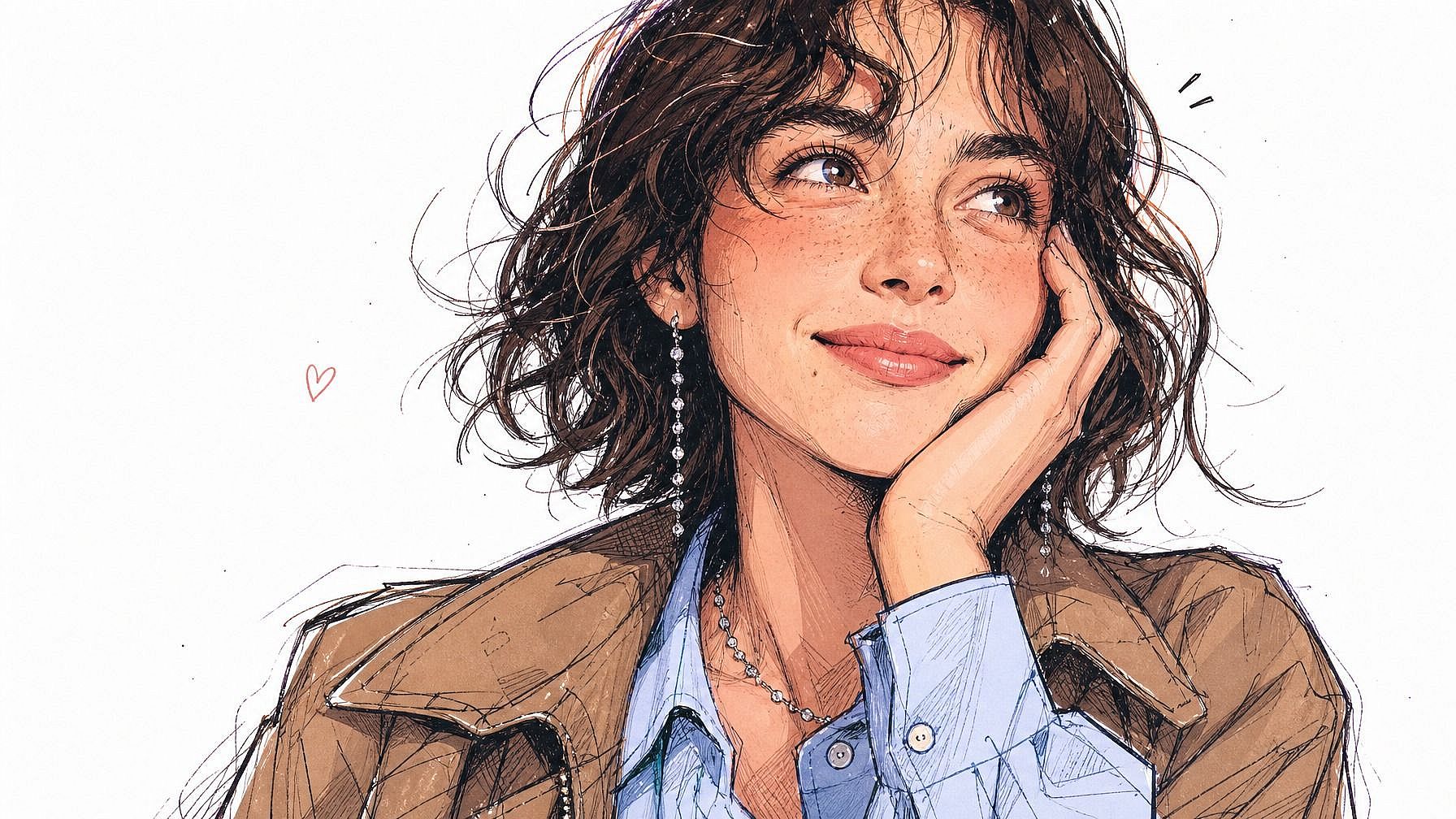
スタイル化しても、AIはあなたらしさを保ちます。顔の形、髪、表情のニュアンスまで、すべてそのままです。
コミュニティの作品
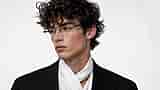
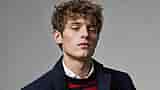
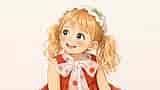
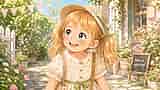
みんながアバターに変えているものをチェック。アニメ調のプロフィール画像から、3Dキャラクターアバター、洗練されたイラストのヘッドショット、ファンタジーの英雄まで、1枚の写真がどのようにまったく新しいオンライン上のアイデンティティになるのかを探ってみましょう。

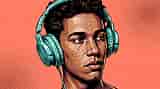
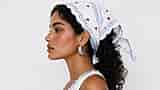
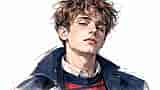
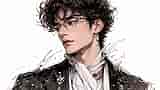
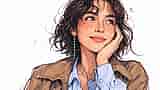
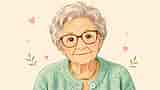
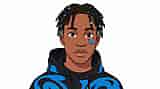
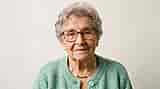
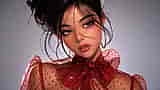

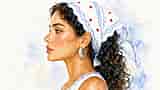
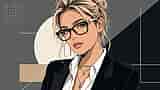
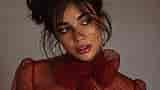
写真からアバターへの主な機能
OpenArt の AI 画像エディターは、GPT Image 2.0、Nano Banana Pro、Recraft V4 などの先進モデルを使い、写真を表情豊かで見分けのつくスタイライズされたアバターに変換します。だからあなたのアバターは、なんとなく人間っぽいだけの他人顔ではなく、ちゃんとあなたに似た仕上がりになります。
写真からパーソナルアバターを
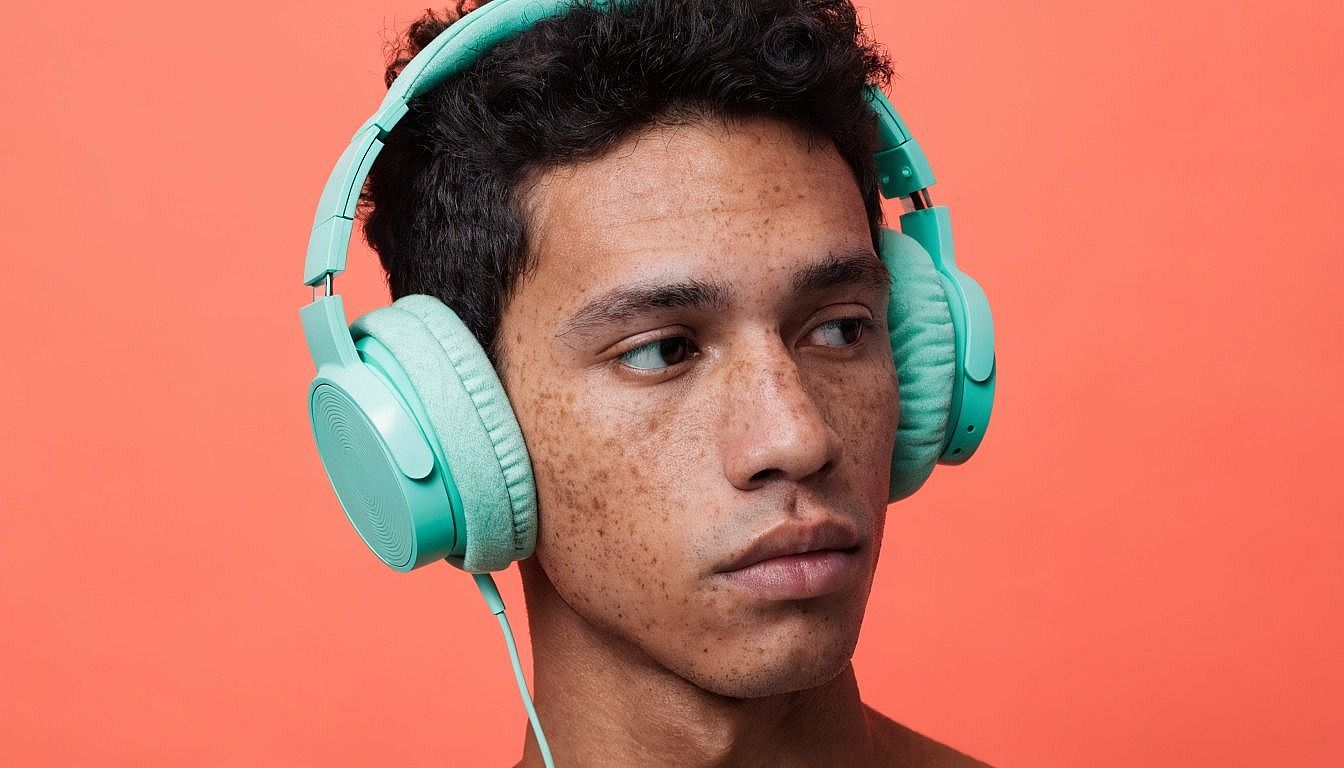
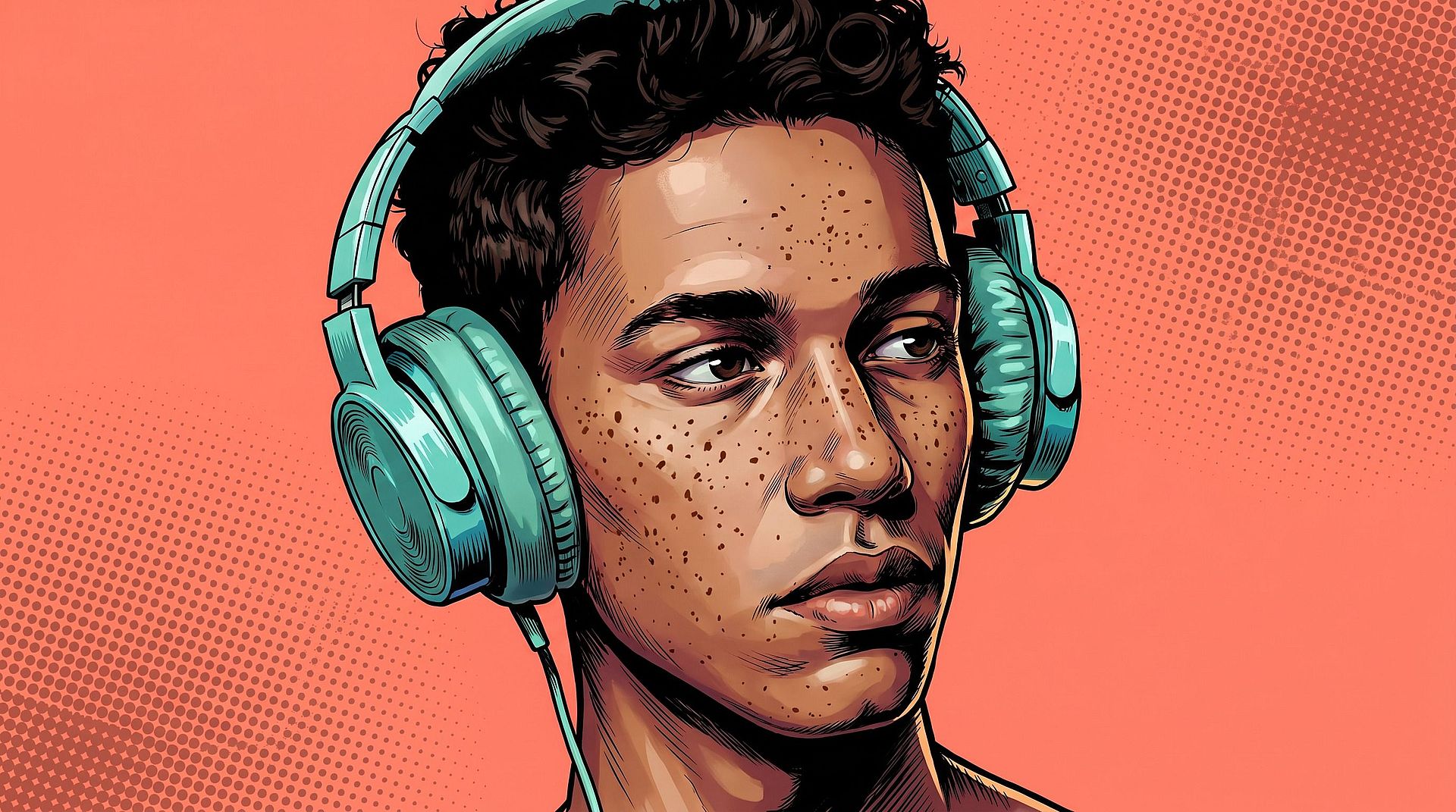
どんな写真でもアップロードすれば、AIがあなたの顔、表情、全体の雰囲気を捉えたアバターを生成します。単なるお手軽フィルターではありません。システムはあなたの特徴を選んだスタイルで作り直し、あなただと分かるディテールを残しながら、デザインされたアバターの見た目をまとわせます。だからひと目であなただと分かる、ただしっかりと描き直されたあなたなのです。
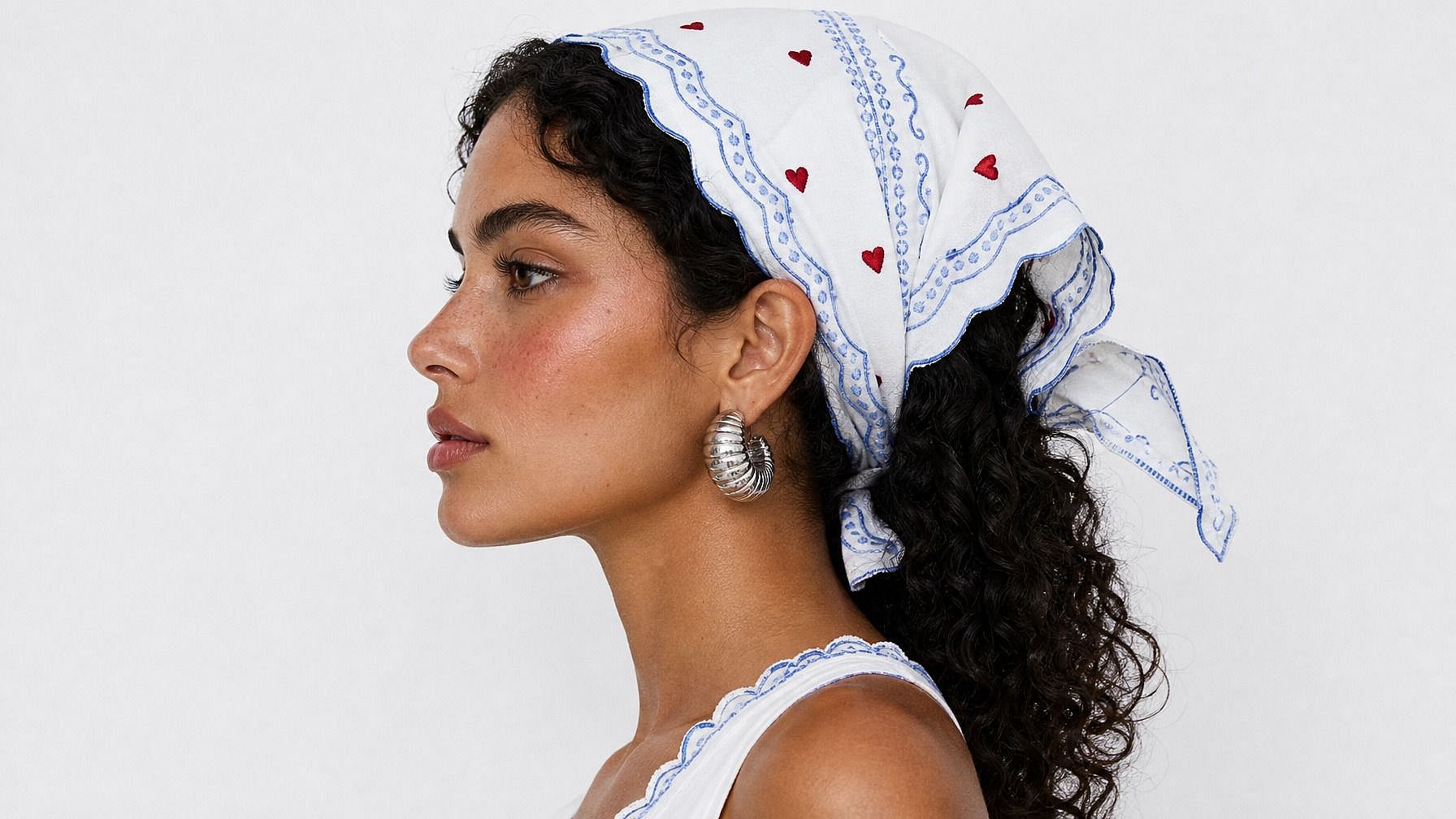
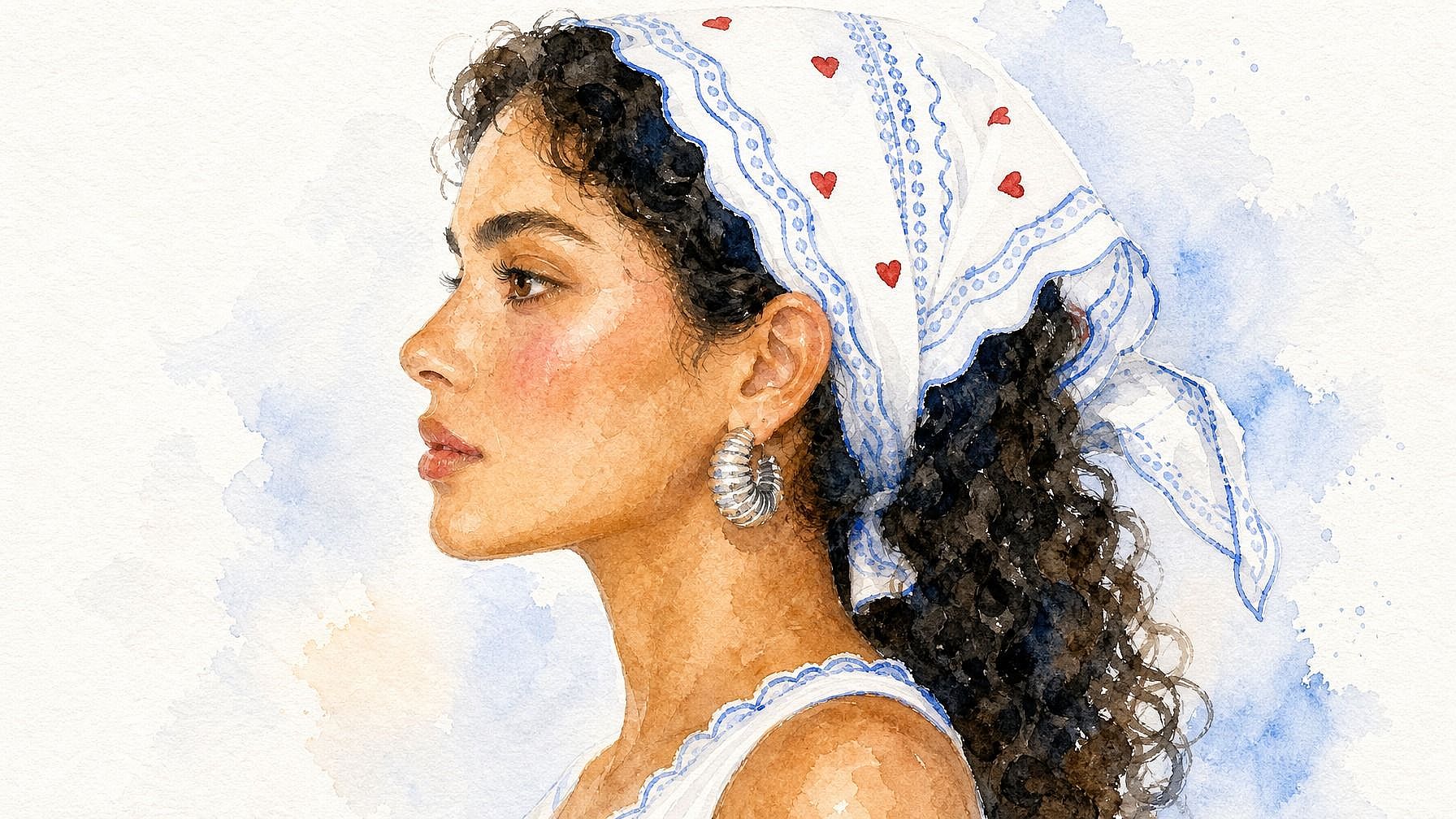
アニメからフォトリアルまで幅広いスタイル
雰囲気に合ったルックを自由に選びましょう。アニメ、3Dレンダリング、手描きイラスト、レトロなピクセル、ファンタジーヒーロー、コミック、写実的なポートレート、水彩など。AIはあなたが説明したスタイルに適応するので、アバターは無難な仕上がりではなく、狙った世界観に着地します。同じ写真でいくつかのスタイルを試して、しっくりくるものを見つけてください。
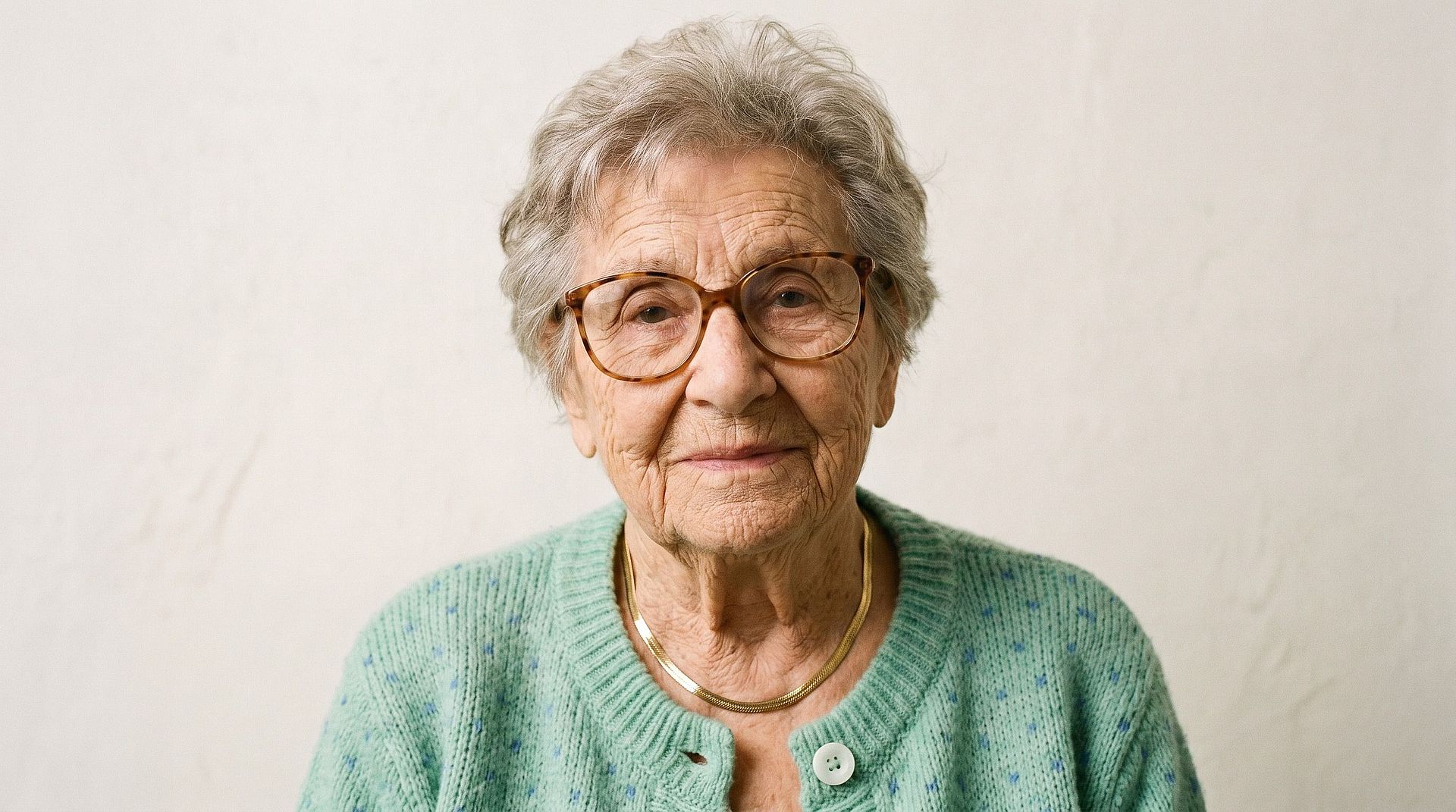
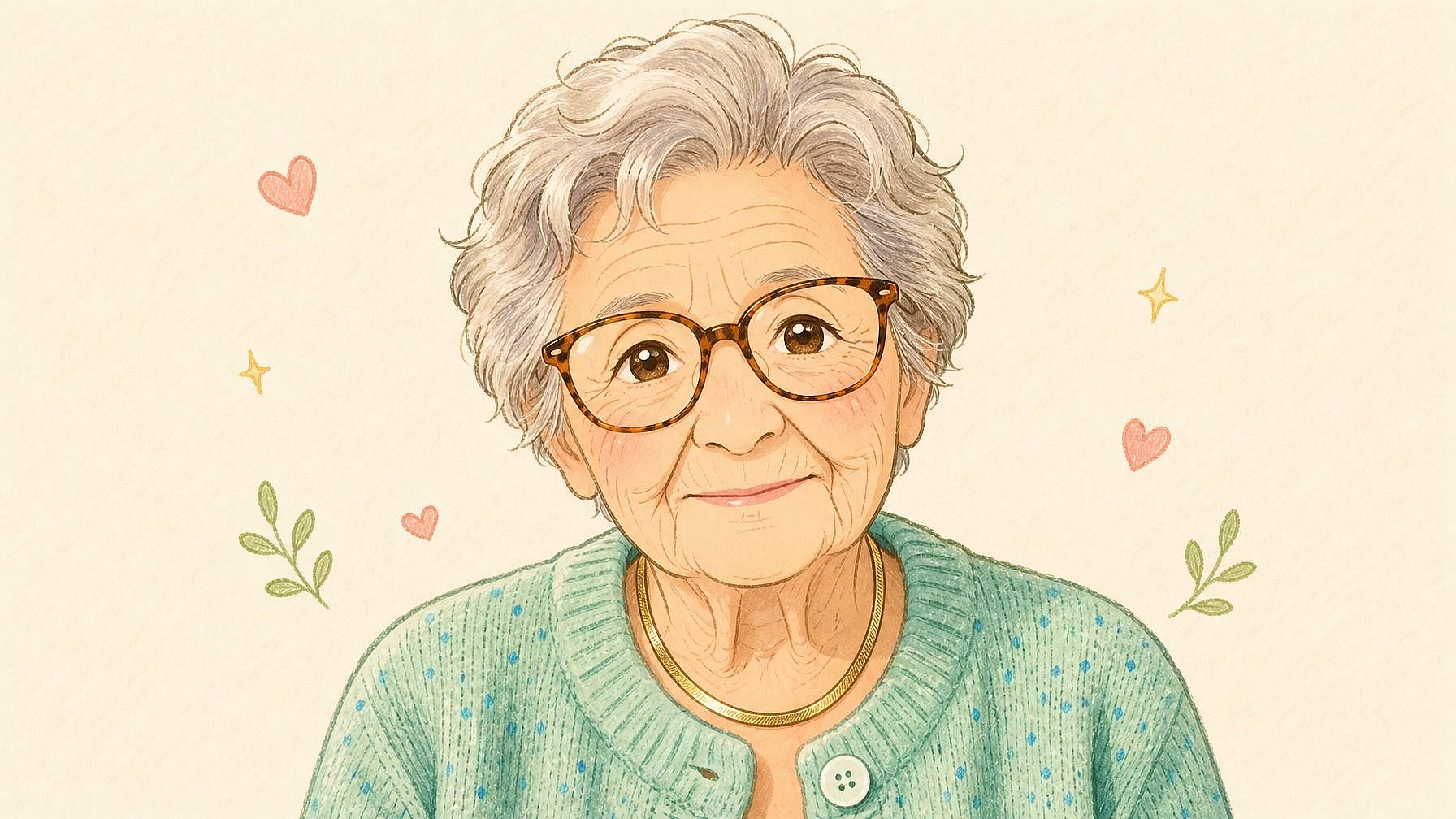
面影を残しつつ、スタイライズされたルック
どれだけスタイライズを重ねても、AIは目の形、髪、輪郭、表情といった、顔を本当に見分けられる特徴を保ちます。だからあなたのアバターを見た人は、「どこかのアニメキャラだな」ではなく、瞬時に「これは君だ」と思うのです。
フル画像編集ワークフローに組み込み
アバターを生成した後も、同じ画面で調整を続けられます。背景を変えたり、衣装を入れ替えたり、フレーミングを変えたり、さまざまなアングルでバリエーションを生成したり、複数のスタイルを並べて試したりできます。もっと小さくてアイコン的な自分が欲しいなら、Photo to Emojiツールもすぐそこにあります。
写真からアバターへの使い方
3ステップで写真をスタイライズしたアバターに変身。
写真をアップロード
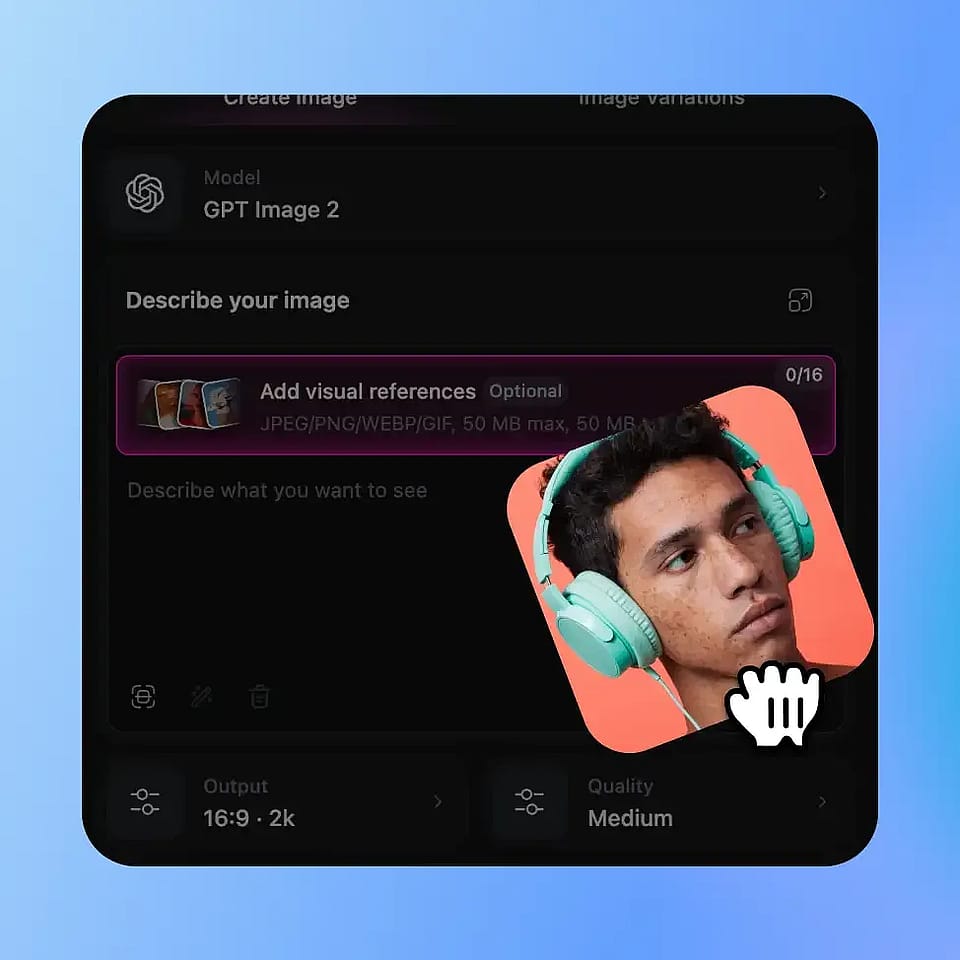
OpenArtの画像ツールを開き、自分の鮮明な写真をアップロードします。照明の整ったヘッドショットや上半身の写真が最適ですが、AIは全身や横向きのアングルにも対応します。
アバターのスタイルを説明
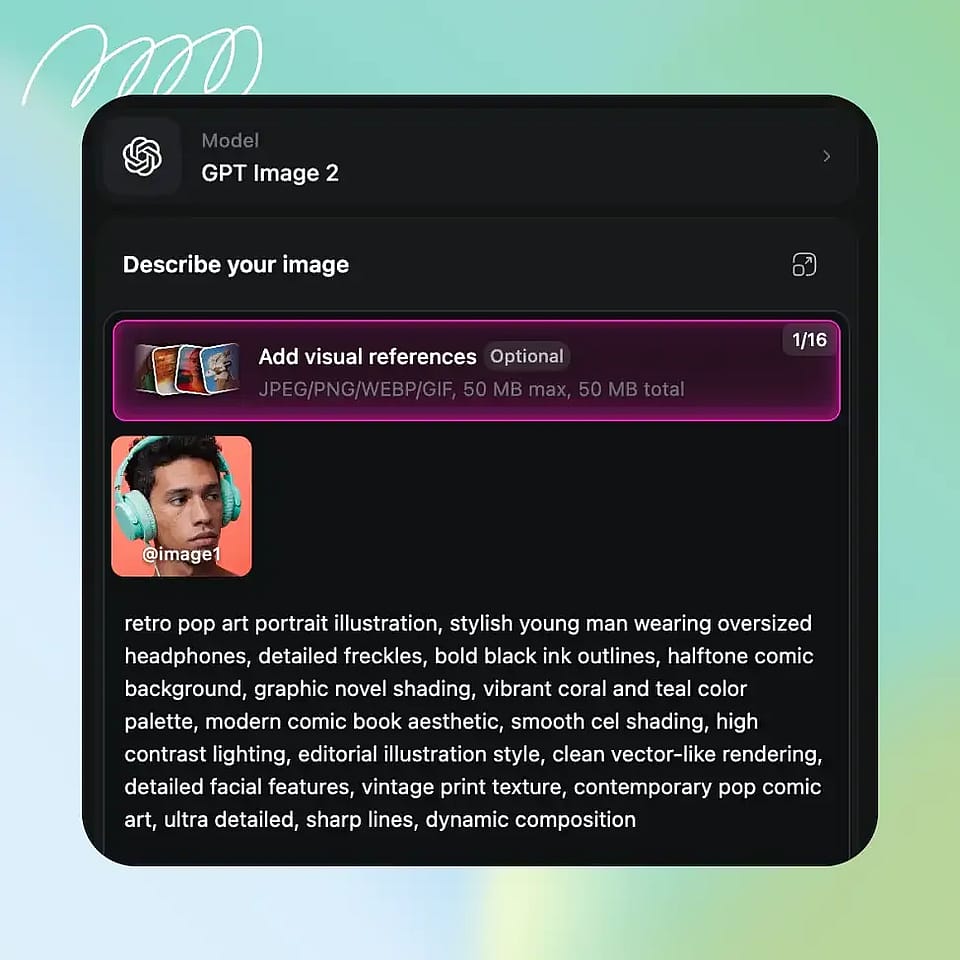
欲しい見た目を入力しましょう。「アニメのヒーロー」「3Dレンダリングのアバター」「洗練されたイラスト風の顔写真」「鎧をまとったファンタジーキャラ」「レトロなピクセルの冒険者」など。具体的でもざっくりでも自由です。
生成と調整
実行してアバターをプレビューし、必要なら微調整。別のスタイルを試したり、プロンプトを調整したり、しっくりくるまでいくつかのバリエーションを生成したりできます。
ソーシャル・ゲーム・仕事にまたがるスタイライズドなアイデンティティのために設計
自分の写真を撮って、オンラインで見せたい自分を本当に表現するアバターに変えましょう。
各種SNSのプロフィール画像
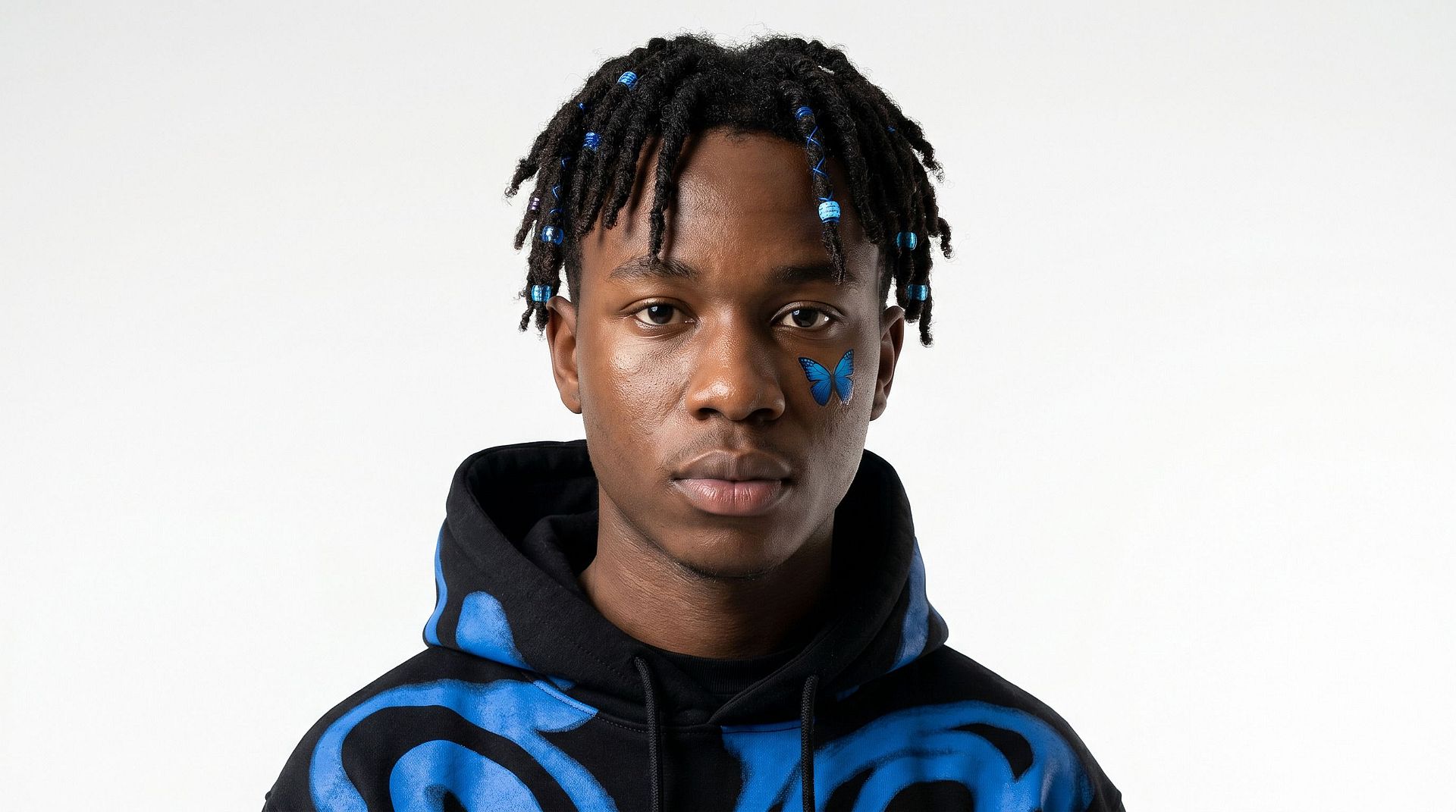
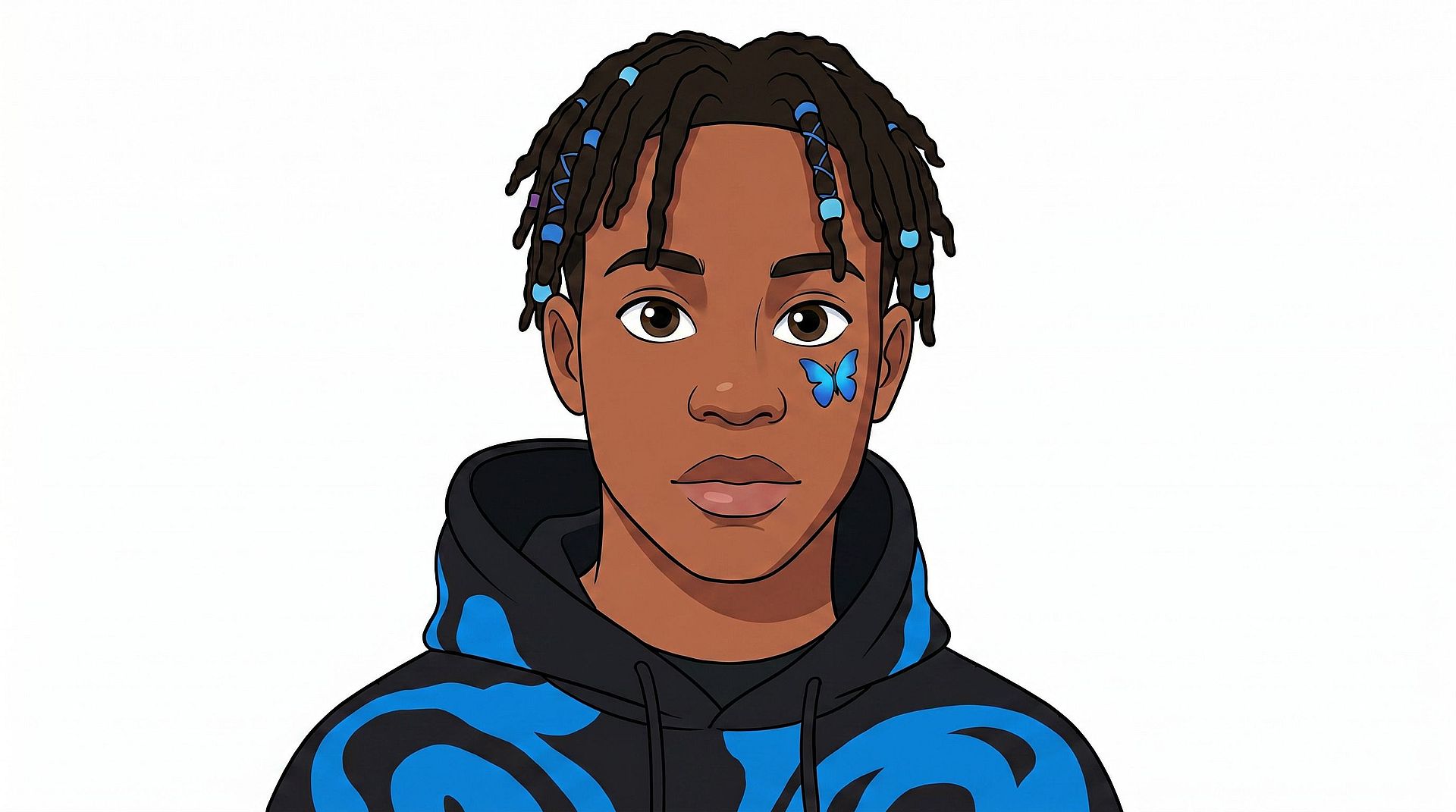
Instagram、X、Discord、LinkedIn など、オンラインで活動するあらゆる場所のプロフィール写真にスタイライズされたアバターを使いましょう。素顔をすべてのプラットフォームにさらすことなく、あなたらしさが伝わる、楽しくて表情豊かなもう一人のあなたとして機能します。
今すぐ試す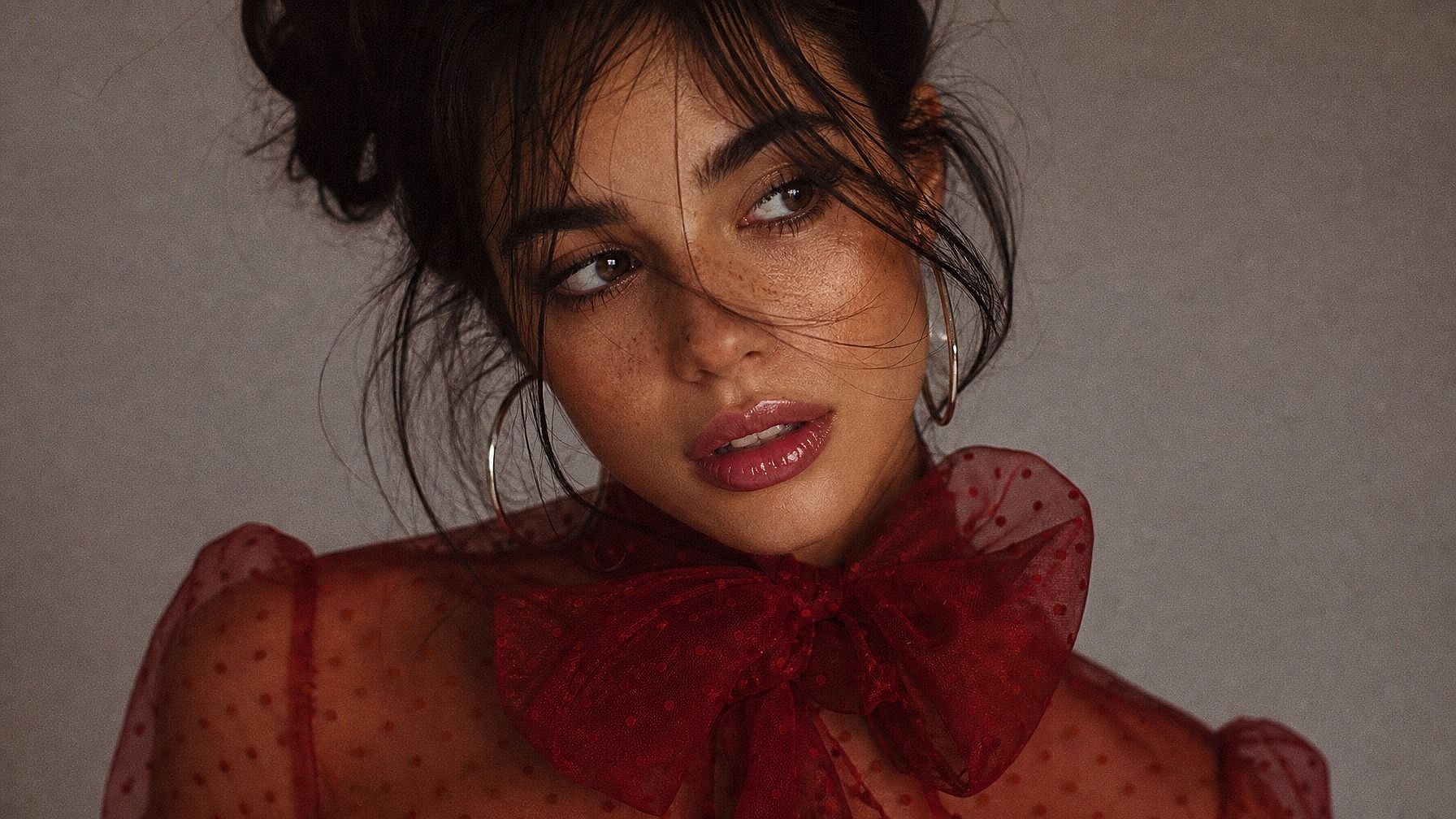
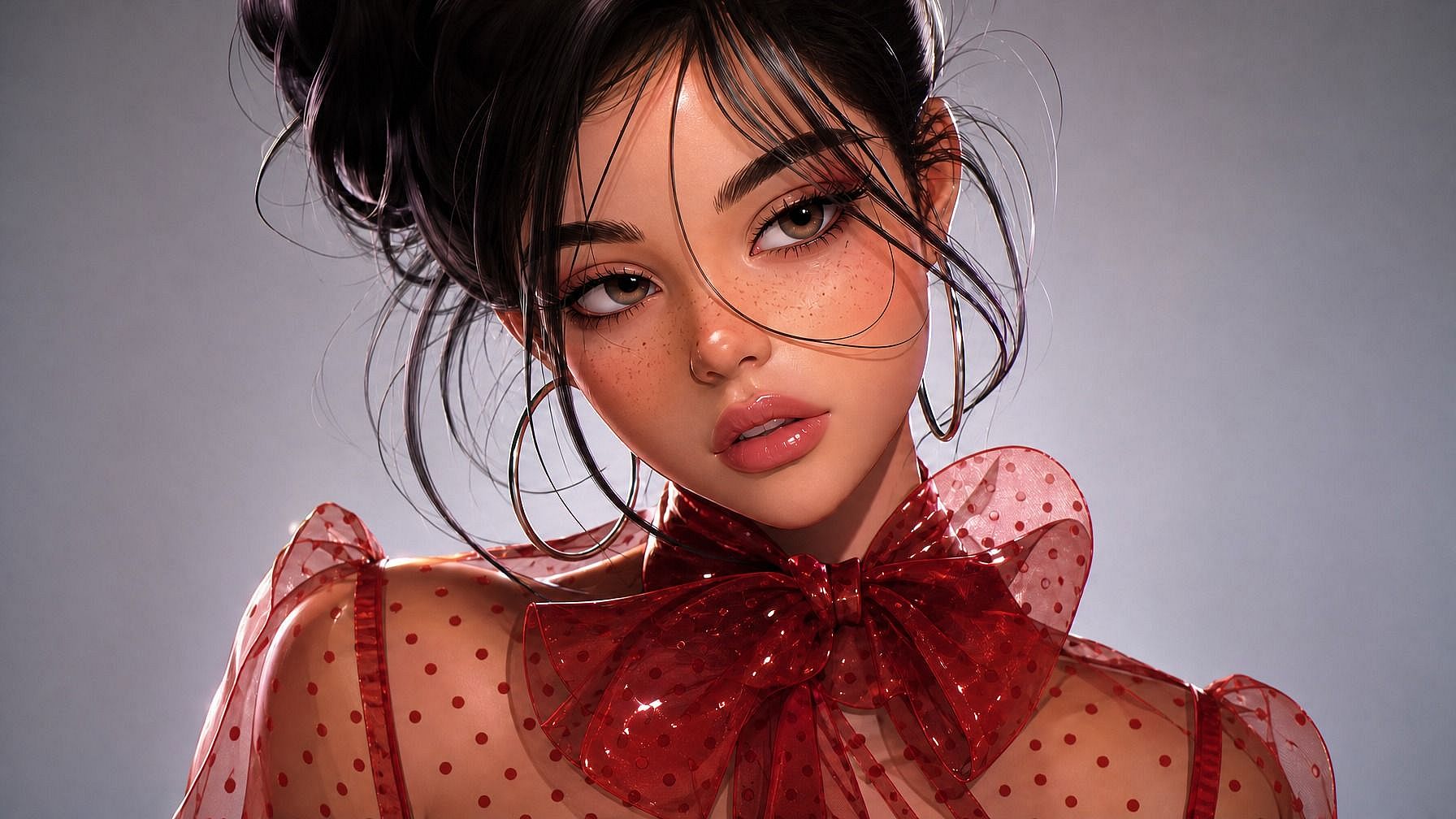
ゲームとバーチャル世界
ゲームプロフィール、Discordサーバー、バーチャル交流の場向けにアバターを生成しましょう。アニメヒーロー、ファンタジーキャラクター、SFパイロット、レトロなピクセル冒険者など、あなたのゲーミングパーソナリティに合ったスタイルを選べば、デフォルトのプレースホルダーではなく、本当に自分らしいアイデンティティが手に入ります。
今すぐ試す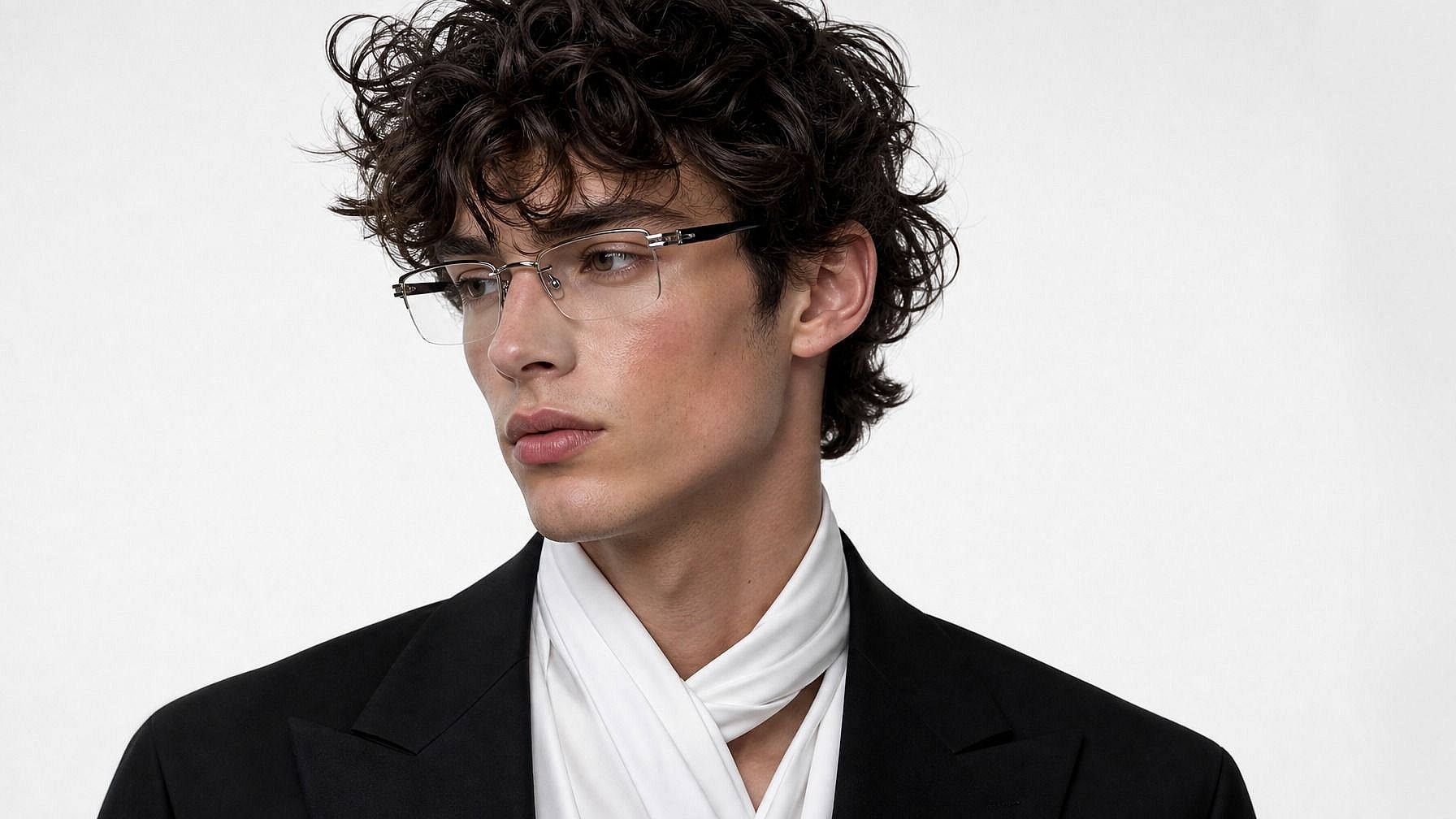
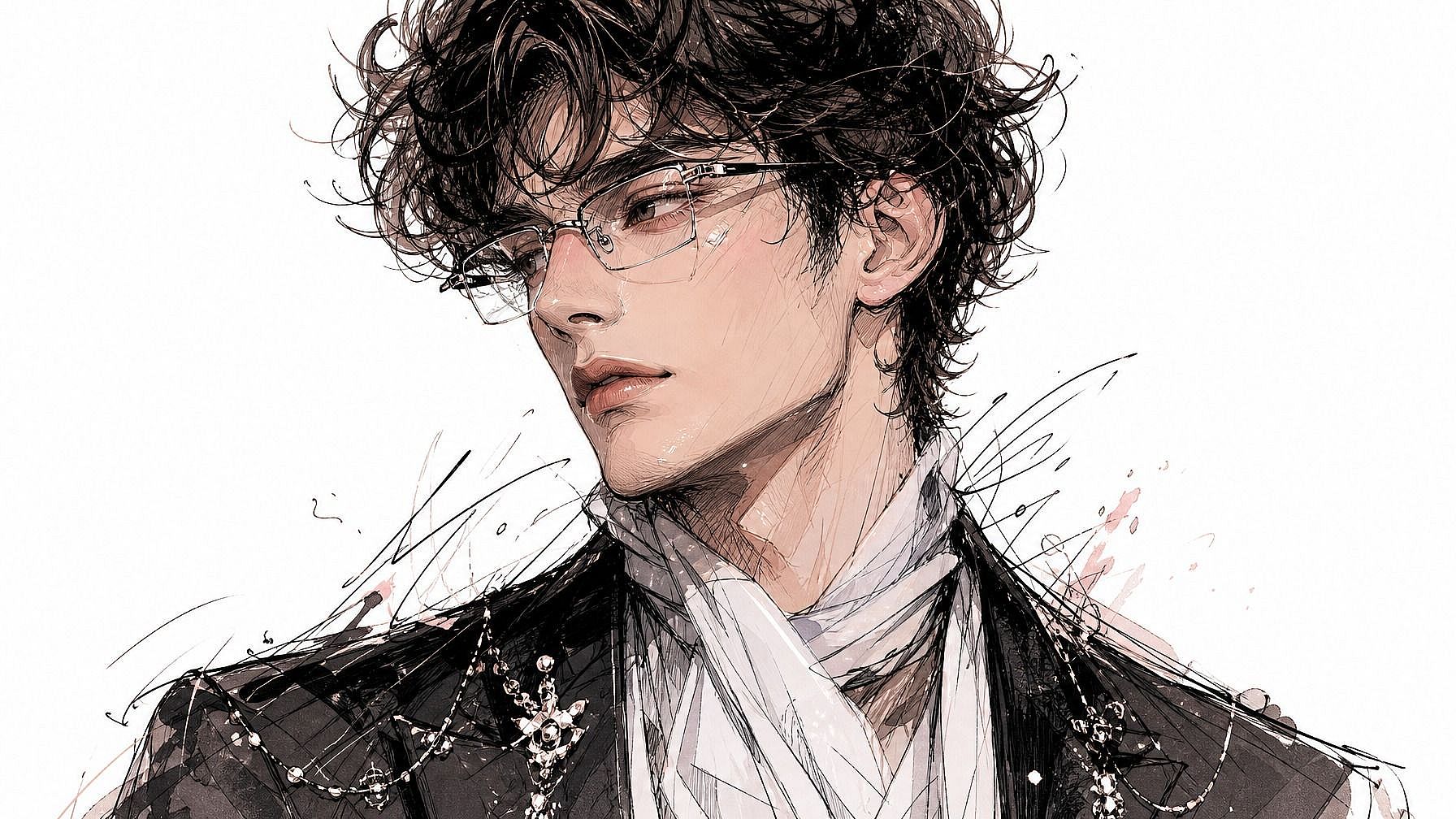
仕事向けの洗練されたアバター
Slack、Notion、ポートフォリオ、個人サイト向けに、洗練されつつも個性のあるヘッドショットが必要ですか?堅苦しい企業向けの証明写真にならない、きちんと見えるイラスト風またはリアルなアバターを生成しましょう。ツール間で一貫したビジュアルアイデンティティを持ちたいリモートワーカー、フリーランサー、クリエイターに特におすすめです。
今すぐ試す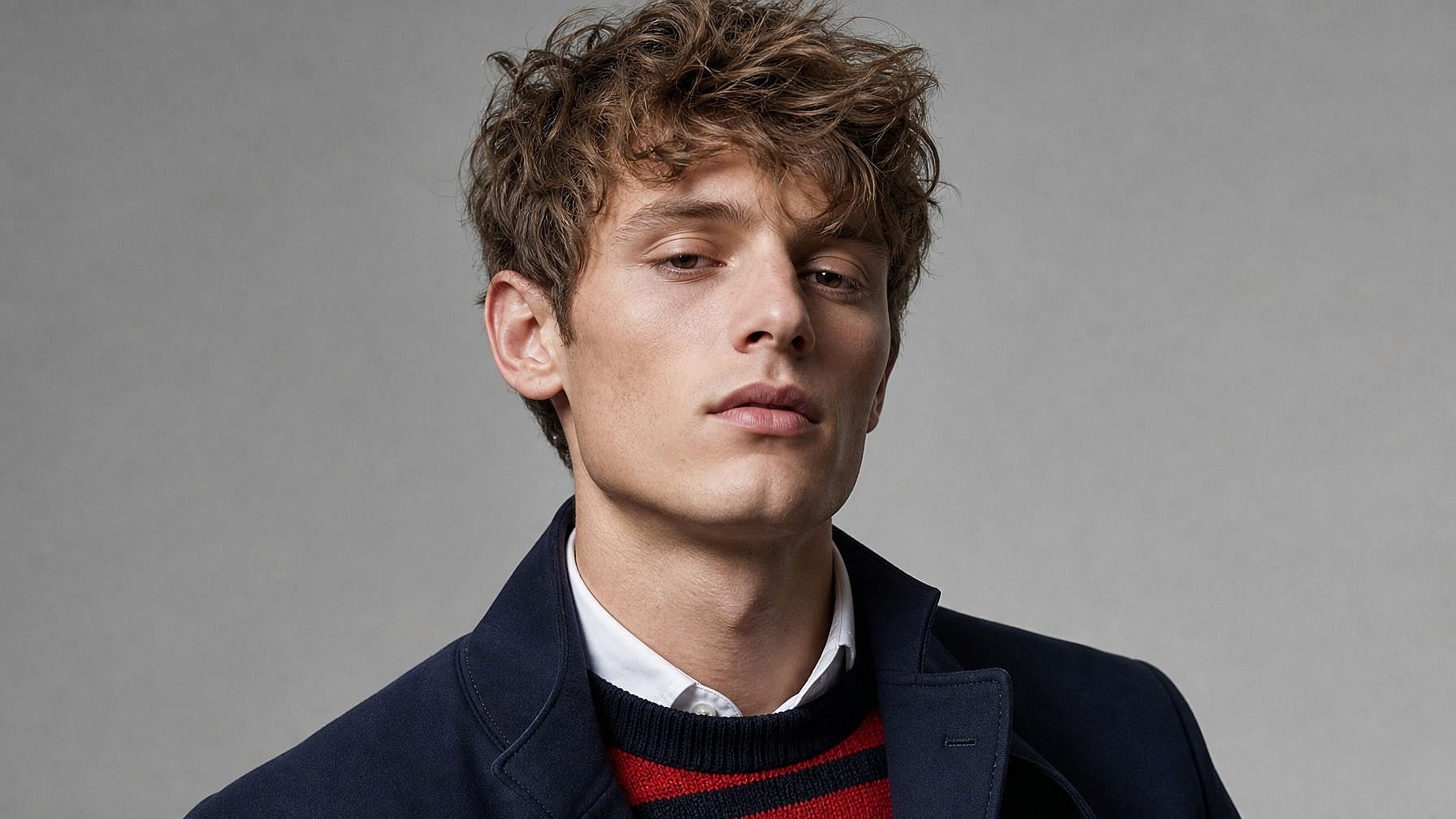
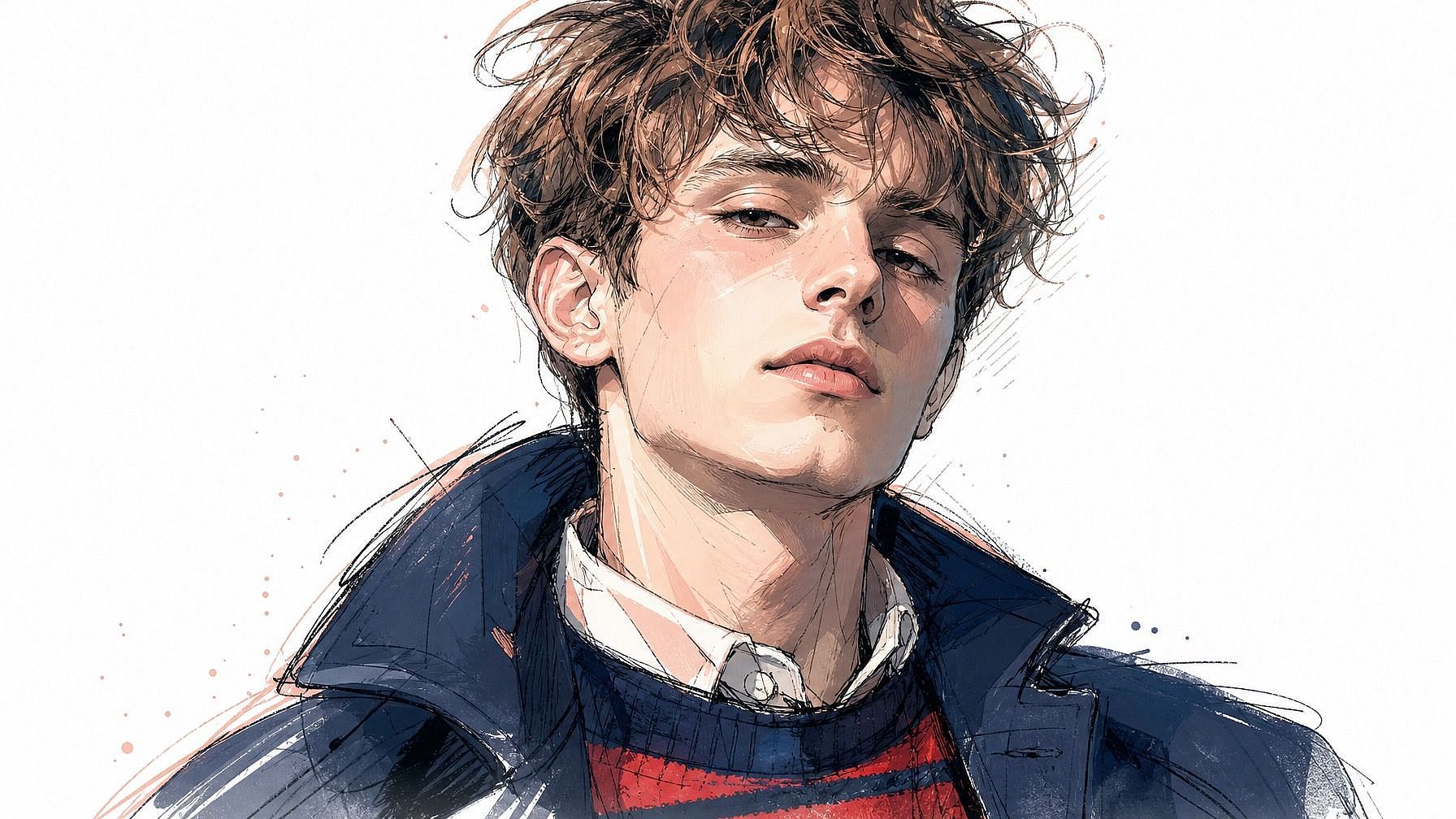
コンテンツクリエイターとパーソナルブランディング
YouTubeチャンネル、ポッドキャストのカバーアート、ニュースレターのヘッダー、グッズなど、ブランドの一部になる定番アバターを作りましょう。プラットフォームをまたいで一貫して使えば、リブランディングのたびに撮影をやり直すことなく、視覚的な認知が積み上がっていきます。
今すぐ試すよくある質問 よくある質問
これは、あなたの写真をスタイライズされたアバターに変えるAIツールです。画像をアップロードしてスタイルを選ぶと、AIがそのスタイルであなたに似たアバターを生成します。プロフィール画像、ゲームキャラクター、オンライン上のビジュアルアイデンティティとして便利です。
ほぼどんなスタイルでもOK。アニメ、3Dレンダリング、イラスト、レトロなピクセル、ファンタジーキャラクター、コミックブック、水彩ポートレート、フォトリアルなヘッドショット——プロンプトでスタイルを指定すれば、AIがあなたの写真をそれに合わせます。いくつか試して、一番しっくりくるものを見つけましょう。
もちろんです。生成してダウンロードしたら、あとは普通の画像と同じ。お使いのどのプラットフォームでもプロフィール画像としてアップロードできます。PNG出力なので、さまざまなアプリでもきれいに表示されます。
アバターは大きめで細部まで作り込まれ、プロフィール画像やゲームキャラクターのように「あなたの分身」として使われる傾向があります。一方、Photo to Emojiはよりコンパクトでアイコン的。チャットの中で小さくても表情豊かに映えるように作られています。同じ元写真でも、使いどころが違うのです。
OpenArtはクレジットが限られた無料トライアルを提供しているので、アップグレード前に写真からアバターを作るツールを何枚かの写真で試せます。
はい、それこそが狙いです。AI は認識できる特徴(顔の骨格、髪、表情)を保ちながら、その上にアバターのスタイルを重ねます。だから、あなたのアバターは本当にあなたに似ていて、ただスタイライズされているのです。
はい。このツールはあらゆる顔に対応します——友人、家族、ペット、参照画像さえあれば架空のキャラクターでもOK。写真をアップロードしてスタイルを選ぶだけです。
はい。人物ごとに同じスタイルのプロンプトを使えば、AIがセット全体で見た目を統一してくれます。カップル、家族、ゲーム仲間、職場のチームなど、揃った雰囲気を出したいときに特に便利です。
JPEG、PNG、WEBPすべて対応。スマホ、パソコン、任意のクラウドドライブからアップロードできます。
顔がはっきり見える、明るくクリアな写真から始めましょう。参照スタイル(「アニメ風」「Pixar 3D」「洗練されたイラスト風ヘッドショット」など)を指定すると、AIがより早く方向性をつかめます。最初の結果がイマイチなら、promptを調整するか別のスタイルを試してみてください。

