お気に入りのモデルがすべてここに。生成は無制限。

期間限定・最大27%OFF! ›

AI背景リムーバー

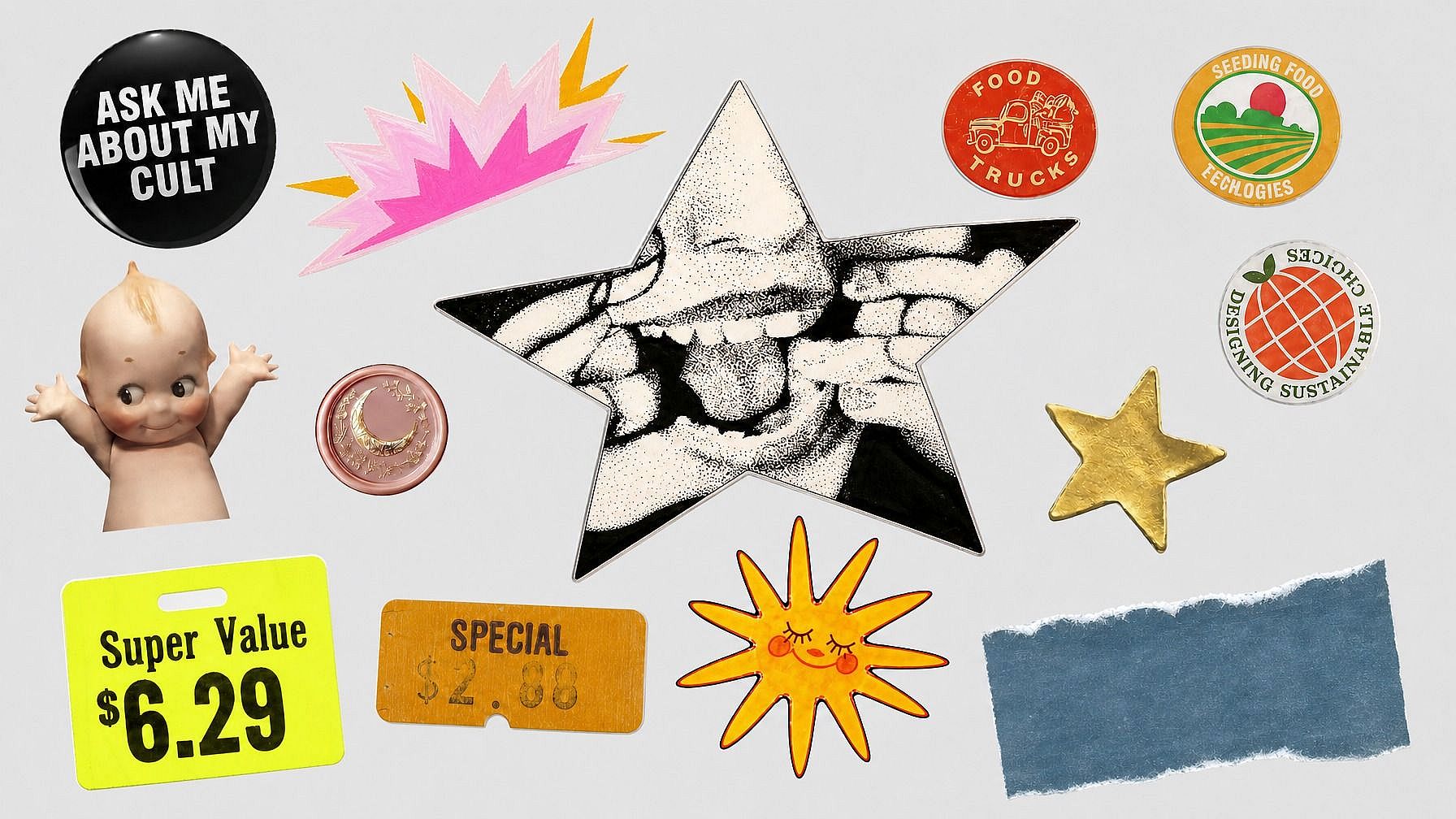
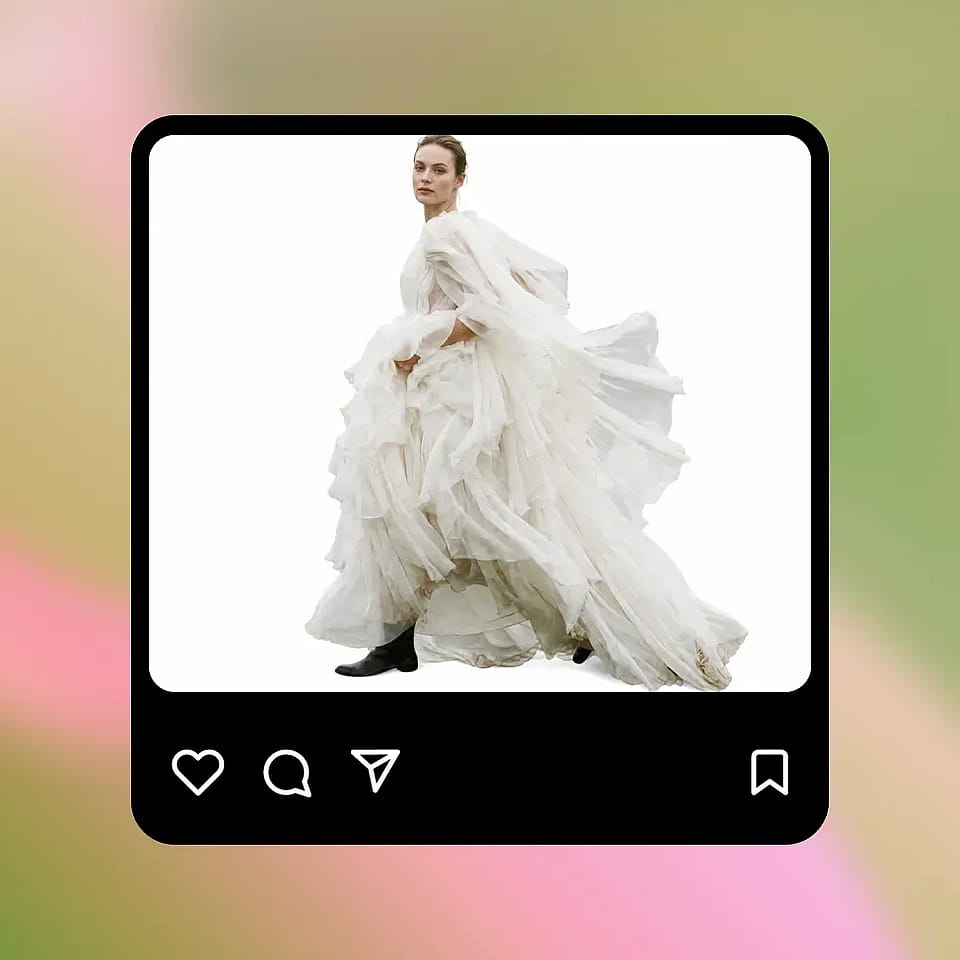
どんな写真でもワンクリックで背景を削除。透明なPNG出力できれいな切り抜きが手に入ります。

画像を追加 またはここにドラッグ&ドロップ · JPEG、PNG、WEBP
今すぐ試す

Why Choose OpenArt AI Background Remover

Pixel-Perfect Edge Detection

Remove backgrounds while preserving clean edges around hair, fur, products, and fine details.

Transparent or Custom Background

Export a transparent PNG or continue editing with a clean color, branded design, or new visual background.

最大4K解像度

Create high-resolution cutouts for stores, design assets, profile photos, marketing materials, and social content.

AI背景除去ツールで何ができる?

Create clean cutouts, transparent PNGs, and isolated subjects for design, commerce, portraits, and creative projects.

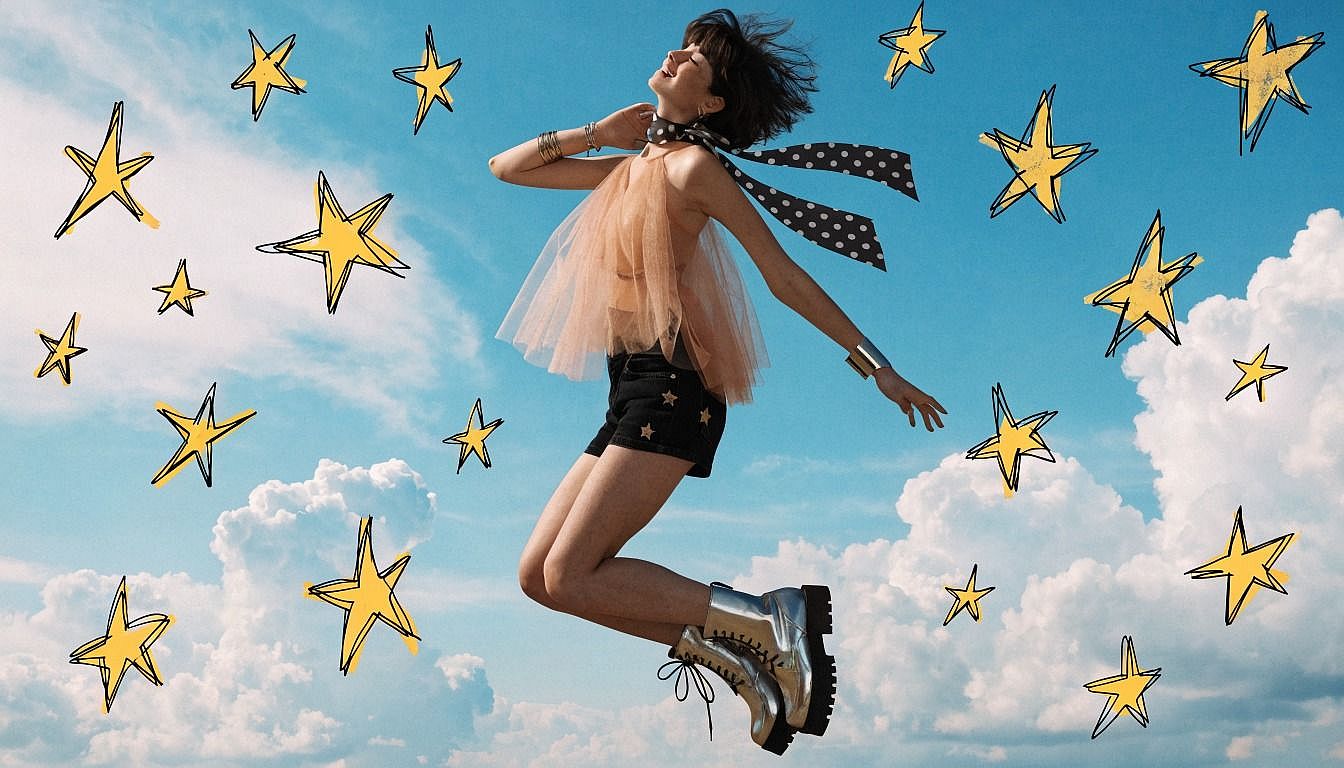
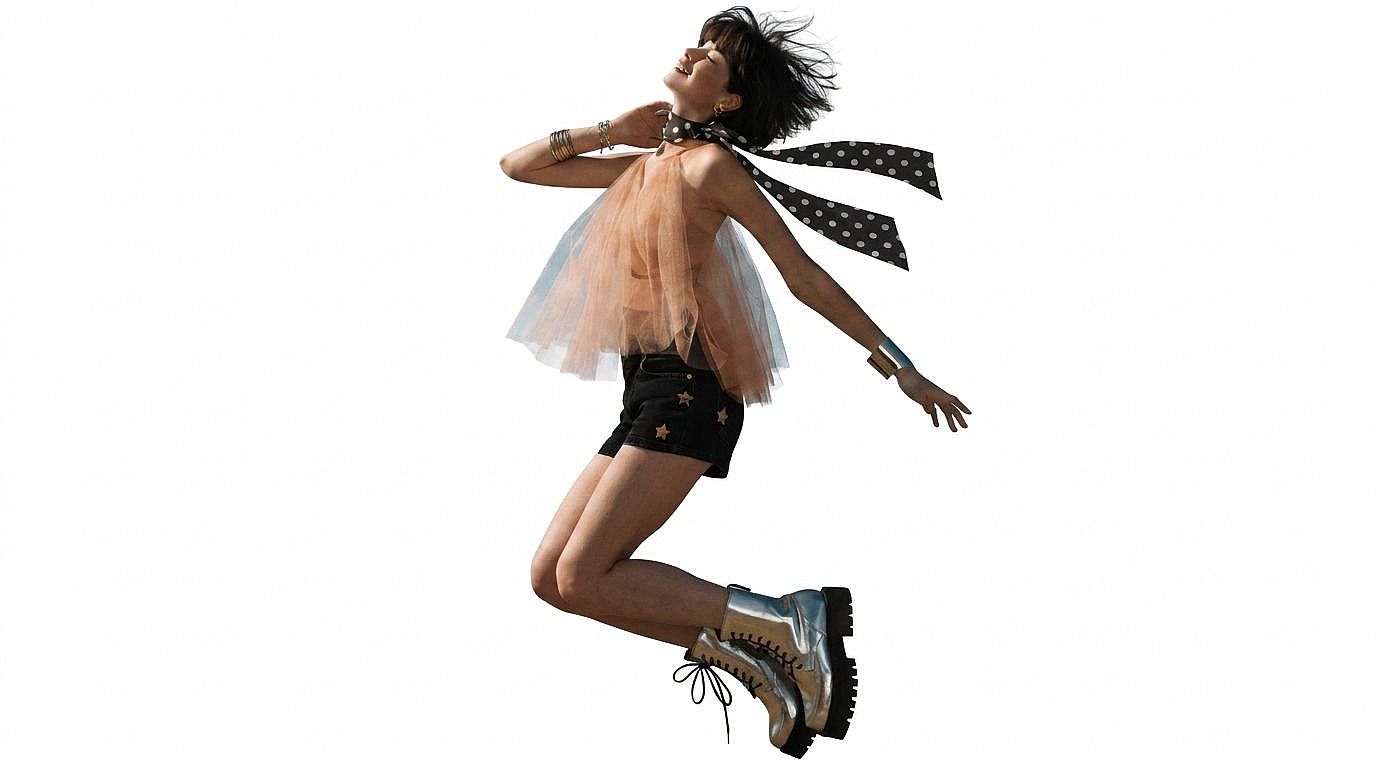
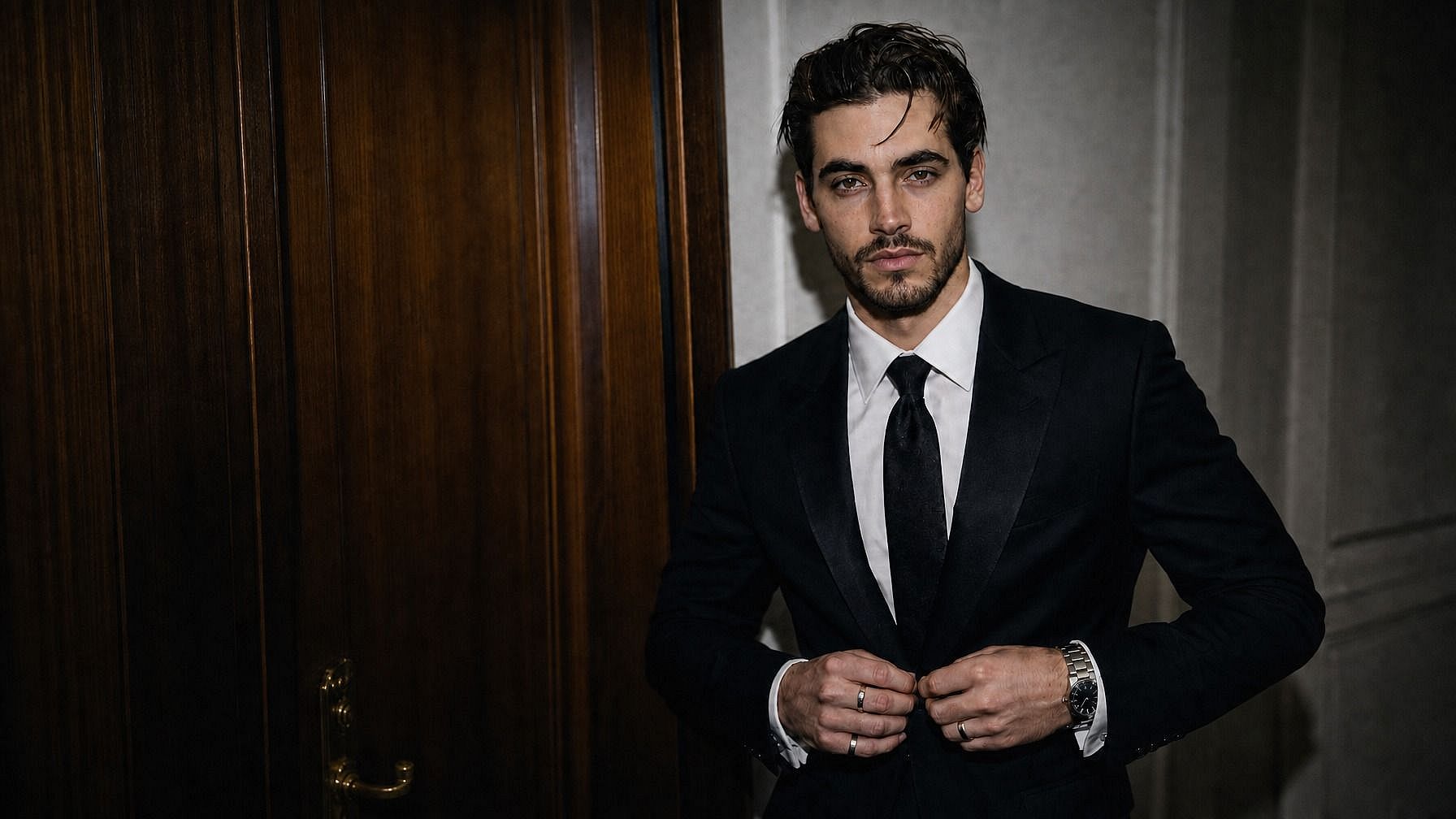
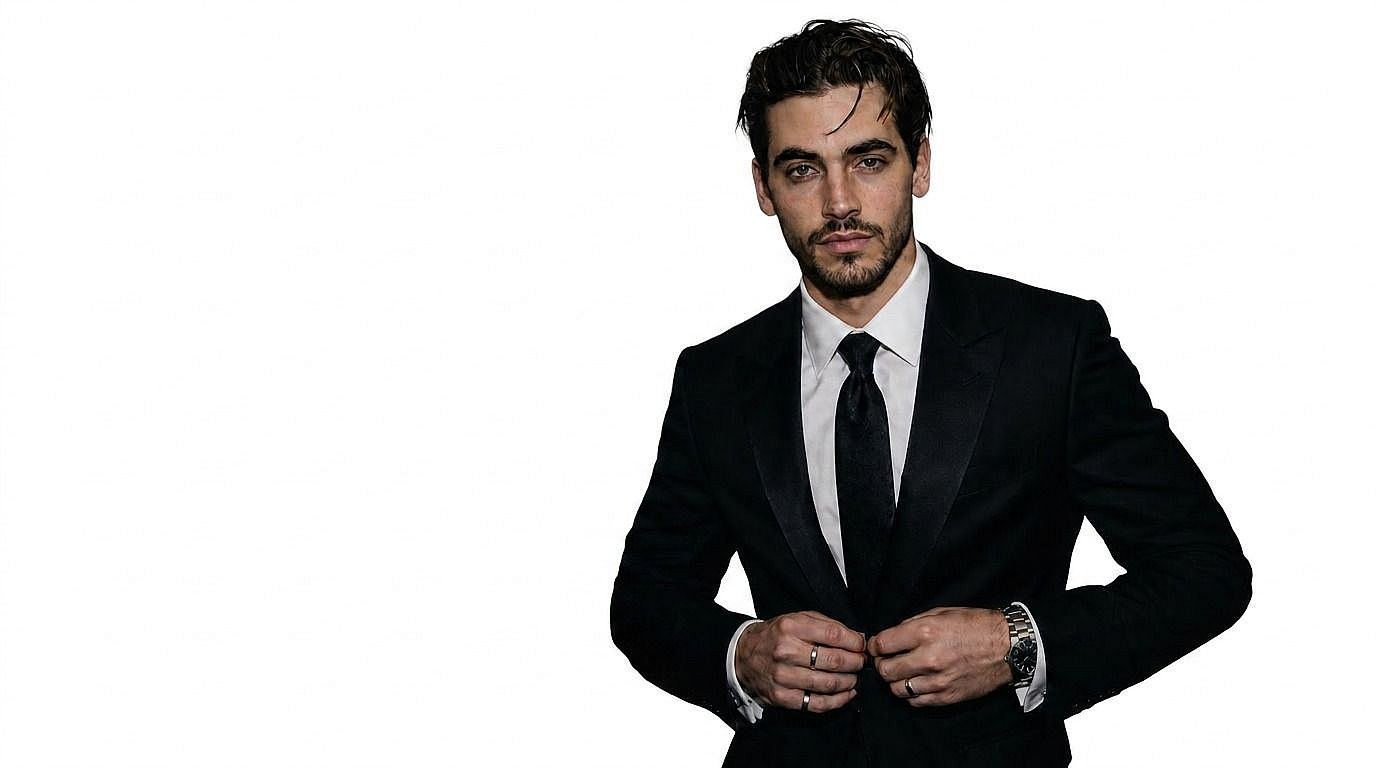
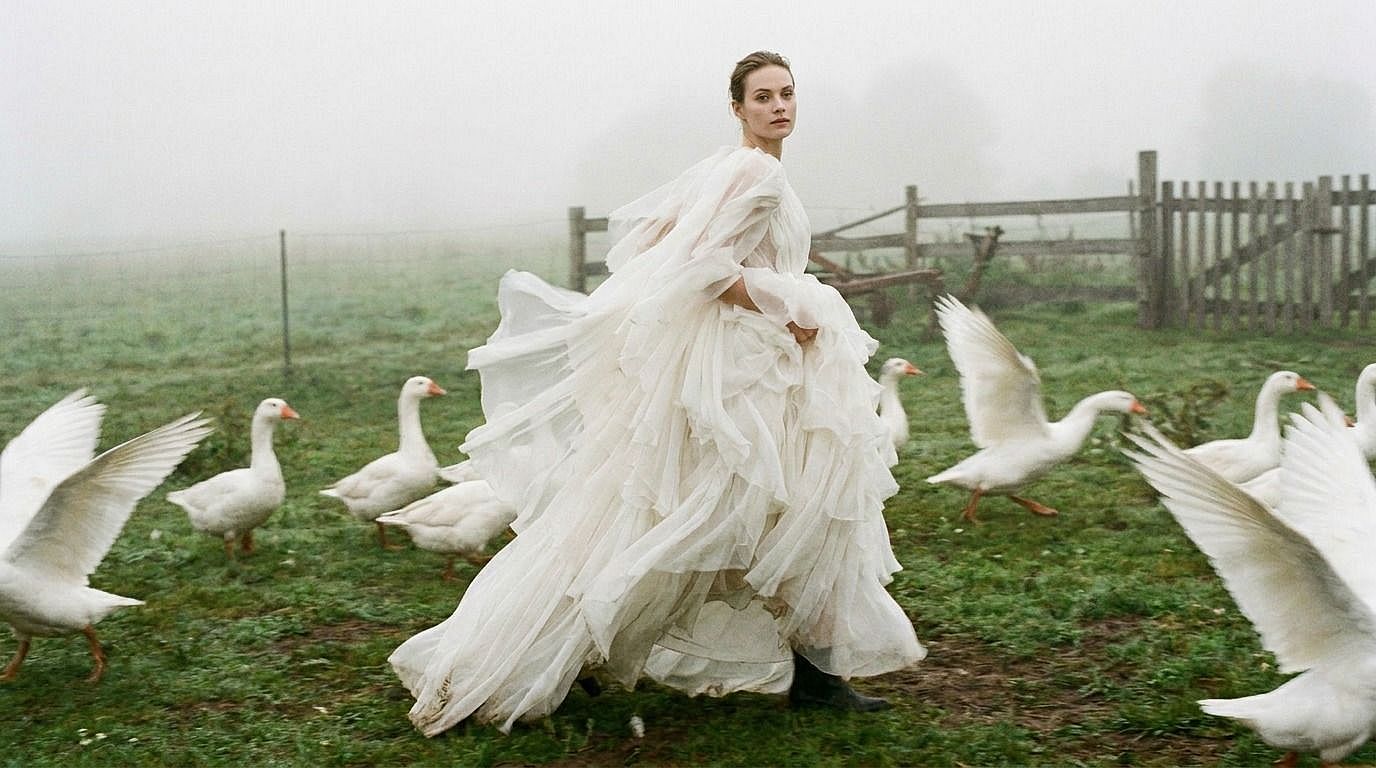
Before
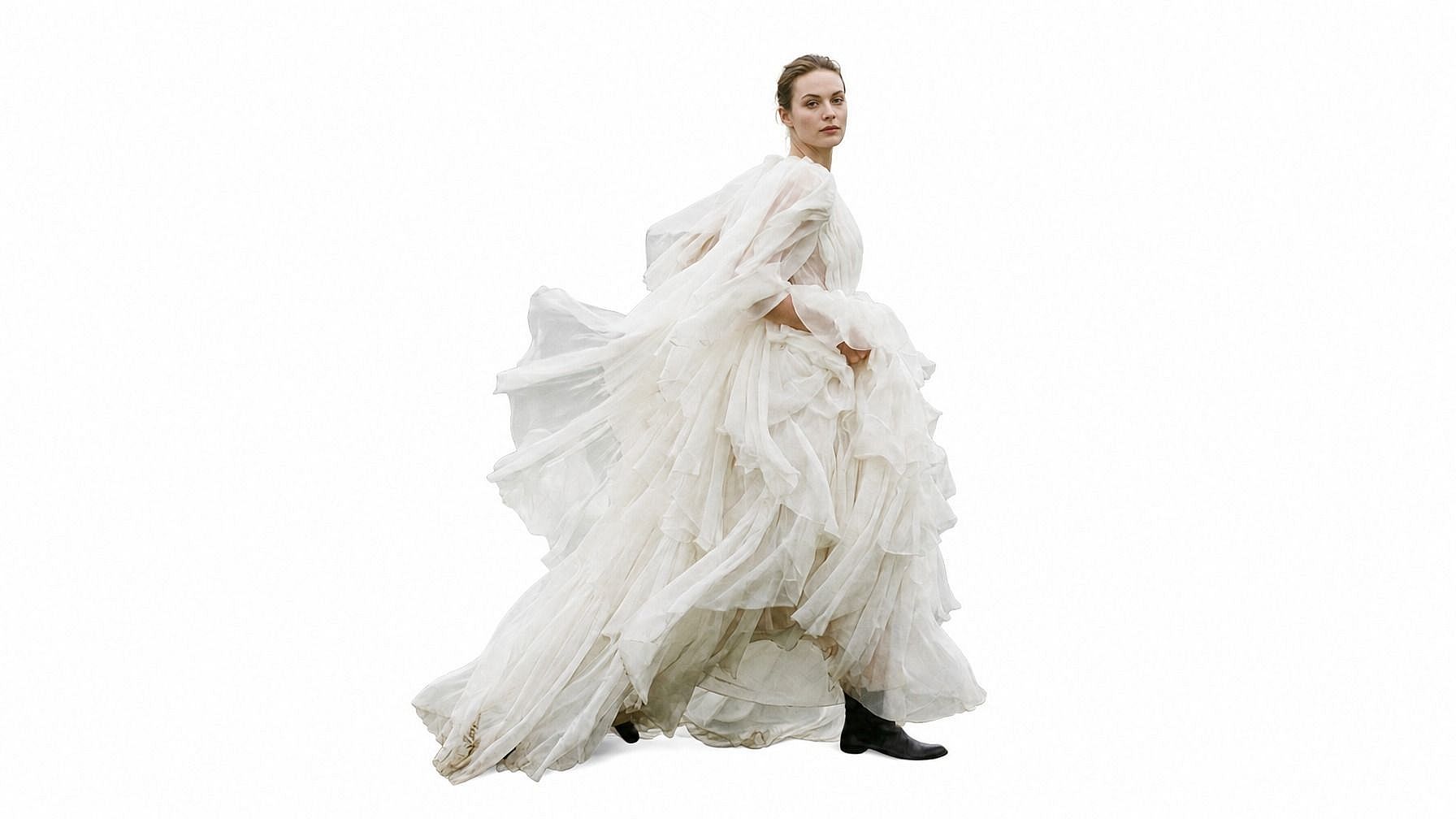
After
ビフォー 編集後

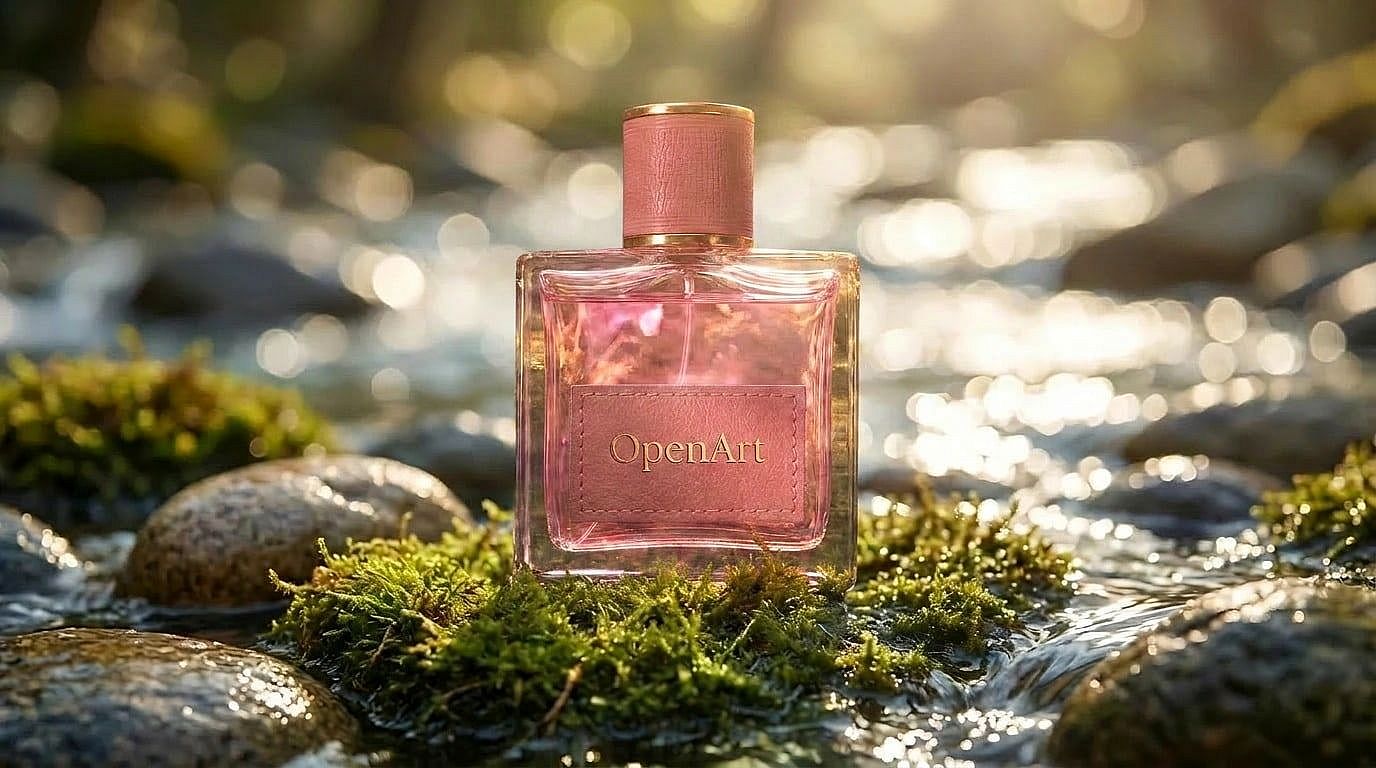
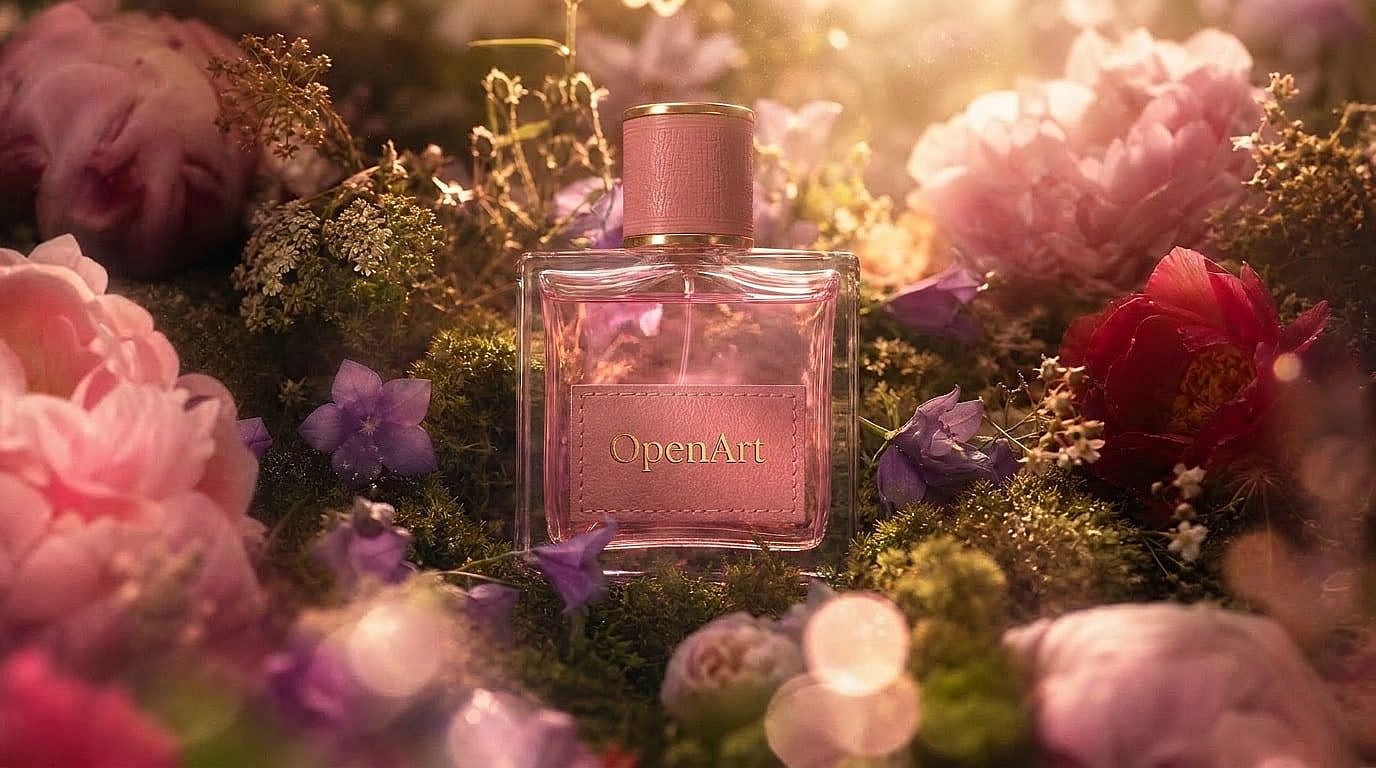
Create Product Photos on Clean Backgrounds

気を散らす背景を取り除き、Amazon・Shopify・eBay・広告向けに、クリーンな白背景やシンプルなスタジオ背景に商品を配置します。

Before
After
ビフォー 編集後

Make Transparent PNGs for Design

Export subjects as transparent PNGs so they can be dropped into posters, thumbnails, collages, presentations, and brand assets.

Before
After
ビフォー 編集後

Prepare Headshots for Professional Use

Turn portraits into clean profile-ready headshots by removing cluttered backgrounds and keeping people sharply isolated.

Before
After
ビフォー 編集後

クリエイティブなプロジェクトのためにオブジェクトを切り出す

Cut out objects, pets, vehicles, food, and characters for composites, stickers, marketing designs, and social media visuals.

AIで背景を削除する方法

3つの簡単なステップで、画像の背景をオンラインで削除。

Upload Your Photo
ステップ01

写真をアップロード

Upload the image you want to edit. OpenArt detects the subject automatically so you can remove the background without manual tracing.

AI Removes the Background
ステップ02

AIが背景を除去

AIが被写体を背景から切り離し、髪、毛皮、商品、衣服、細かなディテールまでクリーンなエッジを保ちます。

Download or Edit Further
ステップ03

Download or Edit Further

透過PNGの切り抜きをダウンロードするか、OpenArtで新しい色・画像・生成した背景を追加して編集を続けましょう。

AI背景リムーバーが役立つのはどんな人?

Use AI background removal for commerce, design, social content, portraits, and team headshots.

Before
After
ビフォー 編集後

EC事業者・ブランド販売者

Clean product photos on white backgrounds are required by Amazon, Shopify, and eBay. Automate what used to take hours in Photoshop.

今すぐ試す
Before
After
ビフォー 編集後

グラフィックデザイナー

合成、コラージュ、広告、マーケティング素材向けに、ペンツールで手作業でなぞることなく被写体を切り抜きます。

今すぐ試す
Before
After
ビフォー 編集後

SNSクリエイター

ごちゃついた背景を取り除いてから、ブランドに合ったビジュアル、テンプレート、レイアウトを加えることで、一貫性のあるブランドコンテンツを作成できます。

今すぐ試す
Before
After
ビフォー 編集後

切り抜き画像を納品する写真家

ポートレートやヘッドショットの写真家は、最小限の追加編集で背景を除去したバージョンをアップセルとして提供できます。

今すぐ試す
Before
After
ビフォー 編集後

HR, Professionals, and Corporate

社員の顔写真を、クリーンで統一感のある背景に標準化。社内ディレクトリ、プロフィールページ、LinkedInに最適です。

今すぐ試す

よくある質問 よくある質問

OpenArtは無料のオンラインAI背景リムーバーを提供しています。写真をアップロードするだけで背景を自動で除去し、数秒でクリーンな切り抜きや透過PNGを作成できます。
写真を選んでアップロードし、AI背景除去を実行して、きれいに切り抜かれたプレビューを確認したら、完成画像をダウンロードしましょう。
背景除去は既存の背景を消し、多くの場合透過PNGを作成します。背景変更は、除去した背景を新しい色や画像、生成したシーンに置き換えます。
OpenArtは背景除去とクリエイティブ編集を1つにまとめているので、きれいな切り抜きを作った後も、そのまま同じプラットフォームでデザインを続けたり、背景を差し替えたり、新しいビジュアルを生成したりできます。
Upload your image to OpenArt, let AI detect the subject and remove the background, then download the transparent PNG or continue editing with a new background.
はい。OpenArtのAI背景リムーバーは、髪の毛、毛皮、商品の輪郭、衣服など、複雑なアウトラインの細部までしっかり保つように設計されています。
This page focuses on removing backgrounds from images. If you need video background editing, use OpenArt’s video background changer tools, which are part of OpenArt VFX.

制限なく、思いのままに

OpenArtを使う何千人ものクリエイターの仲間入りを。魅力的な画像や動画などを、すべてひとつのプラットフォームで生成できます。

無料で始める →