

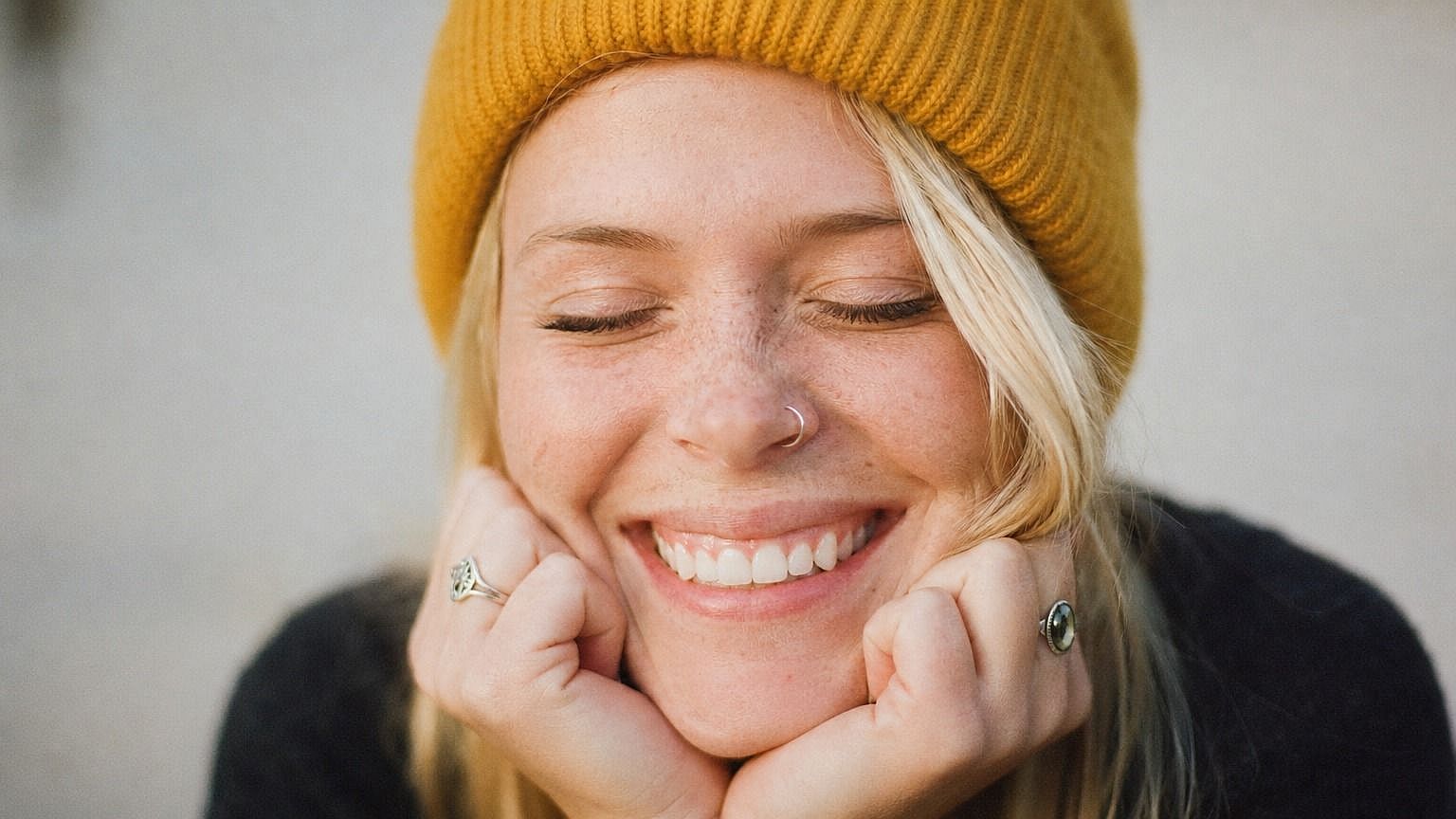
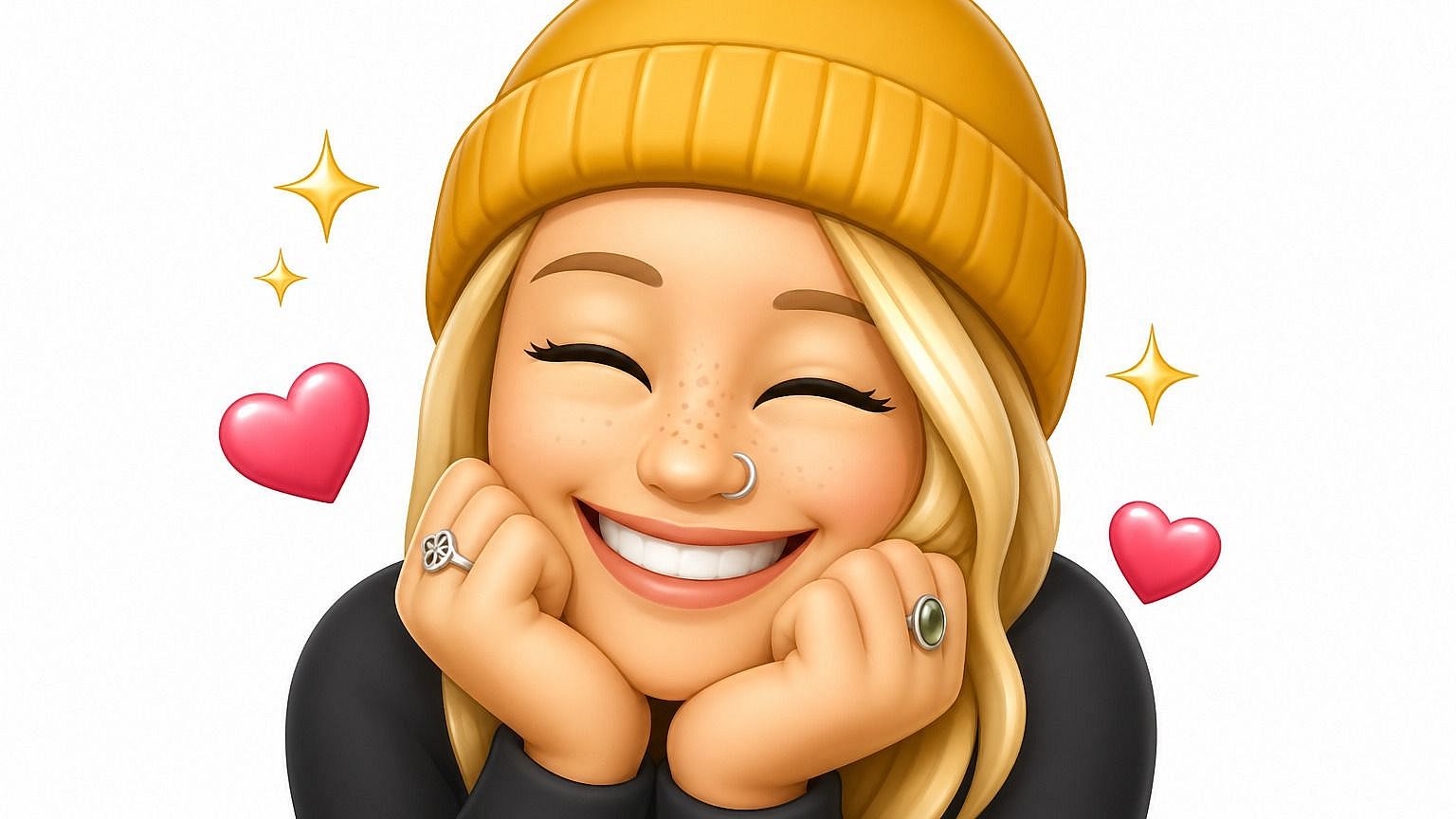
写真から絵文字
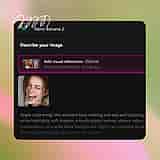
自分やペット、親友をオリジナル絵文字にしてみませんか?OpenArtの写真から絵文字ツールに写真をアップロードすれば、数秒でスタイライズされた表情豊かなバージョンが完成。AIが画像の中身(顔、表情、雰囲気)を読み取り、選んだ絵文字スタイルで描き出します。チャットや投稿、グループトークにすぐ使えます。
 画像を追加 またはここにドラッグ&ドロップ · JPEG、PNG、WEBP、HEICJPEG、PNG、WEBP、HEIC
 写真から絵文字を作るメリット



どんな写真からもオリジナル絵文字を作成
自分、友達、ペット、どんな被写体でもアップロードすれば、本人そっくりのパーソナル絵文字が完成。顔だけでなく、全身キャラクターやさらにユニークな被写体にも対応します。



絵文字スタイルを選ぶ
丸みのあるApple風、フラットな2D、3D Animoji風、ステッカー、手描き、ピクセル。欲しい見た目を伝えれば、AIがそれに合わせます。新しい雰囲気を試したくなったら、いつでもスタイルを切り替えられます。

どこでも使える
作った絵文字をきれいなPNGとして保存し、チャットやグループスレッド、SNS投稿、スライド資料など、普通の絵文字やステッカーを使う場所どこにでも貼り付けられます。
コミュニティの作品
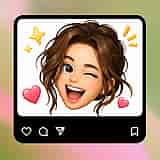
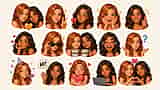
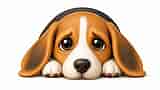
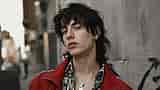
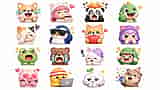
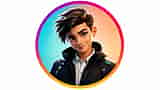
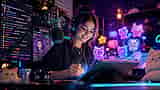
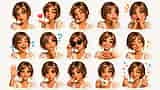
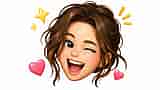
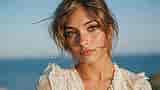
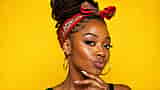
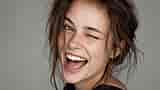
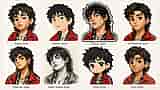
クリエイターがどんなものを絵文字に変えているかチェックしましょう。自撮りやペットの写真からミーム、グループチャットの内輪ネタまで、1枚の写真がどうやって絵文字セット全体になるのかを探ってみましょう。



写真から絵文字への変換の主な機能
OpenArtのAI画像エディターは、GPT Image 2.0やNano Banana Pro、Recraft V4といった先進モデルを使い、写真を表情豊かで見分けのつくスタイライズド絵文字に変換します。つまり、あなたの絵文字が本当にあなたに似るということです。
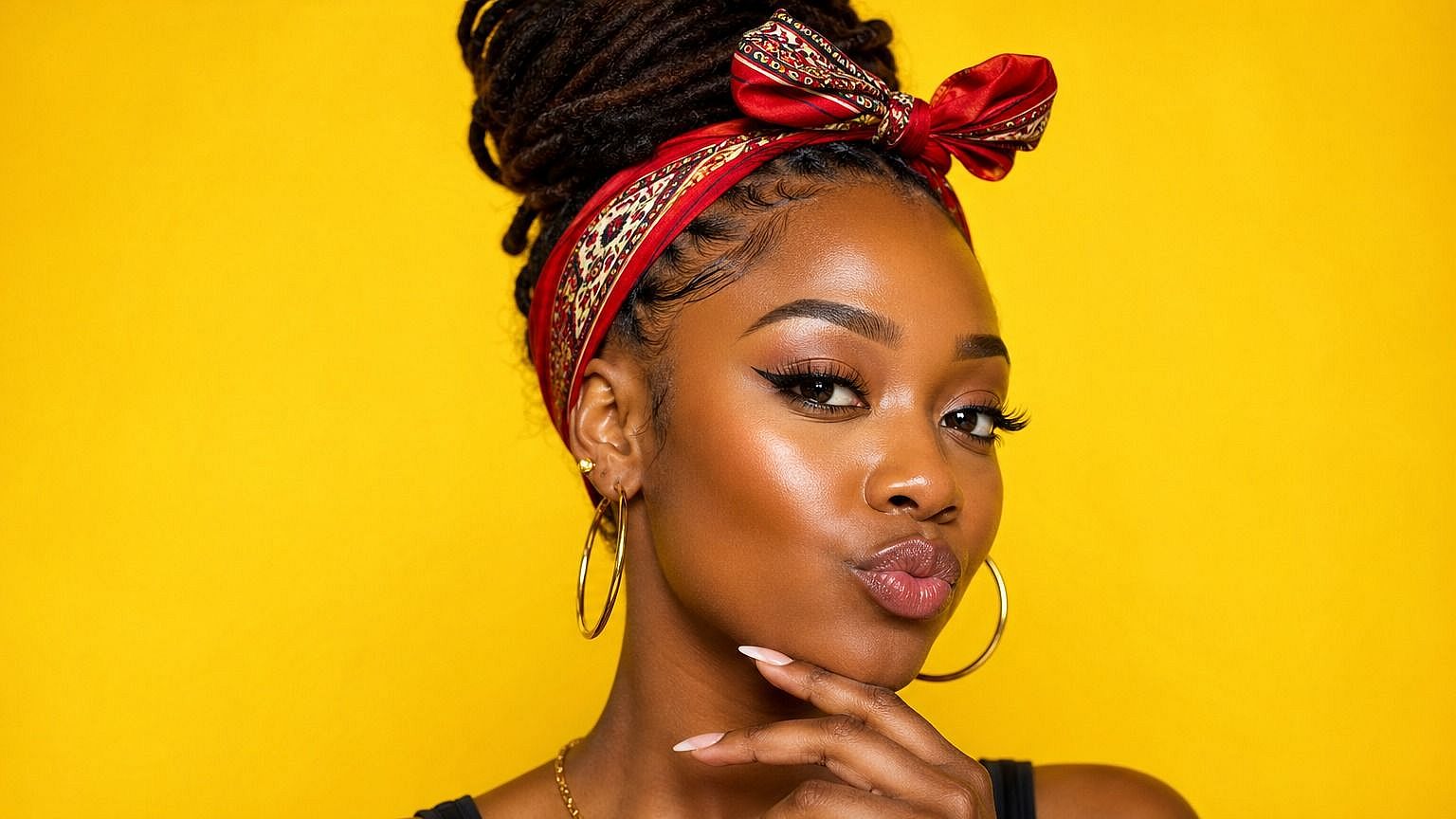
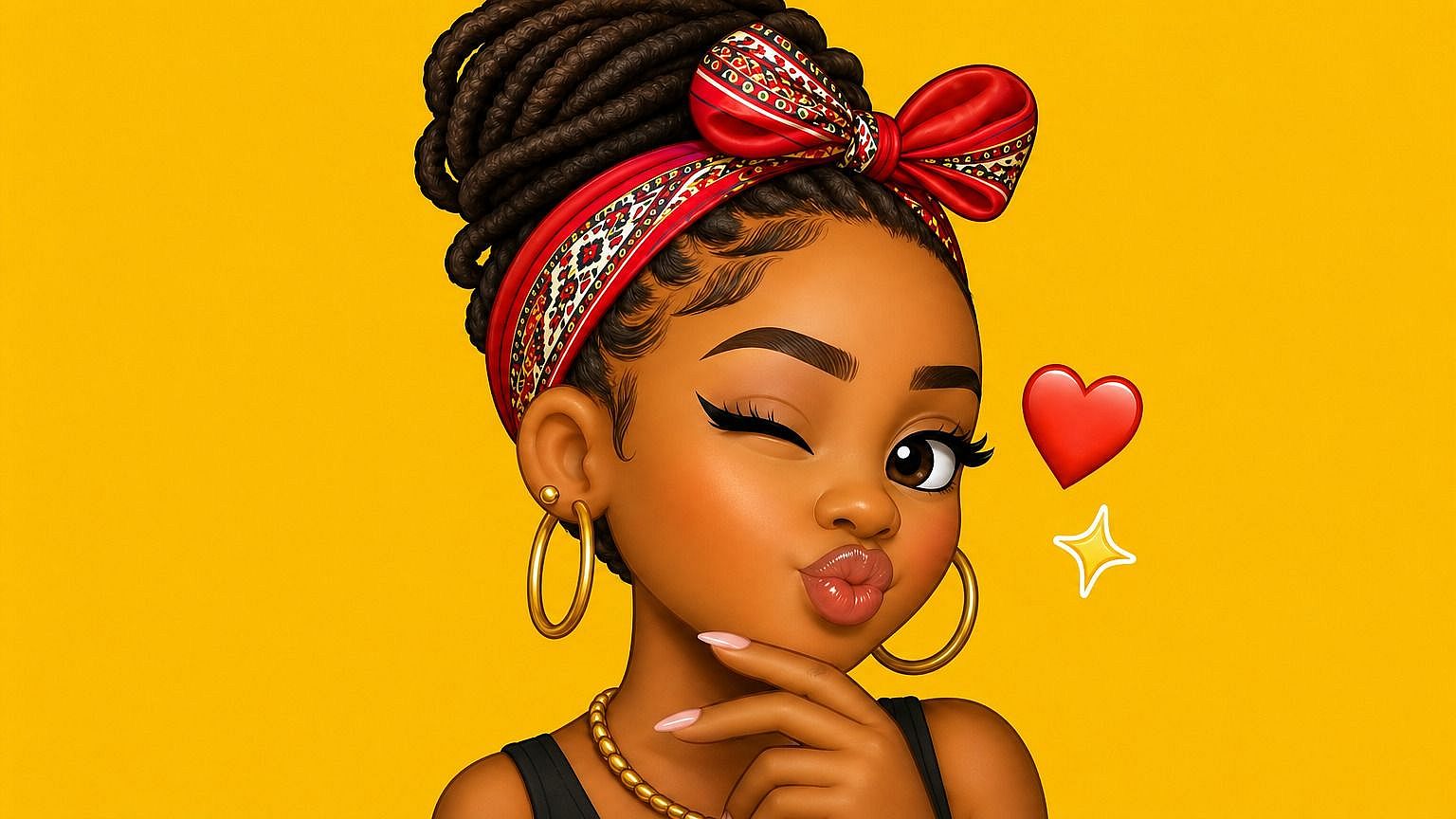
写真からオリジナル絵文字を作成
どんな写真をアップロードしても、AI が顔・表情・全体の雰囲気を捉えた絵文字バージョンを生成します。ただのフィルターではありません。本物の絵文字アイコンらしいプロポーションと勢いを活かしつつ、その人らしさを残したまま被写体を絵文字として作り直します。だからあなたの絵文字は、本当にあなたらしく感じられます。
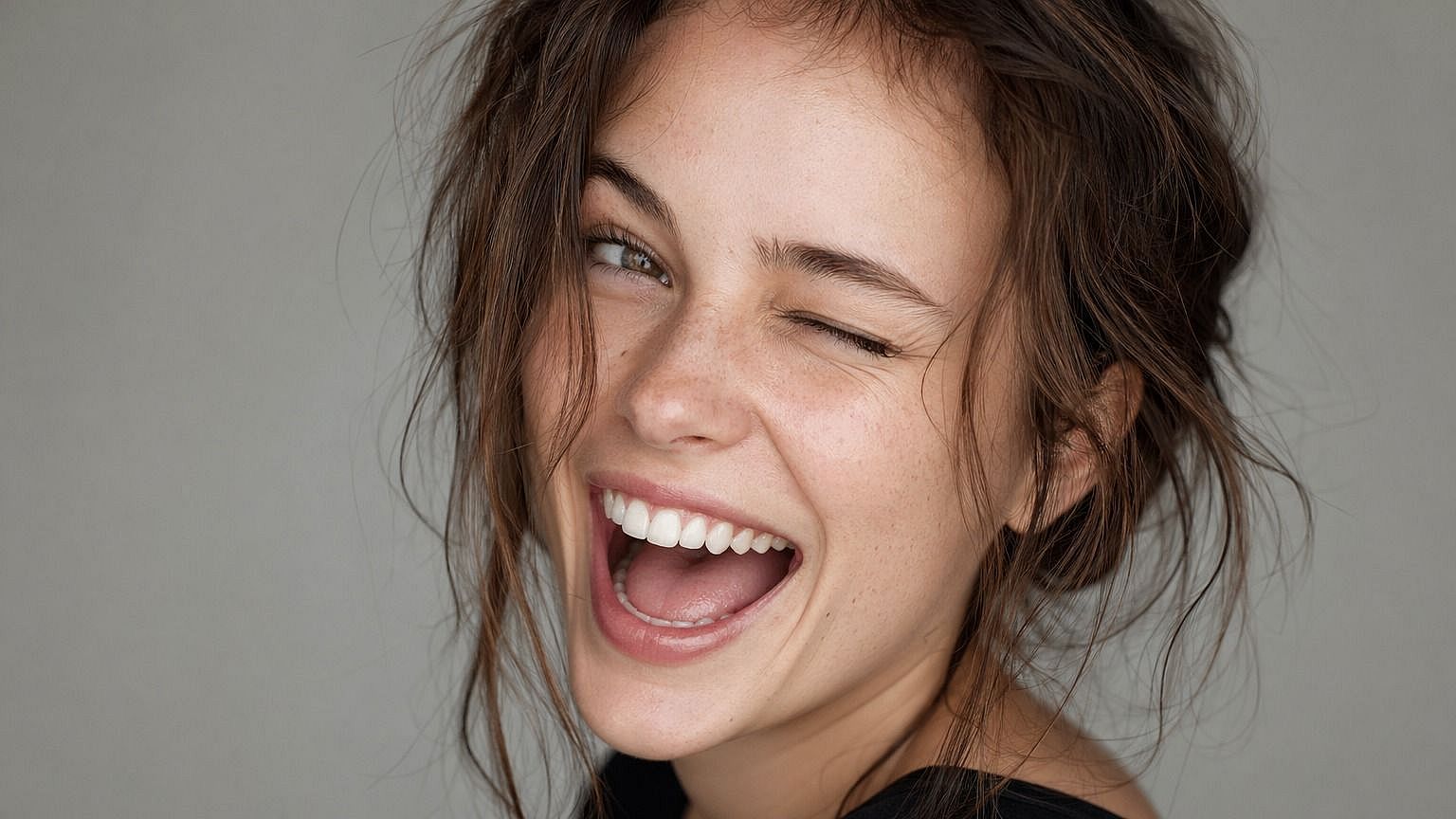
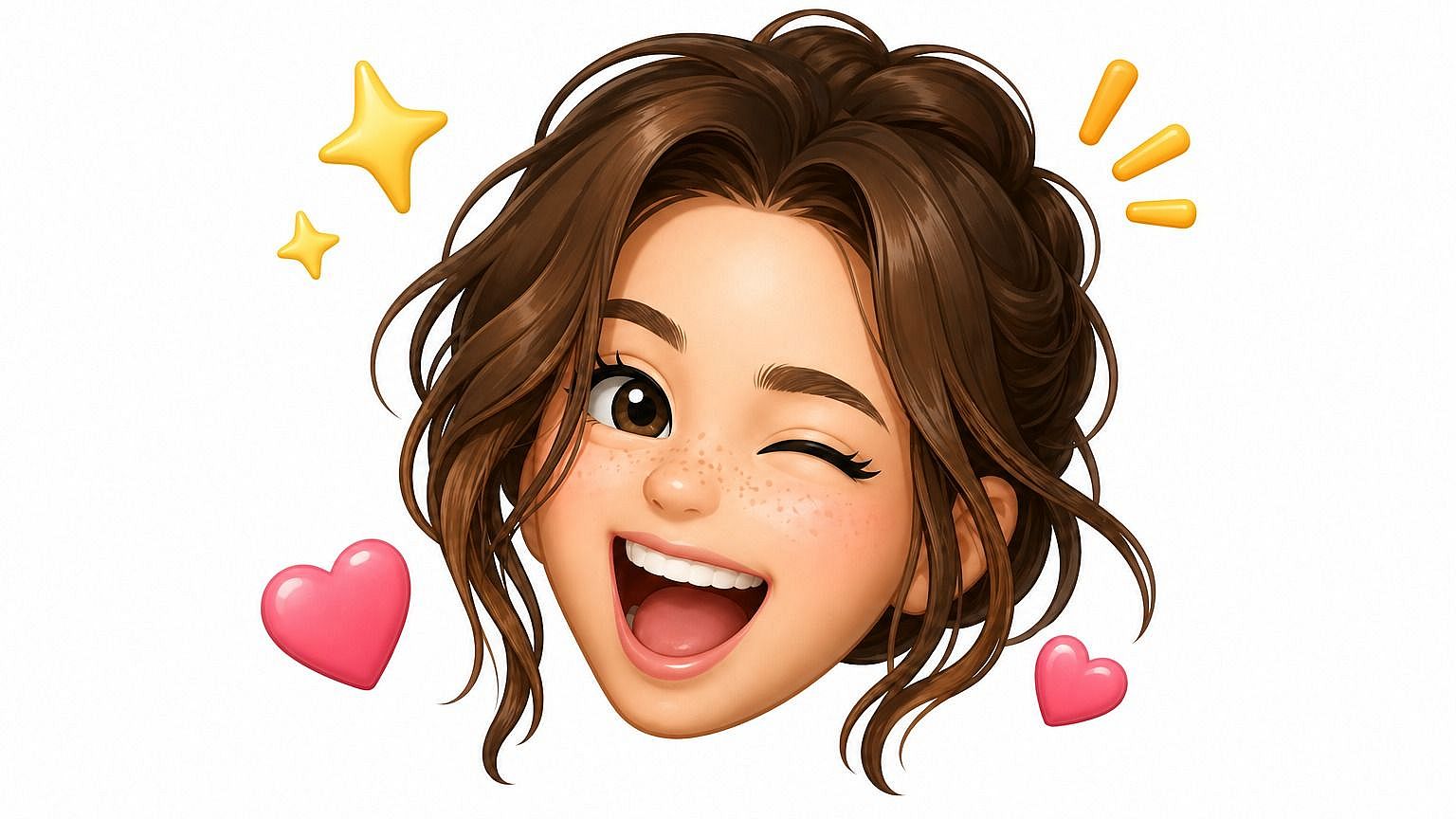
複数の絵文字スタイル
欲しいスタイルを選べば、AIが適応します。Appleの絵文字のように丸くツヤのある感じ、Twemojiのようにフラットでグラフィカルな感じ、太い輪郭のステッカー風、3DのAnimoji風、レトロなピクセル、手描きなど。プロンプトでルックを説明すれば、モデルがそこに寄せていきます。スタイルはいつでも切り替えられるので、同じ写真がさまざまなテイストでどう変わるか試せます。
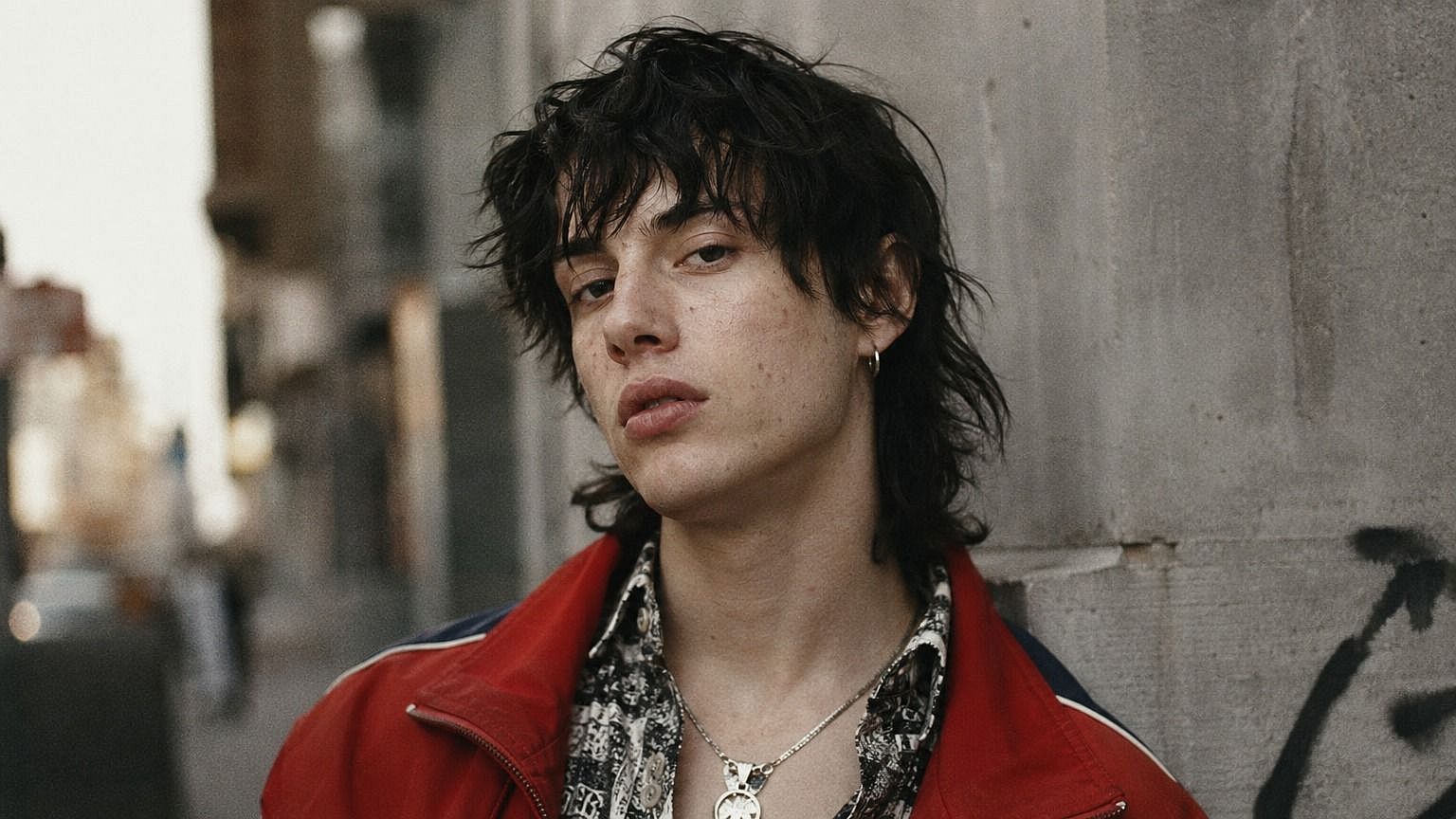
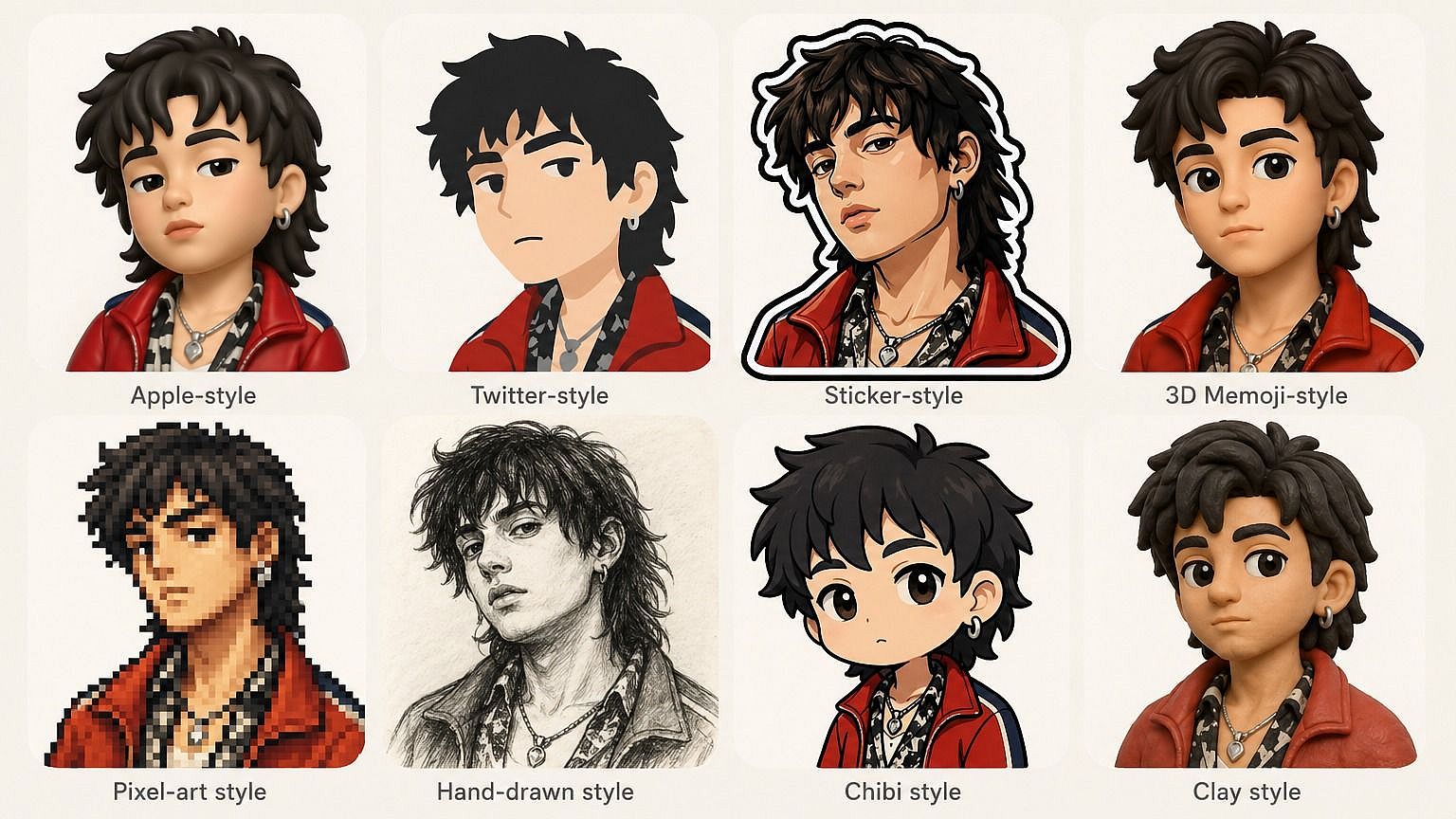
面影を残しつつ、スタイライズされたルック
どれだけスタイライズしても、AIは目の形、髪、表情など、顔を本当に「その人らしく」見せる小さなディテールを保ちます。だから自分や友達、ペットのカスタム絵文字を送ったとき、みんなが適当なキャラクターではなく、すぐに誰なのかわかるのです。
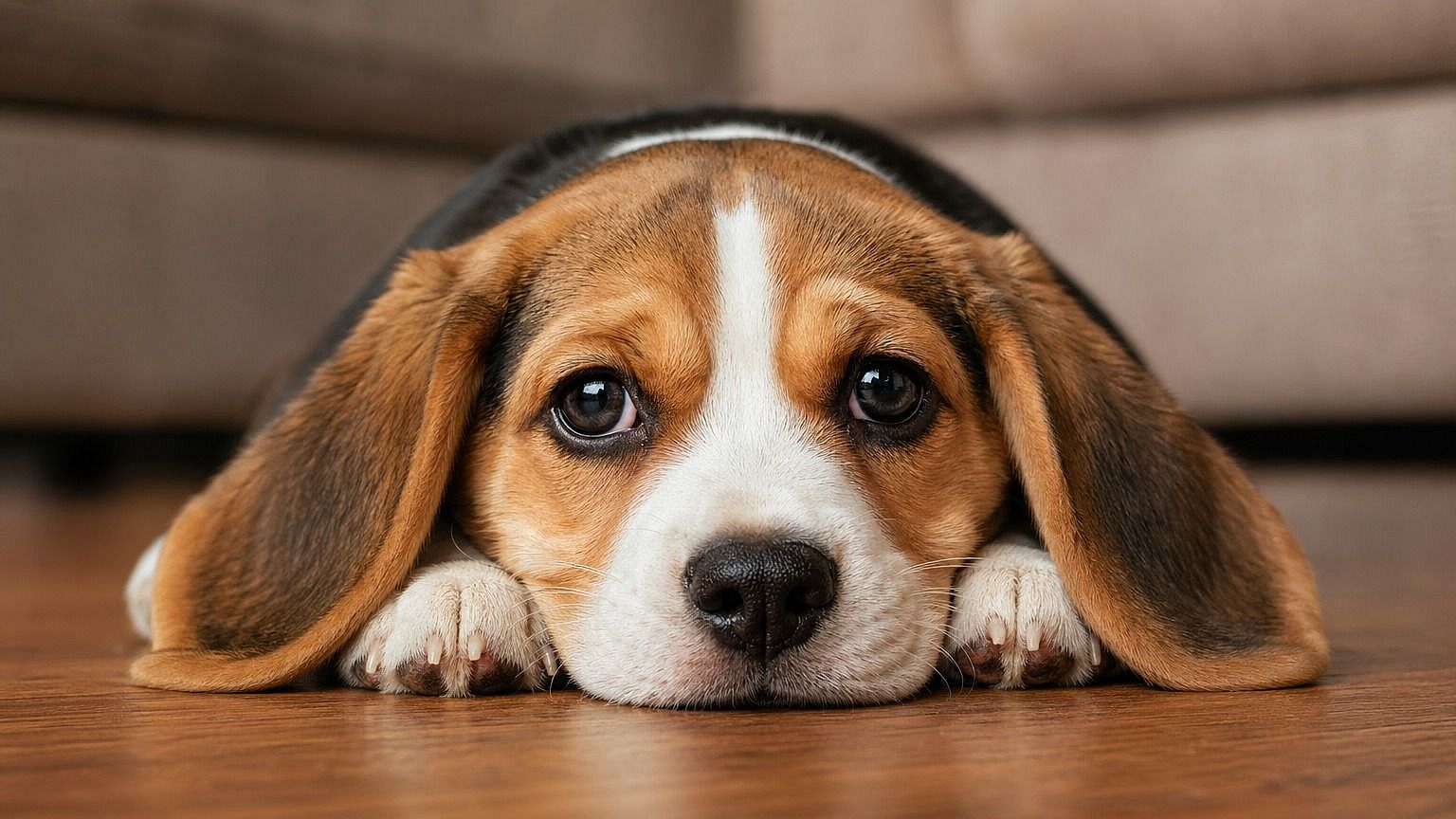
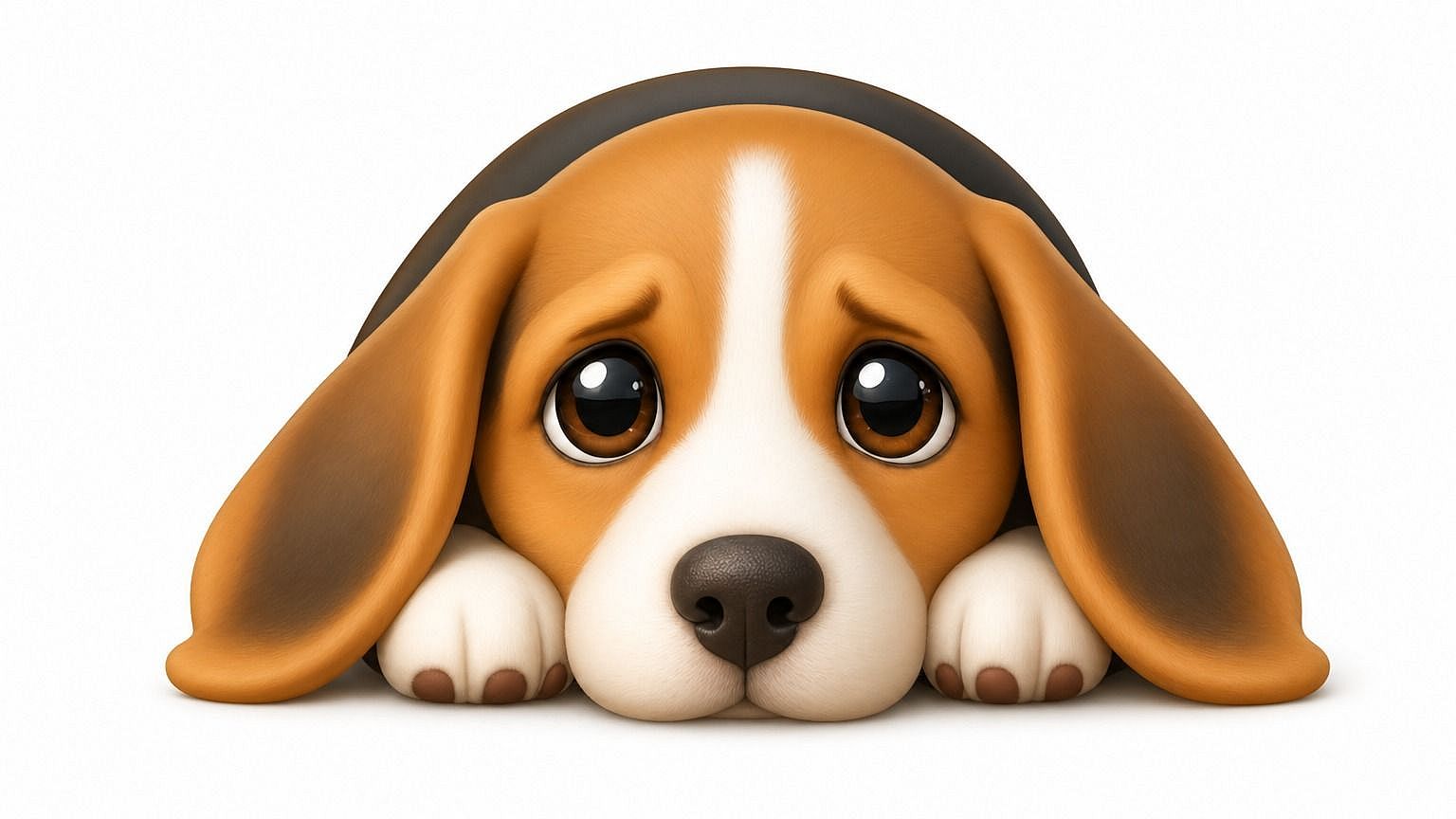
総合画像編集スイートに搭載
写真から絵文字へのツールはOpenArtの幅広い編集ワークスペースの一部なので、ツールを切り替えずに結果を磨き続けられます。表情を微調整したり、背景を差し替えたり、1つの絵文字をフルステッカーに拡張したり、さまざまな角度でバリエーションを生成したり——すべて同じウィンドウ内で行えます。もっと大げさでアーティスティックなものが欲しいなら、Photo to Caricatureツールがすぐ隣にあります。
写真から絵文字を作るツールの使い方
どんな写真も3ステップでオリジナルの絵文字に。
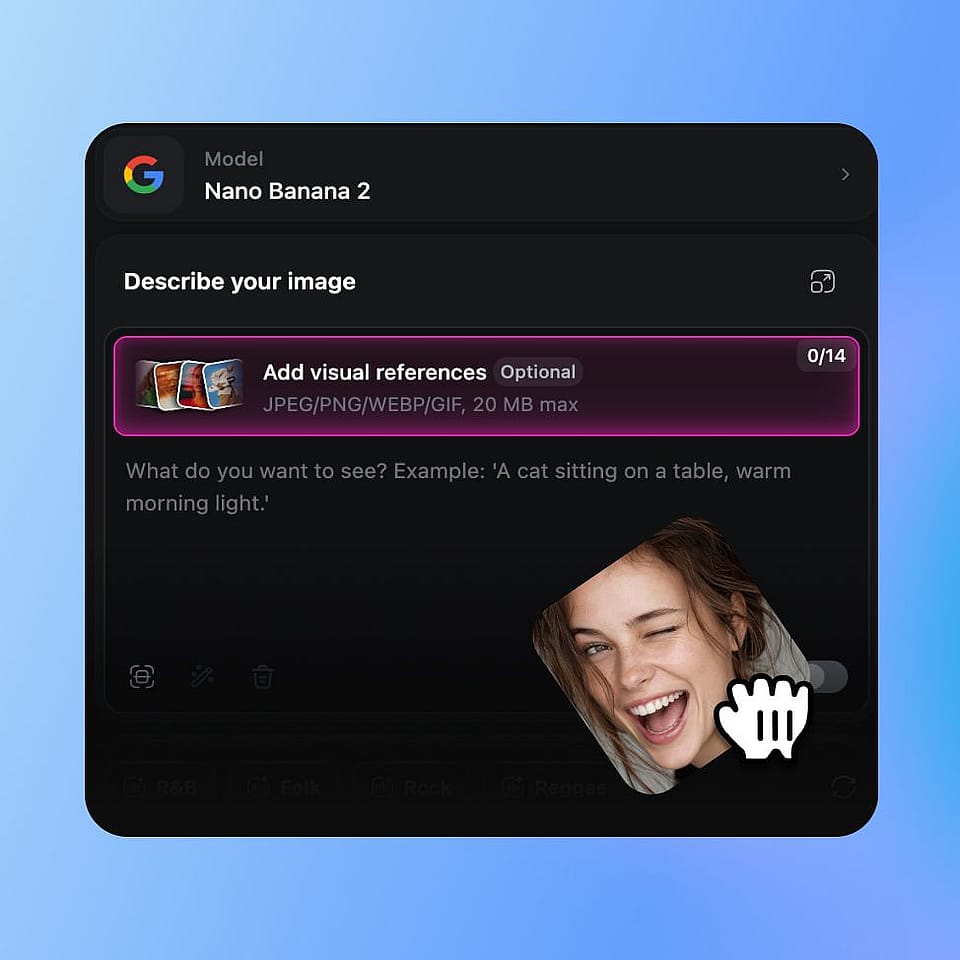
写真をアップロード
OpenArtの画像ツールを開いて、絵文字化したい写真をアップロードしましょう。自分の顔でも、友達、ペット、架空のキャラクターでもOKです。
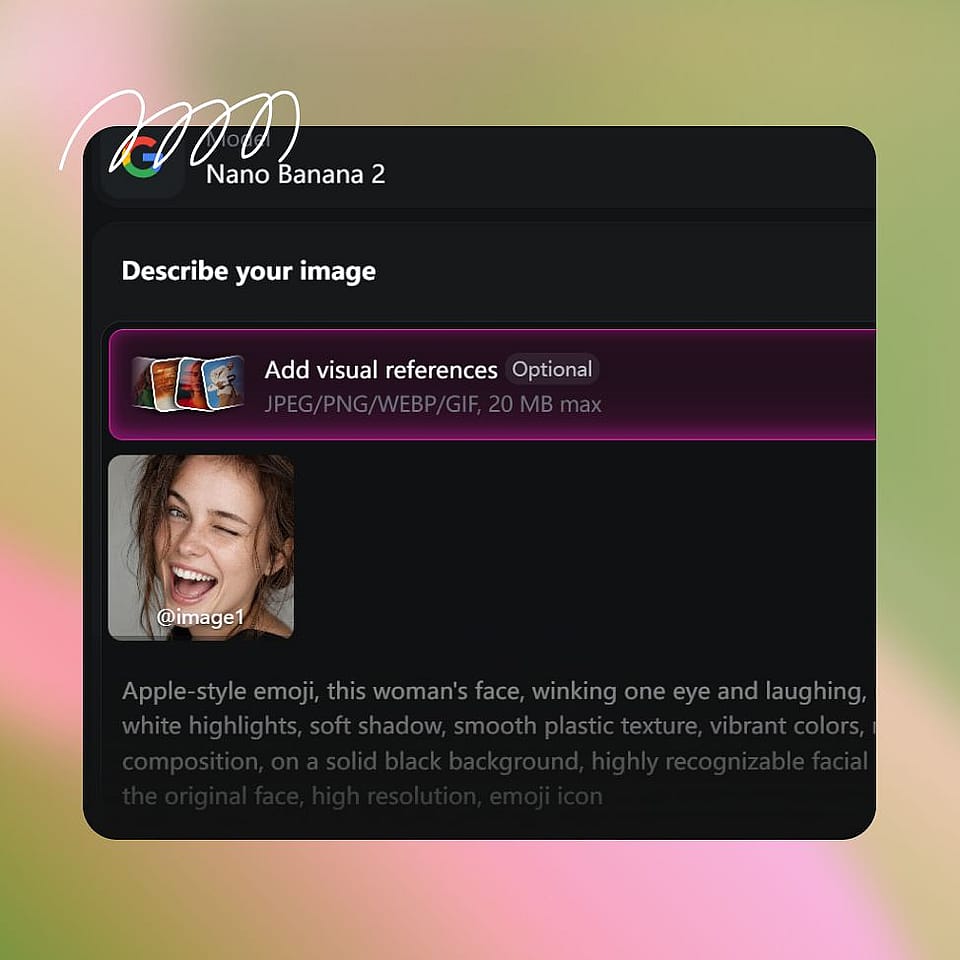
絵文字のスタイルを指定する
目指すスタイルを入力するだけ——「丸みのあるApple絵文字風」「太い輪郭のフラットな2Dステッカー」「3D Animojiルック」「手描きのピクセル絵文字」など。細かく指定しても、ざっくりでもOKです。
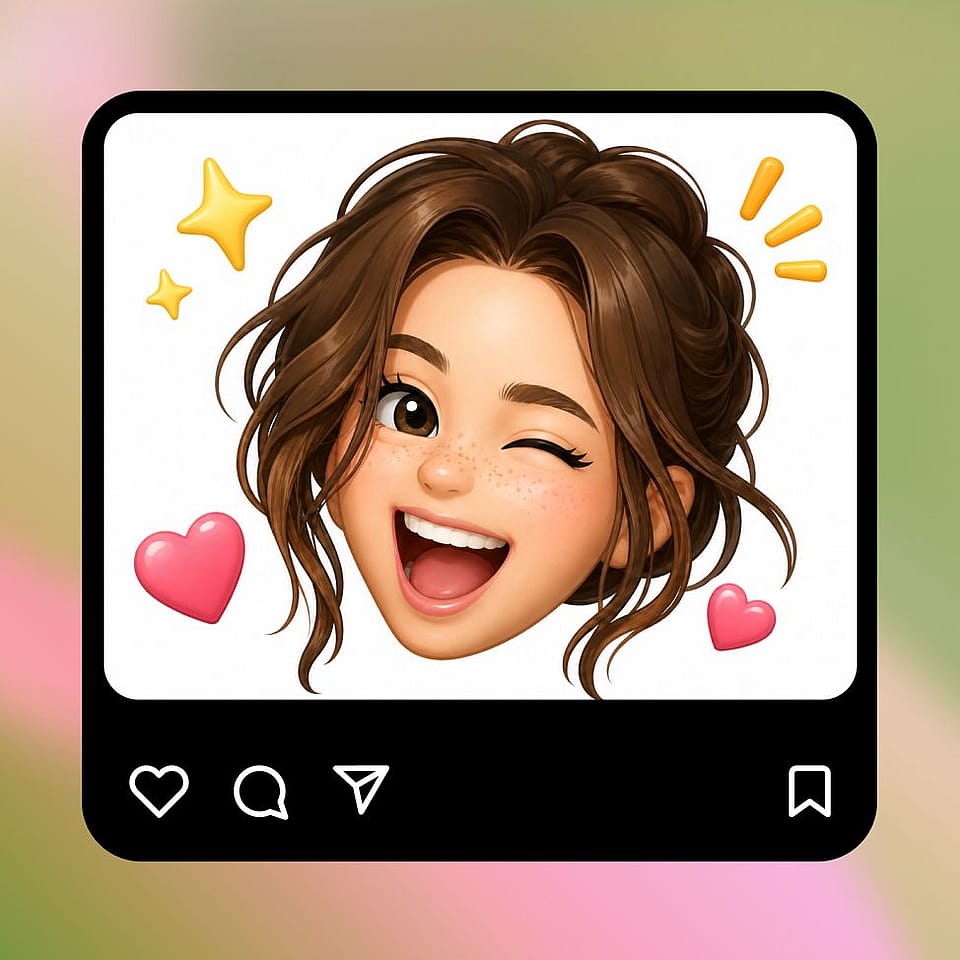
生成と調整
実行して結果をプレビューし、必要に応じて調整しましょう。プロンプトを微調整したり、新しいスタイルを試したり、気に入ったバージョンにたどり着くまでいくつかのバリエーションを生成してみてください。
カスタム絵文字、ステッカー、パーソナルアバターのために
どんな写真も、楽しくて自分らしく、いつも使っているアプリですぐ使えるものに変えましょう。
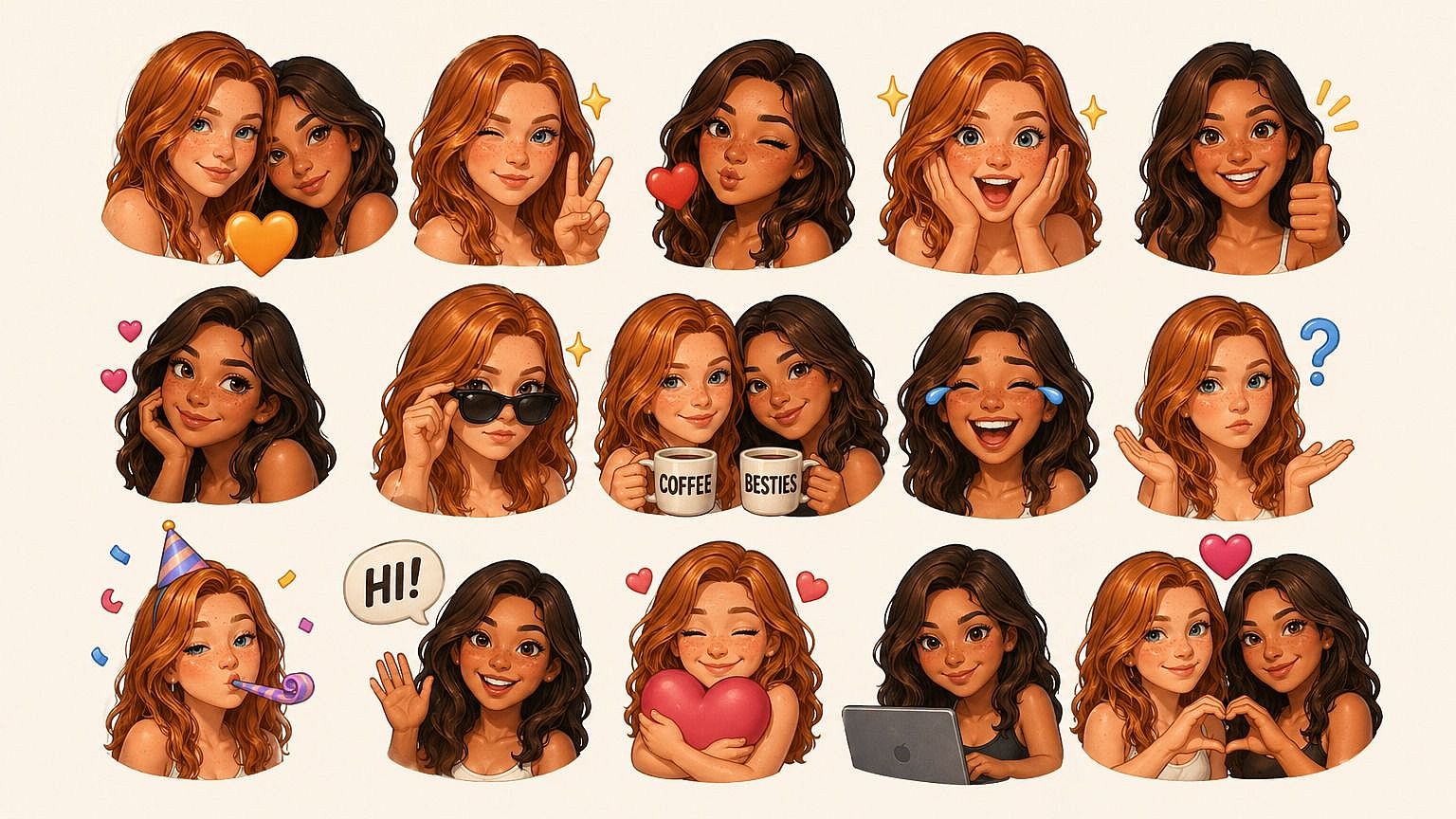
カスタムリアクション絵文字とステッカー
グループチャットを本当に楽しくしましょう。あなたや友達の顔を、表情豊かなリアクション絵文字のセットに変えて、iMessage、Discord、Telegram、Slackなど、いつも使っている場所にサッと使えます。何年も使い回してきた同じお決まりのリアクションより、ずっと楽しいはずです。
今すぐ試す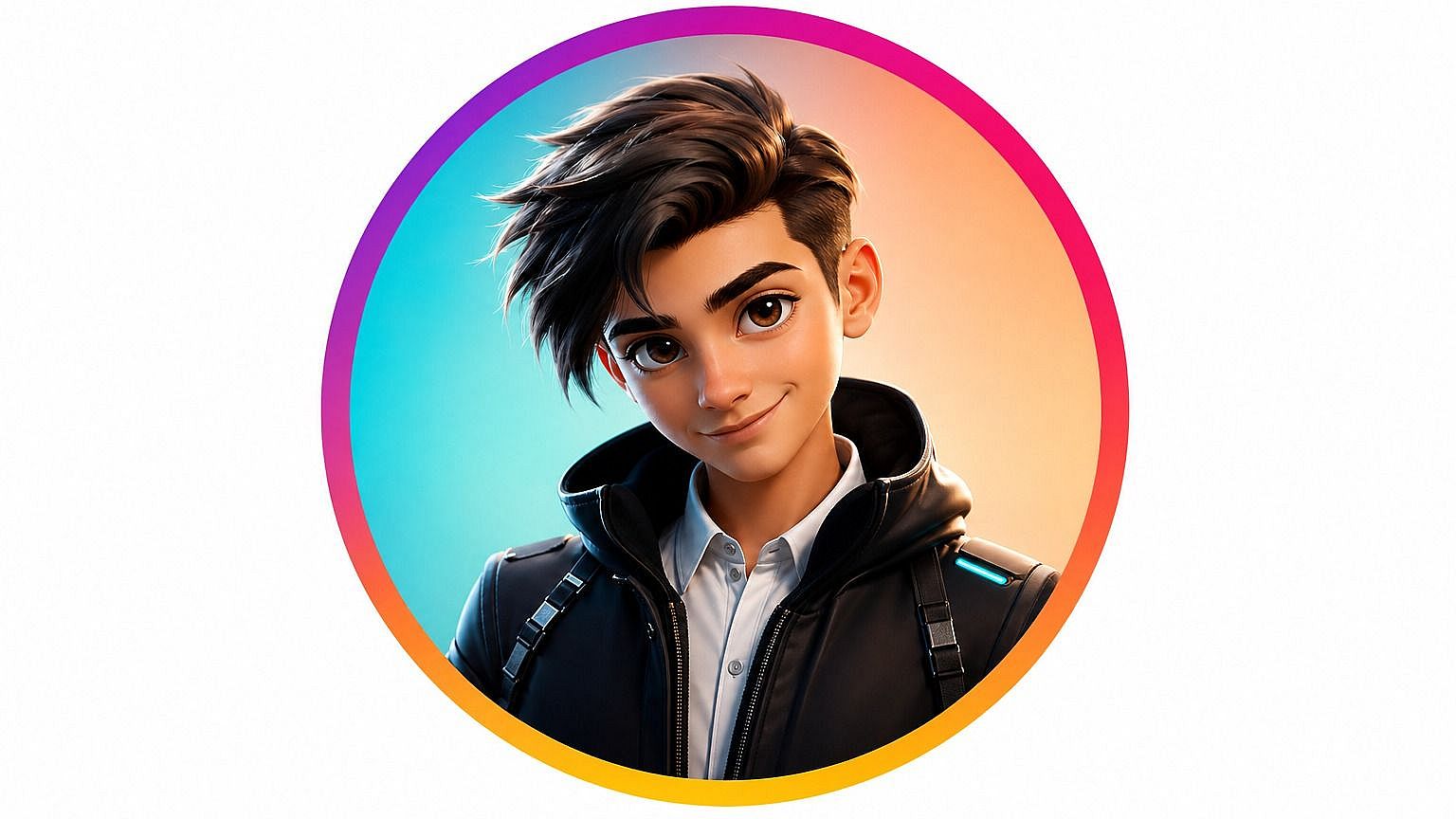
パーソナライズされたアバターとプロフィール画像
カスタム絵文字を、SNS・ゲーム・仕事用アプリのプロフィール画像として活用しましょう。スタイライズされているので、あなたらしさを残しつつ、登録するすべてのプラットフォームに素顔をさらすことなく、楽しく表情豊かなアイデンティティとして使えます。
今すぐ試す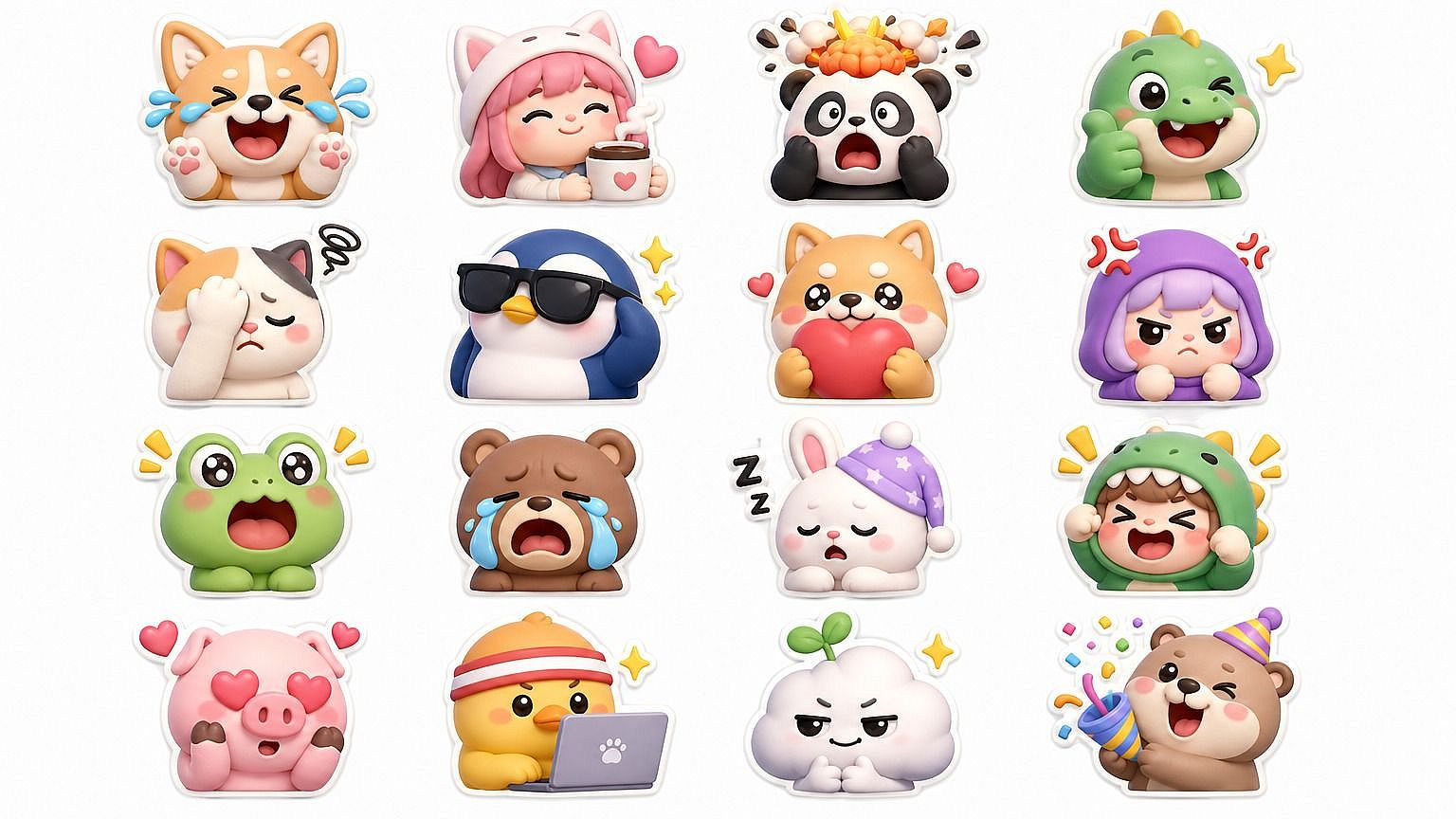
ブランド向け・チーム向け絵文字セット
会社のSlack、友人グループ、ファンコミュニティ、D&Dパーティー向けにカスタム絵文字パックを作りましょう。複数の題材で統一スタイルを使えばセット全体に一体感が生まれ、グループが増えたり新しい内輪ネタが生まれたりするたびに追加していけます。
今すぐ試す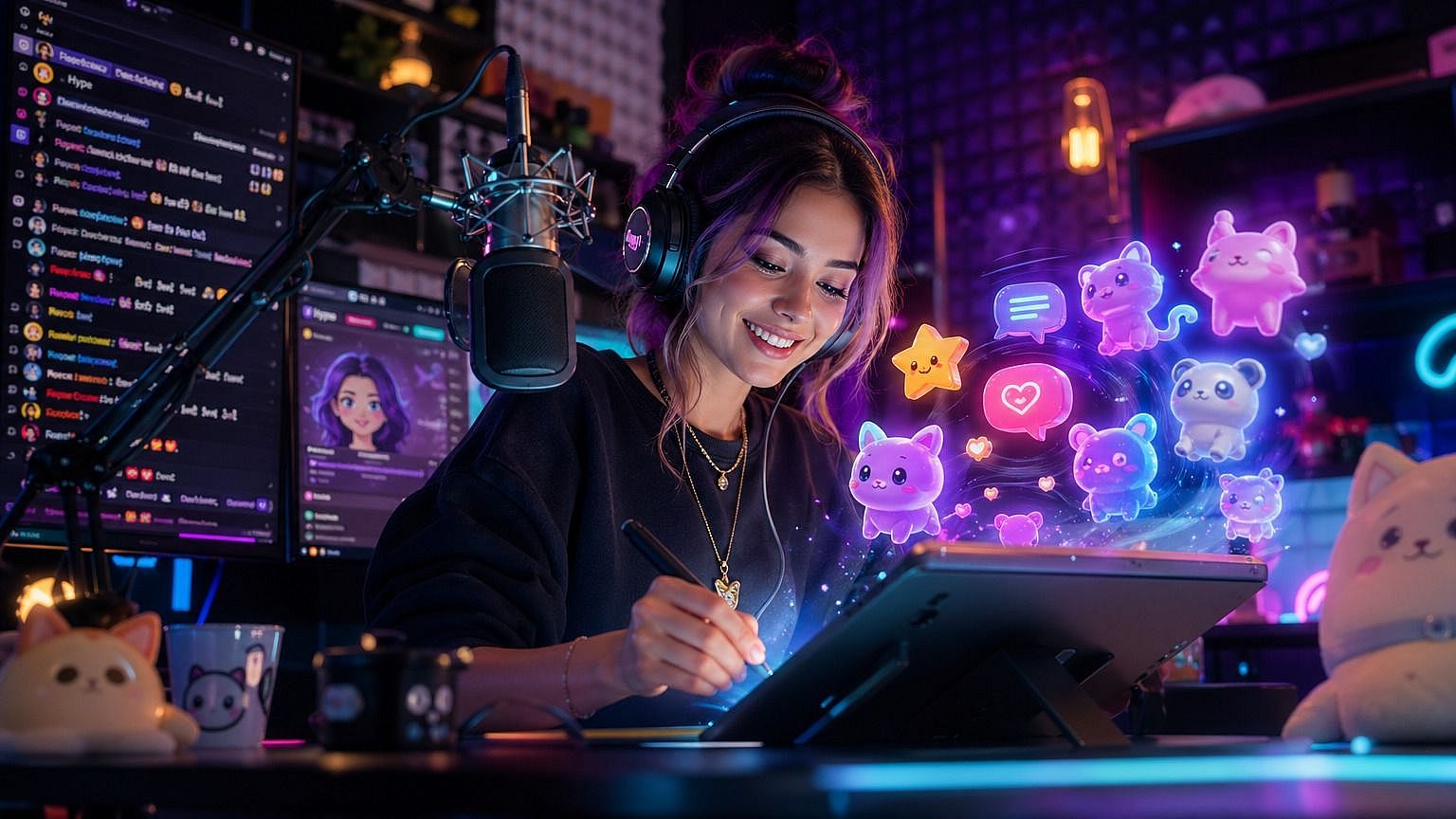
クリエイターとコミュニティビルダー
カスタム絵文字は、視聴者が実際に使えるものを手軽に提供できる方法です。配信者、ポッドキャスター、クリエイター、Discordモデレーターは、自分やゲスト、マスコットの絵文字を生成し、チャットやサブバッジ、チャンネルリアクション、グッズに使えます。
今すぐ試すよくある質問 よくある質問
写真をスタイライズした絵文字やステッカーに変えるAIツールです。画像をアップロードして好きなスタイルを選ぶと、写真に写っているもの(や人)をもとにAIが絵文字を生成します。自分・友達・ペット、その他撮影できるものなら何でも、オリジナルの絵文字が作れると考えてください。
はい。丸みのあるApple風、フラットな2D、3DのAnimoji風、ステッカー、ピクセル、手描き、アニメなど、好きなスタイルを指定すれば、AIがそのスタイルで絵文字を生成します。スタイルはいつでも切り替えられるので、同じ写真でバージョンを比較できます。
保存したら、あとはほかのPNGと同じように扱えます。iMessage、Discord、Slack、WhatsApp、Telegram、グループチャット、SNS投稿、プレゼン資料など、ステッカーや画像が使える場所ならどこでも貼り付けられます。
絵文字の結果はより引き締まって象徴的で、チャットのリアクションやステッカーのような小さいサイズでも機能するように作られています。似顔絵はより大きく誇張されたポートレートに寄せ、アーティスティックな味わいを加えます。同じ元写真でも、最終的な用途が異なります。
OpenArtでは、クレジット付きの無料トライアルをご用意。アップグレード前に、写真から絵文字ツールを数枚の画像で試せます。
はい、それがまさに狙いです。AIは見分けのつく特徴(顔の骨格、髪、表情)を保ちつつ、その上に絵文字風のスタイルを重ねます。だからあなたのカスタム絵文字は、漫画風になってもちゃんとあなたに見えるのです。
はい。このツールは人の顔、動物、全身、スタイライズされた被写体すべてに対応します。ペットの絵文字、友だちグループの絵文字、架空キャラの絵文字——どれも大歓迎です。
はい。被写体ごとに同じスタイルpromptを使えばAIがルックを一貫して保つので、グループやチーム、家族向けの絵文字セットもビジュアルがまとまります。カスタムSlackパックやDiscordサーバーのリアクションセットを作るときに特に便利です。
JPEG、PNG、WEBPすべてに対応。スマホ、パソコン、クラウドストレージから直接アップロードできます。
被写体の顔や特徴がはっきり見える、明るくクリアな写真から始めましょう。プロンプトでは、望むスタイルを具体的に指定してください。「Apple emoji」「Twemoji」「3D Animoji」など参考スタイルの名前を挙げると、AIがより早く狙いを定めやすくなります。最初がうまくいかなかったら、プロンプトを調整して再実行しましょう。

