

AI Thanksgiving Generator
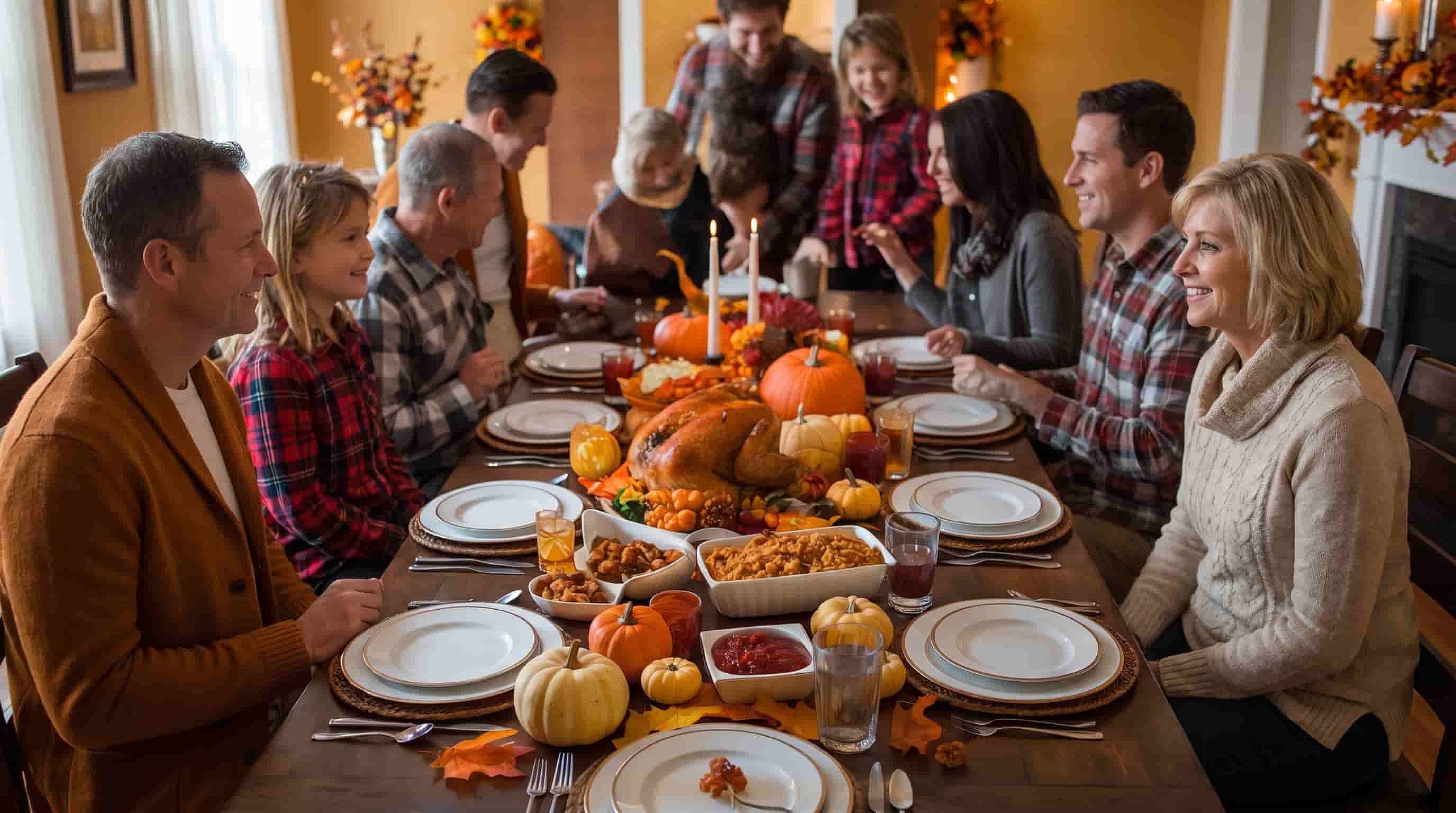
The AI Thanksgiving generator makes Thanksgiving images from a short prompt or your own photo. Create Happy Thanksgiving cards, turkey dinner scenes, and fall backgrounds to share with family, friends, and customers.
Key Features of AI Thanksgiving Image Generator
Create AI Thanksgiving Images for Cards, Menus, and Posts
Make Happy Thanksgiving cards with a message
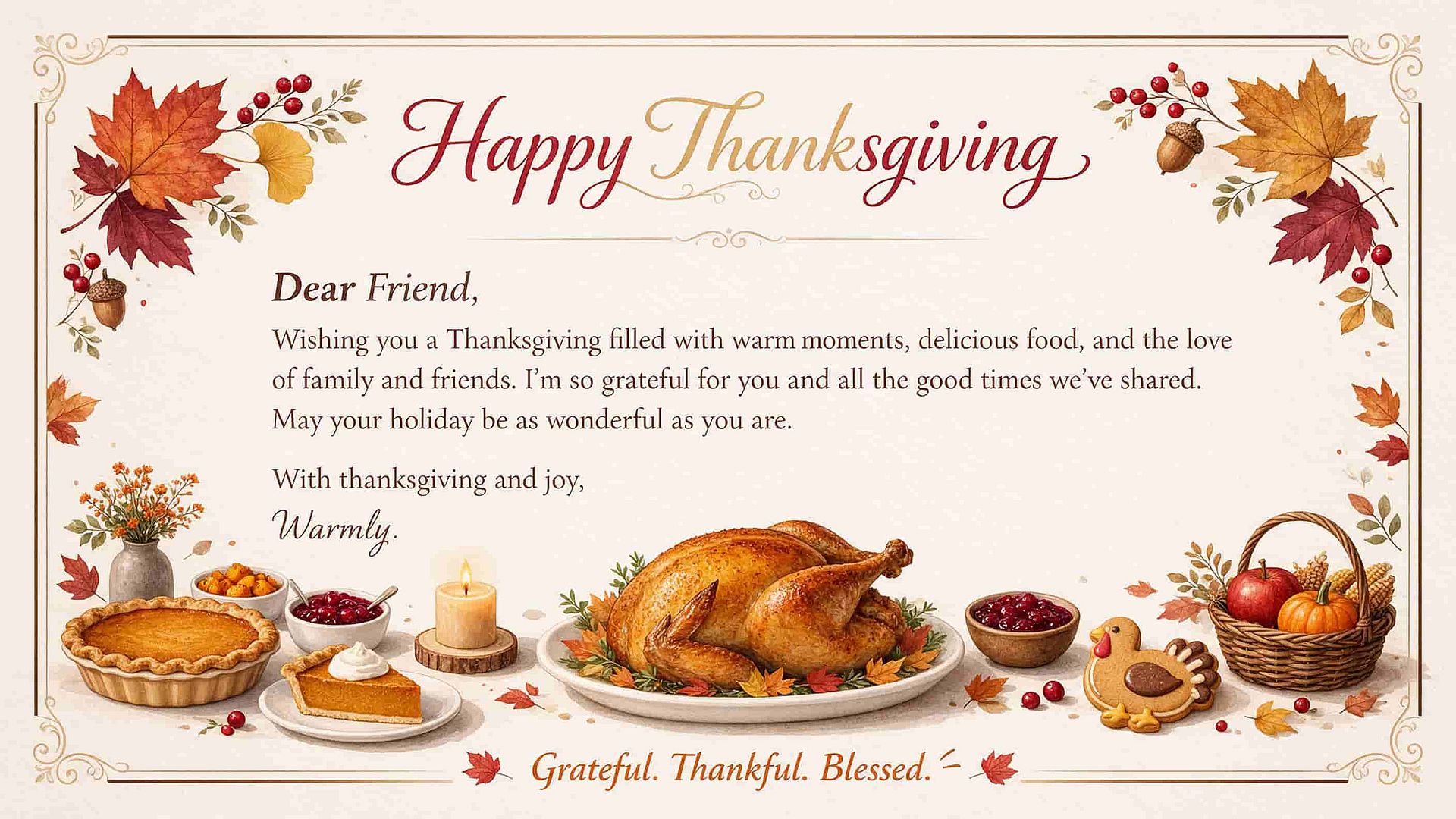
The AI image generator puts your greeting right on the image. Type the words in quotes inside your prompt, like "Happy Thanksgiving from the Garcia family," and pick GPT Image 2.5 for clean lettering. The words appear in the style you describe, from handwritten script to bold autumn letters. Send the card by text or email the same day.
Picture a Thanksgiving turkey and dinner
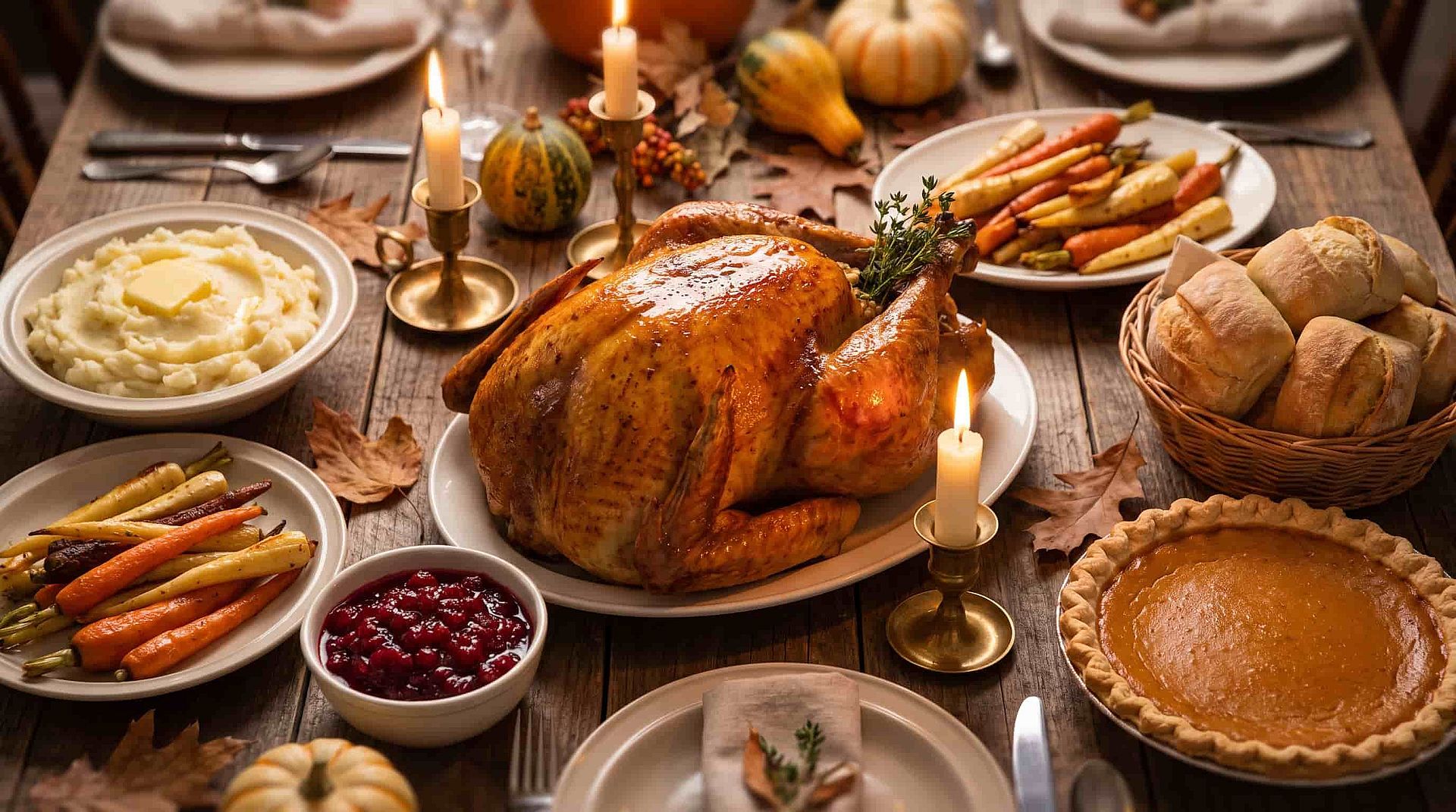
The AI Thanksgiving generator turns a list of dishes into a full Thanksgiving dinner picture. Type something like "a golden roast turkey, mashed potatoes, cranberry sauce, and pumpkin pie on a long wooden table with candles." Make up to 8 outputs in one go. Home cooks can use these pictures to plan the table, and restaurants use them for holiday menus.
Add Thanksgiving decorations to a family photo
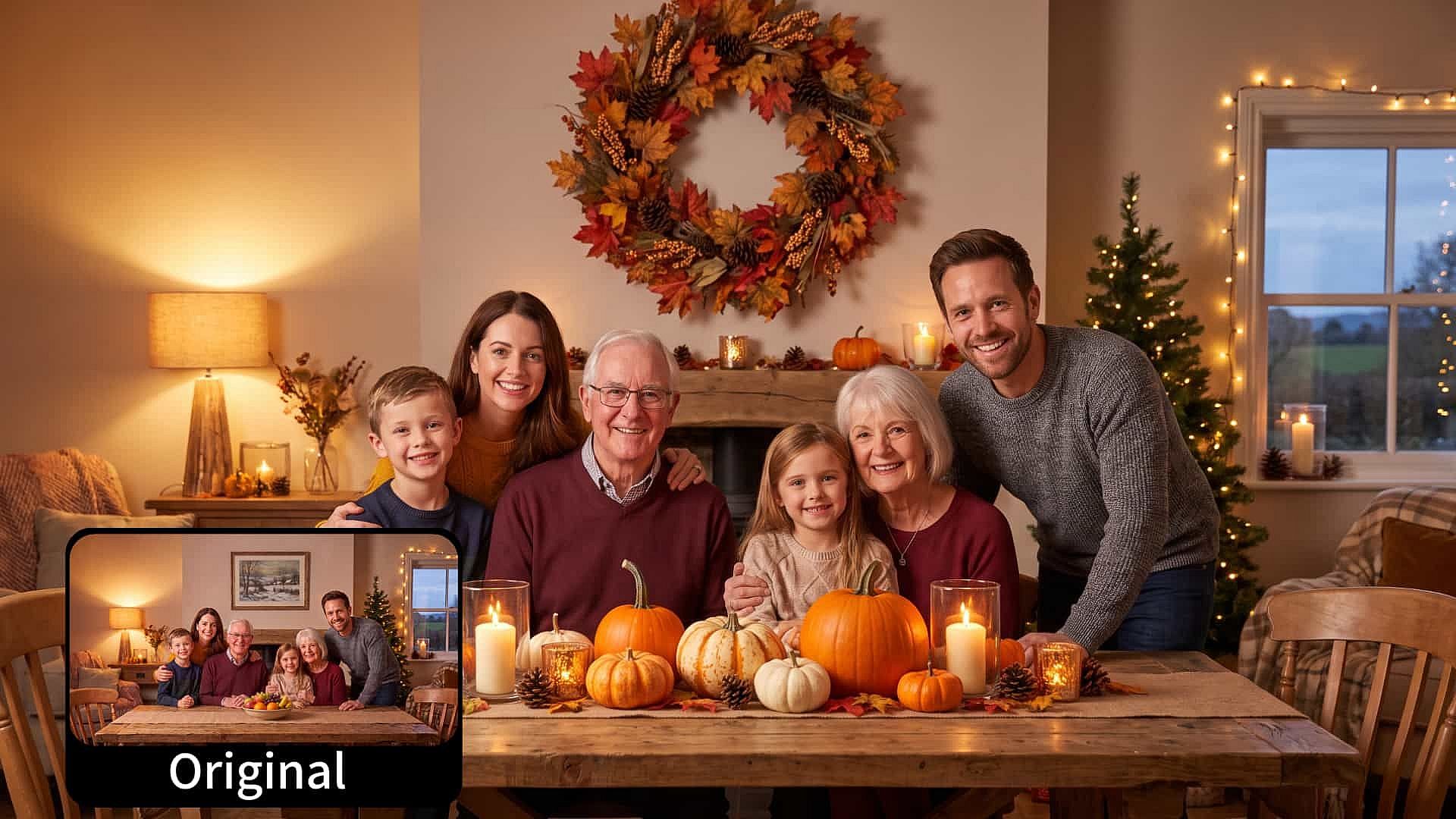
The AI Thanksgiving generator adds Thanksgiving touches to a photo you already have. Upload a family picture and type the change, like "add a fall wreath, pumpkins, and warm candlelight to the room." You can also highlight one area so only that part changes, and every face stays exactly as it was. Your real family photo becomes a holiday picture.
Make Thanksgiving Social Media Posts
Use the AI Thanksgiving generator to make images for any aspect ratio, in up to 4K resolution, suited for any platform like X, Instagram, Threads, or Pinterest. You can also later animate those images into a full video clip using OpenArt's AI video generator.
How to Use the AI Thanksgiving Generator
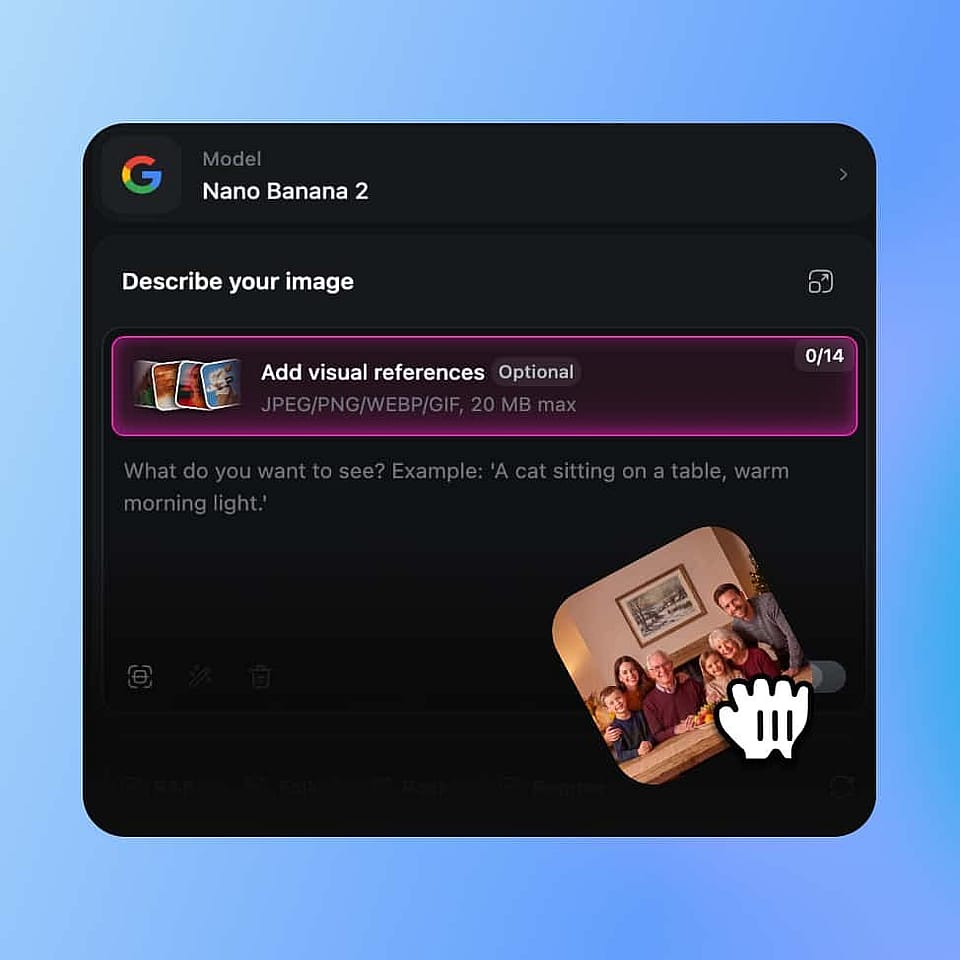
Upload your photo
Open AI image generator and upload a clear photo of yourself as a reference image.
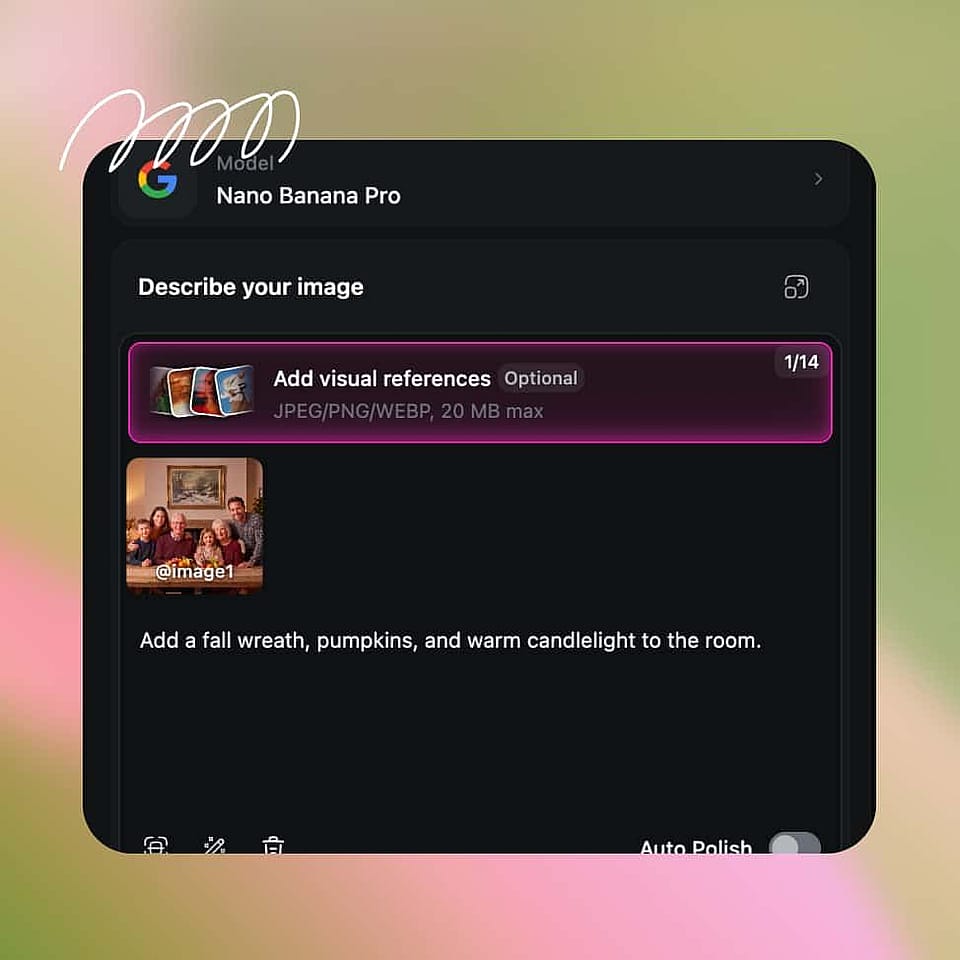
Prompt your new image
Type what you want to see, like "me sitting at a cozy Thanksgiving table at sunset with Happy Thanksgiving written in gold."

Generate and download
Choose your resolution, aspect ratio, and other settings, and hit Generate. Download the image you like, or refine your prompt to try again.
Best Use Cases for the AI Thanksgiving Generator
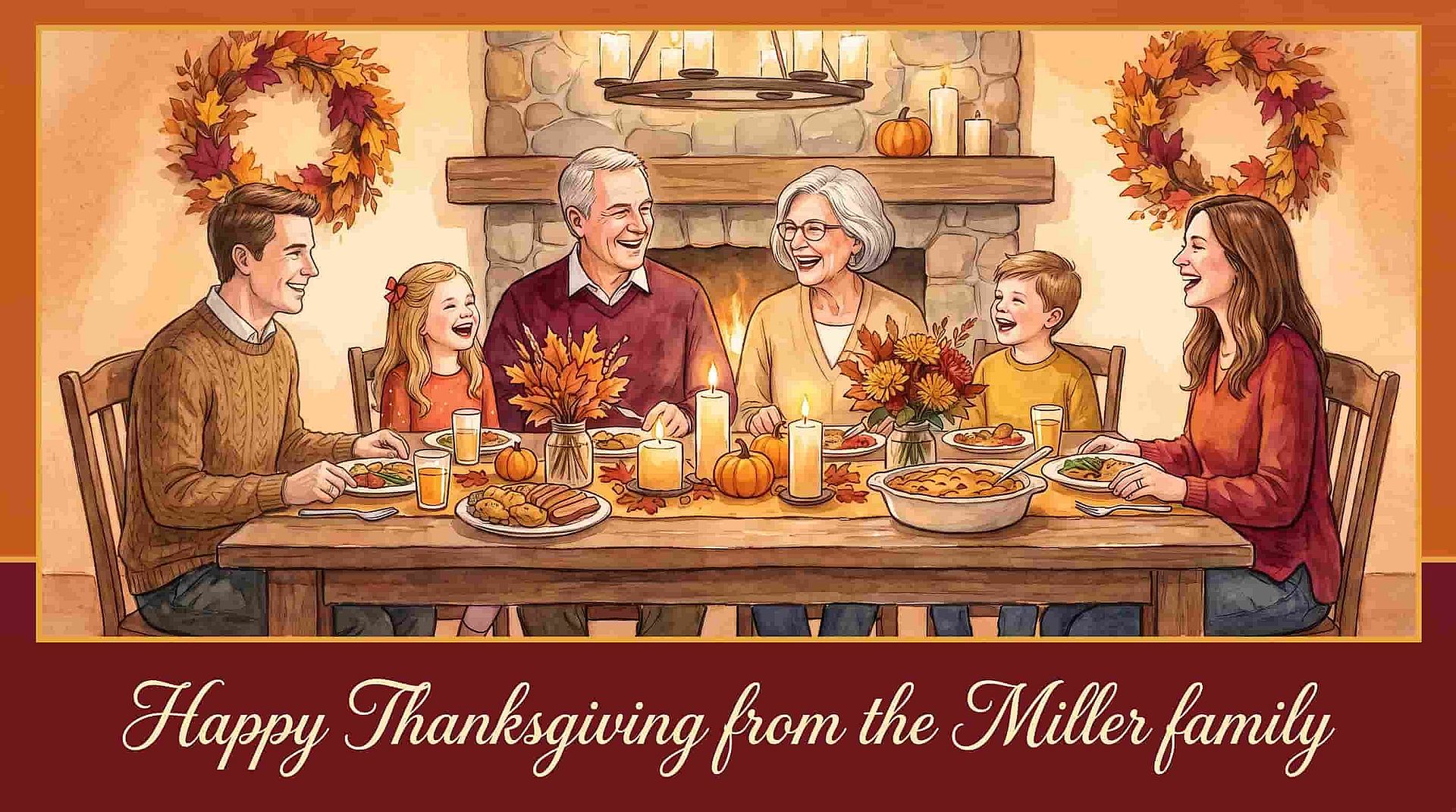
Families sending Happy Thanksgiving wishes
Families use the AI Thanksgiving generator to make a greeting that feels personal. Type your family name into the prompt and get a card with your own words on it. Or upload last year's group photo and add a fall table around everyone. Send the same card to the whole family group chat in one message.
Try it Now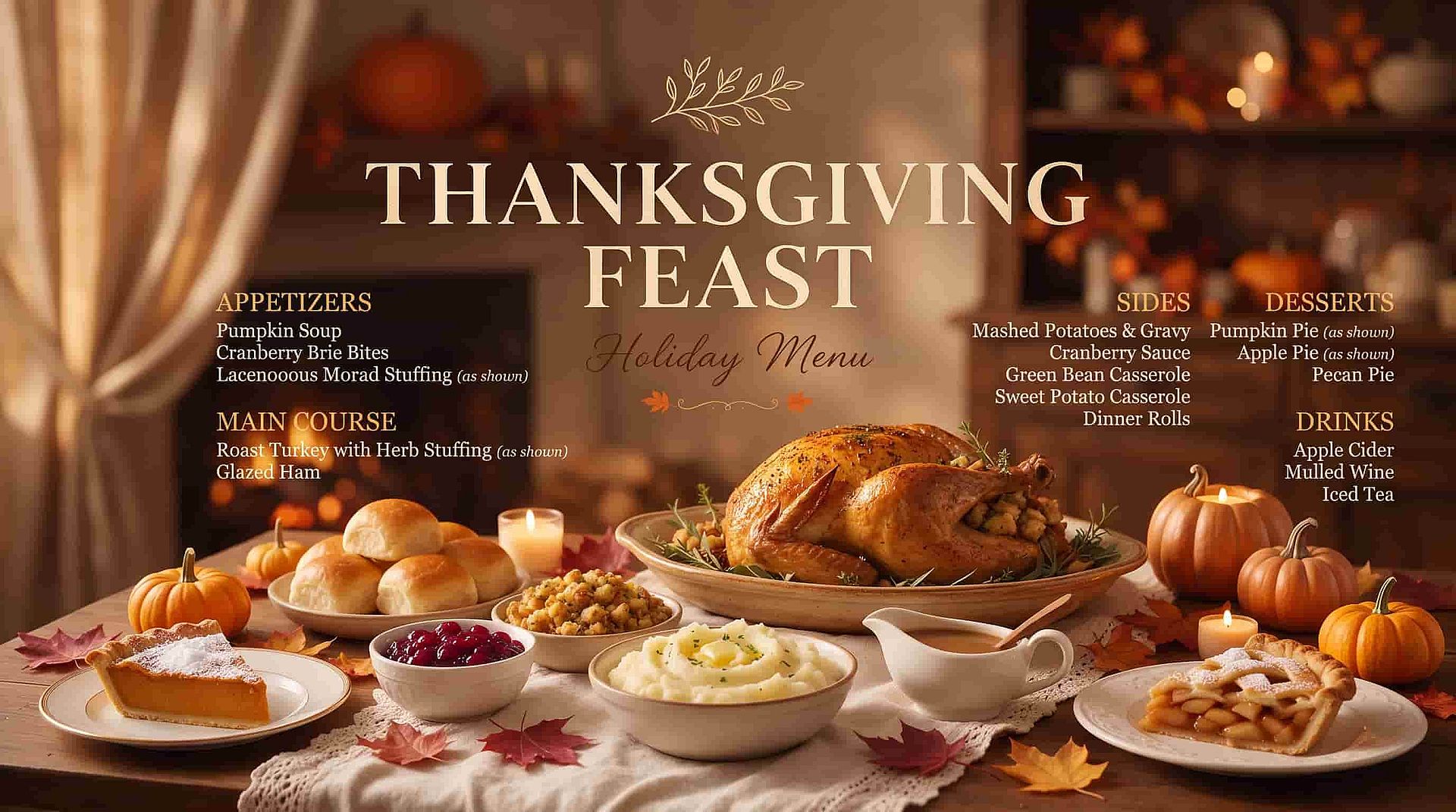
Restaurants and bakeries promoting holiday menus
Restaurant and bakery owners use the AI Thanksgiving generator to show off holiday orders before the food is cooked. Describe your pie, your turkey plate, or your family meal box, and use the picture on your menu and social posts. Add the price and order deadline as words on the image. Customers see exactly what they are ordering.
Try it NowSocial media creators posting holiday content
Social media creators use the AI Thanksgiving generator to post seasonal content all week. Make a funny turkey scene, a cozy fall kitchen, or a gratitude quote in autumn colors. Then turn your favorite into a short clip with Image to Video, like steam rising off a pie. One idea gives you posts for both photos and Reels.
Try it Now
Marketing for Thanksgiving and Black Friday sales
Marketing teams use the AI Thanksgiving generator to make holiday ad images in the brand's own look. Set up Brand Kit once, and the AI image generator applies your colors, fonts, and logo to every Thanksgiving image in the project. The same kit carries straight into Black Friday images, so the whole holiday week matches.
Try it Now