

Launch Video Maker
OpenArt's AI launch video maker turns your photoshoot, product page, screenshots, or pitch deck into a launch video with music, transitions, and animated text. Show people what your product does and why they should try it.
Launch Video Maker
OpenArt's AI launch video maker turns your photoshoot, product page, screenshots, or pitch deck into a launch video with music, transitions, and animated text. Show people what your product does and why they should try it.
Key Benefits of Launch Video Maker
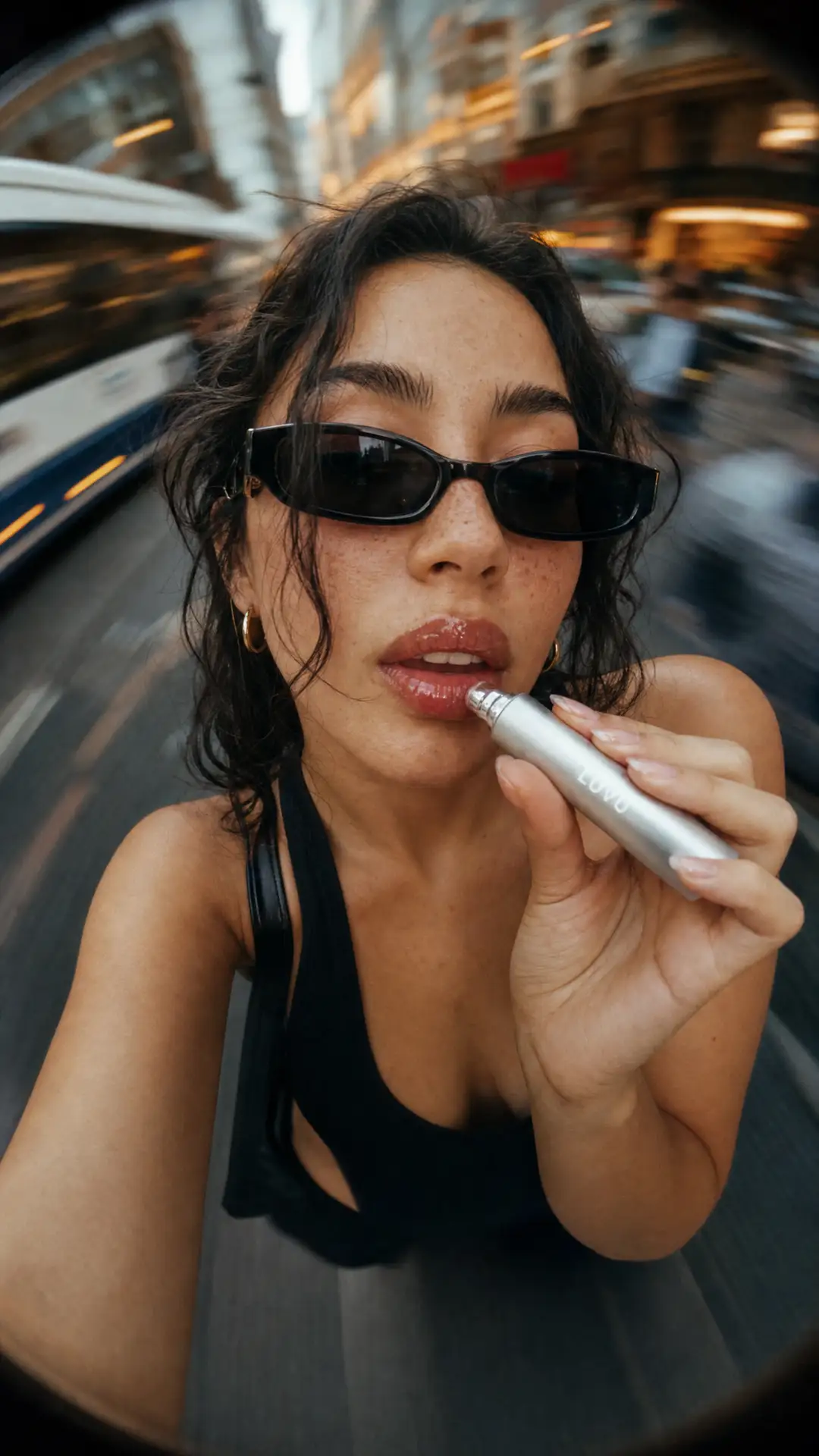


Ready by Launch Day
Turn the website, screenshots, and decks you already have into a launch video, with no script to write and no editor to hire.
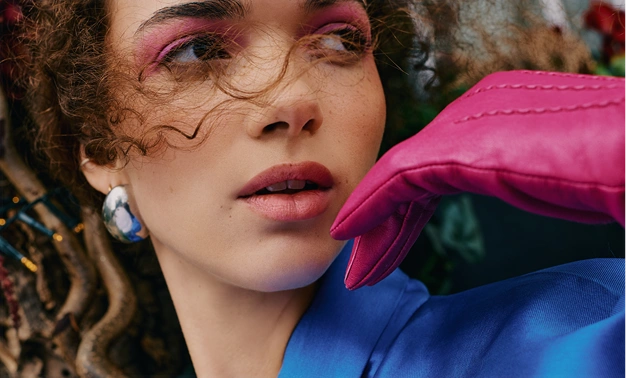
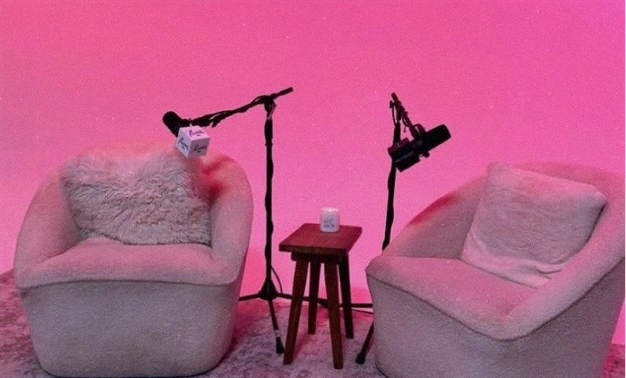

A Polished First Impression
Show your product with music, motion, and animated text that make people want to try it.
Updates Without Starting Over
Change the copy, visuals, or music by chat when your product changes, and keep the rest of the video as it is.
Key Features of Launch Video Maker
OpenArt's launch video maker runs in Director mode. It reads your brand, puts your product story in order, and brings it all together in one launch video.
Start a Product Launch Video From Your Assets
Enter your app or platform name and paste a link to your website or app page. Add your logo, then upload up to 12 UI screenshots, pitch deck slides, or marketing graphics. Tell OpenArt what your product does, who it is for, and why they should try it, plus any video ideas you have. The product launch video maker needs just a link or one visual to start.
Keep Your Brand Colors, Fonts, and Copy
OpenArt reads your assets and picks up your brand colors, fonts, wording, and images. The launch video uses them in every scene, so it looks like your product. A founder with a purple logo gets a launch video in that same purple, with headlines taken from their own website.
Get Music, Transitions, and Animated Text Built In
The AI product launch video generator turns your screenshots and product details into a full video. It adds animated text and graphics, smooth transitions, music, and sound effects timed to what happens on screen. It also puts the scenes in order, so the video explains what your product does and why it is worth trying.
Edit Your Video by Chat or in Timeline
Change anything in the video without starting over. Type what you want in chat, like "swap the music" or "make the second scene shorter," or make more granular changes yourself in the detailed Timeline view. You can add new visuals, change the total length, and add captions you can edit. When your product changes, simply update the video the same way.
How to Use the Launch Video Generator
Direct a launch video for your product in three steps.
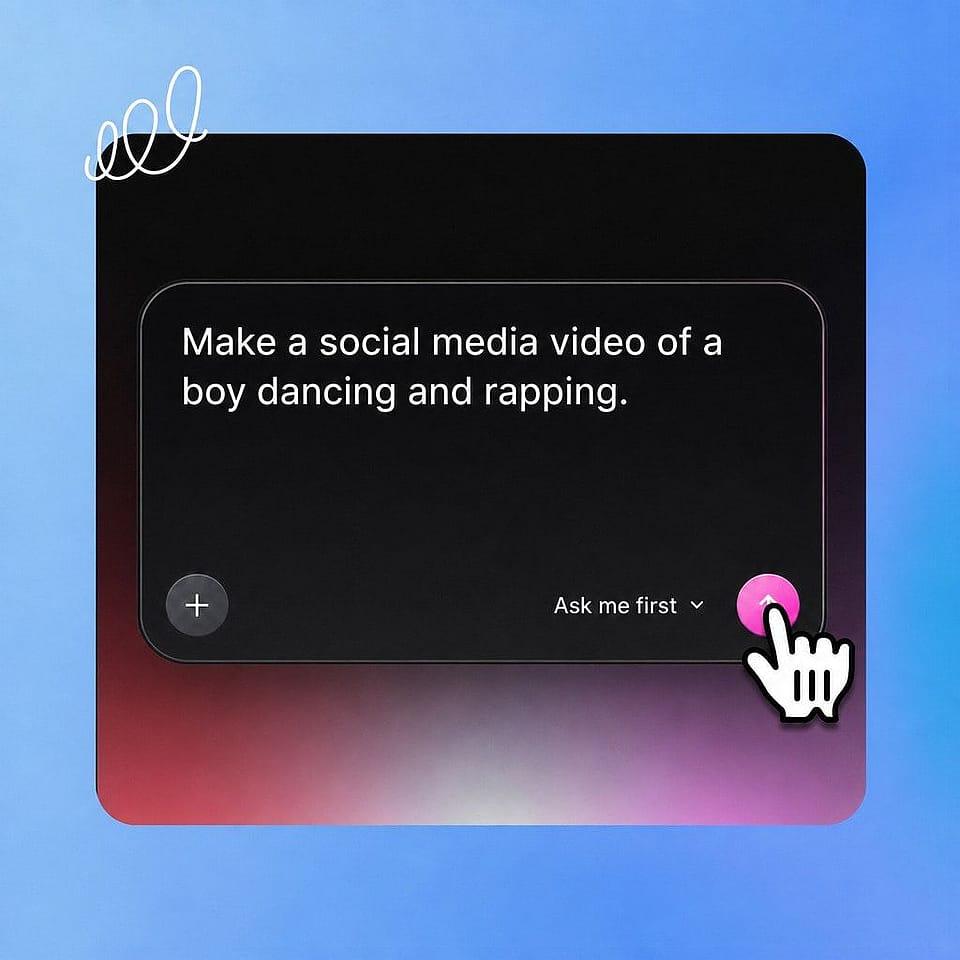
Upload your product details
Enter your app or platform name, paste a link to your website or product page, and upload your logo.
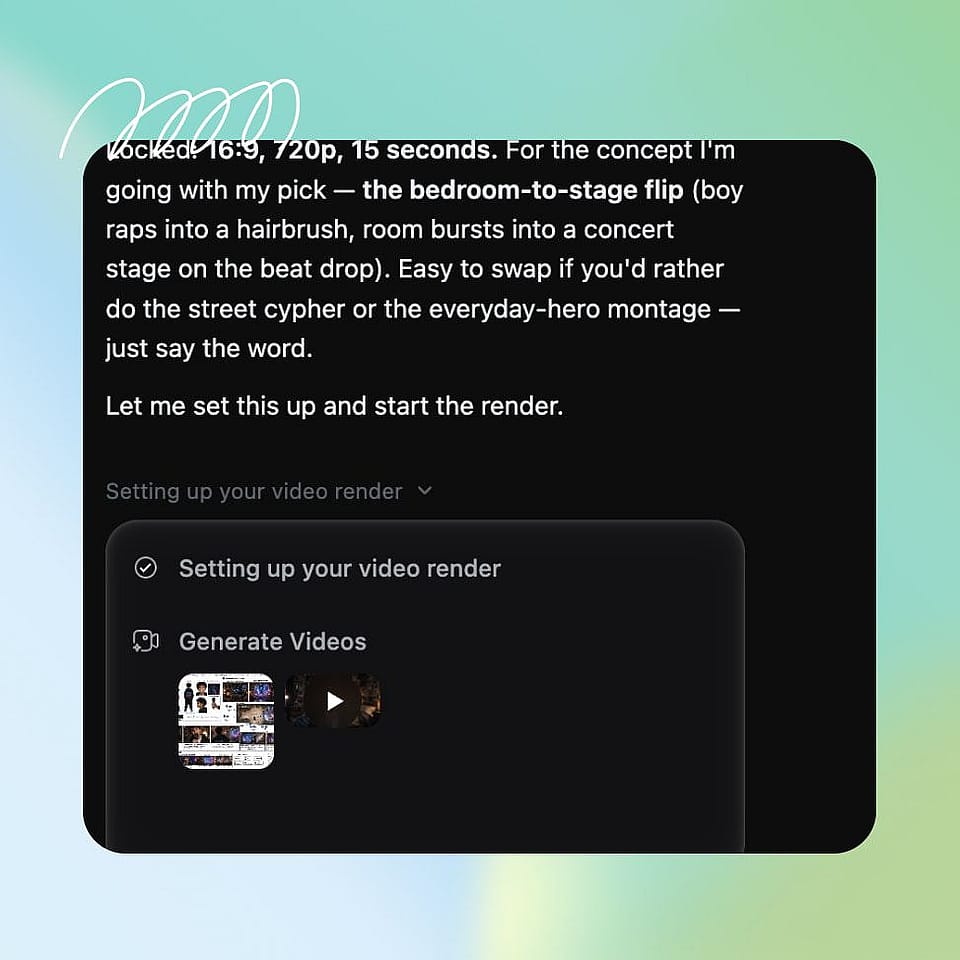
Add visuals and describe your launch
Add up to 12 UI screenshots, pitch deck slides, or marketing graphics. Then write what your product does, who it is for, why they should try it, and any video ideas you have.
Create, edit, and download
Click "Create my launch video." Make changes in chat or on the timeline, add captions if you need them, then download the video when finished.
Best Uses for the Product Launch Video Maker
SaaS and App Launches for Founders
Solo founders and small startup teams can make a software product launch video without a video budget. Paste your site, add your screenshots, and get a launch video ready for launch day. Use it on your waitlist page before you ship, then on your homepage once you go live. As you keep shipping, update the same video by chat.
Try it NowFeature Release Videos for Product Teams
Product marketing teams ship features all year, and each release needs a quick way to show what changed. Upload screenshots of the new feature and describe what it does for customers. The launch video shows the change and why it matters.
Try it NowProduct Listings and Launch Announcements
A Product Hunt launch video gives visitors a quick look at what you built before they read a word. Use the same launch video on X, LinkedIn, and your community channels on launch day. Viewers see what your product does and get a reason to try it. Edit the copy or swap a visual by chat when you want a different version for each place you post.
Try it NowNew Product Launches for Brand Teams
Brand and marketing teams launch new products and services several times a year. OpenArt uses your brand assets, decks, and product pages to make an on-brand launch video for each one. Put the video on the product's landing page or in the launch email. When details change before launch day, update the video and keep everything else you already made.
Try it NowFrequently Asked Questions
A launch video maker is a tool that turns your product information into a short video for a product or feature launch. OpenArt's launch video maker uses your website, screenshots, and pitch deck to build a launch video with music, transitions, and animated text.
You need a link to your website or app page, or at least one visual, like a UI screenshot, a pitch deck slide, or a marketing graphic. You can add your logo and up to 12 visuals. A short description of what your product does, who it is for, and why they should try it helps OpenArt tell the right story.
Yes. OpenArt works as a software product launch video maker: upload screenshots of your app, add your logo, and describe what the app does. The launch video puts your real product screens together with animated text and music, so viewers see what your software does.
Yes. Ask for changes in chat or make them on the timeline, like new music, new visuals, shorter scenes, a different total length, or editable captions. When your product changes, update the same video and keep everything else you already made.
Yes. Commercial rights apply on eligible paid plans, so you can use your launch video on your website, your Product Hunt page, and your social channels.
Paste your website link or upload your screenshots and pitch deck slides on OpenArt, and the AI product launch video generator builds a full video from them. Then edit the video in chat or on the timeline, and download it when it is ready.
Yes. Paste a link to your website or product page, and OpenArt reads your brand colors, fonts, copy, and images from it to build your launch video.
Yes. OpenArt reads your brand colors, fonts, copy, and images from the assets you upload and uses them across the whole launch video. Every launch video you make keeps the same look as the rest of your brand.
A product launch video only needs to be long enough to show the problem, your product, and the result for your customer. A shorter version works well for social posts, and a longer one fits your website or Product Hunt page. On OpenArt, you can change the length of each scene or the whole video by chat.