


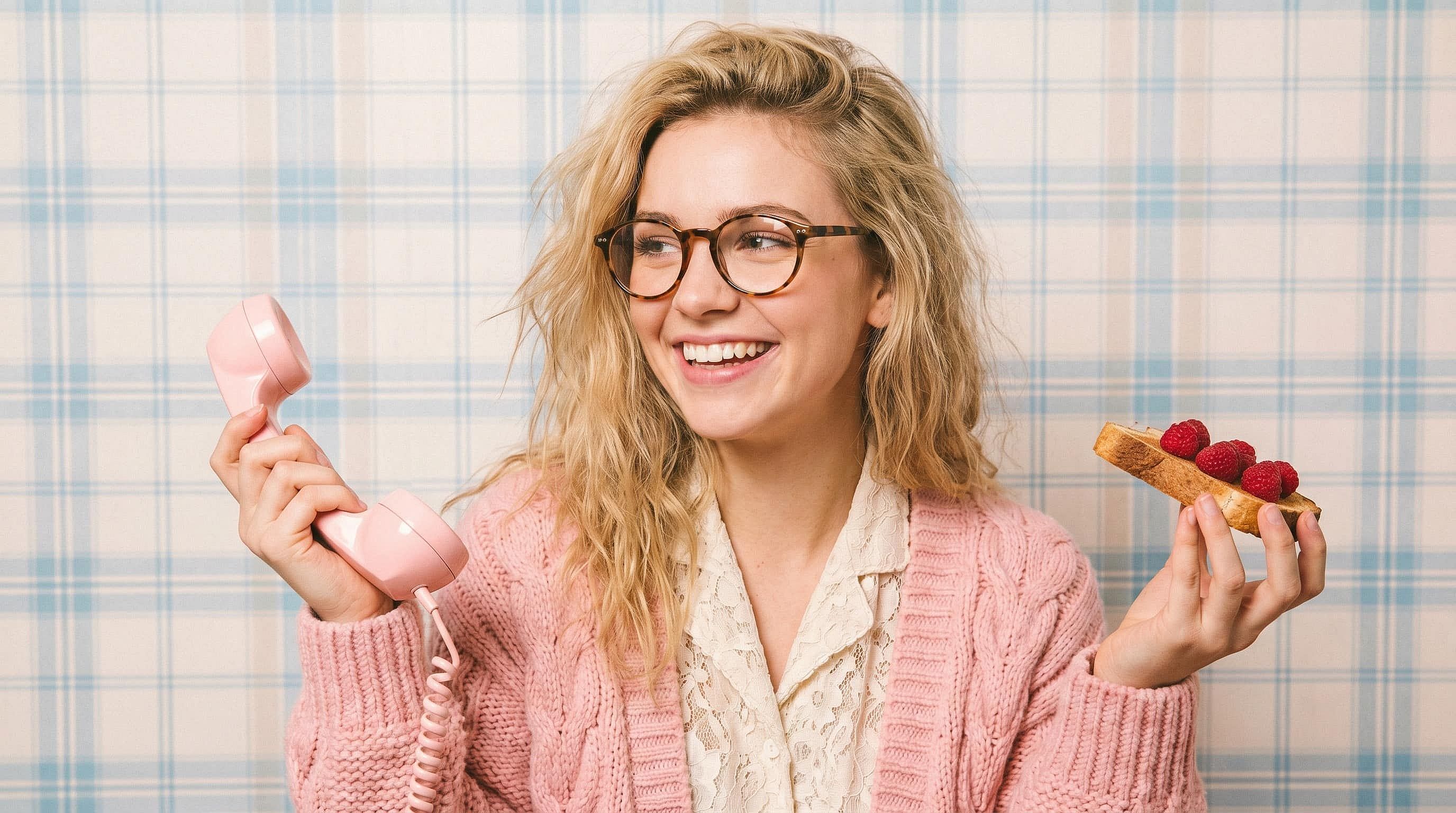
Facial Expression Changer
Looking for a facial expression changer online? Use OpenArt's AI Facial Expression Editor to change facial expressions in photos, smiles, winks, laughter, surprise, and more. Keep the same face, and lighting while editing only the expression.
 Add an image Or drag and drop here · JPEG, PNG, WEBP, HEICJPEG, PNG, WEBP, HEIC
 Community Creations
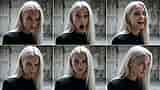
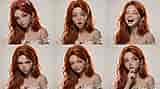
See how creators, marketers, and storytellers are using the facial expression changer. From fixing closed-eye group photos and dialing in podcast thumbnail reactions to giving AI characters a full range of emotions across a series, explore what one expression edit can unlock.

Key Features of the Facial Expression Changer
OpenArt's facial expression changer is powered by leading edit models — Nano Banana Pro, GPT Image 2.0, FLUX Kontext, and Seedream 4.5 — built specifically for precision photo edits. The tool changes the expression on the face while preserving identity, lighting, skin tone, hair, and the rest of the scene, so the result looks like a real photo, not a regenerated one.
Change Any Expression on Command
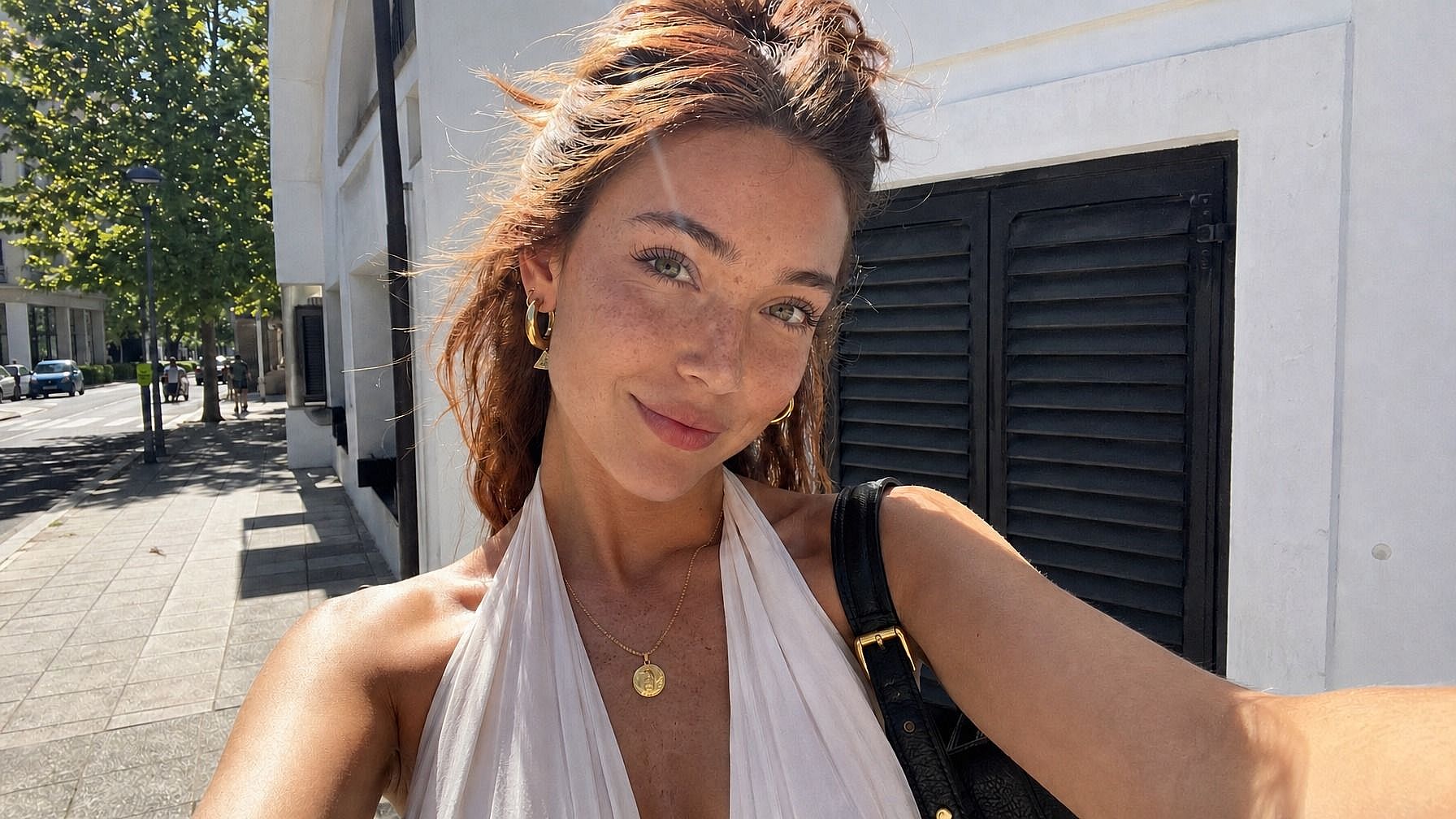
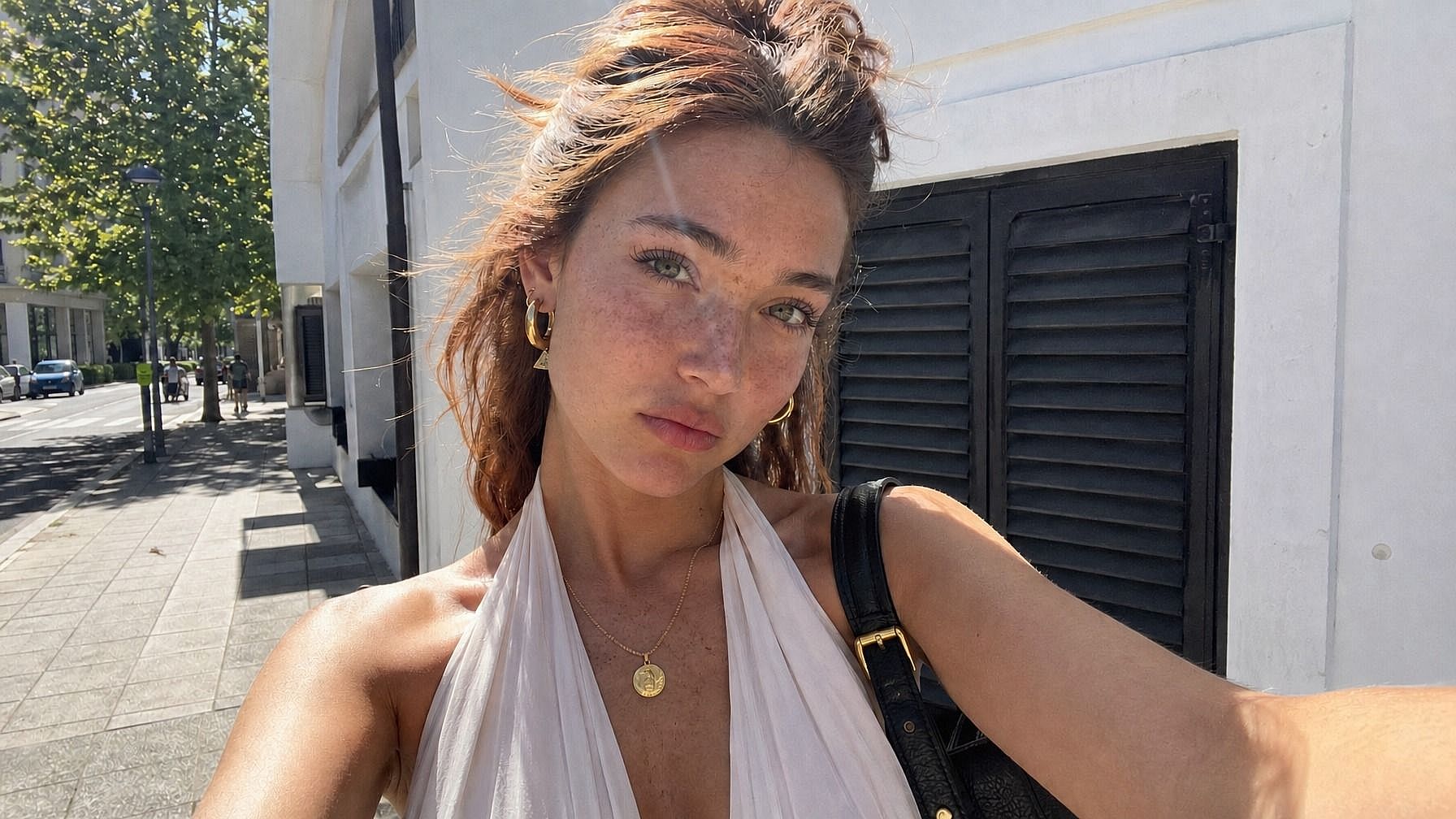
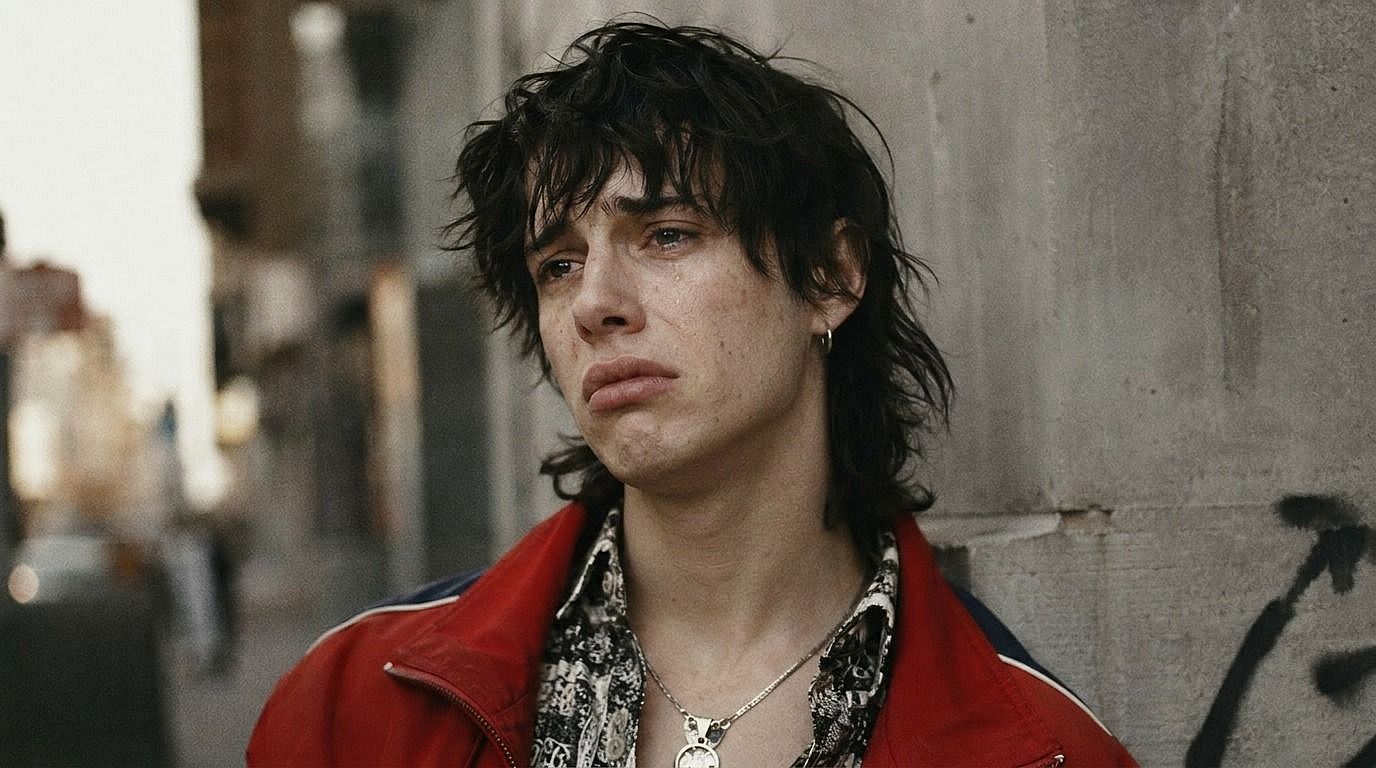
Type the expression you want — "big genuine smile," "subtle smirk," "shocked surprise," "calm and serious," "laughing with eyes closed," "annoyed side-eye" — and the AI updates the face to match. The change lands on the eyes, mouth, and micro-expressions together, so the result feels natural instead of pasted-on.
Identity-Preserving Edit
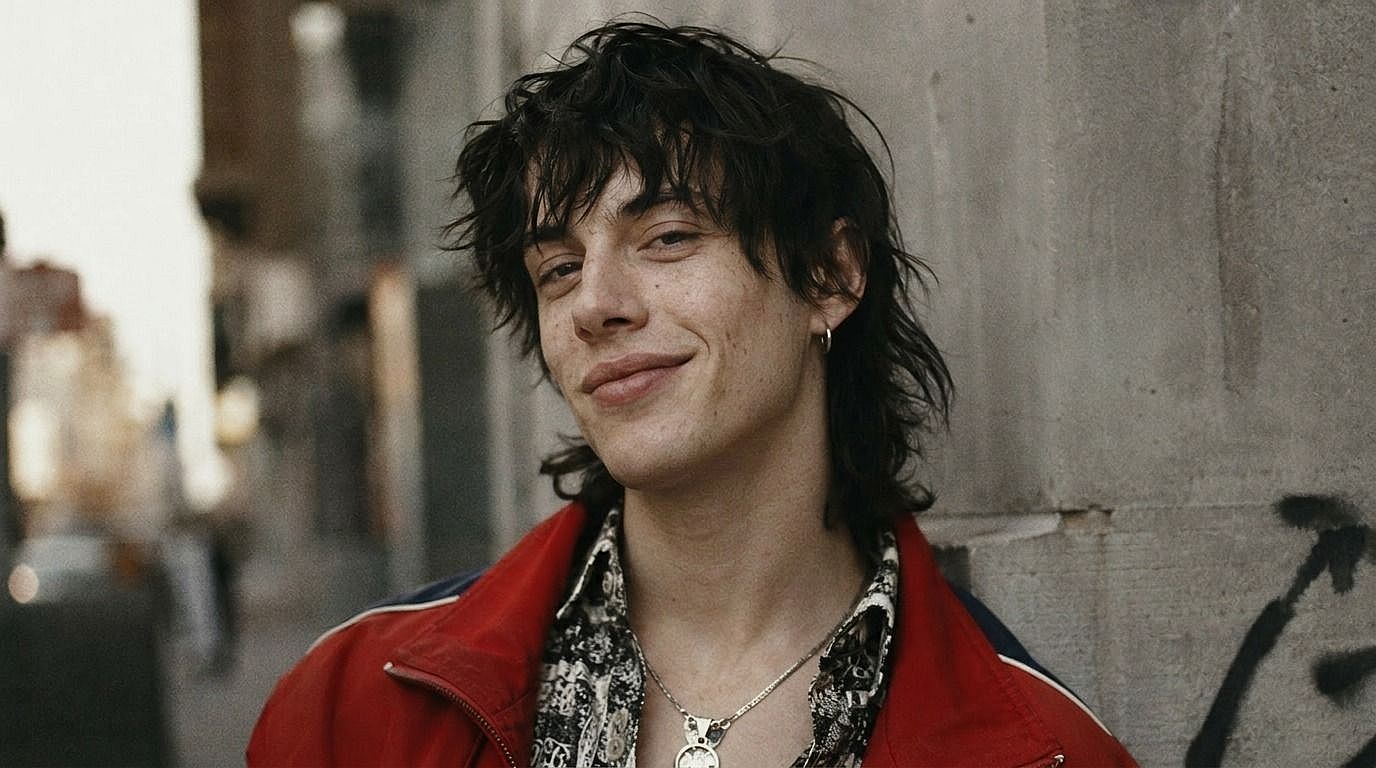
The point of the tool is that it's the same person, just expressing differently. Face shape, eye color, hair, skin tone, makeup, and lighting all stay locked. So a smile edit doesn't accidentally change the person's age, jawline, or hairstyle — it just gives them the expression you asked for.
Works for Series, Sheets, and Multi-Shot Sets
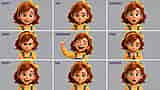
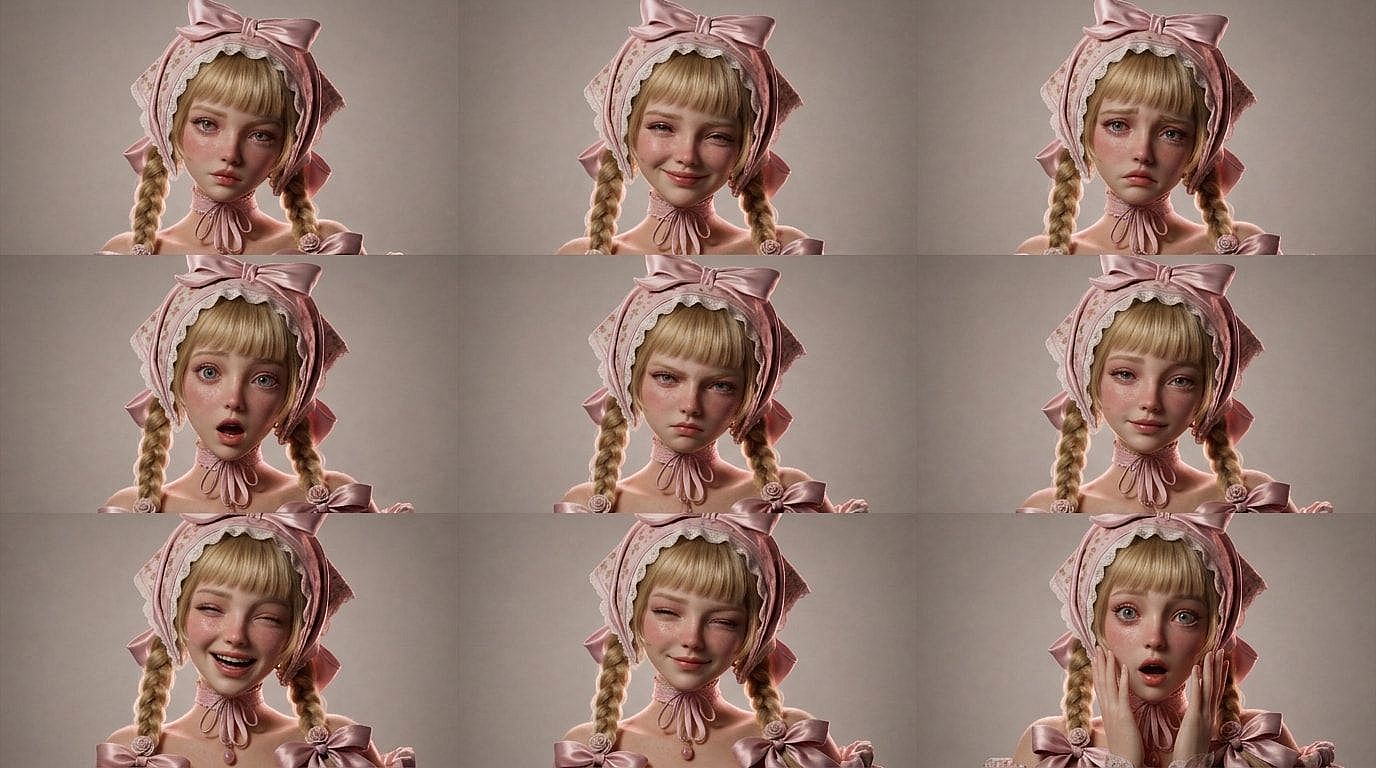
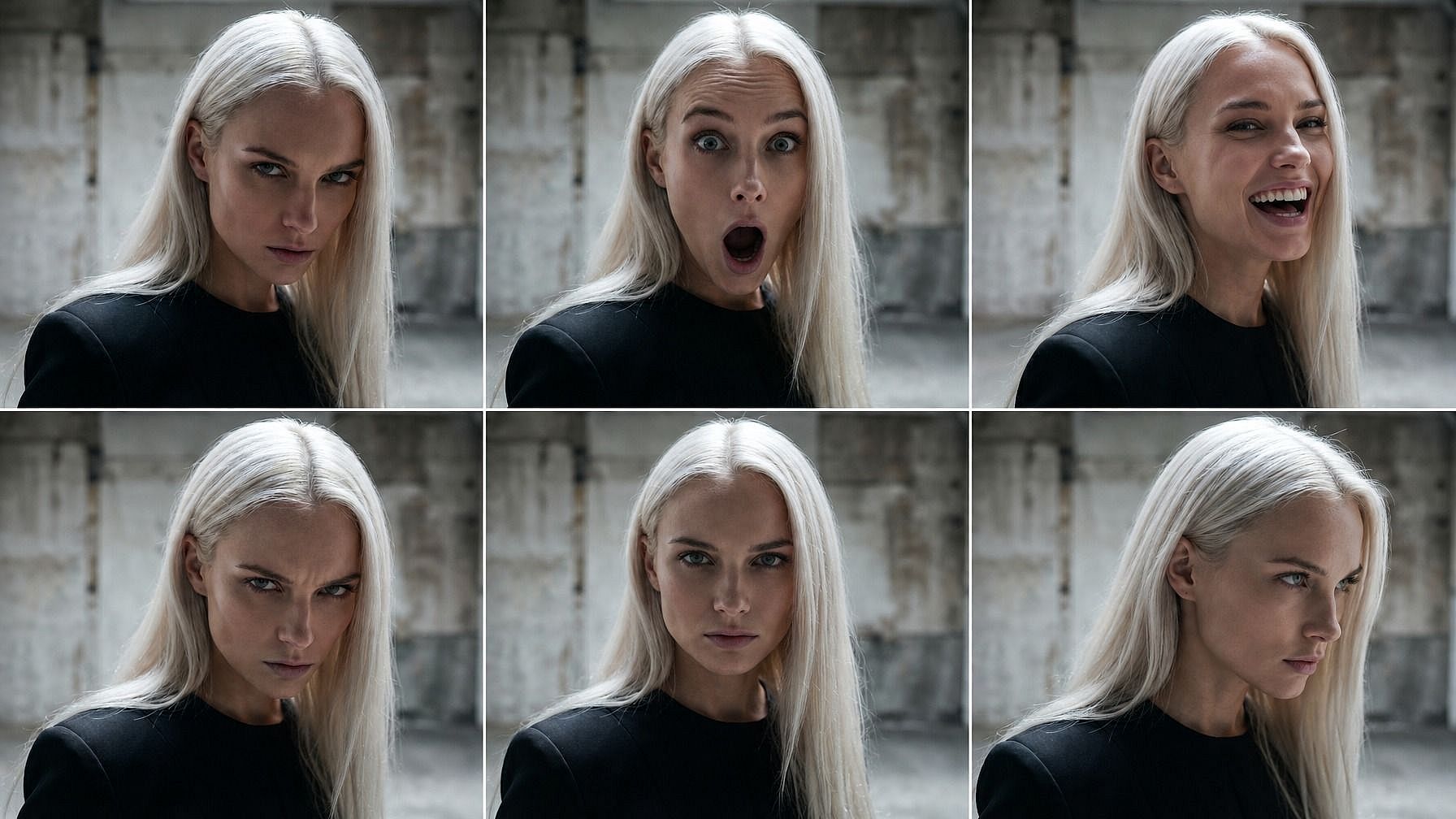
Need the same character across a range of expressions for a comic page, a thumbnail set, a character sheet, or an AI influencer's content week? Run the same photo through several expressions and get a complete emotion sheet — happy, sad, shocked, angry, neutral, laughing — with one consistent face across every panel.
Fix Photos That Almost Worked
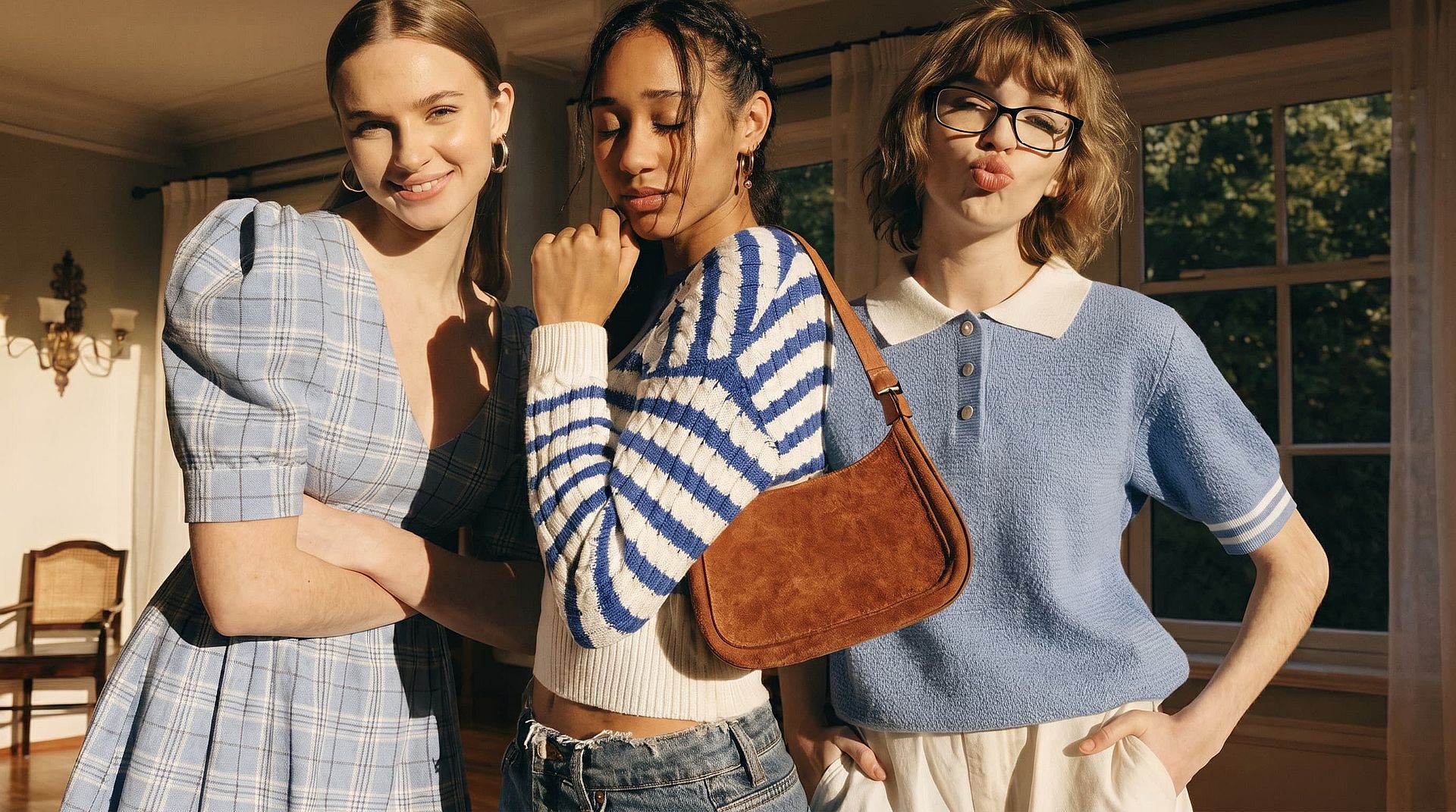
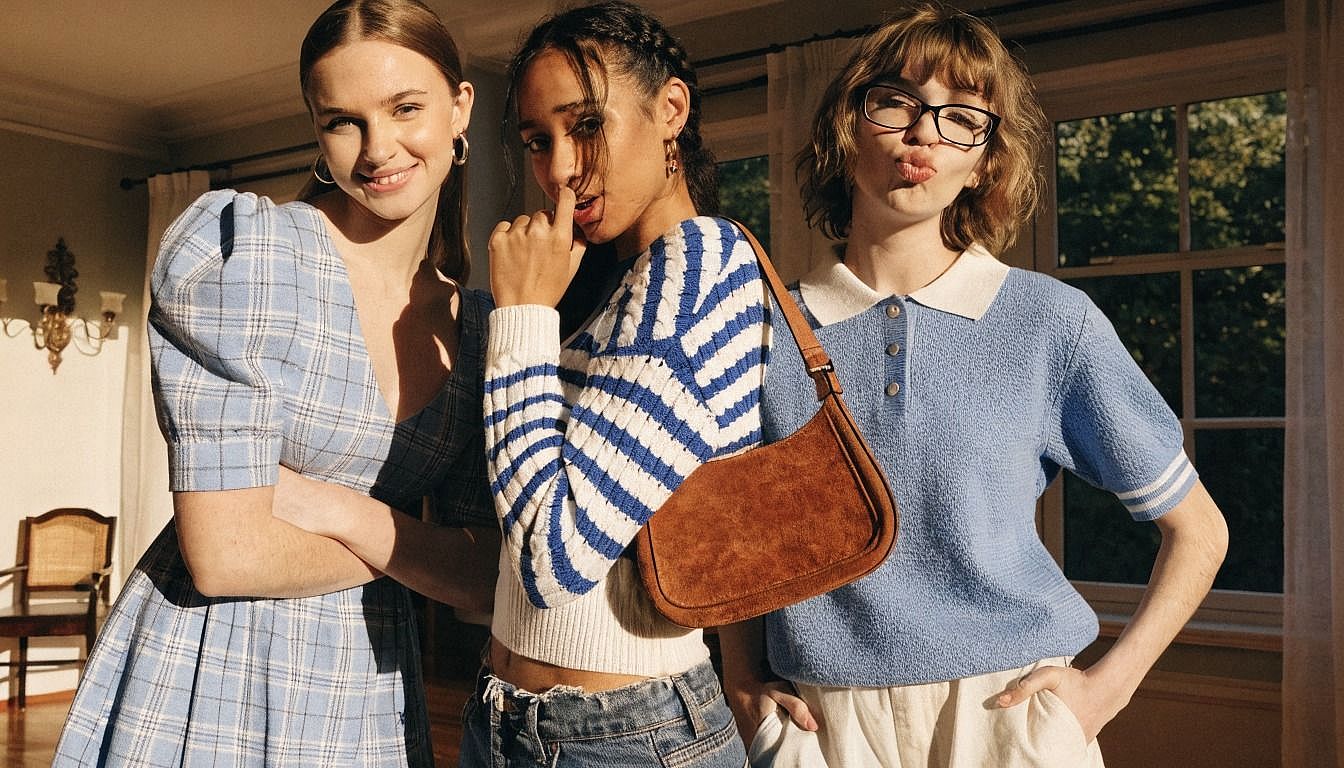
Group photo where one person blinked? Headshot where the smile feels forced? Family pic where the kid was mid-yawn? Drop in the photo, describe the expression you wanted, and the AI fixes that one face without touching the rest of the image.
How to Use the Facial Expression Changer
Edit any facial expression in three steps.
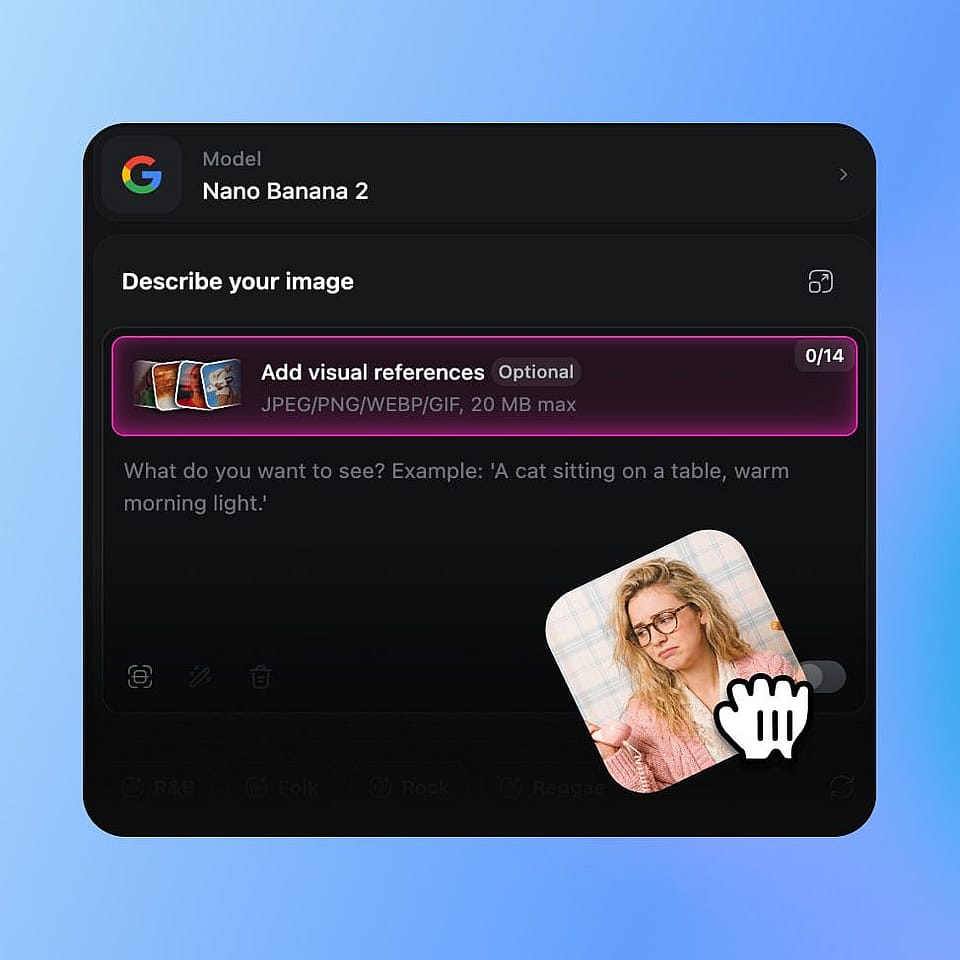
Upload Your Photo
Open OpenArt's image tools and upload the photo you want to edit. Selfies, headshots, group photos, full-body shots, AI-generated portraits, and characters from your library all work.
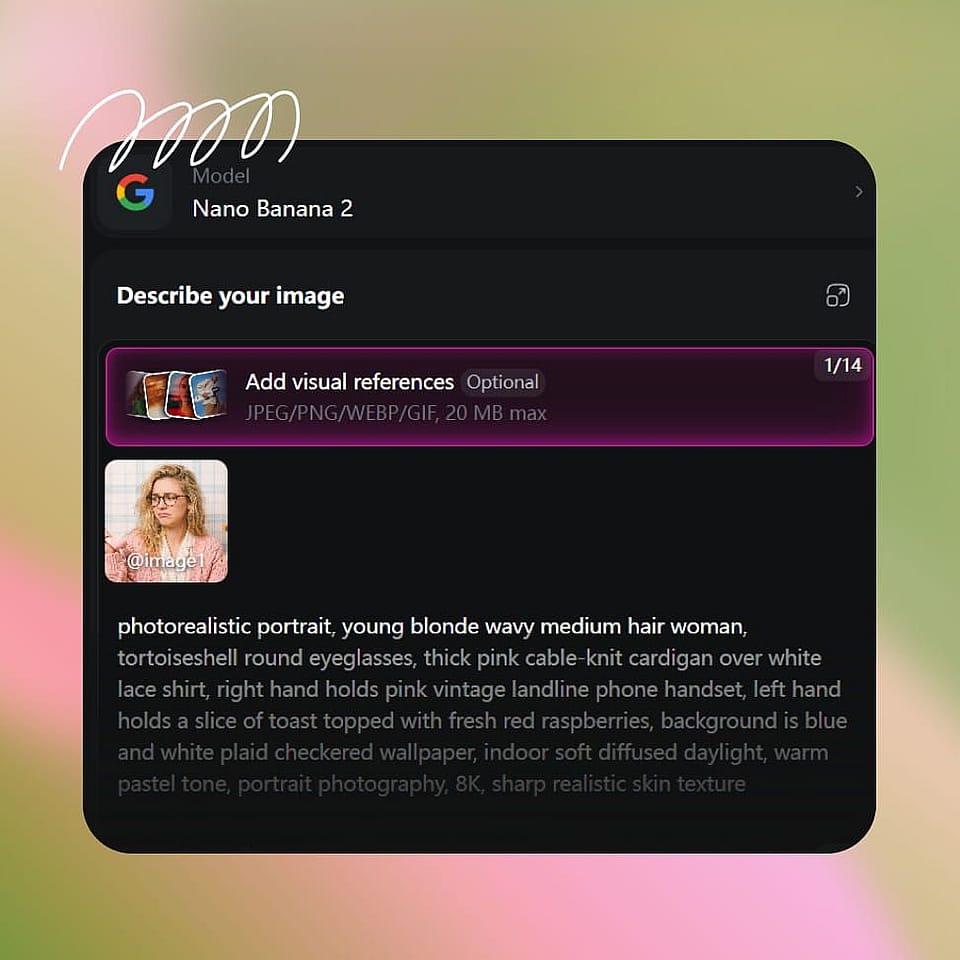
Describe the New Expression
Type the expression you want — "warm genuine smile," "surprised with raised eyebrows," "calm and serious," "laughing out loud," "subtle smirk," "annoyed eye roll." If you're editing a group photo, name which person to change.
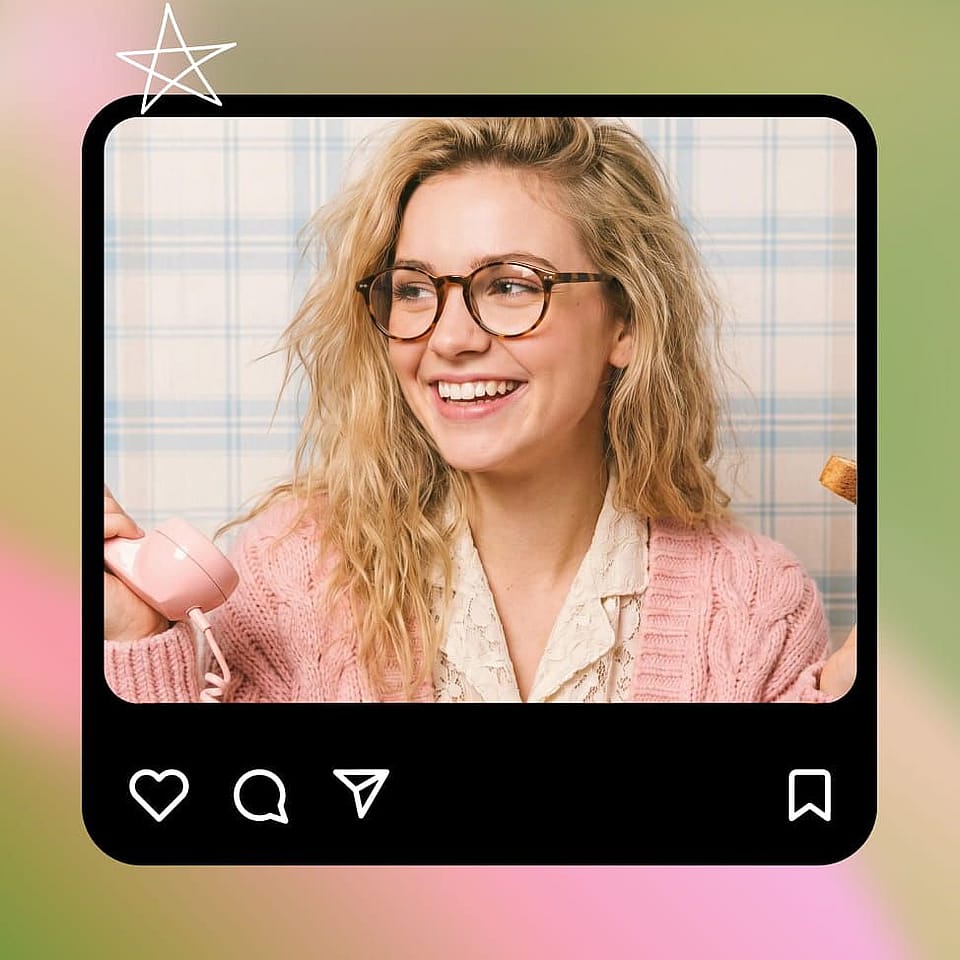
Generate and Refine
Run the edit, preview the result, and refine if needed. Try a softer or more intense version of the same expression, or generate a few variations to pick from. The rest of the image stays untouched the entire time.
Built for Creators, Marketers, and Storytellers
Take any photo and dial in exactly the expression it needed.
Content Creators and Thumbnails
Generate a full set of expressions for YouTube thumbnails, TikTok hooks, podcast cover variations, or stream overlays — shocked face, big laugh, intense reaction, calm explainer — all from a single photo of you. Test which expression performs best instead of running multiple shoots.
Try it Now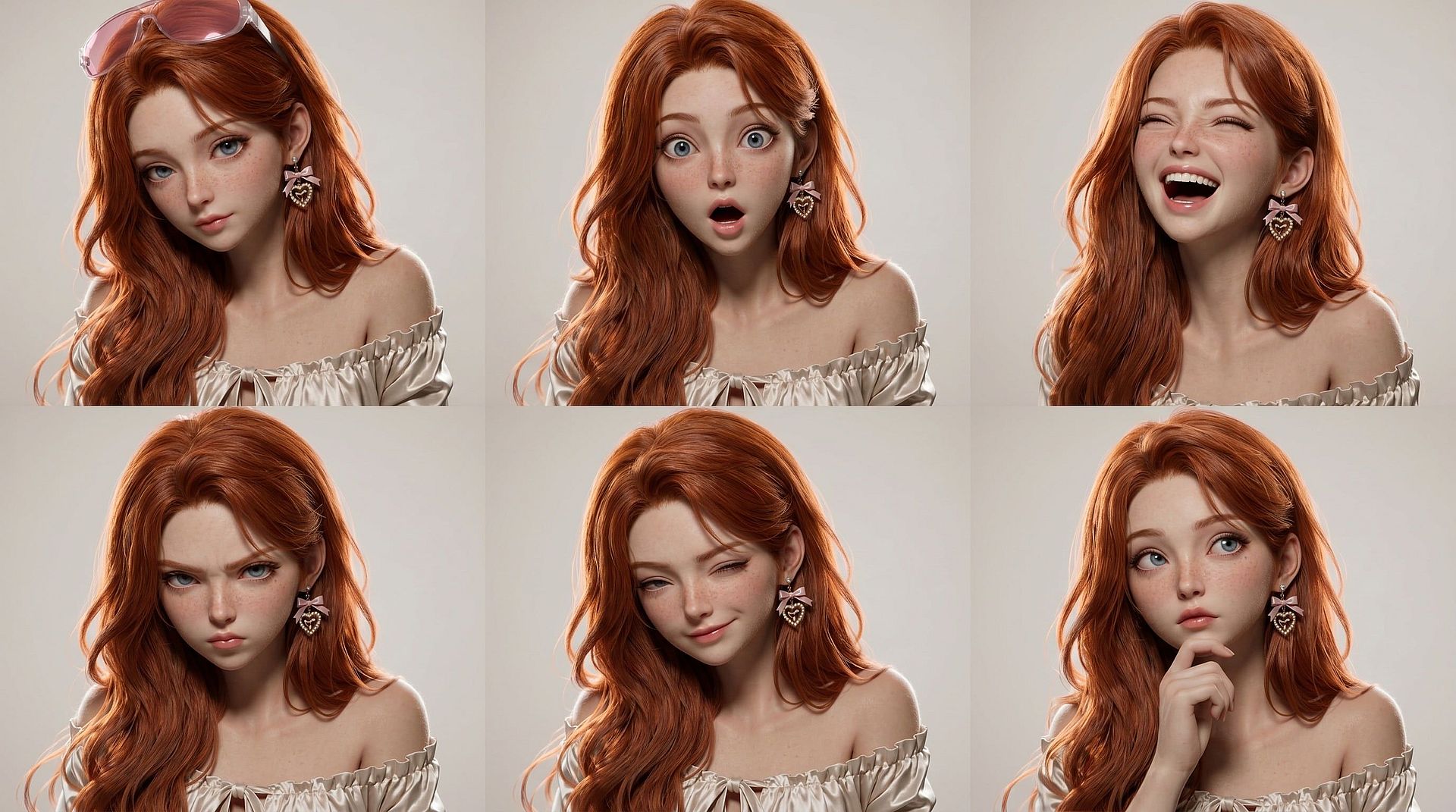
AI Influencers and Recurring Characters
Give your AI influencer or recurring character a full emotional range across a content week. Smile in the Monday post, surprised in the Wednesday reel, calm in the Friday explainer — same character, same look, different expression in every frame. Pairs cleanly with OpenArt's character library so the identity stays locked.
Try it Now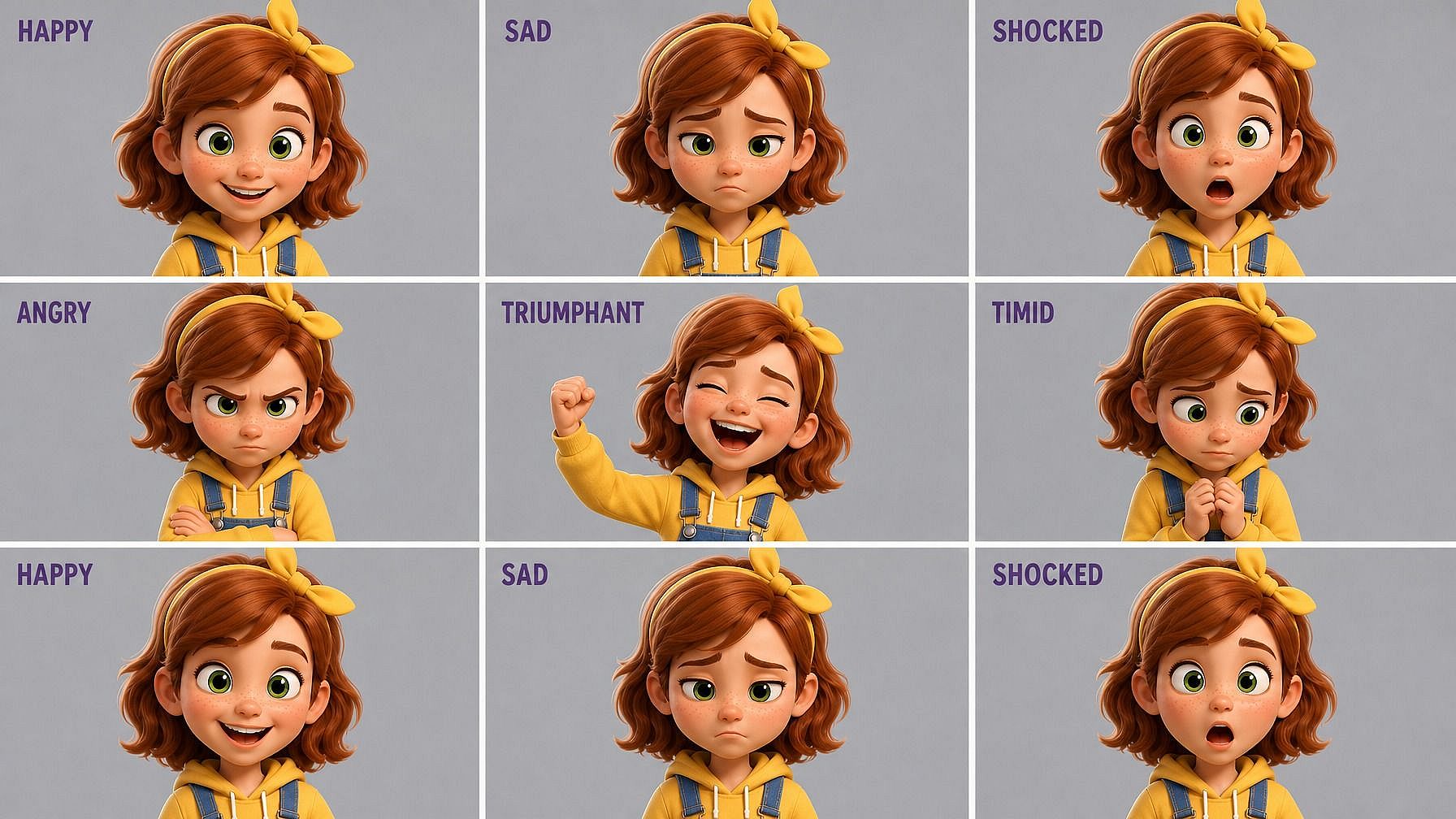
Comics, Storybooks, and Animated Shorts
Build expression sheets for your characters — happy, sad, shocked, angry, smug, terrified — and pull them into comic panels, picture books, or animated shorts. Combined with Character 2.0, you get a consistent character with a full emotional range, ready to drop into any scene.
Try it Now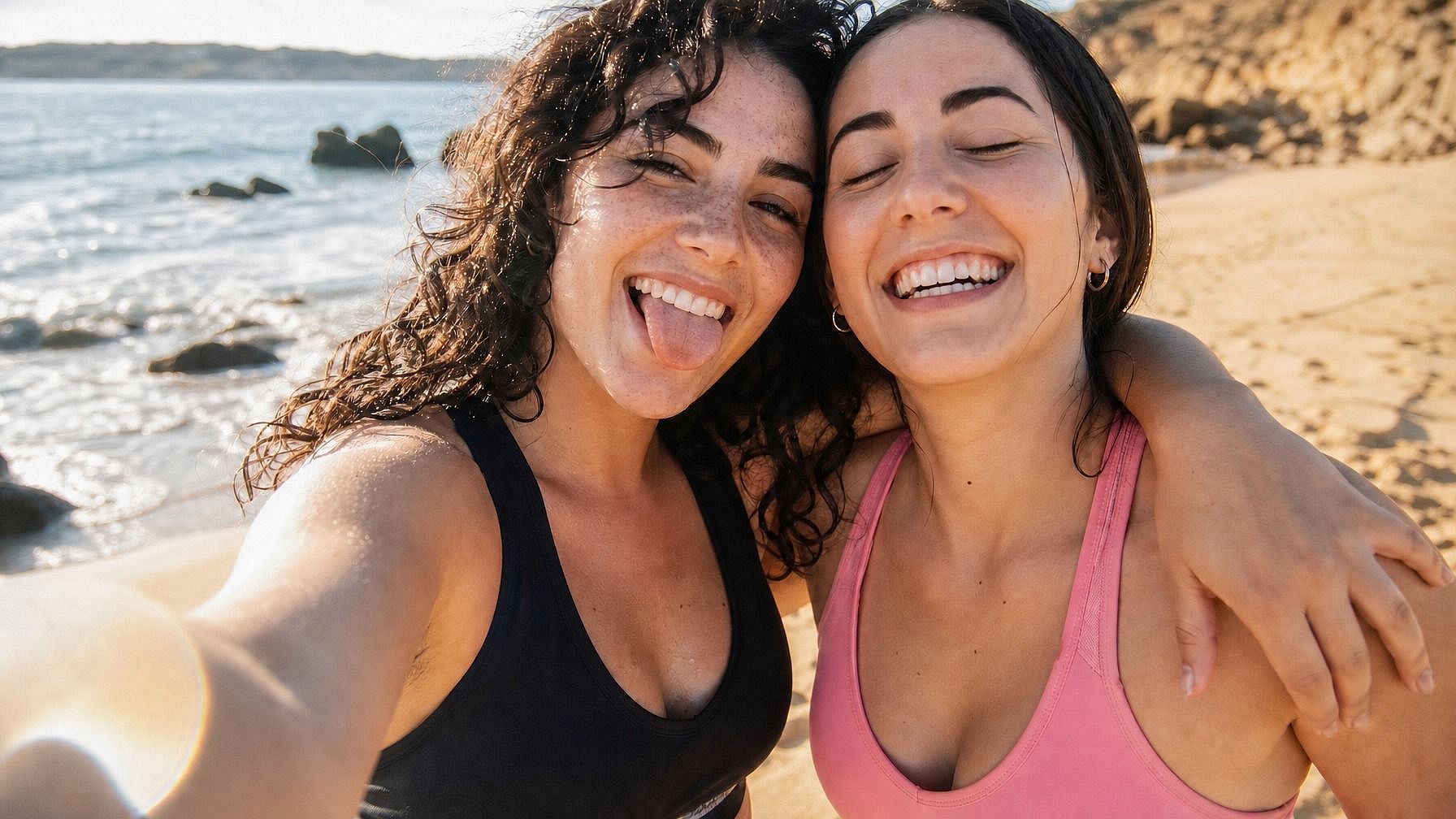
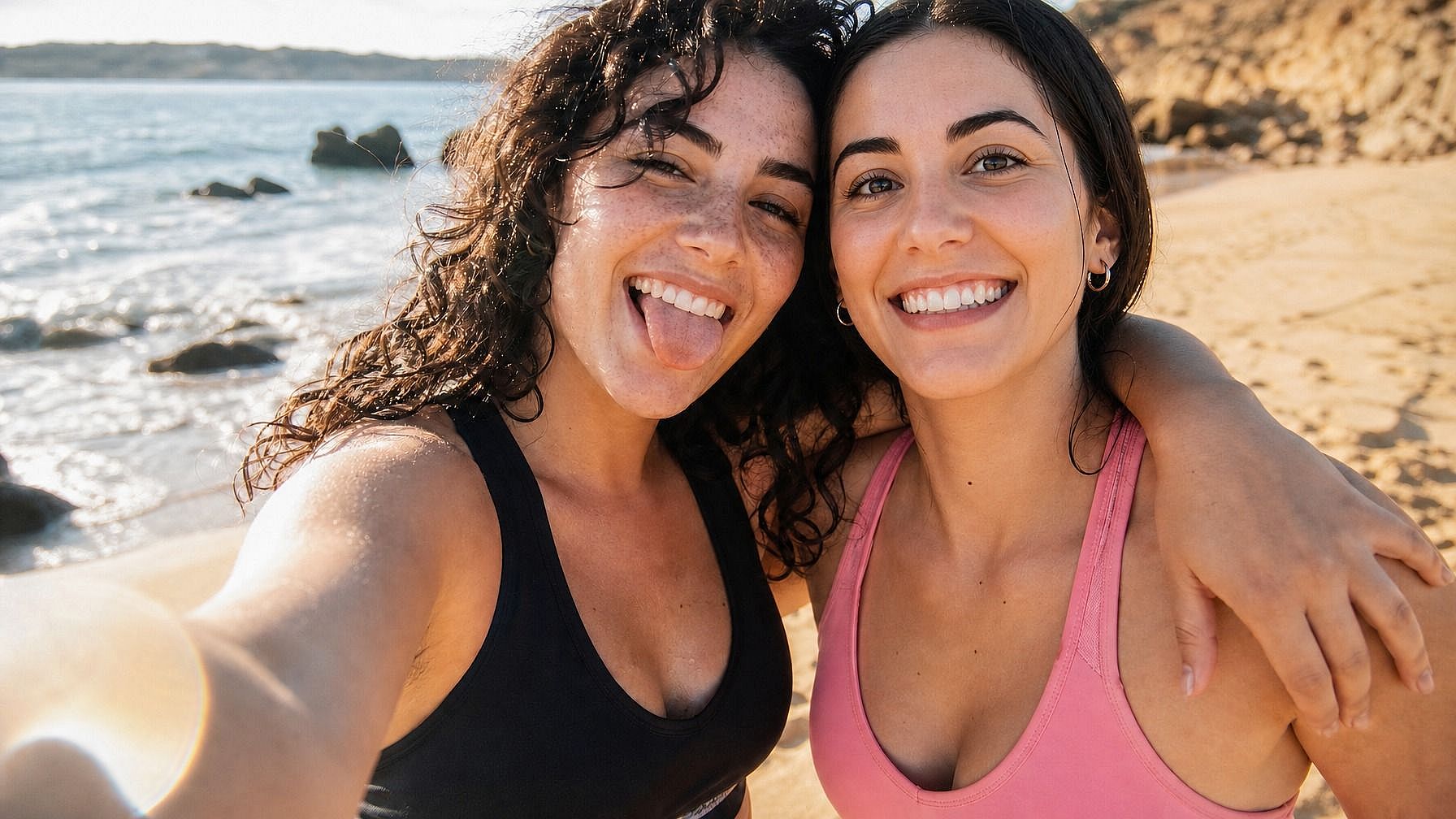
Fix Real Photos That Almost Worked
Group photos where someone blinked, family pics where the kid was mid-yawn, professional headshots where the smile feels stiff. Upload the photo, describe the expression you wanted, and get a clean version of the moment without re-shooting.
Try it Now