AI Promo Video Generator
Turn a single text prompt or product image into a polished promo video in minutes. Generate ads, product highlights, and campaign content.
Key Benefits of AI Promo Video Creator



Idea to Ad, Fast
Skip storyboards, shoots, and edit sprees. Go from a prompt or product image to a finished promo in a single workflow.



Built for Every Platform
Generate in every aspect ratio and up to 4K resolution, so the same promo concept ships natively to TikTok, Reels, YouTube, and display ads.
Studio-Grade Polish
Cinematic motion, ambient sound, sound effects, and lip-synced dialogue come built in, so your promos feel produced, not prompted.
Community Creations
See how founders, marketers, and agencies are launching products, campaigns, and ad creatives using OpenArt's AI promo video tools.
Key Features of AI Promo Video Generator
OpenArt's AI Promo Video Generator is powered by the best-in-class AI video models including Seedance 2.0, Wan 2.7, Kling Omni, LTX 2.3, and Google Veo 3.1, plus many more.
Generate From Text or a Product Shot
Start with a prompt describing the promo you want, or drop in a product photo and let OpenArt animate it into a hero shot. Text-to-video gives you full creative range for concept ads and brand films, while image-to-video keeps your real product, packaging, and identity intact. Both flows produce clips up to 15 seconds long in resolutions up to 4K, which is enough for a punchy hook or a complete short-form ad.
Create Multi-Shot Promos With Smart Shot
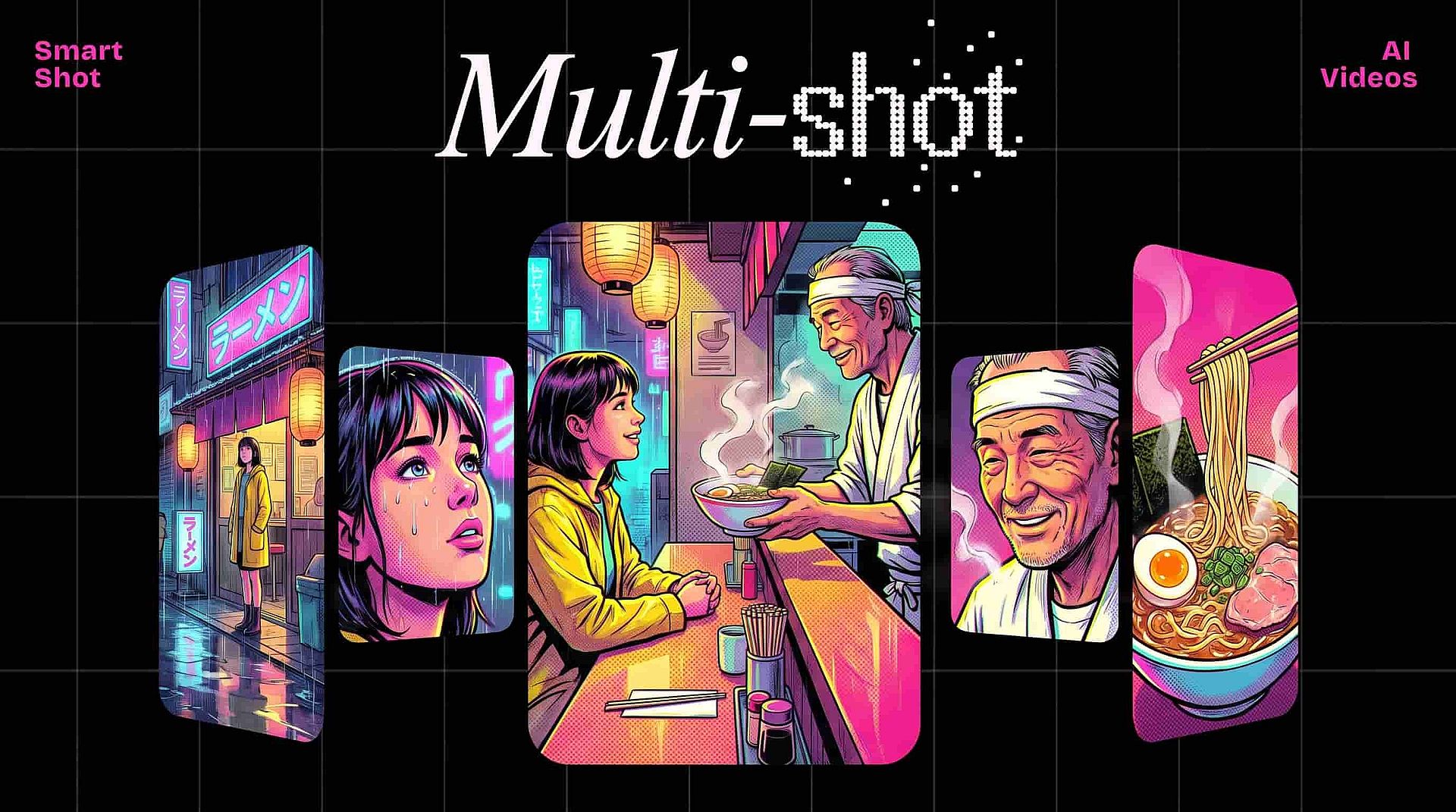
Most promos need a sequence: hook, product reveal, payoff. Smart Shot generates a full storyboard before producing a multi-cut video in one pass, so you get a structured promo instead of a single floating clip. Pair it with Extend Video to stretch any shot by up to 10 seconds when you need more breathing room for a tagline or call to action.
Voiceover, Sound Effects, and Ambient Audio
A silent promo is a scroll-past. OpenArt lets you lip sync a presenter or character to any dialogue you write, layer in described sound effects through a simple text prompt, and toggle ambient sound on during generation. The result is a finished audiovisual asset, not a clip you still have to take into a separate editor.
Restyle the Same Promo for Different Campaigns
Need the same promo in anime for one campaign and cyberpunk for another? Restyle Video applies presets like anime, Ghibli, Pixar, Rick and Morty, retro, claymation, LEGO, and cyberpunk to any clip you generate. One generation can become a whole creative testing matrix without rerunning the prompt from scratch.
How to Use the AI Promo Video Maker
Three steps from blank page to finished promo.
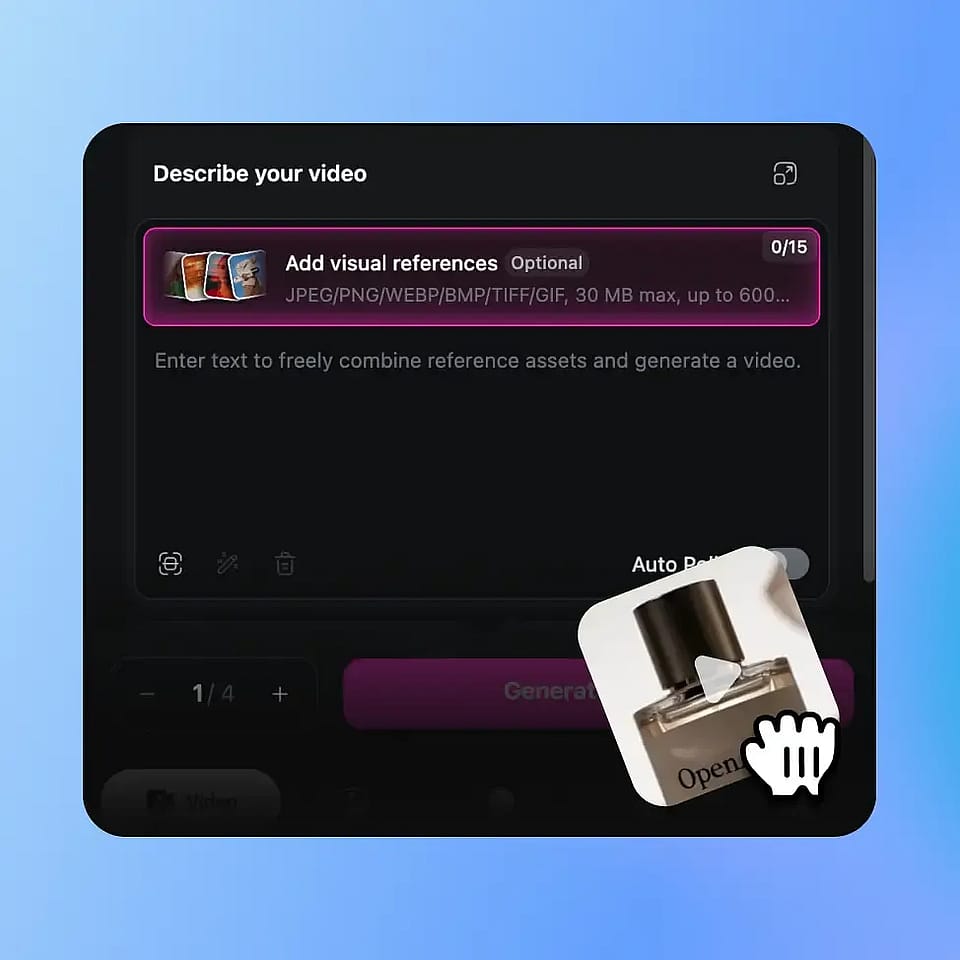
Describe Your Promo or Upload a Product Image
Write a prompt covering the product, the vibe, and the payoff, or upload a product shot to anchor the video in your real brand assets. Turn on auto-polish prompt if you want OpenArt to tighten the brief for sharper output.
Configure Length, Format, and Quality
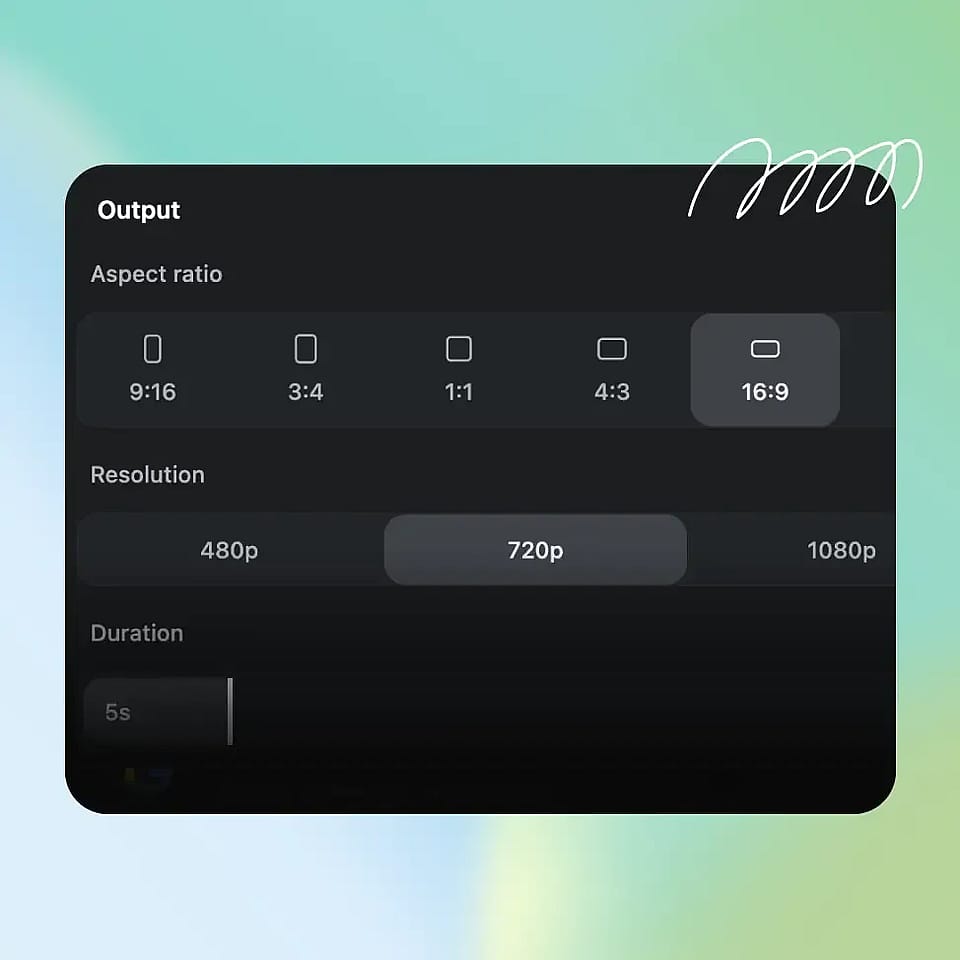
Pick your duration up to 15 seconds, your aspect ratio for the platforms you're shipping to, resolution up to 4K, and whether you want a fast draft or a quality final. Toggle ambient sounds on if the promo needs atmosphere out of the gate.
Generate, Download and Use
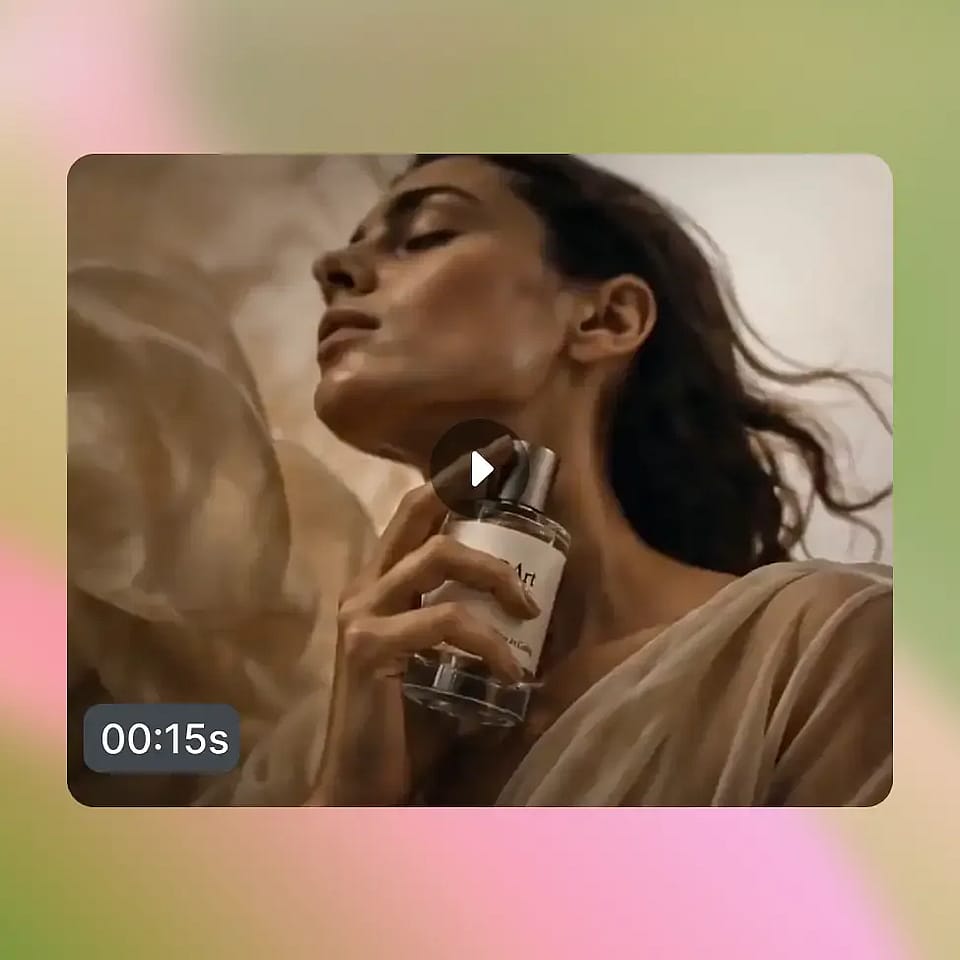
Run the generation, then add lip-synced dialogue or sound effects if needed. Use Restyle Video to spin off stylistic variants for A/B testing, or Extend Video if a shot needs more breathing room.
Best Uses of AI Promo Video Generator
From solo founders to agencies, the same workflow scales across every kind of promo.
E-Commerce and DTC Product Launches
Drop a product photo into image-to-video and generate a hero promo that animates your product in motion, in context, and in your brand's aesthetic. Smart Shot lets you build a full launch reel with hook, feature callouts, and CTA in one pass, and 4K export means you can hand assets straight to paid social or your website hero section.
Try it NowPerformance Marketing and Paid Social Ads
Performance teams need volume, variation, and fast turnaround on creatives. Generate ten promo variations in an afternoon, each in the right aspect ratio for TikTok, Reels, Shorts, and Meta placements. Restyle Video lets you A/B test the same concept in radically different visual styles, and Lip Sync plus Add Sound Effect mean you can ship voiceover-driven hook variants without re-recording a thing.
Try it NowAgencies and Creative Studios
Pitch decks land harder when you can show, not tell. Spin up rough promo concepts for client pitches in under an hour, iterate on direction with new prompts or restyles once a direction is approved, and deliver final cuts in 4K. The same workflow that powers concepting also powers production, so you compress weeks of back-and-forth into days.
Try it NowCreators, Coaches, and Personal Brands
If you're promoting a course, a newsletter, a podcast, or your own consulting work, you don't need a film crew anymore. Write a prompt, generate a promo, lip sync it to your own script, and post. Smart Shot and Extend Video let you produce a steady stream of on-brand promo content without burning out on production days.
Try it NowFrequently Asked Questions
Get Insights from Experts Blog
Get the insights you need. Our experts share actionable hacks, break down the hottest topics, and provide essential how-to guides to help you create, optimize, and scale.
Read More