

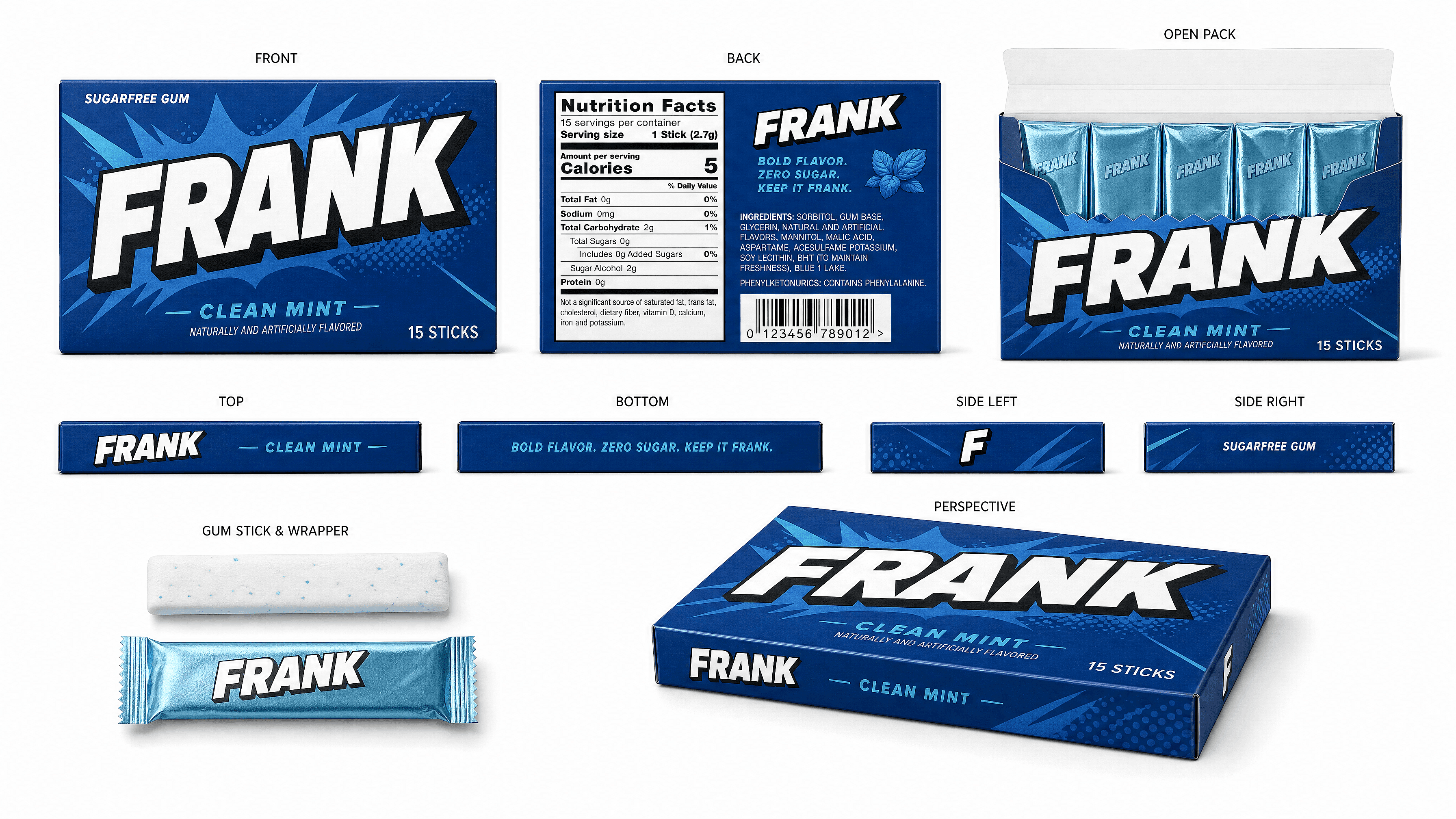
AI Packaging Design Generator
Describe the box, bottle, or pouch you're picturing and OpenArt renders it as a photoreal mockup. Test five label directions in the time it takes to write one design brief, then hand the winning concept to your designer or print shop.
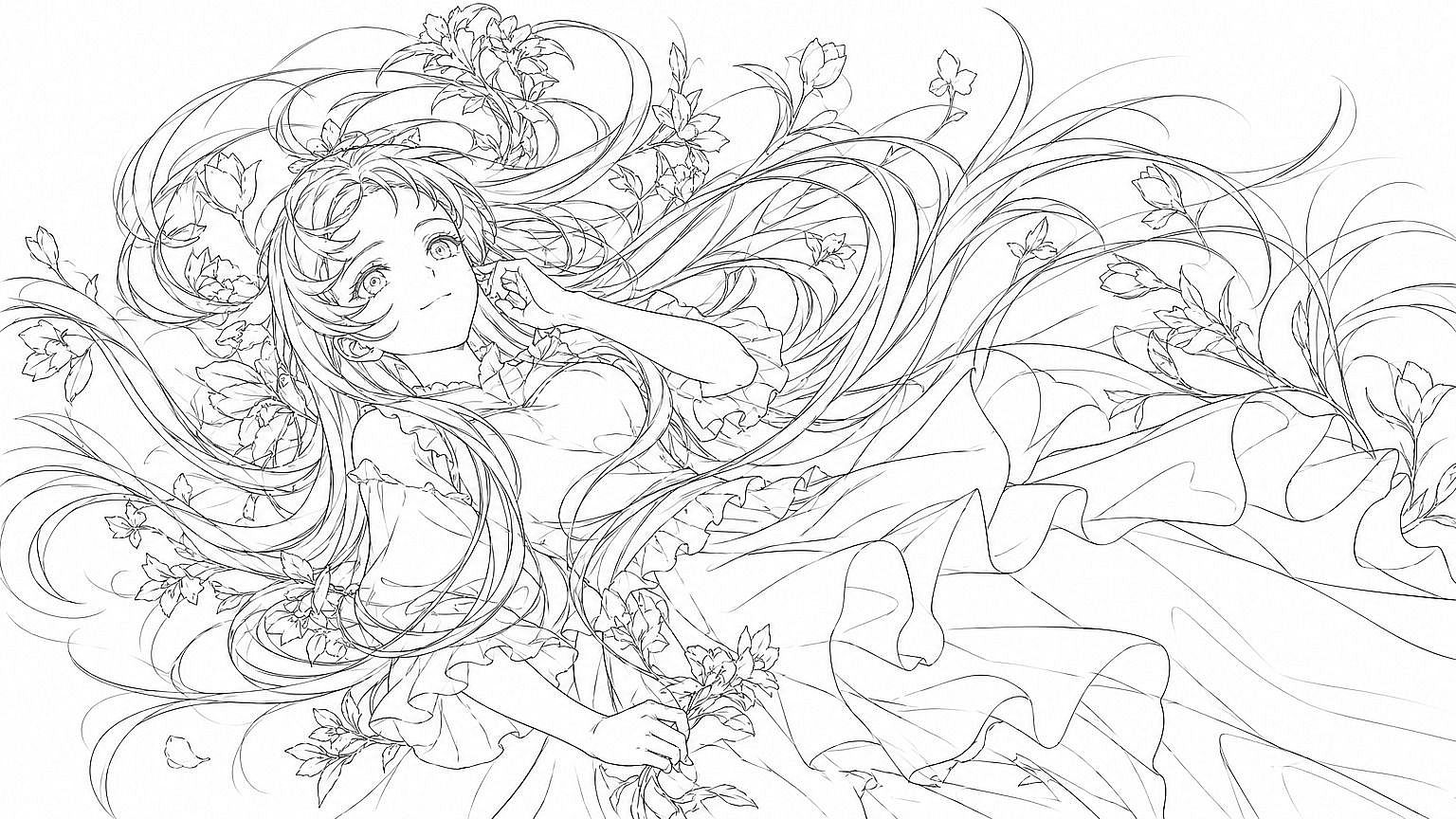
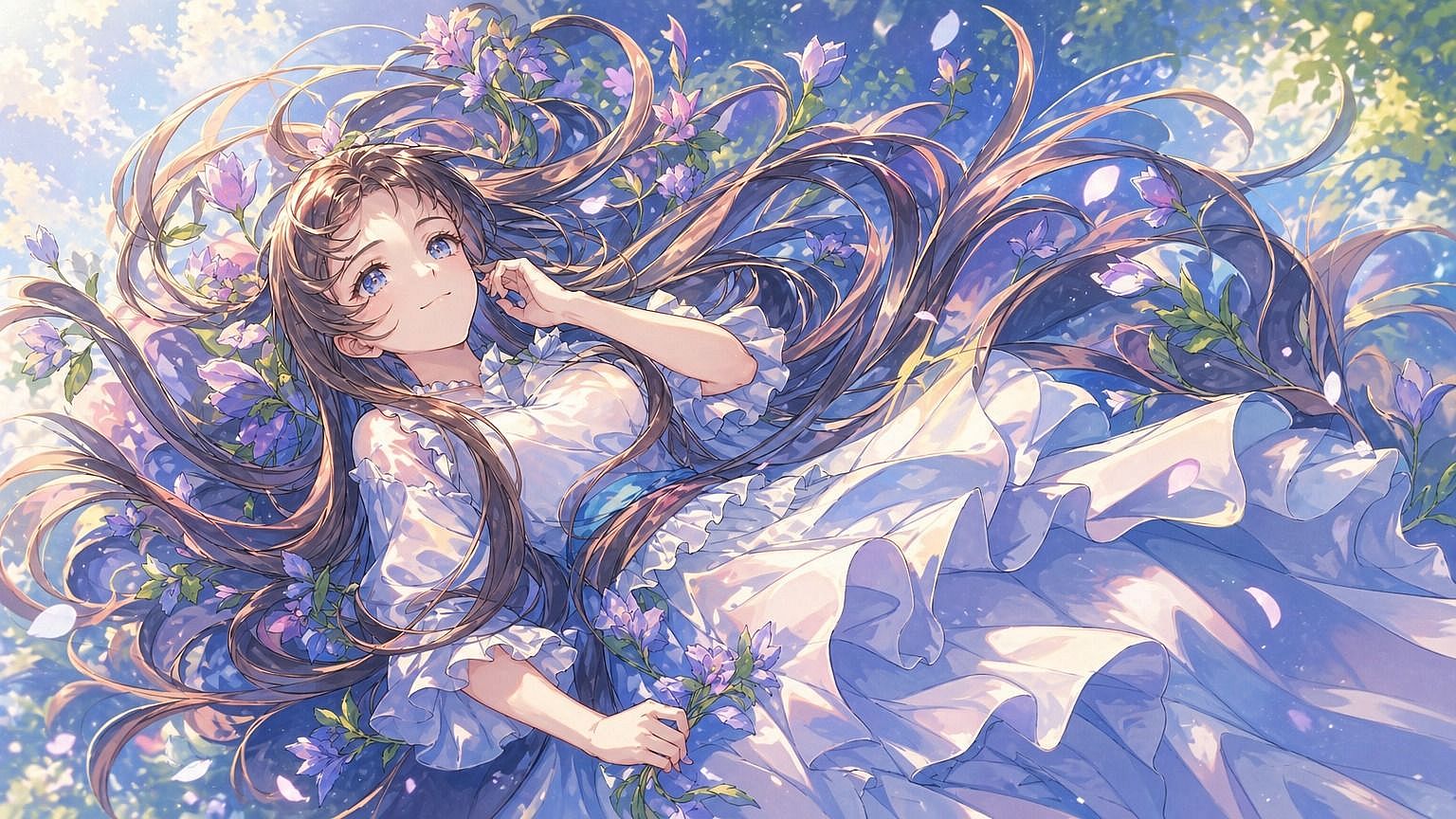
How To Turn a Rough Idea Into a Packaging Design Concept



Step 1: Describe The Container
Material and shape: "matte cardboard box," "frosted glass bottle," "kraft paper pouch." Naming the material changes the render more than naming the product category does.




Step 2: Add The Label Direction
Typography style, color palette, and any text or logo placement you want to test. Treat any generated text as a placeholder, since small text and logos still come out distorted sometimes.

Step 3: Generate And Choose
Try three or four variations, pick the one that gets the best reaction, and hand it to a designer for production-ready files. This step is for picking a direction, not for producing final printable artwork.
Explore the Latest AI Image and Video Models
These are the models powering everything you can create on OpenArt, from a single image to a full video.