

Ad Creative AI
Turn a prompt or a single product photo into finished ad creative with AI, from short video ads to static images, in minutes. OpenArt runs your ads on leading AI video models, gives you a full editing suite to polish them, and keeps every version on-brand with Brand Kit.
Key Benefits



Make Video Ads in Minutes
Generate a short ad video from a text prompt or a product photo without a camera, a set, or an editor. A finished clip takes minutes, so you can fill a paid social calendar without booking a shoot.



Test Ads at Volume
Produce ten ad angles for a launch instead of one hero cut, and spin up a fresh set as often as your calendar demands. Generating variants is fast, so speed stops being the bottleneck.
Always Stay On-Brand
Set your logo, colors, and rules once in Brand Kit and every ad you generate pulls from the same source. Your creative holds its brand across formats without a manual color check.
Key Features of Ad Creative AI
Make Ad Videos From Text or Photos
Describe the ad you want and generate it with Text to Video, or start from a product shot and animate it into a moving ad with Image to Video. You control the camera move, the action, and the pacing, so a single still or a short prompt becomes a scroll-stopping clip.
Choose From Leading AI Video Models
Pick the AI model that best fits each ad, with Seedance 2.5, Wan 2.7, Gemini Omni, Kling 3.0, and Google Veo 3.1 all in one place. Each model handles motion and style a little differently, so you can generate the same concept across a few models and keep the strongest cut. Match the model to the platform and the look you are after without leaving the tool.
Finish Ads With Sound, Length, and 4K
Extend a promising clip by up to 10 seconds with Extend Video, sharpen the final render to 4K with Upscale Video, and layer in audio you describe with Add Sound Effect. Use Lip Sync for a spokesperson read and Smart Shot to build a multi-cut ad from a single storyboard. These finishing tools turn a raw generation into a ready-to-run ad.
Keep Every Ad On-Brand With Brand Kit
Set your logo, color palette, typography, and brand rules once in Brand Kit and every ad you generate in that project applies them automatically. The brand check that used to happen by hand now runs on each generation, so a whole test set comes out in your exact colors and fonts. Agencies can keep a separate kit per client, so nothing bleeds across accounts.
How to Use Ad Creative AI
Go from idea to a finished ad in three steps.
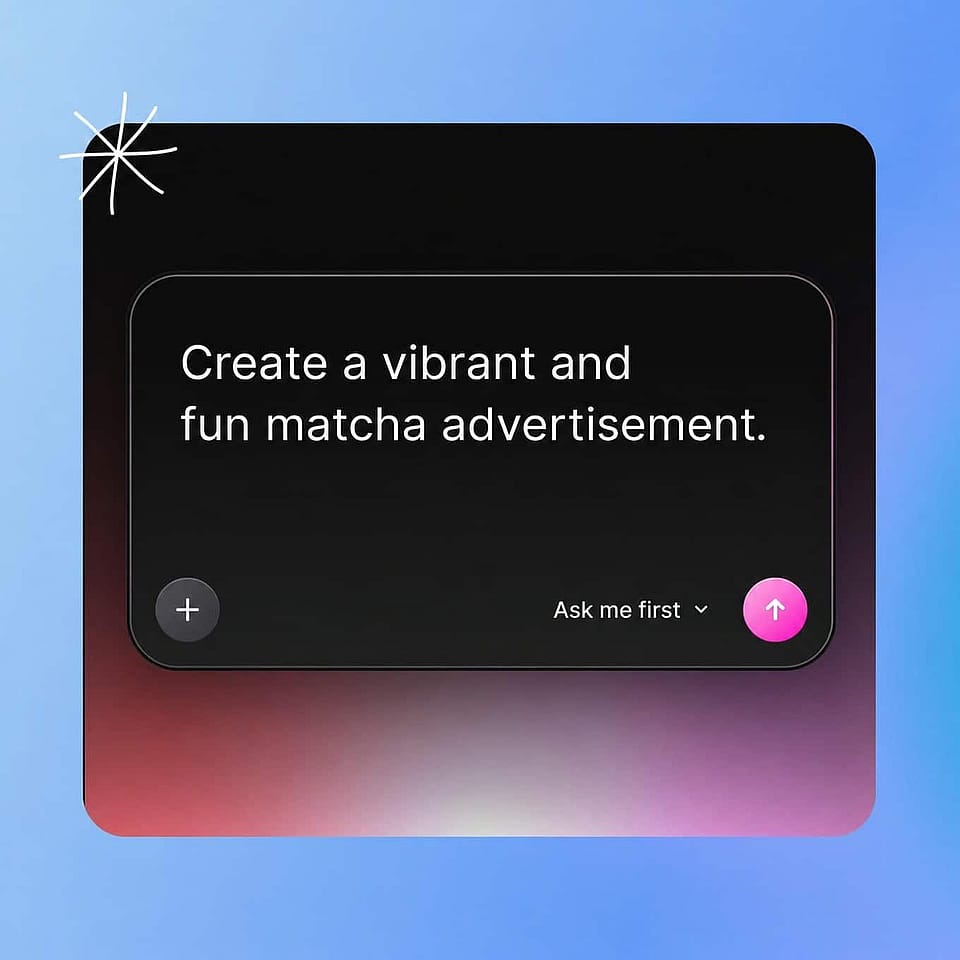
Describe or Upload
Write a short prompt for the ad you want, or upload a product photo to animate. Open Text to Video for a prompt-led ad or Image to Video to bring a product shot to life.
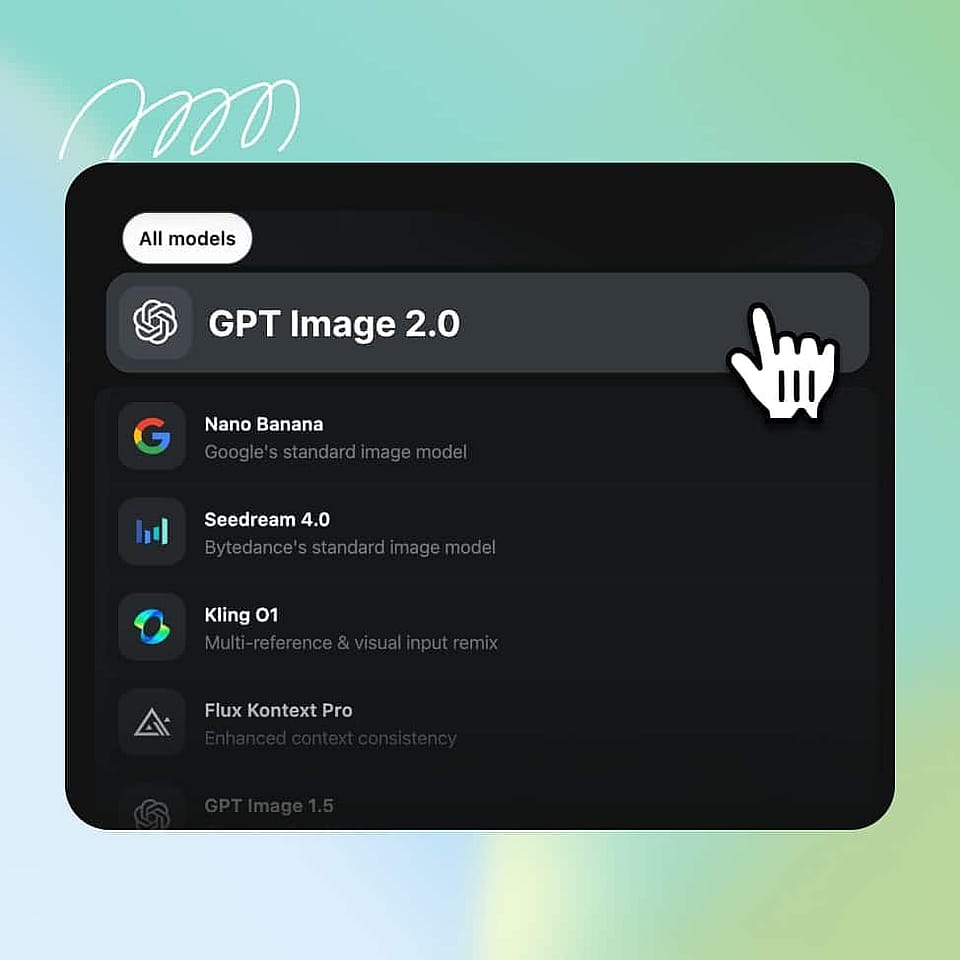
Configure and Generate
Pick your AI model, aspect ratio, and duration, then generate several angles at once. If you have a Brand Kit set up for the project, every version pulls your colors, fonts, and rules automatically.
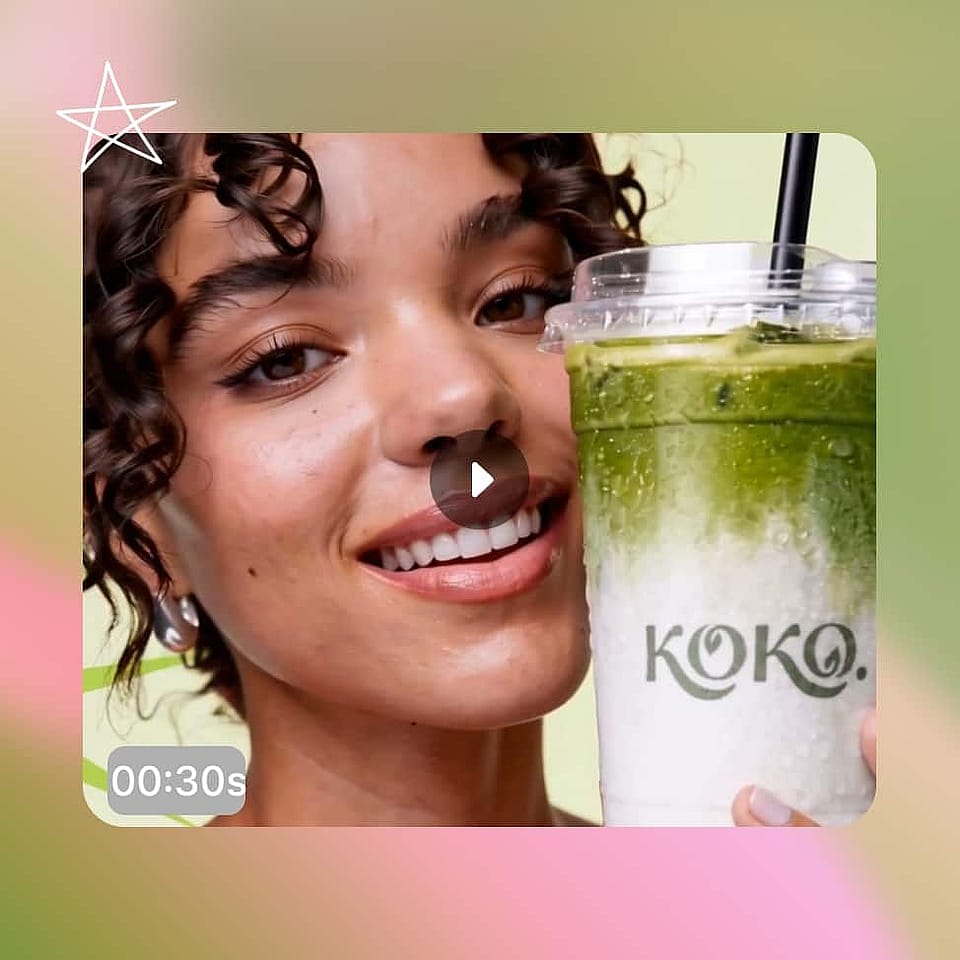
Finish and Download
Review the cuts, extend or upscale the one you want, add sound, and export in the ratio your platform needs. Generate more variants any time to keep testing.
Use Ad Creative AI for Any Advertising Needs
High-Volume DTC and E-Com Teams
Brands running weekly paid social refreshes can generate a full ad set every Monday, several video and static angles at once, without waiting on a shoot or an editor. Because generation takes minutes, the team spends its time on offers and angles rather than production. Reuse a Brand Kit so each week's set lands in the same colors and fonts.
Try it NowAgencies Running Multiple Ad Accounts
Agencies producing creative for many accounts can generate video and static ads for each client in one workspace and keep every account on its own brand. Pair the workflow with the AI video generator to move quickly from brief to finished spot. A per-client Brand Kit keeps each account's look distinct with no cross-contamination.
Try it NowSocial Media and Content Teams
Content teams can turn a steady stream of prompts and product photos into short video ads for TikTok, Reels, and Shorts. Each clip takes minutes, so you can keep an active posting schedule without filming new footage every week. Generate in every aspect ratio you need from the same idea.
Try it NowFreelancers and Content Creators
Freelancers making ads for several clients can generate creator-style and product-led ads without a full production setup. Combine the workflow with the AI UGC Ads Generator for authentic, creator-style spots. Save each client's Brand Kit once and switch between them in a click.
Try it NowFrequently Asked Questions
Ad creative AI is a tool that uses AI models to generate the images and videos in your ads, from a prompt or a product photo, instead of producing each one by hand. On OpenArt, you generate video and static ads, pick from leading AI models, and finish them with a full editing suite.
You can generate across supported video models including Seedance 2.5, Wan 2.7, Kling Omni, LTX 2.3, and Google Veo 3.1, plus leading image models for static ads. You can try the same concept on several models and keep the strongest result.
Set up a Brand Kit for the project with your logo, colors, typography, and rules, and every ad you generate applies them automatically. This keeps a whole test set in your exact brand without a manual color check on each output.
Yes. You can generate in every standard aspect ratio, and a Brand Kit's colors, typography, and rules carry across whatever format you export, from a square feed post to a vertical story.
Yes. OpenArt generates short video ads through Text to Video and Image to Video, and static ads through its image tools, so a full campaign comes from one workflow.
Most video ads generate in a few minutes, depending on the model, resolution, and current demand. That is fast enough to produce a full test set in a single session.
Yes. Kits are scoped per project, so an agency managing multiple client accounts keeps each one isolated with no shared color pool between them.
Ads you create on OpenArt can be used in commercial campaigns such as paid social, display, and product pages. Review the current OpenArt terms for the details that apply to your plan.