

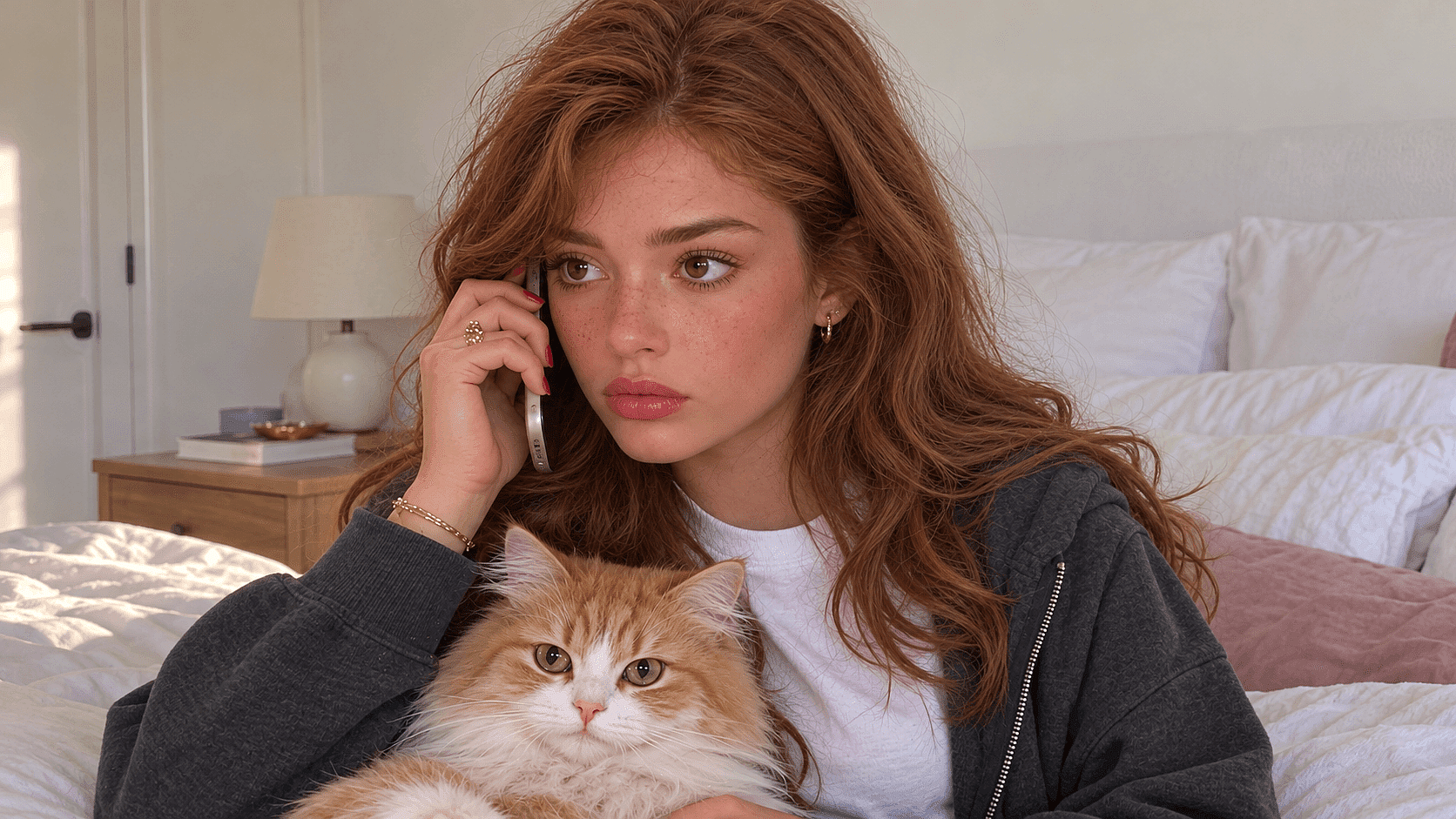
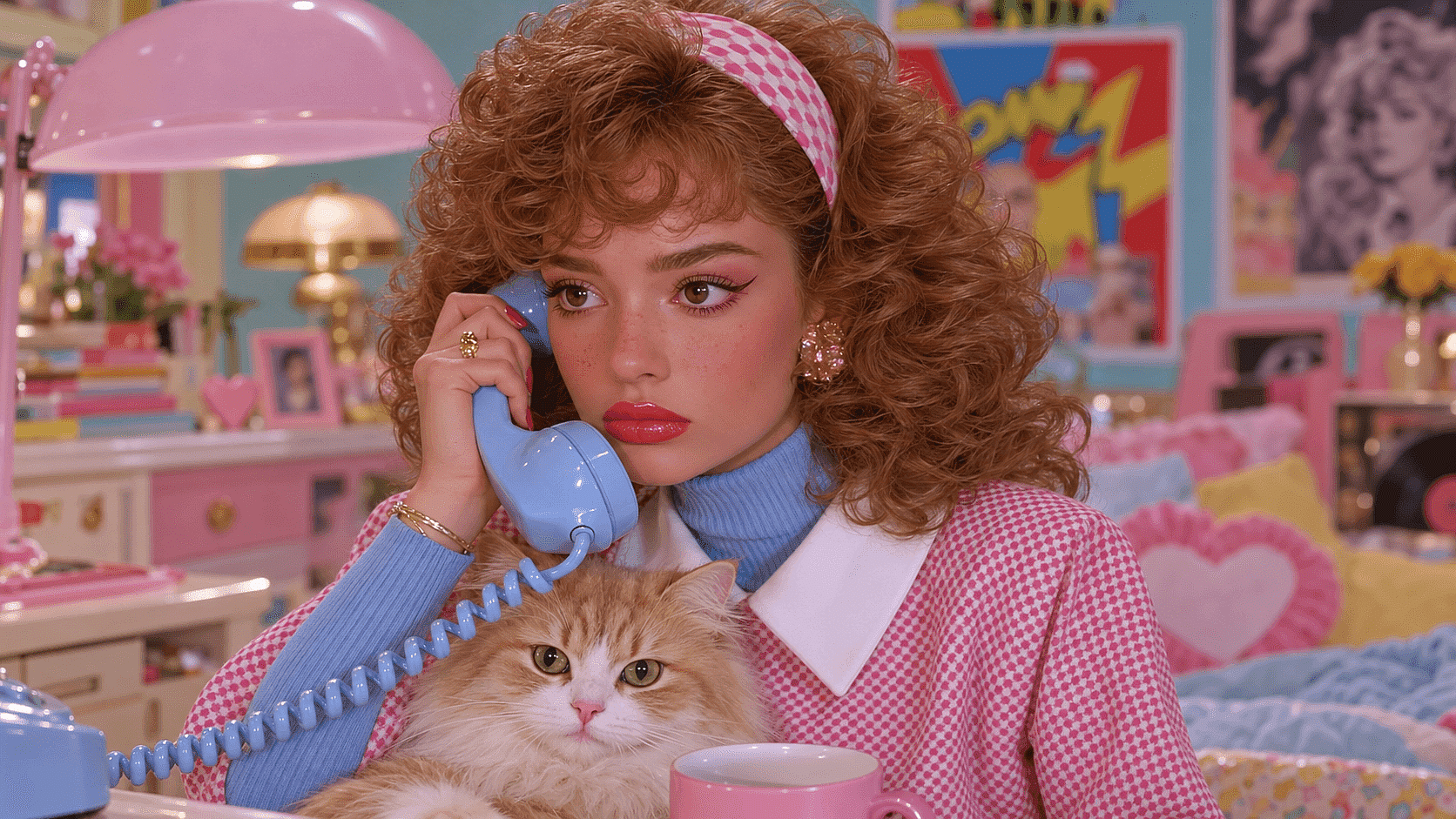
Add a 1980s Filter to Your Photos
Transform your modern photos with a nostalgic 1980s filter. Relive the vibrant colors, outfits, and retro vibes of the 80s for free online.
 Add an image Or drag and drop here · JPEG, PNG, WEBP, HEICJPEG, PNG, WEBP, HEIC
 Why Use the 1980s Filter
Vintage Aesthetics
Perfect for creating artwork with a nostalgic, 80s vibe, adding a timeless charm to your AI image designs.
Marketing Campaigns
Ideal for brands looking to evoke nostalgia and connect with audiences through retro-themed advertisements.
Film and Media
Great for producing visuals that require an authentic 1980s look, enhancing period-specific storytelling.
Graphic Design
Useful for designers aiming to incorporate retro elements into modern projects, blending old and new styles.
Social Media Content
Engages followers with unique, throwback visuals that stand out in a sea of contemporary content.
Character Consistency
OpenArt runs this through image-editing models built specifically to hold a face steady through a heavy style change.
How to Use the 80s Photo Filter Online
From your photo to a finished 80s portrait in three steps.
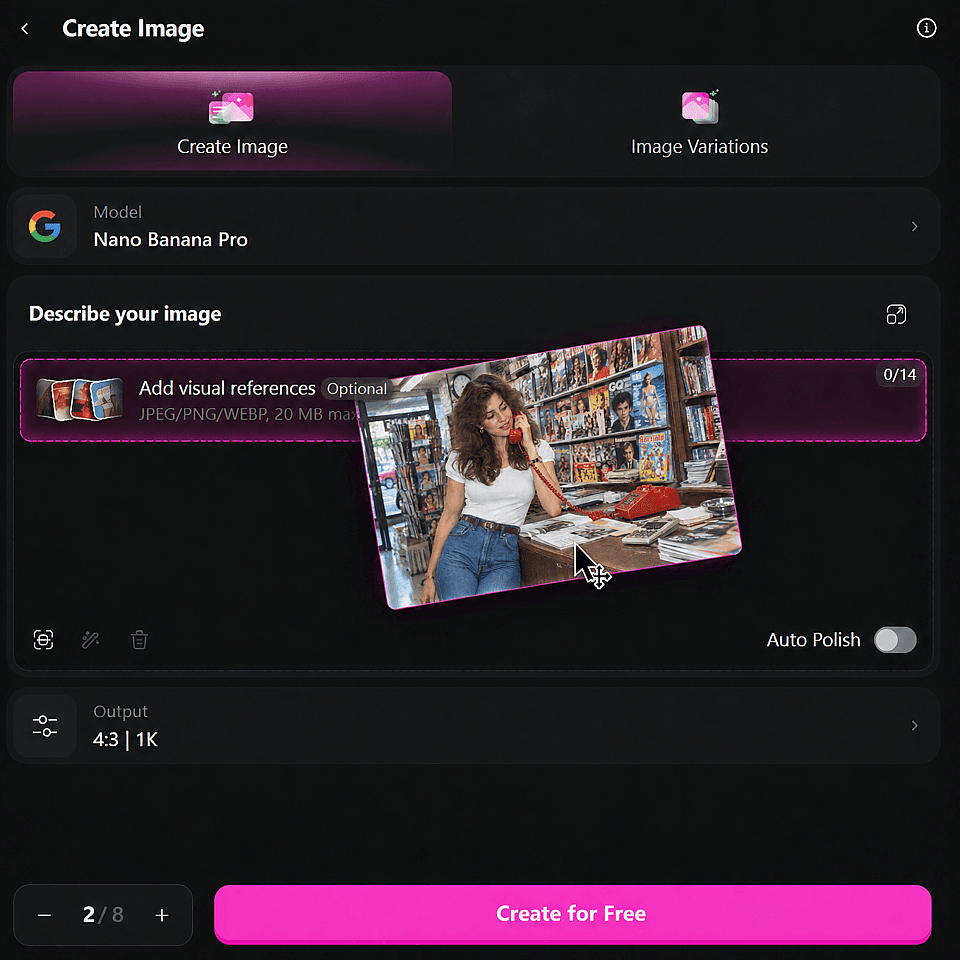
Upload Your Photo
Drag and drop your image into the designated area. This initiates the upload process.
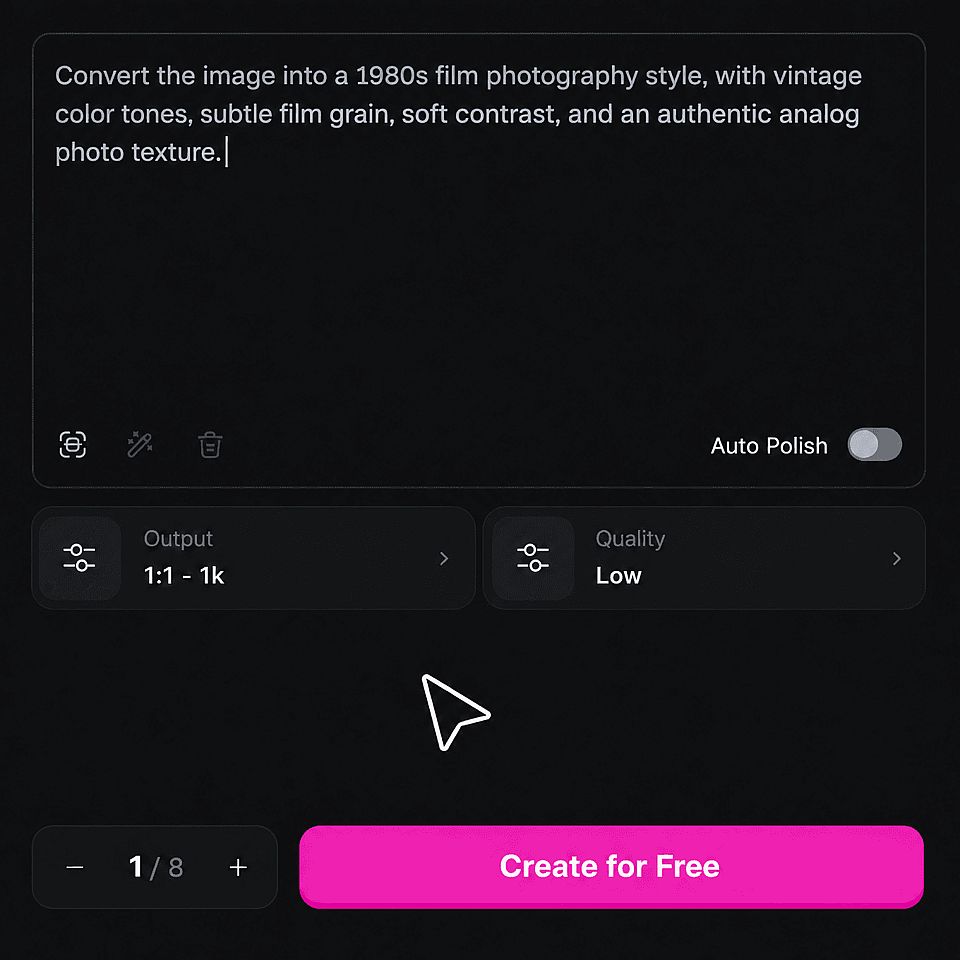
Prompt Your 1980s Style
Describe the 1980s style and adjust the creativity level to your preference. This sets the tone for your final image.
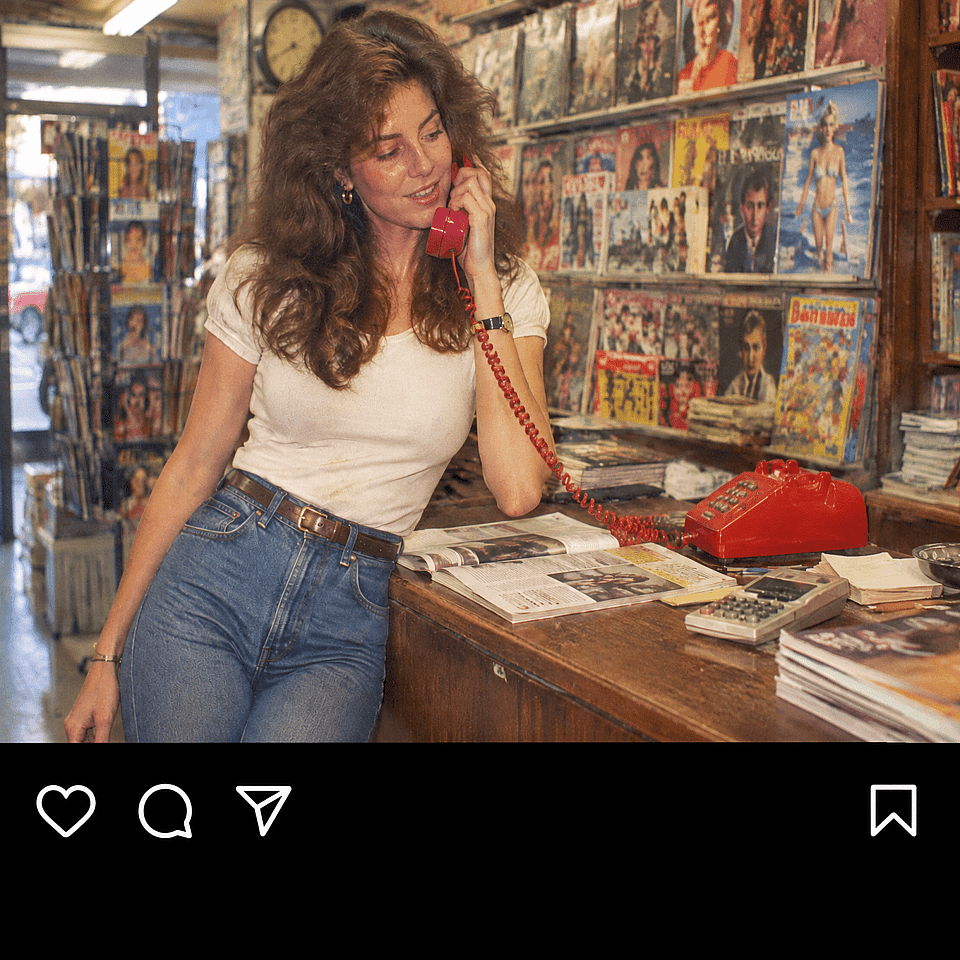
Generate Your Image
Decide on the number of generations you want. Click "Create" and wait a few seconds for your edited image to be ready.
What People Are Using the 1980s Filter For
Perfect for any use case, our AI image generator delivers stunning results.
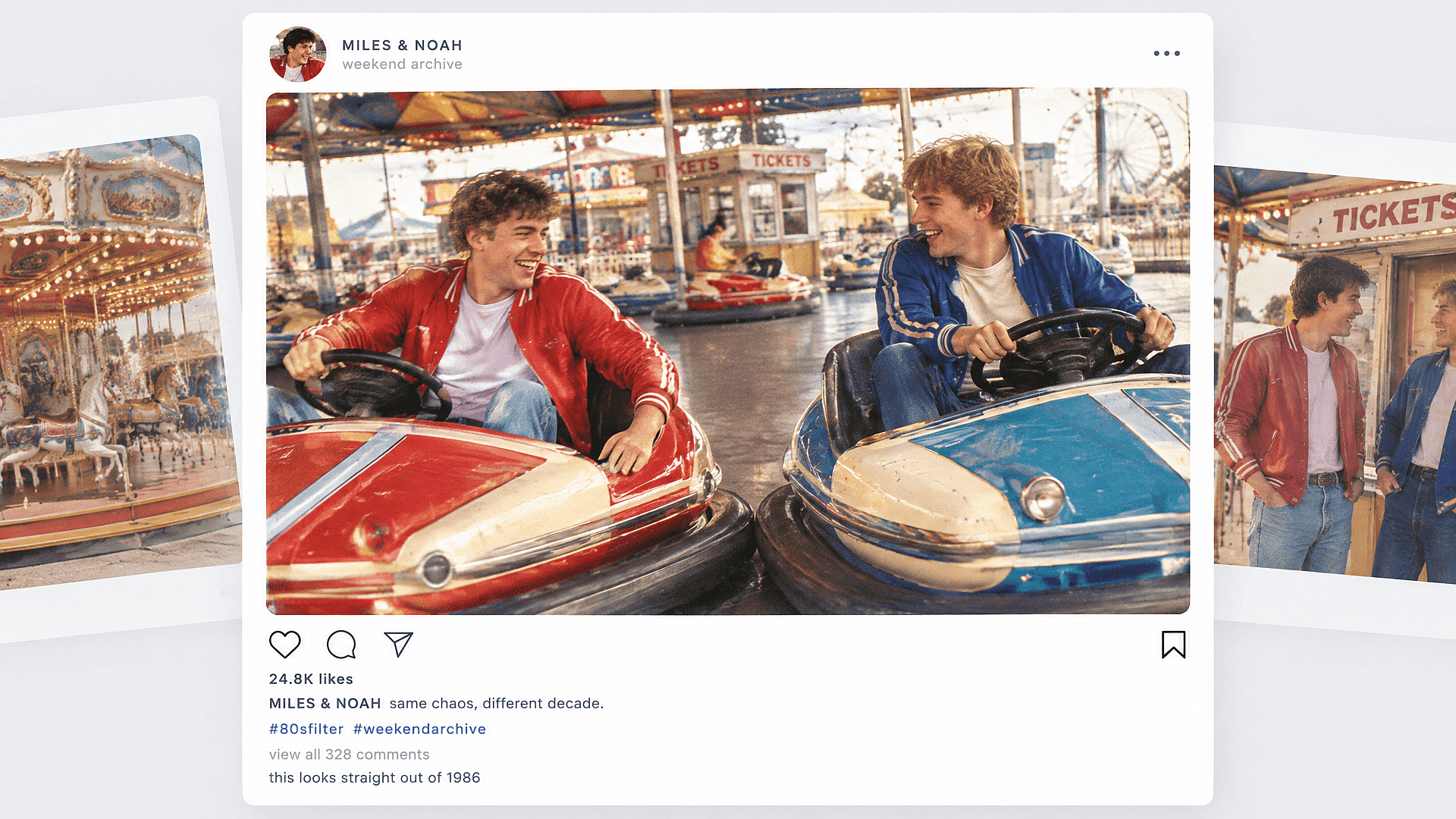
Retro Social Media Posts
Transform your photos with a 1980s filter to create eye-catching, nostalgic social media posts that stand out in your followers' feeds.
Try it Now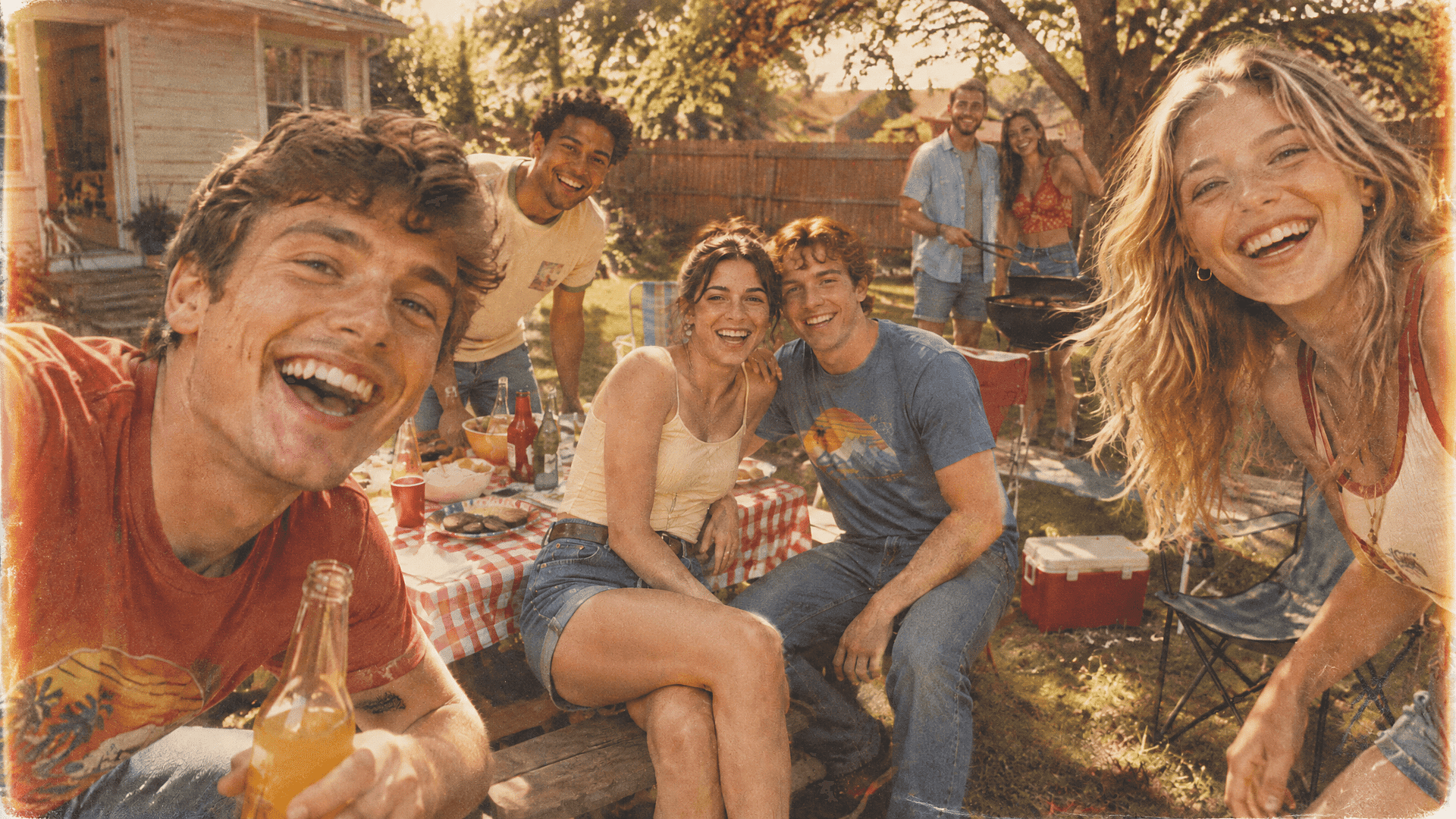
Vintage Photo Restorations
Transform your modern photos into nostalgic masterpieces with our 1980s filter, perfect for vintage photo restorations that bring the charm of the past to life.
Try it Now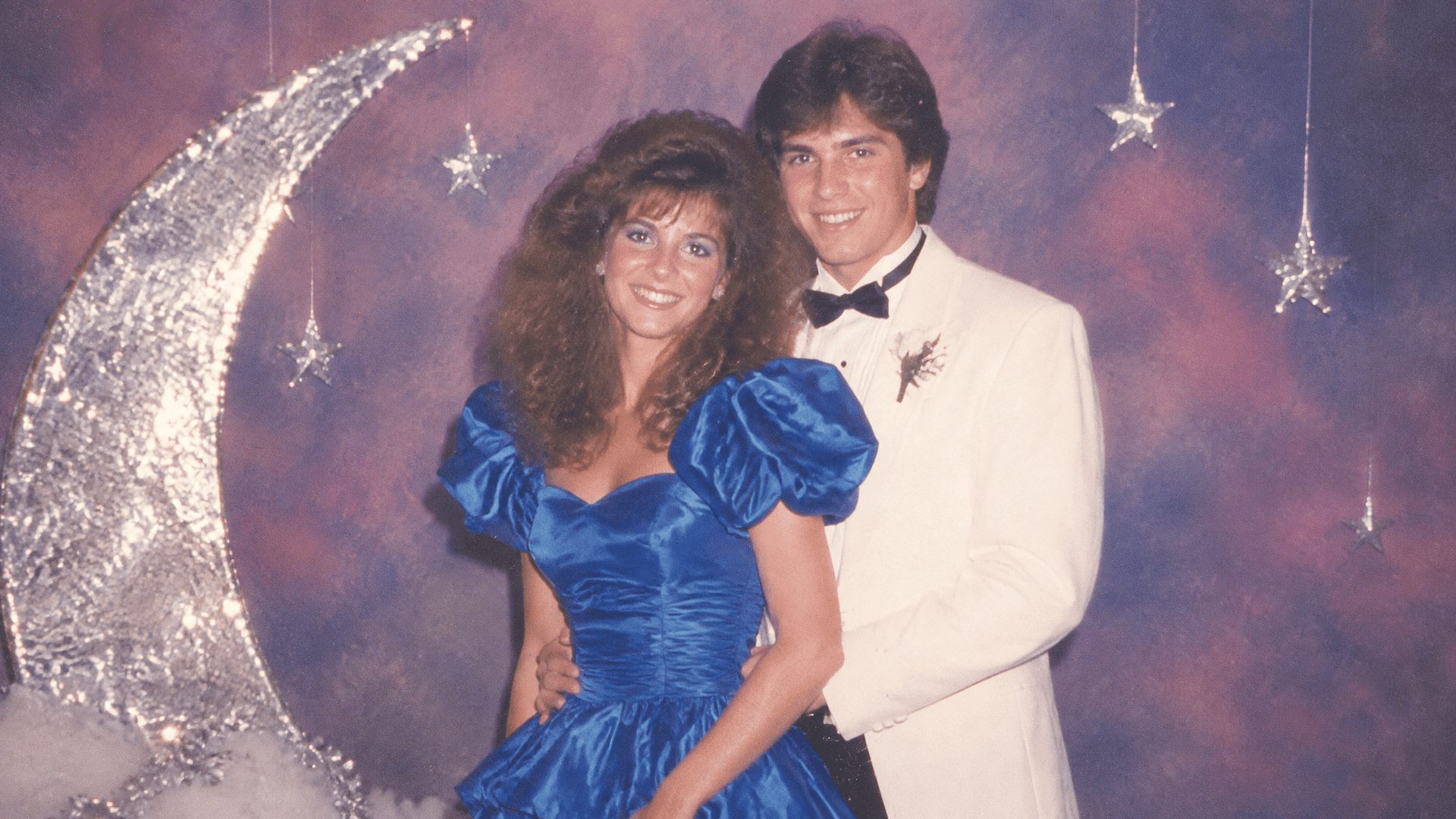
Yearbook and Prom Recreations
Recreating a specific yearbook or prom photo style with today's photo, using the mall glamour or yearbook prompts above.
Try it Now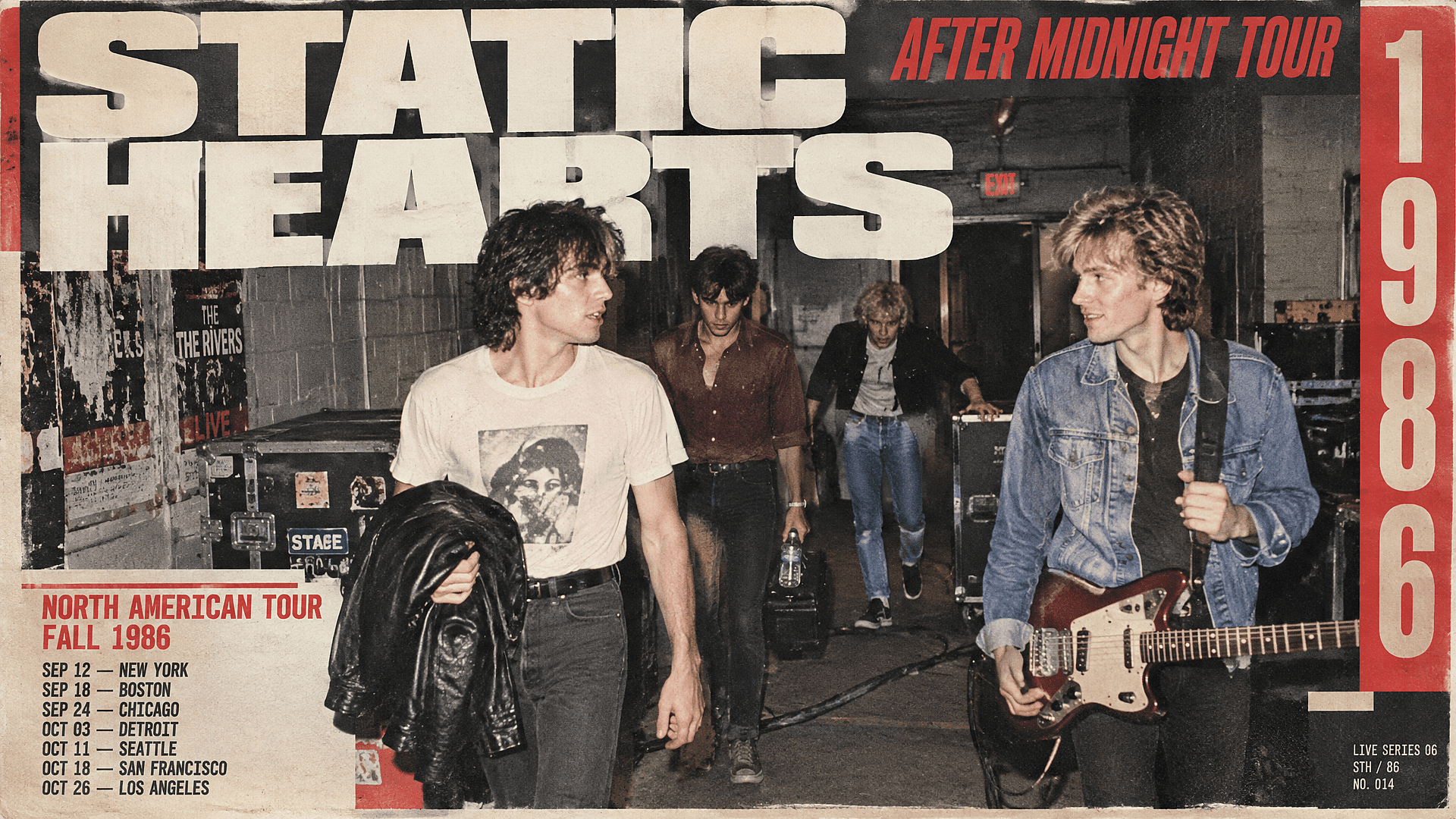
Album Art and Posters
Musicians and designers building an 80s-styled cover or poster can start from a real photo instead of a stock image, using the rock band prompt as a base and adjusting lighting and backdrop from there.
Try it NowFrequently Asked Questions
Big hair (permed, feathered, or a mullet), shoulder pads, acid-washed denim, and neon color choices, set against a photography style that leaned on flat studio lighting (mall portrait studios like Olan Mills) or the pastel, glossy look popularized by shows like Miami Vice. It's not one look. A studio glamour shot, a VHS home video still, and a high school yearbook photo all count as "1980s style," just different corners of it.
It changes more than the color. Hair, clothing, the backdrop, and the film grain all update to match the 80s look you choose. A basic color filter only shifts the tint of your existing photo.
Yes. The filter runs in the browser, so there is no app to install. Upload straight from your camera roll on mobile, or use desktop if you want to generate several versions and compare them side by side.
Yes, up to 5 people in one photo while keeping each face consistent.
The manual route is a vintage-style preset or Photoshop action, which shifts color and adds grain but leaves your actual hair and clothes untouched. The faster route is uploading your photo to OpenArt and describing the look you want (mall glamour shot, VHS still, Miami Vice), so the hair, wardrobe, and backdrop change along with the color, not just the tint. See the three-step guide above for the exact process.
Yes. Use text-to-image and describe the subject, setting, clothing, lighting, and photo texture. This works well for fictional characters and scenes.
New accounts get 40 free credits to try the 80s filter, no credit card required. Paid plans start at $14/month (Starter). Commercial use of what you create starts on the Plus plan at $34/month, and every plan is watermark-free. Check openart.ai/pricing for current figures.
VSCO's 80s presets and Picsart's vintage filter edit the color and texture of your original photo, adding grain, fade, light leaks or scratches while everything else stays the same. The OpenArt 1980s filter regenerates the photo, so hair, clothing and backdrop change along with the color. Use VSCO or Picsart for a quick color grade, and this filter when you want the whole photo restyled.
It works best with a clear, well-lit photo where the face is visible. A blurry or very low-resolution source photo gives the model less to work with, so results can be less sharp.
Those apply a single overlay in real time on a live camera feed. This regenerates the photo, changing hair, wardrobe, and backdrop, which takes a few seconds per image but gets a result closer to an actual period photo than a live filter.
Ask for soft lighting, gentle highlight glow, and restrained contrast. Include “clear eyes” and “natural skin texture” to keep the face readable. Heavy blur alone usually hides the details that make the portrait work.
In the 80s photo filter, add “35mm film grain” and “a warm orange light leak on one edge” to your prompt. For a late-80s print look, add “faded blacks, warm highlights.” Keep the creativity level low to change only color and texture.
Get Insights from Experts Blog
Get the insights you need. Our experts share actionable hacks, break down the hottest topics, and provide essential how-to guides to help you build, optimize, and scale.
Read More
