

Recraft V4.1
Use Recraft V4.1 on OpenArt, an independent AI platform that integrates leading image models. Make editable SVG vector files, clean logos, and lettering with the Recraft V4.1 AI SVG generator. Pick Fast mode to try ideas quickly, or Quality mode for Pro detail at up to 2K.
Key Features of Recraft V4.1
Make editable SVG vector files
Recraft V4.1 can turn your prompt into a real SVG vector file. Pick Vector before you generate, and Recraft V4.1 draws your image as shapes and lines. Open the SVG in a design app such as Adobe Illustrator, Figma, or Inkscape to reshape, recolor, and move each part. An SVG stays sharp at any size, so the same logo works on a business card and on a billboard. You skip the slow job of tracing a picture by hand to turn it into a vector.
Try it NowDesign clean lettering and logos
Recraft V4.1 makes clean, careful lettering for logos, wordmarks, and titles. Ask for a brush script wordmark, a bold block letter logo, or a round badge with a short name inside. Recraft V4.1 can also put a name and a small icon together in one logo. Type the exact words in quotation marks and describe the style, such as "flat fills, two colors, no shadows." Turn on Vector, and your logo comes out as an SVG you can use across your whole brand.
Try it NowChoose Fast mode or Quality mode
Recraft V4.1 has two modes on OpenArt. Fast mode makes images at about 1 megapixel, so you can try lots of ideas quickly. Quality mode runs Recraft V4.1 Pro and makes images at up to 2K with finer detail for print and large screens. Both modes make regular images or SVG vectors, and you can make up to 8 images at a time. Pick from 14 shapes, from a tall 1:2 to a wide 2:1, including 16:9 for banners and 9:16 for stories.
Try it NowStart from one reference image
Recraft V4.1 can start from one reference image you upload. Use a rough sketch, a product photo, or an older design as your starting point. Move the strength slider to choose how far the new image moves away from your reference. Keep the strength low to stay close to the original, or raise it to give Recraft V4.1 more room to change things. Your new image keeps the same size and shape as the reference.
Try it NowGet strong pictures from short prompts
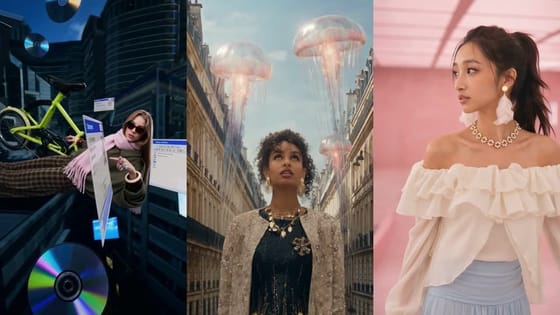
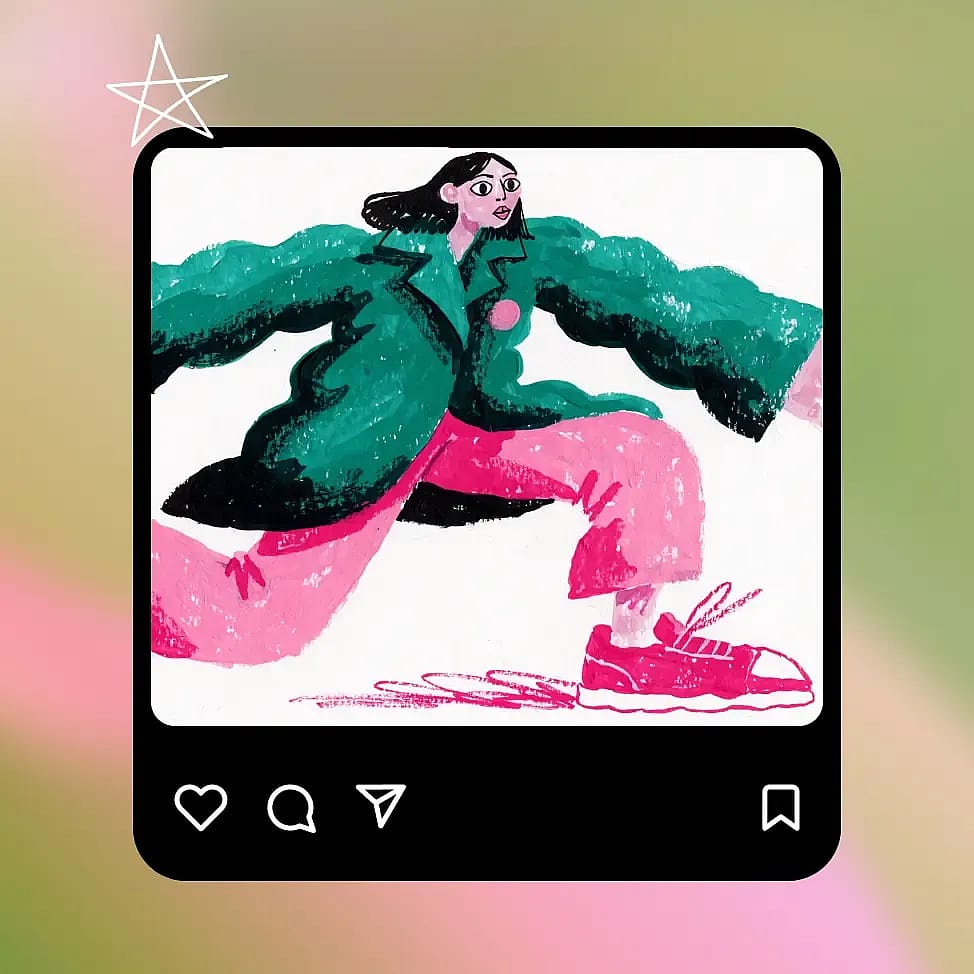
Recraft built V4.1 to give you a strong picture from just a few words. People look natural and relaxed, and Recraft V4.1 keeps the background simple unless you ask for more. Soft color gradients blend smoothly, and 3D objects like chrome letters show clean shine and depth. Start with a short prompt such as "a potter shaping a bowl in a sunny studio," then add details only where you need them.
Try it NowHow to Use Recraft V4.1 on OpenArt
You can make your first Recraft V4.1 image or SVG file in three simple steps.
Choose Recraft V4.1 image model
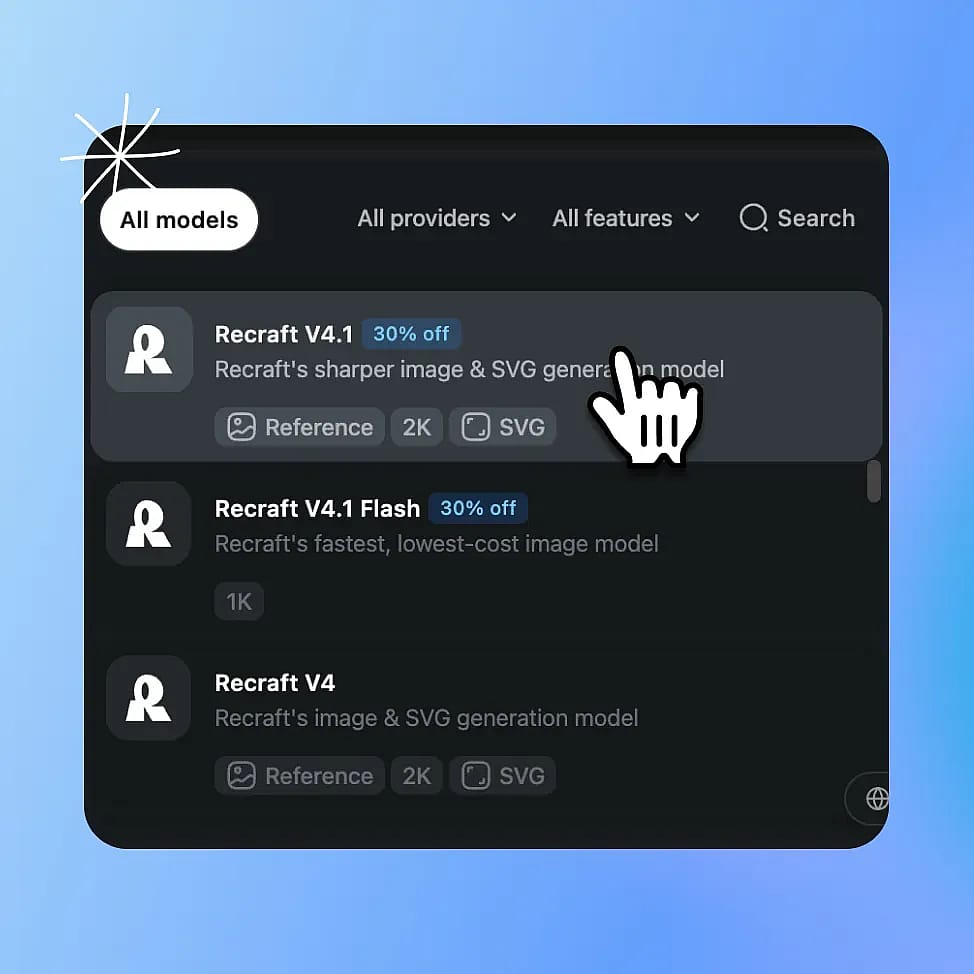
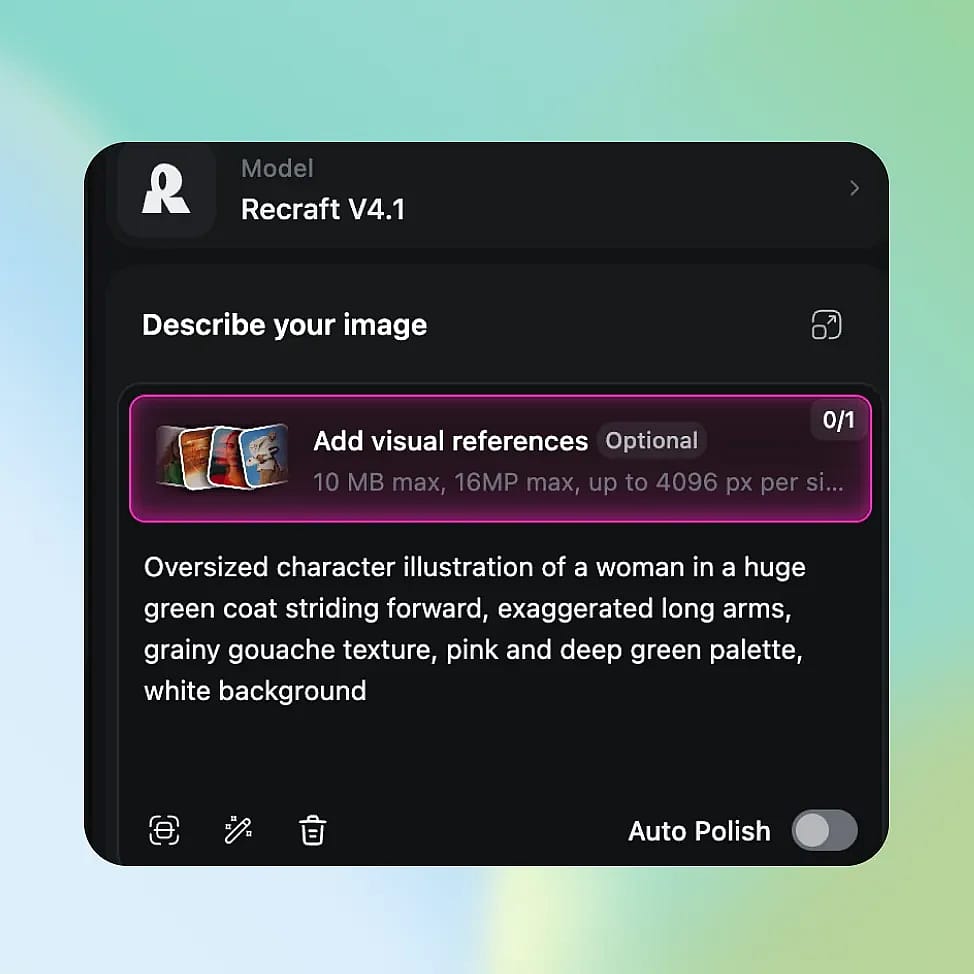
Open OpenArt's AI image generator and select Recraft V4.1 from the model menu.
Pick your format and mode
Choose a regular image or Vector, then pick Fast or Quality mode and your shape. Upload one reference image if you want a starting point.
Write your prompt and generate
Describe what you want, put any exact words in quotation marks, and generate. Change one thing at a time until it looks right, then download your file.
Best Uses for Recraft V4.1
Logos and brand marks for brand teams
Recraft V4.1 helps brand designers and creative directors explore logo ideas fast. Say a coffee shop called "Juniper" needs a new logo. Ask for a brush script wordmark with a small leaf icon, in two colors, with flat fills only. Make 8 versions in Fast mode, pick the strongest two, and run them again in Quality mode. Turn on Vector so each logo comes out as an SVG file. Your designer can open the file, adjust the space between letters, and swap the colors to match the brand guide.
Try it NowAd graphics for performance marketers
Recraft V4.1 helps performance marketers and ad designers make graphics with bold lettering and clean color. Picture a spring campaign that needs one headline in three ad sizes. Type the headline in quotation marks, ask for a soft pink and orange gradient behind it, and pick 1:1 for the feed. Then run the same prompt at 9:16 for stories and 16:9 for a banner. Short headlines of a few words come out cleanest, so keep longer copy for the text fields in your ad platform. Every version shares the same style, so each test shows which headline works best.
Try it NowMenus, signs, and stickers for businesses
Recraft V4.1 helps small business owners make print graphics that stay sharp at any size. A bakery can ask for a flat vector illustration of a croissant and a coffee cup for its menu board. Turn on Vector, and the same SVG works on a small sticker, a printed menu, and a large window sign. Ask for matching icons in one simple line style for menu sections like "Breads," "Cakes," and "Coffee." When the season changes, open the SVG in a design app and change the colors. You can refresh your signs and menus without paying for a new design every time.
Try it NowCharacter ideas for filmmakers and artists
Recraft V4.1 helps filmmakers, storyboard artists, and concept artists explore fresh and varied characters early in a project. Describe a character in a few words, such as "a retired sea captain who runs a lighthouse cafe." Ask for a character sheet with front, side, and back views and a row of color swatches. Make several versions in Fast mode to compare different looks side by side.
Try it NowTips for Best Results
Keep wordmarks to three words or fewer
Short wordmarks of 1 to 3 words come out cleanest. Put the exact words in quotation marks and zoom in to check every letter at full size.

Ask for flat fills on vectors
For logos and icons, ask for flat fills, a short list of colors, and no gradients or shadows. Fewer colors and shapes give you an SVG that is easier to edit later.
Start short, then add detail
Recraft V4.1 makes strong images from a few words. Begin with a short prompt, then add style, color, and layout notes only where the result needs them.
Explore in Fast, finish in Quality
Use Fast mode to try many ideas at once. Switch to Quality mode for the final version you will print or show on a large screen.
Loved by Creators
I've tried many AI platforms... but OpenArt is still the best for character creation, image-to-video quality, and the variety of models available.
OpenArt offers an excellent array of AI tools... once you learn the features, the creative possibilities are amazing - and their support team is outstanding.
OpenArt is a very versatile AI platform with many image and video models, consistent character creation, and powerful editing tools.
Helpful AI tools all in one place - image and video generation, editing, and more... no need for multiple subscriptions.
Customer service is always quick and helpful... and the platform keeps getting better with new features and tools.
I've tried many AI platforms... but OpenArt is still the best for character creation, image-to-video quality, and the variety of models available.
OpenArt offers an excellent array of AI tools... once you learn the features, the creative possibilities are amazing - and their support team is outstanding.
OpenArt is a very versatile AI platform with many image and video models, consistent character creation, and powerful editing tools.
Helpful AI tools all in one place - image and video generation, editing, and more... no need for multiple subscriptions.
Customer service is always quick and helpful... and the platform keeps getting better with new features and tools.
I've tried many AI platforms... but OpenArt is still the best for character creation, image-to-video quality, and the variety of models available.
OpenArt offers an excellent array of AI tools... once you learn the features, the creative possibilities are amazing - and their support team is outstanding.
OpenArt is a very versatile AI platform with many image and video models, consistent character creation, and powerful editing tools.
Helpful AI tools all in one place - image and video generation, editing, and more... no need for multiple subscriptions.
Customer service is always quick and helpful... and the platform keeps getting better with new features and tools.
With so many AI platforms out there, OpenArt stood out as a stellar choice - I'd recommend it to any creator.
This platform includes everything you need for AI content creation - images, video, characters, audio, and multiple AI models in one place.
OpenArt is pushing the boundaries of AI video creation... and it's clear the team is committed to improving the creator experience.
I made my first AI music video with OpenArt... and their support team was the best help I've ever experienced.
I'm very happy with the support - my issue was resolved quickly and the team made the process easy.
With so many AI platforms out there, OpenArt stood out as a stellar choice - I'd recommend it to any creator.
This platform includes everything you need for AI content creation - images, video, characters, audio, and multiple AI models in one place.
OpenArt is pushing the boundaries of AI video creation... and it's clear the team is committed to improving the creator experience.
I made my first AI music video with OpenArt... and their support team was the best help I've ever experienced.
I'm very happy with the support - my issue was resolved quickly and the team made the process easy.
With so many AI platforms out there, OpenArt stood out as a stellar choice - I'd recommend it to any creator.
This platform includes everything you need for AI content creation - images, video, characters, audio, and multiple AI models in one place.
OpenArt is pushing the boundaries of AI video creation... and it's clear the team is committed to improving the creator experience.
I made my first AI music video with OpenArt... and their support team was the best help I've ever experienced.
I'm very happy with the support - my issue was resolved quickly and the team made the process easy.
Frequently Asked Questions
Recraft V4.1 is Recraft's newest image model, built for SVG vectors, logos, lettering, and illustration. You can use Recraft V4.1 in OpenArt's AI image generator, with Fast mode for quick ideas and Quality mode for Pro detail at up to 2K.
Short wordmarks of 1 to 3 words work best. Put the name in quotation marks, describe the style and colors, and turn on Vector to get an SVG. Check the spelling at full size before you use the logo.
Yes. Upload one reference image and move the strength slider to choose how much Recraft V4.1 changes it. The new image keeps the same size and shape as your reference. To change one marked area of a photo, use OpenArt's AI photo editor.
Pick Recraft V4.1 for SVG vectors, logos, lettering, and strong results from short prompts. Pick Recraft V4 when you want new images in the look of 1 to 10 style reference images.
Yes. Commercial use requires the Plus plan or above, and you can compare plans on the OpenArt pricing page. Make sure you hold the rights to any photo, logo, or name you upload or use.
Yes. Pick Vector before you generate, and Recraft V4.1 makes an SVG file you can open in a design app. You can reshape, recolor, and resize the SVG, and it stays sharp at any size.
Fast mode makes images at about 1 megapixel and is the quickest way to try ideas. Quality mode uses Recraft V4.1 Pro for finer detail at up to 2K, which suits print and large screens.
Fast mode makes images at about 1 megapixel, and Quality mode goes up to 2K. You can pick from 14 shapes, from a tall 1:2 to a wide 2:1, including 1:1, 4:5, 16:9, and 9:16. SVG files stay sharp at any size.
Yes. Connect the OpenArt MCP and ask Claude or ChatGPT for an image or SVG made with Recraft V4.1. In ChatGPT you install the OpenArt plugin, and in Claude you add the OpenArt connector URL.