

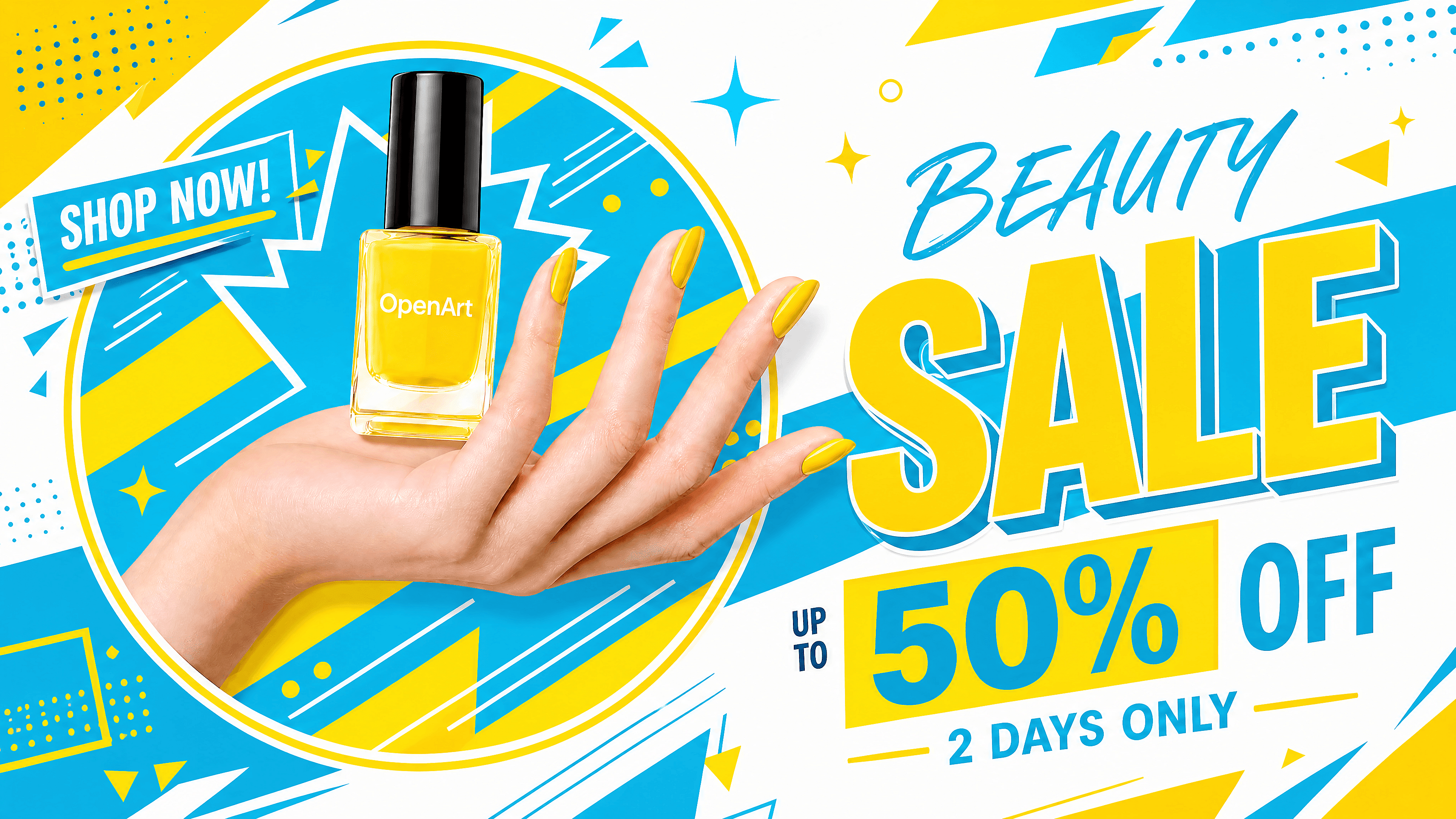
AI Banner Generator
Turn a campaign brief into banner concepts for websites, display ads, YouTube, LinkedIn, and social media. Describe your message, format, brand colors, and visual direction, then refine the result in OpenArt.


Frequently Asked Questions
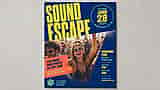
An AI banner generator creates custom banner images from text prompts. You describe what you need (a product hero shot, an event promo), choose your dimensions, and the tool renders a finished graphic you can download and use right away.
You can create website hero banners, display ads, YouTube channel art, LinkedIn banners, ecommerce promotions, event headers, product launch graphics, and social media campaign visuals.
It can create banners containing headlines and short copy, but generated text should always be checked for spelling and accuracy. For important campaign copy, leave clear text space or refine the wording before export.
Choose the required size, then describe the campaign, audience, main message, visual style, and desired composition. Create several options and refine the strongest layout before adding the final campaign details.
Include the banner format, subject, background, brand colors, headline, call to action, visual style, and required empty space. State where the banner will appear so the composition fits the channel.
You can upload a logo, product image, or brand reference and describe the colors you want to retain. Review the final logo shape, typography, and color values before publishing the banner.