

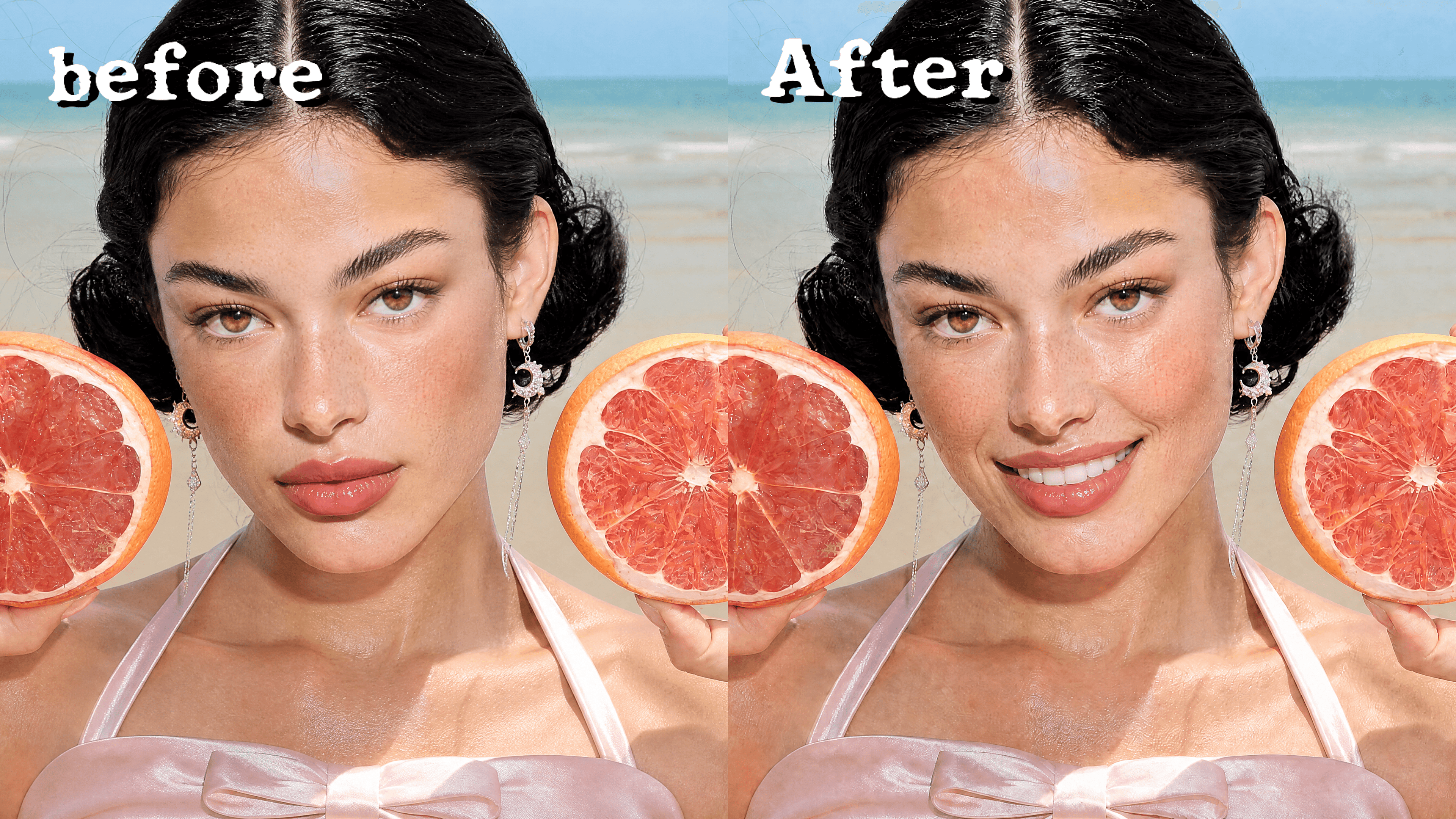
Add Smile to Any Photo
Upload a portrait, selfie, or group photo and describe the expression you want. Add a subtle closed-mouth smile, a warm natural smile, or a cheerful grin while keeping the rest of the photo close to the original.



Frequently Asked Questions
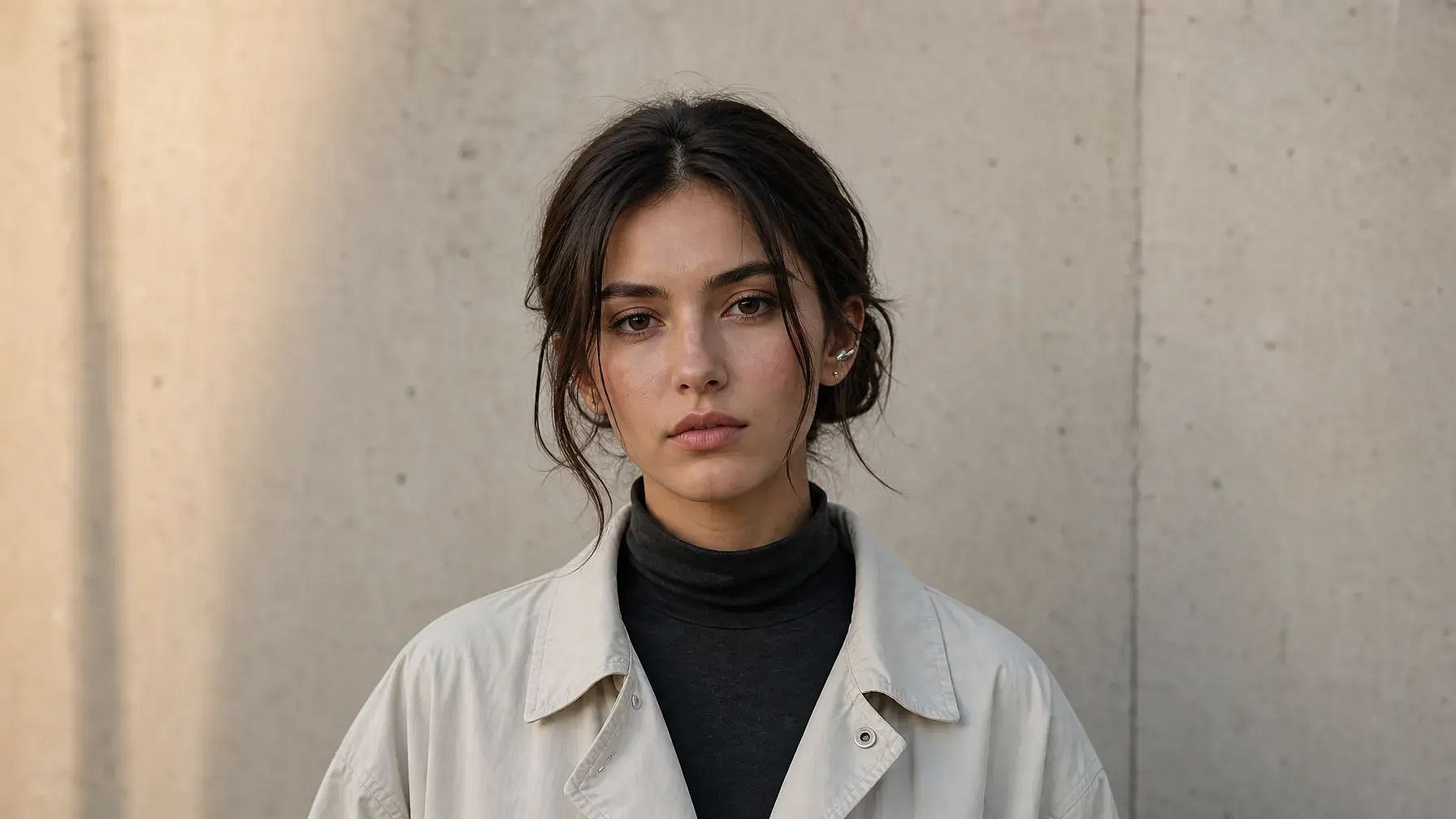
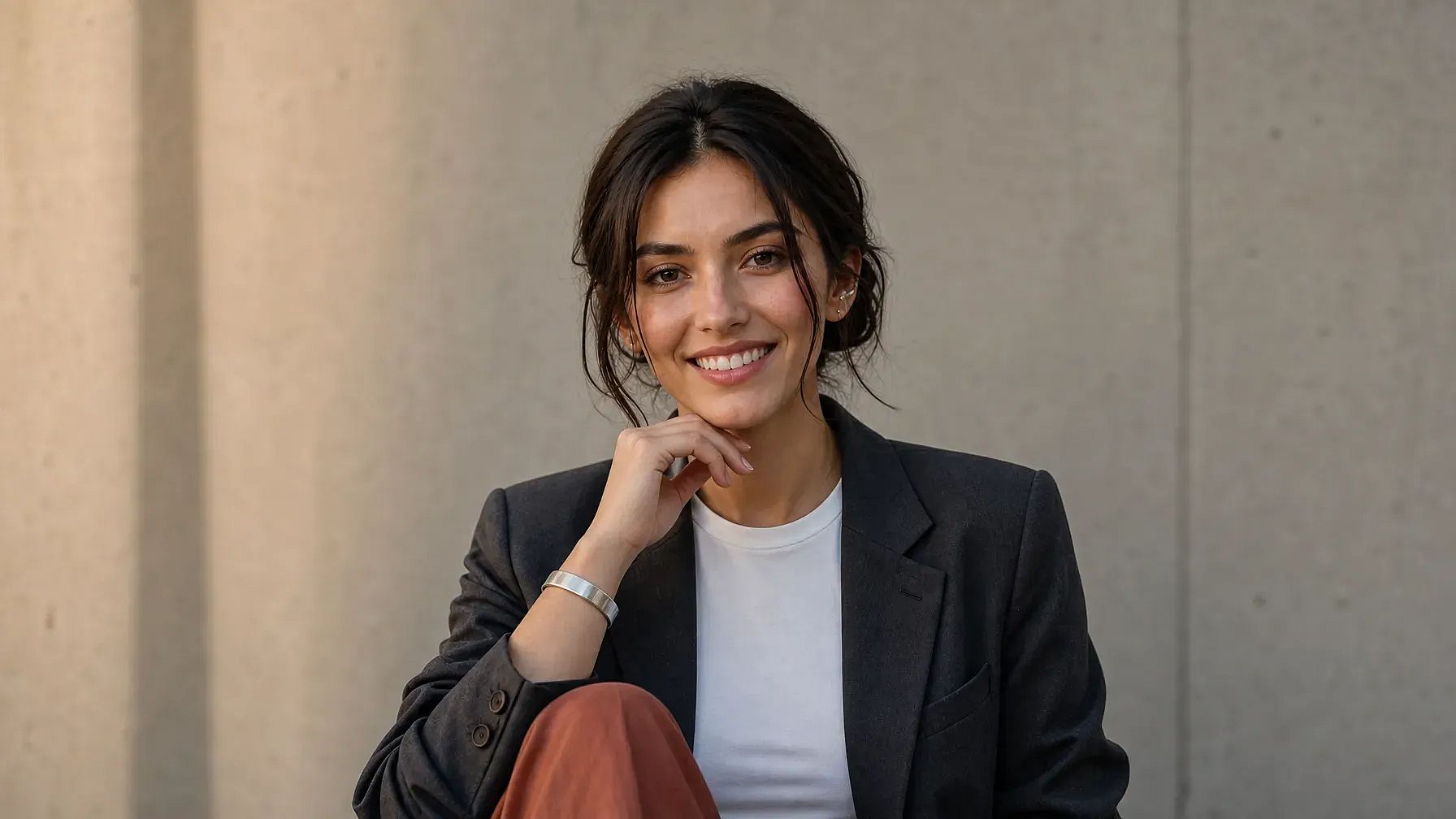
Upload a clear portrait and describe the smile you want, such as a soft closed-mouth smile or a cheerful smile with teeth. Review the result and refine the expression if it looks too strong or unnatural.
OpenArt has free daily credits to generate and edit images. You can add smiles to several photos per day at no cost. Paid plans give you more credits and faster processing.
Yes, it can help create a warmer expression for profile photos or professional portraits. Keep the adjustment subtle and avoid using altered photos where official identity or documentation rules require an unedited image.
Yes. Upload any portrait (old family photos, ID pictures, formal shots) and describe the smile you want. The AI adapts to the photo's lighting and grain, so vintage images come out looking natural.
Modern face-editing models preserve skin texture, lighting, and facial structure, so smiles blend naturally. For best results, describe the expression clearly ('slight smile', 'big grin', 'closed-mouth smile') and regenerate if the first attempt feels off.
Use a high-resolution, well-lit portrait where the face is clearly visible. Prompt with specific details like 'gentle smile showing teeth' or 'relaxed, closed-lip smile'. Avoid extreme angles or heavy shadows, which make AI reconstruction less convincing.