

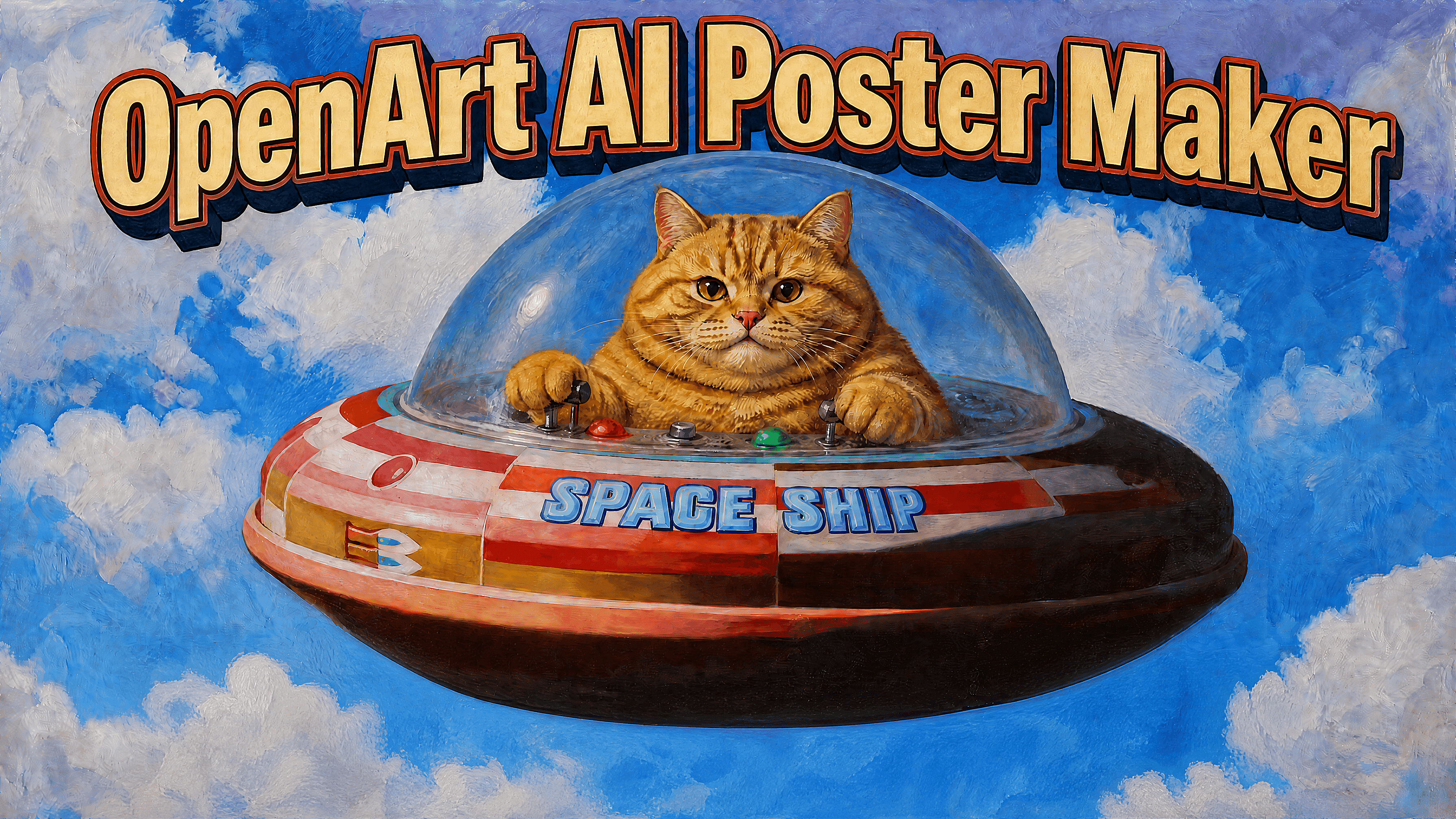
AIポスターメーカー
OpenArtでポスターを無料でオンライン作成。イベントポスター、映画ポスター、商品広告、パーティーの招待状などをシンプルなプロンプトから生成し、数分でデザインをカスタマイズ・書き出しできます。
AIポスターデザインにOpenArtを選ぶ理由
シンプルなプロンプトからポスターのコンセプトを
必要なポスターを一文で、または詳しいクリエイティブブリーフで説明してください。OpenArtがそれを複数のビジュアル案に変換し、最も優れたものをさらに磨くお手伝いをします。オファーやイベント、ターゲットは決まっているけれど、白紙の状態から始めたくないときに便利です。
1つのワークスペースで複数のスタイル
プロジェクトによって求められるビジュアルスタイルは異なります。ビジネスポスター、映画ポスター、イラストグラフィック、製品広告、SNSプロモーションなどを、ツールを切り替えることなく作成できます。プロジェクトに最適なモデルを選び、複数のバージョンを並べて比較しましょう。
キャンペーンをまたいで一貫した被写体
キャンペーンで同じ人物・マスコット・キャラクター・製品を複数のポスターにわたって登場させる場合、一貫性が重要です。OpenArt の Character 機能を使えば、異なるデザインやフォーマットでも一貫した見た目を保てます。
AIポスターメーカーの使い方
ポスター作成はたった3ステップ。
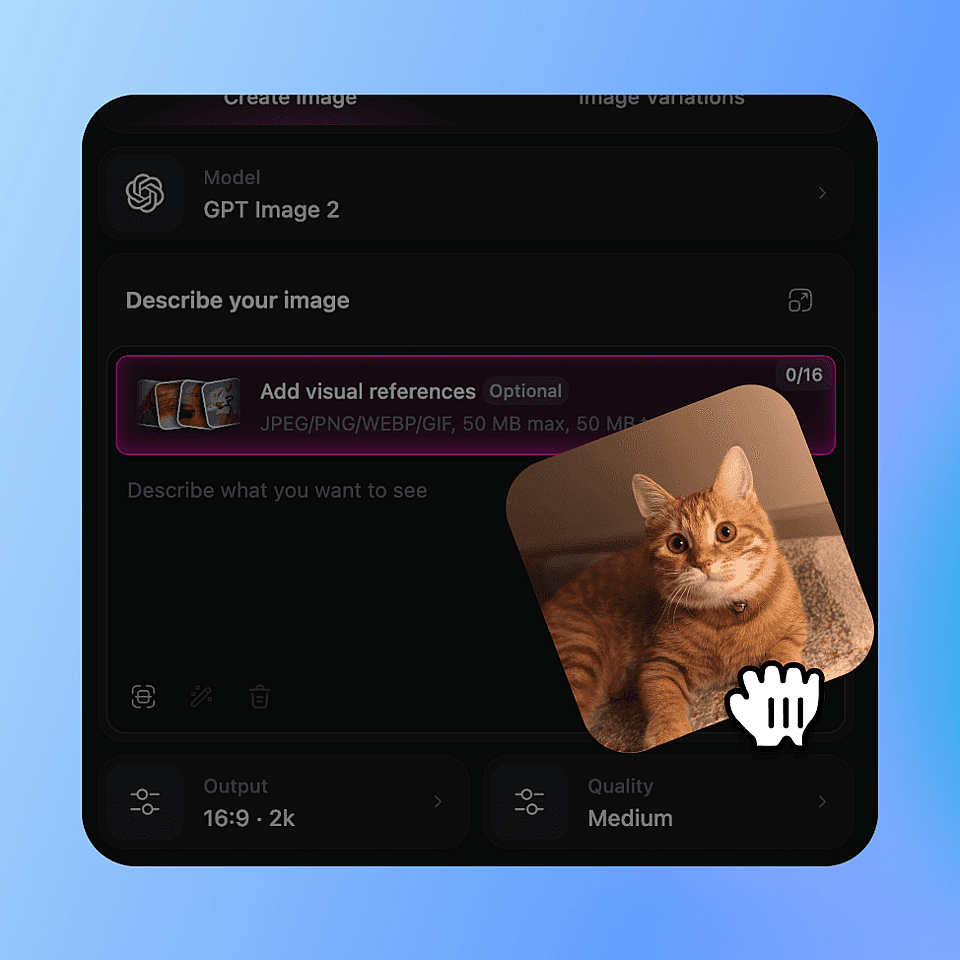
モデルを選んでpromptを書く
ModelまたはCharacterからモデルを選び(ポスターにはGPT Image 2が最適)、Promptフィールドにポスターの内容を記述します。何を宣伝するのか、タイトル、日付、スタイルなどを入力しましょう。
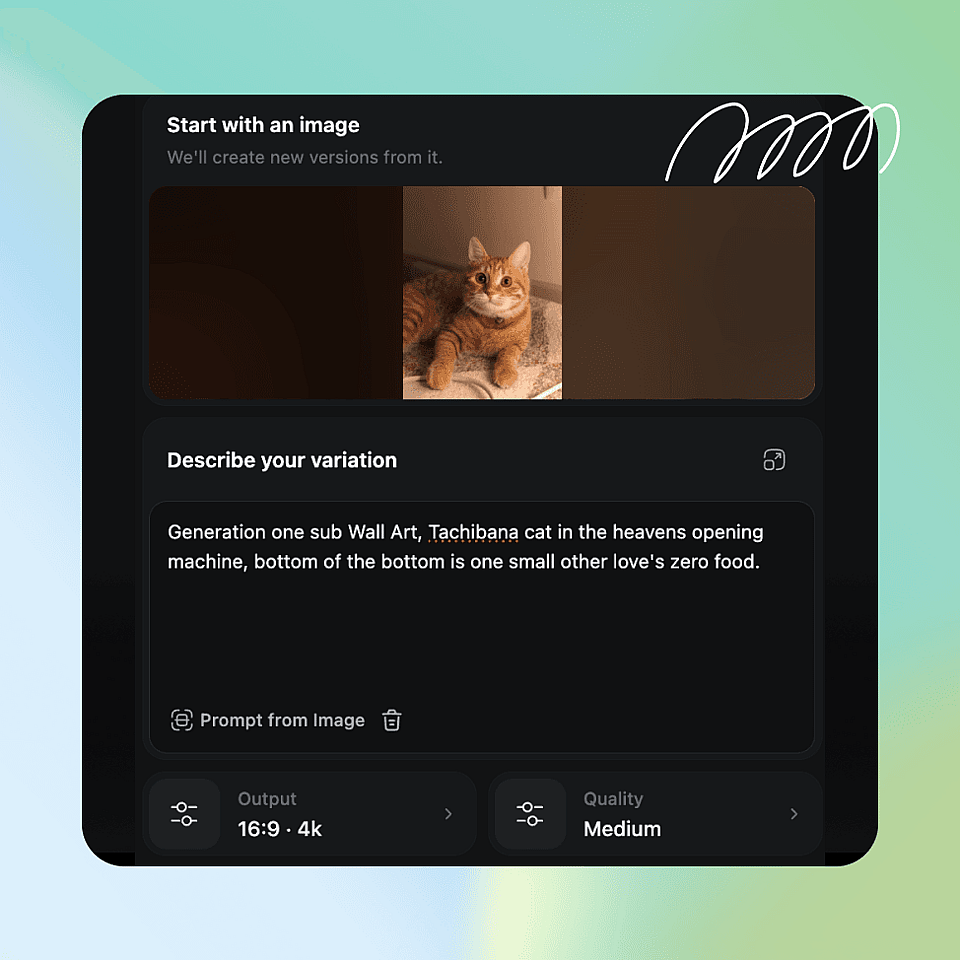
出力を設定して生成
出力設定で、サイズ(ポスターの比率)、解像度、画像枚数を選びます。「作成」をクリックして、いちばん出来のよい結果を残しましょう。
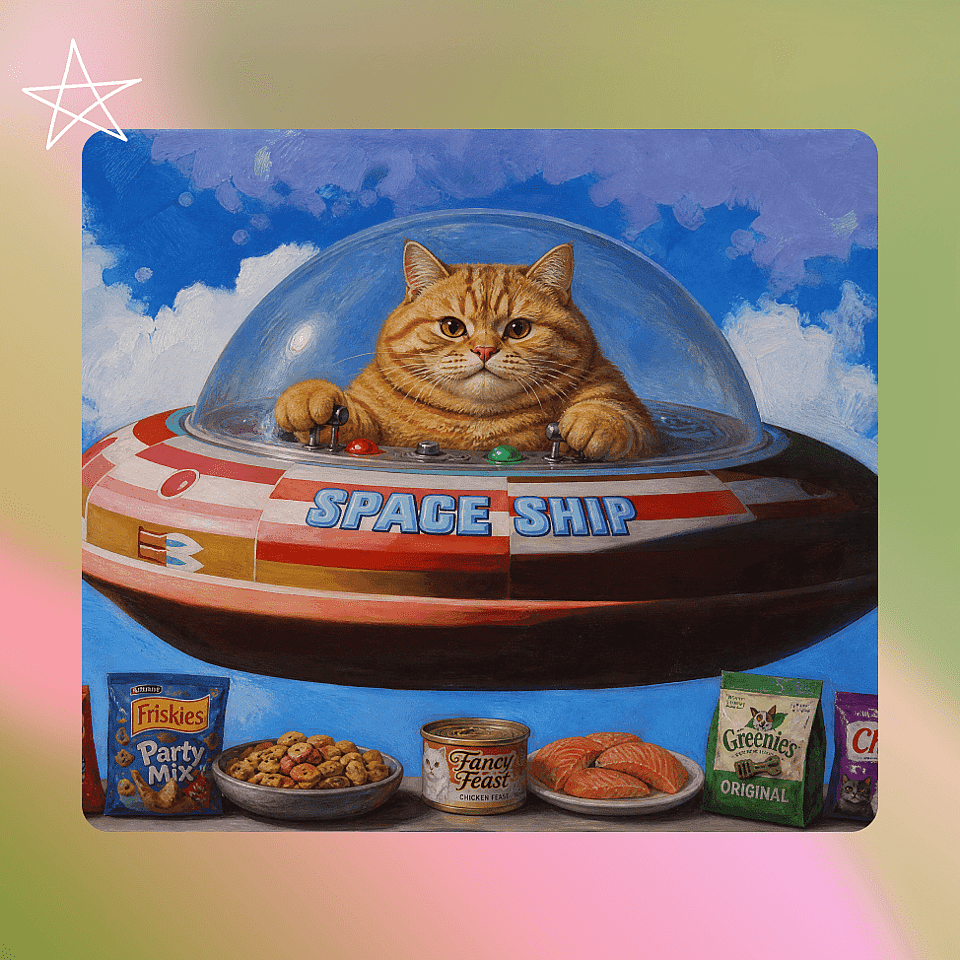
仕上げてエクスポート
「画像を編集」でディテールを整え、「画像高解像度化」でよりシャープに仕上げたら、SNS・Web・印刷用にダウンロードしましょう。
あらゆる用途のポスターを作成
ポスターは用途が多岐にわたるため、検索も幅広くなります。OpenArtは、スタイルだけでなく目的に合わせてプロンプトを設定したときに最も力を発揮します。
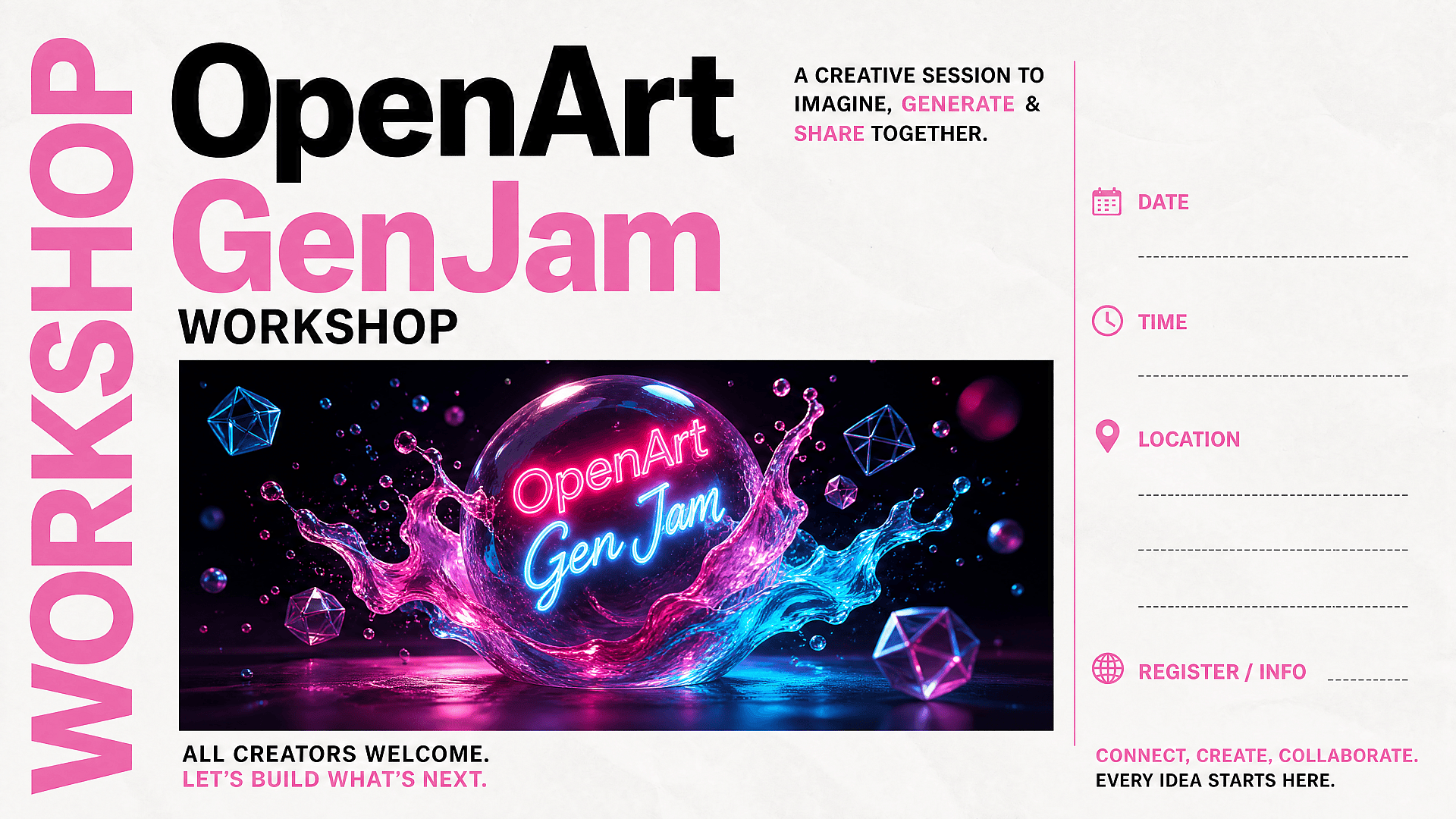
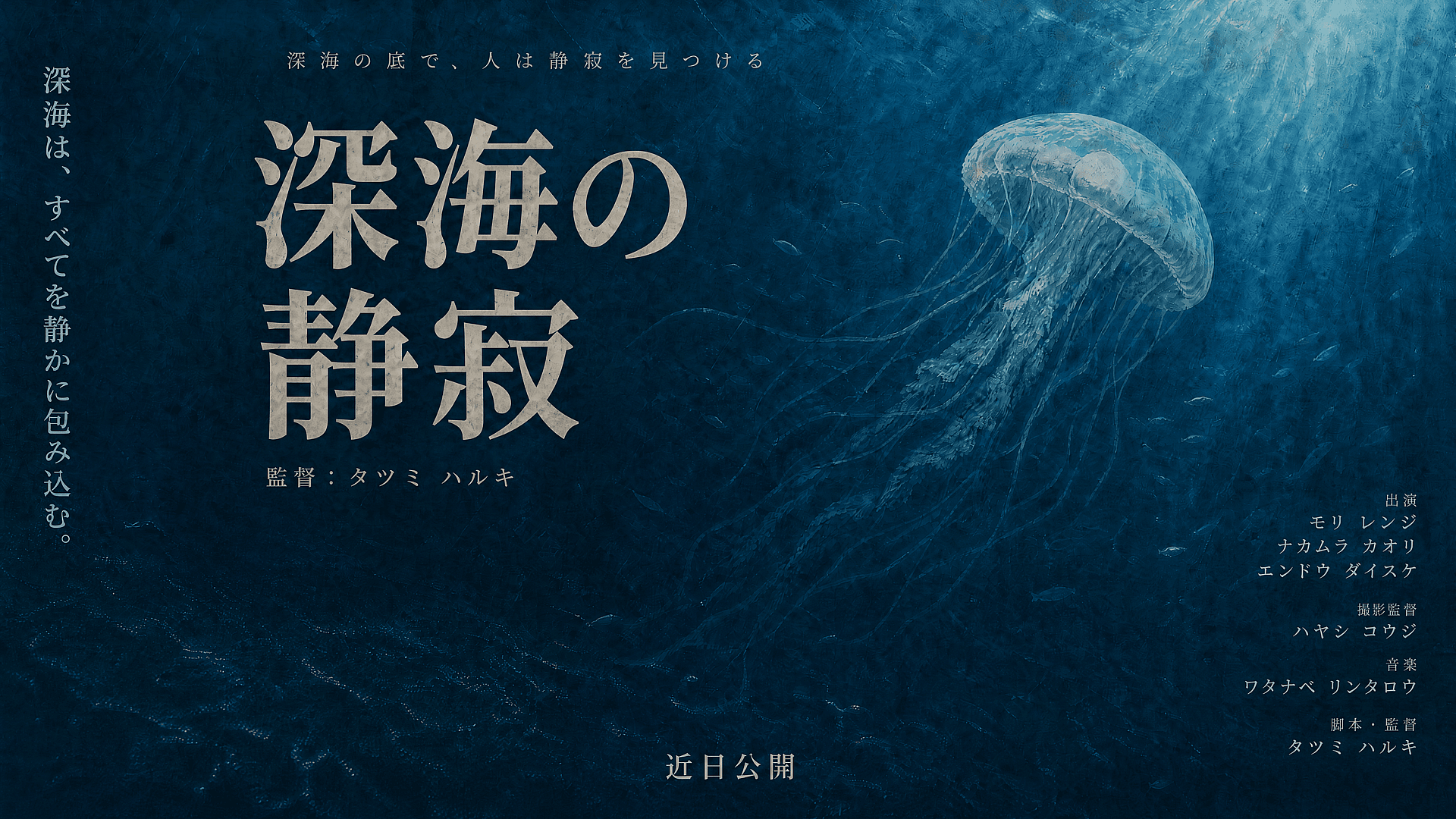
映画ポスターとファンポスター
力強いタイトル、中心となるキャラクター、ドラマチックな照明、明確なジャンルの手がかりで、シネマティックなキーアートを作りましょう。ホラー、SF、ロマンス、ドキュメンタリー、アニメ、ノワール、ファンタジー、アクションなどのスタイルを試してみてください。同じ俳優や架空の主役を複数のコンセプトで一貫させたいときは、Characterを使いましょう。
今すぐ試す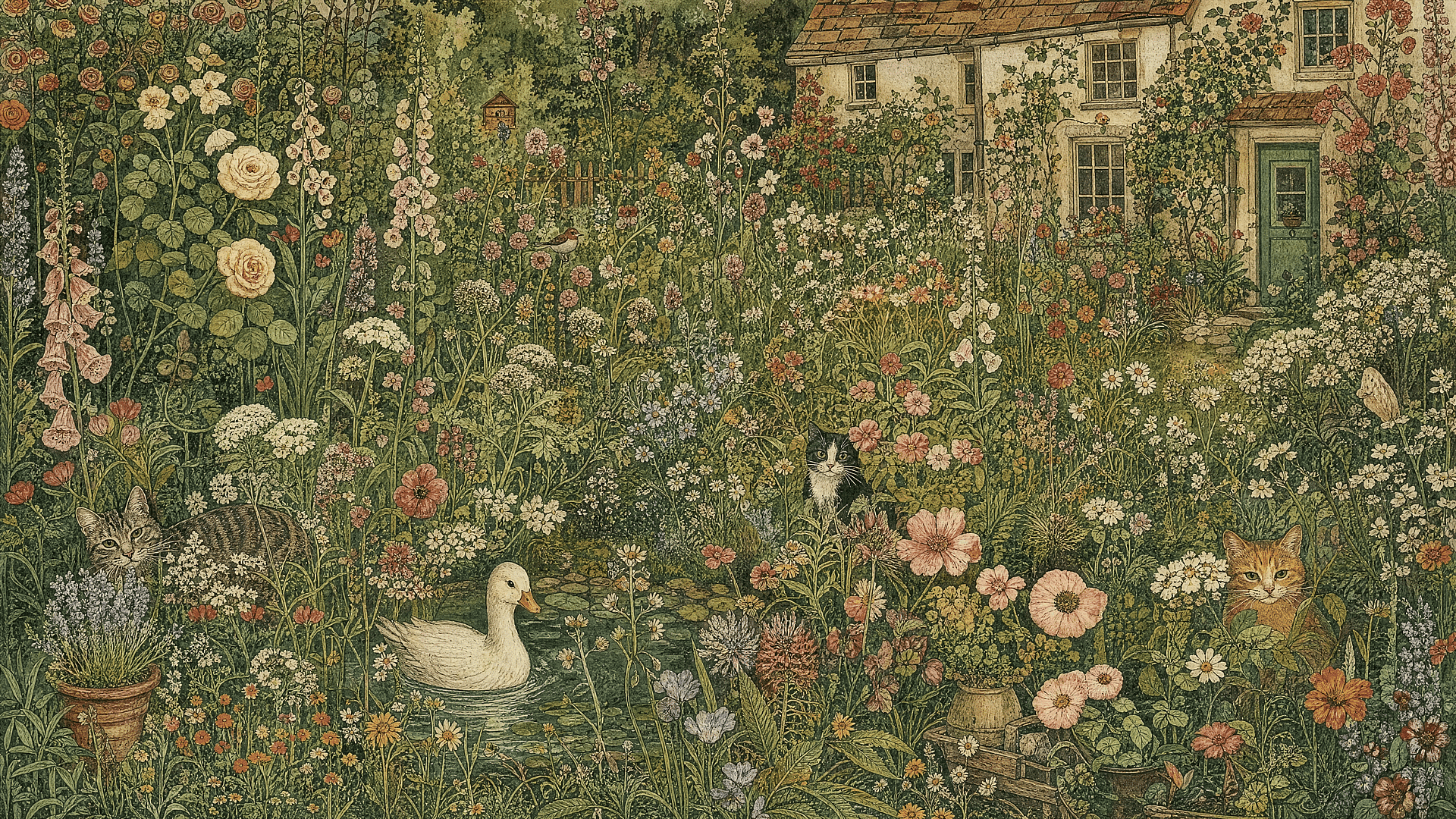
名言ポスターとウォールアート
ウォールアート、モチベーションポスター、タイポグラフィプリント、寮の装飾、教室用ポスター、ミニマルな名言デザインを作れます。文字が多いアートでは、名言を短くまとめ、明確なタイポグラフィの階層をリクエストしましょう。もっとクリエイティブにコントロールしたいなら、ぜひこちらもどうぞ AIアートジェネレーター でデザインをさらに一歩進めましょう。
今すぐ試す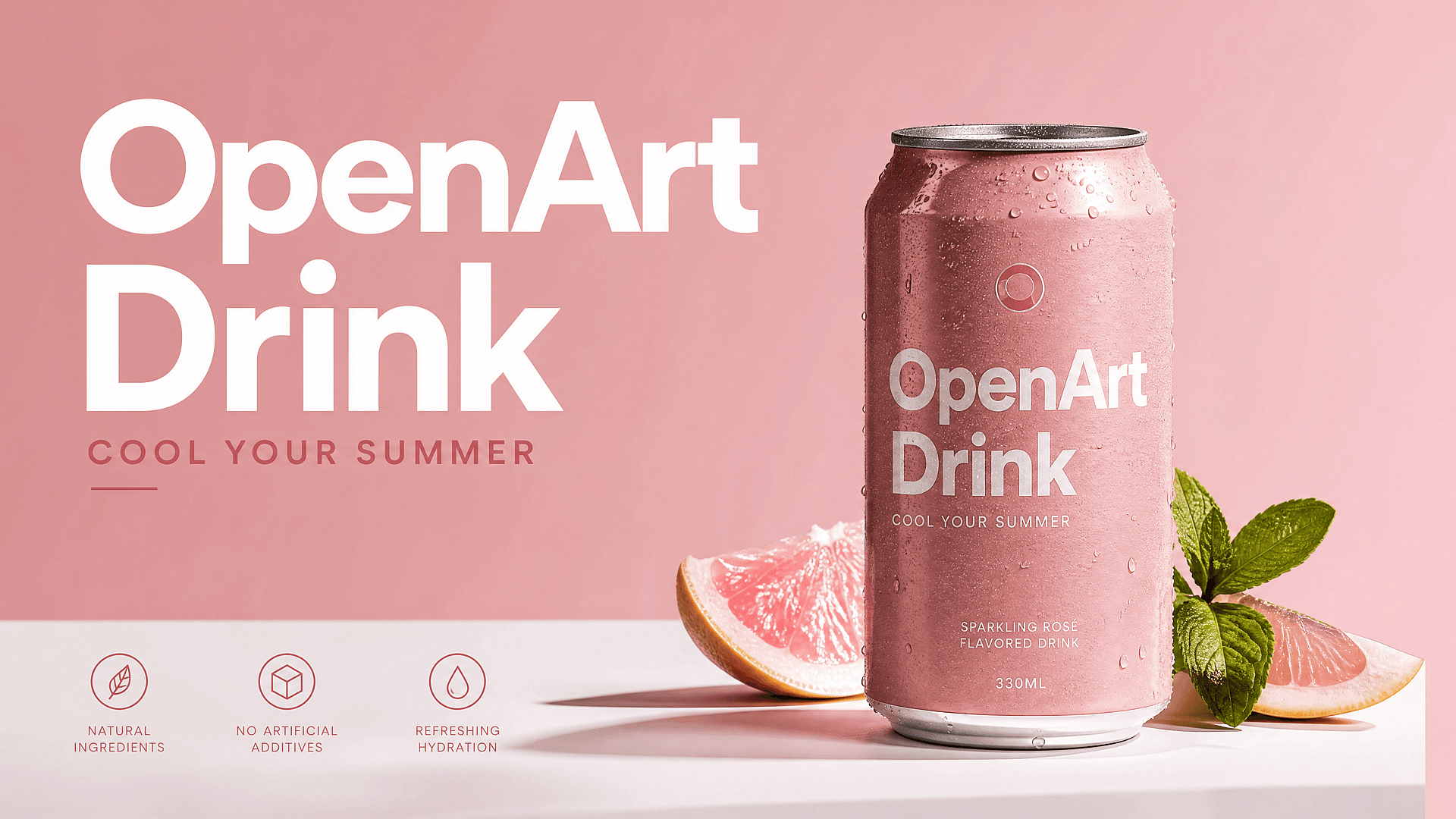
商品・広告ポスター
プロダクト写真をキャンペーンポスターに変えましょう。プロダクト名、オファー、ターゲット層、季節のフック、背景スタイルを追加します。ECのドロップ、セール告知、ローカルビジネスのプロモ、ビューティー製品、フードポスター、アプリローンチのビジュアルなどに役立ちます。
今すぐ試す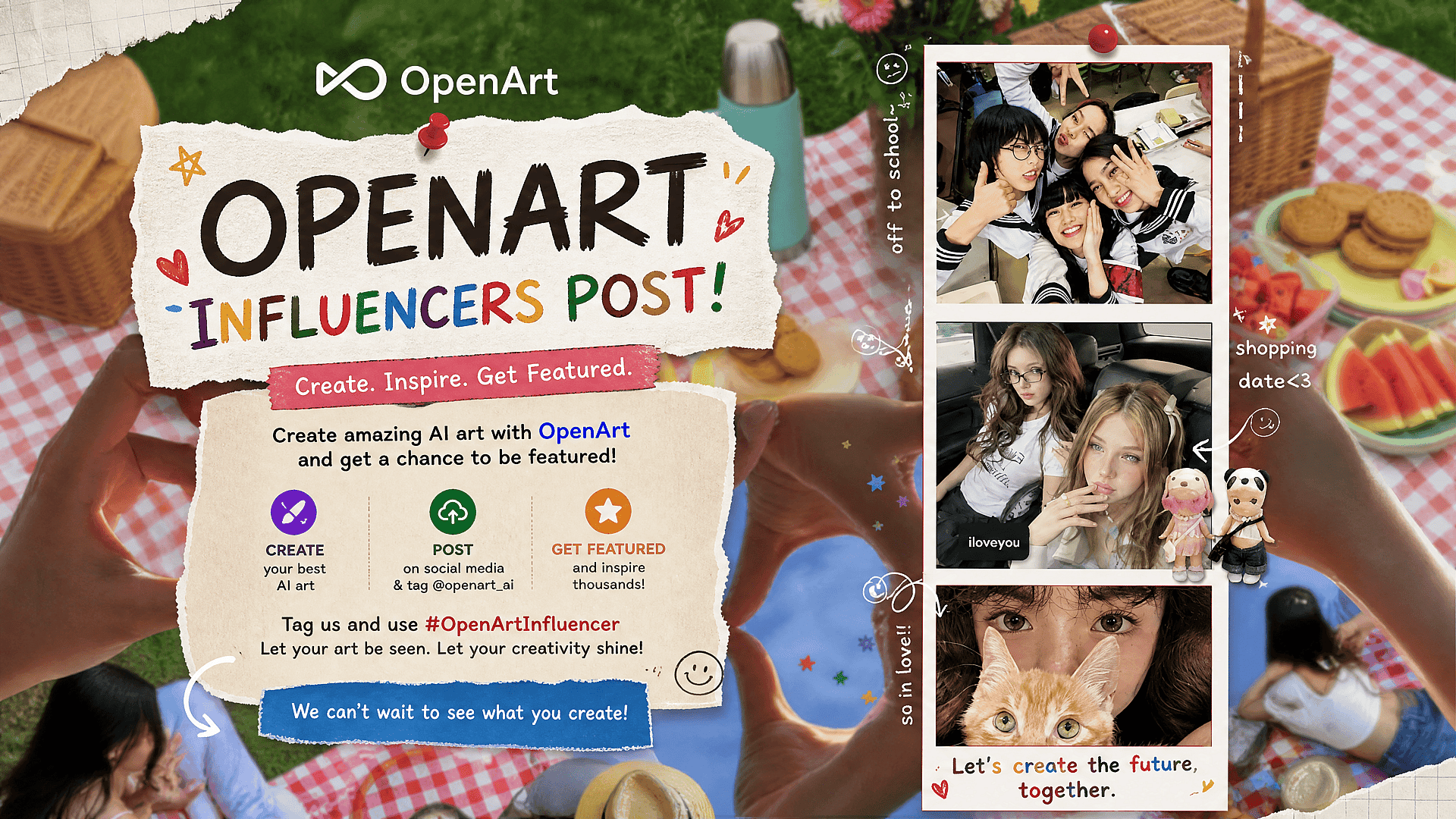
誕生日・招待状ポスター
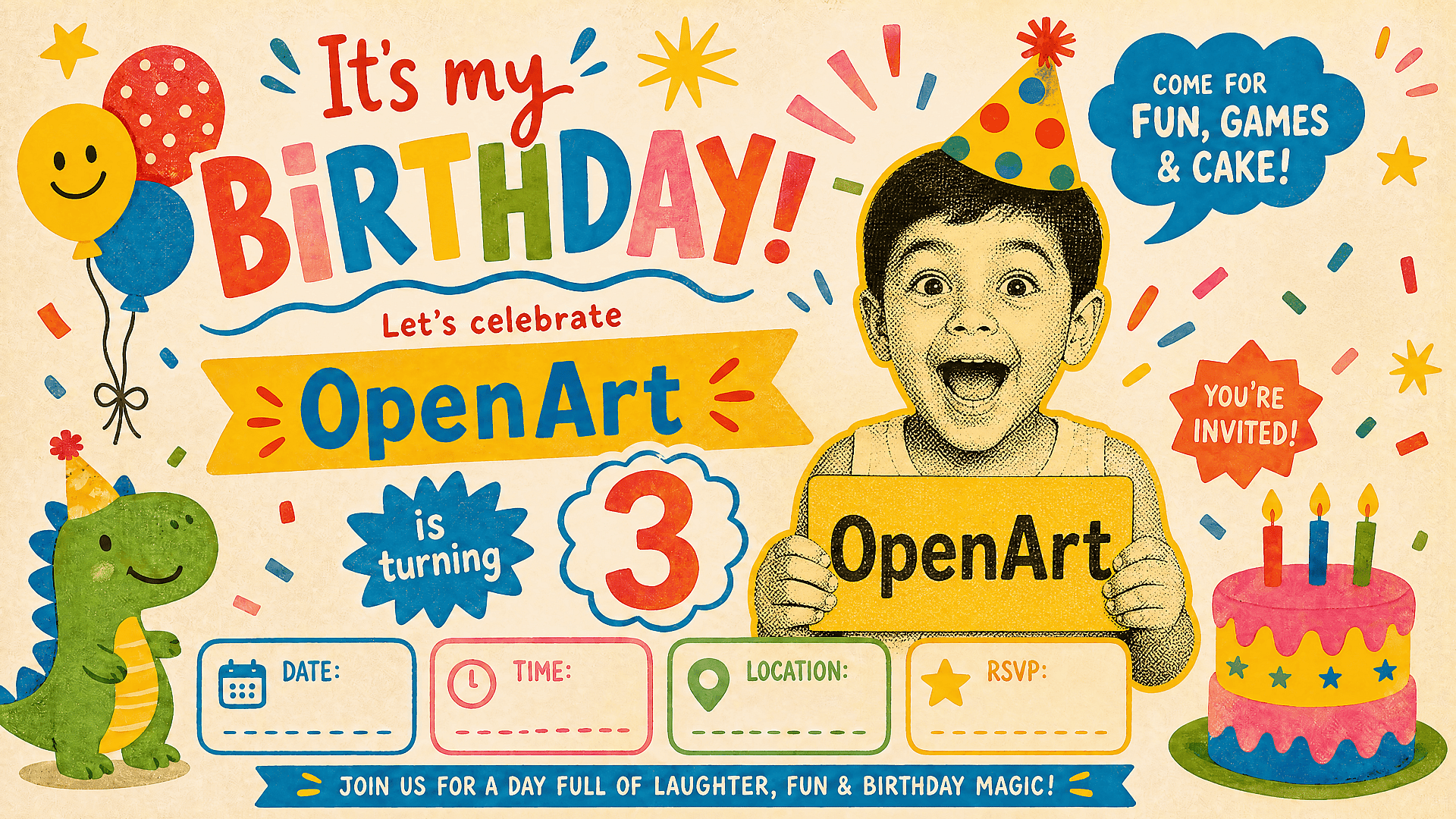
誕生日、ベビーシャワー、卒業、結婚式、クラブナイト、学校行事、ホリデーパーティー向けにパーソナライズしたポスターを作りましょう。名前、日付、テーマ、カラーパレット、雰囲気をプロンプトで指定。ビジュアルは遊び心を持たせつつ、細部は読みやすく保ちます。
今すぐ試す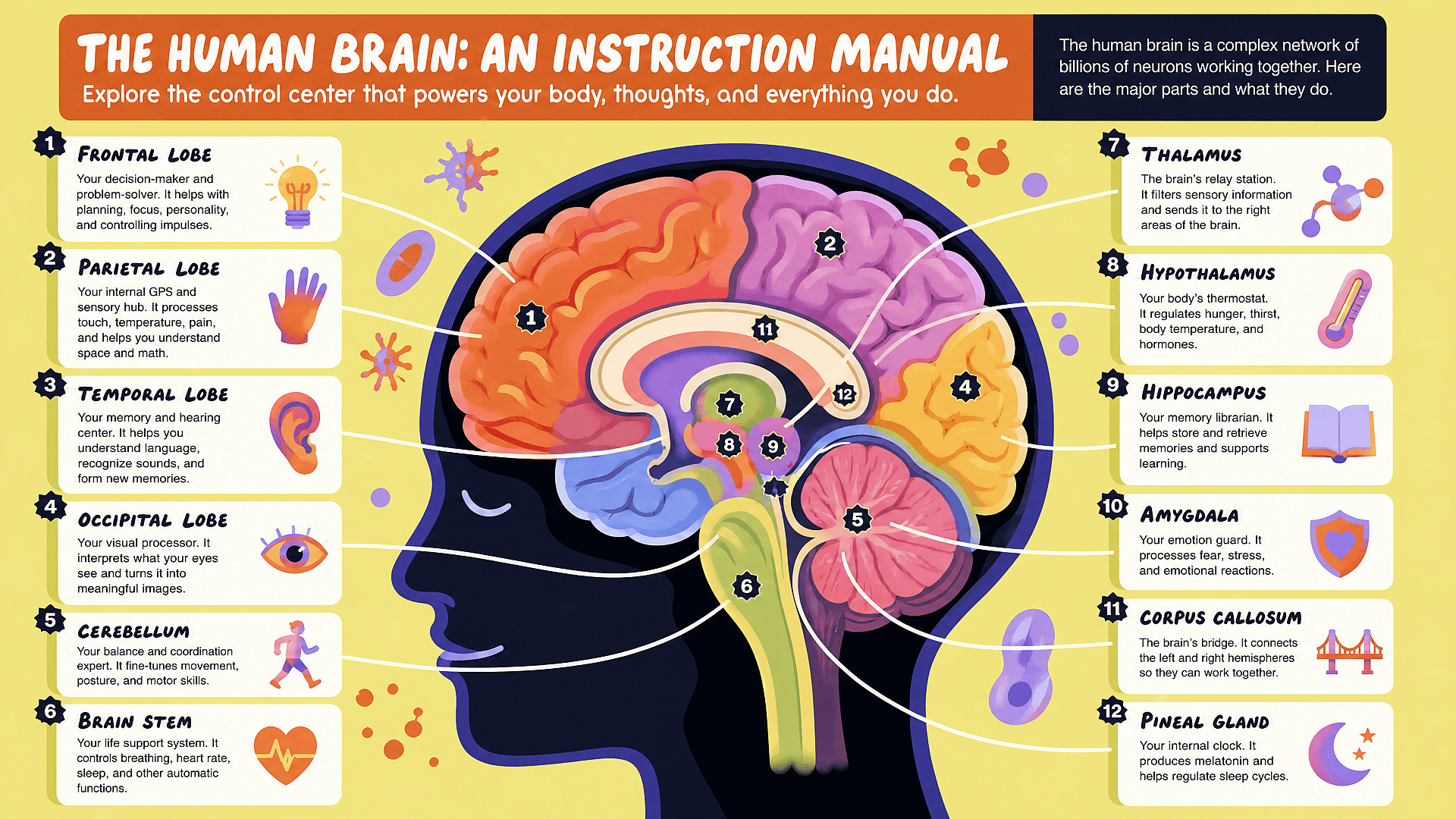
教育・研究向けポスター
授業のプロジェクト、科学フェア、キャンパスイベント、研究発表向けに、すっきりとしたポスター案を作成。構造化されたセクション、明確な見出し、アイコン風のビジュアル、そして読みやすい余白を指定しましょう。
今すぐ試すよくある質問 よくある質問
AIポスターメーカーは、プロンプトや参考画像、キャンペーンのアイデアをポスターのコンセプトに変換するツールです。真っ白なデザインファイルから始める代わりに、必要なポスターを説明するだけで、そこから調整できるビジュアル案を生成できます。
イベントポスター、映画ポスター、商品ポスター、広告ポスター、誕生日ポスター、パーティー招待状、学術ポスター、名言ポスター、SNS用ポスター、キャンペーンのキーアートなどを作成できます。最適なプロンプトには、ポスターの目的、タイトル、ターゲット層、必要な情報、スタイル、サイズを含めましょう。
はい。OpenArtは、AI映画ポスターのコンセプト、ファンポスター、架空の映画ポスター、ジャンルのキーアートに最適です。プロンプトには映画のタイトル、ジャンル、キャラクターの説明、ライティング、ムード、キャッチコピー、構図を含めましょう。
テキストは短くまとめましょう。正確な見出し、日付、オファーをプロンプトに入れます。明確な階層と読みやすいタイポグラフィを指定しましょう。最終制作では、AIポスターをビジュアルコンセプトとして扱い、完全にコントロールしたい重要なコピーはご自身のデザインワークフローで配置してください。
OpenArtはどちらにも役立ちます。ポスターは通常の画像より構造が必要です。タイトルスペース、焦点、階層、アスペクト比、ブランドとの適合、そして時には読みやすいテキスト。OpenArtの多彩なモデルと編集ツールの組み合わせなら、画像生成から完成したキャンペーンビジュアルへとスムーズに進めます。
はい。OpenArt は無料で始められ、無料クレジットでポスターのアイデアを試せます。大規模なキャンペーンや大量生成、高度なワークフローには、有料プランで生成・編集・アップスケールの余裕がぐっと広がります。
レイアウト、見出しの配置、構造化されたテキストが重要なポスターにはGPT Image 2を。被写体を一貫させたい場合はNano Banana Proを。フォトリアルな人物や商品ビジュアルにはSeedream 5.0 Liteを。グラフィック、イラスト、ブランド向けのポスタースタイルにはRecraft V4を使いましょう。
はい。製品写真、ロゴ、人物、キャラクター、ビジュアル参照からスタートできます。ポスターをブランドに合わせたい、実在の製品を宣伝したい、複数のデザインで被写体の一貫性を保ちたいときに便利です。
高解像度のポスタービジュアルを作成し、よりシャープな仕上がりにアップスケールできます。プロ仕様の印刷では、デザインを印刷会社に送る前に、最終寸法、カラープロファイル、裁ち落とし、ファイル形式を印刷ワークフローで確認してください。

