

YouTube Video Maker
OpenArt's YouTube video maker lets you vibe direct AI videos for YouTube, instead of filming and editing manually. Plan out each scene, then direct each shot, add the dialogue, and keep iterating by chat until you get the perfect video.
YouTube Video Maker
OpenArt's YouTube video maker lets you vibe direct AI videos for YouTube, instead of filming and editing manually. Plan out each scene, then direct each shot, add the dialogue, and keep iterating by chat until you get the perfect video.
Key Benefits of YouTube Video Maker




Direct long videos and Shorts
You describe the video and give instructions by chat. OpenArt Director plans the scenes, the pacing, and the cut, so you get complete, finished videos without any technical hassle.




Run a faceless channel
You never have to be on camera. Turn a script or a topic into a finished video, add a voice and captions, and keep a faceless channel posting on schedule without an editor.

Hold a consistent look
Load your channel style, colors, and a recurring host once, and every video and Short you direct keeps them consistent and coherent.
Community Creations
See the YouTube videos people are directing on OpenArt, from faceless channels producing explainers and countdowns to creators turning one idea into a long video.
Key Features of the AI YouTube Video Generator
The AI Youtube Video Creator is powered by the best-in-class video and image models, including Seedance 2.0 and GPT Image 2.
Direct videos up to five minutes
Director builds videos up to five minutes long, the right length for Shorts, intros, explainers, and most faceless uploads. For a longer video, vibe direct it as chapters or a short series and publish the parts as one channel run, so the length of the topic never blocks the upload.
Build a faceless channel quickly
Start from a script, a topic, or a single line and OpenArt Director generates the scenes, adds a voice, and lays in captions, so nobody has to appear on camera. It is the fastest way to keep a faceless YouTube channel producing without narrating or editing each video yourself.
Turn one long video into Shorts
Direct the main video once, then pull the strongest moments into vertical Shorts sized for the Shorts feed. One idea becomes a full upload and a week of Shorts, so your channel stays active between longer videos without starting over each time.
Consistent persona and visuals
Tag a saved character from OpenArt Characters and the YouTube video maker keeps the same host, persona, face, and style across every video. Your channel gets a recognizable presenter and a consistent look, always.
How to Make YouTube Videos with OpenArt
Directing a YouTube video takes three steps.
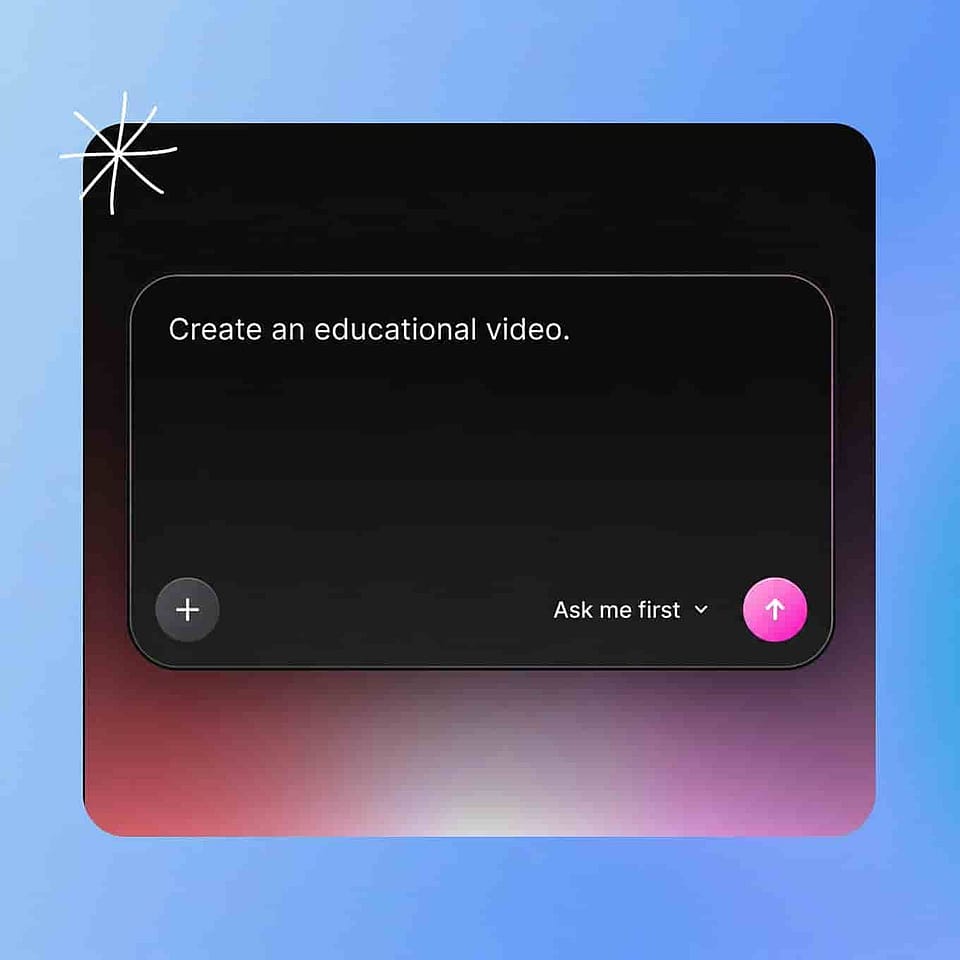
Describe your prompt
In the prompt box, type the video you want, paste a script, or upload your own clips and images. Add a music track to build around a song, or tag a saved character to keep a host consistent, then hit “Start Directing”.
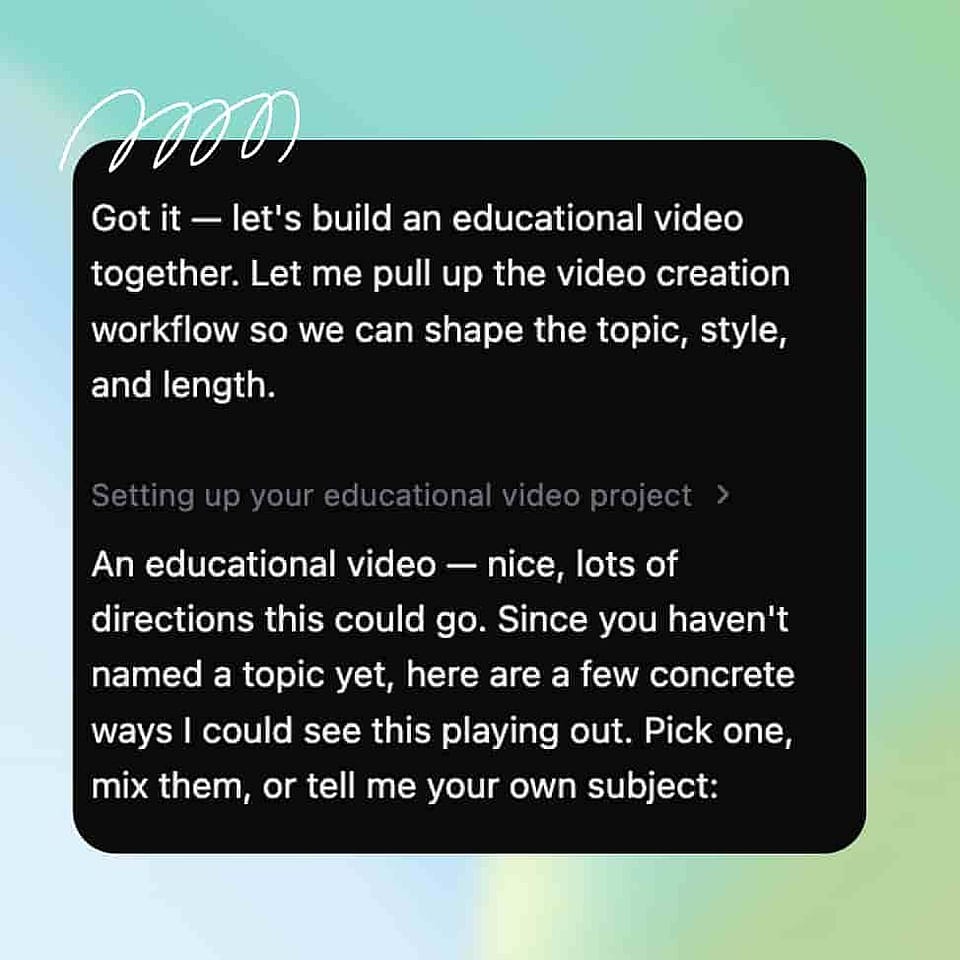
Direct each shot
Ori, Director's assistant, plans the scenes and builds the cut. Leave it on "Ask me first" to confirm length, aspect ratio, voice, and tone at each step, or switch to "Run automatically" and it proceeds with the best settings for your prompt.
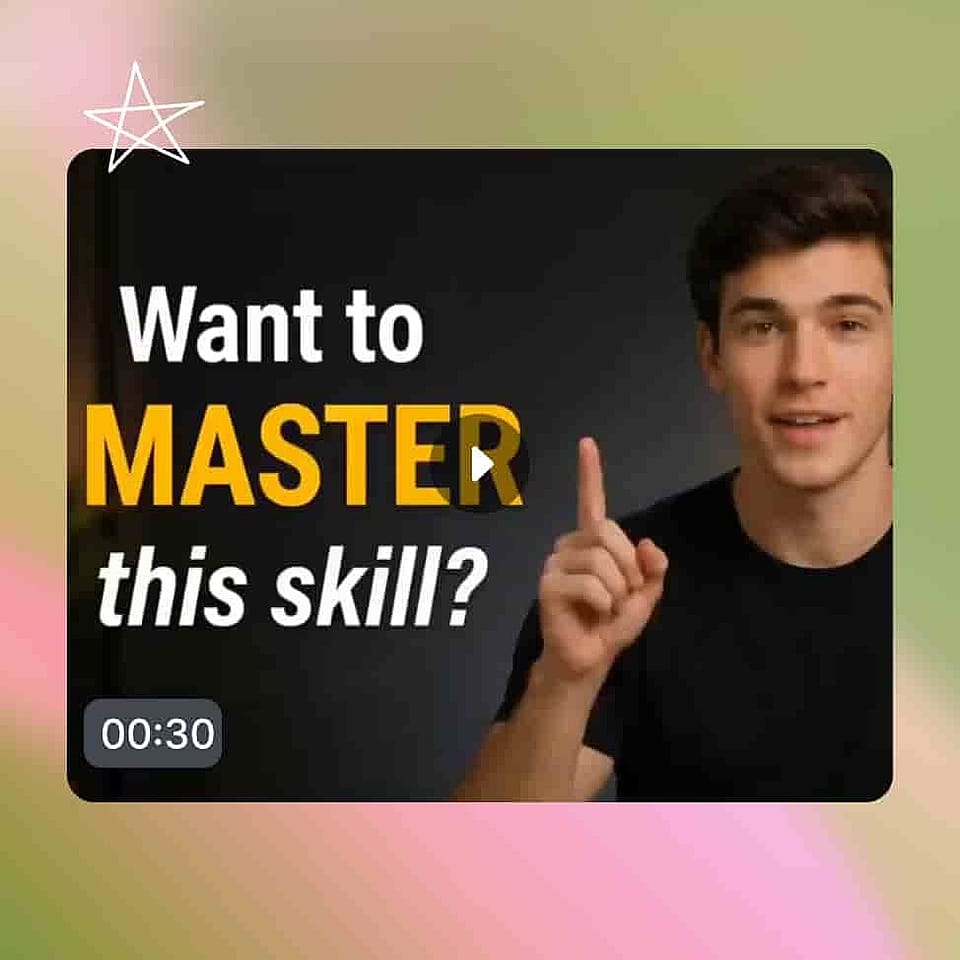
Refine and download
Watch it come back as a storyboard in Scenes tab or a full cut in the Timeline tab. Give editing instructions by chat, and export once it matches your vision.
Best Uses for Vibe Directing AI YouTube Videos
Faceless and automated channels
You grow a channel without ever being on camera. Direct explainers, countdowns, and story videos from a script, add a voice and captions, and keep the channel posting on a schedule without filming a single frame.
Try it NowCreators and YouTubers
You need long videos and YT Shorts and never have enough time to make both. Direct the main upload, then spin the best moments into Shorts, so your channel stays active without living in an editor all week.
Try it NowBrands and marketing teams
You want a YouTube presence without a production budget. Direct product videos, ads, and channel content that stay on brand, and keep a steady stream of uploads without booking a crew for every idea.
Try it NowEducators and explainer channels
You teach a topic and want it clear on screen. Direct step-by-step explainers with a consistent host, captions, and clean visuals, and build a whole series of lessons without recording each one yourself.
Try it Now