

Tutorial Video Maker
OpenArt's tutorial video maker turns the steps in your prompt into a clear, follow-along video lesson. Outline the process, direct each step by chat, and publish a tutorial video ready for YouTube, your course, or your company’s help center.
Tutorial Video Maker
OpenArt's tutorial video maker turns the steps in your prompt into a clear, follow-along video lesson. Outline the process, direct each step by chat, and publish a tutorial video ready for YouTube, your course, or your company’s help center.
Key Benefits of Tutorial Video Maker




Give viewers easy, followable steps
Viewers quit tutorials that blur steps together. Every action gets its own scene, in order, at a pace your viewer can actually work along with.




Teach without filming video
No camera, no mic, no re-recording take five because you stumbled a word. Just describe the process, and OpenArt builds, narrates, and cuts the tutorial for you.

Keep every lesson updated
When the process changes and your video needs updating, just name the step that changed. OpenArt re-cuts that section while the rest of the lesson stays intact.
Community Creations
See the tutorials people are vibe directing with OpenArt, from teachers to online course creators.
Key Features of AI Tutorial Video Generator
You know how the task is done, and OpenArt turns that knowledge into a lesson your viewers can follow.
Give every step its own scene
Hand over the process as an outline, a script, or a plain description, and the tutorial video maker structures the lesson into numbered steps. Each step becomes its own scene, so viewers always know where they are and what comes next.
Show hands, screens, or both
Physical skills play out in real hands and real settings, and software tutorials build around the screen recordings you upload. A recipe, an app walkthrough, or a repair guide each gets the right kind of footage with OpenArt Director.
Add captions and step markers
Step numbers, on-screen labels, and key points appear where they help your viewer, so the lesson works even muted in a feed. You vibe direct where each callout lands, and captions come built in for the languages your audience watches in.
Cast one instructor for every lesson
Pick a consistent presenter from your OpenArt Characters library to teach the whole series, or keep the tutorials faceless with voiceover narration only. Either way the delivery stays steady from lesson one to lesson twenty.
How the tutorial video maker works
Making a tutorial video takes three steps.
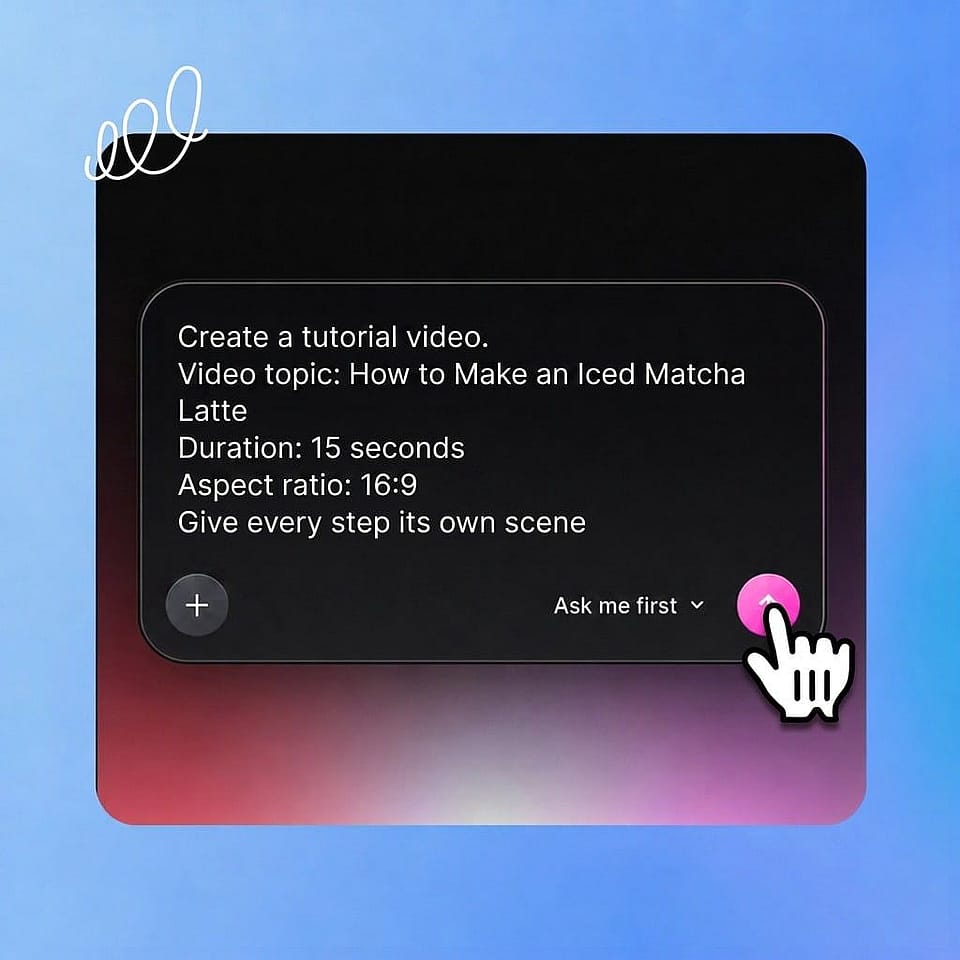
Describe the lesson
Type the steps, paste a script, or describe the process in plain words. Add a screen recording, a product photo, or your logo for OpenArt to build around.
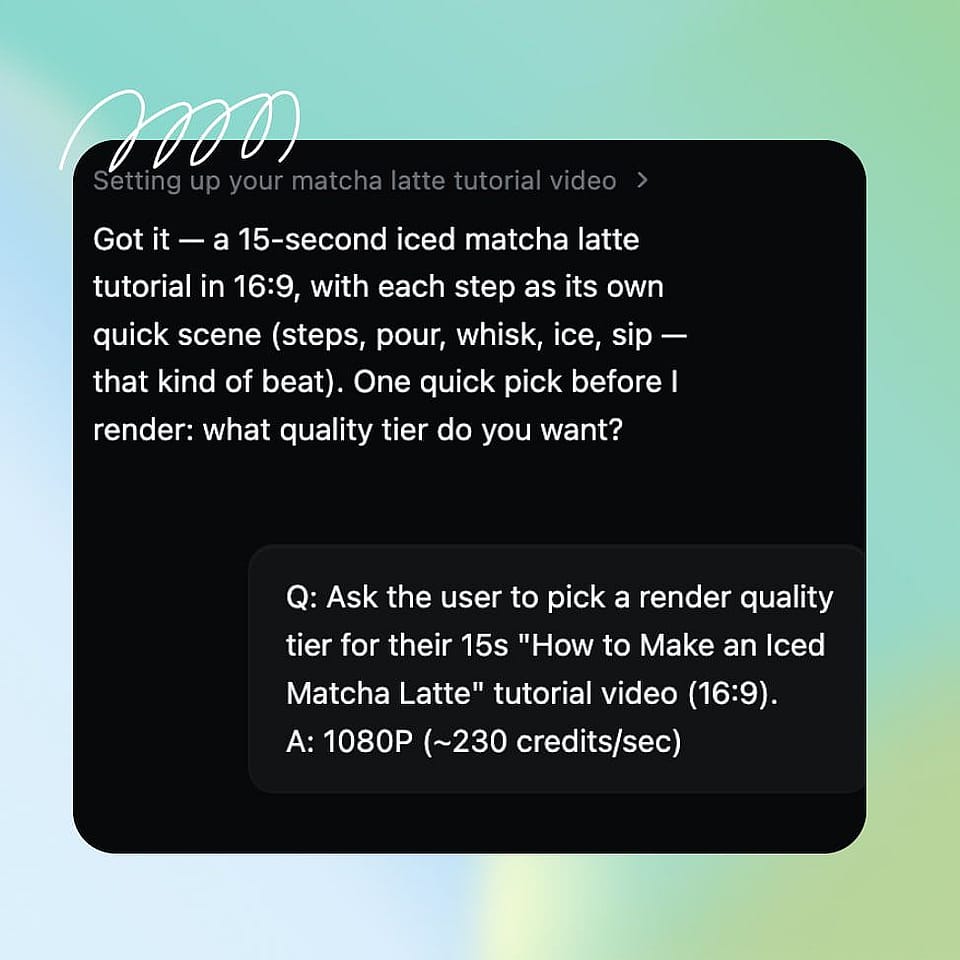
Direct each step
Set the order, the pacing, and the callouts by chat. Ori, the built-in assistant, checks each call with you or runs with the best settings on its own.
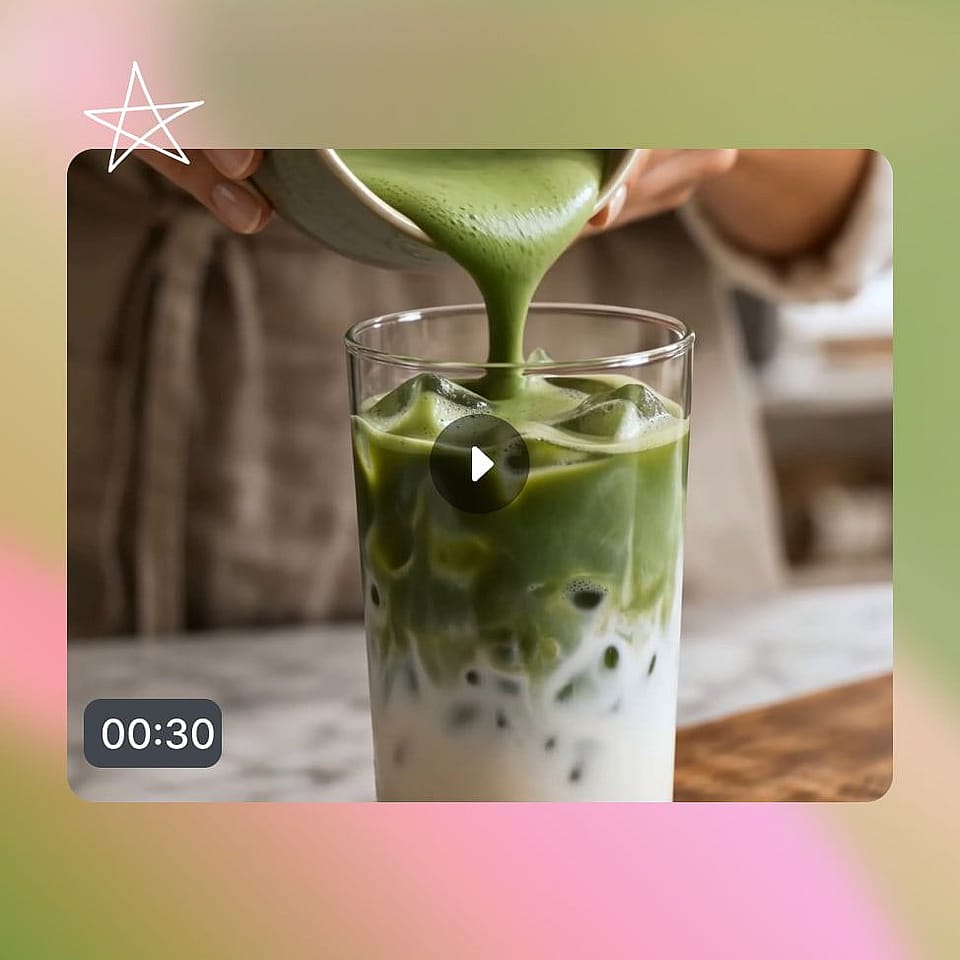
Download the video
Review your tutorial video in the Scenes or Timeline tabs and tell OpenArt Director exactly which step to edit. Export your finished video once done.
Best Uses for Vibe Directing Tutorial Videos
Software how-tos and help centers
You answer the same how-do-I question every week. Turn your screen recordings into guided walkthroughs with narration and step markers, and let the help center video take the ticket instead of your support team.
Try it NowFull courses, batch produced
You are building a course and dreading the production. Direct a whole module of lessons with one instructor and one look, and batch a curriculum in the time one filmed lesson used to take.
Try it NowDIY, cooking, and craft tutorials
Your skill lives in your hands, not in a studio setup. Show the technique step by step in clean, close-up scenes, and publish lessons that viewers can cook, build, or make along with.
Try it NowEmployee training and SOPs
New hires learn faster by watching than reading a Notion doc. Turn procedures and SOPs into consistent video lessons, and re-cut a single step whenever the process changes.
Try it Now