

Technical Drawing Generator
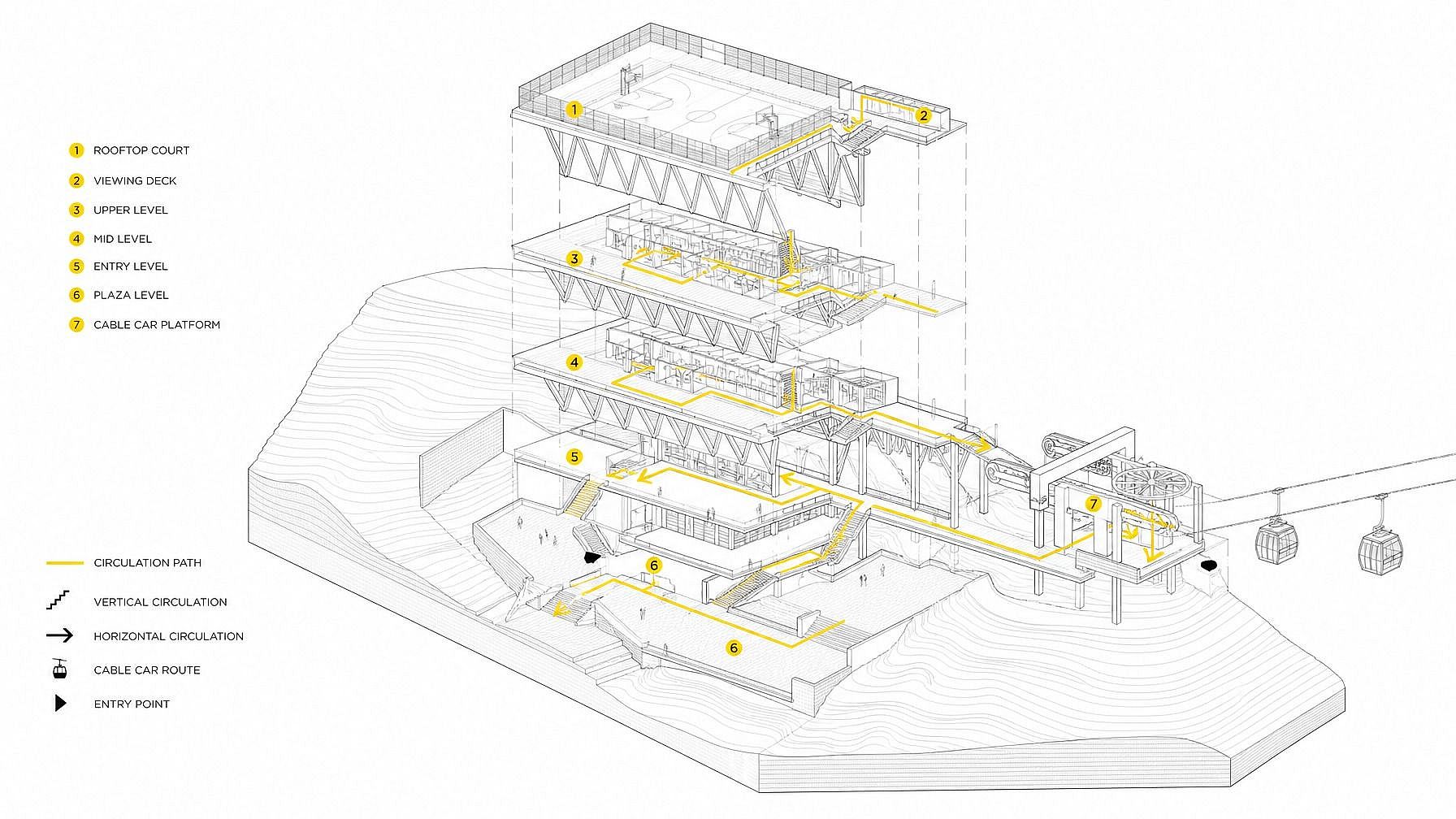
Need a polished technical drawing without ever opening CAD? Type a prompt into OpenArt's technical drawing generator and create blueprints, engineering schematics, patent-style line art, exploded views, orthographic projections, and isometric technical illustrations in seconds. Great for concept work, pitch decks, patent visuals, marketing graphics, and any time you want that engineering-drawing aesthetic on demand.
Community Creations
See what people are generating. From inventors mocking up patent-style line art and product designers building isometric concept sheets to marketers creating blueprint-style brand graphics and architects sketching concept elevations, explore how the technical drawing generator gets used.

Key Features of the Technical Drawing Generator
OpenArt's technical drawing generator is powered by leading image models — GPT Image 2.0, Nano Banana Pro, Seedream 4.0, FLUX.2, FLUX Kontext, and Ideogram V3 — strong on clean line work, callouts, and legible labels. The result: polished technical drawing visuals that read like they came from an engineering manual or a patent filing.
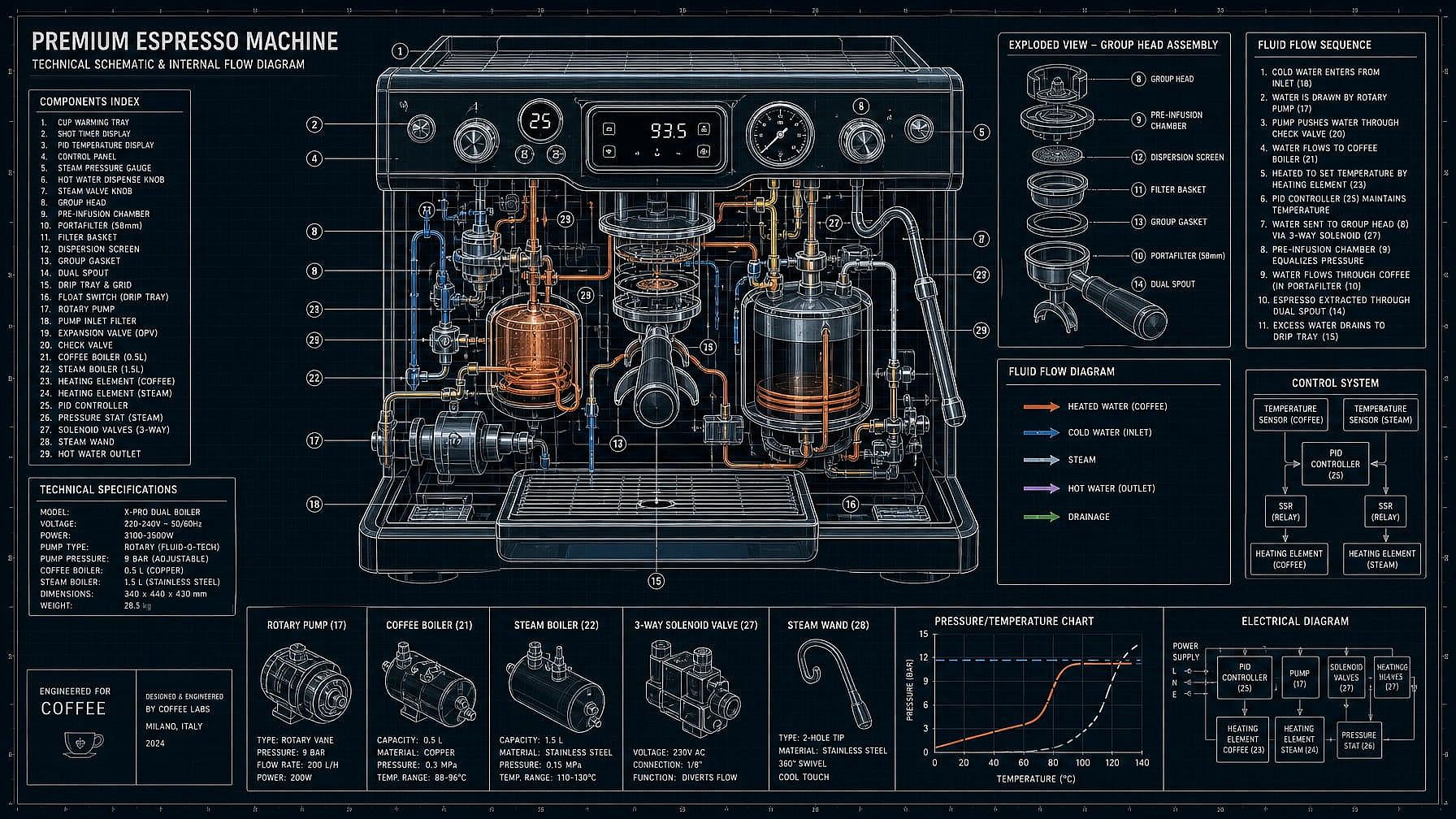
Generate Blueprints and Schematics
Describe the subject — "blueprint of a small wooden cabin," "schematic of a coffee machine with labeled internals," "circuit-style schematic of a synthesizer" — and the AI generates it as a clean technical drawing. White-on-blue blueprint, black-on-white schematic, classic drafting paper, or modern minimalist line work.
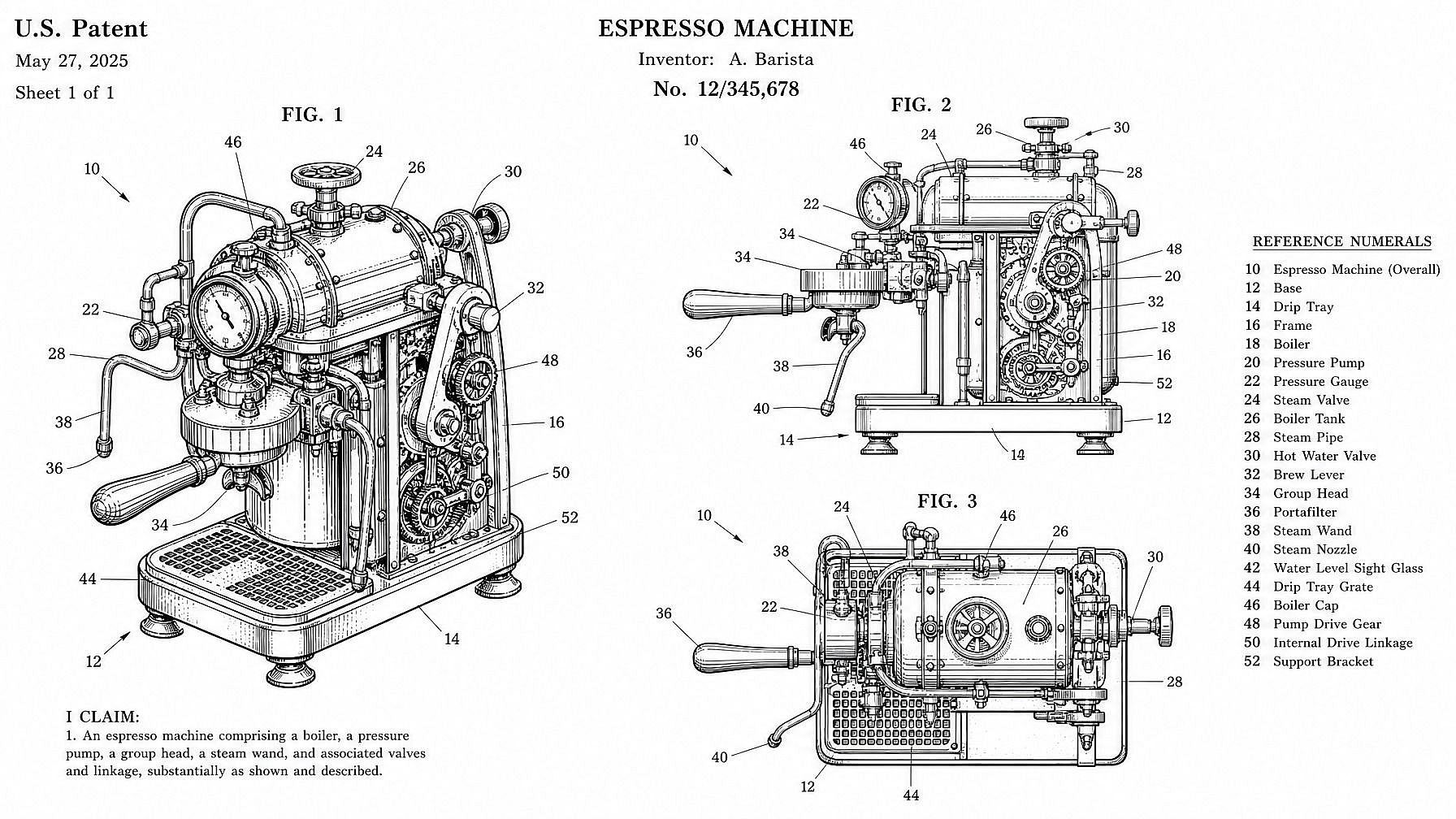
Patent-Style Line Art
Generate patent-style illustrations on demand — clean black line art on white, numbered callouts, multiple views per sheet, that classic USPTO aesthetic. Useful for inventors prepping a filing concept, content creators making "patent for [thing]" graphics, or designers wanting that distinctive line-art look for a poster or pitch.
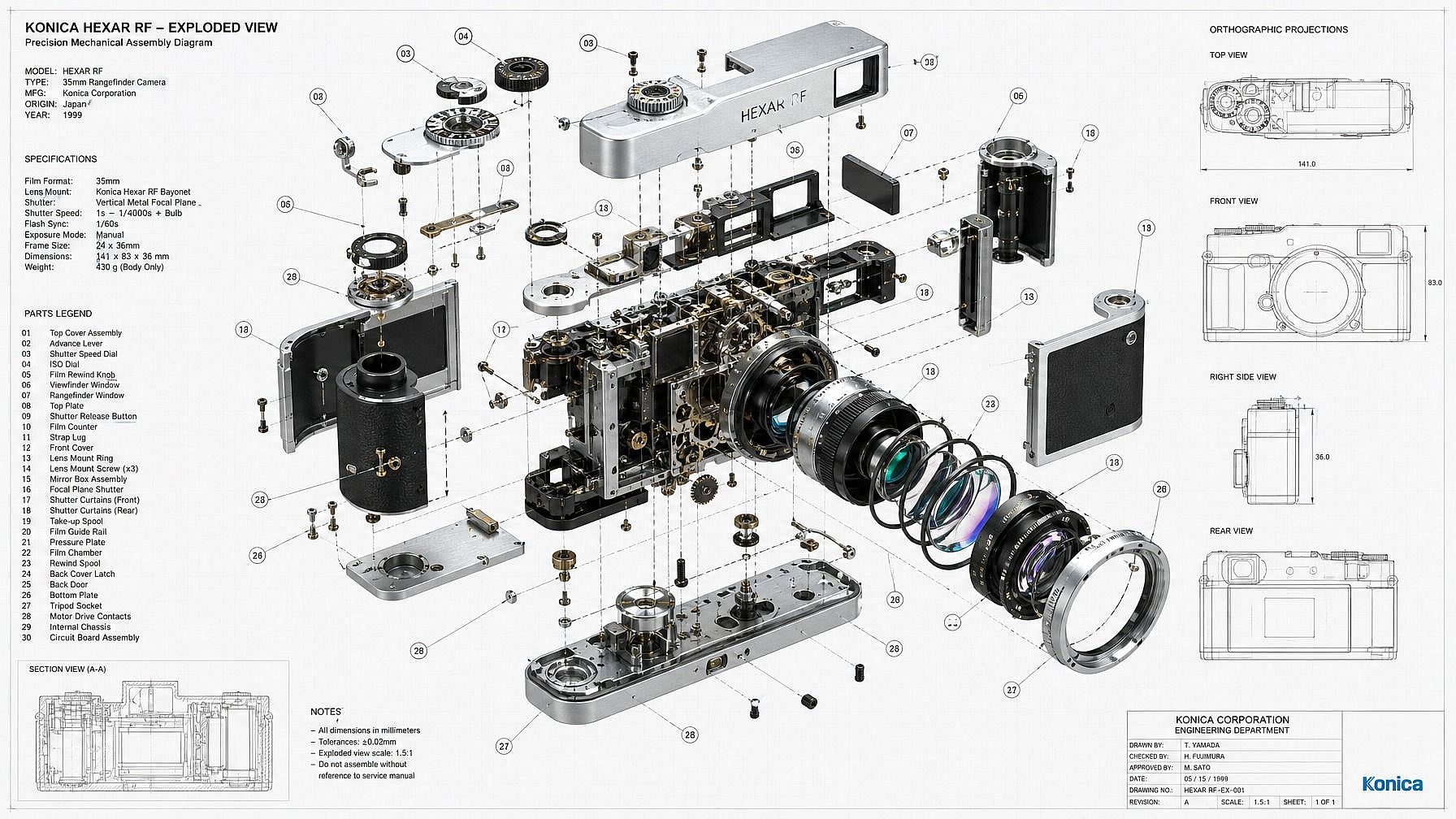
Exploded Views and Orthographic Projections
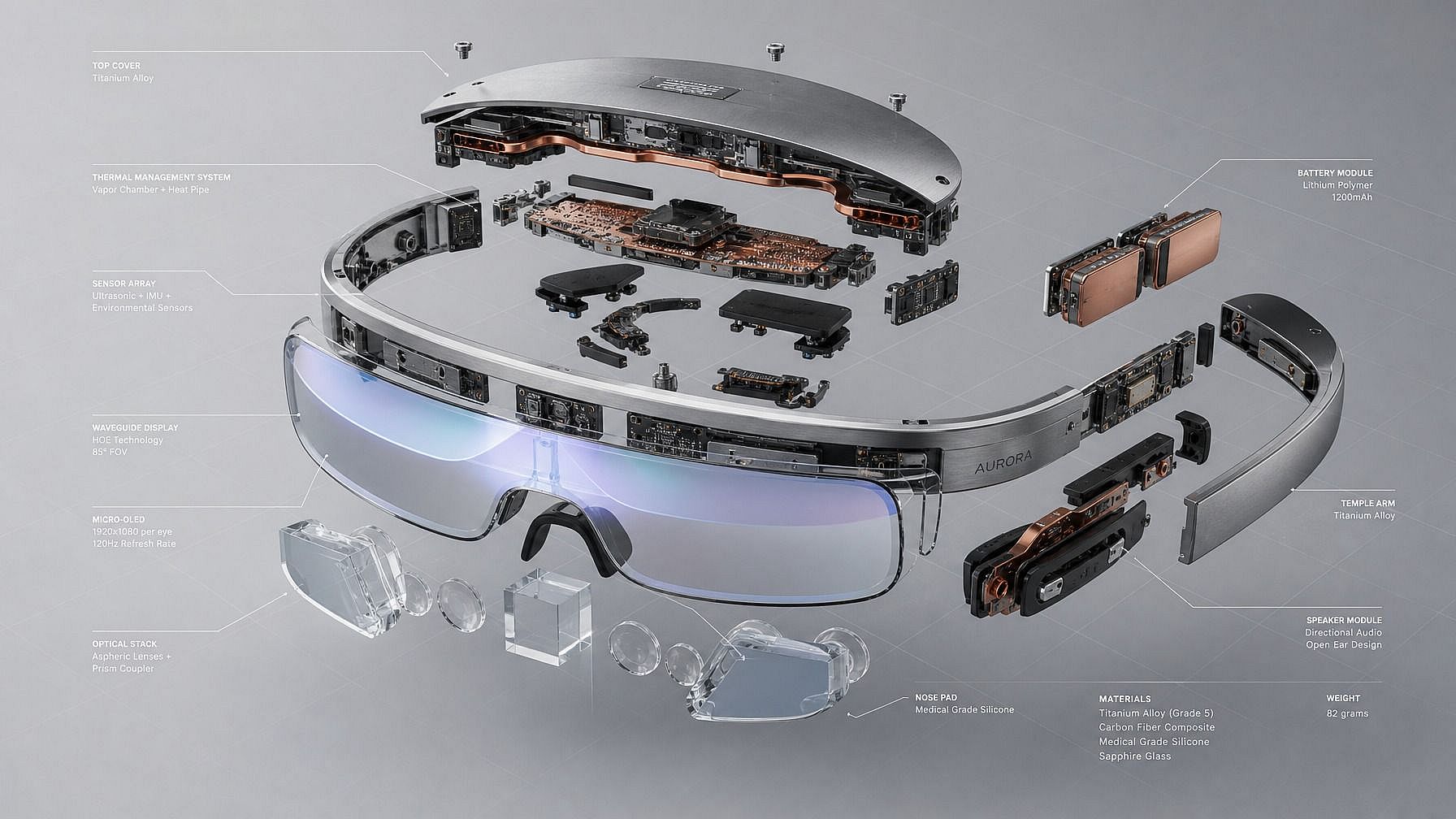
Show a product or machine pulled apart into its components — bolts, casings, internal mechanisms — in a labeled exploded view. Or generate the classic top/front/side orthographic layout, isometric projection, or cross-section. Great for product concept sheets, instructional graphics, and packaging-style visuals.
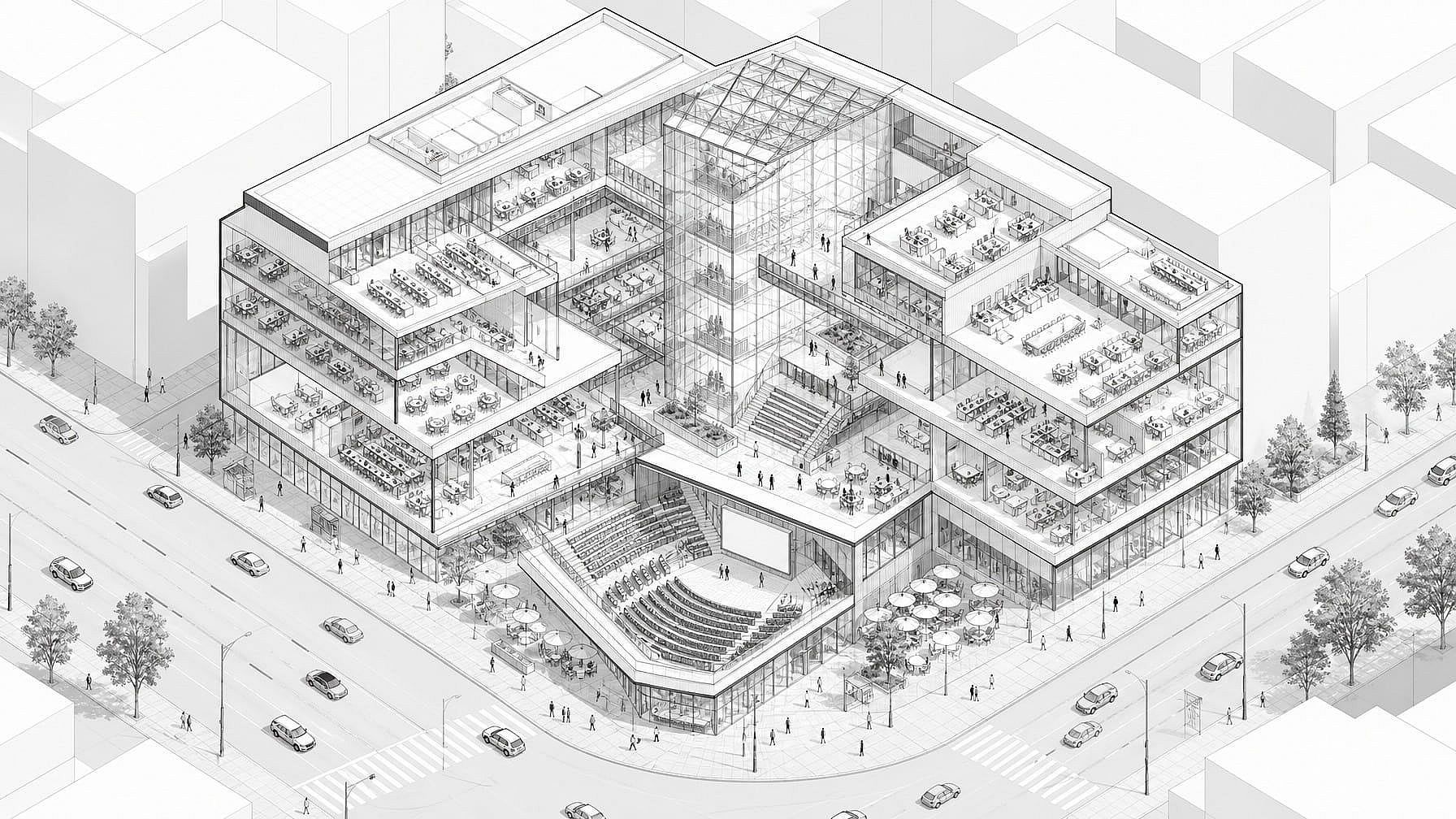
Isometric Technical Illustrations
Generate isometric technical illustrations — buildings, machines, gadgets, vehicles, circuit boards — in that crisp 3/4 angle that reads as both technical and infographic-friendly. Pairs cleanly with marketing decks, landing pages, and explainer videos.
How to Use the Technical Drawing Generator
Generate a polished technical drawing in three steps.
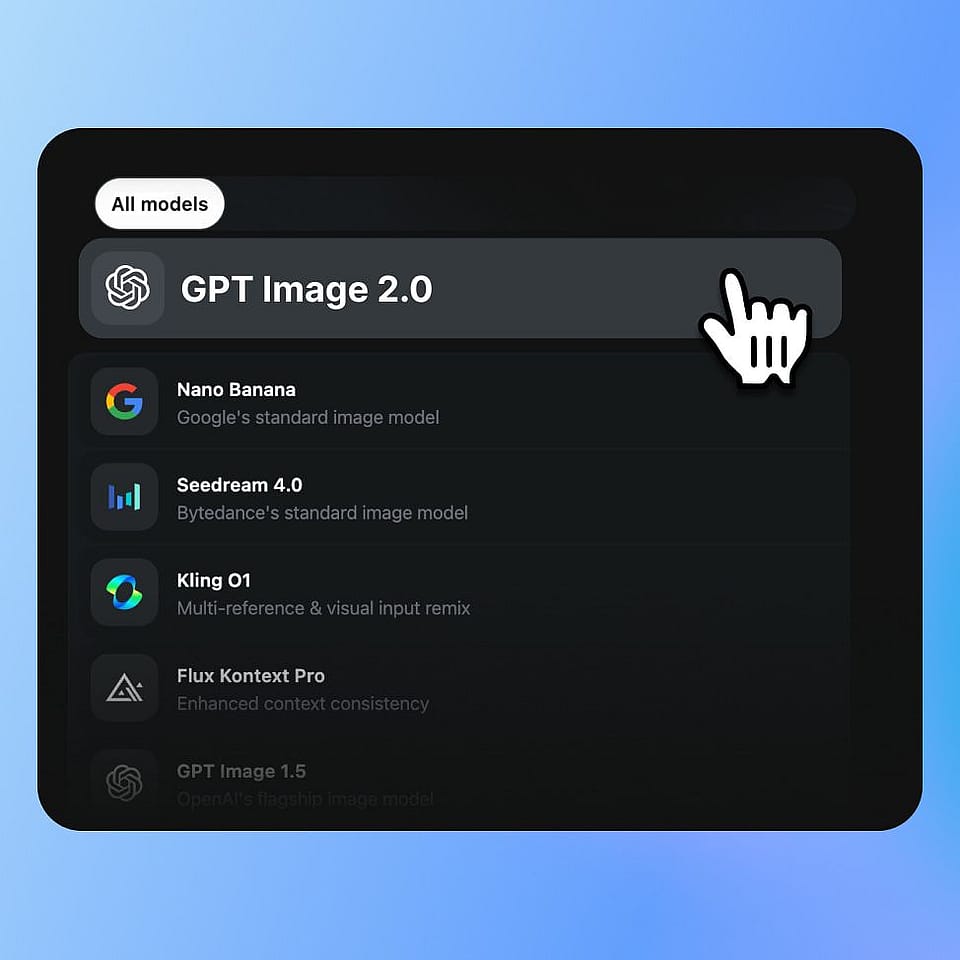
Describe Your Subject
Open OpenArt's image generator and type a prompt — "blueprint of a small wooden cabin with labeled rooms," "patent-style line art of a folding chair, multiple views," "exploded view of a mechanical watch," "isometric technical illustration of a coffee machine." Be as specific as you want about parts, labels, and views.
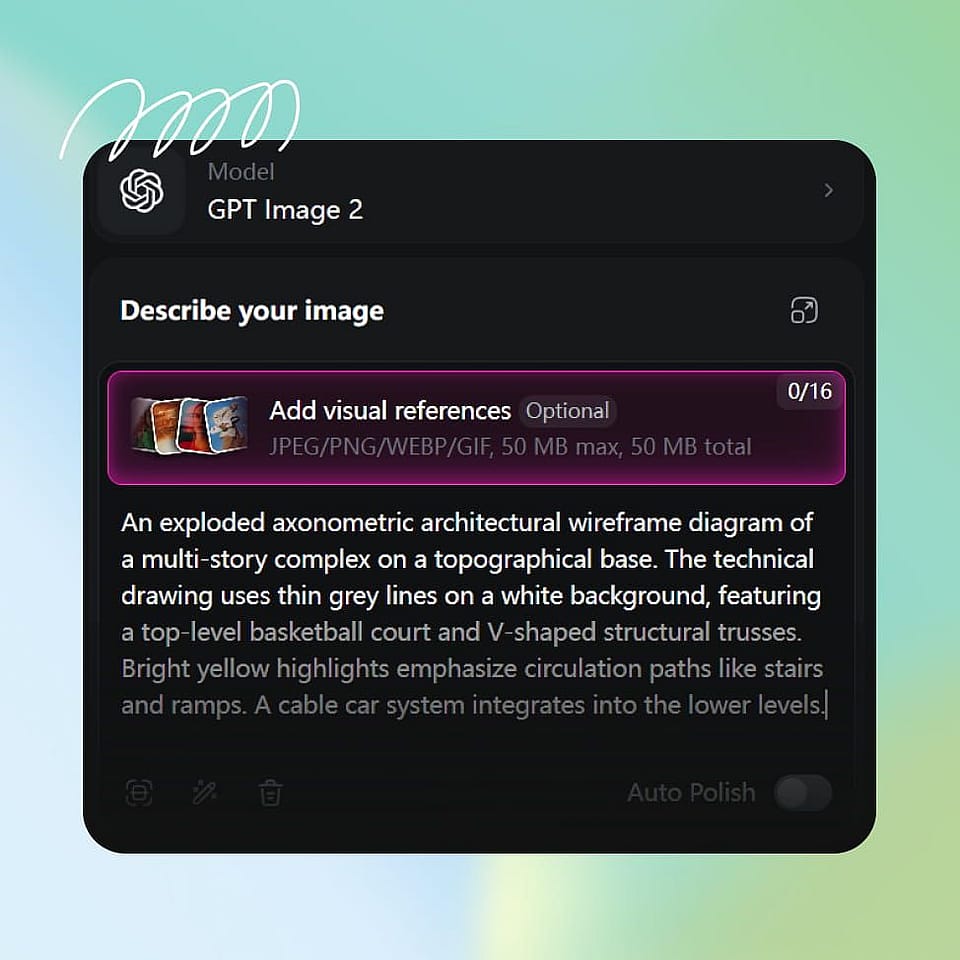
Pick a Drawing Style
Choose the technical drawing style — blueprint, schematic, patent line art, exploded view, isometric, orthographic, hand-drafted sketch — or describe it inline. Pick a model if you have a preference; Nano Banana Pro and Ideogram V3 do especially well with clean lines and legible callouts.
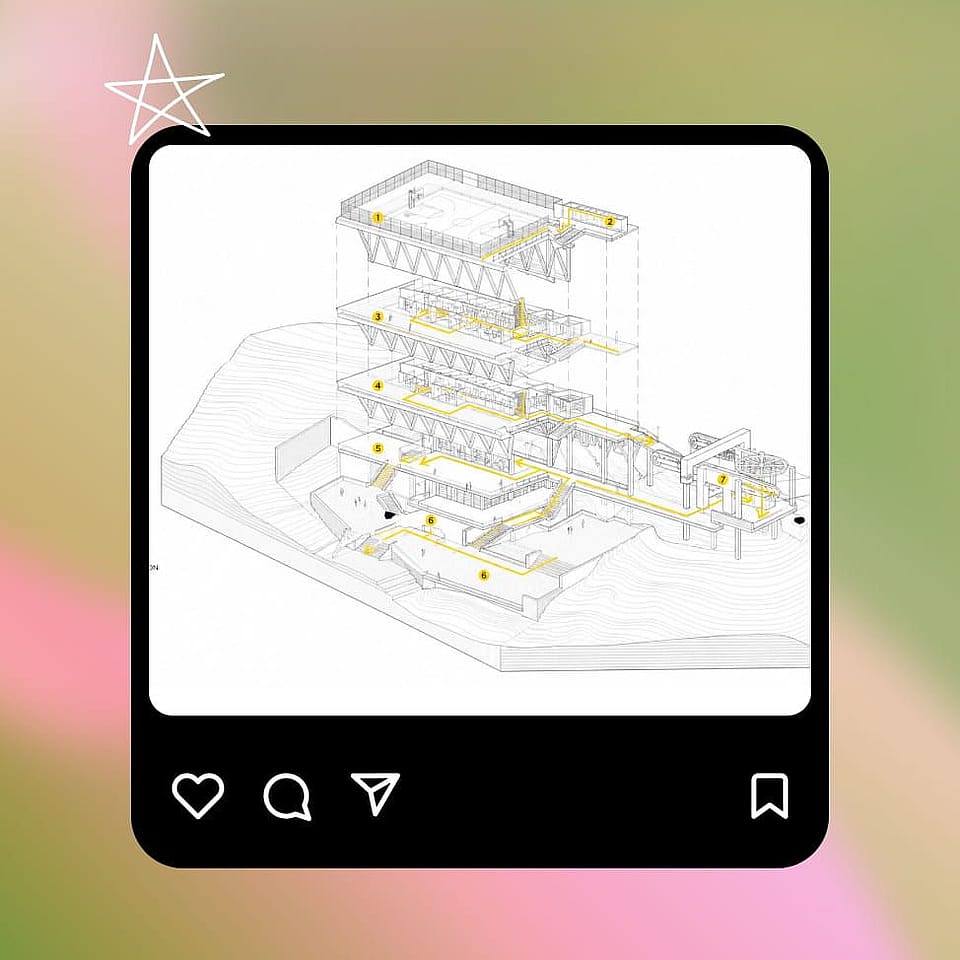
Generate and Refine
Run it, preview the drawing, and refine the prompt if needed. Add or remove labels, change the angle, swap line weight, or generate a few variations until you land on the one that fits your deck, page, or project.
Built for Designers, Inventors, Marketers, and Educators
Generate technical drawings that look the part — for concepts, decks, patents, posters, and content.
Product Designers and Industrial Concept Work
Mock up product concepts as exploded views, orthographic sheets, or isometric illustrations before committing to a real CAD model. Useful for early-stage concepting, pitch decks, internal reviews, and showing a board or client what a product could look like — without the time and cost of building it in CAD first.
Try it Now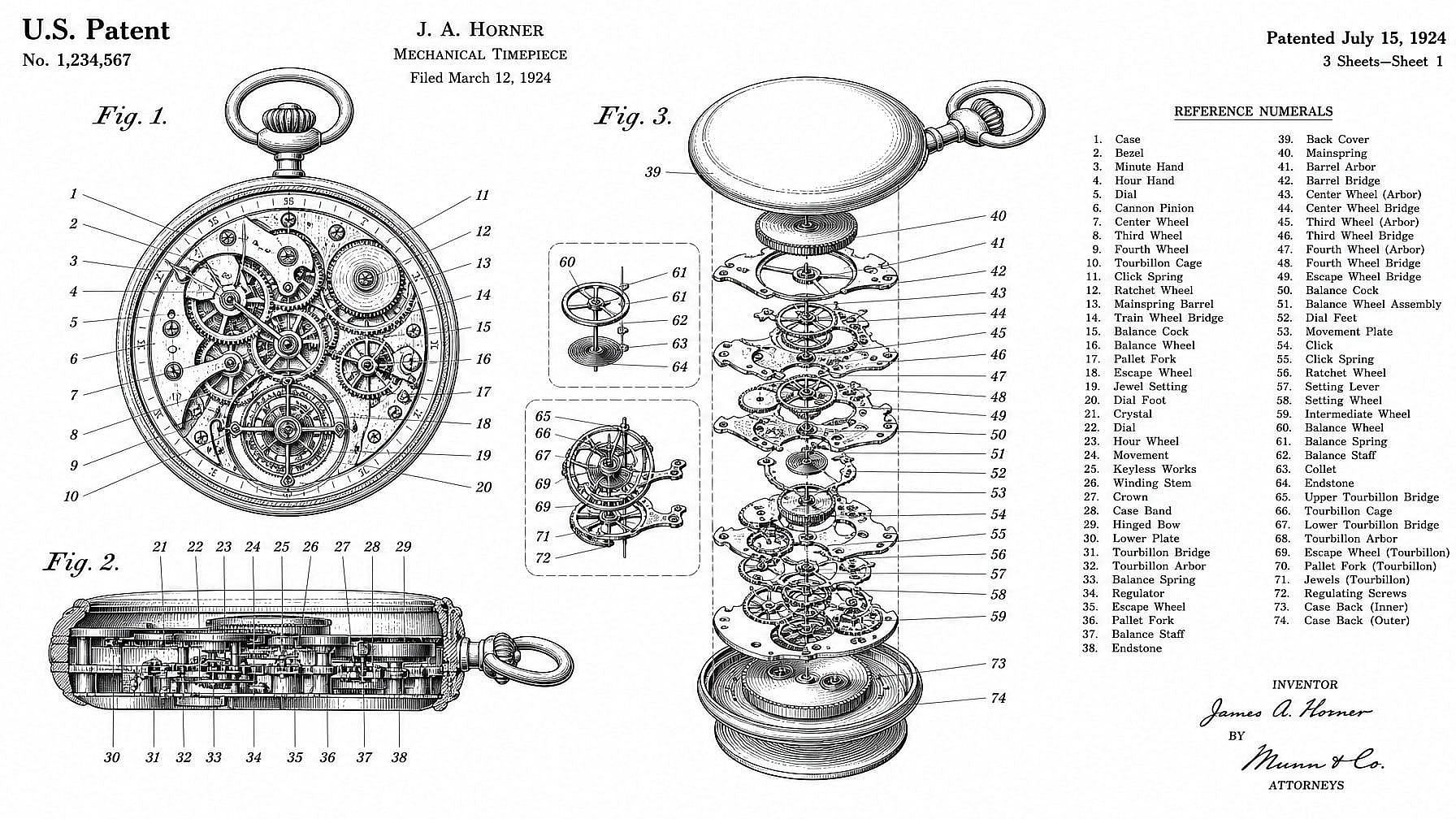
Inventors and Patent-Style Illustrations
Generate patent-style line art for invention decks, provisional concepts, blog posts, or "patent for X" content. The output is a visual concept illustration in patent style, not a filing-ready document — but it's perfect for showing how an idea works at a glance.
Try it Now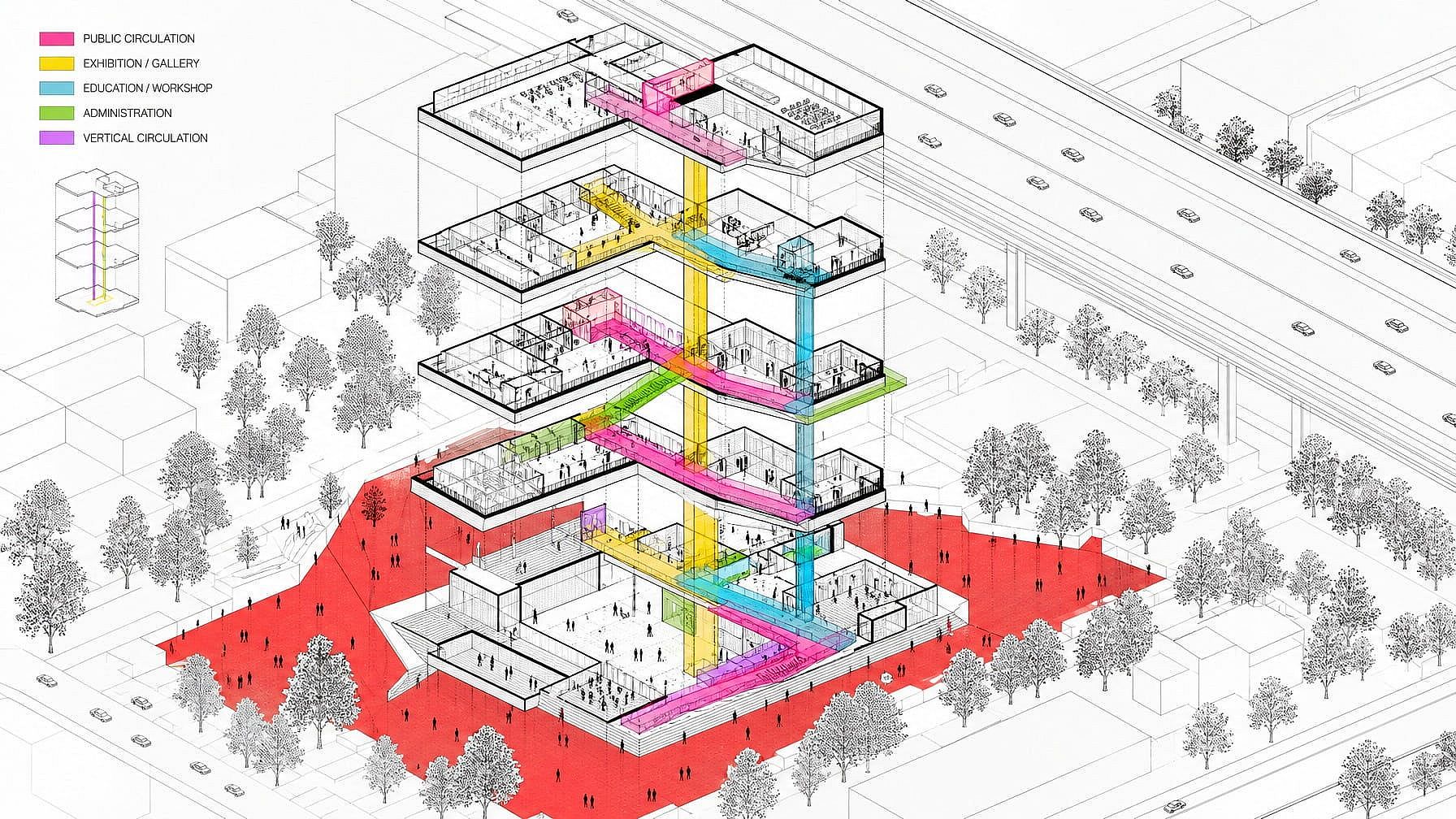
Marketing, Branding, and Editorial Graphics
Use blueprint, schematic, and isometric drawing styles for landing pages, decks, ad creative, and editorial illustration. The technical drawing aesthetic reads as serious, considered, and engineering-grade — and works especially well for SaaS, hardware, fintech, and B2B brands wanting a more grounded visual style.
Try it Now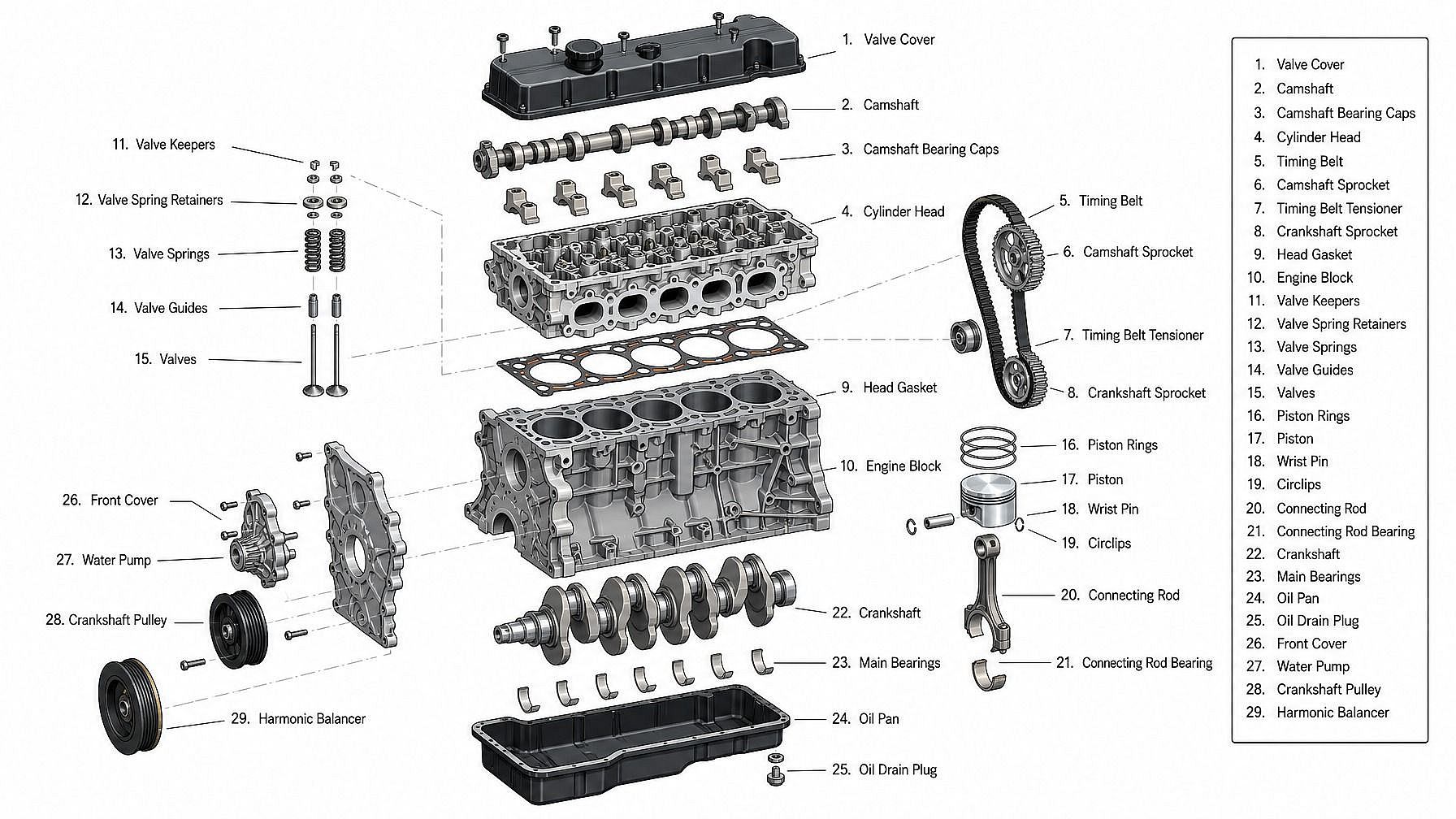
Educators, Authors, and Content Creators
Generate clean technical diagrams for textbooks, courses, YouTube explainers, blog posts, and slide decks. Show how a machine works, label the parts of an engine, illustrate a building's floor plan, or break a gadget into its components — without commissioning a technical illustrator for every diagram.
Try it Now