

Marketing Video Maker
OpenArt's AI marketing video maker turns a simple campaign brief into finished promos, ads, product videos, and brand films you direct by chat. Every video stays on your brand and comes out perfectly sized for the platform you want to post it to.
Marketing Video Maker
OpenArt's AI marketing video maker turns a simple campaign brief into finished promos, ads, product videos, and brand films you direct by chat. Every video stays on your brand and comes out perfectly sized for the platform you want to post it to.
Key Benefits of Marketing Video Maker




Make whole campaigns with AI
The promo video, the ad cuts, and the email teaser all come from one brief and share one look. You leave with a campaign where every video matches, not a folder of loose clips.



Vibe direct the videos by chat
No dragging clips into a layout a thousand other brands already used. You describe the video you want, give notes on what comes back, and the final video is built for your message.

Get your video sized for any channel
Each video arrives paced and sized for the platform where you post it, from a 3-second hook on paid social to a 1-minute homepage hero video. No manual resizing needed in any editing app.
Community Creations
See the marketing videos people are directing with OpenArt, from a solo founder's first promo video to brand teams shipping a quarter of campaigns ahead of schedule.
Key Features of Marketing Video Generator
OpenArt's marketing video maker runs on the best AI image and video models, including Seedance 2.0 and GPT Image 2. You bring the campaign idea, and OpenArt handles the production.
Turn one brief into a whole campaign
Describe the offer, the audience, and the vibe once. OpenArt Director delivers you the marketing video with the supporting cuts, teasers, and variations, all carrying the same story and style.
Every format your marketing needs
Promo videos, product spots, UGC-style ads, explainer videos, event teasers, and email videos all come from the same chat. When the marketing plan changes, our AI marketing video generator keeps up.
Easy, conversational editing
Say what should change in the video and only that part changes, from the opening hook to the final frame. You vibe direct the whole video in plain language, and a timeline view is there when one shot needs precise work.
On-brand visual consistency
Load your logo, fonts, colors, and brand kit. Also add recurring faces from your OpenArt Characters library. Every marketing video after that holds your brand guidelines automatically, so brand review gets faster for your whole team.
How does the marketing video creator work?
Vibe directing a marketing video takes three steps.
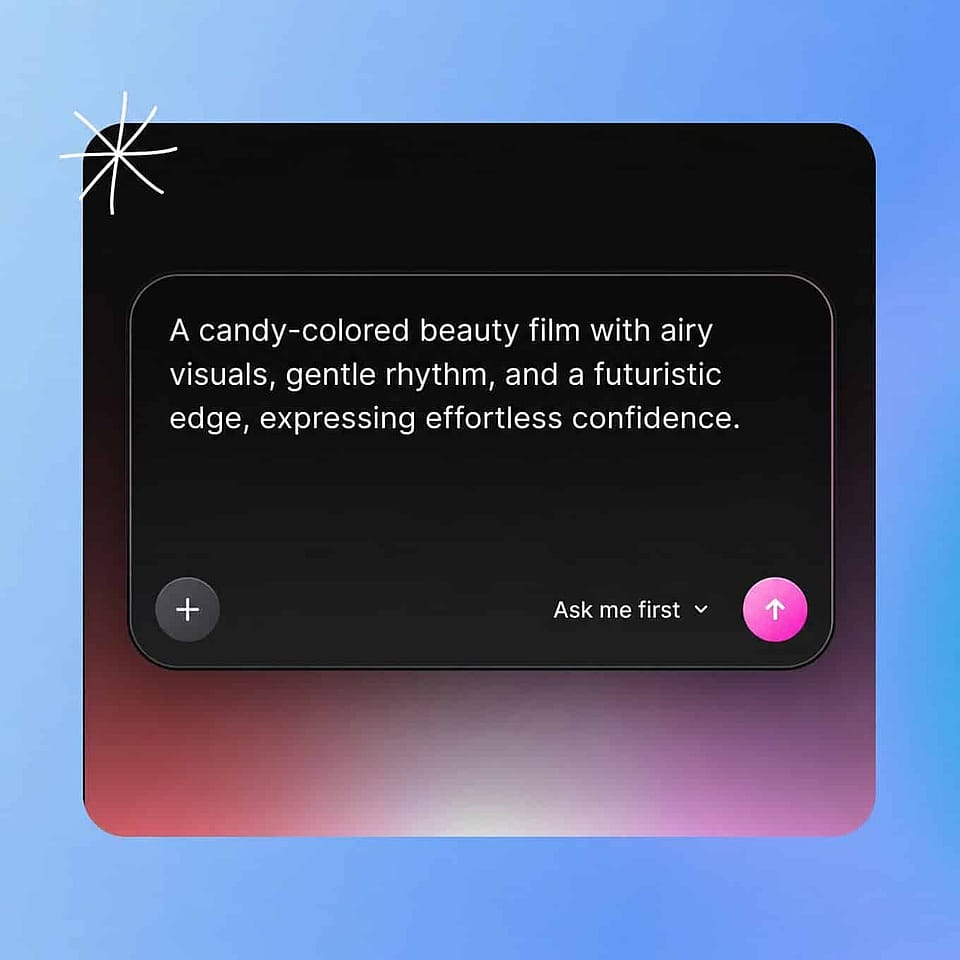
Describe the campaign
Describe the offer, the audience, and how the video should feel. Add your brand kit, a product photo, or a soundtrack to steer the direction.
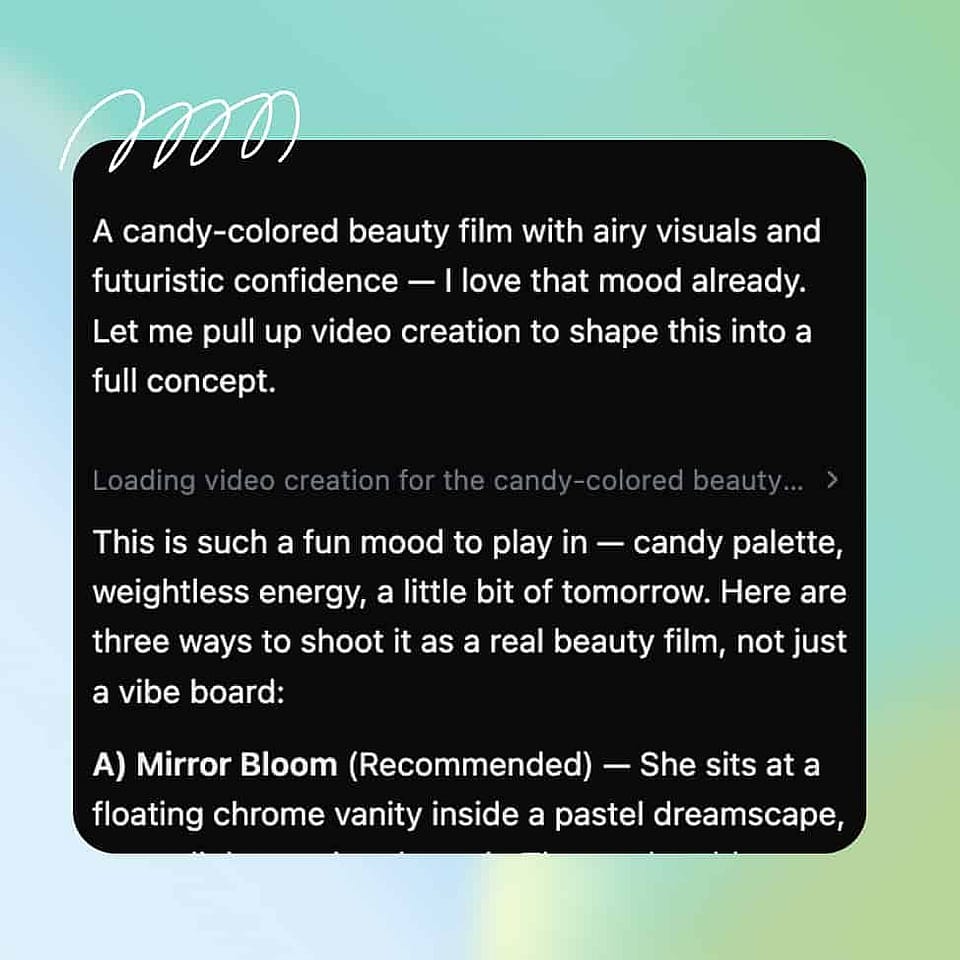
Direct the shots
Shape the hook, the scenes, and the message by chat. Ori, the built-in assistant, confirms the calls you care about or runs with the best settings on its own.
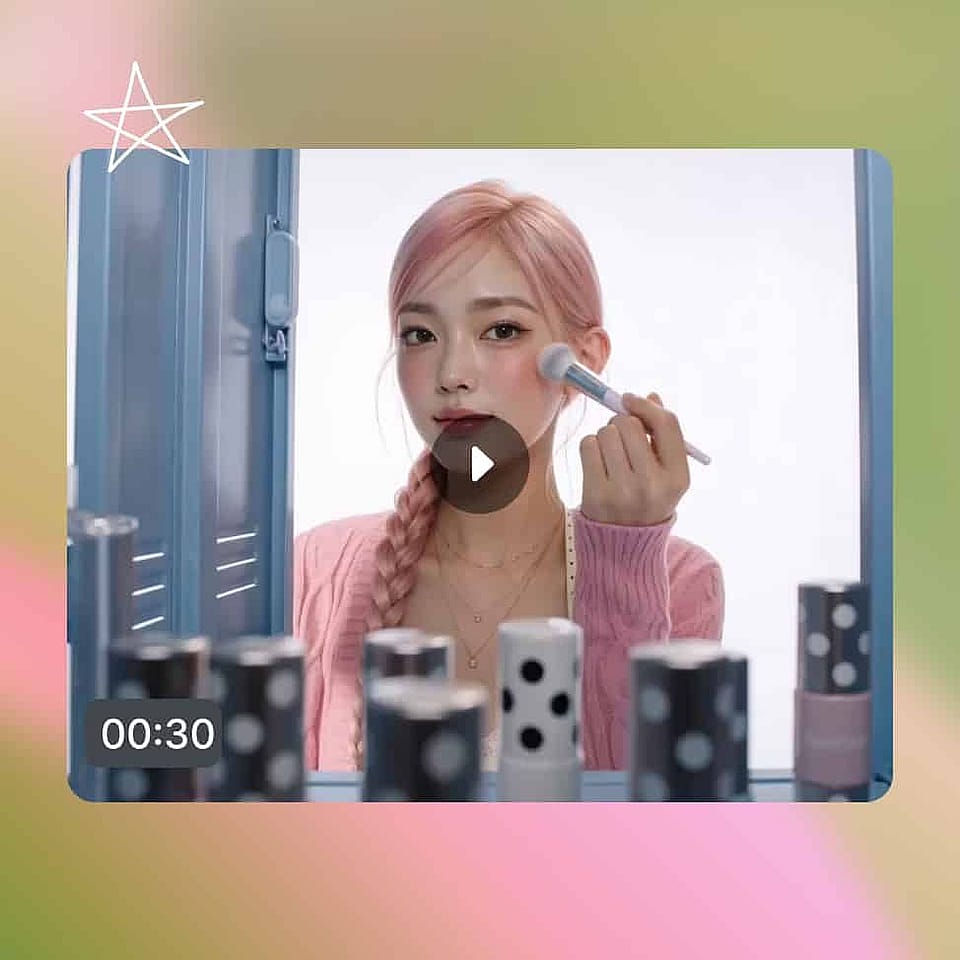
Ship every version
Review the storyboard in the Scenes tab or the full version in the Timeline tab. Direct any changes and download once done.
Best Uses for Vibe Directing Marketing Videos
Product promos and launches
Something new is shipping and the launch needs a film. Direct a promo video that lands the value of the product, then cut the teasers and countdown posts that build to launch day.
Try it NowPaid ads and testing slates
Your ad account eats creative and always asks for more. Keep a slate of on-brand ad variations flowing into Meta, TikTok, and YouTube, so production never becomes the bottleneck for your media buying.
Try it NowEmail and landing page video
Your message converts better moving than static. Drop a tight product video at the top of a landing page or inside a campaign email, matched to the copy around the video.
Try it NowSeasonal pushes and offers
Black Friday, end of quarter, a flash sale next Tuesday. Direct timely promo videos in an afternoon, so the calendar moment never passes before your video is ready.
Try it Now