

AI Script to Video Generator
Drop your script into OpenArt's AI script to video generator, shape each scene by vibe, and leave with a finished film. Your words become shots, your dialogue is delivered naturally, and the story stays exactly the one you wrote.
AI Script to Video Generator
Drop your script into OpenArt's AI script to video generator, shape each scene by vibe, and leave with a finished film. Your words become shots, your dialogue is delivered naturally, and the story stays exactly the one you wrote.
Key Benefits of AI Script to Video Maker



Script-to-video workflow
Your script is the starting point, not the finish line. Every scene, line, and stage direction becomes something you can shape and redirect until it plays the way you meant it.




Scale every script
Turn one script into as many cuts as you want. Retone a scene, recut a sequence, or spin a fresh version without rewriting a single page or booking a second shoot.

Accurate adaptation
Director reads your script the way you intended it. Characters, settings, and beats stay true to the page, so what you wrote is what you watch on screen.
Community Creations
See what writers, marketers, and filmmakers are directing from their scripts with OpenArt, from a first screenplay that never left a drawer to a client ad built from a one-page brief.
Key Features of AI Script to Video Creator
You bring the script, and OpenArt Director reads it, breaks it into scenes, and becomes your production crew while you stay in the director's seat.
Reads Your Whole Script
Paste a full screenplay, a treatment, or a rough outline, and Director parses it into scenes, characters, and beats. It understands slug lines, dialogue, and action the way a first assistant director would, so you skip the setup and go straight to directing what matters.
Turns Dialogue Into Performance
Every line your characters speak becomes a real delivery, with native voice, timing, and emotion that fit the moment. Shape the read the way you hear it, from a whispered aside to a room-silencing monologue, all with plain language notes.
Consistent Across Every Scene
Characters, faces, wardrobe, locations, and tone hold steady from the opening scene to the last, no matter how long the script runs. A character introduced on page one still looks and sounds like themselves on page forty, so the film reads as one coherent piece.
Loose Notes or Precise Cuts
Chat naturally to reshape a scene on the fly, or open the timeline for shot-level control over framing, length, and transitions. You vibe direct your way, whether that means a quick "make the ending land harder" or a careful frame-by-frame pass.
How to Turn a Script Into Video
Turning a script into video with OpenArt Director takes three simple steps.
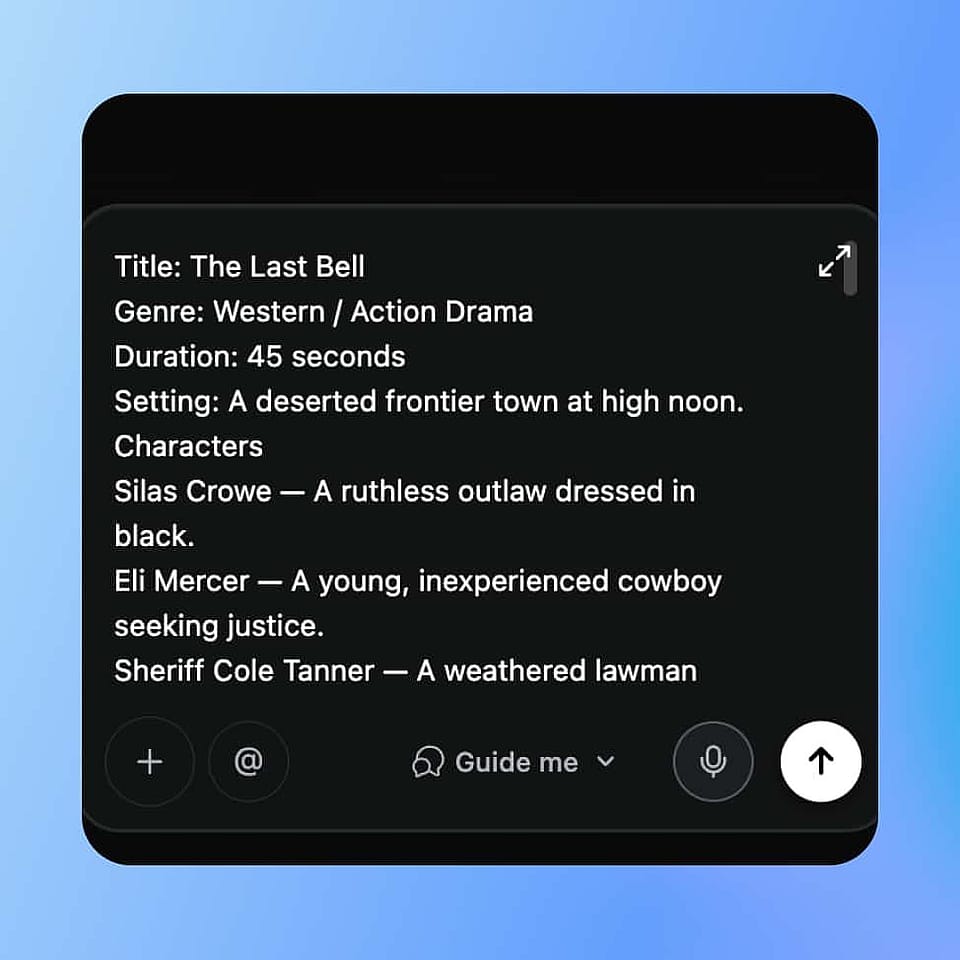
Drop in your script.
Paste your screenplay, treatment, or outline into the prompt box, or upload it as a file. Add a reference image for a character or location, a soundtrack, or a voice if you already have one in mind.
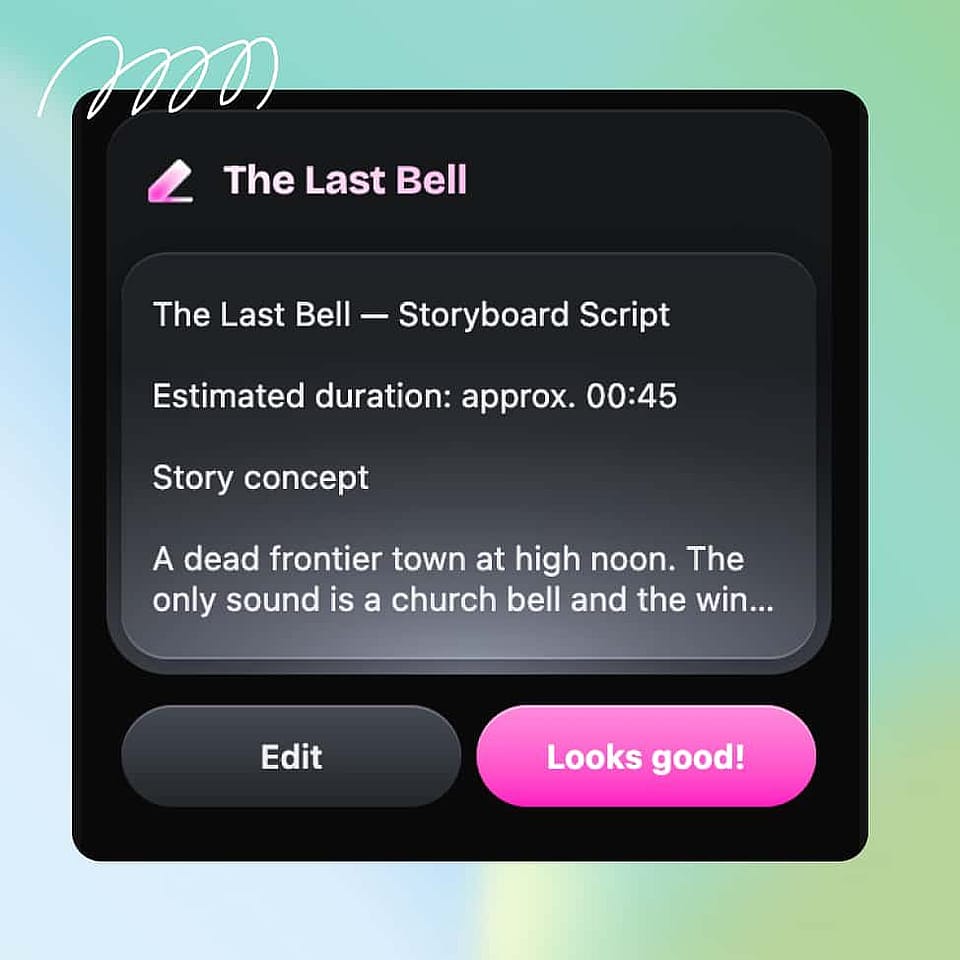
Take the director's seat.
Chat with Director the way you would on set, refining the casting, the performances, the scenery, and the pacing scene by scene. Ori works through each beat and checks in wherever you want a say.
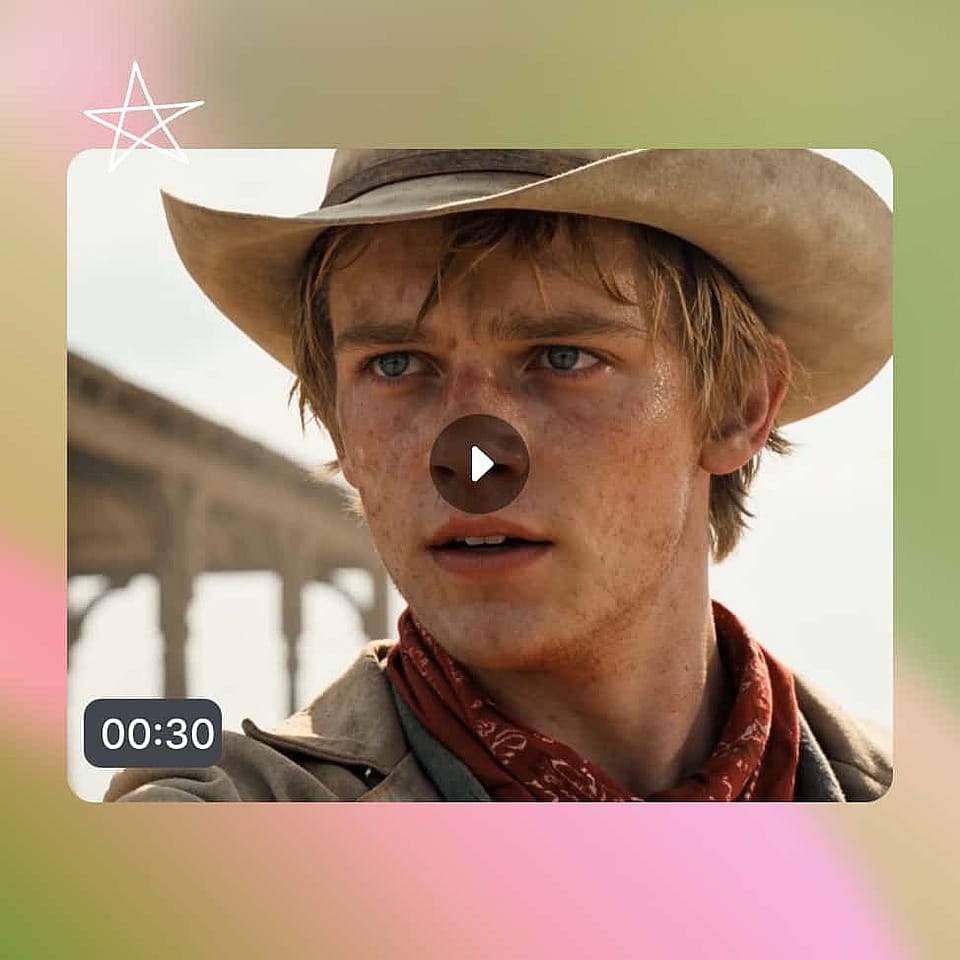
See your script come to life.
Watch the scenes take shape in the storyboard, then the finished film in the timeline. If a single line or a whole sequence is off, just tell Director what to change and it does exactly that, nothing more.
What You Can Make From a Script
These are just a few of the things people turn from a script into video with the AI script to video generator. If you can write it down, you can direct it into film.
Short films and screenplays
Bring a finished screenplay to the screen without a crew or a budget. Direct the casting, the performances, and the pacing scene by scene until it plays the way you wrote it. Leave with a complete film ready to screen, submit, or post.
Try it NowAd and commercial scripts
Turn a client brief or a one-page ad script into polished, professionally shot video. Keep the product, message, and brand consistent across every cut, and test more versions than a traditional shoot ever could.
Try it NowExplainer and training videos
Feed in a script or outline and direct it into a clear, watchable explainer. Each step stays simple and visual, so a dense process or a new feature lands clearly the first frame to the last.
Try it NowSketches and micro-dramas
Write a punchy scene or an episodic story and direct it into content built for the feed. Shape each beat, character, and cliffhanger until the pacing keeps viewers hooked and ready for the next episode.
Try it Now