

AI Product Demo Video Maker
OpenArt's AI product demo video maker turns your product into a finished demo that shows the product’s working features. Start from a photo, a screen recording, or a text description, and direct the demo walkthrough by chat.
AI Product Demo Video Maker
OpenArt's AI product demo video maker turns your product into a finished demo that shows the product’s working features. Start from a photo, a screen recording, or a text description, and direct the demo walkthrough by chat.
Key Benefits of AI Product Demo Video Maker



Showcase product features
A spec sheet only tells the features but a product demo proves it to your audience. Your product appears in real use, feature by feature, so viewers see the real value in action.




True to the product
The product item on screen keeps its exact shape, label, and detail in every scene. For software, bring a screen recording or screenshots and the demo is built around your actual interface.

Recreate old demo videos
Your old product demo videos might go stale after a new feature launch. With OpenArt Director, you can simply give your old video and recreate it into a new, updated one.
Community Creations
See how people are directing product demos with OpenArt, from founders showing an app before launch to hardware teams walking through a gadget.
Key Features of the AI Product Demo Video Generator
OpenArt's AI product demo video maker runs on OpenArt Director and the best AI image, video, and voice models, including Seedance 2.0 and GPT Image 2.
Make complete product walkthroughs
Start with a photo, a screen recording, or a plain description of what your product does. The product demo video maker structures a full demo around it, with a hook, the features in action, and a payoff scene that lands the value to your potential customer.
Retain your real UI and features
The exact, tiny product details used to get lost when creating AI videos, but that’s not the case anymore. OpenArt Director is amazingly consistent with the UI screenshots or the product feature images you provide, when turning them into a full product demo video. Nothing gets missed, and nothing fake gets added.
Pace the video feature by feature
Decide which feature leads and how long each scene about a specific feature holds. You vibe direct the order and the emphasis on product highlights by chat, so the final walkthrough video sells the way you would in the room.
Add a presenter or host character
Cast a consistent character in the video using your OpenArt Characters library to hold the product, click through your app, or talk viewers through it. Voiceovers and captions are automatically added in any language you want.
How the AI product demo video maker works
Making a product demo video takes three steps.
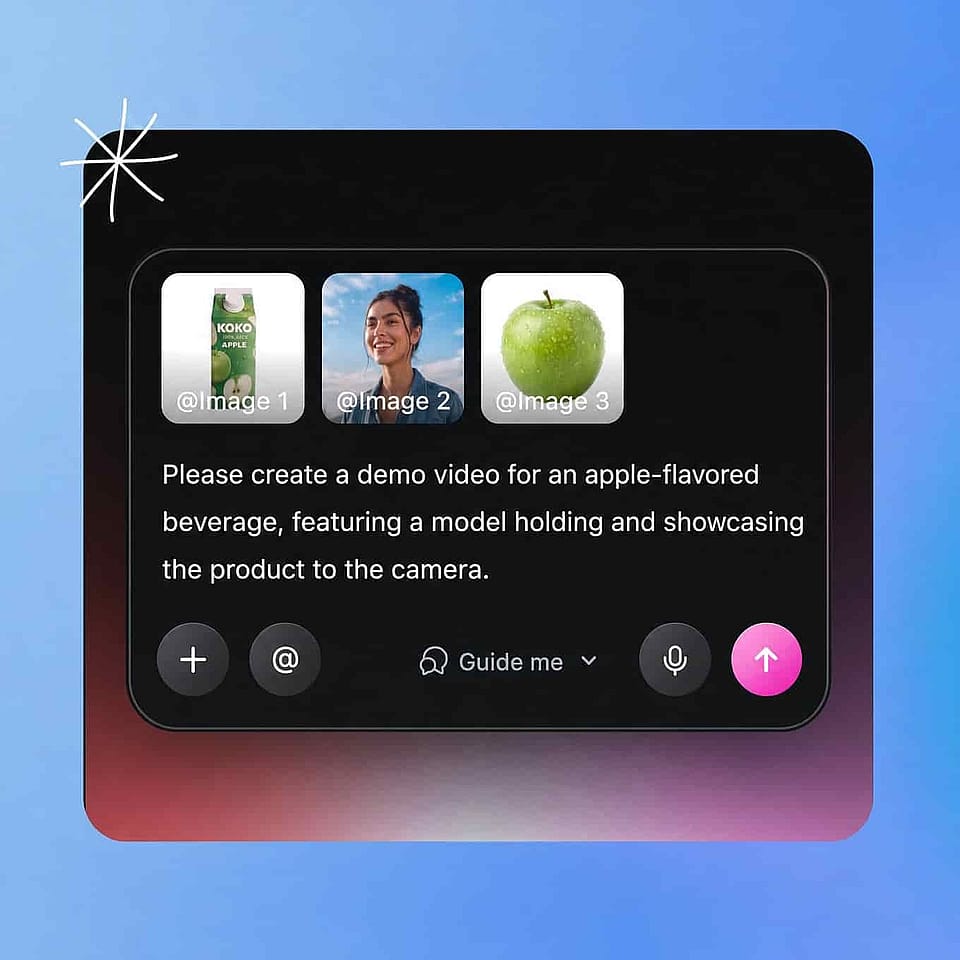
Add your product
Upload a product photo or screenshots, or describe what the product does. Add your logo, a saved character, or a reference look to steer it.
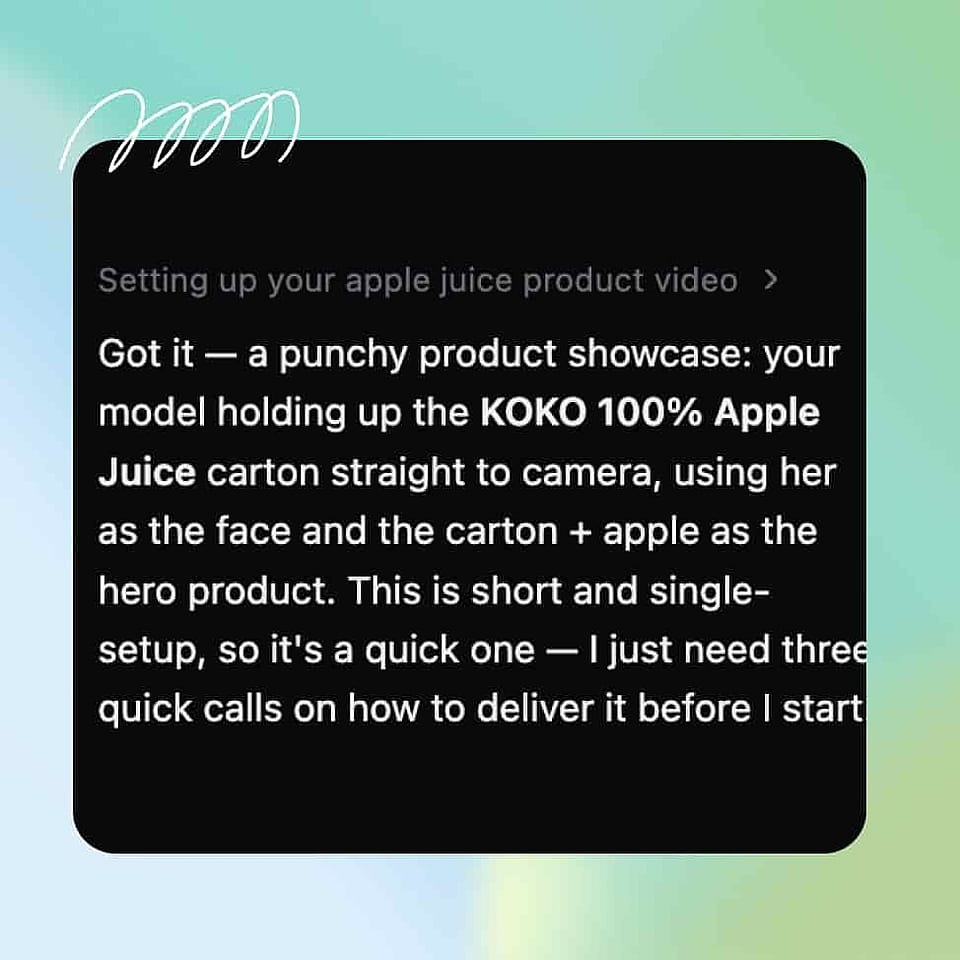
Direct the product demo
Set the feature order, the tone, and the pacing by chat. Ori, the built-in assistant, checks each call with you or runs with the best settings on its own.
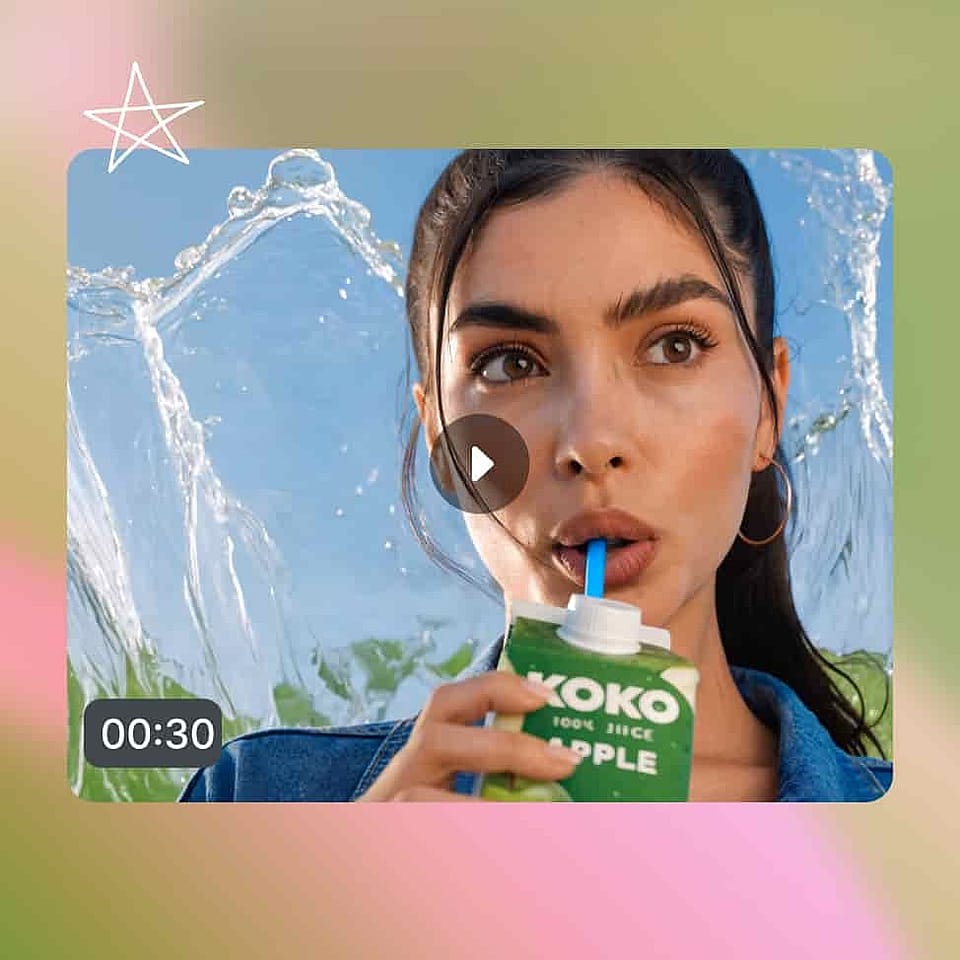
Review and publish
Watch the storyboard first in the Scenes tab or the full demo video in the Timeline tab, and change exactly what you want.
Best Uses for Vibe Directing Product Demo Videos
SaaS walkthroughs and app tours
You need prospects to understand your product without booking a call. Frame your real screen recordings into a guided walkthrough that lands the value in under two minutes, ready for your landing page and onboarding emails.
Try it NowHardware and gadget demos
Your product moves, clicks, and does things a photo alone cannot show. Show the product in real hands and real settings, feature by feature, without renting a studio or building a set.
Try it NowLaunch and crowdfunding videos
Backers and early customers fund what they can see working. Direct a demo that shows the product in action before mass production exists, and update the video as the product evolves.
Try it NowDemo videos for sales teams
Your team pitches the same product to different rooms. Cut demo versions that lead with the feature each buyer cares about, so every deck and email opens with the right proof.
Try it Now