

 ChatGPT
 Perplexity
 Claude
 Gemini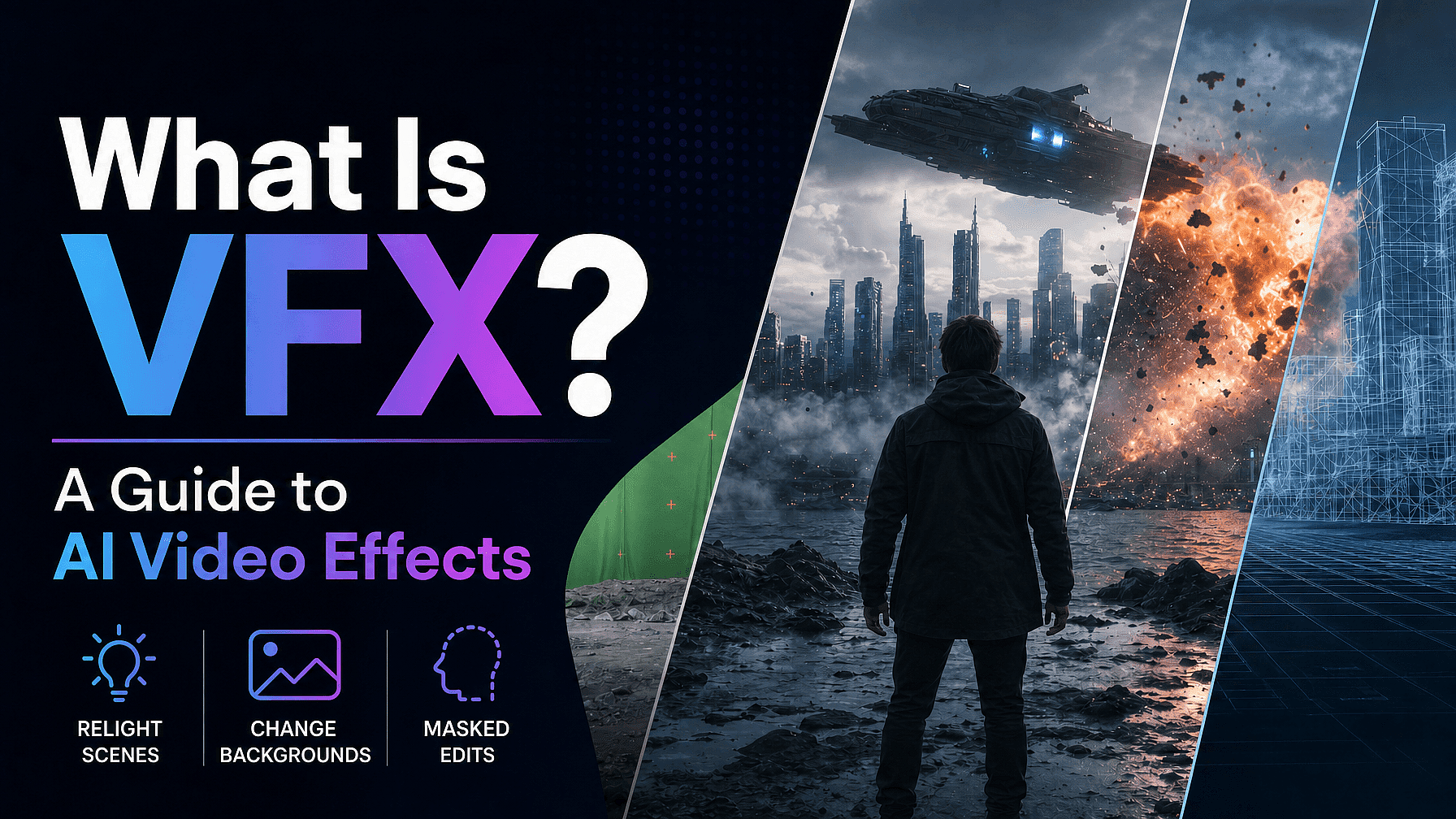
VFX stands for visual effects, the imagery that is created or changed after a scene is filmed. It covers everything from a swapped sky to a full digital creature, and it appears in almost every film, show, and ad you watch.
For most of its history, VFX meant a green screen, expensive software, and a team of specialists. That is changing fast, because AI can now do a large part of the same work from a single video upload.
This guide explains what VFX is, how it differs from CGI and SFX, the main types you will run into, and how AI video effects let you do it without a green screen setup or proper studio.
Key takeaways
- VFX (visual effects) is imagery created or altered in post-production, after the footage is shot.
- CGI is a subset of VFX (imagery made entirely by computer), and SFX is practical effects done live on set.
- The common types of VFX are compositing, CGI, motion capture, matte painting, and rotoscoping.
- Traditional VFX needs a green screen, a compositor, and software like Nuke or After Effects.
- AI video effects handle background swaps, relighting, and masked edits from one upload, with no green screen or editing experience.
What is VFX?
VFX stands for visual effects. It is the process of creating or changing imagery outside of a live-action shot, then blending it into the footage so it looks real.
VFX exists because some shots are too expensive, too dangerous, or simply impossible to capture in camera. A destroyed city, a distant planet, or a clean background behind a messy room are all easier to build in post-production than on set.
The key detail is timing: VFX happens after filming, not during it. That is what separates it from practical effects, and it is also why AI has been able to take so much of the work over.
VFX vs CGI vs SFX
These three terms get used interchangeably, but they mean different things. Knowing the difference makes it much easier to understand what an AI video effects tool actually does.
VFX is the broad umbrella. It covers any imagery created or manipulated in post-production, including compositing, matte painting, motion tracking, and CGI.
CGI, or computer-generated imagery, is a subset of VFX. It refers to imagery made entirely by a computer, like a 3D creature or a fully digital environment. All CGI is VFX, but not all VFX is CGI.
SFX, or special effects, are practical effects achieved live on set. Controlled explosions, fake rain, prosthetics, and animatronics are all SFX, because they happen in front of the camera rather than in post.
The main types of VFX
Most visual effects fall into a handful of categories. AI video effects map onto the same ideas, so it helps to know the traditional versions first.
Compositing layers separate images into one frame. The most common form is green screen work, where a subject is filmed against a green backdrop and a new background is keyed in behind them later.
CGI builds elements from scratch on a computer, from characters to entire worlds. Matte painting extends a set with a painted or digital landscape, and motion tracking locks CGI elements onto moving footage so they stay in place.
Motion capture records an actor's movement and maps it onto a digital character. Rotoscoping is the manual work of tracing a subject frame by frame to separate it from its background.
How traditional VFX works, and why it is hard
The classic VFX pipeline is powerful, but it is slow and expensive. That is the gap AI video effects are built to close.
A typical shot needs a green screen studio, controlled lighting, and a clean plate. After filming, a compositor keys out the background, cleans the edges by hand, and matches the lighting so the new scene looks believable.
That work runs through software like Nuke or Adobe After Effects, often on a render farm, and it can take days for a few seconds of footage. It also demands real training, which puts traditional VFX out of reach for most solo creators and small teams.
How AI changed VFX
AI video effects skip most of that pipeline. Instead of keying, rotoscoping, and compositing by hand, an AI model reads your footage and does the separation for you.
Modern video models are trained to isolate a subject, rebuild the lighting across a whole frame, and edit specific regions without a green screen or manual cutout. You upload a normal clip, describe the result you want, and the model generates it in minutes.
This is even handier if you're already producing video content on an AI video generator instead of traditional filming.
On OpenArt VFX, this runs on Beeble's SwitchX, a video-to-video model built for clean subject isolation, full-frame relighting, and masked region edits. It uses your source footage as a direct guide, so your subject's motion and identity stay intact instead of drifting frame to frame.
The three AI VFX modes, mapped to classic VFX
OpenArt VFX gives you three modes from a single upload. Each one is the AI version of a traditional visual effects technique.
Swap the background without a green screen
Video background changer is the AI version of compositing and chroma key. It isolates your subject and replaces the scene behind them, with no green screen and no manual cutout. You pick a preset, upload an image, or generate a new environment with AI.
Relight the whole scene
AI Video Relight mode does the job of a lighting setup and a color grade at once. It rebuilds the lighting, color, and mood across the full frame instead of adding a flat filter, so shadows and highlights look real. Your performance and camera motion stay exactly as shot.
Protect a masked region and transform the rest
Inpainting mode is the AI version of rotoscoping and masking. You paint a mask over the part of the frame you want to keep, like a face or a product, and that region stays exactly as shot while everything outside the mask transforms. You only mask the first frame, and the model tracks the protected region across every frame after it.
This YouTube video gives you a practical idea of how to pull this off in OpenArt VFX:
How to add AI video effects to a clip
The full workflow takes three steps and a few minutes, with nothing to install.
Upload your video.
Drop in any MP4 or MOV clip. AI video effects work on footage from any room, with no green screen or studio setup.
Pick your mode.
Choose Background, Relight, or Inpainting. Direct it with a preset, a reference image, or a text prompt.
Generate and compare.
SwitchX renders your clip in a few minutes. Preview the result in a side-by-side view, refine if needed, and download an MP4.
Who uses AI video effects
The appeal is broad, because the barrier to entry is now so low. Social creators swap backgrounds or relight home footage to build a signature look without a set.
Filmmakers and directors get compositing and relighting without Nuke or After Effects, turning reshoots into a mask and a prompt. Brand and marketing teams film once, then apply different backgrounds and moods per campaign, so a single shoot becomes a full content library.
The bottom line
VFX is the craft of creating and changing imagery after a shot is filmed, and for decades it needed a studio, a compositor, and specialist software. AI video effects keep the same control while removing the green screen, the pipeline, and the learning curve.
If you want to try it on footage you already have, OpenArt VFX runs background swaps, relighting, and masked edits from one upload, powered by Beeble's SwitchX model.
Frequently asked questions
What does VFX stand for?
VFX stands for visual effects. It is the imagery that is created or changed after a scene is filmed, then blended into the footage so it looks like part of the original shot.
Is VFX the same as CGI?
No. CGI (computer-generated imagery) is one type of VFX, made entirely by a computer. VFX is the wider category that also includes compositing, matte painting, and motion tracking, so all CGI is VFX but not all VFX is CGI.
What is the difference between VFX and SFX?
VFX is done in post-production, after filming. SFX (special effects) are practical effects created live on set, like explosions, fake rain, or prosthetics.
Can you do VFX without a green screen?
Yes. AI video effects isolate your subject and replace or relight the scene without a green screen or manual cutout. OpenArt VFX does background swaps, relighting, and masked edits from a single upload.
Do you need experience to make VFX?
Not anymore. Background and relight modes are built for one-click use with a preset or reference. Masked region edits reward careful masking, but no compositing software or post-production training is required.
What software do you need for VFX?
Traditional VFX runs on tools like Nuke or Adobe After Effects, often with a render farm. AI video effects run in the browser, so you upload a clip, pick a mode, and download the result with nothing to install.