

 ChatGPT
 Perplexity
 Claude
 Gemini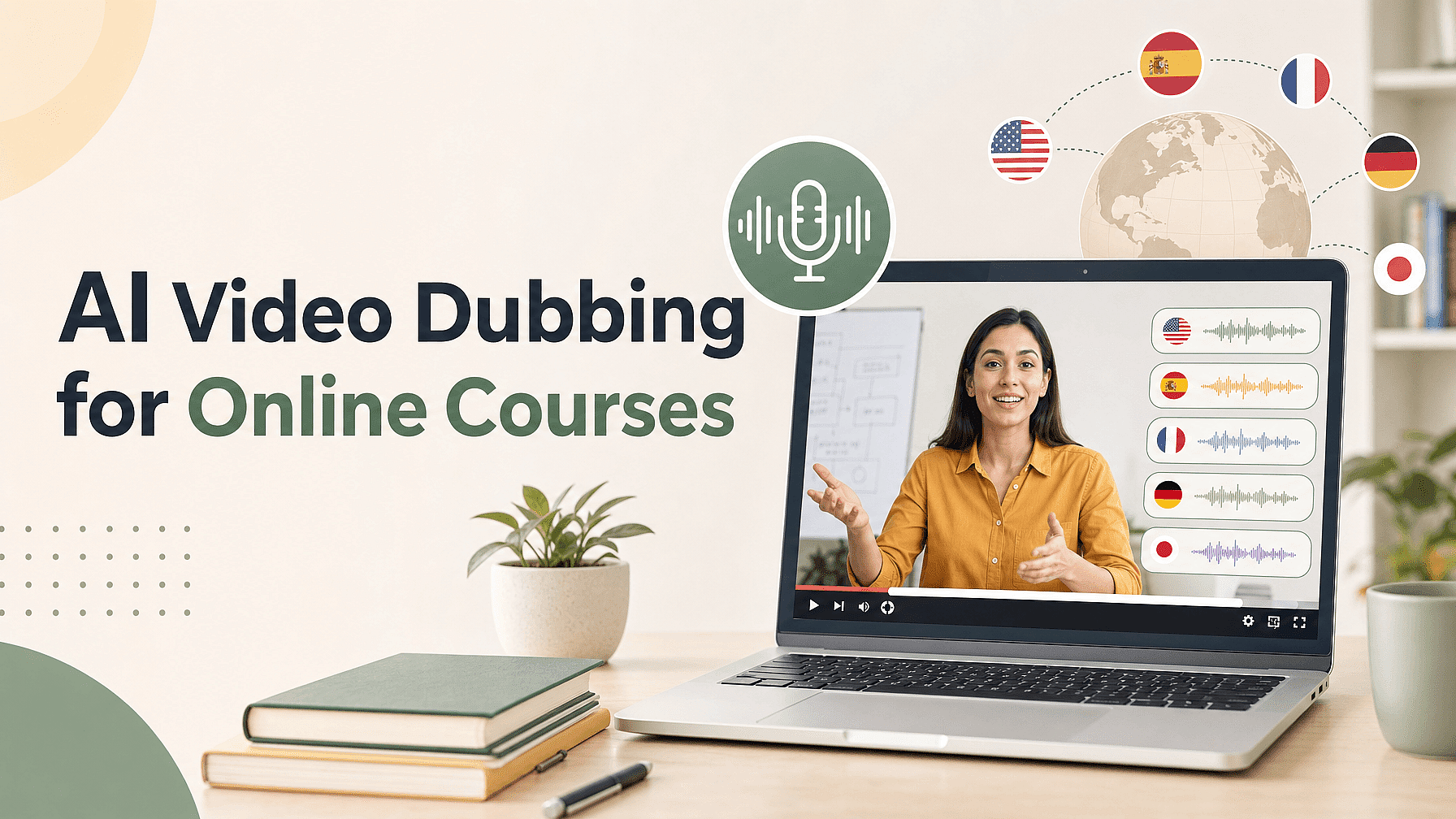
Someone signs up for your course on a Tuesday. A month later, a different person emails to ask whether you have a Spanish version. You do not, so that person never buys.
That email is the whole problem in one line. Your course already teaches the thing well. Students finish it and leave good reviews. The one thing standing between your lessons and thousands more buyers is the language you recorded them in.
AI dubbing gives you a version of your course in another language without filming a single new lesson. This guide covers what dubbing changes in a lesson, which lessons to dub first, how to do it, and how to tell whether it is earning its cost.
Key takeaways
- AI dubbing turns lessons you already filmed into versions in other languages, with no reshoot.
- YouTube creators who added other-language audio got over 25% of their watch time from those languages.
- Start with your sales video and your first module, then dub more once students show up.
- OpenArt Dub Video moves the speaker's mouth to match the new language and keeps the rest of the frame the same.
- Go deep on one or two languages first, then track sign-ups, finish rates, and refunds for each one.
Why a dubbed lesson brings in more students
YouTube publishes a real number on this. Creators who uploaded audio tracks in other languages saw more than 25% of their watch time come from views in a language other than the video's main one.
Those are the same videos that were already published. The extra watch time came from people who could suddenly understand them.
Your course works the same way. The lessons are already recorded, already edited, and already selling. A dubbed version puts that finished product in front of people who scrolled past it before.
The moment that decides a sale is your free preview. A buyer watches thirty seconds and asks themselves one question: is this course for me? A speaker whose mouth is forming English words while the audio plays Spanish answers that question the wrong way.
Students say this out loud when you ask them. In one study of a bilingual online course, about 90% of the students who did not speak the original teaching language said they wanted a dubbed version. Only one in ten were happy with subtitles by themselves.
Subtitles still do real work. They are cheap, they help students who are deaf or hard of hearing, and they let people follow along in a quiet office. A dubbed lesson asks less of your student, because they can watch your hands, your slides, and your screen while they listen.
One honest note before you spend anything: No tool can promise you a specific jump in sales. What dubbing gives you is a course that a new group of buyers can actually use, and the size of that group depends on your topic and your audience.
What AI dubbing changes in your lesson
Three things change when you dub a lesson. The words change into the new language. The delivery carries your emotion, tone, and timing across. The speaker's mouth moves to match the new words.
Everything else in the frame stays where it was. Your slides, your screen recording, your on-screen text, your captions, your cuts, and your intro all come back exactly as you made them.
That last part matters more than it sounds. A course lesson is full of things you got right once and never want to touch again. Dubbing leaves all of it alone and works only on the speech and the mouth.
OpenArt Dub Video tool is built around that visible change. You upload a finished lesson, pick your languages, and each one comes back as its own video with the mouth matched to the language your student hears.
Pick the right lessons to dub first
Dubbing a forty-lesson course in one weekend is a fast way to spend money before you know anything. Start small and let the data tell you where to go next.
Start with your sales video. It is the shortest video you own and the one that decides whether anyone buys. Dub that one first and put it on your sales page for that language.
Then dub your first module. New students judge a course in the first twenty minutes. If module one plays in their language, they keep going.
Then wait and look at your numbers. Once sign-ups from a country start showing up, dub the rest of that course for that language. Let the sales pay for the next batch.
A few things make a dub come out well. Start with clean audio, because a dub can only be as clear as the speech it starts from.
Keep the speaker's face big enough to see the mouth. A talking-head shot or a picture-in-picture corner both work fine.
Check your file before you upload. Dub Video takes an MP4 or MOV with an audio track, up to three minutes long. Longer lessons work best when you cut them into the sections you actually want to share.
Which languages to dub first
Picking languages by gut feeling is where most of the money gets wasted. Your own numbers already point at the answer.
Open your analytics and sort your traffic by country. The countries sending you visitors who never buy are usually the ones where language is the blocker.
Check where your current students live too. If forty people from Brazil bought the English version and finished it, a Portuguese version has a proven audience waiting.
Then look at the languages you can actually publish in. Dub Video covers English, Chinese, Japanese, Korean, Portuguese, Spanish, German, French, Italian, and Russian, which between them cover most of the big online-course markets.
Go deep on two of them before you add a third. YouTube gives creators the same advice for its own dubbing tools: "Focus your efforts on one or two languages, and strive to dub as much content as you can for them."
That advice fits how students buy. A course with every lesson in Spanish sells better than a course with three lessons each in Spanish, German, and Japanese.
YouTube also suggests using analytics to track views and watch time by audio language, so you can see where demand is real. Your course platform's country report does the same job.
How to dub your course videos
Dubbing one lesson takes four steps.
- Upload your lesson. Open Dub Video and add an MP4 or MOV with sound. You can also pick a video you already made on OpenArt.
- Pick your languages. Choose one language, or up to 10 in the same submission.
- Generate. Each dub uses credits based on how long your video is and how many languages you picked. You see the cost before you run it.
- Download each version. Every language comes back as its own video, ready to upload to your course platform.
How AI dubbing tools compare for course creators
Five tools come up most often when course creators start looking. Here is what each one is built around.
| Tool | What it is built for | Where you work |
|---|---|---|
| OpenArt Dub Video | Moving the speaker's mouth to match the translated speech and leaving the rest of the shot alone | On its own page, inside the AI video generator tools |
| ElevenLabs Dubbing Studio | Audio-led dubbing with strong attention to voice quality and delivery | A dedicated dubbing workflow with an API |
| HeyGen | Business and training video with a very large language catalog | A full video platform with team and LMS features |
| Synthesia | Dubbing existing business video, with glossaries for approved terms | A business video platform built for training and internal content |
| Rask AI | Localization at the scale of a full course library, with translation dictionaries | A specialized localization suite with batch tools and team review |
Every tool on that list will hand you a dubbed file. What separates them is where the work happens and which part of the result they treat as the main event.
Run the same test on all of them before you commit. Pick three lessons that cover your range: one talking-head lesson, one screen recording, and one lesson thick with technical terms.
Dub all three into your two most likely languages. Then have someone who speaks the language watch them and score two things: whether the translation is right, and whether the speaker looks like they are saying those words.
Time yourself too. Count how long you spend fixing each version, because that number is your real cost per language.
How to sell the dubbed versions
A dubbed course only sells if buyers can tell it exists. Most creators dub the videos and then leave the sales page in English, so nobody in that market ever finds out.
Say the language on the sales page, in the title, and in the course description. Put it in the bullet list of what the student gets, right next to the worksheets and the certificate.
Use the dubbed preview as your ad in that market. A thirty-second clip of you teaching in a buyer's language does more than a translated headline over a stock photo.
Give each language its own sales page if your platform allows it. Students search in their own language, and a page written in that language is what shows up when they do.
Ask your first students in each language for a review. A written review in Portuguese tells the next Portuguese buyer more than any claim you can make about your course.
How to tell whether dubbing is working
Pick your numbers before you dub, so you know what changed. Four of them tell you most of the story.
Sign-ups by country. Compare the eight weeks before a language went live with the eight weeks after. This is the number that decides whether you dub the rest of the course.
Finish rate on the dubbed module. If students in a language start module one and stop halfway, the dub is losing them somewhere. Watch where they drop off.
Refund rate for that language. A refund rate well above your usual one means the dubbed lessons are promising something they do not deliver.
Cost per language against revenue from it. Add up the credits you spent and the time you spent reviewing. Put that next to what students in that language paid you.
Give each language two months before you judge it. Some languages will earn back their cost in a week and some will never move at all, and only your own numbers can tell you which is which.
The takeaway
Your course is already made. The lessons are recorded, the curriculum works, and students who finish it tell other people about it. Language is the last thing standing between those lessons and the next few thousand students.
Dub your sales video and your first module into one language this week. Watch your sign-ups from that country for two months. Then let those numbers decide what you dub next.
Start with Dub Video, or build the lesson first with the AI video generator and dub it before you publish.
Frequently asked questions
Is dubbing better than subtitles for an online course? They solve different parts of the same problem. Subtitles are cheap, cover many languages at once, and help students who cannot use audio. Dubbing lets a student watch your slides and your hands while they listen, which suits lessons where the screen matters. Many creators run both, with subtitles across many languages and dubs in the two or three languages where most of their students are.
Will the dubbed version still sound like me? The dubbed speech carries your emotion, tone, and timing into the new language, so a line you said with excitement still sounds excited. Tools that advertise voice matching are aiming at a different part of the result, which is the sound of the voice itself. Dub one lesson and listen to it before you commit your whole course.
How many languages can I dub a lesson into at once? Up to 10 in one submission with OpenArt Dub Video. Each language comes back as its own video, so you can publish them one at a time or all together. The available languages are English, Chinese, Japanese, Korean, Portuguese, Spanish, German, French, Italian, and Russian.
Does the speaker's mouth move with the new language? Yes. Dub Video re-aligns the speaker's lip movement to the translated speech, so the mouth on screen matches the words your student hears.
Do I have to re-record my lessons? No. Dubbing starts from the finished lesson you already have, so you skip booking a studio, hiring a voice actor, and filming another day.
How long can each lesson be? Up to three minutes per video, as an MP4 or MOV with an audio track. For a longer lesson, cut it into the sections you want to share and dub those.
How is this different from an AI video translator? Many tools that call themselves a video translator work on the audio track alone, so the words change and the face keeps moving in the old language. Dub Video changes the speech and the lip movement together on the video you uploaded.
Can I sell courses that use dubbed video? Yes, you can use dubbed videos for business and paid work. Check the terms on your OpenArt plan, and make sure you hold the rights to the video and to the person appearing in it.