

 ChatGPT
 Perplexity
 Claude
 Gemini
These AI jewelry prompts help you turn a simple photo of a ring or a pair of earrings into a clean product shot. You can copy each prompt, paste it into OpenArt, and get a result in seconds.
Every example image on this page was made on OpenArt. Many prompts work with a photo of your own jewelry, so the piece you sell stays the same while the scene around it changes.
For prompt ideas in other styles, see our guide to the best AI image generator prompts.
The best jewelry prompt formula:
[Name the piece] +[its metal or stone] + [the surface it sits on] + [the light] + [the camera angle]
You can use this formula like a simple jewellery prompt generator: swap in your own piece and keep the rest.
Key takeaways
- A good jewelry prompt names the piece, the material, the surface, the light and the angle.
- Upload your own jewelry photo to keep the real product and change only the background.
- Marble and velvet backgrounds make gold and stones look rich.
- Soft, even light shows sparkle best on diamonds and gems.
- The same prompts work for jewellery ads and online store listings.
Jewellery Photoshoot and Photo Edit Prompts
Upload a phone photo of your piece first, then paste one of these prompts. Each prompt starts by telling the AI to keep your jewelry exactly the same, so only the scene changes.
For the best result, take your photo near a window in daylight and let the piece fill most of the frame. For more ways to light a shot, see these AI lighting prompts.
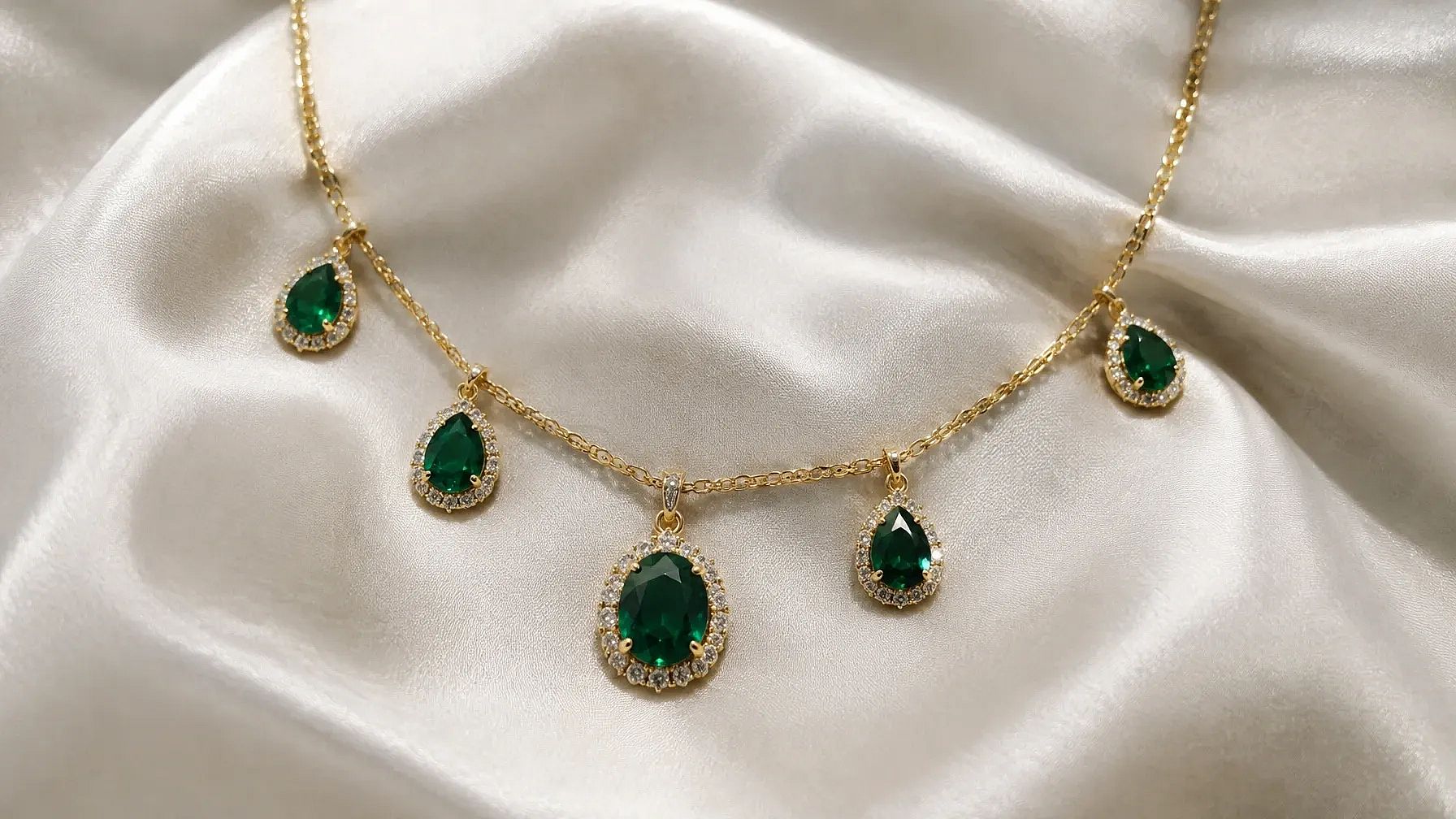
This is the reference image we used for jewelry photo editing:
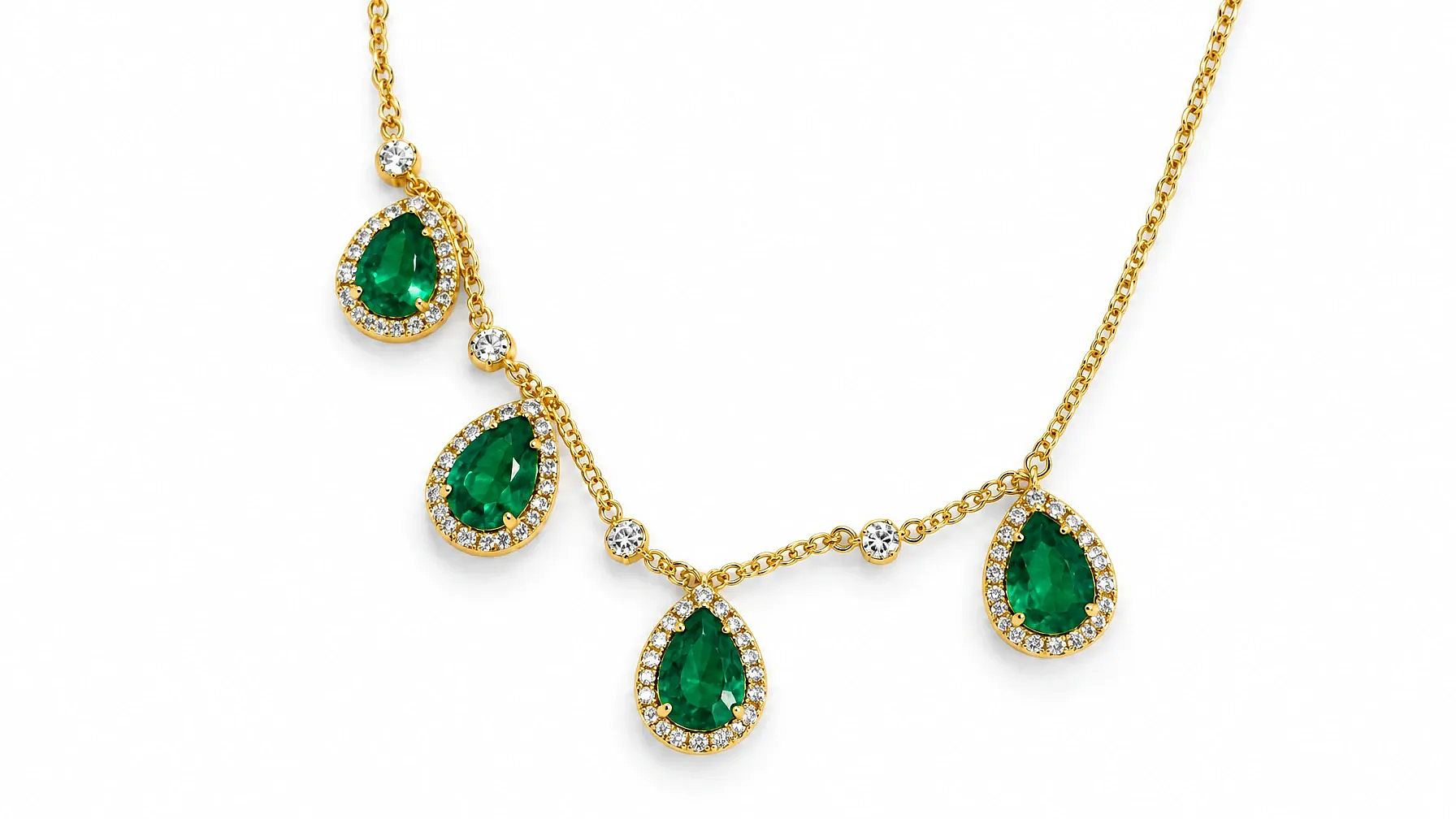
1. Clean white product photo for your store
Keep the jewelry exactly the same. Place it on a pure white background with a soft shadow underneath. Bright, even studio light and sharp focus on the metal and stones.
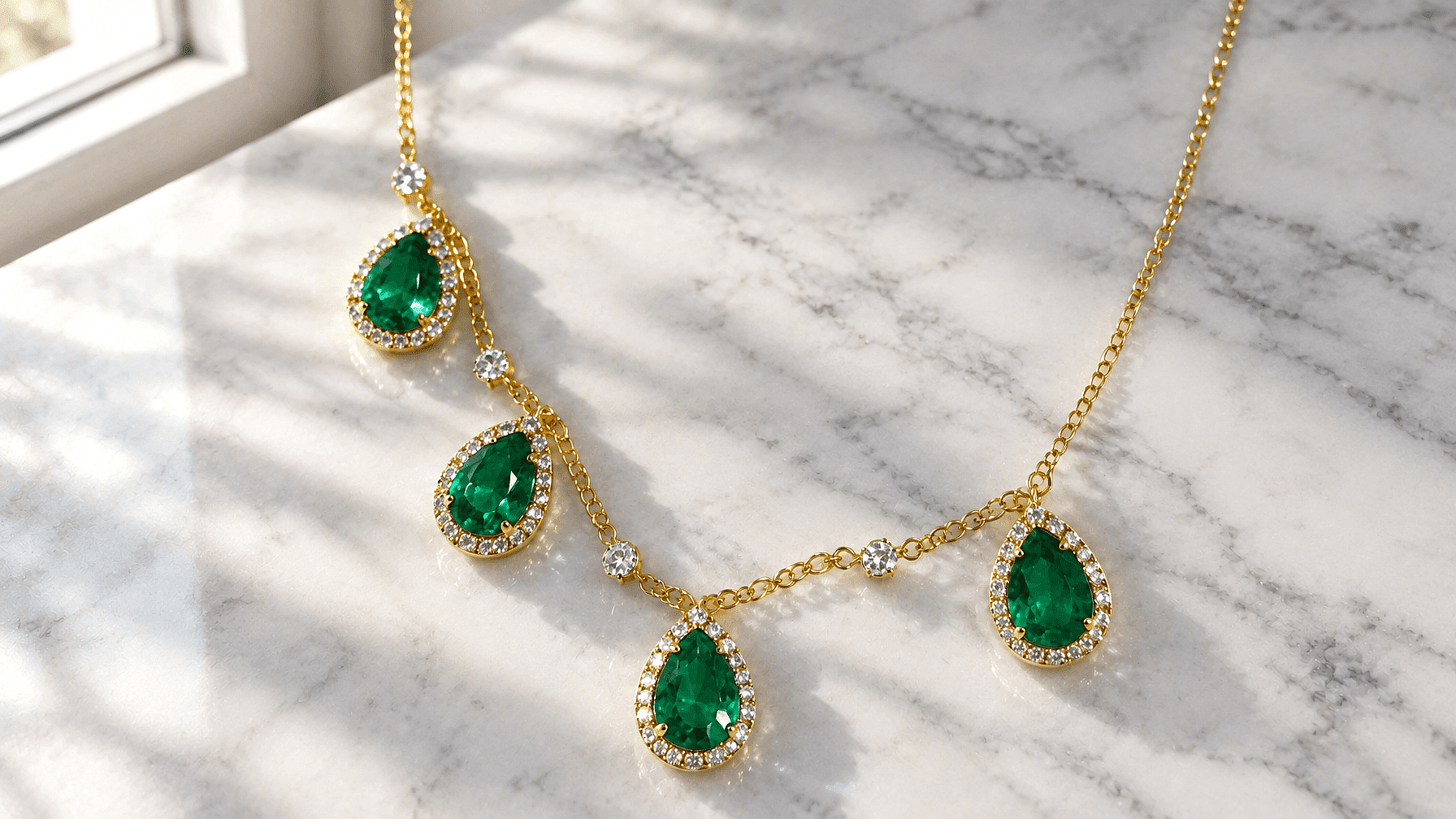
2. Marble and morning light
Keep the jewelry exactly the same. Set it on white Carrara marble next to a window. Soft morning light from the left with gentle shadows, photorealistic and modern.
3. Edit a messy jewellery photo
Keep the jewelry exactly the same. Remove the uneven light. Replace the background with a soft gray studio backdrop, remove dust and harsh reflections,and make the metal color look true to life.
Tip: if the AI changes the shape of your piece, open Edit Image on OpenArt and switch to Area Edit. Highlight only the background and type the change you want.
Jewellery Background Prompts
The background sets the mood and the price feel of your piece. Match it to the metal: cream and wood suit gold, while gray stone and glass suit silver and diamonds.
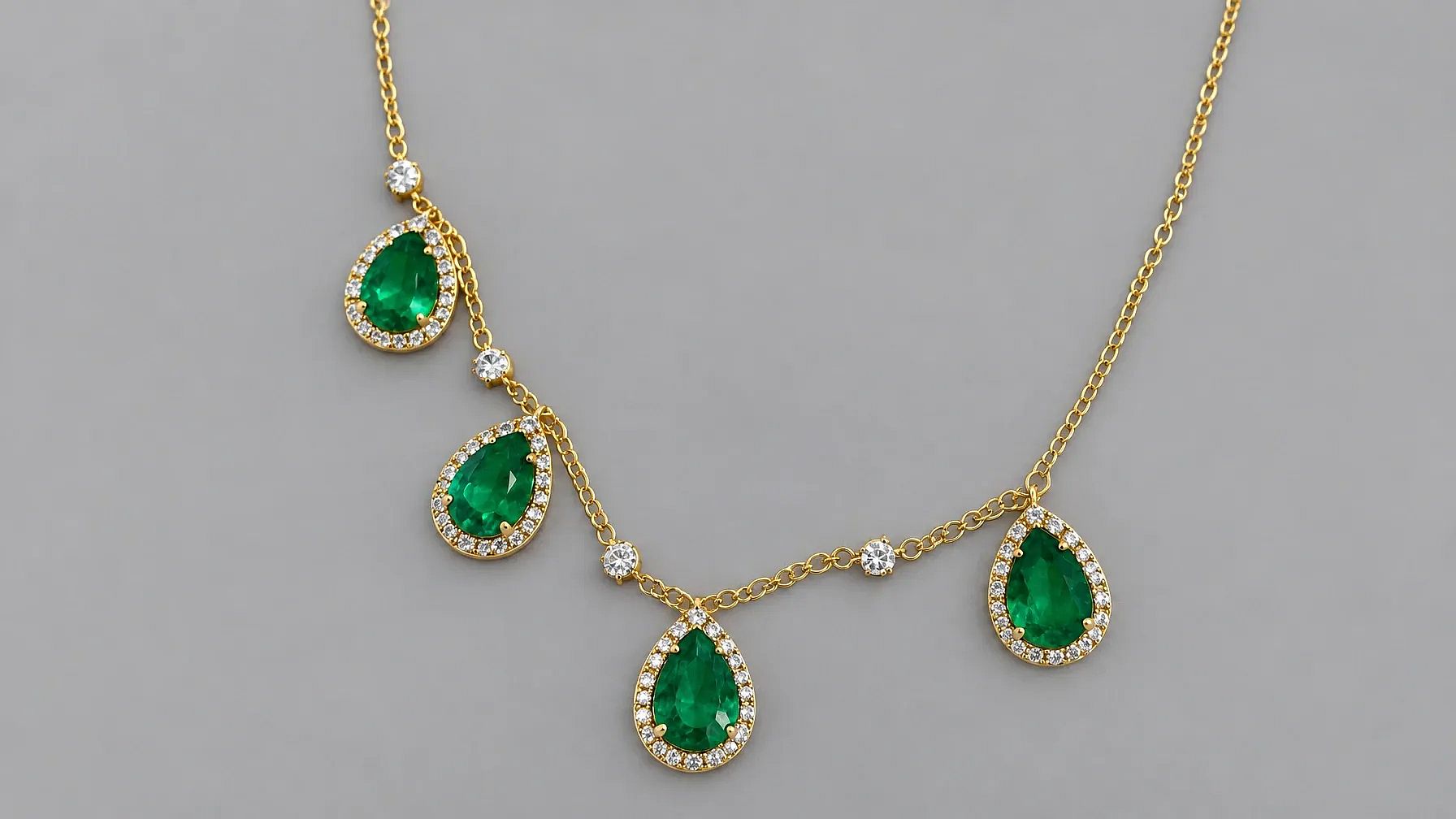
4. Silk background for a necklace
Photorealistic, high-resolution image of a gold necklace with emerald pendants, elegantly displayed on a white silk cloth.
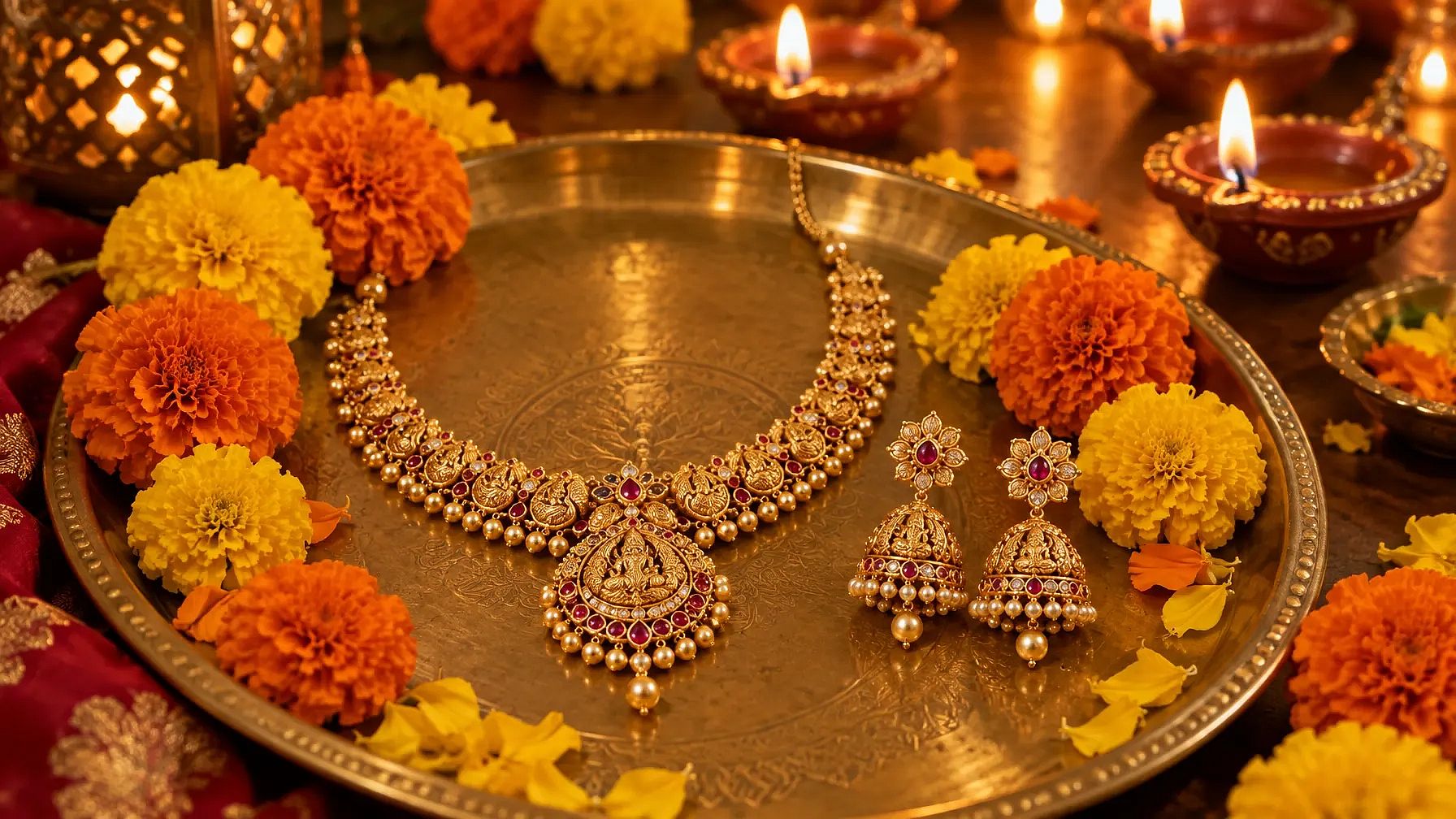
5. Festive background for gold jewellery
Gold jewellery set with a necklace and matching earrings on a brass plate, orange and yellow marigold flowers around it, small diyas glowing in the background, warm festive Diwali light.
Jewellery Ad and Shop Prompts
These prompts leave clear space for your text, so the image is ready for an ad, a poster or your shop's social page. They work for any jewellery business, from a small online store to a family shop. For more layouts with room for text, see these AI banner prompts.
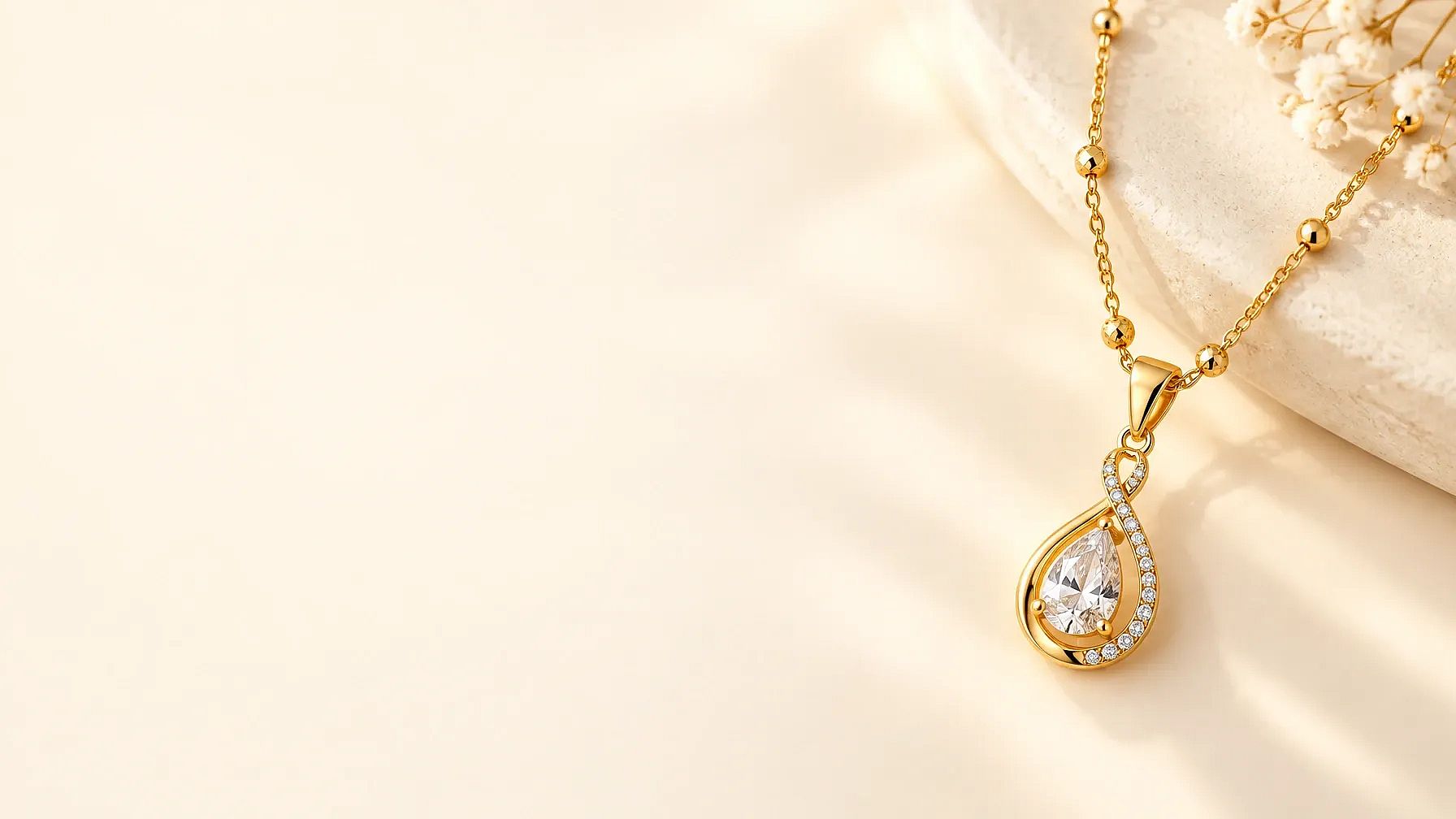
6. Sale ad with space for text
Gold necklace on the right side of the image, soft cream background, warm light. Leave the left half empty for sale text. Clean, bright jewellery ad style.
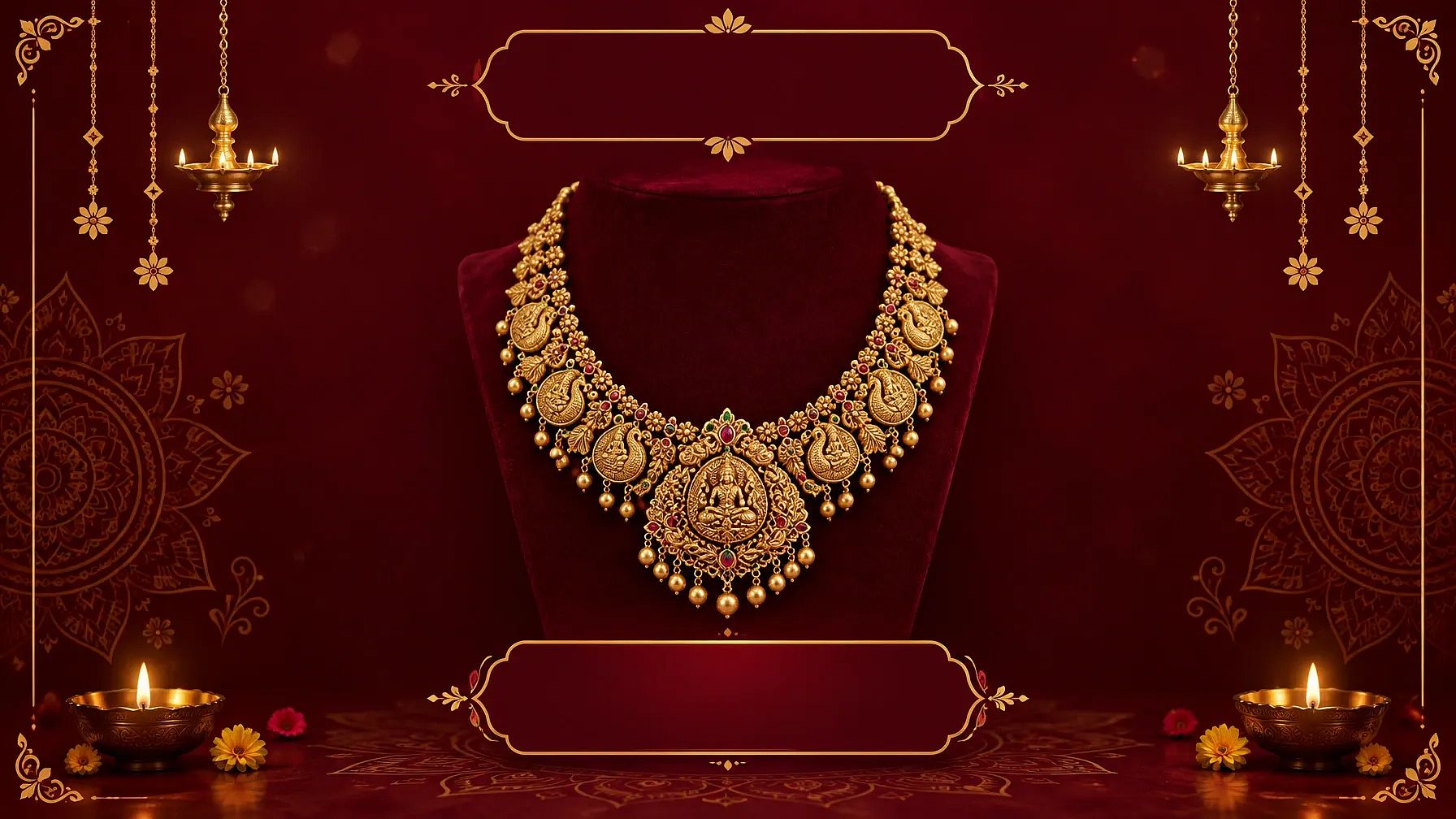
7. Jewellery shop poster
Festive jewellery poster with a gold necklace in the center, deep maroon background with soft gold patterns, space at the top for the shop name and at the bottom for an offer.
8. Jewellery logo design
Simple logo for a jewellery brand called [Your Brand], a thin gold line drawing of a diamond above the name, elegant serif font, white background.
For more shop visuals, browse our AI poster prompts and AI logo prompts. If your brand has set colors and fonts, add a Brand Kit to your project. It works in Create Image with GPT Image 2.5 and GPT Image 2, so every ad stays on brand.
Prompts for Placing Jewellery on a Model
Use these prompts to place jewellery on a model and show how each piece looks when worn. You get on-model shots without booking a photoshoot. Name the body part and the crop, such as "close-up of the neck," so the jewelry stays the main subject.
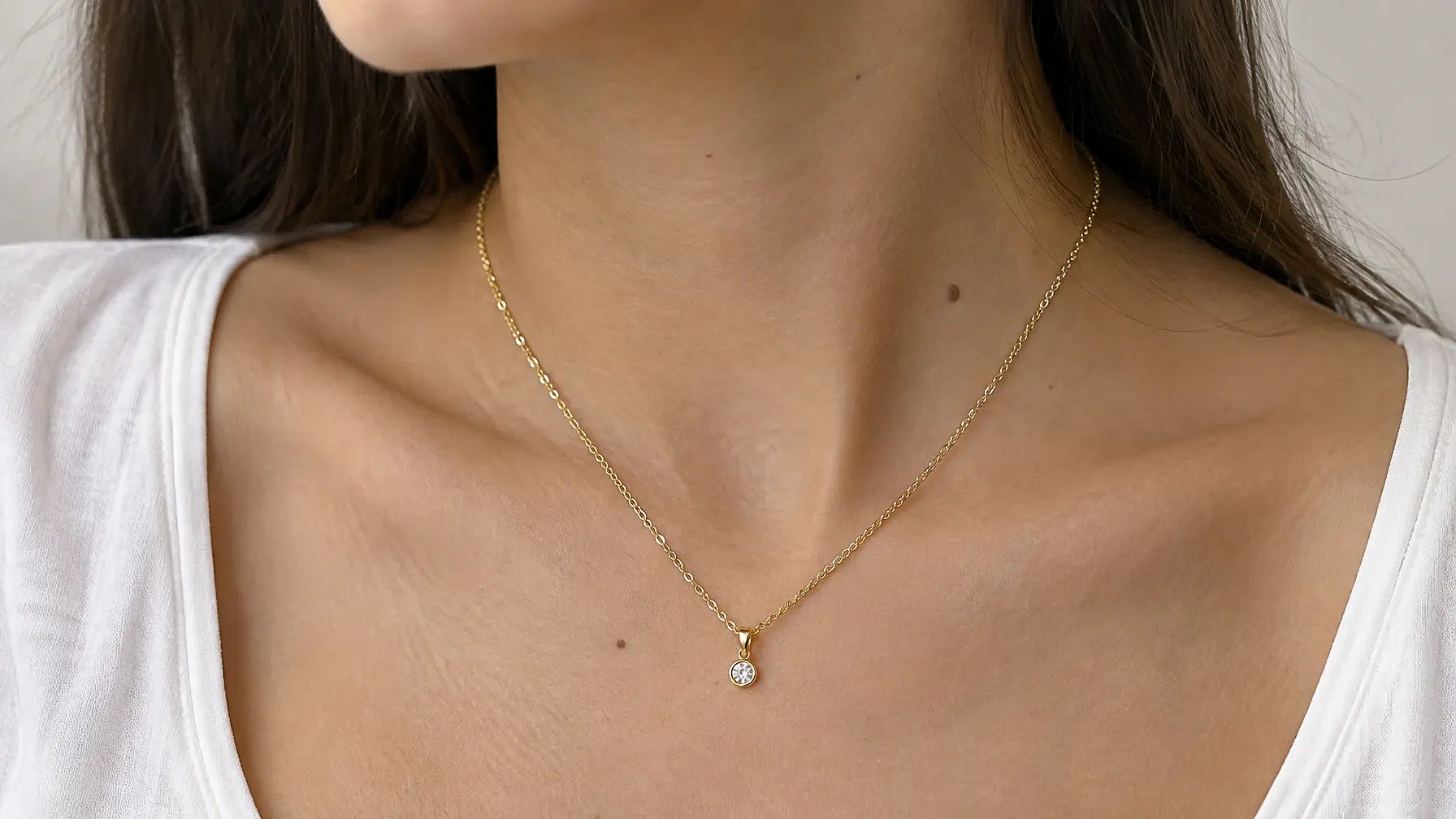
9. Gold chain necklace on a model
Photorealistic close-up of a woman's neck and collarbone wearing a gold chain necklace with a small pendant, soft natural light, plain white top, sharp focus on the chain.
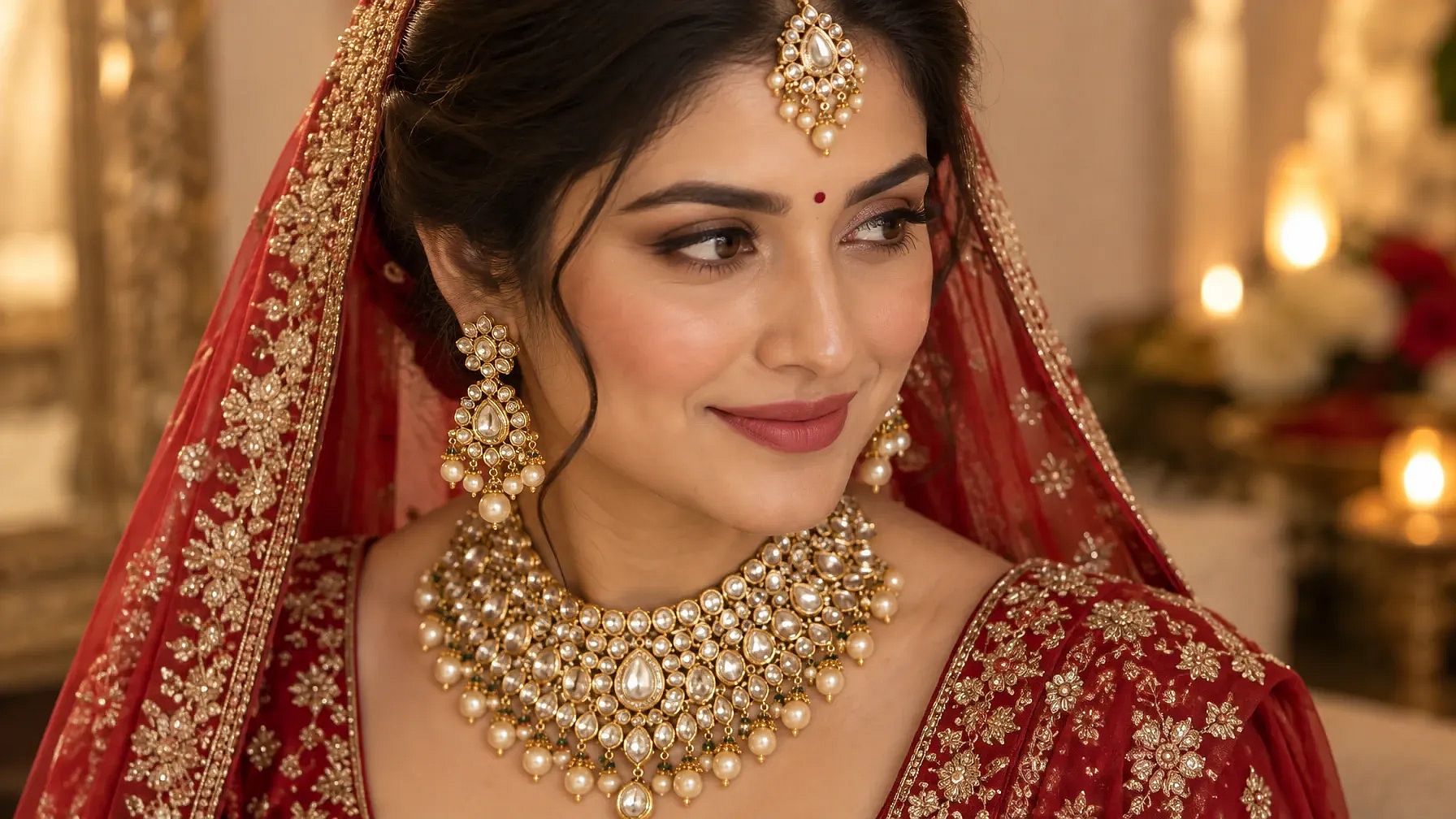
10. Bridal gold jewellery look
Bride in a red lehenga wearing a heavy gold kundan necklace, matching earrings and a maang tikka, soft warm light, close-up from the shoulders up.
Ring, Earring and Bracelet Prompts
Each piece needs a slightly different shot. Rings and earrings look best up close, while bracelets look rich on soft fabric.
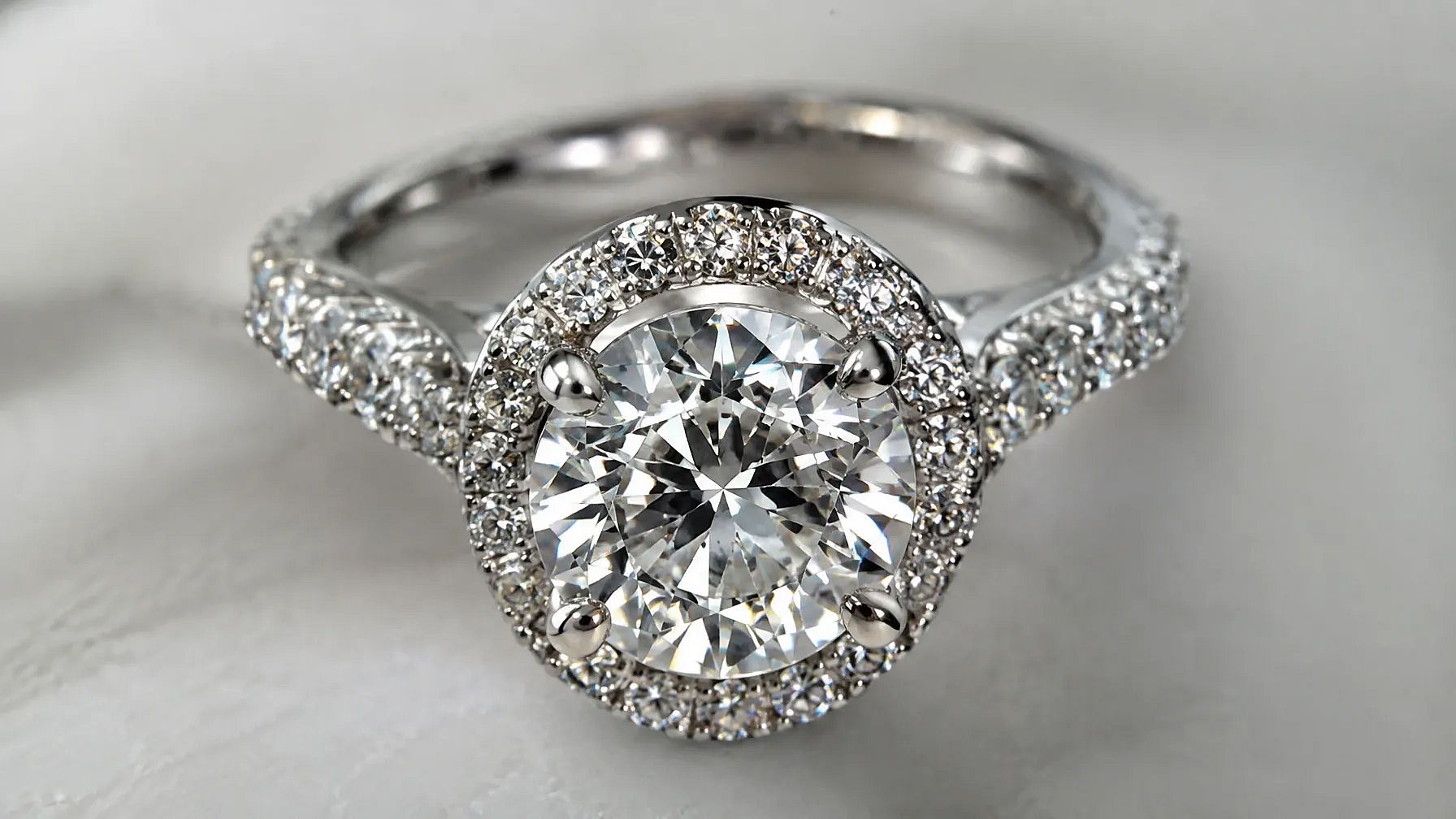
11. Diamond ring close-up
Hyper-realistic, close-up image of a diamond ring, showcasing intricate details and sparkling facets.
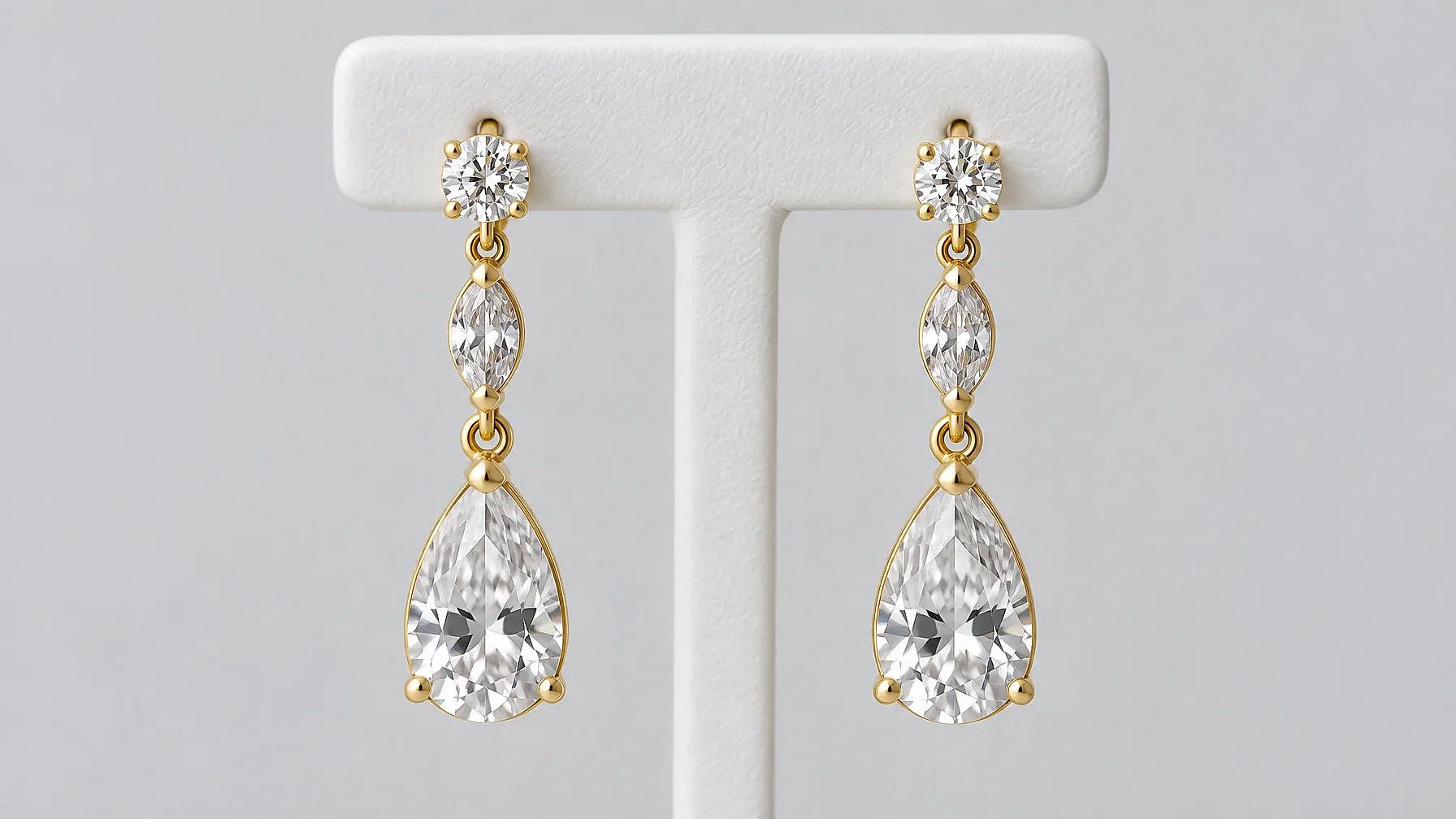
12. Earring photo on a stand
Close-up earring photo of a pair of gold drop earrings hanging from a white stand, soft studio light, sharp focus on the stones, plain light gray background.
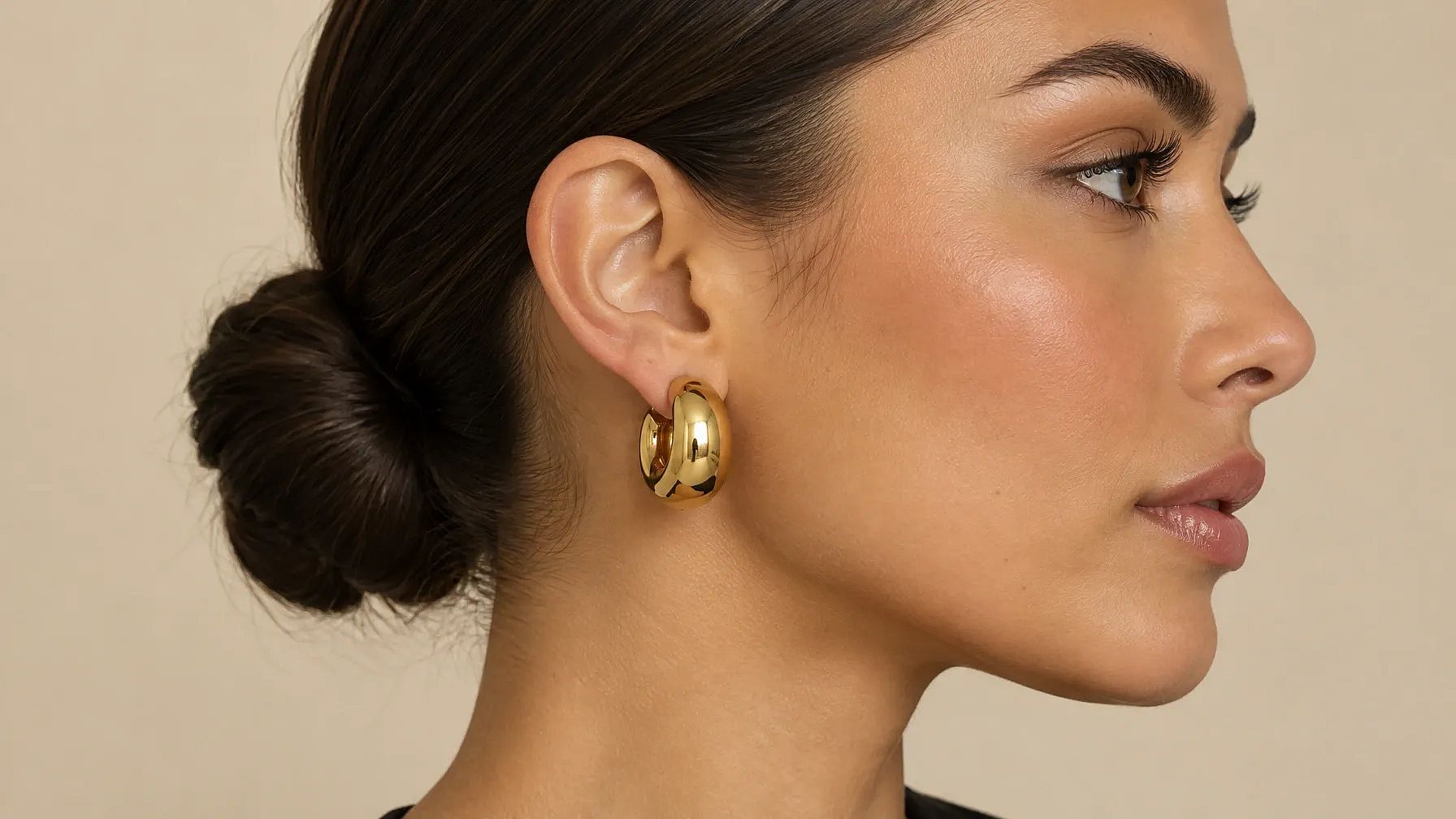
13. Trending chunky earrings
Chunky gold dome hoop earrings, the trending everyday style, on a woman with a sleek low bun, close-up side view, soft beige background.
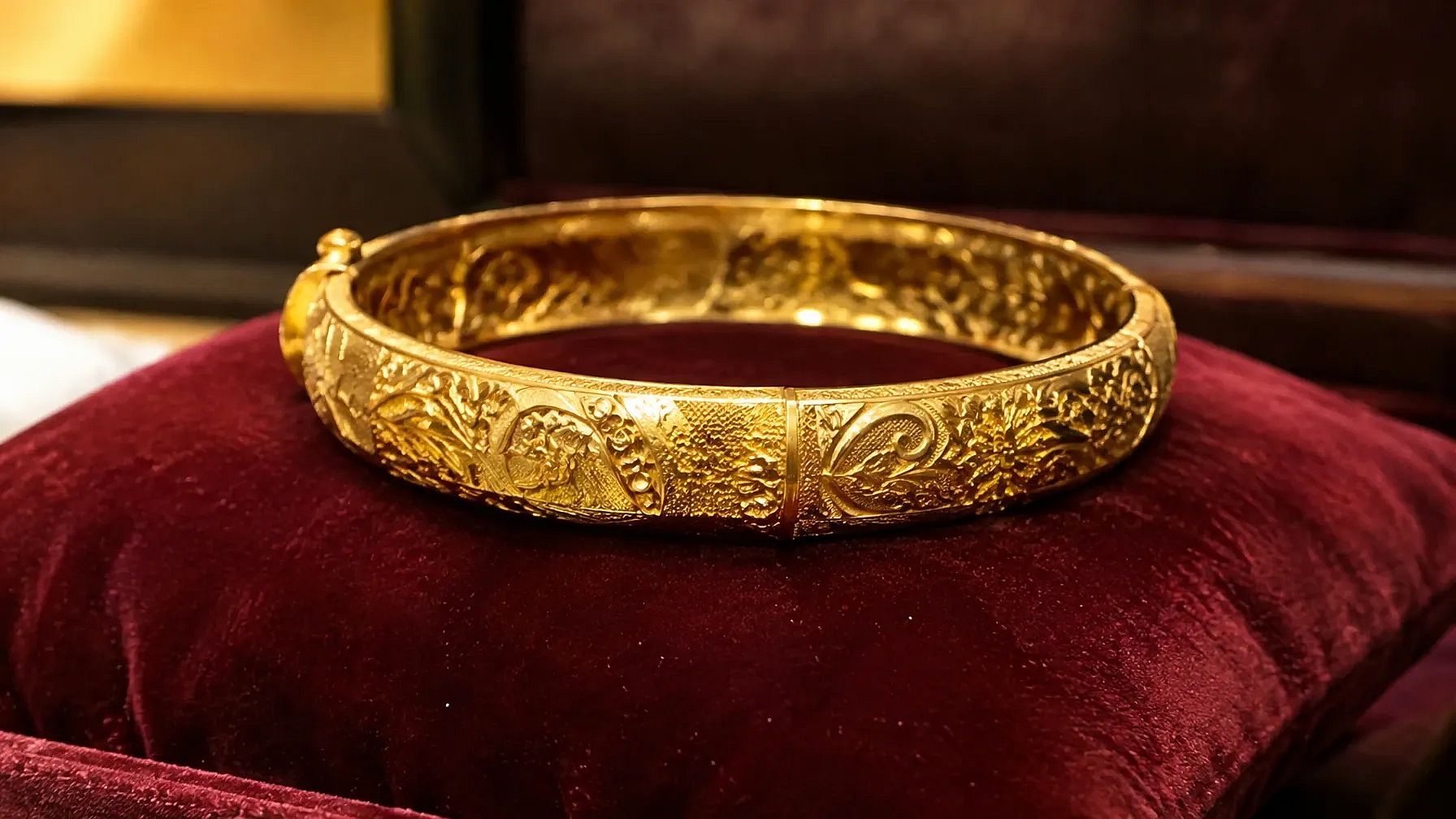
14. Gold bangle on velvet
Realistic, high-resolution photo of a gold bangle with intricate patterns, placed on a velvet cushion.
Jewelry Design Prompt
Use this prompt to sketch a new piece before you make it. Ask for a top view and a side view in the same image so a jeweler can read the shape.
15. Ring design sketch
Hand-drawn pencil sketch of an engagement ring with an oval diamond and a thin twisted band, top view and side view on white paper, clean design notes style.
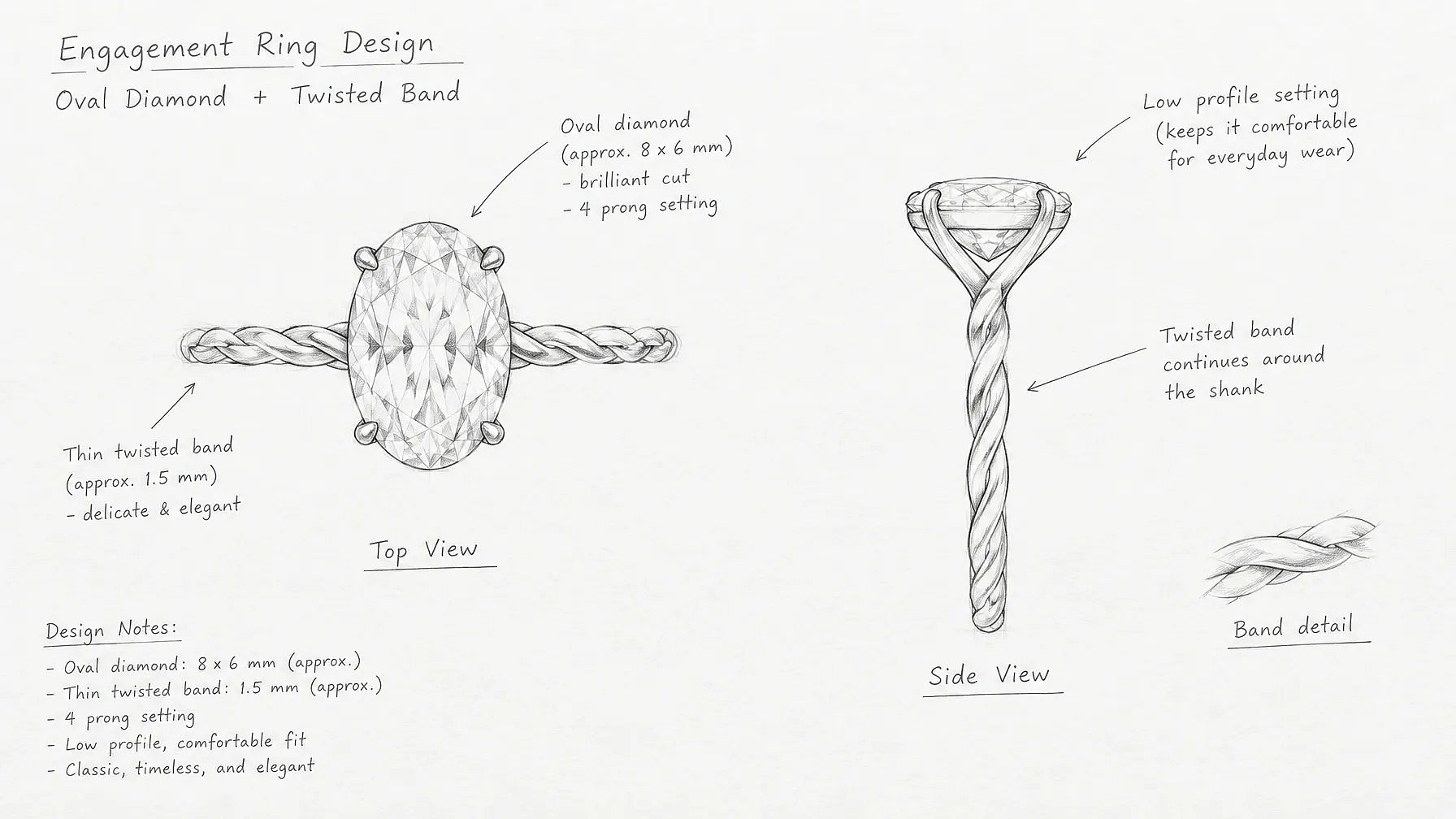
To see the finished piece, swap "pencil sketch" for "photorealistic 3D render" and keep the rest of the prompt. You can change the stone, the band and the metal to design any ring, pendant or earring.
Jewelry Prompt Tips for Better Results
Light changes how metal and stones look more than any other word in a jewelry prompt. Pick the light that fits your piece, then copy the phrase into your prompt.
| Light | Best for | Phrase to add |
|---|---|---|
| Soft window light | Gold, pearls and everyday listings | "soft window light from the left" |
| Single spotlight | Diamonds and luxury ads | "one soft spotlight from above on black velvet" |
| Bright studio light | White store backgrounds | "bright, even studio light" |
| Warm candle glow | Bridal and festive sets | "warm candle glow" |
| Rim light | Floating shots and glossy surfaces | "soft rim light around the edges" |
Common jewelry prompt mistakes
- Leaving out the metal or stone, so the AI guesses the color.
- Putting too many pieces in one image. Small details stay sharper with one or two pieces.
- Forgetting "keep the jewelry exactly the same" when you edit a real product photo.
- Choosing a busy background for small pieces like studs or thin chains.
How to Use These Jewelry Prompts on OpenArt
You can use any prompt on this page with your own jewelry photo in three steps.
- Upload your photo. Open Edit Image on OpenArt and upload a clear photo of your piece. A phone photo in good light works fine.
- Paste a prompt. Copy a prompt from this page and paste it in Describe mode. To change only the background, switch to Area Edit and highlight it first.
- Generate and download. Check the results and tweak the prompt if you want a different look. Download the images you like.
No photo yet? Paste a prompt into the AI image generator instead. You can pick a model like Nano Banana Pro, GPT Image 2 or Seedream 4.5.
Using these prompts in Gemini, ChatGPT or Midjourney
Every prompt on this page is plain text, so it also works in Gemini, ChatGPT and Midjourney. In Gemini or ChatGPT, upload your jewelry photo in the chat, then paste the prompt and send it. Start with "Use the jewelry in my photo and keep it exactly the same" so the piece stays true to life.
Turn a jewelry prompt into a video
A short jewellery video catches the eye in Reels and ads. Make a product shot with any prompt above, then open the AI video generator and describe the motion. For example: "The ring turns slowly on the marble, and light moves across the diamond."
Frequently Asked Questions
What is the best prompt for jewelry photography?
The best jewelry photography prompt names the piece, its metal or stone, the surface, the light and the camera angle. For example: "Gold ring with an emerald on white marble, soft window light, close-up, shallow depth of field." Start with a plain background and soft light, since that shows the most detail.
How do I use a jewellery prompt in Gemini or ChatGPT?
Upload a photo of your jewelry in the chat, then paste a prompt from this page. Start the prompt with "Use the jewelry in my photo and keep it exactly the same" so the piece stays true to life. On OpenArt you can run the same prompts with Nano Banana Pro, Google's image model, or with GPT Image 2.
How do I keep my jewelry the same when I edit the photo?
Start your prompt with "Keep the jewelry exactly the same." For the most control, open Edit Image on OpenArt, switch to Area Edit and highlight only the background. The AI then changes the area you picked and leaves your piece alone.
What is the best background for jewelry photos?
White and light gray backgrounds work best for online store listings. Black velvet makes gold and diamonds stand out. For ads, pick warm tones like cream or wood for gold, and cool tones like stone or glass for silver.
What is a good prompt for earring photography?
Show earrings from the side or hanging from a stand, so the full shape is visible. Try: "Close-up of gold drop earrings hanging from a white stand, soft studio light, plain light gray background." For studs, a top-down view on velvet shows the sparkle best.
Can AI place jewellery on a model?
Yes. Name the body part and the crop in your prompt, such as "close-up of a woman's neck wearing a thin gold chain." If you have a product photo, upload it first and ask the AI to keep the piece exactly the same.
How do I make a jewellery ad or poster with AI?
Use a prompt that leaves empty space for text, like the sale ad and shop poster prompts above. Then add your shop name, headline and price in your design app. You can also turn the finished image into a short video for Reels.
Are these jewelry prompts free to use?
Yes. Every prompt on this page is free to copy and use. You can also try them on OpenArt with 40 free trial credits.