

 ChatGPT
 Perplexity
 Claude
 Gemini
Good Halloween AI prompts name the costume, the setting, and the light, and they tell the AI to keep your face the same. Every prompt below is ready to copy into OpenArt's AI Halloween generator with your own selfie.
Key takeaways
- A strong Halloween AI prompt names a costume, a setting, and a light source.
- Start every selfie prompt with a line that keeps your face and features the same.
- Gemini's image models run on OpenArt under the Nano Banana name, including Nano Banana Pro and Nano Banana 2.1.
- GPT Image 2.5 writes exact words into a Halloween image when you put the words in quotation marks.
- Instagram feed posts use 4:5, TikTok and Reels use 9:16, and YouTube thumbnails use 16:9.
How do you use these Halloween AI prompts on OpenArt?
OpenArt runs Google's Gemini image models under their Nano Banana name, so Gemini Halloween prompts work on OpenArt. OpenAI's GPT Image 2.5 also sits in the same model menu, which offers similar photo-realistic results.
- Upload your photo. Open Create Image in the AI Halloween generator and upload a clear, well-lit selfie.
- Pick a model and paste a prompt. Choose Nano Banana Pro, Nano Banana 2.1, or GPT Image 2.5, then paste a prompt from this post.
- Set the size and generate. Pick the aspect ratio for your platform and generate.
Halloween AI prompts for selfies, by persona
These selfie prompts are written for Nano Banana Pro and Nano Banana 2.1, Google's Gemini image models on OpenArt.
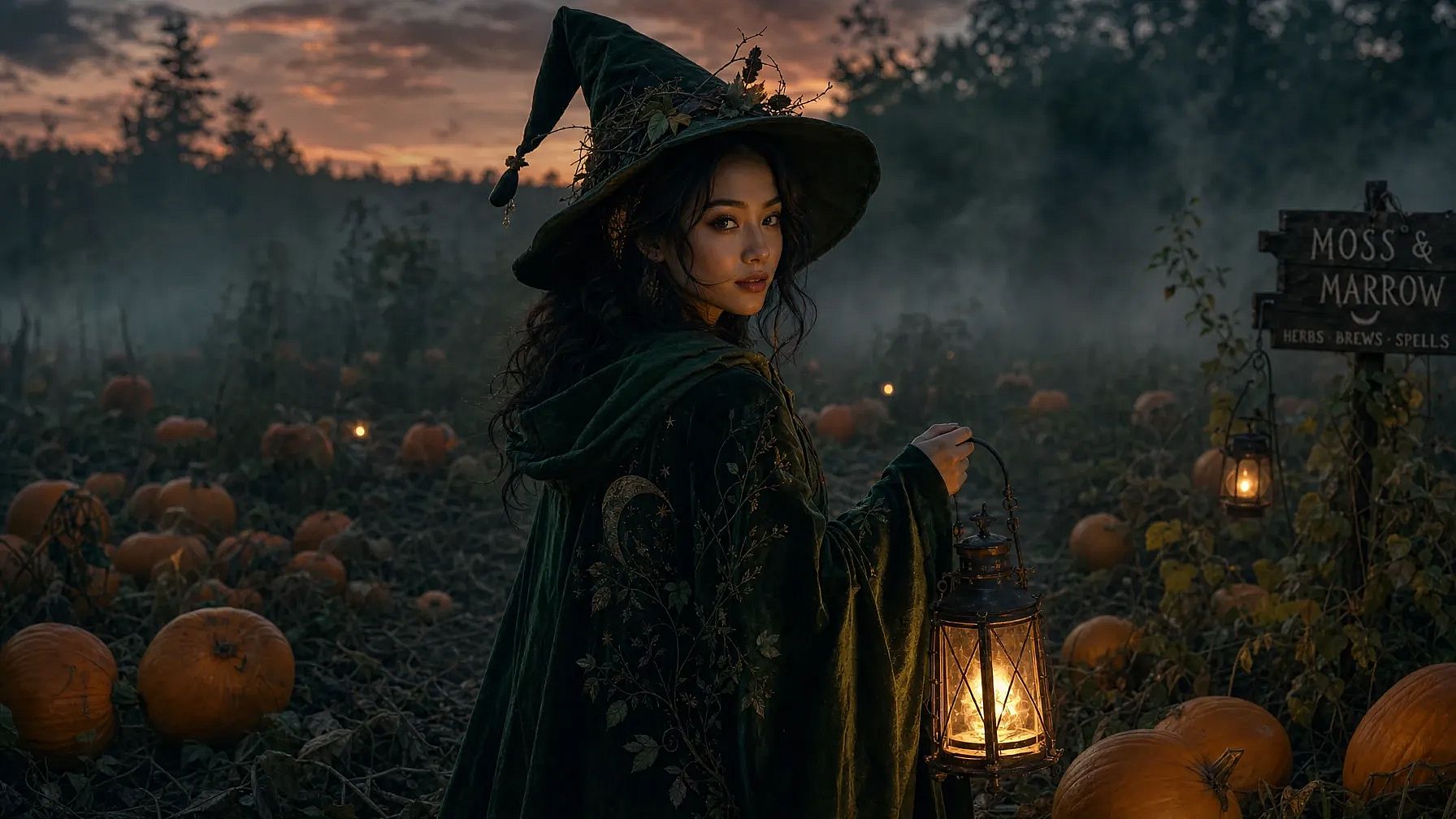
The creator selfie. Social media creators use this prompt for a costume post that still looks like them.
Edit the uploaded selfie. Keep my face, features, and expression exactly the same. Dress me as a forest witch in a dark green cloak and a pointed hat, standing in a misty pumpkin patch at dusk, warm lantern light.
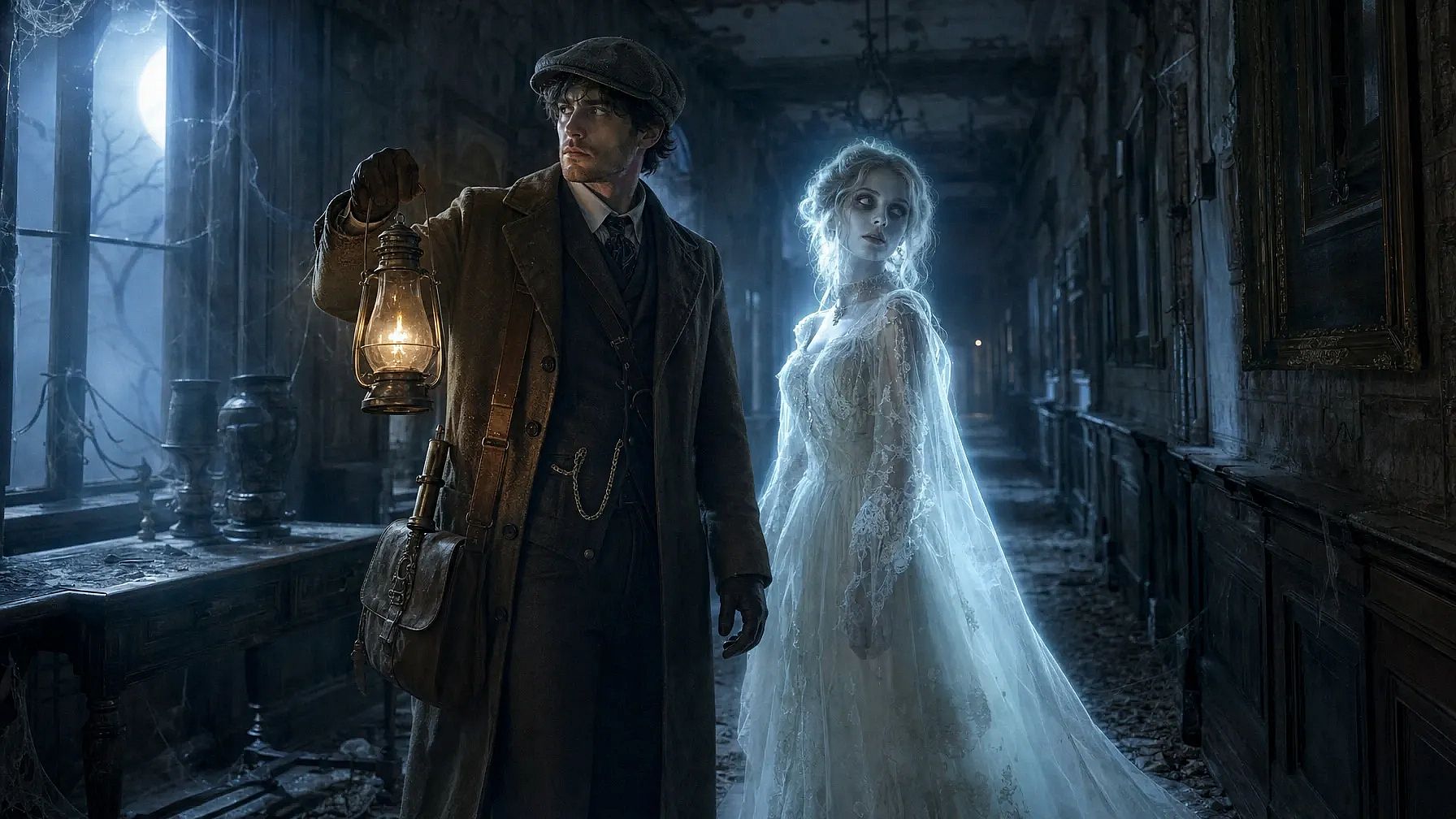
The couple photo. Two-person prompts need a line that keeps both faces apart.
Edit the uploaded photo of two people. Keep both faces exactly the same and do not blend them. Dress one as a 1920s ghost hunter holding a lantern and the other as a pale glowing ghost in a lace gown, in a dusty mansion hallway, cold blue moonlight.
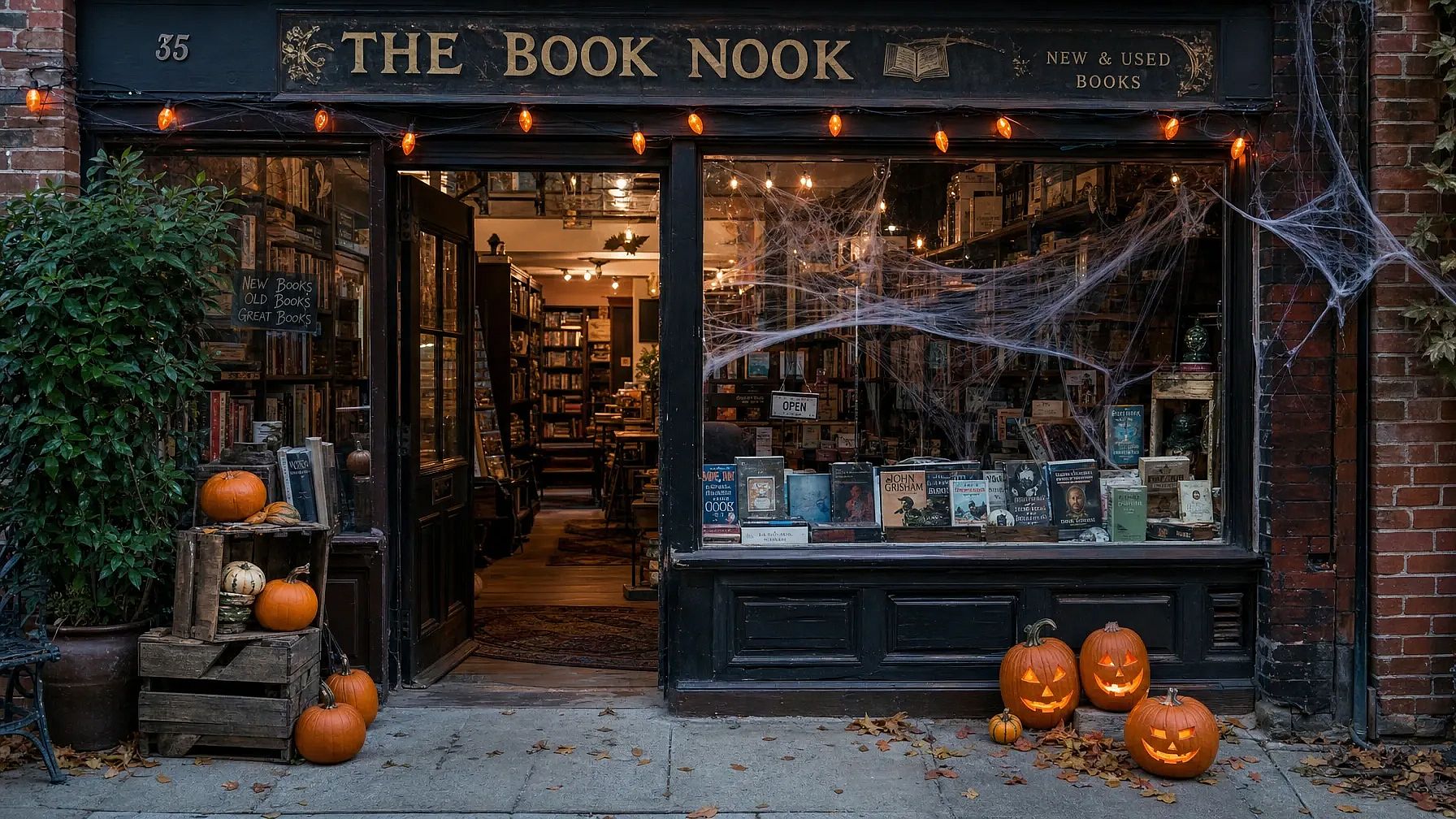
The small business owner. Shop owners use this prompt to see Halloween decorations on their own storefront.
Edit the uploaded photo of my shop. Keep the building, sign, and products exactly the same. Add carved pumpkins by the door, orange string lights, and fake cobwebs in the window.
Halloween AI photo prompts, by look
The 1920s spirit photo.
Edit the uploaded photo. Keep my face exactly the same. Turn it into a 1920s black-and-white spirit photograph with sepia tones, faded edges, light scratches, and a faint see-through ghost standing beside me.
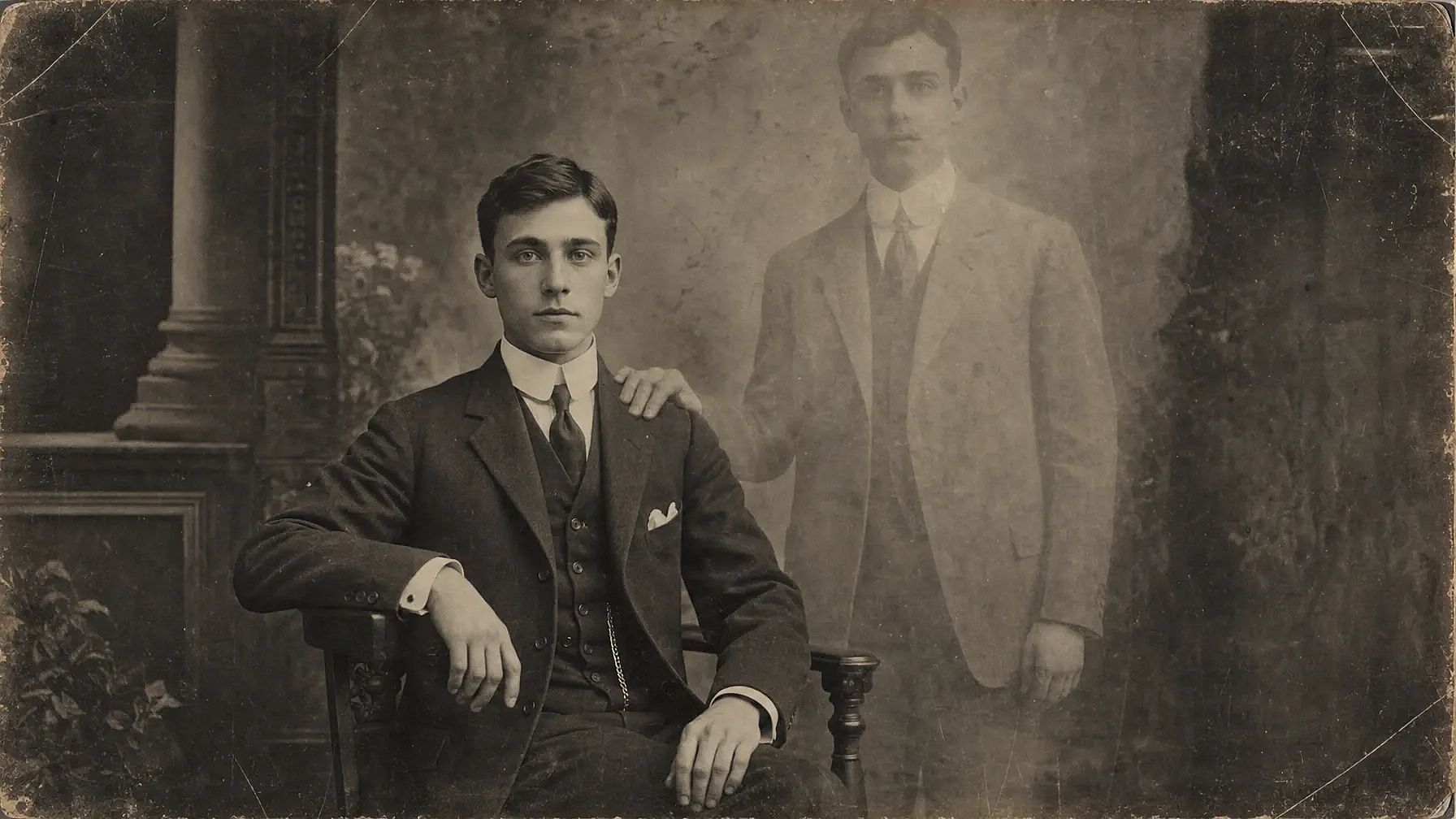
OpenArt's guide to Gemini AI photo prompts has more Halloween looks, including the VHS horror still and sugar-skull makeup.
Halloween AI prompts for GPT Image 2.5
GPT Image 2.5 is OpenAI's image model on OpenArt, and it comes in two modes. Flare is the fast mode for trying ideas. Sunburst is the high-quality mode for final images and careful edits.
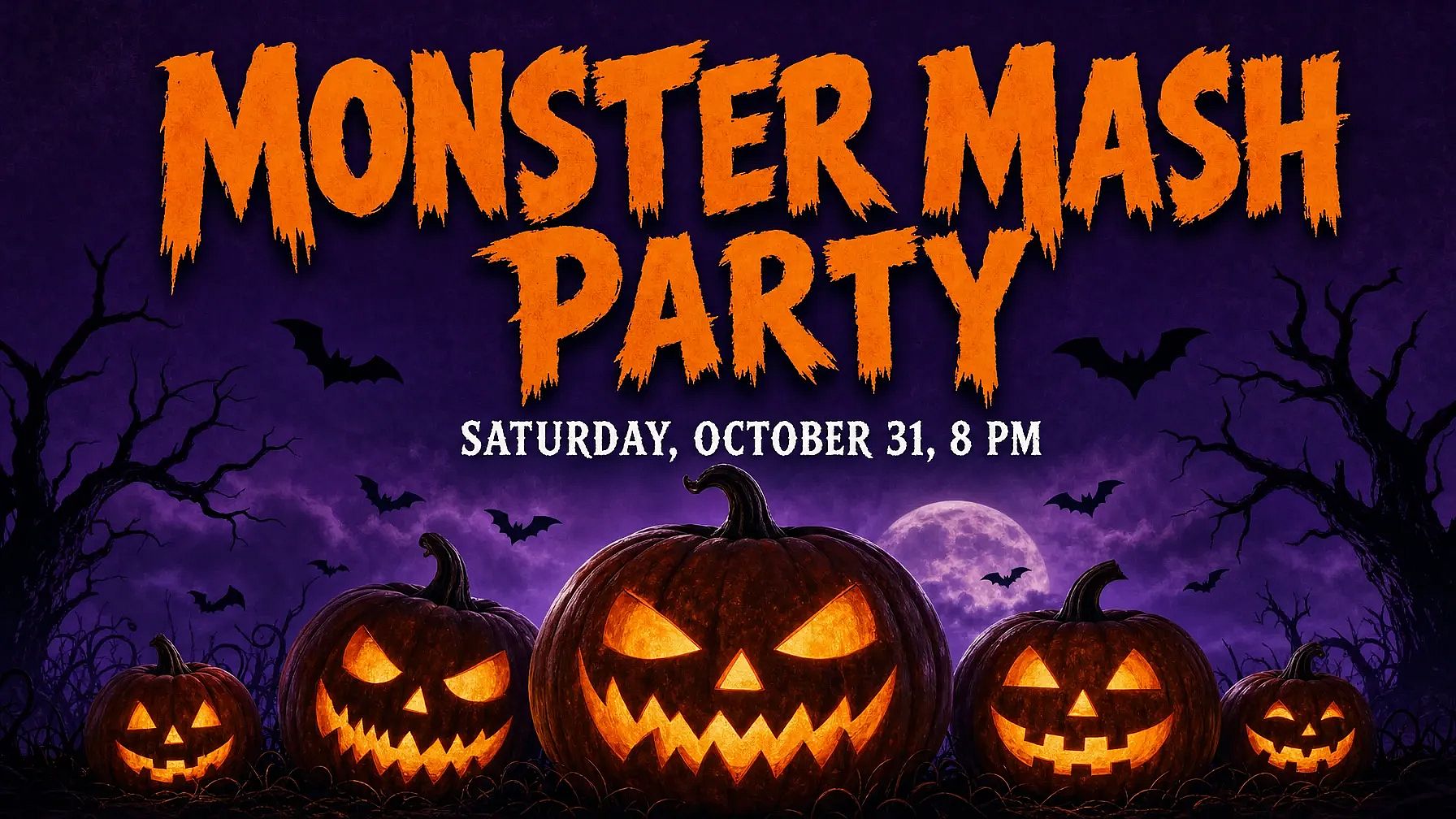
The Halloween party flyer. GPT Image 2.5 writes the exact words you put in quotation marks.
A Halloween party flyer on a dark purple background, with carved pumpkins and bats along the bottom edge. The headline "Monster Mash Party" sits at the top in bold orange letters, and "Saturday, October 31, 8 PM" sits underneath in small white letters. No other text.
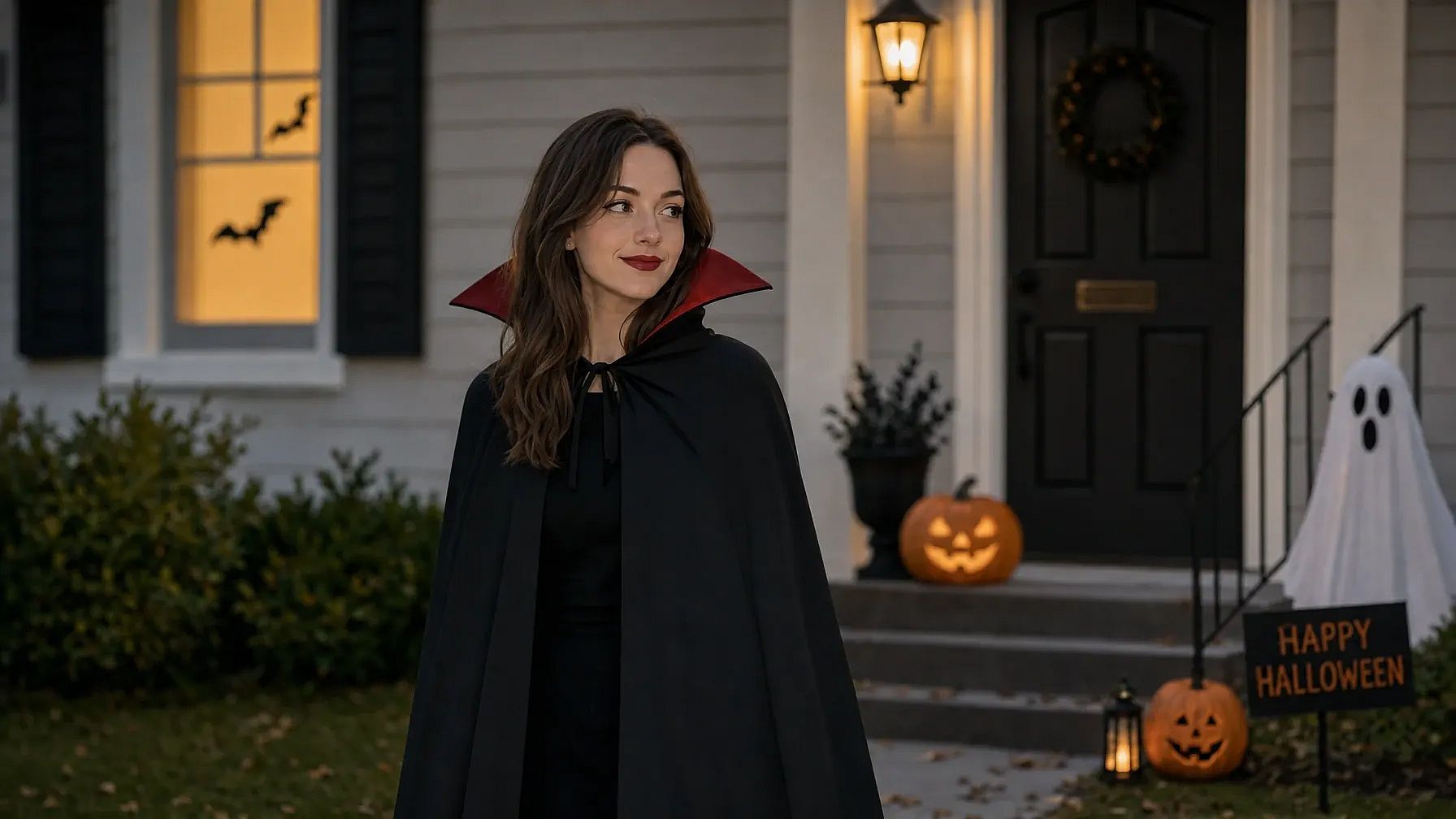
The one-change costume edit. Name the one thing to change, then list what should stay the same. Use Sunburst mode for this edit.
Change only my outfit to a black vampire cape with a high red collar. Keep my face, hair, expression, pose, and background exactly as they are. Keep the lighting the same.
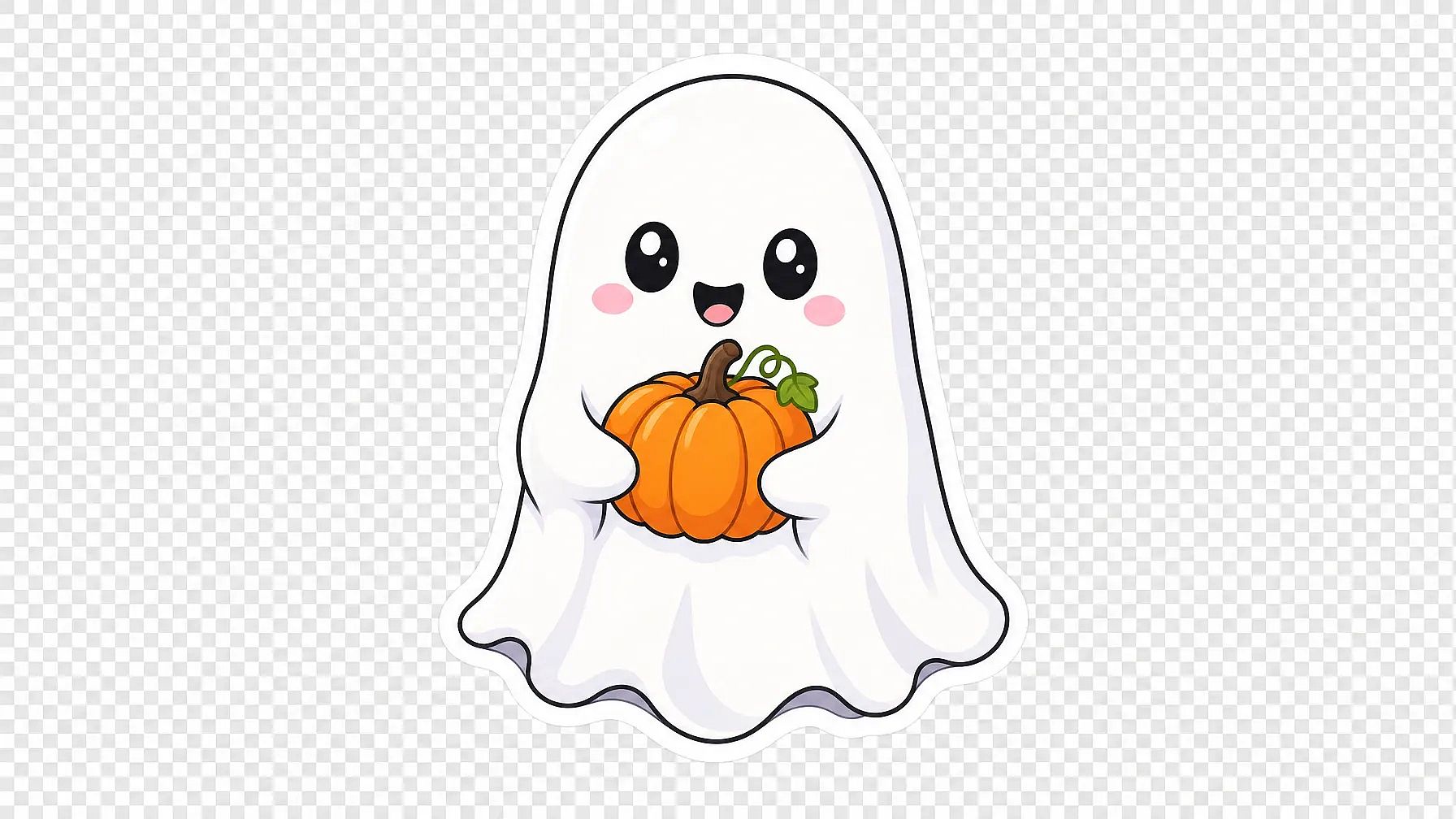
The Halloween sticker. GPT Image 2.5 makes images with a transparent background, so the sticker drops onto any post or product.
A cute cartoon ghost holding a small orange pumpkin, thick white outline, sticker style. Transparent background, no shadow, no text.
Halloween AI prompts by platform
Set the aspect ratio for your social platform in the AI image generator, then add the platform line to the end of any prompt above.
| Platform | Aspect ratio | Add this line to your prompt |
|---|---|---|
| Instagram feed | Instagram feed posts use 4:5. | "Face in the upper third of the image." |
| TikTok and Reels | TikTok and Reels use 9:16. | "Empty space at the top and bottom for captions." |
| YouTube thumbnail | YouTube thumbnails use 16:9. | "Face on the left, empty space on the right for title text." |
| X | X posts show 16:9 images in full. | "One clear subject in the center." |
| A square 1:1 image works well in the LinkedIn feed. | "Simple clean background." |
FAQs
How to write a good Halloween AI prompt?
Good Halloween AI prompts name the costume, the setting, and the light. Selfie prompts also need a first line that keeps your face and features the same.
How do I use Gemini AI for Halloween photos?
Gemini's image models are called Nano Banana. On OpenArt, open Create Image, upload your selfie, choose Nano Banana Pro or Nano Banana 2.1, and paste a Halloween prompt.
Do Halloween prompts work with GPT Image 2.5?
Yes. The Halloween prompts in this post use plain words, so they work with GPT Image 2.5 in OpenArt's Create Image. GPT Image 2.5 also makes Halloween images with exact words, like a party flyer, and with a transparent background, like a sticker.
Can I use a celebrity or movie character in a Halloween AI prompt?
Use an original character instead of a real celebrity or a movie character. Describe the costume, the colors, and the setting, like "a pale ghost in a lace gown in a dusty mansion hallway."