



OpenArt vs Krea AI:Which Gets You More Video for Your Money?
Pick OpenArt for broader video model access, multi-scene production, and character consistency across models. OpenArt's AI Video Generator, AI Image Generator, and Director cover production end to end, all under one pricing plan. Try OpenArt free with 40 credits, no credit card needed.
OpenArt vs Krea, By Decision Factor
| Decision Factor | OpenArt | Krea |
|---|---|---|
| Output per dollar | OpenArt gives you 125 video generations at roughly $30. Model choice affects the total. | Krea gives you about 37 generations for the same cost. Model choice affects the total. |
| Video model access | Starter includes all available models under one pool of credits. | Basic includes selected video models. Pro unlocks the full catalog. |
| Workflow | Director and Smart Shot use prompts, templates, and storyboards for complex workflows. | Krea Nodes chains models and steps into reusable pipelines. |
| Character consistency | Character Builder retains one consistent persona for reuse across models and generations. | LoRA training applies separately to each base model. |
| Image creation and editing | OpenArt combines multiple image models for rapid generations, in-canvas editing, and 4K upscaling. | Krea combines multiple models with live generation, enhancement, and LoRA training. |
| Upscaling ceiling | OpenArt upscales images and video to 4K. | Paid Krea plans upscale images to 22K. |
OpenArt vs Krea Pricing
OpenArt Starter unlocks the full model catalog, MCP access, and one shared credit pool across image, video, audio, and 3D. Krea Basic offers more nominal units but gates full video access behind Pro and skips the agent connector. One community test found OpenArt returning about 3x more videos per dollar at the same spend.
Get Up to 27% OffAnnual price shown · 4,000 credits / month
Annual price shown · 5,000 compute units / month
What Sets OpenArt Apart
OpenArt and Krea take different approaches to the same job. Here is where that shows up in practice.
Build one character and reuse it across models
OpenArt Character Builder creates a persistent character from a reference photo, a text prompt, or a preset, and saves the identity for future images and videos. You can reuse that character across models without training a separate LoRA for each one. Krea supports LoRA training, but each base model requires its own training process.
Produce complete multi-scene videos
Director turns a brief into a storyboard-driven video with recurring characters, environments, and voices. The workflow suits product ads, UGC campaigns, and narrative projects that need continuity across several scenes. Krea Nodes and App Builder give technical users stronger procedural control, but Krea does not offer a direct equivalent to Director's guided production workflow.
Access the full video catalog sooner
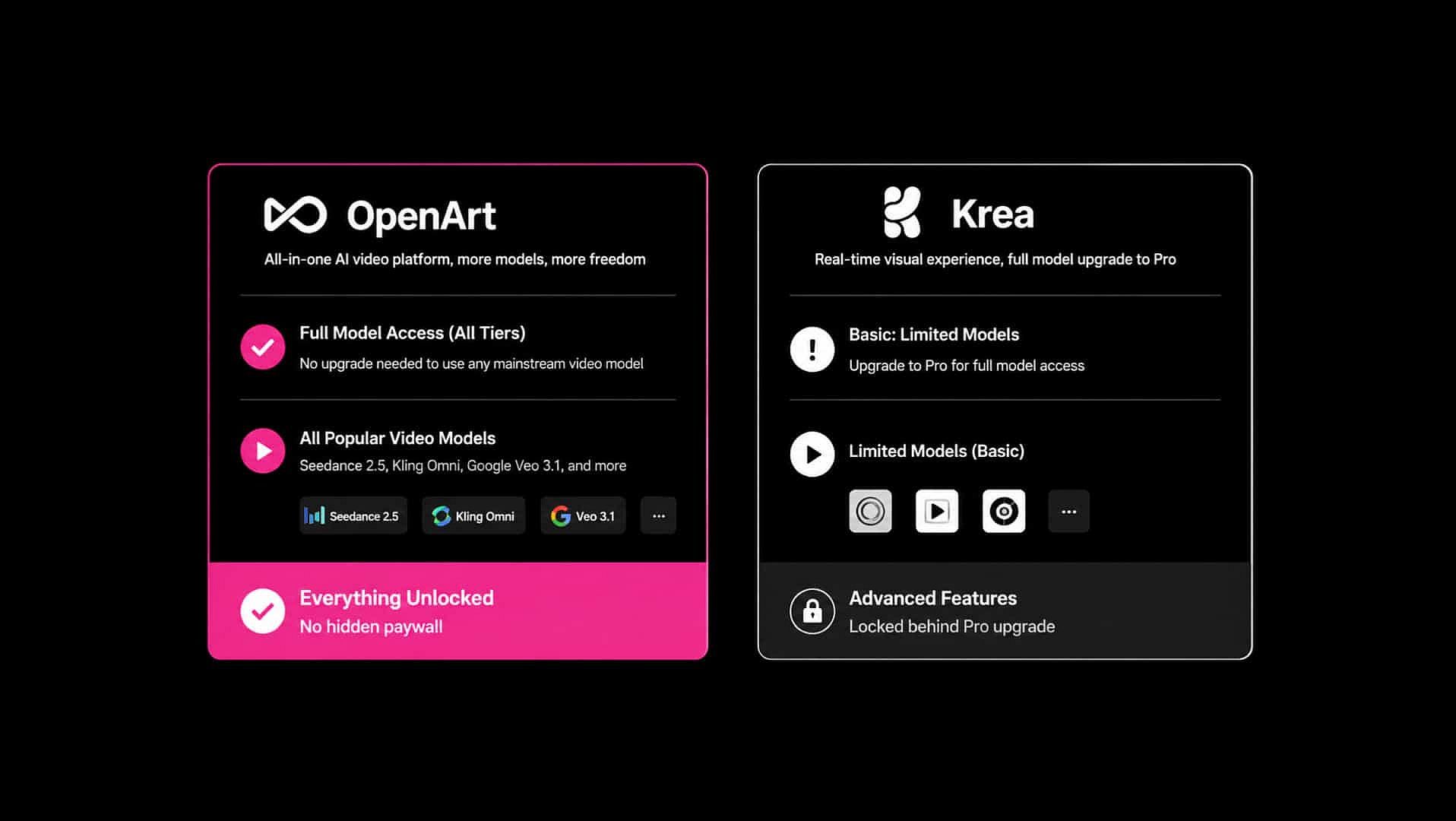
OpenArt includes its full model selection with the entry paid tier, so you can use options such as Seedance 2.5, Kling Omni, and Google Veo 3.1 without upgrading for broader access. The AI Video Generator keeps those models in one interface. Krea Basic limits you to selected video models, while full video model access starts with Pro. Krea still offers the better experience when you want live visual feedback while typing or drawing.
Edit images without leaving the platform
The AI Image Generator pairs multiple image models with in-canvas inpainting, background replacement, restyling, and upscaling to 4K, so a still image and its edits stay in one workspace. Krea covers similar editing ground through its enhancer and background remover, plus real-time generation for early concept work. Krea still wins on raw upscaling ceiling, since paid plans reach 22K against OpenArt's 4K.
How to Create with OpenArt
Create AI Images and Videos with OpenArt in Simple Steps
Type what you want to make
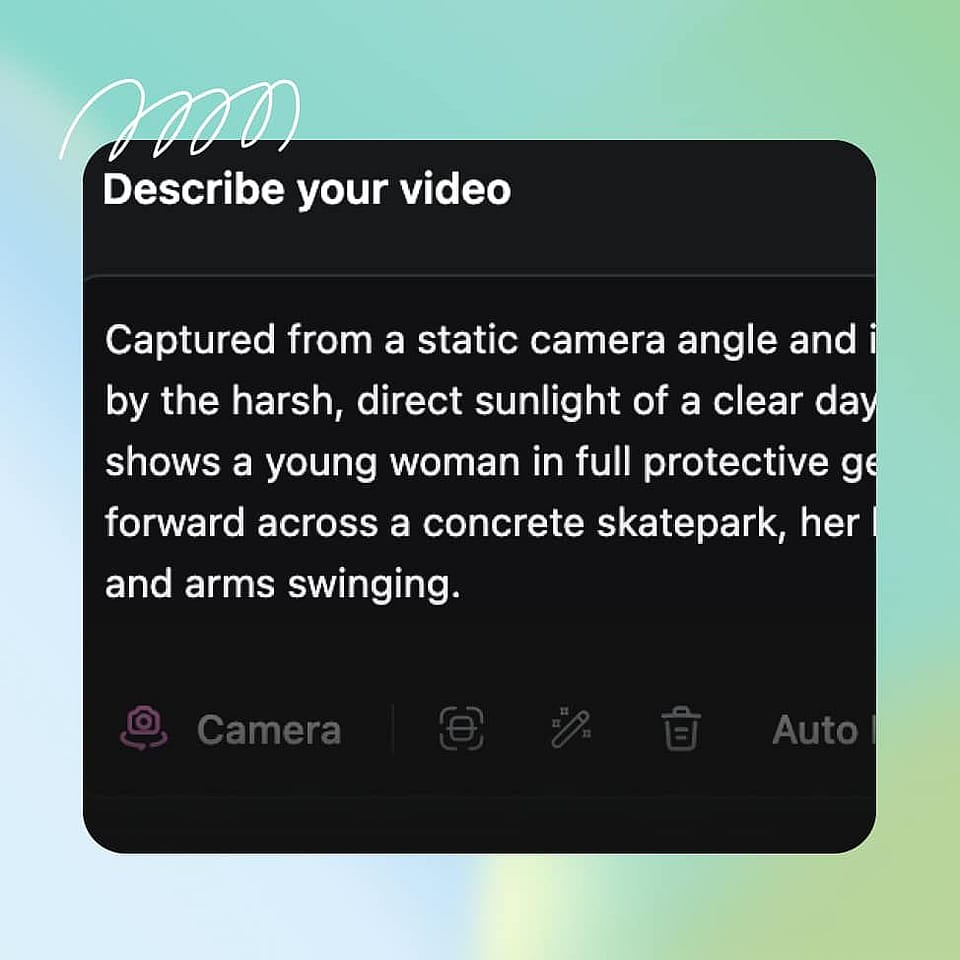
Sign in to OpenArt and land on the home screen, where a single prompt box asks "What are we making today?" Pick a mode tab (Chat, Video, Image, Character, World, or Audio), or leave it on Agent and describe what you want in plain language, such as "Film my perfume bottle on a beach at sunset." Upload any reference photos, products, or characters you want to use.
Choose your settings
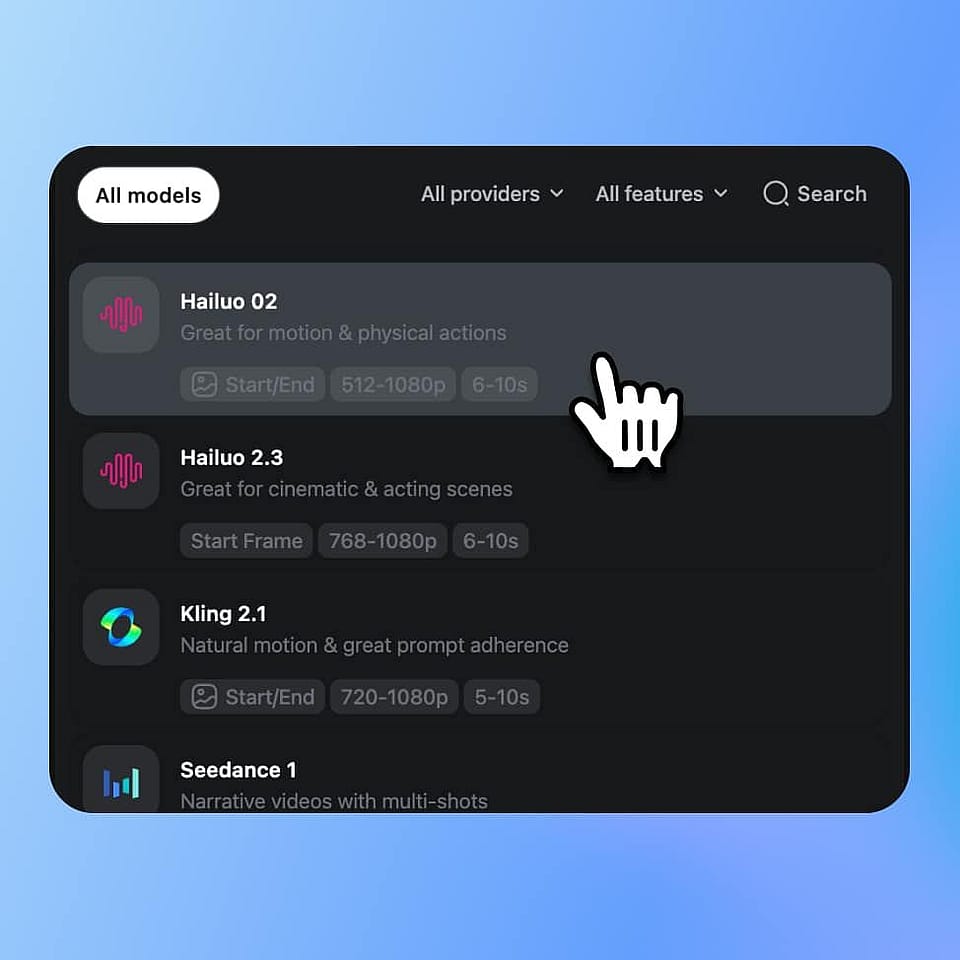
Pick a model and adjust aspect ratio and other generation settings for your chosen mode. Toggle "Ask first" if you want the agent to confirm details like resolution and tone before it generates, or leave it off to generate right away.
Refine and download
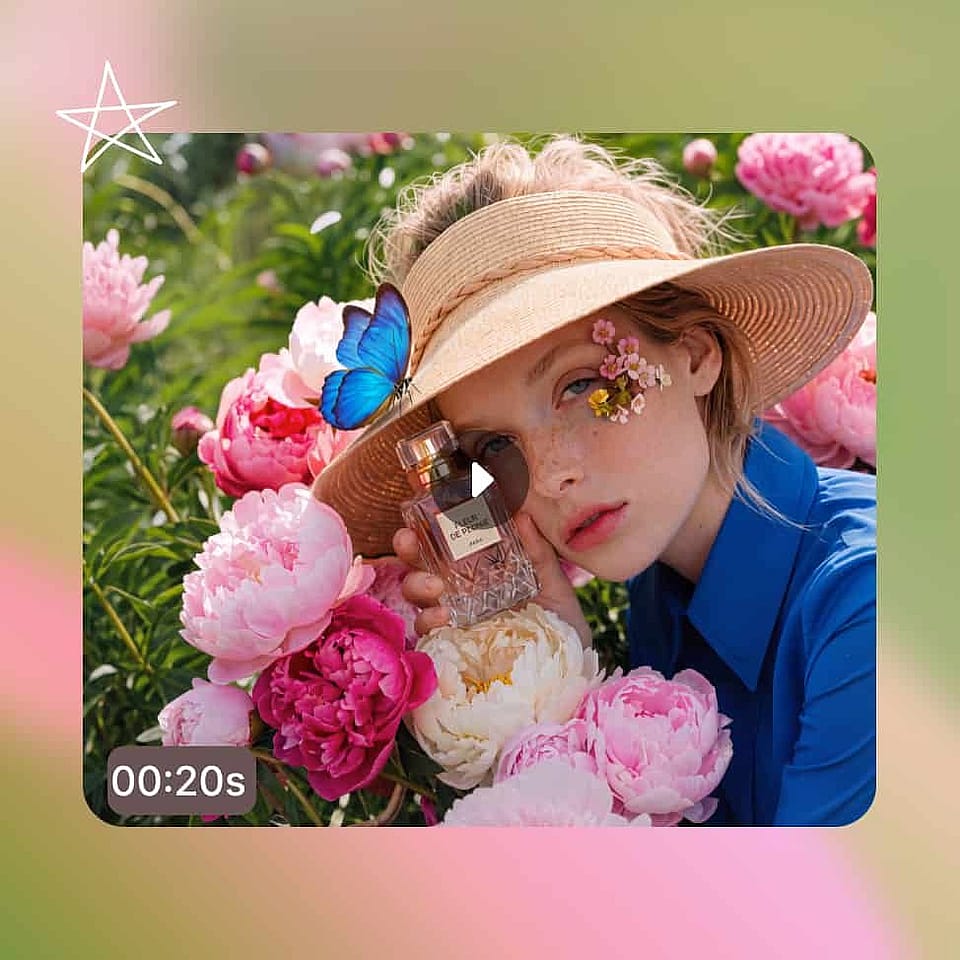
Review the result, edit with a follow-up instruction if something needs to change, and download the finished image or video. Reusable characters, worlds, and brand assets save to your library automatically for your next project.
Match This To How You Actually Work
OpenArt fits creators who want guided production across several media. Krea AI fits creators who prefer live visual feedback or procedural control.
Choose OpenArt if you are...
- You produce multi-scene ads, short films, or social campaigns Director turns a brief into a storyboard and produces videos up to five minutes long with consistent characters and settings.
- You want one subscription for image, video, and audio generation OpenArt plans use a shared credit pool across the creative suite, which makes costs easier to track than separate subscriptions.
- You need the same character across different models and projects Character Builder saves a character to your library, so you can reuse the identity in later images and videos without training a separate LoRA for each model.
- You want to complete an entire project in one workspace The AI Image Generator and video tools share editing tools, reusable assets, and audio production in one place.
Krea is a fit if you are...
- You build procedural pipelines and want control over each step Krea provides Krea Nodes for chaining models and processing steps, plus App Builder for sharing those workflows.
- You iterate on image prompts through immediate visual feedback Krea's real-time canvas updates while you type or draw, which suits rapid concept exploration.
- You already rely on established Krea Nodes, LoRAs, or internal apps Keeping Krea may cost less time than rebuilding those workflows elsewhere.
Frequently Asked Questions
Loved by Creators Worldwide
See what our community has to say
I've tried many AI platforms… but OpenArt is still the best for character creation, image-to-video quality, and the variety of models available.
OpenArt offers an excellent array of AI tools… once you learn the features, the creative possibilities are amazing - and their support team is outstanding.
OpenArt is a very versatile AI platform with many image and video models, consistent character creation, and powerful editing tools.
Helpful AI tools all in one place - image and video generation, editing, and more… no need for multiple subscriptions.
Customer service is always quick and helpful… and the platform keeps getting better with new features and tools.
I've tried many AI platforms… but OpenArt is still the best for character creation, image-to-video quality, and the variety of models available.
OpenArt offers an excellent array of AI tools… once you learn the features, the creative possibilities are amazing - and their support team is outstanding.
OpenArt is a very versatile AI platform with many image and video models, consistent character creation, and powerful editing tools.
Helpful AI tools all in one place - image and video generation, editing, and more… no need for multiple subscriptions.
Customer service is always quick and helpful… and the platform keeps getting better with new features and tools.
I've tried many AI platforms… but OpenArt is still the best for character creation, image-to-video quality, and the variety of models available.
OpenArt offers an excellent array of AI tools… once you learn the features, the creative possibilities are amazing - and their support team is outstanding.
OpenArt is a very versatile AI platform with many image and video models, consistent character creation, and powerful editing tools.
Helpful AI tools all in one place - image and video generation, editing, and more… no need for multiple subscriptions.
Customer service is always quick and helpful… and the platform keeps getting better with new features and tools.
With so many AI platforms out there, OpenArt stood out as a stellar choice - I'd recommend it to any creator.
This platform includes everything you need for AI content creation - images, video, characters, audio, and multiple AI models in one place.
OpenArt is pushing the boundaries of AI video creation… and it's clear the team is committed to improving the creator experience.
I made my first AI music video with OpenArt… and their support team was the best help I've ever experienced.
I'm very happy with the support - my issue was resolved quickly and the team made the process easy.
With so many AI platforms out there, OpenArt stood out as a stellar choice - I'd recommend it to any creator.
This platform includes everything you need for AI content creation - images, video, characters, audio, and multiple AI models in one place.
OpenArt is pushing the boundaries of AI video creation… and it's clear the team is committed to improving the creator experience.
I made my first AI music video with OpenArt… and their support team was the best help I've ever experienced.
I'm very happy with the support - my issue was resolved quickly and the team made the process easy.
With so many AI platforms out there, OpenArt stood out as a stellar choice - I'd recommend it to any creator.
This platform includes everything you need for AI content creation - images, video, characters, audio, and multiple AI models in one place.
OpenArt is pushing the boundaries of AI video creation… and it's clear the team is committed to improving the creator experience.
I made my first AI music video with OpenArt… and their support team was the best help I've ever experienced.
I'm very happy with the support - my issue was resolved quickly and the team made the process easy.
Create without limits
Join thousands of creators using OpenArt to generate stunning images, videos, and more — all in one platform.
Get Started for Free →