
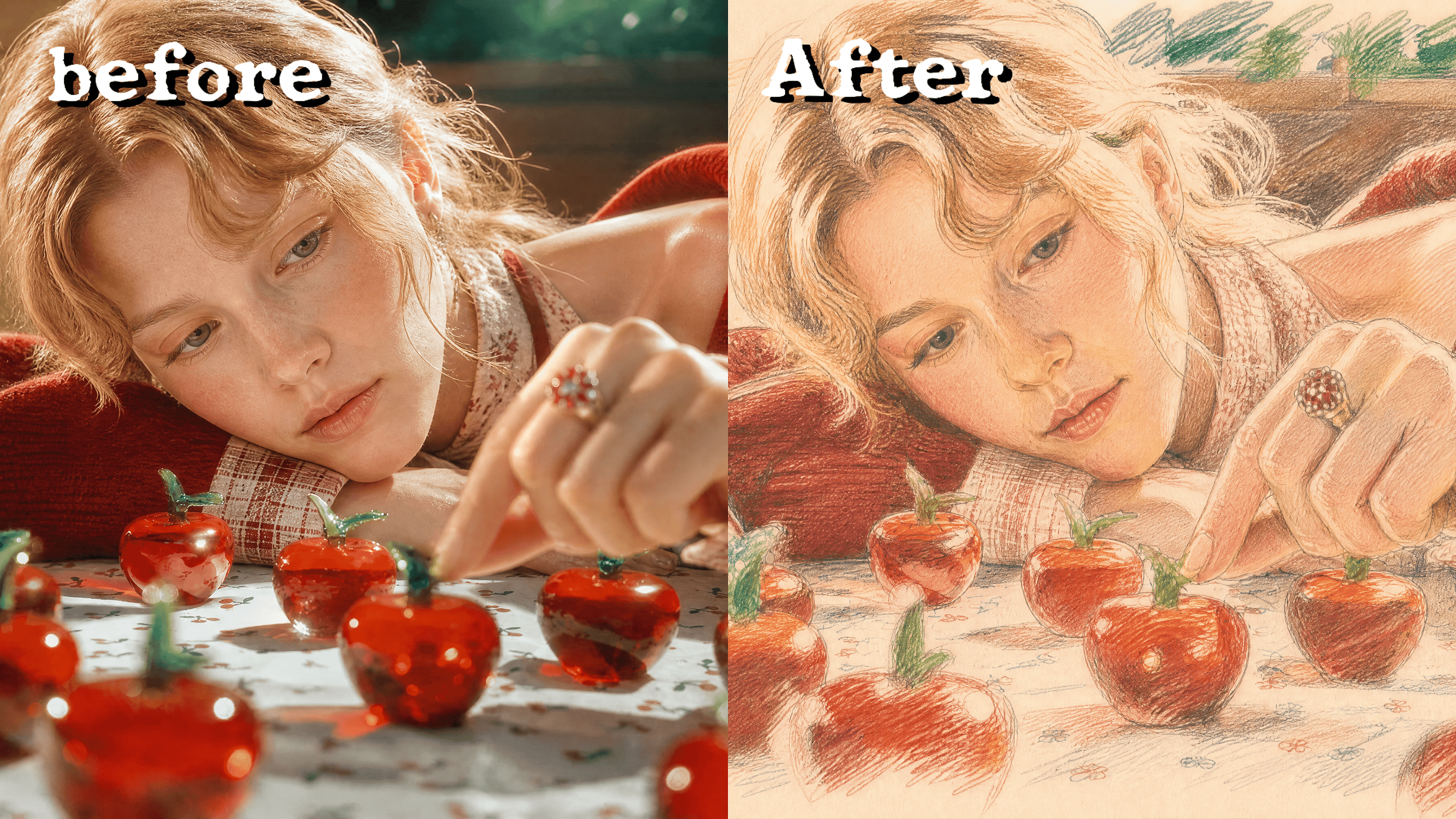
Turn Any Image Into a Sketch
Upload a photo and turn it into pencil, ink, charcoal, or line art. Choose the sketch style and level of detail for portraits, concept art, gifts, storyboards, or design references.



Frequently Asked Questions
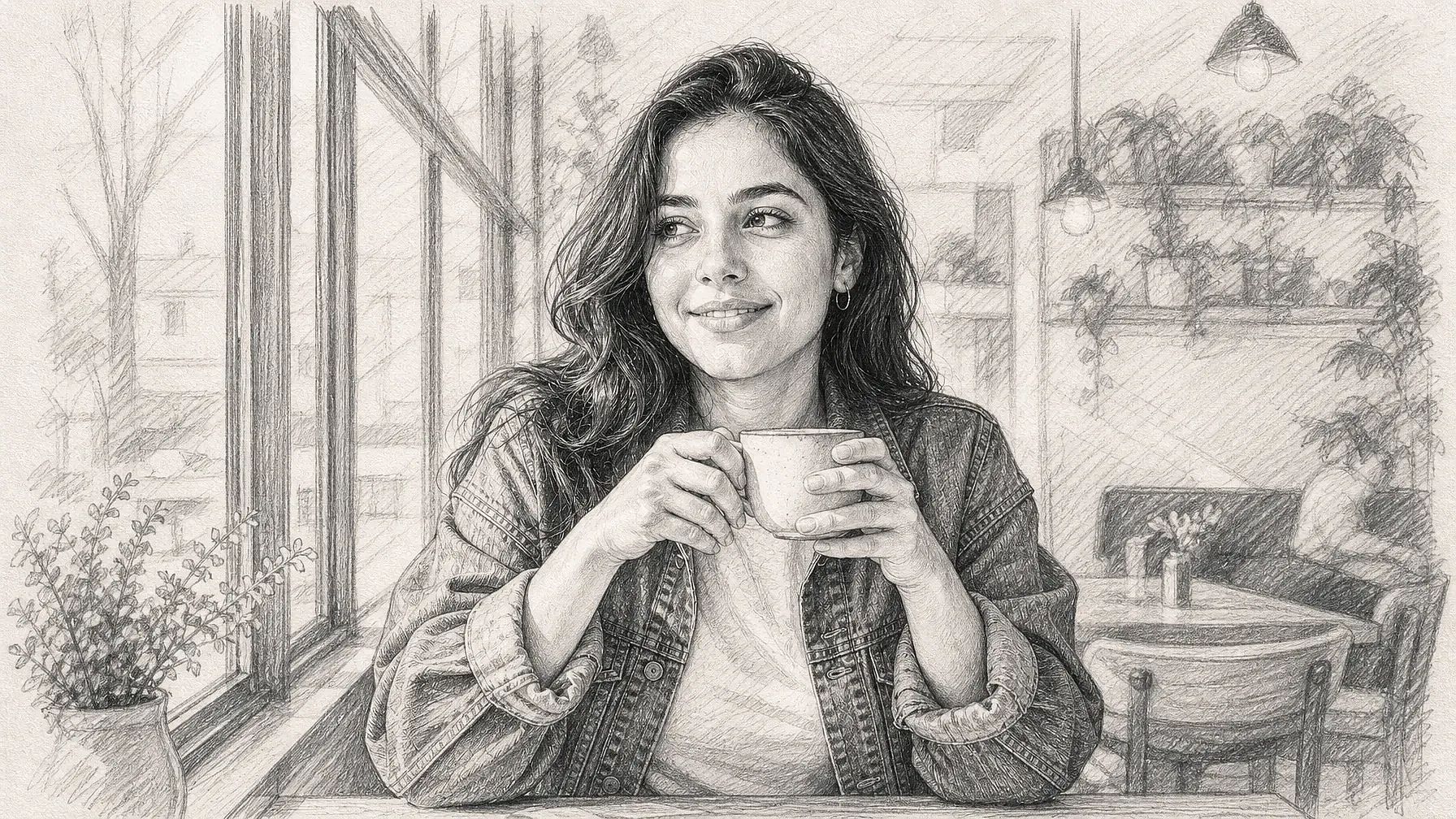
An image to sketch converter transforms a photo into artwork that looks hand-drawn. It can recreate the image with pencil shading, ink lines, charcoal texture, crosshatching, or clean line art.
Use a clear image with a visible subject, balanced lighting, and enough contrast between the subject and background. Sharp portraits, pets, buildings, products, and simple landscapes usually provide stronger outlines.
Yes. Ask for a monochrome graphite drawing, black-and-white pencil shading, or clean grayscale line art. You can also specify whether you want soft shading or bold, high-contrast lines.
Upload your image, choose or describe the sketch style you want, and create the result. You can then refine details such as line weight, shading, background, contrast, and texture.
You can create pencil drawings, charcoal sketches, ink illustrations, crosshatched art, architectural sketches, minimalist outlines, or detailed line drawings. Describe the medium and amount of shading to guide the result.
Sketches can support portraits, gifts, tattoo concepts, coloring pages, storyboards, architectural studies, product concepts, book illustrations, and social posts. Check the applicable usage terms before using an output commercially.