

表情チェンジャー
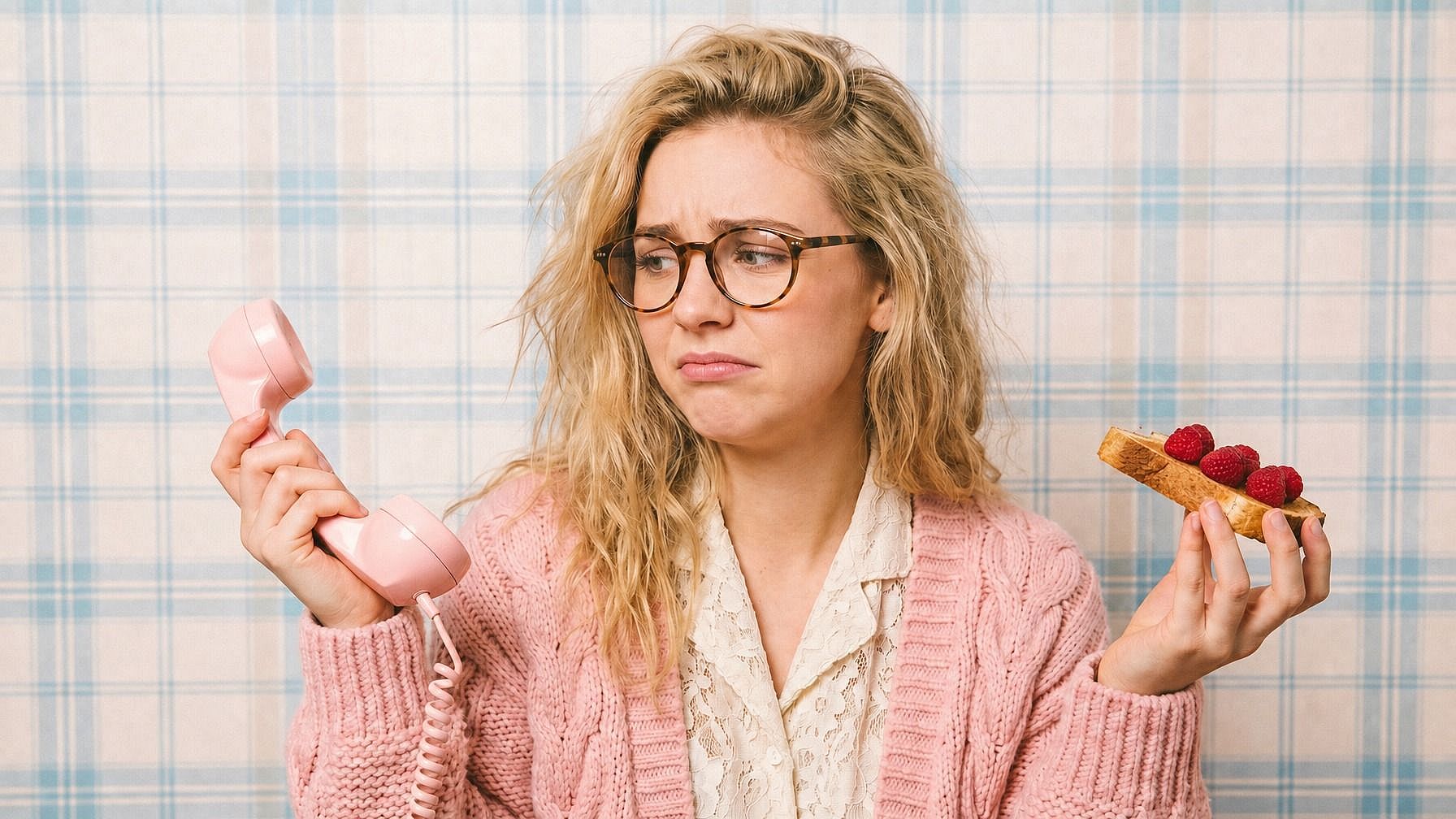
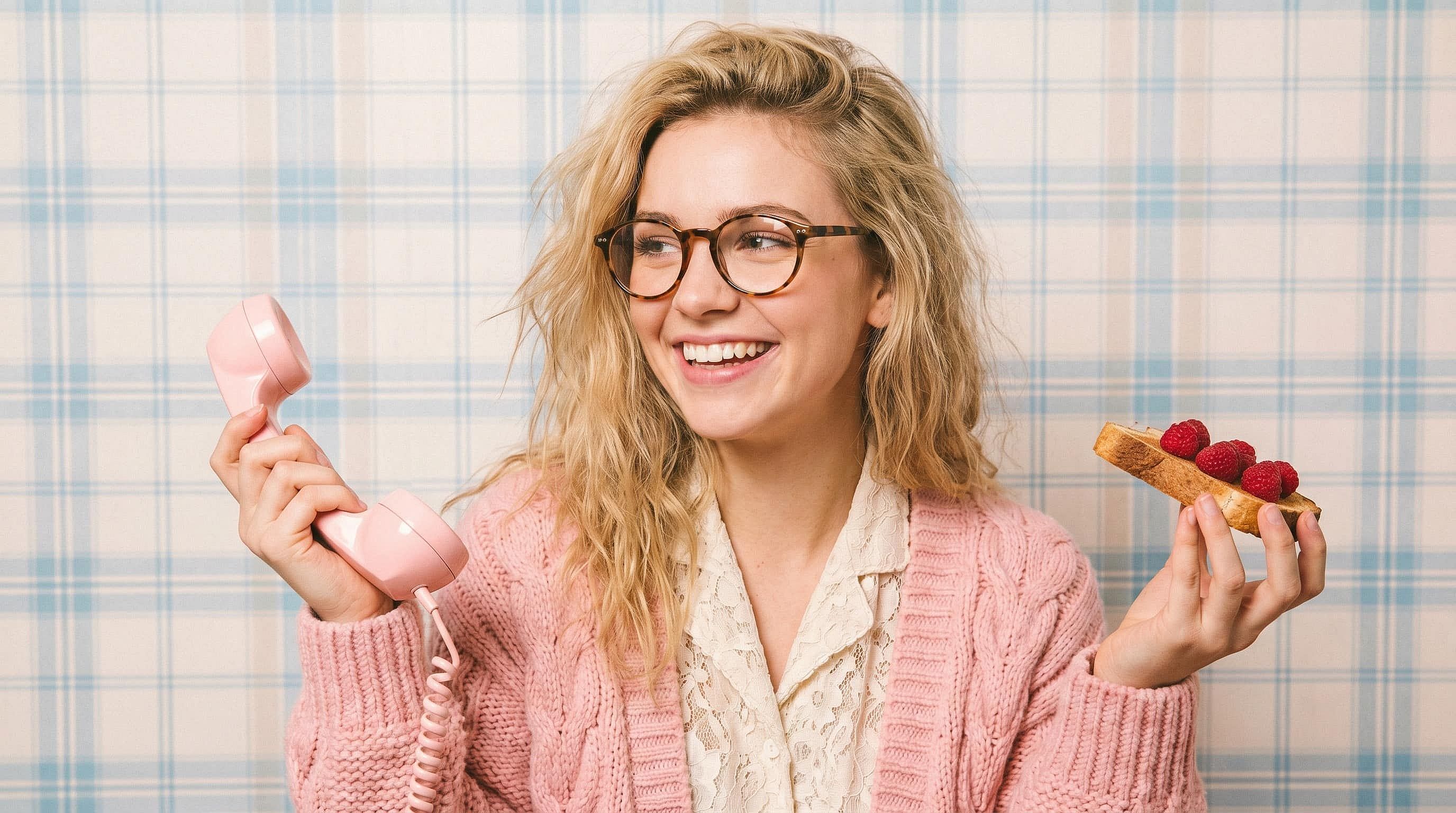
オンラインで表情を変えるツールをお探しですか?OpenArtのAI表情エディターなら、写真の表情を自在に変更できます。笑顔、ウインク、笑い、驚きなど自由自在。同じ顔と照明はそのままに、表情だけを編集します。
 画像を追加 またはここにドラッグ&ドロップ · JPEG、PNG、WEBP、HEICJPEG、PNG、WEBP、HEIC
 コミュニティの作品
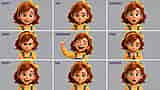
クリエイター、マーケター、ストーリーテラーが表情チェンジャーをどう活用しているかをご覧ください。目を閉じてしまった集合写真の修正、ポッドキャストのサムネイル用リアクションの調整、シリーズを通じたAIキャラクターの豊かな感情表現まで、たった一度の表情編集がもたらす可能性を探ってみましょう。

表情チェンジャーの主な特徴
OpenArt の表情チェンジャーは、精密な写真編集のために作られた最先端の編集モデル(Nano Banana Pro、GPT Image 2.0、FLUX Kontext、Seedream 4.5)で動作します。このツールは顔の表情だけを変え、人物の identity、ライティング、肌のトーン、髪、その他のシーンをそのまま保つため、再生成されたものではなく本物の写真のような仕上がりになります。
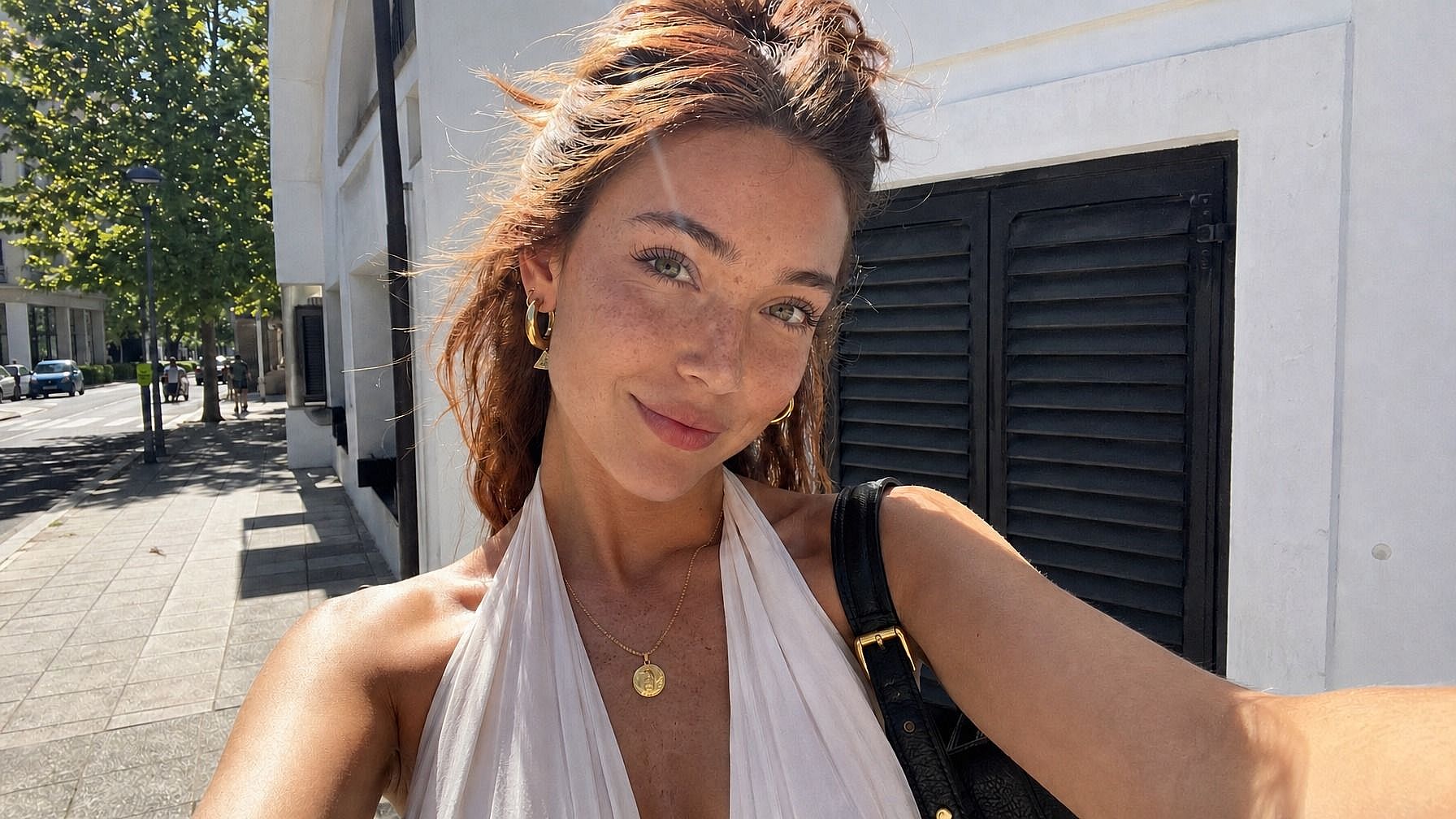
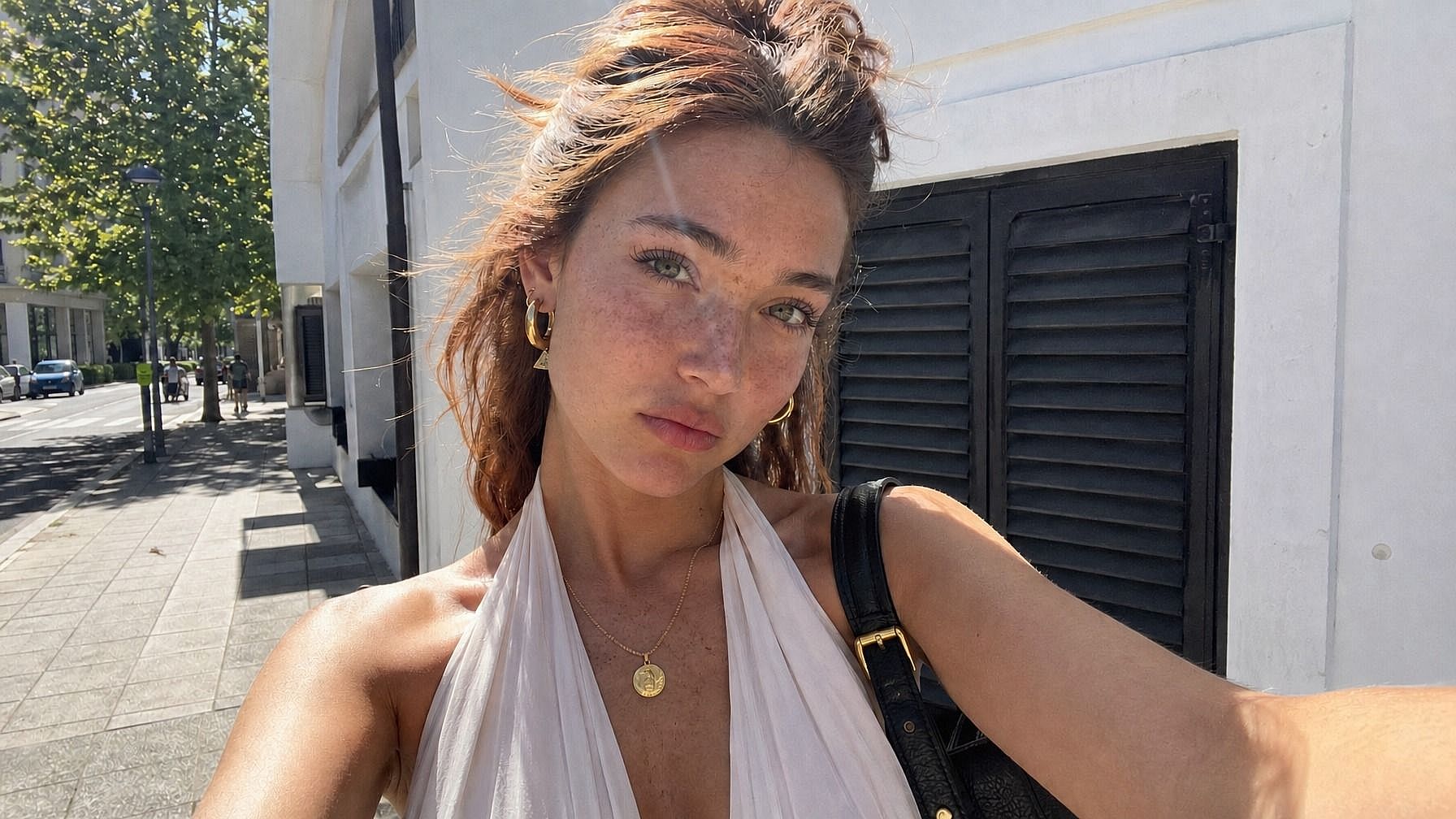
思いのままに表情を変える
希望する表情を入力してください——「満面の本物の笑顔」「かすかな含み笑い」「驚愕の表情」「落ち着いて真剣な顔」「目を閉じて笑う」「イライラした横目」など——すると、AIが顔をそれに合わせて更新します。目・口・微細な表情がまとめて変化するため、貼り付けたような不自然さがなく自然に仕上がります。
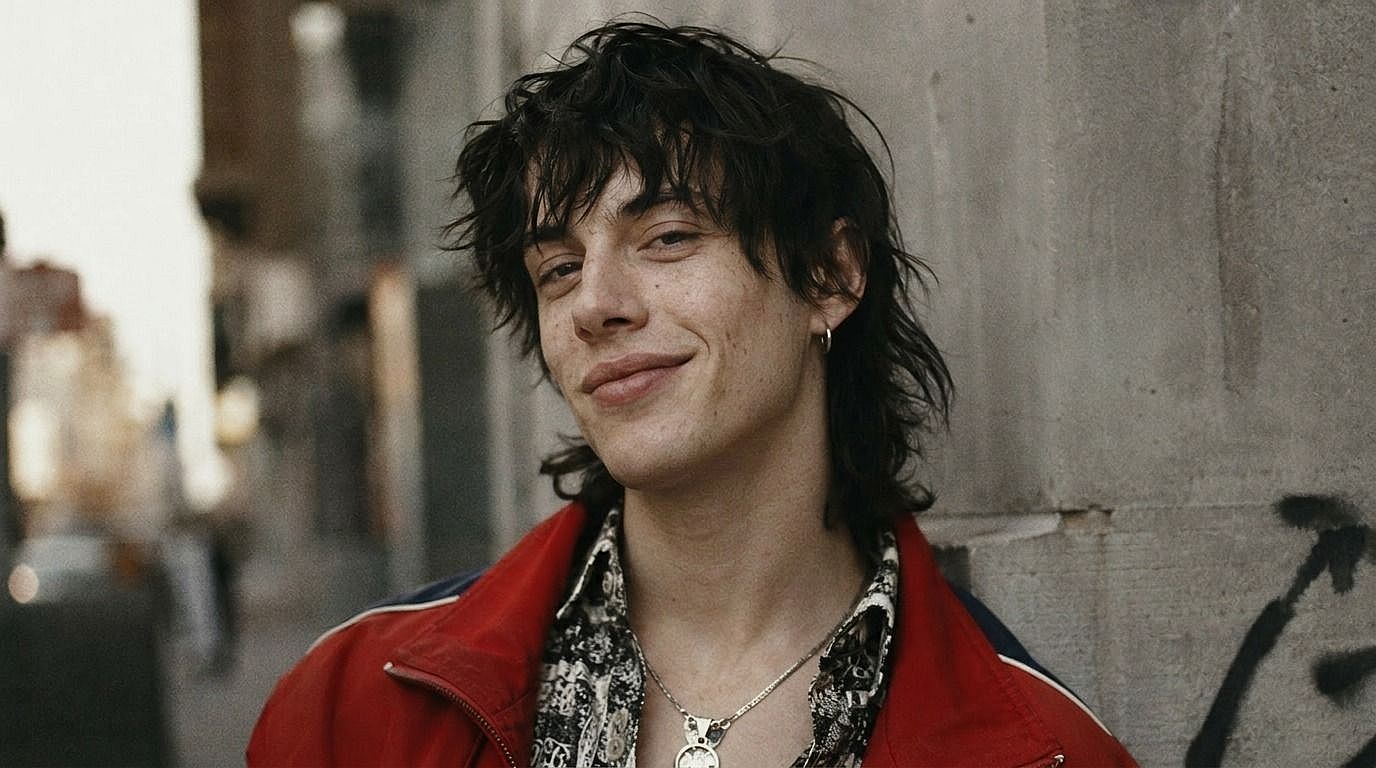
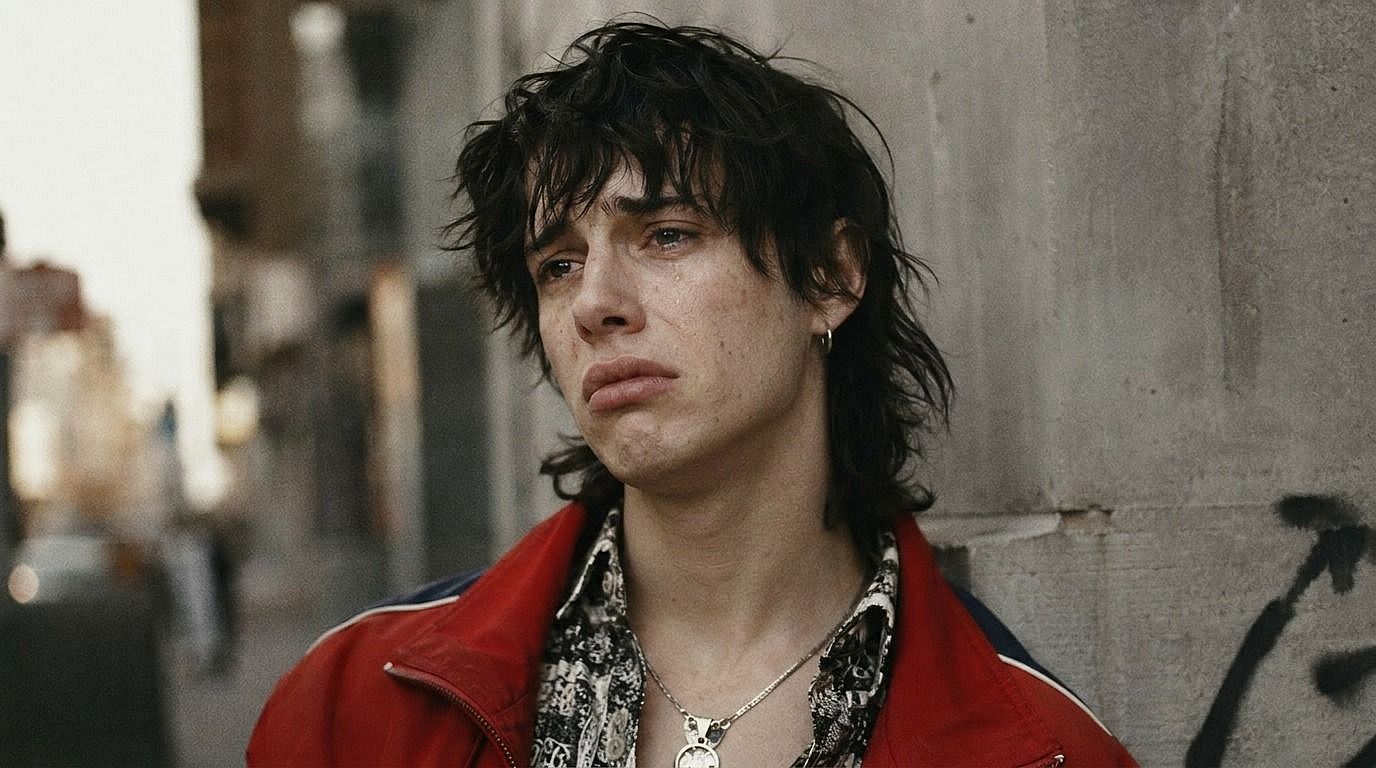
アイデンティティを保持した編集
このツールの狙いは、同一人物のまま表情だけを変えることです。顔の輪郭、目の色、髪、肌の色、メイク、ライティングはすべて固定されます。だから笑顔にする編集をしても、うっかり年齢や輪郭、髪型が変わることはなく、指定した表情だけが与えられます。
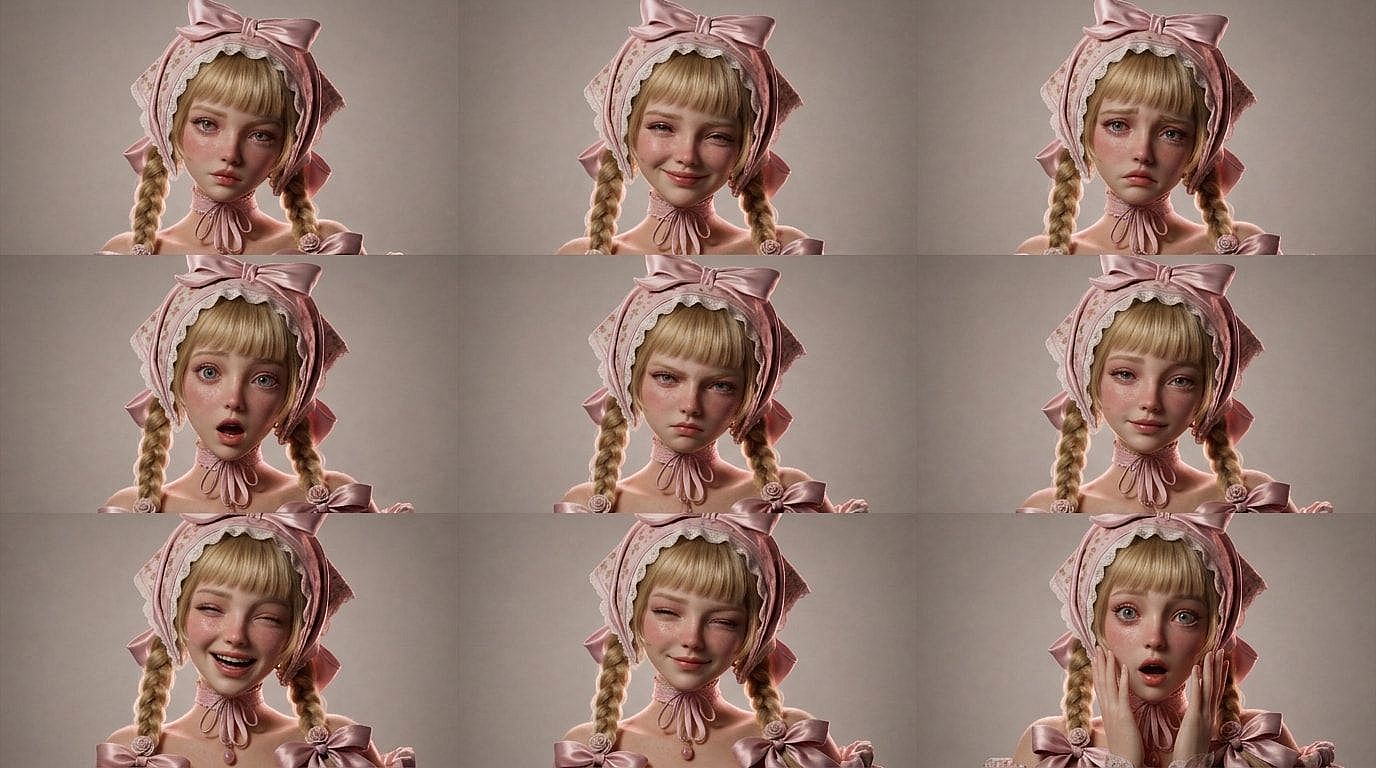
シリーズ、シート、マルチショットセットに対応
コミックのページ、サムネイルのセット、キャラクターシート、AIインフルエンサーの1週間分のコンテンツなど、さまざまな表情で同じキャラクターが必要ですか?同じ写真をいくつもの表情で処理して、喜び・悲しみ・驚き・怒り・無表情・笑いといった完全な感情シートを、すべてのコマで一貫した同じ顔で作成できます。
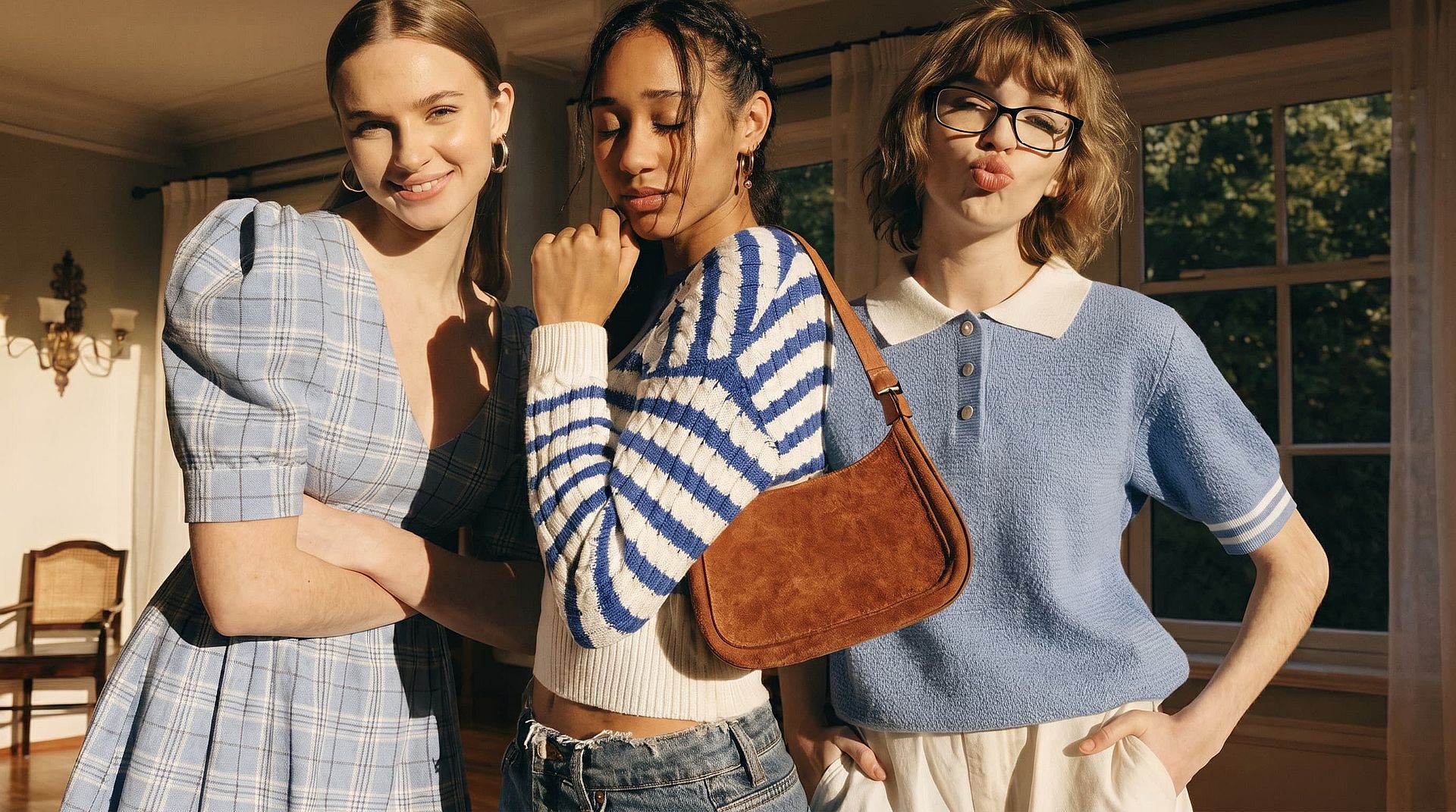
惜しかった写真を仕上げよう
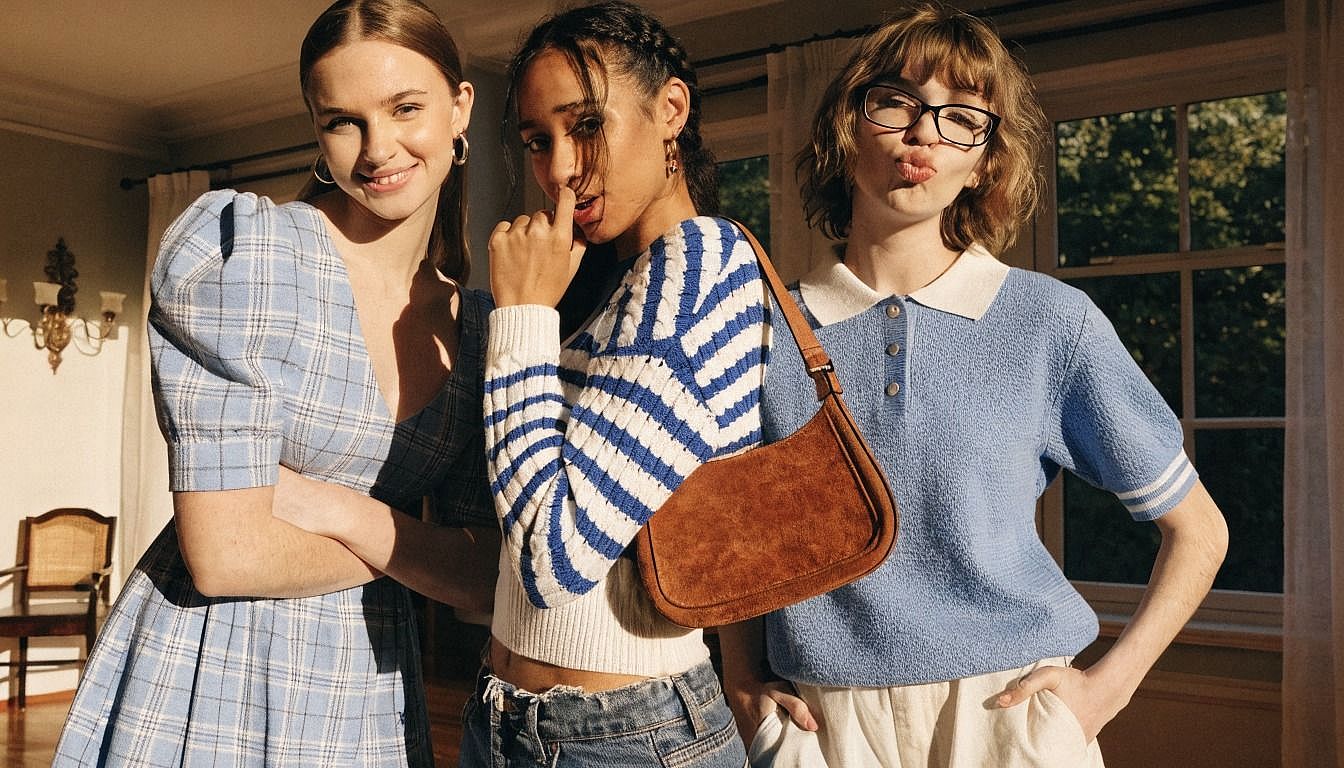
集合写真で1人だけ目をつぶってしまった?ヘッドショットで笑顔がぎこちない?家族写真で子どもがあくびの真っ最中だった?写真を入れて、本当はどんな表情にしたかったかを説明すれば、AIが他の部分には一切手を加えず、その1つの顔だけを直します。
表情チェンジャーの使い方
表情をわずか3ステップで編集。
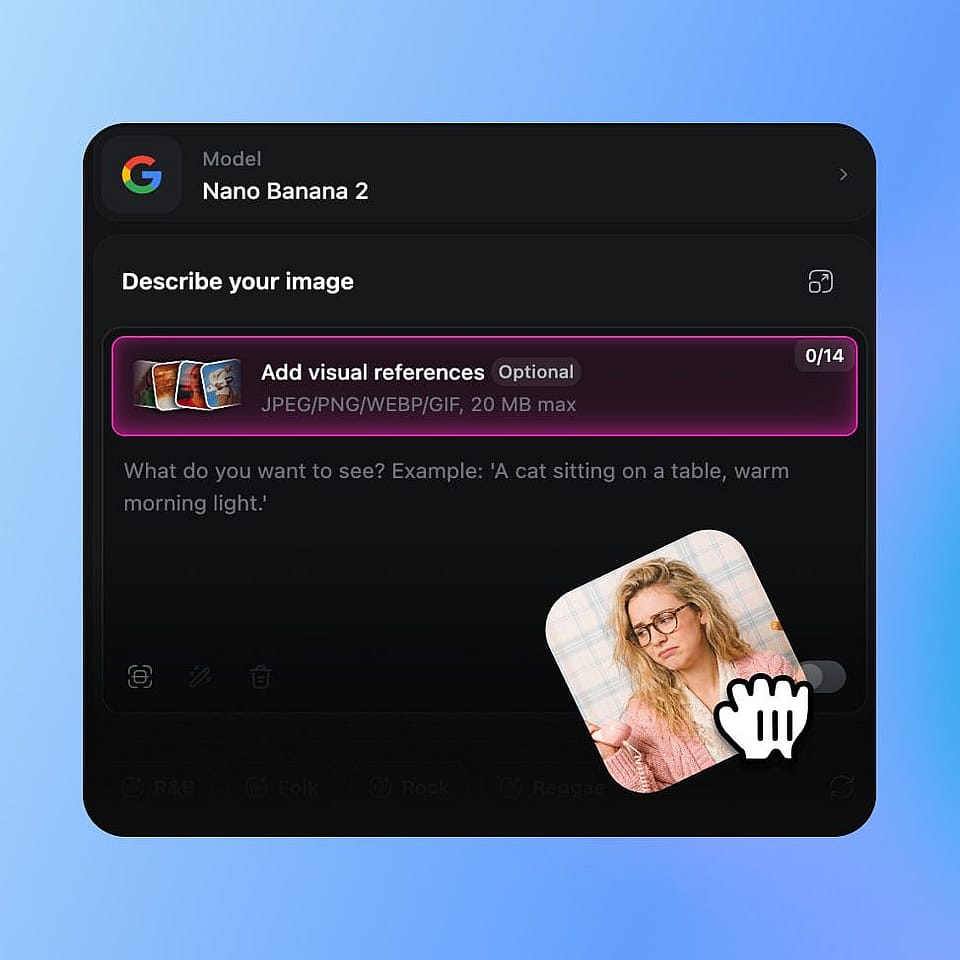
写真をアップロード
OpenArt の画像ツールを開き、編集したい写真をアップロードします。セルフィー、証明写真、集合写真、全身写真、AI生成のポートレート、ライブラリのキャラクターなど、どれでも使えます。
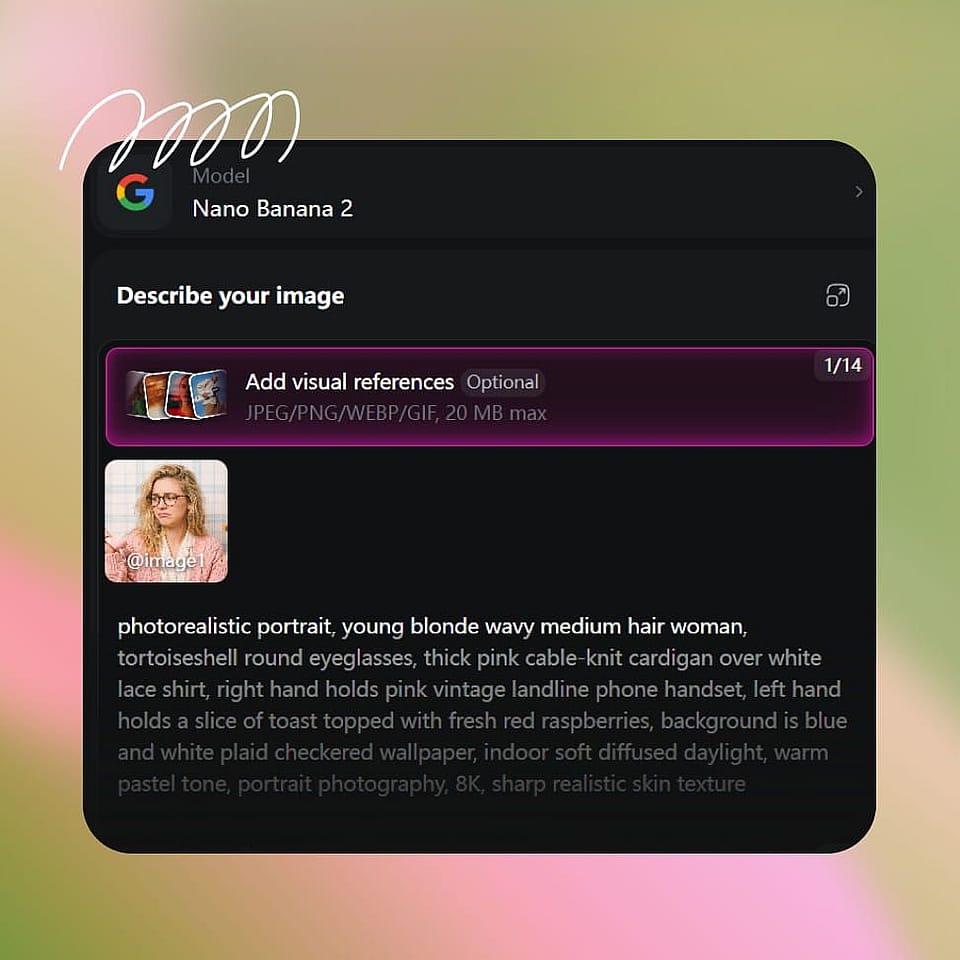
新しい表情を説明する
求める表情を入力しましょう。「温かく自然な笑顔」「眉を上げた驚き顔」「落ち着いた真剣な表情」「大笑い」「かすかなにやけ顔」「うんざりした目線」など。集合写真を編集する場合は、変更したい人物を指定してください。
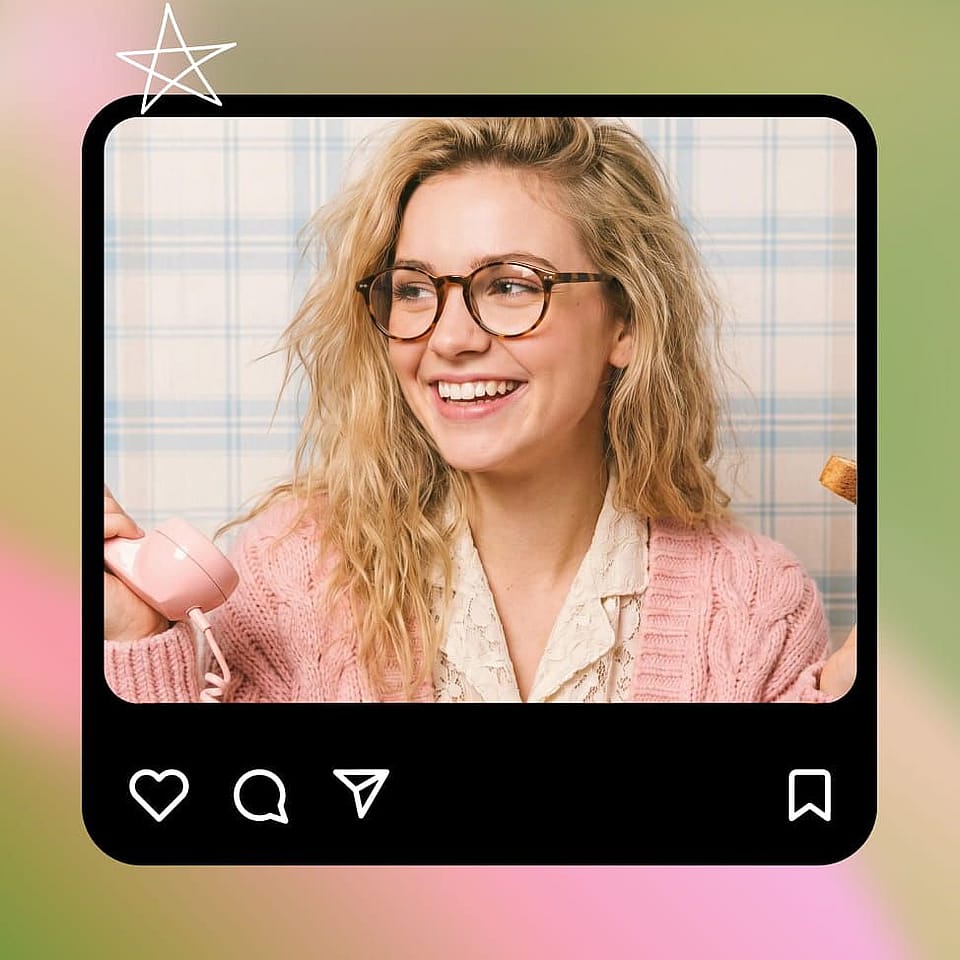
生成と調整
編集を実行し、結果をプレビューして、必要なら調整しましょう。同じ表情をもっと柔らかく、あるいはもっと強くしたバージョンを試したり、いくつかのバリエーションを生成して選んだりできます。その間、画像のほかの部分は一切変わりません。
クリエイター、マーケター、ストーリーテラーのために
どんな写真でも、求めていた表情をぴったり引き出せます。
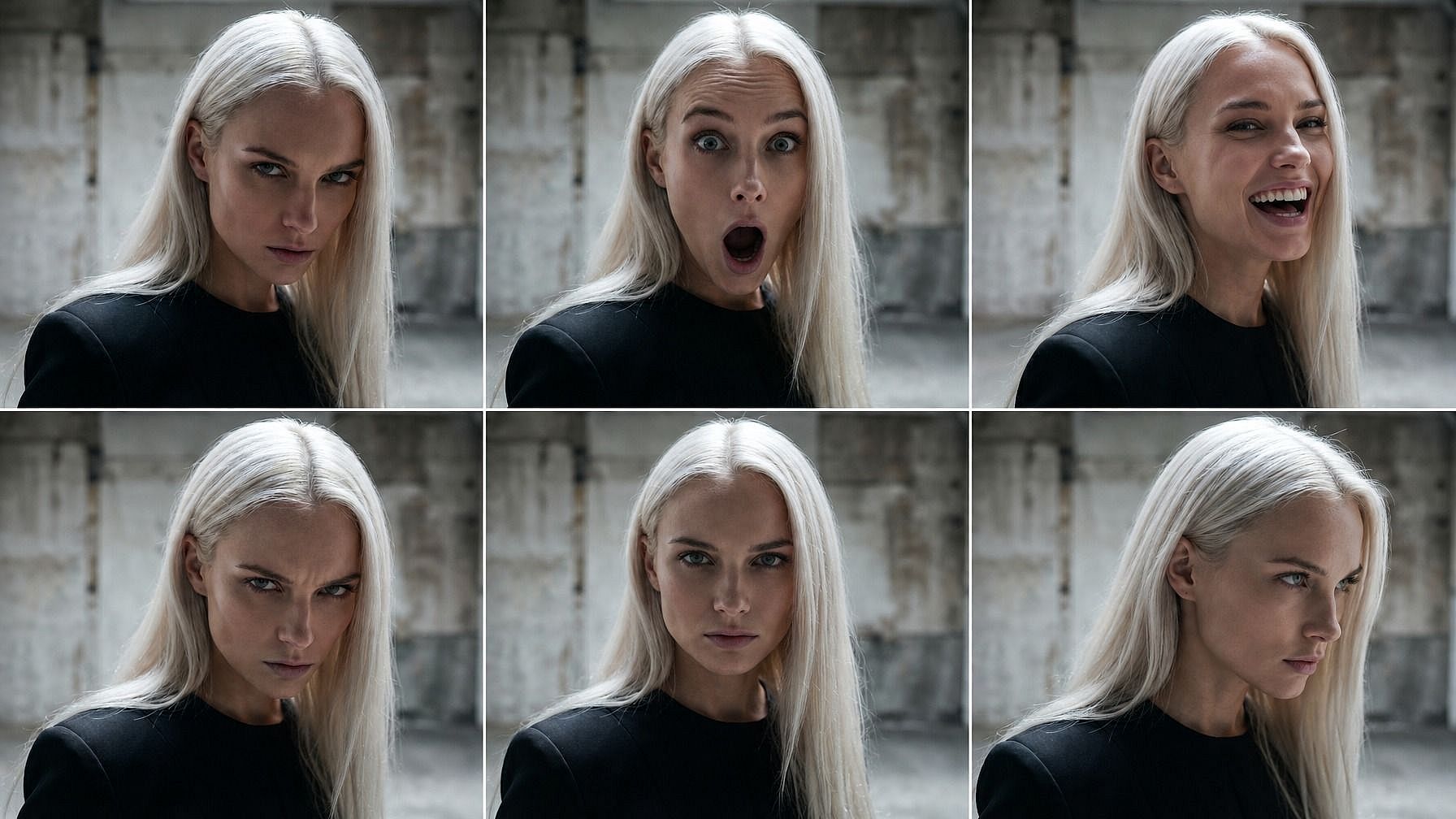
コンテンツクリエイターとサムネイル
あなたの1枚の写真から、YouTubeサムネイル、TikTokのフック、ポッドキャストのカバーバリエーション、配信オーバーレイ向けに、驚き顔、大笑い、激しいリアクション、落ち着いた解説顔など、表情のフルセットを生成できます。何度も撮影する代わりに、どの表情が一番効果的かをテストしましょう。
今すぐ試す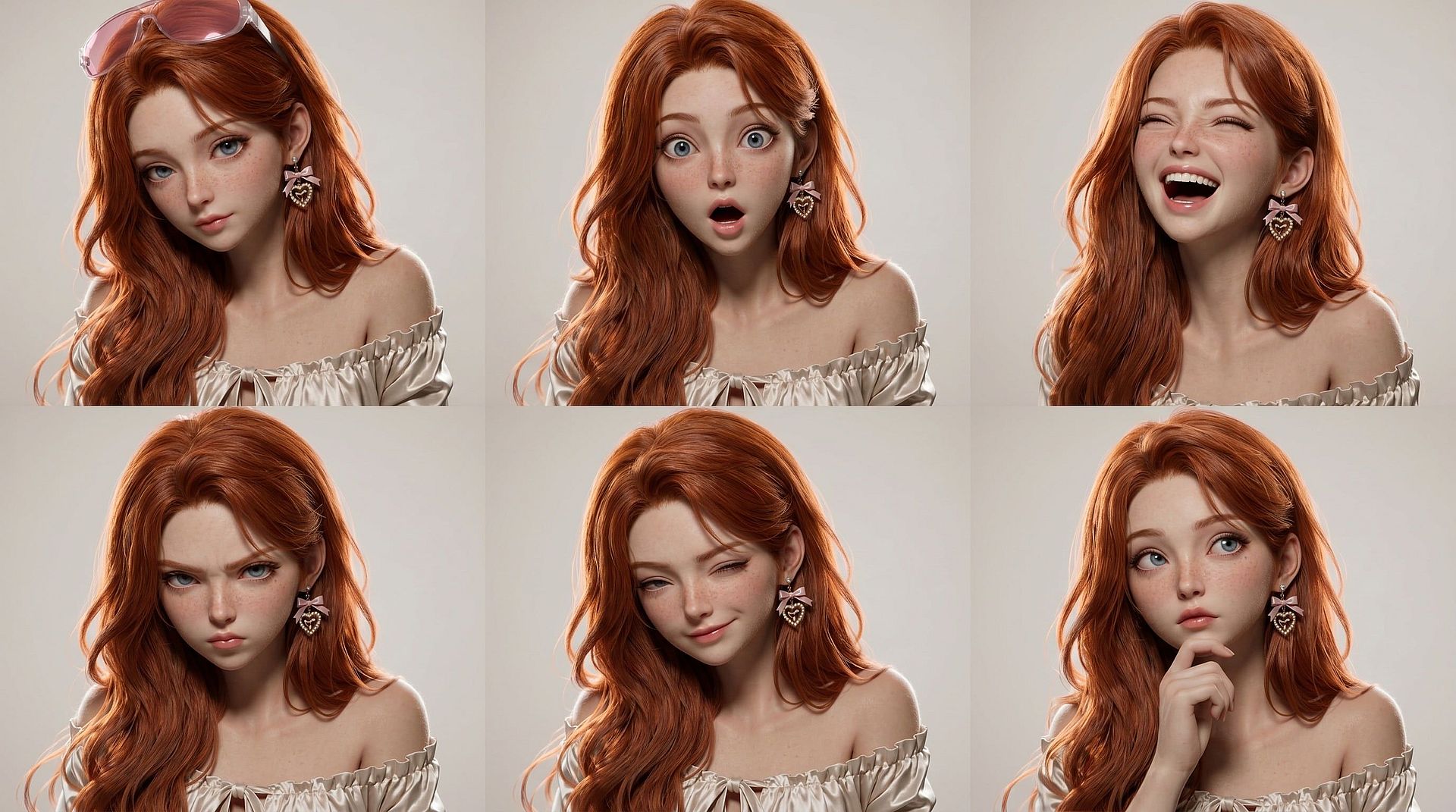
AIインフルエンサーと登場キャラクターの再利用
AIインフルエンサーや繰り返し登場するキャラクターに、コンテンツ1週間分のあらゆる感情表現を持たせましょう。月曜の投稿では笑顔、水曜のリールでは驚き、金曜の解説では落ち着いた表情に——同じキャラクター、同じ見た目のまま、フレームごとに違う表情を。OpenArtのキャラクターライブラリとシームレスに連携し、アイデンティティをしっかり固定できます。
今すぐ試す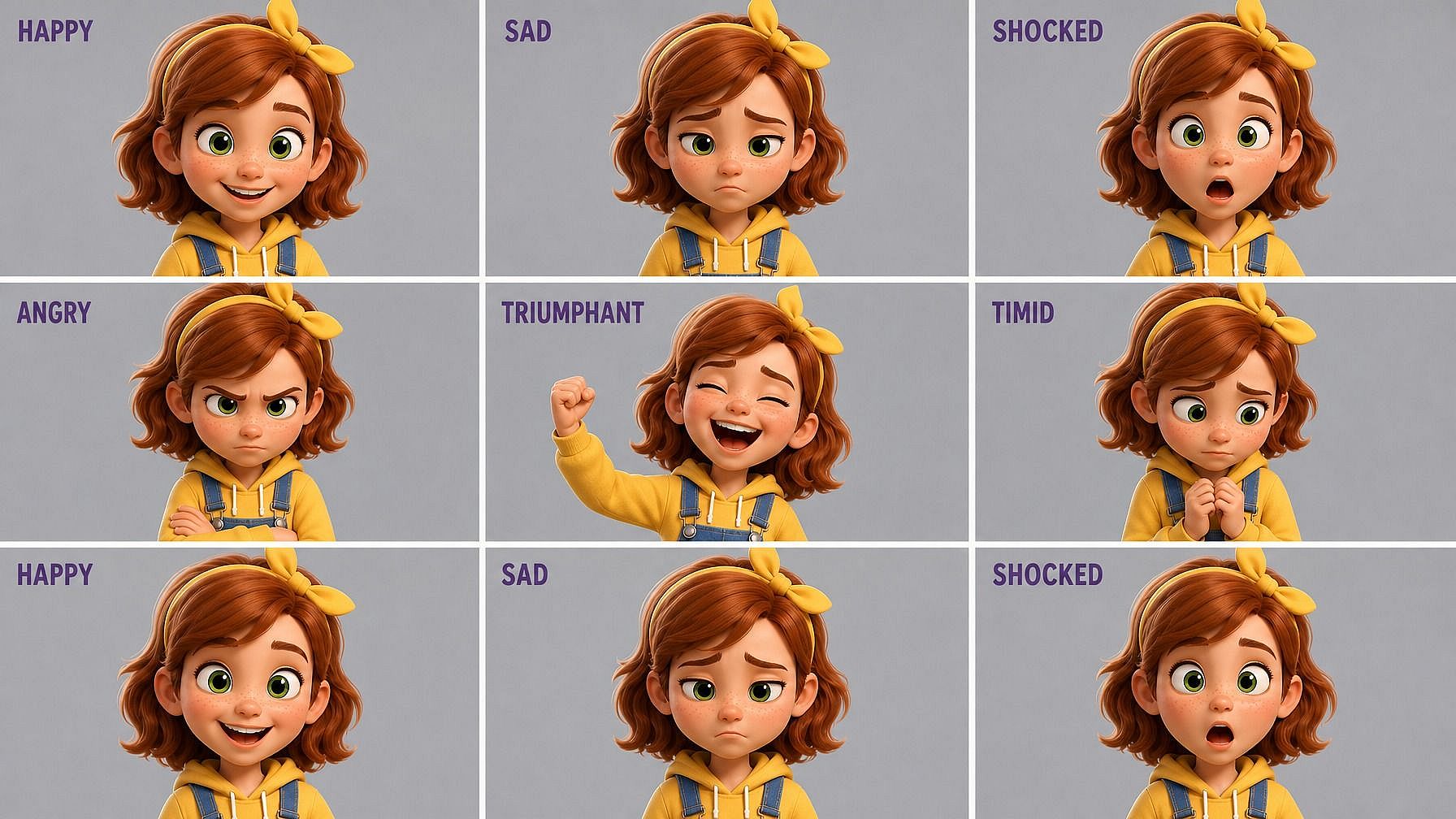
漫画、絵本、アニメーションショート
喜び、悲しみ、驚き、怒り、得意げ、恐怖など、キャラクターの表情シートを作成し、コミックのコマ、絵本、アニメ短編に取り込めます。Character 2.0と組み合わせれば、一貫したキャラクターに豊かな感情表現を持たせて、あらゆるシーンにそのまま配置できます。
今すぐ試す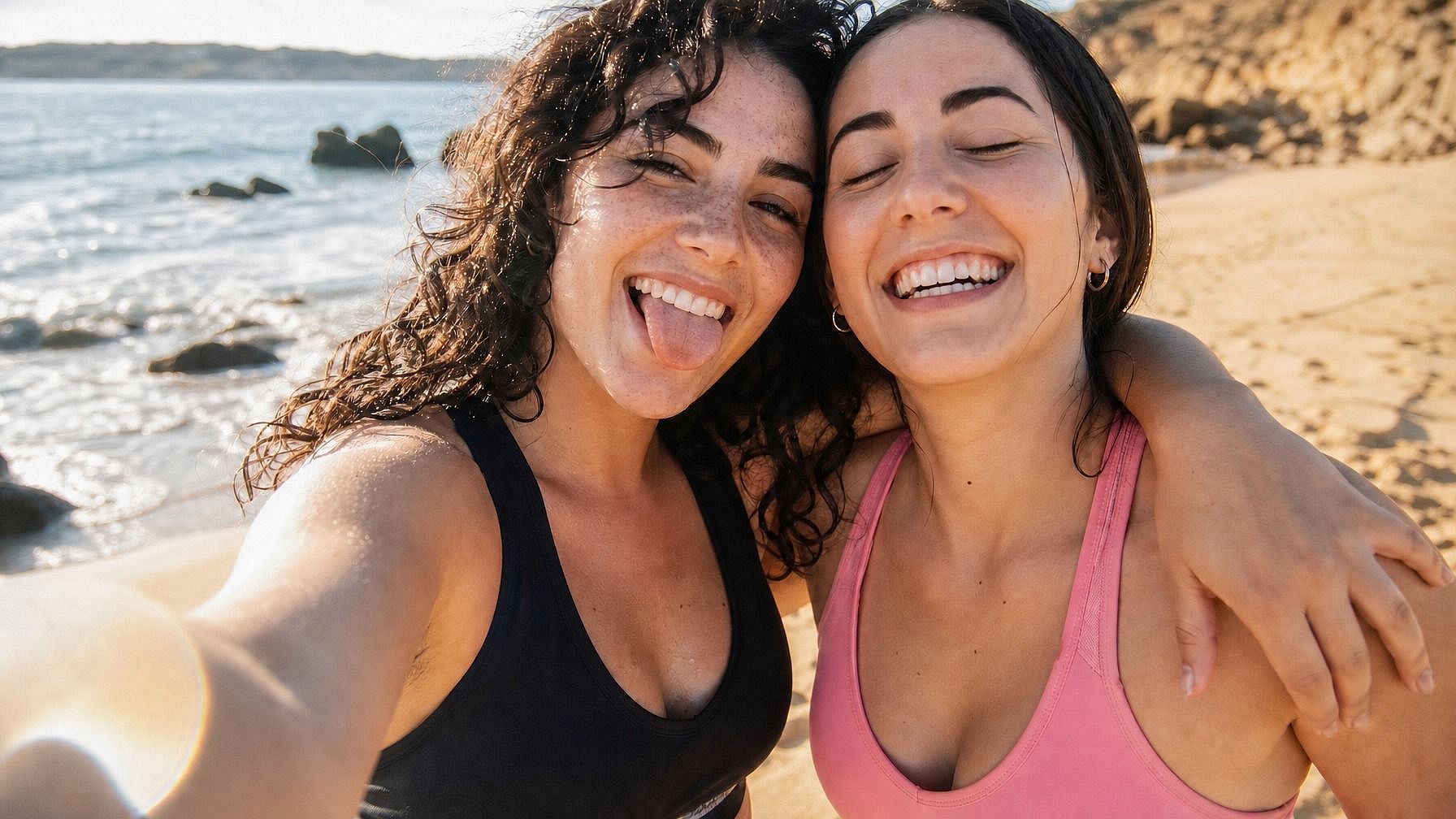
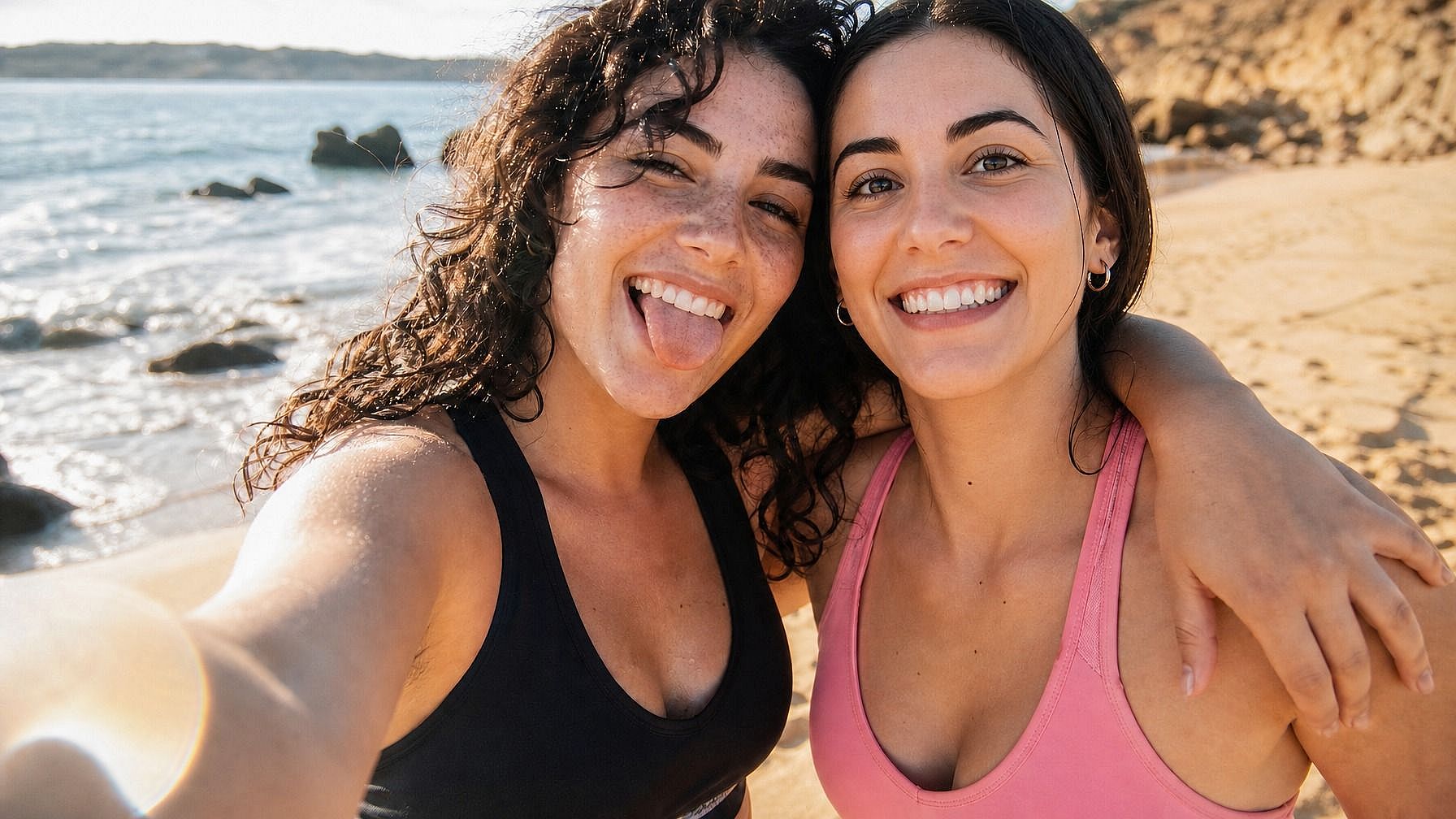
惜しかった実写写真を仕上げる
誰かが目をつぶってしまった集合写真、子どもがあくびの最中だった家族写真、笑顔がぎこちないビジネス用ヘッドショット。写真をアップロードし、本当は欲しかった表情を説明するだけで、撮り直しなしでその瞬間をきれいに仕上げられます。
今すぐ試すよくある質問 よくある質問
これは、写真のほかの部分をそのままに、表情だけを変えるAI編集ツールです。写真をアップロードし、新しい表情(笑顔、驚き、怒り、穏やかさなど)を指定すると、AIが顔を更新します。人物の特徴、ライティング、髪、背景はすべて変わりません。
言葉で表現できるものなら何でも。笑顔、大笑い、かすかな含み笑い、しかめ面、悲しげ、泣き顔、ショック、驚き、怒り、いらだち、穏やか、集中、得意げ、怯え、恥ずかしそう、ウインク、横目、無表情。プロンプトが具体的なほど(ただの「笑顔」ではなく「温かく自然な笑顔」など)、結果はより狙い通りになります。
はい——しかもOpenArtのキャラクターライブラリと特に相性抜群です。キャラクターを一度保存すれば、その同じキャラクターにコミック、コンテンツシリーズ、動画向けの幅広い表情をつけられます。Character 2.0の一貫性が、どの編集でもアイデンティティをしっかり保ちます。
いいえ、そこが肝心です。表情チェンジャーは顔をピンポイントで狙います。ライティング、影、髪、服、背景、ポーズはすべてそのまま。変わるのは表情だけです。
商用利用はAdvanced以上のOpenArtプランに含まれます。広告、コンテンツ、ブランド投稿、その他収益化するものに編集を使う場合は、Advanced、Infinite、Wonderプランでカバーされます。
顔がしっかり見える、明るくクリアな写真から始めましょう。promptは具体的に。「笑って」だけよりも「目尻に少しシワを寄せた、温かく自然な笑顔」の方がうまくいきます。最初の編集が惜しいけれど少し違うときは、強さを上げ下げしたり(「控えめなにやり笑い」対「大笑い」)、いくつかバリエーションを生成して選んだりしましょう。
はい。このツールはアイデンティティを保持することに特化して作られています。顔の形、肌の色、髪、目の色、ライティングはすべて固定されたまま。変わるのは表情だけです。だから編集後の写真は、まったく別人ではなく、別の瞬間の同じ人物として読み取れます。
はい。集合写真の中の特定の人物を名前で指定(「左側の人」「赤いシャツの女性」など)するか、顔を選択することで、その人の表情だけを編集できます。写真の他の人はそのまま変わりません。
はい。同じ元写真をいくつもの表情で走らせれば——喜び、悲しみ、驚き、怒り、無表情、笑い——そのキャラクターの完全な表情シートが完成します。コミックやストーリーボード、AIインフルエンサーのコンテンツ制作、サムネイルのテストに便利です。
JPEG、PNG、WEBPすべて対応。スマホ、パソコン、任意のクラウドドライブからアップロードできます。
OpenArtは限定クレジット付きの無料トライアルを提供しているので、アップグレード前に数枚の写真で表情チェンジャーを試せます。