

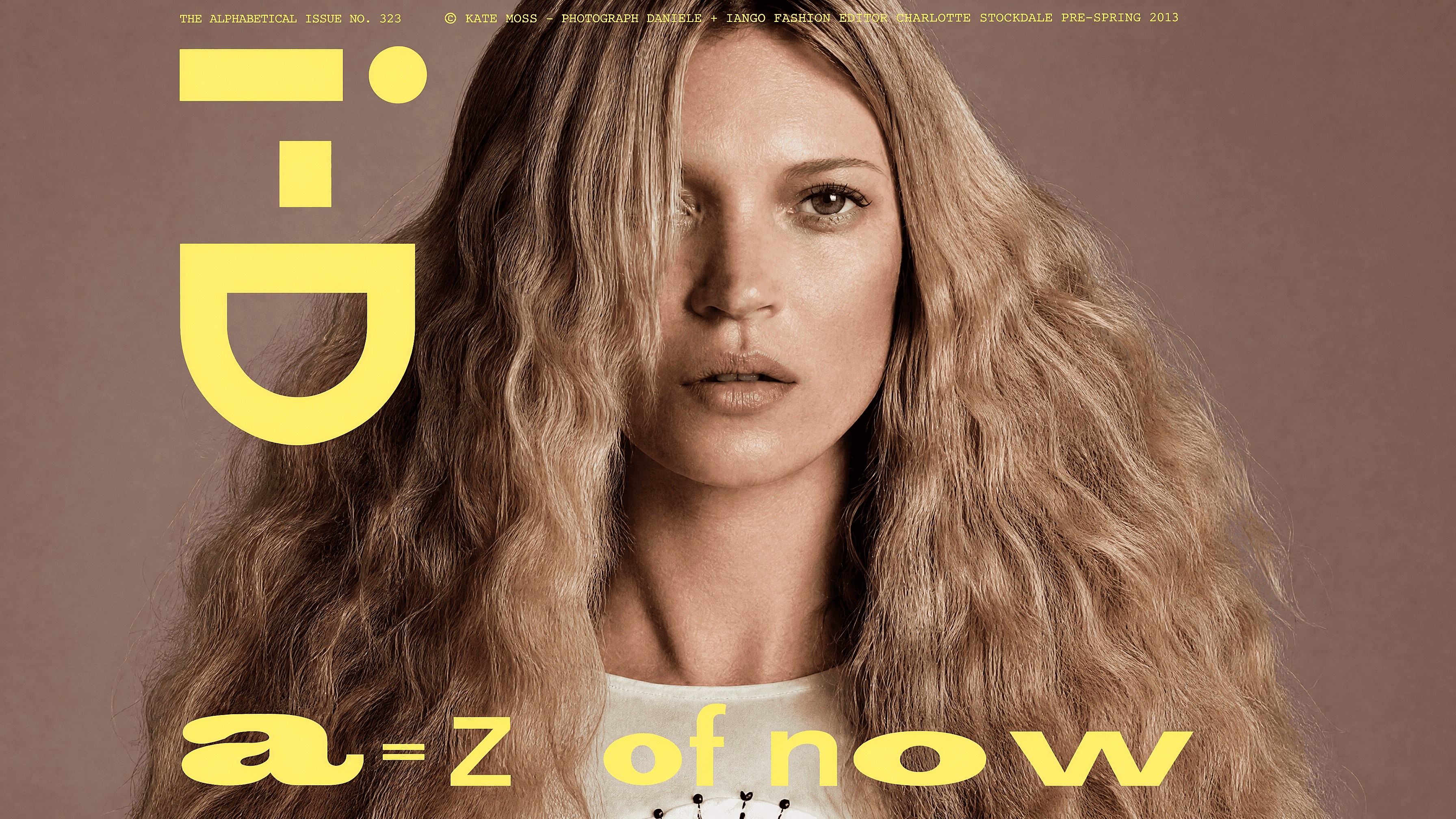
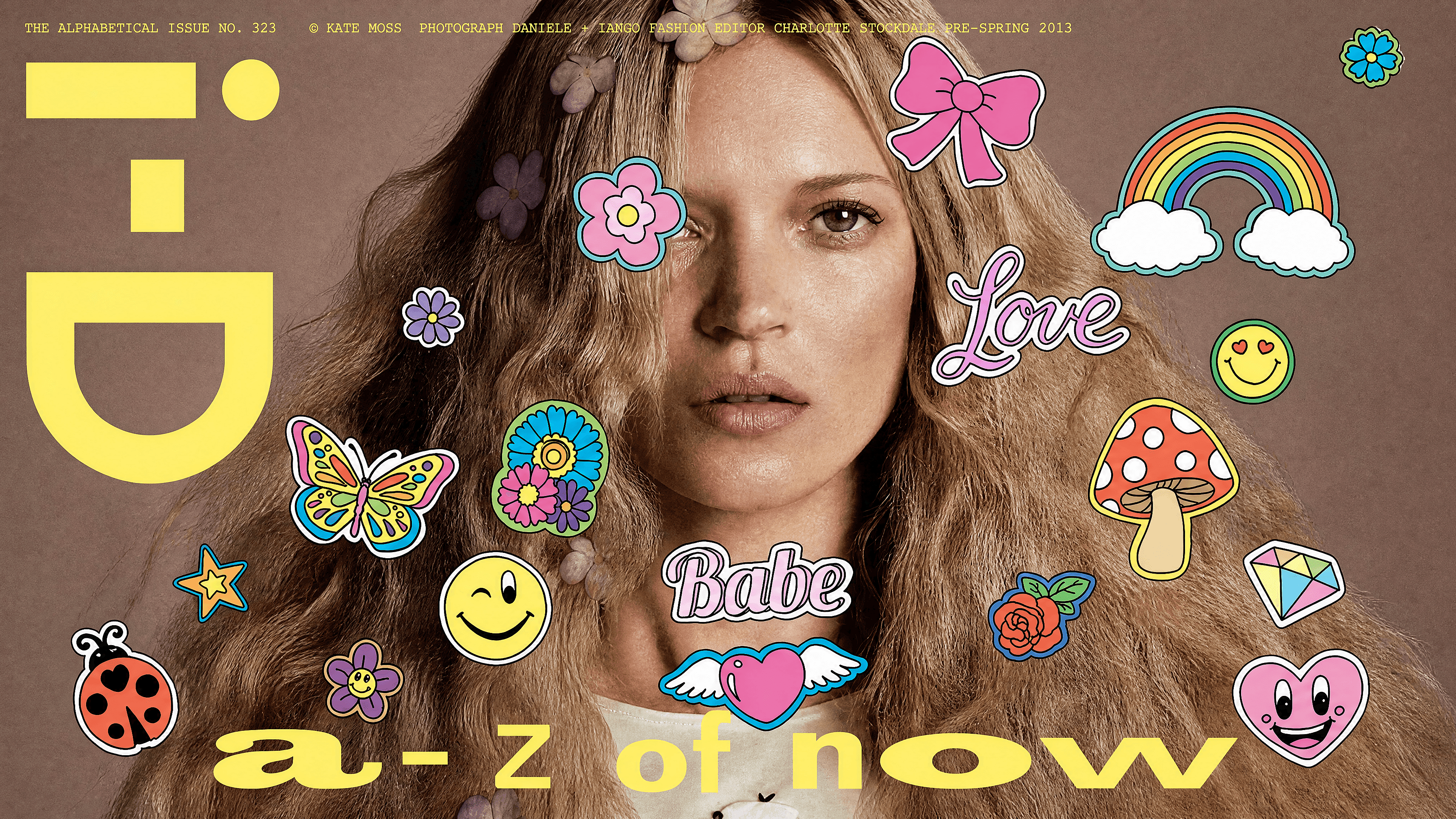
顔絵文字リムーバー
誰かの顔が絵文字で隠れてしまった写真はありませんか?その部分を選択すれば、AIがクリーンで自然なディテールで埋めてくれます。不自然なパッチも、目立つ編集跡もありません。周囲の画像からもっともらしい特徴を再構築するので、元のピクセルがとうに失われていても、結果は完全で説得力のある仕上がりになります。
 画像を追加 またはここにドラッグ&ドロップ · JPEG、PNG、WEBP、HEICJPEG、PNG、WEBP、HEIC
 AI絵文字除去ツールの主な機能
OpenArtのAI画像エディターは、GPT Image 2.0、Nano Banana Pro、Recraft V4といった高度なモデルを使い、正確なディテールと一貫性を保ったリアルな編集を生成します。これにより、削除した部分は隙間を残すことなく自然に再構築されます。
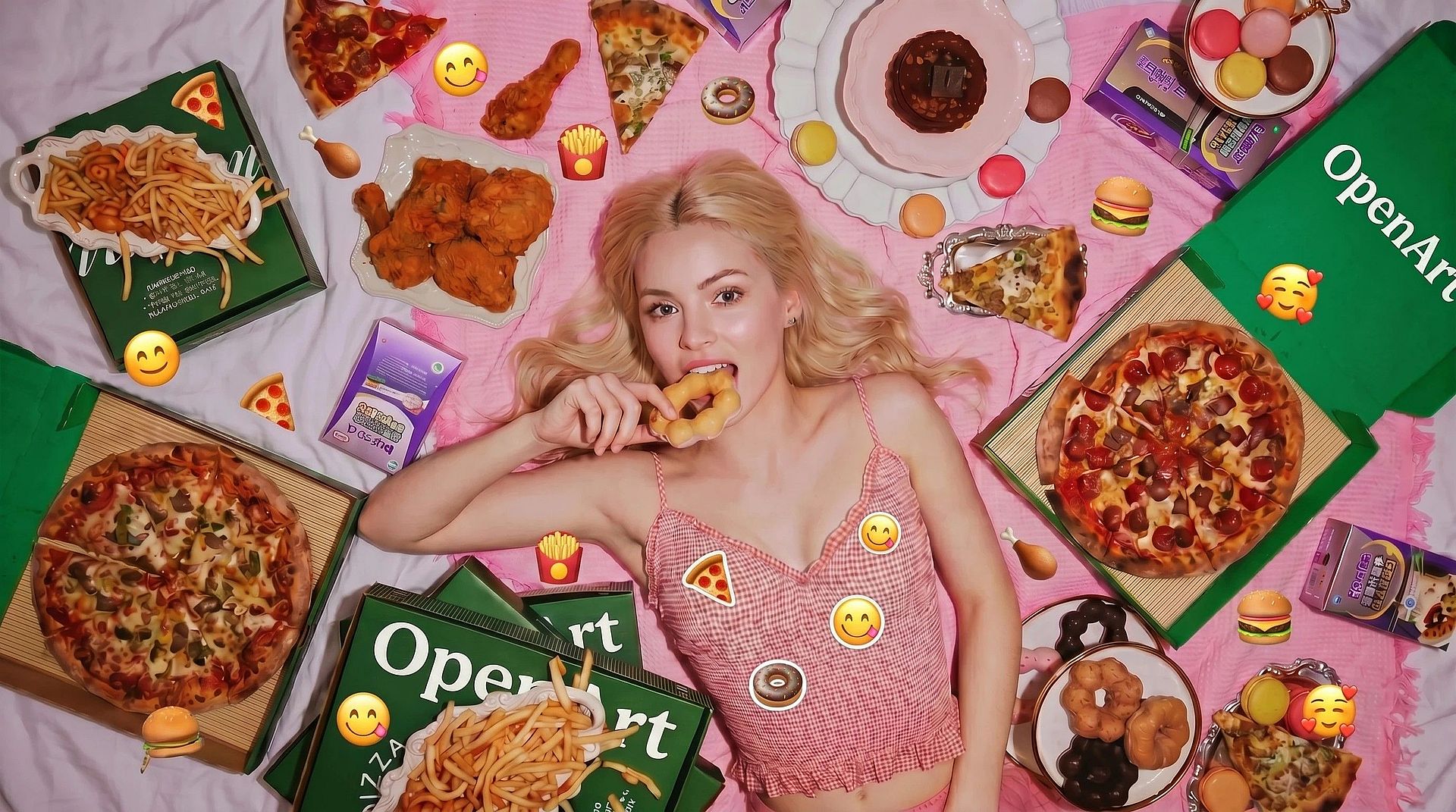
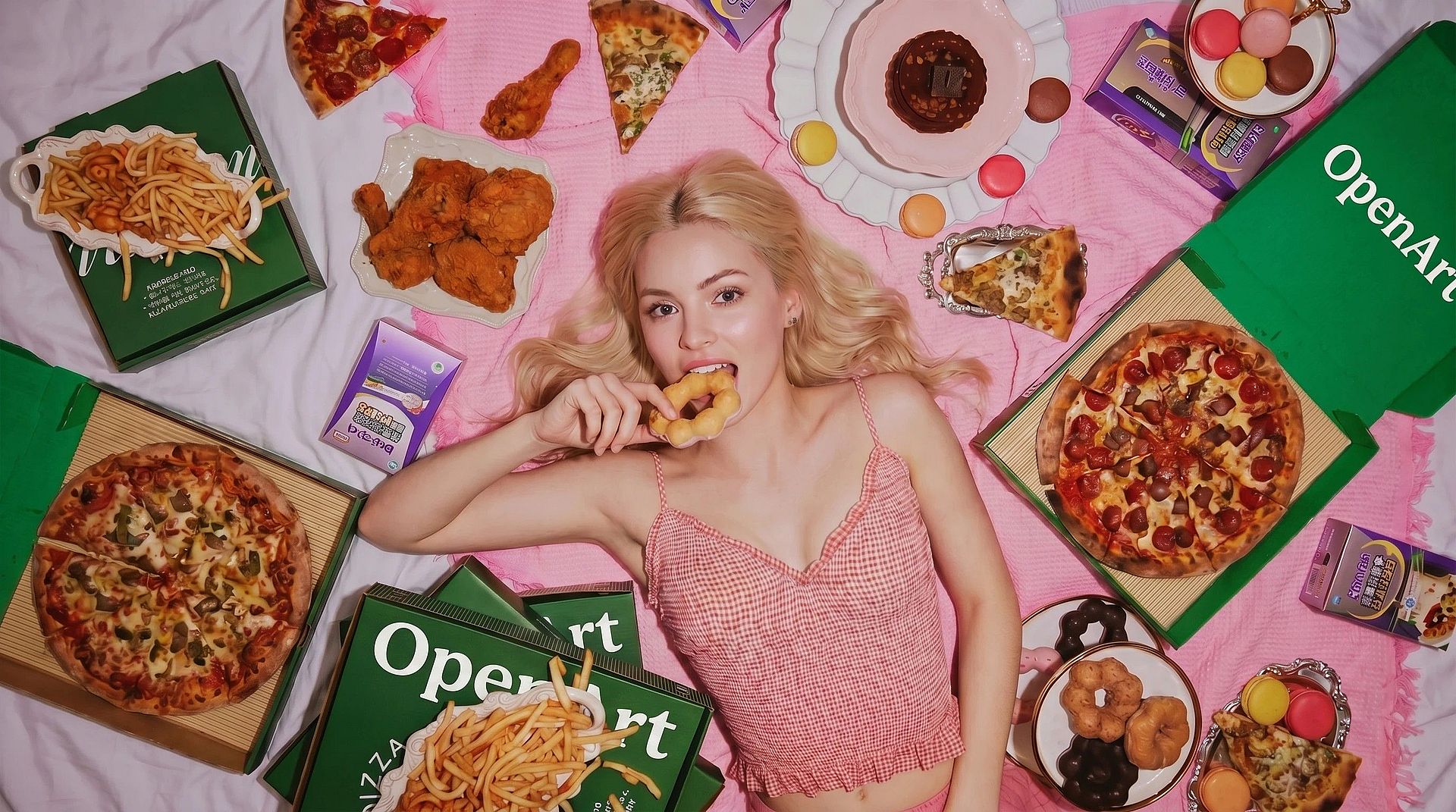
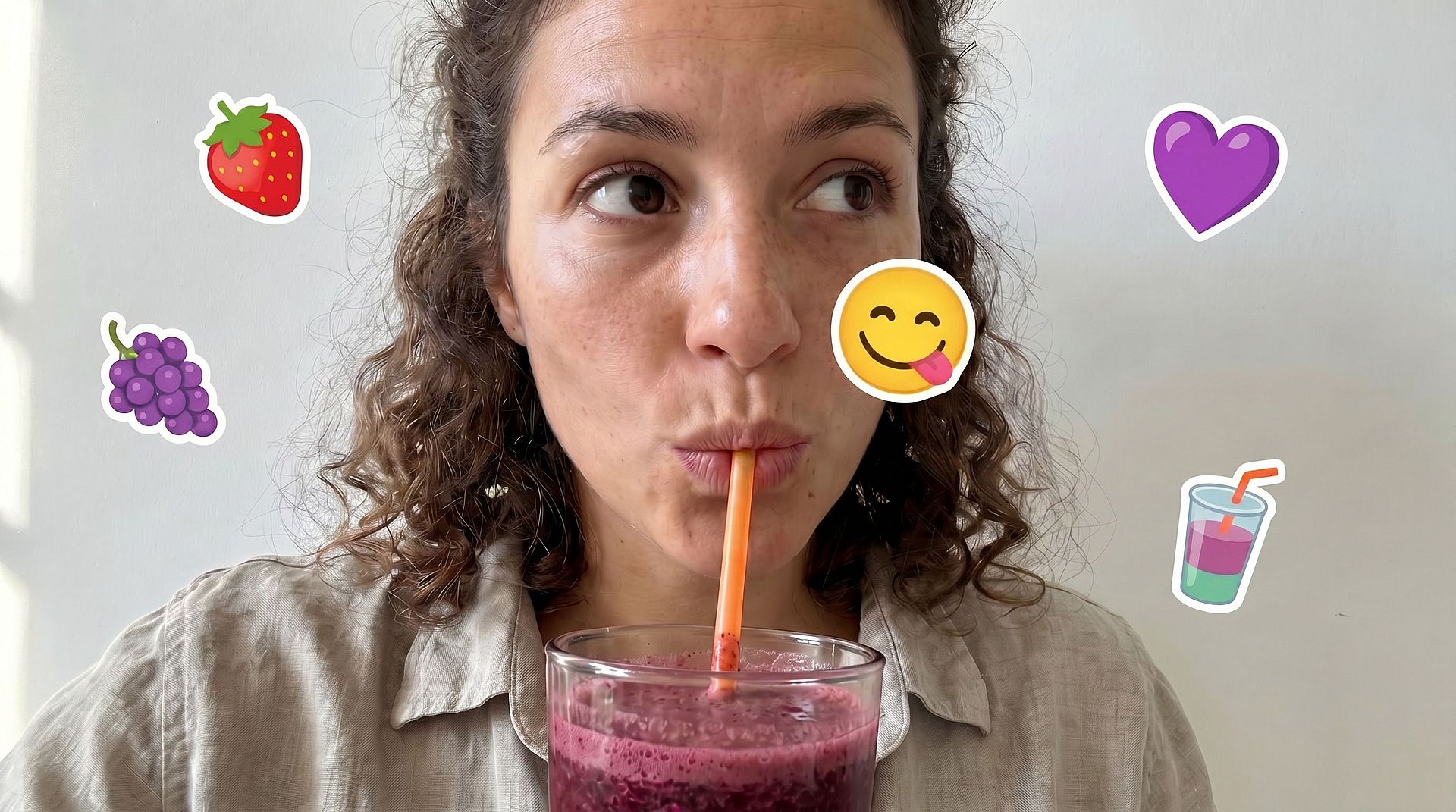
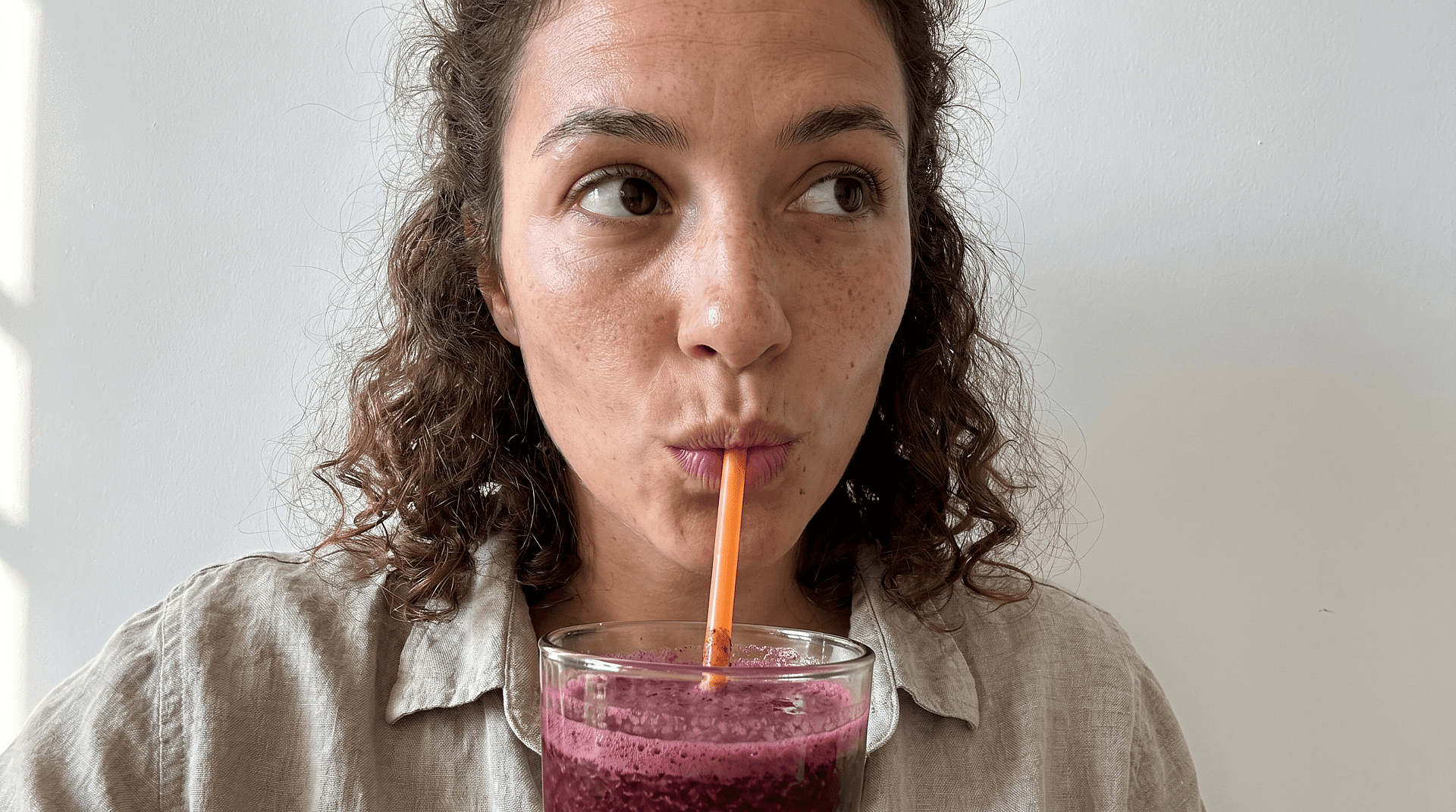
隙間を埋めるだけでなく、顔を作り直す
壁の一部を埋めるのは簡単です。顔を埋めるのはもっと難しく、AIは残された顔のパーツから目、肌の色、表情、比率を推測しなければなりません。それこそがこのツールが解決するために作られた具体的な課題です。
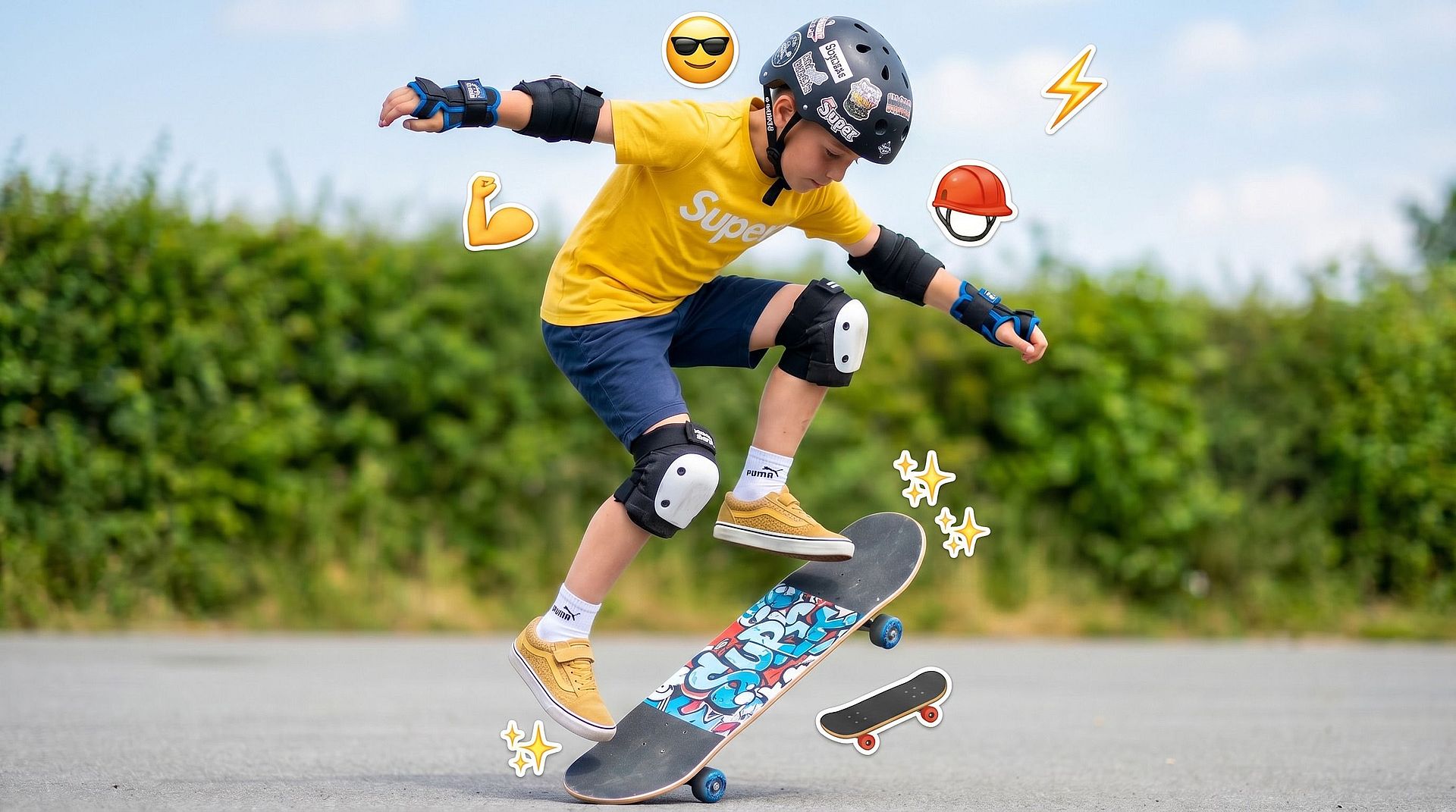
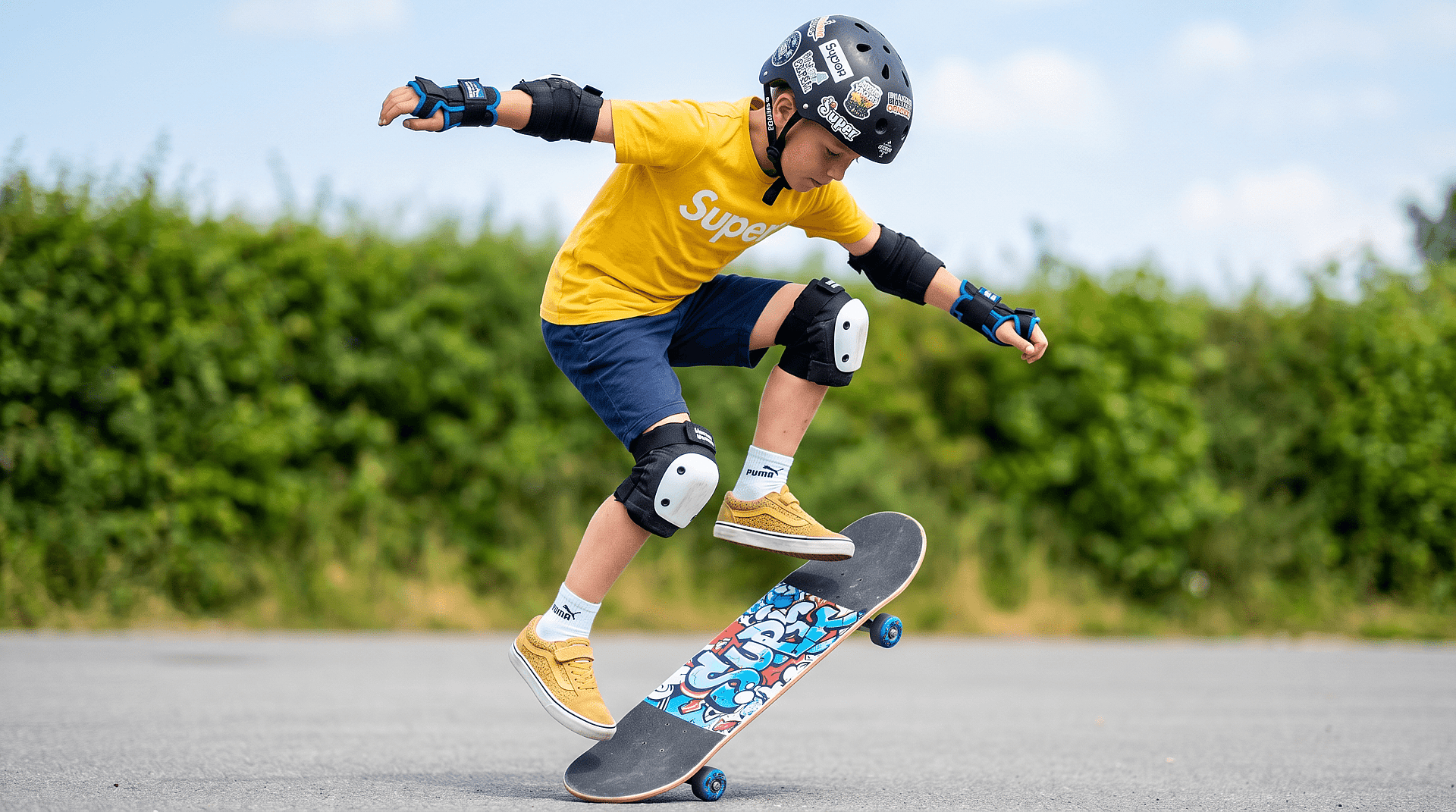
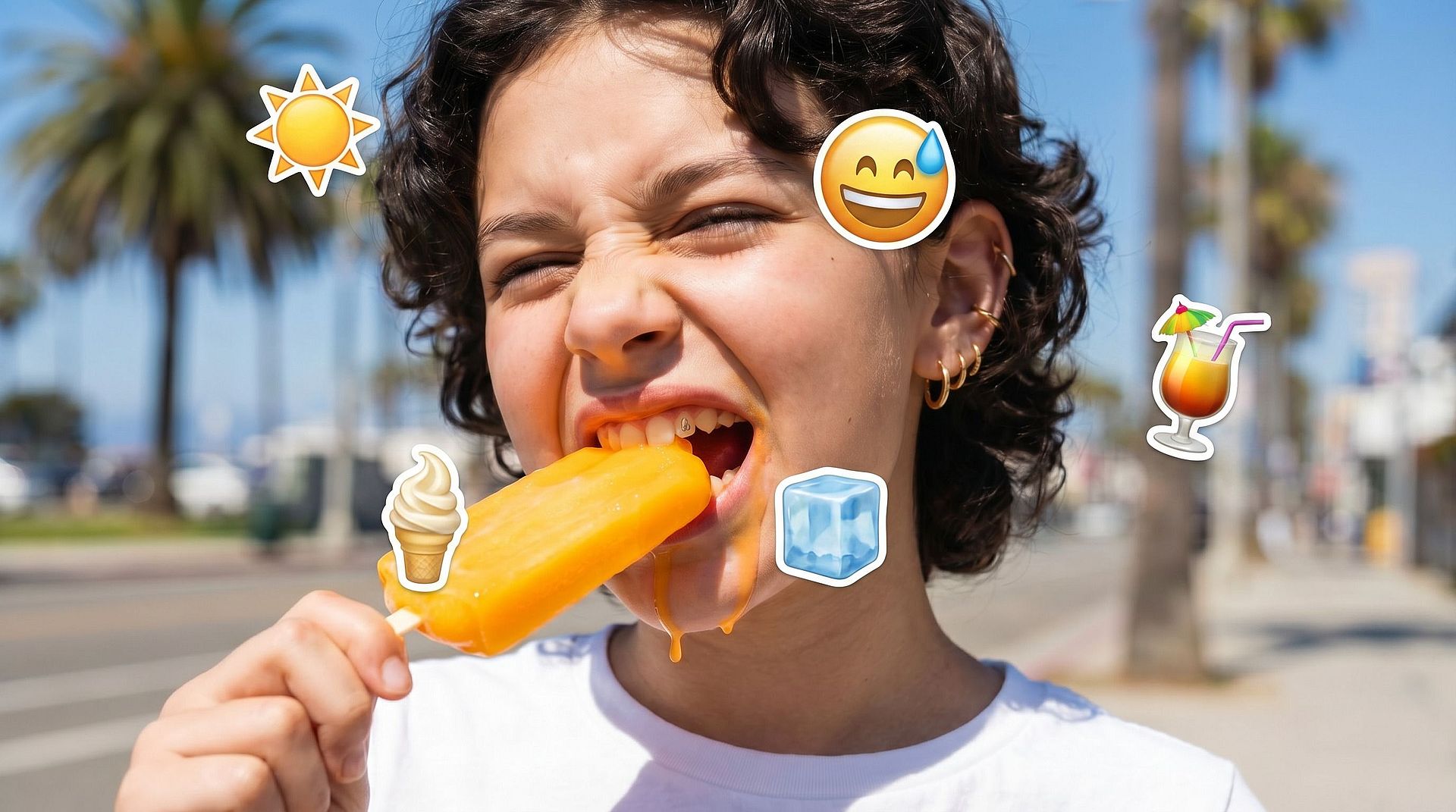
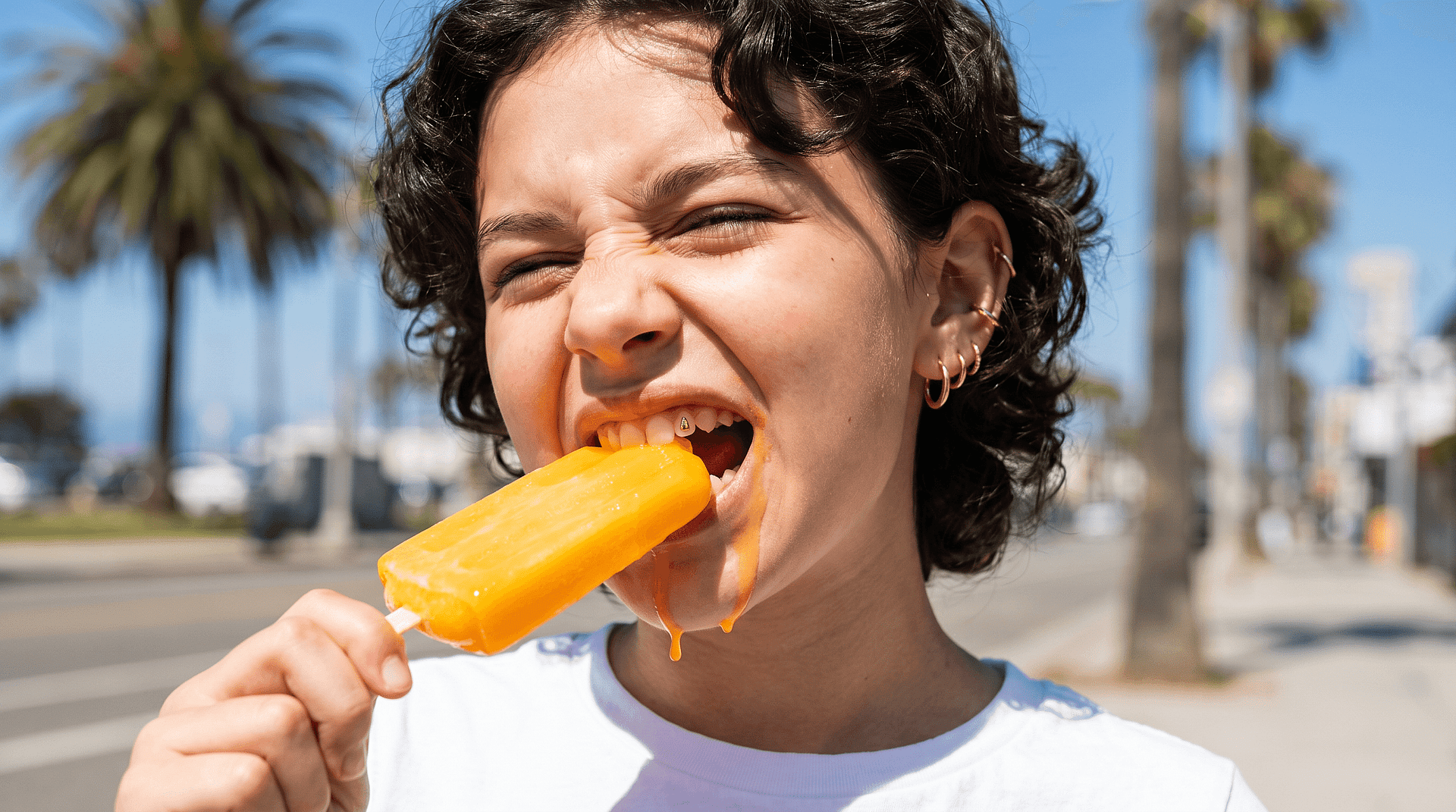
顔が思い通りになるまで調整
顔はごまかしがききません。目が少しでもずれると、結果はおかしく見えてしまいます。編集をやり直し、選択範囲を絞り込み、通常の視聴距離で顔が自然に見えるまで調整しましょう。
OpenArtの顔絵文字除去ツールの使い方
隠れた写真からきれいな一枚まで、3ステップで完成します。
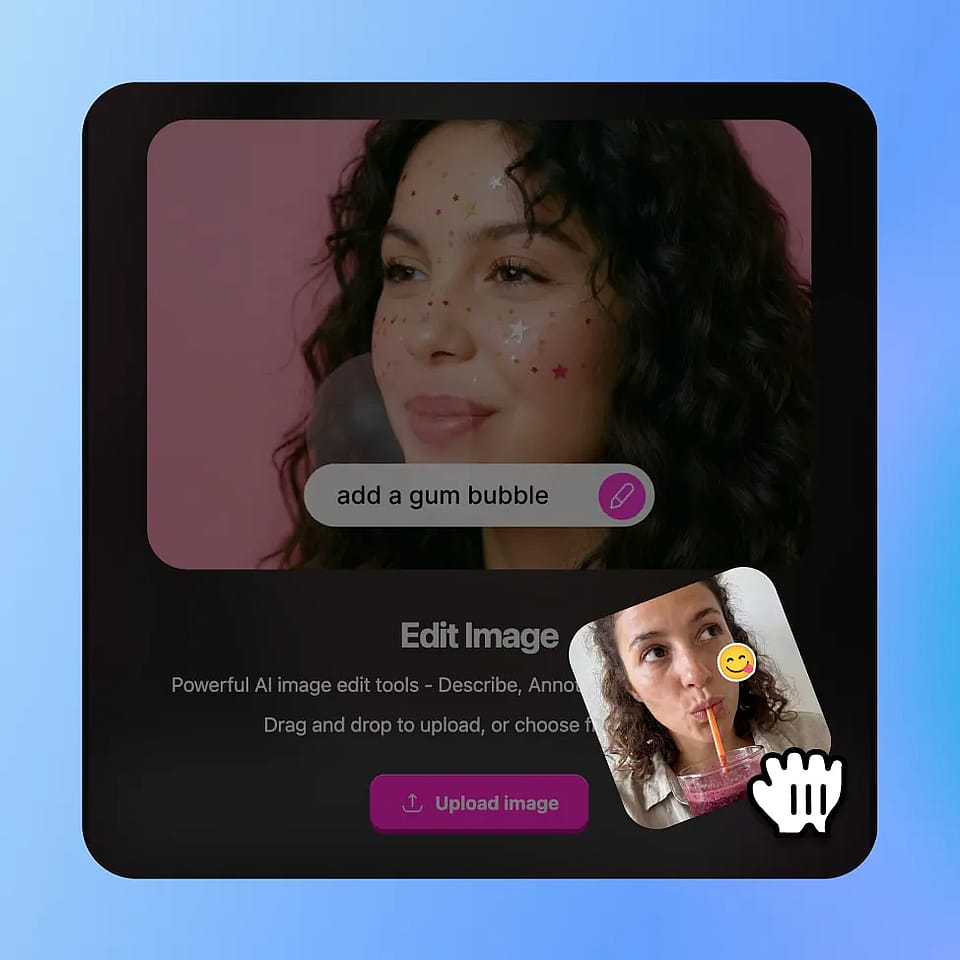
エディターを開いてアップロード
OpenArtの画像ツールを開き、画像編集モードを選択して写真をアップロードします。JPEG、PNG、WEBPすべてに対応しています。
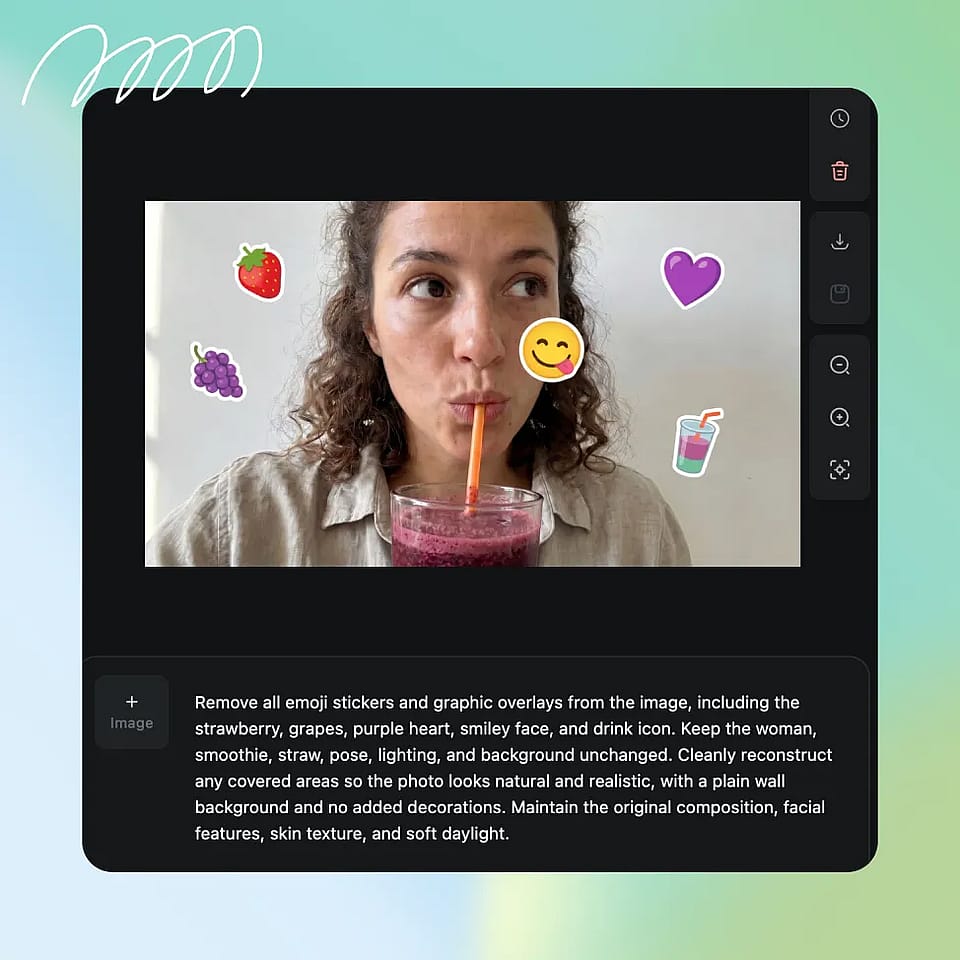
絵文字エリアを選択
絵文字や覆われている領域をハイライトまたは選択します。AIがなじませる余地を持てるよう、縁の周りは少し広めに取りましょう。
生成と調整
編集を実行して、結果を確認しましょう。選択範囲が隅を取りこぼしていたり、塗りつぶしがおかしく見えたりする場合は、選択を調整して、思い通りの仕上がりになるまで再実行してください。
活用例:顔に絵文字をかぶせて写真をすっきり加工
編集済みや加工された画像を修正し、元のディテールを手作業なしで素早く復元できます。
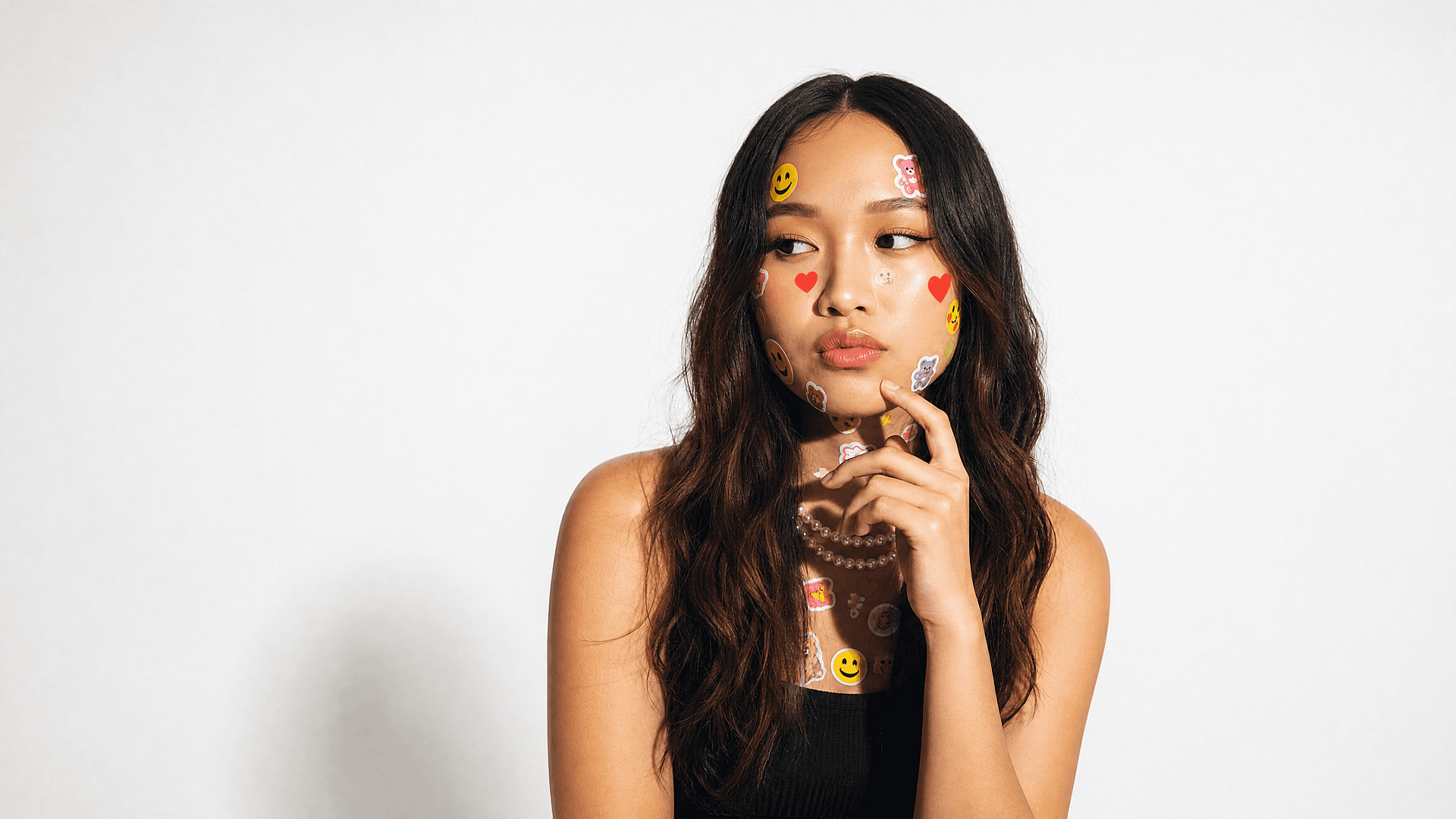
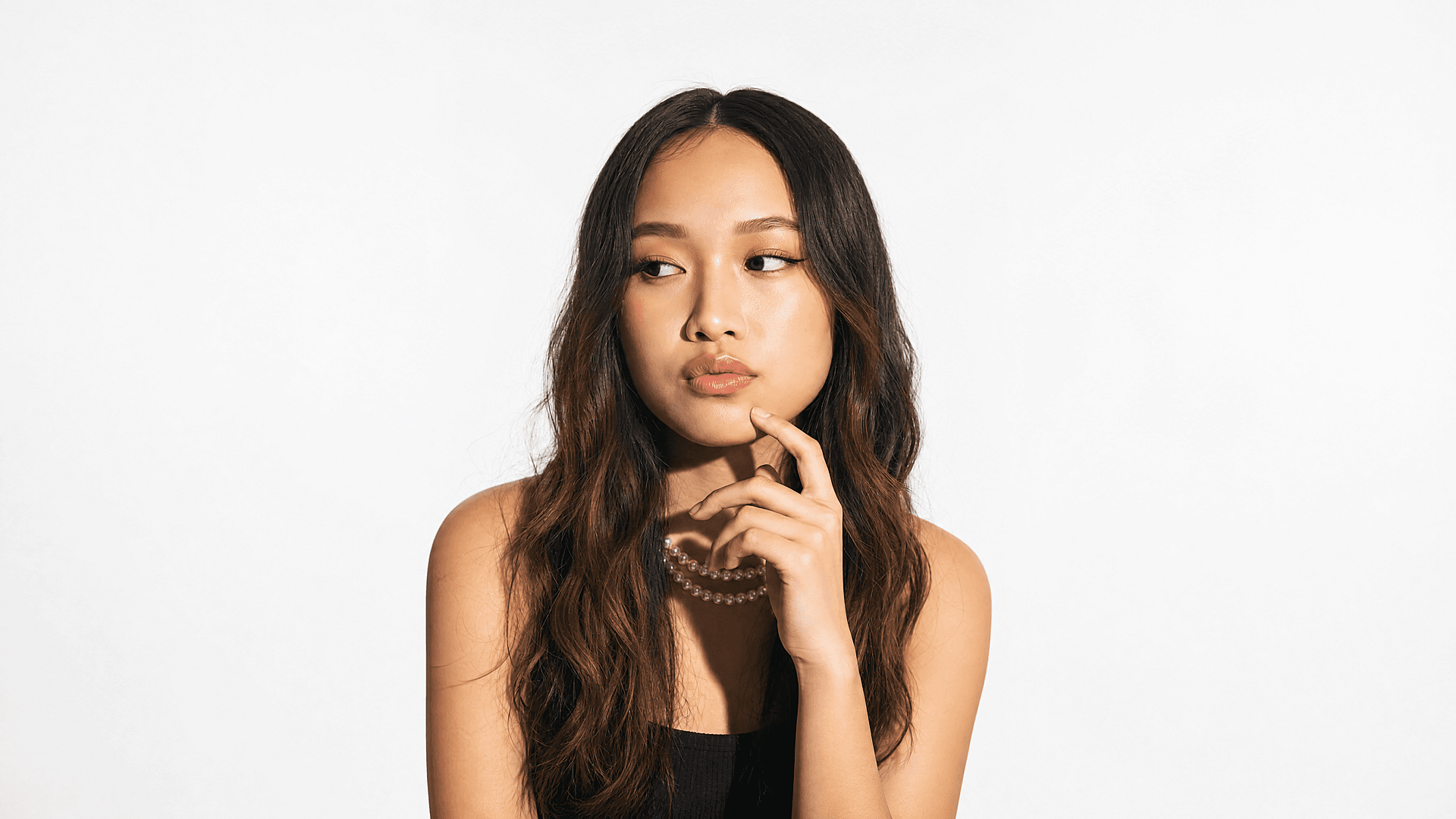
プライバシー保護でぼかされた顔を復元
人は共有前に顔を隠しておいて、後から個人アルバムやプリント用に完全な状態のものが欲しくなることがあります。このツールは自然な顔の領域を再構築し、写真が再び完成した状態に見えるようにします。これは本人の身元を復元するものではなくクリーンな再構築ですが、個人利用にはまさにこれで十分です。
今すぐ試す
SNSの保存画像やスクリーンショットを整理する
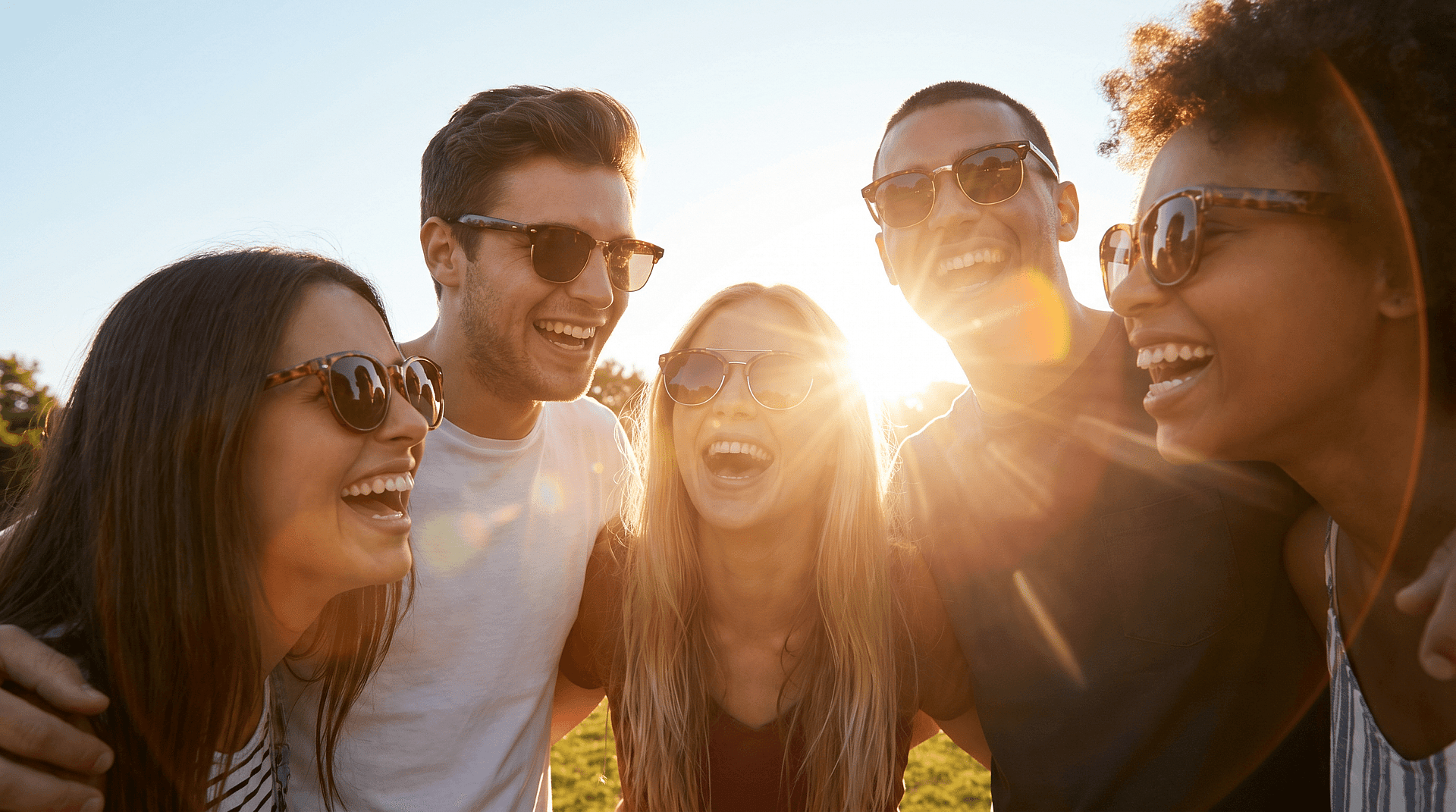
保存した投稿やスクリーンショットには、ステッカーや絵文字が重なっていることがよくあります。こうしたコンテンツを再利用したいクリエイターには、クリーンな状態が必要です。顔絵文字リムーバーはそれらの重なりを消し、保存した画像を再び見せられる状態に戻します。これは、より幅広い 写真から絵文字を削除 顔以外のオーバーレイ向けワークフロー。
今すぐ試す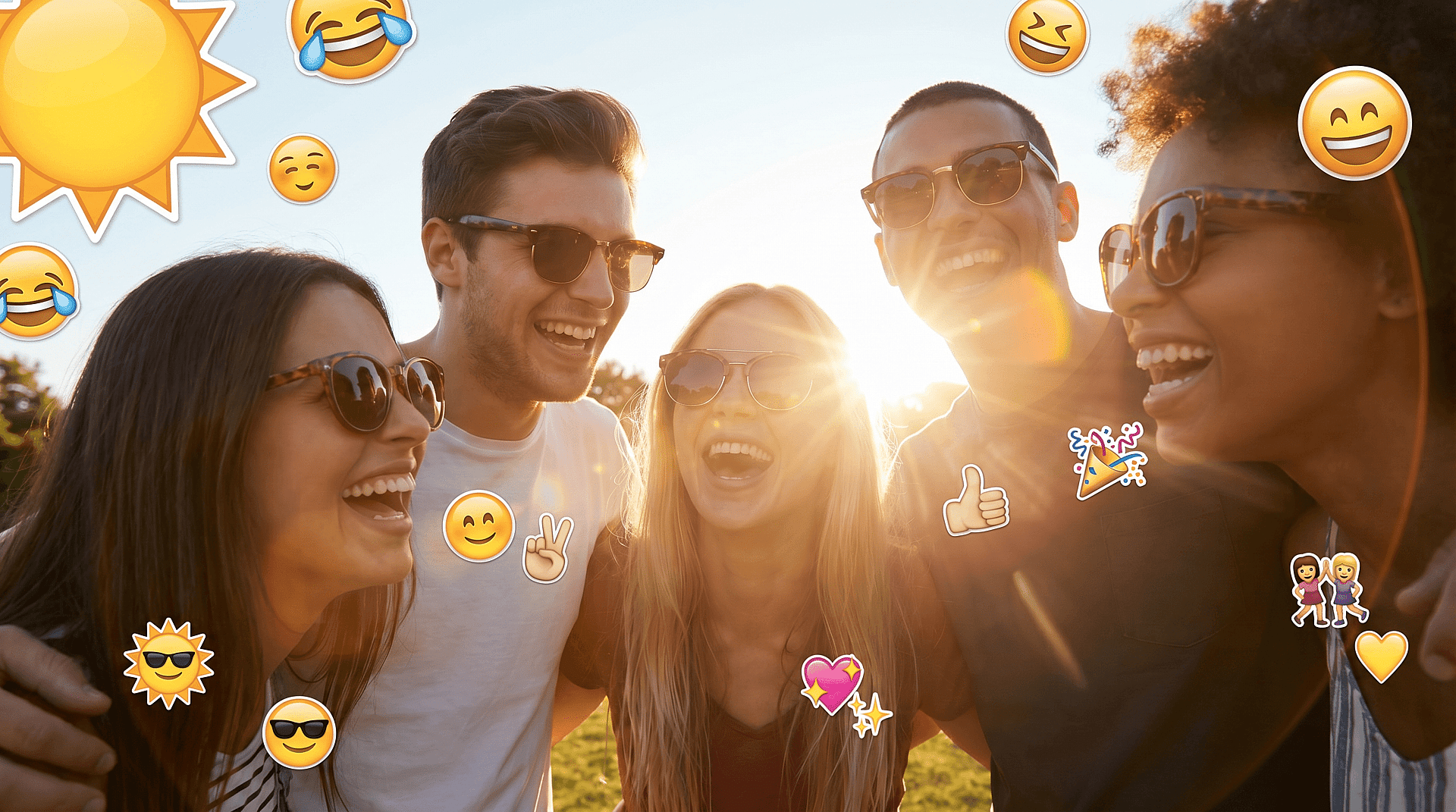
商品・マーケティング画像を準備
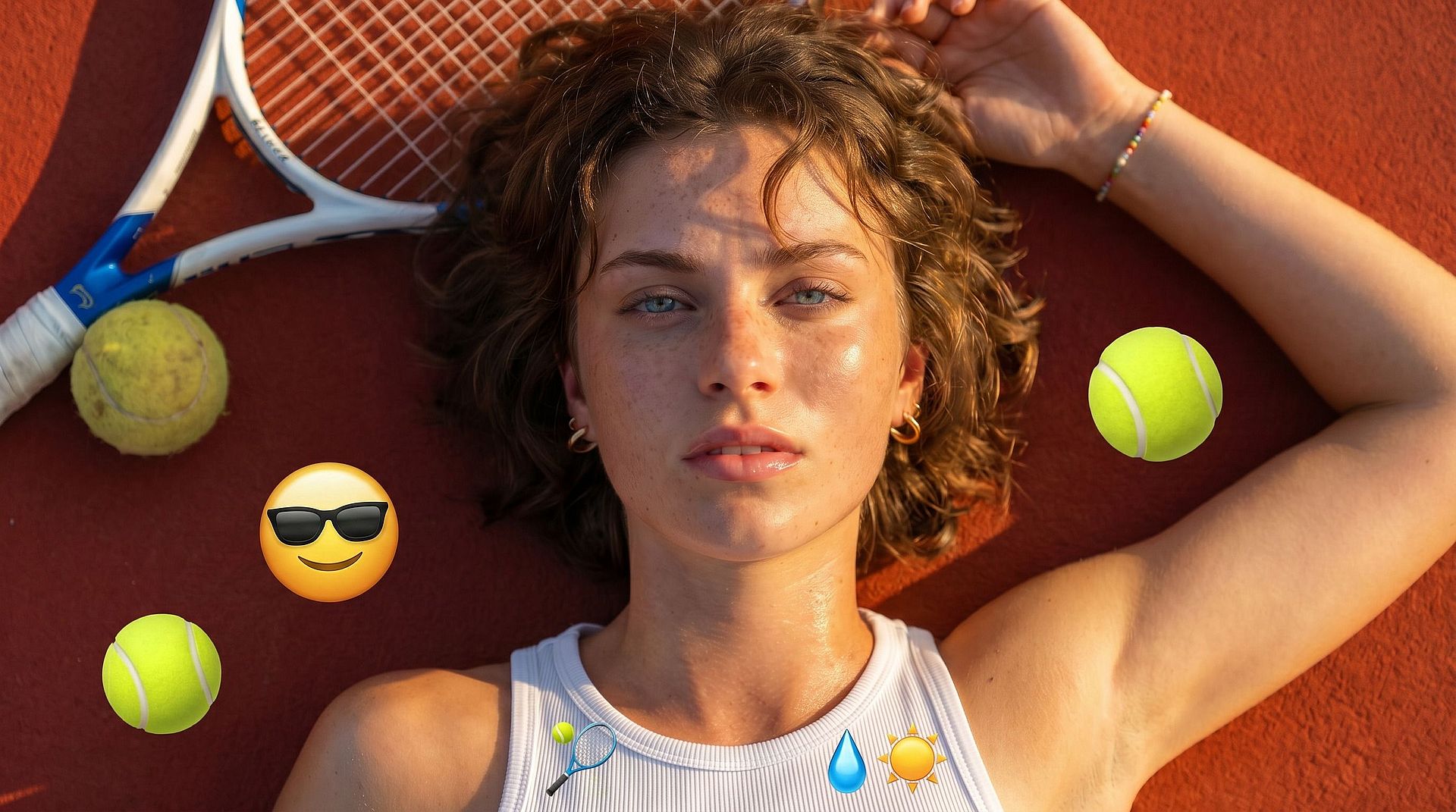
商品写真やマーケティング素材には、透かし風の絵文字やプレースホルダーのステッカーが付いてくることがあります。これらを消しておけば、レイアウトに配置したり別の用途に渡したりする前に、きれいなベースから作業を始められます AI画像ジェネレーター さらなるバリエーションのために。
今すぐ試す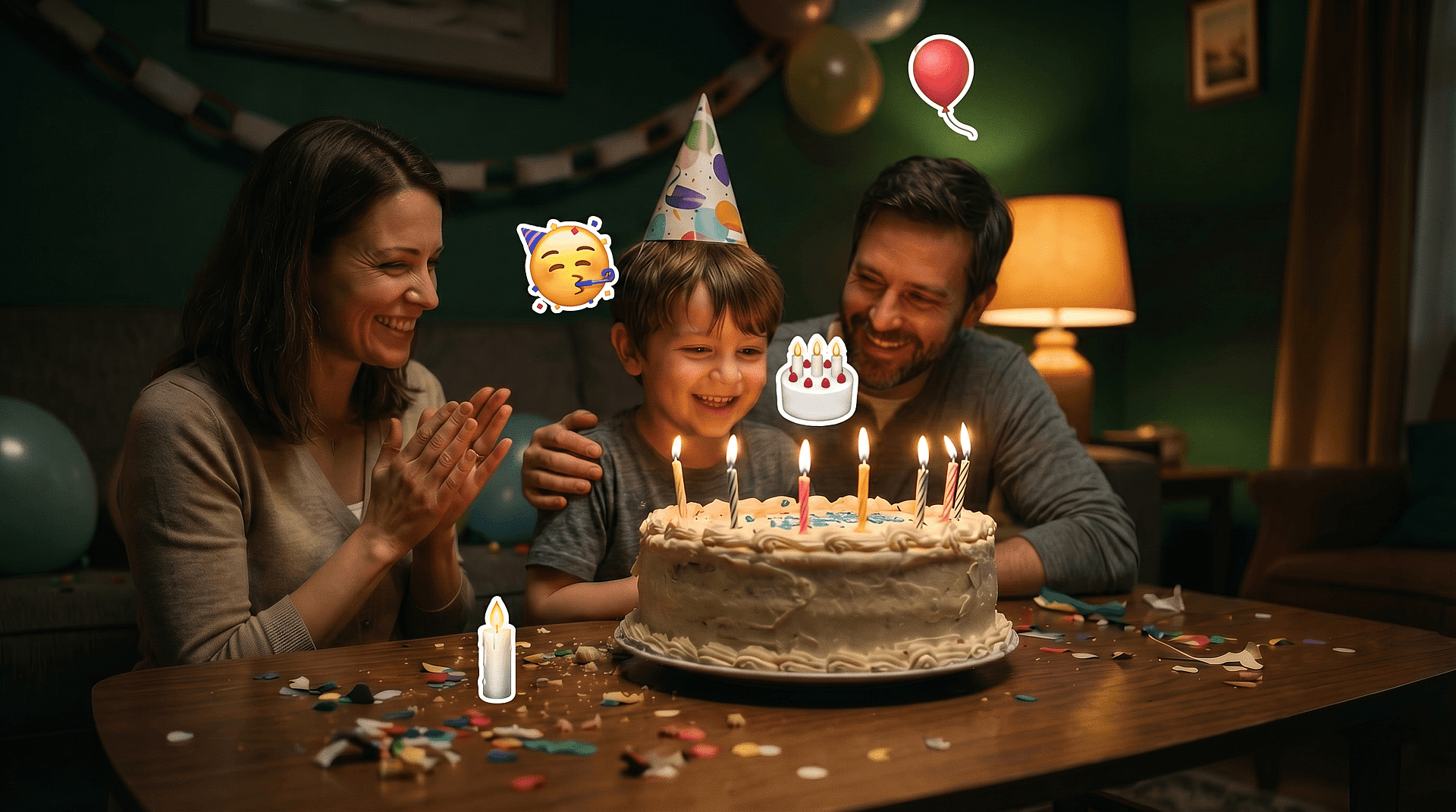
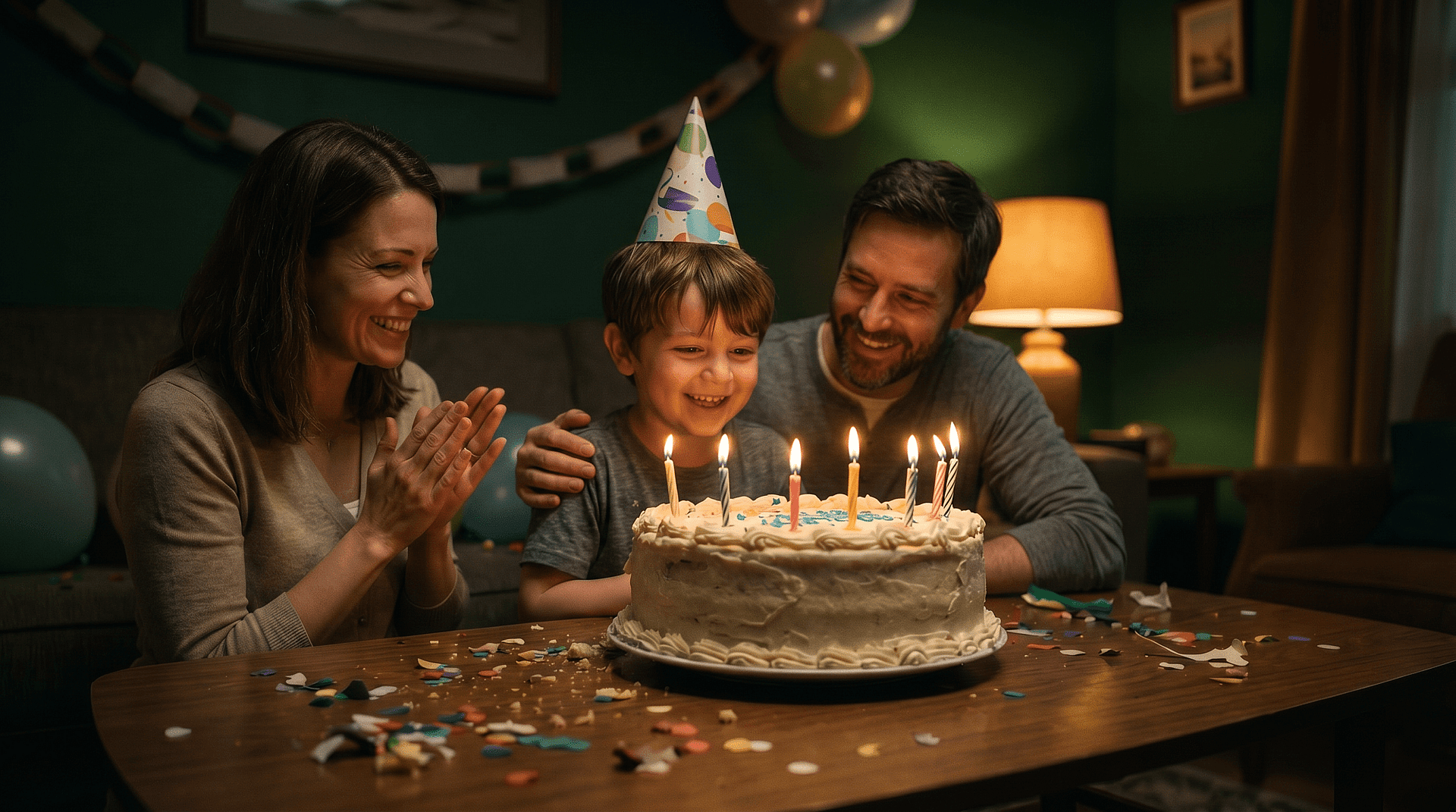
装飾ステッカーを削除
誕生日のステッカーや位置情報タグ、装飾的な絵文字はフレームを雑然とさせます。それらを取り除き、背景フィルで背後にあったものを再構築して、すっきりとした構図に仕上げましょう。
今すぐ試すよくある質問 よくある質問
いいえ。絵文字が一度画像に焼き込まれると元のピクセルは失われ、どんなツールでも復元できません。顔絵文字リムーバーが行うのは、周囲のコンテキストから自然な見た目を再構築することです。結果として、実際にそこにあったものを暴くのではなく、クリーンで完成度の高い画像が得られます。
はい、ただし上記の正直な注意点付きで。顔・ディテール再構築機能は、周囲の見える情報から目、肌の質感、表情などの顔の特徴を再構築し、自然に見えるポートレートに仕上げます。これは明らかにするのではなく、再構築するものです。
モデルは編集箇所を写真の他の部分と一貫させるよう働き、テクスチャやライティングを合わせるので、修正跡が目立ちません。特に背景では品質がしっかり保たれます。顔の場合、再構築された領域は自然になじむよう作られ、リファインステップで気になる箇所を仕上げられます。
OpenArtの編集スイート内にあるオンラインのブラウザベースツールです。専用のモバイルアプリは不要で、ブラウザからWeb上で使用するため、インストールなしで手軽に利用できます。
はい、無料で始められます。新規アカウントには、自分の写真でツールを試せるクレジットが付いてきます。もっと必要になったらアップグレードすればOK。「ずっと無制限に無料」といった偽りの約束はなく、本物の無料トライアルが用意されています。
このツールはJPEG、PNG、WEBPファイルに対応。どれをアップロードしてもすぐに編集できます。
はい。同じ選択して塗りつぶすアプローチで、装飾ステッカー、位置タグ、1枚の画像内の複数の絵文字にも対応できます。消したい部分をそれぞれ選択して作り直しましょう。顔以外のオーバーレイには、姉妹ツールの 写真から絵文字を削除するツール も同じ領域をカバーしています。
そうしたアプリは隠れた顔を明らかにすると謳いますが、たいてい失敗します。そもそも明らかにするためのデータが存在しないからです。これは、自然な仕上がりを再構築することに正直な復元ツールです。目指すのは、きれいで使える写真であって、偽りの復元ではありません。

