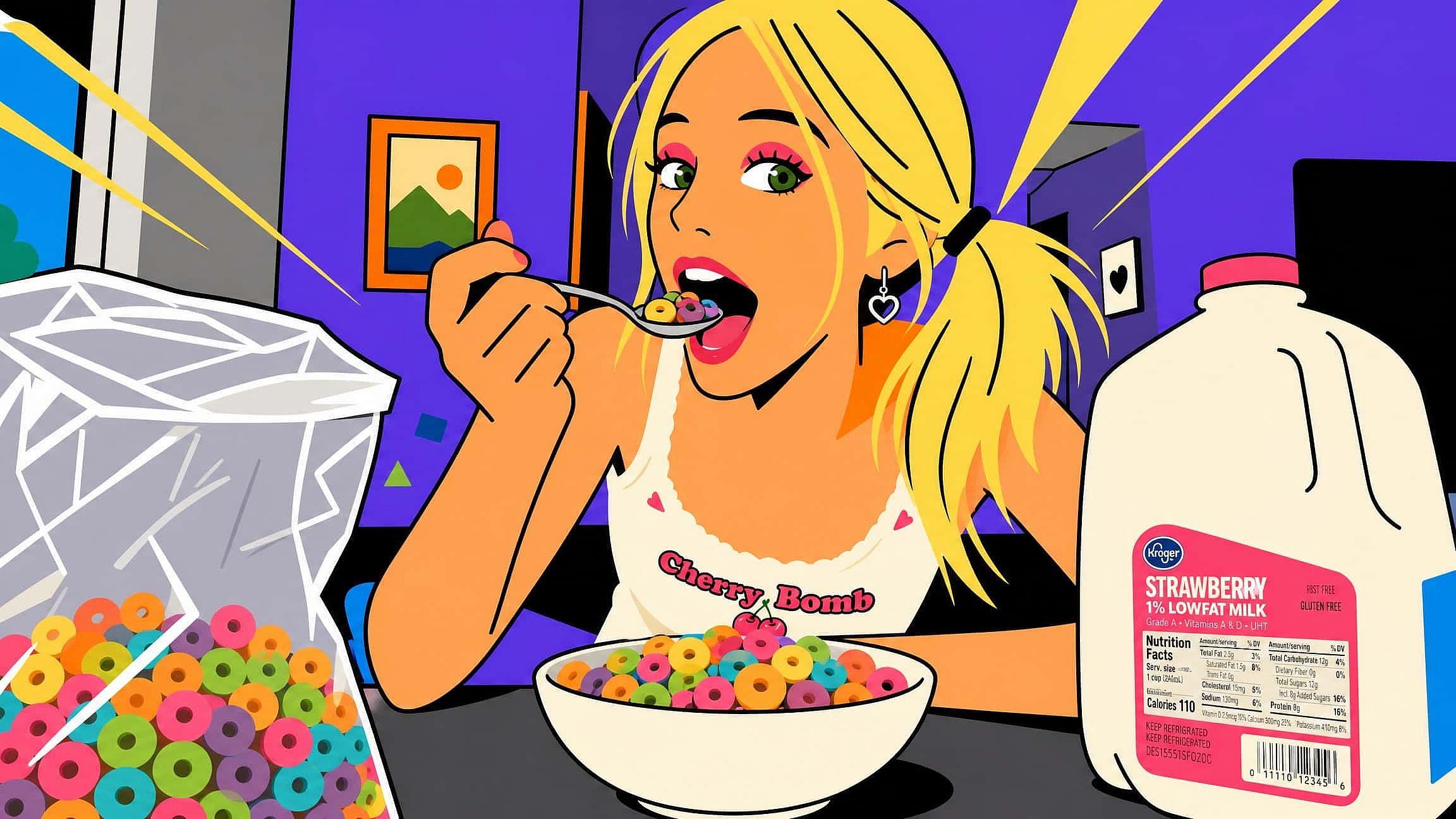
AI画像から画像へ
OpenArtのAI画像から画像へのジェネレーターで、どんな写真も新しい作品に生まれ変わらせましょう。写真をアップロードし、チャットで変換内容を伝えるだけで、構図はそのままにスタイルやムード、ディテールを変えた仕上がりが手に入ります。
 画像を追加 またはここにドラッグ&ドロップ · JPEG、PNG、WEBP、HEICJPEG、PNG、WEBP、HEIC
 OpenArtでのAI画像から画像への使い方
画像を変換するには、アップロード1回、プロンプト1つ、スライダー1つだけ。基本の流れはOpenArtのImage Variationsツールで完結します。
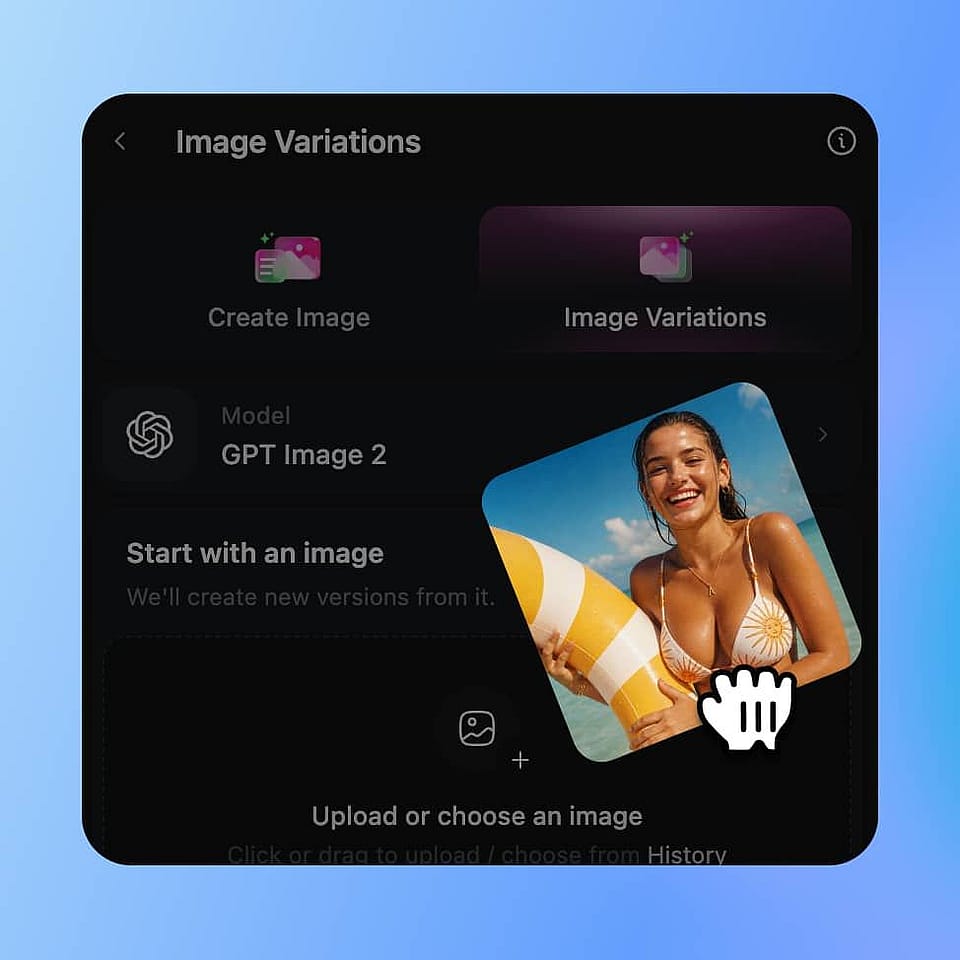
スタート画像をアップロード
Image Variations を開いて、変換したい写真、アートワーク、スケッチをドロップします。鮮明で明るく、目的の出力に近い解像度の画像を使うと、最も良い結果が得られます。
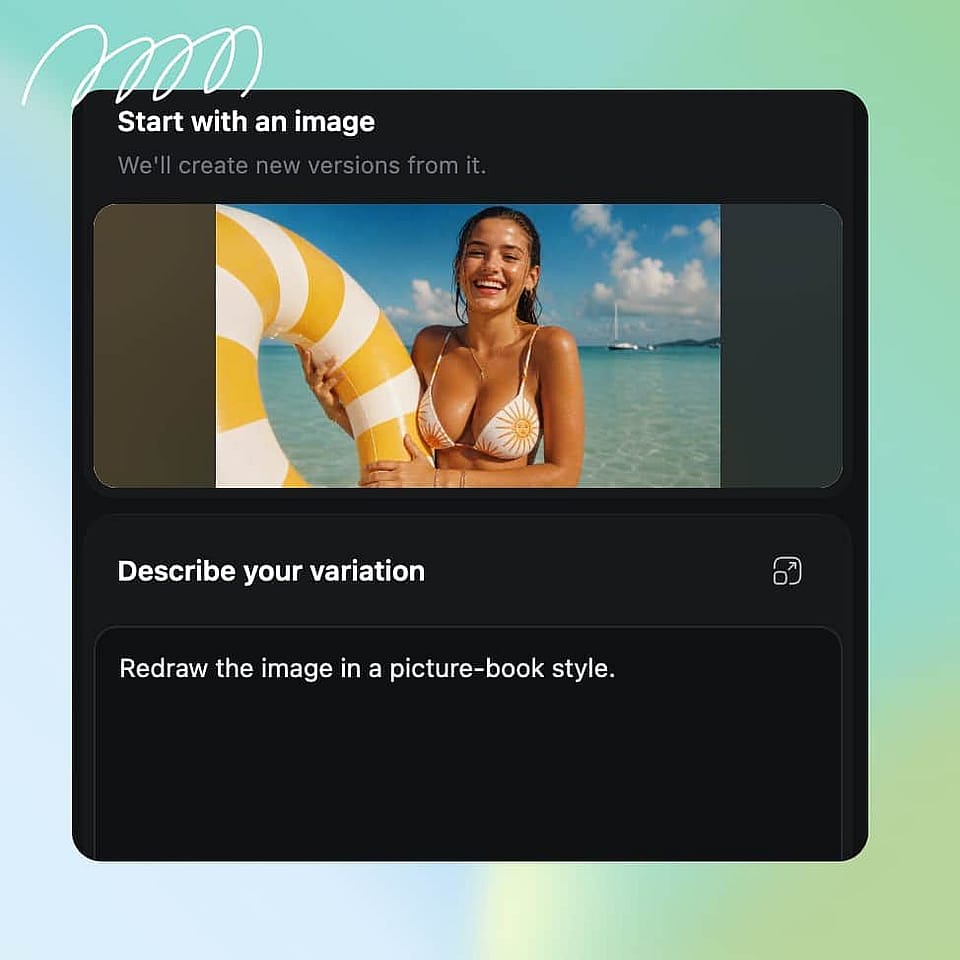
変換内容を説明する
変えたいスタイル、雰囲気、色、要素を書いたテキストプロンプトを入力しましょう。具体的に:「水彩イラスト、柔らかなパステルカラー、絵本風」の方が「アーティスティックにして」よりずっと効果的です。
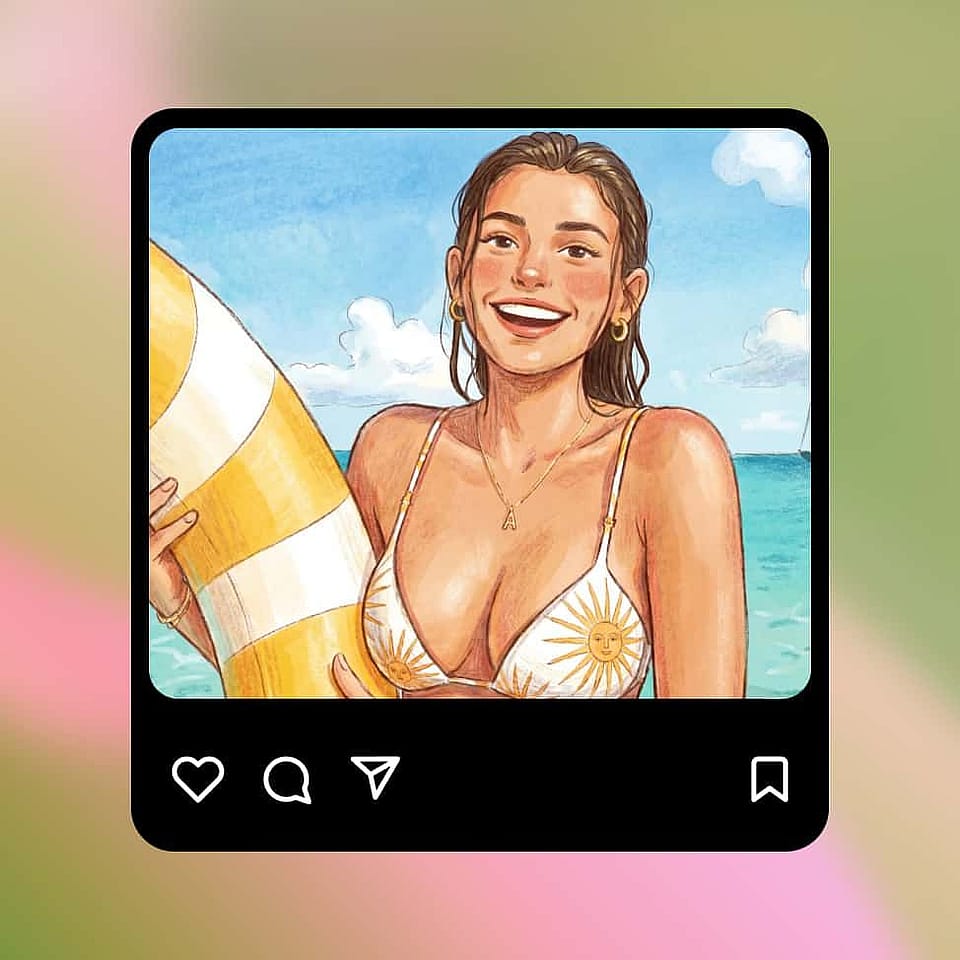
クリエイティビティのレベルを設定して生成
クリエイティビティスライダーを「オリジナルに近づける」方向に動かせば忠実なリスタイルに、「より変化させる」方向に動かせば大胆な変化に。最大8つのバリエーションを生成して、お気に入りを選びましょう。
大切な部分は残したまま、どんな画像も変身
写真、スケッチ、イラストを、元の構図・被写体・アイデンティティを保ったままリスタイル。繊細な編集から大胆なアート変換まで、OpenArtの強力なAI編集ツールで一貫した仕上がりを生み出せます。
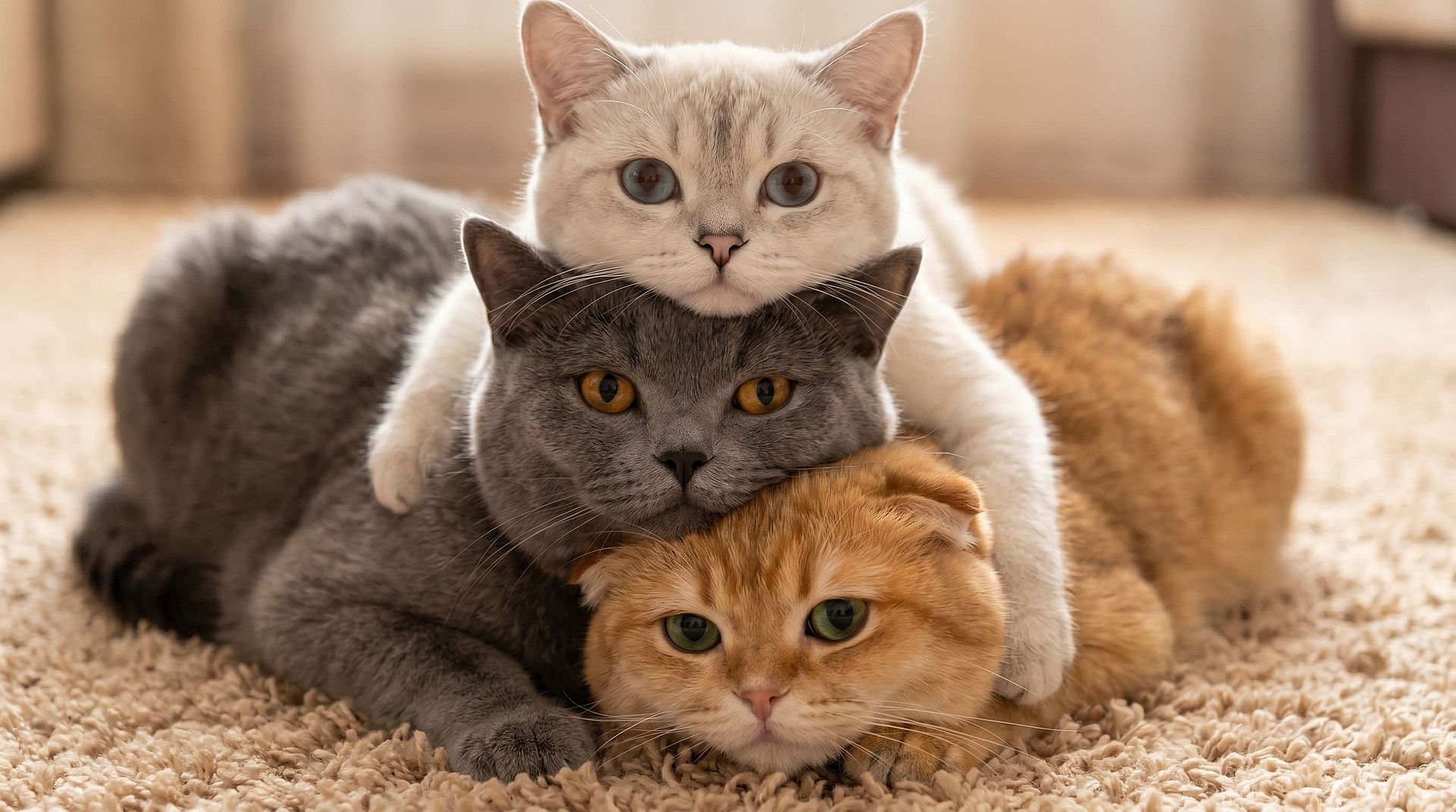
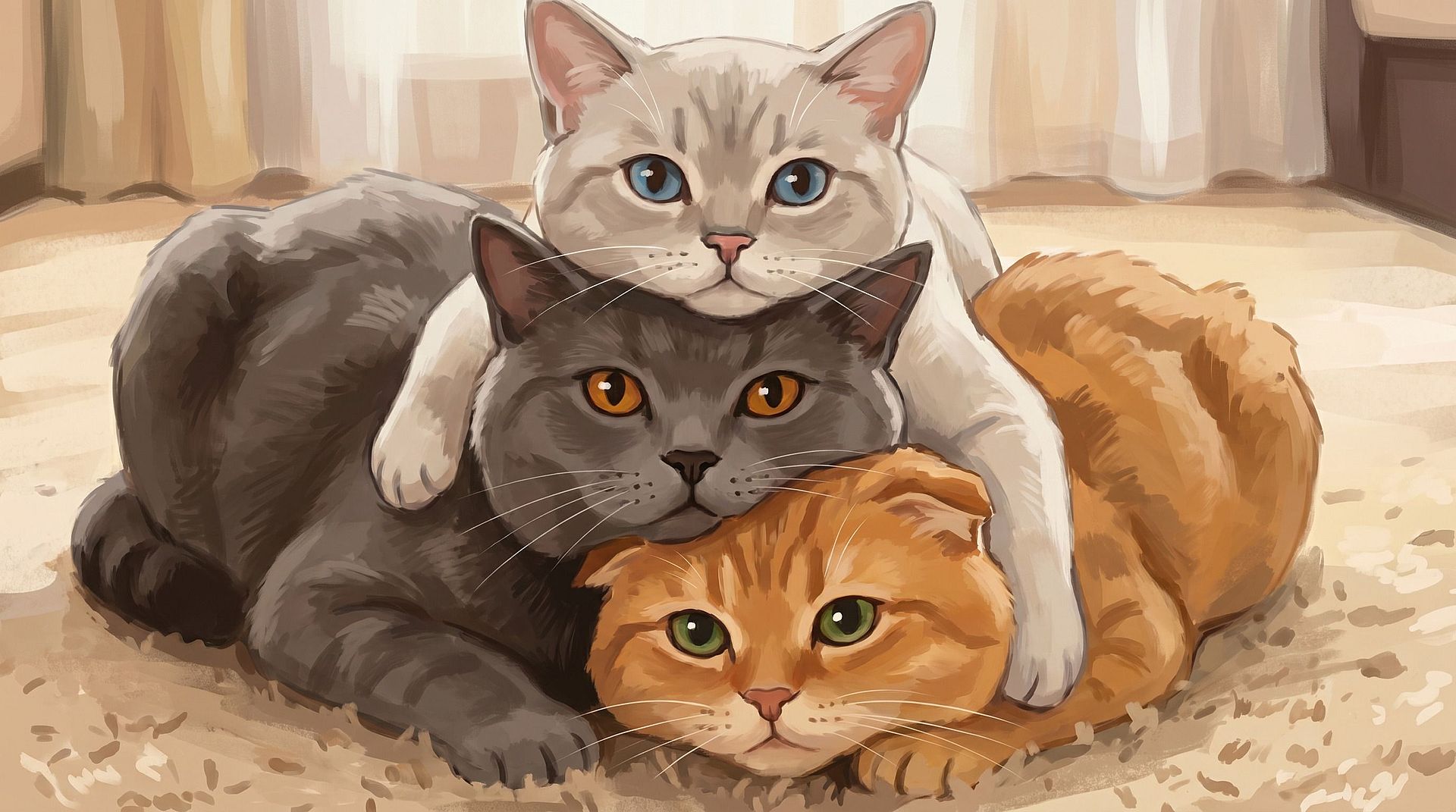
構造を崩さずに写真をリスタイル
the AI画像ジェネレーター は、構図やフレーミング、特徴を保ったまま、どんな写真も自在に変化させられます。ポートレートをアニメキャラクターに、街角のスナップをサイバーパンクの世界に、ペットの写真を絵画風のアートに。被写体とレイアウトはそのまま引き継がれるので、新しいスタイルになっても「あなたの画像」として仕上がります。このワークフローは次との組み合わせも可能です AIスタイル転送, 画像をカートゥーン化するAI、または スタジオジブリ風フィルター スタイライズされたプロフィール画像、ファンアート、印刷用ポートレートを作成できます。
今すぐ試す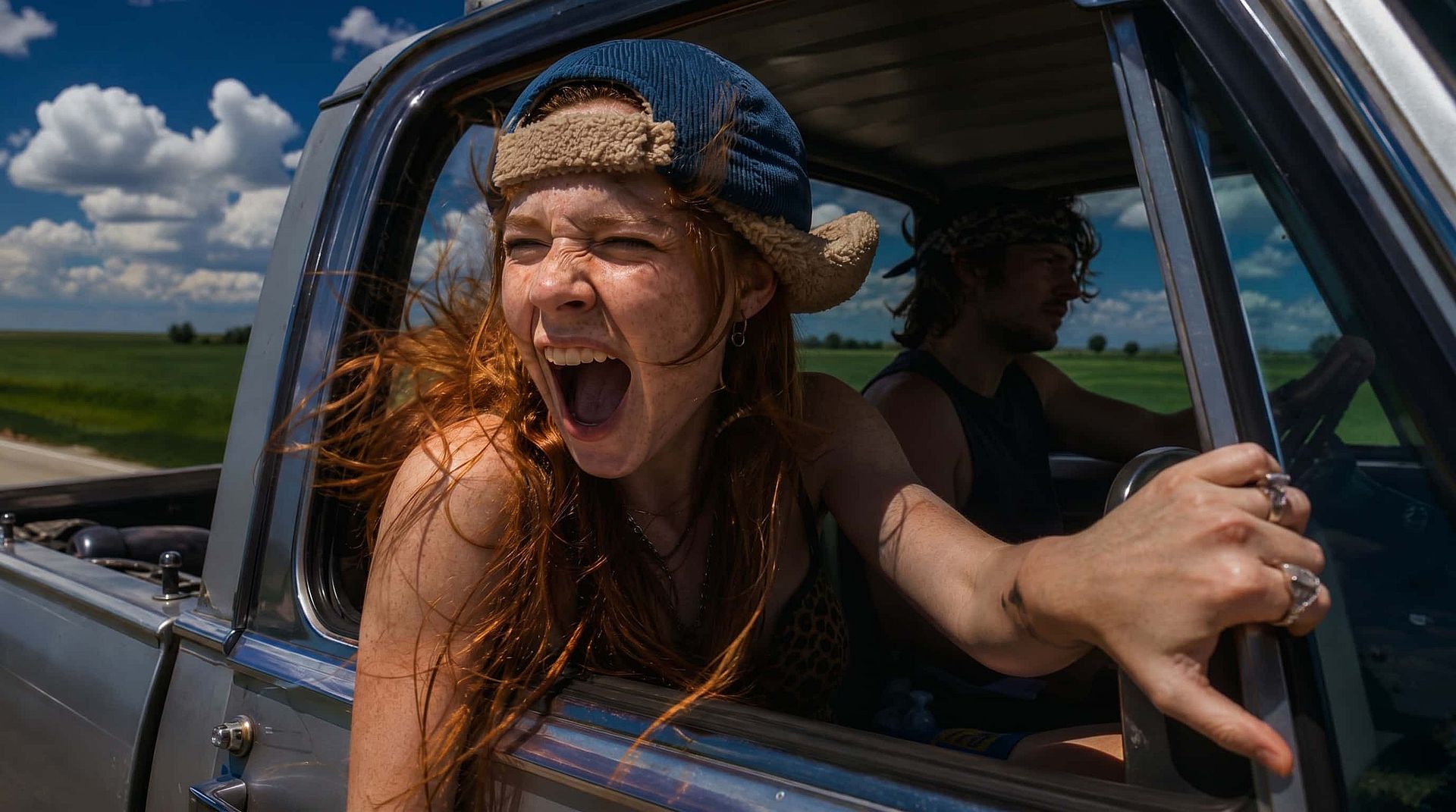
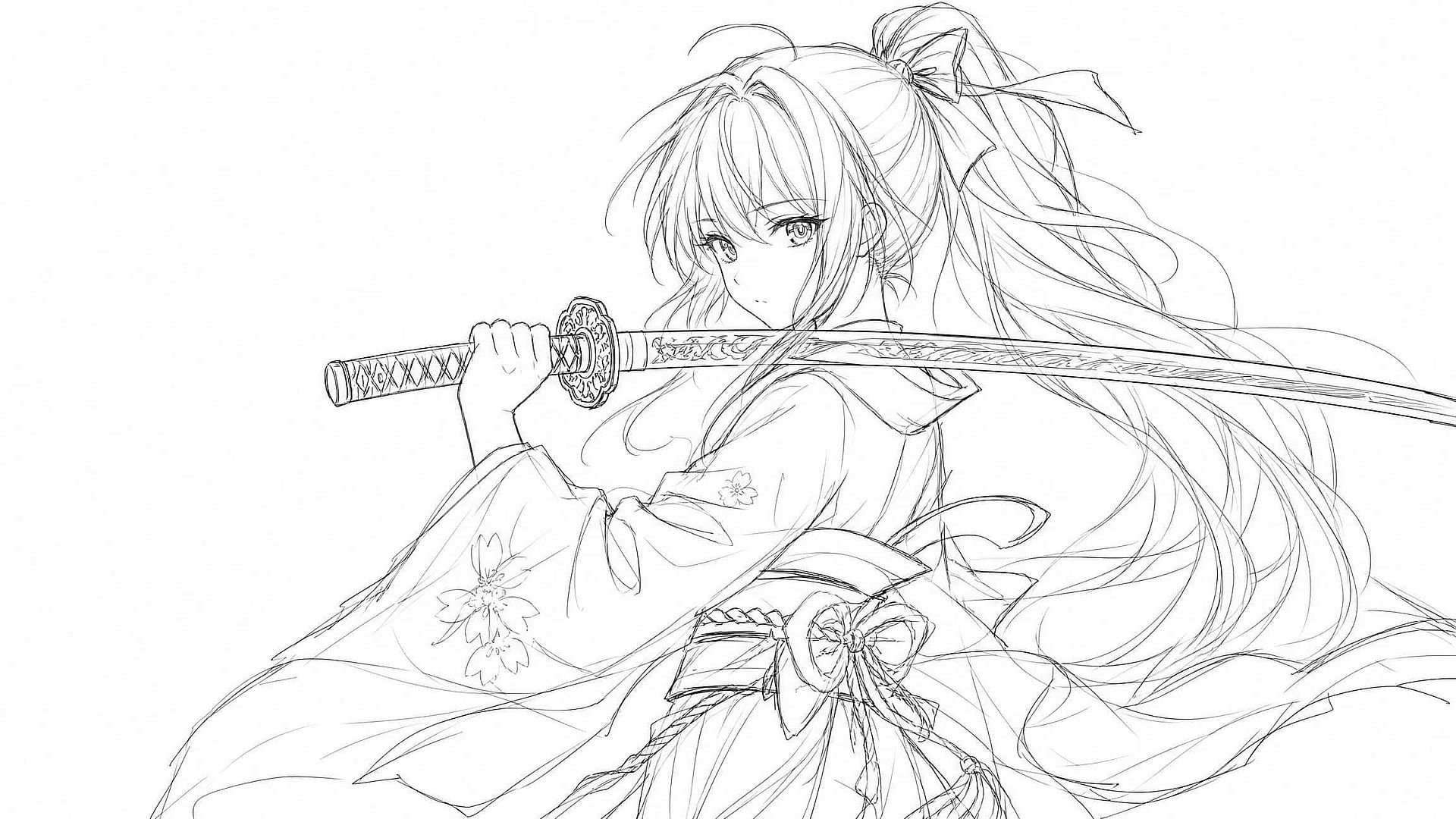
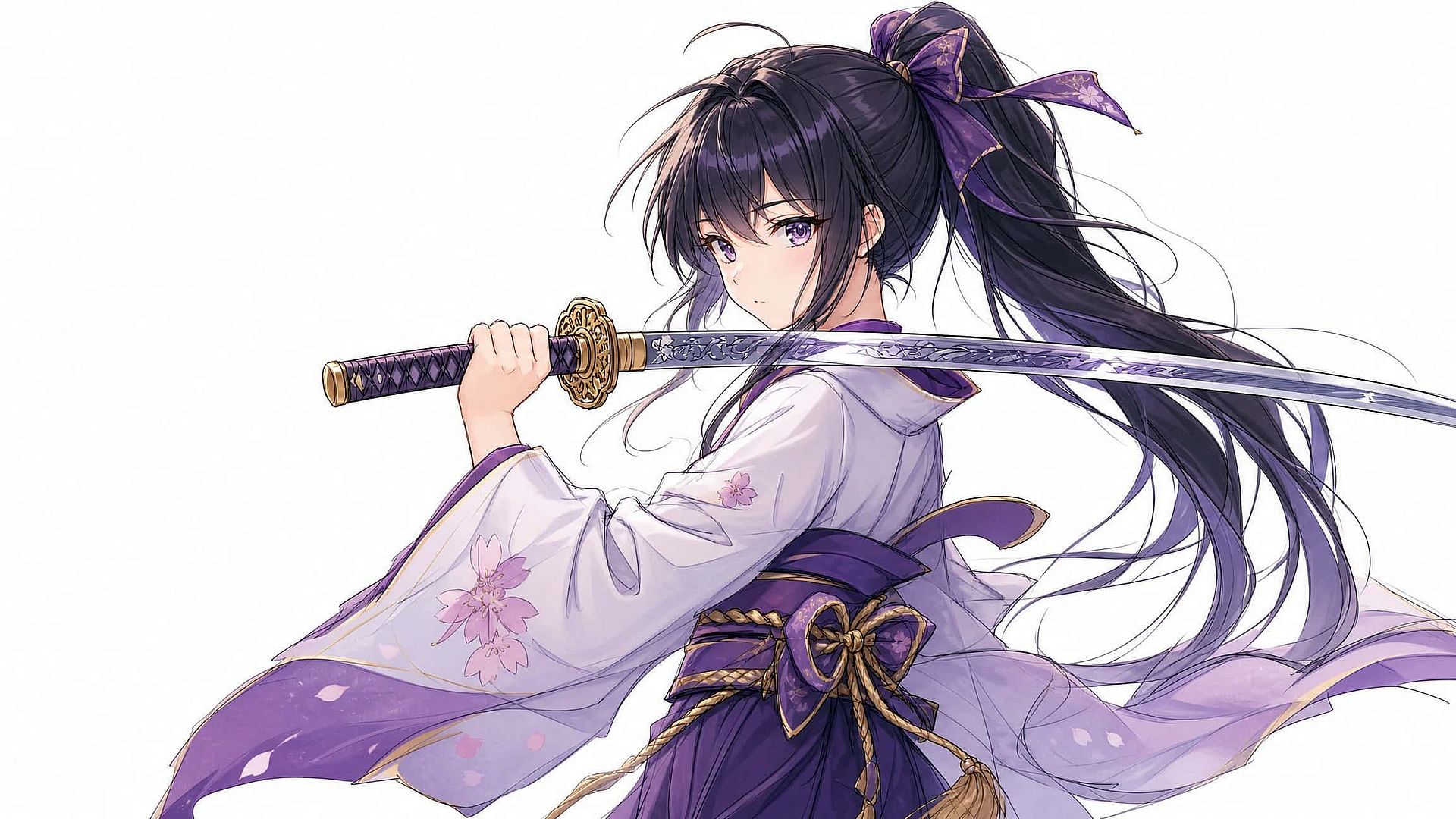
スケッチを完成した画像に変換
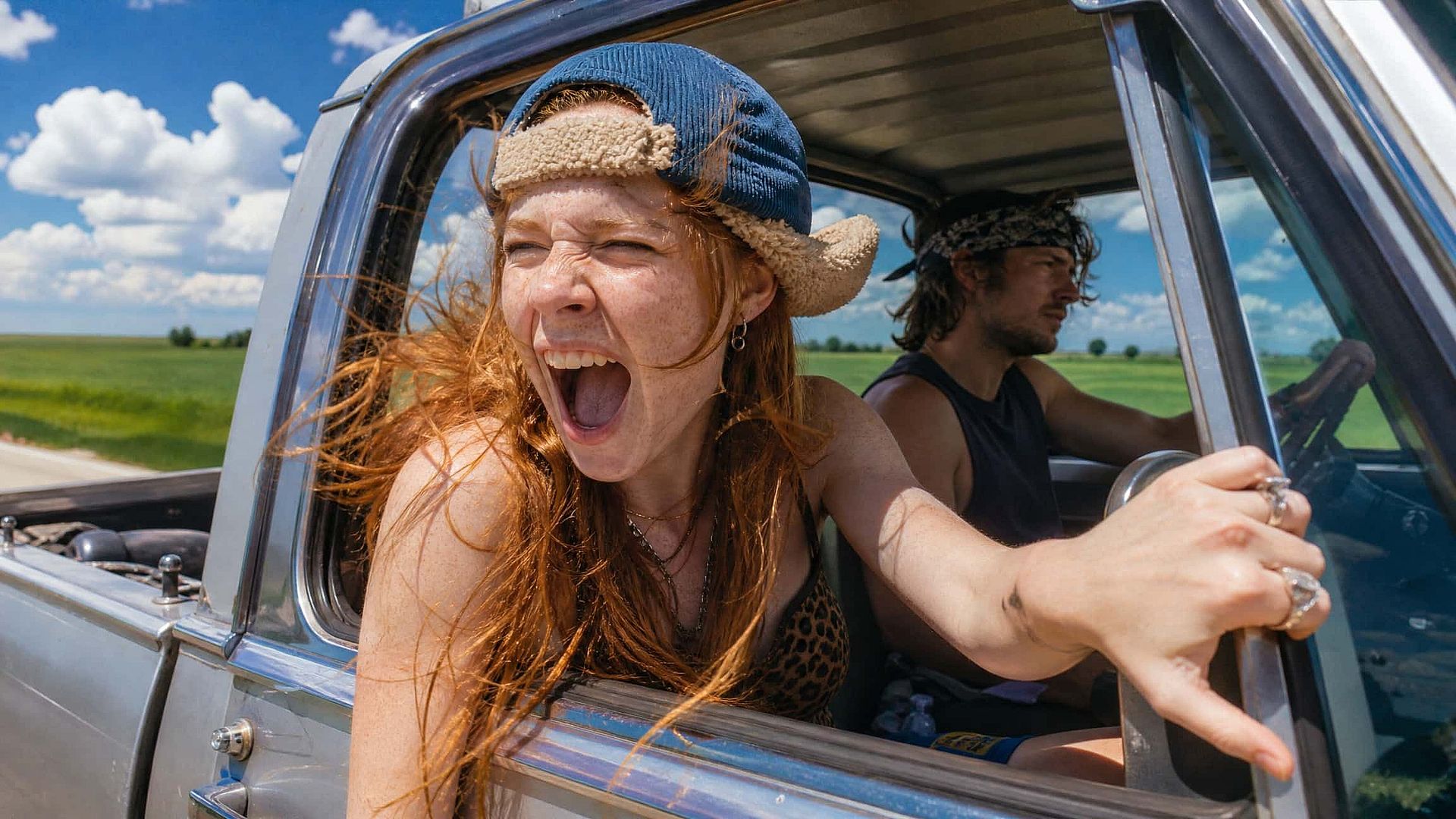
線画やラフスケッチ、初期レンダリングをアップロードして、思い描く完成形を説明しましょう。AIがあなたの作品に色付けとディテールを加えます スケッチを洗練されたアートに、しかも一度に最大8方向まで展開できるので、素早い反復作業が可能です。ゲームアーティスト、イラストレーター、デザイナーは、手作業での描き直しよりもはるかに速くキャラクターや背景、雰囲気を作り込めます。逆方向にも機能し、写真をスタイライズされた線画へとシンプルに変換できます。
今すぐ試す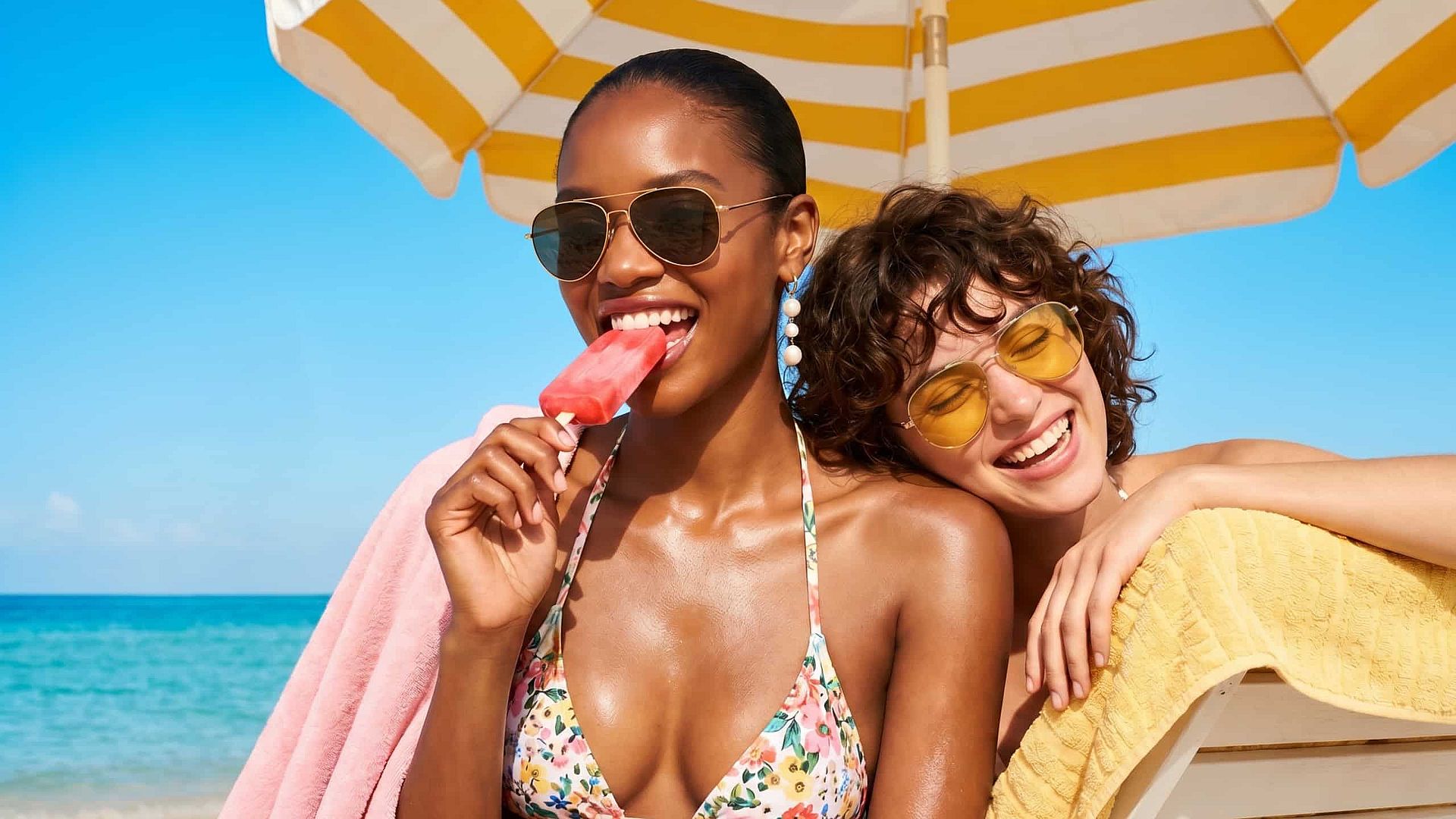
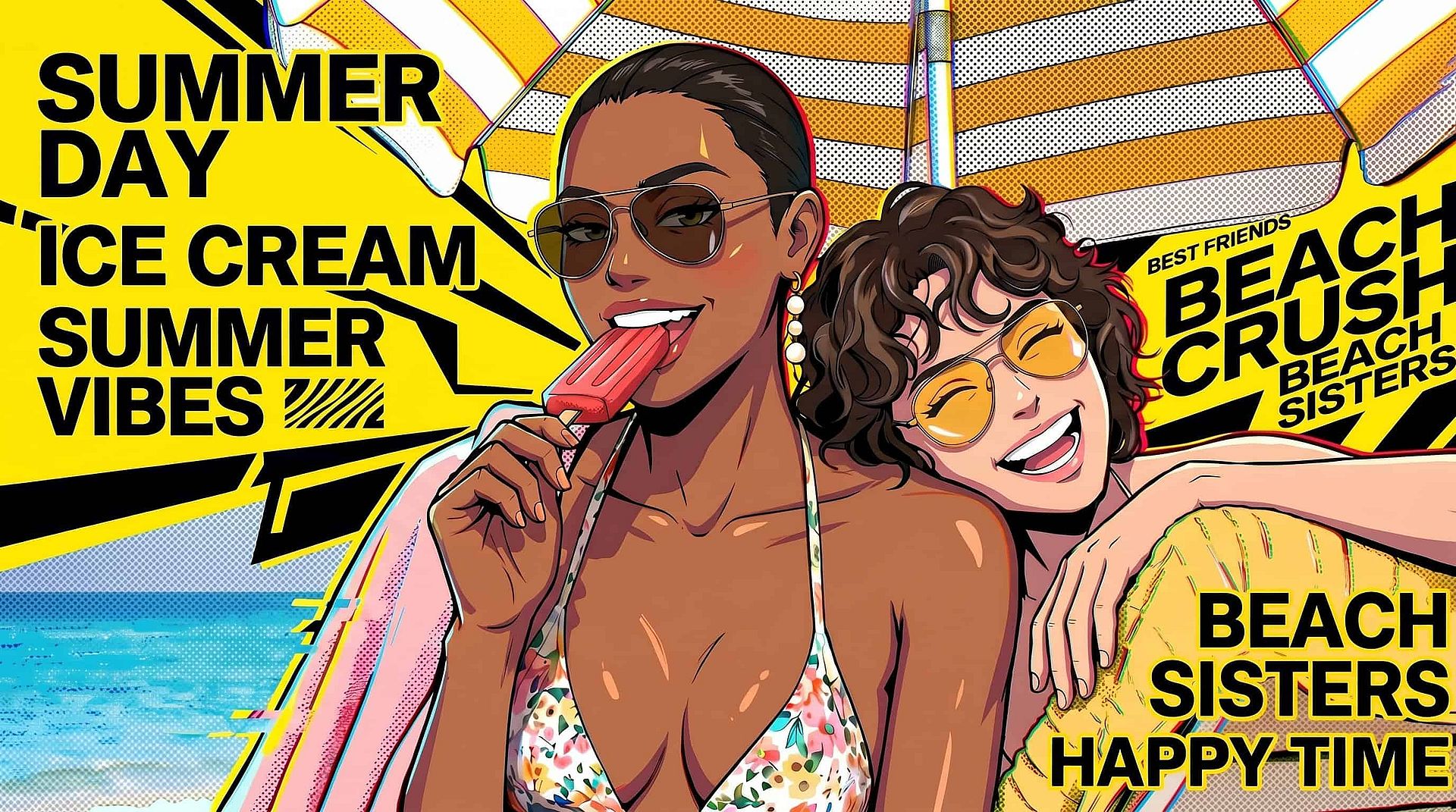
古い写真から新しいコンテンツを
1枚の画像でも、カメラロール全体でも、もう一度活躍させましょう。1枚の商品ショットを季節のテーマ、背景、ライティングでリスタイルして、1つの素材からまるごとキャンペーンを作り出せます。さらに組み合わせるなら 背景チェンジャー、または AIフォトエディター を使って、SNS、マーケティング、Eコマース向けに一貫性のあるブランドビジュアルを作成しましょう。
今すぐ試すよくある質問 よくある質問
AIの画像から画像への生成は、白紙のキャンバスではなく既存の画像から始める生成方法です。画像をアップロードし、加えたい変更をテキストプロンプトで指示すると、AIが元の構造を保ちながらスタイル・色・内容を変換した新しい画像を生成します。
テキストから画像は、プロンプトだけで絵を生成するため、構図はAI任せになります。画像から画像は、アップロードした画像に出力を固定するので、レイアウト、被写体の配置、比率をはるかに細かくコントロールできます。
クレジットカード不要のトライアルクレジットで、OpenArtを無料でお試しいただけます。有料プランでは日常的な利用に向けて、より多くのクレジット、高速な生成、より高い出力解像度が加わります。
はい。スケッチや線画をアップロードし、完成イメージを説明して、クリエイティビティのレベルを高めに設定すれば、AIが色、テクスチャ、ディテールを加える余地が生まれます。キャラクターアート、製品コンセプト、建築アイデアのいずれにも対応します。
OpenArtで生成した画像は、OpenArtの利用規約に基づき商用プロジェクトに使用できます。アップロードするソース画像は、ご自身が所有しているか使用権を持つものに限り、他者の著作物や許可なく撮影した人物の写真はアップロードしないでください。
内部では、モデルが入力画像にノイズを部分的にかぶせ、テキストプロンプトに沿って再構築します。再構築が純粋なノイズではなくあなたの画像から始まるため、出力にはあなたの構図が引き継がれます。クリエイティビティ設定はノイズの量をコントロールするもので、値を高くするほど変化が大きくなるのはそのためです。
OpenArtはSeedream 4.5、Seedream 5.0 Lite、GPT Image 2、Nano Banana Pro、Nano Banana 2、Kling 3.0、Grok Imagine、Recraft V4、Wan 2.7など、最先端のモデルを多数搭載。フォトリアルからアニメまで、スタイルに合わせてモデルを切り替えられます。
はい。写真をアップロードし、希望のアニメスタイルをプロンプトで指定して、クリエイティビティのレベルを低〜中に抑えれば顔立ちが認識しやすいまま保たれます。複数のバリエーションを生成して、似顔とスタイルのバランスが最も良いものを選べます。
これは出力が元の画像からどれだけ離れるかを制御するもので、他の画像から画像への変換ツールにおける強度やデノイズ強度の設定と同じ考え方です。値が低いほど元の画像の大部分が保持され、値が高いほどおおまかな構図だけを残して他はすべて再解釈されます。
明るくクリアなソース画像から始めましょう。求めるスタイルやムードを具体的に指定したプロンプトを書き、さまざまなクリエイティビティレベルでいくつかのバリエーションを生成します。実行のたびにプロンプトを少しずつ調整するほうが、長いプロンプトを一度書くより理想の仕上がりに早くたどり着けます。