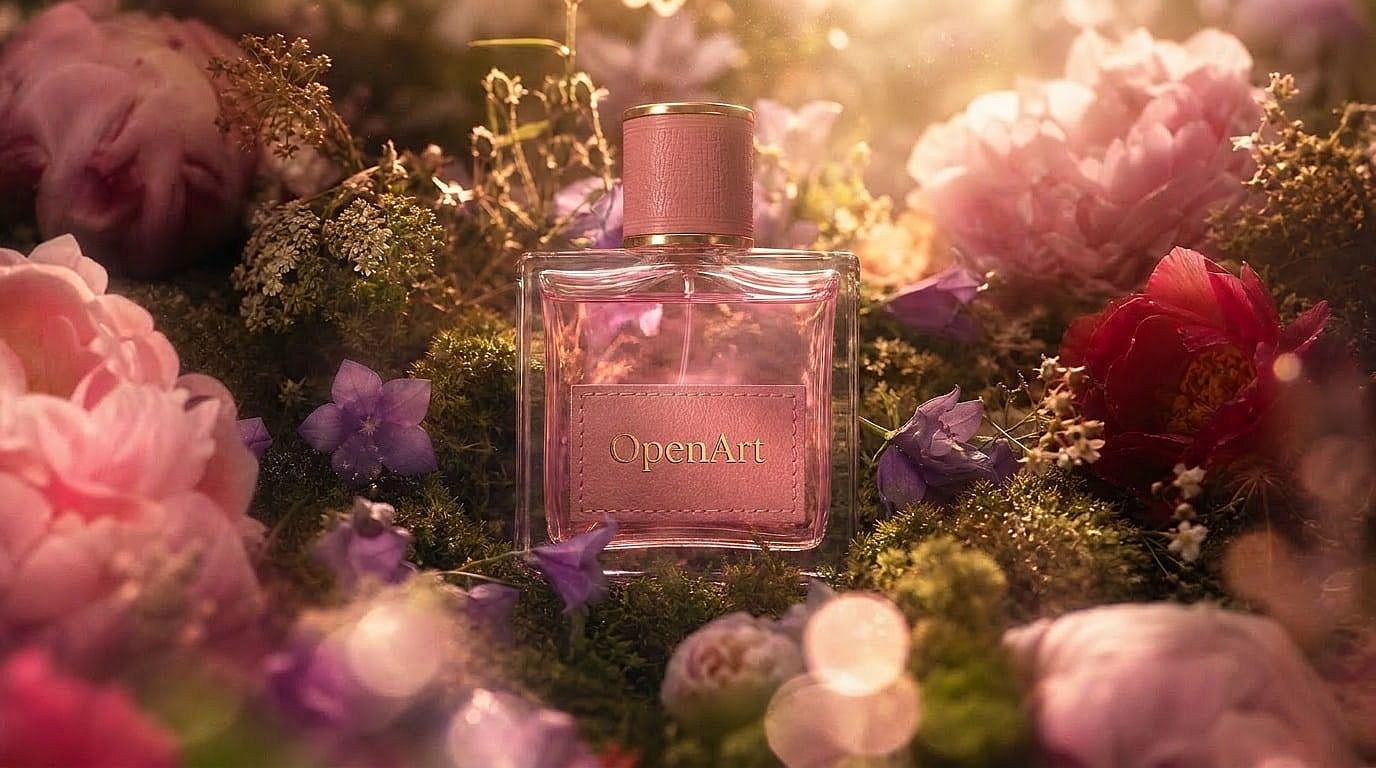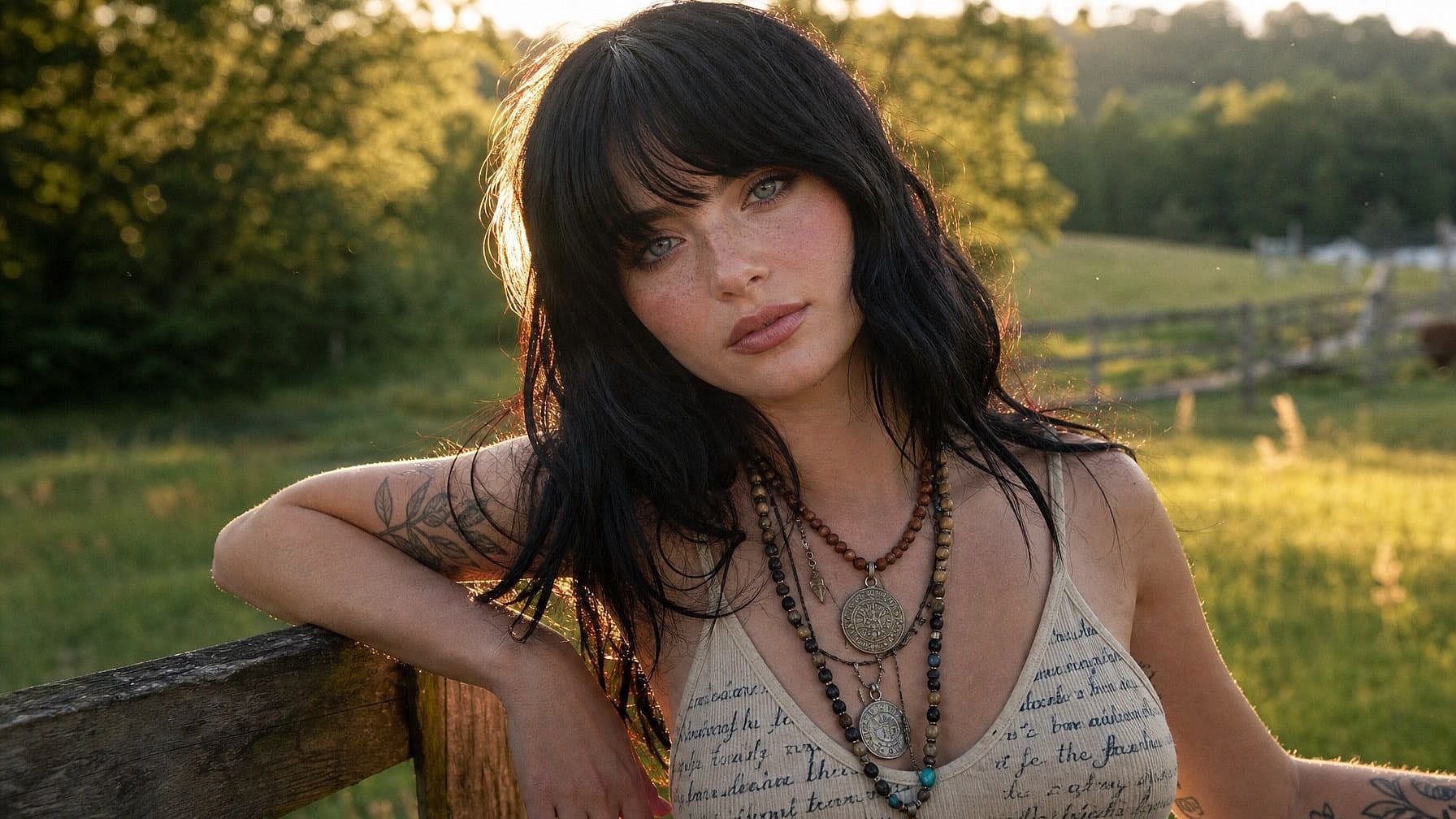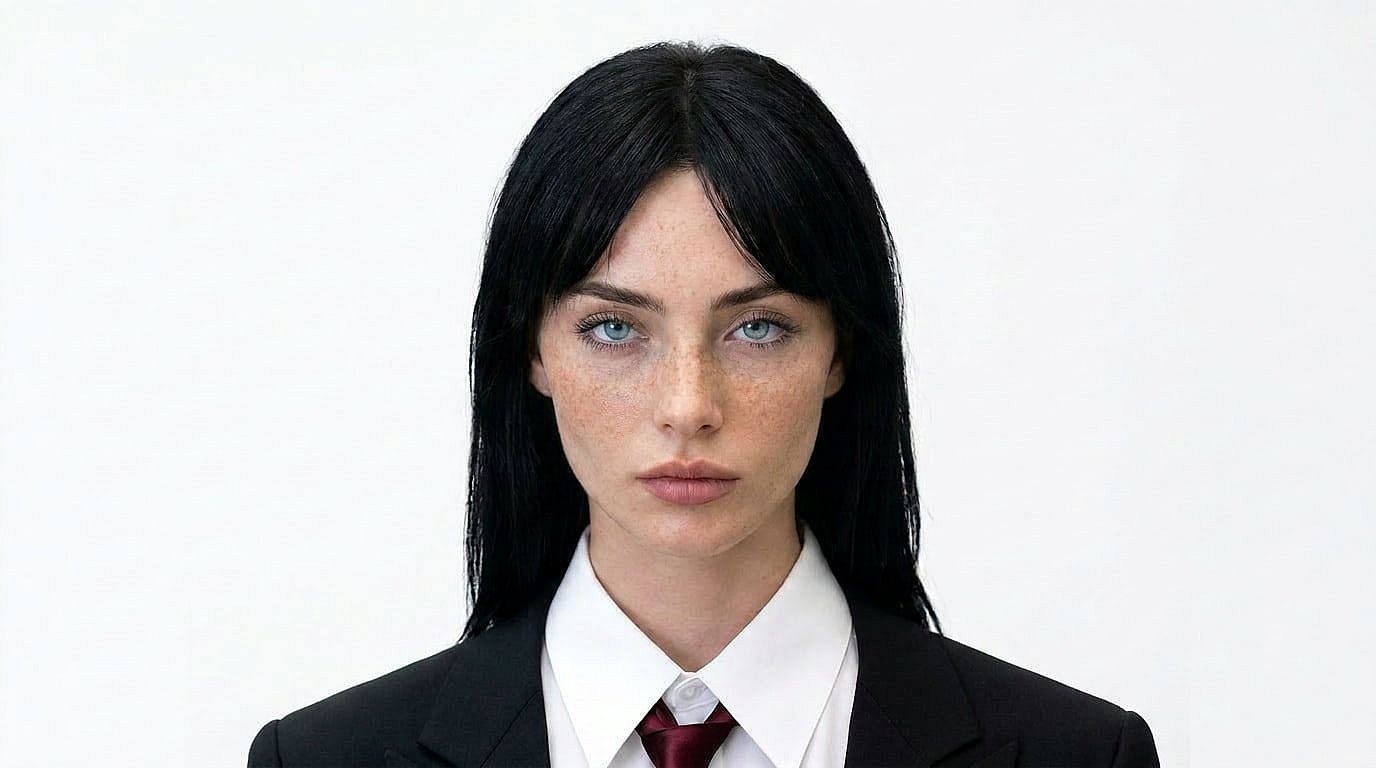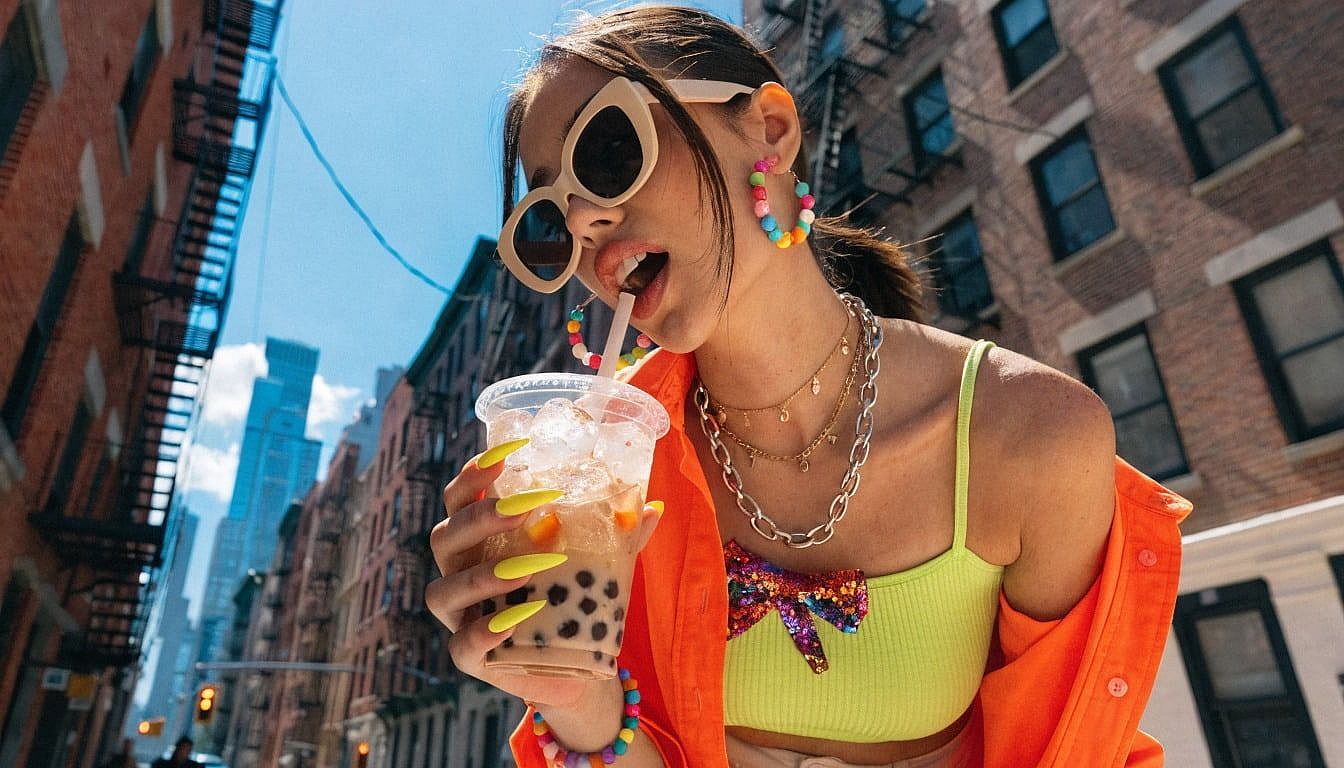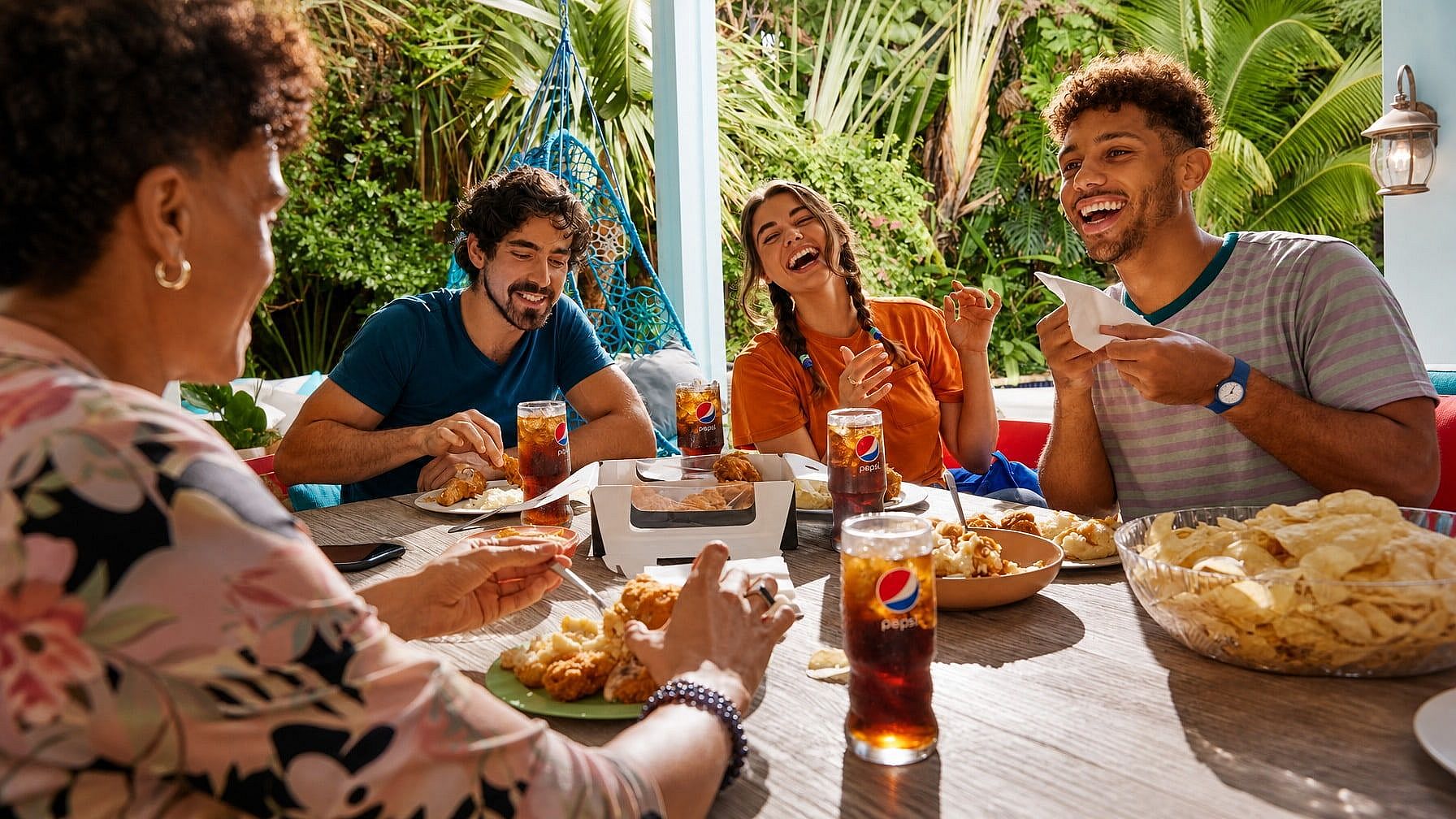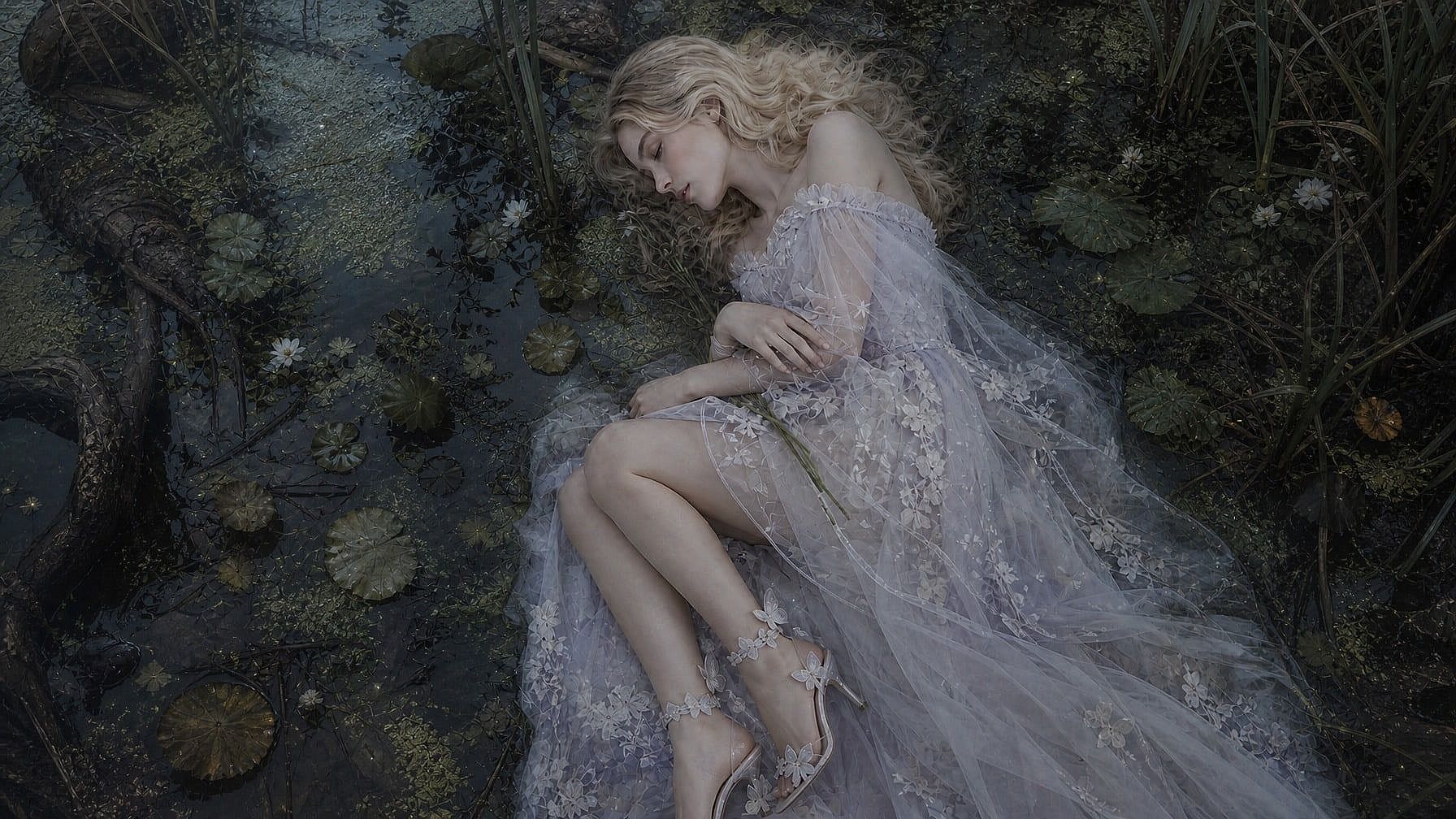
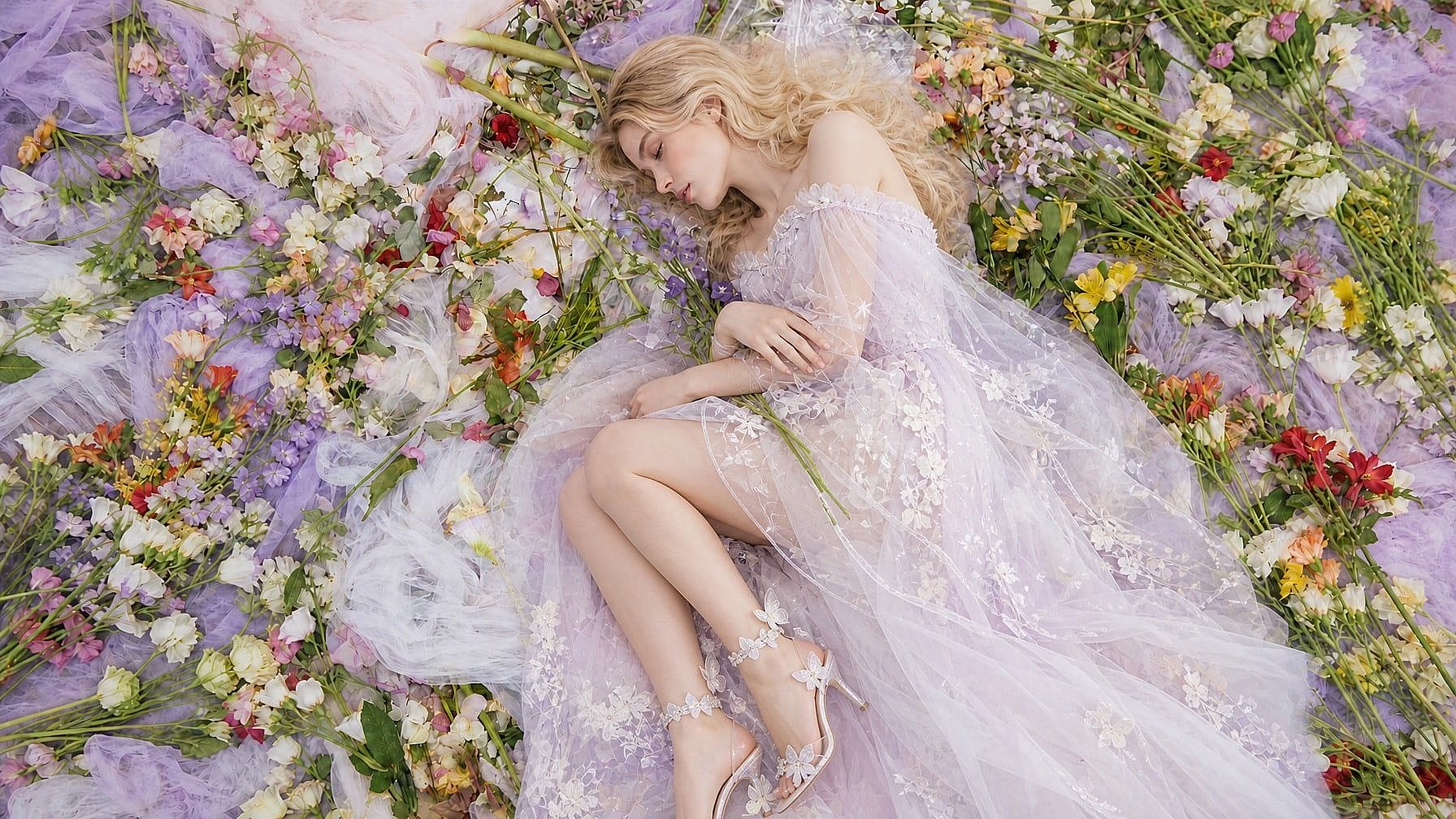
お気に入りのモデルがすべてここに。生成は無制限。

期間限定・最大27%OFF! ›

AI背景チェンジャー

Replace any photo background in seconds. Choose from presets, upload your own scene, or describe what you want and let the AI generate it.

画像を追加 またはここにドラッグ&ドロップ · JPEG、PNG、WEBP
今すぐ試す

Why Choose OpenArt AI Background Changer

テキストから背景を生成

欲しいシーンを伝えるだけで、被写体になじむリアルな新しい背景をAIが生成します。

スマート被写体保持

Keep people, products, and key details intact while replacing the background cleanly around edges and shadows.

最大4K解像度

商品リスト、プロフィール写真、SNS投稿、キャンペーンにそのまま使える高品質な背景差し替えを作成します。

AI背景チェンジャーでできること

実際のクリエイティブ・商用ワークフローに向けて、写真の背景を置き換え、入れ替え、拡張し、生成します。
Before
After
ビフォー 編集後

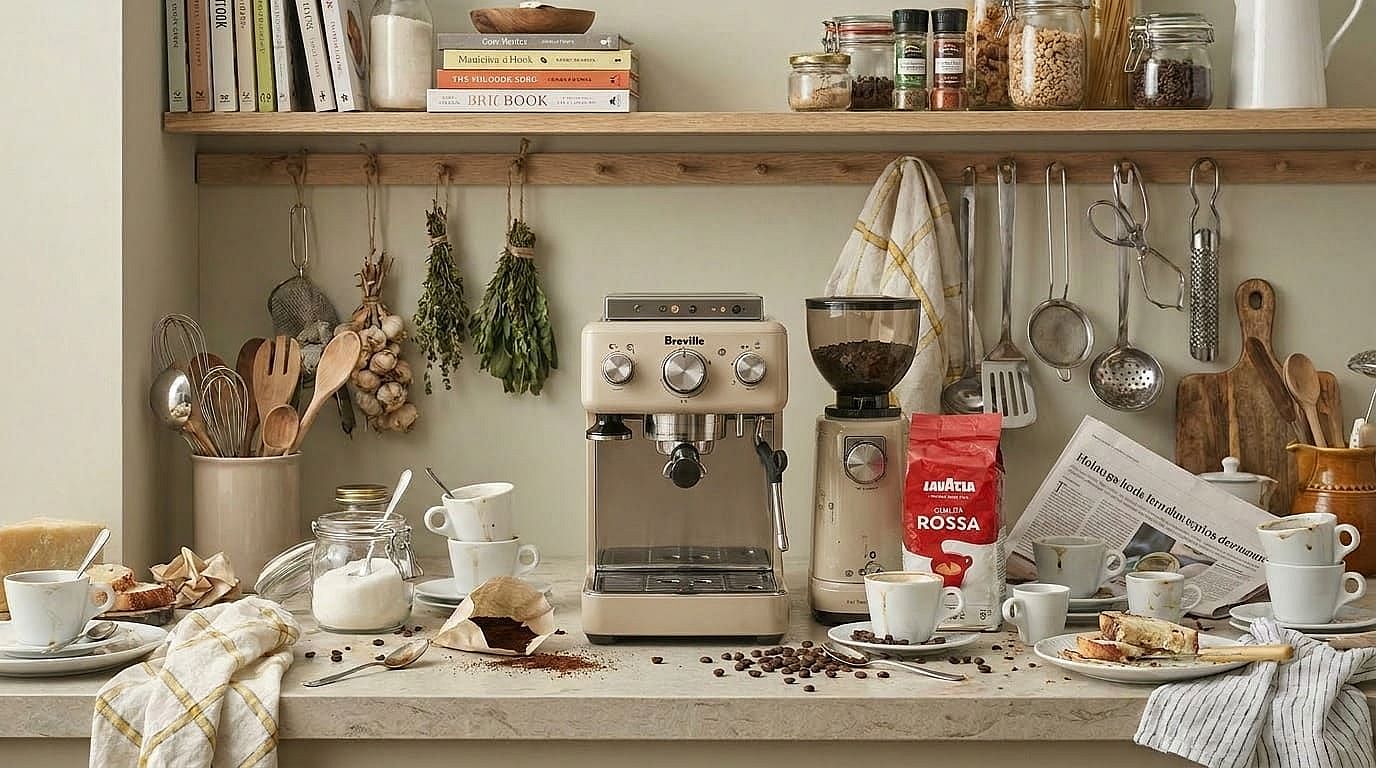
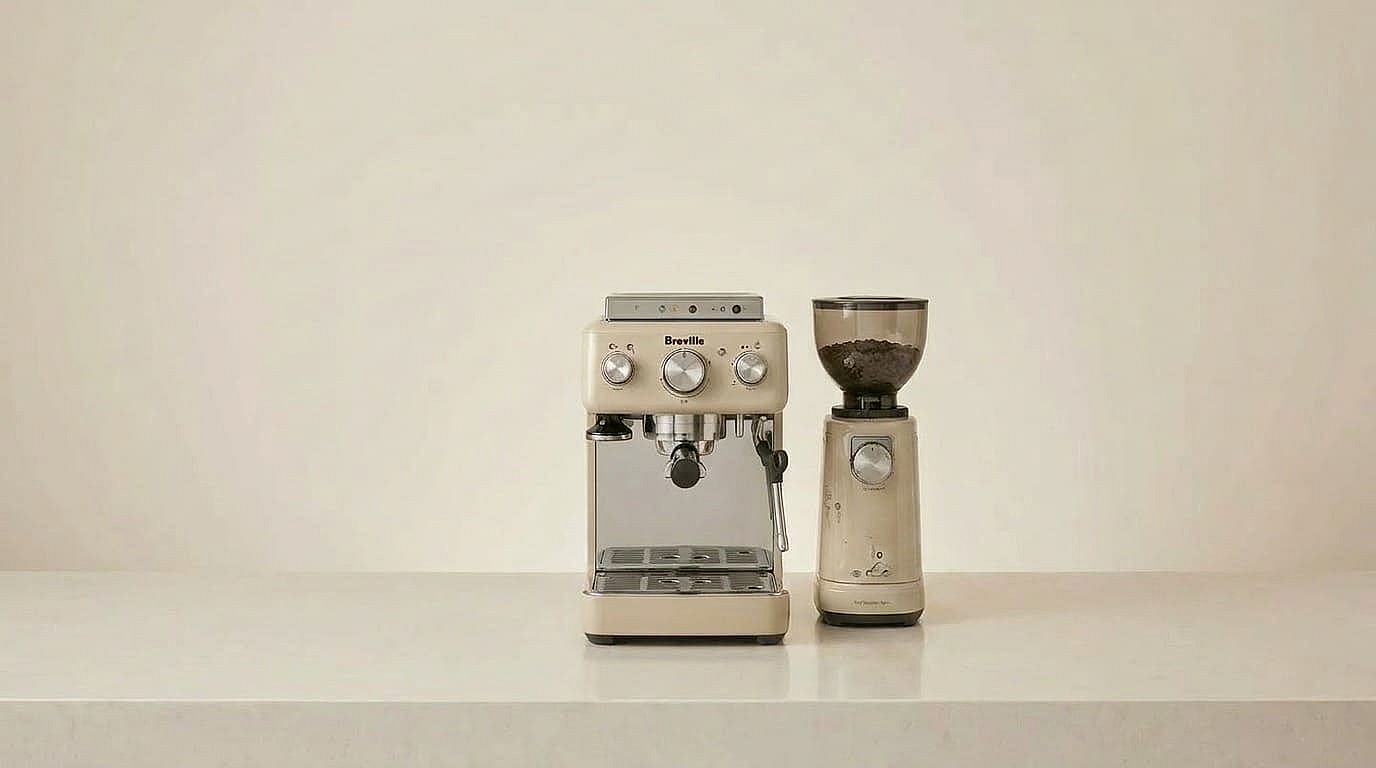
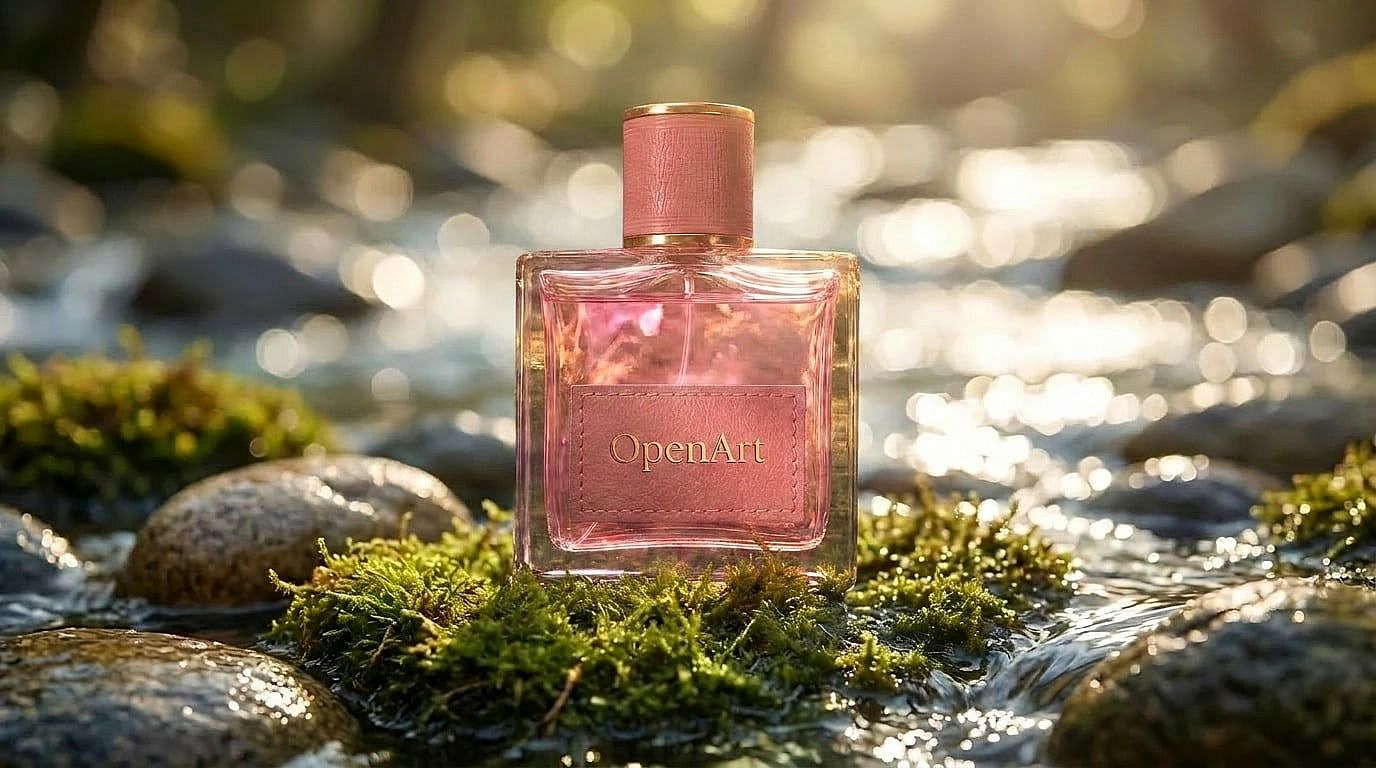
商品写真の背景を差し替える

Turn ordinary product shots into clean catalog images or lifestyle scenes. Replace messy supplier backgrounds with polished visuals that look ready for marketplaces, ads, and storefronts.

Before
After
ビフォー 編集後

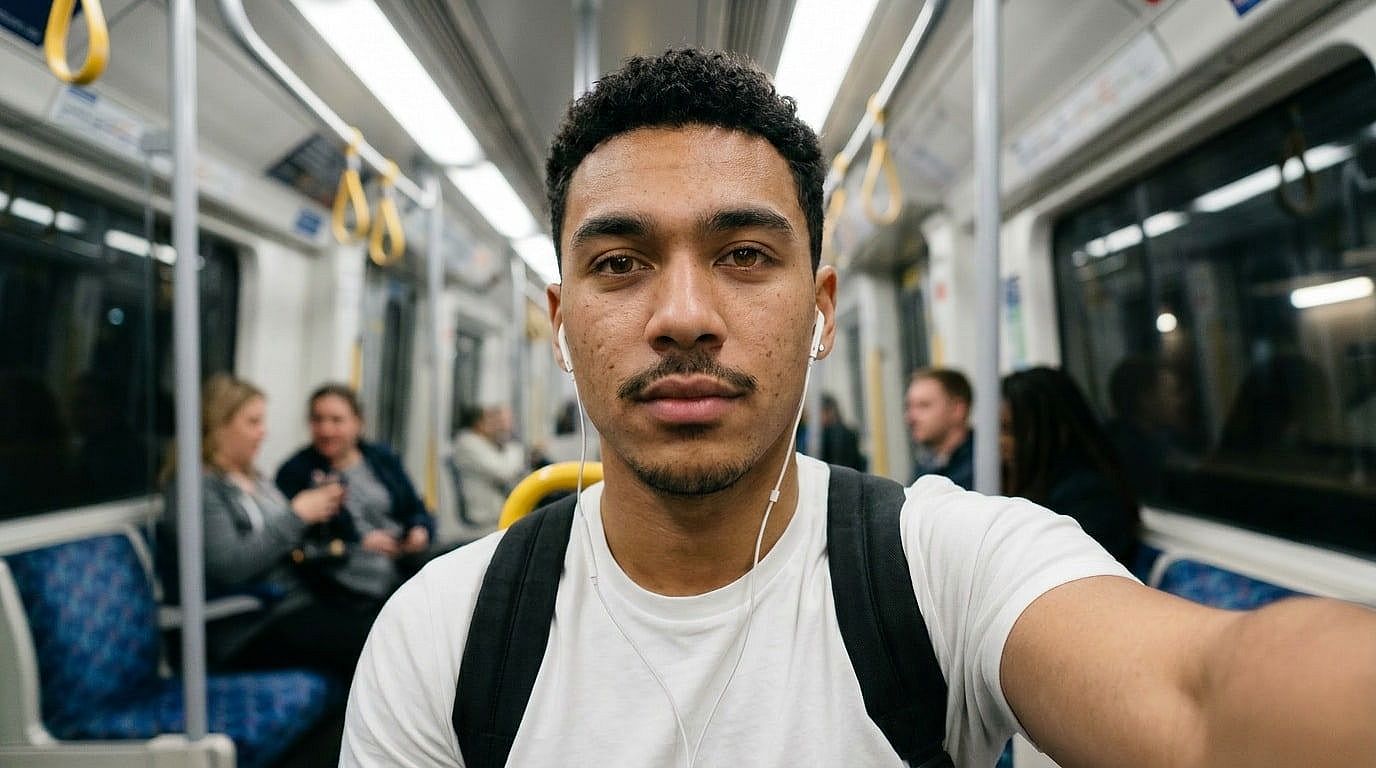
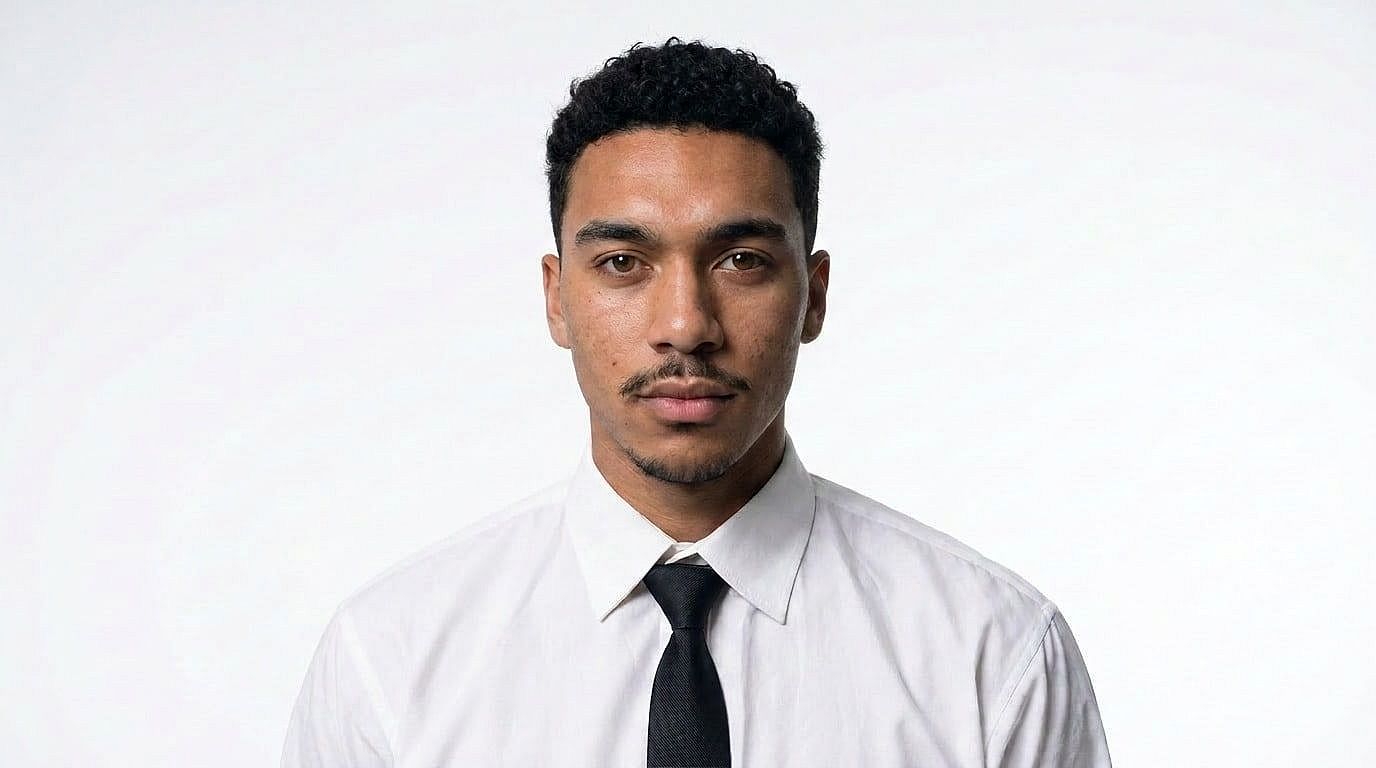
Create Professional Headshots

雑然とした背景をオフィス、スタジオ、単色の背景に置き換え、人物を自然に保ちながら、カジュアルなポートレートをプロ仕様のプロフィール画像に変換します。

Before
After
ビフォー 編集後

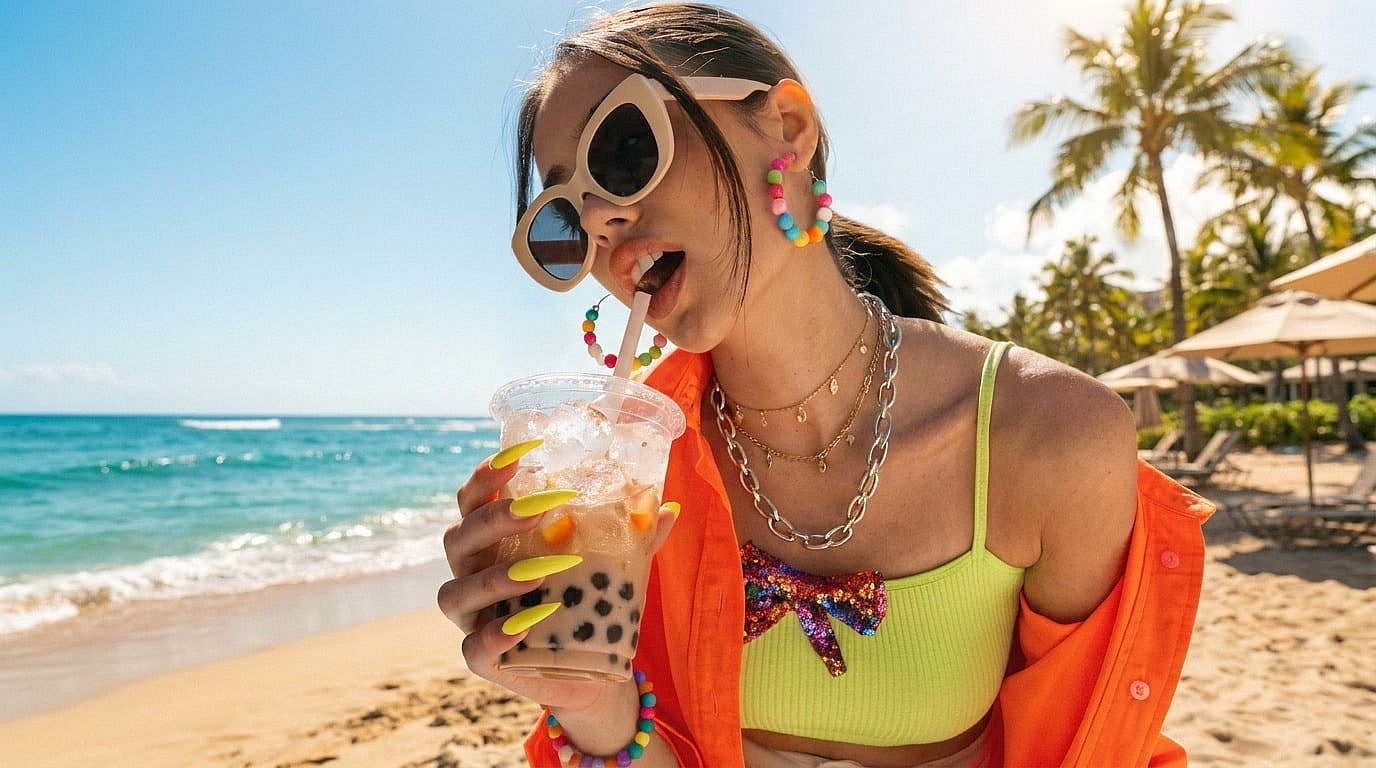
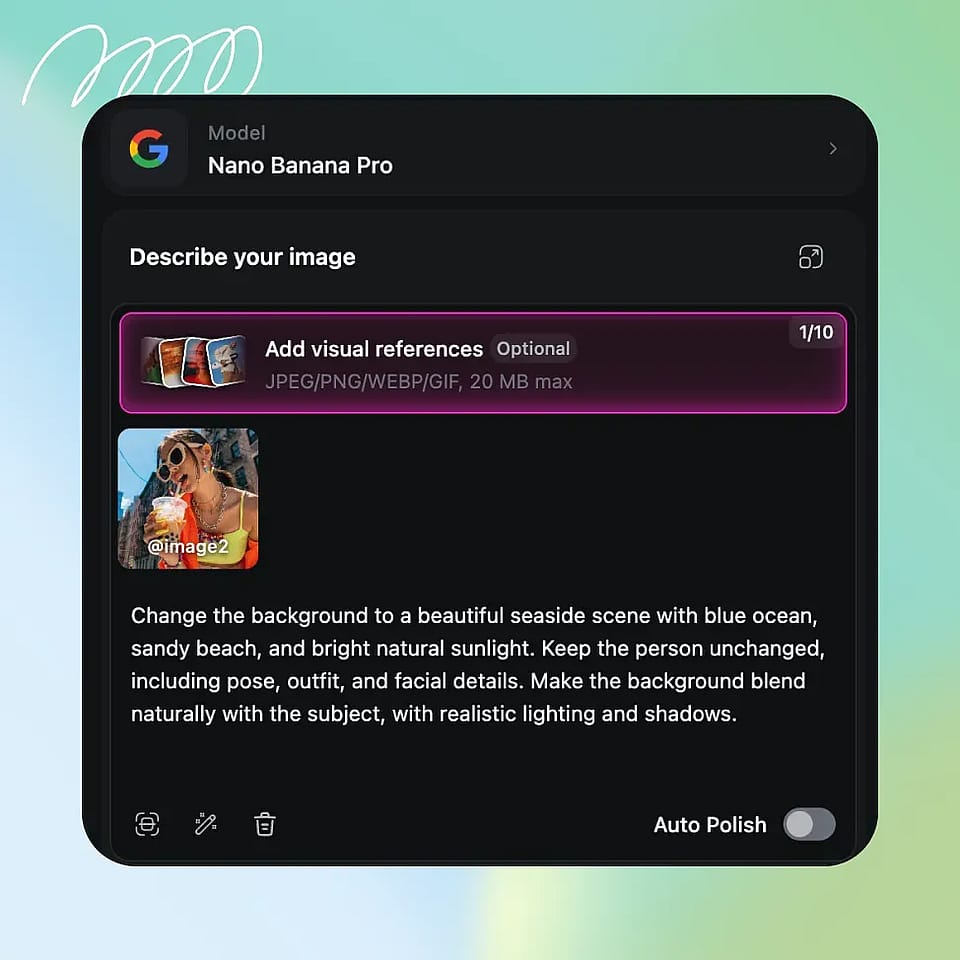
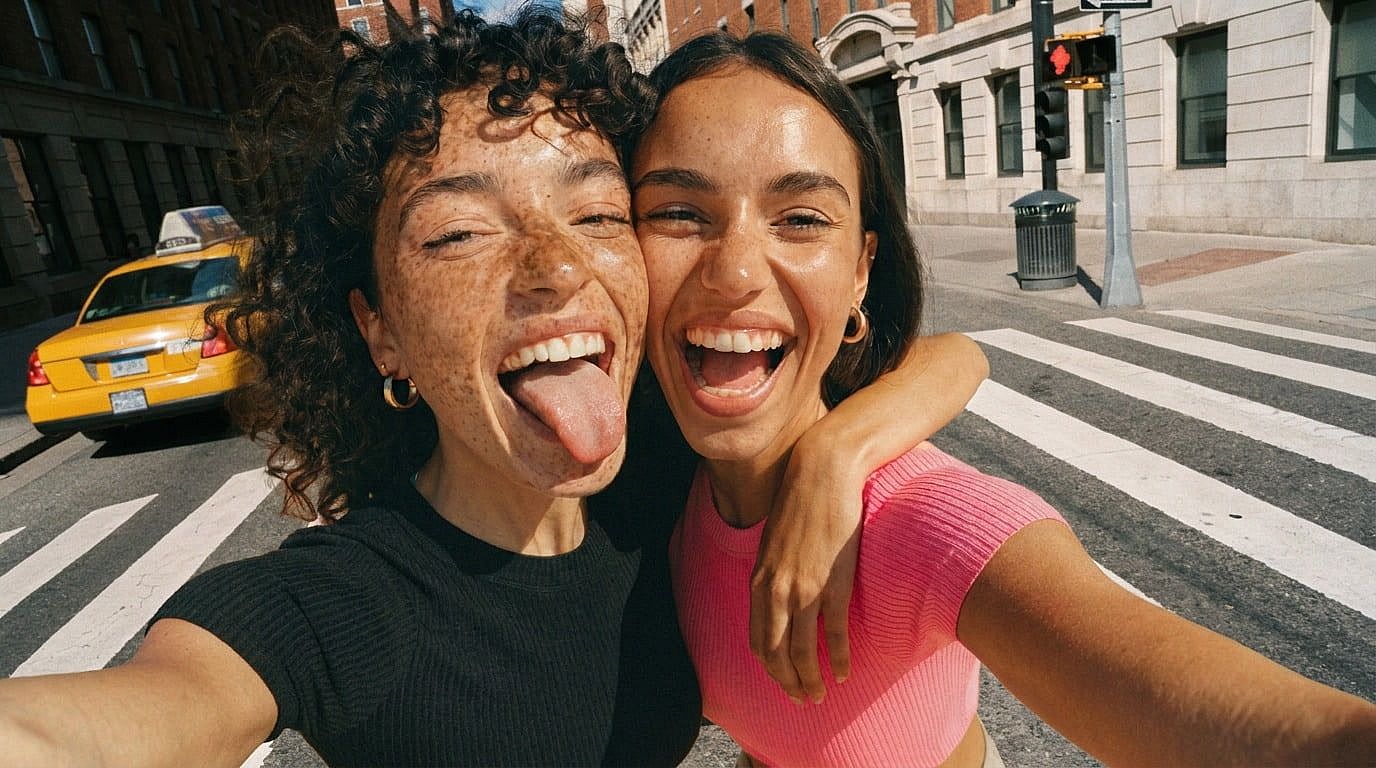
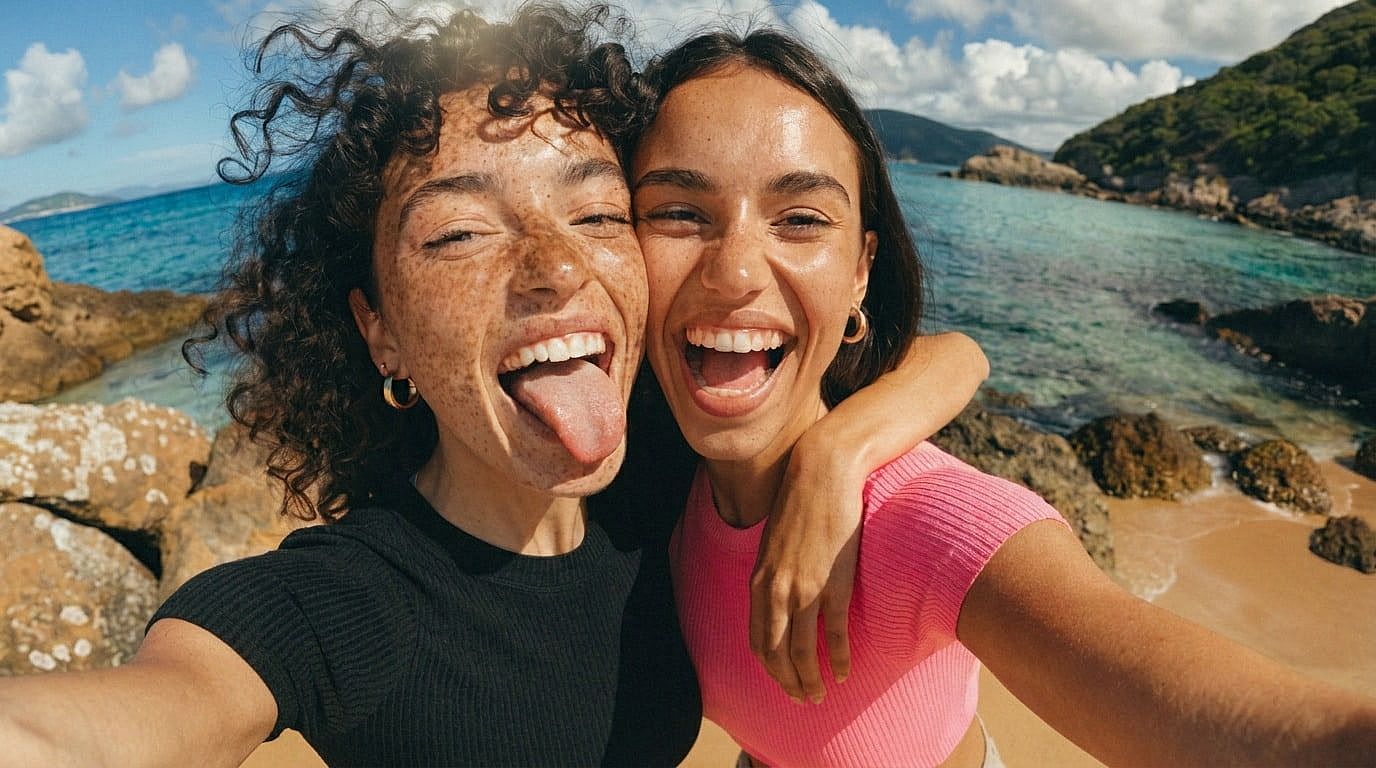
テキストプロンプトからシーンを生成

ビーチリゾートから街並みまで、思い描いた環境を入力するだけで、手作業の編集なしに被写体になじむ新しい背景を生成します。

Before
After
ビフォー 編集後

生成AIフィルで背景を拡張

Expand the canvas around your image and let AI continue the background naturally, useful for social crops, banners, thumbnails, and product layouts.

AIで写真の背景を変える方法

3つの簡単なステップで写真の背景を変えましょう。
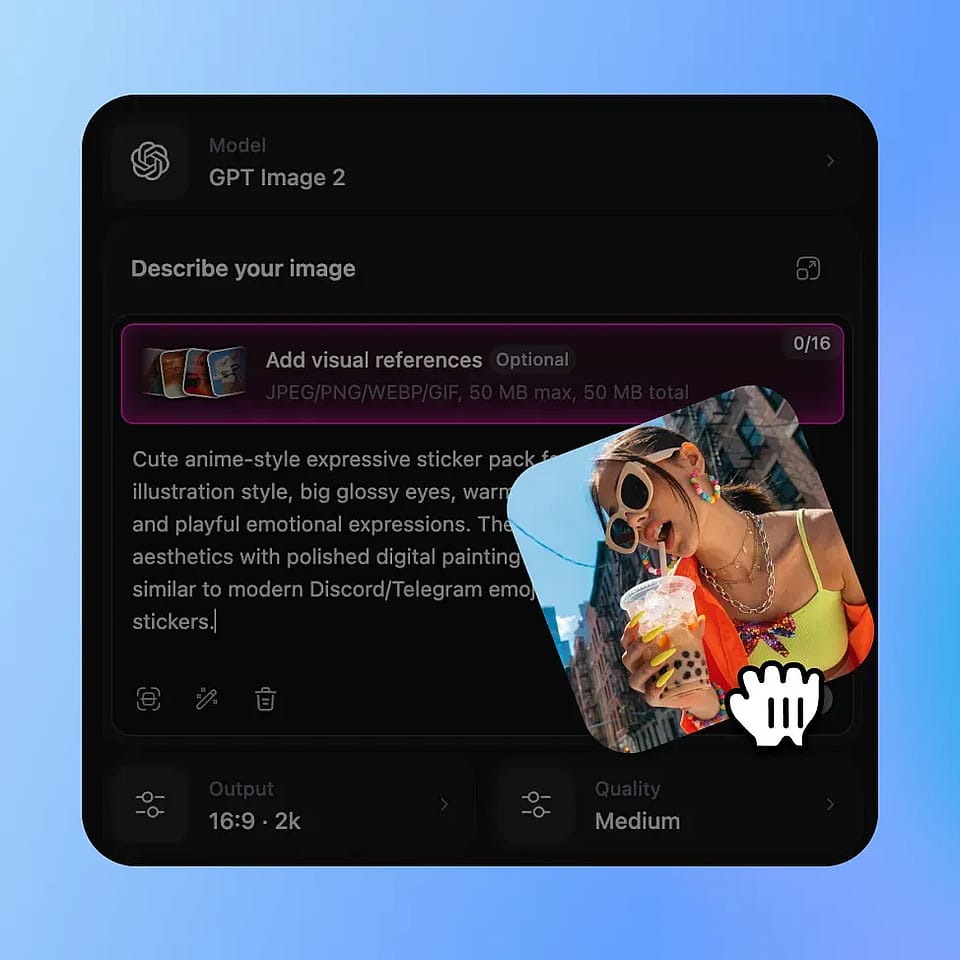
Upload Your Photo
ステップ01

写真をアップロード

Upload the image you want to edit. OpenArt detects the subject so you can replace the background while keeping the important parts of the photo intact.

Choose or Generate a New Background
ステップ02

Choose or Generate a New Background

プリセットを選ぶか、自分のシーンをアップロードするか、スタジオのポートレート背景や南国のビーチなど、欲しい背景を説明するプロンプトを入力しましょう。
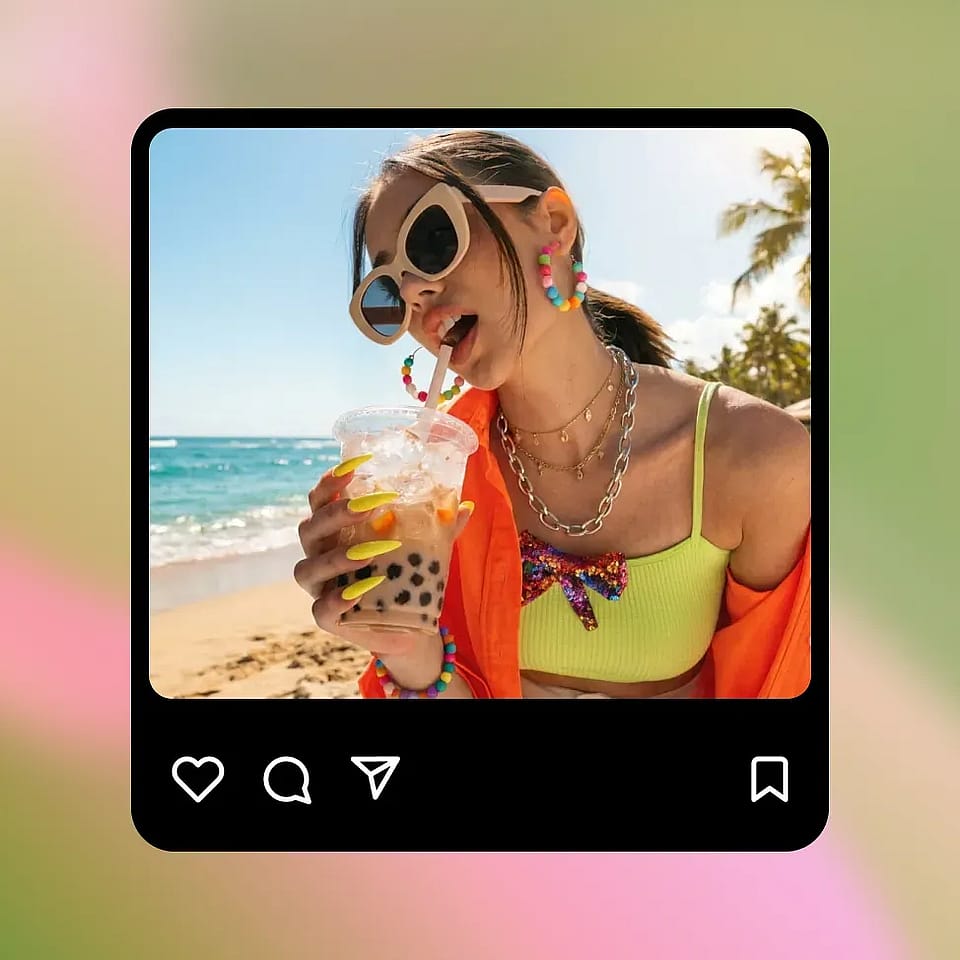
Adjust and Download
ステップ03

Adjust and Download

Preview the result, refine the prompt or background if needed, then download your edited image for social, e-commerce, profiles, or campaigns.

AI背景チェンジャーは誰に向いている?

Use AI background replacement for commerce, content, portraits, events, and marketing visuals.

Before
After
ビフォー 編集後

E-Commerce and Branded Sellers

Replace messy supplier backgrounds with clean, marketplace-compliant white or lifestyle scenes without reshooting product photos.

今すぐ試す
Before
After
ビフォー 編集後

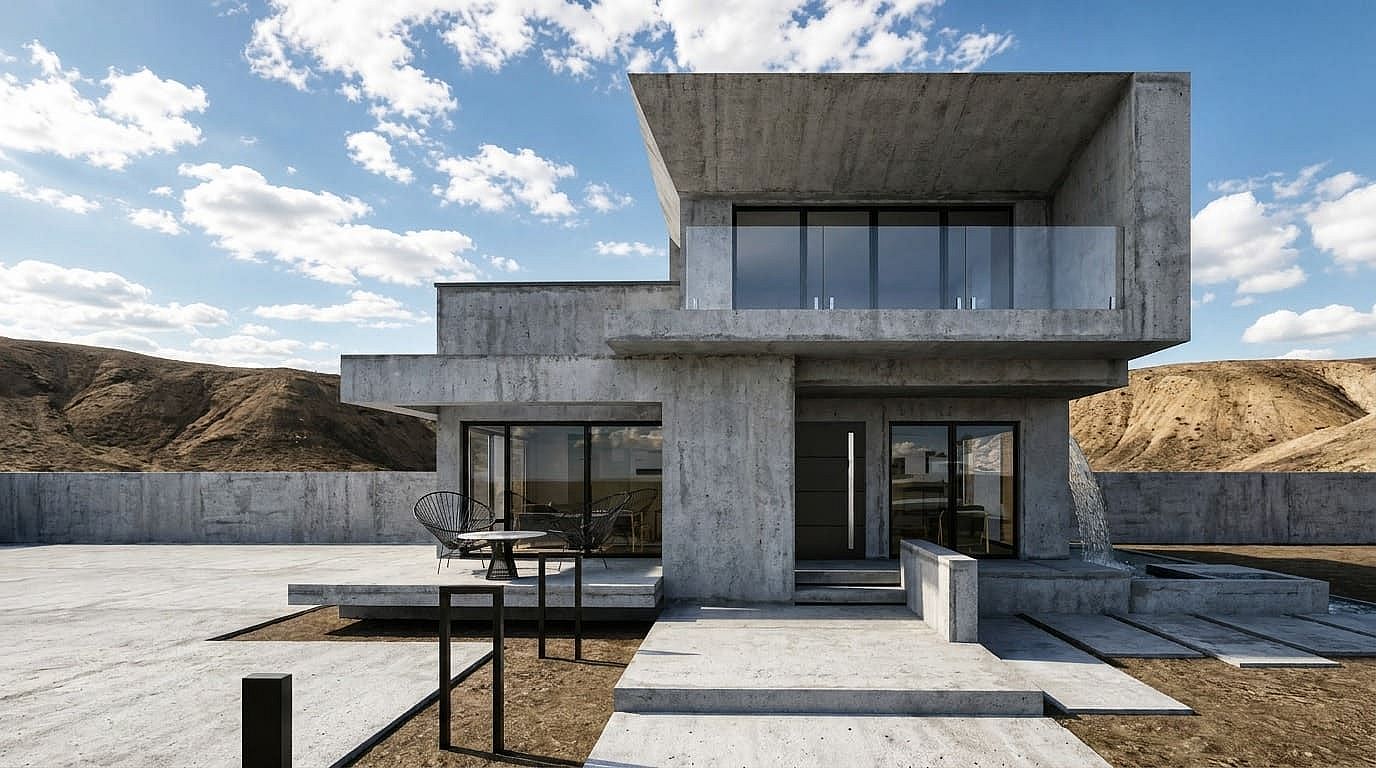
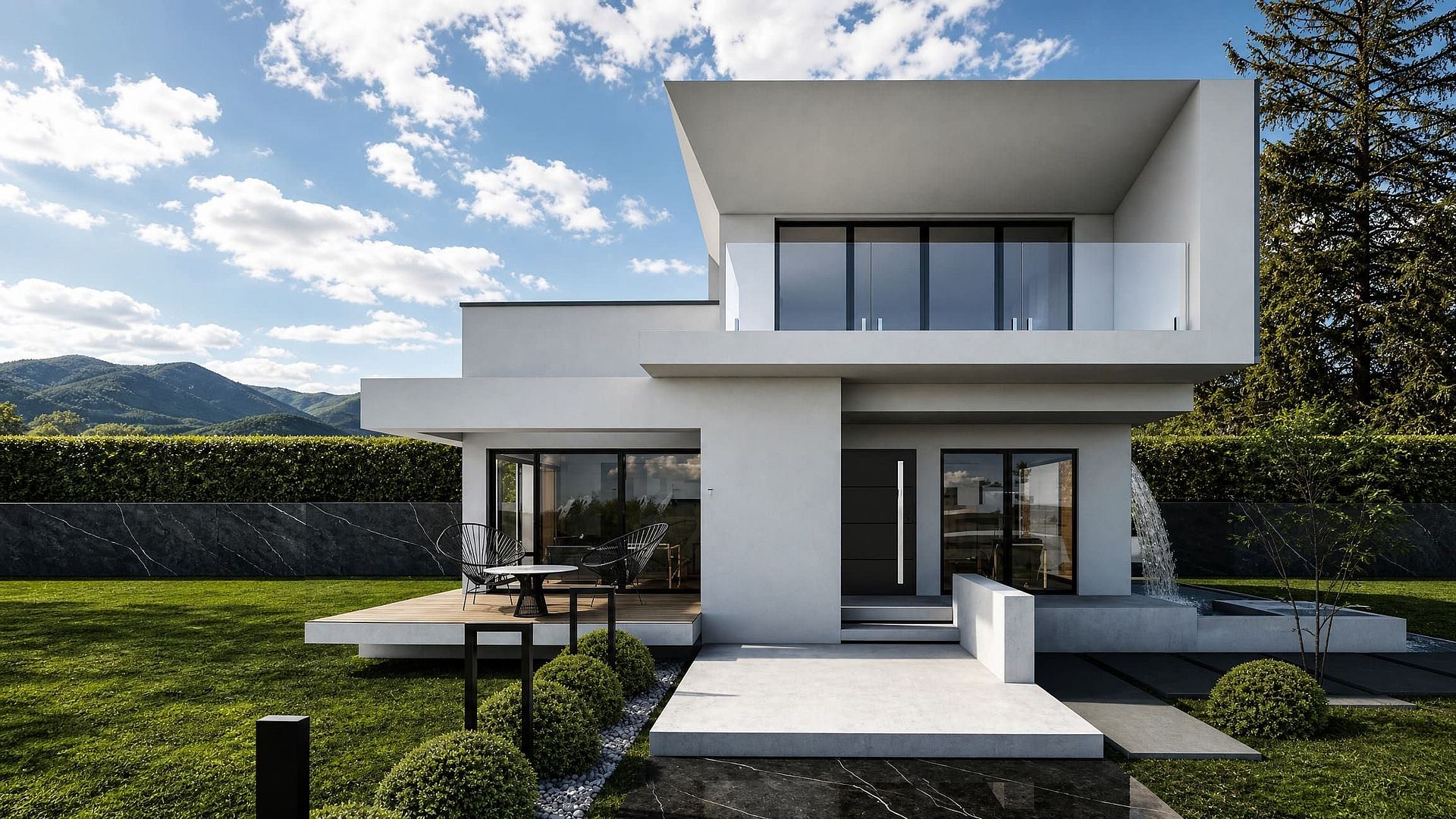
不動産マーケター

Swap dull skies or empty-lot backgrounds with more appealing seasonal or aspirational visuals for listings and property promotions.

今すぐ試す
Before
After
ビフォー 編集後

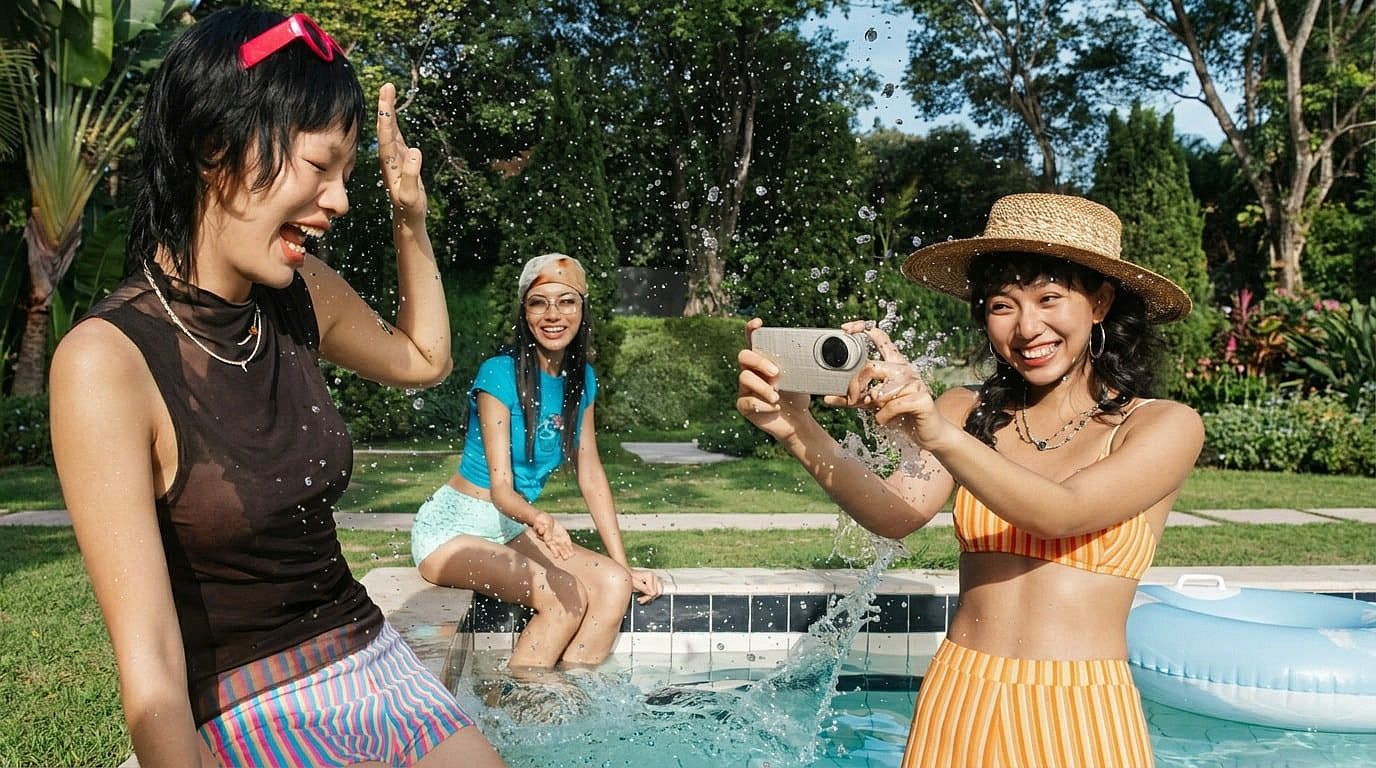
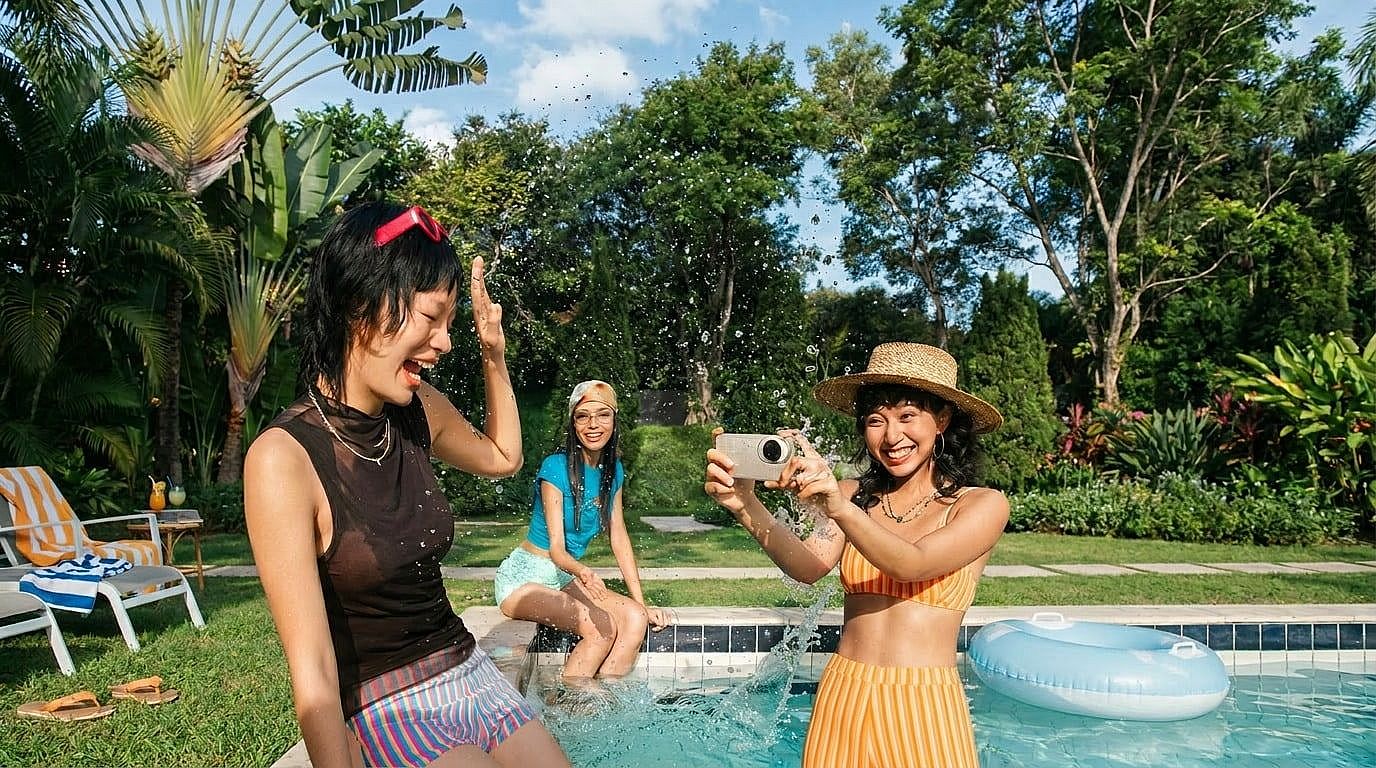
コンテンツクリエイターとインフルエンサー

1回の撮影から、投稿・リール・サムネイル・キャンペーンごとに背景を変えて、バラエティ豊かなビジュアルコンテンツを作りましょう。

今すぐ試す
Before
After
ビフォー 編集後

Job Seekers and Professionals

Turn a casual selfie into a professional headshot by replacing the background with a solid, studio, or office setting.

今すぐ試す
Before
After
ビフォー 編集後

Event Organizers and Party Planners

イベント後、参加者をブランドや季節感のある背景に配置して、フォトブース風のテーマ画像を作りましょう。

今すぐ試す

よくある質問 よくある質問

OpenArtは無料のオンラインAI背景チェンジャーを提供しています。写真をアップロードして被写体をそのまま残し、プリセット、アップロード画像、テキストプロンプトで背景を差し替えられます。
You can start changing photo backgrounds for free on OpenArt with limited credits. Some advanced features, higher usage, or larger exports may depend on your plan.
A background remover cuts out or removes the existing background. A background changer replaces it with a new scene, color, image, or AI-generated environment.
Upload the portrait, keep the person as the subject, then choose a clean studio, office, solid color, or custom prompt background for a polished headshot look.
画像をアップロードし、新しい背景を選ぶか説明するだけ。AIの仕上がりをプレビューして、調整・ダウンロードできます。
はい。「モダンなオフィススタジオ」や「晴れたビーチの休暇シーン」といったプロンプトを書けば、OpenArtがその説明から新しい背景を生成します。
はい。OpenArtはブラウザ上で動作するので、別途アプリをインストールせずにオンラインで写真の背景を変更できます。

制限なく、思いのままに

OpenArtを使う何千人ものクリエイターの仲間入りを。魅力的な画像や動画などを、すべてひとつのプラットフォームで生成できます。

無料で始める →