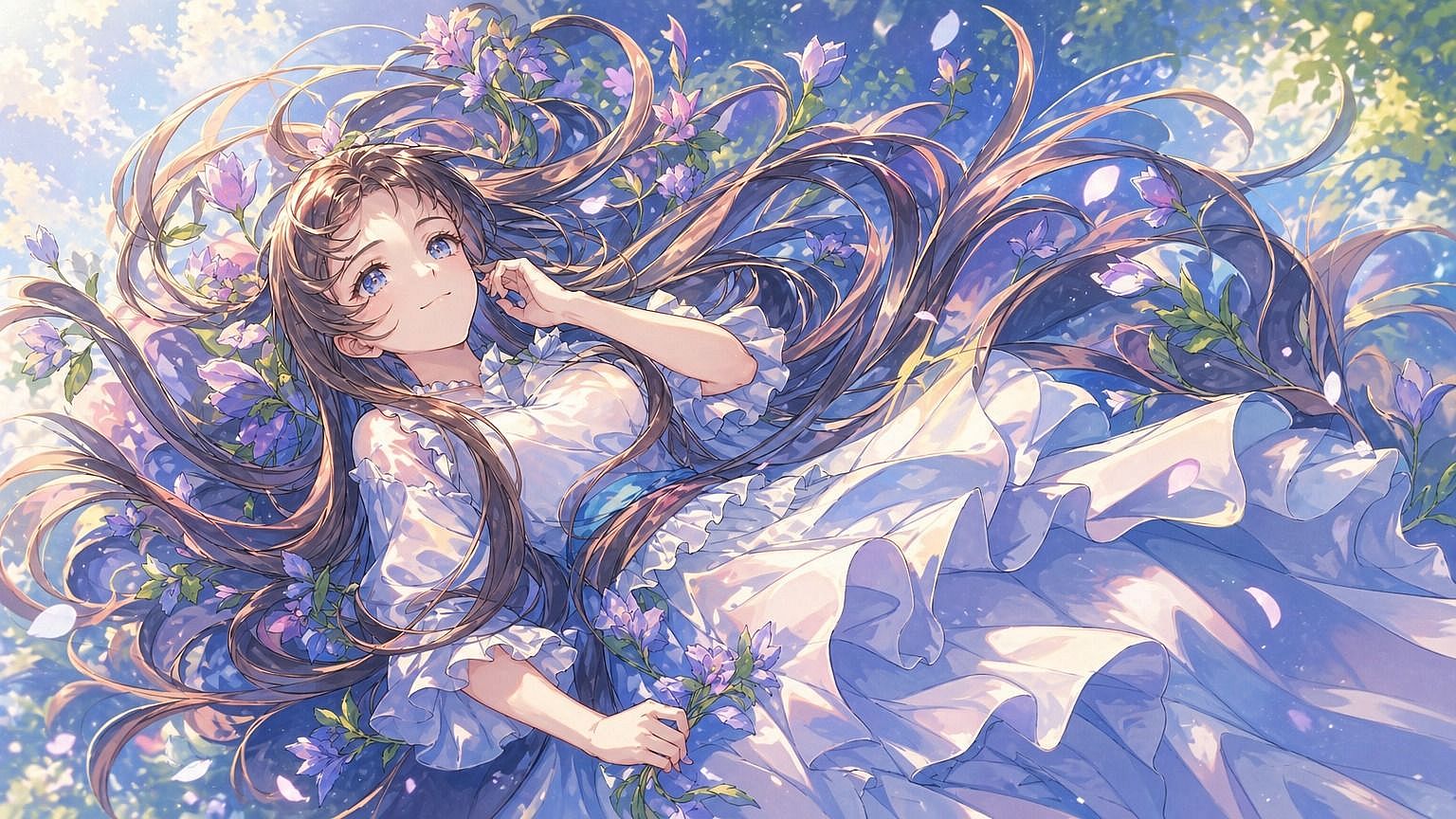
スケッチから画像へ
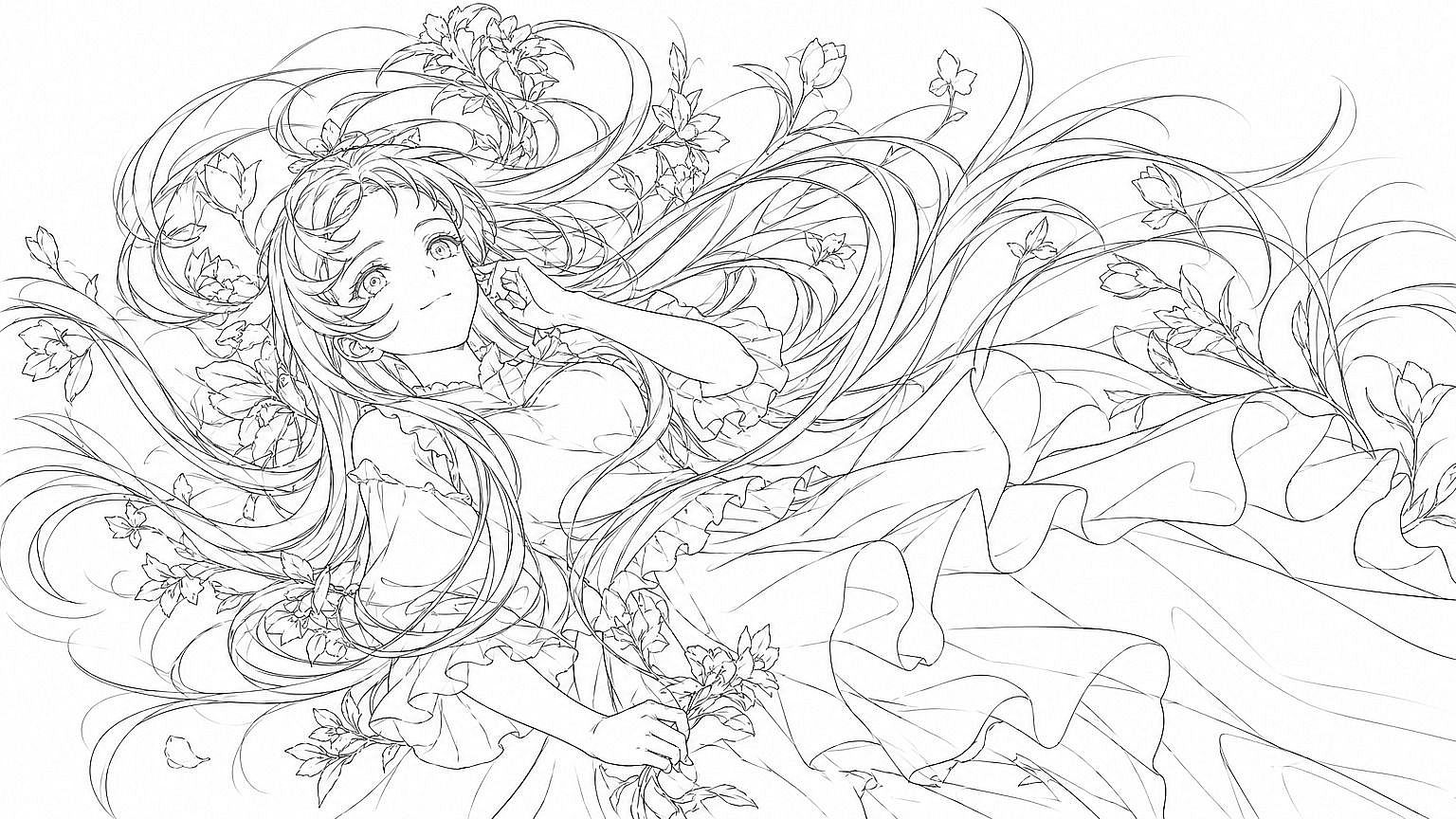
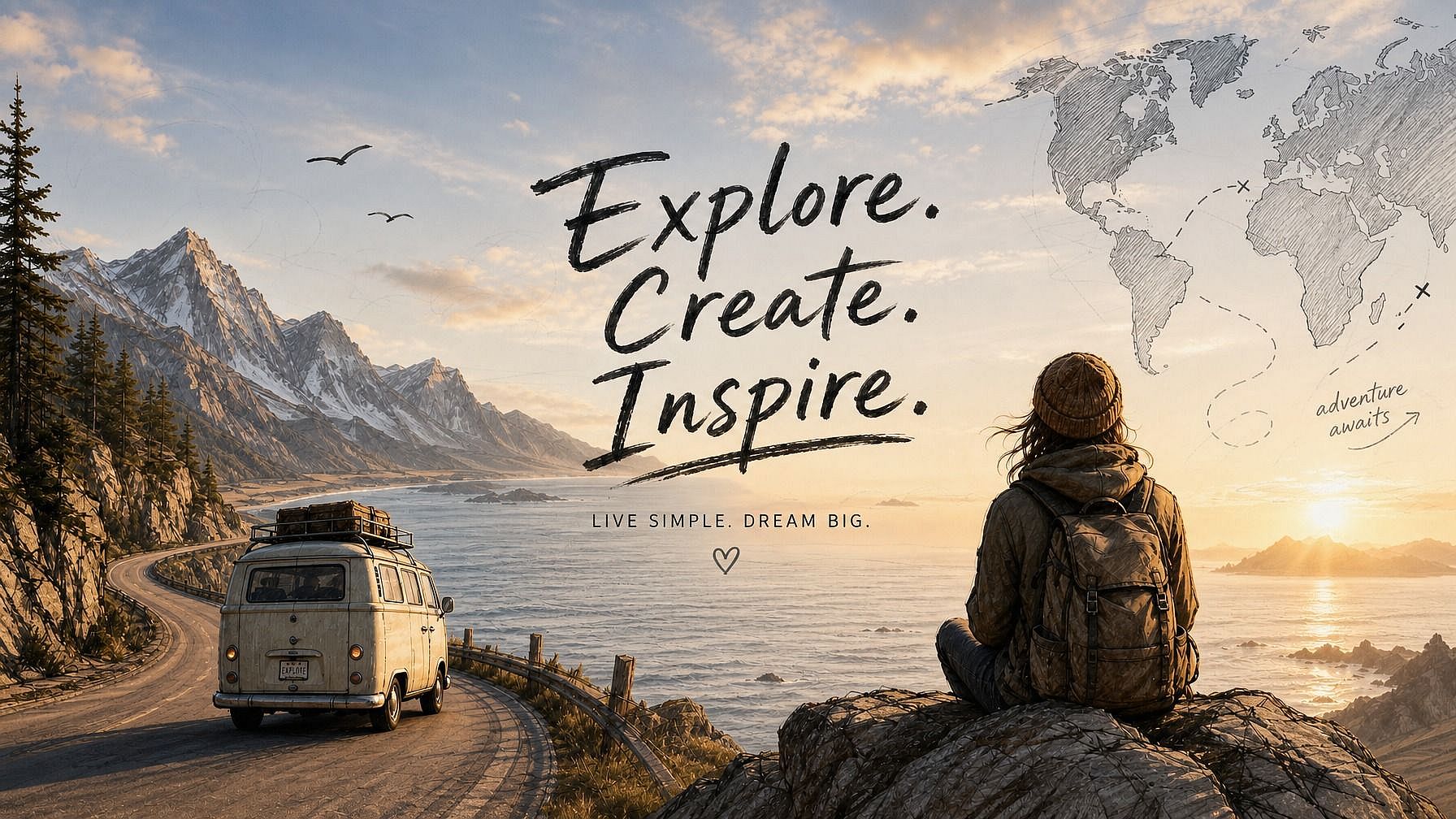
完成形を見てみたいスケッチはありますか?OpenArtのスケッチから画像へのツールにアップロードすれば、あなたの絵が磨き上げられた完成画像として命を吹き込まれます。AIはあなたが描いた構図(プロポーション、レイアウト、主要な形状)に忠実に従い、指定したスタイル・色・ディテールを補って仕上げます。
 画像を追加 またはここにドラッグ&ドロップ · JPEG、PNG、WEBP、HEICJPEG、PNG、WEBP、HEIC



どんなスケッチも完成した画像に
ラフな鉛筆スケッチ、さっと描いた落書き、ゆるい線画から、洗練された完成度の高い画像を手に入れましょう。高度な画力は不要です。



構図をそのまま維持
元のレイアウト、プロポーション、主要な要素は描いたそのままの位置に残ります。AI はページ上の配置を動かすことなく、スタイルとディテールを補完します。
豊富なスタイルから選べる
フォトリアル、アニメ、シネマティック、水彩、油絵、3Dレンダー、コミック。欲しいスタイルを説明すれば、AIがあなたのスケッチにマッチさせます。
コミュニティの作品
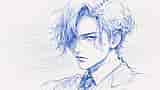
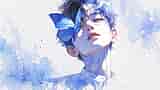
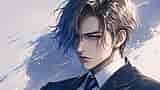
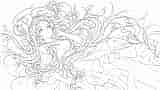
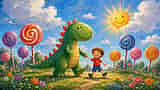
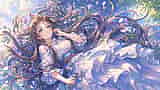
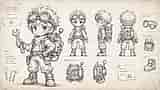
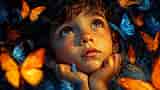
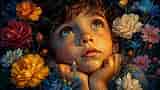
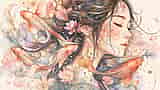
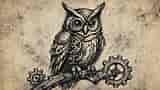
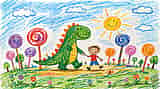
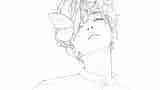
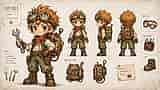
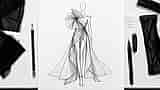
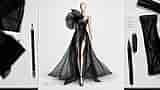
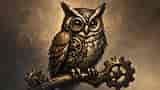
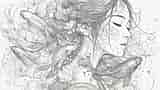
アーティスト、デザイナー、趣味のクリエイターがどのようにスケッチを命を吹き込んでいるかをご覧ください。ラフなアイデアスケッチから、完成したコンセプトアート、ポスター、製品モックアップまで、簡単な絵がポートフォリオに載せられる作品へと生まれ変わる様子をお楽しみください。
Sketch to Imageの主な機能
OpenArtのAI画像エディターは、GPT Image 2.0、Nano Banana Pro、Recraft V4などの先進モデルを使って、あなたのスケッチをきれいで細部まで作り込んだ画像に変換します。つまり、あなたの描画が土台のまま残り、AIは無関係なものを作り出すのではなく、その上に構築していきます。
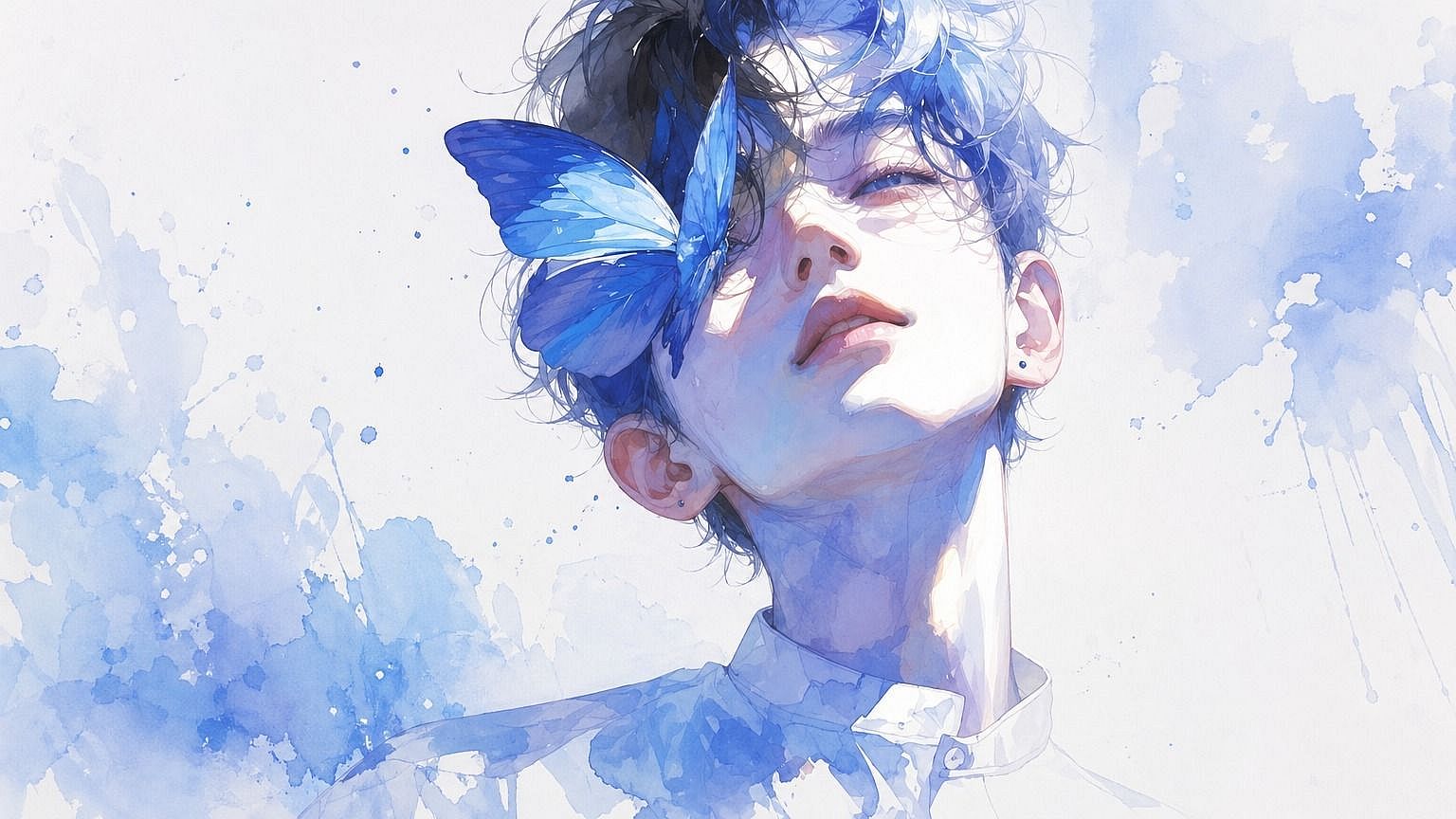
構図に忠実な生成
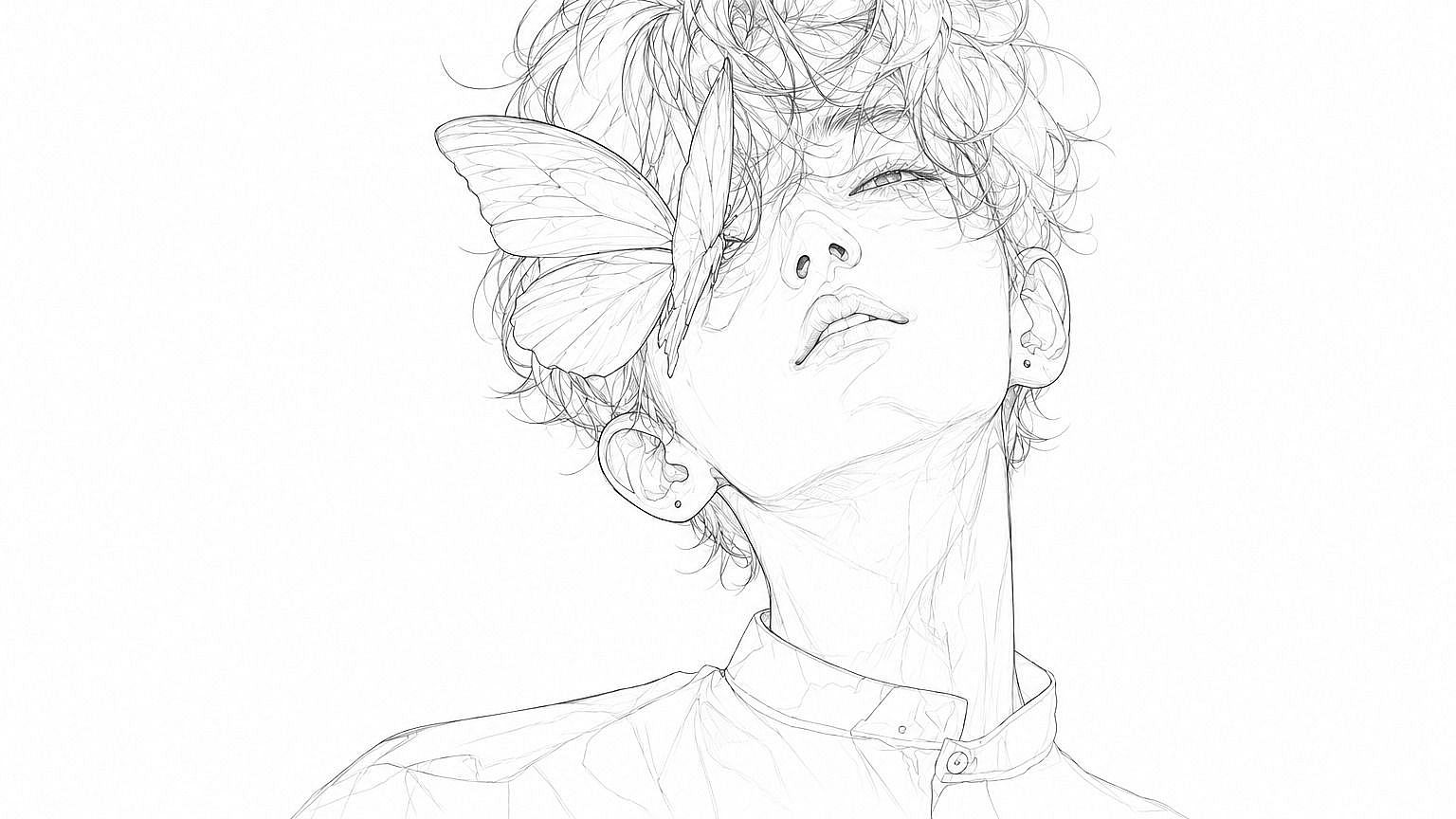
キャラクターのポーズ、シーンのレイアウト、オブジェクトの配置など、あなたが描いたものはすべて最終画像に保たれます。AIはあなたのスケッチを構造の設計図として扱うので、比率・パース・主要な要素は置いた場所にそのまま残ります。構図を指揮するのはあなた。仕上げはモデルにお任せください。
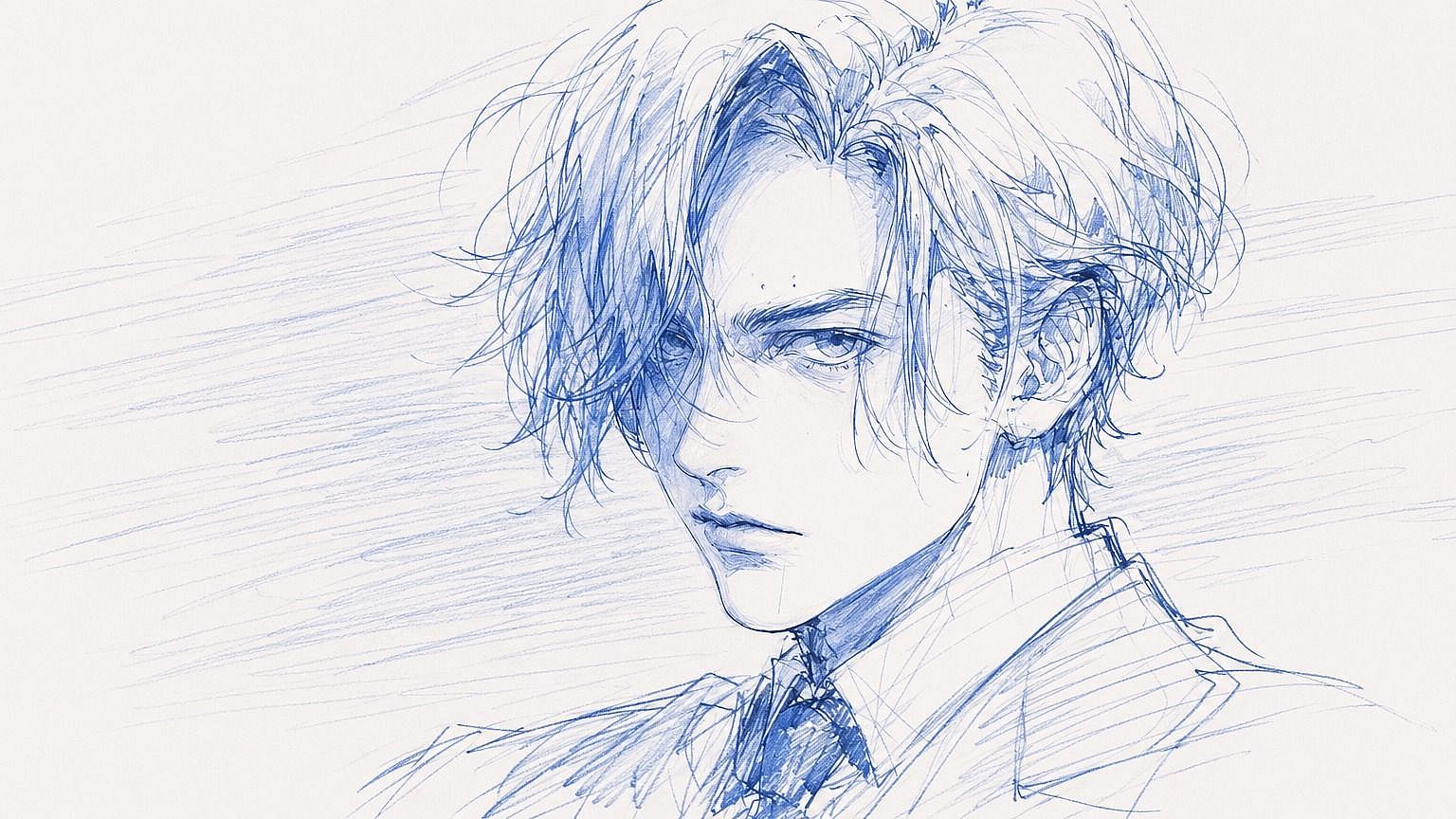
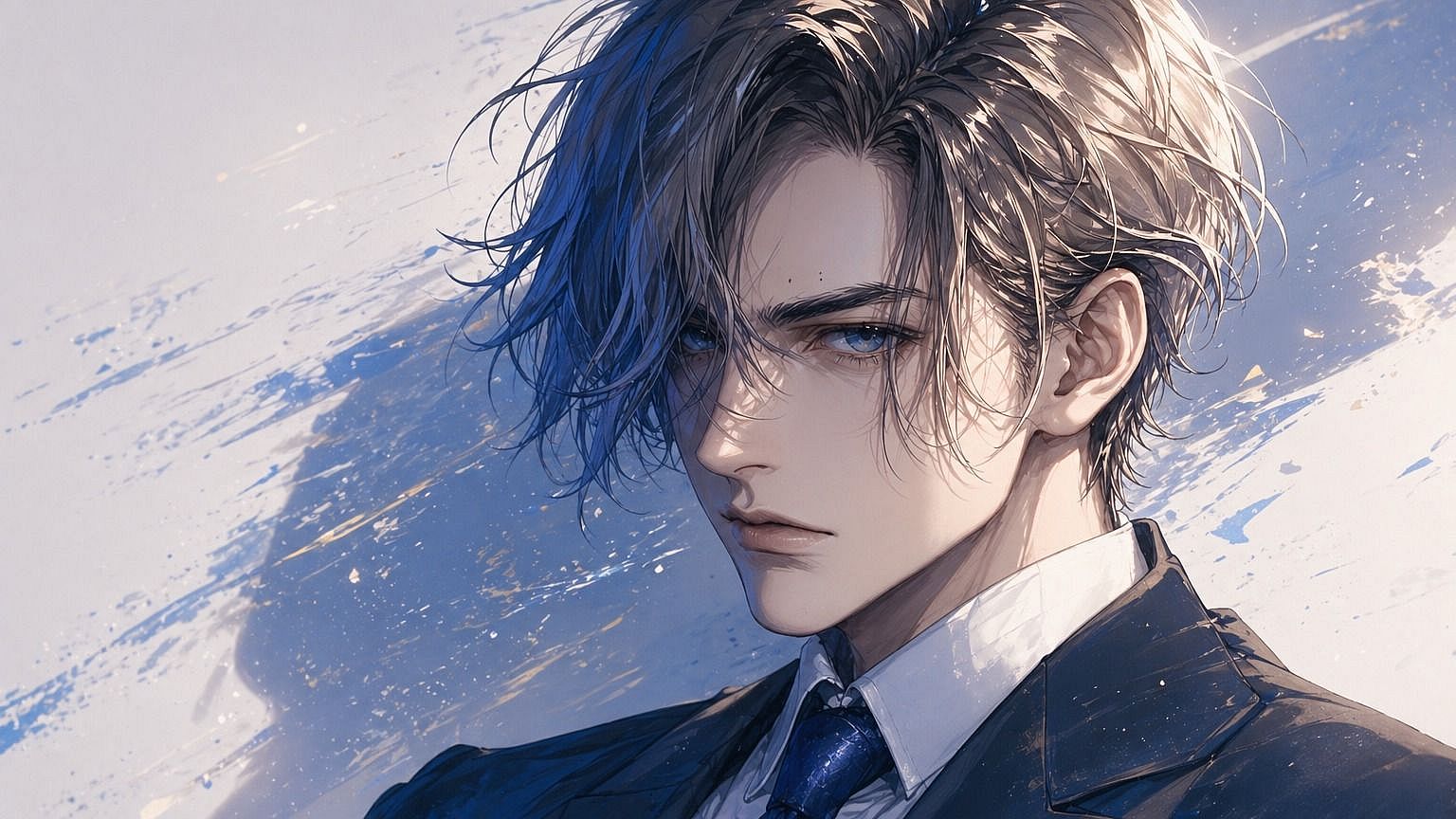
リアルからスタイライズまで幅広いスタイル
完成画像の見た目を選びましょう。フォトリアル、アニメ、シネマティック、油絵、水彩、3Dレンダー、レトロなピクセル、コミック調など。プロンプトでスタイルを記述すれば、AIがあなたのスケッチをその美学に合わせます。同じスケッチをいくつかのスタイルで試して、アイデアに一番フィットするものを見つけましょう。
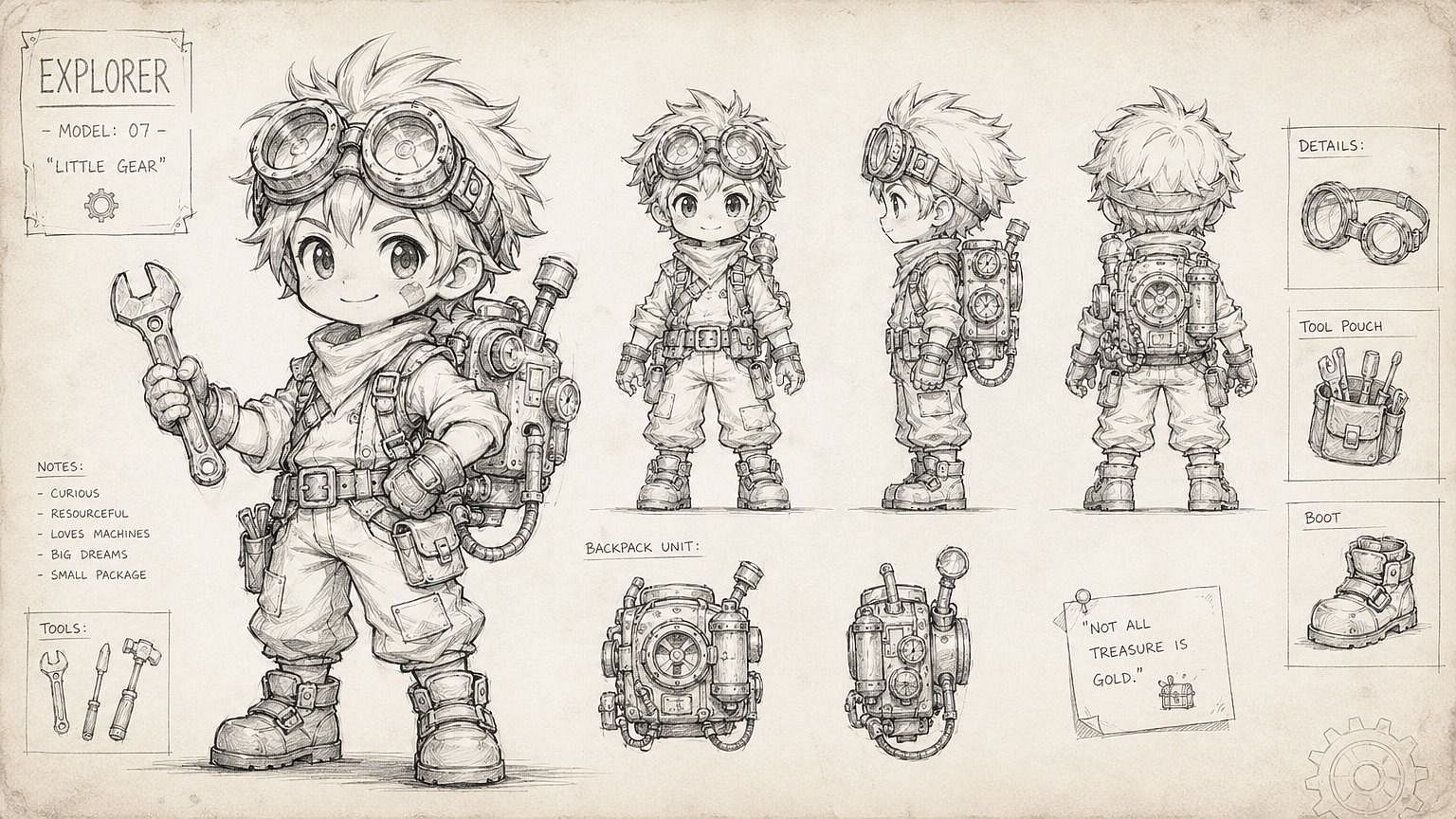
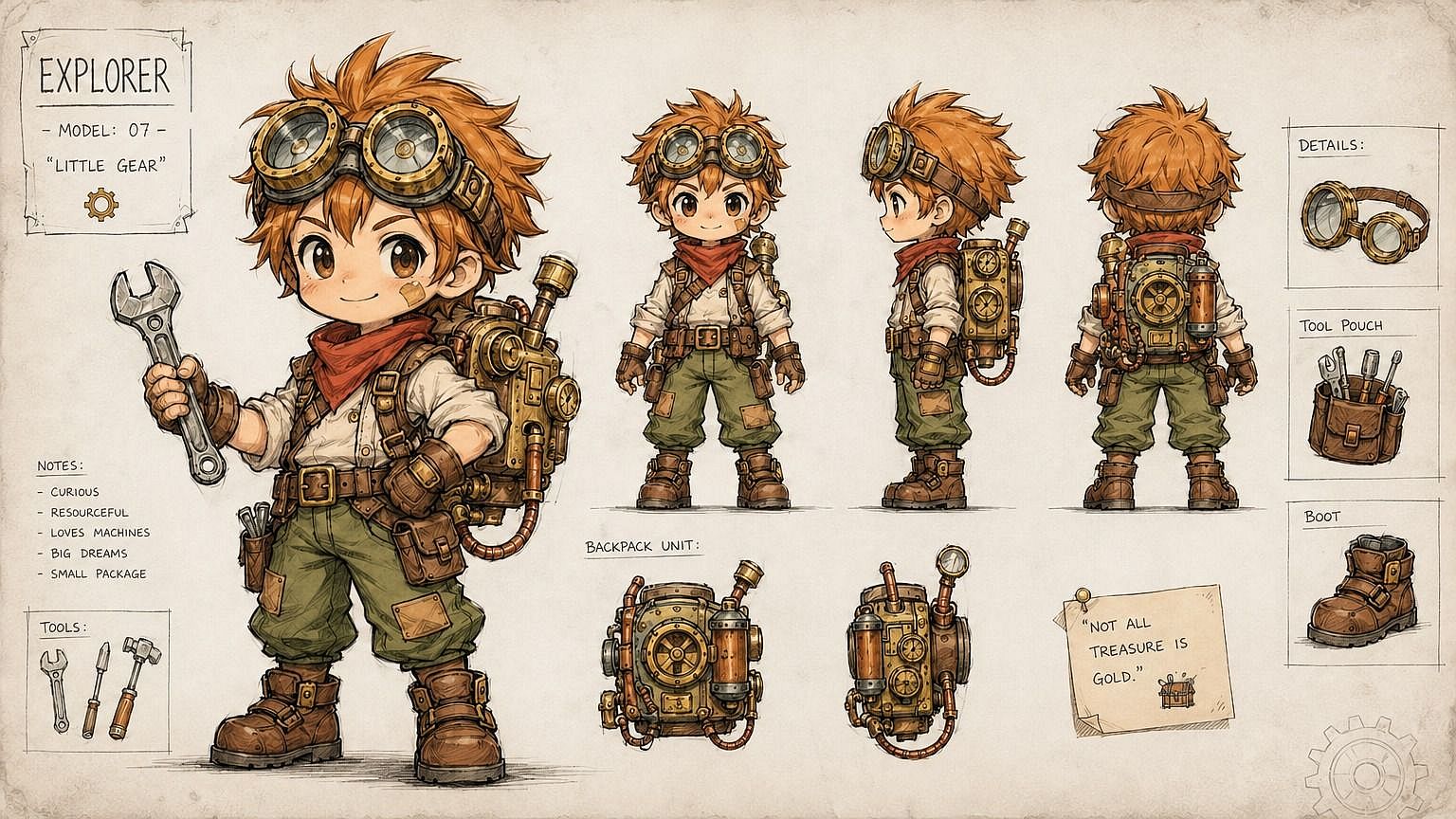
どんなスケッチにも対応
鉛筆、ペン、マーカー、デジタルタブレット、ナプキンの裏の走り書きまで。AIはそこにあるものを読み取り、意味を汲み取ります。きれいな線画や技術的な正確さは不要。基本的な形が見える限り、ラフで雑な、少し乱れたスケッチでも問題ありません。
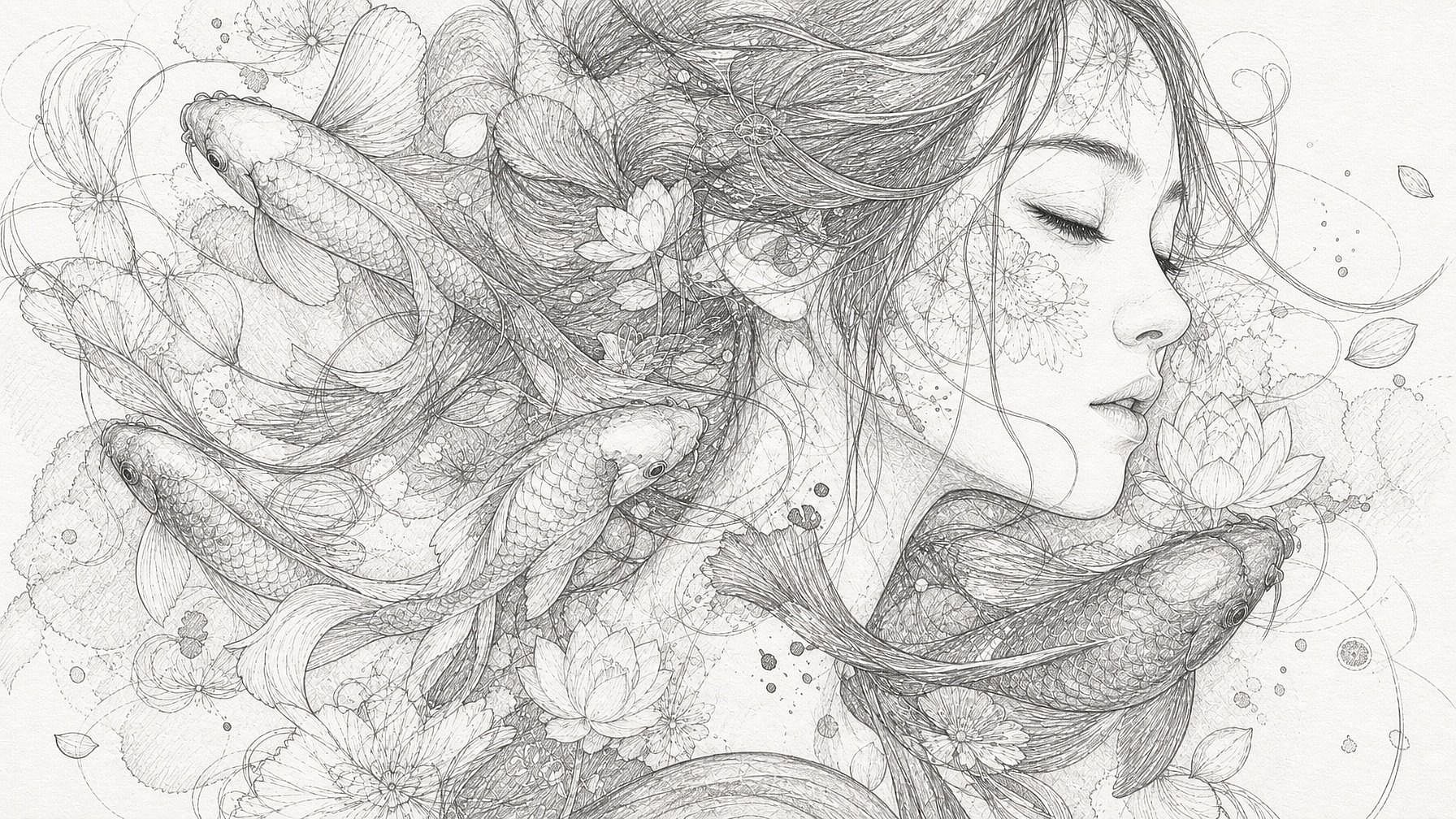
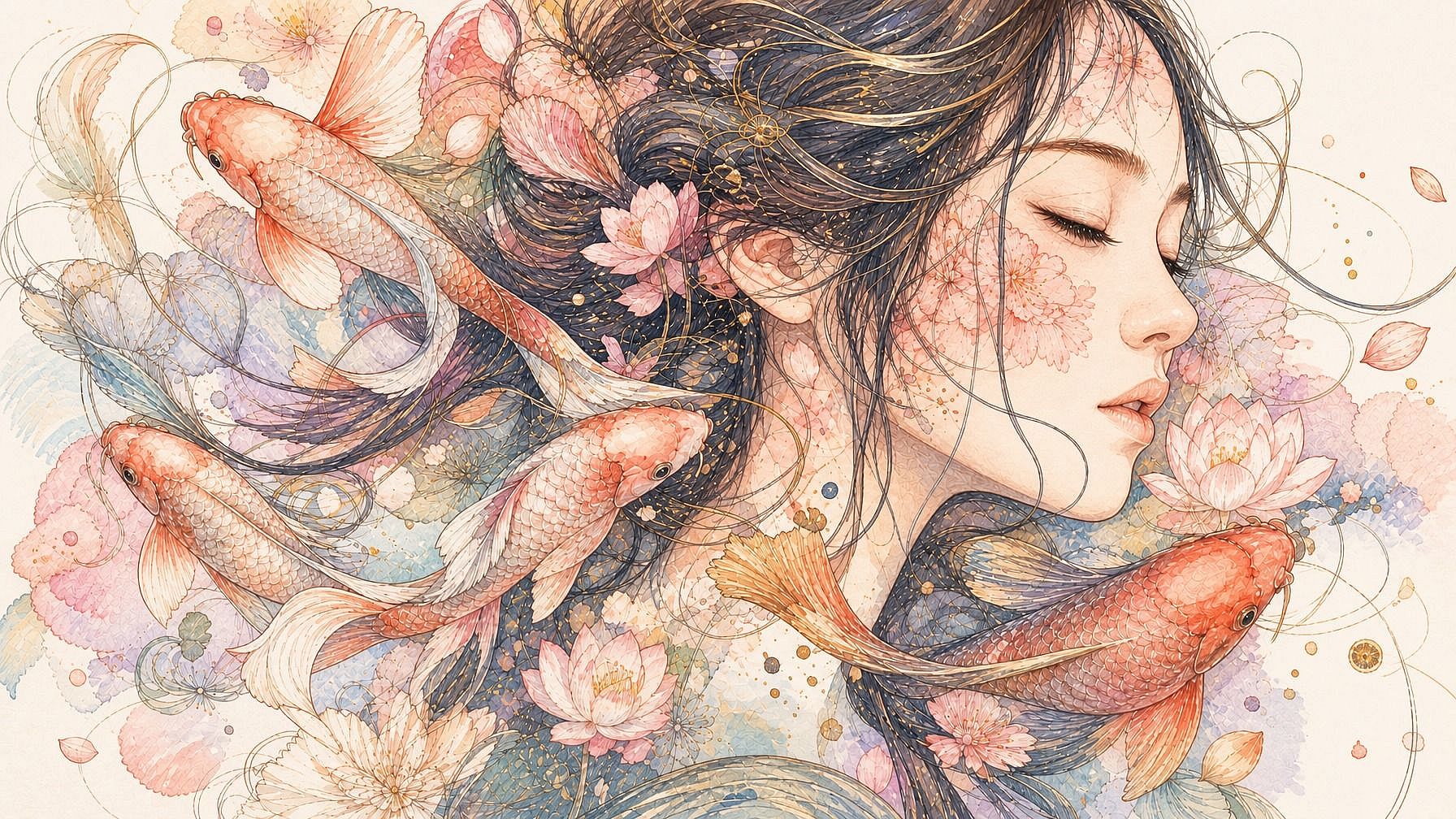
フル編集ワークフローに組み込み
スケッチが画像になった後も、同じウィンドウで作業を続けられます。特定の領域を編集したり、背景を差し替えたり、キャンバスを拡張したり、解像度を上げたり、同じシーンを別アングルで生成したり—ツールやアプリを切り替えることなく、すべてが可能です。
スケッチから画像を作る方法
スケッチを3ステップで完成画像に。
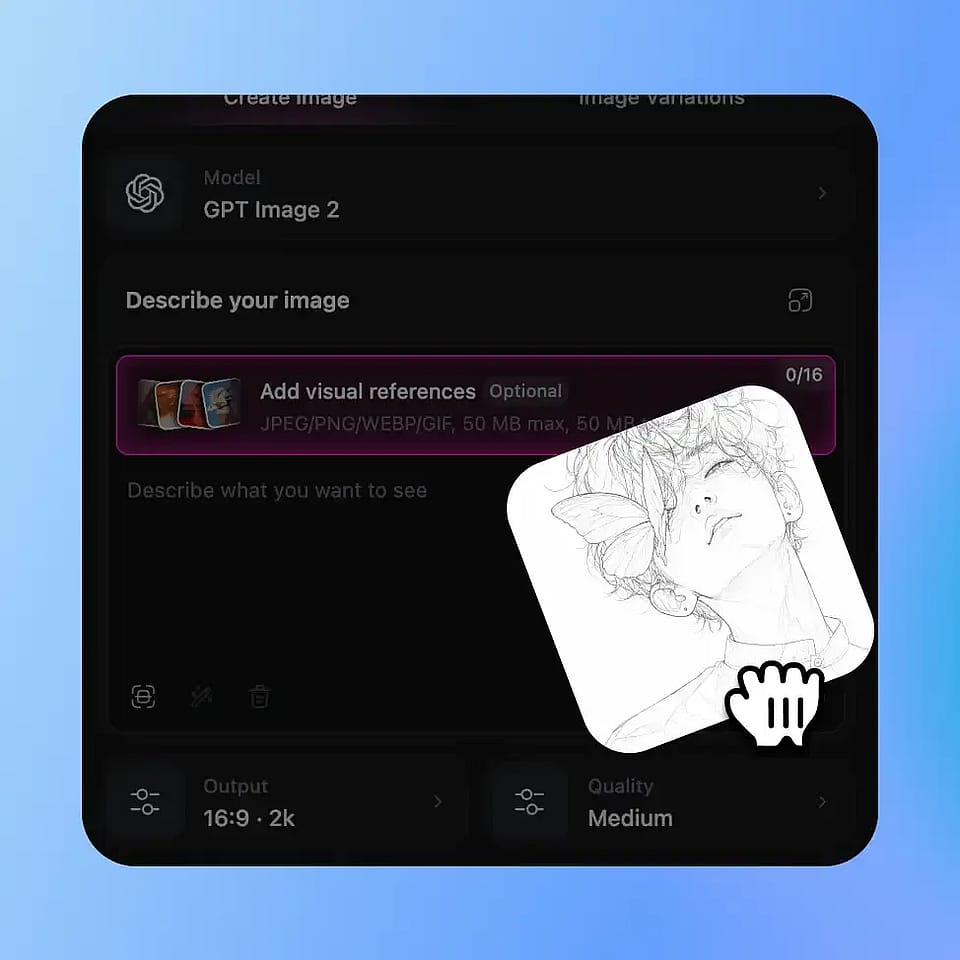
スケッチをアップロード
OpenArtの画像ツールを開き、あなたの描いた絵をアップロードします。JPEG、PNG、WEBPすべて対応。紙のスケッチをスマホで撮った写真、スキャンした絵、デジタルアートのファイルも問題なくアップロードできます。
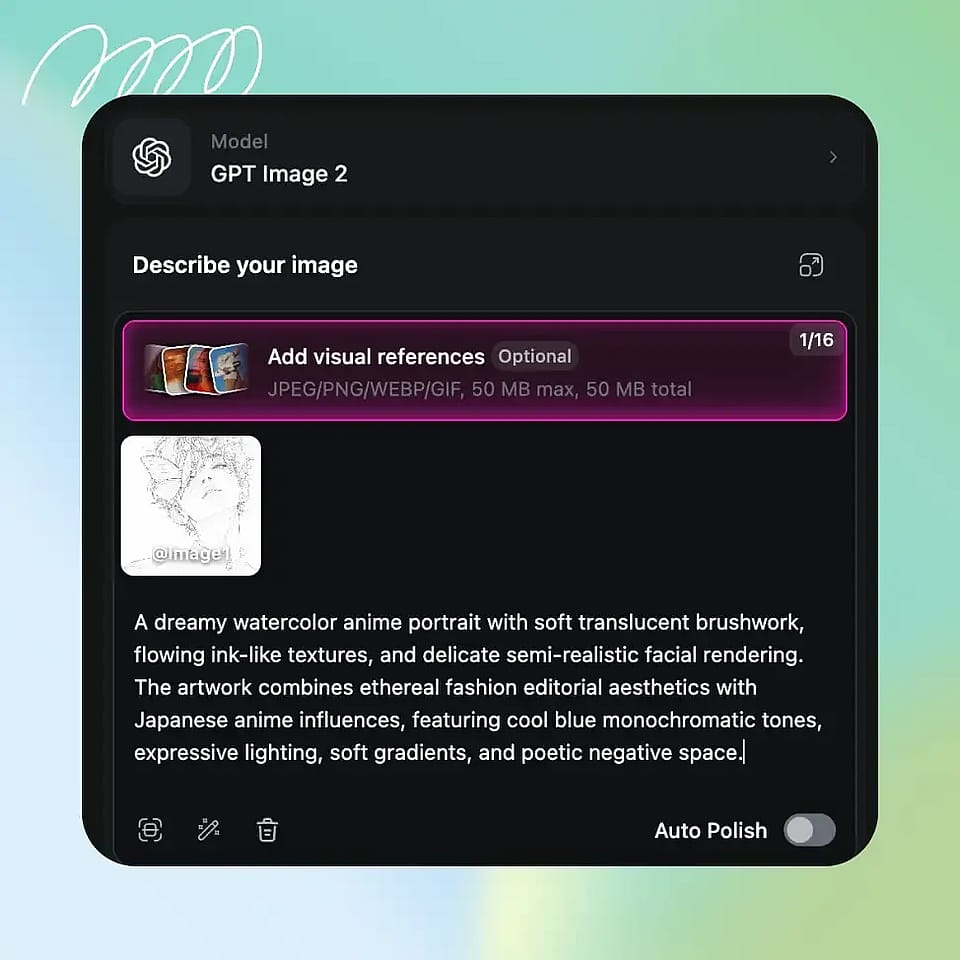
欲しいものを説明する
完成イメージ(被写体、スタイル、雰囲気、ライティング)を入力しましょう。好きなだけ具体的に書いて構いません。詳しく書くほど、思い描いたイメージに近い仕上がりになります。
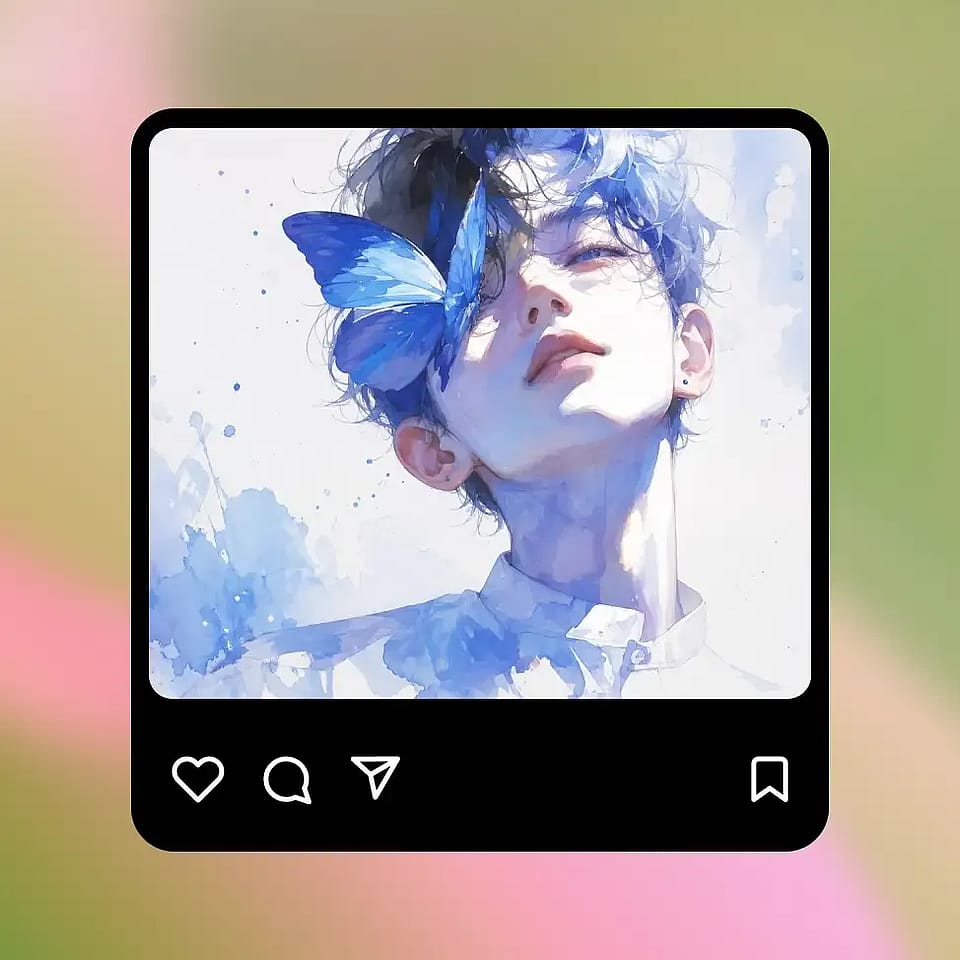
生成と調整
実行して結果をプレビューし、必要に応じて調整しましょう。スタイルがしっくりこなければプロンプトを変更、バリエーションが欲しければそのまま再生成すればOKです。その後、OpenArtの他のツールで編集を続けることもできます。
紙の上のアイデアを完成したビジュアルに変えるために作られました
どんなスケッチでも——あなたの、友達の、子どもが描いた絵でも——実際に使える洗練された画像に変えられます。
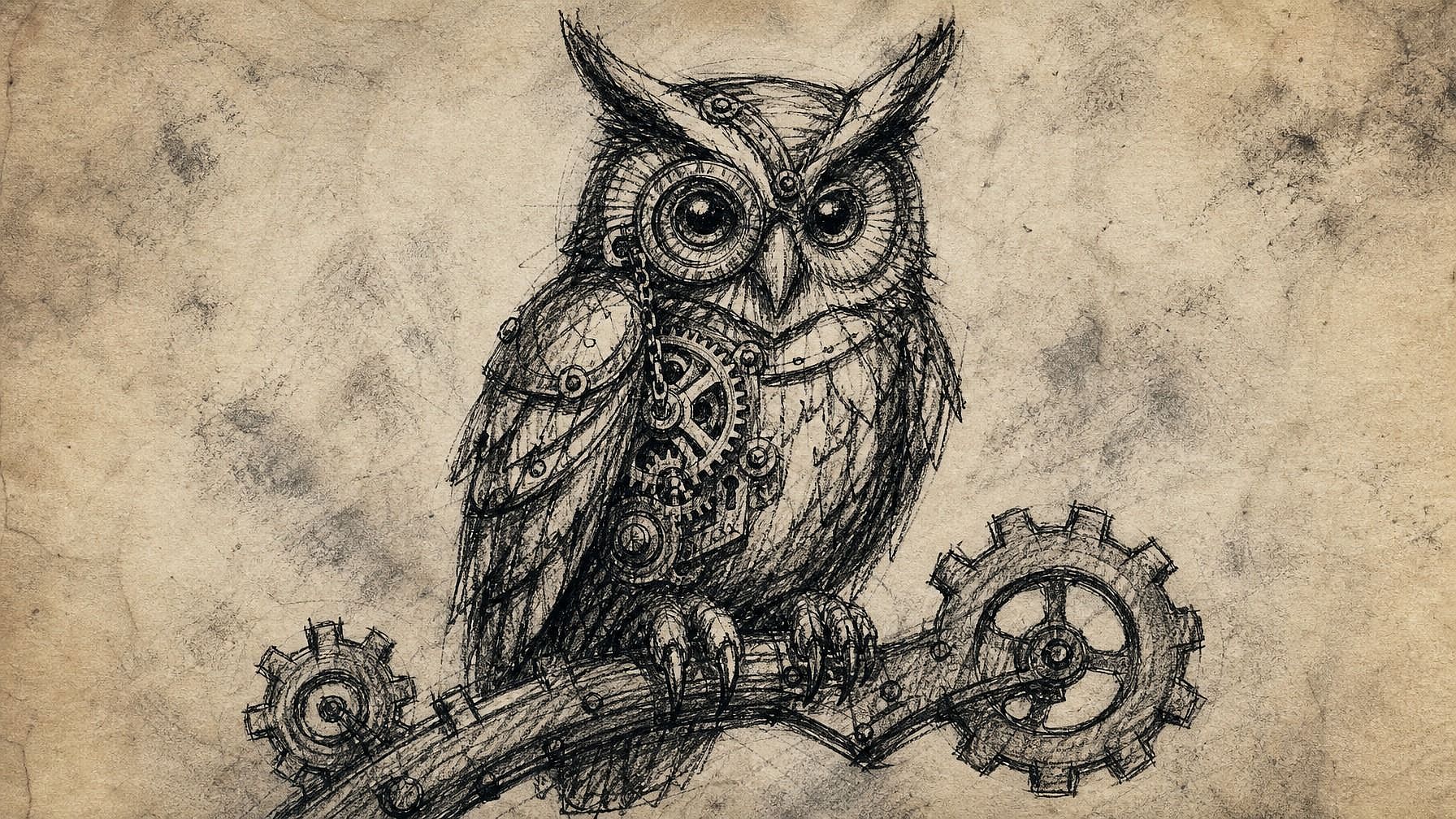
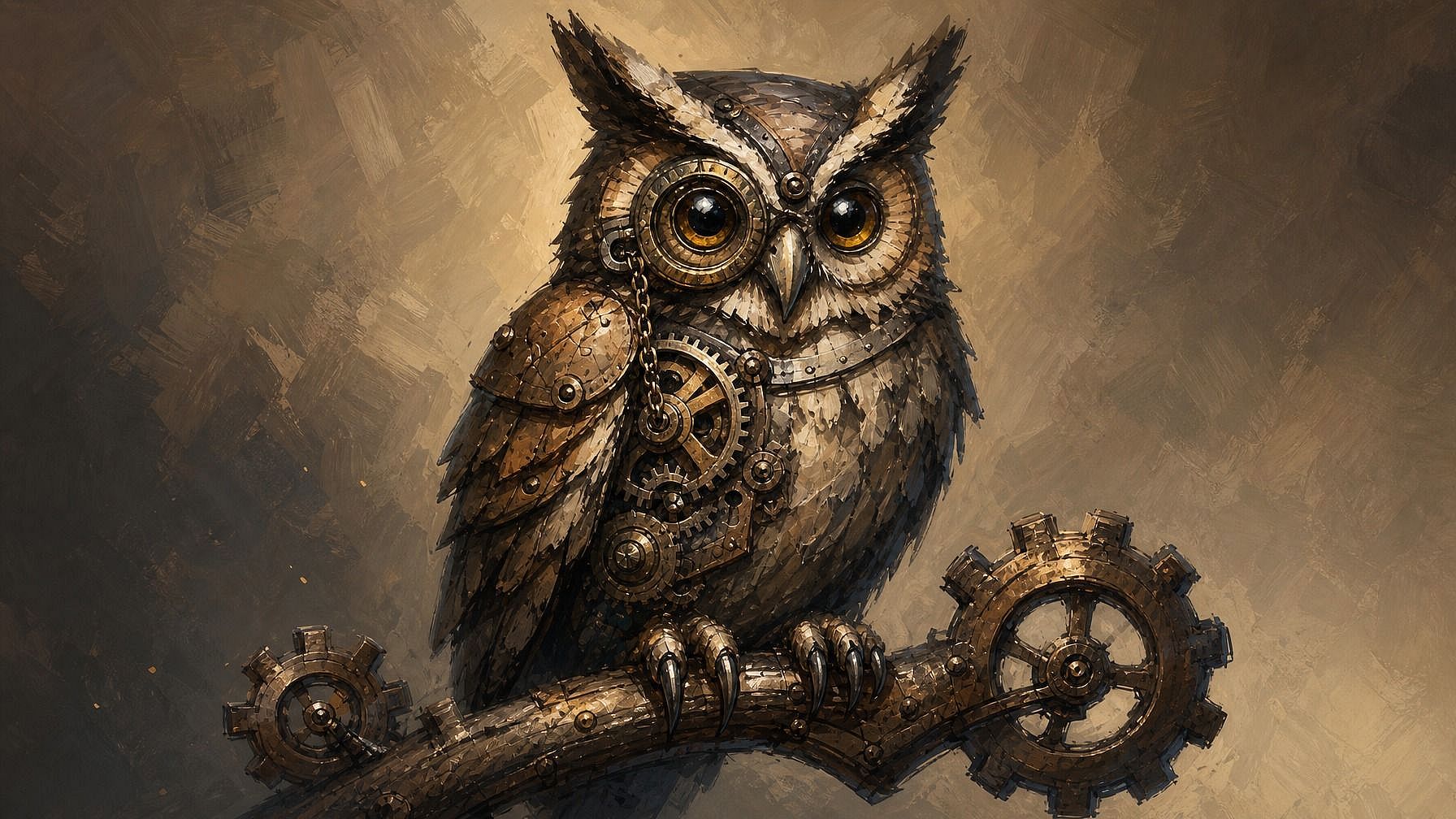
アーティスト・イラストレーター
時間のかかるレンダリング工程を飛ばして、コンセプトの完成版へ一気に到達。何時間もかける前に構図を試したり、色やライティングのリファレンスをすばやく生成したり、ラフなサムネイルをポートフォリオ級の作品に仕上げたり。あなたのアートディレクションはそのままに、手間のかかるレンダリングはAIが引き受けます。
今すぐ試す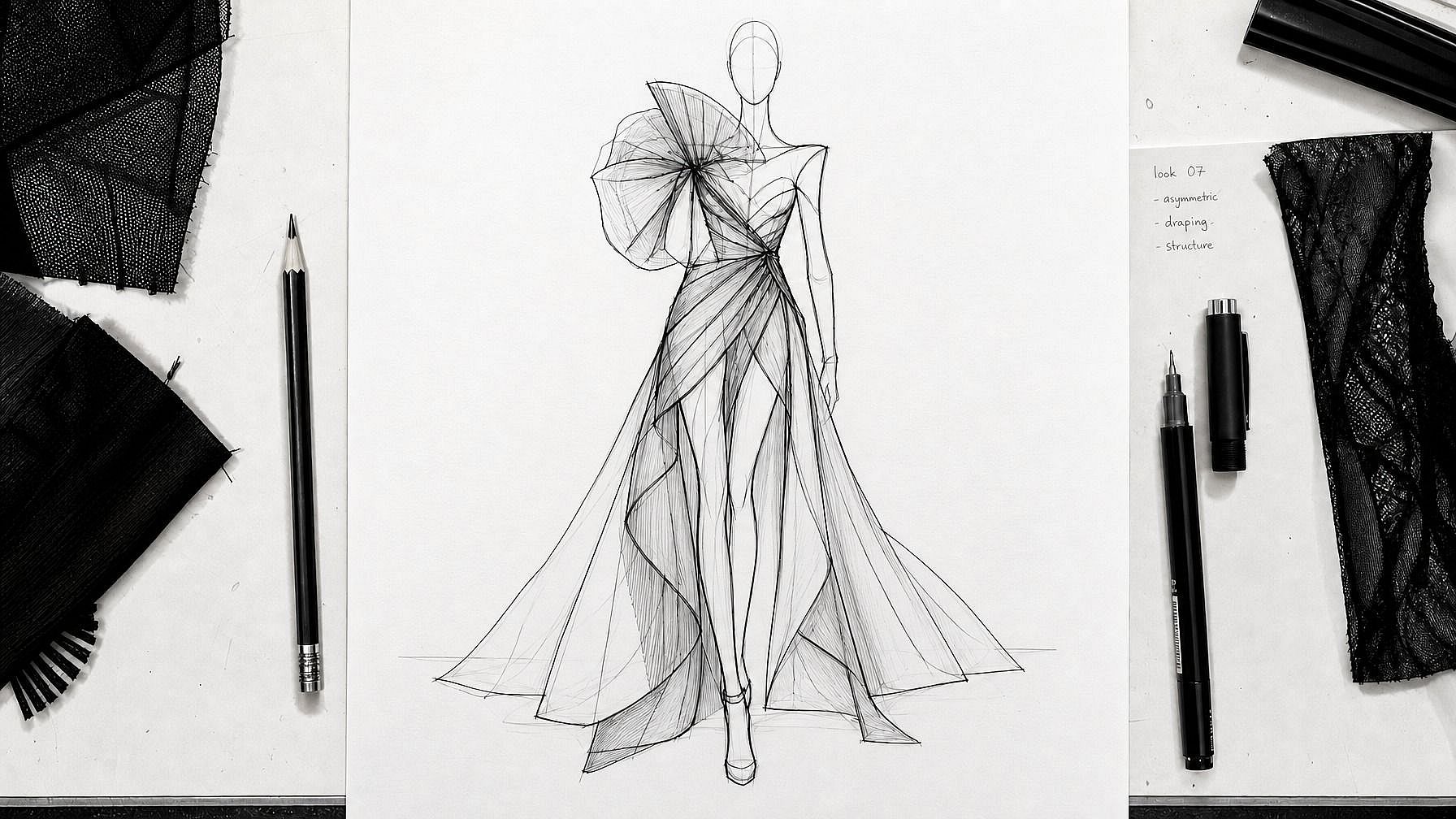
デザイナー・コンセプトワーク
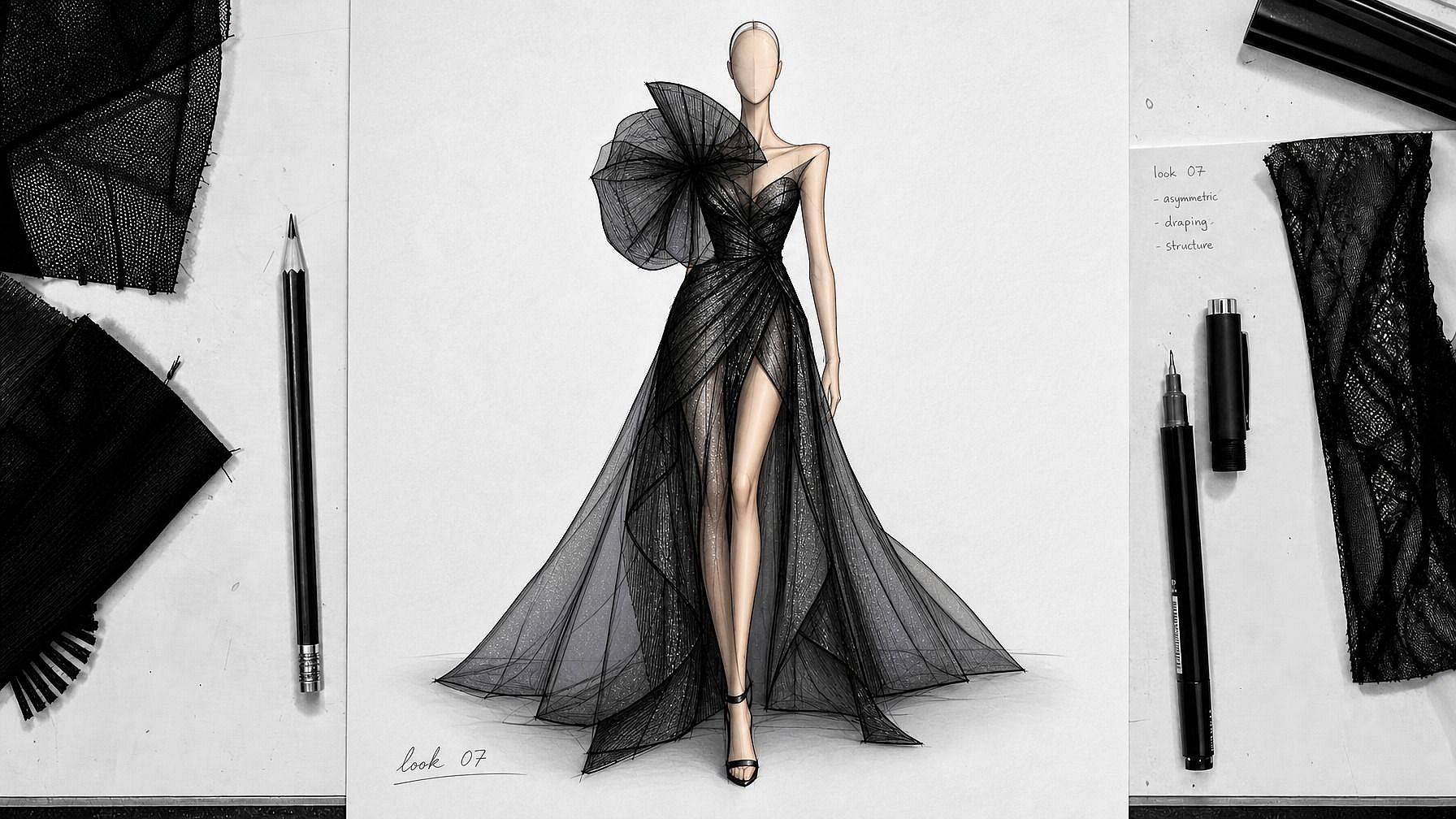
部屋のレイアウト、製品アイデア、衣装デザイン、UIモックアップをスケッチすれば、そのままプレゼンできる完成ビジュアルが手に入ります。特にアイデア出しの初期段階に便利。ラフな絵に目を凝らす代わりに、完成度の高い画像に関係者の反応を引き出せます。
今すぐ試す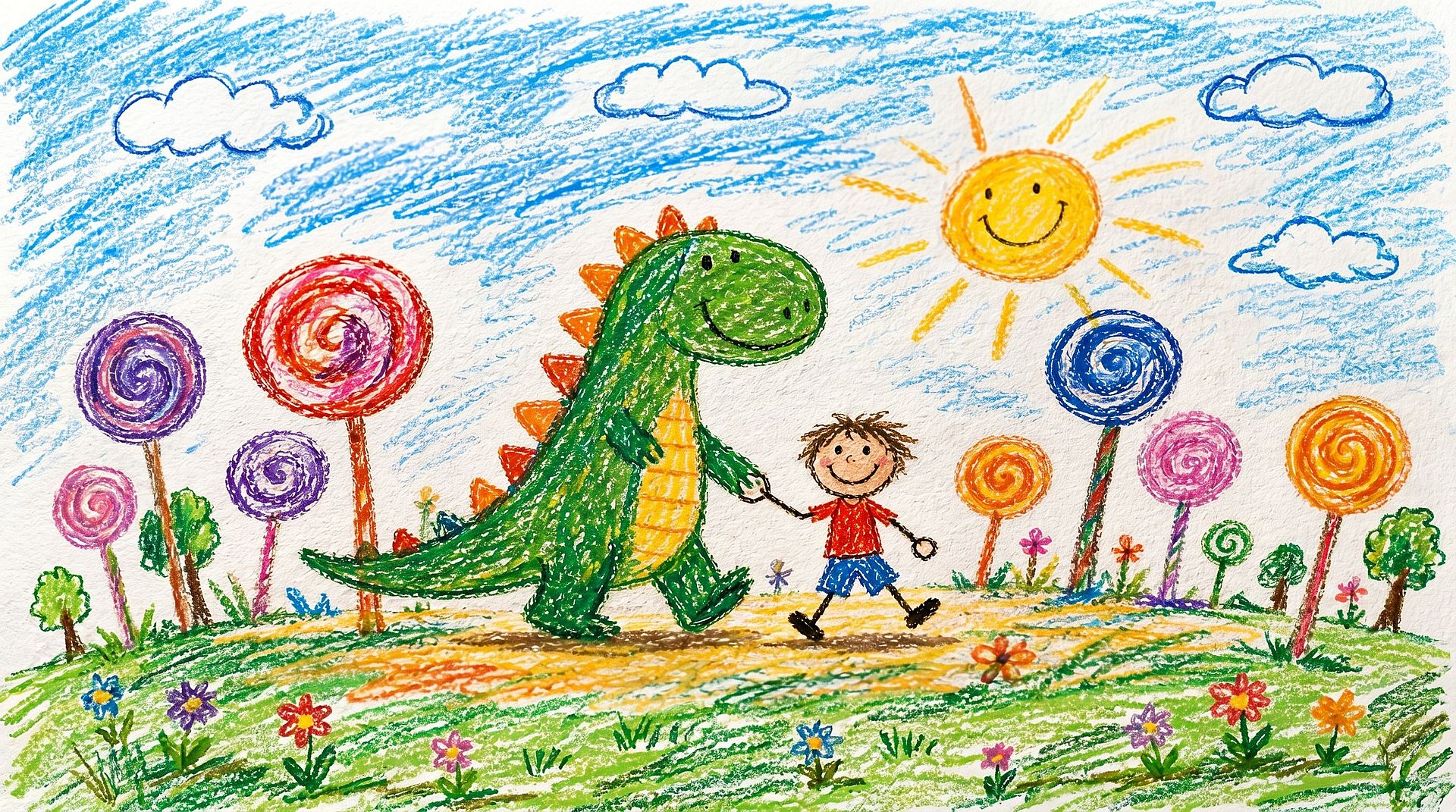
趣味ユーザーや子ども向けアート
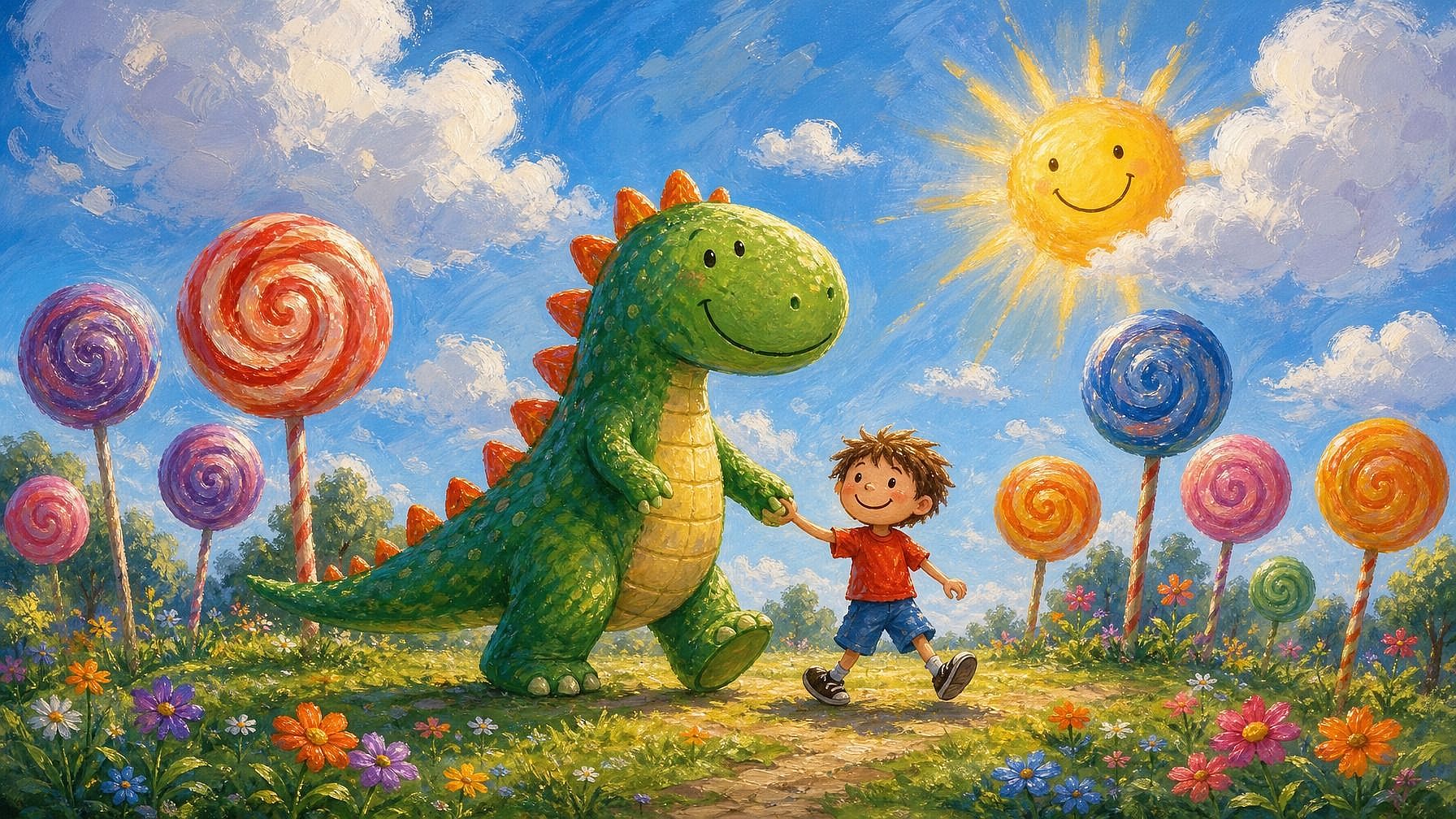
落書き、日記のスケッチ、子どもの絵を、洗練されたアート作品に変えましょう。子どもの絵を鮮やかなイラストに仕立てたり、なぐり書きを完成したシーンに描き起こしたり、会議中の何気ない落書きがどんな姿になり得るか試したりできます。
今すぐ試す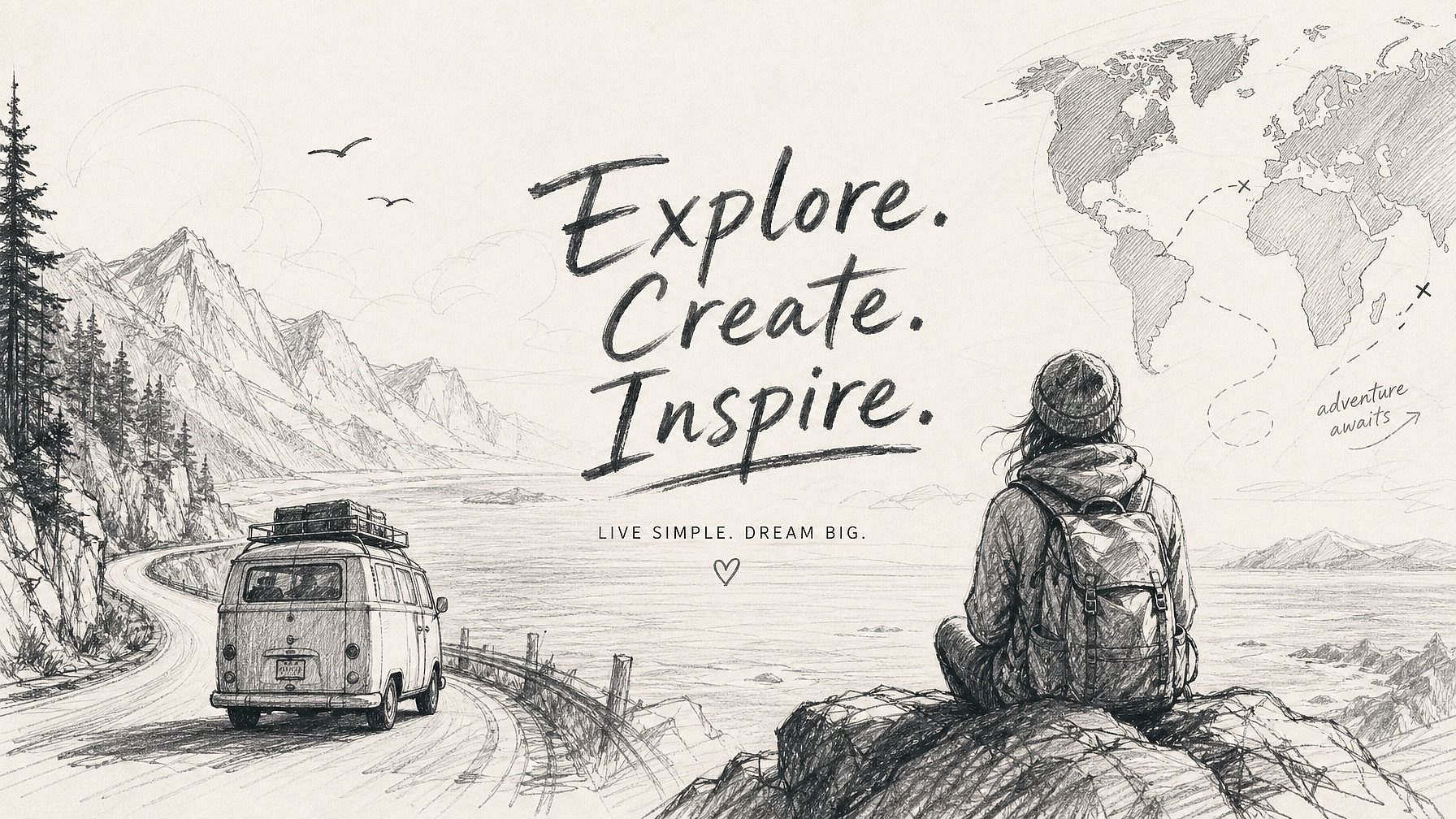
コンテンツクリエイター&SNS
アイデアをスケッチすれば完成した画像が手に入り、数分で投稿できるものが仕上がります。素早いサムネイル作成、イラスト付き投稿、コンテンツ用のカスタムアートワークなど、頭の中にビジョンはあるけれど手描きに何時間もかけられないときに便利です。
今すぐ試すよくある質問 よくある質問
これは、あなたのスケッチ(鉛筆、ペン、デジタル、どんなラフなものでも)を洗練された仕上がりの画像に変えるAIツールです。AIはあなたの下絵を構造のガイドとして使い、説明した内容に基づいてスタイル、色、ディテールを補っていきます。
基本的な形がわかるものならほぼ何でもOKです。鉛筆画、ペンのスケッチ、マーカー画、デジタルの線画、ラフな落書きまで対応します。きれいな線画や正確なプロポーションは必要ありません。ラフなスケッチほどAIの解釈の幅が広がり、きれいなスケッチほど予測しやすい結果になります。
まったく問題ありません。ざっくりした落書きや単純な図形でもOK。ディテールはAIが補完します。棒人間やおおまかな部屋の配置が描ければ、このツールを使えます。
JPEG、PNG、WEBPすべてに対応。紙のデッサンをスマホで撮った写真、スキャン、デジタルアートファイルを直接アップロードできます。
OpenArtでは限られたクレジットで無料トライアルをご利用いただけるので、アップグレード前にスケッチから画像へのツールをいくつかのイラストで試せます。
はい、それこそが狙いです。AIはあなたのスケッチを土台として扱い、レイアウトや比率、主要な形をそのまま保ちます。仕上がりは、まったく別物ではなく、あなたが描いたものを完成させたように感じられます。
はい。プロンプトでスタイルを指定すれば — フォトリアル、アニメ、油絵、水彩、3Dレンダー、コミック、ピクセルアートなど思いつく限り — AIがあなたのスケッチをそのテイストに合わせます。同じスケッチで複数のスタイルを試し、どれが合うか確かめられます。
はい。スケッチが画像になったら、OpenArtのツール内で編集を続けられます。背景の変更、特定部分の調整、解像度アップ、スタイル変更、バリエーション生成など。スケッチから画像への変換は、あくまでスタート地点にすぎません。
通常のジェネレーターはテキストプロンプトだけから画像を組み立てるため、構図やレイアウトは完全にモデル任せになります。スケッチから画像への変換では、あなたの描いた絵を構造のガイドとして使うので、構図はあなたが決め、スタイルやディテールはAIが担います。頭の中にアイデアはあるけれど、ゼロから描き起こしたくないときにぴったりの、いいとこ取りのやり方です。
スケッチには基本的な形をはっきり描いておきましょう。きれいでなくても構いませんが、見えることが大切です。promptには被写体、スタイル、そして重要なディテール(ライティング、色、雰囲気)を挙げてください。指示が多いほど、結果は狙いに近づきます。最初の試作がスケッチからずれたら、より具体的なpromptで再生成しましょう。